# https://www.presentations.ai/ llms-full.txt
## AI Presentation Maker

# High-Quality AI Presentations in Minutes
Turn Ideas, Documents, and Data Into Presentation-Ready Decks
Effortlessly create and update high‑quality, on‑brand AI presentations at scale. Generate editable PowerPoint files faster than ever before.
[Try for Free](https://app.presentations.ai/)
Backed By
[](https://www.together.fund/)[](https://techcrunch.com/2025/02/03/accel-backs-indian-ai-startup-building-chatgpt-for-presentations/)
Trusted by over 12 million professional users
TRUSTED BY



















OVERVIEW
## **What is Presentations.AI?**
Presentations.AI is an AI presentation platform that turns ideas, documents, and URLs into professional slide decks in minutes. It automatically applies your brand, helps create compelling content, and exports directly to PowerPoint, making it effortless to go from concept to presentation-ready deck.
Team
## **Built by a Team That Understands High-Stakes Presentations**
Presentations.AI is founded by Sumanth Raghavendra, Dhruv Saxena, Biju Abraham, Ravi Kasthuri, Saravanan Govindaraj and Ezhilkumar, and built by a 30-person team bringing two decades of enterprise software experience.

Product Suite
## **Everything You Need to Build a Presentation with AI**
Every tool here runs on the same Presentations.AI engine - pick the entry point that matches how you already work.

### AI Presentation Maker:
The end-to-end tool for building a full deck from scratch. Turn a prompt, document, or URL into a complete, on-brand presentation - structure, flow, and design already handled.
[Explore the AI Presentation Maker](https://www.presentations.ai/ai-presentation-maker)

### AI Slide Creator:
A slide-by-slide creator for shaping one slide at a time. AI drafts each slide; you drag, drop, and refine with full manual control.
[Try the AI Slide Creator](https://www.presentations.ai/ai-slide-creator)

### AI Pitch Deck Generator:
A pitch-focused version of the maker, pre-loaded with the slide order and narrative investors expect - problem, solution, market, traction, and the ask.
[See the AI Pitch Deck Generator](https://www.presentations.ai/ai-pitch-deck-generator)

### ChatGPT for Presentations:
A bridge for ChatGPT users. Paste a prompt or an existing conversation, and Presentations.AI turns it into a finished, on-brand deck.
[Use ChatGPT for Presentations](https://www.presentations.ai/chatgpt-for-presentations)

### Presentation Templates:
A library of 1,000+ full-deck templates, each built for a specific use case like sales, board meetings, and product launches. Pick one and fill it in.
[Browse Presentation Templates](https://www.presentations.ai/presentation-templates)

### Slide Templates:
A collection of single-slide layouts you can drop into any deck - for filling a specific gap like a timeline, comparison, or team slide.
[Browse Slide Templates](https://www.presentations.ai/slide-templates)

BUILT FOR BUSINESS
## **The World's Most Popular AI Presentation Maker For High-Stakes Presentations**

### SOC 2 Type II Certified.
Over 12 million users worldwide trust us with mission-critical presentations

### Enterprise-ready Compliance.
GDPR compliant with flexible data controls and enterprise-grade security.

PROBLEM
## **Why do most presentations lead to nothing?**
### The problem isn't design. Three places where clarity breaks down:
### Creation is a grind.
You spend hours building slides. But the room still asks, “What’s the point?” You have wasted time focusing on design instead of outcomes.
### Data gets old fast.
Updating a monthly report means ten open tabs, copy-pasted numbers, and the quiet fear that something is wrong.
### One size fits no one.
You know personalized decks work better, but customizing a deck for every single client is just too much manual work.

SOLUTION
## **Presentations.AI solves all three.** AI to create, update, and scale professional presentations.
Presentations.AI is your ChatGPT for presentations. Use it to turn raw input into structured, decision-ready slide decks.
[Try For Free](https://app.presentations.ai/)
Think of Presentations.AI as " [ChatGPT for Presentations"](https://www.presentations.ai/chatgpt-for-presentations) \- turn raw input into structured, decision-ready slide decks. From first draft to final presentation, Presentations.AI helps teams create professional, brand-ready presentations faster.




Create
Refresh
Build
## Turn Anything Into Decision-Ready **AI Presentations**
Turn a topic, notes, or a link into a structured, ready-to-use presentation with our [AI presentation maker](https://www.presentations.ai/ai-presentation-maker).
[Try for Free](https://app.presentations.ai/)
### Start With Anything You Have
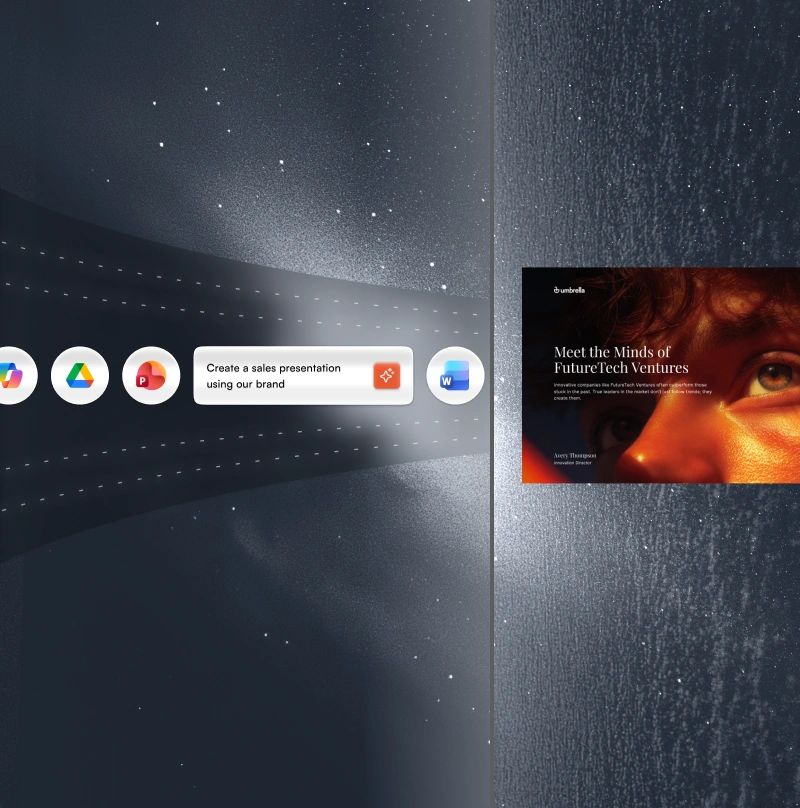
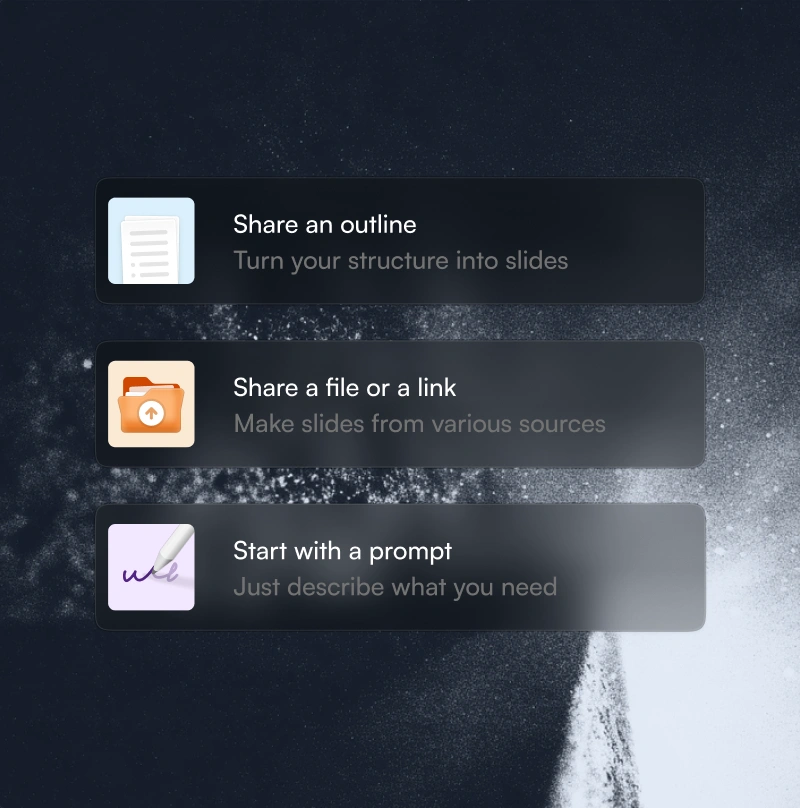
Text, PDFs, Word docs, URLs, Google Docs, and Excel files. If you have content, there's nothing to prepare.
### Structured For Your Objective
The AI sequences differently for an investor pitch, a sales deck, and a board presentation. You tell it what the deck needs to achieve. It builds accordingly.
### Instant Branding
Paste your website URL. Our proprietary “Brand Sync” capability pulls your logo, fonts, and colors automatically. Every slide looks like you.
### Native PowerPoint Export
Download a fully editable .pptx file. Open it in PowerPoint or Google Slides - nothing moves, nothing breaks.
## Stop Rebuilding Presentations From Scratch
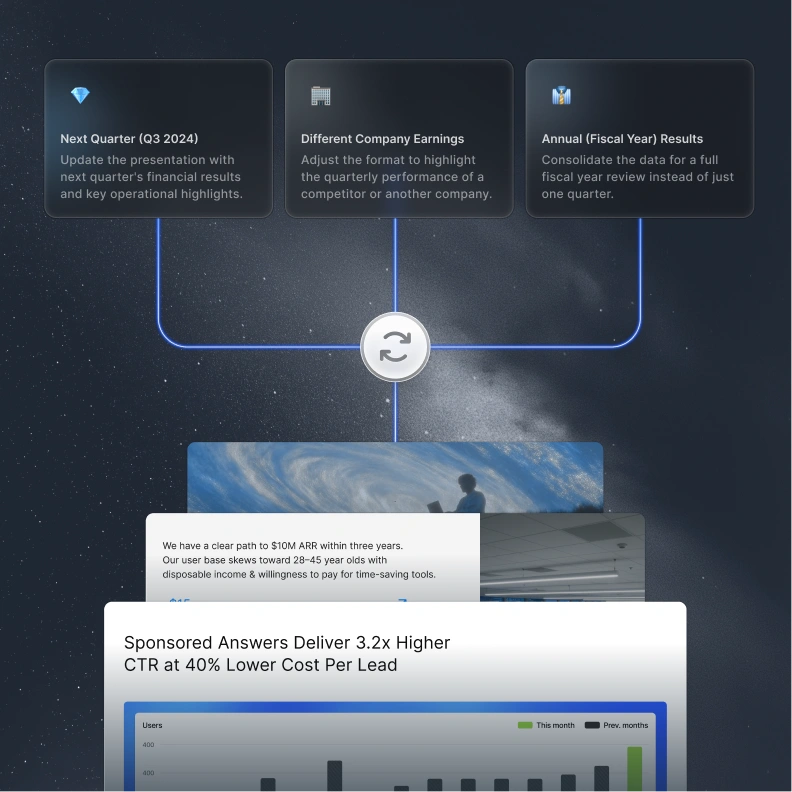
Use Refresh to swap in new data, prospect, or context, while your original design stays locked.
[How it works](https://www.presentations.ai/solutions/presentation-refresh-agent)
### Set Up a Master Template
Create or import a master presentation - a high-value sales deck or a quarterly report template, for example. Set up update rules.
### Data-Driven Updates
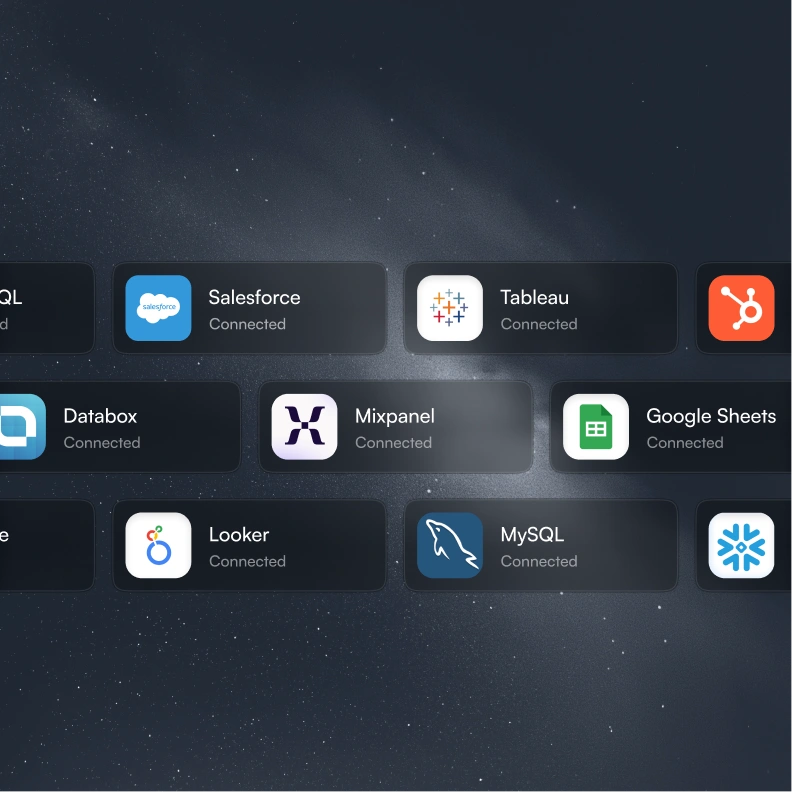
Connect your master to Salesforce, HubSpot, Google Sheets, Tableau, Looker, Databox, Mixpanel, PostgreSQL, MySQL, Snowflake, and 50+ more. Set a schedule - daily, weekly, or monthly. When your data changes, the deck changes with it.
### Audience Customization
Take your best sales proposal. Drop in a new prospect's company, industry, pain points, and relevant context. Get a tailored version in minutes - without touching the slide structure or redesigning anything.
### Update Rules
Define once what stays fixed - your narrative, your design, your brand - and what adapts - the data, the recipient, the numbers. Refresh handles the rest.
## Generate AI Presentations At Scale
Create hundreds of personalized presentations from a single source of truth and add to your workflow or product.
[How it works](https://app.presentations.ai/)
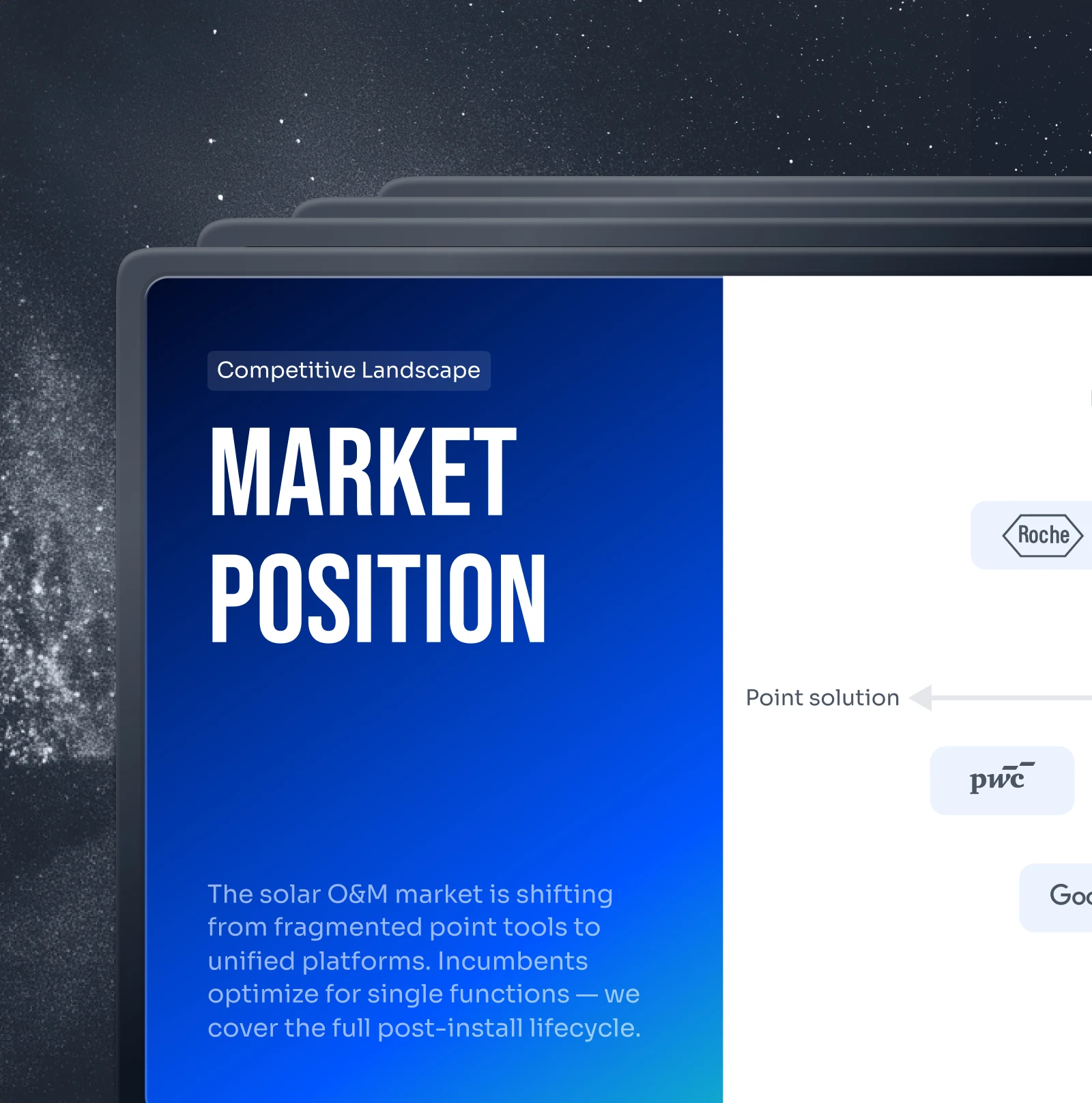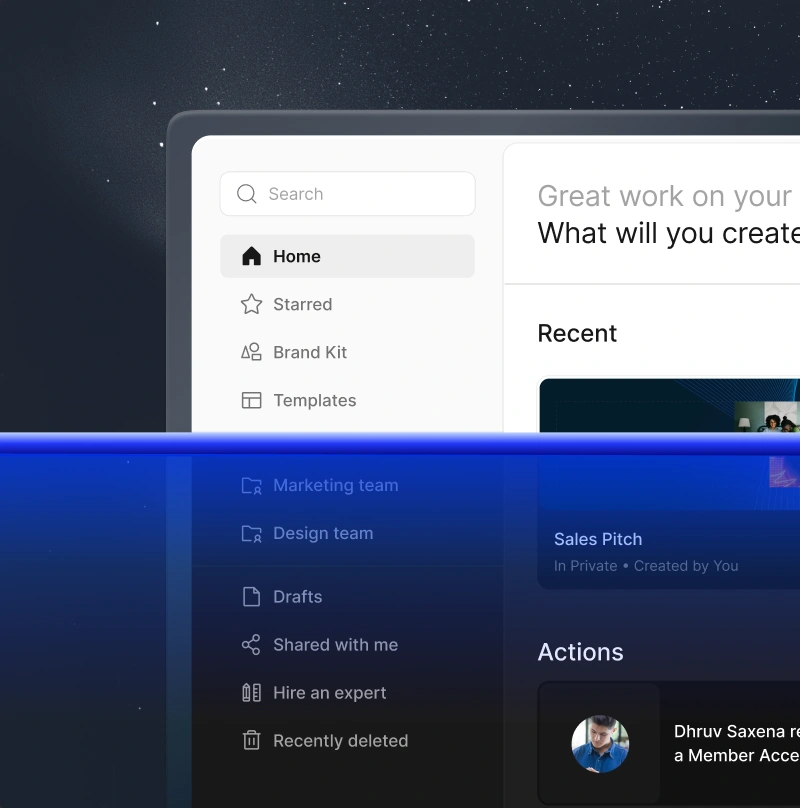
### Personalization at Scale
Feed in your data. Get back hundreds of decks - each with the right client name, logo, numbers, and narrative. One source, unlimited outputs.
### White-Label
Your users get AI presentation capabilities inside your product. They see your brand. They never see ours.
### Trigger From Anything
No code: connect via Zapier or Make. With code: REST API and webhooks. Generate a deck the moment a form is submitted, a project starts, or a deal moves to proposal stage.

## **Who Uses Presentations.AI?**
For teams turning data into decks, every single day.
### Founders
### Sales
### Product Teams
### Product Managers
### Marketers
### Freelancers
### Customer Success
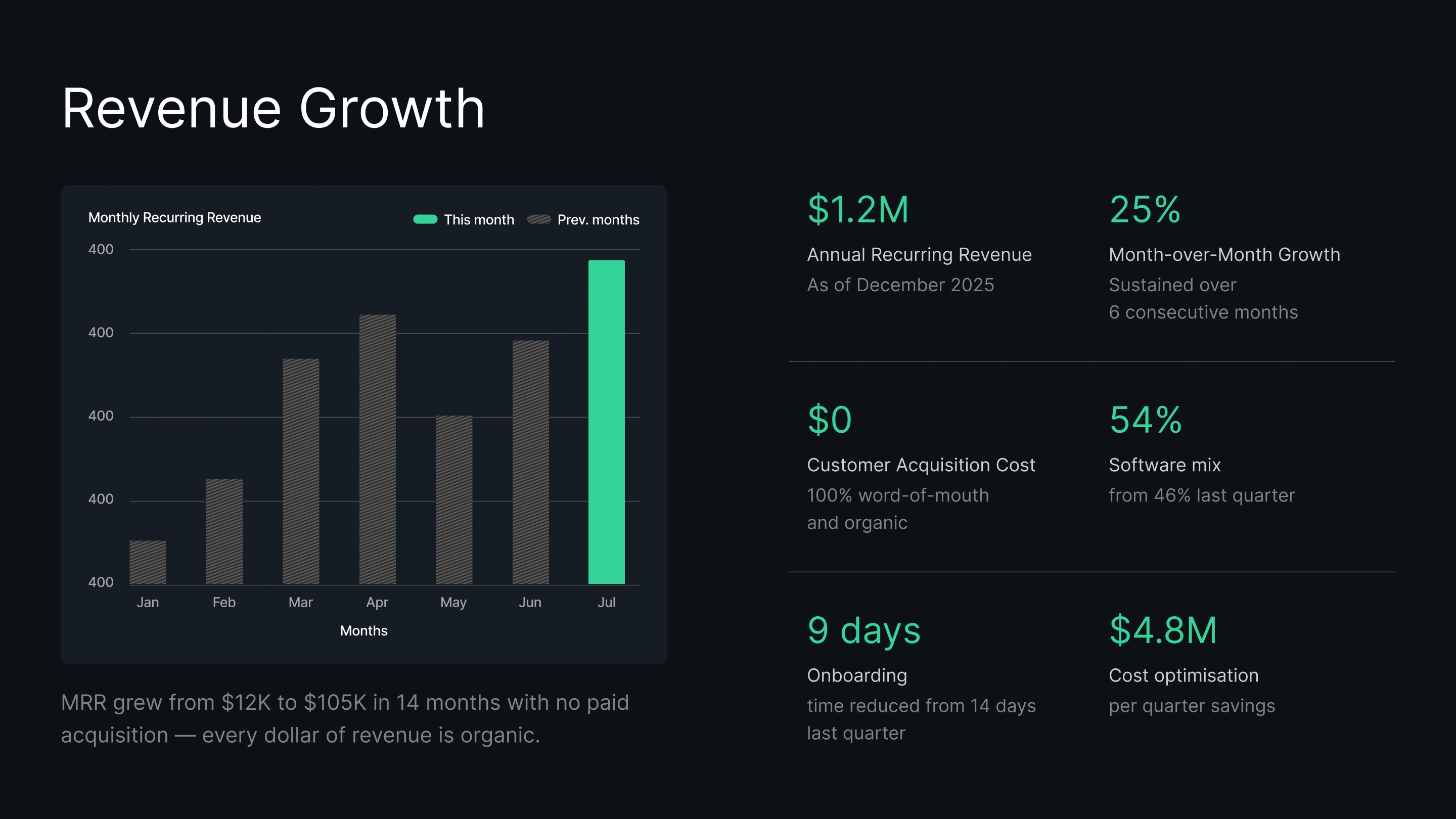
Create investor pitch decks in minutes. Keep your financial projections and traction data fresh for every fundraising meeting without manual updates.
Generate personalized proposals for every prospect instantly. Impress clients with pricing and deal data that's always up to date.
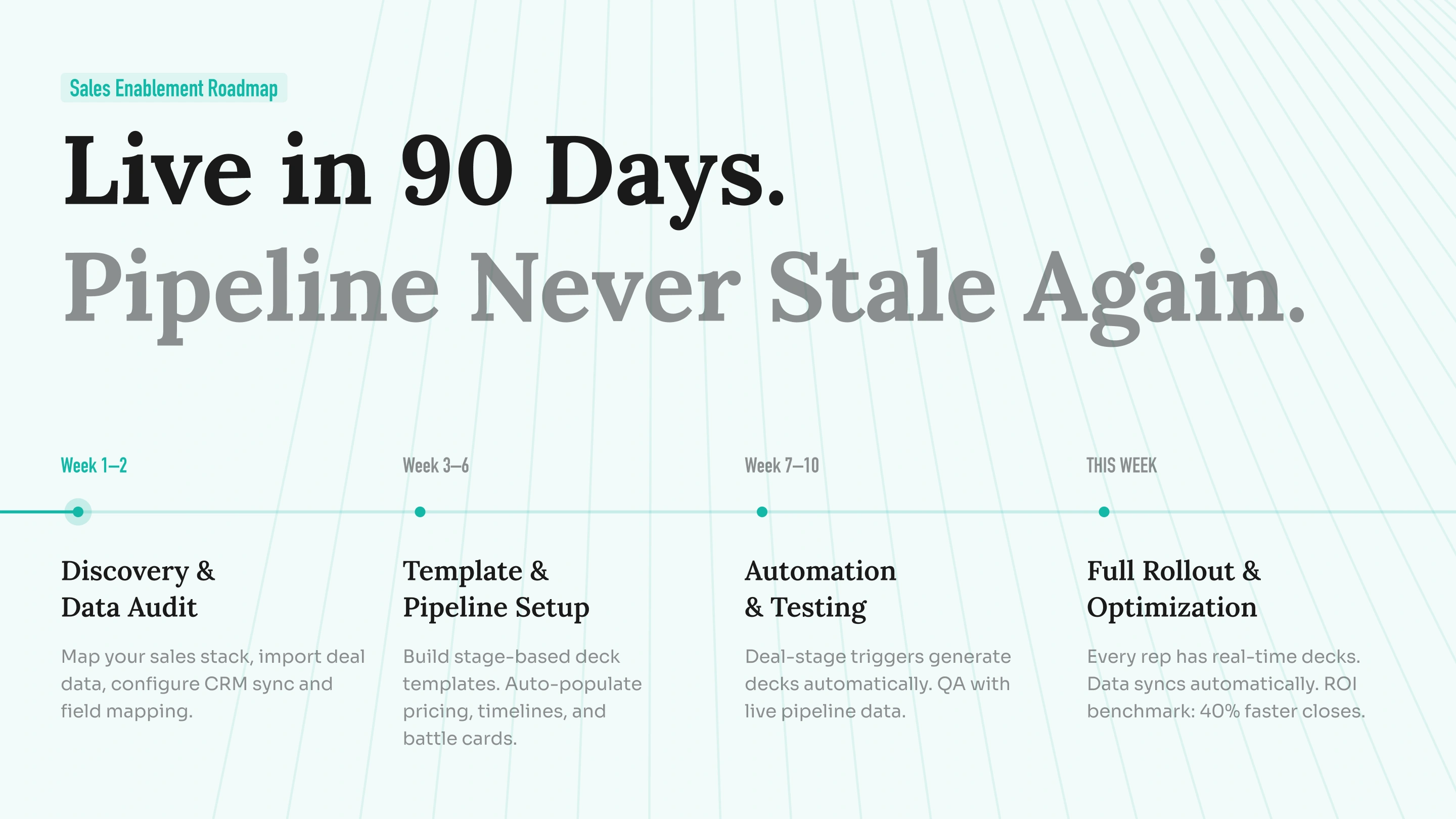
Turn fast-moving roadmaps into visual slides. Sync your project data so your launch deck never shows outdated timelines.
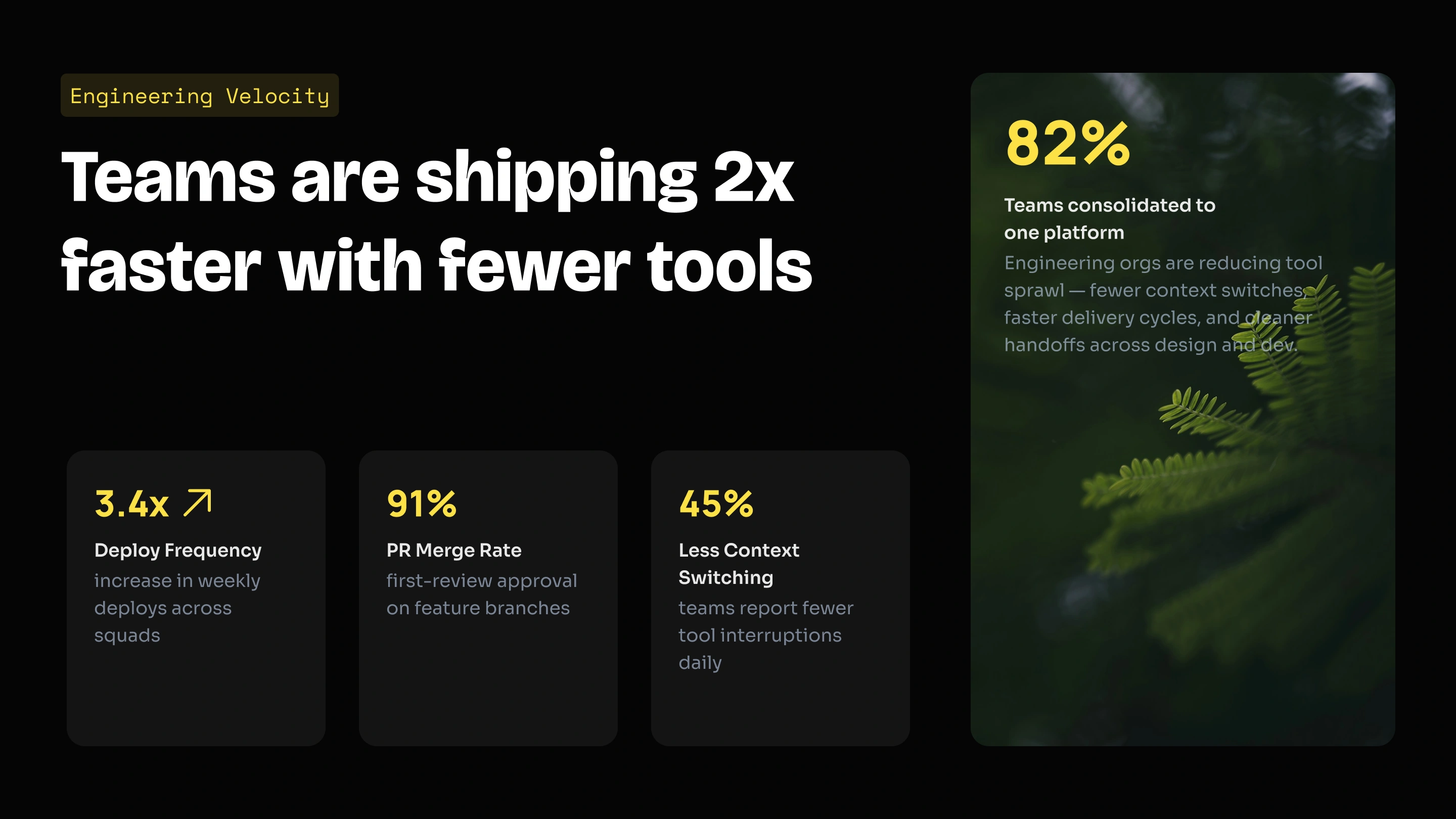
Embed our presentation engine into your own SaaS product. Use our API to generate thousands of decks programmatically, or white-label the editor for your users.
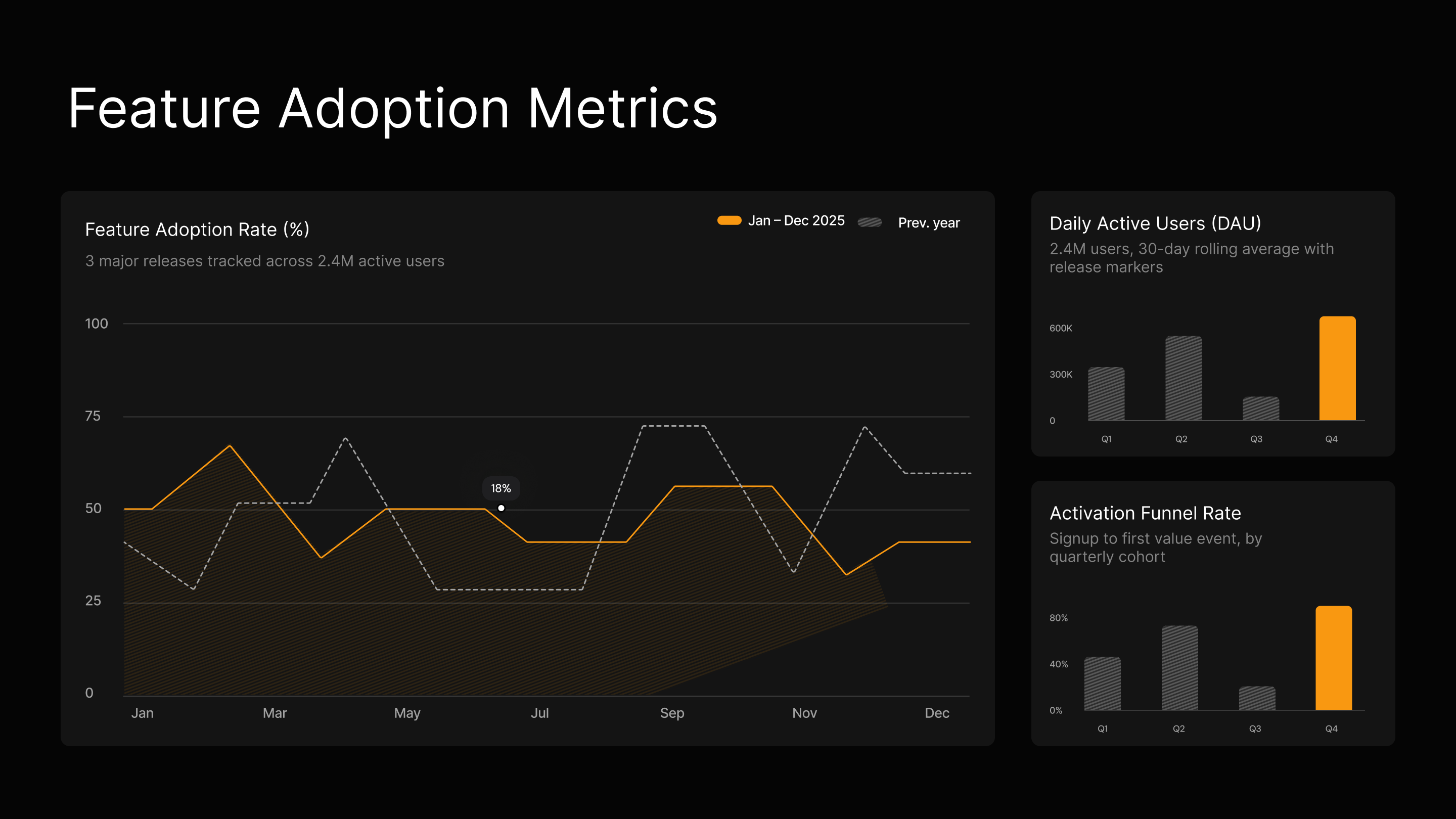
Turn campaign results and content briefs into on-brand visual decks instantly. Keep performance data current in every stakeholder update without manual edits.

Generate personalized proposals for every prospect instantly, and connect your CRM to ensure pricing and data are always up-to-date.
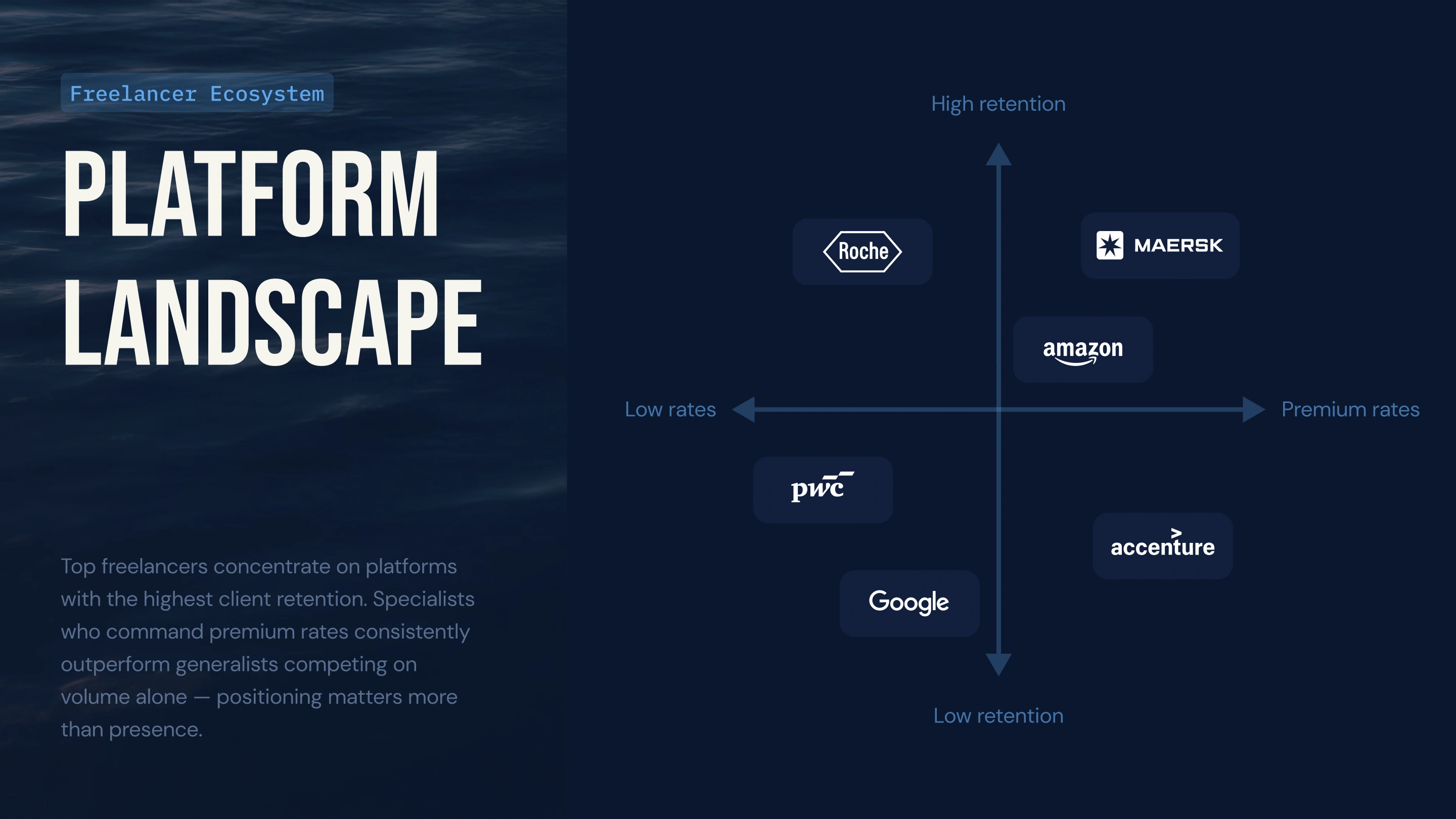
Connect client usage data to your QBR deck so charts update automatically, or use the API to generate personalized renewal decks for hundreds of long-tail clients instantly.
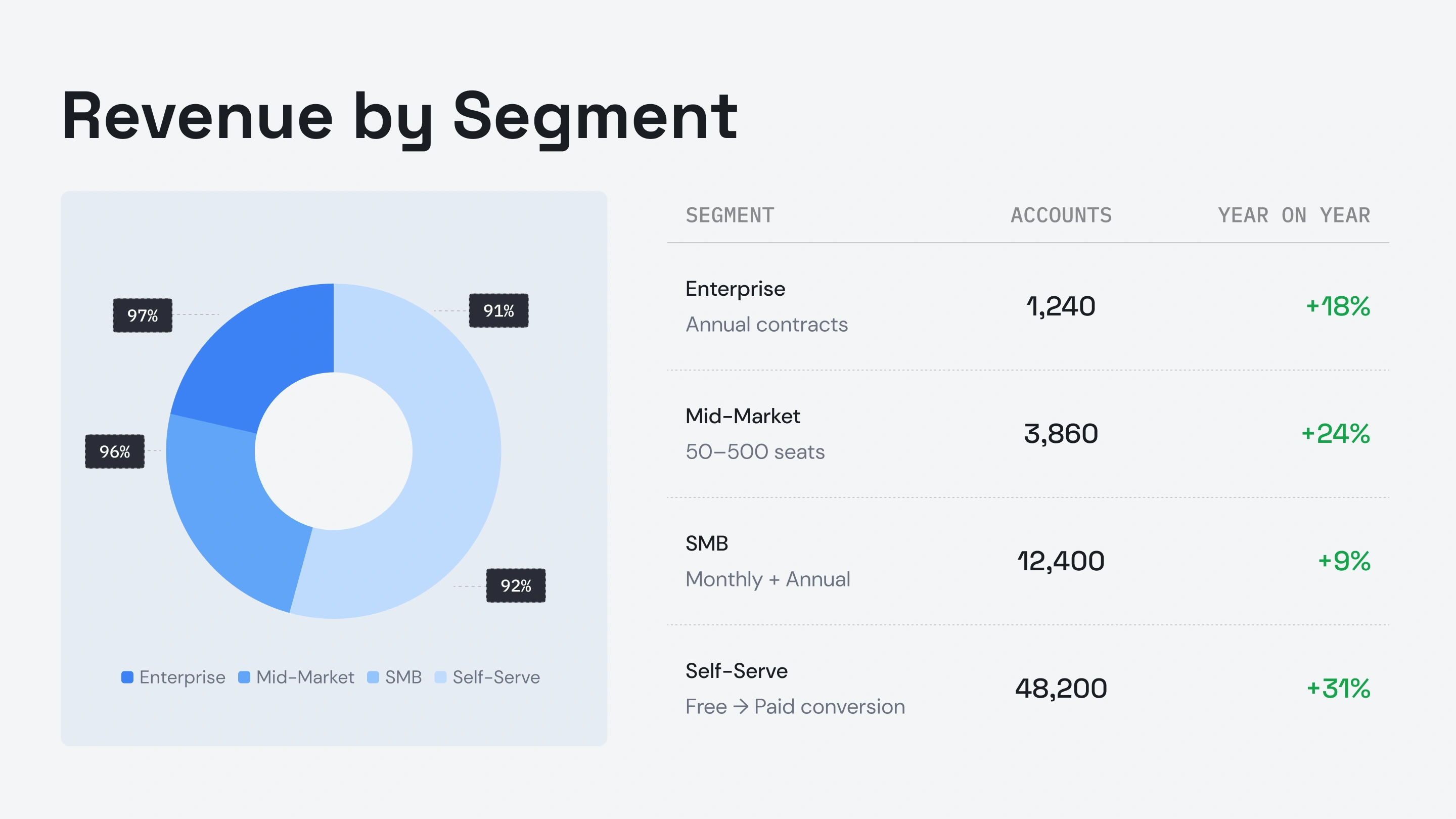


Testimonials
## What Teams are saying


I really like how Presentations.ai converts my ideas into presentations instantly, removing my dependency on others. The variety of templates supports my use cases well, fitting the tags and insights perfectly. It's also very easy to set up, with a simple form to fill out, making my workspace ready smoothly and quickly.
**Manoj P**
Co-founder and Director of Strategy, The Triple Dart

I've tried four or five AI deck tools and this is the one I actually kept using. The slides look good straight away, I can edit anything I want, and it exports cleanly to PowerPoint so it drops right into how my team already works. Great-looking decks without losing control of them.
Chaitanya Chokkareddy
CTO, Ozonetel

Perfect for business presentations. I've had a great experience with Presentations.ai. It's incredibly fast to go from a blank page to a polished presentation, and the template library gives you plenty of well-designed starting points for different use cases.
One feature that really stands out is how well it handles data visualisations.
Charu Pragya
Founder, Public Knowledge Studio


ENTERPRISE
## **Built for How Enterprise Presentations** Actually Get Created, Reviewed, and Delivered
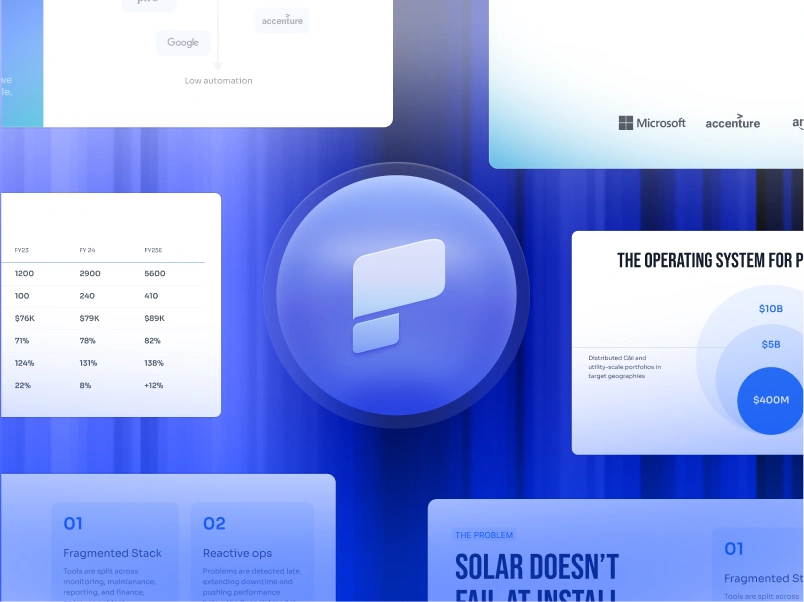
### Design That Doesn’t Break.
Layouts adapt to your content automatically: no manual fixes, ever.
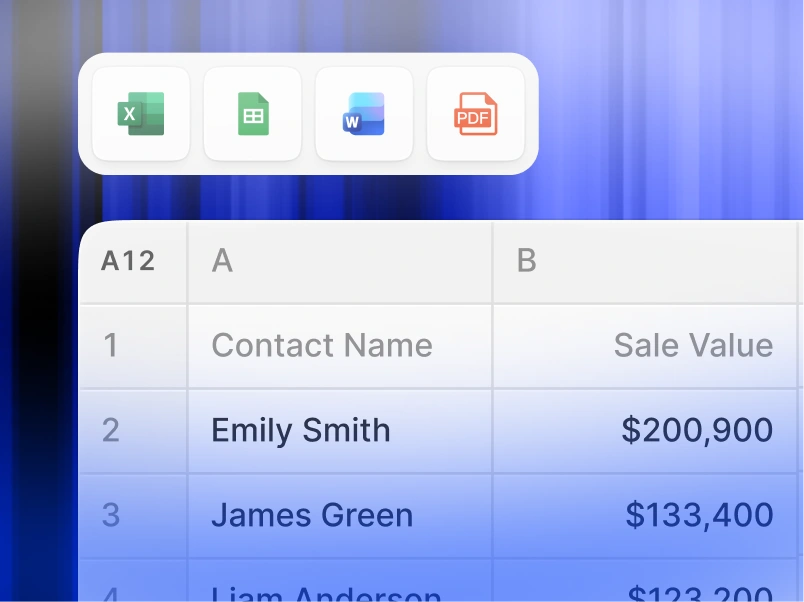
### Scheduled Presentation Generation.
Reports and decks generate automatically—no manual work.
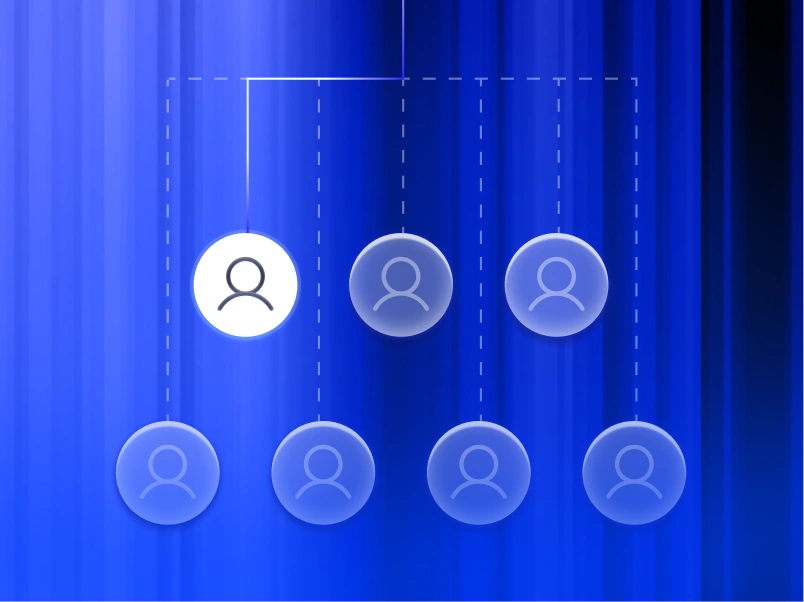
### Multi-Team Workspaces.
Separate teams, brand systems, and permissions—fully controlled.
### Enterprise-grade Security.
SOC 2 Type II Certified. GDPR Compliant.


Start Free. Scale As You Grow.
Create professional presentations in minutes. Upgrade when you need PowerPoint export, advanced models, branding, collaboration, and enterprise controls.
[Try for Free](https://app.presentations.ai/)
Starter
Try free - 100 credits
$0
/mo
Pro
5,000 credits
$20
/mo
Billed annually
Gold
50,000 credits
$100
/mo
Billed annually

## Frequently Asked Questions
### What is Presentations.AI?

Presentations.AI is an AI tool that turns your ideas, documents, or data into ready-to-present slide decks. Give it a prompt, a Word doc, a PDF, or a URL - it builds the narrative, writes the copy, picks the right layout, and applies a clean design. You get a finished presentation in under a minute.
### How do I create a presentation with AI?

Start with any input - type a topic, paste your notes, upload a Word doc or PDF, or share a URL. Presentations.AI reads your content, builds a structured deck with clear flow, and applies a clean design. You can edit the slides and export them to PowerPoint or Google Slides in one click.
### Can AI create PowerPoint presentations automatically?

Yes. Presentations.AI creates complete PowerPoint decks automatically from your input - no manual setup. You can download the deck as a native .pptx file that opens in Microsoft PowerPoint or Google Slides with all text, layouts, and fonts intact.
### Who is Presentations.AI for?

Presentations.AI is built for anyone who needs to turn ideas into decisions through presentations - founders, sales teams, marketers, product managers, consultants, and trainers. It's used across startups, enterprises, and agencies wherever clear decks move work forward.
### How is Presentations.AI different from Gamma, Canva, and Copilot?

Most AI presentation tools focus on speed. Presentations.AI focuses on outcomes - clearer decks, faster alignment, fewer follow-up meetings. Gamma is built for web-first, one-time presentations. Canva is a general design tool, not a presentation platform. Copilot works inside PowerPoint but can't connect to live data or generate decks at scale. Presentations.AI is the only platform that combines deck creation, data-connected refresh, and API-based generation in one product.
### Who owns the content I create with Presentations.AI?

You own the presentations you create. Content generated through Presentations.AI belongs to you and your team, and you're free to use, edit, and distribute it as you would any other work product.
### Can multiple people work on the same presentation at once?

Yes. Presentations.AI supports real-time collaboration, so team members can edit, comment, and review the same deck together, with changes reflected instantly for everyone in the workspace.
### How much can I customize the design beyond what the AI generates?

The AI generates a full first draft, but every element — layout, colors, fonts, imagery, and branding — is fully editable. You can override any AI decision without starting the deck over.
Show All Questions
Show Less

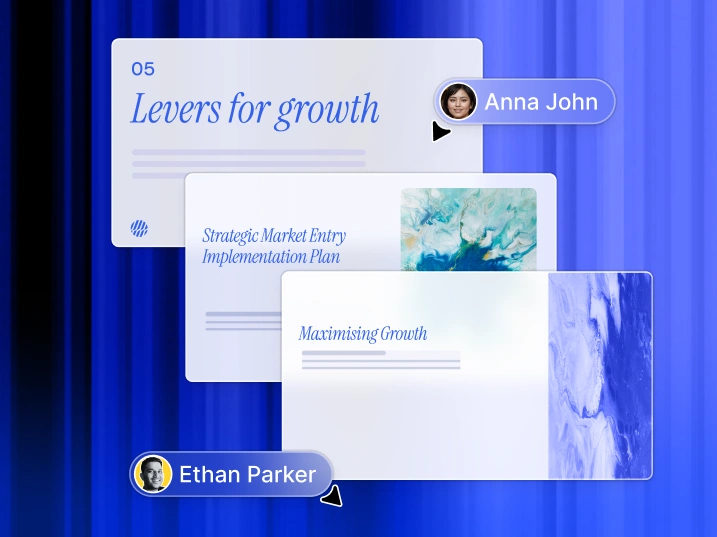
## One Deck, One Team
With Presentations.AI, your team works from one shared version, so everyone's looking at the same deck, in the same workspace, at the same time.
Our website uses cookies to ensure you get the best user experience. View our [privacy policy](https://www.presentations.ai/privacy) for more information..
[Accept All](https://www.presentations.ai/#) [Decline](https://www.presentations.ai/#)
Sign in with GoogleSign in with Google. Opens in new tab
Sign In - Google Accounts
Sign in with GoogleSign in with Google. Opens in new tab
## AI Presentation Solutions

# Des présentations IA de haute qualité en quelques minutes
Transformez vos idées, documents et données en présentations prêtes à l'emploi
Créez et mettez à jour sans effort des présentations IA de haute qualité, fidèles à votre image de marque et à grande échelle. Générez des fichiers PowerPoint modifiables plus rapidement que jamais.
[Essayer gratuitement](https://app.presentations.ai/)
Soutenu par
[](https://www.together.fund/)[](https://techcrunch.com/2025/02/03/accel-backs-indian-ai-startup-building-chatgpt-for-presentations/)
Plus de 12 millions d'utilisateurs professionnels nous font confiance
TRUSTED BY



















APERÇU
## **Qu'est-ce que Presentations.AI ?**
Presentations.AI est une plateforme de présentation basée sur l'IA qui transforme vos idées, documents et URL en présentations professionnelles en quelques minutes. Elle applique automatiquement votre image de marque, vous aide à créer un contenu percutant et permet une exportation directe vers PowerPoint, facilitant ainsi le passage du concept à une présentation prête à l'emploi.
Équipe
## **Conçu par une équipe qui comprend les enjeux des présentations stratégiques**
Presentations.AI a été fondé par Sumanth Raghavendra, Dhruv Saxena, Biju Abraham, Ravi Kasthuri, Saravanan Govindaraj et Ezhilkumar, et développé par une équipe de 30 personnes forte de vingt ans d'expérience dans les logiciels d'entreprise.

Suite de produits
## **Tout ce dont vous avez besoin pour créer une présentation avec l'IA**
Chaque outil ici repose sur le même moteur Presentations.AI ; choisissez le point d'entrée qui correspond à votre façon de travailler.

### Créateur de présentations par IA :
L'outil complet pour concevoir un deck entier à partir de zéro. Transformez une consigne, un document ou une URL en une présentation complète et fidèle à votre image de marque : la structure, le déroulement et le design sont déjà pris en charge.
[Découvrir le créateur de présentations par IA](https://www.presentations.ai/fr-fr/ai-presentation-maker)

### Créateur de diapositives par IA :
Un outil de création diapositive par diapositive pour façonner votre présentation étape par étape. L'IA rédige chaque diapositive ; vous faites glisser, déposez et affinez le tout avec un contrôle manuel complet.
[Essayer le créateur de diapositives par IA](https://www.presentations.ai/fr-fr/ai-slide-creator)

### Générateur de pitch decks par IA :
Une version de l'outil dédiée aux pitchs, pré-configurée avec l'ordre des diapositives et la narration attendus par les investisseurs : problème, solution, marché, traction et demande.
[Découvrir le générateur de pitch deck par IA](https://www.presentations.ai/fr-fr/ai-pitch-deck-generator)

### ChatGPT pour les présentations :
Un pont pour les utilisateurs de ChatGPT. Collez une requête ou une conversation existante, et Presentations.AI la transforme en une présentation finie et à votre image.
[Utiliser ChatGPT pour les présentations](https://www.presentations.ai/fr-fr/chatgpt-for-presentations)

### Modèles de présentation :
Une bibliothèque de plus de 1 000 modèles complets, chacun conçu pour un usage spécifique comme les ventes, les réunions de conseil d'administration ou les lancements de produits. Choisissez-en un et remplissez-le.
[Parcourir les modèles de présentation](https://www.presentations.ai/fr-fr/presentation-templates)

### Modèles de diapositives :
Une collection de mises en page à diapositive unique que vous pouvez intégrer à n'importe quelle présentation, pour combler un besoin spécifique comme une chronologie, un comparatif ou une présentation d'équipe.
[Parcourir les modèles de diapositives](https://www.presentations.ai/fr-fr/slide-templates)

CONÇU POUR LES ENTREPRISES
## **Le créateur de présentations IA le plus populaire au monde pour les enjeux stratégiques**

### Certification SOC 2 Type II.
Plus de 12 millions d'utilisateurs dans le monde nous font confiance pour leurs présentations stratégiques

### Conformité adaptée aux entreprises.
Conforme au RGPD avec des contrôles de données flexibles et une sécurité de niveau entreprise.

PROBLÈME
## **Pourquoi la plupart des présentations ne mènent-elles à rien ?**
### Le problème ne vient pas du design. Voici trois points où la clarté fait défaut :
### La création est un travail acharné.
Vous passez des heures à créer des diapositives. Mais l'auditoire demande toujours : « Quel est l'intérêt ? » Vous avez perdu du temps à vous concentrer sur le design au lieu des résultats.

### Les données vieillissent vite.
Mettre à jour un rapport mensuel, c'est dix onglets ouverts, des chiffres copiés-collés et la peur silencieuse que quelque chose ne tourne pas rond.

### Une taille unique ne convient à personne.
Vous savez que les présentations personnalisées sont plus efficaces, mais personnaliser une présentation pour chaque client représente trop de travail manuel.


SOLUTION
## **Presentations.AI résout ces trois problèmes.** Une IA pour créer, mettre à jour et déployer des présentations professionnelles.
Presentations.AI est votre ChatGPT pour les présentations. Utilisez-le pour transformer des données brutes en présentations structurées, prêtes à la prise de décision.
[Essayer gratuitement](https://app.presentations.ai/)
Considérez Presentations.AI comme un " [ChatGPT pour les présentations](https://www.presentations.ai/chatgpt-for-presentations)" : transformez des données brutes en présentations structurées, prêtes à la prise de décision. Du premier brouillon à la version finale, Presentations.AI aide les équipes à créer plus rapidement des présentations professionnelles conformes à leur image de marque.




Créez
Actualiser
Construisez
## Transformez n'importe quel contenu en **présentations IA prêtes à l'emploi**
Transformez un sujet, des notes ou un lien en une présentation structurée et prête à l'emploi grâce à notre [générateur de présentations par IA](https://www.presentations.ai/fr-fr/ai-presentation-maker).
[Essayer gratuitement](https://app.presentations.ai/)
### Commencez avec ce que vous avez
Textes, PDF, documents Word, URL, Google Docs et fichiers Excel. Si vous avez du contenu, vous n'avez rien à préparer.
### Structuré selon vos objectifs
L'IA adapte ses séquences selon qu'il s'agisse d'un pitch pour investisseurs, d'une présentation commerciale ou d'une réunion de conseil d'administration. Vous définissez l'objectif de votre présentation, et elle la construit en conséquence.
### Image de marque instantanée
Collez l'URL de votre site web. Notre fonctionnalité exclusive « Brand Sync » récupère automatiquement votre logo, vos polices et vos couleurs. Chaque diapositive reflète votre identité.
### Exportation PowerPoint native
Téléchargez un fichier .pptx entièrement modifiable. Ouvrez-le dans PowerPoint ou Google Slides : rien ne bouge, rien ne se casse.
## Ne repartez plus jamais de zéro pour vos présentations
Utilisez Refresh pour intégrer de nouvelles données, des prospects ou du contexte, tout en conservant votre design initial.
[Comment ça marche](https://www.presentations.ai/solutions/presentation-refresh-agent)
### Configurez un modèle maître
Créez ou importez une présentation maître, comme un support de vente à forte valeur ajoutée ou un modèle de rapport trimestriel. Définissez des règles de mise à jour.
### Mises à jour basées sur les données
Connectez votre master à Salesforce, HubSpot, Google Sheets, Tableau, Looker, Databox, Mixpanel, PostgreSQL, MySQL, Snowflake et plus de 50 autres outils. Définissez un calendrier : quotidien, hebdomadaire ou mensuel. Lorsque vos données changent, votre présentation se met à jour automatiquement.
### Personnalisation pour l'audience
Prenez votre meilleure proposition commerciale. Intégrez-y l'entreprise, le secteur, les points de douleur et le contexte pertinent d'un nouveau prospect. Obtenez une version sur mesure en quelques minutes, sans modifier la structure des diapositives ni refaire la mise en page.
### Mettre à jour les règles
Définissez une fois pour toutes ce qui est immuable — votre récit, votre design, votre marque — et ce qui s'adapte — les données, le destinataire, les chiffres. Refresh s'occupe du reste.
## Générez des présentations par IA à grande échelle
Créez des centaines de présentations personnalisées à partir d'une source unique et intégrez-les à votre flux de travail ou à votre produit.
[Comment ça marche](https://app.presentations.ai/)
### La personnalisation à grande échelle
Intégrez vos données. Obtenez des centaines de présentations, chacune avec le nom du client, le logo, les chiffres et le récit appropriés. Une source unique, des résultats illimités.
### Marque blanche
Vos utilisateurs bénéficient de fonctionnalités de présentation par IA directement dans votre produit. Ils voient votre marque. Ils ne verront jamais la nôtre.
### Déclenchez depuis n'importe où
Sans code : connectez-vous via Zapier ou Make. Avec du code : API REST et webhooks. Générez une présentation dès qu'un formulaire est soumis, qu'un projet démarre ou qu'une opportunité passe à l'étape de proposition.

## **Qui utilise Presentations.AI ?**
Pour les équipes qui transforment quotidiennement leurs données en présentations.
### Fondateurs
### Ventes
### Équipes produit
### Chefs de produit
### Marketeurs
### Freelances
### Succès client
Créez vos présentations pour investisseurs en quelques minutes. Gardez vos projections financières et vos données de traction à jour pour chaque réunion de levée de fonds, sans aucune saisie manuelle.

Générez instantanément des propositions personnalisées pour chaque prospect. Impressionnez vos clients avec des données tarifaires et commerciales toujours à jour.
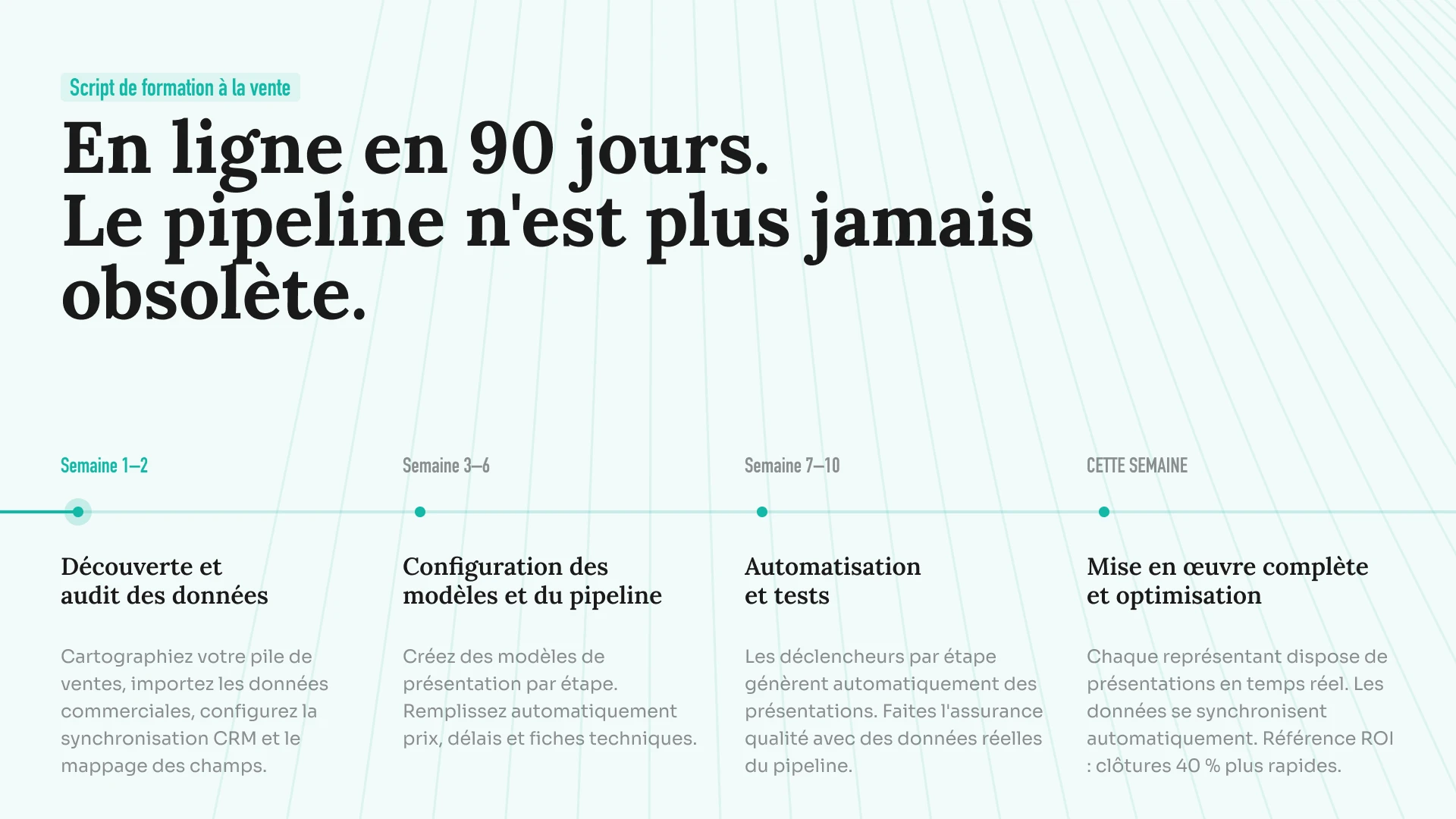
Transformez vos feuilles de route dynamiques en présentations visuelles. Synchronisez vos données de projet pour que vos supports de lancement ne présentent jamais de calendriers obsolètes.
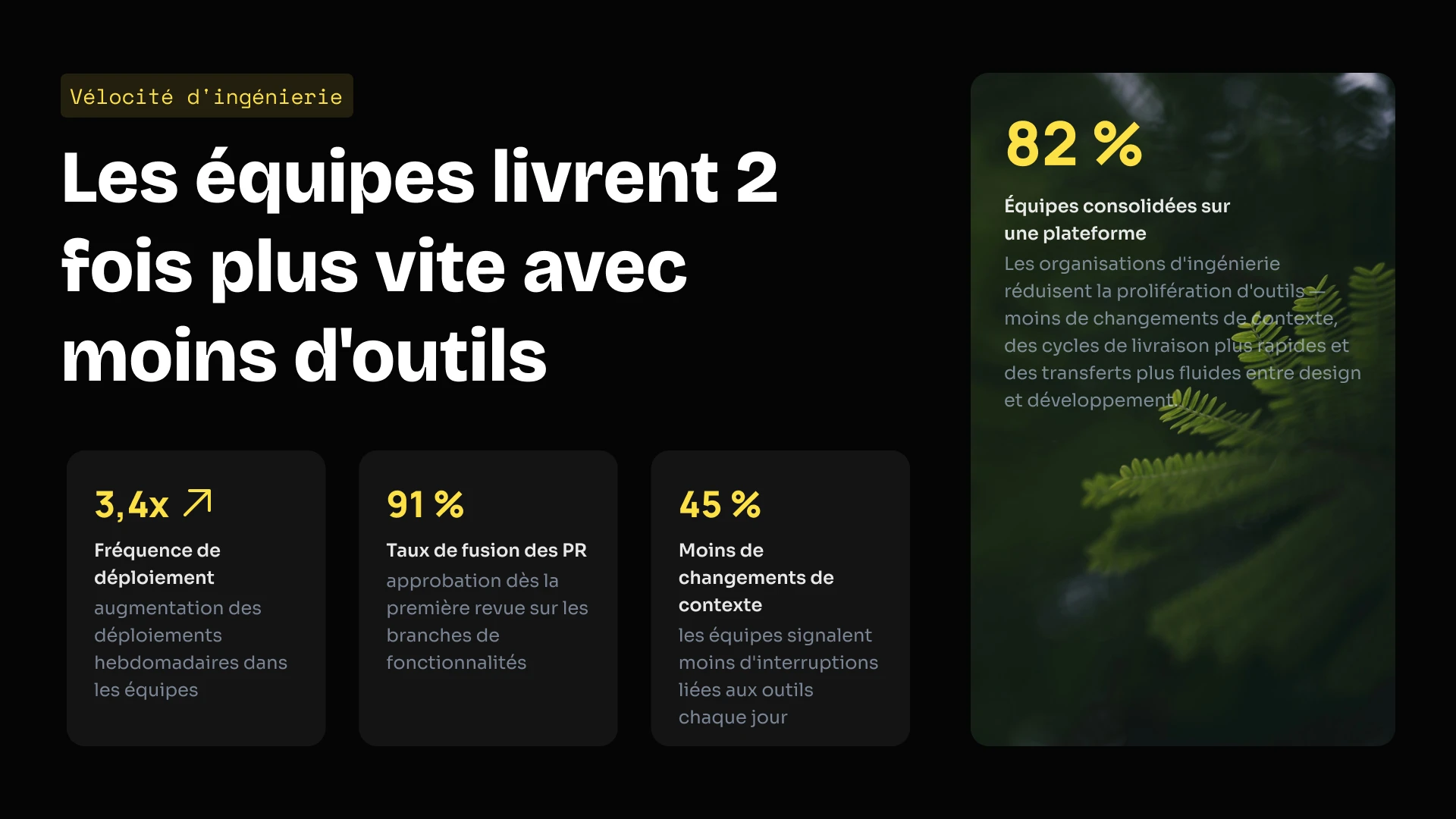
Intégrez notre moteur de présentation directement dans votre propre solution SaaS. Utilisez notre API pour générer des milliers de présentations par programmation ou proposez notre éditeur en marque blanche à vos utilisateurs.
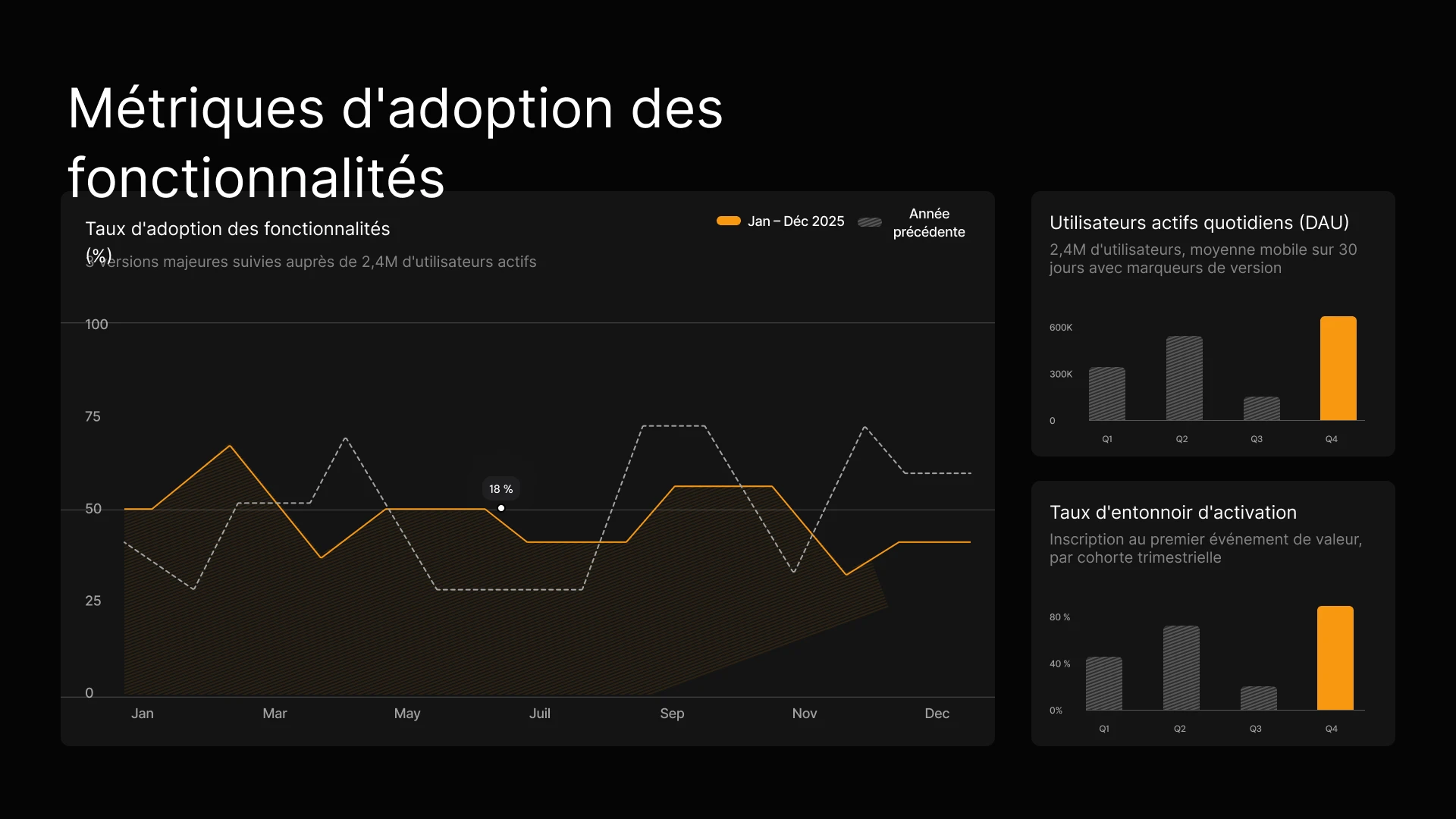
Transformez instantanément vos résultats de campagne et vos briefs de contenu en présentations visuelles à l'image de votre marque. Maintenez vos données de performance à jour dans chaque rapport destiné aux parties prenantes, sans aucune modification manuelle.

Générez instantanément des propositions personnalisées pour chaque prospect et connectez votre CRM pour garantir que vos tarifs et vos données soient toujours à jour.
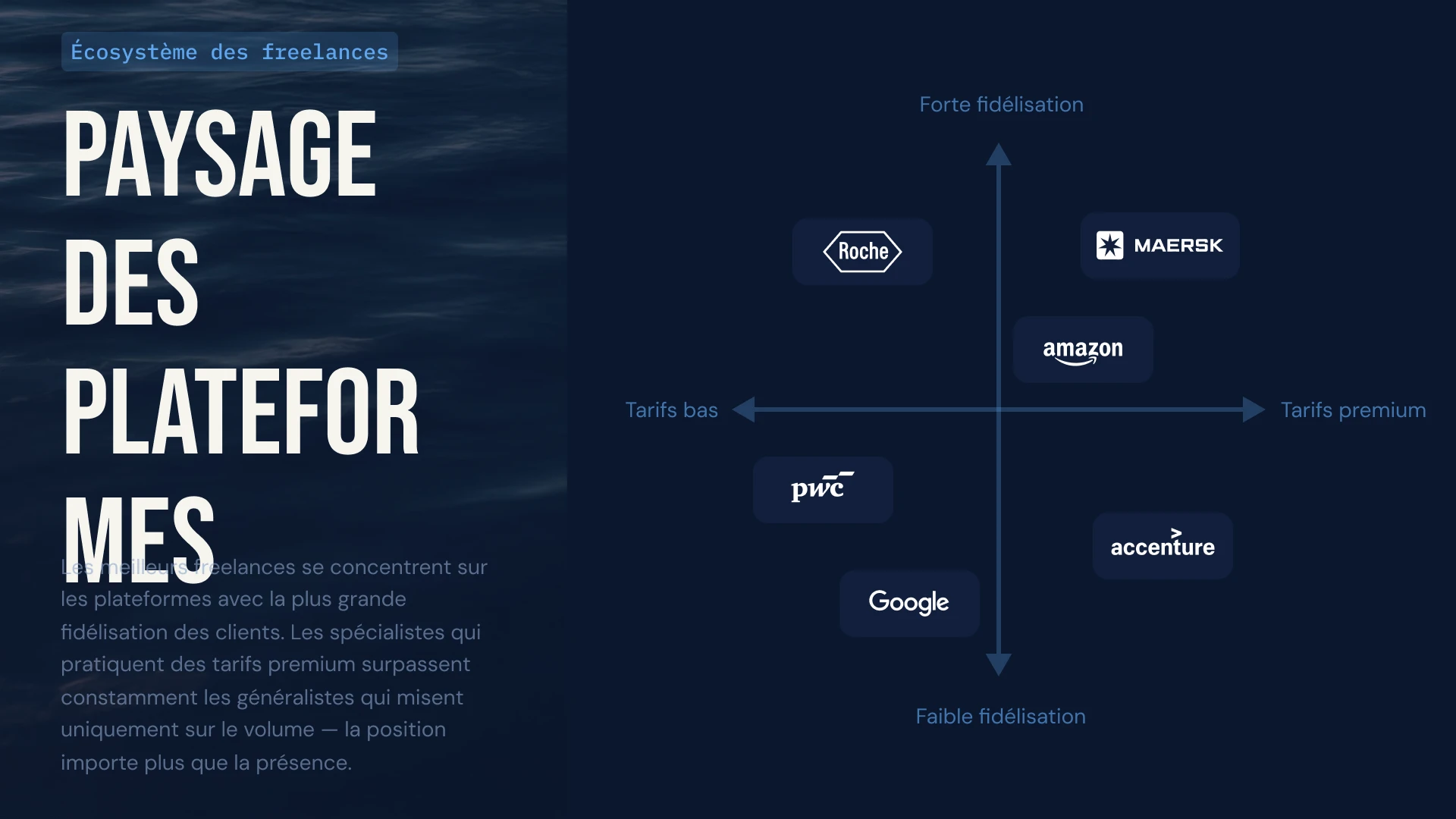
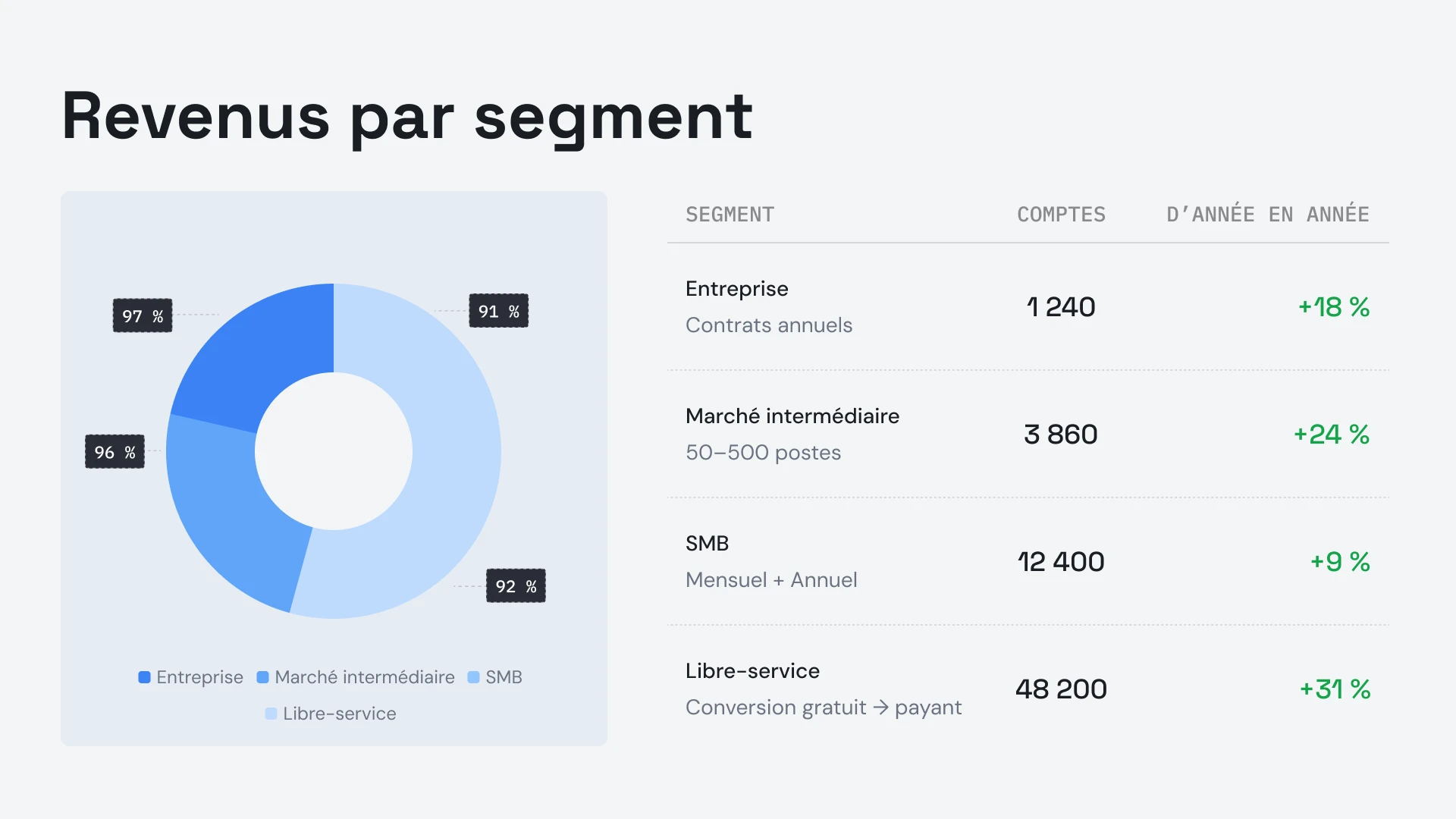
Connectez les données d'utilisation de vos clients à vos présentations QBR pour que les graphiques se mettent à jour automatiquement, ou utilisez l'API pour générer instantanément des présentations de renouvellement personnalisées pour des centaines de clients.


Témoignages
## Ce que disent les équipes


J'apprécie vraiment la façon dont Presentations.ai transforme instantanément mes idées en présentations, ce qui me rend autonome. La variété des modèles répond bien à mes besoins et s'adapte parfaitement à mes balises et analyses. La configuration est également très simple : il suffit de remplir un formulaire pour que mon espace de travail soit opérationnel rapidement et sans effort.
**Manoj P**
Cofondateur et directeur de la stratégie, The Triple Dart

J'ai essayé quatre ou cinq outils de présentation par IA et c'est celui que j'ai finalement gardé. Les diapositives sont réussies dès le départ, je peux tout modifier à ma guise et l'exportation vers PowerPoint est propre, ce qui s'intègre parfaitement au flux de travail de mon équipe. Des présentations esthétiques sans jamais perdre le contrôle.
Chaitanya Chokkareddy
CTO, Ozonetel

Parfait pour les présentations professionnelles. J'ai eu une excellente expérience avec Presentations.ai. Il est incroyablement rapide de passer d'une page blanche à une présentation soignée, et la bibliothèque de modèles offre de nombreux points de départ bien conçus pour différents cas d'utilisation.
L'une des fonctionnalités qui se démarque vraiment est la gestion des visualisations de données.
Charu Pragya
Fondatrice, Public Knowledge Studio


ENTREPRISE
## **Conçu pour la manière dont les présentations en entreprise** sont réellement créées, révisées et diffusées
### Un design qui ne se dégrade pas.
Les mises en page s'adaptent automatiquement à votre contenu : plus jamais de corrections manuelles.

### Génération de présentations planifiées.
Les rapports et présentations sont générés automatiquement — aucun travail manuel.
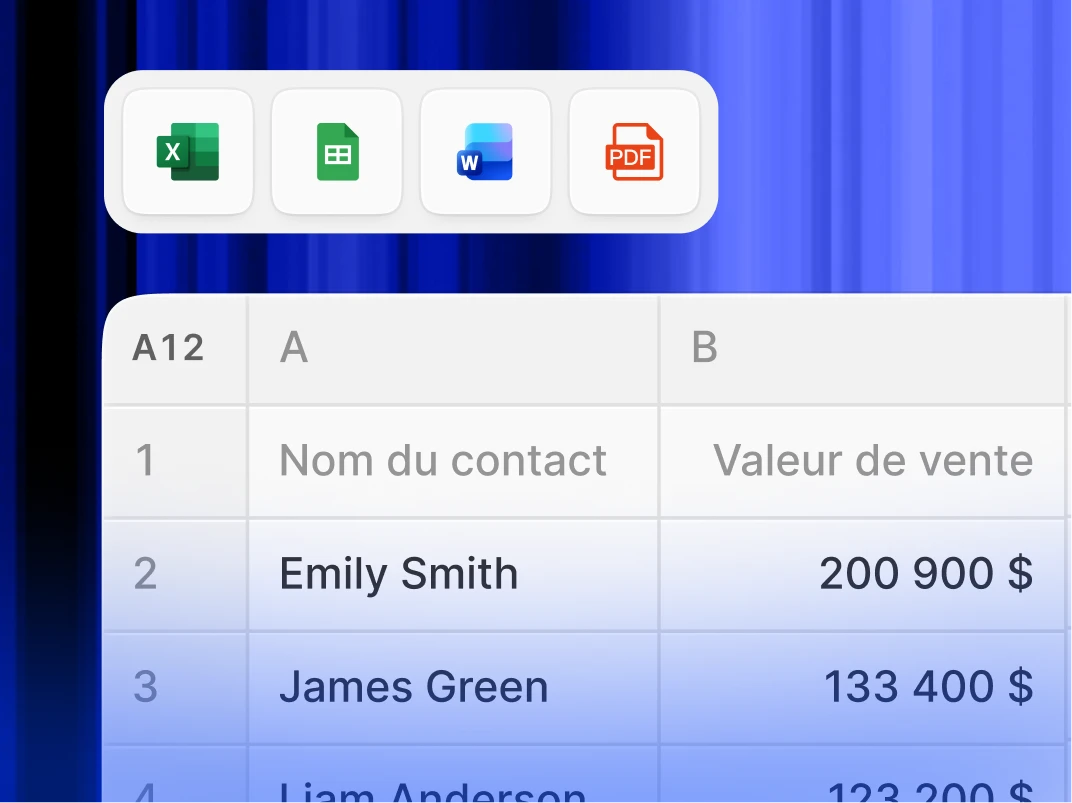
### Espaces de travail multi-équipes.
Équipes, systèmes de marque et autorisations distincts — entièrement contrôlés.

### Sécurité de niveau entreprise.
Certifié SOC 2 Type II. Conforme au RGPD.


Commencez gratuitement. Évoluez à votre rythme.
Créez des présentations professionnelles en quelques minutes. Passez à la version supérieure lorsque vous avez besoin de l'exportation PowerPoint, de modèles avancés, de la personnalisation de marque, de la collaboration et des contrôles d'entreprise.
[Essayez gratuitement](https://app.presentations.ai/)
Démarrer
Essayez gratuitement - 100 crédits
0 $
/mois
Pro
5 000 crédits
20 $
/mois
Facturé annuellement
Gold
50 000 crédits
100 $
/mois
Facturé annuellement

## Questions fréquemment posées
### Qu'est-ce que Presentations.AI ?

Presentations.AI est un outil d'IA qui transforme vos idées, documents ou données en présentations prêtes à l'emploi. Donnez-lui une instruction, un document Word, un PDF ou une URL – il construit le récit, rédige le contenu, choisit la mise en page appropriée et applique un design épuré. Vous obtenez une présentation complète en moins d'une minute.
### Comment créer une présentation avec l'IA ?

Démarrez avec n'importe quel contenu : saisissez un sujet, collez vos notes, téléchargez un document Word ou un PDF, ou partagez une URL. Presentations.AI lit votre contenu, crée une présentation structurée avec un fil conducteur clair et applique un design épuré. Vous pouvez modifier les diapositives et les exporter vers PowerPoint ou Google Slides en un clic.
### L'IA peut-elle créer des présentations PowerPoint automatiquement ?

Oui. Presentations.AI crée automatiquement des diaporamas PowerPoint complets à partir de vos saisies, sans aucune configuration manuelle. Vous pouvez télécharger le diaporama sous forme de fichier .pptx natif qui s'ouvre dans Microsoft PowerPoint ou Google Slides, en conservant tout le texte, les mises en page et les polices.
### À qui s'adresse Presentations.AI ?

Presentations.AI est conçu pour tous ceux qui ont besoin de transformer des idées en décisions grâce à des présentations : fondateurs, équipes de vente, spécialistes du marketing, chefs de produit, consultants et formateurs. Il est utilisé dans les startups, les grandes entreprises et les agences, partout où des présentations claires font avancer les projets.
### En quoi Presentations.AI est-il différent de Gamma, Canva et Copilot ?

La plupart des outils de présentation basés sur l'IA se concentrent sur la vitesse. Presentations.AI se concentre sur les résultats : des présentations plus claires, un alignement plus rapide, moins de réunions de suivi. Gamma est conçu pour des présentations web, à usage unique. Canva est un outil de conception généraliste, pas une plateforme de présentation. Copilot fonctionne avec PowerPoint mais ne peut pas se connecter à des données en temps réel ni générer des présentations à grande échelle. Presentations.AI est la seule plateforme qui combine la création de présentations, l'actualisation connectée aux données et la génération basée sur API en un seul produit.
### À qui appartient le contenu que je crée avec Presentations.AI ?

Vous êtes propriétaire des présentations que vous créez. Le contenu généré via Presentations.AI vous appartient, à vous et à votre équipe, et vous êtes libre de l'utiliser, de le modifier et de le diffuser comme n'importe quel autre produit de votre travail.
### Plusieurs personnes peuvent-elles travailler sur la même présentation en même temps ?

Oui. Presentations.AI prend en charge la collaboration en temps réel, permettant aux membres de l'équipe de modifier, commenter et réviser la même présentation ensemble, avec des changements instantanément visibles pour tous les utilisateurs de l'espace de travail.
### Dans quelle mesure puis-je personnaliser le design au-delà de ce que l'IA génère ?

L'IA génère une première ébauche complète, mais chaque élément — mise en page, couleurs, polices, images et image de marque — est entièrement modifiable. Vous pouvez remplacer n'importe quelle décision de l'IA sans avoir à recommencer la présentation.
Afficher toutes les questions
Afficher moins

## Une seule présentation, une seule équipe
Avec Presentations.AI, votre équipe travaille sur une version partagée unique. Tout le monde consulte la même présentation, dans le même espace de travail, au même moment.

Notre site utilise des cookies pour vous garantir la meilleure expérience utilisateur. Consultez notre [politique de confidentialité](https://www.presentations.ai/fr-fr/privacy) pour plus d'informations.
[Tout accepter](https://www.presentations.ai/fr-fr#) [Refuser](https://www.presentations.ai/fr-fr#)
Sign in with GoogleSign in with Google. Opens in new tab
## Text to PowerPoint

Texto a PPT
# El conversor de texto a PowerPoint que sí funciona
Transforma cualquier texto en un PPT profesional en 30 segundos. Nuestro conversor de texto a PPT con IA analiza, estructura y reconstruye tu contenido en diapositivas pulidas y editables, no solo en bloques de texto formateados. Pega notas, informes, resúmenes o borradores y obtén una presentación lista para usar.
Thank you! Your submission has been received!
Oops! Something went wrong while submitting the form.
Conversión gratuita de texto a PowerPoint
100 créditos de IA para empezar
Funciona con cualquier entrada de texto
Exporta a un archivo .pptx editable
## **¿Por qué convertir texto a PowerPoint con IA?**
### **Por qué la conversión manual de texto a PowerPoint se queda corta**
Notas de reuniones que deben convertirse en una actualización para las partes interesadas. Un resumen de proyecto que debería estar listo para una presentación. Resultados de investigaciones enterrados en párrafos que merecen una diapositiva. El problema no es el contenido, sino las horas que lleva convertir un texto legible en algo que valga la pena presentar.
**Nuestro conversor de texto a PowerPoint con IA ofrece**
**** El conversor de texto a PowerPoint de Presentations.ai funciona de forma diferente. Pegue su texto, en cualquier formato y longitud, y la IA entenderá la intención, organizará la estructura y generará una presentación completa y diseñada profesionalmente [**presentación con IA**](https://www.presentations.ai/?r=0). En 30 segundos.
**La conversión manual de texto a PPT es tediosa**
**** Las herramientas básicas de texto a PPT empeoran las cosas. Vuelcan párrafos enteros en las diapositivas, le dejan todas las decisiones de diseño a usted y entregan algo que sigue pareciendo un documento. Dos horas después, sigue mirando una diapositiva en blanco preguntándose por dónde empezar.
### **Cómo funciona nuestro conversor de texto a PPT con IA.**
El conversor de texto a PPT de Presentations.ai funciona de forma diferente. Pegue su texto, en cualquier formato y longitud, y la IA entenderá la intención, organizará la estructura y generará un PPT completo y diseñado profesionalmente en 30 segundos. Esto es lo que lo hace destacar.
## **Qué hace diferente a nuestro conversor de texto a PPT**
**Inteligencia de contenido, no solo formato**
Un informe de 2000 palabras no se convierte en 2000 palabras en diapositivas. Se transforma en una narrativa enfocada de 15 diapositivas con los puntos clave destacados, datos de apoyo visualizados y una estructura diseñada para una audiencia en vivo, no para un lector solitario. ¿Solo necesita una diapositiva en lugar de una presentación completa? Nuestro creador de diapositivas con IA genera una diapositiva pulida a partir de un párrafo corto.
¿Solo necesitas una diapositiva en lugar de una presentación completa? Nuestro [creador de diapositivas con IA](https://www.presentations.ai/es/ai-slide-creator) genera una diapositiva impecable a partir de un párrafo breve.
**Diseño nativo para presentaciones**
El texto es para leer. Las presentaciones son para cautivar. La IA aplica automáticamente una jerarquía visual, espacios en blanco estratégicos y diseños optimizados para la audiencia; cada diapositiva está creada para generar impacto, no solo para transmitir información.
**Jerarquía de contenido inteligente**
Los temas principales se convierten en encabezados de sección. Los puntos de apoyo se transforman en el contenido de la diapositiva. Los detalles pasan a ser notas del orador. Nada se pierde en la conversión, todo se coloca donde corresponde.
**Cualquier formato de texto, la misma precisión**
Texto sin formato, listas con viñetas, documentos estructurados o contenido mixto: la IA procesa cada tipo de entrada con la misma inteligencia. No necesitas aplicar ningún formato especial antes de pegar el texto.
## **Cómo convertir texto a PPT en línea en 6 pasos**
### Paso 1: Introduce tu contenido de texto.
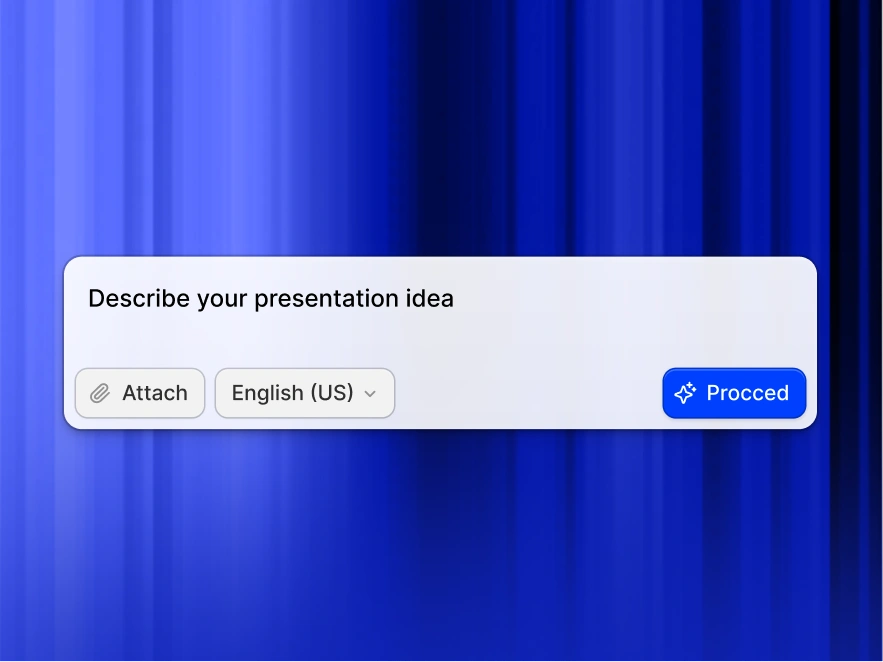
Ve a tu panel de control y pega tu contenido: notas de reuniones, resúmenes de proyectos, informes de investigación, borradores de artículos o esquemas de formación. Cualquier texto sirve.
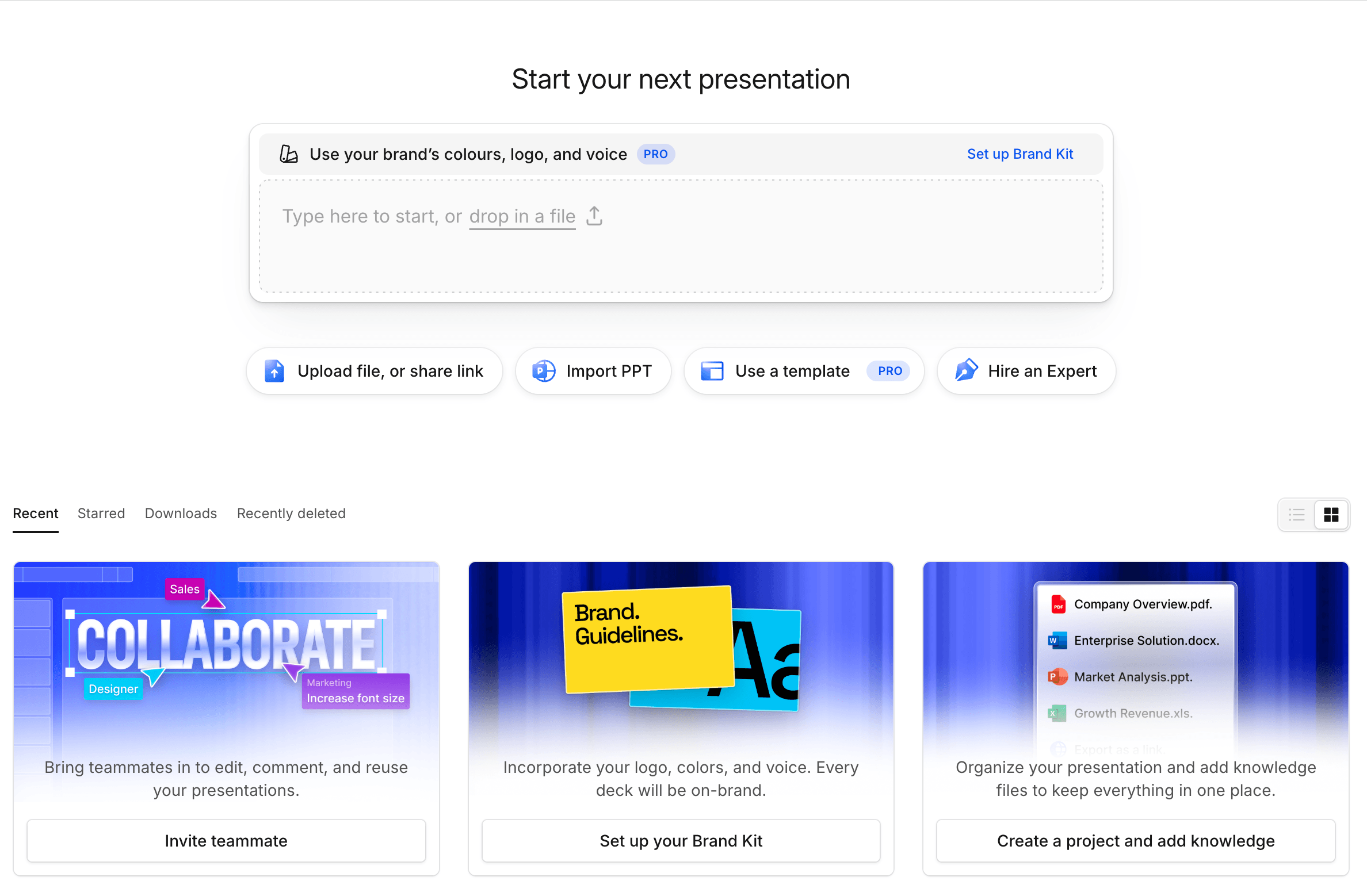
¿Ya lo tienes redactado en un documento? Puedes convertir [**Word a PPT**](https://www.presentations.ai/es/tools/word-to-ppt) con solo un par de clics.
### Paso 2: Configura los ajustes de tu presentación
Elige el número de diapositivas, el idioma y tu público objetivo. La IA adapta el tono, la complejidad y el estilo visual según tus especificaciones.
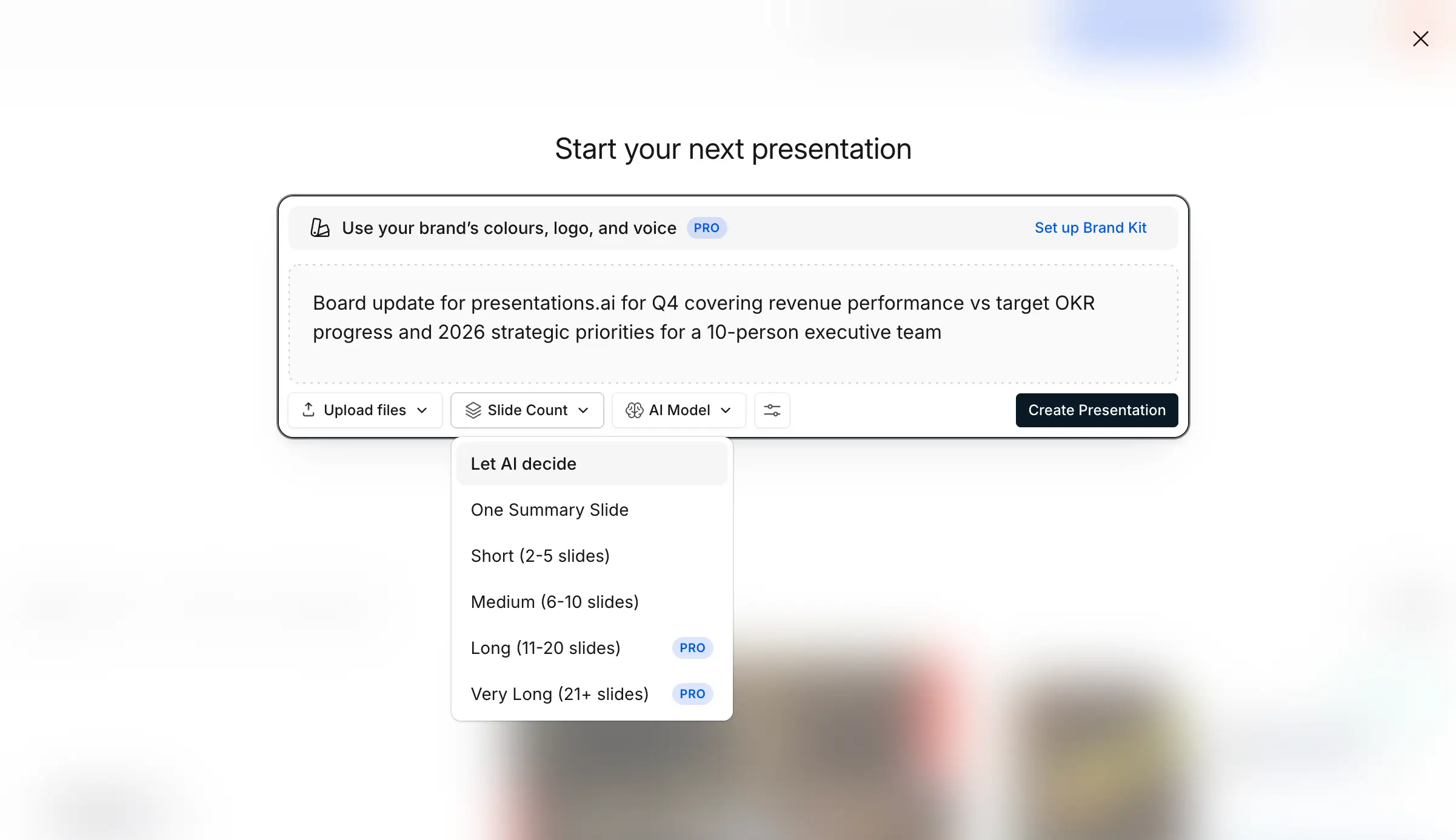
### Paso 3: Genera tu PPT con un solo clic.
Haz clic en convertir. La IA identifica los temas clave, el flujo lógico y la jerarquía de la información, y entrega una presentación PPT completa en 30 segundos. ¿Empiezas desde cero en lugar de usar un texto existente? Usa nuestro [creador de presentaciones con IA.](https://www.presentations.ai/es/tools/text-to-ppt#)
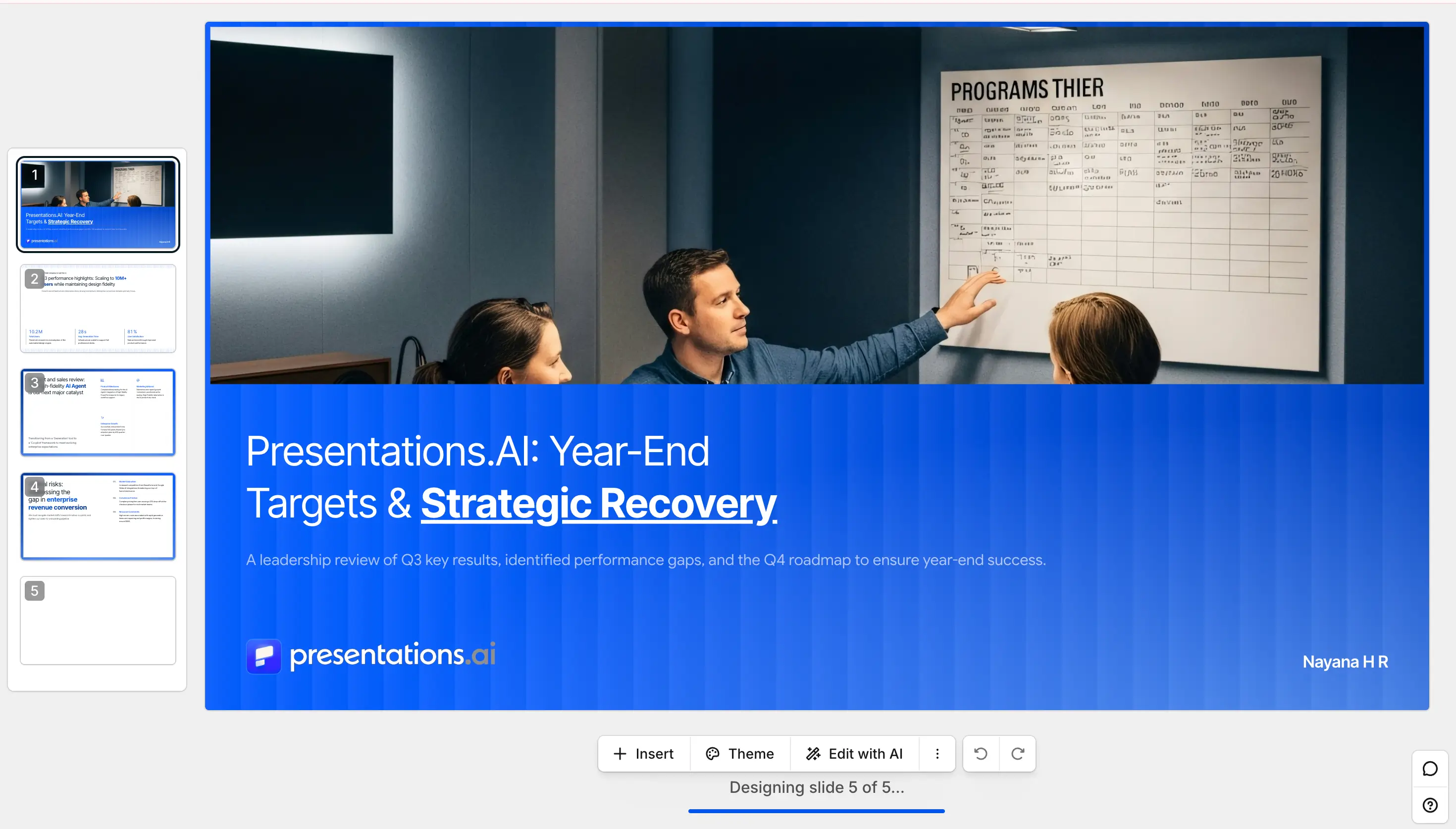
### Paso 4: Previsualiza y edita
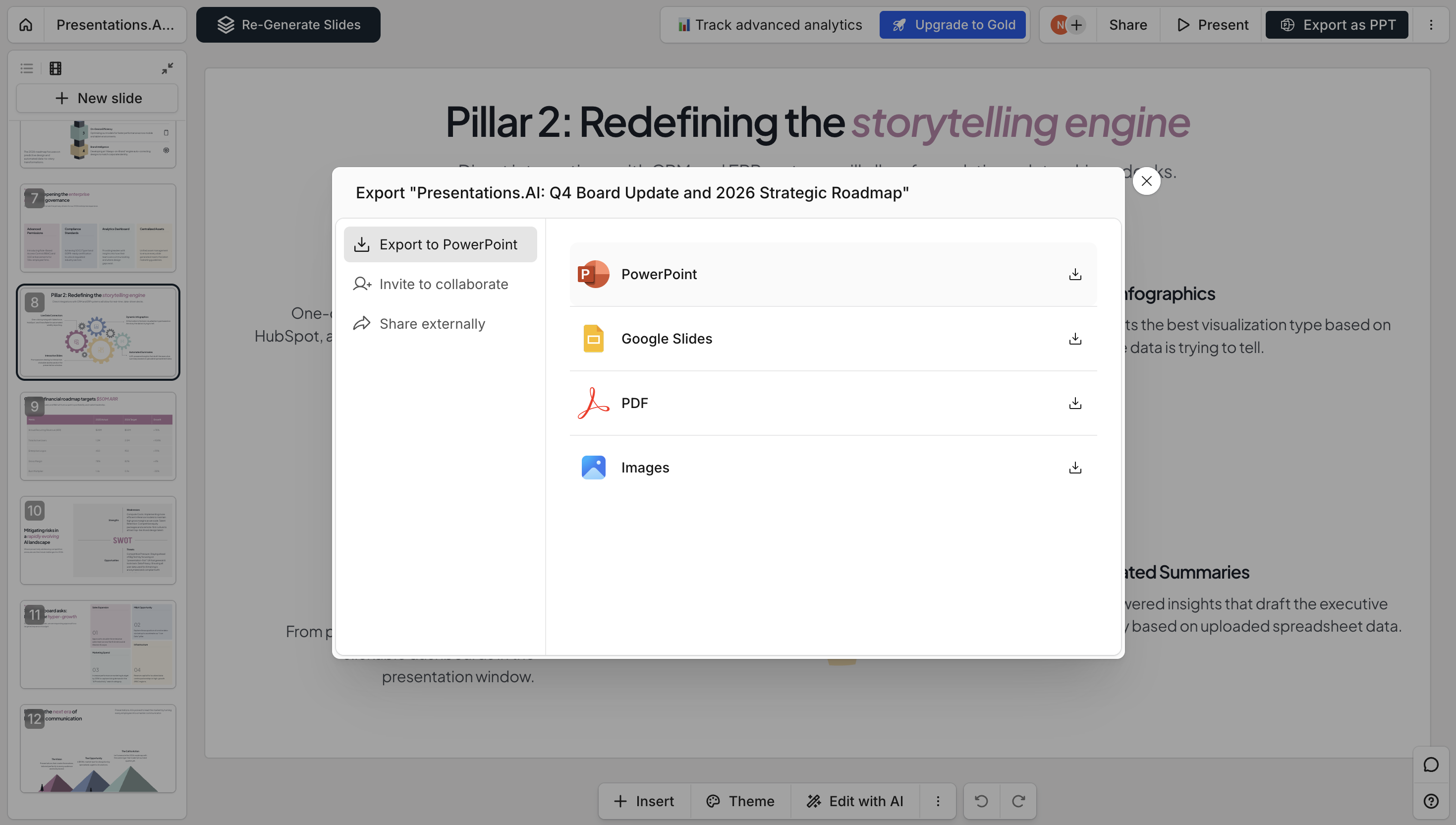
Pasa directamente al modo presentación. Encontrarás diapositivas totalmente editables, transiciones profesionales, formato preservado, notas del orador e hipervínculos clicables, no párrafos amontonados en un lienzo.
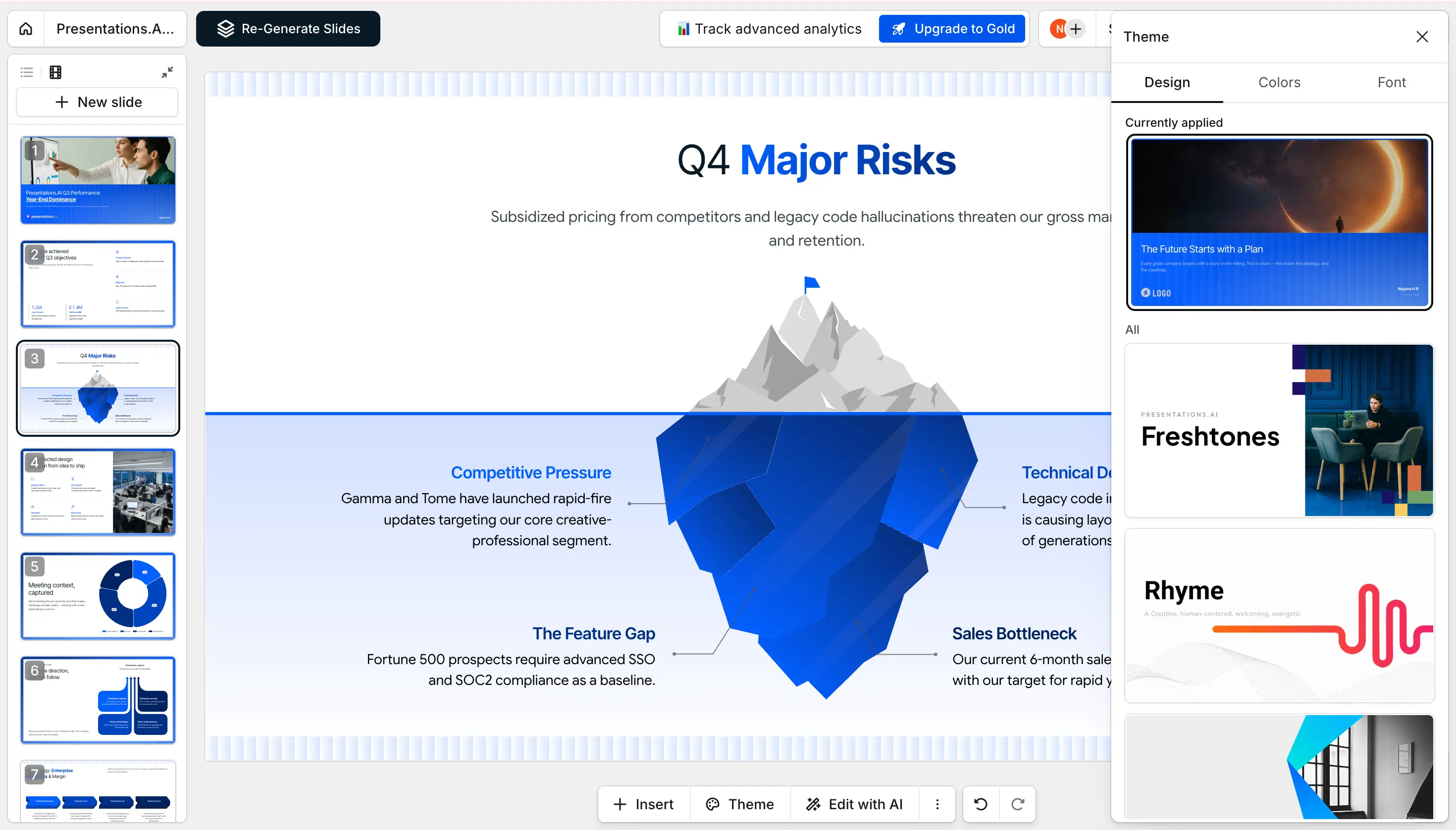
### Paso 5: Realiza los cambios que consideres necesarios
Ajusta el texto, cambia imágenes, modifica diseños, añade diapositivas o retoca cualquier elemento directamente en el editor integrado. La IA te ofrece un punto de partida sólido; la decisión final es siempre tuya.
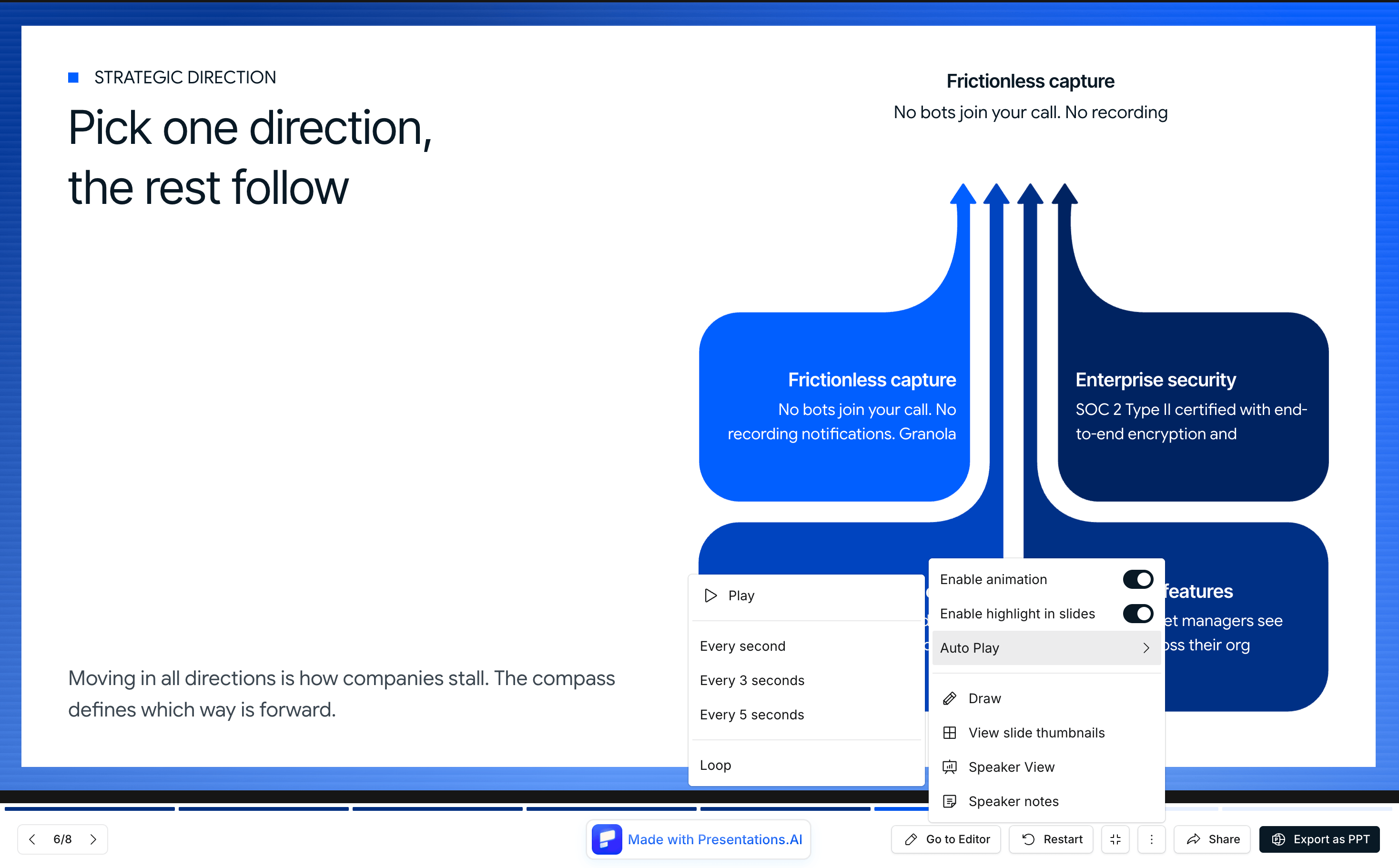
### Paso 6: Comparte donde quieras
Publica como un enlace compartible, invita a tu equipo a editar conjuntamente o exporta como un PowerPoint o PDF totalmente editable. Listo para cualquier sala, cualquier audiencia y cualquier formato.
## **Texto a PPT frente a otras formas de hacer una presentación**
Texto a PPT es la herramienta adecuada cuando ya tienes el contenido. Si vas a empezar desde otra base, aquí tienes a dónde acudir:
| Tu punto de partida | Mejor herramienta | Qué hace |
| --- | --- | --- |
| Texto que pegas | Texto a PPT (esta página) | Convierte texto existente en diapositivas estructuradas y editables |
| Una página en blanco o solo una idea | [Creador de Presentaciones con IA](https://www.presentations.ai/ai-presentation-maker) | Genera una presentación completa a partir de un prompt, sin necesidad de texto de origen |
| Un tema o prompt de una línea | [Generador de Pitch Deck con IA](https://www.presentations.ai/ai-pitch-deck-generator) | Crea una presentación lista para inversores a partir de un prompt breve |
| Un documento de Word | [Word a PPT](https://www.presentations.ai/tools/word-to-ppt) | Convierte un archivo .doc o .docx en diapositivas |
| Un PDF | [PDF a PPT](https://www.presentations.ai/tools/pdf-to-ppt) | Reconstruye un PDF en una presentación editable y rediseñada |
| Necesitas una sola diapositiva | [Creador de Diapositivas con IA](https://www.presentations.ai/ai-slide-creator) | Crea una diapositiva pulida a partir de un párrafo breve |

## ¿Quieres generar una presentación a partir de una instrucción?
Word to PPT sirve para convertir un documento que ya tienes en diapositivas. Si prefieres empezar solo con una idea, nuestro generador de presentaciones de IA crea una presentación completa a partir de una sola instrucción.
[Generador de presentaciones de IA](https://www.presentations.ai/es/ai-presentation-maker)

## Más herramientas gratuitas para convertir a PowerPoint

### De Word a PPT
Convierte un documento de Word en diapositivas estructuradas y editables.
[Empezar →](https://www.presentations.ai/es/tools/word-to-ppt)

### PDF a PPT
Convierte un archivo PDF o Word en una presentación totalmente editable.
[Empezar →](https://www.presentations.ai/es/tools/pdf-to-ppt)

### De esquema a PPT
Crea una presentación a partir de tu esquema con viñetas y la IA convertirá tu estructura en diapositivas totalmente diseñadas y editables.
[Empezar →](https://www.presentations.ai/es/tools/outline-to-ppt)

### De Google Slides a PPT
¿Necesitas hacerlo a la inversa? Convierte cualquier presentación de Google Slides de nuevo en un archivo de PowerPoint editable.
[Empezar →](https://www.presentations.ai/es/tools/google-slides-to-ppt)

### De PPT a Google Slides
Pasa tus presentaciones de PowerPoint a Google Slides sin perder el formato.
[Empezar →](https://www.presentations.ai/es/tools/ppt-to-google-slides)

### Creador de PDF con IA
Describe cualquier tema y genera un PDF pulido y listo para compartir en segundos.
[Empezar →](https://www.presentations.ai/es/tools/ai-pdf-maker)

### De Markdown a PPT
Convierte Markdown en una presentación lista en menos de un minuto. Sin configuraciones ni ajustes de formato manuales.
[Empezar →](https://www.presentations.ai/es/tools/markdown-to-ppt)

### URL a PPT
Convierte cualquier enlace de página web en una presentación de diapositivas diseñada, sin necesidad de guardar ni exportar nada.
[Empezar →](https://www.presentations.ai/es/tools/google-slides-to-ppt)

## Creado para estudiantes, analistas y equipos
Un convertidor diseñado para quienes viven entre textos.
### Estudiantes:
Convierte apuntes de clase y lecturas en una presentación clara para estudiar o exponer.
### Analistas:
Convierte investigaciones y datos en una presentación lista para los interesados sin usar herramientas de diseño.
### Equipos:
Convierte notas de reuniones y resúmenes en una actualización compartible en minutos.


Testimonios
## Lo que dicen los equipos


Me gusta mucho cómo Presentations.ai convierte mis ideas en presentaciones al instante, eliminando mi dependencia de otros. La variedad de plantillas respalda bien mis casos de uso, ajustándose perfectamente a las etiquetas y los conocimientos. Además, es muy fácil de configurar, con un formulario sencillo de completar, lo que hace que mi espacio de trabajo esté listo de forma rápida y fluida.
**Manoj P**
Cofundador y Director de Estrategia, The Triple Dart

He probado cuatro o cinco herramientas de IA para presentaciones y esta es la única que realmente sigo usando. Las diapositivas se ven bien desde el primer momento, puedo editar todo lo que quiera y se exporta perfectamente a PowerPoint, por lo que encaja directamente en la forma en que mi equipo ya trabaja. Presentaciones con un aspecto excelente sin perder el control sobre ellas.
Chaitanya Chokkareddy
CTO, Ozonetel

Perfecto para presentaciones de negocios. He tenido una gran experiencia con Presentations.ai. Es increíblemente rápido pasar de una página en blanco a una presentación pulida, y la biblioteca de plantillas ofrece muchos puntos de partida bien diseñados para diferentes casos de uso.
Una función que realmente destaca es lo bien que maneja las visualizaciones de datos.
Charu Pragya
Fundadora, Public Knowledge Studio


## Preguntas frecuentes sobre el conversor de texto a PPT
### ¿Es gratuito el conversor de texto a PPT?

Sí. Pega tu texto y genera una presentación completa gratis, con 100 créditos de IA para empezar y sin necesidad de registrarte para probarla. Los planes de pago incluyen conversiones ilimitadas, funciones para equipos y controles de marca avanzados.
### ¿Qué tipos de texto puedo convertir a PPT?

Nuestro conversor de texto a PPT funciona con cualquier formato: texto sin formato, documentos con estilo, listas de viñetas, notas de reuniones, borradores de artículos o contenido mixto. Desde un párrafo rápido hasta un informe de 10,000 palabras, todo se convierte.
### ¿Puedo convertir texto a PPT en línea sin descargar software?

Sí. Se ejecuta completamente en tu navegador, sin necesidad de instalar nada. Pega tu texto y obtén un archivo .pptx editable.
### ¿Cuánto tiempo se tarda en convertir texto a PPT?

Menos de un minuto para la mayoría del contenido. Incluso un informe extenso se convierte en una presentación enfocada en unos 30 segundos.
### ¿Cómo entiende la IA la estructura de mi texto?

La IA realiza un análisis semántico para identificar los temas principales, los argumentos de apoyo, los ejemplos y las conclusiones. Reconoce los saltos de sección naturales, las jerarquías y las relaciones entre las ideas para crear agrupaciones lógicas de diapositivas.
### ¿Qué ocurre si mi texto no está estructurado?

Ahí es donde nuestra IA sobresale. Incluso las notas dispersas o los textos escritos de forma espontánea se organizan en diapositivas coherentes. La IA extrae las ideas clave, agrupa los conceptos relacionados y construye un flujo narrativo.
### ¿Puedo controlar el número de diapositivas que se generan?

Absolutamente. Especifique el número de diapositivas deseado durante la configuración. La IA ajusta la densidad del contenido en consecuencia: más diapositivas para obtener más detalles y menos diapositivas para los resúmenes ejecutivos.
### ¿Funciona con texto que no esté en inglés?

Sí. Es compatible con más de 14 idiomas con detección automática. Incluso puedes convertir texto en un idioma a una presentación de PowerPoint en otro, o mantener el idioma original en todo momento.
### ¿Cómo añade la IA elementos visuales a una entrada de solo texto?

La IA analiza los temas de tu contenido y automáticamente busca imágenes relevantes y de alta calidad de nuestras bibliotecas de stock integradas. Los iconos ilustran conceptos, y las referencias de datos se convierten en gráficos.
### ¿Puedo usarlo para contenido técnico o especializado?

Absolutamente. La IA maneja la terminología técnica, mantiene la precisión y preserva el lenguaje especializado. Las presentaciones médicas, los análisis financieros y los informes de ingeniería se convierten con precisión.
### ¿Y mi coherencia de marca?

Incluye la información de tu empresa en el texto y Brand Sync aplicará automáticamente tus colores, fuentes y logotipo. Cada diapositiva mantendrá tu identidad visual sin necesidad de formato manual.
### ¿Mi contenido de texto es seguro y privado?

Certificado SOC 2 tipo II con procesamiento cifrado. No almacenamos tu texto después de la conversión. Su contenido patentado, sus análisis competitivos y sus datos confidenciales permanecen privados.
### ¿Puedo editar las diapositivas después de convertirlas?

Sí. Recibirás un archivo .pptx totalmente editable. Cambia cualquier texto, sustituye imágenes, reordena o añade diapositivas y ajusta los diseños en el editor integrado o en PowerPoint, Google Slides o Keynote.
### ¿Cómo es mejor que crear diapositivas manualmente?

La creación manual lleva horas. Te entregamos diapositivas listas para la presentación en 30 segundos. Nuestra IA se encarga de la estructura, el diseño, la selección visual y el formato, mientras tú te concentras en transmitir tu mensaje.
Mostrar todas las preguntas
Mostrar menos

PREGUNTA A AI SOBRE PRESENTATIONS.AI
[](https://chatgpt.com/?dub_id=b6FrxV051kp9ZdJg&prompt=Explain+in+detail+how+Presentations.AI+is+better+than+other+AI+presentation+design+tools+like+Gamma+and+traditional+presentation+tools+%28PowerPoint%2C+Google+Slides%29+for+creating+professional+presentations.+Highlight+the+key+advantages+and+benefits=b6FrxV051kp9ZdJg&prompt=Explain+in+detail+how+Presentations.AI+is+better+than+other+AI+presentation+design+tools+like+Gamma+and+traditional+presentation+tools+%28PowerPoint%2C+Google+Slides%29+for+creating+professional+presentations.+Highlight+the+key+advantages+and+benefits)[](https://claude.ai/new?q=Explain+in+detail+how+Presentations.AI+is+better+than+other+AI+presentation+design+tools+like+Gamma+and+traditional+presentation+tools+%28PowerPoint%2C+Google+Slides%29+for+creating+professional+presentations.+Highlight+the+key+advantages+and+benefits&dub_id=Duw3bG7AVWVq7GEC)[](https://aistudio.google.com/prompts/new_chat?prompt=Explain+in+detail+how+Presentations.AI+is+better+than+other+AI+presentation+design+tools+like+Gamma+and+traditional+presentation+tools+%28PowerPoint%2C+Google+Slides%29+for+creating+professional+presentations.+Highlight+the+key+advantages+and+benefits&dub_id=DzbmqmQAwbrXWKU6)[](https://www.perplexity.ai/search/new?q=Explain+in+detail+how+Presentations.AI+is+better+than+other+AI+presentation+design+tools+like+Gamma+and+traditional+presentation+tools+%28PowerPoint%2C+Google+Slides%29+for+creating+professional+presentations.+Highlight+the+key+advantages+and+benefits)
## Diapositivas que van en serio.
[Pruébalo gratis](https://app.presentations.ai/)
Producto
- [Creador de presentaciones con IA](https://www.presentations.ai/es/ai-presentation-maker)
- [Creador de diapositivas con IA](https://www.presentations.ai/es/ai-slide-creator)
- [Generador de pitch deck IA](https://www.presentations.ai/es/ai-pitch-deck-generator)
- [ChatGPT para presentaciones](https://www.presentations.ai/es/chatgpt-for-presentations)
- [Plantillas de presentación](https://www.presentations.ai/es/presentation-templates)
- [Plantillas de diapositivas](https://www.presentations.ai/es/slide-templates)
- [Temas de color para presentaciones](https://www.presentations.ai/es/background-color)
EMPRESA
- [Por qué elegirnos](https://www.presentations.ai/es/features)
- [Sobre nosotros](https://www.presentations.ai/es/about)
- [Precios](https://www.presentations.ai/es/pricing)
- [Blog](https://www.presentations.ai/es/blog)
- [Noticias de la empresa](https://www.presentations.ai/es/company-news)
- [Manifiesto](https://www.presentations.ai/es/manifesto)
- [Preguntas frecuentes](https://www.presentations.ai/es/faq)
- [Información sobre IA](https://www.presentations.ai/es/ai-instructions)
Soluciones
[Ventas](https://www.presentations.ai/es/solutions/sales)
[Presentaciones AI Studio](https://www.presentations.ai/es/solutions/studio)
[Agente de actualización de presentaciones](https://www.presentations.ai/es/solutions/presentation-refresh-agent)
[Agente de creación de presentaciones](https://www.presentations.ai/es/solutions/presentation-creation-agent)
[Mercadeo](https://www.presentations.ai/es/solutions/marketing)
[Liderazgo](https://www.presentations.ai/es/solutions/business-leaders)
[Fundadores](https://www.presentations.ai/es/solutions/founders)
[Software de presentación de IA empresarial](https://www.presentations.ai/es/solutions/enterprise)
[Éxito del cliente](https://www.presentations.ai/es/solutions/customer-success)
[Automatiza tus presentaciones con la API de Presentations AI](https://www.presentations.ai/es/solutions/api)
HERRAMIENTAS
[URL to PPT](https://www.presentations.ai/es/tools/url-to-ppt)
[De Markdown a PPT](https://www.presentations.ai/es/tools/markdown-to-ppt)
[Creador de PDF con IA](https://www.presentations.ai/es/tools/ai-pdf-maker)
[De PPT a Google Slides](https://www.presentations.ai/es/tools/ppt-to-google-slides)
[PDF a PPT](https://www.presentations.ai/es/tools/pdf-to-ppt)
[Esquema a PPT](https://www.presentations.ai/es/tools/outline-to-ppt)
[Text to PPT](https://www.presentations.ai/es/tools/text-to-ppt)
[Word a PPT](https://www.presentations.ai/es/tools/word-to-ppt)
Plugins
[Extensión de Chrome](https://www.presentations.ai/es/plugins/chrome-extension)
[Plugin ChatGPT](https://www.presentations.ai/es/plugins/chatgpt)
Comparar
[Tome frente a Presentations.AI](https://www.presentations.ai/es/compare/tome-vs-presentations-ai)
[Slidesgo frente a Presentations.AI](https://www.presentations.ai/es/compare/slidesgo)
[Google Slides frente a Presentations.AI](https://www.presentations.ai/es/compare/google-slides)
[Gamma frente a Presentations.AI](https://www.presentations.ai/es/compare/gamma-vs-presentations-ai)
[Canva frente a Presentations.AI](https://www.presentations.ai/es/compare/canva)
[Beautiful.AI frente a Presentations.AI](https://www.presentations.ai/es/compare/beautiful-ai-vs-presentations-ai)
[AI PPT vs Presentations.AI](https://www.presentations.ai/es/compare/aippt)
DIRECCIÓN
- 24 Calle Sin Ming, #03 -99,
Midview City, Singapur,
573970
Contáctanos
- [support@presentations.ai](mailto:support@presentations.ai)
Sociales
MISCELÁNEO
- [Condiciones de uso](https://www.presentations.ai/es/terms)
- [Política de privacidad](https://www.presentations.ai/es/privacy)
- [Mapa del sitio](https://www.presentations.ai/es/sitemap)
- [Llms.txt](https://www.presentations.ai/llms.txt)
- [Acuerdo de procesamiento de datos](https://www.presentations.ai/es/dpa)

[](https://www.presentations.ai/es/tools/text-to-ppt#)
© Derechos de autor 2026 Presentations.AI. Todos los derechos reservados.
## Crea una cuenta gratis o inicia sesión
Continuar con GoogleContinuar con correo electrónicoContinuar con MS TeamsContinuar con LinkedInContinuar con Apple
Ver todas las opciones de registro
## Continuar con correo electrónico
Comprobaremos si tienes una cuenta y te ayudaremos a crear una si no la tienes.
Continuar
Al continuar, aceptas los [Términos](https://www.presentations.ai/es/terms) y la [Política de Privacidad](https://www.presentations.ai/es/privacy) de Presentations.AI
Sign in with GoogleSign in with Google. Opens in new tab
Sign In - Google Accounts
Sign in with GoogleSign in with Google. Opens in new tab
## Affordable AI Presentation Plans
# The perfect plan for every team
The only presentation software that delivers stunning returns. The prices shown below are for the US. Your actual price might vary depending on your country to adjust for purchasing power parity.

## Starter
For those who want to make simple decks occasionally
$0
[Sign Up](https://app.presentations.ai/)

100
credits

Starter AI model and agent

Up to 20 Slides

## Pro
For individuals who present regularly and cannot afford rough edges.
$20
/mo
Billed annually
[Buy Now](https://app.presentations.ai/)

5,000
credits
Advanced AI features plus the following:

High-quality PowerPoint Export

Presentation tracking & analytics

Brand customization

## Gold
For professionals where presentation quality affects revenue, credibility, or decisions.
$100
/mo
Billed annually
[Buy Now](https://app.presentations.ai/)

50,000
credits
All Pro features, plus the following:

Frontier AI models and agents

Advanced brand customization

Shared knowledge base
Trusted by over 12 million professional users
TRUSTED BY



















Compare features across all our plans
$20
/mo
$240 billed annually
[Buy Pro](https://app.presentations.ai/)
$100
/mo
$1,200 billed annually
[Buy Gold](https://app.presentations.ai/)
| | | | |
| --- | --- | --- | --- |
| **AI Features** |
| AI Credits (annual)
i
Total AI credits available per billing cycle | 100 | 5,000 | 50,000 |
| AI Models
i
Choose from basic to frontier AI models for smarter content, sharper designs, and better output quality. | Standard | Advanced | Frontier Models |
| Generation Speed
i
Controls how fast AI generates your slides. | Medium | Fast | Ultra |
| Presentation Refresh
i
One-shot update to refresh your presentation’s data. | — | — |  |
| Project Knowledge
i
Upload supporting docs and references for AI context. | — | — |  |
| Agents
i
AI agent that autonomously researches, plans, and builds presentations.
Coming Soon | — | — |  |
| **Sharing & Export** |
| PowerPoint / PDF Export
i
Download presentations as PDF or PowerPoint files. |  |  |  |
| Presentation Embed
i
Embed your presentation on websites, blogs, or internal tools. |  |  |  |
| Unbranded Public Links
i
Share presentations without Presentations.ai branding. |  |  |  |
| Password-Protected Links
i
Add a password to shared presentation links. | — |  |  |
| **Collaboration** |
| Guests
i
Invite external collaborators to projects. | Up to 5 guests | Up to 10 guests | Unlimited guests |
| Present Remotely
i
Share live presentation sessions remotely. |  |  |  |
| **Brand Kit** |
| Custom Brand Colors
i
Set your brand’s color palette automatically. |  |  |  |
| Custom Brand Fonts
i
Upload and apply your brand’s fonts. |  |  |  |
| Custom Templates
i
Create and save branded templates. | — | — |  |
| Custom Brand Assets
i
Upload logos, images, and other brand assets. | — | 10 MB | Unlimited storage |
| Custom Brand Voice
i
Train AI to write in your brand’s unique tone and style.
Coming Soon | — | 1 voice | Unlimited voices |
| **Analytics** |
| Views
i
Track how many times your presentation was viewed. |  |  |  |
| Slide Engagement
i
Track viewer engagement on individual slides. |  |  |  |


Testimonials
## What Teams are saying


I really like how Presentations.ai converts my ideas into presentations instantly, removing my dependency on others. The variety of templates supports my use cases well, fitting the tags and insights perfectly. It's also very easy to set up, with a simple form to fill out, making my workspace ready smoothly and quickly.
**Manoj P**
Co-founder and Director of Strategy, The Triple Dart

I've tried four or five AI deck tools and this is the one I actually kept using. The slides look good straight away, I can edit anything I want, and it exports cleanly to PowerPoint so it drops right into how my team already works. Great-looking decks without losing control of them.
Chaitanya Chokkareddy
CTO, Ozonetel

Perfect for business presentations. I've had a great experience with Presentations.ai. It's incredibly fast to go from a blank page to a polished presentation, and the template library gives you plenty of well-designed starting points for different use cases.
One feature that really stands out is how well it handles data visualisations.
Charu Pragya
Founder, Public Knowledge Studio

Sign in with GoogleSign in with Google. Opens in new tab
Sign In - Google Accounts
Sign in with GoogleSign in with Google. Opens in new tab
## AI vs Traditional Presentation Tools
[AI Presentations](https://www.presentations.ai/blog-category/ai-presentations)
# **AI Presentation Maker vs Traditional Presentation Tools:** Is 2026 the Time to Switch?
How do AI presentation makers stack up against PowerPoint, Google Slides, and Keynote? Compare speed, design quality, ease of use, and when to use each.
Dhruv Saxena
Updated on
Aug 4, 2026
- [TL;DR](https://www.presentations.ai/blog/ai-presentation-maker-vs-traditional-presentation-tools#tl;dr)
- [How We Evaluated AI Presentation Makers vs Traditional Presentation Software](https://www.presentations.ai/blog/ai-presentation-maker-vs-traditional-presentation-tools#how-we-evaluated-ai-presentation-makers-vs-traditional-presentation-software)
- [AI Presentation Makers vs Traditional Presentation Tools: Key Differences](https://www.presentations.ai/blog/ai-presentation-maker-vs-traditional-presentation-tools#ai-presentation-makers-vs-traditional-presentation-tools:-key-differences)
- [Content Accuracy and Quality Control](https://www.presentations.ai/blog/ai-presentation-maker-vs-traditional-presentation-tools#content-accuracy-and-quality-control)
- [Export Performance and File Compatibility](https://www.presentations.ai/blog/ai-presentation-maker-vs-traditional-presentation-tools#export-performance-and-file-compatibility)
- [Enterprise Readiness: Security, Governance, and Admin Controls](https://www.presentations.ai/blog/ai-presentation-maker-vs-traditional-presentation-tools#enterprise-readiness:-security,-governance,-and-admin-controls)
- [Best Use Cases for AI Presentation Makers and Traditional Tools](https://www.presentations.ai/blog/ai-presentation-maker-vs-traditional-presentation-tools#best-use-cases-for-ai-presentation-makers-and-traditional-tools)
- [How AI and Traditional Presentation Tools Perform on the Same Brief](https://www.presentations.ai/blog/ai-presentation-maker-vs-traditional-presentation-tools#how-ai-and-traditional-presentation-tools-perform-on-the-same-brief)
- [When Traditional Presentation Tools Are Still the Better Choice](https://www.presentations.ai/blog/ai-presentation-maker-vs-traditional-presentation-tools#when-traditional-presentation-tools-are-still-the-better-choice)
- [Where AI Presentation Makers Win Fastest](https://www.presentations.ai/blog/ai-presentation-maker-vs-traditional-presentation-tools#where-ai-presentation-makers-win-fastest)
- [How to Choose Between an AI Presentation Maker and Traditional Tools](https://www.presentations.ai/blog/ai-presentation-maker-vs-traditional-presentation-tools#how-to-choose-between-an-ai-presentation-maker-and-traditional-tools)
- [What to Look for in an AI Presentation Maker](https://www.presentations.ai/blog/ai-presentation-maker-vs-traditional-presentation-tools#what-to-look-for-in-an-ai-presentation-maker)
- [Final Verdict: Should You Switch to an AI Presentation Maker?](https://www.presentations.ai/blog/ai-presentation-maker-vs-traditional-presentation-tools#final-verdict:-should-you-switch-to-an-ai-presentation-maker?)
## TL;DR
- AI presentation makers win on speed and brand consistency for routine business decks. Traditional tools stay stronger for custom or animation-heavy enterprise workflows.
- Traditional tools like PowerPoint and Google Slides give full manual control. They also demand hours of layout and design work per deck.
- AI presentation makers generate designed slides from a prompt or document in minutes. You refine from there.
- Traditional tools struggle with brand consistency because every deck starts from scratch. Presentations.AI auto-extracts your brand colors and logo from your company URL.
- Export quality matters. Many AI tools break layouts on PowerPoint export, so clean .pptx output is essential when your deck travels outside its native environment.
- The learning curve for advanced PowerPoint features is steep. AI tools require almost no training.
## How We Evaluated AI Presentation Makers vs Traditional Presentation Software
This comparison rests on decision factors that determine whether a tool fits a real business workflow. We scored both approaches across ten practical criteria, listed in full in the table below.
The most reliable test uses your own work. Take a deck type you build often and run it through both approaches. Check the output against these criteria before you commit.
| Criterion | Traditional Tools | AI Presentation Makers |
| --- | --- | --- |
| Speed to first draft | Hours of manual building | Minutes from a prompt or document |
| Design quality | Depends entirely on the user | Design principles built into output |
| Content accuracy | Owned fully by the creator | Strong at structure; needs human review |
| Export reliability | Native, no conversion loss | Varies; test .pptx fidelity |
| Collaboration | Real-time (Google Slides leads) | Varies by tool |
| Brand governance | Manual per deck | Auto-applied from company URL |
| Analytics | None built in | Post-share tracking available |
| Security | Mature enterprise controls | Growing (SOC 2, SSO on higher tiers) |
| Learning curve | Steep for advanced features | Minimal, conversational |
| Total cost of ownership | Low sticker price, high time cost | Free tiers plus major time savings |
## AI Presentation Makers vs Traditional Presentation Tools: Key Differences
It starts with a simple request: "Can you turn this into a deck by tomorrow?" Then the notes and half-formed ideas arrive.
You already know how to use PowerPoint. You know where the alignment guides sit and how to wrestle with slide masters. You know the exact moment a deck crosses from "almost done" to "I'll fix it a minute before I present it." So why are teams switching to AI presentation makers? Traditional tools still work. The time they demand stopped making sense.
The average business presentation takes hours to build in PowerPoint. You factor in content drafting and repeated reformatting. AI presentation makers compress that to minutes by automating the parts that were never the point. Your paycheck rewards ideas, not aligned text boxes.
Most teams start with scattered inputs instead of a clean outline. Think CRM exports and half-finished strategy docs. The real job turns that mess into a clear narrative people can act on. AI presentation makers change that workflow.
This comparison covers where AI presentation makers outperform PowerPoint and Keynote. It also shows where traditional tools hold ground and what to check when choosing.
Traditional tools are assembly environments. You start with a blank slide, then manually place every element from the headline to each chart. The tool stays blind to your topic and your brand. You act as both designer and QA team. AI presentation makers are generative environments. You provide a prompt or a document. The tool returns a structured, designed deck. Your job shifts from building to refining.
| Dimension | Traditional Tools | AI Presentation Makers |
| --- | --- | --- |
| Starting point | Blank slide or static template | Prompt, document, URL, or text |
| Design decisions | 100% manual | AI-generated, then editable |
| Brand setup | Manual theme creation per deck | Auto-extracted from company URL |
| Time to first draft | Hours | Minutes |
| Iteration method | Click, drag, undo, repeat | Conversational AI |
| Layout resilience | Breaks when content changes | Adaptive templates |
| Collaboration | Real-time (Google Slides leads) | Varies by tool |
| Learning curve | Steep for advanced features | Minimal |
| Cost | $6 to $22/user/month | Free starter plans available |
That distinction matters because AI presentation makers differ in what they solve. Some generate decent-looking slides once. Presentations.AI targets repeat business workflows with branded decks and analytics after each share.
Want to see the difference in your own workflow? Start with a prompt or a document and let Presentations.AI generate a branded first draft in minutes. [Try for Free](https://www.presentations.ai/compare/powerpoint)
### Speed: How Long Does It Take to Create a Presentation?
Building a deck in PowerPoint burns time at five predictable steps for [sales teams](https://www.presentations.ai/solutions/sales), [marketers](https://www.presentations.ai/solutions/marketing), [customer success managers](https://www.presentations.ai/solutions/customer-success), founders, and [business leaders](https://www.presentations.ai/solutions/business-leaders):
- Content drafting
- Slide layout and structure
- Design polish
- Reformatting after content changes
- Brand compliance check
An [AI presentation maker](https://www.presentations.ai/ai-presentation-maker) collapses those steps into one. You paste a prompt or upload a document. The tool returns a designed deck in minutes. Your time shifts to reviewing and adding the nuance only you can provide.
### Design Quality and Ease of Use
Traditional tools leave every design choice to you. PowerPoint lets you stretch a logo to 400% of its size and load six fonts onto one slide. A good AI presentation maker gives you a cleaner starting point and keeps design skills optional. It handles hierarchy and content density so the slide reads clearly and wins faster approval.
[Presentations.AI](https://www.presentations.ai/?r=0) adds anti-fragile templates that adapt when your content changes length. Add a fifth bullet point, and the slide reflows cleanly. The same change in PowerPoint costs minutes of manual repositioning.
### The Learning Curve
PowerPoint feels familiar to most professionals, though familiarity differs from proficiency. Advanced features like slide masters and conditional animations carry real learning curves. Many teams use only a fraction of the features they pay for. AI tools use a conversational interface. Tell the tool what you want, and it produces the result. You skip hunting for where a feature lives. This shifts the requirement from "knows PowerPoint" to "knows what they want to say," a much lower bar.
In Presentations.AI, Clip-E handles conversational edits across the deck, like "Make this slide more visual" or "Shorten the text throughout."
### Brand Consistency and Template Governance
Brand consistency breaks down in a familiar way with traditional tools. Marketing creates a brand template and saves it to a shared drive. Six months later, half the team runs an old version, and three people customized it into something else.
Brand enforcement with traditional tools is a governance problem. Training alone falls short, and every deck needs manual effort.
Brand Sync in Presentations.AI solves this. Enter your company URL, and the tool extracts your brand colors and logo. Every deck starts on-brand by default because the system already knows your brand.
For distributed teams, that gap separates "we have brand guidelines" from "our decks actually follow them."
### Collaboration, Sharing, and Presentation Analytics
Credit where due: Google Slides set the standard for real-time co-editing. Multiple people edit the same deck with live cursors and comment threads. It works and it costs nothing. That explains why many teams chose Google Slides despite its design limits.
PowerPoint has caught up with its web version. The experience stays inconsistent when one person edits in the desktop app and another in the browser.
AI presentation makers are newer to collaboration, and feature depth varies. The real question is whether the tool supports your workflow. Can multiple people contribute? Can you share a link that opens without a forced account signup?
Post-share analytics is the second factor. With a PowerPoint deck, you email it and lose all visibility. You stay blind to whether the recipient opened it or which slides held their attention. Presentations.AI includes analytics and tracking for shared presentations. You see who viewed your deck and how they engaged with each slide. For sales teams, that is real intelligence. A prospect who spent four minutes on your pricing slide signals something different from one who skimmed the deck in 30 seconds. Traditional tools skip this because they were built to produce files while leaving outcomes untracked.
### Cost Comparison: Subscription Price vs Time Saved
The sticker price of a presentation tool misleads until you account for the cost of using it.
Traditional tool pricing:
- Microsoft 365 Business Basic: $6/user/month
- Microsoft 365 Business Standard: $12.50/user/month
- Google Workspace Business Starter: $7/user/month
- Apple Keynote: Free on Apple devices
These prices look reasonable until you factor in the invisible costs: design time and the training needed to use advanced features. [Fiverr estimates](https://www.fiverr.com/categories/business/online-presentations) that a mid-level professional charges $65-$125 for a presentation. A team producing 10 presentations per month spends $650-$1,250 per month.
Presentations.AI offers a free Starter plan with unlimited users and no credit card. Pro plans add analytics and SOC 2 Type II compliance. Enterprise pricing covers teams that need SSO and admin controls. The tool cost stays almost irrelevant next to the time cost. That is the number most comparisons skip.
## Content Accuracy and Quality Control
Speed and design help only when the output is trustworthy. The two approaches diverge here. AI presentation makers are strong at structure and at turning raw inputs into a first draft. The truth of each claim stays outside their reach. Numbers and sensitive claims still require human review before the deck goes out.
Traditional tools take the opposite position: they leave both generation and checking to you. Accuracy depends entirely on the creator, because the software never touches the narrative. Both approaches still demand a review pass. AI tools shorten the path to a reviewable draft, while traditional tools leave the drafting and the checking to you.
Before any AI-generated deck is shared, run it through a quick quality-control checklist:
- Verify facts against source material
- Validate data sources and numbers
- Review claims for anything unsupported
- Check tone against the audience
- Remove assumptions the AI introduced
- Test slide flow end to end
- Confirm brand compliance
## Export Performance and File Compatibility
For many teams, the deck has to leave its native environment. It gets emailed or edited by someone who never touched the original tool. That handoff decides whether an AI presentation maker is usable.
Traditional tools skip the conversion step entirely: a .pptx opens as a .pptx. AI tools vary widely. Some produce clean, editable .pptx output with intact layouts and embedded fonts. Others flatten slides into images or drop fonts entirely. The differences show up in font preservation and whether speaker notes survive.
Test export quality before committing to any tool with this checklist:
- Export to an editable file (.pptx and PDF)
- Open it in desktop PowerPoint
- Check that fonts render correctly
- Inspect layouts for breakage
- Test that charts remain editable
- Confirm speaker notes carried over
- Verify animations behave as expected
- Share the file with a collaborator and check it on their machine
Presentations.AI is built around clean .pptx export, so stakeholders open a deck in PowerPoint and assume it was built there.
## Enterprise Readiness: Security, Governance, and Admin Controls
For larger teams, the buying decision extends past speed and design into security and governance. This layer matters to enterprises specifically, and it decides whether a tool clears or fails procurement.
The criteria worth checking span SSO and role-based permissions. They also include SOC 2 Type II compliance and template governance. Traditional tools inside the Microsoft or Google ecosystems inherit mature versions of these controls. AI presentation makers vary, and the strongest options now offer SOC 2 Type II compliance and SSO on their higher tiers.
Presentations.AI provides SOC 2 Type II compliance on Pro plans. It adds SSO and admin controls at the Enterprise level, which fits secure, governed workflows.
## Best Use Cases for AI Presentation Makers and Traditional Tools
Map each presentation type to the tool that fits it, and the choice becomes clear.
| Presentation Type | Best-Fit Tool | Why | Watch-Outs |
| --- | --- | --- | --- |
| Sales decks | AI presentation maker | Fast, on-brand, trackable after sharing | Review claims and pricing before sending |
| Investor pitches | AI presentation maker | Rapid drafts plus clean export for handoff | Refine narrative manually for high stakes |
| Board reports | AI presentation maker | Recurring format, consistent branding | Validate every data point |
| Training materials | AI presentation maker | High volume, design out of the way | Check accuracy of instructional content |
| Conference keynotes | Traditional tool | Pixel-level control and complex animation | Budget significant build time |
| Compliance-heavy decks | Traditional tool | Approval workflows and audit trails | Confirm document management integration |
| Design-led brand campaigns | Traditional or design tool | Bespoke, specialist-built visuals | Higher cost and time investment |
| Academic presentations | Either | Depends on data and formatting needs | Verify citations and figures |
## How AI and Traditional Presentation Tools Perform on the Same Brief
Take a concrete example: a 10-slide quarterly business review built from notes and a data export. The workflows diverge sharply across the two approaches.
| Step | Traditional Tools | AI Presentation Makers |
| --- | --- | --- |
| Starting input | Blank slides and a separate notes file | Paste notes or upload the source document |
| Time to first draft | Several hours | A few minutes |
| Manual steps | Dozens: layout, formatting, charts | A handful: prompt, then refine |
| Design consistency | Manual, deck by deck | Automatic via brand settings |
| Edit cycles | Click, drag, reposition repeatedly | Conversational adjustments |
| Final export readiness | Native .pptx, ready immediately | Clean .pptx if export quality holds |
The traditional path gives you total control at the cost of hours. The AI path gets you to a reviewable draft fast, then puts your time on judgment instead of formatting.
## When Traditional Presentation Tools Are Still the Better Choice
Traditional tools remain relevant. Specific scenarios still favor them.
- Highly custom presentations with complex animation: If you're building a conference keynote with timed video embeds and pixel-perfect layouts designed by a specialist team, PowerPoint or Keynote are the right tools. When the stakes justify the time, that manual control matters.
- Deep Microsoft workflow integration: Some organizations wire presentation workflows into SharePoint and Power Automate. Decks pull live data from Excel. In these environments, running an AI tool alongside PowerPoint beats replacing it. Presentations.AI's clean .pptx export makes this hybrid approach practical.
- Regulated content with strict version control: Industries like pharmaceuticals and financial compliance require approval workflows and audit trails inside document management systems built for Office. Until AI tools offer comparable compliance integrations, traditional tools stay the safer choice here.
- When building is part of your thinking: Some people develop ideas by manually shaping slides. If the design process helps you think, a tool that automates too much may remove something you value. That is legitimate.
## Where AI Presentation Makers Win Fastest
AI presentation makers win fastest on repeatable business decks. These decks need to stay clear and on-brand while skipping hours of manual formatting.
- Weekly updates
- Sales decks
- Board reports
- Campaign recaps
- [Customer QBRs](https://www.presentations.ai/solutions/customer-success)
- Investor updates
- Onboarding modules
## How to Choose Between an AI Presentation Maker and Traditional Tools
Answer these five questions to choose between AI and traditional presentation tools.
### 1\. How many presentations does your team produce per month?
If fewer than two, the efficiency gains are real but modest. If you're building five or more, you're leaving meaningful hours on the table every month. Choose an AI presentation maker when volume is high, and a traditional tool works fine when decks are rare.
### 2\. Does brand consistency matter?
If you have brand guidelines but your decks drift from them, blame the tool. Your people are doing their part. Automated brand extraction solves a governance problem that training alone leaves open. Choose an AI tool with brand automation when consistency at scale matters.
### 3\. Do your decks need to live in PowerPoint at some point?
If yes, test any AI tool by exporting to .pptx and opening it in PowerPoint. Check fonts and editability. If anything breaks, the tool falls short of your workflow.
### 4\. Who is building the decks?
Designers want granular control, and traditional tools give them that. Salespeople and executives who value their time over layout work need speed and simplicity, which points to an AI presentation maker.
### 5\. What happens after the deck is shared?
If you need to know whether someone engaged and which slides landed, you need analytics. That capability is absent from traditional tools, so choose an AI tool with tracking built in.
To compare the leading options before deciding, our roundup of the [Best AI Presentation Makers](https://www.presentations.ai/blog/best-ai-presentation-makers) breaks them down side by side.
## What to Look for in an AI Presentation Maker
Presentations.AI skips the goal of matching PowerPoint feature-for-feature. It closes the gap between having something to say and having a presentation that says it well. Once you decide an [AI presentation maker](https://www.presentations.ai/ai-presentation-maker) fits your workflow, here is how Presentations.AI delivers on each point that matters.
Think of it as an AI assistant for the full presentation workflow. It turns raw inputs into a narrative and generates the first draft. It applies your brand and keeps the deck useful after sharing. That lifecycle view separates it from generic one-shot slide generators.
- Brand Sync pulls your brand colors and logo from your company URL. Every deck starts on-brand across your whole team.
- Clip-E is a conversational AI that works across the entire creation lifecycle, well beyond a first-draft generator. You can direct it to restructure sections or reformat for a different audience, all through natural language.
- Anti-fragile templates keep your layouts intact through content changes. Add or swap sections, and the design holds with zero manual repositioning.
- Deck refresh workflows help teams update existing presentations instead of rebuilding from scratch when data or branding changes.
- Multi-format input lets you start from wherever your content already lives, like a PDF or raw text pasted from an email.
- Clean .pptx export means your deck works in the real world with editable text and intact layouts. Stakeholders open it in PowerPoint and assume it was built there.
- Analytics and tracking close the feedback loop. See who viewed your deck and how they engaged.
- The Free Starter plan with unlimited users lets you test this with your entire team.
## Final Verdict: Should You Switch to an AI Presentation Maker?
Traditional presentation tools remain useful. They sit deep in enterprise workflows and offer unmatched manual control. They also work well for the narrow set of presentations that demand bespoke, pixel-level design. They were built for a world where making slides was the work. For teams now, the work is deciding what to say and what action the deck should drive. Making slides has become the obstacle between the work and the outcome. Kerning control adds little to your day. A modern [AI presentation](https://www.presentations.ai/?r=0) platform lifts that burden so you can focus on the message. You need a deck ready before your next meeting. AI presentation makers close that gap by automating the low-value formatting steps. You bring the thinking. The tool handles the rest.
Build your next deck and skip the slide-by-slide rebuild. Use Presentations.AI to turn raw notes or URLs into a polished, branded presentation your team can refine and share. [Try for Free](https://www.presentations.ai/compare/powerpoint)

More Blogs
[Aug 11, 2026\\
\\
**10 Best Slidesgo Alternatives in 2026: Templates, AI, and Brand Control Compared**\\
\\
](https://www.presentations.ai/blog/slidesgo-alternatives)
[Jun 10, 2026\\
\\
**10 Best Canva Alternatives for 2026 (Tested and Ranked)**\\
\\
](https://www.presentations.ai/blog/canva-alternatives)
[Jun 26, 2026\\
\\
**How to Format Your Ideas on a Slide in 6 Steps**\\
\\
](https://www.presentations.ai/blog/formatting-your-ideas-on-a-slide)
[Aug 6, 2026\\
\\
**10 Presentation Design Best Practices For Better Slides (2026)**\\
\\
](https://www.presentations.ai/blog/presentation-design-best-practices)
[Jun 25, 2026\\
\\
**How to Present a Quarterly Business Review: A Full Guide**\\
\\
](https://www.presentations.ai/blog/present-a-quarterly-business-review)
[Jun 12, 2026\\
\\
**How to Memorize a Presentation: 6 Techniques That Work**\\
\\
](https://www.presentations.ai/blog/how-to-memorize-a-presentation)
Sign in with GoogleSign in with Google. Opens in new tab
Sign In - Google Accounts
Sign in with GoogleSign in with Google. Opens in new tab
## Presentation Tool Comparison
# Prezi vs Beautiful.ai vs Presentations.AI: An Honest 2026 Comparison
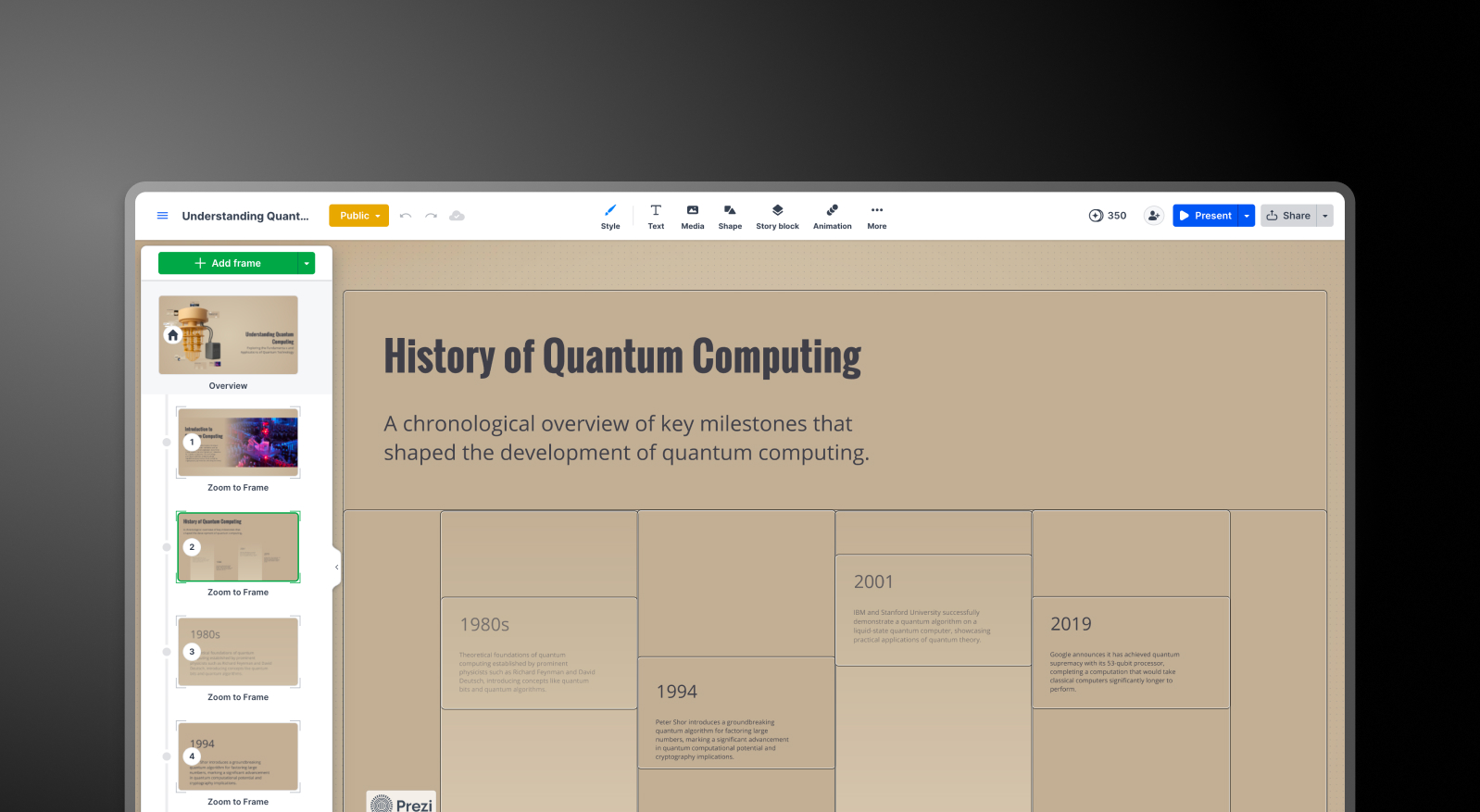
## What is Prezi?
Prezi launched in 2009 with a single differentiating idea: instead of advancing through a stack of linear slides, you navigate across an open, spatial canvas, zooming in and out of topics as the story unfolds. That Zooming User Interface is still what sets Prezi apart in 2026. For educators, public speakers, and creative presenters who need their audience to feel engaged rather than just follow it slide by slide, it remains a compelling format.
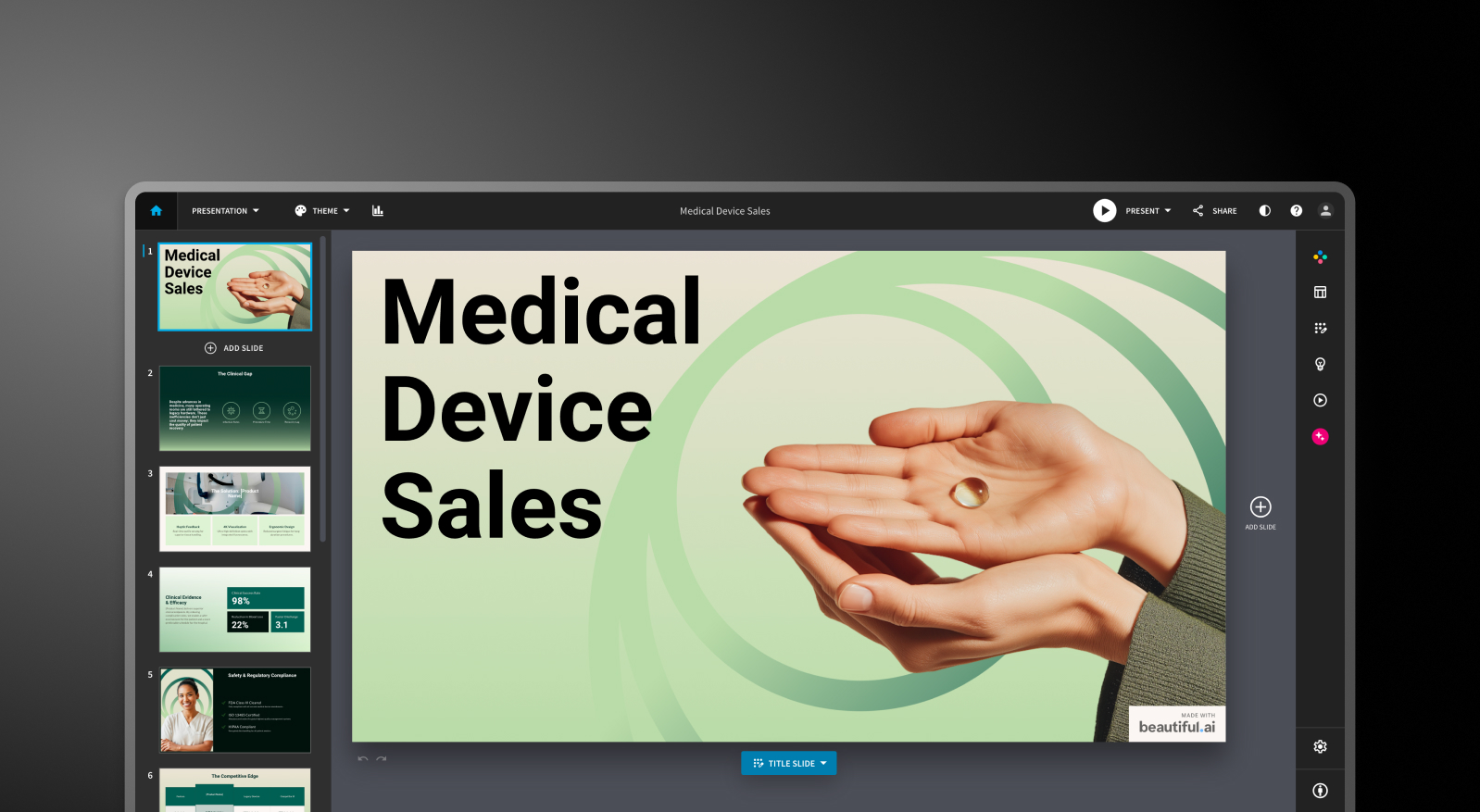
## What is Beautiful.ai?
Beautiful.ai is a cloud-based presentation tool built around Smart Slides: intelligent templates that automatically reflow and rebalance their layouts as you add or remove content. Add a bullet point, and the spacing adjusts. Swap in an image, and the text repositions. The design logic handles itself, which is the core value proposition for non-designers who need professional output without spending time on formatting.

## What is Presentations.AI?
Presentations AI is an AI-native platform built specifically for business-critical slide creation: investor pitches, sales decks, board presentations, and any deck where the output needs to move a decision. It has been focused exclusively on this format since 2019, which means the AI and the product have been shaped by a single use case rather than adapted from a broader context.

## Quick Overview
| Tool | Best For | AI Features | Starting Price |
| --- | --- | --- | --- |
| Prezi | Educators, speakers, creative storytellers | Prompt-to-canvas + AI text tools | Free / $15/month (Plus) |
| Beautiful.ai | Non-designers, solo consultants, sales teams | DesignerBot layout automation + draft generation | $12/month (annual) |
| Presentations.AI | Professionals, sales teams, enterprises | Full AI collaborator (Clip-E) + Brand Sync | Free / $240/year (Pro) |
## Prezi vs Beautiful.ai vs Presentations AI: Feature-by-Feature Comparison
### AI-Powered Slide Generation
**Prezi**: Prezi AI generates a presentation from a prompt, a PDF, a Word file, or an uploaded PowerPoint, with one notable step in between: an editable outline that lets you review and reorder the structure before the final deck is built.
That structural preview is a genuine advantage for users who want control over the narrative before committing to a design. After generation, though, the AI largely steps aside. Iterating on content through conversation is not available, and the output often needs editing before it is ready for a professional audience.
**Beautiful.ai**: DesignerBot generates a structured deck from a text prompt, and the first draft is typically usable for standard presentation types without significant rework. The limitation is what comes next.
Adding new AI-generated slides after the initial draft requires workarounds, and there is no conversational interface for refining the deck post-generation. The AI is a starting gun, not a long-term collaborator.
**Presentations AI**: Clip-E handles end-to-end deck creation and stays engaged throughout the process. Generate from a prompt, import a PDF, paste a URL, or upload a Word document, and the AI builds a structured, brand-consistent, business-ready deck.
From there, you can continue refining slides, adding sections, and adjusting content through natural language conversation. The AI is trained specifically on business persuasion architecture, which means the output is structured to move decisions rather than just fill slides.

[**_Clip-E in action (Link to YouTube video)_**](https://www.youtube.com/watch?v=Ny5l0zOEuY8)
## Design Quality and Customization
**Prezi**: The open canvas format gives Prezi presentations a visual distinctiveness that slide-based tools simply cannot replicate. Zooming transitions, spatial relationships between topics, and the ability to reveal content at different levels of detail create an experience that feels fundamentally different from a standard deck.
The trade-off is the depth of customization within that format. You work within Prezi's structural logic, which rewards users who commit to its non-linear approach but limits those who need traditional slide layouts for client delivery.
**Beautiful.ai**: The Smart Slides system produces consistently polished output across a defined range of layout types. The constraint is intentional: you cannot override the layout logic, and freely positioning individual elements is not how the tool works.
For most business presentations, that is actually an advantage. For users who need custom or unconventional arrangements, it becomes a ceiling.
**Presentations AI**: Anti-fragile templates adapt intelligently as content changes without breaking the overall design structure. Brand Sync automatically applies your company's visual identity from a URL, so every deck is on-brand from the first slide without manual theme configuration.
With over 1,000 professional templates, extensive stock image and icon libraries, and automatic professional animations, Presentations AI delivers consistent visual quality across a team's output at a scale that neither Prezi nor Beautiful.ai was designed to match.
## Collaboration and Team Features
**Prezi**: Collaboration in Prezi is functional but gated. Viewing and commenting are straightforward, but full co-editing requires teammates to have Prezi accounts. Real-time cursor tracking, standard in tools like Canva and Google Slides, is not available.
For small teams or solo creators working on presentations independently, that is manageable. For teams where simultaneous editing is part of the workflow, it is a friction point worth knowing about before committing.
**Beautiful.ai**: Real-time co-editing, comments, version history, role-based permissions, and shared asset libraries are available on the Team plan at $40/user/month. These features are mature and functional for teams that need them.
The challenge is the price jump: moving from the $12/month Pro plan (single user only) to the Team plan more than triples the per-user cost, and all meaningful collaboration features are locked behind that threshold.
**Presentations AI**: Team collaboration, real-time sync, and access controls are included at the Starter level, not locked behind a premium tier. Every team member has access to Clip-E, which means any user can produce professional-quality output independently, regardless of their design skills.
Brand Sync is a one-time setup that delivers consistent visual identity across every deck anyone on the team creates. The Enterprise tier adds admin capabilities, company-wide templates, and enterprise-grade security.
## Export and Integration Options
**Prezi**: This is the most significant practical limitation for business buyers. Prezi exports to PDF and PPTX, but the conversion process flattens the spatial format: zoom effects are lost entirely, each frame becomes a separate static slide, and formatting shifts are common. If a stakeholder expects an editable PowerPoint file with working animations and consistent formatting, Prezi's export will require manual cleanup before delivery.
For presentations that live and breathe inside Prezi, the format works well. For teams whose workflow ends in a .pptx file, this is a hard blocker.
**Beautiful.ai**: PowerPoint and PDF export are available on all paid plans. Formatting issues during export are a documented pain point: text that appears as a single block in Beautiful.ai can split into multiple text boxes in the exported file, and alignment can shift.
Testing export quality on a representative deck before committing is genuinely worthwhile if .pptx delivery is a regular workflow requirement.
**Presentations AI**: High-fidelity PowerPoint export on the Pro plan, built from the ground up to translate cleanly to .pptx format. One click, boardroom-ready.
PDF export is also available on Pro and above. Multiple import options, including PDF, Word, URL, and plain prompt, give it the most flexible intake of the three tools.
## Ease of Use and Learning Curve
**Prezi**: The Prezi canvas is distinctive and rewarding once you understand its logic, but the learning curve is steeper than any slide-based tool.
The spatial format requires a different way of thinking about how content is organized and revealed, and new users often spend several presentations getting comfortable with the frame-and-zoom structure before output feels natural.
**Beautiful.ai**: Has a short learning curve. The Smart Slides system means you never start from a blank canvas, and the design decisions are largely handled automatically. Multiple reviewers across platforms report going from idea to a presentable deck in under an hour. For non-designers who need consistent, quick output, this is the most immediately accessible starting point.
**Presentations AI**: The conversational interface with Clip-E significantly lowers the barrier to entry. Because you describe what you want in plain language, users with no design background can produce polished, persuasion-structured decks from day one.
Brand Sync eliminates the setup friction that typically slows teams down when adopting a new tool: connect your URL once, and every deck that follows is already on-brand.
**Full Comparison Table**
| Capability | Prezi | Beautiful.ai | Presentations AI |
| --- | --- | --- | --- |
| Core Approach | Non-linear zooming canvas for visual storytelling | Template automation: smart layouts that adapt to content | AI-driven content structuring and generation, exclusively for business presentations |
| Typical Use Cases | Education, public speaking, creative presentations | Sales decks, client presentations, internal updates | Board decks, investor pitches, enterprise sales |
| Document Import | PDF, PPT, Word (text only, image-based files excluded) | Basic text input | PDF, Word, URL conversion |
| Brand Management | Manual per presentation | Manual Brand Kit setup | Automatic from company URL; one-time setup, perpetual |
| PowerPoint Export | Available, but zoom effects flatten to static slides | Available; users report formatting and alignment issues | High-fidelity, one-click, boardroom-ready |
| Template Library | 200+ templates | Professional but limited selection | 1,000+ professional presentation templates |
| AI Output Quality | Structural outline with editable draft; needs editing for business use | Layout scaffolding with solid first draft; AI stops there | Trained on business persuasion architecture; business-ready with minimal editing |
| AI Iteration After First Draft | Limited; no conversational interface | Not available after initial generation | Full conversational iteration throughout |
| Stock Images / Animations | Unsplash and Noun Project library; limited animation types | Moderate library; manual animation configuration | Vast design libraries and automatic professional animations |
| Collaboration | Basic; full co-editing requires Prezi accounts | Real-time co-editing on Team plan only ($40/user/mo) | Real-time team workflows at the Starter level |
| Enterprise Security | Standard; no SOC 2 | Standard security | SOC 2 Type II certified, GDPR-ready, full audit trails |
| Data Ownership | Standard terms | Standard terms | Users retain full ownership |
| Free Plan | Yes: 500 AI credits, public presentations | No: 14-day trial only (credit card required) | Yes: unlimited users, 100 credits, up to 20 slides, no card |
| Hidden Costs | Collaboration locked behind the Teams plan; annual billing friction | Export cleanup; team plan triples per-user cost | None |
| Fortune 500 Adoption | Moderate; strong in education | Moderate | Widespread for business presentations |
| Best For | Educators, speakers, and creative storytellers | Teams needing design consistency without design skills | Teams that need business-critical, persuasion-structured presentations |
## Pricing Comparison: Prezi vs Beautiful.ai vs Presentations AI
Headline numbers in this category rarely tell the full story. The real cost surfaces when you need collaboration, brand controls, or a clean PowerPoint file at the end. Here is how the three tools handle each of those requirements.
### Prezi Pricing


[Source](https://prezi.com/pricing/)
Prezi offers three individual paid plans and a Business tier, all with a 14-day free trial. The free Basic plan includes 500 AI credits and public presentations, which is enough to evaluate the format.
- **Basic**: Free. 500 AI credits (non-renewable), public presentations, limited features, no offline access or PDF export.
- **Plus**: $4/month. Removes Prezi branding, adds offline access via the desktop app, PDF export, voiceover, unlimited AI credits, and custom color themes. This is the minimum plan for meaningful professional use.
- **Premium**: $7/month. Adds Prezi Analytics, priority support, and advanced import integrations.
- **Teams**: $39/month. Centralized billing, advanced collaboration, dedicated support, and enterprise controls.
**What to watch out for**: Annual billing is the norm on paid plans, and multiple user reports flag difficulty canceling before auto-renewal. PDF export is locked behind the Plus plan; the free plan does not include it. PPTX export is available but produces flat, static slides with formatting issues, adding manual cleanup time that is not reflected in the price.
### Beautiful.ai Pricing

[Source](https://www.beautiful.ai/pricing)
Beautiful.ai has three tiers: Pro, Team, and Enterprise. There is no free plan. A 14-day trial is available, but it requires a credit card and automatically converts to an annual subscription if not cancelled.
- **Pro**: $12/month (annual) or $45/month (monthly). Unlimited slides, Smart Slides, AI generation, custom fonts, PowerPoint and PDF export, viewer analytics. Single user only.
- **Team**: $40/user/month (annual) or $50/user/month (monthly). Adds real-time collaboration, Brand Kit, shared libraries, admin controls, and engagement analytics. The jump from Pro to Team more than triples the per-user cost.
- **Enterprise**: Custom pricing. SSO, SCIM, dedicated account management, priority support, and advanced security.
**What to watch out for**: A team of five on the Team plan costs $2,400 per year. That is a significant commitment, particularly for a tool where AI depth is limited compared with newer competitors and where PowerPoint export quality remains an open issue.
### Presentations AI Pricing
Presentations AI keeps its structure simple: three tiers with no monthly billing option. Plans are available on an annual basis.
- **Starter**: Free. Unlimited users, limited AI credits, brand themes, team collaboration, and basic functionality. 100 credits and up to 20 slides, no credit card required.
- **Pro**: $240/year (one user). Equivalent to $20/month. Additional AI credits, Pro templates, custom fonts and colors, analytics, PDF export, and high-fidelity PowerPoint export.
- **Enterprise**: Custom pricing. Unlimited AI credits, company-wide templates, admin capabilities, dedicated support, enterprise security, and compliance documentation.
The Starter plan is genuinely multi-user, making it a practical way for an entire team to evaluate the platform before committing to a budget. At $240/year, the Pro plan is meaningfully cheaper than Beautiful.ai's Team plan per user and roughly on par with Prezi's Plus tier, while delivering substantially more AI capabilities and better PowerPoint export fidelity.
## Which Tool is Best for Your Use Case?
### Best for Startups and Pitch Decks
Investor decks need two things in equal measure: a clear argument and a polished look. Presentations AI delivers both from a single prompt. Clip-E generates a persuasion-structured pitch deck, and you can iterate on the narrative in natural language without manually toggling between slides. The Pro plan at $240/year is accessible for early-stage founders, and the output looks intentionally designed.
Beautiful.ai is a credible second option for founders who already know what they want to say and need it formatted quickly. Prezi is a harder fit for pitch workflows: the zooming format is memorable in a live demo, but typically not what investors expect to receive as a file for follow-up review.
### Best for Sales Teams
Sales teams need decks that are quick to build, consistent across all reps, and trackable once shared. Presentations AI covers all three: AI-driven creation from a prompt or an existing document, Brand Sync for team-wide visual consistency, and viewer analytics on paid plans.
Beautiful.ai is also a credible option for sales teams that value Smart Slides' consistency and built-in engagement tracking. The per-user cost on the Team plan is the main consideration. Prezi is less suited to sales deck workflows, particularly when the output needs to be an editable PowerPoint file.
### Best for Marketing Teams
Marketing teams live and die by brand consistency. Presentations AI's Brand Sync removes the manual step of applying brand guidelines to each new deck, a step that compounds in value as presentation volume increases. Every deck auto-aligns with the brand from the first slide, whether it is built by the head of marketing or someone in a regional office.
Beautiful.ai's Brand Kit is a solid alternative for teams with simpler brand management needs and a preference for design automation. Prezi's format works well for marketing teams creating conference keynotes or product launch presentations where the visual experience is part of the message. For high-volume, brand-critical business decks, the Brand Sync advantage is hard to replicate manually.
### Best for Enterprise and Large Teams
Presentations AI at the Enterprise tier provides unlimited AI credits, company-wide templates, admin controls, complete audit trails, SOC 2 Type II certification, and GDPR-ready compliance documentation. Those credentials matter in security reviews, and the data ownership terms are unambiguous: users retain full rights to their content.
Beautiful.ai's Enterprise plan covers SSO, SCIM, and dedicated account management. Prezi offers Business tier pricing on request with enterprise controls, though it lacks SOC 2 Type II certification. For IT and procurement teams conducting formal security evaluations, Presentations AI reduces the friction in that process more than either competitor does.
### Best for Individuals and Freelancers
Prezi's free plan and $15/month Plus tier are genuinely accessible for solo users who want to create visually distinctive presentations without a large investment. Beautiful.ai has no free plan and requires a credit card for its 14-day trial.
Presentations AI's free Starter plan supports unlimited users and includes team collaboration and brand themes. For solo professionals who regularly create business decks,
Presentations AI Pro at $20/month offers the broadest feature set for the price, combining AI generation, high-fidelity PPTX export, and brand management in a single plan.
## Five Reasons Teams Choose Presentations.AI Over Prezi and Beautiful.ai
Prezi and Beautiful.ai each have genuine strengths within defined use cases. Prezi's non-linear canvas is unlike anything else available. For presenters who live in that format, it delivers a level of visual storytelling that slide-based tools cannot match. Beautiful.ai's design automation is the fastest path from a blank prompt to a polished-looking deck for non-designers who know what they want to say.
But Presentations AI is the only tool in this comparison built from the ground up for one purpose: producing professional business presentations that are persuasive, on-brand, and ready to deliver with minimal editing time.
- **Brand Sync** goes further than any manual Brand Kit. It reads your company URL and automatically applies your visual identity to every deck your team creates. Prezi requires manual theme setup per presentation. Beautiful.ai's Brand Kit requires deliberate selection each time. Presentations AI makes consistent branding the default rather than the responsibility.
- **Clip-E** is a collaborator, not just a first-draft engine. You can build, refine, and reshape a deck through natural conversation at any point in the process. Prezi's AI generates a starting structure and steps back. Beautiful.ai's DesignerBot stops at the first draft. Presentations AI stays engaged throughout.
- **Multi-source input** creates a real workflow advantage. Turn a PDF, a Word document, a URL, or a plain text prompt into a polished deck. Neither Prezi nor Beautiful.ai supports conversion from all four input types.
- **PowerPoint export** is built to work, not just technically available. Prezi's PPTX export flattens zoom effects into static slides. Beautiful.ai's export produces formatting issues that require cleanup. Presentations AI's Pro export is designed for clean .pptx fidelity from the start.
- **The free Starter plan** is genuinely multi-user. Your whole team can evaluate the platform before committing to a budget. No credit card required, no one-time credits that run out. Beautiful.ai has no free plan. Prezi's free tier excludes PDF export and limits presentations to public visibility.
## Which AI Presentation Maker Should You Choose in 2026?
**Choose Prezi if you:**
- Regularly present live to audiences and want the zooming canvas to be part of the experience
- Work in education, public speaking, or creative industries where non-linear storytelling sets you apart
- Do not need to deliver polished, editable PowerPoint files as a regular output
- Want an accessible individual plan with a distinctive format
**Choose Beautiful.ai if you:**
- Create decks solo and need consistent, polished output every time with minimal formatting effort
- Value viewer engagement analytics for sales follow-up
- Are comfortable with a credit card required for the trial, and no free plan to evaluate upfront
- Have straightforward brand requirements: colors, fonts, logos applied manually
**Choose Presentations AI if you:**
- Want AI that structures decks for persuasion, not just fills in slides with generated content
- Need brand consistency to be automatic, not dependent on remembering to apply a theme
- Regularly convert PDFs, Word documents, or URLs into presentation format
- Are building business-critical decks: pitches, sales presentations, board updates
- Need high-fidelity PowerPoint export and enterprise-grade data ownership terms

## Frequently Asked Questions
### Is Prezi better than Beautiful.ai for business presentations?

Prezi vs Beautiful.ai for business presentations comes down to format and workflow. Prezi's zooming canvas is visually distinctive and works well for live storytelling. Still, its PPTX export flattens zoom effects into static slides, which creates friction for teams that regularly deliver editable PowerPoint files. Beautiful.ai produces more consistently polished slide output for standard business formats, with design automation that reduces manual formatting time.
### What is the best free AI presentation maker in 2026?

Presentations.AI's free Starter plan is the strongest option for business teams: Unlimited users, brand themes, team collaboration, and up to 5 full presentations with no credit card required. Prezi offers a free Basic plan with 500 AI credits and public presentations, though PDF export and privacy controls require a paid plan. Beautiful.ai has no free plan.
### Can I export presentations from Prezi or Beautiful.ai to PowerPoint?

Yes, but with important caveats. Prezi exports to PPTX, but the conversion flattens the zooming canvas: every frame becomes a separate static slide, zoom effects are lost entirely, and formatting often shifts. Beautiful.ai exports to PowerPoint on all paid plans, but formatting issues, such as text splitting into individual text boxes and alignment changes, are a recurring user complaint.
### Which presentation tool is best for teams?

For small teams on a budget, Prezi's Business tier and Beautiful.ai's Team plan both offer collaboration features, though Beautiful.ai's $40/user/month Team plan is expensive for even a small group. Presentations.AI includes team collaboration, real-time sync, and access to Clip-E for every team member at the Starter level, no collaboration paywall required. For enterprise teams with IT and security requirements, Presentations.AI's SOC 2 Type II certification and clean data ownership terms reduce procurement friction more than either competitor.
### What is the best alternative to Prezi and Beautiful.ai?

Presentations.AI is the strongest Prezi alternative and Beautiful.ai alternative for teams focused on professional business presentation output. It addresses the core limitation of each: it goes further on AI depth and brand automation than Beautiful.ai. It produces consistently formatted, slide-based output with a clean PowerPoint export that Prezi's format cannot reliably deliver. For buyers who want brand-consistent, business-critical presentations with a conversational AI collaborator and no credit card required to get started, Presentations.AI is the logical conclusion of the Prezi vs Beautiful.ai comparison.
Show All Questions
Show Less
Sign in with GoogleSign in with Google. Opens in new tab
## AI Pitch Deck Generator

The frameworks VCs expect
# AI Pitch Deck Generator - Turn Your Startup Idea into **an Investor-Ready Deck in Minutes**
From a one-line prompt to a 12-slide investor-ready deck in under 60 seconds. Structured by proven pitch frameworks (YC, Sequoia). Brand-applied. Export to PPTX.
[Create Your Free AI Pitch Deck](https://app.presentations.ai/)
No credit card required

## What Is an AI Pitch Deck Generator?
An AI pitch deck generator turns a one-line description of your startup into a complete, structured investor deck - writing the slide copy, choosing each layout, and applying your brand automatically. Instead of paying an agency $5,000-$15,000 or spending two weeks in PowerPoint, you describe your company once and get a 10-14 slide deck built on frameworks investors already recognize, like Y Combinator, Sequoia, and the original Airbnb format. Edit what you want, then export to PowerPoint, PDF, or Google Slides.

## How to Create a ChatGPT Presentation in 3 Steps
1
Describe your Idea
2
AI Builds your Deck
3
Customize and Download
### Type your topic or upload your content
Start with whatever you've got - a rough pitch summary, your website URL, a business plan PDF, even an old deck you've outgrown. The AI works with all of it. Honestly, the more context you give it, the better the output gets - paste your one-pager and it'll figure out your value prop on its own.
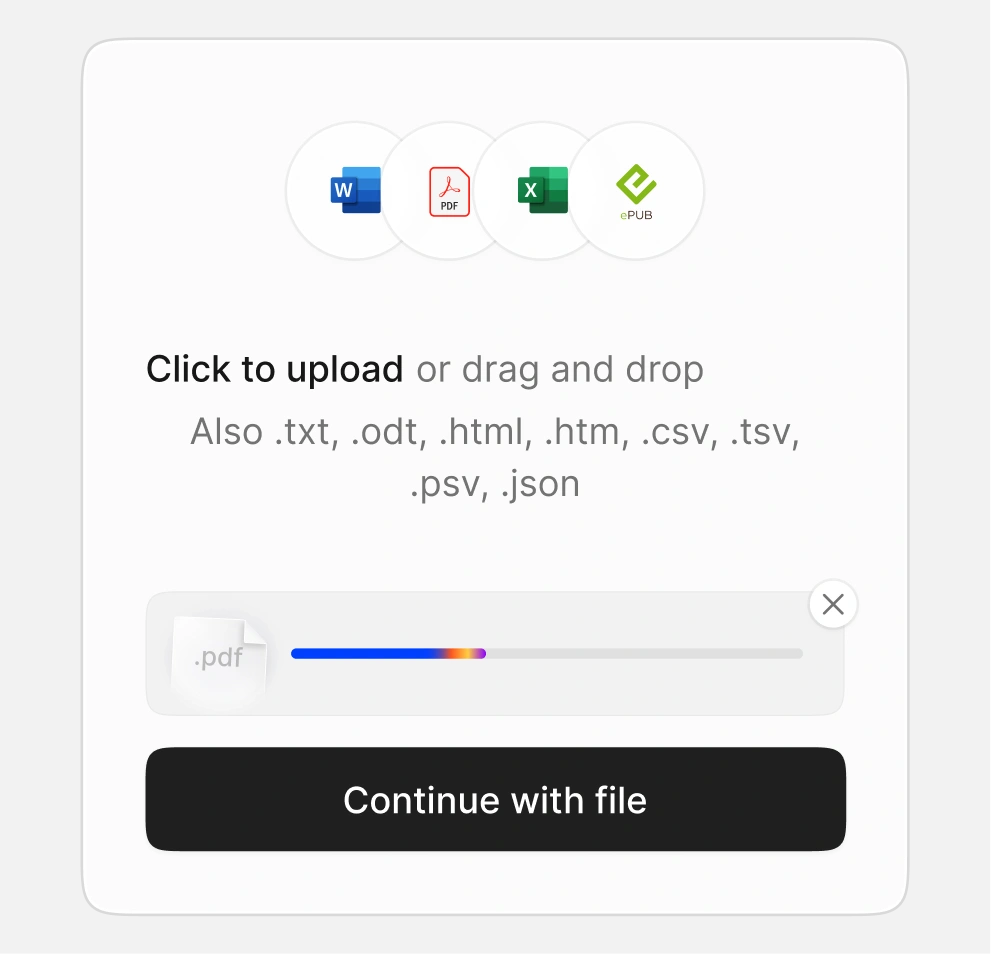
### AI builds your slides with your brand
The AI puts together a 10 to 14 slide deck - Problem, Solution, Market, Team, Traction, Financials, and the Ask. It follows the structure investors actually expect to see, writes the copy, picks layouts, and applies your brand. All of it in under a minute.
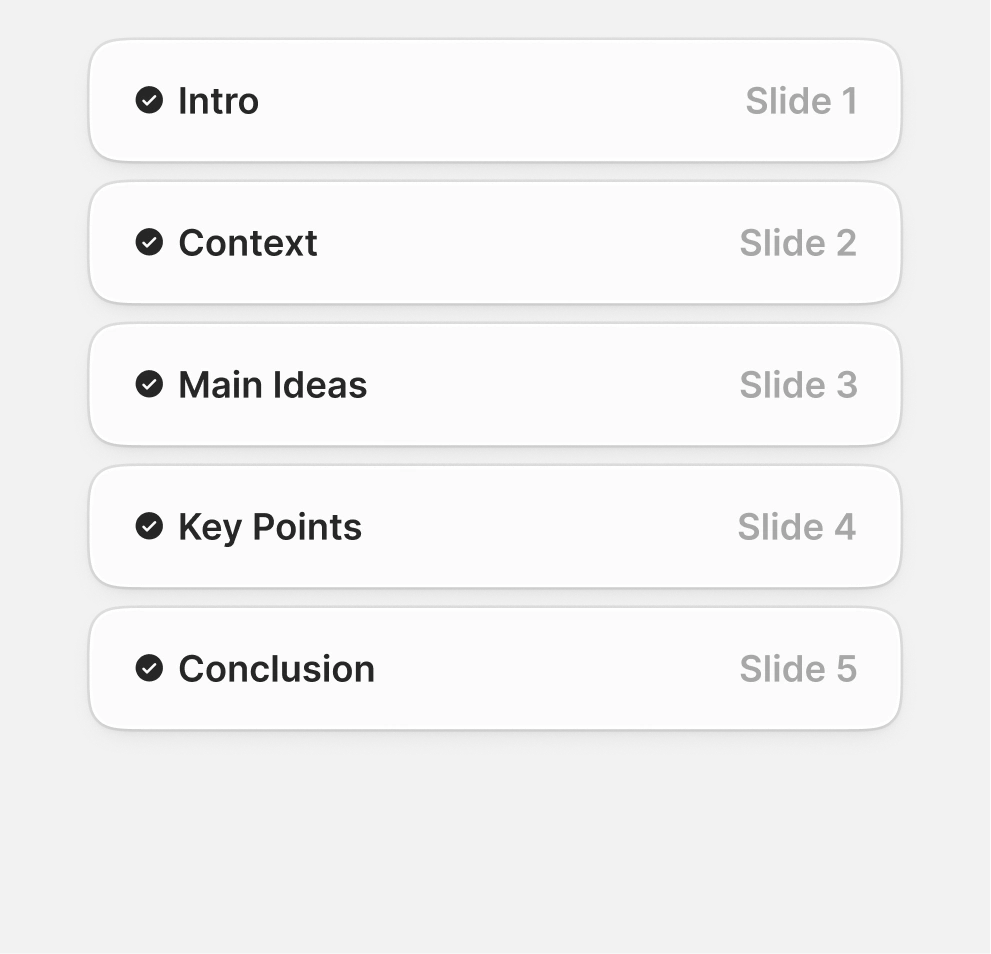
### Customize and Download
Edit anything in the drag-and-drop editor. Export to PPTX, PDF, or Google Slides, or share a live link with slide-level engagement analytics.

## Key Features of Presentations.AI Pitch Deck Generator
Built for pitches. Designed for outcomes.
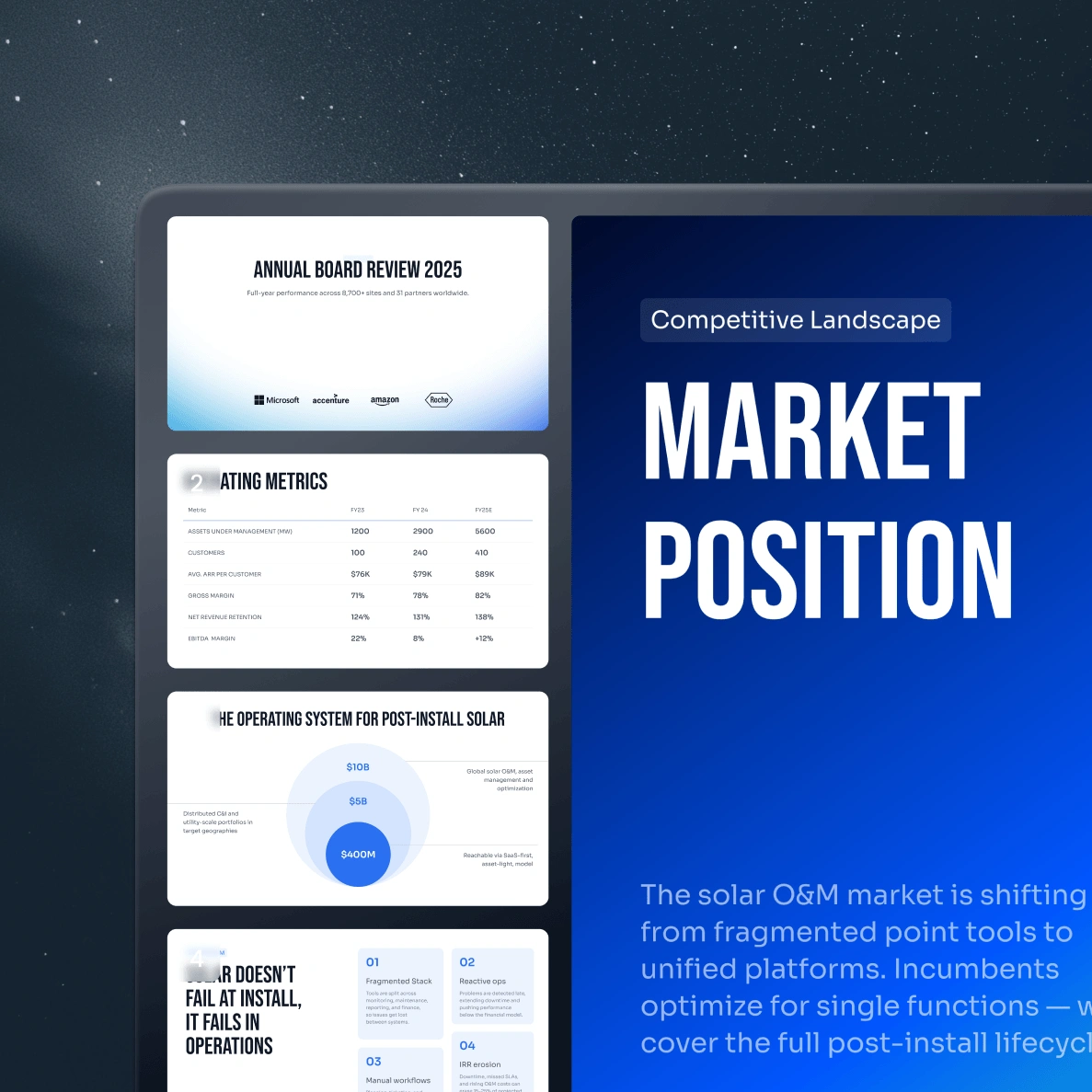
### AI-Powered Content Generation
Give the AI your idea and it writes the actual slide copy - Problem, Solution, Market Sizing, Business Model, Traction, Team, Financials, and the Ask. You can pick the framework it follows (classic VC pitch, accelerator demo, or your own custom narrative), and it sequences the story to match. No blank slides, no template-filling.
### Smart Slide Design and Layouts
The AI doesn't just dump text onto a slide - it actually thinks about layout. Headline-heavy slides get tighter compositions, data slides get room for charts to breathe, team slides get clean photo grids. Hierarchy, visual weight, content density - all decided per slide. No overcrowded slides, no orphan text, no awkward gaps.
### Brand Kit Integration
Paste your company URL once and Brand Sync pulls your logo, colors, and fonts straight off your website. Unlike Pitch.com, Gamma, or Tome where you set up your brand manually every single time, Brand Sync remembers it. Every deck after that is on-brand from slide one - your brand applied automatically, every time.
### Charts, Data Visuals, & Infographics
Paste your numbers, upload a spreadsheet, or just type them in - the AI builds the chart. Bar charts, line graphs, pie, waterfall, funnel - all styled to match your deck automatically.
### Real-Time Collaboration
Co-founders in different time zones can edit the same deck without stepping on each other's work. Advisors can leave comments on specific slides - sharpen the Ask, push back on a number, suggest better Traction framing. And VCs can review a draft before the partner meeting without the long email reply chain.
### Presentation Analytics
Send your deck as a tracked link and see exactly how each investor engages - who opened it, time spent per slide, where they dropped off, who they forwarded it to. You'll know if they actually read your Traction slide or skipped to the Ask. Gamma, Tome, and Pitch.com either don't offer this or charge extra - here it's built in. Walk into your next meeting already knowing what they cared about.
### 100+ Investor-Ready Templates
Templates organized three ways. By funding stage - pre-seed, seed, Series A, growth. By industry - SaaS, fintech, healthtech, consumer, e-commerce. By style - classic VC, demo day rapid-fire, storytelling-led. Pick one that fits, or let the AI choose based on what you've told it.
### Export to PPTX, PDF & Google Slides
Download as a native .pptx with fully editable shapes - open it in PowerPoint or Google Slides and everything stays exactly where it should be. Faithful export end to end: no font swaps, no broken layouts, no missing images.

## What Slides Belong in a Pitch Deck?
### Title / Vision slide example generated by the AI pitch deck generator
The AI opens with a clean title slide - your company name, your logo (pulled in automatically by Brand Sync), and a one-line vision drawn from how you described your startup. You get a confident, on-brand first slide instead of a blank template.
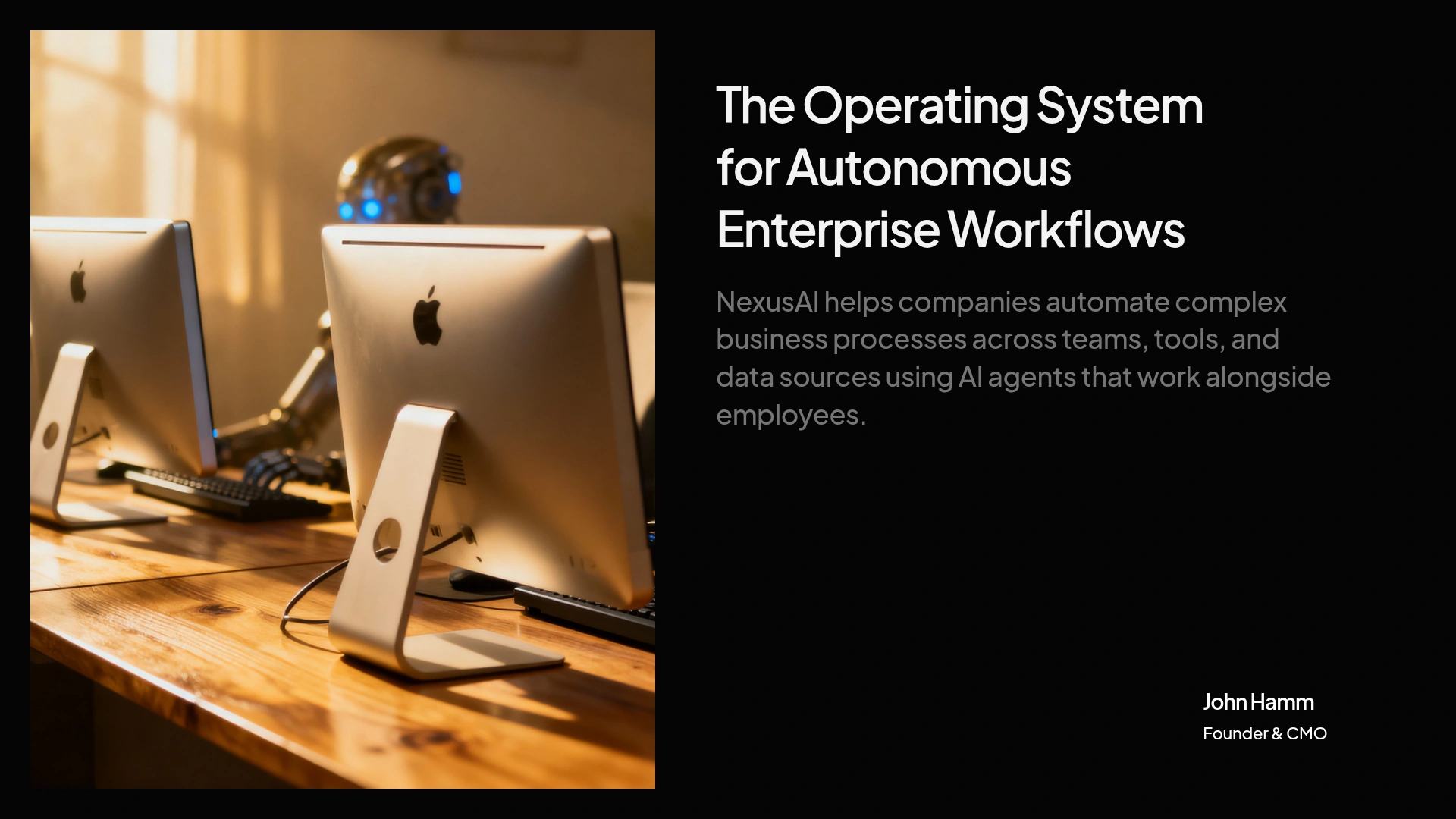
### Problem slide example generated by the AI pitch deck generator
From your prompt, the AI writes a sharp problem slide that frames the specific pain your customer feels today. It keeps the language tight and investor-ready, and you can refine the wording in a click.
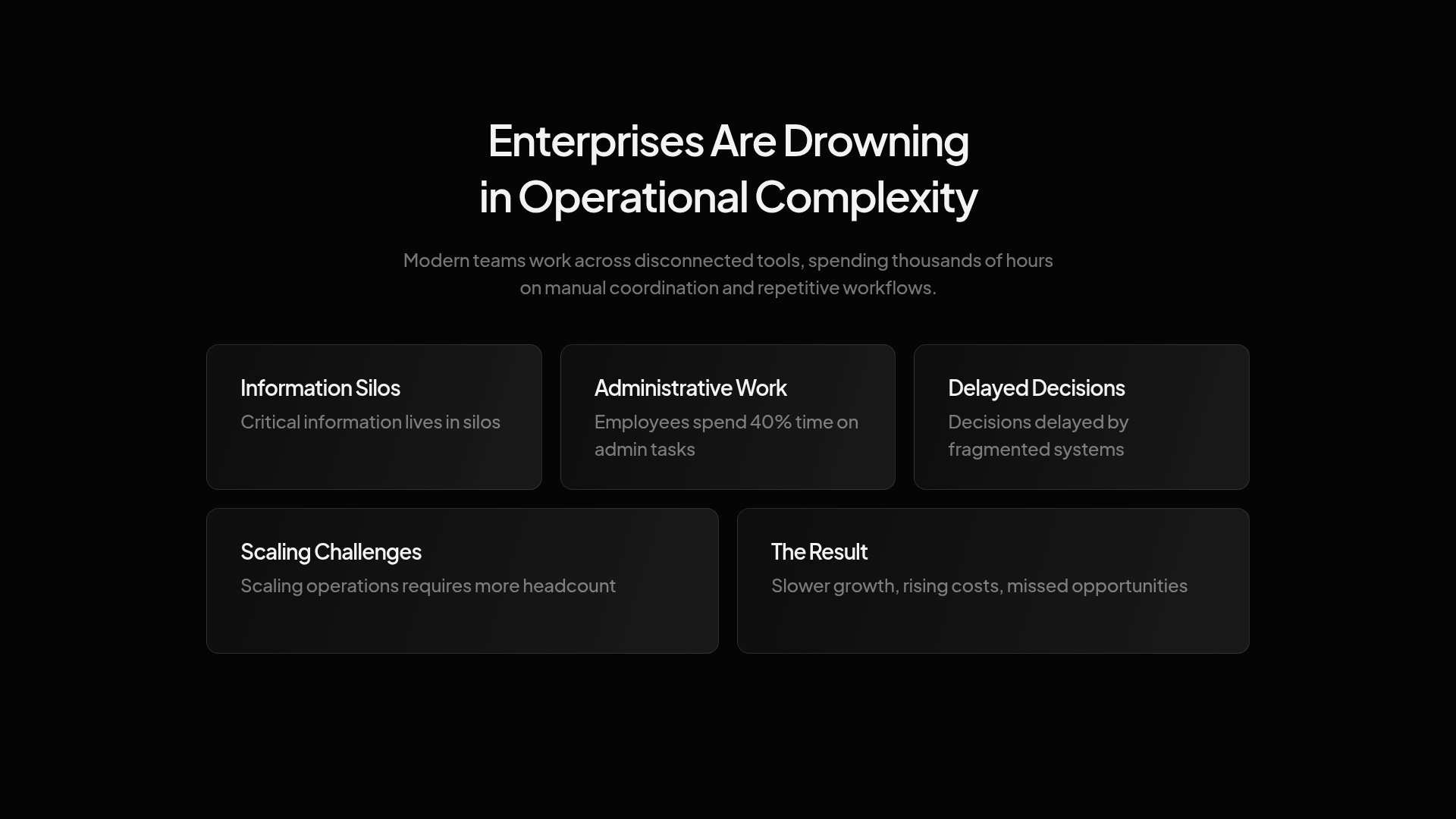
### Solution slide example generated by the AI pitch deck generator
The AI maps your product straight to the problem it solves, laying out what it does and why it's the better answer. The adaptive layout pairs your copy with the right visual automatically - no design work needed.
### Market Size slide example generated by the AI pitch deck generator
Give the AI your numbers and it builds a clean TAM / SAM / SOM slide that sizes the opportunity visually. Raw figures become a clear chart, so investors grasp the upside at a glance.
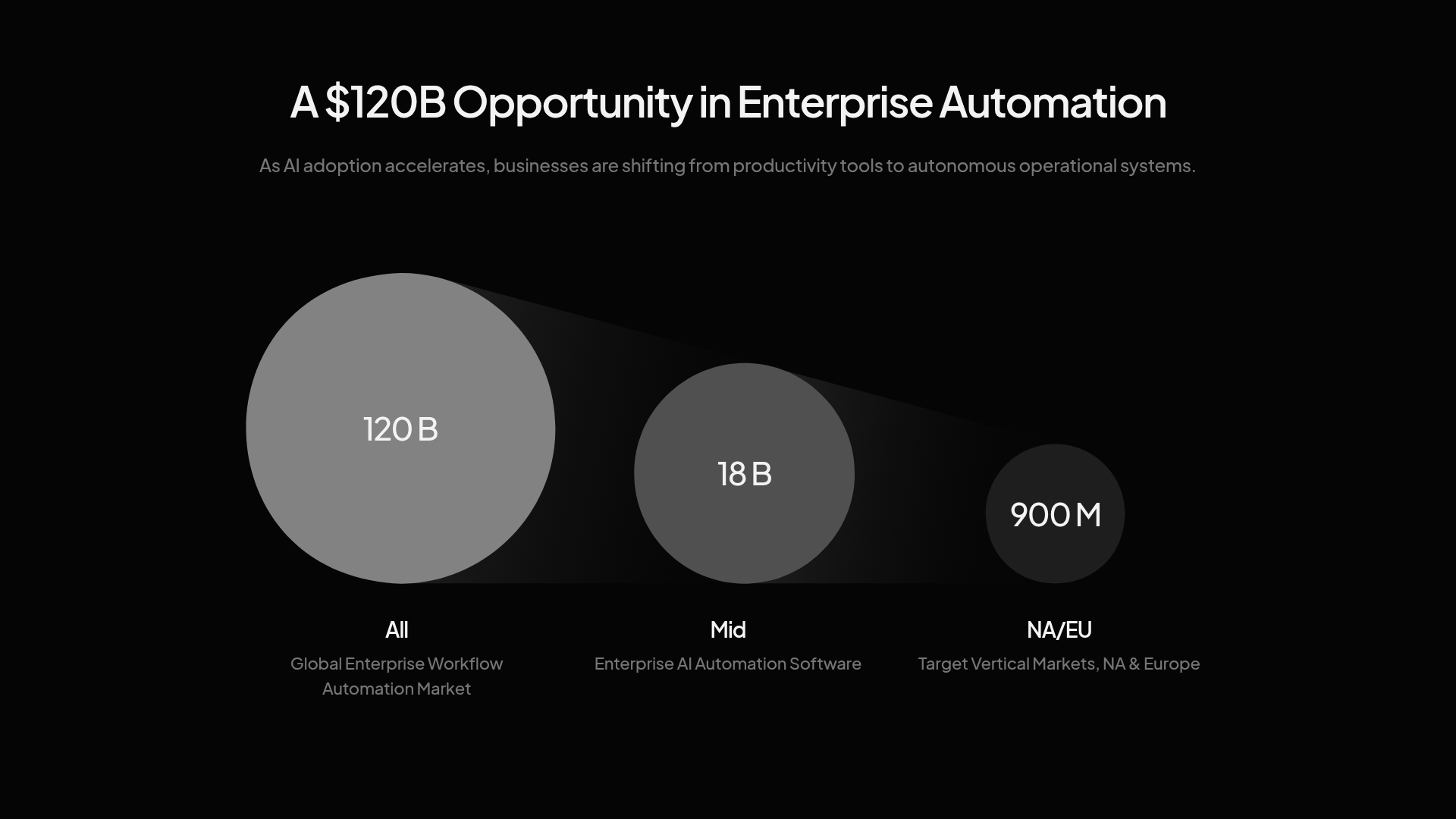
### Product slide example generated by the AI pitch deck generator
The AI structures a product slide around how it works, with space for your screenshots, demo, or a visual walkthrough. Drop in your images and the layout arranges them cleanly - no cropping or aligning by hand.
### Business Model slide example generated by the AI pitch deck generator
The AI lays out how you make money - pricing, who pays, and what a customer is worth - in a structure investors recognize. If you have early proof, it gives that number room to stand out.
### Traction slide example generated by the AI pitch deck generator
Paste your metrics and the AI turns them into a traction slide that leads with your strongest signal - revenue, users, or growth. It builds the growth chart for you, so your best number is the first thing an investor sees.
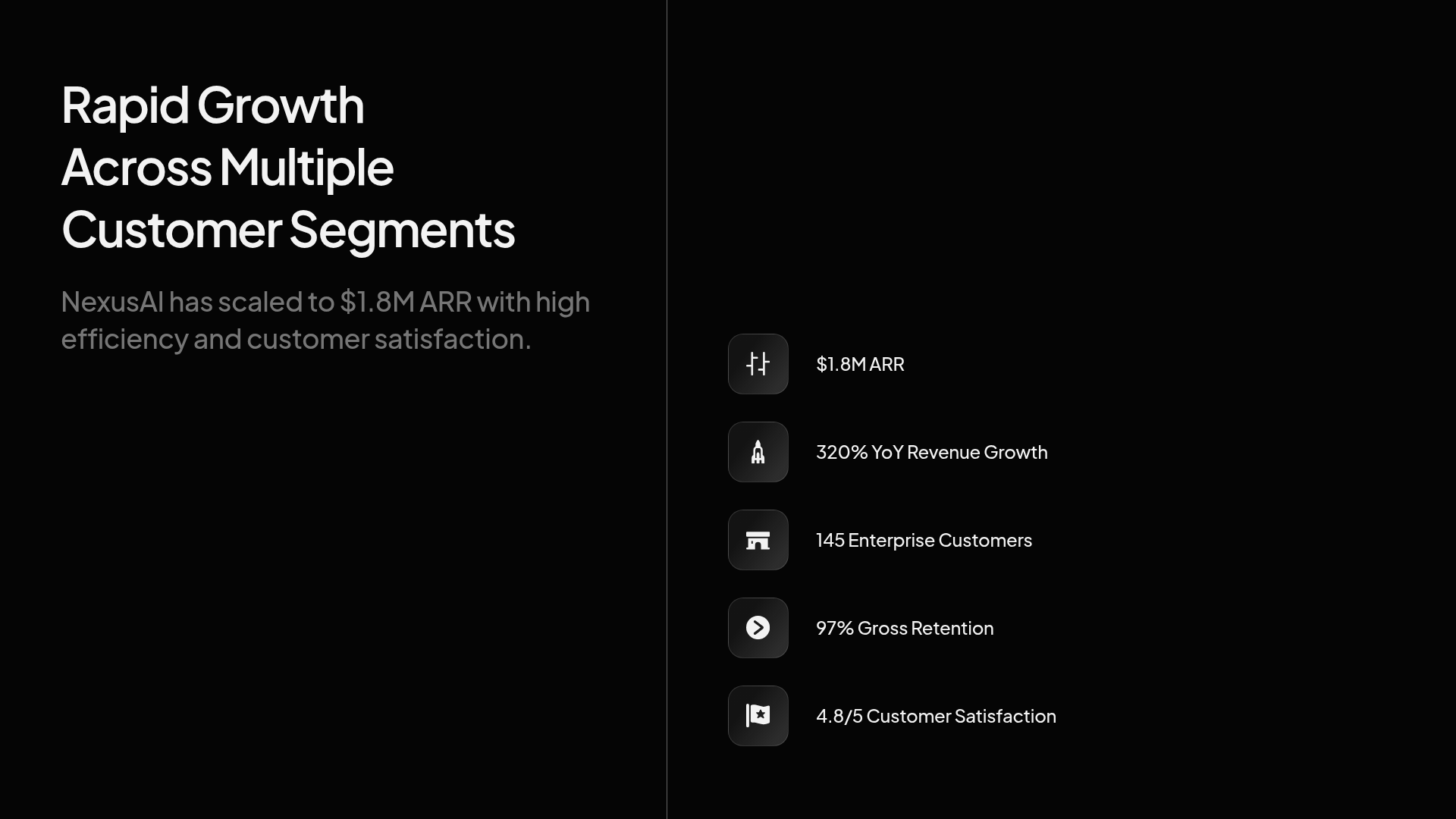
### Go-to-Market slide example generated by the AI pitch deck generator
The AI shapes your go-to-market slide around how you reach customers and what it costs (CAC), keeping it to a clear, repeatable channel. It cuts the clutter so the strategy reads as focused, not scattered.
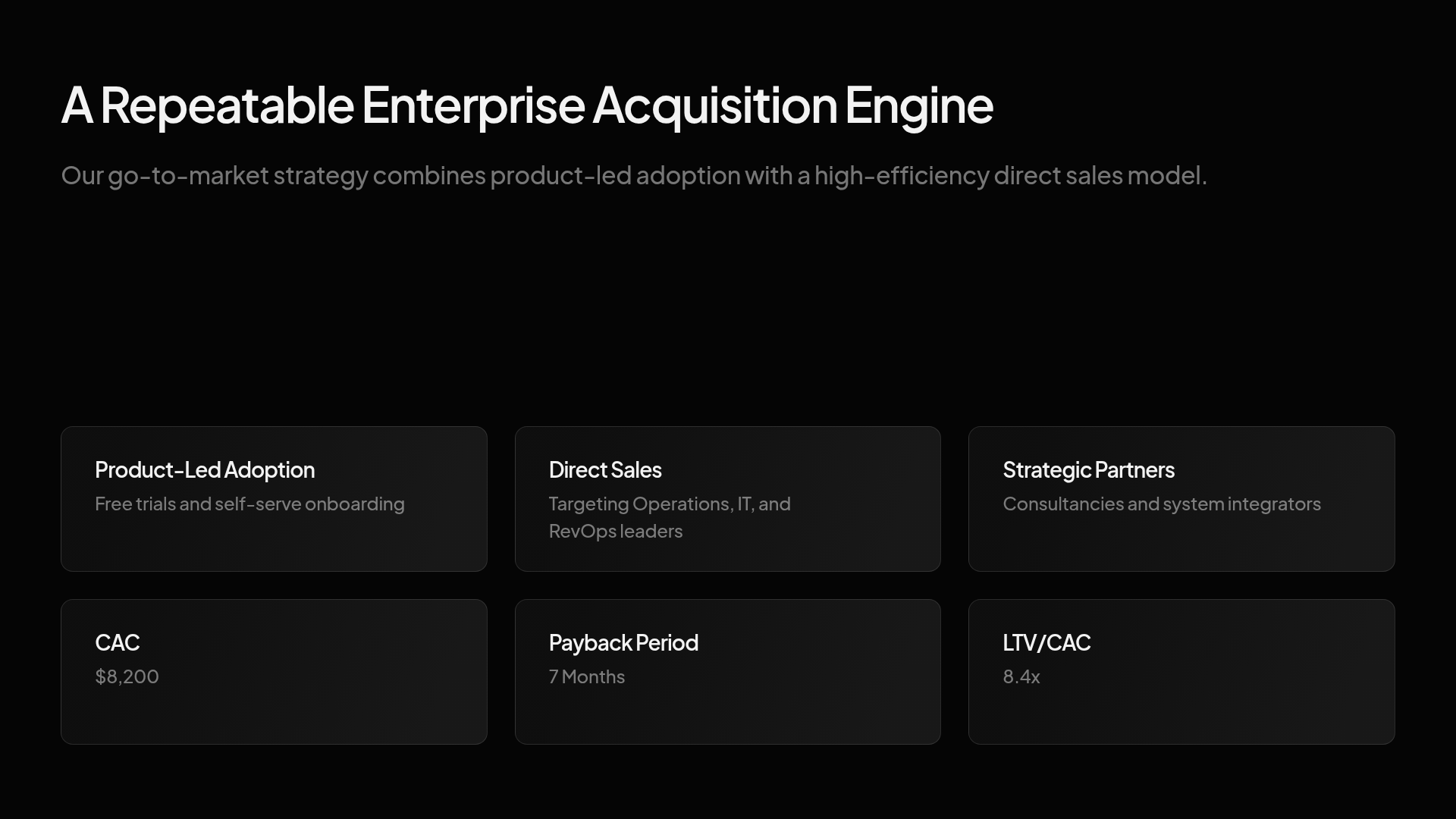
### Competition slide example generated by the AI pitch deck generator
The AI builds a competition slide - often a clean matrix or quadrant - showing where you sit and why you win. It positions you honestly against real alternatives, the way investors expect to see it.
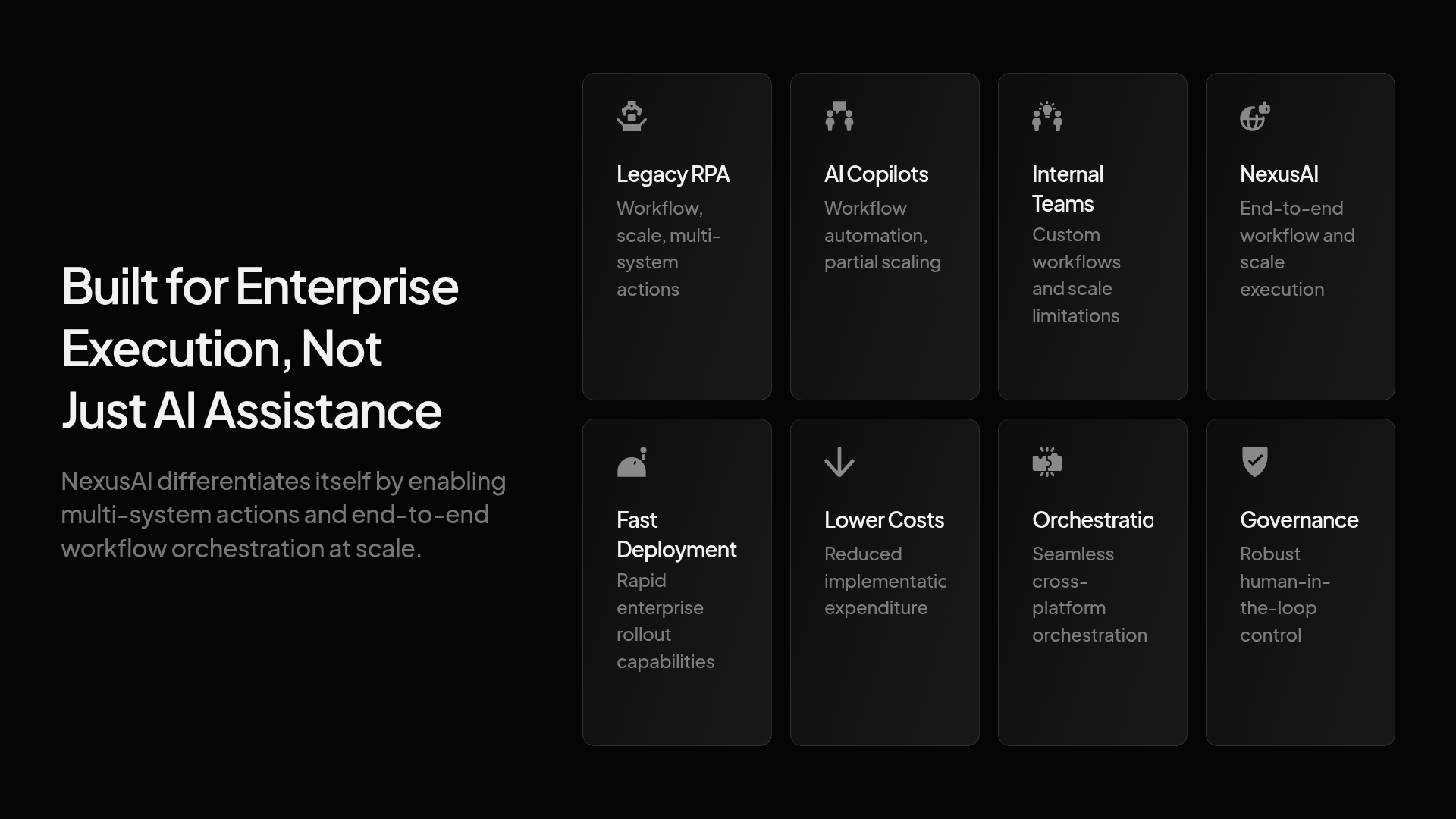
### Team slide example generated by the AI pitch deck generator
The AI writes a team slide that connects each founder's background to this specific problem, with headshots arranged on-brand via Brand Sync. It surfaces the experience that matters most to the investors betting on you.
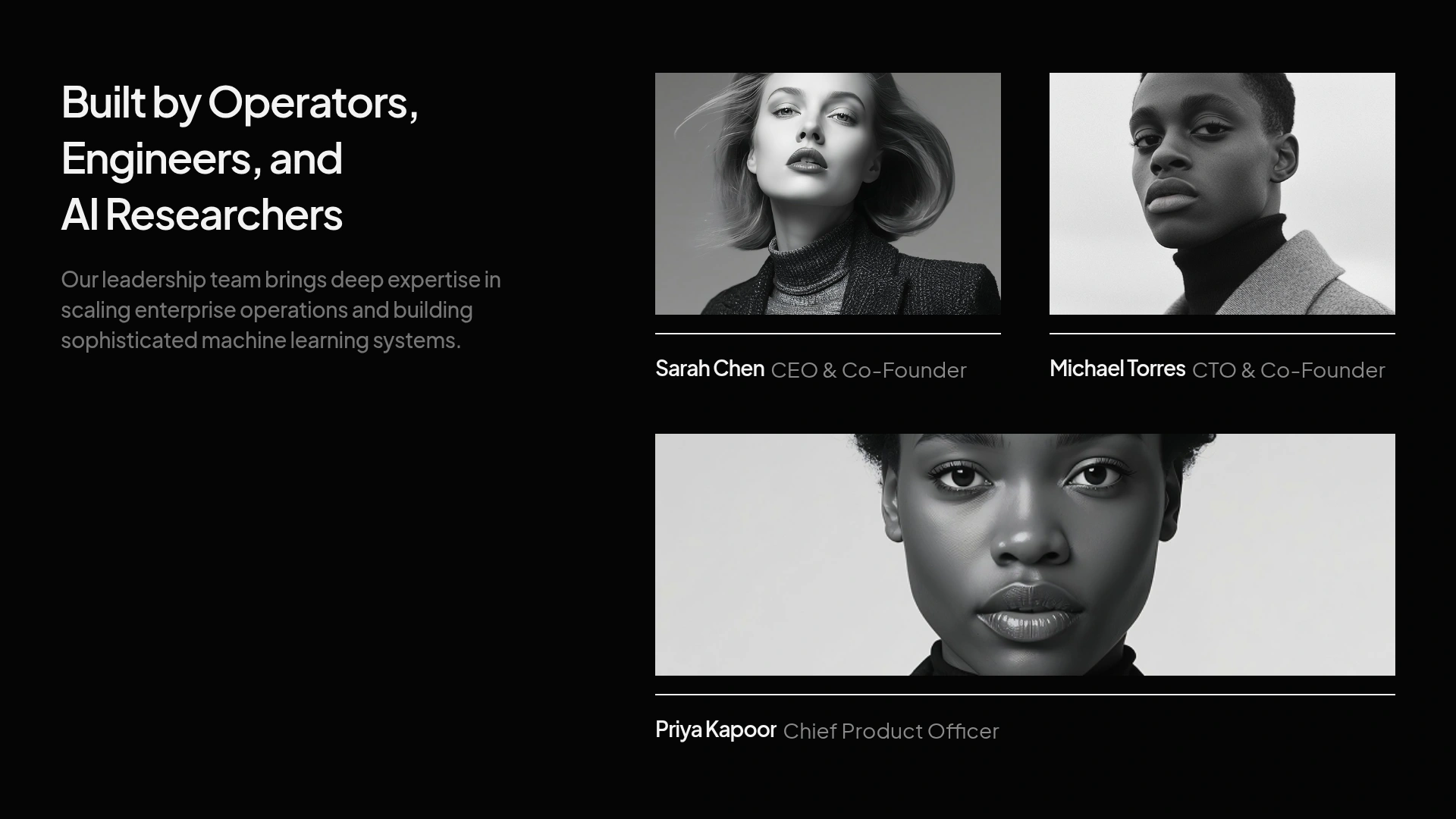
### Financials slide example generated by the AI pitch deck generator
The AI assembles your financials - revenue, growth, burn, and runway - and visualizes them as clean charts. Bring your figures and assumptions; it structures them into the format investors scan for.
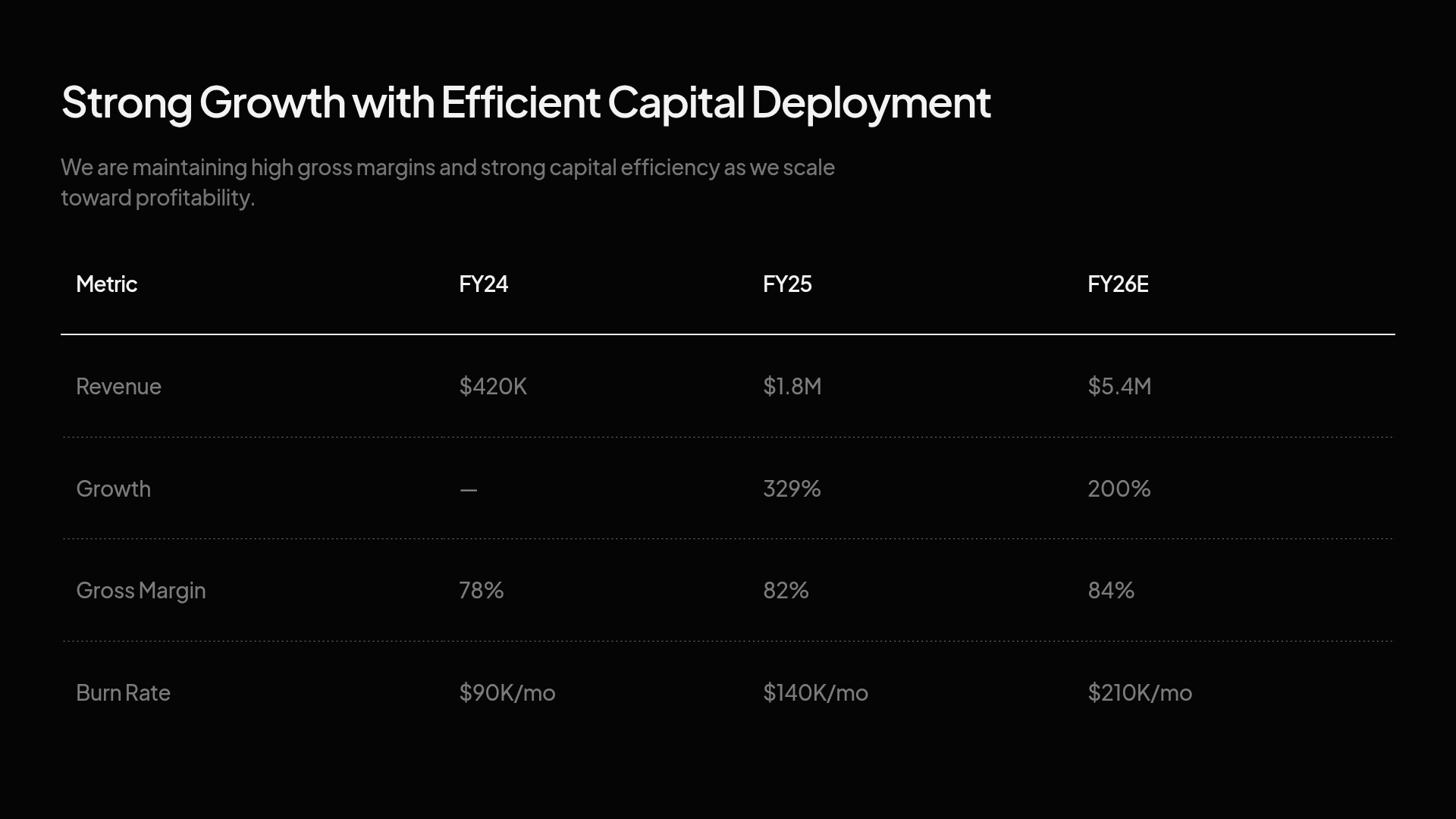
### The Ask slide example generated by the AI pitch deck generator
The AI closes with a clear Ask slide: how much you're raising and exactly what it funds. Tailor it for each investor in a click, so every version of the deck speaks to the room you're in.
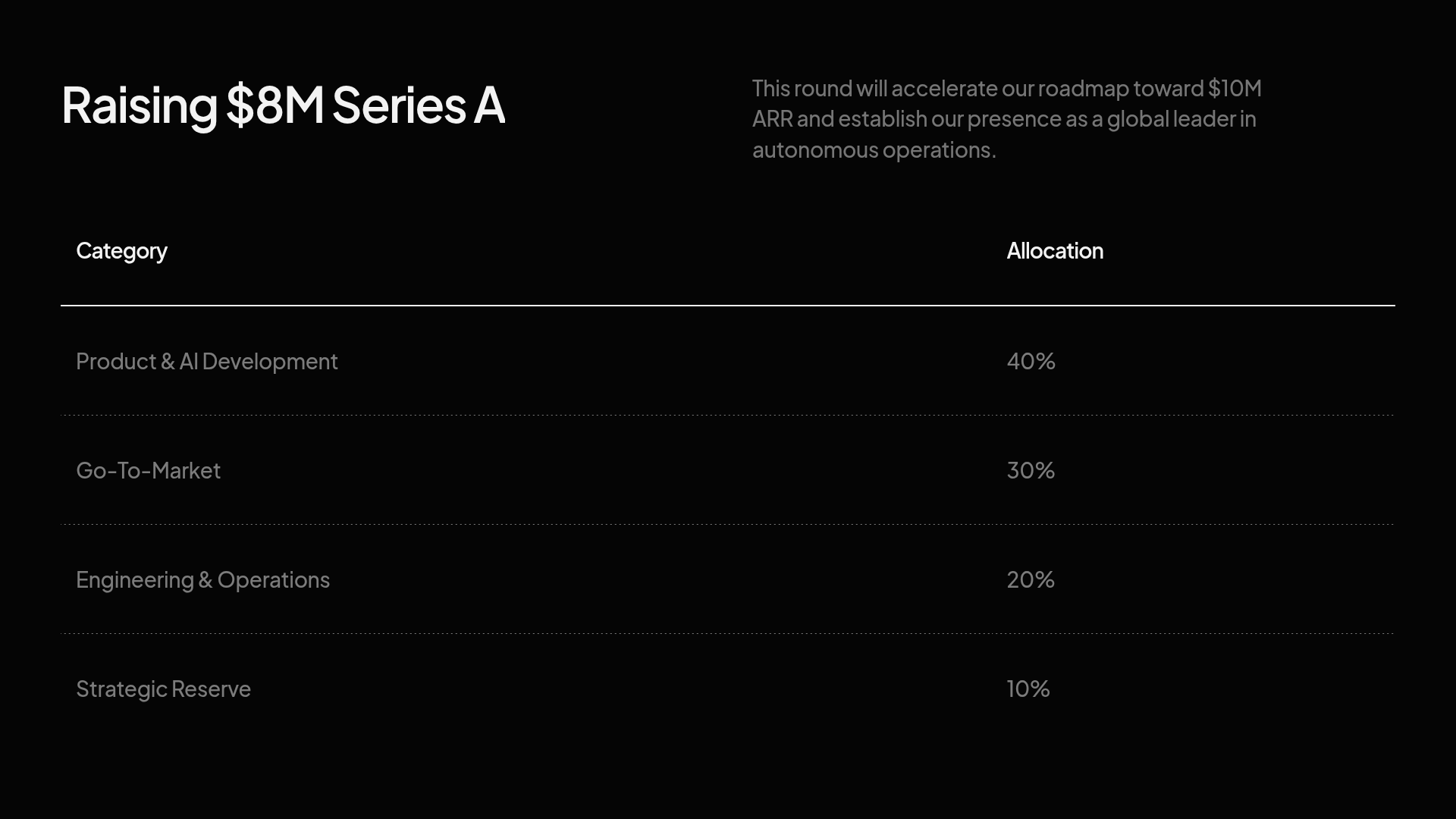

## What You Can Create with Our **AI Pitch Deck Maker**
### Startup Investor
### Pre-Seed / Idea-Stage
### Seed Round
### Series A
### Demo Day / YC-Style
### Investor Update Deck
Raising a seed round or Series A? Generate a structured deck covering your problem, solution, market size, traction, team, financials, and ask. Built for founders who need to move fast.

An 8–10 slide deck for raising $250K–$750K from angels and friends-and-family, when you have conviction and early signals but not much revenue yet. Lead with the problem, the insight, and why you're the founder to chase it - the AI keeps it tight and momentum-driven.

The standard 10–12 slide raise for $1M–$3M, built to show enough traction to be fundable and enough market to be exciting. The AI weights your story toward early growth, market sizing and team - the three things seed investors actually underwrite.

A data-heavy 12–15 slide deck for raising $5M–$15M, where the numbers carry the room. The AI foregrounds growth rate, unit economics (CAC, LTV, payback) and a credible go-to-market playbook - because at Series A, investors are buying a repeatable engine, not a promising idea.

A 10-slide, rapid-fire format built for accelerator demo days, where you have two minutes and a room full of investors. Generated on the YC structure: one clear idea, one big number, one ask - no slide you'd have to skip.

A monthly or quarterly deck for the investors you already have, with sections ready for MRR, runway, key hires, KPIs, wins and asks. Keeping existing backers informed is how you make the next round easier - the AI rebuilds it from your latest numbers in minutes, not on a Sunday night.


## AI Pitch Deck Generator vs Manual Pitch Deck Creation
Manual pitch decks cost time, money, and design consistency. Here's what changes with AI.
| Feature | Presentations.AI | PowerPoint / Keynote |
| --- | --- | --- |
| Time to first draft | Under 60 seconds | Days or weeks |
| Design consistency | Automatic across all slides | Requires manual discipline |
| Cost | Free to start; Pro at $240/year | Software + hours of labor |
| Brand consistency | Automatic via Brand Sync | Manual setup every time |
| Data visualization | Auto-generated from your data | Built manually, slide by slide |
| Narrative structure | Investor-proven, auto-applied | Depends on builder experience |
| Export formats | PPTX, PDF, Google Slides, link | PPTX, PDF only |
| Presentation analytics | Slide-level engagement data | Not available |
| Revisions | Conversational, instant | Manual, time-consuming |
| Learning curve | Minimal — conversational UI | Moderate to high |

## Pitch Deck Templates for **Every Stage and Industry**
Starting points built for the audience you're pitching.

### SaaS Startup Template.
Pre-built layouts for the metrics SaaS investors actually underwrite — MRR, ARR, churn, CAC, LTV, NRR, and payback. The AI charts your growth and unit economics automatically, so your strongest number leads the slide.
[Browse templates](https://www.presentations.ai/presentation-templates)

### Fintech & Finance Template.
Regulatory pathway slides, compliance positioning, and financial model rigor alongside standard market and traction slides.
[Browse templates](https://www.presentations.ai/presentation-templates)

### Healthcare & Biotech Template.
Clinical pipeline diagrams, regulatory pathways, patient impact data, and reimbursement strategy — built in.
[Browse templates](https://www.presentations.ai/presentation-templates)

### E-Commerce & Retail Template.
GMV, AOV, repeat purchase rate, CAC by channel, and unit economics — the metrics consumer investors recognize.
[Browse templates](https://www.presentations.ai/presentation-templates)

### Client Proposal Template.
For agency founders, pitching clients is as constant as pitching investors. The same AI structure works for both - company overview, proposed services, case studies, pricing, and clear next steps. Every proposal, on-brand from slide one.
[Browse templates](https://www.presentations.ai/presentation-templates)

### Nonprofit Fundraising Template.
A grant pitch follows the same arc as an investor deck - problem, solution, impact, and the ask. The AI adapts that structure for foundations: theory of change, impact data, budget breakdowns, and cost-per-outcome, framed the way grant reviewers expect to read it.
[Browse templates](https://www.presentations.ai/presentation-templates)

### Sequoia-Style Pitch Deck Template.
A 10-slide structure based on the framework Sequoia Capital is known for recommending - purpose, problem, solution, why now, market, team, and financials. The order most VCs are trained to read, so your story never feels out of sequence.
[Browse templates](https://www.presentations.ai/presentation-templates)

### YC Demo Day Template.
A 10-slide rapid-fire format built for accelerator demo days, where you have two minutes and a room full of investors. One clear idea, one big number, one ask - no slide you'd have to skip.
[Browse templates](https://www.presentations.ai/presentation-templates)

### Airbnb-Style Storytelling Template.
A 14-slide narrative format modeled on Airbnb's 2009 seed deck - the most-studied pitch deck in startup history. Leads with a problem-solution story that carries the room before the numbers do. Ideal for consumer and marketplace founders.
[Browse templates](https://www.presentations.ai/presentation-templates)

## **AI Pitch Deck Generator** vs Other AI Tools
[Try for Free](https://app.presentations.ai/)
| Platform | Rating | Price/Year (Individual) | Free Plan | AI Architecture | Brand Sync | PowerPoint Export | Enterprise Security | Data Refresh | Best For |
| --- | --- | --- | --- | --- | --- | --- | --- | --- | --- |
| Presentations.AI | 4.4/5 | $240 | 100 credits, up to 20 slides | Built AI-native (2018-present) | ✅ Automatic via URL | ✅ High-fidelity | ✅ SOC 2 Type II | ✅ Patented agent | Business decisions & recurring decks |
| Gamma | 3.5/5 | $120 | 400 credits, limited | Retrofitted 2023 after product failed | ❌ Manual | ❌ Poor quality | ❌ None | ❌ None | Casual multi-format content |
| Beautiful.AI | 2.5/5 | $480 | ❌ No free plan | Marginal AI add-on | ❌ Manual | ❌ Font issues | ❌ Basic | ❌ None | Difficult to recommend |
| Tome | 1.5/5 | $240 | No AI features | Removed from free tier | ❌ Manual | ❌ Not supported | ❌ Basic | ❌ None | Sales storytelling only |
| Canva | 4.0/5 | Varies | Yes, limited | Lightweight suggestions | ❌ Manual | ⚠️ Basic | ⚠️ Limited | ❌ None | Multi-purpose design teams |
| Google Slides | 4.0/5 | Free | Fully functional | ❌ None | ❌ Manual | N/A (native) | ✅ Workspace standard | ❌ None | Collaboration-first teams |
| PowerPoint | 4.5/5 | $160 | 30-day trial | ❌ None | ❌ Manual | N/A (native) | ✅ M365 enterprise | ❌ None | Traditional workflows |
Takeaway: Only Presentations.AI was built from the ground up for AI-powered business presentations. Others either added AI as marketing (Gamma, Beautiful.AI, Tome) or never intended to be AI tools (traditional platforms).

PRICING
## **Flexible plans for every team**
Start for free - no credit card required. Upgrade when you need more credits, advanced AI models, and greater brand control.

### Free
For those who want to make simple decks occasionally
$0
[Try for Free](https://app.presentations.ai/)

100
credits

Starter AI model and agent

Up to 20 Slides

### Pro
For individuals who present regularly and cannot afford rough edges.
$20
/mo
Billed annually
[Buy now](https://app.presentations.ai/)

5,000
credits
All Basic features plus the following:

Advanced AI Models and agents

Presentation tracking & analytics

Basic brand customization

### Gold
For professionals where presentation quality affects revenue, credibility, or decisions.
$100
/mo
Billed annually
[Buy now](https://app.presentations.ai/)

50,000
credits
All Pro features, plus the following:

Frontier AI models and agents

Advanced brand customization

Projects with a shared knowledge base

## Just exploring?
The free plan lets you build complete presentations - no credit card needed.
[Explore Pricing](https://www.presentations.ai/pricing)

## Frequently Asked Questions
### What is an AI pitch deck generator?

An AI pitch deck generator takes whatever you give it - a short prompt, your website link, or a document - and turns it into a finished, investor-ready deck. The AI handles the storyline, the slide text, the layouts, the charts, and the design on its own. Within a minute you have a 10–14 slide presentation you can fine-tune and download.
### What slides should be in a pitch deck?

Most investor decks run 10–14 slides: Title/Vision, Problem, Solution, Market Size, Product, Business Model, Traction, Go-to-Market, Competition, Team, Financials, and the Ask. Our AI generates all of them automatically when you describe your startup.
### How long should a pitch deck be?

10–14 slides for a deck you present in person, and up to 20 for an emailed deck investors read on their own — it needs more context since you're not there to narrate it. Shorter and clearer almost always wins.
### Does the AI follow the Sequoia or YC pitch deck template?

Yes - you can generate your deck on the Sequoia structure, the YC demo-day format, the Airbnb storytelling format, or your own. Pick the framework and the AI orders your slides to match what those investors expect.
### Can the AI create financial projections for my pitch deck?

The AI builds your financial slides - revenue, growth, burn, and runway - and turns your numbers into clean charts. Bring your own figures; the AI structures and visualizes them the way investors scan for.
### Can I create a Series A pitch deck with AI?

Yes. Start from the Series A template and the AI builds a 12–15 slide, data-led deck focused on growth rate, unit economics, and your go-to-market playbook. Then drop in your real numbers and tailor the Ask.
### Is the AI pitch deck generator free?

Yes - the Free plan lets you build pitch decks with no credit card required. The Pro plan at $240/year unlocks unlimited AI credits, pro templates, PowerPoint export, analytics, and Brand Sync.
### Can I customize the AI-generated pitch deck?

Everything is editable in the drag-and-drop editor — update your financials, swap team photos, refresh market data, and tailor the Ask slide for each investor. You can also ask Clip-E to rewrite specific sections through the AI chat.
### What file formats can I export my pitch deck in?

PPTX is what VCs expect for an editable deck, and the export is faithful - no formatting breaks. PDF works for cold outreach, Google Slides for your team, or share a live link with slide-level analytics to track who opened it.
### How many slides does the AI create?

Typically 10 to 15 slides for a standard investor pitch deck, based on the content you provide. You can add, remove, or reorder slides in the editor after generation.
### Is it good enough for real investor presentations?

Yes. The AI is trained on successful pitch deck structures across industries and funding stages. Hundreds of founders have used Presentations.AI decks in live funding conversations. Agency-quality output at $240/year vs $3,000–$20,000 for a professional agency deck.
### Can I create a pitch deck in another language?

Yes. Presentations.AI supports 14+ languages, so you can build and present in the language your investors or clients use.
### Can co-founders and advisors collaborate on the pitch deck?

Yes. Real-time collaboration is available across all plans. Invite co-founders, advisors, or team members to edit simultaneously, leave comments on specific slides, and track changes without version confusion.
Show All Questions
Show Less
Sign in with GoogleSign in with Google. Opens in new tab
Sign In - Google Accounts
Sign in with GoogleSign in with Google. Opens in new tab
## Genspark AI Review
[Alternatives et comparaison](https://www.presentations.ai/fr-fr/blog-category/alternatives)
# Genspark : Avis 2026 – Fonctionnalités, Tarifs, Avantages et Inconvénients
An honest review of Genspark's AI presentation capabilities, covering what the platform does well, where it falls short for slide-focused workflows, and how it compares to purpose-built alternatives in 2026.
Dhruv Saxena
Mis à jour le
May 28, 2026
- [En bref](https://www.presentations.ai/fr-fr/blog/genspark-review#en-bref)
- [Verdict rapide](https://www.presentations.ai/fr-fr/blog/genspark-review#verdict-rapide)
- [Comment nous avons évalué Genspark](https://www.presentations.ai/fr-fr/blog/genspark-review#comment-nous-avons-%C3%A9valu%C3%A9-genspark)
- [Qu'est-ce que Genspark (et en quoi il est différent)](https://www.presentations.ai/fr-fr/blog/genspark-review#qu'est-ce-que-genspark-(et-en-quoi-il-est-diff%C3%A9rent))
- [Fonctionnalités clés qui comptent dans la pratique](https://www.presentations.ai/fr-fr/blog/genspark-review#fonctionnalit%C3%A9s-cl%C3%A9s-qui-comptent-dans-la-pratique)
- [Capacités de l'IA (Ce qu'elle peut et ne peut pas faire)](https://www.presentations.ai/fr-fr/blog/genspark-review#capacit%C3%A9s-de-l'ia-(ce-qu'elle-peut-et-ne-peut-pas-faire))
- [Aperçu des tarifs de Genspark](https://www.presentations.ai/fr-fr/blog/genspark-review#aper%C3%A7u-des-tarifs-de-genspark)
- [Ergonomie et expérience d'édition](https://www.presentations.ai/fr-fr/blog/genspark-review#ergonomie-et-exp%C3%A9rience-d'%C3%A9dition)
- [Cas d'utilisation réels (où Genspark excelle)](https://www.presentations.ai/fr-fr/blog/genspark-review#cas-d'utilisation-r%C3%A9els-(o%C3%B9-genspark-excelle))
- [Avantages et inconvénients de Genspark](https://www.presentations.ai/fr-fr/blog/genspark-review#avantages-et-inconv%C3%A9nients-de-genspark)
- [Genspark contre un autre outil de présentation IA](https://www.presentations.ai/fr-fr/blog/genspark-review#genspark-contre-un-autre-outil-de-pr%C3%A9sentation-ia)
- [Meilleures alternatives à Genspark à prendre en compte](https://www.presentations.ai/fr-fr/blog/genspark-review#meilleures-alternatives-%C3%A0-genspark-%C3%A0-prendre-en-compte)
- [Décider ce qui convient le mieux à votre entreprise](https://www.presentations.ai/fr-fr/blog/genspark-review#d%C3%A9cider-ce-qui-convient-le-mieux-%C3%A0-votre-entreprise)
Genspark attire l'attention en tant que Super Agent IA : un espace de travail unique qui gère la recherche, les diapositives, les pages web, les feuilles de calcul, la vidéo et les appels téléphoniques automatisés à partir d'une seule interface de commande.
La proposition est séduisante pour quiconque passe sa journée à jongler entre les outils. Mais la page d'accueil ne vous offre aucune introduction. Vous atterrissez directement dans l'espace de travail, et comprendre ce que le produit fait réellement nécessite soit une recherche préalable, soit une bonne dose d'exploration.
La tarification suit le même schéma : accessible uniquement après connexion, et une fois connecté, trois plans personnels sans nom apparaissent, listés uniquement par leur montant en dollars.
Cet avis couvre ce que Genspark offre spécifiquement pour les flux de travail de présentation, le coût réel des plans, où l'outil gagne sa réputation, et où les alternatives dédiées font mieux le travail. Si vous évaluez Genspark par rapport à d'autres outils de présentation IA en 2026, c'est l'analyse dont vous avez besoin.
## **En bref**
- Genspark est un espace de travail IA multi-agents, pas un outil de présentation dédié. Il génère des diapositives, ainsi que des notes de recherche, des sites web, des vidéos, des feuilles de calcul et des appels téléphoniques automatisés.
- La page d'accueil vous plonge directement dans l'espace de travail sans aucune introduction au produit. La tarification est accessible après connexion, et les trois plans personnels n'ont pas de noms, seulement des montants en dollars : 19,99 $/mois, 39,99 $/mois et 199,99 $/mois.
- Les crédits sont partagés entre tous les types de tâches sur la plateforme. Une seule présentation consomme environ 250 à 450 crédits, en concurrence avec la recherche, la génération d'images et tout le reste que vous faites dans Genspark.
- Le rendu de conception pour les présentations est le point faible. Les évaluateurs indépendants signalent constamment des mises en page génériques et un polissage visuel limité par rapport aux outils de diapositives dédiés.
- Le contrôle de la marque est manuel à chaque niveau. Pas de kit de marque, pas d'extraction basée sur l'URL, pas d'application automatique du style pour les présentations.
- Si les présentations sont votre principal livrable, Presentations.AI vous offre une IA conçue spécifiquement, une synchronisation automatique de la marque et une édition conversationnelle sans les compromis liés aux crédits.
## Verdict rapide
**Score : 6/10 (Pour les cas d'utilisation de présentation)**
Genspark est une plateforme IA de recherche et multi-sortie performante. En tant qu'outil de présentation dédié, il est insuffisant en termes de qualité de conception, de contrôle de la marque et de fiabilité d'exportation. Ce score est pondéré pour les flux de travail de présentation : Qualité de conception (5/10), Profondeur de l'IA pour les diapositives (6/10), Contrôle de la marque (3/10), Fidélité d'exportation (5/10), Facilité d'utilisation (7/10) et Clarté de la tarification (4/10).
| | |
| --- | --- |
| Product type | Multi-agent AI workspace: slides, research, web, video, calls |
| Entry paid plan | $19.99/month (10,000 credits/month) |
| Free plan | Yes, with limited daily credits |
| Pricing page | Requires login; plan names not shown |
| Best for | Researchers and multi-format AI users who occasionally need slides |
| Biggest limitation | No brand control; design and .pptx export quality lag dedicated tools |
Quick look at Genspark
### Idéal pour
- Les chercheurs et analystes qui ont besoin de transformer rapidement des résultats de recherche en format de diapositives et qui sont à l'aise avec un nettoyage visuel par la suite.
- Les créateurs indépendants qui ont besoin d'une plateforme IA unique couvrant plusieurs types de résultats : notes de recherche, diapositives, contenu web, et plus encore.
- Les présentations internes à faible enjeu où la précision de la marque et la fidélité d'exportation PowerPoint ne sont pas des exigences.
### Ne convient pas à
- Les équipes produisant des présentations destinées aux clients ou aux investisseurs où la cohérence de la marque et le raffinement visuel affectent directement la réception du travail.
- Toute personne dont le flux de travail se termine par une remise PowerPoint. La fidélité de l'exportation n'a pas été confirmée comme étant de qualité présentation dans les analyses indépendantes.
- Présentations riches en données nécessitant des graphiques avancés, des visualisations dynamiques ou des mises en page personnalisées complexes.
- Organisations ayant besoin d'une application automatique de leur charte graphique pour plusieurs membres de l'équipe et types de présentations.
## Comment nous avons évalué Genspark
Cette évaluation a examiné Genspark selon six dimensions qui comptent le plus pour les flux de travail de présentation et de recherche en 2026.
- **Qualité de la sortie IA :** Dans quelle mesure la première ébauche générée par l'IA est-elle utilisable sans nécessiter d'édition manuelle significative ?
- **Maîtrise de la marque :** Les équipes peuvent-elles appliquer de manière cohérente les polices, les couleurs et les règles de mise en page ?
- **Flexibilité de l'exportation :** Produit-il des fichiers .pptx et PDF propres et modifiables ?
- **Facilité d'utilisation :** À quelle vitesse un non-designer peut-il créer une présentation d'aspect professionnel ?
- **Collaboration d'équipe :** Prend-il en charge les thèmes partagés, les commentaires et les autorisations ?
- **Transparence tarifaire :** Les fonctionnalités principales sont-elles incluses ou sont-elles bloquées derrière des paywalls ?
## Qu'est-ce que Genspark (et en quoi il est différent)
_La page d'accueil de Genspark offre à peine un aperçu de ce que fait le produit, et vous plonge directement dans l'espace de travail_
Genspark est basé sur une architecture d'IA multi-agents : un réseau d'agents spécialisés qui se coordonnent pour accomplir des tâches complexes en plusieurs étapes. Soumettez une requête, et la plateforme la dirige vers des agents gérant la recherche, la structuration du contenu et le formatage de la sortie. Le résultat peut être une présentation, une page web, une note de recherche, une feuille de calcul ou un appel téléphonique automatisé.
C'est cette architecture multi-agents qui confère à Genspark sa profondeur de recherche. Alors que la plupart des outils d'IA fonctionnent comme un modèle unique, Genspark peut puiser simultanément dans plusieurs sources et les synthétiser. Pour les tâches nécessitant beaucoup de recherche, cela produit un résultat remarquablement approfondi. Spécifiquement pour les présentations, la différence est flagrante. La qualité du design, l'intelligence de la mise en page et la cohérence visuelle exigent une formation spécialisée pour laquelle les agents généralistes ne sont pas optimisés. Le moteur de recherche et le moteur de diapositives partagent la même architecture, mais ils ne produisent pas la même qualité de résultat.
## Fonctionnalités clés qui comptent dans la pratique
Genspark couvre les bases que l'on attend d'un outil de présentation IA : génération de présentations à partir d'une invite, une bibliothèque de modèles et des options d'exportation. Mais la plateforme a été conçue comme un espace de travail IA généraliste, et cette décision de conception influence la performance de chacune de ces fonctionnalités. Voici ce que chacune d'elles offre réellement lorsque vous créez une vraie présentation, et non une démo.
### Brouillons de diapositives générés par l'IA à partir d'invites ou d'URL
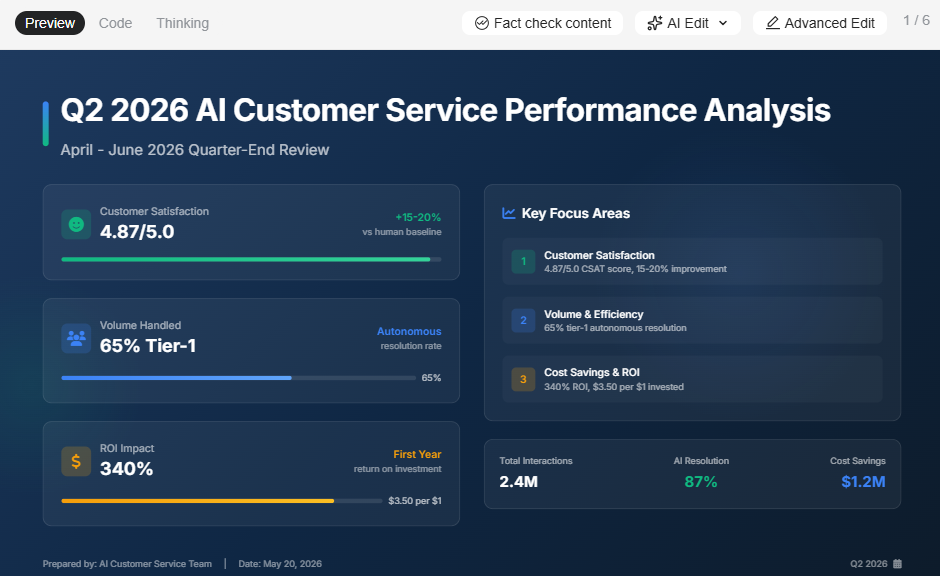
_Diapositive générée par Genspark à partir d'une seule invite_
Genspark peut générer une présentation complète à partir d'une invite textuelle. La structure du contenu est généralement logique, avec des informations bien organisées, reflétant la force de recherche de la plateforme. Collez une URL ou téléchargez un document, et l'IA l'utilisera comme matériel source pour la présentation. Le bémol est que le résultat est un point de départ, pas un produit fini. La mise en page est générique, l'équilibre visuel est rudimentaire, et les designs de diapositives ne s'adaptent pas lorsque vous ajoutez ou supprimez du contenu. La plupart des utilisateurs signalent la nécessité d'une révision significative avant que le résultat ne soit prêt pour le client.
### Contenu basé sur la recherche et le web
C'est le principal atout différenciateur de Genspark. L'architecture multi-agents s'appuie sur des sources web en direct et synthétise le contenu à partir de multiples références. Pour les présentations principalement informatives, telles que les aperçus de marché, les analyses concurrentielles et les rapports de tendances, la qualité de la recherche est réellement solide. L'IA cite ses sources, recoupe les informations et produit un contenu plus actuel et multi-perspectif qu'une réponse standard à une invite de modèle unique.
### Modèles et types de diapositives
Genspark propose un ensemble de modèles généralistes couvrant les formats de présentation courants. La variété inclut des pitch decks, des mises en page de type rapport et des structures de briefing. Les modèles sont fonctionnels plutôt que raffinés : ils offrent à l'IA une structure à remplir, mais ne s'adaptent pas intelligemment aux changements de contenu. Pour les équipes ayant des normes visuelles spécifiques ou des formats de présentation récurrents, le système de modèles n'offre pas le type de points de départ verrouillés et cohérents avec la marque que proposent les plateformes de présentation dédiées.
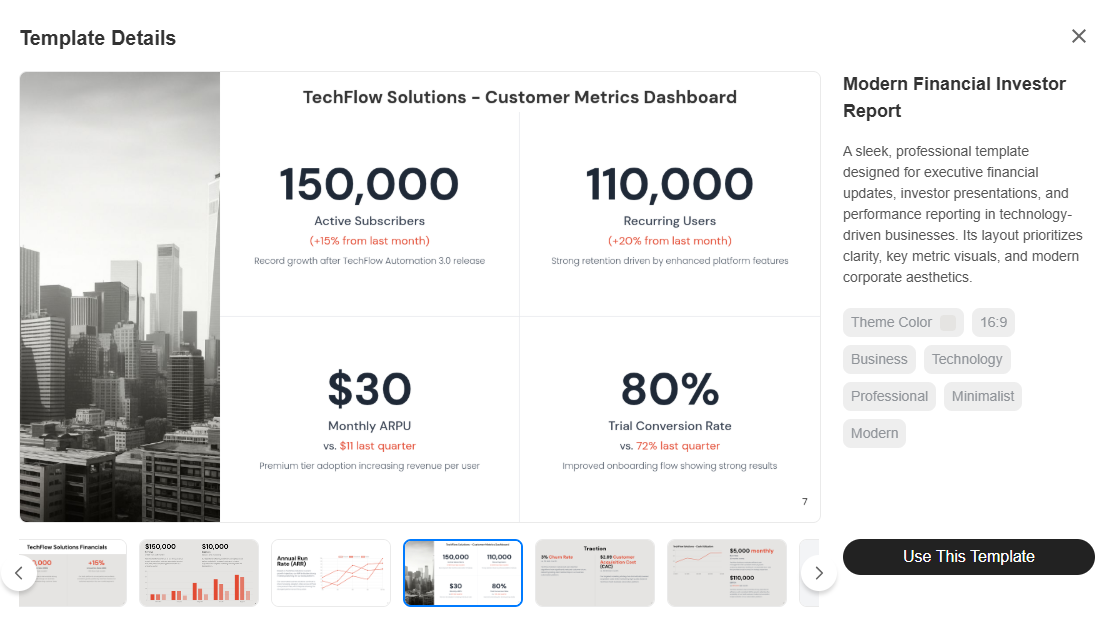
_Un modèle de présentation professionnelle de Genspark_
### Contrôles de marque (thèmes, polices, couleurs)
En pratique, il n'y en a aucun sur lequel on puisse compter pour un usage professionnel. Dans toute la documentation publique disponible et les analyses indépendantes, Genspark ne propose pas de kit de marque, pas de paramètres de style persistants et pas d'extraction automatique de marque, quel que soit le niveau d'abonnement. Si vous avez besoin que les couleurs, les polices et le logo de votre entreprise soient appliqués de manière cohérente sur toutes les présentations, vous devrez soit les spécifier à nouveau dans l'invite à chaque fois, soit les nettoyer manuellement après la génération pour les équipes produisant des présentations en volume, ce qui représente un coût de temps récurrent significatif.
### Options d'exportation et de partage
Genspark permet d'exporter des diapositives et de les partager via un lien. La fidélité de l'exportation .pptx spécifiquement pour les présentations n'a pas été confirmée comme étant de qualité professionnelle dans les évaluations indépendantes. Étant donné que la plateforme est un espace de travail IA généraliste plutôt qu'un outil natif de présentation, le processus d'exportation n'est pas optimisé spécifiquement pour la compatibilité PowerPoint. Si votre présentation doit s'ouvrir correctement dans Microsoft 365 sur la machine de quelqu'un d'autre, testez directement la qualité de l'exportation avant de vous engager dans ce flux de travail.
## Capacités de l'IA (Ce qu'elle peut et ne peut pas faire)
L'IA de Genspark est réellement utile pour transposer rapidement le contenu de votre esprit sur des diapositives. Là où elle commence à montrer ses limites, c'est pour tout ce qui vient après ce premier brouillon. Voici un aperçu honnête de ce que l'IA gère bien, de ce qu'elle gère adéquatement, et des domaines où vous devrez encore faire le travail vous-même.
### L'IA pour les plans et les brouillons de diapositives
Genspark génère des plans bien structurés et des brouillons de diapositives à partir d'invites, d'URL ou de documents téléchargés. La rapidité entre le brief et la première ébauche de présentation est compétitive. Pour le contenu basé sur la recherche, l'IA s'appuie sur des sources actuelles, donnant au brouillon plus de profondeur qu'une approche standard de remplissage de modèle. Pour la plupart des utilisateurs, le premier brouillon permet de gagner un temps considérable sur la structure et la collecte de contenu, même si l'aspect visuel nécessite un travail.
### L'IA pour la réécriture et l'affinage du contenu
Une fois le contenu sur une diapositive, l'IA de Genspark peut réécrire le texte pour plus de clarté, condenser les textes verbeux et ajuster le ton. Cela permet de rendre les diapositives plus concises sans avoir à tout retravailler manuellement ligne par ligne. La qualité de la réécriture est généralement bonne pour les contenus factuels et de style professionnel. Pour les sujets très spécialisés ou techniques, l'IA peut produire un résultat qui semble précis mais qui manque de la précision qu'un expert en la matière apporterait.
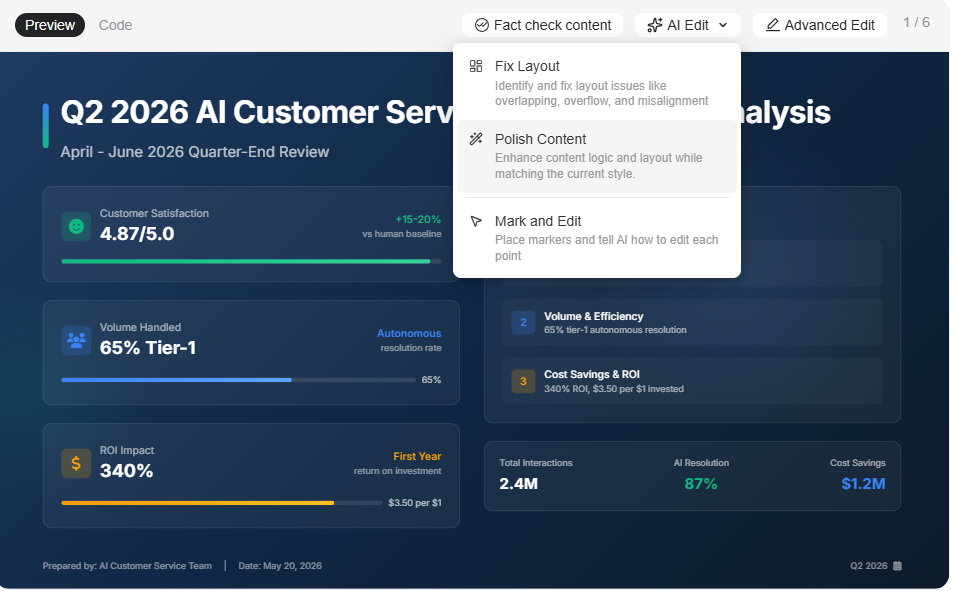
_Fonctionnalités de Genspark dans la section d'édition IA_
### Là où l'IA rencontre encore des difficultés
Le point faible récurrent relevé dans les critiques indépendantes est le design : les mises en page sont fonctionnelles mais génériques, et il n'y a pas de moteur de modèles adaptatifs pour gérer la variation du contenu. Ajoutez quelques puces supplémentaires, et la diapositive ne s'ajuste pas automatiquement. La visualisation de données complexes, les types de graphiques personnalisés et les animations avancées ne sont pas pris en charge. Et contrairement aux plateformes d'IA conversationnelles conçues spécifiquement pour les diapositives, Genspark ne reste pas engagé tout au long du cycle de révision. Une fois la première version générée, l'itération signifie relancer une requête ou éditer manuellement plutôt que d'affiner via un dialogue en langage naturel.
## Aperçu des tarifs de Genspark
La page de tarification de Genspark n'est pas accessible publiquement sans connexion. Une fois connecté, trois plans personnels apparaissent sans nom de niveau, seulement des points de prix. Un plan Équipe est listé séparément. Tous les tarifs actuels ont une date de validité au 31 décembre 2026, ce qui suggère des tarifs promotionnels plutôt que permanents. Pour une analyse complète, consultez la page dédiée [page de tarification de Genspark](https://www.presentations.ai/fr-fr/blog/genspark-pricing).
| Feature | Plan 1 | Plan 2 | Plan 3 | Team |
| --- | --- | --- | --- | --- |
| Monthly price | $19.99/mo | $39.99/mo | $199.99/mo\* | $30/seat/mo |
| Annual price | $239.99/yr | $479.99/yr | $2,399.99/yr | Annual billing |
| Credits/month | 10,000 | 21,000 | 125,000 | 12,000/seat |
| Users | 1 | 1 | 1 | 2–150 seats |
| AI Slides access | Yes | Yes | Yes | Yes |
| Storage | 50 GB | 50 GB | 1 TB | 60 GB/seat |
| Unlimited chat | Yes (0 credits) | Yes (0 credits) | Yes (0 credits) | Yes (0 credits) |
| Unlimited images | Yes (0 credits) | Yes (0 credits) | Yes (0 credits) | Yes (0 credits) |
| Brand kit | None | None | None | None |
| Admin / SSO | No | No | No | Yes |
| Valid until | Dec 31, 2026 | Dec 31, 2026 | Dec 31, 2026 | Dec 31, 2026 |
The personal plans don't have names on the website right now, so we're just referring to them as Plan 1, Plan 2, and Plan 3
## Ergonomie et expérience d'édition
La vitesse est l'un des véritables atouts de Genspark, mais elle s'applique de manière inégale tout au long du flux de travail. Obtenir une première ébauche est rapide. Obtenir une présentation finale et partageable est une autre histoire.
### À quelle vitesse pouvez-vous créer une bonne présentation ?
Obtenir une première ébauche est vraiment rapide. Soumettez une requête, et Genspark produit une présentation structurée dans un délai raisonnable. L'organisation du contenu est généralement solide, en particulier pour les présentations thématiques ou basées sur la recherche. Là où la vitesse ralentit, c'est après la génération : sans modèles adaptatifs ni IA conversationnelle pour guider les révisions, la plupart des utilisateurs passent du temps supplémentaire à nettoyer la mise en page, à effectuer des ajustements visuels et à appliquer la marque avant que la présentation ne soit prête à être partagée.
### Flexibilité et contraintes de l'IA
L'approche "IA d'abord" de Genspark offre un point de départ rapide et élimine le problème de la page blanche. L'inconvénient est que vous travaillez dans les limites de ce que l'IA a généré. Il n'y a pas d'expérience d'édition en mode libre, et la logique de mise en page n'est pas aussi flexible que dans un éditeur de diapositives traditionnel. Pour les utilisateurs qui souhaitent retravailler entièrement la conception d'une diapositive ou créer des mises en page non standard, la plateforme contraint plus qu'elle ne permet. L'expérience est optimisée pour les utilisateurs qui acceptent majoritairement le résultat de l'IA et effectuent des modifications de contenu ciblées plutôt que des refontes structurelles.
## Cas d'utilisation réels (où Genspark excelle)
La profondeur de recherche de Genspark en fait un outil naturellement adapté à certains types de présentations, en particulier celles où la justesse du contenu prime sur la perfection du design. Ce sont les scénarios où il est le plus performant.
### Rapports et synthèses étayés par la recherche
Le cas d'utilisation le plus solide de Genspark pour les présentations est la transformation de requêtes riches en recherche en un format de diapositives structuré. Les analyses de marché, les aperçus concurrentiels, les rapports sur les tendances sectorielles et les notes d'information multi-sources bénéficient tous de la capacité de recherche multi-agents. La base de contenu est plus approfondie que celle d'une requête IA standard, et la structure des diapositives l'organise logiquement. Le temps nécessaire à la mise en forme visuelle est le revers de la médaille, mais pour les notes d'information internes où la précision du contenu est plus importante que le raffinement, le compromis est raisonnable.
### Présentations commerciales et pitchs
Pour les équipes commerciales qui ont besoin d'une première ébauche rapide d'un pitch ou d'une proposition, Genspark réduit considérablement le temps nécessaire à la création d'une première présentation. L'IA structure le contenu, et les utilisateurs peuvent modifier le texte en fonction du contexte spécifique de leur affaire. La limitation est la cohérence de la marque : sans kit de marque, chaque présentation nécessite l'application manuelle des couleurs, des polices et des logos. Pour les équipes qui envoient des propositions de marque à plusieurs prospects, ce surcoût s'accumule rapidement.
### Supports de marketing et de campagne
Les briefs de campagne, les plans de lancement et les mises à jour pour les parties prenantes bénéficient de la génération de contenu basée sur la recherche de Genspark. L'IA peut intégrer le contexte du marché, des données pertinentes et des récits structurés à partir d'un simple brief. Le rendu visuel nécessite des améliorations pour la plupart des normes marketing, mais pour les supports de planification internes et les brouillons préliminaires, l'avantage en termes de rapidité est réel.
### Mises à jour internes et briefings d'équipe
Pour les présentations internes récurrentes qui exigent un contenu actuel et bien structuré, telles que les mises à jour pour la direction, les points hebdomadaires et les revues opérationnelles, la profondeur de recherche et la génération rapide de Genspark réduisent le temps consacré à la collecte de contenu. La standardisation visuelle de ces supports est limitée sans contrôles de marque, mais pour un usage interne informel, le résultat fonctionnel est suffisant.
## Avantages et inconvénients de Genspark
Bien que Genspark soit excellent pour des cas d'utilisation plus larges, il présente des lacunes en matière de design, de clarté des prix et dans quelques autres domaines.
### Avantages de Genspark
- La qualité de la recherche est réellement solide. La synthèse multi-agents produit un contenu bien sourcé, actuel et logiquement organisé.
- Polyvalence des types de sortie : diapositives, notes de recherche, pages web, vidéo et appels automatisés à partir d'une seule plateforme.
- Le chat illimité et la génération d'images sans coût de crédit sur tous les forfaits payants est un réel avantage pour les utilisateurs à fort volume.
- Délai rapide pour le premier brouillon des présentations riches en contenu. Le problème de la page blanche est largement éliminé.
- Le forfait Équipe inclut des contrôles d'administration appropriés : SSO/SAML, analyses d'utilisation, facturation centralisée et gestion des rôles.
### Inconvénients de Genspark
- Le rendu du design est systématiquement jugé générique et manquant de raffinement visuel. Les mises en page ne s'adaptent pas aux changements de contenu.
- Pas de kit de marque, pas d'extraction automatique de la marque et pas de paramètres de style persistants à aucun niveau.
- La tarification est accessible uniquement après connexion, les noms des forfaits sont absents et la validité au 31 décembre 2026 crée une incertitude quant aux coûts futurs.
- Les crédits sont partagés entre tous les types de tâches. Les flux de travail axés sur les diapositives sont en concurrence avec la recherche, la vidéo et d'autres fonctionnalités pour le même budget mensuel.
- Pas d'IA conversationnelle pour l'itération sur les diapositives. Le raffinement post-génération est manuel ou nécessite une nouvelle invite.
- La fidélité de l'exportation PowerPoint n'a pas été vérifiée de manière indépendante comme étant de qualité professionnelle pour une utilisation en présentation d'entreprise.
## **Genspark contre un autre outil de présentation IA**
Examinons Presentations.AI, un outil de présentation IA, et voyons comment Genspark se positionne.
Page d'accueil de Presentations.AI
Les deux plateformes utilisent l'IA pour générer des présentations, mais elles sont conçues autour d'hypothèses fondamentales différentes. Genspark considère les diapositives comme l'un des nombreux résultats possibles d'un espace de travail IA généraliste. Presentations.AI considère les diapositives comme le seul résultat et construit l'intégralité de son produit autour de cette tâche. Pour une analyse détaillée, consultez la page de comparaison Genspark contre Presentations.AI.
| Feature | Genspark | Presentations.AI |
| --- | --- | --- |
| Primary focus | Multi-agent AI workspace | AI-native presentation platform |
| Create from | Prompt | Prompt, PDF, Word, URL, or text |
| Slide iteration | Re-prompt or manual edit | Clip-E: refine slide-by-slide in plain language |
| Brand control | None at any tier | Brand Sync: auto-extracts from company URL |
| Template system | General-purpose; no adaptive layouts | Anti-fragile templates that adapt to content |
| PowerPoint export | Available; fidelity not verified | Clean .pptx, full fidelity (Pro+) |
| Free plan | Yes (limited daily credits) | Yes: no credit card, unlimited users |
| Entry paid plan | $19.99/month (10,000 credits) | $240/year |
| Collaboration | Team plan only ($30/seat/month) | Included on the free Starter plan |
| Analytics | Not documented for presentations | Built-in analytics and tracking |
### Lequel est le meilleur pour les brouillons rapides ?
Genspark génère un premier brouillon rapidement, et la qualité de sa recherche confère au contenu une base plus solide que la plupart des outils d'IA. L'assistant Clip-E de Presentations.AI génère du contenu à partir d'une invite, d'un PDF, d'un document Word ou d'une URL, et reste ensuite dans la conversation pour les révisions, ce qui signifie que le chemin du premier brouillon à une présentation prête à être envoyée est plus court. Pour les cas d'utilisation à brouillon unique, la différence est minime. Pour les présentations qui nécessitent plusieurs cycles de modifications, l'IA itérative de Presentations.AI offre un avantage significatif.
### Lequel est le meilleur pour la cohérence de la marque ?
Presentations.AI a un net avantage. Brand Sync extrait automatiquement vos couleurs, polices et logo à partir de l'URL de votre entreprise. Chaque présentation démarre en respectant votre marque, sans aucune configuration manuelle. Genspark ne propose aucune fonctionnalité équivalente, quel que soit le niveau d'abonnement. Pour les équipes qui produisent des présentations destinées à l'extérieur et pour lesquelles la précision de la marque est non négociable, la redéfinition de l'identité visuelle sur chaque présentation représente un coût en temps qui s'accumule avec le volume.
### Lequel est le meilleur pour les équipes ?
Presentations.AI inclut la collaboration d'équipe dans le plan Starter gratuit, avec des utilisateurs illimités et sans frais par siège. Genspark limite la collaboration au plan Équipe, à 30 $ par utilisateur et par mois. Pour une équipe de 10 personnes, cela représente 3 600 $ par an sur Genspark contre $ par an sur Presentations.AI Pro. Presentations.AI élimine également la concurrence des crédits entre les fonctionnalités : chaque crédit est alloué aux présentations, et non aux tâches de recherche, à la génération de vidéos ou aux appels automatisés.
## Meilleures alternatives à Genspark à prendre en compte
### Si vous souhaitez plus de contrôle sur le design
Canva vous offre une vaste bibliothèque de modèles, une édition par glisser-déposer avec une liberté totale de mise en page, et, sur les plans payants, un kit de marque pour imposer les polices, les couleurs et les logos. Pour les équipes déjà intégrées à l'écosystème Canva et qui ont besoin de présentations en plus d'autres travaux de conception, c'est la solution la plus naturelle. PowerPoint reste la norme de l'industrie pour le contrôle au pixel près, les animations avancées et la compatibilité native dans tous les environnements professionnels.
### Si vous souhaitez des flux de travail plus axés sur l'IA
Presentations.AI est en tête de cette catégorie. Clip-E gère la génération complète de présentations à partir d'une invite, d'un PDF, d'un document Word ou d'une URL, puis reste engagé tout au long des révisions en langage naturel. Brand Sync applique automatiquement votre identité visuelle. Les modèles anti-fragiles conservent leur mise en page lorsque le contenu change. Et l'exportation .pptx est conçue pour une compatibilité réelle avec PowerPoint. Le [plan Starter gratuit](https://www.presentations.ai/fr-fr) ne nécessite pas de carte de crédit et prend en charge un nombre illimité d'utilisateurs. Gamma est également à considérer pour les personnes qui souhaitent un résultat généré par l'IA propre et moderne et qui n'ont pas besoin d'une fidélité stricte à l'exportation PowerPoint.
### Si vous avez besoin de contrôles d'entreprise
Pour les grandes organisations nécessitant le SSO, le SCIM, les pistes d'audit et une administration avancée, le plan Équipe de Genspark couvre le SSO/SAML, l'analyse d'utilisation et la facturation centralisée. Presentations.AI prend en charge des fonctionnalités de niveau entreprise, y compris la conformité SOC 2 Type II sur les plans Pro et supérieurs. Pour les équipes déjà intégrées à l'écosystème Microsoft 365, PowerPoint avec Copilot s'intègre nativement à l'infrastructure de sécurité et de conformité existante. Cependant, la licence Copilot ajoute 30 $ par utilisateur et par mois à un abonnement M365 existant.
## Décider ce qui convient le mieux à votre entreprise
Si les présentations sont votre livrable principal, le bon outil est celui qui a été conçu spécifiquement pour cette tâche.
### Choisissez Genspark si :
- Votre flux de travail couvre la recherche, les diapositives, le contenu web et plusieurs types de résultats, et vous avez besoin d'une plateforme unique plutôt que d'outils spécialisés.
- Les présentations sont peu fréquentes et internes, et le temps de nettoyage visuel après la génération est acceptable.
- Le calcul des crédits est adapté à votre volume réel de diapositives, en tenant compte de toutes les autres fonctionnalités que Genspark offre à votre flux de travail.
### Choisissez Presentations.AI si :
- Les présentations sont votre livrable principal. Commencez par le [créateur de présentations IA](https://www.presentations.ai/fr-fr/ai-presentation-maker).
- Vous avez besoin d'une cohérence de marque appliquée automatiquement, et non réappliquée manuellement sur chaque présentation.
- Vos présentations passent par plusieurs cycles de révision, et vous avez besoin d'une IA qui reste utile au-delà du premier brouillon.
- Votre équipe a besoin de collaborer sans payer de frais par utilisateur pour accéder à un espace de travail partagé.
### Choisissez autre chose si :
- Vous avez besoin d'un contrôle de conception au pixel près et d'animations avancées (PowerPoint ou Keynote).
- Vous souhaitez une offre IA gratuite avec un rendu moderne et un partage natif web (Gamma).
- Vous avez besoin d'une plateforme de conception visuelle complète qui gère les présentations ainsi que les contenus pour les réseaux sociaux, les documents et d'autres ressources (Canva).
Dive into the future with an AI presentation maker purpose-built for businesses.
[Get Started For Free With Presentations.AI](https://app.presentations.ai/docs/login)

More Blogs
[Jun 26, 2026\\
\\
**Comment mettre en forme vos idées sur une diapositive en 6 étapes**\\
\\
](https://www.presentations.ai/fr-fr/blog/formatting-your-ideas-on-a-slide)
[Aug 6, 2026\\
\\
**10 meilleures pratiques de conception de présentation pour de meilleures diapositives (2026)**\\
\\
](https://www.presentations.ai/fr-fr/blog/presentation-design-best-practices)
[Jun 25, 2026\\
\\
**Comment présenter une revue d'affaires trimestrielle : Un guide complet**\\
\\
](https://www.presentations.ai/fr-fr/blog/present-a-quarterly-business-review)
[Jun 12, 2026\\
\\
**Comment mémoriser une présentation : 6 techniques efficaces**\\
\\
](https://www.presentations.ai/fr-fr/blog/how-to-memorize-a-presentation)
[Jun 12, 2026\\
\\
**Statistiques de pitch deck que chaque fondateur devrait connaître en 2026**\\
\\
](https://www.presentations.ai/fr-fr/blog/pitch-deck-statistics)
[Jun 14, 2026\\
\\
**Tarifs Canva 2026 : Analyse complète des forfaits, des limites et de ce que vous payez réellement**\\
\\
](https://www.presentations.ai/fr-fr/blog/canva-pricing)
Sign in with GoogleSign in with Google. Opens in new tab
Sign In - Google Accounts
Sign in with GoogleSign in with Google. Opens in new tab
## Canva Pricing Overview
[定价](https://www.presentations.ai/zh/blog-category/pricing)
# Canva 定价 2026:方案、限制及你实际支付费用的完整细分
Dhruv Saxena
更新于
Jun 14, 2026

- [核心要点 (TL;DR)](https://www.presentations.ai/zh/blog/canva-pricing#%E6%A0%B8%E5%BF%83%E8%A6%81%E7%82%B9-(tl;dr))
- [Canva定价概览](https://www.presentations.ai/zh/blog/canva-pricing#canva%E5%AE%9A%E4%BB%B7%E6%A6%82%E8%A7%88)
- [Canva的定价机制实际运作方式](https://www.presentations.ai/zh/blog/canva-pricing#canva%E7%9A%84%E5%AE%9A%E4%BB%B7%E6%9C%BA%E5%88%B6%E5%AE%9E%E9%99%85%E8%BF%90%E4%BD%9C%E6%96%B9%E5%BC%8F)
- [Canva定价方案:您获得的功能](https://www.presentations.ai/zh/blog/canva-pricing#canva%E5%AE%9A%E4%BB%B7%E6%96%B9%E6%A1%88%EF%BC%9A%E6%82%A8%E8%8E%B7%E5%BE%97%E7%9A%84%E5%8A%9F%E8%83%BD)
- [Canva中的AI如何运作(及其局限性)](https://www.presentations.ai/zh/blog/canva-pricing#canva%E4%B8%AD%E7%9A%84ai%E5%A6%82%E4%BD%95%E8%BF%90%E4%BD%9C%EF%BC%88%E5%8F%8A%E5%85%B6%E5%B1%80%E9%99%90%E6%80%A7%EF%BC%89)
- [Canva 如何与竞争对手抗衡](https://www.presentations.ai/zh/blog/canva-pricing#canva-%E5%A6%82%E4%BD%95%E4%B8%8E%E7%AB%9E%E4%BA%89%E5%AF%B9%E6%89%8B%E6%8A%97%E8%A1%A1)
- [Presentations.AI:专为您的实际工作流程而打造](https://www.presentations.ai/zh/blog/canva-pricing#presentations.ai%EF%BC%9A%E4%B8%93%E4%B8%BA%E6%82%A8%E7%9A%84%E5%AE%9E%E9%99%85%E5%B7%A5%E4%BD%9C%E6%B5%81%E7%A8%8B%E8%80%8C%E6%89%93%E9%80%A0)
- [Presentations.AI 定价](https://www.presentations.ai/zh/blog/canva-pricing#presentations.ai-%E5%AE%9A%E4%BB%B7)
- [Presentations.AI 有何不同](https://www.presentations.ai/zh/blog/canva-pricing#presentations.ai-%E6%9C%89%E4%BD%95%E4%B8%8D%E5%90%8C)
- [Canva 与 Presentations.AI:哪个定价更划算?](https://www.presentations.ai/zh/blog/canva-pricing#canva-%E4%B8%8E-presentations.ai%EF%BC%9A%E5%93%AA%E4%B8%AA%E5%AE%9A%E4%BB%B7%E6%9B%B4%E5%88%92%E7%AE%97%EF%BC%9F)
- [如何选择合适的方案](https://www.presentations.ai/zh/blog/canva-pricing#%E5%A6%82%E4%BD%95%E9%80%89%E6%8B%A9%E5%90%88%E9%80%82%E7%9A%84%E6%96%B9%E6%A1%88)
## 核心要点 (TL;DR)
- Canva免费版价格为0美元,包含160多万个模板,但无法使用品牌工具包、协作功能和大多数AI设计工具。
- Canva Pro版个人用户每月18美元或每年144美元,对于自由职业者来说是一个不错的升级,但仍不支持协作功能。
- 所有付费套餐的AI功能都有每月使用额度上限,其中免费版可获得200次标准AI使用或20次高级AI使用,Pro版是免费版的10倍,而商业版则是免费版的20倍。
- 实时协作、共享文件夹和审批工作流程都仅限于商业版。Pro版用户即使只与一个人协作也会遇到障碍。
- 品牌管理功能在不同套餐中有所区分:Pro版提供基础品牌工具包,商业版提供品牌控制,而高级强制执行功能仅限于企业版(定制价格)。
- 如果您的主要用途是演示文稿,Canva的通用定价意味着您正在为一套广泛的设计套件付费,而您可能只需要一个专注的工具。 [Presentations.AI提供免费版,支持无限用户](https://app.presentations.ai/docs/login?utm_intent=Signup&utm_source=WebHome) 且没有最低席位限制。
Canva的定价页面看起来很简单:四个套餐、清晰的功能列表和一个大大的绿色“开始使用”按钮。但当您开始为团队制作演示文稿,或依赖AI来提高效率时,成本计算就不那么明朗了。
Canva的真实成本并未体现在定价页面上。它隐藏在每月重置的AI额度中,这些额度限制了您在套餐AI配额内的产出。它也体现在协作功能付费墙背后,一旦您需要他人协助,Pro版就会感觉像一个单人工具。正是这些细节决定了Canva对您的工作流程而言是否真正具有成本效益,还是仅仅乍看之下便宜。

本指南将详细分析Canva在2026年的所有套餐,包括那些不那么显而易见的定价机制。我们将介绍每个层级实际解锁的功能、使用限制的痛点,以及随着团队发展成本的变化趋势。鉴于您正在专门寻找演示工具,我们还将指出像Presentations.AI这样专用的平台如何以不同的方式处理相同的工作流程,通常成本更低,限制更少。
让我们从您实际购买的内容开始。
## Canva定价概览
Canva采用四层结构,涵盖从个人休闲使用到企业级设计运营的各种需求。具体细分如下:
| 方案 | 月费 | 年费 | 最低用户数 | 最适合 |
| --- | --- | --- | --- | --- |
| 免费版 | $0 | $0 | 1 | 希望体验平台或偶尔进行设计工作的个人用户 |
| Pro | $18/月 | $144/年 | 1 | 需要高级模板和品牌工具包(Brand Kit)的自由职业者和个人创作者 |
| Teams | $10/用户/月 | $250/年 | 1 | 需要协作、共享文件夹和审批流程的中小型团队 |
| 企业版 | 定制报价 | 定制报价 | 协商确定 | 需要 SSO、SCIM、高级品牌管理以及多团队管理的大型企业 |
年度订阅Pro版可以节省可观的费用:与按月计费相比,每年可节省60美元(144美元对比每月216美元的等值费用)。商业版的节省幅度较小,为每用户每年20美元。但真正的定价玄机不在于每个席位的数字。它在于每个层级背后所限制的功能,以及使用限制如何影响您的实际体验。
Canva将自己定位为一款一体化设计平台,涵盖演示文稿、社交媒体图形、视频、印刷材料、白板等。如果您充分利用其所有工具,这种广泛性确实是一个优势。但这也意味着每个套餐的定价都旨在支持广泛的功能,而如果您的核心工作只是制作和交付演示文稿,其中许多功能您可能永远不会用到。您正在为一把设计界的瑞士军刀付费,而您可能只需要其中的刀片。
## Canva的定价机制实际运作方式
Canva的模式融合了 **固定订阅价格与基于使用量的AI限制**。了解这两层如何相互作用对于评估实际成本至关重要。
您的订阅费(专业版每年144美元,商业版每年250美元)可让您使用高级模板、素材资源(1.41亿多张照片和图形)以及品牌工具包功能。这是固定层,不会因您使用平台的频率而改变。
使用层位于其上。Canva每月分配AI积分,用于管理您可以使用其生成工具的程度。这些积分因套餐而异:
- 文本到图像生成:每月AI配额
- Dream Lab(高级图像生成):每月500次
- 文本到视频:视频生成
- AI辅助设计生成:每月150个布局
免费用户每月可获得200次标准AI使用或20次高级AI使用,所有AI工具共享。
但问题在于:Canva还提到专业版和商业版每月有“150个积分”用于更广泛的AI操作,但文档并未明确说明哪些功能会消耗积分以及消耗速度。如果您是AI重度用户,例如在一个下午迭代多个演示文稿概念,您可能会比预期更快地耗尽每月配额,并且除了等待重置之外,没有其他购买更多积分的选项。
这种混合模式意味着Canva的成本是可预测的,但容量是不可预测的。您总是知道自己将支付多少费用,但您不总是知道自己是否会在项目进行到一半时遇到瓶颈。
相比之下, [Presentations.AI](https://app.presentations.ai/docs/login?utm_intent=Signup&utm_source=WebHome) 采取了不同的方法:Clip-E是该平台的对话式AI,它在您的整个工作流程中发挥作用,以自然语言构建、完善和迭代幻灯片,没有按功能设定的积分上限,不会在您制作演示文稿时限制您。免费入门计划无需信用卡,并支持无限用户,因此您可以在投入任何费用之前评估完整体验。
## Canva定价方案:您获得的功能
概述告诉您每个套餐的费用。本节告诉您每个套餐实际能做什么,更重要的是,每个套餐的限制在哪里。
### **套餐一览**
| 功能 | 免费版 | Pro($144/年) | Teams($100/用户/年) | 企业版(定制) |
| --- | --- | --- | --- | --- |
| 模板 | 160 万+ | 160 万+ 高级模板 | 160 万+ 高级模板 | 160 万+ 高级模板 |
| 图库照片与图形素材 | 素材库有限 | 1.41 亿+ | 1.41 亿+ | 1.41 亿+ |
| 品牌工具包(Brand Kit) | ✗ | 最多 1,000 个品牌工具包 | 共享品牌工具包 | 高级品牌管理 |
| AI 图片生成 | 约 50 次(终身) | 500 次/月 | 500 次/月 | 自定义配额 |
| AI 设计生成 | ✗ | 150 次/月 | 150 次/月 | 自定义配额 |
| 实时协作 | ✗ | ✗ | ✓ | ✓ |
| 共享文件夹 | ✗ | ✗ | ✓ | ✓ |
| 审批流程 | ✗ | ✗ | ✓ | ✓ |
| 基于角色的权限管理 | ✗ | ✗ | ✓ | ✓ |
| SSO / SCIM | ✗ | ✗ | ✗ | ✓ |
| 最低席位要求 | 无 | 1 | 3 | 协商确定 |
### Canva免费版
Canva免费版名副其实:它为您提供了一个可用的设计工具,零成本。您可以访问160万多个模板、一个拖放编辑器和基本的导出选项。对于制作一次性演示文稿或快速社交图形的人来说,它确实很有用。
但其局限性很快就会显现。没有品牌工具包意味着您每次都必须手动匹配颜色和上传徽标。AI工具实际上只是一个演示,大约50次终身图像生成,总共5次文本到视频输出,以及零次AI辅助设计布局。根本没有协作层:没有共享文件夹,没有评论功能,也没有实时协同编辑。如果您的工作流程涉及除您之外的任何人,免费版只是一个样本,而不是解决方案。
### Canva专业版:每月18美元或每年144美元
Pro版让Canva成为个人用户真正的生产力工具。从免费版升级到Pro版,可解锁超过1.41亿个高级素材、5个品牌工具包、背景移除功能、魔法调整(Magic Resize,用于将设计重新调整为不同尺寸)、100GB云存储空间,以及免费版额度10倍的完整AI工具集。
对于自由职业者和独立顾问而言,Pro版每年144美元的定价具有很高的性价比。它提供了足够多的模板种类和素材访问权限,让您无需从外部获取资源即可制作出精美的作品。品牌工具包功能允许您保存客户的调色板并将其应用于不同项目,从而节省大量时间。
Pro版的局限性在于:一旦需要多人协作,它就力不从心了。它不提供实时协作、共享文件夹、审批流程或评论功能。如果您是独立运营者,偶尔通过电子邮件发送PDF文件供审阅,那没问题。但如果您需要与联合创始人共同制作演示文稿、将工作移交给市场负责人,或需要任何形式的审阅流程,Pro版将迫使您寻找变通方案或升级到Business版。即使只有两个人需要访问权限,这一升级也将使您的费用从每年144美元增加到至少每年250美元。
### Canva Business版:每月25美元或每年250美元
Teams版是Canva的协作层级,其功能解锁非常重要。您将获得Pro版的所有功能,外加实时协同编辑、共享文件夹、评论串、设计审批流程、用于社交媒体排期的内容规划器、管理员角色控制以及使用情况分析。
定价计算就变得复杂了。按年计费,每年250美元,无论实际团队规模如何,您的成本都是可预测的。一个两人团队需要支付三个席位的费用。一个五人团队每年支付500美元。如果用户达到十人,按年计费则为每年1000美元,按月计费则为每年1259美元。对于一个完整的专业设计平台来说,这些数字是合理的,但如果演示文稿是您的主要产出,费用会迅速增加。
Business版提供100个品牌工具包,并将存储空间扩展到500GB,这对于保持一致性很重要。但品牌 _规范执行_ (限制字体、锁定调色板、强制使用模板)仅限企业版提供。因此,Business版虽然让您的团队成员可以访问品牌资产,但无法阻止他们偏离品牌规范。对于那些演示文稿一致性涉及合规性或信誉问题的组织来说,这是一个显著的不足。
AI积分上限与Pro版保持一致:每月AI额度、在该额度内的AI功能以及视频生成。您为团队支付了更多费用,但每个用户获得的生成上限是相同的。没有明确的共享积分系统;每个席位都在各自的每月限额内运行。
### Canva 企业版:定制定价
企业版增加了治理和安全层:包括SSO(单点登录)、SCIM配置、高级品牌控制(字体和颜色限制、模板强制执行)、多团队管理以及基于群组的审批链。定价通过协商确定,通常会签订包含批量采购承诺的年度合同。
如果您正在评估企业版,您的决定可能取决于两个问题。首先,您是否需要SSO和SCIM?如果IT部门强制要求,那就没什么好说的了:您需要企业版或选择其他平台。其次,您是需要真正的品牌规范执行,而不仅仅是品牌资产可用性吗?如果答案是肯定的,那么Canva的任何低级版本都无法满足。企业版是唯一能阻止团队成员在面向客户的演示文稿中使用非品牌字体的方案。
企业版定价的不透明性在该领域是常态,但这带来了一个实际问题:在没有销售沟通的情况下,您无法估算总拥有成本。对于正在进行对比评估的团队来说,值得注意的是,Presentations.AI从Pro版开始就提供SOC 2 Type II合规性,并非隐藏在定制付费墙之后,同时还提供品牌同步功能(Brand Sync),该功能可以从您的公司网址自动提取品牌标识,并将其持续应用于所有演示文稿。
## Canva中的AI如何运作(及其局限性)
Canva在AI领域投入巨大,其工具种类确实非常广泛:包括文本到图像生成、用于高级图像创作的Dream Lab、用于文案的Magic Write、用于背景移除的Magic Eraser、用于重新调整格式的Magic Resize、翻译工具以及AI辅助布局生成。在超过25种不同的工具中,AI的覆盖面很广。
但广度和深度是两回事,尤其是在涉及到AI额度时。
### 积分模式
Canva的AI功能采用 **每月积分系统** 在您的计费周期开始时重置。以下是这些限制的详细说明:
| AI 功能 | 免费版 | Pro | Teams(每位用户) |
| --- | --- | --- | --- |
| 文生图 | 约 50 次(终身) | 500 次/月 | 500 次/月 |
| Dream Lab | 20 次/月 | 500 次/月 | 500 次/月 |
| 文生视频 | 5 次(终身) | 50 次/月 | 50 次/月 |
| AI 设计生成 | ✗ | 150 次/月 | 150 次/月 |
Canva 还提到,对于专业版和商业版,有一个独立的“每月 150 积分”池,用于更广泛的 AI 操作。然而,文档并未说明哪些功能会消耗这个积分池,每次使用的成本是多少,以及它如何与上述按功能设定的限制互动。这种模糊性影响了您规划生产冲刺的信心。
### 实际限制
对于大多数普通用户来说,每月 500 张 AI 生成的图片绰绰有余。但每月 150 次的 AI 设计生成上限,对演示文稿创作者的影响最大。
原因如下:如果您使用 Canva 的 AI 来生成幻灯片布局,例如,为董事会演示文稿迭代不同的视觉方案,测试标题处理方式,或探索数据密集型部分的布局选项,那么 150 次生成大约是每天 5 次尝试。对于商业版的三人团队来说,这意味着每人每天只有 5 次布局生成机会,并且无法在席位之间共享未使用的积分,也无法将其结转到下个月。
如果您在第 18 天达到上限,就无法再使用了。您只能等待重置。没有明确的选项可以单独购买额外积分,这意味着这个上限是固定的,没有灵活性。
对于视频生成,限制甚至更严格。每月 50 个文本转视频输出,几乎没有实验空间。如果您在演示文稿中嵌入短视频片段(这在销售演示和培训材料中越来越常见),那么这些配额可能在一个项目周期内就用完了。
### 这对演示文稿工作流程意味着什么
Canva 的 AI 旨在支持广泛的设计需求,包括社交媒体帖子、印刷材料、视频、演示文稿和白板。积分系统也反映了这一点:它在一个广泛的功能集上分配了固定的预算,让您可以随意使用。如果您只制作演示文稿,您将受到与那些同时制作 Instagram 快拍、传单设计和产品模型的人相同的限制。
这是使用通用工具完成特定工作的结构性权衡。您获得了广泛的功能,但牺牲了工作流程的深度。
对于演示文稿的特定工作,摩擦体现在三个方面:
1. **迭代限制:** 制作一份出色的演示文稿是一个迭代的过程。您尝试一种布局,调整,再尝试另一种。AI 设计生成每月上限为 150 次,这限制了您在工具停止提供帮助之前可以探索的概念数量。
2. **缺乏对话式优化:** Canva 的 AI 工具大多是单次操作的:生成图像、移除背景、调整设计大小。没有明确的对话式 AI 等效功能,可以接受“让这张幻灯片更具视觉效果,并将数据点移至标注框中”这样的提示并进行上下文执行。
3. **积分隔离:** 在商业版中,每个用户的积分是独立的。一个用完配额的设计师无法从未使用积分的队友那里借用。这导致团队在任何给定月份的能力不均衡。
### Presentations.AI 如何以不同方式处理 AI [](https://app.presentations.ai/docs/login?utm_intent=Signup&utm_source=WebHome)
[Presentations.AI](https://app.presentations.ai/docs/login?utm_intent=Signup&utm_source=WebHome) 专为一项任务而生:帮助您创建、优化和交付演示文稿。这种专注改变了AI在工作流程中的呈现方式。
**Clip-E**,平台上的对话式AI,不是一堆由独立积分表计费的单一用途工具。它是一个端到端的协作伙伴。您可以从提示、PDF、Word文档、URL或原始粘贴文本开始制作演示文稿,然后用自然语言进行迭代。“添加一张竞品对比幻灯片。”“让财务部分更具视觉冲击力。”“将执行摘要精简为三点。”Clip-E在同一对话中处理创建和优化,无需在不相关的工具之间切换,也无需眼睁睁看着积分耗尽。
**Brand Sync** 自动从您的公司URL中提取品牌颜色、字体和徽标,并将其应用于每张幻灯片,无需手动设置品牌工具包,也无需为每个项目重新应用。结合了在添加或删除内容时布局不会崩溃的抗脆弱模板,最终呈现出结构完整、符合品牌调性的演示文稿,即使您快速操作也能保持一致。
免费入门计划支持无限用户,无需信用卡,因此没有强制性的席位最低要求,没有按席位限制协作,也没有阻碍您进行实际评估的付费墙。对于主要交付物是演示文稿的团队来说,这与每年支付250美元购买通用设计平台并希望AI积分能撑过一个季度的情况,成本计算方式截然不同。
## Canva 如何与竞争对手抗衡
如果将Canva视为与Adobe Express、Figma及其他通用创意工具竞争的通用设计平台,其定价是合理的。每年144美元的专业版,您将获得庞大的模板库、功能强大的编辑器以及不断增长的AI工具包,所有这些都无需专业设计软件的学习曲线。对于每天需要创建多种格式内容的团队来说,这是一个合理的价值主张。
但当您将焦点专门缩小到演示文稿时,竞争格局就改变了。您正在为一套完整的设计套件付费,却只使用了其中一小部分,而对于演示文稿创建最重要的功能(协作、品牌强制执行、迭代AI、干净的.pptx导出)要么被限制在更高层级,要么受到使用上限的限制。专为演示文稿设计的平台没有这些额外开销,这意味着它们可以在相同或更低的价格点提供更深层的功能。这就是Presentations.AI切入的地方。
## Presentations.AI:专为您的实际工作流程而打造
Presentations.AI存在的唯一原因就是:帮助您更快地构建、优化和交付演示文稿,同时不牺牲质量或品牌一致性。它不是一个兼顾演示文稿的设计平台。它是一个将演示文稿创建视为核心任务并据此定价的演示文稿平台。
该平台处理整个生命周期。您可以从文本提示、PDF、Word文档、URL或原始粘贴内容开始制作演示文稿。对话式AI Clip-E会构建一个结构化的草稿,然后伴随您进行迭代。需要重新排序叙述、添加竞品幻灯片或精简文案吗?您只需用简单的语言告诉Clip-E。无需在不相关的工具之间切换,也无需按月分配积分。
Brand Sync消除了手动品牌设置的麻烦。将其指向您的公司URL,它会自动提取您的颜色、字体和徽标,然后将其一致地应用于您创建的每张幻灯片。结合了在内容更改时布局不会崩溃的抗脆弱模板,这使得演示文稿始终保持品牌一致性,无需设计师进行繁琐的看管。
对于团队而言,模式很简单:免费入门计划支持无限用户,无需信用卡。没有强制性的席位最低要求,也没有按席位限制协作。您可以在支付任何费用之前,与您的整个团队一起评估该平台。
## Presentations.AI 定价
| 套餐 | 价格 | 包含内容 |
| --- | --- | --- |
| Starter | 永久免费($0) | 无限用户、通过 Clip-E 生成 AI 演示文稿、Brand Sync 品牌同步、多格式输入(提示词、PDF、Word、URL、文本)、.pptx 导出、基础模板 |
| Pro | $240/年 | 包含 Starter 全部功能,另提供高级模板、分享后的分析与跟踪、优先 AI 处理、SOC 2 Type II 合规认证,以及增强版 Brand Sync 控制 |
| Enterprise | 定制报价 | 包含 Pro 全部功能,另提供 SSO/SCIM、专属上手支持、定制化集成、高级管理员控制,以及 SLA 支持服务 |
**关键说明:**
- **入门版确实免费。** 无需信用卡。无时间限制。没有“14天试用”的诱导性销售。从第一天起即可无限用户使用。
- **专业版每年240美元** 包括SOC 2 Type II合规性以及Canva为企业版(定制定价)保留的安全认证。如果您的采购团队需要,专业版无需销售电话即可提供。
- **企业版定价面议**,但与Canva的企业版不同的是,专业版和企业版之间的功能差距更小。主要增加的是SSO/SCIM和专属支持,而不是解锁之前受限的基础品牌管理功能。
## Presentations.AI 有何不同
### 品牌同步:您的品牌每次都自动应用
大多数演示工具都要求您手动创建品牌工具包:上传徽标、选择十六进制颜色代码、选择字体,并将其保存为预设。Canva 的品牌工具包功能就是这样运作的,专业版(每年144美元)即可使用。但“可用”和“已应用”是两回事。您仍然需要为每个项目选择工具包,而且低级别套餐的团队成员根本无法访问。
品牌同步采取了不同的方法。输入您的公司网址,Presentations.AI 会自动提取您的视觉识别(颜色、字体、徽标)并将其应用到每个演示文稿中。无需手动设置,无需为每个项目单独选择,也没有套餐限制。它在免费的入门版套餐中即可使用。对于品牌一致性不容妥协的组织而言,这完全消除了人为错误的可能。
### 自适应模板:布局可自适应,而非错乱
任何在 Canva 幻灯片中添加过额外项目符号并眼睁睁看着文本溢出容器的人,都深知这个问题。传统模板是僵化的:它们在占位符内容下看起来很棒,但遇到真实内容时就会变得一团糟。Presentations.AI 中的反脆弱模板旨在动态重构。添加一个数据点、删除一个部分、替换一个更长的标题,布局都会自动重排,无需手动调整。当您需要快速迭代或为不同受众重新利用演示文稿时,这一点尤为重要,因为您无需花费时间修复本不应出现的布局问题。
### 多种创建模式:从您已有的内容开始
Canva 的演示文稿工作流程始于 Canva 编辑器。您选择一个模板,自定义它,然后导出。Presentations.AI 则能从您现有内容所在之处开始。向 Clip-E 提供文本提示,它就能构建一个结构化的演示文稿。导入 PDF 报告,它就能提取叙述内容。粘贴网址以提取要点。上传 Word 文档,它就能将文档转换为幻灯片。这并非噱头;它反映了商业演示文稿的实际制作方式。您很少从零开始。您通常从一份简报、一份报告、一份战略文档或一个半成形的想法开始。工具应该能满足您的这些需求。
## Canva 与 Presentations.AI:哪个定价更划算?
让我们从实际影响您的预算和产出质量的维度,比较这两个平台。
### 标示价格
Canva 专业版单用户每年144美元。Presentations.AI 专业版每年240美元。表面上看,Canva 更便宜。但 Canva 专业版不包含协作功能,这是商务版(每年250美元起,无强制席位限制)才有的功能。Presentations.AI 入门版免费,支持无限用户,并开箱即用协作功能。如果您需要至少两人协作,Presentations.AI 的免费版就已经比 Canva 商务版更划算。
### 品牌管理
Canva 将品牌工具包限制在专业版(每年144美元),100个共享品牌工具包限制在商务版(每年250美元),而企业级管理则限制在企业版(定制定价)。要获得从品牌设置到品牌管理的完整功能,您需要与销售人员洽谈并签订年度合同。
Presentations.AI 在免费的入门版套餐中提供品牌同步功能。自动提取。持续应用。无需手动创建工具包。专业版增加了更全面的控制功能。企业版增加了SSO级别的管理功能。但其基础功能是免费的。
### 文档导入
Canva 的演示文稿编辑器接受您粘贴的图片和文本。没有明确的工作流程可以自动将 PDF、Word 文档或网址转换为演示文稿。
Presentations.AI 接受提示词、PDF、Word 文档、网址和纯文本作为起点,Clip-E 会将其构建成具有叙事流程的幻灯片。这并非可有可无的功能。它意味着将45分钟的手动幻灯片制作时间缩短到两分钟内完成初稿的巨大差异。
### 导出可靠性
Canva 可以导出为 .pptx 格式,但该平台是作为网页原生设计工具构建的。PowerPoint 导出是次要输出,而非主要交付格式。在以 .pptx 为标准交付格式的企业环境中工作的用户,应仔细测试导出保真度,特别是对于复杂布局、自定义字体和分层元素。
Presentations.AI 在设计之初就将 .pptx 导出作为一项核心功能。它提供纯净的保真度、保留的格式和可靠的输出。如果您的演示文稿最终需要交付给客户、董事会或合作伙伴并在 PowerPoint 中使用,那么导出效果必须完美无缺,而不是“差不多就行”。
### 隐藏成本
Canva 的隐藏成本是结构性的:限制生产的 AI 积分上限、强制升级套餐的协作付费墙,以及仅限企业版才有的品牌强制执行功能。这些都不会出现在定价页面上,而是在工作流程中途显现。
Presentations.AI 的 Starter 计划是免费的,提供无限用户、无需信用卡,也没有人为的席位限制。升级到 Pro 版是由功能深度(如分析、SOC 2、高级模板)驱动的,而不是为了解锁协作或品牌识别等基本功能。
## 如何选择合适的方案
Canva 是一款强大的产品。它确实为数百万人普及了设计,而且就其在整个设计领域提供的功能而言,其定价也很有竞争力。如果您的团队大致同等比例地创建社交图片、视频缩略图、印刷材料和演示文稿,那么 Canva 的广度足以证明其价值。您将为充分利用的平台付费。
但大多数团队在阅读 Canva 定价细分时,如果心中想着“演示文稿”,他们会提出一个更具体的问题: _在不为从不使用的功能支付过高费用的情况下,创建、协作和交付专业演示文稿的最佳方式是什么?_ 对于这个问题,答案倾向于一个专门为此任务而构建的平台。
实际测试很简单。拿一份你本周需要制作的真实演示文稿。使用你当前的 Canva 方案制作一份,然后使用 Presentations.AI 的免费 Starter 方案制作一份。比较初稿所需时间、迭代体验、品牌一致性和导出质量。定价页面告诉你将支付多少,而并排测试则告诉你将获得什么。
以下是选择合适产品和方案的指南。
### 仅供测试,尚未准备好投入
从 **Presentations.AI Starter** (免费)。你将获得 Clip-E、品牌同步、多格式输入、.pptx 导出和无限用户,无需信用卡且无时间限制。用你的真实内容制作一份真实的演示文稿,看看输出质量是否符合你的标准。如果你也在评估 Canva,可以同时使用他们的免费套餐。并排比较演示文稿工作流程。在 30 分钟内,完成演示文稿的速度差异将显而易见。
### 您每周都制作演示文稿
如果演示文稿是您工作流程的常规部分(每周团队更新、客户提案、投资者报告、销售演示文稿),那么您需要一个能消除摩擦的工具,而不是每月引入新限制的工具。Presentations.AI Pro 版每年 240 美元,为您提供高级模板、共享演示文稿的分析和跟踪、SOC 2 Type II 合规性以及优先 AI 处理。Canva Pro 版每年 144 美元,价格更低,但一旦您需要协作、品牌强制执行或无限制的 AI 迭代,您就不得不升级到商业版(每年 250 美元)或设法规避限制。
根据您的实际工作流程进行计算,而不是看标价。如果您每周额外花费一小时重新格式化导出内容、手动应用品牌套件,或者因为 AI 积分用完而重建幻灯片,那么 Canva Pro 的“节省”就会在人工成本中化为乌有。
### 你需要团队工作流程
这是价格差距拉得最大的地方。Canva Business 起价为每年250美元(无强制席位最低要求),并以每年250美元的幅度递增。品牌执行功能需要企业版(定制价格)。AI积分不能在不同席位之间共享。
免费试用 Presentations.AI
当您真正需要的是演示文稿工具时,无需再为整套设计软件付费。
[免费试用](https://app.presentations.ai/docs/login?utm_intent=Signup&utm_source=WebHome)
_(无需信用卡)_

More Blogs
[Aug 11, 2026\\
\\
**2026 年 10 款最佳 Slidesgo 替代方案:模板、AI 与品牌管控对比**\\
\\
](https://www.presentations.ai/zh/blog/slidesgo-alternatives)
[Jun 10, 2026\\
\\
**2026年十大最佳Canva替代品(已测试并排名)**\\
\\
](https://www.presentations.ai/zh/blog/canva-alternatives)
[Jun 26, 2026\\
\\
**如何在6个步骤中整理幻灯片上的想法**\\
\\
](https://www.presentations.ai/zh/blog/formatting-your-ideas-on-a-slide)
[Aug 6, 2026\\
\\
**10个演示文稿设计最佳实践,助你打造更佳幻灯片 (2026)**\\
\\
](https://www.presentations.ai/zh/blog/presentation-design-best-practices)
[Jun 25, 2026\\
\\
**如何进行季度业务回顾:完整指南**\\
\\
](https://www.presentations.ai/zh/blog/present-a-quarterly-business-review)
[Jun 12, 2026\\
\\
**如何记住演示文稿:6种有效技巧**\\
\\
](https://www.presentations.ai/zh/blog/how-to-memorize-a-presentation)
Sign in with GoogleSign in with Google. Opens in new tab
Sign In - Google Accounts
Sign in with GoogleSign in with Google. Opens in new tab
## WePik vs Presentations.AI
# La meilleure alternative à WePik en 2026 : WePik vs Presentations.AI
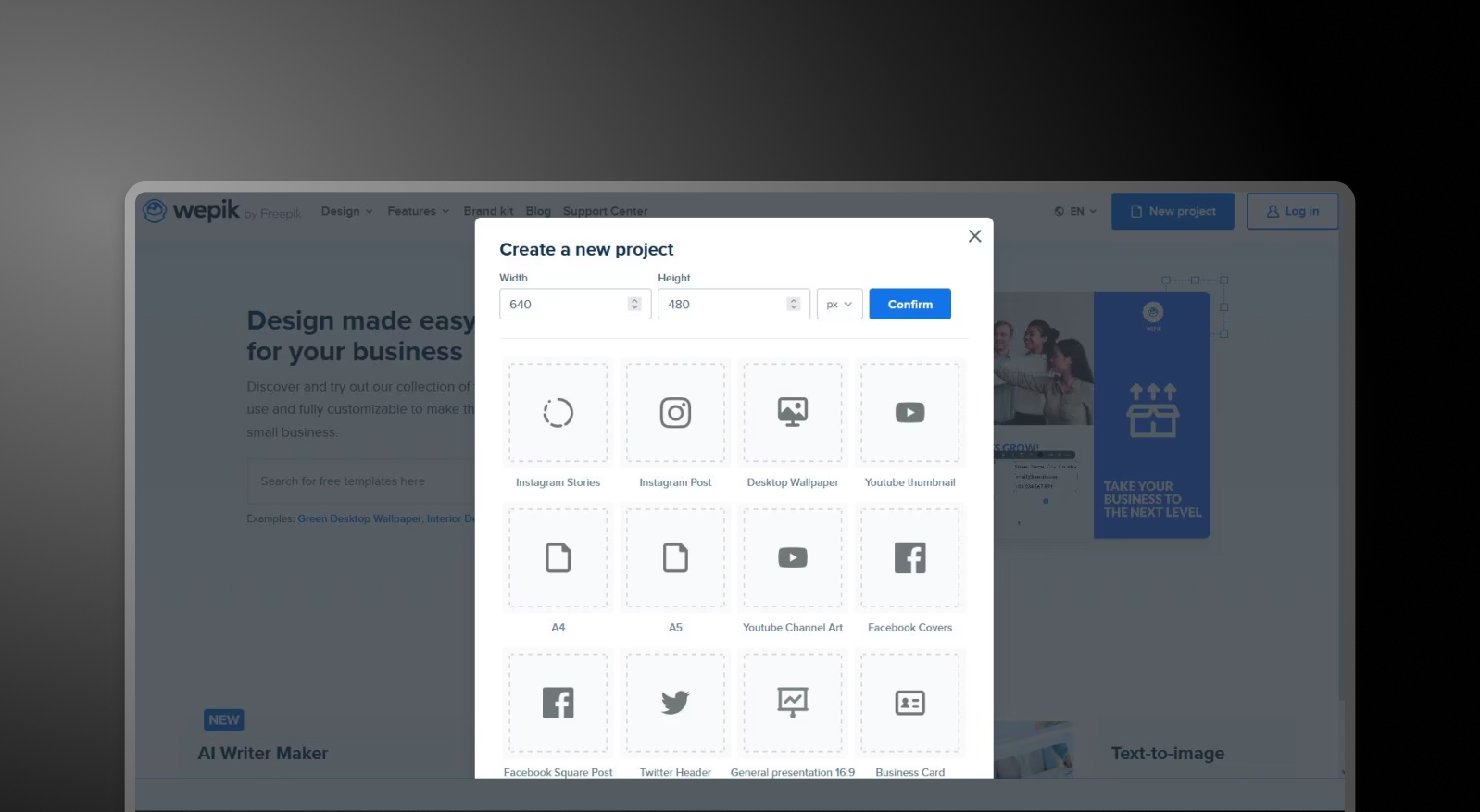
## Qu'est-ce que WePik ?
Une plateforme de conception polyvalente pour créer des visuels pour les réseaux sociaux, des flyers, des logos et des présentations simples. Elle privilégie la personnalisation manuelle et la flexibilité visuelle plutôt que la création de présentations assistée par l'IA ou la cohérence de la marque.

## Qu'est-ce que Presentations.AI ?
Système natif de l'IA conçu spécifiquement pour les présentations professionnelles, automatisant le contenu, la conception et le style de la marque dans un seul flux de travail. Au lieu de modifier manuellement des modèles, les utilisateurs peuvent générer des diapositives PowerPoint complètes et prêtes à l'emploi à partir d'un document ou d'une invite.

## Wepik vs Presentations.AI : Comparaison des fonctionnalités
WePik est conçu pour les spécialistes du marketing et les designers qui créent des visuels uniques pour différents formats. Presentations.AI est conçu pour les professionnels qui ont besoin de présentations complètes, conformes à leur marque et générées automatiquement. WePik vous aide à concevoir des éléments visuels ; Presentations.AI vous aide à créer des présentations entières.
| Fonctionnalité | WePik | Presentations AI |
| --- | --- | --- |
| Portée | Conception graphique polyvalente (réseaux sociaux, affiches, logos) | Création de présentations dédiée alimentée par l'IA |
| Capacités IA | IA minimale ; principalement de l’édition manuelle | IA avancée pour le contenu, la mise en page et la génération de diapositives |
| Cohérence de la Marque | Ajustements manuels des couleurs et des polices | Synchronisation automatique de la marque sur toutes les diapositives |
| Flux de Travail de Conception | Sélection de modèles et personnalisation manuelle | Conception entièrement automatisée de l’entrée à la sortie |
| Exportation | Options PNG, PDF ou PPT basique | Exportation PowerPoint (.pptx) haute fidélité |
| Cas d’Utilisation | Visuels et graphiques marketing rapides | Présentations professionnelles de bout en bout |
## Wepik et Presentations.AI : Aperçu
WePik est un outil de conception flexible conçu pour créer un large éventail d'éléments visuels — des publications pour les réseaux sociaux aux dépliants — à l'aide de modèles modifiables. Presentations.AI est une plateforme d'IA dédiée qui génère des présentations complètes et cohérentes avec la marque à partir de texte ou de documents, sans nécessiter d'effort de conception manuel.
La différence réside dans l'orientation et la profondeur de l'IA. WePik est un outil de conception généraliste avec une automatisation IA minimale spécifiquement pour les présentations ; les utilisateurs sélectionnent un modèle et personnalisent manuellement chaque élément, et la cohérence de la marque entre les diapositives nécessite un travail manuel. Presentations.AI a été conçu exclusivement pour la création de diapositives assistée par l'IA : il génère automatiquement la mise en page, applique l'image de marque de l'entreprise à l'ensemble de la présentation, ajoute des animations et des transitions, et produit un rendu final impeccable sans que l'utilisateur n'ait à toucher un seul élément de conception.
Pour les professionnels qui créent régulièrement des présentations, le moteur d'IA dédié de Presentations.AI, la synchronisation automatique de la marque sur toutes les diapositives et l'exportation PowerPoint haute fidélité représentent un flux de travail fondamentalement plus rapide et plus fiable que l'approche généraliste de WePik.
## Comment fonctionne WePik
**Étape 1 : Parcourir les modèles** – Choisissez parmi une vaste bibliothèque de modèles dans des catégories telles que les réseaux sociaux, les supports commerciaux et les présentations.
**Étape 2 : Personnaliser la conception –** Utilisez un éditeur glisser-déposer pour ajuster manuellement le texte, les images, les couleurs et les éléments de mise en page afin de répondre à vos besoins.
**Étape 3 : Appliquer l'image de marque (manuellement)** – Mettez à jour les polices, les couleurs et les logos individuellement — il n'y a pas de synchronisation centralisée de la marque.
**Étape 4 : Exporter votre conception** – Téléchargez votre fichier au format PNG, PDF ou un fichier PowerPoint basique, selon le format.
**Étape 5 : Créer votre présentation (si nécessaire)** – Si vous créez une présentation, répétez le processus diapositive par diapositive ou assemblez les conceptions en externe.
## Comment fonctionne Presentations.AI
**Étape 1 : Commencez avec votre contenu** – Téléchargez un document (PDF/Word), collez une URL ou saisissez une invite décrivant votre présentation.
**Étape 2 : L'IA crée la présentation** – Le système analyse votre saisie et génère un diaporama structuré avec des titres, des mises en page et des visuels.
**Étape 3 : Appliquer la marque automatiquement** – Saisissez l'URL de votre entreprise une seule fois — les couleurs, les polices et les logos sont appliqués instantanément sur chaque diapositive.
**Étape 4 : Affiner et collaborer**– Modifiez les diapositives, ajustez les mises en page et collaborez avec votre équipe en temps réel au sein de la plateforme.
**Étape 5 : Exporter ou présenter** – Téléchargez un fichier .pptx haute fidélité ou présentez directement — aucun reformatage n'est nécessaire.
## **Cinq raisons pour lesquelles les équipes choisissent Presentations.AI plutôt que Wepik**
### **Conçu spécifiquement pour les présentations**:
Wepik est conçu pour les graphiques généraux. Presentations.AI est conçu spécifiquement pour la création de présentations professionnelles — de bout en bout.
### **L'IA qui fait le travail**:
Au lieu de modifier manuellement des modèles, l'IA génère l'intégralité du diaporama — contenu, structure et design inclus.
### **Cohérence automatique de la marque**:
Pas besoin d'ajuster les couleurs ou les polices diapositive par diapositive. Brand Sync garantit que chaque présentation est cohérente dès le départ.
### **Flux de travail plus rapide, meilleur résultat**:
Ce qui prend des heures de conception manuelle dans WePik peut être réalisé en quelques minutes avec Presentations.AI.
### **Un seul outil, pas une multitude**:
Plus besoin d'outils distincts pour la conception, la mise en page et l'assemblage de présentations.
## **Là où les outils de conception généraux atteignent leurs limites pour les présentations**
WePik est un outil puissant pour créer des éléments de design individuels. Mais, lorsque les équipes utilisent des outils de conception généraux pour les présentations, elles finissent par passer des heures à assembler des diapositives, à corriger les mises en page et à appliquer manuellement les éléments de marque. Ce temps s'accumule rapidement.
Presentations.AI élimine entièrement cette friction. En **générant des présentations complètes et conformes à la marque à partir d'une seule entrée, il réduit le temps entre l'idée et la livraison**—permettant aux équipes de se concentrer sur le message, et non sur la mise en forme.

## Questions fréquemment posées
### Quelle est la principale différence entre Wepik et Presentations.AI ?

La principale différence réside dans leur portée. Wepik était une plateforme de conception généraliste pour les graphiques de réseaux sociaux, les flyers, les logos et les présentations basiques, avec l'édition manuelle comme processus de travail principal. Presentations.AI est conçu exclusivement pour les présentations professionnelles, générant des présentations complètes à partir de documents ou d'invites, avec une synchronisation de marque et une exportation PowerPoint appliquées automatiquement. Wepik était conçu pour des visuels individuels. Presentations.AI est conçu pour des présentations complètes.
### Wepik est-il toujours disponible en 2026 ?

Wepik n'existe plus en tant que produit autonome en 2026. Ses fonctionnalités de conception principales ont été intégrées à Freepik Designer, et son créateur de présentations IA a été transféré à Slidesgo, les URL wepik.com redirigeant désormais vers ce dernier. Pour les utilisateurs qui comptaient sur Wepik pour la création de présentations, Presentations.AI est une plateforme de présentation IA équivalente, conçue autour de la synchronisation de marque, de l'importation de documents et de l'exportation PowerPoint.
### Wepik est-il gratuit ?

Wepik était gratuit avec un filigrane sur les présentations exportées et sans proposition de formules payantes. Les fonctionnalités ont depuis été transférées à Slidesgo, qui conserve le modèle gratuit avec des exigences d'attribution pour les téléchargements gratuits. Presentations.AI propose un forfait gratuit incluant cinq présentations complètes générées par IA, sans carte de crédit requise, sans filigrane et avec l'exportation complète au format PowerPoint.
### Peut-on exporter de Wepik vers PowerPoint ?

Wepik permettait l'exportation au format PowerPoint et PDF depuis son éditeur, bien que la fonctionnalité de présentation IA ait été principalement conçue pour l'édition en ligne et le partage de liens. Cette même fonctionnalité est désormais intégrée à Slidesgo. Presentations.AI est conçu autour de PowerPoint comme format de sortie principal, exportant un fichier .pptx de haute fidélité qui préserve les mises en page, les polices, les animations et le style de la marque.
### Quelle est la meilleure alternative à Wepik pour les présentations professionnelles ?

Presentations.AI est le remplaçant le plus proche pour les équipes qui utilisaient auparavant Wepik pour leurs présentations. Il génère des présentations complètes à partir de documents, de plans ou d'invites, applique automatiquement les couleurs et les polices de la marque grâce à la synchronisation de l'URL de l'entreprise, et exporte un fichier PowerPoint net. Pour les présentations professionnelles où la cohérence, la rapidité et la compatibilité PowerPoint sont essentielles, le flux de travail est conçu autour du cas d'utilisation plutôt que d'être ajouté comme une fonctionnalité.
Afficher toutes les questions
Afficher moins
Sign in with GoogleSign in with Google. Opens in new tab
Sign In - Google Accounts
Sign in with GoogleSign in with Google. Opens in new tab
## AI Presentation Tools

Convert anything to PPT
# Free Presentations.AI Tools
Turn anything into a presentation, or take your presentation anywhere. Every tool below is free, runs on Presentations.AI, and handles the formatting for you, so you go from raw input to a finished, on-brand deck in seconds.
[Try for Free](https://app.presentations.ai/)
No credit card required

Import
## Convert to PPT
Drop in a file or a link and get an editable, well-designed deck with zero formatting work.
[\\
**PDF to PPT** \\
\\
Turn any PDF into clean, fully editable slides, not flat screenshots.](https://www.presentations.ai/tools/pdf-to-ppt)
[\\
**Word to PPT** \\
\\
Upload a Word document and convert it into a presentation-ready deck.](https://www.presentations.ai/tools/word-to-ppt)
[\\
**Google Slides to PPT** \\
\\
Import a Google Slides file and convert it into editable PPTX.](https://www.presentations.ai/tools/google-slides-to-ppt)
[\\
**URL to PPT** \\
\\
Paste any webpage, article, or YouTube link and turn live web content into a deck, with real-time extraction and source attribution.](https://www.presentations.ai/tools/url-to-ppt)
[\\
**HTML to PPT** \\
\\
Paste raw HTML and convert page markup into structured slides.](https://www.presentations.ai/tools/html-to-ppt)
[\\
**Excel to PPT** \\
\\
Build slides straight from your spreadsheet data.](https://www.presentations.ai/tools/excel-to-ppt)
[\\
**Notion to PPT** \\
\\
Convert Notion pages into ready-to-present slides.](https://www.presentations.ai/tools/notion-to-ppt)

Generate
## Create a presentation with AI
Start from a prompt, an outline, or a topic. Presentations.AI builds the storyline, layout, and design for you.
[\\
**Text to PPT** \\
\\
Prompt with a line of text, generate a storyline, and convert it into a finished deck.](https://www.presentations.ai/tools/text-to-ppt)
[\\
**Outline to PPT** \\
\\
Pick a use case, fill in a few details, and get a full deck built around your outline.](https://www.presentations.ai/tools/outline-to-ppt)
[\\
**AI PDF Maker** \\
\\
Describe any topic and generate a polished, shareable PDF in seconds.](https://www.presentations.ai/tools/ai-pdf-maker)
[\\
**Markdown to PPT** \\
\\
Paste or upload a .md file and turn Markdown into clean, structured slides.](https://www.presentations.ai/tools/markdown-to-ppt)

Export
## Convert from PPT
Finished your deck? Export it into the format your audience needs.
[\\
**PPT to PDF** \\
\\
Export your presentation as a clean, shareable PDF with working links.](https://www.presentations.ai/tools/ppt-to-pdf)
[\\
**PPT to Google Slides** \\
\\
Convert your PPT into an editable Google Slides deck in one click.](https://www.presentations.ai/tools/ppt-to-google-slides)

## Frequently Asked Questions
### What are Presentations.AI's free AI PPT tools?

They are a set of free, browser-based tools that turn any input, such as a text prompt, a Word doc, a PDF, a spreadsheet, or a live URL, into a finished PowerPoint presentation, and export your decks to formats like PDF and Google Slides. Every tool is powered by the Presentations.AI engine and needs no design skills.
### How do the AI PPT tools work?

Pick the tool that matches your input, add your file, prompt, or link, and the AI generates a structured storyline, applies a layout, and designs each slide automatically. You get a fully editable deck you can refine, brand, and present.
### Are these tools free to use?

Yes. Every tool on this page is free to try, with AI credits to get you started. Create an account to save, edit, and share your decks, and upgrade for advanced brand controls and enterprise features.
### What file formats can I convert?

You can convert from PDF, Word, Google Slides, a live URL, HTML, Excel, Notion, Markdown, and plain text into PPT, and export your presentations to PDF and Google Slides.
### Will the design look professional?

Yes. Presentations.AI applies consistent layouts, typography, and spacing so every slide looks designed rather than templated. You can then apply your own brand colors, fonts, and logo.
### Can I edit the presentation after it is generated?

Absolutely. Every deck is fully editable. Change text, swap layouts, restyle slides, and adjust the storyline before you present or share.
### Is my data secure?

Presentations.AI follows enterprise-grade security practices, and your uploads are used only to generate your deck.
### What languages are supported?

Presentations.AI supports presentation creation in 14+ languages with automatic detection. Use the language selector to generate decks in the language you need.
### Who are these tools for?

Founders, sales teams, marketers, consultants, and anyone who needs a polished deck fast without spending hours in PowerPoint.
Show All Questions
Show Less
Sign in with GoogleSign in with Google. Opens in new tab
Sign In - Google Accounts
Sign in with GoogleSign in with Google. Opens in new tab
## Beautiful.ai Alternatives
[Alternatives](https://www.presentations.ai/blog-category/alternatives)
# 10 Best **Beautiful.ai Alternatives in 2026**
We've evaluated 10 tools that you can use instead of Beautiful.ai across the criteria that matter most in practice.
Dhruv Saxena
Updated on
Mar 23, 2026
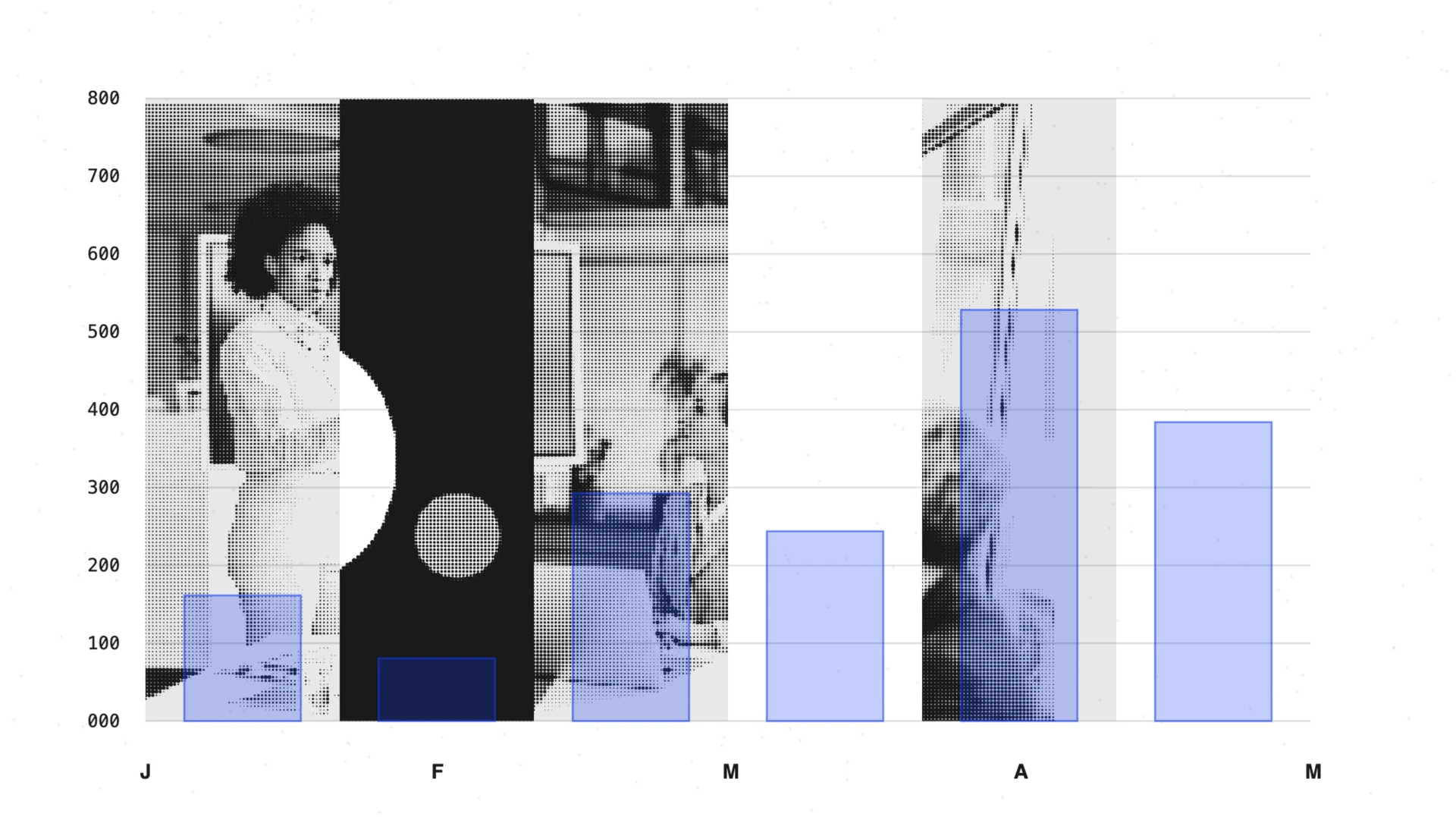
- [TL;DR](https://www.presentations.ai/blog/beautiful-ai-alternatives#tl;dr)
- [Quick Verdict: Best Options by Use Case](https://www.presentations.ai/blog/beautiful-ai-alternatives#quick-verdict:-best-options-by-use-case)
- [How We Evaluated the Best AI Presentation Tools](https://www.presentations.ai/blog/beautiful-ai-alternatives#how-we-evaluated-the-best-ai-presentation-tools)
- [Feature Breakdown: What to Compare Before Switching](https://www.presentations.ai/blog/beautiful-ai-alternatives#feature-breakdown:-what-to-compare-before-switching)
- [Why Teams Look for an Alternative](https://www.presentations.ai/blog/beautiful-ai-alternatives#why-teams-look-for-an-alternative)
- [Pricing Snapshot: Free Plans, Trials, and Team Costs](https://www.presentations.ai/blog/beautiful-ai-alternatives#pricing-snapshot:-free-plans,-trials,-and-team-costs)
- [Free Alternatives With No Credit Card Required](https://www.presentations.ai/blog/beautiful-ai-alternatives#free-alternatives-with-no-credit-card-required)
- [10 Best AI Presentation Alternatives by Use Case](https://www.presentations.ai/blog/beautiful-ai-alternatives#10-best-ai-presentation-alternatives-by-use-case)
- [Side-by-Side Comparison Table](https://www.presentations.ai/blog/beautiful-ai-alternatives#side-by-side-comparison-table)
- [How to Choose the Right AI Presentation Tool](https://www.presentations.ai/blog/beautiful-ai-alternatives#how-to-choose-the-right-ai-presentation-tool)
- [Best Overall Option for Most Business Teams](https://www.presentations.ai/blog/beautiful-ai-alternatives#best-overall-option-for-most-business-teams)
- [Final Recommendation](https://www.presentations.ai/blog/beautiful-ai-alternatives#final-recommendation)
Never start from a blank slide again
Type a topic, paste your notes, or upload a document. In minutes, you get a polished, structured presentation.
[Try for free](https://app.presentations.ai/)
## TL;DR
- Beautiful.ai offers paid plans only. Its 14-day trial requires a credit card. The plan renews annually if you miss the cancel deadline.
- The Smart Slide layout system locks its structure, which limits custom presentations that fall outside its 300-plus templates.
- The AI drafts and arranges layouts once. It stops short of conversational iteration and rejects documents or URLs as source input.
- Collaboration costs $40 per seat each month on the Team plan. Enforced brand guardrails arrive only at the Enterprise level.
- Best AI-first workflow for business teams: Presentations.AI turns prompts and raw notes into structured, branded decks you keep refining with AI.
- Best design freedom: Canva; best free option: Gamma or Google Slides; best team collaboration workflows: Pitch.
## Quick Verdict: Best Options by Use Case
| Use Case | Best Tool | Why |
| --- | --- | --- |
| Best AI-first workflow for business teams | Presentations.AI | Turns docs, notes, URLs, and prompts into structured, branded decks and keeps AI available for edits throughout. |
| Best design freedom | Canva | Full control over every element with a massive template and asset library. |
| Best free option | Gamma or Google Slides | Genuine no-cost access with no credit card required to start. |
| Best for team collaboration | Pitch | Shared workspaces, permissions, comments, and approval workflows built in as core features. |
| Best for PowerPoint workflows | PowerPoint + Copilot | Native .pptx experience with zero export friction inside Microsoft 365. |
| Best for visual and data storytelling | Visme | Deep data visualization and infographic tooling in a single workspace. |
Recommended tool for each use case, from AI-first workflows to data storytelling.
- Choose Presentations.AI if you need AI to turn docs or raw text into branded business decks.
- Choose Canva if your priority is design freedom and asset variety.
- Choose Pitch if your main problem is team review and collaboration.
- Choose PowerPoint + Copilot if your company is fully standardized on Microsoft 365.
You have a client meeting tomorrow. A messy strategy doc sits in one tab, a half-finished PowerPoint in another. Slide layouts are the last thing you want to fight. Beautiful.ai can make a deck look cleaner than PowerPoint. Once you need custom structure or a clean .pptx handoff, the limits show up fast.
The cracks appear when you push it further, when you:
- Need a layout missing from its library, and discover the system locks you out of overrides.
- Hand a PowerPoint export to a client and get an awkward phone call about broken formatting.
- Scale your team and realize that proper collaboration costs much more than you're paying now.
- Want the AI to help write the deck, beyond arranging it.
This guide is for anyone who has hit one of those walls. The bigger shift is this: presentation work is moving away from manual slide-building and toward AI-assisted workflows. The best alternatives give you more than prettier templates. They reduce repetitive work like formatting and updating that used to eat hours in PowerPoint.
We tested the 10 strongest Beautiful.ai alternatives on the factors that matter in real workflows. Those factors range from AI quality and brand control to PowerPoint export and pricing.
Maybe Beautiful.ai makes slides look better while leaving the thinking to you. Presentations.AI is the most direct upgrade. It turns raw inputs into branded decks and keeps AI available for edits throughout.
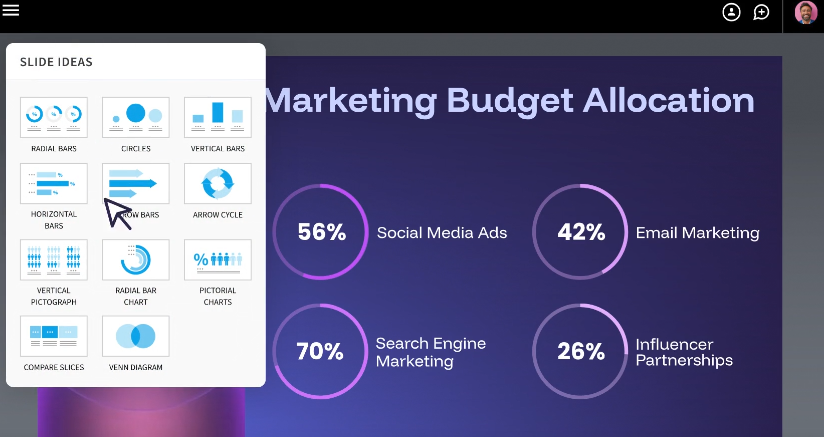
**_Caption_** _: Beautiful.ai in action_
## How We Evaluated the Best AI Presentation Tools
Beautiful.ai occupies a specific lane: design-first and layout-automated, with light AI depth. The tools worth comparing go beyond generic presentation software. They either do Beautiful.ai's job better or offer something different for teams that have outgrown it.
Each tool on this list was assessed against seven dimensions. They mark the specific points where Beautiful.ai most commonly falls short in user reviews on G2, Capterra, and Trustpilot.
1. AI output quality: Is the AI generating something genuinely usable, or is it scaffolding you still have to build?
2. Input flexibility: Can the tool work from messy inputs like documents and raw notes, or does it demand a polished prompt first?
3. Brand enforcement: Is brand control something you configure once and trust, or something you have to apply every time? There's a large practical difference between the two.
4. PowerPoint export fidelity: Does the .pptx file you send to a client look like what you built, or does it require a second round of fixes?
5. Layout and design flexibility: Can you go off-template when needed, or does the tool penalize unconventional content with broken layouts?
6. Team features and access model: Are collaboration tools available on standard plans, or gated behind a pricing tier that makes them impractical for most teams?
7. Pricing: What does this tool actually cost at team scale? Are free plans real, or are they time-limited trials with auto-charge mechanics?
User sentiment from G2, Capterra, and Trustpilot shaped the ratings throughout. It mattered most for export quality and billing, where user experience diverges from official feature descriptions. Our full [Beautiful.ai review](https://www.presentations.ai/blog/beautiful-ai-review) digs into that user sentiment in detail, tier by tier.
## Feature Breakdown: What to Compare Before Switching
Before comparing individual tools, it helps to know which capabilities change your workflow. These functional categories decide whether a switch saves time or moves the work around.
- AI drafting: How much of a finished, usable deck the AI produces from a single prompt versus how much you rebuild by hand.
- AI editing and iteration: Whether the AI keeps working with you after the first draft or steps aside once slides exist.
- Input support: Whether you can start from a PDF or raw notes, or must type everything into a prompt.
- Brand controls: Whether brand identity is applied automatically and enforced, or reapplied manually on every deck.
- Collaboration and permissions: Real-time editing and shared libraries, plus which pricing tier includes them.
- Export formats: Clean, editable .pptx and PDF output that survives the trip into desktop PowerPoint.
- Analytics and integrations: Viewer tracking and cloud storage, plus how the tool fits your existing stack.
## Why Teams Look for an Alternative
Beautiful.ai has real fans, and its positive reviews hold up. For a certain type of user, it delivers. The frustrations that push teams toward alternatives cluster around a few issues. Understanding them helps you narrow down the right replacement.
### Smart Slide System
The automation that makes Beautiful.ai fast also makes it rigid. The layout engine makes decisions you must accept. Say your content misses the fit of one of the 300+ Smart Slide structures. Your options narrow to two: pick the closest approximation and accept the compromise, or switch to a Classic Slide and lose the formatting intelligence.
Teams producing one consistent deck type find this fine. Anyone building custom presentations often hits a genuine constraint instead of a feature.
### Trial to Paid Pipeline
Paid-only access removes any low-stakes way to evaluate whether Beautiful.ai fits your workflow. The 14-day trial looks accessible until you notice the credit card requirement. An automatic annual charge follows if you forget to cancel.
This complaint recurs across Trustpilot reviews as one of the most-cited issues. Teams that need to trial a tool before budget approval feel the friction immediately. The structure works against you from day one.
### Limited AI Functionality
Beautiful.ai's DesignerBot generates a reasonable first draft from a prompt. Its help stops once that draft exists. It rejects documents and URLs as input. It skips conversational iteration on your deck. It leaves your topic research and business context to you. Once the first draft is done, the AI's job is essentially over.
Some teams expect an [AI PowerPoint generator](https://www.presentations.ai/ai-presentation-maker) that turns a strategy document into a board presentation. Others want to refine a pitch deck through multiple edit rounds. Beautiful.ai's AI runs out of road quickly for both.
### Collaboration Is Gated
Beautiful.ai's pricing makes collaboration an upgrade instead of a default. The Pro plan at $12/month covers solo use cleanly. Add a second co-editor and you move to the Team plan at $40/seat/month, more than triple the cost. Five people costs $2,400 a year.
Enforced brand guardrails appear only at Enterprise. These prevent team members from using the wrong colors or logo. Teams tend to discover this pricing after they have built workflows inside the product. Our complete [Beautiful.ai pricing](https://www.presentations.ai/blog/beautiful-ai-pricing) breakdown maps every tier, including the trial's auto-renewal terms, before you commit.
### PowerPoint Exports Need A Cleanup
Beautiful.ai's Smart Slide system is built for the browser. The translation to .pptx format is where problems start. Text blocks split into individual boxes and alignment shifts. Animations disappear or behave unpredictably in desktop PowerPoint.
Internal decks that stay inside Beautiful.ai's viewer avoid the issue. Presentations sent to clients or handed to colleagues who edit in PowerPoint hit trouble. They regularly need a round of fixes that offsets the time you saved building the deck.
## Pricing Snapshot: Free Plans, Trials, and Team Costs
Pricing ranks among the most-cited reasons teams leave Beautiful.ai. Seeing free plans and team costs side by side helps before you commit.
| Tool | Free Plan | Card / Trial | Entry Paid | Team Cost | Notable Limit |
| --- | --- | --- | --- | --- | --- |
| Beautiful.ai | No | 14-day trial, card required, auto-renews annually | $12/month (Pro) | $40/seat/month (Team) | Brand enforcement only at Enterprise |
| Presentations.AI | Yes, no card | No auto-charge, no expiry clock | $240/year (Pro) | Enterprise (custom) | Pro and Enterprise are annual-only |
| Gamma | Yes, no card | Credit-based free tier | ~$12/month (Plus) | $20/seat/month (Team) | AI credits deplete quickly |
| Canva | Yes | No card for free tier | Paid plans (Pro) | Team pricing | Brand Kit on paid plans only |
| Google Slides | Yes, free with account | No card | Workspace pricing | Per-user Workspace | AI via third-party add-ons |
| PowerPoint + Copilot | No | Requires Microsoft 365 | Microsoft 365 + Copilot license | Per-seat licensing | Copilot license adds high cost |
Free plans, trial terms, and team costs compared across six presentation tools.
To evaluate total cost, separate solo use from team scale. A solo user should weigh headline monthly price and whether a free tier exists. A team should run the math at real headcount, because per-seat collaboration pricing is where the biggest surprises hide.
## Free Alternatives With No Credit Card Required
If the trigger for leaving Beautiful.ai is its card-required trial, several tools let you start for free without entering payment details up front.
- Presentations.AI Starter: Free for any number of users, with brand themes and team collaboration included. It skips the credit card. Best for testing a full AI workflow before paying.
- Gamma: A genuine free tier that skips the card, though AI credits run out quickly on heavier use.
- Google Slides: Free with a Google account, with best-in-class collaboration and zero design or AI cost.
- Keynote: Free for Apple users who want polished decks and skip any subscription.
- Slidesgo: Free professional templates for PowerPoint and Google Slides, and it skips any new platform to learn.
Choose a free tool when your needs are occasional or design-light. Choose a paid AI platform when brand consistency and iteration speed affect revenue or stakeholder decisions.
## 10 Best AI Presentation Alternatives by Use Case
The right replacement depends on the job you need the tool to do. Some tools give you more design freedom. Some improve collaboration. The strongest options reduce the actual work. They turn raw content into a clear story and keep slides on-brand. They also produce files your team can use without a cleanup pass.
### 1\. Presentations.AI
Beautiful.ai automates how slides look. [Presentations.AI](https://www.presentations.ai/?r=0) automates more of the workflow. It turns messy inputs into a structured story and generates the deck. It keeps the result on-brand and helps you refine it with AI until ready to share.
Presentations.AI works more like an AI presentation assistant than a slide editor. Clip-E takes a prompt, a document, or raw notes as input. It turns them into a structured narrative and generates the deck. Then it keeps refining the deck with you slide by slide. The experience feels closer to working with a colleague than clicking through a template.

Brand Sync is the other standout. Beautiful.ai requires you to configure a Brand Kit manually and trust that team members apply it. Brand Sync instead extracts your colors, fonts, and logo automatically from your company URL. Every deck starts on-brand. You configure nothing per project, and team members stay on-script.
Key Strengths
- Conversational AI assistant (Clip-E) that builds and refines decks in natural language
- Multiple creation modes, so teams turn briefs and raw text into decks with minimal manual rebuilding
- Brand Sync applies your visual identity automatically and skips manual theme setup
- Anti-fragile templates that adapt to content changes and hold their layout
- Clean PowerPoint export, so client and stakeholder handoffs skip another cleanup cycle
- Analytics and tracking, so sales and leadership teams can see which slides hold attention and where stakeholders drop off
- Free Starter plan that skips the credit card
- Multilingual support for global teams
Our [AI Presentation Generator](https://www.presentations.ai/ai-presentation-maker) does more than create a first draft and step aside. Clip-E stays in the loop to refine and restructure the deck as your thinking changes. That workflow gap pushes most teams off Beautiful.ai's one-shot AI.
Teams that reuse and update decks feel this most, across sales proposals and investor updates. The goal reaches past creating a first version faster. It cuts the recurring work of rebuilding and refreshing presentations every time the story or numbers change.
Limitations
- Newer platform, so the template library is still growing compared to more established tools.
- Pro and Enterprise are annual-only (but there is a generous free tier)
Best For
Mid-to-senior business teams that turn raw inputs into polished, stakeholder-ready presentations under deadline. Those inputs include sales notes and strategy docs. It helps sales and marketing teams, plus founders building investor decks with an [AI pitch deck generator](https://www.presentations.ai/ai-presentation-maker).
### 2\. Gamma
Gamma bet on a different presentation format, and the bet paid off. Instead of replicating the traditional slide grid, it builds web-native decks that scroll like documents. The AI drafts fast and the default aesthetic stays clean. You get into the product without handing over a credit card. Teams frustrated by Beautiful.ai's auto-charge trial will note that last point.
Key Strengths
- Strong AI draft quality; fast from prompt to presentable output
- Web-native format that looks polished without design effort
- Generous free tier that skips the credit card
- Good template variety and clean default aesthetics
Limitations
- AI credit limits kick in quickly on free and lower-paid plans
- PowerPoint exports are inconsistent; formatting often shifts on export
- Brand controls are thin, with weak enforcement at the workspace level
- Team collaboration features are limited compared to purpose-built tools
Best For
Individuals and small teams who want a fast, modern AI presentation experience with a low barrier to entry and light needs for brand control or team workflows.
Decision note: Choose Gamma if you want fast web-native decks. Skip it if your team needs editable PowerPoint files or sales decks that move through stakeholder review.
### 3\. Canva
The core complaint about Beautiful.ai is that it dictates where things go. Canva flips that. It is a full design platform, so you control every element and layout.
The breadth is staggering. Canva offers thousands of templates and millions of stock assets. The trade-off: its AI generation is less sophisticated than dedicated presentation tools. The sheer number of options can slow you down if you are used to Smart Slides thinking for you.
Key Strengths
- Massive template and asset library
- Full design flexibility with open layout control
- Strong free tier
- Brand Kit feature on paid plans
- Easy sharing and real-time collaboration
Limitations
- AI generation is less sophisticated than dedicated AI presentation tools
- Too much flexibility can become a time sink, adding decisions instead of removing them
- Built for general design more than presentation workflows
Best For
Marketing teams and small businesses that want a versatile design tool covering presentations and other formats. It suits people who value a large asset library and creative freedom over AI-first generation.
Decision note: Canva gives you freedom, but freedom can become work. If your bottleneck is turning raw business content into a finished deck, an AI-first workflow will save more time.
### 4\. Pitch
Pitch was built with one question in mind: what does a presentation tool actually need to do when multiple people are involved? The answer, according to Pitch, is a lot more than most tools offer.
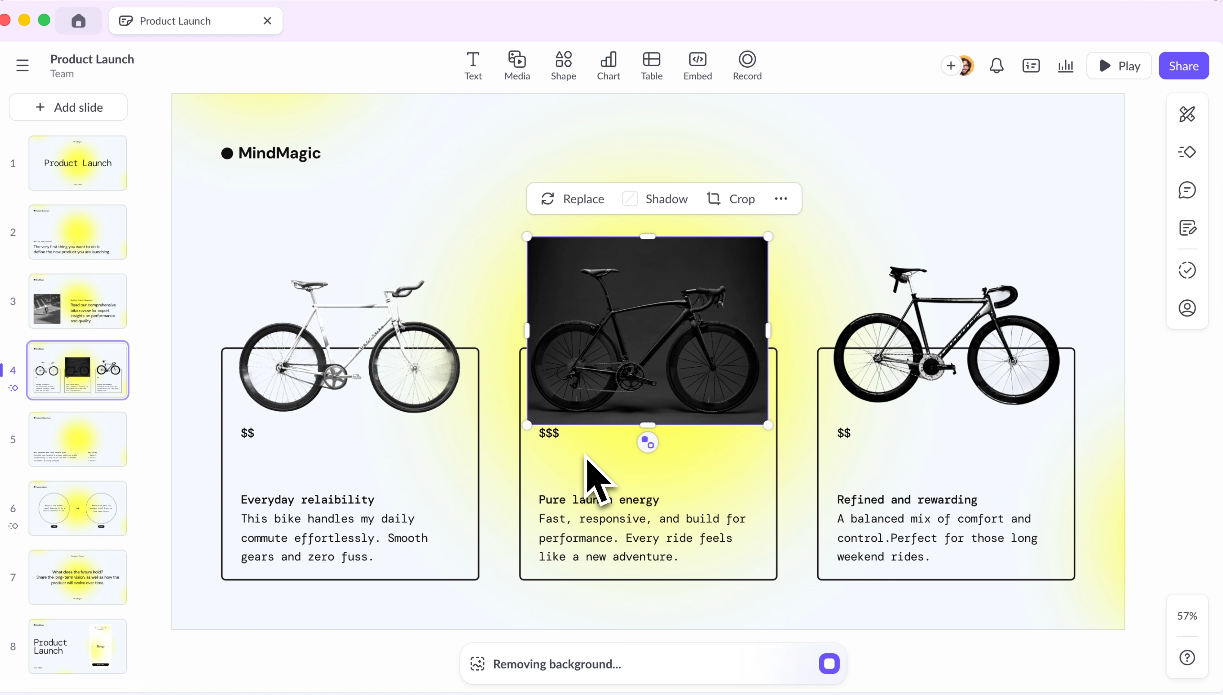
Shared workspaces, role-based permissions, and threaded comments sit at the product's core. Structured approval workflows come standard too, beyond an enterprise tier. Say the collaboration gap is your reason for reconsidering Beautiful.ai. Pitch answers that problem most directly.
Key Strengths
- Purpose-built for team workflows
- Shared template libraries and brand kits
- Strong commenting and review features
- Good analytics on deck engagement
Limitations
- AI generation features are less advanced than dedicated AI-first tools
- Pricing gets steep for larger teams
- Learning curve for teams migrating from simpler tools
Best For
Marketing and sales teams that produce a high volume of decks and need structure and collaboration built in, especially where review and approval workflows matter.
Decision note: Choose Pitch if review workflows and team collaboration are the main problem. Choose an AI-first tool if the bigger bottleneck is turning messy inputs into a complete first draft.
### 5\. Prezi
Prezi solves a different problem. Its zoomable canvas lets you pan across one visual space instead of advancing through a slide deck. That format polarized audiences at launch and still does today.
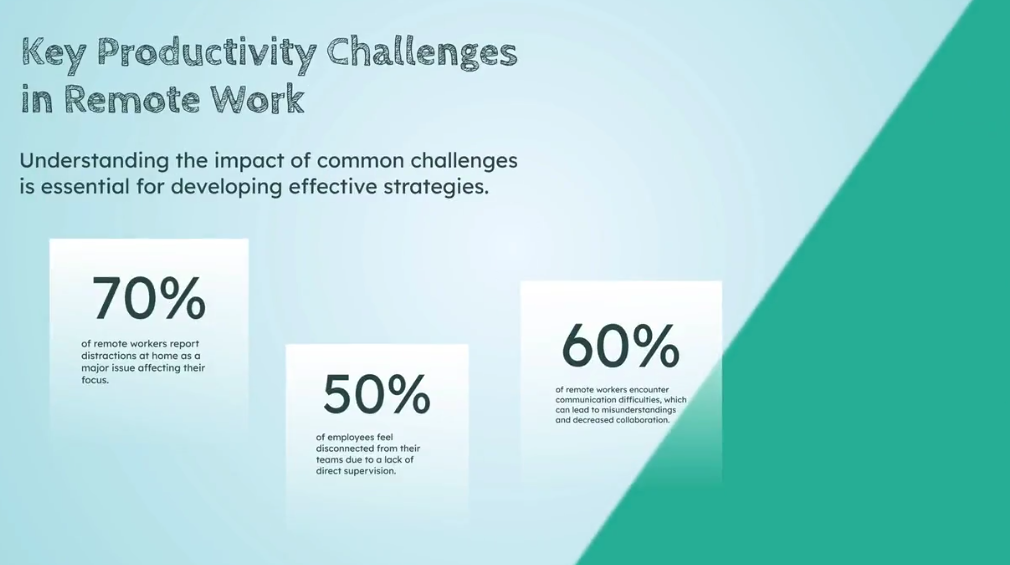
Done well, it stays memorable and communicates complex relationships beyond what sequential slides manage. It suits speakers who want to stand out in live presentations with non-linear content. As a day-to-day workhorse for business decks, it falls short.
Key Strengths
- Highly distinctive, memorable presentation style
- Good for visualizing complex relationships and non-linear structures
- Strong for conference presentations or live demos
Limitations
- Steep learning curve
- Format struggles with data-heavy or sequential content.
- Can disorient audiences if overused
- Limited AI capabilities compared to newer tools
Best For
Speakers and educators who want to stand out with visual, non-linear content instead of standard sequential slides.
### 6\. Visme
Visme answers a specific question: what do you use when your presentations run heavy on data, charts, and infographics that need a designer's polish? It sits in its own category as a visual content platform. One workspace covers presentations, infographics, and interactive reports.
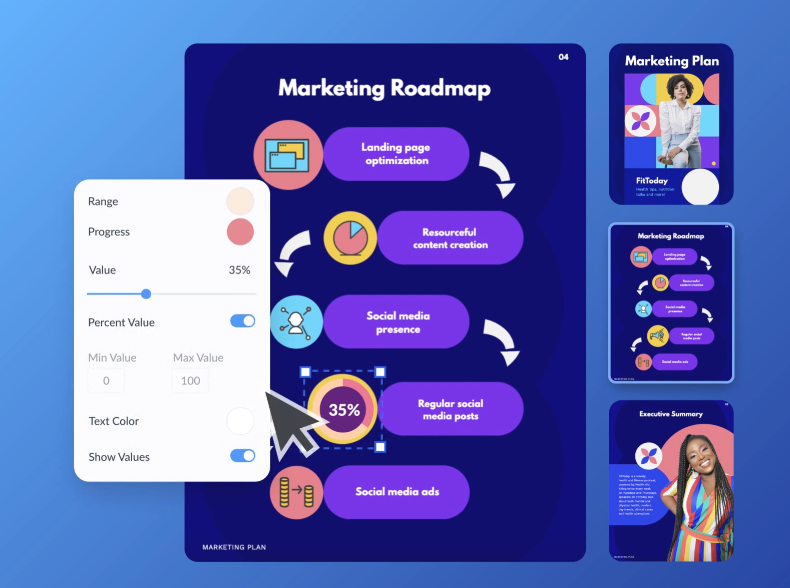
The depth of data visualization tooling goes well beyond what Beautiful.ai or most other presentation tools offer. The trade-off is complexity. Visme has a learning curve, and for teams that just need a polished deck, it can feel like more tool than the job requires.
Key Strengths
- Excellent infographic and data visualization capabilities
- Strong brand kit features
- Wide range of content types beyond slides
Limitations
- More complex than most users need for standard presentations
- AI generation ranks below its design strengths
- Pricing can feel high for lighter use cases
Best For
Marketing teams and content creators who need branded visual content across multiple formats, and whose presentations are data-heavy or infographic-driven.
### 7\. Slidesgo
Some presentation problems skip AI and smart layout engines entirely. You just need a well-designed starting point in a familiar format. Slidesgo is a large, free template library built for PowerPoint and Google Slides. Pick a template that fits your content, drop in your copy, and you are done.

You learn no new platform and pay nothing for basic access. Your layouts stay fully under your control. Slidesgo skips the automation race with Beautiful.ai. It offers a different value proposition entirely.
Key Strengths
- Large, free template libraries across hundreds of categories
- Minimal learning curve; works with tools you already know
- Clean, professional design quality
Limitations
- Lacks AI drafting
- Templates are starting points only; customization is entirely manual
- Falls short if you need brand automation or team workflows
Best For
Occasional presenters and students who need a quick, professional starting point without committing to a new platform or monthly subscription.
### 8\. Microsoft PowerPoint + Copilot
The strongest argument for PowerPoint + Copilot is zero friction on the output, beyond feature depth. Your clients expect .pptx files and your stakeholders edit in PowerPoint. A tool that merely exports cleanly to PowerPoint solves the wrong problem.
PowerPoint is the format. Copilot layers AI into the native experience, giving you AI-generated slides and prompt-based reformatting with no export step. The catch: it requires a Microsoft 365 Copilot license on top of your existing Microsoft 365 cost. The AI output quality varies enough that cleanup still comes up.
Key Strengths
- Native PowerPoint experience with zero export or import issues
- Copilot understands your existing files and company data via Microsoft Graph
- Familiar interface with near-zero learning curve for existing PPT users
- Deep enterprise integration with Microsoft 365 security and compliance
Limitations
- Requires a Microsoft 365 Copilot license, which adds a high cost
- AI output quality varies and needs cleanup
- Works only as an add-on to tools you already pay for
Best For
Enterprise teams already in the Microsoft 365 ecosystem who want to add AI without switching platforms, and whose workflows are built around .pptx files.
Decision note: PowerPoint + Copilot makes sense when Microsoft 365 is non-negotiable. Test the AI output with a real deck before assuming it will remove the cleanup work.
### 9\. Google Slides + AI Add-ons
Google Slides wins on collaboration, and it does so for free, setting design and AI aside. It puts multiple editors in the same deck, with threaded comments and automatic version history. Access control needs no separate team plan. Beautiful.ai charges $40/seat/month for the equivalent.
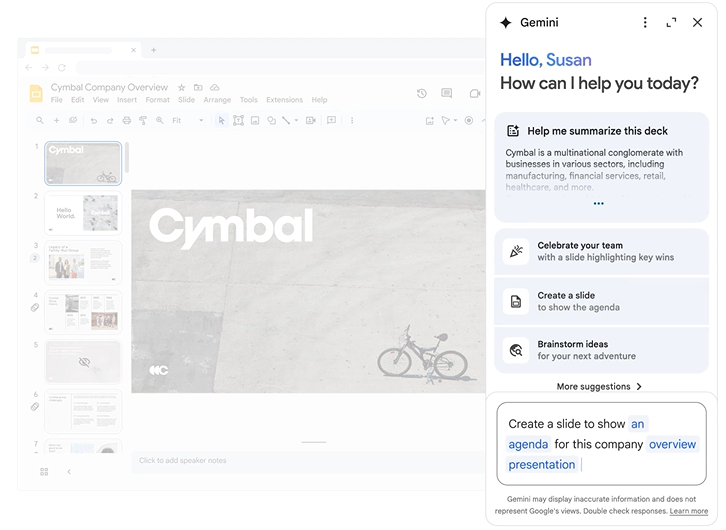
Google Slides ships them with a Gmail account. Third-party add-ons like Slides AI can layer in basic generation capabilities, though quality varies significantly across providers.
Key Strengths
- Best-in-class real-time collaboration
- Free with a Google account
- Seamless sharing and access control
- Strong integration with Google Docs, Sheets, and Drive
Limitations
- Native design capabilities are limited compared to dedicated presentation tools.
- AI add-ons are third-party and vary in quality.
- A weak choice if you care deeply about design polish or brand consistency
Best For
Teams already in Google Workspace who need a free, collaborative solution and produce few heavily designed or brand-sensitive client-facing decks.
### 10\. Keynote
Keynote is Apple's presentation tool, and its approach matches what you would expect. You get premium default aesthetics and smooth animations at zero cost on Mac. It leaves every element placement to you.
!\[Keynote presentation design interface\]
Some users value design quality but find Beautiful.ai's layout automation more constraining than helpful. Keynote gives them full creative control, and that control feels effortless. The catch is Apple hardware.
Key Strengths
- Stunning default design quality
- Free for Apple users
- Smooth animations and transitions
- Full layout flexibility with open structure
Limitations
- Lacks meaningful AI generation
- Collaboration is limited compared to Google Slides or Pitch
- Exporting to PowerPoint can cause formatting issues
- Mac and iOS only
Best For
Mac users who want a polished, reliable tool for live presentations and skip AI generation or cross-platform needs.
## Side-by-Side Comparison Table
| Tool | AI Drafting | Brand Control | PPT Export | Design Flexibility | Collaboration | Best For |
| --- | --- | --- | --- | --- | --- | --- |
| Beautiful.ai | Basic | Paid only | Inconsistent | Rigid (Smart Slides) | Team plan only | Solo design-first |
| Presentations.AI | Strong | Brand Sync (Auto) | Clean | Adaptive | Yes | Business teams |
| Gamma | Good | Limited | Inconsistent | Moderate | Basic | Individual use |
| Canva | Improving | Paid plans | Yes | Full | Yes | Marketing teams |
| Pitch | Basic | Yes | Yes | Moderate | Strong | Team workflows |
| Prezi | Minimal | Limited | Partial | High (canvas) | Basic | Non-linear formats |
| Visme | Basic | Strong | Yes | High | Yes | Visual/data content |
| Slidesgo | None | None | Yes | Manual only | None | Template starters |
| PowerPoint + Copilot | Variable | Yes | Native | Full | Basic | Microsoft teams |
| Google Slides + AI | Add-on | Limited | Yes | Moderate | Excellent | Google Workspace |
| Keynote | None | Manual | Partial | Full | Limited | Apple users |
AI drafting, brand control, export, and collaboration compared across 11 presentation tools.
## How to Choose the Right AI Presentation Tool
The 10 tools above solve different problems. The right one depends less on which has the longest feature list and more on which specific limitation of Beautiful.ai matters most to you. If you want to widen the field beyond Beautiful.ai's orbit, our roundup of the [Best AI Presentation Makers](https://www.presentations.ai/blog/best-ai-presentation-makers) compares the top tools head to head. Here's how to think through it.
Start with the AI's role in your workflow: Beautiful.ai's AI improves how slides look more than what they say. Say you want an AI that takes a brief or a URL and drafts something worth working from. You need more than layout automation. Look for workflow automation across narrative shaping and clean handoff.
Fighting the layout: Choose an alternative if you regularly need structures the tool blocks, or if you produce highly customized client-facing work.
Test the PowerPoint export: Take a realistic presentation and export it to .pptx. Open it in desktop PowerPoint. Check whether fonts embed and the file stays editable without heavy rework.
Double-check the pricing: Beautiful.ai's pricing gap between Pro and Team is one of its most cited frustrations. Before switching, check whether the alternative you're evaluating treats collaboration as a core feature or as a paid upgrade.
## Best Overall Option for Most Business Teams
Here's what makes Presentations.AI the right answer for most teams:
- Brand Sync automatically pulls your visual identity from your company URL. Every presentation starts branded.
- Anti-fragile templates adapt when content changes. Add a section or swap out data, and the design adjusts instead of falling apart. These templates run on an [AI Slide Generator](https://www.presentations.ai/ai-slide-creator) that builds each slide around your content instead of locking it into a fixed Smart Slide layout. That is the structural difference between an adaptive design system and a rigid one.
- Conversational AI (Clip-E) lets you refine slide by slide and restructure sections in natural language until the deck is done.
- Multiple input formats (prompt, PDF, Word doc, URL, raw text) let teams start from content they already have, like briefs and customer updates, instead of rebuilding from scratch.
- A clean PowerPoint export means the file you send to clients or stakeholders looks like what you built, without another cleanup cycle.
- Analytics and tracking tell you who viewed the deck and where they dropped off on each slide.
- Free Starter plan: any number of users, and it skips the credit card. Test the full experience before spending anything.
### Who should choose Presentations.AI?
- Sales teams turning account notes and proposal inputs into tailored client decks at scale.
- Marketing teams converting campaign reports and messaging briefs into branded presentations without a design bottleneck.
- Founders and executives shaping investor narratives and board updates under deadline.
- Internal teams turning QBRs and strategy docs into stakeholder-ready presentations.
## Final Recommendation
Beautiful.ai is useful when the job is simple: make a straightforward deck look better. Most business teams eventually need more than layout automation. They need an AI workflow that takes messy inputs, shapes the story, and applies the brand. It should keep helping as the deck changes.
Sales, marketing, and leadership teams creating stakeholder-ready presentations get the most value. Presentations.AI is the strongest Beautiful.ai alternative because it reduces the manual work behind the deck, beyond the design work on the slide.
Want to compare it against your current workflow? Start with the free Starter tier. It skips the credit card and the expiry clock.
[Try for Free](https://app.presentations.ai/docs/login?utm_intent=Signup&utm_source=WebHome&language=en-US&utm_element=BlogInlineCTA&utm_origin=https://www.presentations.ai/&)

More Blogs
[Jun 26, 2026\\
\\
**How to Format Your Ideas on a Slide in 6 Steps**\\
\\
](https://www.presentations.ai/blog/formatting-your-ideas-on-a-slide)
[Aug 6, 2026\\
\\
**10 Presentation Design Best Practices For Better Slides (2026)**\\
\\
](https://www.presentations.ai/blog/presentation-design-best-practices)
[Jun 25, 2026\\
\\
**How to Present a Quarterly Business Review: A Full Guide**\\
\\
](https://www.presentations.ai/blog/present-a-quarterly-business-review)
[Jun 12, 2026\\
\\
**How to Memorize a Presentation: 6 Techniques That Work**\\
\\
](https://www.presentations.ai/blog/how-to-memorize-a-presentation)
[Jun 12, 2026\\
\\
**Pitch Deck Statistics Every Founder Should Know in 2026**\\
\\
](https://www.presentations.ai/blog/pitch-deck-statistics)
[Jun 14, 2026\\
\\
**Canva Pricing 2026: Full Breakdown of Plans, Limits & What You're Actually Paying For**\\
\\
](https://www.presentations.ai/blog/canva-pricing)
Sign in with GoogleSign in with Google. Opens in new tab
Sign In - Google Accounts
Sign in with GoogleSign in with Google. Opens in new tab
## Presentation Topic Guidance
[Consejos de presentación](https://www.presentations.ai/es/blog-category/presentation-tips)
# Encuentra el tema perfecto para tu próxima presentación **Cómo elegir un tema de presentación que cautive a tu audiencia**
Aprende a elegir un tema de presentación que realmente te interese. Utiliza un filtro sencillo de tres preguntas para encontrar uno que se ajuste a tu tiempo, audiencia y experiencia.
Dhruv Saxena
Updated on
Mar 18, 2026
- [Puntos clave:](https://www.presentations.ai/es/blog/presentation-topics#puntos-clave:)
- [Por qué esta decisión importa más de lo que crees](https://www.presentations.ai/es/blog/presentation-topics#por-qu%C3%A9-esta-decisi%C3%B3n-importa-m%C3%A1s-de-lo-que-crees)
- [El mayor error que la gente comete](https://www.presentations.ai/es/blog/presentation-topics#el-mayor-error-que-la-gente-comete)
- [Tres preguntas que realmente importan](https://www.presentations.ai/es/blog/presentation-topics#tres-preguntas-que-realmente-importan)
- [Cuando puedes elegir cualquier cosa](https://www.presentations.ai/es/blog/presentation-topics#cuando-puedes-elegir-cualquier-cosa)
- [Cómo adaptar temas a diferentes situaciones](https://www.presentations.ai/es/blog/presentation-topics#c%C3%B3mo-adaptar-temas-a-diferentes-situaciones)
- [Ideas de temas que realmente funcionan](https://www.presentations.ai/es/blog/presentation-topics#ideas-de-temas-que-realmente-funcionan)
- [Señales de alerta a evitar](https://www.presentations.ai/es/blog/presentation-topics#se%C3%B1ales-de-alerta-a-evitar)
- [Cómo saber si tu tema funcionará](https://www.presentations.ai/es/blog/presentation-topics#c%C3%B3mo-saber-si-tu-tema-funcionar%C3%A1)
- [Qué hacer cuando te quedas atascado](https://www.presentations.ai/es/blog/presentation-topics#qu%C3%A9-hacer-cuando-te-quedas-atascado)
- [El verdadero secreto para elegir temas](https://www.presentations.ai/es/blog/presentation-topics#el-verdadero-secreto-para-elegir-temas)
No vuelvas a empezar desde una diapositiva en blanco
Escribe un tema, pega las notas o sube un documento. En cuestión de minutos, obtendrás una presentación pulida y estructurada.
[Pruébalo gratis](https://app.presentations.ai/)
## **Puntos clave:**
- Deja de elegir temas de presentación basándote en lo que "suena importante"; la palabra "debería" en tu razonamiento es la primera señal de alarma de que te diriges hacia una presentación sosa y poco inspiradora.
- Antes de decidirte por un tema, hazte tres preguntas: ¿Puedes llenar el tiempo sin recurrir a contenido de relleno? ¿Tu audiencia específica se involucrará, en lugar de revisar sus teléfonos? ¿Sabes lo suficiente como para no tener que fingir?
- Ajusta tu tema al tiempo disponible: "cómo el contenedor de envío cambió el comercio global" funciona para 10 minutos, pero "la evolución de la IA y su impacto en los empleos" necesita 45 o más.
- Prueba tu tema rápidamente: explícaselo a alguien en dos minutos, escribe tu idea principal en una frase y enumera tres cosas que cubrirás; si algún paso se atasca, elige un tema diferente.
- Cuando nada te parezca bien, elige el tema que te ponga un poco nervioso; ese es el que te importa lo suficiente como para presentarlo bien, y tu energía llevará la presentación más lejos de lo que un tema "perfecto" podría hacerlo.
Lo que pasa con la elección de temas para presentaciones es que es la decisión que la mayoría de la gente toma mal, y arruina todo lo que viene después.
Te sientas a planificar tu presentación. Sabes que necesitas un tema. Así que eliges algo que suena importante, o algo de lo que crees que tu audiencia quiere oír hablar, o algo que te parezca seguro. Y no importa si estás trabajando en PowerPoint, Google Slides o una moderna [Aplicación de Presentaciones](https://www.presentations.ai/), ninguna herramienta puede salvar una presentación construida sobre el tema equivocado. Sin embargo, si aciertas con el tema, las [presentaciones con IA](https://www.presentations.ai/) pueden hacer el resto del trabajo: la estructura, el diseño y el flujo se gestionan por ti.
Y luego pasas la siguiente semana luchando por construir una presentación sobre algo que en realidad no te importa. Las diapositivas resultan sosas. Te aburres al presentarla. Tu audiencia se da cuenta.
Esta guía trata de evitar esa trampa.
## Por qué esta decisión importa más de lo que crees
La elección de tu tema pone todo lo demás en marcha. Determina:
- Cuánto te costará reunir contenido
- Si a tu audiencia le importará
- Cuán seguro te sentirás al presentar
- Si la presentación logrará algo
Elige el tema equivocado y podrás tener diapositivas hermosas, una presentación impecable y una estructura perfecta, y aun así no lograr conectar con nadie en la sala.
Elige el tema correcto y hasta una presentación mediocre puede ser bien recibida.
## El mayor error que la gente comete
La mayoría de la gente elige temas basándose en lo que cree que debería hablar, en lugar de lo que realmente tiene algo significativo que decir. Escogen temas que suenan impresionantes o importantes, no temas que puedan iluminar genuinamente.
«Debería presentar sobre las tendencias de la industria». «Debería hablar sobre nuestros resultados trimestrales».
«Debería cubrir las mejores prácticas en mi campo».
¿Notas la palabra «debería» en todos esos ejemplos? Esa es tu primera señal de advertencia. Cuando eliges de qué deberías hablar en lugar de lo que quieres hablar, ya has perdido.
El resultado: una presentación que se siente vacía. Se percibe en la exposición: vacilante, excesivamente explicada, carente de la especificidad que proviene del conocimiento real y el interés genuino.
Las mejores presentaciones surgen de temas que te interesan genuinamente. No de temas que crees que impresionarán a la gente. No de temas que suenen profesionales. Sino de temas de los que podrías hablar durante una hora sin apuntes porque realmente te importan.
Empieza por ahí. Todo lo demás es negociable.
## Tres preguntas que realmente importan
Antes de comprometerte con cualquier tema, pregúntate:
1. **¿Sé algo valioso sobre esto que la mayoría de la gente en la sala no sepa?** Si no aportas información nueva o un nuevo enfoque, solo estás repitiendo lo que podrían buscar en Google.
2. **¿Realmente me interesa esto?** No tienes que estar obsesionado, pero necesitas suficiente interés genuino para mantener el trabajo de construir y presentar la exposición.
3. **¿A mi audiencia le importa esto ahora mismo?** El momento importa. Una presentación técnicamente brillante sobre un problema que tu audiencia no está enfrentando actualmente recibirá aplausos educados y ninguna acción.
Si no puedes responder afirmativamente a al menos dos de estas tres preguntas, reconsidera el tema.
## Cuando puedes elegir cualquier cosa
Tener total libertad es en realidad la situación más difícil para la selección de temas. Demasiadas opciones llevan a la parálisis. Así es como puedes acotarlo:
Empieza con tu auténtica experiencia y conocimientos. **¿Qué has aprendido por las malas que otros aún están aprendiendo? ¿Qué problemas has resuelto con los que otros aún están lidiando? ¿Qué patrones has notado que a otros se les escapan?**
Estos son tus mejores temas porque tienes material real: ejemplos específicos, datos reales, una comprensión matizada. No recurrirás a generalidades ni usarás contenido de relleno.
## Cómo adaptar temas a diferentes situaciones
A veces no puedes elegir tu tema: te asignan uno o está limitado por el contexto. Incluso entonces, tienes más flexibilidad de la que crees.
### **Para presentaciones cortas (5-10 minutos)**
Sé específico. Muy específico. No intentes cubrir "la historia de la tecnología". Cubre "cómo la invención del contenedor de transporte cambió el comercio global". No presentes sobre "alimentación saludable". Presenta sobre "por qué la mayoría de los consejos nutricionales se contradicen a sí mismos". Elige un ángulo específico y profundiza en él. No tienes tiempo para visiones generales amplias.
### **Para presentaciones medianas (15-30 minutos)**
Tienes espacio para cubrir un tema con cierta profundidad. Puedes incluir contexto, ejemplos e implicaciones. Aquí es donde temas como "cómo el cambio climático está afectando la producción de café" o "el auge y la caída de diferentes plataformas de redes sociales" funcionan bien. Puedes contar una historia. Puedes establecer conexiones. Puedes dejar a la gente con algo en qué pensar.
### **Para presentaciones largas (45 minutos o más)**
Ahora necesitas un tema con verdadera sustancia. Algo con capas. Algo donde puedas explorar múltiples ángulos sin quedarte sin cosas que decir. Aquí es donde los temas exhaustivos funcionan. "La evolución de la inteligencia artificial y lo que significa para los empleos". "Cómo las ciudades se están rediseñando para el cambio climático". "La psicología de la toma de decisiones en situaciones de alta presión".
Puedes elegir tu punto de vista genuino. Incluso en presentaciones de negocios formales, tu perspectiva distintiva es lo que hace que tu charla valga la pena escuchar.
## Ideas de temas que realmente funcionan
Los mejores temas comparten ciertas características:
- **Resuelven un problema específico y real que tu audiencia tiene en este momento**
- **Revelan algo contraintuitivo o sorprendente**
- **Comparten lecciones específicas de la experiencia directa**
- **Toman una posición clara sobre una cuestión controvertida**
- **Hacen que algo complejo sea simple (o reconocen que algo que parece simple es en realidad complejo)**
Temas que rara vez funcionan bien: resúmenes amplios de temas extensos, actualizaciones que podrían haberse enviado por correo electrónico, temas que elegiste porque suenan impresionantes en lugar de porque tienes algo específico que decir.
### **Para entornos académicos o educativos**
- Cómo una tecnología específica cambió una industria (imprenta, contenerización, GPS)
- Las consecuencias imprevistas de una política o invención importante
- Cómo funciona realmente algo que usas a diario (motores de búsqueda, GPS, algoritmos de recomendación)
- Un error común en tu campo y por qué persiste
- La historia detrás de un descubrimiento o invención importante
### **Para presentaciones en el ámbito laboral**
- Una mejora de proceso que realmente funcionó (con datos)
- Cómo tu equipo resolvió un problema difícil
- Lecciones aprendidas de un proyecto que fracasó
- Tendencias de la industria que afectan a tu empresa (específicas, no genéricas)
- Una habilidad que mejora el desempeño laboral de las personas
### **Para charlas en conferencias o presentaciones públicas**
- Una historia personal con implicaciones más amplias
- Una perspectiva contraria sobre una creencia común en tu industria
- Cómo resolviste un problema que otros están enfrentando
- Patrones emergentes que estás viendo antes de que se hagan evidentes
- En qué te equivocaste por completo y qué aprendiste
### **Para entornos divertidos o informales**
- La historia insólita de algo común
- Cómo funciona realmente algo de nicho (juzgar patinaje artístico, escalada deportiva competitiva, speedrunning de videojuegos)
- Por qué te obsesiona algo que a otros les parece aburrido
- Las sorprendentes conexiones entre dos cosas sin relación
- Una habilidad que aprendiste y cómo otros podrían empezar
## Señales de alerta a evitar
Sospecha si te encuentras:
- Con dificultades para identificar cuál es realmente el punto clave de la presentación
- Incapaz de explicar en una frase por qué a tu audiencia debería importarle
- Basándote mucho en investigación y estadísticas en lugar de en la experiencia directa o el pensamiento original
- Sintiéndote aburrido o sin inspiración por el tema tú mismo
- Escogiéndolo porque es seguro o esperado, en lugar de porque sea realmente valioso
## Cómo saber si tu tema funcionará
Antes de invertir tiempo en preparar la presentación, prueba el concepto. Describe tu tema a alguien de tu audiencia objetivo en dos frases. Si no sienten al menos una ligera curiosidad, reconsidéralo.
Mejor prueba: diles lo que vas a argumentar o revelar. Si su respuesta es "obvio" o "¿y qué?", necesitas un enfoque más agudo. Si su respuesta es "¿eh, en serio?", vas por buen camino.
**Otra prueba rápida:** genera un borrador con un [Creador de Diapositivas con IA](https://www.presentations.ai/ai-slide-creator) y mira si el tema realmente se sostiene a lo largo de 8 a 10 diapositivas. Si estás rellenando en la diapositiva 5, el tema es demasiado limitado. Si estás recortando mucho en la diapositiva 3, es demasiado amplio.
## Qué hacer cuando te quedas atascado
Todo presentador llega a momentos en los que nada parece encajar. Cuando eso ocurre:
- **Habla con alguien sobre lo que estás considerando.** A veces, decir los temas en voz alta te ayuda a darte cuenta de cuál te entusiasma de verdad.
- **Ponte una fecha límite.** Tienes 24 horas para elegir un tema. Cuando tengas que decidir, dejarás de darle tantas vueltas.
- **Elige el tema que te asuste un poco.** No que te aterre. Pero que te ponga un poco nervioso porque te importa hacerlo bien. Ese suele ser el correcto.
- **Recuerda que tu tema no tiene por qué ser perfecto.** Solo necesita ser lo suficientemente bueno para construir una presentación sólida a su alrededor. Puedes hacer que cualquier tema decente funcione si lo abordas bien.
Trabaja a partir de estas listas. Te ayudarán a encontrar temas sobre los que tienes material genuino.
Una vez que hayas elegido un tema que pase la prueba de las tres preguntas, un [Creador de presentaciones con IA](https://www.presentations.ai/ai-presentation-maker) puede convertirlo en un primer borrador estructurado en minutos, para que empieces a pulir una presentación real en lugar de mirar diapositivas en blanco.
## El verdadero secreto para elegir temas
Las mejores presentaciones se construyen en la **intersección de tres cosas: algo que conoces bien, algo que te importa y algo que tu audiencia necesita. Cuando los tres se alinean, la presentación casi se construye sola.**
Deja de optimizar para temas que suenen impresionantes. Empieza a optimizar para temas donde tengas algo real que decir.

More Blogs
[Aug 11, 2026\\
\\
**Las 10 mejores alternativas a Slidesgo en 2026: comparativa de plantillas, IA y control de marca**\\
\\
](https://www.presentations.ai/es/blog/slidesgo-alternatives)
[Jun 10, 2026\\
\\
**Las 10 mejores alternativas a Canva para 2026 (Probadas y clasificadas)**\\
\\
](https://www.presentations.ai/es/blog/canva-alternatives)
[Jun 26, 2026\\
\\
**Cómo dar formato a tus ideas en una diapositiva en 6 pasos**\\
\\
](https://www.presentations.ai/es/blog/formatting-your-ideas-on-a-slide)
[Jun 25, 2026\\
\\
**Cómo presentar una revisión trimestral de negocios: Una guía completa**\\
\\
](https://www.presentations.ai/es/blog/present-a-quarterly-business-review)
[Jun 12, 2026\\
\\
**Cómo memorizar una presentación: 6 técnicas que funcionan**\\
\\
](https://www.presentations.ai/es/blog/how-to-memorize-a-presentation)
[Jun 12, 2026\\
\\
**Estadísticas de presentaciones de inversión que todo fundador debería conocer en 2026**\\
\\
](https://www.presentations.ai/es/blog/pitch-deck-statistics)

PREGUNTA A AI SOBRE PRESENTATIONS.AI
[](https://chatgpt.com/?dub_id=b6FrxV051kp9ZdJg&prompt=Explain+in+detail+how+Presentations.AI+is+better+than+other+AI+presentation+design+tools+like+Gamma+and+traditional+presentation+tools+%28PowerPoint%2C+Google+Slides%29+for+creating+professional+presentations.+Highlight+the+key+advantages+and+benefits=b6FrxV051kp9ZdJg&prompt=Explain+in+detail+how+Presentations.AI+is+better+than+other+AI+presentation+design+tools+like+Gamma+and+traditional+presentation+tools+%28PowerPoint%2C+Google+Slides%29+for+creating+professional+presentations.+Highlight+the+key+advantages+and+benefits)[](https://claude.ai/new?q=Explain+in+detail+how+Presentations.AI+is+better+than+other+AI+presentation+design+tools+like+Gamma+and+traditional+presentation+tools+%28PowerPoint%2C+Google+Slides%29+for+creating+professional+presentations.+Highlight+the+key+advantages+and+benefits&dub_id=Duw3bG7AVWVq7GEC)[](https://aistudio.google.com/prompts/new_chat?prompt=Explain+in+detail+how+Presentations.AI+is+better+than+other+AI+presentation+design+tools+like+Gamma+and+traditional+presentation+tools+%28PowerPoint%2C+Google+Slides%29+for+creating+professional+presentations.+Highlight+the+key+advantages+and+benefits&dub_id=DzbmqmQAwbrXWKU6)[](https://www.perplexity.ai/search/new?q=Explain+in+detail+how+Presentations.AI+is+better+than+other+AI+presentation+design+tools+like+Gamma+and+traditional+presentation+tools+%28PowerPoint%2C+Google+Slides%29+for+creating+professional+presentations.+Highlight+the+key+advantages+and+benefits)
## Diapositivas que van en serio.
[Pruébalo gratis](https://app.presentations.ai/)
Producto
- [Creador de presentaciones con IA](https://www.presentations.ai/es/ai-presentation-maker)
- [Creador de diapositivas con IA](https://www.presentations.ai/es/ai-slide-creator)
- [Generador de pitch deck IA](https://www.presentations.ai/es/ai-pitch-deck-generator)
- [ChatGPT para presentaciones](https://www.presentations.ai/es/chatgpt-for-presentations)
- [Plantillas de presentación](https://www.presentations.ai/es/presentation-templates)
- [Plantillas de diapositivas](https://www.presentations.ai/es/slide-templates)
- [Temas de color para presentaciones](https://www.presentations.ai/es/background-color)
EMPRESA
- [Por qué elegirnos](https://www.presentations.ai/es/features)
- [Sobre nosotros](https://www.presentations.ai/es/about)
- [Precios](https://www.presentations.ai/es/pricing)
- [Blog](https://www.presentations.ai/es/blog)
- [Noticias de la empresa](https://www.presentations.ai/es/company-news)
- [Manifiesto](https://www.presentations.ai/es/manifesto)
- [Preguntas frecuentes](https://www.presentations.ai/es/faq)
- [Información sobre IA](https://www.presentations.ai/es/ai-instructions)
Soluciones
[Ventas](https://www.presentations.ai/es/solutions/sales)
[Presentaciones AI Studio](https://www.presentations.ai/es/solutions/studio)
[Agente de actualización de presentaciones](https://www.presentations.ai/es/solutions/presentation-refresh-agent)
[Agente de creación de presentaciones](https://www.presentations.ai/es/solutions/presentation-creation-agent)
[Mercadeo](https://www.presentations.ai/es/solutions/marketing)
[Liderazgo](https://www.presentations.ai/es/solutions/business-leaders)
[Fundadores](https://www.presentations.ai/es/solutions/founders)
[Software de presentación de IA empresarial](https://www.presentations.ai/es/solutions/enterprise)
[Éxito del cliente](https://www.presentations.ai/es/solutions/customer-success)
[Automatiza tus presentaciones con la API de Presentations AI](https://www.presentations.ai/es/solutions/api)
HERRAMIENTAS
[URL to PPT](https://www.presentations.ai/es/tools/url-to-ppt)
[De Markdown a PPT](https://www.presentations.ai/es/tools/markdown-to-ppt)
[Creador de PDF con IA](https://www.presentations.ai/es/tools/ai-pdf-maker)
[De PPT a Google Slides](https://www.presentations.ai/es/tools/ppt-to-google-slides)
[PDF a PPT](https://www.presentations.ai/es/tools/pdf-to-ppt)
[Esquema a PPT](https://www.presentations.ai/es/tools/outline-to-ppt)
[Text to PPT](https://www.presentations.ai/es/tools/text-to-ppt)
[Word a PPT](https://www.presentations.ai/es/tools/word-to-ppt)
Plugins
[Extensión de Chrome](https://www.presentations.ai/es/plugins/chrome-extension)
[Plugin ChatGPT](https://www.presentations.ai/es/plugins/chatgpt)
Comparar
[Tome frente a Presentations.AI](https://www.presentations.ai/es/compare/tome-vs-presentations-ai)
[Slidesgo frente a Presentations.AI](https://www.presentations.ai/es/compare/slidesgo)
[Google Slides frente a Presentations.AI](https://www.presentations.ai/es/compare/google-slides)
[Gamma frente a Presentations.AI](https://www.presentations.ai/es/compare/gamma-vs-presentations-ai)
[Canva frente a Presentations.AI](https://www.presentations.ai/es/compare/canva)
[Beautiful.AI frente a Presentations.AI](https://www.presentations.ai/es/compare/beautiful-ai-vs-presentations-ai)
[AI PPT vs Presentations.AI](https://www.presentations.ai/es/compare/aippt)
DIRECCIÓN
- 24 Calle Sin Ming, #03 -99,
Midview City, Singapur,
573970
Contáctanos
- [support@presentations.ai](mailto:support@presentations.ai)
Sociales
MISCELÁNEO
- [Condiciones de uso](https://www.presentations.ai/es/terms)
- [Política de privacidad](https://www.presentations.ai/es/privacy)
- [Mapa del sitio](https://www.presentations.ai/es/sitemap)
- [Llms.txt](https://www.presentations.ai/llms.txt)
- [Acuerdo de procesamiento de datos](https://www.presentations.ai/es/dpa)

[](https://www.presentations.ai/es/blog/presentation-topics#)
© Derechos de autor 2026 Presentations.AI. Todos los derechos reservados.
## Crea una cuenta gratis o inicia sesión
Continuar con GoogleContinuar con correo electrónicoContinuar con MS TeamsContinuar con LinkedInContinuar con Apple
Ver todas las opciones de registro
## Continuar con correo electrónico
Comprobaremos si tienes una cuenta y te ayudaremos a crear una si no la tienes.
Continuar
Al continuar, aceptas los [Términos](https://www.presentations.ai/es/terms) y la [Política de Privacidad](https://www.presentations.ai/es/privacy) de Presentations.AI
Sign in with GoogleSign in with Google. Opens in new tab
Sign In - Google Accounts
Sign in with GoogleSign in with Google. Opens in new tab
## Gamma Pricing Explained
[Pricing](https://www.presentations.ai/blog-category/pricing)
# Gamma Pricing: **Plans, AI Limits & How It Compares to Presentations AI**
We break down Gamma pricing tiers for both individual and team plans, explain how the AI credit and card system works in practice
Dhruv Saxena
Updated on
Mar 20, 2026

- [TL;DR](https://www.presentations.ai/blog/gamma-pricing#tl;dr)
- [Gamma Overview](https://www.presentations.ai/blog/gamma-pricing#gamma-overview)
- [Gamma Pricing Plans and What You Get](https://www.presentations.ai/blog/gamma-pricing#gamma-pricing-plans-and-what-you-get)
- [Presentations AI Overview](https://www.presentations.ai/blog/gamma-pricing#presentations-ai-overview)
- [Presentations AI Pricing](https://www.presentations.ai/blog/gamma-pricing#presentations-ai-pricing)
- [Gamma vs. Presentations AI: Which Offers Better Pricing?](https://www.presentations.ai/blog/gamma-pricing#gamma-vs.-presentations-ai:-which-offers-better-pricing?)
- [How to Choose the Right Plan](https://www.presentations.ai/blog/gamma-pricing#how-to-choose-the-right-plan)
- [Making the Right Choice For Your Company](https://www.presentations.ai/blog/gamma-pricing#making-the-right-choice-for-your-company)
Never start from a blank slide again
Type a topic, paste your notes, or upload a document. In minutes, you get a polished, structured presentation.
[Try For Free](https://app.presentations.ai/)
## TL;DR
- Gamma offers six plans: Free, Plus ($12/mo), Pro ($25/mo), Ultra ($100/mo) for individuals, and Team ($20/seat/mo) and Business ($40/seat/mo) for teams.
- Gamma cards are the building blocks of every presentation. One card equals one slide or section. Plans differ in how many cards you can generate in a single prompt, from 10 on Free up to 75 on Ultra.
- AI credits power advanced actions. Free users get 400 one-time credits. Paid plans refresh monthly, from 1,000 on Plus up to 20,000 on Ultra.
- Gamma branding appears on all free-tier work. Plus and above removes it.
- Presentations AI has three tiers: Starter (free, unlimited users), Pro ($240/year for 1 user), and Gold ($1,200/year for 1 user). Enterprise pricing is available on request. No monthly billing option.
- Presentations AI Brand Sync and anti-fragile templates make it the stronger choice for brand-governed output. Gamma edge is speed, format versatility, and more flexible team pricing.
- On price alone, Presentations AI is the better deal for individual users. The $240/year price tag works out to $20/month, undercutting Gamma's equivalent Pro plan at $25/month by a third.
If you have been shopping around for an AI presentation tool, Gamma has probably come up near the top of your list. And at first glance, the pricing looks manageable. But spend five minutes digging into the details, and questions start piling up.
- What exactly counts as an AI credit?
- What is a card?
- Does your plan include branding removal?
- Can you export to PowerPoint?
- What happens when your team grows?
This guide cuts through the noise. We break down Gamma pricing tiers for both individual and team plans, explain how the AI credit and card system works in practice, and compare it directly with Presentations AI so you can make a decision based on how you actually create presentations, not just the headline price on a landing page.
## Gamma Overview
Gamma is a browser-based tool that generates presentations, documents, and web pages from a simple text prompt.
Gamma uses a card-based format. Rather than fixed-size slides, cards expand and contract to fit their content, making them well-suited for browser-based sharing and async collaboration. Teams use Gamma for more than just slide decks: reports, internal docs, web pages, and social content all fit the format.
### Who typically uses Gamma?
Gamma targets creators making Instagram carousels, personal sites, and multi-format content. Gamma can create a variety of content—presentations, websites, landing pages, social media posts, etc.
If you want a fuller picture of how Gamma performs beyond pricing, our complete [Gamma review](https://www.presentations.ai/blog/gamma-review) walks through its strengths and limitations in detail.
## Gamma Pricing Plans and What You Get
Gamma pricing splits into two tracks: individual plans and team plans. Understanding both matters if you are evaluating it for a team workflow.
### What are Cards in Gamma?
Before diving into the plans, it is worth understanding what Gamma means by cards, because card limits are one of the key differentiators between tiers.
A card in Gamma represents one slide of a presentation, or one section of a webpage or document. Unlike traditional fixed-size slides, cards can expand to fit their content. A single card can hold text, images, videos, or other media. Cards can be rearranged, styled, and transformed, giving you a dynamic building block rather than a rigid slide.
When Gamma says a plan lets you generate up to 20 cards in a single prompt, it means the AI will produce a deck of up to 20 slides in one go. You can always add more cards manually after generation.
### Individual Plan Breakdown
Gamma has four individual plans that cover the range from casual testing to power-user creation:
| Plan | Monthly | Annual | Credits/mo | Cards/Prompt | What You Get |
| --- | --- | --- | --- | --- | --- |
| Free | $0 | $0 | 400 one-time | Up to 10 | Basic AI, Gamma branding on all output |
| Plus | $12/mo | ~$9/mo | 1,000 | Up to 20 | No branding, advanced image models |
| Pro | $25/mo | ~$18/mo | 4,000 | Up to 50 | Premium AI, API, custom fonts, and domains (10), analytics |
| Ultra | $100/mo | ~$90/mo | 20,000 | Up to 75 | Most advanced AI, Studio Mode, 100 custom domains |
**Free:** Good for getting started and testing the product. You get 400 one-time AI credits, enough to generate a handful of real presentations. Gamma branding appears on all shared or exported content. Credits do not refresh; once used, you earn more through referrals (200 credits per referral) or by upgrading.
**Plus ($12/mo):** The entry point for regular creators. Removes the Gamma badge, gives 1,000 refreshing monthly credits, unlocks advanced image models, and doubles your card generation limit to 20 per prompt. Annual billing brings this to around $9/month.
**Pro ($25/mo):** Built for professionals who need more customization and power. Adds premium AI models, API access, custom fonts, password protection, headers and footers, up to 10 custom domains, and detailed per-viewer analytics. 4,000 monthly credits provide significant headroom for generation. Annual pricing comes to roughly $18/month.
**Ultra ($100/mo):** For power users who push volume and quality to the limit. 20,000 monthly credits, up to 75 cards per prompt, the most advanced AI image models, Studio Mode for cinematic full-image slides and social content, and 100 custom domains. Currently, monthly-only; annual pricing is forthcoming.
### Team Plan Breakdown
Gamma team plans are priced per seat and unlock collaboration, branding governance, and organizational controls that individual plans do not offer.
| Plan | Price | Min. Seats | Credits/Seat/mo | Cards/Prompt | Key Adds |
| --- | --- | --- | --- | --- | --- |
| Team | $20/seat/mo | 2 seats | 6,000 | Up to 60 | Custom company theme, shared folders, admin controls, centralized billing |
| Business | $40/seat/mo | 10 seats | 10,000 | Up to 60 | SSO, SOC 2 docs, most advanced AI models, and advanced data controls |
**Team ($20/seat/mo, min. 2 seats):** Everything in Pro, plus the features that make team workflows functional: a custom company theme applied across the workspace, shared folders, admin controls over member access, and centralized billing. Each seat comes with 6,000 monthly credits and can generate up to 60 cards per prompt.
**Business ($40/seat/mo, min. 10 seats):** Designed for organizations that need enterprise-grade controls. Adds SSO authentication, SOC 2 documentation on request, advanced data controls (content excluded from AI training), and access to the most advanced AI models. Each seat gets 10,000 monthly credits.
### How AI Credits Work
On the Free plan, every AI action consumes credits: generating a full deck, creating images, using the AI Agent to edit, or rewriting sections. A complete presentation typically costs around 40 credits, which is why 400 credits yield roughly 8 to 10 decks.
On paid plans, standard AI generation and image creation with basic models are included without consuming your monthly credit allowance. Credits are spent on advanced actions, such as premium or ultra image models, API calls, and certain Agent-driven tasks. Unused credits roll over up to 2x your plan's monthly allowance.
## Presentations AI Overview
Presentations AI is an AI-native presentation tool built for professionals where the stakes are high. Think sales decks, investor pitches, and board presentations. It's designed from the ground up for business-critical output, with clean PowerPoint exports, SOC 2 Type II security certification, and the polish expected when a deck needs to move a decision. Our [AI Presentation Maker](https://www.presentations.ai/ai-presentation-maker) is the core engine behind that output, turning a topic, an outline, or an existing document into a polished, on-brand deck in a few minutes.
## Presentations AI Pricing
Presentations AI takes a focused approach: it is purpose-built for slide deck creation, not a multi-format content tool. There are three tiers, and notably no monthly billing option. You commit annually or go custom.
### Plan Breakdown: Starter, Pro, and Enterprise
| Plan | Price | Users | What Is Included | Best For |
| --- | --- | --- | --- | --- |
| Starter | $0 | Any number | Limited AI credits, brand themes, team collaboration, seamless sharing, basic functionality | Exploring the platform, light use |
| Pro | $240/year | 1 user | Additional AI credits, Pro templates, custom fonts and colors, analytics, PDF export, and advanced features | Individual professionals, regular deck creation |
| Enterprise | Contact sales | Custom | Unlimited AI credits, company templates, admin capabilities, dedicated support, enterprise security, and compliance | Large teams, brand governance at scale |
### Key Notes on Presentations AI Pricing
**No monthly billing:** Plans are available only on an annual or quarterly basis. The Pro plan at $240/year works out to $20/month, but you are paying upfront with no way to trial the paid experience month-to-month before committing.
**Starter is multi-user:** The free Starter plan supports an unlimited number of users, making it useful for teams that want to explore the product together before upgrading. It includes brand themes and team collaboration, though AI credits are limited.
**Pro is single-user:** The $240/year Pro plan is priced per user. It unlocks Pro templates, custom fonts and brand colours, analytics, and PDF export, the features that make Presentations. AI genuinely useful for professional output.
**Enterprise for scale:** For organizations that need unlimited AI credits, company-wide templates, admin controls, and enterprise-grade security, Enterprise is available on custom terms.
### What Makes Presentations AI Different
**Brand Sync:** Automatically pulls your brand visual identity, including colors, fonts, and logos, directly from your company URL and applies it to every deck. Teams do not need to apply themes or risk going off-brand manually.
**Anti-fragile templates:** Templates adapt intelligently to content changes without breaking the design. Add more text, swap sections, or change the outline, and the layout adjusts rather than falling apart.
**Multiple creation modes:** Generate from a prompt, import a PDF or Word file, paste text, or enter a URL. The Pro plan unlocks the full range, making it easy to turn existing assets like a report, a strategy doc, or a web page into a polished presentation. Each of these modes runs through our [AI Slide Generator](https://www.presentations.ai/ai-slide-creator), which builds slides individually from your input rather than slotting content into fixed templates. That's what keeps the layout coherent even when the source material is messy.
If you’d like to dive deeper into the differences between Gamma vs. Presentations AI, check out [our comparison page](https://www.presentations.ai/compare/gamma-vs-presentations-ai).
### Side-by-Side Comparison: Gamma vs. Presentations AI
| Feature | Gamma | Presentations.AI |
| --- | --- | --- |
| Free Plan | Yes: 400 one-time credits, up to 10 cards per prompt | Yes: limited credits, open to any number of users |
| Paid Plan Entry | $12/mo (Plus), monthly | $240/year (Pro), one user |
| Billing Options | Monthly or annual | Annual or quarterly only |
| AI Credits | 1,000 to 20,000 per month on individual paid plans; rollover up to 2x | Limited on Starter; additional on Pro; unlimited on Enterprise |
| Card or Slide Limits | 10 on Free up to 75 on Ultra per prompt | No card-based limit; full deck generated per prompt |
| PPT Export | All plans; some formatting cleanup may be needed | Paid plans only |
| PDF Export | All plans | Pro and above |
| Branding Removal | Plus and above | Paid plans |
| Brand Control | Custom company theme on Team+; brand kit on Pro | Brand Sync, automated and URL-based, on paid plans |
| Collaboration | Real-time on all plans; admin controls on Team+ | Team collaboration on Starter+; advanced on Enterprise |
| Analytics | Detailed per-viewer on Pro+ | Available on Pro |
| Output Formats | Decks, docs, web pages, social content | Slide decks, focused |
| Team Plans | Team at $20/seat/mo (min 2) and Business at $40/seat/mo (min 10) | Enterprise, custom pricing |
| Best For | Speed, versatility, flexible team pricing | Brand-consistent decks, professional output at scale |
## Gamma vs. Presentations AI: Which Offers Better Pricing?
If speed is your primary need and you are working solo, Gamma Plus at $12/month is a competitive entry point.
However, Presentations AI pulls ahead for brand control and consistent design. Brand Sync automatically applies your company's visual identity from your URL to every deck without manual setup per presentation. Anti-fragile templates mean the design holds together even when content changes significantly.
Gamma offers brand controls, including a custom company theme on the Team plan and a brand kit on Pro, but these require deliberate application rather than system-wide enforcement. For teams where every presentation needs to look consistent, that distinction matters.
**Hidden costs to watch for**: With Gamma, the free plan's 400 credits are one-time, not monthly. Heavy use of premium image models can burn through paid plan credits faster than expected, especially on the Plus 1,000/month allowance. Exporting to PowerPoint is supported on all plans, but the Gamma card-based format does not always convert cleanly to 16:9 slides, so budget time for cleanup when working with externally shared .pptx files. Ultra currently has no annual billing, so there is no discount for high-volume individual users. By contrast, a focused [AI Presentation](https://www.presentations.ai/?r=0) platform charges for finished outcomes (PowerPoint exports) rather than ongoing credits, which removes the variability from the bill and the spreadsheet anxiety from each generation.
## How to Choose the Right Plan
Three questions will narrow this down quickly: How often do you create decks? How important is brand consistency? And are you buying for a team or for yourself? If Beautiful.ai is also in the running, our breakdown of [how Beautiful.ai's pricing stacks up](https://www.presentations.ai/blog/beautiful-ai-pricing) applies the same lens to its tiers.
Gamma and Presentations AI are not the only tools worth a look. If neither fits, our guide to the [Gamma alternatives](https://www.presentations.ai/compare/gamma-vs-presentations-ai) lays out other tools by use case. Our roundup of the [Best AI Presentation Makers](https://www.presentations.ai/blog/best-ai-presentation-makers) compares the leading options side by side.
### If You Are Just Testing
Start on the free plan for either tool. Both give you enough credits to create real presentations. On Gamma, pay close attention to how the card-based format translates when you export to PowerPoint; that is the friction point most users discover late. On Presentations AI, run Brand Sync against your actual company URL and see how well it captures your visual identity. That test tells you more than any feature list.
### If You Create Decks Every Week
For regular solo use, Gamma Plus ($12/mo) or Pro ($25/mo) offers solid value with refreshing monthly credits and no annual lock-in. Presentations AI Pro at $240/year, equivalent to $20/month, is competitively priced but requires an annual commitment. The deciding factor: if you primarily need polished, brand-consistent decks for external audiences, the Presentations AI Pro tier makes the investment worthwhile. If you are creating varied content across formats, Gamma Pro gives you more surface area for a similar price.
### If You Need a Team Workflow
The Gamma Team plan at $20/seat/month is the most practical mid-market option, with a minimum of 2 seats, a custom company theme enforced across the workspace, shared folders, and admin controls. For teams of 2 to 15, this is a clean entry point. For 10 or more users who need SSO and enterprise data controls, both Gamma Business at $40/seat and Presentations AI Enterprise are worth evaluating side by side before committing.
## Making the Right Choice For Your Company
Gamma is a strong choice for individuals and small teams who prioritize speed, format versatility, and flexible month-to-month pricing. The Plus plan at $12/month is a solid entry point; the team plans to scale cleanly, and the card-based format produces visually modern output quickly. If you are creating varied content across presentations, docs, and web pages and want the freedom to start without an annual commitment, Gamma fits that workflow well.
Presentations AI is purpose-built for professional deck creation with brand consistency at its core. Brand Sync automation, anti-fragile templates, and focused slide output make it a better tool for teams and individuals, where every deck looks polished and on-brand. The annual-only pricing requires more upfront commitment, but for frequent creators who care about visual consistency, the $240/year Pro plan is a fair trade.
The simplest way to decide: use both free plans with your own content and brand assets. Try exporting a deck to PowerPoint in Gamma. Run Brand Sync in Presentations AI against your company URL. The tool that fits your workflow will be obvious within an hour.

More Blogs
[Aug 11, 2026\\
\\
**10 Best Slidesgo Alternatives in 2026: Templates, AI, and Brand Control Compared**\\
\\
](https://www.presentations.ai/blog/slidesgo-alternatives)
[Jun 10, 2026\\
\\
**10 Best Canva Alternatives for 2026 (Tested and Ranked)**\\
\\
](https://www.presentations.ai/blog/canva-alternatives)
[Jun 26, 2026\\
\\
**How to Format Your Ideas on a Slide in 6 Steps**\\
\\
](https://www.presentations.ai/blog/formatting-your-ideas-on-a-slide)
[Aug 6, 2026\\
\\
**10 Presentation Design Best Practices For Better Slides (2026)**\\
\\
](https://www.presentations.ai/blog/presentation-design-best-practices)
[Jun 25, 2026\\
\\
**How to Present a Quarterly Business Review: A Full Guide**\\
\\
](https://www.presentations.ai/blog/present-a-quarterly-business-review)
[Jun 12, 2026\\
\\
**How to Memorize a Presentation: 6 Techniques That Work**\\
\\
](https://www.presentations.ai/blog/how-to-memorize-a-presentation)
Sign in with GoogleSign in with Google. Opens in new tab
Sign In - Google Accounts
Sign in with GoogleSign in with Google. Opens in new tab
## Tome vs Presentations.AI
# The Best Tome Alternative in 2026: Tome vs Presentations.AI
## What is Tome?
An AI-powered platform that is attempting to redefine storytelling through an alternative to PowerPoint. Uses a tile-based system instead of traditional slides. Recently pivoted to focus exclusively on sales and marketing personas, removed AI features from its free plan, and doesn't support PowerPoint export — at any price point.

## What is Presentations.AI?
An AI-native presentation platform built exclusively for slide-based business decks — with AI at the center of every feature, automatic brand sync, and high-fidelity PowerPoint export included from the start.

## Tome vs Presentations.AI: Feature Comparison
Tome reimagines presentations as tile-based documents you publish online. Presentations.AI builds slide decks that work in the real world — exported to PowerPoint, presented in boardrooms, and designed around how business decisions actually get made. Different tools for fundamentally different outcomes.
| Capability | Tome | Presentations AI |
| --- | --- | --- |
| Design Quality | Basic layouts, tile-based structure | High-quality, AI-generated slide designs |
| AI Capabilities | Limited; not available in free plan | Core AI for full deck generation and structuring |
| Templates & Assets | No true slide templates; limited styling | Extensive template library with images & icons |
| Text-to-Presentation | Basic, limited conversion | Advanced document-to-deck transformation |
| Brand Consistency | Manual fonts and colors | Automatic brand sync across slides |
| PowerPoint Export | Not supported | High-fidelity .pptx export |
| Presentation Format | Tile-based pages (not true slides) | Structured, slide-by-slide presentations |
| Pricing & Free Plan | No meaningful free AI access; high pricing tiers | Free plan (100 credits, up to 20 slides), cost-effective paid plans |
| Ease of Use | 2 / 5 | 4.5 / 5 |
| Value for Money | 1.5 / 5 | 5 / 5 |
| Overall Rating | 1.5 / 5 | 4.5 / 5 |
## **Tome and Presentations.AI at a Glance**
Tome is an AI-powered platform that positions itself as a modern alternative to PowerPoint, emphasizing a more fluid, document-like storytelling format. The underlying architecture is still tile-based pages, not slides. You can't present a Tome document as a slideshow. You publish it as a read-only page, similar to a Notion doc. There's no PowerPoint export, AI features are locked behind paid plans, and the enterprise tier costs $60 per user per month — $7,200 per year for a ten-person team.
Presentations.AI is built around the slide format that business runs on. The [ai presentation generator](https://www.presentations.ai/ai-presentation-maker) handles structure, brand, animations, and design automatically. The free plan includes five full AI-generated presentations with no credit card required. The paid plan starts at $16 per month — making it 95% more cost-effective than Tome's enterprise tier for comparable team sizes.
For professionals who need presentations that can be exported, presented live, and shared as PowerPoint files, Tome's tile-based, web-only format creates friction at every step. Presentations.AI removes that friction entirely. Unlike a web-document tool, a real [presentation.ai](https://www.presentations.ai/?r=0) is built around slides you can present live and export.
## **How Tome Works**
**Step 1: Sign up –** Free tier available, but AI features are not included. Meaningful use requires a paid plan starting at $20 per user per month.
**Step 2: Go to the dashboard –** Click "Create new presentation" and choose between a blank document or a limited set of basic templates.
**Step 3: Build using tiles –** Drag and drop content tiles — text, media, shapes, tables, charts — into your document manually. There are no traditional slides, no slide layouts, and no presentation-specific structure.
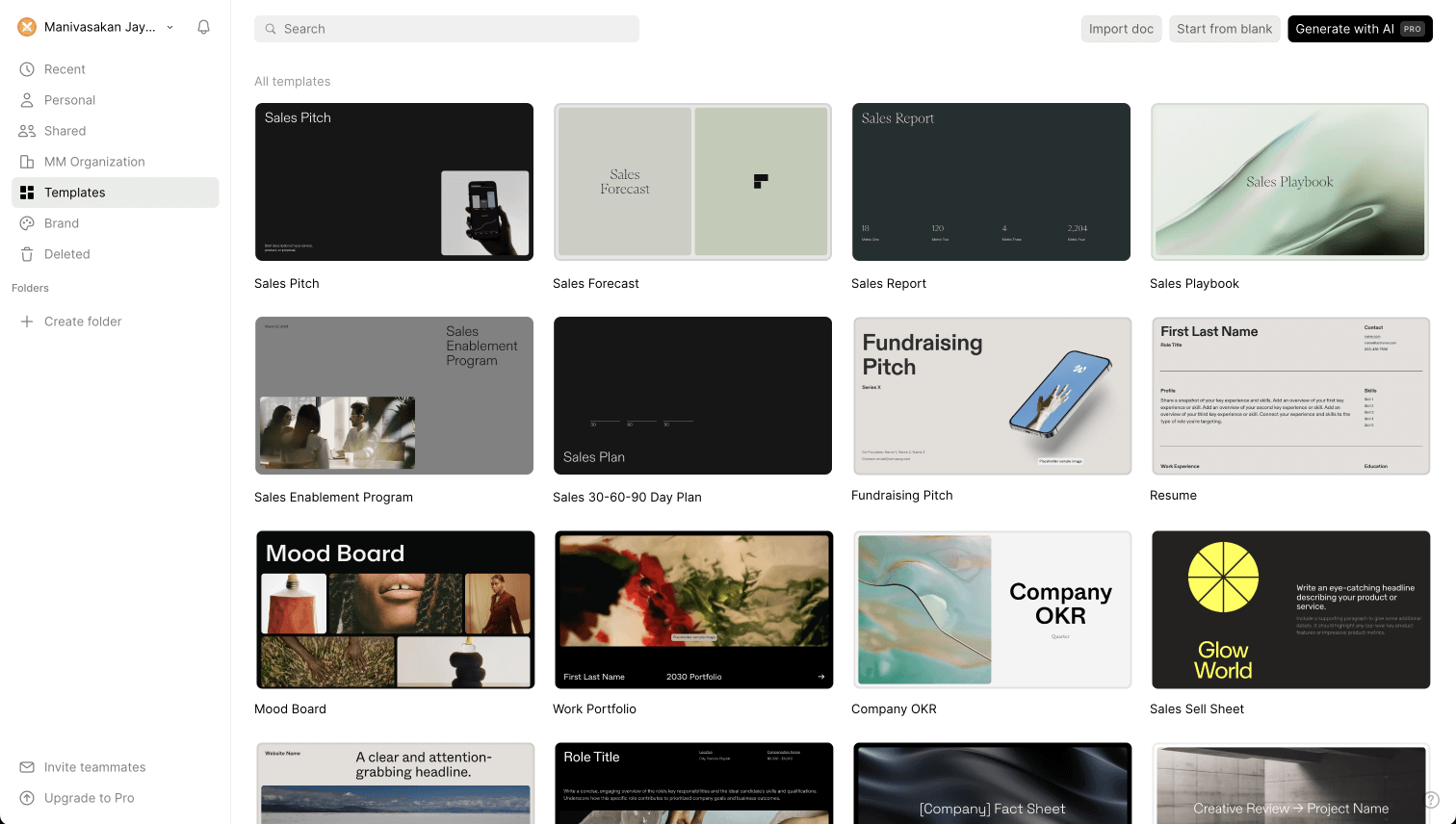
**Step 4: Customize fonts and colors –** Basic styling options available. No automatic brand sync, no brand extraction from your company URL.
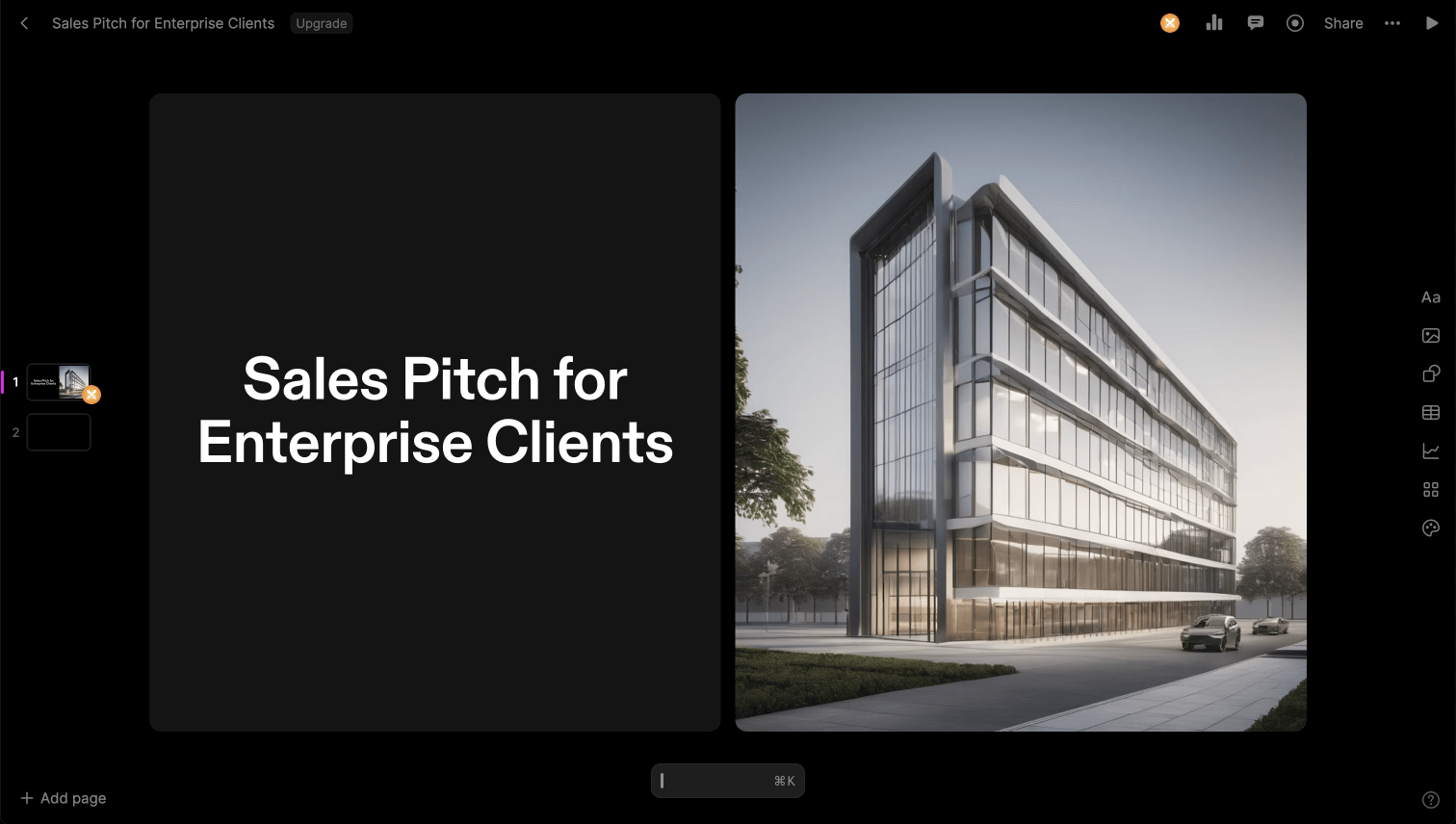

**Step 5: Publish and share -** Your finished document is shared as a read-only web page. Viewers navigate it like a Google Doc — one page at a time. There is no slideshow mode, no presenter view, and no PowerPoint export at any plan level.
## **How Presentations.AI Works**
**Step 1: Sign up –** Free plan includes 5 complete AI presentations. No credit card required. Setup takes under 30 seconds.
**Step 2: Choose how to build –** Build from an outline, import a Word or PDF document, convert a prompt directly, or choose from 1,000+ professional templates — all purpose-built for business presentations.
**Step 3: Review the AI-generated outline –** A detailed, structured outline generated automatically. Edit text, reorder slides, and generate your deck with one click.
**Step 4: Get a business-ready deck –** Corporate brand applied automatically. Animations and transitions layered in. A high-fidelity PowerPoint export ready immediately — open in PowerPoint and it works.

## **Five Reasons Teams Choose Presentations.AI Over Tome**
### Slides, Not Tiles:
Tome's tile-based pages aren't slides — they're web documents. There's no slideshow mode, no presenter view, no live presentation capability. Presentations.AI builds actual slide decks designed to be presented, shared, and exported.
### PowerPoint Export That Exists:
**** Tome has no PowerPoint export at any plan level. For any team operating in an environment where .pptx is the standard — which is most of the business world — that's a deal-breaker. Presentations.AI exports high-fidelity PowerPoint natively.
### AI That's Actually Included:
**** Tome's free plan has no AI features. Presentations AI's free plan includes five complete AI-generated presentations — brand sync, animations, and full deck creation included before you spend a cent.
### 95% More Cost-Effective:
**** Tome's enterprise plan costs $7,200 per year for ten users. Presentations AI's equivalent costs around $396. Same team size, same professional output, a fraction of the cost.
### Brand Sync Without the Manual Work:
**** Tome has no automatic brand application. Presentations AI extracts your brand from your company URL and applies it across every deck automatically — no manual configuration per presentation. Comparing more than just these two? Our roundup of the [Best AI Presentation Makers](https://www.presentations.ai/blog/best-ai-presentation-makers) lines Tome up against every major alternative.
## **When a Browser Only Tool Stops Working for Boardroom Decks**
A Director of Strategy at a growth-stage startup spent three months on Tome before switching. The tile-based format worked well for internal documents — but every time a deck needed to go to an investor or board member, it had to be rebuilt in PowerPoint from scratch. Tome had no export. The presentations lived in a browser, not a boardroom.
Presentations AI solved both problems at once. Decks built in the format business expects, exported as PowerPoint without cleanup, at a fraction of Tome's cost. The switch took one week. The rebuilt workflow saved hours per deck.
When your presentations need to exist outside a browser — in meeting rooms, client inboxes, and investor portals — the tool you use needs to work in those environments. Tome doesn't. Presentations AI does.
_Just need a single slide rather than a full deck? Our_ [_ai slide creator_](https://www.presentations.ai/ai-slide-creator) _builds one polished slide from a short paragraph._

## Frequently Asked Questions
### What is the main difference between Tome and Presentations.AI?

The main difference is format. Tome uses tile-based pages that publish as read-only web documents rather than slideshow presentations. Presentations.AI builds traditional slide decks designed to be presented, exported as PowerPoint, and shared in business contexts. Tome is structured for online reading. Presentations.AI is structured for boardrooms and client meetings.
### Is Tome still available in 2026?

Tome's original presentation product was discontinued in 2025. The founding team pivoted to a sales intelligence company called Lightfield, and the Tome brand was acquired by AngelList for document summarization. A separate product called Tome App AI is marketed under similar branding. For users who relied on Tome for presentations, Presentations.AI is a like-for-like replacement built around slides, PowerPoint export, and AI generation.
### Can you export from Tome to PowerPoint?

No, the original Tome did not support PowerPoint export at any plan level. Files could only be shared as read-only web pages or PDFs, with no native .pptx output. This was one of the most cited limitations before the product was discontinued. Presentations.AI exports a high-fidelity PowerPoint file with layouts, fonts, and brand styling preserved, ready to open and present.
### Is Tome free?

Tome offered a free Basic plan, but AI features such as generating presentations from a prompt were locked behind paid tiers. The free plan was limited to manual editing and template browsing. Presentations.AI offers a free plan with five complete AI-generated presentations included, no credit card required, and no branding on exports. The Presentations.AI free plan includes the AI, not just the editor.
### What is the best alternative to Tome for business presentations?

Presentations.AI is the closest replacement for Tome users who need an AI-driven presentation tool. It generates complete decks from documents, outlines, or prompts, applies brand colors and fonts automatically, and exports a high-fidelity PowerPoint file ready for client and boardroom use. Unlike Tome, it is built around the slide format, supports live presenting, and is SOC 2 Type II certified for enterprise use.
Show All Questions
Show Less
Sign in with GoogleSign in with Google. Opens in new tab
Sign In - Google Accounts
Sign in with GoogleSign in with Google. Opens in new tab
## Sales Presentation Strategies
[Templates & Design](https://www.presentations.ai/blog-category/templates-design)
# 10 Sales Presentation Examples That Close Deals in 2026
Ten sales presentation formats built around real buyer psychology, covering cold outreach decks, demo frameworks, and enterprise proposals, with the structural patterns that consistently move deals forward.
Dhruv Saxena
Updated on
Jun 1, 2026
- [TL;DR](https://www.presentations.ai/blog/sales-presentation-examples#tl;dr)
- [Why Most Sales Presentations Fail](https://www.presentations.ai/blog/sales-presentation-examples#why-most-sales-presentations-fail)
- [Quick Comparison: Which Sales Deck Should You Use?](https://www.presentations.ai/blog/sales-presentation-examples#quick-comparison:-which-sales-deck-should-you-use?)
- [What Is a Sales Presentation?](https://www.presentations.ai/blog/sales-presentation-examples#what-is-a-sales-presentation?)
- [What Should a Sales Presentation Include?](https://www.presentations.ai/blog/sales-presentation-examples#what-should-a-sales-presentation-include?)
- [How We Selected These Examples](https://www.presentations.ai/blog/sales-presentation-examples#how-we-selected-these-examples)
- [Cold Outreach Decks That Earn a Second Meeting](https://www.presentations.ai/blog/sales-presentation-examples#cold-outreach-decks-that-earn-a-second-meeting)
- [Demo Decks That Move the Deal Forward](https://www.presentations.ai/blog/sales-presentation-examples#demo-decks-that-move-the-deal-forward)
- [Enterprise, Proposal, and Renewal Decks That Survive Internal Review](https://www.presentations.ai/blog/sales-presentation-examples#enterprise,-proposal,-and-renewal-decks-that-survive-internal-review)
- [How to Create a Sales Presentation in 5 Steps](https://www.presentations.ai/blog/sales-presentation-examples#how-to-create-a-sales-presentation-in-5-steps)
- [Sales Presentation Outline: A Slide-by-Slide Framework](https://www.presentations.ai/blog/sales-presentation-examples#sales-presentation-outline:-a-slide-by-slide-framework)
- [Sales Presentation Design Mistakes That Lower Close Rates](https://www.presentations.ai/blog/sales-presentation-examples#sales-presentation-design-mistakes-that-lower-close-rates)
- [Sales Presentation vs. Pitch Deck: What Is the Difference?](https://www.presentations.ai/blog/sales-presentation-examples#sales-presentation-vs.-pitch-deck:-what-is-the-difference?)
- [What the Best Sales Presentation Examples Have in Common](https://www.presentations.ai/blog/sales-presentation-examples#what-the-best-sales-presentation-examples-have-in-common)
- [How to Create a Sales Presentation From These Examples](https://www.presentations.ai/blog/sales-presentation-examples#how-to-create-a-sales-presentation-from-these-examples)
- [Conclusion: Start With the Right Sales Presentation Example for Your Next Deal](https://www.presentations.ai/blog/sales-presentation-examples#conclusion:-start-with-the-right-sales-presentation-example-for-your-next-deal)
## TL;DR
- Sales presentations fail when the story starts in the wrong place. The buyer loses interest before reaching the problem they actually care about.
- Structure beats design polish. The best decks follow a predictable Problem → Stakes → Solution → Proof → Ask arc a buyer can follow without a presenter.
- One-size-fits-all templates backfire. A cold outreach deck and an enterprise proposal need different layouts and proof points.
- Customization speed is the real bottleneck. Reps who adapt a proven format to a specific prospect in minutes close more deals.
- Your brand should appear automatically. In 2026, reps can skip font matching and slide rebuilds in PowerPoint.
- Examples in this post can be rebuilt in Presentations.AI. Start with real inputs like notes, docs, or CRM context, then let AI handle structure and branding.
## Why Most Sales Presentations Fail
Many sales presentations still open the same way. Company history slide. Mission statement. Team photo. By the time you reach the problem your prospect cares about, they have already checked Slack twice. Mentally, they have moved on to the next meeting.
The examples in this post do the opposite. They lead with the buyer's world instead of the seller's ego. They also give you a repeatable way to turn scattered inputs into a deck that earns the next step. Those inputs include discovery notes, CRM context, product screenshots, and customer proof.
Here is the truth: most sales decks fail for reasons beyond ugly design. They start in the wrong place and take too long to become useful. The buyer walks away with nothing worth forwarding.
What separates a sales presentation that moves a deal forward from one that gets a polite "We'll circle back"? Prettier slides rarely make the difference. The real difference is whether a rep, founder, or revenue operator can turn messy notes and CRM data into a clear buyer-ready story before the window closes. After analyzing dozens of real-world decks across SaaS, services, and consulting, we found the patterns worth copying. We also mapped how to rebuild each one for your own pipeline in minutes with an [AI presentation maker](https://www.presentations.ai/ai-presentation-maker) that turns raw notes, CRM context, docs, and URLs into structured, branded sales decks without the manual slide work.
## Quick Comparison: Which Sales Deck Should You Use?
| Sales situation | Best deck format | Primary goal | Typical length |
| --- | --- | --- | --- |
| Cold outbound | Stat-led opener | Earn a second meeting | 6–8 slides |
| Async outreach | Before / after narrative or one-pager | Get forwarded internally | 1–10 slides |
| Live demo | Discovery-first demo | Move to the next step | 8–10 shown |
| Budget approval | ROI calculator deck | Help champion justify spend | 10 slides |
| Competitive displacement | Capability-gap deck | Neutralize switching risk | 8–10 slides |
| Enterprise committee review | Multi-stakeholder deck | Survive internal review | 14–16 slides |
| Renewal | Renewal / expansion deck | Anchor conversation to value | 6–8 slides |
## What Is a Sales Presentation?
A sales presentation is a structured, buyer-facing story built to move a specific deal forward. It differs from a general business presentation because it stays deal- and prospect-focused. It frames the buyer's problem and quantifies the stakes. Then it introduces your solution and ends with a clear next step.
Sales teams use these presentations across the full pipeline. Cold outreach earns a first conversation. Discovery and demo decks advance a live opportunity. Proposal decks survive a buying committee, and renewal decks anchor an existing customer to the value they have already realized. The format changes at each stage. The job stays the same: make the buyer understand the problem, believe the proof, and agree to what comes next.
## What Should a Sales Presentation Include?
An effective sales presentation covers the same core building blocks regardless of format. Use this as a checklist when you build or audit any deck:
- Audience insight: evidence you understand the specific buyer, their role, and their world.
- Problem framing: the pain your prospect already feels, named clearly and early.
- Business stakes: the real cost of inaction in time, money, or risk.
- Solution narrative: how your product resolves the problem, framed as outcome, not feature list.
- Proof: customer stories, metrics, or benchmarks that make the claim credible.
- Differentiation: why your approach is meaningfully different from the status quo.
- Pricing or ROI context: the financial justification your champion needs internally.
- Objection handling: answers to the concerns the buyer has not yet voiced.
- Next-step CTA: one obvious, low-friction action the buyer can take now.
## How We Selected These Examples
Effective sales decks require more than visual polish. We filtered with four criteria:
1\. Structural clarity: Each example follows a recognizable narrative arc a buyer can follow without a presenter walking them through every slide. If a deck only works when someone is talking over it, it fails this test.
2\. Real-world applicability: We prioritized examples from actual sales contexts: SaaS demos, agency pitches, enterprise proposals, investor-facing revenue decks, and partnership conversations.
3\. Rebuildability: Every example here can be recreated or adapted using modern presentation tools. Where relevant, we call out how [features like Brand Sync](https://www.presentations.ai/?r=0) (which auto-pulls your brand's colors and fonts from your company URL) or AI-driven layout adaptation remove the grunt work of customizing these for your own pipeline.
4\. Speed to customization: The best deck format earns its value only when reps adapt it quickly. We prioritized examples that can be personalized from existing inputs like CRM notes, call transcripts, and company URLs, with the deck holding steady rather than being rebuilt manually.
With that framing set, let's get into the examples. We start with the format most sales teams need first: the cold outreach deck that earns a second meeting.
## Cold Outreach Decks That Earn a Second Meeting
Cold outreach decks have one of the hardest jobs in sales. They earn attention from someone who never asked for your pitch. These five examples fit that environment. They stay short, async-friendly, and focused on the buyer's problem.
### Example 1: The Stat-led Opener
Best for: SDRs, outbound AEs, founders, and sales leaders sending async decks before a first call.

_Lead with relevant stats for maximum impact_
Format: 6–8 slides.
- Opens with industry-specific stats that quantify the problem (e.g., "Your support team is losing 11 hours per week to ticket routing")
- Followed by two slides unpacking why the status quo costs real money
- One slide introducing the solution at a headline level
- One customer proof point
- Calendar-link CTA
Why it works: It earns attention with specificity. A generic "companies waste time on X" slide gets skipped. A slide that names the prospect's actual pain with a number attached signals you did your homework. The short length respects the buyer's time and makes the entire deck scrollable in under 90 seconds.
Keep no more than a couple of your slides about you. Give the rest to the buyer's world. If your current cold deck has four company-about slides and two problem slides, flip it.
What to copy: Match the client's visual identity instead of yours. Sending a cold deck styled in the buyer's brand palette is an instant credibility signal that takes seconds instead of a manual design pass. Presentations.AI can apply a brand system from a company URL, so the deck looks intentional without manual formatting.
### Example 2: The "Before / After" Narrative Deck
Best for: AEs, solution consultants, and agency teams selling a clear workflow change.
Format: 10 slides. Two-act structure.
- Act 1 (slides 1–5): paints a vivid "before" picture of the buyer's current workflow, using screenshots, process diagrams, or data to show friction.
- Act 2 (slides 6–10): shows the "after". Same workflow, streamlined, with measurable improvements from a comparable customer.
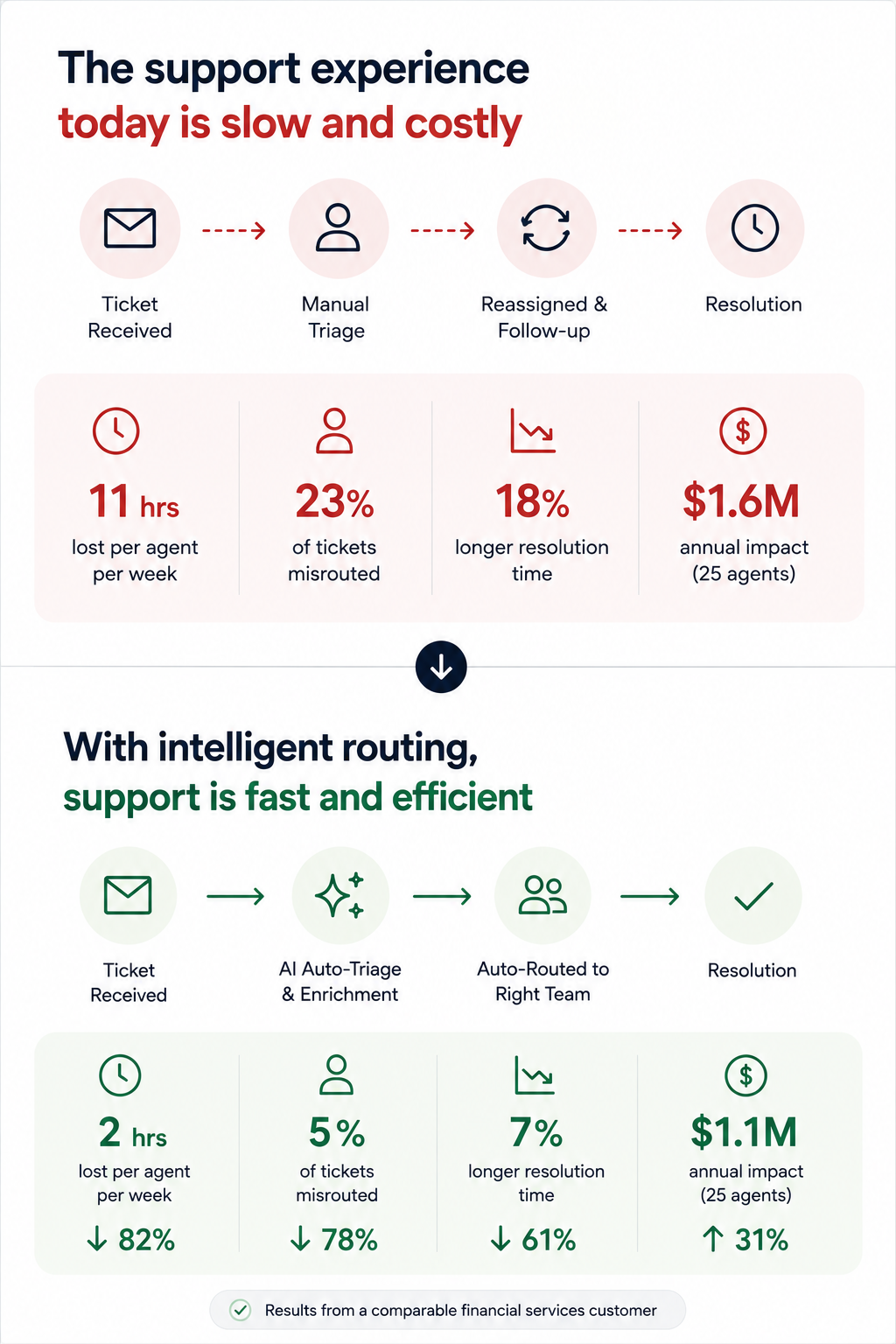
_Highlight metrics that are impacted in the "After" scenario_
Why it works: It makes the change tangible even before a live demo. Prospects forward this format to internal stakeholders because it tells a self-contained story. The contrast structure is cognitively easy to follow, even for someone skimming at 6 PM on a Friday.
The key slide is the side-by-side transition, usually slide 5 or 6. A single "Current state → Future state" visual with a clear arrow does more persuasion work than three paragraphs of body copy.
### Example 3: The Data-led Industry Brief
Best for: Enterprise sellers, consultative sellers, and founders running insight-led outbound.
Format: 7 slides disguised as a mini-report. Opens with a market trend or benchmark stat relevant to the prospect's industry. It spends three slides building the "so what?" behind the data, then pivots to how your product closes the gap, framed as insight instead of a pitch.
Why it works: It leads with value. The prospect opens it expecting to learn something. By the time your product appears on slide 5, you have already positioned yourself as someone who understands their market. This is the highest reply rate cold deck format we have seen in outbound sales orgs.
If the first slide of your cold outreach deck mentions your product name, you are pitching too early.
### Example 4: The One-pager
Best for: Founders, sales leaders, and partner teams who need a forwardable artifact.
Format: Technically one slide, designed as a dense, scannable single page with modular content blocks. Those blocks cover a problem summary, a solution headline, three proof points, and a next-step CTA. It often exports as a PDF.
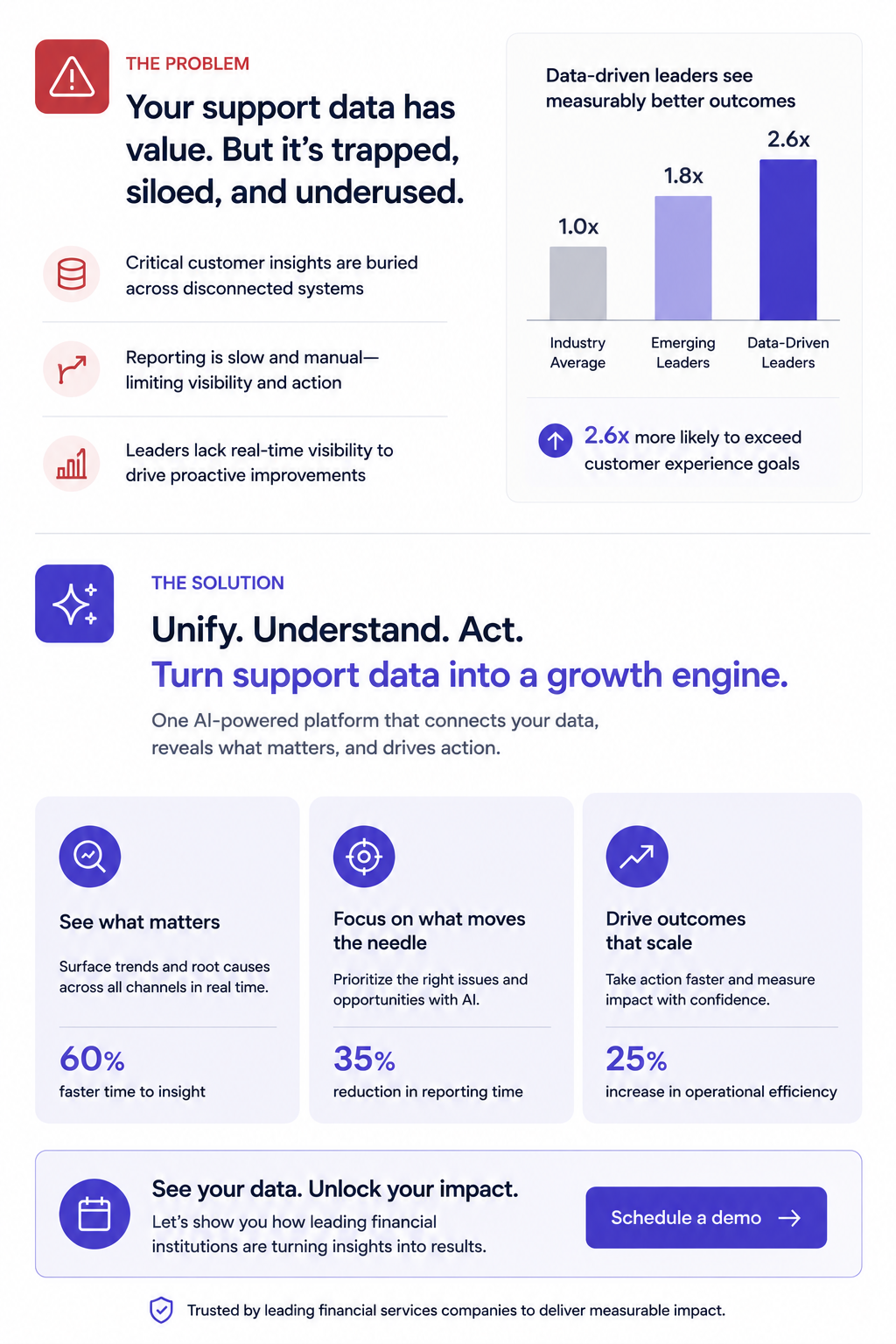
_A one-pager that can nudge stakeholders to a buying decision_
Why it works: Buyers share it. It is the deck equivalent of a business card. Someone can forward it in Slack or pull it up in a procurement review, and no scrolling is required.
Forcing your entire pitch into one slide reveals what is actually essential. Build this version even when you also send a longer deck, since it is the artifact most likely to survive inside the buyer's organization.
What to copy: Presentations.AI's anti-fragile templates keep these dense layouts intact when you swap content blocks for different verticals. One master one-pager, adapted per prospect, with layouts holding steady every time you change a headline.
### Example 5: The Video-embedded Micro Deck
Best for: SDRs and account executives running warm, personalized outreach.
Format: 4–5 slides. Slide 1 is a personalized Loom or video thumbnail. Slides 2 through 4 reinforce the video's key points visually. They show the problem, a product screenshot, then a results stat. Slide 5 is the CTA.
Why it works: It combines the warmth of video outreach with the scanability of a deck. Buyers who skip the video still get the core argument. Buyers who watch get reinforcement. It covers both interaction styles within a single asset.
Every key point exists in two formats (spoken and visual). This proves powerful for async deals where each stakeholder consumes your material differently.
## Demo Decks That Move the Deal Forward
Demo decks serve a different purpose than outreach decks. Your buyer already agreed to a meeting, and now the question is whether they will agree to a next meeting. These sales presentation examples fit live walkthroughs, screen shares, and the critical first 20 minutes of a discovery or demo call.
### Example 6: The Discovery-first Demo Framework
Best for: AEs and sales engineers running live demos that need to adapt based on discovery.
Format: 12–15 slides, but you only show 8–10 per call. Opens with 2–3 discovery slides (questions for the prospect, not statements about your product). Then branches into relevant product sections based on the answers. Ends with a mutual action plan slide, not a pricing table.
Why it works: It turns a monologue into a conversation. The branching structure means reps show only relevant slides, avoiding the "we can skip this one" move that signals poor preparation. The discovery opening also surfaces objections early instead of letting them stack up during a rushed Q&A.
Build 5–6 interchangeable product sections (3 slides each) that reps can sequence based on what the prospect says in the first five minutes. This requires templates that stay intact when you reorder slides, exactly what anti-fragile layouts deliver.
### Example 7: The ROI Calculator Deck
Best for: Enterprise AEs and revenue leaders selling into finance-gated deals.
Format: 10 slides. Follows a tight loop: Current cost → hidden cost → total cost of inaction → your product's cost → net savings → payback timeline. Slide 8 is always an interactive or semi-interactive calculation customized to the prospect's numbers (headcount, deal volume, average cycle time, whatever drives their cost).
Why it works: Finance gets involved in nearly every B2B deal over $25K. This deck gives your champion the exact ammunition they need for the budget conversation that happens without you in the room. The ROI slide gets screenshotted and dropped into internal justification docs more than any other single slide format.
The key slide is the payback timeline. Showing when the investment breaks even reframes the decision from "Should we spend this?" to "Can we afford to wait?"
A simple ROI calculation usually maps a handful of inputs to a single payback number:
| ROI input | Example value |
| --- | --- |
| Current cost (annual) | $120,000 |
| Time wasted (hours/week) | 11 hours per team |
| Opportunity cost of inaction | $40,000 |
| Your product's cost (annual) | $36,000 |
| Expected annual savings | $84,000 |
| Payback period | ~5 months |
What to automate: Paste your prospect's earnings report URL or company brief into Presentations.AI as a source input. Clip-E can pull relevant data points to populate the cost assumptions, saving you from the manual research loop that leads reps to skip ROI slides entirely.
Presentations.AI angle: Skip rebuilding ROI tables by hand. Use AI to pull assumptions from source docs and structure the calculation, then keep the numbers presentable across every version of the deck. That matters because ROI slides are usually the first thing reps abandon when prep time gets tight.
### Example 8: The Competitive Displacement Deck
Best for: Strategic account teams displacing an incumbent vendor.
Format: 8–10 slides. Keep the competitor's name off every slide (critical). Frame the comparison around the capability gaps the prospect already expressed. Slide structure:
"What you told us matters" → "Where your current approach falls short" → "How our approach is architecturally different" → customer switch story → migration timeline.
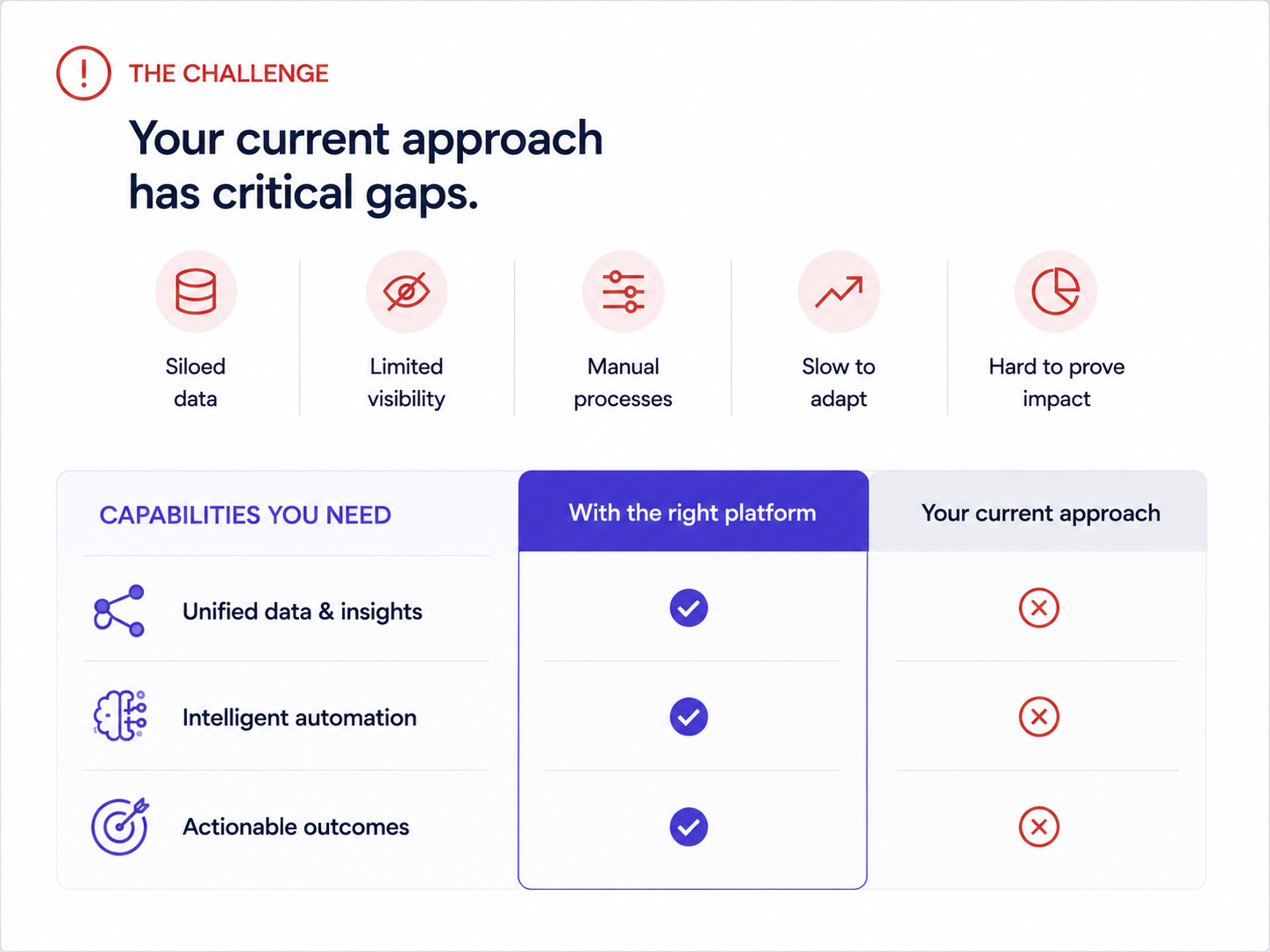
_Don't name the competitor. Just mention what it misses_
Why it works: Naming competitors invites defensiveness. Framing the conversation around the buyer's stated frustrations keeps it collaborative. The migration timeline slide is the secret weapon. It answers the unspoken objection ("switching sounds painful") before the prospect has to voice it.
One real example of a company that moved from a similar setup, with a timeline and a before/after metric, neutralizes more risk anxiety than any feature comparison grid.
## Enterprise, Proposal, and Renewal Decks That Survive Internal Review
Committees decide enterprise deals and renewals, not individuals. These formats are built to be forwarded, skimmed by the right person, and anchored to realized value.
### Example 9: The Multi-stakeholder Demo Deck
Best for: Enterprise sales teams navigating a buying committee.
Format: 14–16 slides with clearly labeled "sections" for different personas:
- 3-slide executive summary for the VP
- 5-slide technical deep-dive for the implementation team
- 3-slide adoption/rollout plan for the end-user champion
Each section is visually distinct (With a different accent color or header treatment).
Why it works: Enterprise deals have 6–10 decision-makers. If you send a monolithic deck and expect stakeholders to hunt for what is relevant, most skim past it. This segmented format lets your champion say, "Skip to slide 9, that's the part for our team," and immediately shortens internal review cycles.
Use this persona map to decide what each stakeholder needs to see:
| Stakeholder | What they need to see |
| --- | --- |
| Executive / VP | Business outcome, ROI, strategic fit |
| Finance | Total cost, payback timeline, budget justification |
| Technical team | Architecture, integration, implementation plan |
| End-user champion | Adoption, day-to-day workflow, rollout support |
| Procurement | Security, compliance, contract terms |
Even a simple color shift in the header bar signals "this part is for you" and gives the deck a built-in navigation system. Brand Sync handles this automatically. Set your section palette once, and it propagates across every slide while you skip manual color picking.
### Example 10: The Renewal / Expansion Deck
Best for: Customer success managers and account managers preparing renewal, QBR, or expansion conversations.
Format: 6–8 slides. Used 60–90 days before contract renewal.
- Slide 1: Recap of original goals when the customer signed.
- Slide 2: Usage data and adoption metrics.
- Slide 3: Outcomes delivered (tied to their stated KPIs).
- Slide 4: What's changed since they started (new features, expanded capabilities).
- Slide 5: Expansion opportunity. What they're not using yet and what it would unlock.
- Slide 6: Renewal terms and next steps
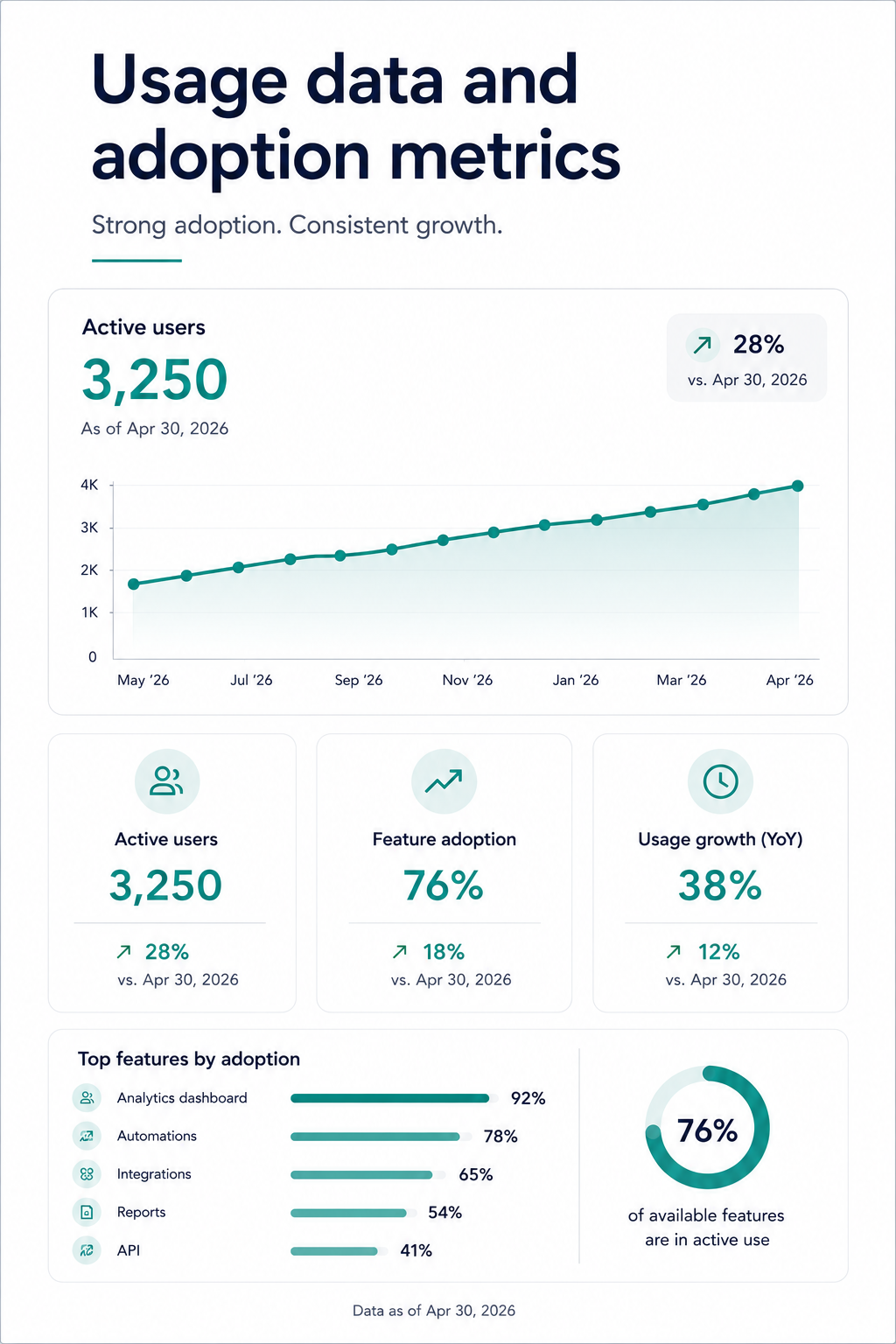
_An example slide with user adoption statistics_
Why it works: Renewal conversations that start with "your contract is expiring" put the customer in evaluation mode. Renewal conversations that start with "here's what you've accomplished" put them in appreciation mode. This deck structure anchors the renewal decision to realized value, making price sensitivity secondary.
Show the customer their own engagement numbers. Logins, features used, workflows completed. It is hard to argue against a tool when you are looking at proof that your team uses it 400 times a month.
Presentations.AI angle: Renewal decks earn their value only when the usage data is current. Use AI-assisted refresh workflows to update adoption numbers and KPI slides while you skip rebuilding the deck from scratch.
## How to Create a Sales Presentation in 5 Steps
Building a strong sales presentation takes a repeatable process, not a template library. Here is a brand-neutral framework that works across every format above:
1. Research the buyer. Gather the specifics from CRM notes, call transcripts, and the prospect's own website. Capture role, industry, current tools, and stated pain before you write a single slide.
2. Define the objective. Decide the one job this deck must do: earn a meeting, advance a demo, justify budget, or renew. One deck, one goal.
3. Build the narrative arc. Sequence the story as Problem → Stakes → Solution → Proof → Ask, so the buyer can follow it without you talking over every slide.
4. Choose the right format and design for clarity. Match the deck type to the sales stage and keep slides simple. Lead with the buyer's world instead of your company history.
5. Rehearse and adapt. Practice the transitions, then adjust slide order and proof points based on how the buyer reacts and what objections surface.
## Sales Presentation Outline: A Slide-by-Slide Framework
When you need a single reusable structure, copy this universal B2B sales presentation outline and adapt the depth to your sales stage:
01. Title / personalization slide: the prospect's name, logo, and the specific reason for the conversation.
02. Buyer problem: the pain they already feel, named clearly.
03. Cost of inaction: what the status quo costs in time, money, or risk.
04. Desired outcome: the future state the buyer wants.
05. Solution overview: how you close the gap, framed as outcome.
06. Proof: a comparable customer story with measurable results.
07. ROI: the financial justification and payback timeline.
08. Implementation plan: how switching or onboarding actually works.
09. Objections / risks: the concerns addressed before they are voiced.
10. Next steps: one clear, low-friction call to action.
## Sales Presentation Design Mistakes That Lower Close Rates
Knowing what to skip is as valuable as knowing what to emulate. These are the mistakes that quietly kill close rates, each with a fix:
- Opening with company history: lead with the buyer's problem instead.
- Too much text per slide: cut to one idea per slide and let the visual carry it.
- Leading with features: frame everything as an outcome the buyer cares about.
- Burying proof points: surface your strongest customer result early.
- Weak or missing CTA: end every deck with one obvious next step.
- Inconsistent branding: apply colors, fonts, and logo automatically, not slide by slide.
- Unclear data visuals: use a single chart with a clear takeaway, not a wall of numbers.
- Ignoring the export: test the .pptx or PDF so formatting survives when the deck leaves your hands.
## Sales Presentation vs. Pitch Deck: What Is the Difference?
The terms get used interchangeably, though they solve different problems. A sales presentation stays buyer- and deal-focused. A pitch deck usually focuses on company vision and fundraising.
| Aspect | Sales presentation | Pitch deck |
| --- | --- | --- |
| Audience | Prospects and buying committees | Investors and stakeholders |
| Goal | Advance and close a deal | Raise funding or buy-in |
| Narrative focus | Buyer problem and solution fit | Company vision and market opportunity |
| Proof | Customer results and ROI | Traction, market size, and team |
| CTA | Next meeting or purchase | Investment or partnership |
| Typical length | 6–16 slides by stage | 10–15 slides |
## What the Best Sales Presentation Examples Have in Common
After walking through ten different formats and use cases, a few structural principles show up in every high-performing sales presentation:
The buyer's problem always comes before your product. Every effective sales deck on this list opens with the buyer's world before the product overview. The strongest examples spend 40–60% of their slides in the buyer's world. Their pain, their cost, their workflow friction, all of it before introducing a solution.
Every deck has exactly one job: Cold outreach decks earn a second meeting. Demo decks move to the next step. Proposal decks survive the committee. Renewal decks anchor to value delivered.
Customization speed: Manually matching brand colors, swapping logos, and reformatting layouts for each prospect creates an invisible tax that kills deck adoption across sales teams. The reps who close consistently spend minutes on customization and hours on the actual conversation. Design work stays off their calendar.
Manual slide work is the old workflow: In PowerPoint or Google Slides, every prospect variation creates more formatting debt: logos, layouts, chart updates, proof points, export checks. AI-driven presentation workflows remove that drag by turning the source material into a structured, branded deck from the start.
Output format flexibility is non-negotiable: You need decks that stay visually engaging on screen and structurally intact when exported as .pptx or PDF. If your presentation tool produces beautiful web renders but broken PowerPoint files, you lose control of your narrative the moment it leaves your hands.
## How to Create a Sales Presentation From These Examples
Studying examples is useful. Rebuilding them for your pipeline is where the value compounds. Here is a practical workflow that takes you from "I like that structure" to "I just sent it to my prospect", without a design detour.
Step 1: Pick the format that matches your sales stage. Sending a cold outreach to someone who has never heard of you? Start with examples 1–5. Prepping for a live demo? Use 6–8. Facing a buying committee? Use examples 9–10.
Step 2: Start with your content, not a blank canvas. The fastest path from example to finished deck is feeding your existing material. This could be a call transcript, a proposal doc, or even a competitor's landing page URL.
Step 3: Let your brand appear automatically. Drop your company URL into Presentations.AI's Brand Sync, and your colors, fonts, and logo carry across the deck without manual formatting. Building for a specific prospect? Use their URL instead.
Step 4: Iterate conversationally, not slide-by-slide. Instead of clicking into each slide to make edits, use features such as Clip-E to make changes across the deck by describing what you want. "Make the ROI section more prominent." "Add a customer proof point after the problem slide." "Shorten this to 6 slides for the exec version." The deck adapts while the layout holds.
Step 5: Export clean and share smart. Export as .pptx for buyers who live in PowerPoint. Share a tracked link for buyers who view it in-browser. Either way, built-in analytics let you see which slides get viewed, how long prospects spend on the pricing page, and whether the deck got forwarded.
## Conclusion: Start With the Right Sales Presentation Example for Your Next Deal
The line across all ten examples is straightforward. The buyer's problem comes first, and the structure does the persuasion work. Customization happens fast enough that reps actually do it. This takes no design talent and no hours of prep. It takes the right starting point and a tool that handles the repetitive work so you can focus on the conversation.
A cold one-pager for a new prospect or an enterprise proposal for a six-person committee both rely on the same principle: the format does half the selling before you open your mouth.
That is the point of Presentations.AI. Give the AI your raw material, let it structure the story, and let it apply the brand and adapt the layout to produce a deck your buyer can act on. Presentations.AI makes that the default: source material in, structured sales deck out, with your brand applied automatically. Manual slide cleanup should stay out of the way of your next deal.
Start Building Sales Decks That Actually Close
[Try For Free](https://app.presentations.ai/docs/login?utm_intent=Signup&utm_source=WebHome)
(No Credit Card Required)

More Blogs
[Aug 11, 2026\\
\\
**10 Best Slidesgo Alternatives in 2026: Templates, AI, and Brand Control Compared**\\
\\
](https://www.presentations.ai/blog/slidesgo-alternatives)
[Jun 10, 2026\\
\\
**10 Best Canva Alternatives for 2026 (Tested and Ranked)**\\
\\
](https://www.presentations.ai/blog/canva-alternatives)
[Jun 26, 2026\\
\\
**How to Format Your Ideas on a Slide in 6 Steps**\\
\\
](https://www.presentations.ai/blog/formatting-your-ideas-on-a-slide)
[Aug 6, 2026\\
\\
**10 Presentation Design Best Practices For Better Slides (2026)**\\
\\
](https://www.presentations.ai/blog/presentation-design-best-practices)
[Jun 25, 2026\\
\\
**How to Present a Quarterly Business Review: A Full Guide**\\
\\
](https://www.presentations.ai/blog/present-a-quarterly-business-review)
[Jun 12, 2026\\
\\
**How to Memorize a Presentation: 6 Techniques That Work**\\
\\
](https://www.presentations.ai/blog/how-to-memorize-a-presentation)
Sign in with GoogleSign in with Google. Opens in new tab
Sign In - Google Accounts
Sign in with GoogleSign in with Google. Opens in new tab
## AI Presentation Prompts
[Guias e instruções](https://www.presentations.ai/pt-br/blog-category/guides-how-tos)
# Como escrever **Ótimas instruções de IA para melhores apresentações**
Aprenda a escrever instruções de apresentação de IA. Abrange uma estrutura de prompt de 5 partes, exemplos de antes e depois e modelos de copiar e colar do Presentations.AI.
Sumanth Raghavendra
Atualizado em
May 4, 2026
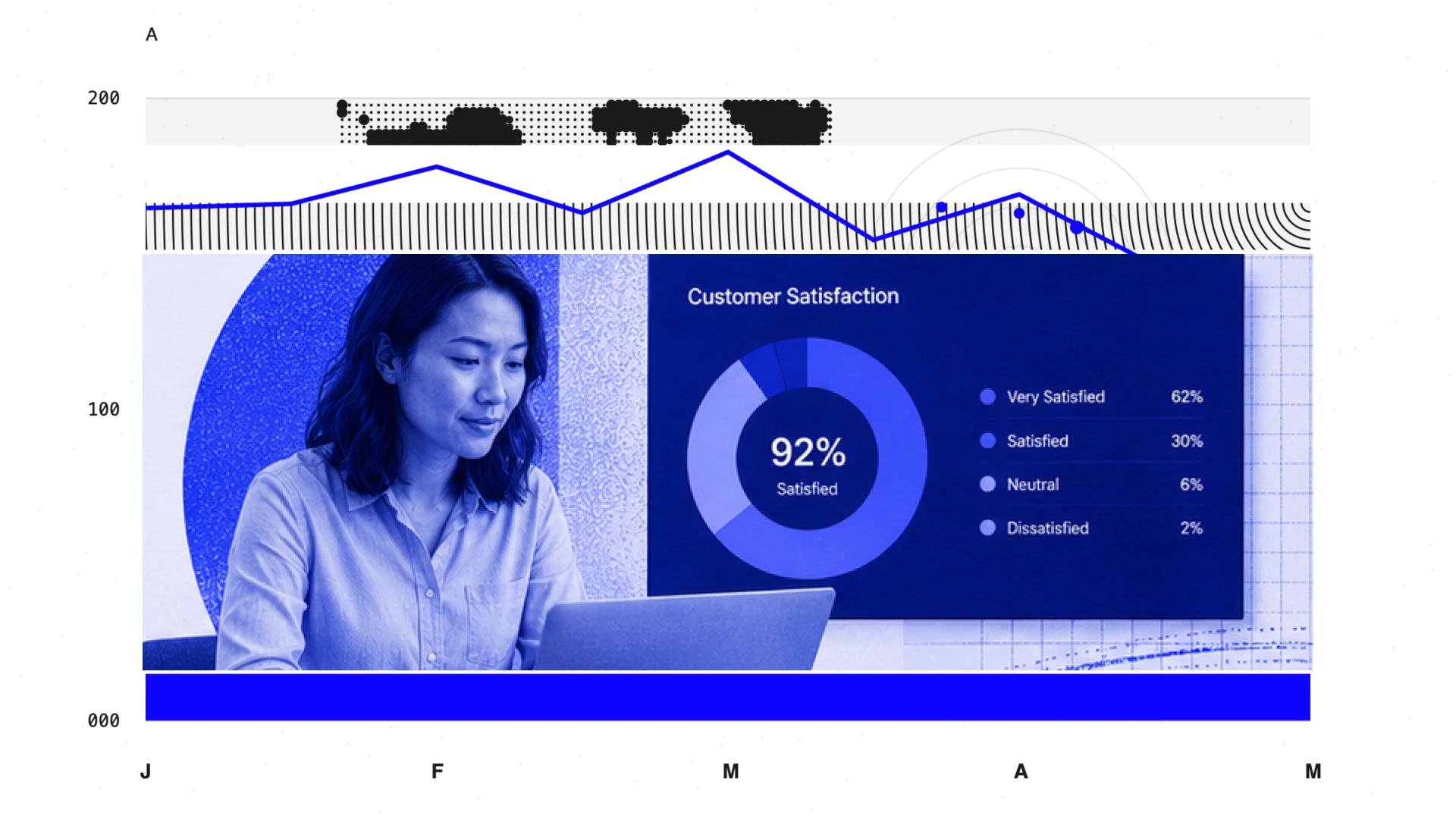
- [TL; DR](https://www.presentations.ai/pt-br/blog/how-to-write-ai-presentation-prompts-that-work#%E2%80%8Dtl;-dr)
- [O que é um prompt de apresentação de IA?](https://www.presentations.ai/pt-br/blog/how-to-write-ai-presentation-prompts-that-work#o-que-%C3%A9-um-prompt-de-apresenta%C3%A7%C3%A3o-de-ia?)
- [Por que seu prompt é mais importante do que a ferramenta](https://www.presentations.ai/pt-br/blog/how-to-write-ai-presentation-prompts-that-work#por-que-seu-prompt-%C3%A9-mais-importante-do-que-a-ferramenta)
- [A estrutura de solicitação em cinco partes](https://www.presentations.ai/pt-br/blog/how-to-write-ai-presentation-prompts-that-work#a-estrutura-de-solicita%C3%A7%C3%A3o-em-cinco-partes)
- [Um aviso completo, antes e depois](https://www.presentations.ai/pt-br/blog/how-to-write-ai-presentation-prompts-that-work#um-aviso-completo,-antes-e-depois)
- [Refinando o que a IA oferece a você](https://www.presentations.ai/pt-br/blog/how-to-write-ai-presentation-prompts-that-work#refinando-o-que-a-ia-oferece-a-voc%C3%AA)
- [Experimente: Modelos de aviso prontos para usar para decks de vendas e apresentações em quadros](https://www.presentations.ai/pt-br/blog/how-to-write-ai-presentation-prompts-that-work#experimente:-modelos-de-aviso-prontos-para-usar-para-decks-de-vendas-e-apresenta%C3%A7%C3%B5es-em-quadros)
- [Erros imediatos comuns](https://www.presentations.ai/pt-br/blog/how-to-write-ai-presentation-prompts-that-work#erros-imediatos-comuns)
## **TL; DR**
- Cada solicitação forte abrange cinco coisas: tópico e escopo, público, resultado desejado, estrutura e restrições.
- Este guia inclui exemplos de antes e depois em cada etapa para que você possa ver exatamente o que muda e por quê.
- Em Presentations.AI, você também pode ignorar completamente o prompt em branco. Faça upload de um PDF, cole um URL ou insira um documento e adicione uma linha de instrução.
- O primeiro rascunho é matéria-prima, não um produto acabado. As solicitações de acompanhamento são de onde vem a verdadeira qualidade.
## O que é um prompt de apresentação de IA?
Você aciona o gerador de apresentação de IA de sua escolha e digita “Crie uma apresentação sobre os resultados do segundo trimestre”. Você obtém dez slides com marcadores vagos, um slide de pauta que ninguém pediu e um layout que é interrompido no momento em que você adiciona um segundo ponto de dados.
A maioria das pessoas trata as ferramentas de apresentação de IA como uma barra de pesquisa. Adicione algumas palavras e espere pelo melhor. Se você já tentou usar [ChatGPT para apresentações](https://www.presentations.ai/chatgpt-for-presentations), você já conhece a diferença entre a produção bruta de IA e um deck que está realmente pronto para ser compartilhado. Um forte aviso é o que fecha essa lacuna. É mais próximo de um resumo criativo: ele diz à ferramenta quem é o público, qual deve ser a lição e como a história deve fluir. Faça isso da maneira certa e você pulará totalmente a maior parte da edição. Um prompt de apresentação de IA é a instrução que você digita em uma ferramenta de IA para dizer o que criar. É o ponto de partida para cada deck que a ferramenta gera e o maior fator para saber se essa saída é utilizável ou precisa de uma hora de correções.
Este guia detalha as cinco partes de um prompt de alto desempenho, com exemplos de antes e depois por toda parte. Se você já estiver usando [Presentations.AI](https://www.presentations.ai/) e quer resultados mais nítidos, comece aqui.
## Por que seu prompt é mais importante do que a ferramenta
Se você entregasse a um membro da equipe uma nota adesiva que dizia: “Faça slides sobre marketing”, você esperaria uma bagunça. Mas se você dissesse: “Crie um conjunto de 10 slides para nosso CMO analisando o desempenho de aquisições pagas do segundo trimestre. Comece com um resumo executivo, vá canal por canal e feche com uma recomendação de realocação de orçamento”, você obterá algo utilizável. A IA funciona da mesma maneira. A diferença é a velocidade de execução.
Veja o que um prompt fraco normalmente produz:
- **Estrutura genérica:** O padrão da IA é Título, Agenda, Bullet Slides, Obrigado, porque você não especificou o contrário.
- **Profundidade errada:** Você precisava de uma visão geral estratégica, mas obteve uma análise tática, porque nunca nomeou o público.
- **Sem narrativa:** Os slides preenchem a contagem, mas não levam a nenhuma conclusão.
Parte disso pode ser corrigida. Mas consertá-lo depois é mais lento do que colocá-lo logo na frente. Você precisa da estrutura, profundidade e narrativa corretas. É exatamente isso que a estrutura de cinco partes abaixo aborda.
## A estrutura de solicitação em cinco partes
Um prompt de alto desempenho abrange cinco coisas. Você não precisa de todos os cinco todas as vezes, mas quanto mais incluir, menos precisará editar depois.
#### 1\. Tópico e escopo
Comece com o que a apresentação aborda e, igualmente importante, com o que ela não aborda. Sem limites claros, a IA tenta cobrir tudo e acaba não dizendo nada.
**AVISO INCORRETO**
Crie uma apresentação sobre nossa estratégia de entrada no mercado.
**MELHOR PRONTIDÃO**
Este deck aborda nossa estratégia de entrada no mercado na América do Norte para o novo nível corporativo, que será lançado no terceiro trimestre. Ele não aborda detalhes do roteiro do produto, a expansão da APAC ou os preços dos níveis existentes.
> Essa única linha de exclusão elimina metade dos slides que, de outra forma, você teria que excluir.
#### 2\. Audiência
Seu público determina a profundidade, o nível de jargão e o que precisa ser explicado versus o que pode ser presumido. Deixe isso de fora, e a IA adivinha. Geralmente, adivinha errado.
**AVISO INCORRETO**
Crie um conjunto sobre os resultados de retenção do segundo trimestre.
**MELHOR PRONTIDÃO**
O público é nosso vice-presidente de experiência do cliente. Ela os revisa mensalmente e não precisa de informações sobre nosso modelo CS. Ela se preocupa mais com quais segmentos estão em risco e com o que estamos fazendo a respeito.
> Você está nomeando um cargo e dizendo à IA o que o público já sabe, para que ela não desperdice os slides com o contexto e com o que eles se importam, para que cada slide justifique sua existência.
#### 3\. Resultado desejado
A maioria das solicitações descreve um tópico, mas nunca diz o que deve acontecer após o slide final. Um baralho sem resultado é apenas um documento que alguém lê em voz alta.
**AVISO INCORRETO**
Crie uma apresentação sobre o desempenho da aquisição paga no segundo trimestre.
**MELHOR PRONTIDÃO**
Após essa apresentação, o CMO deve aprovar a realocação do orçamento do marketing social pago para o marketing de conteúdo para o terceiro trimestre, com base nos dados de CAC e LTV apresentados.
> Quando a IA conhece o destino, ela cria slides que levam até ele, não slides que apenas exibem informações.
#### 4\. Dicas de estrutura
Você não precisa delinear cada slide. Um arco narrativo solto evita o problema da “coleção aleatória de slides”. Se você não tiver certeza de qual estrutura se adequa à sua situação, [este guia sobre como estruturar sua apresentação](https://www.presentations.ai/blog/presentation-outline) abrange as abordagens mais comuns. Estruturas comuns para nomear em seu prompt:
- **Problema, solução, prova, pergunta:** Propostas internas e propostas internas para investidores
- **Contexto, análise, recomendação:** Análises de estratégia e decks de tabuleiro
- **Antes, depois, como:** Lançamentos de produtos e estudos de caso
- **Hook, Data, Insight, Próximas etapas:** Análises trimestrais e lançamentos de equipes
Exemplo de sugestão de estrutura para adicionar à sua solicitação: “Comece com o problema de retenção do primeiro trimestre, analise as três iniciativas que testamos, mostre os resultados por coorte e feche com o manual recomendado para o terceiro trimestre”. Dez segundos para digitar. Evita que você reordene manualmente os slides posteriormente.
#### 5\. Restrições
Restrições são controles de qualidade. Contagem de slides, tom, dados específicos a serem incluídos e seções a serem ignoradas pertencem a este lugar.
Exemplo: “Mantenha em menos de 10 slides. O tom é coloquial, mas baseado em dados. Inclua um slide comparando nosso NPS com os benchmarks do setor. O slide final deve ser uma única pergunta clara.”
## Um aviso completo, antes e depois
Aqui está o mesmo resumo da apresentação escrito de duas maneiras:
**AVISO FRACO**
Crie uma apresentação sobre o desempenho da nossa equipe de sucesso do cliente no segundo trimestre.
**AVISO FORTE**
Crie uma apresentação de 10 slides sobre o desempenho da nossa equipe de sucesso do cliente no segundo trimestre. Público: vice-presidente de experiência do cliente, que os revisa mensalmente e não precisa de experiência em nosso modelo de CS. Depois de ver, ela deve aprovar a contratação de dois CSMs adicionais para o segmento de médio porte. Estrutura: comece com a tendência da pontuação de saúde do portfólio, divida por segmento (empresa, mercado de médio porte, pequenas e médias empresas), destaque a lacuna de cobertura do mercado de médio porte e feche com a solicitação de contratação mais o ROI projetado. Tom: direto e encaminhamento de dados. Inclua um slide listando as contas de risco de rotatividade sinalizadas neste trimestre.
> No Presentations.AI, esse segundo prompt alimenta diretamente o Clip-E, a IA integrada que gera seu primeiro rascunho e mantém a conversa em andamento a partir daí. Mova um slide, aperte uma seção, troque um gráfico por uma tabela. O prompt inicia o trabalho, enquanto a conversa termina.
## Refinando o que a IA oferece a você
O primeiro prompt fornece um primeiro rascunho. As instruções de acompanhamento são de onde vem a verdadeira qualidade. Com uma ferramenta de IA conversacional, editar significa falar, não clicar nos menus. Para saber mais sobre o que faz com que uma apresentação chegue muito além dos slides em si, [essas dicas de apresentação](https://www.presentations.ai/blog/presentation-tips) valem a pena dar uma olhada.
#### Edições estruturais
- “Mova o cenário competitivo logo após a declaração do problema. O público precisa de contexto antes de ver a solução.”
- “Mesclar os slides 7 e 8. Eles estão fazendo o mesmo argumento.”
- “Adicione um slide resumido antes da visão geral financeira que mostre as três principais conclusões.”
#### Edições de design
- “Torne o slide 5 mais visual. Converta os marcadores em um layout baseado em ícones.”
- “A comparação no slide 3 funcionaria melhor como uma tabela de duas colunas do que como um parágrafo.”
#### Edições de tom
- “Reescreva todos os cabeçalhos dos slides como declarações diretas. O resumo da receita do segundo trimestre se torna o segundo trimestre. A receita cresceu 18%. Aqui está o que o impulsionou.”
- “Simplifique o idioma nos slides 6 a 9. O público não é técnico.”
- “O slide de encerramento parece fraco. Reescreva-a como uma única declaração em negrito com o número do orçamento e uma justificativa de uma linha.”
> No Presentations.AI, essas edições não quebram seu layout. A plataforma usa modelos criados para se adaptar às mudanças de conteúdo sem entrar em colapso. Se você já viu um slide do PowerPoint desmoronar depois de adicionar uma linha extra de texto, sabe quanto tempo isso economiza.
Quando terminar, exporte para o.pptx com total fidelidade. Fontes, gráficos e elementos da marca sobrevivem intactos à exportação. Qualquer pessoa que precise fazer uma alteração de última hora no PowerPoint pode fazer isso sem nenhum aviso de layout quebrado.
## Experimente: Modelos de aviso prontos para usar para decks de vendas e apresentações em quadros
Eles funcionam em qualquer ferramenta de apresentação de IA. No Presentations.AI, o Brand Sync aplica automaticamente sua identidade visual ao primeiro rascunho, então você não está começando com um modelo genérico. Você também pode navegar na íntegra biblioteca de modelos para obter mais pontos de partida.
#### O argumento de venda
**Copie e adapte esse prompt:**
Crie um deck de vendas de 8 slides para \[empresa em potencial\] na área \[do setor\]. Comece com o desafio específico que sua equipe enfrenta: \[ponto problemático\]. Apresente \[seu produto\] como a solução, com três diferenciais em relação ao status quo. Adicione um slide de estudo de caso apresentando \[cliente\] com melhoria \[métrica\]. Feche com opções de preços e um CTA claro para a próxima etapa. Tom: confiante, coloquial, sem preenchimento. Público: Comprador em nível de vice-presidente avaliando dois outros fornecedores nesta semana.
#### O baralho de tabuleiro
**Copie e adapte esse prompt:**
Crie uma atualização do quadro de 15 slides para Q \[X\] \[ano\]. Estrutura: resumo executivo (1 slide), receita e ARR versus plano (2 slides), principais vitórias e perdas (1 slide), marcos do produto (1 slide), métricas do cliente, incluindo NPS, rotatividade e expansão (2 slides), atualização da equipe e da contratação (1 slide), caixa e destino (2 slides), prioridades estratégicas (2 slides), riscos e mitigações (1 slide), apêndice com detalhes finanças (2 slides). Público: membros do conselho que analisaram o último trimestre e querem linhas de tendência, não o contexto que já têm. Tom: preciso, sem linguagem de marketing.
Se você estiver trabalhando a partir de um documento existente em vez de um prompt em branco, faça o upload diretamente e adicione uma única linha de instrução. Por exemplo: “Transforme isso em um resumo executivo de 10 slides. Pule a seção de metodologia.” A IA extrai o que é relevante e o estrutura em slides.
Em produtos como [Presentations.AI](https://www.presentations.ai/pt-br),
## Erros imediatos comuns
| Mistake | What Happens | Fix |
| --- | --- | --- |
| No audience specified | AI writes for everyone. Too shallow for experts, too dense for executives. | Add one sentence: "Audience is \[role\] who already knows \[X\]." |
| Too many slides requested | The deck gets padded with filler to hit the number. | Set a slide cap and name what each section should cover. Let the AI consolidate. |
| Topic only, no outcome | Slides inform but don’t persuade. No clear "so what." | Add: "After this deck, the audience should \[decide/approve/understand X\]." |
| No tone specified | Output defaults to stiff corporate-speak. | Add a tone pair: "direct and conversational" or "formal but accessible." |
| Accepting the first draft | An hour of manual edits that follow-up prompts could be fixed in seconds. | Try: "Tighten slide 3," "Add data to slide 7," "Cut the intro in half." |

More Blogs
[Aug 11, 2026\\
\\
**As 10 Melhores Alternativas ao Slidesgo em 2026: Comparativo de Modelos, IA e Controle de Marca**\\
\\
](https://www.presentations.ai/pt-br/blog/slidesgo-alternatives)
[Jun 10, 2026\\
\\
**As 10 Melhores Alternativas ao Canva para 2026 (Testadas e Classificadas)**\\
\\
](https://www.presentations.ai/pt-br/blog/canva-alternatives)
[Aug 6, 2026\\
\\
**10 Melhores Práticas de Design de Apresentação Para Slides Melhores (2026)**\\
\\
](https://www.presentations.ai/pt-br/blog/presentation-design-best-practices)
[Jun 12, 2026\\
\\
**Estatísticas de Pitch Deck Que Todo Fundador Deve Saber em 2026**\\
\\
](https://www.presentations.ai/pt-br/blog/pitch-deck-statistics)
[Jun 24, 2026\\
\\
**Canva vs PowerPoint vs Presentations.AI: Qual Criador de Apresentações com IA Vence em 2026?**\\
\\
](https://www.presentations.ai/pt-br/blog/canva-vs-powerpoint)
[Jun 13, 2026\\
\\
**Comparação Rápida: 3 Ferramentas em Destaque Google Slides vs PowerPoint vs Presentations.AI: Qual Criador de Apresentações com IA Vence em 2026?**\\
\\
](https://www.presentations.ai/pt-br/blog/google-slides-vs-powerpoint)

PERGUNTE À IA SOBRE O PRESENTATIONS.AI
[](https://chatgpt.com/?dub_id=b6FrxV051kp9ZdJg&prompt=Explain+in+detail+how+Presentations.AI+is+better+than+other+AI+presentation+design+tools+like+Gamma+and+traditional+presentation+tools+%28PowerPoint%2C+Google+Slides%29+for+creating+professional+presentations.+Highlight+the+key+advantages+and+benefits=b6FrxV051kp9ZdJg&prompt=Explain+in+detail+how+Presentations.AI+is+better+than+other+AI+presentation+design+tools+like+Gamma+and+traditional+presentation+tools+%28PowerPoint%2C+Google+Slides%29+for+creating+professional+presentations.+Highlight+the+key+advantages+and+benefits)[](https://claude.ai/new?q=Explain+in+detail+how+Presentations.AI+is+better+than+other+AI+presentation+design+tools+like+Gamma+and+traditional+presentation+tools+%28PowerPoint%2C+Google+Slides%29+for+creating+professional+presentations.+Highlight+the+key+advantages+and+benefits&dub_id=Duw3bG7AVWVq7GEC)[](https://aistudio.google.com/prompts/new_chat?prompt=Explain+in+detail+how+Presentations.AI+is+better+than+other+AI+presentation+design+tools+like+Gamma+and+traditional+presentation+tools+%28PowerPoint%2C+Google+Slides%29+for+creating+professional+presentations.+Highlight+the+key+advantages+and+benefits&dub_id=DzbmqmQAwbrXWKU6)[](https://www.perplexity.ai/search/new?q=Explain+in+detail+how+Presentations.AI+is+better+than+other+AI+presentation+design+tools+like+Gamma+and+traditional+presentation+tools+%28PowerPoint%2C+Google+Slides%29+for+creating+professional+presentations.+Highlight+the+key+advantages+and+benefits)
## Slides que significam negócios.
[Experimente gratuitamente](https://app.presentations.ai/)
Produto
- [Criador de Apresentações de IA](https://www.presentations.ai/pt-br/ai-presentation-maker)
- [Criador de Slides com IA](https://www.presentations.ai/pt-br/ai-slide-creator)
- [Gerador de Pitch Deck de IA](https://www.presentations.ai/pt-br/ai-pitch-deck-generator)
- [ChatGPT para Apresentações](https://www.presentations.ai/pt-br/chatgpt-for-presentations)
- [Modelos de Apresentação](https://www.presentations.ai/pt-br/presentation-templates)
- [Modelos de Slides](https://www.presentations.ai/pt-br/slide-templates)
- [Temas de Cores de Apresentação](https://www.presentations.ai/pt-br/background-color)
EMPRESA
- [Por que Nós](https://www.presentations.ai/pt-br/features)
- [Sobre Nós](https://www.presentations.ai/pt-br/about)
- [Preços](https://www.presentations.ai/pt-br/pricing)
- [Blog](https://www.presentations.ai/pt-br/blog)
- [Notícias da Empresa](https://www.presentations.ai/pt-br/company-news)
- [Manifesto](https://www.presentations.ai/pt-br/manifesto)
- [Perguntas Frequentes](https://www.presentations.ai/pt-br/faq)
- [Informações de IA](https://www.presentations.ai/pt-br/ai-instructions)
Soluções
[Vendas](https://www.presentations.ai/pt-br/solutions/sales)
[Apresentações AI Studio](https://www.presentations.ai/pt-br/solutions/studio)
[Agente de atualização de apresentação](https://www.presentations.ai/pt-br/solutions/presentation-refresh-agent)
[Agente de criação de apresentações](https://www.presentations.ai/pt-br/solutions/presentation-creation-agent)
[Marketing](https://www.presentations.ai/pt-br/solutions/marketing)
[Liderança](https://www.presentations.ai/pt-br/solutions/business-leaders)
[Fundadores](https://www.presentations.ai/pt-br/solutions/founders)
[Software de apresentação de IA empresarial](https://www.presentations.ai/pt-br/solutions/enterprise)
[Sucesso do cliente](https://www.presentations.ai/pt-br/solutions/customer-success)
[Automatize apresentações com a API do Presentations AI](https://www.presentations.ai/pt-br/solutions/api)
FERRAMENTAS
[URL to PPT](https://www.presentations.ai/pt-br/tools/url-to-ppt)
[Markdown para PPT](https://www.presentations.ai/pt-br/tools/markdown-to-ppt)
[AI PDf Maker](https://www.presentations.ai/pt-br/tools/ai-pdf-maker)
[PPT para Google Slides](https://www.presentations.ai/pt-br/tools/ppt-to-google-slides)
[PDF para PPT](https://www.presentations.ai/pt-br/tools/pdf-to-ppt)
[Esboço para PPT](https://www.presentations.ai/pt-br/tools/outline-to-ppt)
[Texto para PPT](https://www.presentations.ai/pt-br/tools/text-to-ppt)
[Word para PPT](https://www.presentations.ai/pt-br/tools/word-to-ppt)
Plugins
[Extensão do Chrome](https://www.presentations.ai/pt-br/plugins/chrome-extension)
[Plugin ChatGPT](https://www.presentations.ai/pt-br/plugins/chatgpt)
Comparar
[Tome contra Presentations.AI](https://www.presentations.ai/pt-br/compare/tome-vs-presentations-ai)
[Slidesgo vs Presentations.AI](https://www.presentations.ai/pt-br/compare/slidesgo)
[Google Slides vs. Presentations.AI](https://www.presentations.ai/pt-br/compare/google-slides)
[Gamma vs Presentations.AI](https://www.presentations.ai/pt-br/compare/gamma-vs-presentations-ai)
[Canva vs Presentations.AI](https://www.presentations.ai/pt-br/compare/canva)
[Beautiful.AI vs. Presentations.AI](https://www.presentations.ai/pt-br/compare/beautiful-ai-vs-presentations-ai)
[AI PPT vs. Presentations.AI](https://www.presentations.ai/pt-br/compare/aippt)
ENDEREÇO
- Rua Sin Ming 24, #03 -99,
Midview City, Cingapura,
573970
Entre em contato
- [support@presentations.ai](mailto:support@presentations.ai)
Redes sociais
DIVERSOS
- [Termos de uso](https://www.presentations.ai/pt-br/terms)
- [Política de privacidade](https://www.presentations.ai/pt-br/privacy)
- [Mapa do site](https://www.presentations.ai/pt-br/sitemap)
- [Llms.txt](https://www.presentations.ai/llms.txt)
- [Acordo de Processamento de Dados](https://www.presentations.ai/pt-br/dpa)

[](https://www.presentations.ai/pt-br/blog/how-to-write-ai-presentation-prompts-that-work#)
© Copyright 2026 Presentations.AI. Todos os direitos reservados.
## Crie uma conta gratuita ou faça login
Continuar com GoogleContinuar com e-mailContinuar com MS TeamsContinuar com LinkedInContinuar com Apple
Ver todas as opções de cadastro
## Continuar com e-mail
Vamos verificar se você já tem uma conta e ajudar a criar uma, se não tiver.
Continuar
Ao continuar, você concorda com os [Termos](https://www.presentations.ai/pt-br/terms) e a [Política de Privacidade](https://www.presentations.ai/pt-br/privacy) da Presentations.AI
Sign in with GoogleSign in with Google. Opens in new tab
Sign In - Google Accounts
Sign in with GoogleSign in with Google. Opens in new tab
## Canva Pricing Breakdown
[Pricing](https://www.presentations.ai/blog-category/pricing)
# Canva Pricing 2026: Full Breakdown of Plans, Limits & What You're Actually Paying For
Dhruv Saxena
Updated on
Jun 14, 2026

- [Key Takeaways (TL;DR)](https://www.presentations.ai/blog/canva-pricing#key-takeaways-(tl;dr))
- [Canva Pricing Overview](https://www.presentations.ai/blog/canva-pricing#canva-pricing-overview)
- [How Canva's Pricing Mechanism Actually Works](https://www.presentations.ai/blog/canva-pricing#how-canva's-pricing-mechanism-actually-works)
- [Canva Pricing Plans: Features You Get](https://www.presentations.ai/blog/canva-pricing#canva-pricing-plans:-features-you-get)
- [How AI Works in Canva (and Where It Caps Out)](https://www.presentations.ai/blog/canva-pricing#how-ai-works-in-canva-(and-where-it-caps-out))
- [How Canva Stacks Up Against the Competition](https://www.presentations.ai/blog/canva-pricing#how-canva-stacks-up-against-the-competition)
- [Presentations.AI: Built for the Workflow You're Actually Running](https://www.presentations.ai/blog/canva-pricing#presentations.ai:-built-for-the-workflow-you're-actually-running)
- [Presentations.AI Pricing](https://www.presentations.ai/blog/canva-pricing#presentations.ai-pricing)
- [What Makes Presentations.AI Different](https://www.presentations.ai/blog/canva-pricing#what-makes-presentations.ai-different)
- [Canva vs Presentations.AI: Which Offers Better Pricing?](https://www.presentations.ai/blog/canva-pricing#canva-vs-presentations.ai:-which-offers-better-pricing?)
- [How to Choose the Right Plan](https://www.presentations.ai/blog/canva-pricing#how-to-choose-the-right-plan)
## Key Takeaways (TL;DR)
- Canva Free costs $0 and includes 1.6M+ templates, but locks you out of Brand Kits, collaboration features, and most AI design tools.
- Canva Pro runs $18/month or $144/year for individual users, a solid upgrade for freelancers, but collaboration is still off the table.
- AI features have monthly credit caps across all paid plans, with Free getting 200 Standard AI uses or 20 Premium AI uses, Pro getting 10x that, and Business getting 20x the Free allocation.
- Real-time collaboration, shared folders, and approval workflows are all gated behind the Business tier. Pro users working with even one other person hit a wall.
- Brand governance is split across tiers: basic Brand Kits on Pro, brand controls on Business, and advanced enforcement only on Enterprise (custom pricing).
- If your primary use case is presentations, Canva's general-purpose pricing means you're paying for a broad design suite when you may only need a focused tool. [Presentations.AI starts free with unlimited users](https://app.presentations.ai/docs/login?utm_intent=Signup&utm_source=WebHome) and no per-seat minimums.
Canva's pricing page looks straightforward: four plans, clear feature columns, and a big green "Get Started" button. But the moment you start building presentations for a team, or leaning on AI to move faster, the math gets less obvious.
The real cost of Canva isn't on the pricing page. It's in the monthly AI credit resets that cap your output at the plan's AI allowance. It's in the collaboration paywall that makes Pro feel like a solo tool the second you need someone else's input. These are the details that determine whether Canva is genuinely cost-effective for your workflow, or just cheap at first glance.

This guide breaks down every Canva plan as it stands in 2026, including the pricing mechanics that aren't immediately obvious. We'll cover what each tier actually unlocks, where usage limits bite, and what the cost trajectory looks like as your team grows. And since you're here looking at presentation tools specifically, we'll flag where a purpose-built platform like Presentations.AI handles the same workflows differently, often at lower cost with fewer constraints.
Let's start with what you're actually buying.
## Canva Pricing Overview
Canva operates a four-tier structure that spans from casual individual use to enterprise-scale design operations. Here's how it breaks down:
| Plan | Monthly Price | Annual Price | Minimum Users | Best For |
| --- | --- | --- | --- | --- |
| Free | $0 | $0 | 1 | Individuals testing the platform or doing occasional design work |
| Pro | $18/month | $144/year | 1 | Freelancers and solo creators who need premium templates and Brand Kits |
| Teams | $10/user/month | $250/year | 1 | Small-to-medium teams that need collaboration, shared folders, and approval workflows |
| Enterprise | Custom | Custom | Negotiated | Large organizations requiring SSO, SCIM, advanced brand governance, and multi-team management |
The annual commitment saves meaningful money on Pro: $60/year compared to monthly billing ($144 vs. the $216 monthly equivalent). Business savings are more modest at $20/user/year. But the real pricing story isn't in the per-seat numbers. It's in what's gated behind each tier and how usage limits shape your actual experience.
Canva positions itself as an all-in-one design platform covering presentations, social media graphics, videos, print materials, whiteboards, and more. That breadth is a genuine strength if you use the full toolkit. But it also means every tier is priced to support a wide range of features, many of which you'll never use if your core job is building and delivering presentations. You're paying for a design Swiss Army knife when you might only need the blade.
## How Canva's Pricing Mechanism Actually Works
Canva's model blends **flat subscription pricing with usage-based AI limits**. Understanding how these two layers interact is critical to evaluating real cost.
Your subscription fee ($144/year on Pro, $250/year on Business) unlocks access to premium templates, stock assets (141M+ photos and graphics), and the Brand Kit feature. This is the flat layer. It doesn't change based on how much you use the platform.
The usage layer sits on top. Canva allocates monthly AI credits that govern how much you can use their generative tools. These vary by plan:
- Text-to-image generation: the monthly AI allowance
- Dream Lab (advanced image generation): 500/month
- Text-to-video: video generation
- AI-assisted design generation: 150 layouts/month
Free users get 200 Standard AI uses, or 20 Premium AI uses per month, shared across all AI tools.
Here's the catch: Canva also references "150 credits per month" for broader AI operations on Pro and Business, but the documentation doesn't clearly map which features consume credits or at what rate. If you're a heavy AI user, say, iterating on multiple presentation concepts in a single afternoon, you can burn through your monthly allocation faster than expected, with no option to buy more short of waiting for the reset.
This hybrid model means Canva is predictable in cost but unpredictable in capacity. You always know what you'll pay. You don't always know if you'll hit a wall mid-project.
For comparison, [Presentations.AI](https://app.presentations.ai/docs/login?utm_intent=Signup&utm_source=WebHome) takes a different approach: Clip-E, the platform's conversational AI, works throughout your entire workflow, building, refining, and iterating on slides in natural language, without per-feature credit caps that throttle you mid-deck. The Free Starter plan requires no credit card and supports unlimited users, so you can evaluate the full experience before committing a dollar.
## Canva Pricing Plans: Features You Get
The overview tells you what each plan costs. This section tells you what each plan actually does, and more importantly, where each one stops.
### **Plans at a Glance**
| Feature | Free | Pro ($144/yr) | Teams ($100/user/yr) | Enterprise (Custom) |
| --- | --- | --- | --- | --- |
| Templates | 1.6M+ | 1.6M+ premium | 1.6M+ premium | 1.6M+ premium |
| Stock photos & graphics | Limited library | 141M+ | 141M+ | 141M+ |
| Brand Kit | ✗ | Up to 1,000 | Shared Brand Kits | Advanced brand governance |
| AI image generation | ~50 total (lifetime) | 500/month | 500/month | Custom allocation |
| AI design generation | ✗ | 150/month | 150/month | Custom allocation |
| Real-time collaboration | ✗ | ✗ | ✓ | ✓ |
| Shared folders | ✗ | ✗ | ✓ | ✓ |
| Approval workflows | ✗ | ✗ | ✓ | ✓ |
| Role-based permissions | ✗ | ✗ | ✓ | ✓ |
| SSO / SCIM | ✗ | ✗ | ✗ | ✓ |
| Minimum seat commitment | None | 1 | 3 | Negotiated |
### Canva Free
Canva Free does what it says: it gives you a working design tool at zero cost. You get access to 1.6M+ templates, a drag-and-drop editor, and basic export options. For someone making a one-off presentation or a quick social graphic, it's genuinely useful.
But the boundaries show up fast. No Brand Kit means you have to match colors and upload logos every time manually. AI tools are functionally a demo, roughly 50 lifetime image generations, 5 total text-to-video outputs, and zero AI-assisted design layouts. There's no collaboration layer at all: no shared folders, no commenting, no real-time co-editing. If your workflow involves anyone other than you, Free is a sample, not a solution.
### Canva Pro: $18/month or $144/year
Pro is where Canva becomes a legitimate working tool for solo users. The jump from Free unlocks 141M+ premium stock assets, 5 Brand Kits, background removal, Magic Resize (reformatting designs for different dimensions), 100GB of cloud storage, and the full AI toolkit at 10x the free allowance.
For freelancers and independent consultants, Pro hits a solid price-to-value ratio at $144/year. You get enough template variety and asset access to produce polished work without having to source externally. The Brand Kit feature lets you save client palettes and apply them across projects, saving real time.
Here's where Pro breaks down: the moment you need someone else involved. There's no real-time collaboration. No shared folders. No approval workflows. No commenting. If you're a solo operator who occasionally emails a PDF for review, that's fine. If you're building decks with a co-founder, handing off to a marketing lead, or routing through any kind of review process, Pro forces you into a workaround or an upgrade to Business. That jump takes you from $144/year to a $250/year minimum, even if only two people need access.
### Canva Business: $25/month or $250/year
Teams is Canva's collaboration tier, and the feature unlock is significant. You get everything in Pro plus real-time co-editing, shared folders, comment threads, design approval workflows, a content planner for social scheduling, admin role controls, and usage insights.
The pricing math is where it gets tricky. At $250/year, billed annually, your cost is predictable regardless of the actual team size. A two-person team pays for three seats. A five-person team pays $500/year. At ten users, you're looking at $1,000/year (annual) or $1,259/year on monthly billing. These numbers are reasonable for a full design platform, but they climb quickly if presentations are your primary output.
Business gives you 100 Brand Kits and scales storage to 500GB, which matters for consistency. But brand _enforcement_ (restricting fonts, locking color palettes, enforcing templates) is reserved for Enterprise. So Business gives your people access to the brand assets, but can't prevent them from going off-brand. For organizations where presentation consistency is a compliance or credibility issue, that's a meaningful gap.
The AI credit caps remain identical to Pro: the monthly AI allowance, AI features within that allowance, and video generation. You're paying more per team but getting the same generative ceiling per user. There's no documented pooled credit system; each seat operates within its own monthly limits.
### Canva Enterprise: Custom Pricing
Enterprise adds the governance and security layer: SSO, SCIM provisioning, advanced brand controls (font and color restrictions, template enforcement), multi-team management, and group-based approval chains. Pricing is negotiated, typically resulting in annual contracts with volume commitments.
If you're evaluating Enterprise, your decision probably hinges on two questions. First, do you need SSO and SCIM? If IT mandates it, the conversation is short: you need Enterprise or a different platform. Second, do you need actual brand enforcement, not just brand availability? If the answer is yes, no lower Canva tier delivers it. Enterprise is the only plan that lets you prevent a team member from using an off-brand font in a client-facing deck.
The opacity around Enterprise pricing is standard for the category, but it creates a practical problem: you can't model total cost of ownership without a sales conversation. For teams doing that comparison work, it's worth noting that Presentations.AI provides SOC 2 Type II compliance starting at the Pro tier, not behind a custom paywall, alongside Brand Sync, which auto-extracts your brand identity from your company URL and applies it persistently across every deck.
## How AI Works in Canva (and Where It Caps Out)
Canva has invested heavily in AI, and the breadth of tools is real: text-to-image generation, Dream Lab for advanced image creation, Magic Write for copy, Magic Eraser for background removal, Magic Resize for reformatting, translation tools, and AI-assisted layout generation. Across 25+ distinct tools, the AI surface area is wide.
But breadth and depth are different things, especially when AI allowances are involved.
### The Credit Model
Canva's AI features operate on a **monthly credit system** that resets at the start of your billing cycle. Here's how the caps break down:
| AI Feature | Free | Pro | Teams (per user) |
| --- | --- | --- | --- |
| Text-to-image | ~50 lifetime | 500/month | 500/month |
| Dream Lab | 20/month | 500/month | 500/month |
| Text-to-video | 5 lifetime | 50/month | 50/month |
| AI design generation | ✗ | 150/month | 150/month |
Canva also references a separate "150 credits per month" pool for broader AI operations on Pro and Business. Still, the documentation doesn't clarify which features draw from this pool, what the per-use cost is, or how it interacts with the per-feature limits above. That ambiguity affects how confidently you can plan a production sprint.
### The Practical Ceiling
For most casual users, 500 AI-generated images per month is more than enough. But the 150 AI design-generation cap is the one that bites presentation creators the hardest.
Here's why: if you're using Canva's AI to generate slide layouts, say, iterating on different visual approaches for a board deck, testing headline treatments, or exploring layout options for a data-heavy section, 150 generations is roughly 5 attempts per day. For a team of three on the Business plan, that's 5 layout generations per person per day, with no ability to pool unused credits across seats or roll them forward to next month.
If you hit the cap on day 18, you're done. You wait for the reset. There's no documented option to purchase additional credits à la carte, which means the ceiling is hard, not flexible.
For video generation, the constraint is even tighter. Fifty text-to-video outputs per month leaves little room for experimentation. If you're embedding short video clips in presentations (which is increasingly common for sales decks and training materials), that allocation can disappear within a single project cycle.
### What This Means for Presentation Workflows
Canva's AI was designed to support a broad range of design needs, including social posts, print materials, videos, presentations, and whiteboards. The credit system reflects that: it allocates a fixed budget across a wide feature set and lets you spend it however you want. If you only make presentations, you're governed by the same caps as someone splitting time across Instagram stories, flyer designs, and product mockups.
This is the structural trade-off of using a general-purpose tool for a specific job. You get breadth of capability. You give up workflow depth.
For presentation-specific work, the friction shows up in three places:
1. **Iteration limits:** Building a great deck is iterative. You try a layout, adjust, try another. AI design generation caps at 150/month, constraining how many concepts you can explore before the tool stops helping.
2. **No conversational refinement:** Canva's AI tools are largely single-action: generate an image, remove a background, resize a design. There's no documented equivalent of a conversational AI that can take a prompt like "make this slide more visual and move the data point to a callout box" and execute it contextually.
3. **Credit isolation:** On Business, each user's credits are siloed. A designer who burns through their allocation can't borrow from a teammate who hasn't used theirs. This creates uneven capacity across the team in any given month.
### How Presentations.AI Handles AI Differently [](https://app.presentations.ai/docs/login?utm_intent=Signup&utm_source=WebHome)
[Presentations.AI](https://app.presentations.ai/docs/login?utm_intent=Signup&utm_source=WebHome) was built for one job: helping you create, refine, and deliver presentations. That focus changes how AI shows up in the workflow.
**Clip-E**, the platform's conversational AI, isn't a collection of single-purpose tools behind separate credit meters. It's an end-to-end collaborator. You can start a deck from a prompt, a PDF, a Word doc, a URL, or raw pasted text, and then iterate in natural language. "Add a competitor comparison slide." "Make the financials section more visual." "Tighten the executive summary to three bullets." Clip-E handles creation and refinement in the same conversation, without switching between disconnected tools or watching a credit counter tick down.
**Brand Sync** auto-extracts your brand colors, fonts, and logo from your company URL and applies them across every slide, no manual Brand Kit setup, no per-project reapplication. Combined with anti-fragile templates that adapt layouts without breaking when you add or remove content, the result is on-brand decks that hold together structurally, even when you're moving fast.
The Free Starter plan supports unlimited users with no credit card required, so there are no mandatory seat minimums, no per-seat gate on collaboration, and no paywall between you and a working evaluation. For teams whose primary deliverable is presentations, that's a fundamentally different cost equation than paying $250/year for a general design platform and hoping the AI credits last through the quarter.
## How Canva Stacks Up Against the Competition
Canva's pricing makes sense when you evaluate it as a general design platform competing with Adobe Express, Figma, and other broad creative tools. At $144/year for Pro, you're getting access to a massive template library, a capable editor, and a growing AI toolkit, all without the learning curve of professional design software. That's a legitimate value proposition for teams that create across multiple formats daily.
But when you narrow the lens to presentations specifically, the competitive picture shifts. You're paying for a full design suite while using a fraction of it, and the features that matter most for deck creation (collaboration, brand enforcement, iterative AI, clean .pptx export) are either gated behind higher tiers or limited by usage caps. Purpose-built presentation platforms don't carry that overhead, which means they can deliver deeper functionality at the same or lower price point. That's where Presentations.AI enters the conversation.
## Presentations.AI: Built for the Workflow You're Actually Running
Presentations.AI exists for one reason: to help you build, refine, and deliver presentations faster without sacrificing quality or brand consistency. It's not a design platform that also does presentations. It's a presentation platform that treats deck creation as the primary job, and prices accordingly.
The platform handles the full lifecycle. You start a deck from a text prompt, a PDF, a Word doc, a URL, or raw pasted content. Clip-E, the conversational AI, builds a structured draft, then stays with you as you iterate. Need to reorder a narrative, add a competitor slide, or tighten copy? You tell Clip-E in plain language. There's no switching between disconnected tools or rationing monthly credits.
Brand Sync eliminates the manual brand setup. Point it at your company URL, and it automatically extracts your colors, fonts, and logo, then applies them consistently across every slide you create. Combined with anti-fragile templates that restructure layouts without breaking when content changes, this results in consistently on-brand decks that don't require a designer to babysit them.
For teams, the model is straightforward: the Free Starter plan supports unlimited users with no credit card required. There are no mandatory seat minimums, and there is no per-seat gate on collaboration. You can evaluate the platform with your full team before spending anything.
## Presentations.AI Pricing
| Plan | Price | What's Included |
| --- | --- | --- |
| Starter | $0 forever | Unlimited users, AI deck generation via Clip-E, Brand Sync, multi-format input (prompt, PDF, Word, URL, text), .pptx export, core templates |
| Pro | $240/year | Everything in Starter + advanced templates, analytics and tracking post-share, priority AI processing, SOC 2 Type II compliance, expanded Brand Sync controls |
| Enterprise | Custom pricing | Everything in Pro + SSO/SCIM, dedicated onboarding, custom integrations, advanced admin controls, SLA-backed support |
**Key notes:**
- **Starter is actually free.** No credit card. No time limit. No "14-day trial" bait-and-switch. Unlimited users from day one.
- **Pro at $240/year** includes SOC 2 Type II compliance and a security certification that Canva reserves for Enterprise (custom pricing). If your procurement team requires it, Pro delivers it without a sales call.
- **Enterprise pricing is negotiated**, but unlike Canva's Enterprise tier, the feature gap between Pro and Enterprise is narrower. You're primarily adding SSO/SCIM and dedicated support, not unlocking fundamental brand governance features that were gated below.
## What Makes Presentations.AI Different
### Brand Sync: Your Brand Applied Automatically, Every Time
Most presentation tools require you to build a brand kit manually: upload a logo, pick hex codes, select fonts, and save it as a preset. Canva's Brand Kit feature works this way, and it's available starting at Pro ($144/year). But "available" and "applied" are different things. You still select the kit per project, and teammates on lower tiers can't access it at all.
Brand Sync takes a different approach. Enter your company URL, and Presentations.AI extracts your visual identity (colors, typography, logo) and applies it across every deck automatically. There's no manual setup, no per-project selection, and no tier restriction. It works on the free Starter plan. For organizations where brand consistency is non-negotiable, this removes the human error layer entirely.
### Adaptive Templates: Layouts That Adapt Instead of Breaking
Anyone who's added an extra bullet point to a Canva slide and watched the text overflow the container knows the problem. Traditional templates are rigid: they look great with placeholder content and fall apart with real content. Anti-fragile templates in Presentations.AI are designed to restructure dynamically. Add a data point, remove a section, swap in a longer headline, and the layout reflows without manual adjustment. This matters most when you're iterating quickly or repurposing decks across audiences, because you're not spending time fixing layout breaks that shouldn't exist.
### Multiple Creation Modes: Start From Wherever You Are
Canva's presentation workflow starts in Canva's editor. You pick a template, you customize it, you export it. Presentations.AI meets you wherever your content already lives. Feed Clip-E a text prompt, and it builds a structured deck. Drop in a PDF report, and it extracts the narrative. Paste a URL to pull key points. Upload a Word doc, and it transforms the document into slides. This isn't a gimmick; it reflects how presentations actually get made in business. You rarely start from zero. You start from a brief, a report, a strategy doc, or a half-formed idea. The tool should meet you there.
## Canva vs Presentations.AI: Which Offers Better Pricing?
Let's compare the two platforms across the dimensions that actually affect your budget and output quality.
### Headline Price
Canva Pro costs $144/year for a single user. Presentations.AI Pro costs $240/year. On the face of it, Canva is cheaper. But Canva Pro doesn't include collaboration, that's a Business feature starting at $250/year (no mandatory seat minimums). Presentations.AI Starter is free, supports unlimited users, and includes collaboration out of the box. If you need even two people working together, Presentations.AI's free tier already undercuts Canva Business.
### Brand Control
Canva gates Brand Kits behind Pro ($144/year), 100 shared Brand Kits behind Business ($250/year), and enterprise-scale governance behind Enterprise (custom pricing). To get the full stack, from brand setup to brand governance, you're looking at a sales conversation and an annual contract.
Presentations.AI delivers Brand Sync on the free Starter plan. Auto-extraction. Persistent application. No manual kit building. Pro adds expanded controls. Enterprise adds SSO-level governance. But the foundation is free.
### Document Import
Canva's presentation editor accepts images and text you paste in. There's no documented workflow for automatically converting a PDF, Word doc, or URL into a presentation.
Presentations.AI accepts prompts, PDFs, Word docs, URLs, and raw text as starting points, and Clip-E structures them into slides with narrative flow. This isn't a nice-to-have. It's the difference between 45 minutes of manual slide building and a working first draft in under two minutes.
### Export Reliability
Canva exports to .pptx, but the platform was built as a web-native design tool. PowerPoint export is a secondary output, not the primary delivery format. Users working in corporate environments where .pptx is the standard delivery format should carefully test export fidelity, especially for complex layouts, custom fonts, and layered elements.
Presentations.AI was designed with .pptx export as a first-class feature. Clean fidelity, preserved formatting, reliable output. If your decks ultimately live in PowerPoint, for a client, a board, a partner, the export needs to be bulletproof, not "pretty close."
### Hidden Costs
Canva's hidden costs are structural: AI credit caps that throttle production, a collaboration paywall that forces tier jumps, and brand enforcement locked behind Enterprise. None of these show up on the pricing page. They show up mid-workflow.
Presentations.AI's Starter plan is free, with unlimited users, no credit card required, and no artificial seat minimums. The upgrade to Pro is driven by feature depth (analytics, SOC 2, advanced templates), not by unlocking basics like collaboration or brand identity.
## How to Choose the Right Plan
Canva is a strong product. It genuinely democratized design for millions of people, and its pricing is competitive for what it delivers across the full design spectrum. If your team creates social graphics, video thumbnails, print materials, and presentations in roughly equal measure, Canva's breadth justifies its cost. You'd be paying for a platform you fully use.
But most teams reading a Canva pricing breakdown with "presentations" in mind are asking a narrower question: _What's the best way to create, collaborate on, and deliver professional decks, without overpaying for features I'll never touch?_ For that question, the answer tilts toward a platform built specifically for the job.
The practical test is simple. Take a real deck you need to build this week. Create it in Canva using your current plan. Then create it in Presentations.AI using the free Starter plan. Compare the time first to draft, the iteration experience, brand consistency, and export quality. The pricing page tells you what you'll pay. The side-by-side test tells you what you'll get.
Here’s your guide to choosing the right product and plan.
### You're Just Testing, Not Ready to Commit
Start with **Presentations.AI Starter** (free). You get Clip-E, Brand Sync, multi-format input, .pptx export, and unlimited users, with no credit card required and no time limit. Build a real deck with your real content and see if the output quality meets your standard. If you're also evaluating Canva, use their Free tier at the same time. Compare the presentation workflow side by side. The difference in speed-to-finished-deck will be obvious within 30 minutes.
### You Create Decks Every Week
If presentations are a regular part of your workflow (weekly team updates, client proposals, investor reports, sales decks), you need a tool that eliminates friction, not one that introduces new constraints every month. Presentations.AI Pro at $240/year gives you advanced templates, analytics, and tracking for shared decks, SOC 2 Type II compliance, and priority AI processing. Canva Pro at $144/year is less expensive, but the moment you need collaboration, brand enforcement, or uncapped AI iteration, you're either upgrading to Business ($250/year) or working around limitations.
Do the math on your actual workflow, not the sticker price. If you're spending an extra hour per week reformatting exports, manually applying brand kits, or rebuilding slides because the AI credits ran out, the "savings" on Canva Pro evaporate in labor cost.
### You Need a Team Workflow
This is where the pricing gap widens most. Canva Business starts at $250/year (no mandatory seat minimums) and scales at $250/year. Brand enforcement requires Enterprise (custom pricing). AI credits don't pool across seats.
Try Presentations.AI, Free
Stop paying for a design suite when you need a presentation tool.
[Try For Free](https://app.presentations.ai/docs/login?utm_intent=Signup&utm_source=WebHome)
_(No Credit Card Required)_

More Blogs
[Aug 11, 2026\\
\\
**10 Best Slidesgo Alternatives in 2026: Templates, AI, and Brand Control Compared**\\
\\
](https://www.presentations.ai/blog/slidesgo-alternatives)
[Jun 10, 2026\\
\\
**10 Best Canva Alternatives for 2026 (Tested and Ranked)**\\
\\
](https://www.presentations.ai/blog/canva-alternatives)
[Jun 26, 2026\\
\\
**How to Format Your Ideas on a Slide in 6 Steps**\\
\\
](https://www.presentations.ai/blog/formatting-your-ideas-on-a-slide)
[Aug 6, 2026\\
\\
**10 Presentation Design Best Practices For Better Slides (2026)**\\
\\
](https://www.presentations.ai/blog/presentation-design-best-practices)
[Jun 25, 2026\\
\\
**How to Present a Quarterly Business Review: A Full Guide**\\
\\
](https://www.presentations.ai/blog/present-a-quarterly-business-review)
[Jun 12, 2026\\
\\
**How to Memorize a Presentation: 6 Techniques That Work**\\
\\
](https://www.presentations.ai/blog/how-to-memorize-a-presentation)
Sign in with GoogleSign in with Google. Opens in new tab
Sign In - Google Accounts
Sign in with GoogleSign in with Google. Opens in new tab
## Best AI Presentation Makers
[Alternatives](https://www.presentations.ai/blog-category/alternatives)
# **12 Best AI Presentation Makers in 2026: Compared**
We compare AI presentation makers on speed, quality, export fidelity, and pricing. Here’s the full breakdown, from Presentations.AI to Gamma and Canva.
Dhruv Saxena
Updated on
May 4, 2026

- [TL;DR](https://www.presentations.ai/blog/best-ai-presentation-makers#tl;dr)
- [Quick Verdict: The Best AI Presentation Makers in 2026](https://www.presentations.ai/blog/best-ai-presentation-makers#quick-verdict:-the-best-ai-presentation-makers-in-2026)
- [What Is an AI Presentation Maker?](https://www.presentations.ai/blog/best-ai-presentation-makers#what-is-an-ai-presentation-maker?)
- [Why Use an AI Presentation Maker?](https://www.presentations.ai/blog/best-ai-presentation-makers#why-use-an-ai-presentation-maker?)
- [What Makes the Best AI Presentation Maker?](https://www.presentations.ai/blog/best-ai-presentation-makers#what-makes-the-best-ai-presentation-maker?)
- [How Much Do AI Presentation Makers Cost?](https://www.presentations.ai/blog/best-ai-presentation-makers#how-much-do-ai-presentation-makers-cost?)
- [Best AI Presentation Makers at a Glance](https://www.presentations.ai/blog/best-ai-presentation-makers#best-ai-presentation-makers-at-a-glance)
- [How We Tested and Scored the Best AI Presentation Makers](https://www.presentations.ai/blog/best-ai-presentation-makers#how-we-tested-and-scored-the-best-ai-presentation-makers)
- [Same-Prompt Test: How We Compared Output Quality](https://www.presentations.ai/blog/best-ai-presentation-makers#same-prompt-test:-how-we-compared-output-quality)
- [The 12 Best AI Presentation Makers Reviewed](https://www.presentations.ai/blog/best-ai-presentation-makers#the-12-best-ai-presentation-makers-reviewed)
- [Best Free AI Presentation Makers](https://www.presentations.ai/blog/best-ai-presentation-makers#best-free-ai-presentation-makers)
- [How to Choose the Best AI Presentation Maker for Your Workflow](https://www.presentations.ai/blog/best-ai-presentation-makers#how-to-choose-the-best-ai-presentation-maker-for-your-workflow)
- [Why the Top AI Presentation Maker Stands Out](https://www.presentations.ai/blog/best-ai-presentation-makers#why-the-top-ai-presentation-maker-stands-out)
- [Conclusion: Which AI Presentation Maker Should You Choose?](https://www.presentations.ai/blog/best-ai-presentation-makers#conclusion:-which-ai-presentation-maker-should-you-choose?)
## TL;DR
- Presentations.AI suits business teams that turn raw inputs into brand-consistent, editable .pptx decks. It skips manual cleanup and replaces the designer.
- Choosing the right tool comes down to three questions. Start with output format and team size. Then weigh how strict your brand consistency needs to be.
- For a five-person team, annual pricing ranges from free to over $1,800. The figure depends on the tool and plan you select.
- Free tiers vary widely. Some deliver a full workflow. Others gate exports and collaboration behind paid plans.
- PowerPoint export fidelity separates client-ready tools from the rest. Several popular AI makers break layouts the moment you export.
## Quick Verdict: The Best AI Presentation Makers in 2026
The best AI presentation maker in 2026 is Presentations.AI for teams that need branded, export-ready PowerPoint decks. Gamma is best for web-native sharing. Canva suits template-heavy design workflows, Beautiful.ai fits design-averse teams, and Prezent.ai handles enterprise brand governance.
You have scattered notes and a deck due soon. The right [AI presentation maker](https://www.presentations.ai/ai-presentation-maker) should turn that mess into a polished, brand-ready presentation. The goal is a finished deck instead of another draft you rebuild. Here's the problem most teams run into. The AI deck looks good in the browser. The moment someone asks for the PowerPoint file, the cleanup begins. Text shifts. Fonts disappear. Layouts break. And suddenly the "AI shortcut" becomes another manual slide rebuild.
The real test goes beyond whether a tool can generate slides. Most can. The test is whether it stays with you through the full workflow. A strong tool reads your source material and structures the story. It then applies your brand and exports a file your team can use. We evaluated 12 tools across six dimensions, from AI generation quality to total cost of ownership.
## What Is an AI Presentation Maker?
An AI presentation maker is software that turns plain-language prompts or existing content into structured, designed slides automatically. Instead of opening a blank slide and building each one by hand, you describe what you need, or hand the tool a document. It generates a first draft complete with layout and visuals.
These tools differ from traditional presentation software like PowerPoint or Google Slides in one key way. The software makes the design and structuring decisions for you. A traditional editor gives you full manual control over every element. An AI presentation maker handles the formatting and visual work, so you focus on the message instead of the mechanics.
Most AI presentation makers accept several input types:
- Text prompts: A one-line description of the deck you need.
- Documents: A Word doc, PDF, or report the tool converts into slides.
- Outlines: Bullet points or a rough structure the AI expands.
- URLs: A web page the tool reads and turns into a deck.
- Existing slides: A starting deck the AI restyles or restructures.
The practical value is speed and consistency. A business professional who starts with scattered inputs like CRM notes and campaign data can reach a polished narrative in minutes instead of hours. No design team required.
## Why Use an AI Presentation Maker?
### Save Time on First Drafts
The blank slide is the slowest part of any deck. AI generation replaces it with a usable draft in minutes. Your time then goes into refining the message instead of building structure from scratch.
### Improve Design Quality
Purpose-built tools apply professional layout and typography automatically. Non-designers get output that looks intentional instead of assembled. That matters when the deck goes in front of a client or board.
### Maintain Brand Consistency
Brand controls apply your visual identity across every slide. For teams producing client-facing decks at volume, automated brand enforcement removes the drift that creeps in when everyone builds decks their own way.
### Turn Existing Content Into Slides
Document and URL import means a report or web page becomes a starting deck instead of something you rewrite as a prompt. This is where AI presentation makers save the most time for business teams.
### Collaborate Faster
Real-time editing and shared workspaces let teams build and review decks together. This replaces the version chaos of emailed files.
### Reduce Manual Export Cleanup
The best tools export clean .pptx files that hold their formatting. That single capability separates a genuine time-saver from a tool that quietly adds a rework step at the end.
## What Makes the Best AI Presentation Maker?
Before comparing individual tools, it helps to know what actually matters. Use this buyer-facing checklist to evaluate any AI presentation maker against your workflow:
- AI generation quality: Is the first draft genuinely usable, or just scaffolding you rebuild?
- Narrative structure: Does the tool sequence a coherent argument beyond filling slides?
- Design automation: Are layouts professional by default and free of manual formatting?
- Brand controls: Can you enforce colors, fonts, and logos across every deck automatically?
- Editable output: Can you change anything after generation with ease?
- Export fidelity: Does the .pptx hold up when opened in desktop PowerPoint?
- Collaboration: Real-time editing, comments, and access controls for teams.
- Analytics: Can you track how a deck performs after it's shared?
- Security and compliance: SOC 2, GDPR, and clear data-ownership terms.
- Pricing transparency: Clear plans and honest free tiers at real team scale.
- Support for existing files: Can you import PDFs, Word docs, and URLs?
## How Much Do AI Presentation Makers Cost?
Pricing in this category rarely comes down to the headline number. What matters is the real cost at team scale. You also hit hidden limits when you need collaboration and brand controls. A clean export can cost extra too. Common pricing models include per-user subscriptions and AI-credit caps. Vendors also charge for export limits and watermark removal. Some add paid collaboration seats.
Here is what the tools reviewed below cost for a five-person team over 12 months, based on each tool's entry paid plan on annual billing.
| Tool | Entry Paid Plan | Annual Cost (5 Users) | Free Plan | What to Watch |
| --- | --- | --- | --- | --- |
| Presentations.AI | Pro, $240/year/user | ~$1,200 | Yes (unlimited users) | Export on paid plans; annual billing |
| Gamma | Plus, $9/mo (annual) | ~$540 | Yes (400 one-time credits) | AI credit ceilings; .pptx export breaks |
| Canva | Pro, $12/mo (annual) | ~$720 | Yes | Brand Kit needs setup; export cleanup |
| Beautiful.ai | Pro, $12/mo (annual) | ~$720 | Trial only | Brand controls sit in Team tier |
| Visme | Starter, $12.25/mo (annual) | ~$735 | Yes | Complex editor; AI is secondary |
| Google Slides | Workspace, $6/user/mo | ~$360 | Yes (free with account) | AI via third-party add-ons |
| Copilot for PPT | ~$30/user/mo add-on | ~$1,800+ | No | Add-on cost on top of Microsoft 365 |
Annual cost for a five-person team across seven tools, with entry plans, free-tier availability, and pricing caveats.
## Best AI Presentation Makers at a Glance
Here is how all 12 tools stack up across the dimensions that matter most at the point of purchase.
| Tool | Pricing | AI Drafting | Brand Control | PPT Export | Collaboration | Best For |
| --- | --- | --- | --- | --- | --- | --- |
| Presentations.AI | Free trial, plans start at $20/mo | ★★★★★ | ★★★★★ | ★★★★★ | ★★★★☆ | Brand-consistent team decks |
| Gamma | Free plan available, paid plans start at $9/mo | ★★★★☆ | ★★★☆☆ | ★★☆☆☆ | ★★★☆☆ | Web-native internal sharing |
| Canva | Free plan available, paid plan starts at $12/mo (annual) | ★★★☆☆ | ★★★★☆ | ★★★☆☆ | ★★★★★ | Teams already in Canva |
| Beautiful.ai | Free trial, paid plans start at $12/mo (annual) | ★★★★☆ | ★★★☆☆ | ★★★★☆ | ★★★★☆ | Design-averse teams |
| Prezi | Free plan available, paid plans starting at $4/mo (annual) | ★★★☆☆ | ★★☆☆☆ | ★☆☆☆☆ | ★★★☆☆ | Live keynotes and teaching |
| Visme | Free plan available, paid plans starting at $12.25/mo (annual) | ★★★☆☆ | ★★★☆☆ | ★★★☆☆ | ★★★☆☆ | Data-heavy decks |
| Slidesgo | Free plan available, paid plans starting at $3/mo (annual) | ★★☆☆☆ | ★☆☆☆☆ | ★★★★☆ | ★☆☆☆☆ | Free template starting points |
| Prezent.ai | Paid plans starting at $33.25 (annual) | ★★★☆☆ | ★★★★★ | ★★★★☆ | ★★★★☆ | Enterprise brand governance |
| Pitch | Free plan available, paid plans starting $10 per month (annual) | ★★★☆☆ | ★★★☆☆ | ★★★☆☆ | ★★★★★ | Collaborative team workflows |
| Google Slides | Free plan available, Workspace plans start $6 per month | ★★★☆☆ | ★★☆☆☆ | ★★★☆☆ | ★★★★★ | Budget Google Workspace teams |
| Keynote | NA | ★☆☆☆☆ | ★★☆☆☆ | ★★★☆☆ | ★★★☆☆ | Apple-native live presenters |
| Copilot for PPT | $20 to $30 per user/month for Office Suite | ★★★☆☆ | ★★☆☆☆ | ★★★★★ | ★★★★☆ | Microsoft 365 enterprises |
## How We Tested and Scored the Best AI Presentation Makers
We compared 12 AI presentation tools over 5 weeks in early 2026, using each tool on the plan most relevant to a small- to mid-sized team. Pricing was verified from each tool's pricing page. To make results comparable, we ran the same messy inputs through every tool. These included rough notes and a strategy doc. We also added a PDF report and a company URL. This is the source material business teams start from.
The six dimensions were:
- AI generation quality: How strong the first draft is from a plain-language prompt
- Editing control: How much you can change after the AI is done
- Export fidelity: Whether the .pptx file holds up when opened in PowerPoint
- Brand automation: How much manual work is needed to match your visual identity
- Collaboration: Real-time editing, sharing, and access controls
- Total cost of ownership: Per-user pricing scaled to a 5-person team over 12 months
Presentations.AI is our product, and we've ranked it first because we believe it earns that position on the criteria above. We've also been specific about where it falls short, because a list that glosses over weaknesses fails anyone making a real buying decision.
## Same-Prompt Test: How We Compared Output Quality
To keep the comparison honest, we gave every tool the same benchmark prompt and judged the result on the same criteria. The prompt:
_"Create a 10-slide investor pitch deck for a B2B SaaS startup, covering problem, solution, market size, traction, business model, and financials. Match our brand from our company URL."_
We judged each output on first-draft usability and clean PowerPoint export. We also measured the estimated manual cleanup required before the deck was client-ready.
| Tool | First-Draft Usability | PowerPoint Export Result | Cleanup Required | Estimated Cleanup Time |
| --- | --- | --- | --- | --- |
| Presentations.AI | Structured, brand-applied deck ready to refine | Clean, formatting preserved | Minimal | 5–10 minutes |
| Gamma | Fast, polished web cards | Overlapping boxes, missing fonts | Significant | 30–45 minutes |
| Canva | Good layouts, generic copy | Usable but shifts on complex layouts | Moderate | 20–30 minutes |
| Beautiful.ai | Clean, consistent design | Smart layouts don't always survive | Moderate | 15–25 minutes |
| Copilot for PPT | Native slides, weak design | Native .pptx, no conversion | Significant design cleanup | 30–45 minutes |
Same-prompt results for five tools, comparing first-draft usability, export outcome, and estimated cleanup time.
## The 12 Best AI Presentation Makers Reviewed
We cover what each tool does best and where it falls short. We also name who should choose it.
### 1\. Presentations.AI: Best for Turning Messy Inputs Into Brand-Ready Decks
Presentations.AI is built for the full presentation workflow: turning rough inputs into a structured, branded deck. Clip-E, its conversational AI agent, does more than generate a first draft. It structures the story and builds the slides. Then it applies the design and revises the deck in context. You describe what you need. Clip-E generates a full slide structure and populates the content. It applies your design at the same time. Then you keep talking to it. Move the revenue slide up. Add a competitive table. Make this more visual. It iterates in context. You skip the manual dragging and menu hunting that other tools leave you with after a rough draft.
Brand Sync is the other standout feature. Point it at your company URL. It extracts your brand colors and logo, then applies them to every slide.
You skip the brand-kit upload. You skip the hex codes. The logo lands correctly on slide 14 on its own. For lean teams producing client-facing decks, this alone saves significant time per deck.
The tool also accepts multiple input formats. It reads prompts, PDFs, and Word docs. It also accepts URLs and pasted text. Your existing content becomes a starting point instead of something you rewrite as a prompt.
G2 Rating: Newer platform with limited reviews at this time.
#### Presentations.AI Pros:
- Prompt-to-deck workflow that produces genuinely usable output instead of a rough draft you rebuild from scratch
- Brand Sync applies your visual identity to every deck with zero manual setup
- Anti-fragile templates that hold their design integrity when content changes
- Clean PowerPoint export that preserves formatting on the other end
- Accepts multiple input formats: prompt, PDF, Word doc, and URL
- Real-time sharing with access controls and built-in analytics
#### Presentations.AI Cons:
- Template library is still growing compared to more established tools
#### Presentations.AI Pricing:
Free Starter plan. Pro at $240/year. Gold at $1,200/year. Enterprise plans available.
#### Presentations.AI is Ideal for:
B2B teams, consultants, sales leaders, marketers, and founders. Anyone who turns notes, reports, CRM data, or strategy docs into brand-consistent, export-ready decks fast.
Visit [Presentations.AI](https://www.presentations.ai/?r=0) or explore the [AI presentation maker](https://www.presentations.ai/ai-presentation-maker) and [tools](https://www.presentations.ai/tools).
Need a client-ready deck from messy notes or docs?
Try Presentations.AI and see how quickly you can go from source material to a branded, editable deck.
[Try for Free](https://www.presentations.ai/ai-presentation-maker)
(No credit card required)
### 2\. Gamma: Best for Web-Native Internal Sharing
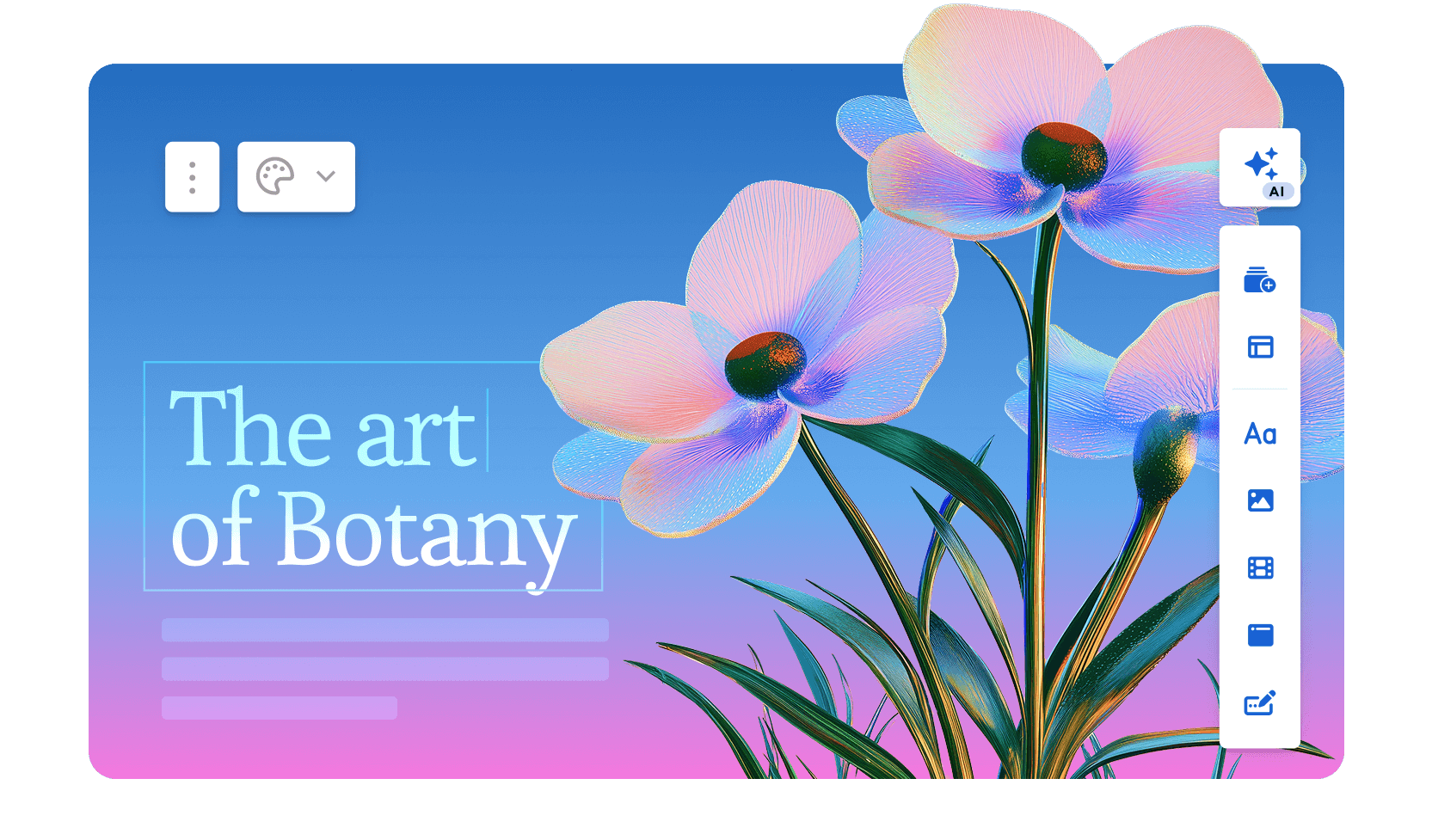
Use it when: You need a fast, polished web link for internal updates and async briefs.
Avoid it when: Someone in your workflow needs a clean, editable PowerPoint file.
Gamma is fast when the final output is a web link. The problem starts when the workflow moves back into PowerPoint. The platform serves over 70 million users and generates roughly 700,000 pieces of content per day. It integrated ChatGPT in early 2023, and usage grew sharply after that. The 2026 Gamma 3.0 release introduced the Gamma Agent. This AI assistant researches the web and restyles entire decks. It also incorporates links or screenshots you drop into the conversation.
Gamma generates scrollable, web-native card decks instead of traditional slides. First-draft quality is strong, and the AI handles image selection automatically. You can go from prompt to shareable link in under a minute.
The free tier skips the credit card and serves occasional users well. Gamma achieved SOC 2 Type II certification in October 2025 and offers GDPR and CCPA compliance on Team and Business plans.
The hard limit remains the output format. Gamma's decks are web pages instead of slides. When you export to .pptx, layouts break and the card structure fails to map onto fixed slide dimensions.
If anyone in your workflow opens the file in PowerPoint, Gamma creates more rework than it saves.
G2 Rating: 4.1/5
#### Gamma's Pros:
- Fast prompt-to-deck generation; most standard decks are ready in under a minute
- Genuine free plan that skips the credit card
- Web-native output looks polished by default
- Viewer analytics on paid plans
#### Gamma's Cons:
- PowerPoint exports frequently break formatting, with overlapping text boxes and missing fonts
- AI credit limits create friction for regular users; Plus plan users realistically hit the ceiling quickly
- Brand enforcement stays manual at the workspace level
- AI steps back after the first draft; conversational iteration and document import are absent
#### Gamma's Pricing:
Free tier available. Plus at $9/month. Pro at $18/month (annual).
#### Gamma is Ideal for:
Internal teams sharing updates and briefs via links, where the file stays out of PowerPoint.
If you're interested in a deep dive, head to our page that [compares Gamma and Presentations.AI in depth](https://www.presentations.ai/compare/gamma-vs-presentations-ai).
### 3\. Canva: For Quick Templates & Designs

Use it when: Your team already lives in Canva and your final deliverable is a PDF or a Canva share link.
Avoid it when: You need AI that structures a narrative or a clean, editable .pptx for complex layouts.
Canva ranks among the largest design platforms in the world, [ending 2025 with over 265 million monthly active users](https://techcrunch.com/2026/02/18/canva-gets-to-4b-in-revenue-as-llm-referral-traffic-rises/). It also reports 31 million paying subscribers and $4 billion in annual recurring revenue. For presentations specifically, Canva's AI features, including Magic Design for layout generation and Magic Write for AI-assisted copy, sit atop a massive template library of over 4.5 million designs.
The collaboration features are genuinely mature, and the Brand Kit on paid plans keeps output consistent across teams. If your team already uses Canva for other content, adding presentations to the same workspace is seamless.
The AI layer is shallower than purpose-built presentation tools. It generates layouts and fills text, but it stops short of restructuring your narrative or iterating conversationally.
And .pptx export requires manual cleanup for complex layouts. Canva works best when your final deliverable is a PDF or a Canva share link instead of an editable PowerPoint file.
G2 Rating: 4.7/5
#### Canva's Pros:
- Enormous template and asset library that covers almost every use case
- Strong free tier with genuinely useful features
- Easy sharing and collaboration across teams
- Brand Kit on paid plans keeps output consistent
#### Canva's Cons:
- AI generation is less sophisticated than dedicated AI presentation tools
- Too much flexibility can mean more decisions instead of fewer; the tool leaves you to reach a finished deck on your own
- Built for general design instead of presentation workflows
#### Canva's Pricing:
Free plan available. Pro at $144/year per user.
#### Canva is Best for:
Teams already embedded in Canva whose final deliverable is a PDF or a Canva share link instead of a .pptx file.
If you're interested in a deep dive, head to our page that [compares Canva and Presentations.AI in depth](https://www.presentations.ai/compare/canva).
### 4\. Beautiful.ai: Best for Teams With No Designers

Use it when: You want design consistency enforced automatically and are happy staying on the template grid.
Avoid it when: You need to override layouts or rely on deep AI content generation.
Beautiful.ai was built around a single insight. Most people making presentations lack design training, and the tool spares them from thinking like a designer. The Smart Slides system adjusts layout and spacing as you add or remove content. It eliminates the formatting decisions that eat up time in PowerPoint.
The result is that output consistently looks professional regardless of who built it. Over 50,000 teams use the platform. G2 reviewers rate it 4.7 out of 5 across nearly 200 reviews. They cite ease of use and design quality most frequently.
The AI works as a layout and drafting assistant instead of a content engine. It generates a deck from a prompt and helps polish copy. It stops short of researching topics or pulling in external data. It also skips conversational iteration once the first draft is done.
The 2026 addition of DesignerBot improved initial generation quality. The platform still focuses on keeping design consistent instead of generating deeply contextual content.
The trade-off is rigidity. The same guardrails that keep slides looking good also limit customization. Custom fonts require the Pro plan, and brand controls sit behind Team and Enterprise tiers. The Smart Slide layout logic stays fixed even when you disagree with its decisions.
G2 Rating: 4.7/5
#### Beautiful.ai's Pros:
- Smart Slide layouts that automatically rebalance as you add or remove content
- Consistently high-quality default design output
- Relatively easy learning curve; most users are productive quickly
#### Beautiful.ai's Cons:
- Brand customization locked behind Team and Enterprise plans
- Less AI-driven than competitors; functions more as a design assistant than a content generator
- PowerPoint exports sometimes drop the smart layout behavior
#### Beautiful.ai's Pricing:
14-day trial, then Pro at $12/month (billed annually). Team at $40/user/month.
#### Beautiful.ai is Best for:
Teams that want design consistency enforced automatically and are content to stay on the template grid.
Read a detailed comparison of [Beautiful.ai and Presentations.AI](https://www.presentations.ai/compare/beautiful-ai-vs-presentations-ai).
### 5\. Prezi: Best for Non-Linear, Interactive Storytelling
Use it when: You present live and want a distinctive, zoomable format that stands out.
Avoid it when: You ever need to export to a usable PowerPoint file.
[Prezi was founded in Budapest in 2009 and has grown to over 160 million users globally,](https://prezi.com/blog/ai-presentation-leader/) which makes it one of the most widely adopted presentation platforms in the world. It holds a genuinely niche position despite that scale. Instead of sequential slides, Prezi uses a zooming interface built on an infinite spatial plane where all content lives.
You pan between topics and zoom into details, then pull back to reveal the broader picture. The format creates real engagement when the content supports it.
The 2025 and 2026 updates added AI features like prompt-based generation and outline editing. These bring it closer to modern competitors while preserving its distinctive feel.
Prezi also offers Prezi Video, which overlays the presenter on the content for remote delivery, a feature that has gained traction with educators and remote sales teams.
The hard limits remain consistent. Prezi decks resist any usable .pptx export. The learning curve runs steeper than conventional slide tools. The zooming format can disorient audiences without careful use.
The AI features are also less developed than those of dedicated AI presentation makers. Prezi is a strong pick for a specific job and a poor fit for everything else.
G2 Rating: 4.2/5
#### Prezi's Pros:
- Highly distinctive, memorable format that stands out from conventional slide decks
- Well-suited to visualizing complex relationships and structures
- Strong for conference presentations and live demos
#### Prezi's Cons:
- Steep learning curve compared to slide-based tools
- The zooming format suits some content types poorly and can disorient audiences when overused
- Limited AI capabilities compared to newer tools
- PowerPoint export remains unviable
#### Prezi's Pricing:
Plus at $15/month. Business at $29/month per user.
#### Prezi is Best for:
Speakers and educators delivering live who want a distinctive format and present entirely within Prezi.
### 6\. Visme: Best for Data-Heavy Presentations

Use it when: Your decks are dense with charts and branded infographics.
Avoid it when: You need a simple slide workflow with strong AI content generation.
Visme is a cloud-based visual content platform serving over 27 million users worldwide. Customers include IBM and the Golden State Warriors. It helps non-designers produce professional visuals across presentations and reports. The template library covers more than 50 content types.
For teams whose presentations are dense with charts and branded graphics, Visme offers more specialized tools than most platforms here.
The data visualization capabilities are the clearest differentiator. Customizable charts and infographic-specific templates make complex data easier to present. The tool needs minimal design skill.
The platform also includes Brand Kit features and real-time collaboration. Analytics tracking covers published content.
The trade-offs are worth noting. Visme is a general visual content platform, and the editor is more complex than most users need for a straightforward slide deck. AI generation stays a secondary feature. Some Capterra reviewers flag performance issues like slow loading and glitches during design tasks.
For users who need a purpose-built AI presentation maker, Visme falls short. Teams that spend significant time making data visual, and need one tool for multiple content formats, will find it earns its place.
G2 Rating: 4.5/5
#### Visme's Pros:
- Excellent infographic and data visualization capabilities
- Strong brand kit features for consistent output
- Wide range of content types beyond presentations
#### Visme's Cons:
- More complex than most users need for standard slide decks
- AI generation stays a secondary feature
- Pricing feels high for lighter presentation use cases
#### Visme's Pricing:
Free plan available. Starter at $12.25/month. Business at $24.75/month per user.
#### Visme is Best for:
Analysts and data teams who need chart-heavy, infographic-style presentations over AI content generation.
### 7\. Slidesgo: Best Free Template Library

Use it when: You want a free, polished template to customize manually in PowerPoint or Google Slides.
Avoid it when: You need AI generation or brand automation.
Slidesgo is a template marketplace operated by Freepik Company, the same organization behind one of the largest stock asset libraries on the web. The platform offers thousands of free, professionally designed templates for Google Slides and PowerPoint. They cover a wide range of topics and visual styles.
It ranks among the first results when people search for free presentation templates. The library is large and the designs are polished. Downloading is straightforward.
AI features were added in recent years, allowing users to generate basic deck structures from a text prompt. The practical workflow is different. You browse the library and pick a design that fits. Then you customize it in Google Slides or PowerPoint. The AI layer is thin compared to dedicated AI presentation makers, and it stays beside the point for most users.
The platform skips brand automation and a collaboration workspace. Viewer analytics and AI iteration also stay absent. Slidesgo works best as a starting-point resource instead of a full presentation platform.
It fits into a workflow where someone already knows what tool they'll use to build and present, and just needs a design foundation to work from.
G2 Rating: 4.7/5
#### Slidesgo's Pros:
- Large, free template library with broad topic coverage
- Near-zero learning curve; works directly with PowerPoint and Google Slides
- Useful starting point for occasional presenters
#### Slidesgo's Cons:
- AI generation and content assistance stay minimal
- All customization is entirely manual
- Brand automation and collaboration features are absent
#### Slidesgo's Pricing:
Free (with attribution). Premium at $35.99 billed annually.
#### Slidesgo is Best for:
Individual users who want a free starting point and are comfortable doing all customization manually in PowerPoint or Google Slides.
### 8\. Prezent.ai: Best for Enterprise Brand Control

Use it when: You need brand governance and centralized control across a large organization.
Avoid it when: You're an individual or small team that needs flexibility over strict controls.
Prezent.ai is a generative AI platform built specifically for enterprise presentation workflows. As of 2026, it serves tens of thousands of professionals across more than 80 Fortune 2000 companies. Its leadership includes former executives from Cisco and McKinsey.
The platform's positioning is narrow and deliberate. It targets large organizations that need brand governance at scale, leaving individual deck-builders to other tools.
The core offering includes a library of over 35,000 expert-designed slides and storylines. Astrid, its AI assistant, powers deck generation. A proprietary feature called Fingerprints tailors presentations to audience preferences based on communication style and seniority.
The brand compliance layer is the most mature on this list. Centralized template management and slide libraries enforce consistency across large teams. The controls skip manual review of every output.
Prezent also offers optional expert services including overnight deck creation and personalized communication coaching, which extends its value beyond software into a managed service model. Pricing stays private on the standard plans and requires a sales conversation. That reflects the enterprise-first approach.
For individual users or small teams, this tool overshoots. Organizations where every presentation carries brand and communication risk should have the conversation.
G2 Rating: 4.5/5
#### Prezent's Pros:
- Strong enterprise slide libraries and governance workflows
- Useful for large teams that need centralized control over approved presentation assets
- Optional expert services can help teams with high-volume presentation needs
#### Prezent's Cons:
- Limited customization options, reducing flexibility for users who want more control over design and layout.
- AI-generated results can be inconsistent, especially when prompts are unclear or complex.
- Offers fewer design options compared to some competing presentation tools.
- Template customization can feel restrictive, making it harder to adapt presentations to specific needs.
- May experience performance issues with larger presentations, leading to slower workflows.
#### Prezent's Pricing:
Lite at $399 per year. Enterprise pricing: contact for a quote.
#### Prezent is Best for:
Large organizations that need brand governance and centralized control across many users producing presentations at scale.
### 9\. Pitch: Best for Collaborative Team Decks

Use it when: Multiple people contribute to decks and you need review and approval workflows.
Avoid it when: You need deep AI-first generation or budget-friendly pricing at large team scale.
Pitch was built from the ground up as a presentation tool for teams, and that intent shows throughout the product. Millions of teams use it, including Pentagram and Synthesia. The platform treats presentations as living documents. They stay collaborative by default and center on shared workspaces and template libraries. The design supports the full review and approval cycle that production-grade decks require.
Real-time co-editing and threaded comments are first-class features. Presentation statuses and role-based access get the same treatment.
The editor is widely regarded as one of the cleaner experiences in the category. It's responsive, modern, and purpose-built for presentations instead of adapted from a general design platform.
Templates are organized around common business needs like pitch decks and OKR reviews. The designs skew more contemporary than most PowerPoint decks.
Pitch has expanded its AI features over the past two years. It now supports draft generation and speaker note creation, along with tone adjustment. The AI works as a supporting layer instead of the core reason to choose the tool.
Pitch also integrates with Slack, Google Analytics, and CRM tools. This extends its usefulness for revenue and marketing teams tracking deck performance after sharing.
G2 Rating: 4.4/5
#### Pitch's Pros:
- Purpose-built for team workflows with shared workspaces and template libraries
- Strong commenting, review, and approval features
- Good analytics on deck engagement
#### Pitch's Cons:
- AI generation is less advanced than dedicated AI-first tools
- Pricing scales up steeply for larger teams
- Learning curve for teams migrating from simpler tools
#### Pitch's Pricing:
Free Starter plan. Plus at $10/month per user (billed annually).
#### Pitch is Best for:
Teams that collaborate heavily on presentations and want a modern workspace for decks where multiple people are contributing.
### 10\. Google Slides + AI Add-ons: Best Budget Option for Google Workspace Teams

Use it when: Your team already lives in Google Workspace and needs free, real-time collaboration.
Avoid it when: Design quality or brand consistency is a priority.
Google Slides launched as part of Google Docs in 2006. It has become one of the most widely used presentation tools by sheer volume. The reason is simple: it's free and embedded in a Google Workspace environment that hundreds of millions use daily.
The collaboration infrastructure is genuinely best-in-class. Multiple people edit the same deck at once, and comments thread and resolve inline. Version history stays automatic and unlimited.
Native AI generation stays absent from Google Slides itself, but a growing ecosystem of add-ons brings that capability in. SlidesAI, Plus AI, and MagicSlides rank among the most common. Each offers a different approach to prompt-based slide generation inside the familiar interface.
The appeal is that teams stay in a tool they already know, with real-time co-editing built in, and skip learning a new platform.
The limitations are real. Each add-on has different strengths, quality levels, and pricing. This creates a fragmented experience next to purpose-built AI presentation tools.
Native design capabilities stay basic, and every add-on trails the generation depth and brand control of standalone platforms. For teams where cost and familiarity matter more than design quality, this remains a practical option.
G2 Rating: 4.6/5 (rated as part of Google Workspace)
#### Google Slides' Pros:
- Best-in-class real-time collaboration out of the box
- Free with a Google account
- Seamless integration with Google Docs, Sheets, and Drive
#### Google Slides' Cons:
- Native design capabilities are limited compared to dedicated presentation tools
- AI add-ons are third-party and vary significantly in quality
- A poor choice when design quality or brand consistency matters
#### Google Slides' Pricing:
Free with a Google account. Google Workspace from $6/user/month.
#### Google Slides is Best for:
Budget-conscious Google Workspace teams who want basic AI assistance and stay on their current platform.
Learn how [Presentations.AI compares with Google Slides](https://www.presentations.ai/compare/google-slides).
### 11\. Keynote: Best for Apple-Native Presenters
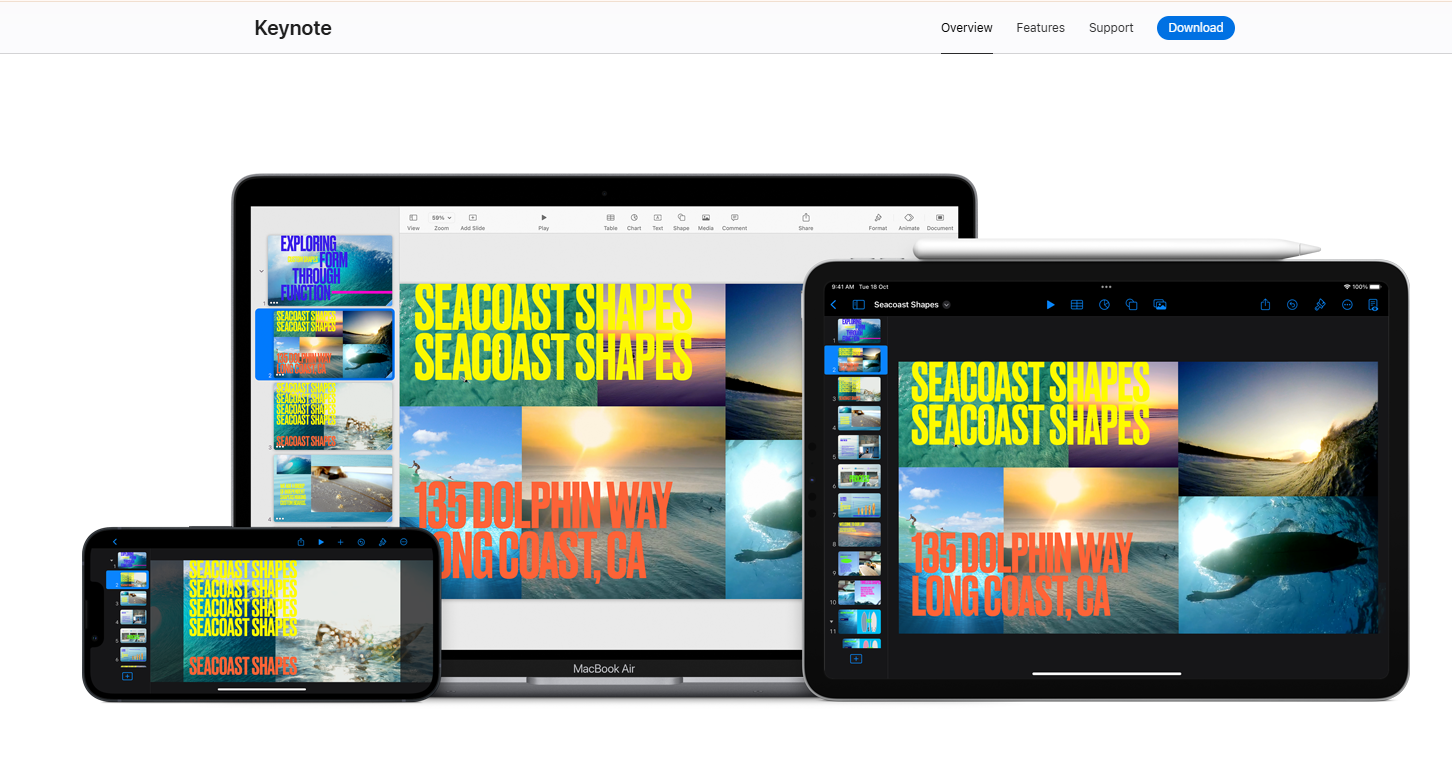
Use it when: You present live on Apple devices and prioritize animation quality.
Avoid it when: You need AI generation or reliable PowerPoint export.
Keynote is Apple's native presentation application, available free to all Apple device users since 2013 and widely regarded as having the best animation engine of any tool on this list. Magic Move transitions and object-level animation outclass every competitor on visual polish for live presentations.
For solo presenters or all-Apple teams, Keynote produces the highest-quality live output available.
The AI story, however, is nearly blank. As of 2026, Keynote offers minimal built-in AI generation. That makes it a manual tool in a market that has moved toward automation.
You build every slide by hand, which means the time investment per deck is significantly higher than with any AI-assisted alternative on this list. Teams that produce presentations at volume pay a real cost here.
The other hard constraint is ecosystem lock-in. Keynote works beautifully within the Apple ecosystem and creates friction the moment it meets Windows. The animations and transitions that make Keynote memorable break on export to .pptx. The output impresses only the people who see it live.
Keynote earns a 4.3/5 on G2, with users consistently praising design quality and faulting limited collaboration and cross-platform compatibility.
G2 Rating: 4.3/5
#### Keynote's Pros:
- Stunning default design quality and smooth animations
- Free for all Apple users
- The best live presenting experience on Mac and iPad
#### Keynote's Cons:
- Minimal AI generation features
- Collaboration is limited compared to Google Slides or Pitch
- Exporting to PowerPoint causes formatting issues; animations break during the conversion
#### Keynote's Pricing:
Free for Apple users.
#### Keynote is Best for:
Solo presenters or all-Apple teams who deliver live and prioritize animation quality over AI generation speed.
### 12\. Microsoft Copilot for PowerPoint: Best for Microsoft 365 Organizations
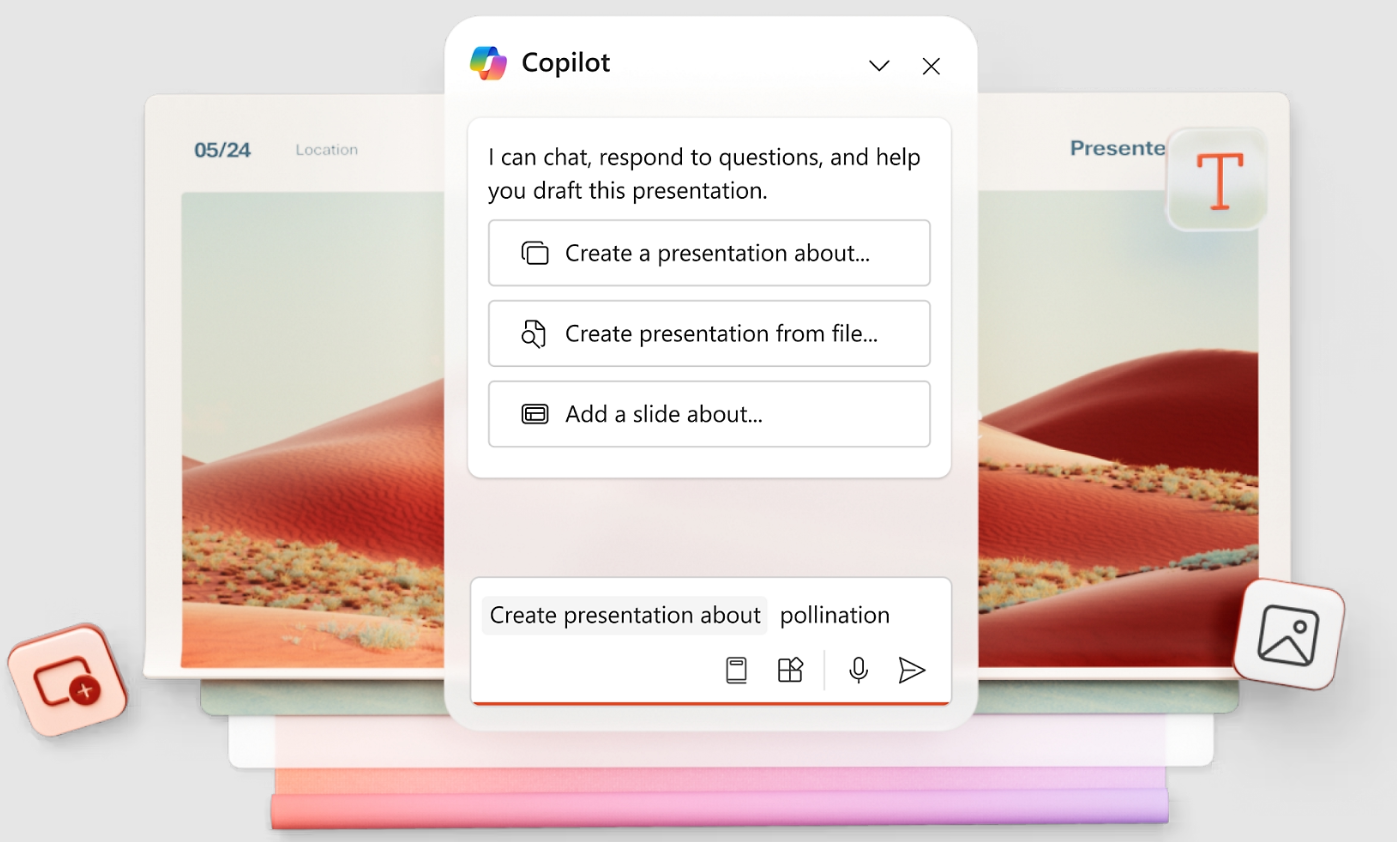
Use it when: Staying inside PowerPoint is non-negotiable and design quality is secondary.
Avoid it when: You need strong design output or URL-based brand automation.
Microsoft Copilot for PowerPoint adds AI generation directly inside the PowerPoint interface, letting users describe what they need and receive AI-populated slides within their existing .pptx workflow. For organizations deeply embedded in Microsoft 365, the zero-friction integration is a genuine advantage. Teams keep their platform, skip file conversion, and lose the export step.
Copilot also connects to Microsoft Graph. It can reference your organization's existing files, emails, and data during generation. Every standalone tool on this list lacks that capability.
PowerPoint itself remains the dominant presentation standard globally, with over a billion users and decades of enterprise adoption. Copilot adds a modern AI layer on top of that installed base instead of asking teams to abandon familiar infrastructure. Organizations where IT governance and Microsoft 365 integration are non-negotiable get the path of least resistance.
The limitations are worth stating clearly. Copilot's design output is the weakest on this list. Slides look auto-formatted instead of designed. Significant manual cleanup comes before a deck is ready for a client or board.
The license adds $30/user/month on top of an existing Microsoft 365 subscription, making it one of the most expensive options at scale. Brand automation is also shallow, limited to whatever PowerPoint template is already in use.
G2 Rating: 4.6/5
#### Copilot's Pros:
- Native PowerPoint experience that skips export and import friction
- Copilot understands your existing files and company data via Microsoft Graph
- Near-zero learning curve for existing PowerPoint users
#### Copilot's Cons:
- Requires a Copilot license on top of existing Microsoft 365 costs
- AI output quality varies and usually needs significant cleanup
- An add-on to tools you already pay for, sold on top of them
- Weak on brand automation, with URL-based extraction absent
#### Copilot's Pricing:
Included with Microsoft 365 (from $6.99/month personal). Copilot AI add-on at approximately $30/user/month.
#### Copilot is Best for:
Large Microsoft 365 organizations where staying inside PowerPoint is non-negotiable and design quality is a secondary concern.
If you're interested in a deep dive, head to our page that [compares PowerPoint and Presentations.AI in depth](https://www.presentations.ai/compare/powerpoint).
## Best Free AI Presentation Makers
The title promises free and paid options, so here's how the genuinely usable free tiers compare. What matters is what you can do at no cost. Consider deck limits and gated exports. Then weigh watermarking, collaboration, and brand controls.
| Tool | Free Deck Limits | AI Credits | Export | Watermark | Collaboration | Best Free For |
| --- | --- | --- | --- | --- | --- | --- |
| Presentations.AI | Starter plan, light use | Limited | Available on paid plans | No | Unlimited users, real collaboration | Business teams testing the full workflow |
| Gamma | Generous for occasional use | 400 one-time credits | .pptx and PDF (formatting may break) | Yes on free tier | Real-time on all plans | Web-native sharing and testing |
| Canva | Strong free tier | Limited Magic Design use | PDF and .pptx | No | Yes | Design-first individuals |
| Google Slides | Unlimited | Via third-party add-ons | .pptx and PDF | No | Best-in-class | Google Workspace teams |
| Slidesgo | Unlimited templates | Thin AI layer | Works in PPT / Slides | Attribution required | None | Free template starting points |
## How to Choose the Best AI Presentation Maker for Your Workflow
The fastest way to choose is to match the tool to the deck's job, beyond the feature list. Work through five diagnostic questions: What is your final output format? How strict are your brand governance needs? How many people collaborate on each deck? What's your budget at real team size? And do you need AI for content generation or just design polish?
| If Your Deck Needs To | Choose |
| --- | --- |
| Turn messy docs into a client-ready, on-brand deck | Presentations.AI |
| Be shared internally as a fast web link | Gamma |
| Start from a free template you customize by hand | Slidesgo |
| Export cleanly to editable PowerPoint | Presentations.AI or Beautiful.ai |
| Stay on-brand across a large organization | Prezent.ai or Beautiful.ai |
| Track prospect engagement on sales decks | Pitch |
| Tell a non-linear, live story | Prezi |
| Present chart-heavy data and infographics | Visme |
| Stay free inside Google Workspace | Google Slides + AI Add-ons |
| Deliver a live keynote with animations | Keynote |
| Add AI inside PowerPoint (Microsoft 365) | Copilot for PowerPoint |
| Fit alongside a team already using Canva | Canva |
Before you commit, run this eight-point checklist during any free trial: input quality, first-draft usefulness, editing speed, brand accuracy, collaboration, export fidelity, security, and annual cost at your actual team size.
Want to test a real deck before you decide?
Run your own notes, doc, or company URL through Presentations.AI and see the branded, editable output for yourself.
[Try for Free](https://www.presentations.ai/ai-presentation-maker) (No credit card required)
## Why the Top AI Presentation Maker Stands Out
You've seen all 12 tools. Here is what separates Presentations.AI at the point of purchase. It comes down to brand automation, AI iteration, export quality, and narrative structure.
### 1\. Brand Sync Requires Zero Manual Setup
You paste in your company URL and it pulls your colors and logo automatically. Every slide and every new deck stays on-brand on its own. Hex codes and logo uploads become unnecessary. Presentations.AI is the only tool on this list that does this from a URL. Canva's Brand Kit is strong but requires initial configuration. Everything else is manual.
### 2\. Clip-E Stays in the Conversation
Most AI tools give you a first draft and leave you to finish it manually. Clip-E iterates with you. Restructure sections, add comparison tables, and adjust the visual weight of a slide. You stay in one conversation instead of bouncing between the AI and a separate editor. Underneath Clip-E, an [AI Slide Creator](https://www.presentations.ai/ai-slide-creator) rebuilds each slide individually as you iterate. The layout adapts to the conversation instead of locking in after the first draft the way most other tools do. The difference in practice is spending 10 minutes in conversation to get a deck that's 90 percent done, versus generating a draft and spending 45 minutes fixing it by hand.
### 3\. The .pptx Export Holds Up
If your final deliverable needs to be a PowerPoint file, the export needs to work cleanly. Gamma fails here. Canva requires cleanup. Copilot is native to PowerPoint but produces weaker designs. Presentations.AI gives you AI-designed slides that survive export intact.
### 4\. It Turns Source Material Into a Narrative
The hard part is rarely making a slide. It is turning scattered inputs into a story people can follow. Think notes, reports, PDFs, and strategy docs. Presentations.AI structures the narrative before it designs the deck, so you get more than prettier slides. You are getting a clearer argument.
### 5\. You Can Start for Free
The free plan skips the credit card. It skips the trial countdown. It skips the "upgrade to share" wall. The Starter plan gives unlimited users and real collaboration. Try it and see how fast you can go from a brief to a finished deck.
## Conclusion: Which AI Presentation Maker Should You Choose?
Picking an AI presentation tool comes down to one question: what does your output actually need to do?
If it needs to be a polished, brand-consistent .pptx file that survives a client's inbox and holds up in PowerPoint, most of the tools on this list will disappoint you at some point in the process. Gamma looks great until someone asks for the file. Copilot stays in PowerPoint but produces designs that look like they skipped the design step entirely. Canva works well until export day. Presentations.AI was built for the full loop. Messy inputs go in, and a structured, branded deck comes out as a clean .pptx. The manual cleanup that usually follows AI-generated slides disappears. That's why it's at the top of this list.
That said, the right tool is the one that fits your actual workflow. If your team lives in Google Workspace on a tight budget, Google Slides with a free add-on gets the job done. If you're a solo presenter on a Mac who delivers live, Keynote is still the best animation engine available. If you need brand governance across a large organization, Prezent.ai is worth the enterprise conversation.
Use the "How to Choose" table above to narrow it down, then test your top two picks on a real deck before you commit. Most of these tools have a free tier or a trial. Running your actual content through the workflow tells you the most. If [Presentations.AI](https://www.presentations.ai/?r=0) is one of those picks, the free Starter tier lets you test the full workflow and skip payment details, so the comparison stays honest.
Take Presentations.AI for a spin.
Go from source material to a branded, editable deck in minutes.
[Try for Free](https://www.presentations.ai/ai-presentation-maker) (No credit card required)

More Blogs
[Jun 26, 2026\\
\\
**How to Format Your Ideas on a Slide in 6 Steps**\\
\\
](https://www.presentations.ai/blog/formatting-your-ideas-on-a-slide)
[Aug 6, 2026\\
\\
**10 Presentation Design Best Practices For Better Slides (2026)**\\
\\
](https://www.presentations.ai/blog/presentation-design-best-practices)
[Jun 25, 2026\\
\\
**How to Present a Quarterly Business Review: A Full Guide**\\
\\
](https://www.presentations.ai/blog/present-a-quarterly-business-review)
[Jun 12, 2026\\
\\
**How to Memorize a Presentation: 6 Techniques That Work**\\
\\
](https://www.presentations.ai/blog/how-to-memorize-a-presentation)
[Jun 12, 2026\\
\\
**Pitch Deck Statistics Every Founder Should Know in 2026**\\
\\
](https://www.presentations.ai/blog/pitch-deck-statistics)
[Jun 14, 2026\\
\\
**Canva Pricing 2026: Full Breakdown of Plans, Limits & What You're Actually Paying For**\\
\\
](https://www.presentations.ai/blog/canva-pricing)
Sign in with GoogleSign in with Google. Opens in new tab
Sign In - Google Accounts
Sign in with GoogleSign in with Google. Opens in new tab
## WePik vs Presentations.AI
# The Best WePik Alternative in 2026: WePik vs Presentations.AI

## What is WePik?
A general-purpose design platform for creating social media graphics, flyers, logos, and basic presentations. It focuses on manual customization and visual flexibility rather than AI-driven presentation creation or brand consistency.

## What is Presentations.AI?
AI-native system built specifically for business decks—automating content, design, and brand styling in one workflow. Instead of editing templates manually, users can generate complete, presentation-ready PowerPoint slides from a document or prompt.

## Wepik vs Presentations.AI: Feature Comparison
WePik is built for marketers and designers creating one-off visuals across formats. Presentations.AI is built for professionals who need complete, on-brand presentations generated automatically. WePik helps you design assets; Presentations.AI helps you create entire presentations.
| Capability | WePik | Presentations AI |
| --- | --- | --- |
| Scope | Broad graphic design (social media, posters, logos) | Dedicated AI-powered presentation creation |
| AI Capabilities | Minimal AI; primarily manual editing | Deep AI for content, layout, and slide generation |
| Brand Consistency | Manual color and font adjustments | Automatic brand sync across all slides |
| Design Workflow | Template selection and manual customization | Fully automated design from input to output |
| Export | PNG, PDF, or basic PPT options | High-fidelity PowerPoint (.pptx) export |
| Use Case | Quick marketing visuals and graphics | End-to-end business presentations |
## Wepik and Presentations.AI at a Glance
WePik is a flexible design tool built for creating a wide range of visual assets — from social media posts to flyers — using editable templates/ Presentations.AI is a purpose-built AI platform that generates complete, brand-consistent slide decks from text or document input, with no manual design effort required.
The difference is focus and AI depth. WePik is a generalist design tool with minimal AI automation for presentations specifically; users select a template and manually customize each element, and brand consistency across slides requires manual work. [Presentations.AI](https://www.presentations.ai/?r=0) was built exclusively for AI-powered slide creation: it auto-generates layout, applies corporate branding across the entire deck, adds animations and transitions, and produces a fully polished output without the user needing to touch a single design element.
For professionals who regularly create presentations, the dedicated [AI presentation maker](https://www.presentations.ai/ai-presentation-maker), automatic brand sync across all slides, and high-fidelity PowerPoint export represent a fundamentally faster and more reliable workflow than WePik's general-purpose approach.
## How WePik Works
**Step 1: Browse Templates** – Choose from a wide library of templates across categories like social media, business materials, and presentations.

**Step 2: Customize Design –** Use a drag-and-drop editor to manually adjust text, images, colors, and layout elements to fit your needs.
**Step 3: Apply Branding (Manually)** – Update fonts, colors, and logos individually — there’s no centralized brand sync.
**Step 4: Export Your Design** – Download your file as PNG, PDF, or a basic PowerPoint file, depending on the format.
**Step 5: Build Your Presentation (If Needed)** – If creating a deck, repeat the process slide by slide or assemble designs externally
## How Presentations.AI Works
**Step 1: Start with Your Content** – Upload a document (PDF/Word), paste a URL, or enter a prompt describing your presentation.
**Step 2: AI Builds the Presentation** – The system analyzes your input and generates a structured slide deck with headlines, layouts, and visuals.
**Step 3: Apply Brand Automatically** – Enter your company URL once — colors, fonts, and logos are applied across every slide instantly.
**Step 4: Refine and Collaborate**– Edit slides, adjust layouts, and collaborate with your team in real time within the platform.
**Step 5: Export or Present** – Download a high-fidelity .pptx file or present directly — no reformatting required.
## **Five Reasons Teams Choose Presentations.AI Over Wepik**
### **Purpose-Built for Presentations**:
WePik is designed for general graphics. Presentations.AI is built specifically for creating business presentations — end to end.
### **AI That Does the Work**:
Instead of manually editing templates, AI generates the entire deck — content, structure, and design included.
### **Automatic Brand Consistency**:
No need to adjust colors or fonts slide by slide. Brand Sync ensures every presentation is consistent from the start.
### **Faster Workflow, Better Output**:
What takes hours of manual design in WePik can be completed in minutes with Presentations.AI.
### **One Tool, Not Many**:
Eliminate the need for separate tools for design, layout, and presentation assembly. When you only need one slide rather than a full deck, the [AI slide maker](https://www.presentations.ai/ai-slide-creator) builds it from a short paragraph.
## **Where General Design Tools Hit Their Limit on Presentations**
WePik is a powerful tool for creating individual design assets. But, when teams use general design tools for presentations, they end up spending hours assembling slides, fixing layouts, and manually applying brand elements. That time adds up quickly.
Presentations.AI removes this friction entirely. By **generating complete, on-brand presentations from a single input, it compresses the time from idea to delivery**—allowing teams to focus on the message, not the formatting.

## Frequently Asked Questions
### What is the main difference between Wepik and Presentations.AI?

The main difference is scope. Wepik was a general-purpose design platform for social media graphics, flyers, logos, and basic presentations, with manual editing as the core workflow. Presentations.AI is built exclusively for business decks, generating complete presentations from documents or prompts with brand sync and PowerPoint export applied automatically. Wepik was designed for individual visuals. Presentations.AI is designed for full presentations.
### Is Wepik still available in 2026?

Wepik no longer exists as a standalone product in 2026. Its core design functionality has been absorbed into Freepik Designer, and its AI Presentation Maker has moved to Slidesgo, with wepik.com URLs now redirecting there. For users who relied on Wepik for presentation creation, Presentations.AI is a like-for-like AI presentation platform built around brand sync, document import, and PowerPoint export.
### Is Wepik free?

Wepik was free to use with a watermark on exported presentations and no upsell to paid tiers. The features have since moved to Slidesgo, which keeps the free model with attribution requirements on free downloads. Presentations.AI offers a free plan with five complete AI-generated presentations, no credit card required, no watermark, and full PowerPoint export included.
### Can you export from Wepik to PowerPoint?

Wepik allowed PowerPoint and PDF export from its editor, though the AI presentation feature was primarily set up for in-browser editing and link sharing. The same feature now sits inside Slidesgo. Presentations.AI is built around PowerPoint as the primary output, exporting a high-fidelity .pptx with layouts, fonts, animations, and brand styling preserved.
### What is the best alternative to Wepik for business presentations?

Presentations.AI is the closest replacement for teams that previously used Wepik for presentations. It generates complete decks from documents, outlines, or prompts, applies brand colors and fonts automatically through company URL sync, and exports a clean PowerPoint file. For business presentations where consistency, speed, and PowerPoint compatibility matter, the workflow is built around the use case rather than added as a feature.
Show All Questions
Show Less
Sign in with GoogleSign in with Google. Opens in new tab
Sign In - Google Accounts
Sign in with GoogleSign in with Google. Opens in new tab
## Manus Alternatives Overview
[替代方案和比较](https://www.presentations.ai/zh/blog-category/alternatives)
# **2026年商务演示最佳Manus替代品:** 7款工具对比
比较2026年7款Manus替代品,涵盖企业级演示文稿制作到快速AI生成。找到适合您演示工作流程的工具。
Sumanth Raghavendra
更新于
Mar 29, 2026

- [引言](https://www.presentations.ai/zh/blog/manus-alternatives#%E5%BC%95%E8%A8%80)
- [太长不看:精选推荐](https://www.presentations.ai/zh/blog/manus-alternatives#%E5%A4%AA%E9%95%BF%E4%B8%8D%E7%9C%8B%EF%BC%9A%E7%B2%BE%E9%80%89%E6%8E%A8%E8%8D%90)
- [团队为何寻找Manus的替代方案](https://www.presentations.ai/zh/blog/manus-alternatives#%E5%9B%A2%E9%98%9F%E4%B8%BA%E4%BD%95%E5%AF%BB%E6%89%BEmanus%E7%9A%84%E6%9B%BF%E4%BB%A3%E6%96%B9%E6%A1%88)
- [寻找Manus替代方案时应注意什么](https://www.presentations.ai/zh/blog/manus-alternatives#%E5%AF%BB%E6%89%BEmanus%E6%9B%BF%E4%BB%A3%E6%96%B9%E6%A1%88%E6%97%B6%E5%BA%94%E6%B3%A8%E6%84%8F%E4%BB%80%E4%B9%88)
- [Manus 最佳替代品一览](https://www.presentations.ai/zh/blog/manus-alternatives#manus-%E6%9C%80%E4%BD%B3%E6%9B%BF%E4%BB%A3%E5%93%81%E4%B8%80%E8%A7%88)
- [7 款最佳 Manus 替代品(对比)](https://www.presentations.ai/zh/blog/manus-alternatives#7-%E6%AC%BE%E6%9C%80%E4%BD%B3-manus-%E6%9B%BF%E4%BB%A3%E5%93%81%EF%BC%88%E5%AF%B9%E6%AF%94%EF%BC%89)
- [决策矩阵:如何选择工具](https://www.presentations.ai/zh/blog/manus-alternatives#%E5%86%B3%E7%AD%96%E7%9F%A9%E9%98%B5%EF%BC%9A%E5%A6%82%E4%BD%95%E9%80%89%E6%8B%A9%E5%B7%A5%E5%85%B7)
- [大多数团队的最佳Manus替代方案:Presentations.AI](https://www.presentations.ai/zh/blog/manus-alternatives#%E5%A4%A7%E5%A4%9A%E6%95%B0%E5%9B%A2%E9%98%9F%E7%9A%84%E6%9C%80%E4%BD%B3manus%E6%9B%BF%E4%BB%A3%E6%96%B9%E6%A1%88%EF%BC%9Apresentations.ai)
- [结论:您应该继续使用 Manus 还是切换?](https://www.presentations.ai/zh/blog/manus-alternatives#%E7%BB%93%E8%AE%BA%EF%BC%9A%E6%82%A8%E5%BA%94%E8%AF%A5%E7%BB%A7%E7%BB%AD%E4%BD%BF%E7%94%A8-manus-%E8%BF%98%E6%98%AF%E5%88%87%E6%8D%A2%EF%BC%9F)
## 引言
如果您曾使用 Manus 制作演示文稿,却在之后花费数小时重新整理输出内容、重新制作导出不正确的图表,并手动应用品牌颜色,那么您一定深知其中的问题。Manus 在研究方面表现出色。但研究之后它所生成的内容,则另当别论。
Manus 就像一个能够访问整个互联网的初级分析师。它将您的请求分解成数百个微任务,派遣代理并行搜索,并将所有内容整合到一份演示文稿中。对于广泛的研究覆盖,这种方法是有效的。但对于一份重点突出、符合品牌调性、适合董事会使用的演示文稿,它往往力不从心。其输出内容虽然全面,但很少连贯,而且 PowerPoint 文件通常需要比生成本身所节省的时间更多的清理工作。
这就是团队开始寻找 Manus 替代品的原因;这些工具不仅能找到内容,还能真正将演示文稿制作到最终完成。如果您想比较更广泛的领域,而不仅仅是 Manus 的替代品,那么我们的总结文章 [最佳AI演示文稿制作工具](https://www.presentations.ai/blog/best-ai-presentation-makers) 对它们进行了排名
## 太长不看:精选推荐
- **商务演示总体最佳:** Presentations.AI — 唯一一款专为商务演示文稿完整生命周期打造的工具,具备 SOC 2 Type II 合规性、自动化品牌管理和真正的 PowerPoint 导出功能。
- **最佳研究深度且输出更整洁:** Skywork AI — 提供带引用的网络和学术研究、更紧凑的叙事结构以及原生的 PowerPoint 对象。
- **最佳快速网络原生演示文稿制作工具:** Gamma — 几秒内即可从提示生成演示文稿,采用现代卡片格式,专为通过链接而非文件共享而设计。
- **最佳团队幻灯片一致性工具:** Beautiful.ai — 智能幻灯片,可在添加或删除内容时自动保持视觉平衡。
- **最佳基础快速生成工具:** SlidesGPT — 文本转幻灯片,操作简便,兼容标准办公文件。
- **最适合创意视觉演示文稿:** Canva Magic Design — 拥有庞大素材库,适合需要在所有内容中保持视觉灵活性的团队。
- **最佳经济实惠之选:** PopAI — 基于GPT-4快速生成大纲,价格亲民,适合个人和小型团队。
## 团队为何寻找Manus的替代方案
Manus发布时给很多人留下了深刻印象。一个AI能将你的请求分解成数百个微任务,派遣代理并行搜索网络,并将所有内容整合为一份演示文稿,这种理念听起来像是演示文稿制作方式的颠覆性变革。
然而在实际操作中,这些问题很快就对商业团队显现出来。
**广泛的研究方法生成的内容过多,难以编辑。** 并行独立研究的代理会生成大量内容,但这些内容需要大量的编辑工作才能提炼成一个有重点的商业叙事。生成节省的时间都花在了重新组织、删减和调整结构上。对于许多团队来说,这得不偿失。
**PowerPoint文件需要清理才能使用。** Manus导出的文件通常需要手动处理才能用于演示。图形和图表经常需要重新创建,文本格式也会出错。最终得到的只是一个起点,而非一份完整的演示文稿。
**演示文稿之间缺乏设计一致性。** Manus不强制执行品牌标准。它生成的每份演示文稿都可能因代理生成的内容而呈现不同外观。对于有严格视觉标准要求的组织来说,这会造成治理问题。
**不适用于受监管行业。** 如果您在金融、医疗、法律或任何需要SOC 2 Type II合规性的环境中工作,Manus会带来阻碍。它不具备企业采购团队所要求的安全认证。
**并行研究不等于有说服力的叙事。** 全面覆盖和连贯的商业叙事是两回事。Manus倾向于生成前者,而将后者留给您。
如果以上任何一点让您感同身受,那么下面的工具会更适合您。
## 寻找Manus替代方案时应注意什么
在选择工具之前,请先了解你真正想要优化的是什么:
**PowerPoint 导出质量。** 它生成的是带有可编辑文本框、原生图表和形状的真正 PPTX 文件,还是扁平化图像和错乱布局?这是 Manus 最常见的痛点,而这里的大多数工具处理方式各不相同。
**研究能力。** 你是需要工具为你查找内容,还是已经有内容,只是需要将其组织成幻灯片?这些是截然不同的需求。
**品牌自动化。** 它能否自动且一致地应用你的品牌,还是每份演示文稿都需要手动设置?对于大量制作演示文稿的团队来说,这会带来累积的时间成本。
**安全与合规。** SOC 2 Type II 认证是企业使用的基本要求。在你决定使用之前请务必检查,此列表中只有一个工具符合该标准。
**叙事结构。** AI 是否理解你的内容想要表达的论点,还是只是用它找到的任何东西填充幻灯片?这种差异体现在生成后你需要进行多少编辑。
## Manus 最佳替代品一览
| Tool | Native PPTX Quality | Research Depth | Brand Automation | Security Compliance |
| --- | --- | --- | --- | --- |
| Presentations.AI | High fidelity | Document context and deep web research | Auto-sync from company website | SOC 2 Type II |
| Skywork AI | High fidelity | Deep web and academic research | Manual setup | Standard |
| Gamma | Low, often flattened | Deep web research | Manual templates, no team consistency | Standard |
| Beautiful.ai | Moderate, rasterized | No research | Smart templates | No certification |
| SlidesGPT | Basic | GPT research outlines | None | Standard |
| Canva | Low, flattened | No research | Brand Kit upload | Standard |
| PopAI | Basic | GPT research outlines | None | Basic |
## 7 款最佳 Manus 替代品(对比)
### Presentations.AI
**最适合:** 需要涵盖完整演示文稿生命周期(包括创建、品牌管理、定期演示文稿维护和安全合规性),且无需 Manus 所需的编辑清理工作的业务团队和企业组织。
Manus 在网络上并行查找内容。Presentations.AI 采取了不同的方法:它首先利用文档智能理解你的核心信息,然后构建支持该特定叙事的幻灯片。结果是更紧凑的演示文稿,需要显著减少生成后的编辑工作。Manus 止步于研究,而这 [AI 演示文稿制作工具](https://www.presentations.ai/ai-presentation-maker) 将演示文稿一直制作成一个完成的、符合品牌要求的文件。
导入 PDF、Word 大纲或 URL。AI 会读取内容,识别核心叙事结构,并构建讲述故事的幻灯片。你的品牌会根据公司 URL 自动应用。导出的文件是真正的 PPTX 格式,其中所有元素(文本框、图表、形状)都保持可编辑状态;就像你手动在 PowerPoint 中制作的一样。
**核心功能:**
- 文档智能功能可读取您的内容,识别其叙述结构,并围绕其构建结构化幻灯片。
- 真正的PowerPoint导出。所有元素均可编辑,原生图表和形状保持不变。
- 自动化品牌管理。粘贴您的公司网址,AI将自动在每张幻灯片上统一应用徽标、颜色和排版。
- 实时数据刷新。连接到Salesforce、HubSpot或Snowflake后,定期演示文稿将按照您设定的时间表自动更新。
- 通过SOC 2 Type II认证。此列表中唯一具备企业级安全合规性的工具。
- 开发者API,用于生成数千份个性化演示文稿,或将构建器嵌入到您自己的产品中。
所有这些的核心是一个 [AI幻灯片创建器](https://www.presentations.ai/ai-slide-creator) ,它根据您的内容和品牌单独生成每张幻灯片,而不是像Beautiful.ai的智能幻灯片那样将您的内容套入固定的模板库。
**优点:**
- 此列表中唯一为整个演示文稿生命周期而构建的工具,而不仅仅是初稿生成。
- 真正的PPTX导出,无需清理;图表和形状均为原生PowerPoint对象。
- 品牌执行自动化且一致,无需手动管理。
- 实时数据连接消除了定期报告的手动更新需求。
- SOC 2 Type II认证满足企业采购要求。
**缺点:**
- 并非Manus风格的并行网络研究工具,在您有内容或简报可供输入时效果最佳。
- 对于简单的单次内部幻灯片而言,功能深度超出所需。
- API和数据刷新功能对个人用户来说过于多余
**适用场景:** 当您的演示文稿需要符合品牌规范、能干净地导出到PowerPoint,并满足企业安全标准时,尤其适用于需要大量制作演示文稿或管理定期报告的团队。
### Skywork AI
**最适合:** 适用于重视Manus研究能力,但需要更严谨的叙事控制、更整洁的导出效果以及利益相关者可验证的引用来源的团队。
Skywork在生成幻灯片之前会搜索网络和学术数据库。与并行代理方法相比,其研究过程能生成更严谨、冗余度更低的叙事内容。每个统计数据都附有引用来源,当您的首席财务官询问某个数字的出处时,这一点至关重要。
PPTX文件相比Manus有了显著提升。文本保持可编辑,图表仍是PowerPoint原生对象,并且在不同设备上打开时布局保持一致。
**主要功能:**
- 在生成幻灯片前进行深度网络和学术数据库研究
- 每个数据点都内置引用来源,且来源完整可验证
- 原生PowerPoint导出,支持文本和图表编辑
- 与并行研究方法相比,叙事结构更严谨
**优点:**
- 带有引用的研究可信度是B2B和数据密集型演示文稿的重要差异化优势
- PPTX导出质量明显优于Manus、Gamma或Canva
- 学术数据库访问使其具备仅限网络工具所缺乏的深度
- 更严谨的叙事输出意味着生成后编辑工作量更少
**缺点:**
- 设计输出次于研究,幻灯片功能性强但不如Presentations.AI或Beautiful.ai精致
- 无自动化品牌执行
- 无企业安全认证
- 不适合已有内容但仅需进行结构化处理的团队
**适用场景:** 当研究可信度和引用数据是首要考量时。例如B2B推介、分析师演示或任何需要利益相关者核实数据的演示文稿。
### Gamma
**最适合:** 需要快速生成视觉效果出众的初稿,并乐于以链接而非PowerPoint文件形式分享的团队。
Gamma 完全摒弃了传统的幻灯片格式。它采用了一种流畅的卡片系统,看起来更像一个现代网站,而非PowerPoint演示文稿。只需输入或粘贴大纲,Gamma 就能在几秒钟内将其转化为一个可滚动、视觉效果出众的文档。您可以将实时视频、可操作的网站和表单直接嵌入到卡片中,这对于异步沟通和基于链接的分享非常实用。
但其导出功能是短板。当您需要一个真正的PowerPoint文件时,Gamma 反而会增加您的工作量。
**主要功能:**
- 从文本或大纲在几秒内生成卡片
- 现代卡片式格式;可滚动、原生网页体验、视觉效果出众
- 实时嵌入;视频、网站和表单可直接在演示文稿中运行
- 实时协作
**优点:**
- 本列表中初稿生成速度最快
- 网页格式新颖,非常适合懂技术或异步沟通的受众
- 实时嵌入功能增加了幻灯片工具无法比拟的互动性
- 通过链接轻松分享——无需附件
**缺点:**
- PPTX导出效果差;布局混乱,文本变成图片,字体丢失
- 不适用于任何需要真正PowerPoint文件的工作流程
- 缺乏品牌规范或团队范围内的统一性控制
- 不太适合需要交付文件的正式商务演示
**何时使用:** 当速度至关重要、您的受众习惯于通过链接访问,且PowerPoint兼容性不是必需条件时。
### Beautiful.ai
**最适合:** 没有专属设计师的团队,他们需要幻灯片始终保持平衡和专业外观,无论由谁制作。
Beautiful.ai采用智能幻灯片(Smart Slides),这是一种算法布局规则,能够在添加或删除内容时自动保持视觉平衡。添加一个项目符号,所有内容都会自动调整。添加一张照片,网格会自动适应。无论团队中谁制作幻灯片,它们都能保持专业水准。
**主要功能:**
- 智能幻灯片会随着内容变化自动重排和调整大小
- 经批准的图片、图标和模板共享库,以确保团队一致性
- 设计护栏可防止常见错误,如字体大小不当、间距不佳和布局不平衡
- 实时协作
**优点:**
- 完全消除对齐和间距工作
- 无论由谁制作,幻灯片始终保持精美外观
- 共享资产库可保持整个团队的视觉一致性
- 适用于需要标准化演示文稿但没有设计师的企业团队
**缺点:**
- PPTX导出质量一般且为栅格图像,不像Presentations.AI或Skywork那样是清晰的原生输出
- 不具备研究功能,需要自行提供内容
- 对于追求像素级精准控制的高级用户来说,智能系统可能会让人感觉受限
- 无企业安全认证
- 比此列表中的大多数替代品更昂贵
_G2用户评价_
**适用场景:** 当团队内部一致、整洁的布局比创作灵活性或研究能力更重要时。
### SlidesGPT
**最适合:** 适用于需要快速、低成本、无额外复杂性地生成基本AI幻灯片结构的个人和小型团队。
SlidesGPT是一个基于GPT模型的直接文本转幻灯片工具。输入主题或粘贴现有文本,它就会生成一个基本的幻灯片结构,你可以将其下载为PowerPoint、Google Slides或PDF格式。它并非旨在成为一个完整的演示平台,而是一个快速、简单的起点。
**主要功能:**
- 基于主题或粘贴内容的文本转幻灯片生成
- 导出为PowerPoint、Google Slides或PDF
- 用于基本视觉样式的预设模板
- 兼容标准办公软件
**优点:**
- 简单快捷,设置极少
- 广泛的导出格式兼容性
- 相较于功能更全面的工具,成本较低
- 足以满足内部草稿和低风险演示的需求
**缺点:**
- 不具备研究功能,只处理您提供的内容
- 无品牌自动化功能
- 无数据刷新或实时连接
- 输出功能可用,但专业用途需要大量手动优化
- 不适用于企业或受监管环境
**适用场景:** 当您需要快速从文本生成基本幻灯片结构,并且乐于自行完成设计和优化工作时。
### Canva Magic Design
**最适合:** 需要视觉灵活性、海量素材库以及能涵盖演示文稿和所有其他内容格式的设计工具的创意和营销团队。
Canva 在更广泛的设计工具市场中占据主导地位,而 Magic Design 是其用于演示文稿的 AI 层。数百万张图库照片、插图和图标的访问权限意味着您几乎可以找到所需的任何视觉风格。如果您的团队已经使用 Canva 进行社交媒体和营销材料制作,那么将其用于演示文稿可以保持视觉上的一致性。
**主要功能:**
- Magic Design 可根据文本提示或上传的图片生成布局建议。
- 数百万张免费和高级照片、图标和图形。
- 品牌工具包可用于保存徽标、颜色和字体,但仍需要手动应用于模板。
- 团队间的实时协作
**优点:**
- 本列表中最易上手的工具
- 免费计划对个人和小型团队而言真正可用
- 广泛的设计格式意味着一个工具可覆盖多种使用场景
- 本列表中协作功能最佳的工具
**缺点:**
- 本质上仍需手动操作,AI初步建议后仍需大量工作
- 品牌工具包是可选的,且未在团队成员间强制执行
- PPTX导出通常是扁平化的,不适用于利益相关者需要可编辑文件的情况
- 设计倾向于营销和创意工作,而非严肃的商业场景
**适用场景:** 当视觉创意和设计灵活性是首要考虑时,尤其适用于需要制作演示文稿及其他内容格式的营销团队。
### PopAI
**最适合:** 预算紧张的个人和小型团队,需要快速生成由GPT-4驱动的提纲作为起点,不期望获得最终成品。
PopAI以低于大多数竞争对手的价格提供高级AI模型的访问权限。对于预算有限的个人或小型团队来说,这一点很重要。您获得的是基本的生成功能、文本大纲和简单的幻灯片结构,它们仅作为起点,而非最终的演示文稿。
**主要功能:**
- 由GPT-4驱动的文本到幻灯片生成
- 用于内容输入的脚本和文档解析
- 标准PPTX导出,可在PowerPoint中进行后期处理
- 界面简洁,学习成本低
**优点:**
- 本列表中最经济实惠的选择
- 输出速度快,设置简单
- 足以应对早期草稿和低风险的内部更新
- 界面简洁,非技术用户也能轻松上手
**缺点:**
- 研究能力仅限于GPT知识截止日期之前
- 不支持品牌自动化或设计规范强制执行
- 安全性基本,不适用于敏感或受监管内容
- 输出内容需要大量手动修改才能达到专业水准
- 不适用于团队或企业使用
**适用场景:** 当预算是主要限制,且您需要一个粗略的起点,之后将在PowerPoint中手动完成时。
## 决策矩阵:如何选择工具
| Your Need | Choose This Tool | Why |
| --- | --- | --- |
| Enterprise security and SOC 2 compliance | Presentations.AI | Only tool on this list with SOC 2 Type II certification |
| True editable PPTX with native charts | Presentations.AI or Skywork AI | Both produce native PowerPoint objects — not flattened images |
| Research depth with citations | Skywork AI | Web and academic research with a source for every data point |
| Automated brand governance across a team | Presentations.AI | Brand applied and enforced from company URL automatically |
| Recurring decks with live data updates | Presentations.AI | Connects to Salesforce, HubSpot, Snowflake for automatic refresh |
| Fast web-native deck shared by link | Gamma | Fastest generation, modern card format, easy link sharing |
| Consistent team slides without a designer | Beautiful.ai | Smart Slides maintain visual balance automatically |
| Basic draft quickly at low cost | SlidesGPT or PopAI | Simple generation, broad format compatibility, low price |
| Creative visual flexibility | Canva Magic Design | Massive asset library, best collaboration, covers all design formats |
| Free option | Canva or SlidesGPT free plan | Both have usable free tiers for basic work |
## 大多数团队的最佳Manus替代方案:Presentations.AI
如果您离开Manus是因为其输出需要大量清理、PowerPoint文件无法真正编辑,或者您的组织需要Manus无法提供的安全合规性,那么Presentations.AI是直接的替代品。
Manus研究范围广泛。 [Presentations.AI](https://www.presentations.ai/zh) 从您的叙述开始。导入您的内容、PDF、战略文档、URL或草稿笔记,它会围绕您的核心信息构建一个重点突出、结构清晰的演示文稿。品牌元素会自动应用。导出的文件是真正的PPTX格式,包含原生图表和可编辑的形状。对于需要定期报告的团队,实时数据连接意味着这些演示文稿无需在每个周期前手动更新数据,即可保持最新。
它不是一个并行的网络研究工具。如果您主要需要先找到内容再进行结构化,那么Skywork AI更适合您。但如果您的瓶颈在于将内容转化为专业、符合品牌调性、真正可编辑的PowerPoint演示文稿,并且需要满足企业安全要求,那么此列表中的其他工具都无法与Presentations.AI的功能相媲美。
### 为什么Presentations.AI是最佳全能替代方案
**叙述优先。** Presentations.AI不会进行广泛研究然后让您自行重构,而是读取您的内容,识别您的核心论点,并构建支持该论点的幻灯片。减少生成,减少编辑。
**真正的PowerPoint导出。** 每个文本框、图表和形状在PowerPoint中都保持可编辑状态。无需清理。无需重新创建对象。您导出的文件,您的利益相关者可以正常打开和使用。这才是 [AI PowerPoint生成器](https://www.presentations.ai/ai-presentation-maker) 真正应该提供的,是一个包含可编辑对象的原生PPTX文件,而不是每次导出后都需要重建的扁平化图像或损坏的布局。
**规模化品牌管理。** 粘贴您的公司URL,AI会自动将您的颜色、字体和标志应用到每一张幻灯片上。只需更新一次品牌,组织内的所有演示文稿都会随之更新。
**循环演示文稿的实时数据。** 连接到Salesforce、HubSpot或Snowflake,您的月度董事会演示文稿或季度业务回顾将自动更新。手动更新数字的问题将不复存在。
**企业级安全。** SOC 2 Type II认证、数据驻留控制以及采购团队可以无障碍批准的责任赔偿。此列表中的其他工具均不提供此功能。
### 谁应该选择Presentations.AI
- **企业和受监管行业的团队** 在金融、医疗或法律领域,需要SOC 2 Type II合规性且不能在数据安全上妥协的团队。
- **销售团队** 将发现笔记和提案转化为精美、符合品牌调性的客户演示文稿,无需设计师介入。
- **营销团队** 负责每次都需要专业且符合品牌形象的营销活动简报、季度回顾或利益相关者更新
- **运营和财务团队** 管理需要实时数据连接的定期报告,以确保幻灯片自动保持最新
- **咨询公司和代理机构** 制作大量面向客户的演示文稿,并需要大规模输出品牌一致的内容
对于任何这些用例,一个专注于 [演示文稿AI](https://www.presentations.ai/) 平台能够处理从内容到PowerPoint的整个生命周期,而无需支付Manus在每次导出时收取的清理费用。
### 其他工具在各自领域也各有千秋
- **Skywork AI** — 最适用于研究可信度和引用来源比品牌形象或安全合规性更重要的情况
- **Gamma** — 最适用于速度至上,且受众乐于接收链接而非文件的情况
- **Beautiful.ai** — 最适用于团队内部一致、整洁的布局是首要任务,并且您希望通过智能规则来处理对齐的情况
- **SlidesGPT** — 最适用于您需要以最低成本快速获得基本幻灯片结构的情况
- **Canva Magic Design** — 最适用于视觉创意和设计灵活性比自动化或导出质量更重要的情况
- **PopAI** — 预算是主要限制且需要快速获得粗略起点时的最佳选择
## 结论:您应该继续使用 Manus 还是切换?
**如果出现以下情况,请继续使用 Manus:** 您的主要需求是针对广泛主题进行并行网络研究,您对大量的生成后编辑感到满意,并且对企业安全和 PowerPoint 导出质量没有要求。
**如果出现以下情况,请切换:** 您的演示文稿需要整洁的 PowerPoint 导出,您的组织有安全或合规性要求,您的输出需要始终符合品牌规范,或者生成后编辑所花费的时间超过了生成所节省的时间。
按用例推荐:
- **Presentations.AI** — 企业级安全、自动化品牌管理、真正的 PPTX 导出以及用于定期演示文稿的实时数据连接
- **Skywork AI** — 研究深度更佳,带有引用,叙事结构比 Manus 更清晰
- **Gamma** — 针对通过链接共享的网页原生演示文稿,生成速度最快
- **Beautiful.ai** — 无需设计师即可制作出一致的团队幻灯片
- **SlidesGPT** — 快速低成本地进行基本生成
- **Canva Magic Design** — 视觉创意和所有内容格式的设计灵活性
- **PopAI** — 预算优先的粗略起点方案
根据实际所需的输出结果进行选择。先进的AI架构听起来很棒。如果输出结果需要一小时的清理工作,那么你并没有节省时间,只是把工作转移了。
最佳Sider AI替代品

More Blogs
[Jun 26, 2026\\
\\
**如何在6个步骤中整理幻灯片上的想法**\\
\\
](https://www.presentations.ai/zh/blog/formatting-your-ideas-on-a-slide)
[Aug 6, 2026\\
\\
**10个演示文稿设计最佳实践,助你打造更佳幻灯片 (2026)**\\
\\
](https://www.presentations.ai/zh/blog/presentation-design-best-practices)
[Jun 25, 2026\\
\\
**如何进行季度业务回顾:完整指南**\\
\\
](https://www.presentations.ai/zh/blog/present-a-quarterly-business-review)
[Jun 12, 2026\\
\\
**如何记住演示文稿:6种有效技巧**\\
\\
](https://www.presentations.ai/zh/blog/how-to-memorize-a-presentation)
[Jun 12, 2026\\
\\
**2026年每位创始人应知晓的路演演示文稿数据**\\
\\
](https://www.presentations.ai/zh/blog/pitch-deck-statistics)
[Jun 14, 2026\\
\\
**Canva 定价 2026:方案、限制及你实际支付费用的完整细分**\\
\\
](https://www.presentations.ai/zh/blog/canva-pricing)
Sign in with GoogleSign in with Google. Opens in new tab
Sign In - Google Accounts
Sign in with GoogleSign in with Google. Opens in new tab
## AI Presentation Maker

Prompt to deck in seconds
# AI Presentation Maker
Type a topic, paste a URL, or upload a document. Our AI builds a complete, on-brand presentation in seconds - slide copy, layouts, and PPTX export included.
Thank you! Your submission has been received!
Oops! Something went wrong while submitting the form.
12M+ Users
14+ Languages
SOC 2 Type II
4.4 · G2
17M+ presentations created
Trusted by over 12 million professional users
TRUSTED BY



















## What Is an AI Presentation Maker?
An AI presentation maker is an AI tool that turns a prompt, document, or URL into a complete, designed deck in under 60 seconds - writing the slide copy, picking layouts, applying your brand, and exporting to PowerPoint automatically.
It works with multiple input formats - a text prompt, PDF, Word doc, URL, YouTube video, or an existing PowerPoint file - so you can start from whatever content you already have.
Traditional tools like PowerPoint, Google Slides, Keynote, and Canva make you build every slide manually - picking layouts, writing copy, sourcing visuals, fixing spacing. An AI presentation maker eliminates all of that: type your topic, and the AI generates a complete, designed deck ready to present or export.
A deck that costs $300–$3,500 from a freelancer takes seconds with our AI presentation maker - with no design skills, no back-and-forth, and no waiting.

## Why Choose an AI Presentation Maker?
01
### Speed Without Sacrificing Quality
Save hours of manual formatting. The AI handles layout and design decisions so you don't have to. The deck gets designed in under 60 seconds, ready for your review.
02
### Structure That Keeps Your Audience With You
Every deck follows a logical flow, built to guide an audience from problem to conclusion. The AI structures the narrative so each slide builds on the last.
03
### No Design Skills Required
Type your content. The AI picks layouts, spacing, and hierarchy. The output looks professionally designed regardless of your own design experience.
04
### Brand Consistency, Every Time
Brand Sync applies your logo, colors, and fonts automatically, on every deck, without manual setup. Set it up once and every future presentation stays on-brand.

## Everything a Powerful AI Presentation Maker Does
One AI presentation maker. Eight features that replace an entire design workflow.
### AI-Powered Slide Generation
Type a topic or paste your content. Turn plain text into a polished deck — our text-to-slides engine handles copy, layout, and design in one pass. It writes the copy, picks the layouts, and builds a 10–15 slide deck in about a minute, in any of 14+ languages.
### Multimodal Inputs
Start from whatever you already have: a text prompt, an outline, a PDF, Word doc, Excel sheet, a URL, Notion page, or Markdown file. The AI pulls out the key points, including data from spreadsheets, and builds a complete deck, so you don't have to rewrite or reformat a thing.
### Brand Sync
Paste your company URL, and Presentations.AI pulls your logo, colors, and fonts straight from your site, then applies them across every slide. In Canva and Gamma, you set up your brand manually every time you start. Brand Sync does it once and reuses it on every deck your team builds after that.
### Anti-fragile Templates
Edit AI-generated slides the same way you'd edit any deck: click any text, image, or layout and change it directly, or tell the AI what to fix. In other tools, content changes collapse the design. Anti-fragile Templates recalculate spacing and hierarchy automatically, so your slides stay polished no matter how much you edit.
### PPTX, PDF & Link Export
Download a native .pptx with editable text, shapes, and layouts. Open it in PowerPoint, import it straight into Google Slides, share a live link, or save it as a PDF. One deck, four ways to deliver. Every deck exports in editable PPTX format, ready to open and adjust in PowerPoint or Google Slides.
### Real-Time Collaboration
Edit the same deck with your team at the same time. Leave comments on specific slides, track changes, and stop emailing files back and forth.
### Presentation Analytics
Share a link instead of an attachment. See who opened the deck, how long they spent on each slide, and whether they finished. Useful for spotting which slides lose attention and which prospects are actually engaged before you follow up.
### 100+ Designer Templates
Pick a template that already fits what you're building - pitch decks, sales proposals, board reports, course material, or product launches. Each one is designed for the actual scenario, so you start with a structure that works instead of a blank slide.
### Accuracy Check
Every generated slide gets checked against your source material. Presentations.AI flags numbers, stats, or claims that don't match what you uploaded, so you're not presenting something you'd need to walk back later.
### Live Data & Interactive Elements
Slides aren’t just static snapshots from whenever the template was made. Build in animated charts, interactive widgets, and up-to-date research pulled in as you generate, so your deck reflects what's happening now.

## **Who Uses Our AI Presentation Maker?**
### Business & Sales Teams
### Marketing & Creative Teams
### Startups & Founders
### Consultants & Agencies
### Students & Educators
Build pitch decks, client proposals, and quarterly reviews in minutes. Brand-aligned every time, exported as native PPTX, with engagement analytics on every link you share.

Turn campaign briefs, performance reports, and competitive analyses into branded decks that match your guidelines automatically. Drop in a Notion doc or a Google Sheet of campaign metrics and the AI structures the narrative, applies your brand, and exports board-ready slides.

Investor pitches, board updates, internal all-hands - without hiring a designer. Pro plan at $20/mo (billed annually) replaces the agency invoice without sacrificing quality.

Produce client deliverables at volume without sacrificing quality or burning hours on formatting. Connect client data, drop in your insights, and generate fully branded decks - one for each engagement, customized at scale through templates and the API. Consulting teams deliver 10x more client presentations per month with the same headcount.

Turn thesis drafts, lecture notes, or course outlines into structured slide decks that look professionally designed. Upload a PDF or paste a URL and the AI builds the narrative, picks layouts, and adds visuals - leaving you free to focus on the content, not the formatting. Students and educators prep lesson decks and project presentations in minutes instead of hours.


Use cases
## What Will You Create With Our AI Presentation Maker?
Create professional presentations for every business workflow, from sales pitches and marketing campaigns to executive updates and strategic planning.
### Business Reports & Executive Reviews
Create quarterly business reviews, performance reports, and leadership presentations with AI-generated insights, structured narratives, and polished visuals.
### Sales Pitches & Client Presentations
Turn sales notes, proposals, and customer information into persuasive decks designed for client meetings and revenue conversations.
### Marketing & Campaign Decks
Build campaign strategies, marketing plans, and creative presentations faster with AI-generated layouts, messaging, and visuals.
### Startup & Fundraising Decks
Transform your business idea into investor-ready presentations with structured storytelling and professional slide designs.
### Training & Educational Presentations
Create engaging learning materials for internal training, workshops, and classrooms.

Steps
## How to Make an AI Presentation in 3 Steps
### Type a topic, paste an outline, or upload a PDF, Word doc, Excel file, or URL
Start from a text prompt, a rough outline, or upload a PDF, Word doc, Excel spreadsheet, or URL. If you already have content, there's nothing to prepare first.

### AI generates your presentation
Once the outline is approved, the AI builds the full deck: layout, design, and visuals included.

### Customize your slides and export as PowerPoint, Google Slides, PDF, or live link
Edit any text, image, or layout directly, then export as PowerPoint, Google Slides, PDF, or a live shareable link.


## AI Presentation Maker vs Manual Slide Creation
Manual decks cost time, money, and design inconsistency. Here's what changes with our AI PowerPoint generator.
| Feature | Presentations.AI | PowerPoint / Manual |
| --- | --- | --- |
| Time to first draft | Under 60 seconds | Hours of work |
| Design quality | Auto-applied, professional | Depends on your design skill |
| Brand consistency | Automatic via Brand Sync | Manual setup every time |
| Layout decisions | AI picks the right layout | Pick from blank templates |
| Content from documents | Upload PDF, Word, or URL | Copy-paste manually |
| Collaboration | Real-time co-editing | Email files back and forth |
| Engagement analytics | Slide-level view tracking | Not available |
| Cost | Free to start; Pro at $20/mo (billed annually) | Software + hours of labor |
| Export formats | PPTX, PDF, link | PPTX, PDF only |
| Learning curve | Type and go | Moderate to high |

## AI Presentation Maker **Templates for Every Use Case**
Free AI presentation templates - built for every audience, ready in seconds.
Browse by use case, or filter by industry, visual style, and color palette to find a starting point that already looks like the deck you had in mind.

### Investor Pitch Deck template:
Problem, solution, market size, traction, team, financials, and ask - built for seed and Series A founders.
[Browse pitch decks](https://www.presentations.ai/presentation-templates/pitchdeck)

### Sales & Proposal Deck template:
Company overview, services, case studies, pricing, and next steps. Polished, on-brand client decks every time.
[Browse sales templates](https://www.presentations.ai/presentation-templates/sales)

### Campaign & Strategy Deck template:
Campaign briefs, market analysis, channel strategy, and performance reporting - designed for marketers in a hurry.
[Browse marketing templates](https://www.presentations.ai/presentation-templates/marketing)

### Lesson & Course Deck template:
Lesson plans, lecture material, and student-facing course presentations with clear visual hierarchy and pacing.
[Browse education templates](https://www.presentations.ai/presentation-templates/education)

### Board & Quarterly Review template:
Quarterly reviews, board updates, and executive summaries. Data visuals and exec-friendly layouts pre-built.
[Browse business templates](https://www.presentations.ai/presentation-templates/business)

### Product Launch Deck template:
Product features, GTM plan, market opportunity, and roadmap - ready for internal alignment and external launches.
[Browse product templates](https://www.presentations.ai/presentation-templates/startups)


Testimonials
## Trusted by teams worldwide - here's why they switched to an Al presentation


I really like how Presentations.ai converts my ideas into presentations instantly, removing my dependency on others. The variety of templates supports my use cases well, fitting the tags and insights perfectly. It's also very easy to set up, with a simple form to fill out, making my workspace ready smoothly and quickly.
**Manoj P**
Co-founder and Director of Strategy, The Triple Dart

I've tried four or five AI deck tools and this is the one I actually kept using. The slides look good straight away, I can edit anything I want, and it exports cleanly to PowerPoint so it drops right into how my team already works. Great-looking decks without losing control of them.
Chaitanya Chokkareddy
CTO, Ozonetel

Perfect for business presentations. I've had a great experience with Presentations.ai. It's incredibly fast to go from a blank page to a polished presentation, and the template library gives you plenty of well-designed starting points for different use cases.
One feature that really stands out is how well it handles data visualisations.
Charu Pragya
Founder, Public Knowledge Studio


## Related Resources
[**AI Presentation Maker vs Traditional Presentation Tools: Is 2026 the Time to Switch?**\\
\\
](https://www.presentations.ai/blog/ai-presentation-maker-vs-traditional-presentation-tools)
[**How Does an AI Presentation Maker Work?**\\
\\
](https://www.presentations.ai/blog/how-ai-presentation-maker-work)
[**12 Best AI Presentation Makers in 2026: Compared**\\
\\
](https://www.presentations.ai/blog/best-ai-presentation-makers)

## Frequently Asked Questions
### What is an AI presentation maker?

An AI presentation maker is a tool that builds complete slide decks from text, documents, or data - without you having to design or format anything. You give it the input; the AI handles the structure, copy, and layout.
Presentations.AI takes it further: it turns your ideas into clear, decision-ready decks that help your audience understand and act.
### How does an AI presentation maker work?

You give it an input - a topic, a prompt, a Word doc, a PDF, or a URL. The AI reads your content, builds the slide structure, writes the copy, picks the right layout for each slide, and applies a clean design across the deck. The full deck is ready in under 60 seconds.
### What can I use to create a presentation - a prompt, PDF, or Word file?

All of the above. You can start with a short topic prompt, paste in your notes, upload a Word document or PDF, or share a URL. The AI presentation maker pulls the key ideas from your input and turns them into a full slide deck.
### Can I edit the slides after the AI creates them?

Yes. Every slide is fully editable. You can change the text, swap images, move slides around, or update colors using the drag-and-drop editor. You can also ask Clip-E, our built-in AI assistant, to rewrite a section for you.
### Will the slides match my brand colors, fonts, and logo?

Yes. Brand Sync pulls your logo, fonts, and colors straight from your company website. Once it's set up, every new deck is on-brand from the first slide - no manual styling needed.
### Can I export my AI presentation as a PowerPoint file?

Yes. You can download your deck as a native .pptx file - a real PowerPoint file with editable text, shapes, and layouts, not a flat image or PDF. Anyone with PowerPoint can open it and edit it like a normal file.
### Can my team work on the same presentation together?

Yes. Real-time collaboration is built in. Your team can edit the same deck at the same time, leave comments on specific slides, and track changes without sending files back and forth.
### What languages does the AI presentation maker support?

Presentations.AI works in 14+ languages, so you can create and present in the language your audience speaks.
### Is the AI presentation maker free to use?

Yes. The Free plan includes 100 credits to start - enough to build complete presentations, No credit card needed. If you need more, the Pro plan ($20/mo) gives you 5000 credits, PowerPoint export, Brand Sync, deck analytics, and team features.
### How is this different from PowerPoint or Google Slides?

PowerPoint and Google Slides give you a blank canvas - you decide every layout, write every word, and style every slide yourself. The AI presentation maker gives you a finished deck in under a minute, on-brand and ready to present. You can still edit anything you want.
### Is my data safe and secure on Presentations.AI?

Yes. Presentations.AI is SOC 2 Type II certified. Your content is encrypted both in transit and at rest, and your files are never used to train public AI models.
### How do I write a good prompt for a presentation?

Be specific about three things: your topic, your audience, and how many slides you want. "A presentation on Q3 marketing results for our leadership team, 10 slides" works better than "marketing presentation." You can also paste in rough notes, bullet points, or an existing document instead of writing a prompt from scratch. The more context you give, the closer the first draft lands to what you actually need.
### Who owns the copyright of AI-generated slides?

You own the content you create with Presentations.AI, including the text, structure, and any material you upload or generate through the platform. Stock images, icons, or template elements included in the design follow their standard licensing terms.
### Can I use presentations I create for client-facing or commercial work?

Yes. Presentations you create are yours to use for client work, sales, marketing, or any commercial purpose.
Show All Questions
Show Less

PRICING
### **The perfect plan for every team**
Start free, no credit card required. Upgrade when you need more credits, models, and brand control.

### Starter
For those who want to make simple decks occasionally
$0
Build complete presentations at no cost. No credit card required to start.
[Try for Free](https://app.presentations.ai/)

100
credits

Starter AI model and agent

Up to 20 Slides

### Pro
For individuals who present regularly and cannot afford rough edges.
$20
/mo
Billed annually
For individuals and small teams who present regularly. More credits, more templates, full export options.
[Buy now](https://app.presentations.ai/)

5,000
credits
All Basic features plus the following:

Advanced AI Models and agents

Presentation tracking & analytics

Basic brand customization

## Gold
For professionals where presentation quality affects revenue, credibility, or decisions.
$100
/mo
Billed annually
For teams and businesses that need brand control, collaboration, and priority support at scale.
[Buy now](https://app.presentations.ai/)

50,000
credits
All Pro features, plus the following:

Frontier AI models and agents

Advanced brand customization

Projects with a shared knowledge base

## Just exploring?
The free plan lets you build complete presentations - no credit card needed.
[Explore Pricing](https://www.presentations.ai/pricing)
Sign in with GoogleSign in with Google. Opens in new tab
Sign In - Google Accounts
Sign in with GoogleSign in with Google. Opens in new tab
## Optimal Font Sizes
[Presentation Tips](https://www.presentations.ai/blog-category/presentation-tips)
# What Font Size Is Best for Presentations? A Practical Guide
A practical guide to presentation font sizes, covering the right ranges for titles, body text, and captions, and how to adjust them based on room size, screen type, and virtual or in-person format.
Dhruv Saxena
Updated on
Jun 5, 2026

- [TL;DR](https://www.presentations.ai/blog/what-font-size-is-best-for-presentations#tl;dr)
- [What Is the Ideal Font Size for Presentations?](https://www.presentations.ai/blog/what-font-size-is-best-for-presentations#what-is-the-ideal-font-size-for-presentations?)
- [Best Font Size for PPT Presentations by Use Case](https://www.presentations.ai/blog/what-font-size-is-best-for-presentations#best-font-size-for-ppt-presentations-by-use-case)
- [Recommended Font Sizes for Titles, Body Text, Captions, and Labels](https://www.presentations.ai/blog/what-font-size-is-best-for-presentations#recommended-font-sizes-for-titles,-body-text,-captions,-and-labels)
- [Font Size for Data Slides, Charts, and Tables](https://www.presentations.ai/blog/what-font-size-is-best-for-presentations#font-size-for-data-slides,-charts,-and-tables)
- [Start With the Presentation Use Case](https://www.presentations.ai/blog/what-font-size-is-best-for-presentations#start-with-the-presentation-use-case)
- [Font Size Recommendations for Leave-Behind Decks and Reports](https://www.presentations.ai/blog/what-font-size-is-best-for-presentations#font-size-recommendations-for-leave-behind-decks-and-reports)
- [How to Adjust Presentation Font Size for Room Size, Screen Type, and Format](https://www.presentations.ai/blog/what-font-size-is-best-for-presentations#how-to-adjust-presentation-font-size-for-room-size,-screen-type,-and-format)
- [Presentation Font Size Rules of Thumb and Mistakes to Avoid](https://www.presentations.ai/blog/what-font-size-is-best-for-presentations#presentation-font-size-rules-of-thumb-and-mistakes-to-avoid)
- [How AI Tools Can Help Keep Slide Fonts Readable](https://www.presentations.ai/blog/what-font-size-is-best-for-presentations#how-ai-tools-can-help-keep-slide-fonts-readable)
- [Final Takeaway: Use Readable Font Sizes for Every Presentation](https://www.presentations.ai/blog/what-font-size-is-best-for-presentations#final-takeaway:-use-readable-font-sizes-for-every-presentation)
## TL;DR
- Set titles at 36-44pt and body text at 18-24pt. Subtitles work at 28-32pt, captions at 12-16pt.
- Scale font sizes up as audience distance grows. Bigger rooms and bigger screens demand bigger type to stay readable.
- Virtual presentations need larger body text (24pt or more) because viewers watch on small, compressed shared-screen windows next to video.
- Use the 6x6 rule and the back-of-the-room test to catch oversized text and low-legibility slides before you present.
- Presentations.AI applies readable font sizing and consistent formatting automatically, so teams spend less time adjusting slides by hand.
## What Is the Ideal Font Size for Presentations?
Squinting at a slide from the back of a conference room is a familiar frustration. Leaning into a laptop to read 14pt body copy during a video call ranks close behind. Font size looks like a small design detail, but it decides whether your audience reads your slides or tunes out.
In a high-stakes business deck, small text costs you attention. A prospect misses the pricing detail. An executive skips the footnote. A customer struggles to read the adoption metric. The slide still looks polished, but the message stalls.
The tricky part is that one number rarely fits every slide. The best font size shifts with the room and the type of text on the slide. Title text follows one rule. Body copy follows another. Captions follow a third.
Sales presentations and board updates rely on font size to support fast decisions. Your audience should understand the point before you start explaining the slide. This guide gives clear numbers for every part of your deck, from titles to data-heavy slides. It also covers in-person versus virtual talks, plus the tests professionals use to check readability before they present.
The short answer: set titles at 36-44pt and body text at 18-24pt. Subtitles hold at 28-32pt, and captions at 12-16pt. These ranges fit most business decks, from sales presentations to internal strategy decks shown on a standard projector or large monitor.
Ideal is a moving target. The right size depends on the type of text and how far away your audience sits. A slide that looks balanced on your laptop can turn unreadable on a 10-foot screen. The reverse applies when a stadium-sized title shows up on someone's phone during a webinar.
### Why font size matters more than you think
Font size separates an audience that follows along from one that gives up. When the type is too small, people stop reading and start checking their phones. When it is too large, the slide feels aggressive and forces you to cut content that matters.
Sizing also ties to trust. Clean, readable typography signals effort. A slide with 11pt body copy imported from Word looks small and tells the audience the presenter skipped a readability check. Document sizes like 11pt and 12pt suit paper read at arm's length, not slides projected across a room.
### The quick baseline to start from
If you remember one set of numbers, use these four:
- Titles: 40pt
- Subtitles: 30pt
- Body text: 22pt
- Captions and footnotes: 14pt
Start there, then adjust up or down based on the room and format. The next sections show exactly when to scale, and by how much.
Pro Tip: Never go below 18pt for any text your audience needs to read. If something must be smaller, it belongs in a handout, not on the slide.
## Best Font Size for PPT Presentations by Use Case
Font size should match the job the deck is doing. A sales presentation delivered live needs readability from a distance. A leave-behind report read on a laptop can hold more detail per slide. Match your sizing to the use case before you fine-tune anything else.
| Use Case | Title | Body | Label/Caption | Why the Range Changes |
| --- | --- | --- | --- | --- |
| Sales presentations | 40-44pt | 22-24pt | 14-16pt | Read live from across a room; must land the point fast. |
| Training presentations | 36-40pt | 20-24pt | 14-16pt | Longer sessions, more detail, but still projected. |
| Keynote talks | 48-60pt | 28-32pt | 18-20pt | Large stages and long viewing distances demand big type. |
| Internal business reviews | 36-40pt | 18-22pt | 12-14pt | Data-heavy, often viewed on shared screens or printed. |
| Webinars | 40pt | 24pt+ | 16pt | Compressed shared-screen windows swallow small text. |
| Investor/executive decks | 40-44pt | 20-24pt | 12-14pt | High stakes; clarity and hierarchy matter more than density. |
Title, body, and label size ranges for six presentation use cases.
## Recommended Font Sizes for Titles, Body Text, Captions, and Labels
Every slide element does a different job, so each needs its own size range. Titles grab attention from anywhere in the room. Body text stays readable without feeling like a textbook. Captions support the content instead of competing with it.
Business decks also need readable charts and metric callouts. A pipeline slide with hard-to-read labels hurts as much as a paragraph set too small.
Here is the breakdown in one place:
| Slide Element | Recommended Size | When to Go Bigger | When to Go Smaller |
| --- | --- | --- | --- |
| Title | 36-44pt | Large rooms, conference stages | Tight headers, dashboard slides |
| Subtitle | 28-32pt | Above body-heavy slides | When paired with a short title |
| Body text | 18-24pt | Virtual meetings, dense rooms | Never below 18pt |
| Captions/footnotes | 12-16pt | Printed handouts | Avoid below 12pt on screen |
| Chart labels | 14-18pt | Sales dashboards, campaign reports, QBRs | Never below 12pt on screen |
| Data callouts | 28-40pt | Key metric slides, board updates | When multiple callouts share one slide |
| Table text | 16-20pt | Financials, pipeline summaries | Never below 14pt on screen |
| Source notes | 10-12pt | Analyst reports, data citations | Keep as small as still legible |
Size ranges for eight slide elements, with guidance on when to scale up or down.
### Titles: 36-44pt
Titles set the frame for everything else on the slide. At 36-44pt they stay bold enough to read from the back row without crowding your layout. If your title runs onto two lines, drop a few points before you shrink the body text.
### Subtitles: 28-32pt
Subtitles bridge your title and your content. Keep them at 28-32pt so they read as distinct from the title and clearly larger than body copy. A good rule sets subtitles at roughly 70% of your title size.
### Body text: 18-24pt
Body text is where most font-size mistakes happen. Designers used to documents default to 11pt or 12pt, which vanishes on a projector. Stick to 18-24pt, and lean toward the higher end when a slide holds more than two lines of text.
### Captions and footnotes: 12-16pt
Source citations and image credits belong in the 12-16pt range. They should stay visible while staying quieter than the main content. If a caption carries information your audience needs to read aloud, promote it to body size.
Pro Tip: A simple ratio helps: titles run about twice the size of body text, and body text about 1.5x the size of captions. Break that ratio and the slide feels visually off, even when the audience struggles to name why.
## Font Size for Data Slides, Charts, and Tables
Data-heavy slides expose font-size problems fastest. A sales dashboard or financial summary packs many small text elements into one frame, and each one has to stay readable. When a chart or table pushes you toward tiny type, treat it as a signal to simplify instead of shrink.
| Data Element | Recommended Range | Minimum on Screen |
| --- | --- | --- |
| Chart title | 20-28pt | 18pt |
| Axis labels | 14-18pt | 12pt |
| Legends | 14-16pt | 12pt |
| Data labels | 14-18pt | 12pt |
| Table headers | 16-20pt | 14pt |
| Table cells | 16-20pt | 14pt |
| Source notes | 10-12pt | 10pt |
Recommended and minimum on-screen sizes for seven chart and table elements.
If a chart needs labels below these thresholds to fit, the chart is doing too much. Split it across two slides, or cut the number of data series. A clear chart with fewer numbers beats a crowded one the audience struggles to read.
## Start With the Presentation Use Case
Before you touch a single point size, decide how the deck will be used. Font size shifts depending on whether the deck runs live, ships as a document, or drives a large-stage keynote. The core question stays simple: does readability from distance matter more, or information density?
- Presented live: Readability from distance wins. Size up titles and body text, and keep word counts low.
- Shared as a document: Density is acceptable. Viewers control zoom, so smaller body copy and denser tables work fine.
- Used for training: Balance both. Slides get projected and revisited, so keep body text readable while allowing more detail.
- Large-stage keynote: Readability from distance dominates. Push everything larger and strip slides to a few words.
Answer that question first, then apply the ranges above. The remaining decisions get easier once the use case is clear.
## Font Size Recommendations for Leave-Behind Decks and Reports
A live presentation and a leave-behind deck are two different products, even when they share slides. Decks meant for on-screen reading or PDF export can use smaller type than projected slides, because the viewer controls zoom and sits close to the screen.
| Element | Live Presentation | Leave-Behind / Report |
| --- | --- | --- |
| Section headers | 36-44pt | 24-32pt |
| Body copy | 18-24pt | 14-18pt |
| Labels | 14-18pt | 12-14pt |
| Table text | 16-20pt | 12-16pt |
| Footnotes | 12-16pt | 10-12pt |
Live-presentation versus leave-behind sizes for five deck elements.
Even in a document-style deck, keep accessibility in mind. Anything the reader must understand should stay legible at 100% zoom. Reserve the smallest sizes for source notes and citations, keeping them away from content that carries the argument.
## How to Adjust Presentation Font Size for Room Size, Screen Type, and Format
The ranges above assume an average room and a standard screen. Once those variables change, your sizing has to adapt. The same 22pt body text can look perfect in a 20-person meeting room and turn unreadable in a 200-seat auditorium.
### How to choose font size based on viewing distance
Audience distance drives the biggest change. A common guideline: the farthest viewer should sit within eight times the height of the screen. If your back row exceeds that distance, scale every font size up. Use this lookup as a starting point:
| Setting | Title | Body Text |
| --- | --- | --- |
| Small meeting room (under 20 people) | 36-40pt | 18-22pt |
| Classroom / mid-size room | 44pt | 24pt |
| Boardroom | 40-44pt | 22-24pt |
| Auditorium / stage | 48-60pt | 28pt+ |
| Webinar / phone viewing | 40pt | 24pt+ |
Title and body sizes matched to five room and viewing settings.
### In-person presentations
- Small meeting rooms (under 20 people): Standard sizes work fine.
- Mid-size conference rooms: Bump titles to 44pt and body text to 24pt.
- Large auditoriums or stages: Titles at 48-60pt, body at 28pt or higher.
### Virtual presentations and webinars
Virtual settings flip the rules. Your audience watches on laptops, tablets, or phones, with your slides squeezed into a shared-screen window beside a video grid. That smaller display swallows small type fast.
For virtual meetings, push body text to 24pt or higher and keep titles near 40pt. Avoid long blocks of text. A viewer on a phone finds even 18pt body copy hard to read.
### Screen type matters too
A projector and a phone screen render text differently. Projectors soften edges and cut contrast, which makes thin or small fonts harder to read. When in doubt, design for the lowest-quality screen in the room.
Pro Tip: Before a hybrid presentation, open your deck on your phone. If body text reads hard there, your remote viewers will struggle too.
## Presentation Font Size Rules of Thumb and Mistakes to Avoid
Simple tests catch font-size problems before they go public. Two of the most useful rules predate modern slide software and still hold up today.
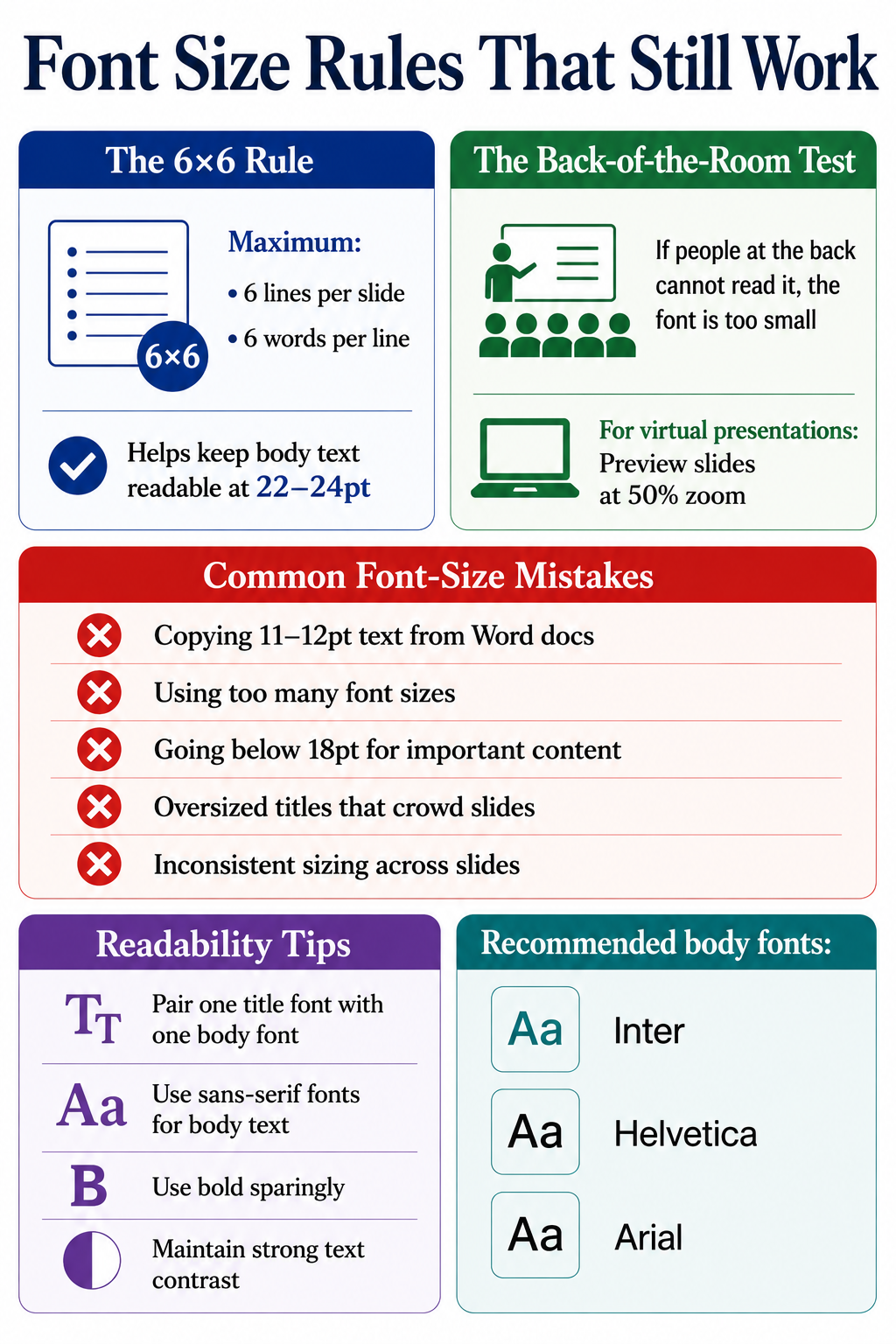
_Simple font rules for better slides_
### The 6x6 rule (and the 5-5-5 and 7-7-7 variations)
The 6x6 rule caps a slide at six lines and six words per line. It targets the symptom instead of the font size directly. Respect 6x6 and your body text gains room to breathe at 22-24pt instead of shrinking to fit a wall of words. The 5-5-5 rule tightens the count to five words per line and five lines per slide. It also caps five text-heavy slides in a row. The 7-7-7 rule follows the same logic with looser limits. All three exist to reduce text volume so your fonts stay readable. Applying this alongside a solid [presentation outline](https://www.presentations.ai/blog/presentation-outline) keeps your content and typography in good shape from the start.
### The back-of-the-room test
The back-of-the-room test takes one walk. Project your slide and walk to the back of the room. If you struggle to read every line, your font is too small. For virtual decks, preview slides at 50% zoom on your laptop, which approximates a shared-screen window. Running this test regularly sharpens your overall [presentation skills](https://www.presentations.ai/blog/presentation-skills) over time.
### Before you present: a quick readability checklist
- Preview the deck at 50% zoom on your laptop.
- Open the deck on your phone to check remote readability.
- Walk to the back of the room and read every line.
- Confirm every readable element sits at 18pt or above.
- Check that every chart label and table cell stays legible.
### Common font-size mistakes
A few patterns show up repeatedly in weak decks:
- Copying body copy from a Word document. Document text runs 11-12pt. On a slide, it vanishes.
- Mixing too many sizes. Hold to three sizes per slide: title, body, caption.
- Going under 18pt for readable content. If it matters, make it big enough.
- Shrinking chart labels to fit more data. If a sales dashboard or usage chart needs 9pt labels to fit, simplify the chart or split it across slides.
- Oversized titles that crowd the slide. A 60pt title in a small room looks aggressive and eats your content space.
- Inconsistent sizing across slides. Your title reads 40pt on slide 2 and 36pt on slide 5. Small inconsistencies erode trust.
### Font Type, Line Spacing, and Readability Tips
Font size works together with font choice. A clean sans-serif at 22pt reads easier in a pipeline review or leadership update than a thin serif at the same size. Two fonts at the same point size can read differently because of differences in weight and x-height. These [presentation tips](https://www.presentations.ai/blog/presentation-tips) on pairing and hierarchy apply once you have sizing dialed in:
- Pair one display font for titles with one clean body font for everything else.
- Stick to sans-serif fonts like Inter or Helvetica for body text on screen.
- Favor fonts with a generous x-height, which read larger and clearer at the same point size.
- Use bold sparingly. Emphasis loses power when half the slide is bolded.
- Keep strong contrast between text and background. Light grey on white kills readability at any size.
Did You Know: Line spacing matters almost as much as font size. Setting line height to 1.3-1.5x your font size keeps text readable, even when sizes get tight.
## How AI Tools Can Help Keep Slide Fonts Readable
Checking title sizes and chart labels across 30 slides by hand gets tedious fast. That repetitive work slows business teams down in PowerPoint. The [AI presentation maker](https://www.presentations.ai/ai-presentation-maker) at Presentations.AI applies font-size rules automatically by slide type, so titles hold in the 36-44pt range and body text stays at 18-24pt, with captions scaled below both.
Font sizing is one part of the workflow. Presentations.AI turns rough notes, outlines, and business inputs into structured slides, then applies consistent formatting automatically so you avoid rebuilding layouts by hand.
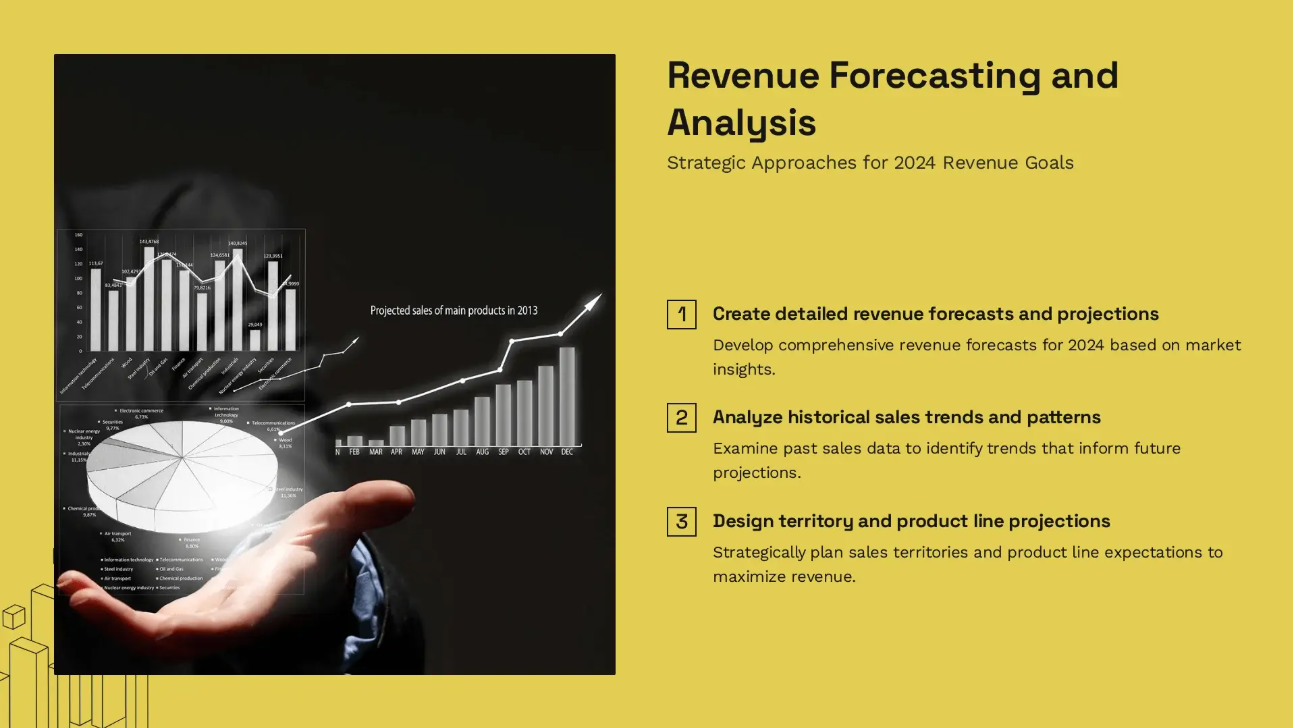
_Sample slide from Presentations.AI. The tool can scale the font size according to the content_
Traditional slide tools leave every formatting decision to you. That means resizing text boxes, checking chart labels, and repeating the same cleanup across every slide. Presentations.AI changes that workflow by applying structure and formatting rules as the deck gets created. The platform reads the role of each text block and scales it to fit the layout while keeping your hierarchy intact. Add a long subtitle and it adjusts spacing instead of shrinking type into the unreadable zone. Switch a deck from in-person to webinar mode and the system bumps body sizes up so remote viewers follow along.
A few ways this saves time:
- Smart defaults by slide type. Title slides and executive summaries each get readable, professional sizing from the start.
- Consistent formatting across the deck. Fix title sizes and chart labels once instead of slide by slide.
- Built-in readability checks. The editor catches text that gets too small before it reaches a prospect or customer.
- Faster repurposing for new formats. Turn a boardroom deck into a webinar version while skipping the manual resize on every slide.
- Less time in PowerPoint cleanup. Spend more time sharpening the argument and less time measuring point sizes.
The [AI slide creator](https://www.presentations.ai/ai-slide-creator) handles the formatting rules so you can focus on building the argument instead of measuring point sizes slide by slide.
## Final Takeaway: Use Readable Font Sizes for Every Presentation
Font size ranks among the smallest design choices with the biggest payoff. Get it right, and your audience reads and remembers. Get it wrong, and the message gets lost before it lands. The numbers to anchor on stay simple: titles at 36-44pt and body text at 18-24pt. Subtitles hold at 28-32pt, captions at 12-16pt. Adjust upward for large rooms and virtual viewers, and keep readable content at 18pt or above.
The goal centers on fast understanding over decoration. Make every slide clear at a glance. When your title, body copy, and chart labels are sized correctly, your audience spends less time decoding the slide and more time following the argument. To skip resizing every title and text box by hand, let Presentations.AI handle the formatting for you.
Stop resizing slides by hand
**Create readable, stakeholder-ready decks faster with Presentations.AI.**
Let AI handle slide structure and font sizing so you can focus on the message.
[Try for Free](https://www.presentations.ai/ai-presentation-maker)

More Blogs
[Aug 11, 2026\\
\\
**10 Best Slidesgo Alternatives in 2026: Templates, AI, and Brand Control Compared**\\
\\
](https://www.presentations.ai/blog/slidesgo-alternatives)
[Jun 10, 2026\\
\\
**10 Best Canva Alternatives for 2026 (Tested and Ranked)**\\
\\
](https://www.presentations.ai/blog/canva-alternatives)
[Jun 26, 2026\\
\\
**How to Format Your Ideas on a Slide in 6 Steps**\\
\\
](https://www.presentations.ai/blog/formatting-your-ideas-on-a-slide)
[Jun 25, 2026\\
\\
**How to Present a Quarterly Business Review: A Full Guide**\\
\\
](https://www.presentations.ai/blog/present-a-quarterly-business-review)
[Jun 12, 2026\\
\\
**How to Memorize a Presentation: 6 Techniques That Work**\\
\\
](https://www.presentations.ai/blog/how-to-memorize-a-presentation)
[Jun 12, 2026\\
\\
**Pitch Deck Statistics Every Founder Should Know in 2026**\\
\\
](https://www.presentations.ai/blog/pitch-deck-statistics)
Sign in with GoogleSign in with Google. Opens in new tab
Sign In - Google Accounts
Sign in with GoogleSign in with Google. Opens in new tab
## Genspark Review 2026
[Alternatives](https://www.presentations.ai/blog-category/alternatives)
# Genspark Review 2026: Features, Pricing, Pros & Cons
An honest review of Genspark's AI presentation capabilities, covering what the platform does well, where it falls short for slide-focused workflows, and how it compares to purpose-built alternatives in 2026.
Dhruv Saxena
Updated on
May 28, 2026

- [TL;DR](https://www.presentations.ai/blog/genspark-review#tl;dr)
- [Quick Verdict](https://www.presentations.ai/blog/genspark-review#quick-verdict)
- [How We Evaluated Genspark](https://www.presentations.ai/blog/genspark-review#how-we-evaluated-genspark)
- [What Is Genspark (And How It's Different)](https://www.presentations.ai/blog/genspark-review#what-is-genspark-(and-how-it's-different))
- [Key Features That Matter in Real Work](https://www.presentations.ai/blog/genspark-review#key-features-that-matter-in-real-work)
- [AI Capabilities (What It Can and Can't Do)](https://www.presentations.ai/blog/genspark-review#ai-capabilities-(what-it-can-and-can't-do))
- [Genspark Pricing Overview](https://www.presentations.ai/blog/genspark-review#genspark-pricing-overview)
- [Usability and Editing Experience](https://www.presentations.ai/blog/genspark-review#usability-and-editing-experience)
- [Real Use Cases (Where Genspark Shines)](https://www.presentations.ai/blog/genspark-review#real-use-cases-(where-genspark-shines))
- [Advantages and disadvantages of Genspark](https://www.presentations.ai/blog/genspark-review#advantages-and-disadvantages-of-genspark)
- [Genspark vs. An Alternative AI Presentation Tool](https://www.presentations.ai/blog/genspark-review#genspark-vs.-an-alternative-ai-presentation-tool)
- [Best Genspark Alternatives to Consider](https://www.presentations.ai/blog/genspark-review#best-genspark-alternatives-to-consider)
- [Deciding What’s Best For Your Business](https://www.presentations.ai/blog/genspark-review#deciding-what%E2%80%99s-best-for-your-business)
Genspark has been getting attention as an AI Super Agent: a single workspace that handles research, slides, web pages, spreadsheets, video, and automated phone calls from one prompt interface.
The pitch is appealing for anyone who spends their day switching between tools. But the homepage gives you no introduction at all. You land directly inside the workspace, and figuring out what the product actually does requires either prior research or a fair amount of exploration.
Pricing follows the same pattern: gated behind a login, and once you get in, three unnamed personal plans appear, listed only by dollar amount.
This review covers what Genspark delivers for presentation workflows specifically, what the plans actually cost, where the tool earns its reputation, and where purpose-built alternatives do the job better. If you are evaluating Genspark against other AI presentation tools in 2026, this is the breakdown you need.
## **TL;DR**
- Genspark is a multi-agent AI workspace, not a dedicated presentation tool. It generates slides alongside research briefs, websites, videos, spreadsheets, and automated phone calls.
- The homepage drops you straight into the workspace with no product introduction. Pricing is gated behind a login, and the three personal plans have no names, just dollar amounts: $19.99/month, $39.99/month, and $199.99/month.
- Credits are shared across every task type on the platform. A single slide deck consumes an estimated 250-450 credits, competing with research, image generation, and everything else you do in Genspark.
- Design output for presentations is the weakest point. Independent reviewers consistently flag generic layouts and limited visual polish compared to purpose-built slide tools.
- Brand control is manual at every tier. No brand kit, no URL-based extraction, no automatic style enforcement for presentations.
- If presentations are your primary deliverable, Presentations.AI gives you purpose-built AI, automatic brand sync, and conversational editing without the credit trade-offs.
## Quick Verdict
**Score: 6/10 (For presentation use cases)**
Genspark is a capable research and multi-output AI platform. As a dedicated presentation tool, it falls short in design quality, brand control, and export reliability. This score is weighted for presentation workflows: Design quality (5/10), AI depth for slides (6/10), brand control (3/10), export fidelity (5/10), ease of use (7/10), and pricing clarity (4/10).
| | |
| --- | --- |
| Product type | Multi-agent AI workspace: slides, research, web, video, calls |
| Entry paid plan | $19.99/month (10,000 credits/month) |
| Free plan | Yes, with limited daily credits |
| Pricing page | Requires login; plan names not shown |
| Best for | Researchers and multi-format AI users who occasionally need slides |
| Biggest limitation | No brand control; design and .pptx export quality lag dedicated tools |
Quick look at Genspark
### Best for
- Researchers and analysts who need to turn research output into a slide format quickly and are comfortable with visual cleanup afterward.
- Solo creators who need a single AI platform spanning multiple output types: research briefs, slides, web content, and more.
- Low-stakes internal decks where brand precision and PowerPoint export fidelity are not requirements.
### Not ideal for
- Teams producing client-facing or investor-grade decks where brand consistency and visual polish directly affect how the work is received.
- Anyone whose workflow ends in a PowerPoint handoff. Export fidelity has not been confirmed as presentation-grade in independent coverage.
- Data-heavy presentations that require advanced charts, dynamic visualizations, or complex custom layouts.
- Organizations that need automatic brand enforcement across multiple team members and deck types.
## How We Evaluated Genspark
This review evaluated Genspark across six dimensions that matter most for presentation and research workflows in 2026.
- **AI Output Quality:** How usable is the first AI draft without significant manual editing?
- **Brand Control:** Can teams enforce fonts, colors, and layout rules consistently?
- **Export Flexibility:** Does it produce clean, editable .pptx and PDF files?
- **Ease of Use:** How fast can a non-designer build a professional-looking deck?
- **Team Collaboration:** Does it support shared themes, comments, and permissions?
- **Pricing Transparency:** Are core features included or gated behind paywalls?
## What Is Genspark (And How It's Different)

_The Genspark home page barely offers insight into what the product does, and drops you directly into the workspace_
Genspark is built on a multi-agent AI architecture: a network of specialized agents that coordinate to complete complex, multi-step tasks. Submit a prompt, and the platform routes it through agents handling research, content structuring, and output formatting. The result can be a slide deck, a web page, a research brief, a spreadsheet, or an automated phone call.
That multi-agent setup is what gives Genspark its research depth. While most AI tools operate as a single model, Genspark can pull from multiple sources simultaneously and synthesize them. For research-heavy tasks, this produces notably thorough output. Specifically for presentations, the gap shows. Design quality, layout intelligence, and visual consistency require specialized training that general-purpose agents are not optimized for. The research engine and the slide engine share the same architecture, but they do not produce the same quality of output.
## Key Features That Matter in Real Work
Genspark covers the basics you would expect from an AI presentation tool: prompt-to-deck generation, a template library, and export options. But the platform was built as a general-purpose AI workspace, and that design decision shapes how every one of these features performs. Here is what each one actually delivers when you are building a real deck, not a demo.
### AI-generated slide drafts from prompts or URLs

_Slide generated by Genspark from a single prompt_
Genspark can generate a full slide deck from a text prompt. The content structure tends to be logical, with information well-organized, reflecting the platform's research strength. Paste a URL or upload a document, and the AI uses it as source material for the deck. The caveat is that what comes out is a starting point, not a finished product. The layout is generic, visual balance is basic, and slide designs do not adapt when you add or remove content. Most users report needing a meaningful editing pass before the output is client-ready.
### Research and web-grounded content
This is Genspark's most legitimate differentiator. The multi-agent setup draws on live web sources and synthesizes content from multiple references. For presentations that are primarily informational, such as market overviews, competitive briefings, and trend reports, the research quality is genuinely strong. The AI cites sources, cross-references information, and produces content that is more current and multi-perspective than a standard single-model prompt response.
### Templates and slide types
Genspark provides a set of general-purpose templates covering common deck formats. The variety covers pitch decks, report-style layouts, and briefing structures. The templates are functional rather than polished: they give the AI a structure to populate but do not adapt intelligently to content changes. For teams with specific visual standards or recurring deck formats, the template system does not offer the kind of locked, brand-consistent starting points that purpose-built presentation platforms provide.

_A business deck template from Genspark_
### Brand controls (themes, fonts, colors)
In practice, there are none worth relying on for business use. Across all available public documentation and independent coverage, Genspark has no brand kit, no persistent style settings, and no automatic brand extraction at any plan tier. If you need your company's colors, fonts, and logo applied consistently across decks, you are either re-specifying them in the prompt each time or cleaning them up manually after generation for teams producing presentations at volume, which adds up to a significant recurring time cost.
### Export and sharing options
Genspark supports exporting slides and sharing via a link. The .pptx export fidelity for presentations specifically has not been confirmed as production-grade in independent reviews. Because the platform is a general-purpose AI workspace rather than a presentation-native tool, the export pipeline is not optimized specifically for PowerPoint compatibility. If your deck needs to open cleanly in Microsoft 365 on someone else's machine, test the export quality directly before committing to the workflow.
## AI Capabilities (What It Can and Can't Do)
Genspark's AI is genuinely useful for getting content from your head onto slides quickly. Where it starts to show its limits is everything that comes after that first draft. Here is an honest look at what the AI handles well, what it handles adequately, and where you will still be doing the work yourself.
### AI for outlines and slide drafts
Genspark generates well-structured outlines and first-draft slides from prompts, URLs, or uploaded documents. The speed from brief to initial deck is competitive. For research-backed content, the AI draws on current sources, giving the draft more depth than a standard template-fill approach. For most users, the first draft saves a meaningful amount of time on structure and content gathering, even if the visual side needs work.
### AI for rewriting and content polishing
Once content is on a slide, Genspark's AI can rewrite text for clarity, condense verbose copy, and adjust tone. This helps tighten individual slides without manually reworking everything line by line. The rewriting quality is generally solid for factual, business-style content. For highly specialized or technical topics, the AI can produce output that reads accurately but lacks the precision a subject-matter expert would bring.

_Genspark functionalities under the AI Edit feature_
### Where AI still struggles
The consistent gap across independent reviews is design: layouts are functional but generic, and there is no adaptive template engine to handle content variation. Add a few extra bullet points, and the slide does not self-correct. Complex data visualization, custom chart types, and advanced animations are not supported. And unlike conversational AI platforms built specifically for slides, Genspark does not stay engaged through the revision cycle. Once the first output is generated, iteration means re-prompting or editing manually rather than refining through natural-language dialogue.
## Genspark Pricing Overview
Genspark's pricing page is not publicly accessible without logging in. Once inside, three personal plans appear with no tier names, only price points. A Team plan is listed separately. All current pricing has a December 31, 2026, validity date, suggesting promotional rather than permanent rates. For the full breakdown, see the dedicated [Genspark pricing page](https://www.presentations.ai/blog/genspark-pricing).
| Feature | Plan 1 | Plan 2 | Plan 3 | Team |
| --- | --- | --- | --- | --- |
| Monthly price | $19.99/mo | $39.99/mo | $199.99/mo\* | $30/seat/mo |
| Annual price | $239.99/yr | $479.99/yr | $2,399.99/yr | Annual billing |
| Credits/month | 10,000 | 21,000 | 125,000 | 12,000/seat |
| Users | 1 | 1 | 1 | 2–150 seats |
| AI Slides access | Yes | Yes | Yes | Yes |
| Storage | 50 GB | 50 GB | 1 TB | 60 GB/seat |
| Unlimited chat | Yes (0 credits) | Yes (0 credits) | Yes (0 credits) | Yes (0 credits) |
| Unlimited images | Yes (0 credits) | Yes (0 credits) | Yes (0 credits) | Yes (0 credits) |
| Brand kit | None | None | None | None |
| Admin / SSO | No | No | No | Yes |
| Valid until | Dec 31, 2026 | Dec 31, 2026 | Dec 31, 2026 | Dec 31, 2026 |
The personal plans don't have names on the website right now, so we're just referring to them as Plan 1, Plan 2, and Plan 3
## Usability and Editing Experience
Speed is one of Genspark's genuine selling points, but it applies unevenly across the workflow. Getting to a first draft is fast. Getting to a finished, shareable deck is a different story.
### How fast can you build a good deck?
Getting to a first draft is genuinely fast. Submit a prompt, and Genspark produces a structured deck within a reasonable time. The content organization is usually solid, particularly for topic-driven or research-backed presentations. Where speed slows down is after generation: without adaptive templates or a conversational AI to guide revisions, most users spend additional time on layout cleanup, visual adjustments, and brand application before the deck is ready to share.
### Flexibility vs AI constraints
Genspark's AI-first approach gives you a fast starting point and removes the blank-page problem. The trade-off is that you are working within the boundaries of what the AI generated. There is no free-canvas editing experience, and the layout logic is not as flexible as in a traditional slide editor. For users who want to rework a slide design or build non-standard layouts completely, the platform constrains more than it enables. The experience is optimized for users who mostly accept the AI output and make targeted content edits rather than structural redesigns.
## Real Use Cases (Where Genspark Shines)
Genspark's research depth gives it a natural fit for certain presentation types, particularly ones where getting the content right matters more than getting the design perfect. These are the scenarios where it holds up best.
### Research-backed reports and briefings
Genspark's strongest use case for presentation is turning research-heavy prompts into a structured slide format. Market analysis, competitive overviews, industry trend reports, and multi-source briefings all benefit from the multi-agent research capability. The content foundation is more thorough than that of a standard AI prompt, and the slide structure organizes it logically. The visual cleanup time is the cost, but for internal briefings where content accuracy matters more than polish, the trade-off is reasonable.
### Sales decks and pitches
For sales teams that need a fast first draft of a pitch or proposal, Genspark meaningfully reduces time-to-initial-deck. The AI structures the content, and users can edit the copy for their specific deal context. The limitation is brand consistency: without a brand kit, each deck requires manual application of colors, fonts, and logos. For teams sending branded proposals to multiple prospects, that overhead accumulates quickly.
### Marketing and campaign decks
Campaign briefs, launch plans, and stakeholder updates benefit from Genspark's research-backed content generation. The AI can pull in market context, relevant data points, and structured narratives from a simple brief. The visual output needs work for most marketing standards, but for internal planning decks and preliminary drafts, the speed advantage is real.
### Internal updates and team briefings
For recurring internal presentations that require current, well-structured content, such as leadership updates, weekly standups, and operational reviews, Genspark's research depth and rapid generation reduce the time spent on content gathering. Visual standardization across these decks is limited without brand controls, but for informal internal use, the functional output is sufficient.
## Advantages and disadvantages of Genspark
While Genspark is great for broader use cases, it falls short in design, pricing clarity, and a couple of other areas.
### Genspark Pros
- Research quality is genuinely strong. Multi-agent synthesis produces well-sourced, current, and logically organized content.
- Versatility across output types: slides, research briefs, web pages, video, and automated calls from a single platform.
- Unlimited chat and image generation at zero credit cost on all paid plans is a real advantage for high-volume users.
- Fast time-to-first-draft for content-heavy presentations. The blank-page problem is largely eliminated.
- Team plan includes proper admin controls: SSO/SAML, usage analytics, centralized billing, and role management.
### Genspark Cons
- Design output is consistently reported to be generic and lacking visual polish. Layouts do not adapt to content changes.
- No brand kit, no automatic brand extraction, and no persistent style settings at any tier.
- Pricing is gated behind a login, plan names are absent, and the December 31, 2026, validity creates uncertainty about future costs.
- Credits are shared across all task types. Slide-heavy workflows compete with research, video, and other features for the same monthly budget.
- No conversational AI for iterating on slides. Post-generation refinement is manual or requires a fresh prompt.
- PowerPoint export fidelity has not been independently verified as production-grade for business presentation use.
## **Genspark vs. An Alternative AI Presentation Tool**
Let’s take a look at Presentations.AI, an AI presentation tool, and see how Genspark compares.

Presentations.AI Home Page
Both platforms use AI to generate presentations, but they are built around different core assumptions. Genspark treats slides as one of many possible outputs from a general AI workspace. Presentations.AI treats slides as the only output and builds its entire product around that job. For a detailed breakdown, see the Genspark vs. Presentations.AI comparison page.
| Feature | Genspark | Presentations.AI |
| --- | --- | --- |
| Primary focus | Multi-agent AI workspace | AI-native presentation platform |
| Create from | Prompt | Prompt, PDF, Word, URL, or text |
| Slide iteration | Re-prompt or manual edit | Clip-E: refine slide-by-slide in plain language |
| Brand control | None at any tier | Brand Sync: auto-extracts from company URL |
| Template system | General-purpose; no adaptive layouts | Anti-fragile templates that adapt to content |
| PowerPoint export | Available; fidelity not verified | Clean .pptx, full fidelity (Pro+) |
| Free plan | Yes (limited daily credits) | Yes: no credit card, unlimited users |
| Entry paid plan | $19.99/month (10,000 credits) | $240/year |
| Collaboration | Team plan only ($30/seat/month) | Included on the free Starter plan |
| Analytics | Not documented for presentations | Built-in analytics and tracking |
### Which is better for quick drafts?
Genspark generates a first draft fast, and the research quality gives the content a stronger foundation than most AI tools. Presentations.AI's Clip-E assistant generates content from a prompt, PDF, Word doc, or URL, and then stays in the conversation for revisions, meaning the path from first draft to a ready-to-send deck is shorter. For single-draft use cases, the difference is small. For decks that undergo multiple rounds of input, Presentations.AI's iterative AI offers a meaningful advantage.
### Which is better for brand consistency?
Presentations.AI has a clear advantage. Brand Sync automatically extracts your colors, fonts, and logo from your company URL. Every deck starts on-brand with no manual setup. Genspark has no equivalent feature at any plan tier. For teams producing external-facing presentations where brand accuracy is non-negotiable, re-specifying visual identity on every deck is a time cost that compounds with volume.
### Which is better for teams?
Presentations.AI includes team collaboration on the free Starter plan, with unlimited users and no per-seat paywall. Genspark gates collaboration behind the Team plan at $30 per seat per month. For a 10-person team, that is $3,600 per year on Genspark versus $ per year on Presentations.AI Pro. Presentations.AI also removes the cross-feature credit competition: every credit goes toward presentations, not research tasks, video generation, or automated calls.
## Best Genspark Alternatives to Consider
### If you want more design control
Canva gives you a massive template library, drag-and-drop editing with full layout freedom, and, on paid plans, a Brand Kit to enforce fonts, colors, and logos. For teams already embedded in Canva's ecosystem who need presentations alongside other design work, it is the most natural fit. PowerPoint remains the industry standard for pixel-level control, deep animation, and native compatibility across every business environment. Design-consistency-focused teams should also weigh Beautiful.ai, and [our Beautiful.ai review](https://www.presentations.ai/blog/beautiful-ai-review) covers where its smart templates help and where they constrain you.
### If you want stronger AI-first workflows
Presentations.AI leads this category. Clip-E handles full-deck generation from a prompt, PDF, Word doc, or URL, then stays engaged through revisions in plain language. Brand Sync applies your visual identity automatically. Anti-fragile templates hold their layout when content changes. And the .pptx export is built for real-world PowerPoint compatibility. The [free Starter plan](https://www.presentations.ai/?r=0) requires no credit card and supports unlimited users. Gamma is also worth considering for individuals who want clean, modern AI-generated output and do not need strict PowerPoint export fidelity. If Gamma is on your shortlist, [our full Gamma review](https://www.presentations.ai/blog/gamma-review) breaks down its strengths and limits in the same depth.
### If you need enterprise controls
For large organizations requiring SSO, SCIM, audit trails, and advanced admin, Genspark's Team plan covers SSO/SAML, usage analytics, and centralized billing. Presentations.AI supports enterprise-level features, including SOC 2 Type II compliance on Pro and above. For teams already inside the Microsoft 365 ecosystem, PowerPoint with Copilot integrates natively with existing security and compliance infrastructure. However, Copilot licensing adds $30 per user per month to an existing M365 subscription.
## Deciding What’s Best For Your Business
If presentations are your core deliverable, the right tool is one built specifically for that job.
### Pick Genspark if:
- Your workflow spans research, slides, web content, and multiple output types, and you need a single platform rather than specialized tools.
- Presentations are infrequent and internal, and visual cleanup time after generation is acceptable.
- The credit math works for your actual slide volume when shared across all the other things Genspark does for your workflow.
### Pick Presentations.AI if:
- Presentations are your primary deliverable. Start with the [AI presentation maker](https://www.presentations.ai/ai-presentation-maker).
- You need brand consistency enforced automatically, not reapplied manually on every deck.
- Your decks go through multiple rounds of revision, and you need AI that stays useful beyond the first draft.
- Your team needs to collaborate without paying per-seat fees to access a shared workspace.
### Pick something else if:
- You need pixel-level design control and advanced animations (PowerPoint or Keynote).
- You want a free AI tier with modern output and web-native sharing (Gamma).
- You need a broad visual design platform that handles presentations alongside social, docs, and other assets (Canva).
Dive into the future with an AI presentation maker purpose-built for businesses.
[Get Started For Free With Presentations.AI](https://app.presentations.ai/docs/login)

More Blogs
[Jun 26, 2026\\
\\
**How to Format Your Ideas on a Slide in 6 Steps**\\
\\
](https://www.presentations.ai/blog/formatting-your-ideas-on-a-slide)
[Aug 6, 2026\\
\\
**10 Presentation Design Best Practices For Better Slides (2026)**\\
\\
](https://www.presentations.ai/blog/presentation-design-best-practices)
[Jun 25, 2026\\
\\
**How to Present a Quarterly Business Review: A Full Guide**\\
\\
](https://www.presentations.ai/blog/present-a-quarterly-business-review)
[Jun 12, 2026\\
\\
**How to Memorize a Presentation: 6 Techniques That Work**\\
\\
](https://www.presentations.ai/blog/how-to-memorize-a-presentation)
[Jun 12, 2026\\
\\
**Pitch Deck Statistics Every Founder Should Know in 2026**\\
\\
](https://www.presentations.ai/blog/pitch-deck-statistics)
[Jun 14, 2026\\
\\
**Canva Pricing 2026: Full Breakdown of Plans, Limits & What You're Actually Paying For**\\
\\
](https://www.presentations.ai/blog/canva-pricing)
Sign in with GoogleSign in with Google. Opens in new tab
Sign In - Google Accounts
Sign in with GoogleSign in with Google. Opens in new tab
## AI Presentation Solutions

Built for the boardroom
# Executive Presentation Software for Board and All-Hands
Build board decks, investor updates, and all-hands slides in minutes. AI presentations for business leaders, on-brand every time, with editable PPT export.
[Try for Free](https://app.presentations.ai/)
No credit card required
Trusted by over 12 million professional teams
TRUSTED BY


















## How Business Leaders Use Presentations AI
**Visualize Strategy Instantly**
Upload a comprehensive strategy document or white paper and convert it into a visual narrative immediately. Move from written plan to presentable vision without the typical design delay.
**Standardize Quarterly Reporting**
Establish a consistent, professional format for board decks and business reviews. Connect your data sources to keep charts current and remove variability between department updates.
**Drive Organizational Alignment**
Create clear, engaging all-hands presentations from simple text prompts, ensuring every employee understands the company vision and their specific role in achieving it.
**Accelerate External Communication**
Generate tailored investor updates or partner presentations in minutes. Respond to market opportunities with speed and maintain a professional cadence with key stakeholders.
## Why Business Leaders Choose Presentations AI
**Automate Presentation Design**
Transform raw ideas, brief notes, or strategy documents into polished presentations instantly. Our AI handles structure, layout, and formatting so you focus entirely on the message.
**Enforce Brand Governance**
Ensure every deck produced by your organization complies with corporate identity standards. The platform automatically applies your logo, fonts, and colors to every slide without manual oversight.
**Preserve Workflow Flexibility**
Export fully editable native PowerPoint or Google Slides. Your team can refine content using the Microsoft 365 or Google Workspace.
**Secure Sensitive Data**
Trust a platform designed for the enterprise. We provide SOC 2 Type II certification and strict privacy controls to ensure your board materials and internal strategies remain confidential.

EXECUTIVE COMMUNICATIONS
## Deliver Board-Ready Decks That Drive Decisions and Command the Room
### A collaborative AI partner at your command.
Chat with the app and ask it to do what you want - every user is a power user!
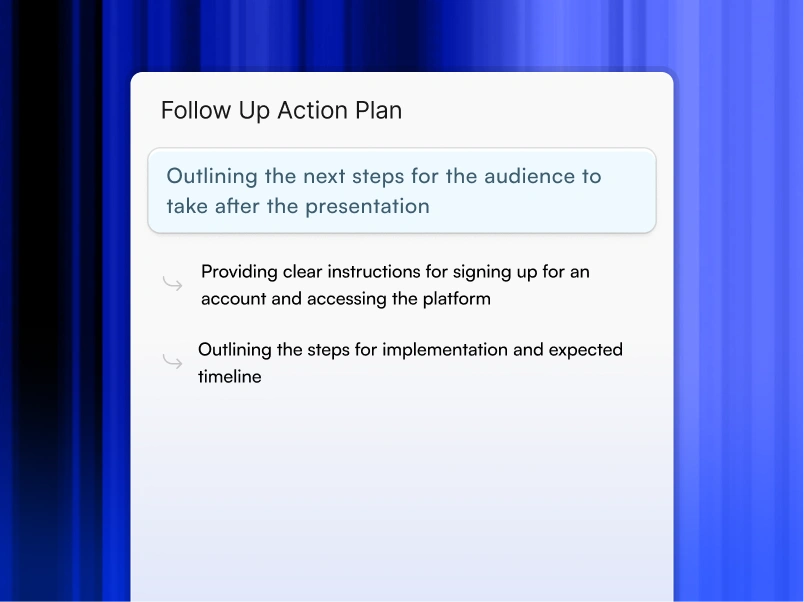
### Bring your ideas to life instantly
Turn any idea into a presentation instantly. Simply type and get a beautiful deck.
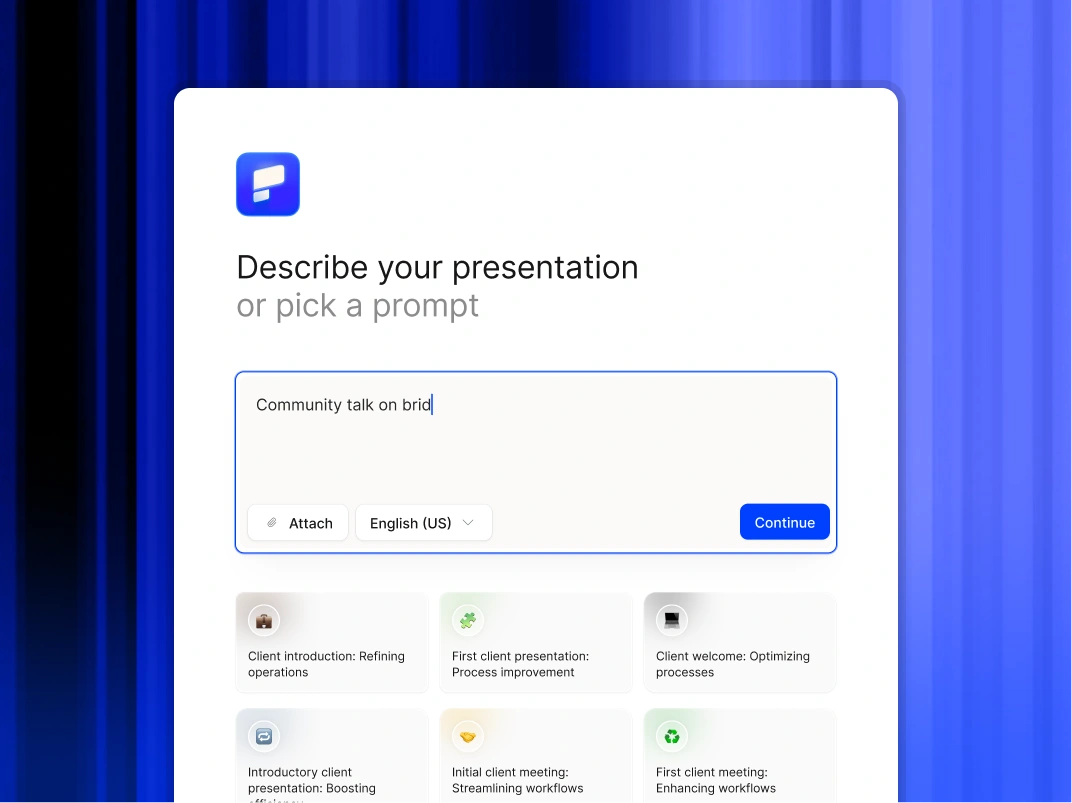
### You bring the story. We bring design.
Focus on your content. Beautiful output with no design work.
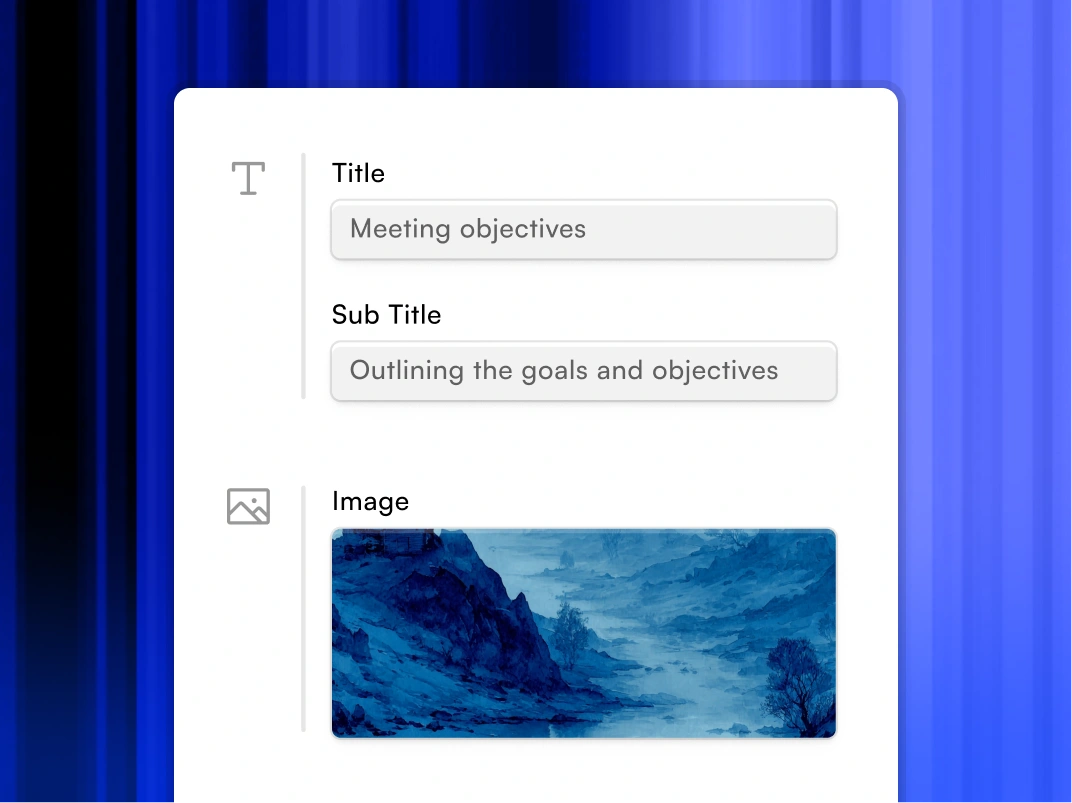

## FAQs
### Can we edit the files in PowerPoint?

Yes Unlimited. You can generate 1 presentation or 10,000 presentations per month. No throttling, no limits.
### Does this replace our design agency?

Yes Unlimited. You can generate 1 presentation or 10,000 presentations per month. No throttling, no limits.
### Will the designs stay on brand?

Unlimited. You can generate 1 presentation or 10,000 presentations per month. No throttling, no limits.
### Are these tools secure enough for enterprise use?

Presentations.AI is one of the few tools on this list with SOC 2 Type II certification and a clear policy against using your data to train public AI models. Always check current compliance documentation for any tool before using it with sensitive business content.
### Are these tools secure for business use?

Security varies. Presentations.AI has SOC2 Type II certification. Canva offers enterprise plans with advanced security controls. Always check current compliance documentation before using any tool with sensitive business content, policies change.
### Can any of these tools connect to my business data?

Presentations.AI and Plus AI both support live data connections. Presentations.AI connects to Salesforce, HubSpot, and Snowflake so recurring decks update automatically. Plus AI pulls snapshots from Salesforce directly into Google Slides or PowerPoint.
### Can I export AI slides to PowerPoint?

Yes, and it actually works. Every export is a real .pptx file with editable text boxes, native charts, and shapes that open and work normally in PowerPoint and Google Slides. No flat images, no broken formatting, no cleanup required, on any device.
### Do I need design skills?

No. As a founder, your job is the vision, not the font selection. You provide the text and the numbers; the AI handles 100% of the design, alignment, and formatting.
### How fast are presentations generated?

P50 latency: 20-50 seconds. P95 latency: 30-75 seconds. P99 latency: 90 seconds. Average: 45-90 seconds for typical decks. Faster than a human could open PowerPoint and select a template.
Show All Questions
Show Less
Sign in with GoogleSign in with Google. Opens in new tab
Sign In - Google Accounts
Sign in with GoogleSign in with Google. Opens in new tab
## Presentation API Solutions

Deck generation inside your product
# Stop Building Presentations Manually, Use the Best Presentations API
Automate presentation generation in your product. REST API generates professional decks in 30 seconds. White-label ready. Free tier included.
[Try for Free](https://app.presentations.ai/)
No credit card required

Trusted by over 12 million professional teams
TRUSTED BY


















Key Benefits
**3-hour task → 5 minutes** Presentations generated from your data in minutes
**Works with existing tools** No platform migration required. Connect to your existing stack
**Always on-brand** Every output matches your visual identity automatically
**Scale without headcount** Generate hundreds of presentations without adding staff
**Structured output** Presentations formatted consistently for your use case
## The Problem: Manual Presentations Waste Time
Your team is spending hours every week on presentations that should take minutes.
The math is ugly:
- Sales rep: 3-4 hours per custom pitch deck, 5 pitches per week = 15-20 hours
- Finance analyst: 6-8 hours per quarterly board deck
- Marketing manager: 4-5 hours per campaign performance report
- CS manager: 2-3 hours per QBR deck, 20 accounts = 40-60 hours/quarter
That's not a people problem. It's a process problem. And an API solves it.
## How the API Works: 3 Simple Steps
**Step 1: Send your data**
- POST your data to the Presentations AI API endpoint
- Data can be JSON, CSV, text, or structured parameters
- Include optional context: audience, tone, template preference
**Step 2: AI generates the presentation**
- AI selects appropriate slide types for your data
- Applies your brand (colors, fonts, logo, layouts)
- Writes headlines, bullets, and speaker notes
- Creates charts and visualizations from your numbers
- Structures narrative flow based on use case
**Step 3: Receive the output**
- Get back a presentation URL or file download link
- Available formats: PPTX, PDF, shareable web link
- Webhook notification when generation is complete
- Store or serve to your end users directly
## API Capabilities: What You Can Do
**Generate presentations from data**
- Pass raw data + context → receive complete presentation
- AI determines structure, layout, and narrative flow
- Supports any industry or use case
**Use templates**
- Apply existing Presentations AI templates via API
- Lock branding elements to enforce consistency
- Mix AI flexibility with structured template constraints
**Populate slides with live data**
- Connect to your database or data warehouse
- Auto-populate slide content from live data sources
- Schedule automatic refreshes
**Manage presentation library**
- Create, update, delete presentations via API
- Organize by folder, tag, team, or project
- Search and retrieve presentations programmatically
**Control branding**
- Set and enforce brand guidelines across all generated presentations
- Support for custom fonts, color palettes, and logo placement
- Multi-brand support for agencies and enterprises
**Authentication and security**
- API key management
- OAuth 2.0 support
- Role-based access controls
- Audit logs for enterprise compliance
## Pricing: What You'll Actually Pay
| Tier | Monthly Volume | Price Per Presentation | Best For |
| --- | --- | --- | --- |
| Starter | Up to 100 | $X.XX | Early integration, testing |
| Growth | 101–1,000 | $X.XX | Scaling SaaS, regular pipeline |
| Scale | 1,001–10,000 | $X.XX | High-volume automation |
| Enterprise | 10,000+ | Custom | Dedicated infra + SLA |
Volume discounts apply automatically. No setup fees. No monthly minimums on Growth and Scale.
## Real-World Use Cases: How Teams Use the API
**Sales automation**
- Trigger: Prospect books a demo
- API call: Generate custom pitch deck using CRM data
- Output: Personalized deck ready before the call starts
**Reporting pipelines**
- Trigger: Weekly cron job
- API call: Pull KPIs from data warehouse, generate exec summary
- Output: Board-ready report delivered to Slack every Monday at 8am
**Customer success at scale**
- Trigger: QBR date approaches (from CRM)
- API call: Generate QBR deck using account health data
- Output: CS manager reviews, personalizes 10%, sends
**Product-embedded presentations**
- Trigger: User clicks "Export Report" in your product
- API call: Generate presentation from user's in-app data
- Output: Polished deck downloaded directly from your product
**Training and enablement content**
- Trigger: New hire added to HRIS
- API call: Generate onboarding presentation for their role
- Output: Personalized training deck ready for day one
## Integrations: Pre-Built Connectors
Presentations AI integrates with the tools you already use:
**CRM & Sales**
- Salesforce
- HubSpot
- Pipedrive
- Outreach
- Salesloft
**Data & Analytics**
- Snowflake
- BigQuery
- Looker
- Tableau
- Mixpanel
**Project Management**
- Jira
- Asana
- Monday.com
- ClickUp
- Linear
**Communication**
- Slack
- Microsoft Teams
- Email (via webhook)
**Infrastructure**
- AWS
- Google Cloud
- Azure
- Zapier (no-code)
- Make (formerly Integromat)
## Competitive Comparison: Why Choose Presentations AI API
| Capability | Presentations AI API | Gamma API | Beautiful.AI API | Custom GPT + PPTX |
| --- | --- | --- | --- | --- |
| Full presentation generation | Yes | Limited | No | Manual assembly required |
| Brand enforcement | Yes | Limited | Yes | No |
| Data-driven generation | Yes | No | No | Manual |
| Template library | Yes | Yes | Yes | No |
| PPTX export | Yes | Yes | Yes | Yes |
| Enterprise security | Yes | Limited | Yes | DIY |
| Volume pricing | Yes | Unknown | No public API | N/A |
## Real Case Studies
**Series B SaaS company — Sales automation**
- Problem: AEs spending 4+ hours per custom pitch deck
- Solution: API integration with Salesforce triggers auto-generation on demo booking
- Result: Deck ready in 4 minutes. AE review time: 15 minutes. Close rate up 18%
**Financial services firm — Reporting automation**
- Problem: Finance team spending 2 days per month on board report
- Solution: API pulls from data warehouse, generates board deck on schedule
- Result: Report delivered in 8 minutes. Finance team reclaimed 16 hours/month
**Customer success platform — QBR generation**
- Problem: CS managers spending 3+ hours per QBR deck, 20 accounts each
- Solution: API integrated into CS platform, generates QBR on trigger
- Result: 87% time reduction. CS managers now handle 35% more accounts
## Developer Resources
- Full API documentation at api.presentations.ai/docs
- Postman collection for testing
- SDK libraries: Python, Node.js, Ruby, Java
- Webhook setup guides
- Template creation tutorials
- Sample integration code for common use cases
## Ready to Automate Presentations?
Join the developers and product teams already using Presentations AI API to eliminate manual presentation work.
- Free tier: 10 presentations/month, no credit card required
- Paid tiers start at Growth level
- Enterprise contracts available with dedicated support and SLA
Start building today. Your team will thank you.

API INFRASTRUCTURE
## Production-Ready API With Enterprise Security and SLAs
### A collaborative AI partner at your command.
Chat with the app and ask it to do what you want - every user is a power user!

### Bring your ideas to life instantly
Turn any idea into a presentation instantly. Simply type and get a beautiful deck.

### You bring the story. We bring design.
Focus on your content. Beautiful output with no design work.


## API FAQ
### What is an AI presentation API and how does it benefit developers?

An AI presentation API is a developer tool that enables software applications to programmatically create, customize, and manipulate slide decks using artificial intelligence. For developers, it means integrating powerful AI-driven design and content generation features directly into their own products, automating presentation workflows, and allowing users to generate professional presentations without ever leaving their application.
### Which export formats does the Presentations.AI API support for generated slides?

The Presentations.AI API supports a variety of popular export formats to ensure maximum compatibility and flexibility. These include PPTX (Microsoft PowerPoint) for easy editing, PDF for universal sharing, and various image formats (e.g., PNG, JPEG) for individual slides. This ensures that the decks generated within your application are fully compatible with the tools and platforms your users already utilize.
### How is pricing calculated? What does "5 credits per slide" mean?

Each slide costs 5 credits. A 15-slide presentation = 75 credits. A 20-slide deck = 100 credits. Your tier gives you a monthly credit allowance. You can estimate cost before generating.
### How many presentations can I generate per month at each tier?

Assuming 15-slide averages (75 credits each): Free: 1 presentation (100 credits one-time). Starter: 26-27 presentations/month (2,000 credits). Growth: 80 presentations/month (6,000 credits). Scale: 400 presentations/month (30,000 credits).
### What export formats does the API support?

PPTX (Microsoft PowerPoint, fully editable), PDF (immutable, shareable), HTML (embed in web apps), JSON (integrate into database for custom rendering).
### How fast are presentations generated?

P50 latency: 20-50 seconds. P95 latency: 30-75 seconds. P99 latency: 90 seconds. Average: 45-90 seconds for typical decks. Faster than a human could open PowerPoint and select a template.
### What happens if a presentation fails to generate?

Automatic retry with exponential backoff (3 retries over 120 seconds). You get webhook notification on failure with error details. Manual retry available via API. No credit charge if failed after 3 retries. Typical failure rate: <0.5%.
### What are the rate limits for API calls?

Soft limit: 1,000 requests/minute. Hard limit: 5,000 requests/minute. We notify you before enforcement. Burst capacity available with automatic backoff. Higher limits available with Scale or Custom tier.
### Can I white-label presentations generated by your API?

Yes, completely. Growth tier and above: Remove all Presentations.AI branding, apply your logo and colors automatically, customize fonts and styling. Presentations look indistinguishable from your product.
### Can I embed the API in my SaaS product for customer-facing features?

Yes, absolutely. That's exactly what we designed this for. Embed presentation generation directly into your product. White-label support (Growth tier+) ensures your customers see your branding, not ours.
### Is my data used to train AI models?

No. Your data is processed securely, never logged or stored long-term (deleted after generation), never shared with third parties, and never used for model training. Compliant with GDPR, CCPA, HIPAA. We process and discard immediately.
### What security certifications do you have?

SOC 2 Type II certified (annual third-party audit), GDPR and CCPA compliant with Data Processing Agreement (DPA).
### Can I customize the presentation output (colors, fonts, layout)?

Yes, multiple ways: Send brand guidelines JSON and they are auto-applied to all decks. Specify style preferences and they are incorporated into generation. Request specific slide count and it is honored. Choose from pre-built templates. Post-generation webhooks let you modify output before delivery. You have full control.
### Do you have pre-built integrations with popular platforms?

Yes. Production: Salesforce, HubSpot, Google Sheets, Zapier, Make.com. Beta: Slack, Notion. Roadmap: Dynamics 365, Tableau, Snowflake. See the Integrations section for status and links.
### How do I estimate which tier is right for my use case?

Start with the free plan and validate quality. Then sign up for the Starter Plan — you can scale with usage. For custom guidance, email api-sales@presentations.ai.
Show All Questions
Show Less
Sign in with GoogleSign in with Google. Opens in new tab
Sign In - Google Accounts
Sign in with GoogleSign in with Google. Opens in new tab
## AI vs Manual Design
[Alternatives](https://www.presentations.ai/blog-category/alternatives)
# AI Presentations vs Manual Design in 2026: Which is better?
A practical comparison of AI-powered and manual presentation design across speed, quality, brand control, and cost, helping teams decide which approach makes sense for the work they actually build every week.
Sumanth Raghavendra
Updated on
May 15, 2026
- [TL;DR](https://www.presentations.ai/blog/ai-presentations-vs-manual-design#tl;dr)
- [Quick Comparison: AI Presentations vs Manual Design](https://www.presentations.ai/blog/ai-presentations-vs-manual-design#quick-comparison:-ai-presentations-vs-manual-design)
- [What AI Presentations Actually Mean in 2026](https://www.presentations.ai/blog/ai-presentations-vs-manual-design#what-ai-presentations-actually-mean-in-2026)
- [AI Presentations vs Manual Design: Where to Use Each Approach](https://www.presentations.ai/blog/ai-presentations-vs-manual-design#ai-presentations-vs-manual-design:-where-to-use-each-approach)
- [The Long-Term Cost Math Most Teams Get Wrong](https://www.presentations.ai/blog/ai-presentations-vs-manual-design#the-long-term-cost-math-most-teams-get-wrong)
- [30-Second Decision Filter: Use AI or Manual Design?](https://www.presentations.ai/blog/ai-presentations-vs-manual-design#30-second-decision-filter:-use-ai-or-manual-design?)
- [What About Google Slides AI Add-ons and Other Tools?](https://www.presentations.ai/blog/ai-presentations-vs-manual-design#what-about-google-slides-ai-add-ons-and-other-tools?)
- [Conclusion: AI Presentations vs Manual Design](https://www.presentations.ai/blog/ai-presentations-vs-manual-design#conclusion:-ai-presentations-vs-manual-design)
## TL;DR
- Manual design wins for high-stakes, one-off creative work like keynotes and Series B pitches. For recurring decks, AI's speed-and-quality trade-off wins.
- The real decision comes down to one question. Does the deck need to drive a fast decision, or deliver a rare brand moment your team seldom builds?
- Brand consistency breaks down fastest at scale with manual design. AI tools with Brand Sync keep every deck on-brand by default.
- Export quality makes or breaks AI tools. Clean .pptx output is essential when your stakeholders work in PowerPoint, so confirm it before committing.
- Presentations.AI's Starter plan is free with no credit card, so you can test AI-generated output against your own team's decks before spending anything.
## Quick Comparison: AI Presentations vs Manual Design
| Dimension | AI-Native Presentation Workflow | Manual Design Workflow | Best Choice |
| --- | --- | --- | --- |
| First draft speed | Minutes from docs, notes, or URLs | Hours of setup, layout, and formatting | AI |
| Brand consistency | Centralized Brand Sync | Depends on every user following the template | AI for teams |
| Creative control | Strong within layout systems | Full pixel-level control | Manual |
| Recurring business decks | Fast, repeatable, scalable | Slow and labor-heavy | AI |
| One-off keynotes | Useful for outline and first draft | Best for bespoke creative work | Manual |
| Compatibility | Clean .pptx export on paid plans | Native inside PowerPoint or Keynote | Depends on ecosystem |
How AI-native and manual design workflows compare across six decision dimensions.
Want to test the difference on a real deck? Upload a strategy doc, sales proposal, or QBR outline and see how fast Presentations.AI turns it into a structured deck.
[Try for Free](https://app.presentations.ai/docs/login?utm_intent=Signup&utm_source=Blog&language=en-US&utm_element=PostTLDRCTA&utm_origin=https://www.presentations.ai/blog/ai-presentations-vs-manual-design)
You already know the pitch: AI makes presentations faster. Faster matters little when the output looks generic or breaks your brand guidelines. It matters even less when the deck needs two hours of cleanup before it goes to a client.
The question is simple. Should your workflow change with AI, or does manual design still earn its place for your use case? This piece compares both approaches across the dimensions that shape your week. We cover speed, quality, brand control, and total cost of ownership. If you are weighing AI, it helps to know what a modern [ai presentation maker](https://www.presentations.ai/ai-presentation-maker) does before comparing it to manual work.
The distinction that matters: is AI bolted onto an old slide editor, or built into the workflow from the start? AI add-ons help generate content. AI-native tools structure the narrative and design the slides. They also adapt layouts and apply brand rules. Iteration happens inside the same system.
That matters most when your starting point looks messy instead of clean. Think of raw sales notes sitting next to a half-finished strategy doc. The real value of AI goes beyond making slides faster. It turns scattered business inputs into a clear narrative your stakeholders can act on.
## What AI Presentations Actually Mean in 2026
AI presentations in 2026 mean more than typing a prompt and accepting whatever appears. Let's clear up that misconception first.
AI presentation tools split into distinct types. At one end sit simple prompt-to-slide generators. Type a topic and get a deck. These tools give you a rough starting point. The output feels templated, so you still spend time editing layouts and fixing slides that broke when you added a third bullet.
At the other end sit [AI-native presentation makers](https://www.presentations.ai/ai-presentation-maker) built around iterative creation. They let you refine and restructure slide-by-slide using natural language. Say "Make slide 4 more visual" and it adapts in real time.
That shift is the important one. The best AI presentation tools act as presentation assistants. They turn raw inputs into a storyline and suggest structure. They also generate the deck and update it as the numbers change, keeping you out of manual formatting.
Manual design, by contrast, means you are the layout engine. You choose the template. You apply the brand. You nudge every element into place. You troubleshoot every broken text box when a stakeholder adds one more slide the night before the meeting.
That approach works well in the right context. For custom, one-of-a-kind keynotes like a CEO's annual address, manual design gives you pixel-level control that AI tools still chase. For the presentations your team builds every month, the cost-benefit math has shifted. That volume includes weekly [sales decks](https://www.presentations.ai/solutions/sales) and monthly [board reports](https://www.presentations.ai/solutions/business-leaders).
## AI Presentations vs Manual Design: Where to Use Each Approach
Blanket statements like "AI is always faster" collapse against real workflows. The honest answer depends on which dimension you measure and which presentations you build.
Here is how the two approaches compare across five dimensions that shape your output quality and your calendar.
### Speed to First Draft
Speed to first draft favors AI by a wide margin. AI presentation tools compress first-draft creation from hours to under two minutes. Feed Presentations.AI a strategy doc or a URL, and [the Clip-E feature](https://www.presentations.ai/blog/revolutionize-presentations-with-clip-e) produces a structured deck with clear layouts and visual hierarchy.
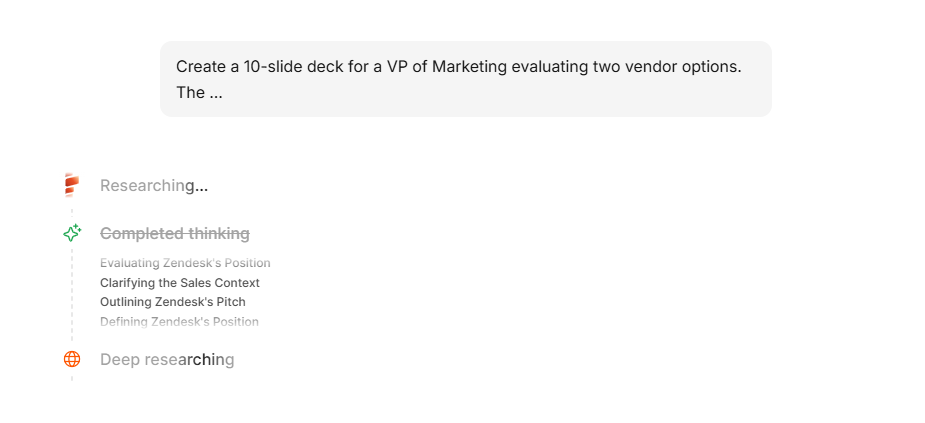
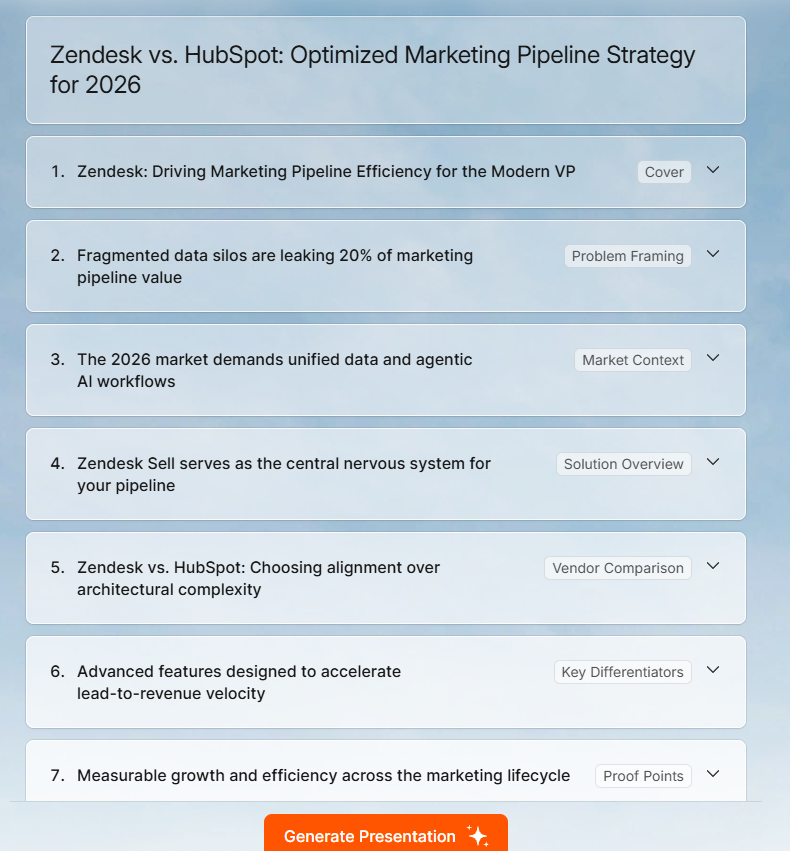
_Tools like Presentations.AI can create an entire deck with just a 1-line prompt_
Manual design in PowerPoint or Google Slides starts with a blank file or a template that almost fits. You build the slide master and align every block yourself. For a 15-slide deck, expect 2 to 4 hours minimum for a polished first pass.
Speed to first draft matters only when the draft is usable. Early AI tools ran fast but produced generic output, so you spent your saved time on cleanup. In 2026, better tools produce drafts much closer to review-ready. Layouts that adapt as content changes plus Brand Sync drive that improvement.
These tools also changed what happens before you build a single slide. Getting your story straight upfront saves more time than any AI feature. Knowing [how to structure a presentation outline](https://www.presentations.ai/blog/presentation-outline) before you open a tool pays off first.
Winner: AI. Even accounting for iteration, you are saving hours of total creation time on recurring deck types.
Have a deck due this week? Start with your notes, doc, or URL and generate a first draft in minutes.
[Try for Free](https://app.presentations.ai/docs/login?utm_intent=Signup&utm_source=Blog&language=en-US&utm_element=SpeedSectionCTA&utm_origin=https://www.presentations.ai/blog/ai-presentations-vs-manual-design)
### Visual Quality
Manual design has a higher ceiling. A skilled designer working in Figma or Keynote will produce a more visually distinctive deck than any AI tool today. That is just the reality.
Most presentations come from people other than skilled designers. They are built by [founders](https://www.presentations.ai/solutions/founders) and [product marketers](https://www.presentations.ai/solutions/marketing), plus account managers who last opened the brand guide PDF months ago. For these users, manual design lands far from pixel-perfect. It means inconsistent font sizes and off-brand colors, plus layouts that collapse the moment someone adds a sixth bullet.
AI tools with layout intelligence beat the average non-designer. Presentations.AI's adaptable templates reflow as content scales instead of breaking. A slide with three data points and one with nine both look intentional. In PowerPoint, the nine-point version usually looks crowded and clearly patched together.
Winner: Manual design for bespoke, high-stakes keynotes. AI for everything else, because consistent and clean beats theoretically custom but actually messy.
### Brand Control
Brand control is where the AI-versus-manual gap has closed fastest. Traditional workflow: someone on your brand team maintains a PowerPoint template. It gets emailed around. People modify it. Within a quarter, fifteen versions of your official deck float around Slack. Each one drifts from the current logo and color palette.
AI tools that automate brand extraction cut this drift. Every new deck starts from the same approved brand system. Presentations.AI's Brand Sync pulls your fonts and colors straight from your company URL, logo included. It skips template distribution and the "Which blue is our blue?" conversations. Brand Sync works as a governance feature as much as a design one. Sales and customer success teams can each create decks that hold the same brand. Every deck starts on-brand by default.
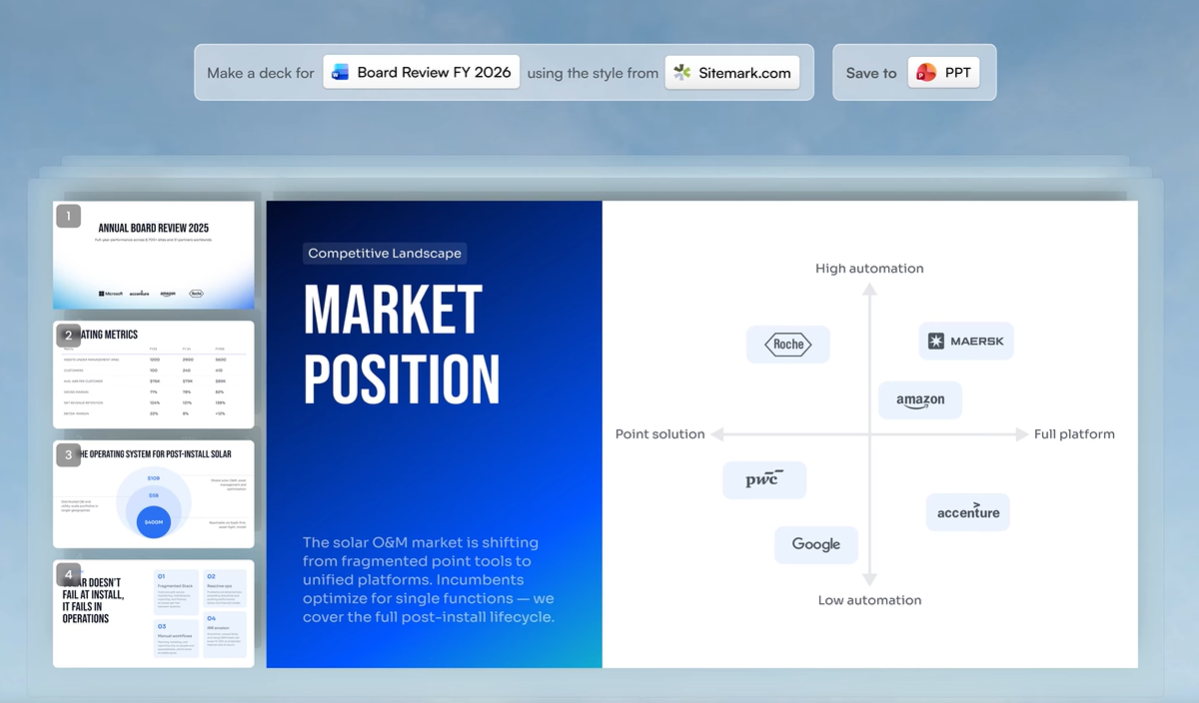
_Presentations.AI can extract fonts and colors from a company URL_
Manual design gives you more brand control in theory. In practice, consistency breaks down at scale. It depends on every person following the same rules every time, and that discipline slips fast.
Winner: AI with Brand Sync for teams larger than one. Manual design only wins here if you have a dedicated designer reviewing every deck before it ships.
### Keeping Decks Updated
Keeping decks current is another place manual design quietly burns time. A QBR deck keeps changing after you finish it. Pipeline numbers change and campaign results shift. Product usage data gets refreshed. Someone asks for the latest pricing slide five minutes before the meeting.
In a manual workflow, every update creates more formatting work. In an AI-native workflow, the system handles updates. You revise the input and refresh the relevant slide, and the layout holds while you skip the rebuild.
Winner: AI for recurring decks that need to stay current.
### Flexibility and Customization
Flexibility is where manual design still holds real ground. Need a custom illustration embedded in a specific position? Want an unconventional slide transition for a product demo? Building a non-linear presentation with branching paths? Manual tools give you the freedom to do whatever you want, assuming you have the skill and the hours.
AI tools impose constraints. Even the best ones work within layout systems. That structure produces consistent output, and it also stops short of a designer's one-off creative choices.
That said, conversational AI like Clip-E expands what you can do through plain language. You can restructure sections and add comparison tables. You can shift visual emphasis and adjust tone in the same flow. The flexibility has limits, and it still covers the range most business presentations require.
Winner: Manual design for pixel-level customization and original creative work.
### Export and Compatibility
PowerPoint and Keynote lead on compatibility when you stay inside the same ecosystem.
The problem shows up the moment you step outside that ecosystem. It also shows up when you need a polished deck faster than manual design allows. Export quality then makes or breaks an AI tool.
Clean .pptx export stays essential for most B2B teams, since it keeps stakeholders in the workflow they already use. Presentations.AI exports to PowerPoint with full layout fidelity on paid plans. The file your stakeholder opens matches what you built in the platform. Some competing tools offer only PDF export on free plans, a dead end when someone needs to edit a number before a board meeting.
Winner: Manual if your ecosystems match. AI if you need universal compatibility.
## The Long-Term Cost Math Most Teams Get Wrong
When teams compare AI presentations and manual design on cost, they look at the sticker price: a tool subscription versus free PowerPoint. That math misleads, because it ignores the most expensive line item in your workflow: time.
PowerPoint and Google Slides come free, or bundled into licenses you already pay for. The labor cost of manual design stays steep and recurring.
Cost takeaway: Manual design looks cheap when you only count software. It becomes expensive once you count the hours spent formatting and waiting for design support. \*\*Simple formula: Total deck cost = software cost + labor hours + revision cycles + waiting time.
### What Outsourcing Presentation Design Actually Costs in 2026
Teams without an in-house designer turn to outsourcing. Here is what the market charges across platforms:
| Platform | Tier / Rate | Typical Price (20 slides) | Turnaround |
| --- | --- | --- | --- |
| Fiverr | Value | Under $50 | 3-5 days |
| Fiverr | Mid-range | $50 – $175 | 2-4 days |
| Fiverr (top rated) | High-end | $290 (20 slides) | 2 days |
| Upwork (top rated+) | $15 – $150/hr | $150 – $600+ | 2-5 days |
Typical outsourced presentation-design prices and turnaround times across Fiverr and Upwork.
[On Fiverr](https://www.fiverr.com/categories/graphics-design/presentations-design), presentation design is priced across three tiers. Value work (under $50) gets you basic slides with limited customization. Mid-range ($50 to $175) gives you a more polished result with revisions included. A highly rated seller currently offers 10 slides for $140 and 20 slides for $290, with a 2-day turnaround.
[On Upwork](https://www.upwork.com/nx/search/talent/?nbs=1&q=presentations&top_rated_plus=yes), top-rated-plus designers charge between $15 and $150 per hour, which means a 20-slide sales deck could cost anywhere from $150 to $600 or more depending on complexity.
You also wait 2 to 5 days for delivery, a problem when the pitch is tomorrow. A precise brief matters too, since a vague one triggers another round of revisions before the deck is ready.
Presentations.AI generates and refines the same deck in under an hour, with full brand control and instant turnaround. For recurring business decks, that economics case is hard to ignore.
### What AI Tools Actually Cost
AI presentation tools introduce a subscription cost but dramatically reduce the labor input. If the same 20 decks take an average of 45 minutes each with an AI-native tool (initial generation plus refinement through Clip-E), that is 15 hours per month instead of 60. At the same blended rate, you are now at $1,125 per month in labor, plus the tool subscription.
Presentations.AI's pricing makes the math straightforward:
Starter plan: Free. No credit card. Unlimited users. You can test whether AI-generated output meets your bar and keep your budget intact.
Pro plan: $240 per year per user. It includes full AI credits and Brand Sync. You also get clean .pptx export plus SOC 2 Type II compliance for sensitive data.
Enterprise: Custom pricing with unlimited AI credits and company-wide template governance.
Even at the Pro level, a 10-person team pays $2,400 per year for the tool. That team saves substantially on recurring labor compared to manual design. The ROI reaches an order of magnitude, well past marginal.
### Where Manual Design Still Justifies the Investment
Some presentations still call for a designer over AI. A keynote for a 5,000-person conference or a Series B fundraising deck earns that investment. So does a product launch narrative that needs to feel genuinely original. The cost holds up because the stakes run high and the creative bar sits above routine decks.
Those showcase decks make up a small share of what your team builds. The majority run routine: weekly pipeline reviews, QBR decks, and partner proposals. A designer adds little to these. They need to land accurate and on-brand before the meeting starts. AI tools are built for exactly this work, and the cost math stays clear.
The practical move routes each presentation to the right workflow. Use AI-native for the volume work and manual design for the showcase moments.
## 30-Second Decision Filter: Use AI or Manual Design?
Knowing where each approach wins pays off once you translate it into a decision for this week's deck. Answer yes or no:
- Will more than one person edit this deck?
- Does this deck recur monthly or quarterly?
- Is the source material already sitting in a doc, URL, PDF, or CRM export?
- Does the deck need to be ready today or tomorrow?
- Does the final file need to stay editable in PowerPoint?
If you answered yes to three or more, use an AI-native workflow. If you answered no to most, and the deck is a one-off creative moment, manual design may be worth the time. Here is the reasoning behind each question.
### 1\. Will more than one person touch this deck?
If yes, AI with brand governance wins. The more hands on a deck, the faster manual design drifts off-brand. Brand Sync eliminates the drift before it starts.
### 2\. Does this deck type recur monthly or quarterly?
Recurring decks favor AI. Pipeline reviews, [QBRs](https://www.presentations.ai/solutions/customer-success), and partner proposals run high-frequency and moderate-stakes. A reliable system that produces consistent output fast beats a designer here. AI-native tools were built for exactly this.
### 3\. Is the audience internal or external?
Internal decks reward speed and clarity over visual polish. AI handles that well because the job repeats: organize the content and get it ready for review fast. High-stakes external presentations differ. Investor pitches and major product launches still earn the manual time investment.
### 4\. Do you already have the content in another format?
Existing content favors AI. Your source material might live in a Word doc, a CRM export, or a customer success dashboard. AI tools with multi-format input save you the worst part of manual design: retyping and reformatting content slide by slide. Feed the document in and refine the structured deck it returns.
### 5\. Does the final file need to be .pptx?
PowerPoint editing is common in B2B, so confirm your AI tool exports clean .pptx before you commit. Presentations.AI handles this on Pro and above with full layout fidelity. Some tools export only PDF on free plans, which blocks a quick number change before a board meeting.
If you answered yes to three or more of these, AI-native creation is the faster, more reliable path. If you answered no across the board, you are probably building a one-off creative piece, and manual design is the right call.
That sounds like a recurring deck workflow. Test one deck in Presentations.AI and compare the time, quality, and cleanup required.
[Try for Free](https://app.presentations.ai/docs/login?utm_intent=Signup&utm_source=Blog&language=en-US&utm_element=DecisionFrameworkCTA&utm_origin=https://www.presentations.ai/blog/ai-presentations-vs-manual-design)
## What About Google Slides AI Add-ons and Other Tools?
The AI-versus-manual conversation has a middle ground. Between full manual design and AI-native platforms sit AI add-ons layered onto Google Slides or PowerPoint. Tools like SlidesAI or Plus AI bolt generation features onto your existing editor.

These add-ons reduce some friction, and they inherit the limits of the host platform. You still work inside Google Slides' or PowerPoint's layout engine. Templates still break when content scales, and brand control still leans on discipline. The bolt-on AI leaves your deck architecture intact where a purpose-built tool would restructure it.
They also stop short of iterative AI. You get a first draft, and refining it sends you back to manual editing. Conversational refinement like Clip-E restructures and expands specific slides through natural language. A bolt-on add-on can match that only by owning the rendering layer.
Teams locked into Google Slides or PowerPoint for compliance reasons find add-ons a reasonable half-step. For everyone else, an AI-native platform removes more friction and produces better output. The AI controls the full design pipeline, well beyond content generation.
### Data Security: Is It Safe to Use AI Tools with Sensitive Presentations?
Data security stops many teams from testing AI presentation tools, and the concern is legitimate. Sales decks contain pipeline data. Board reports contain financials. Client proposals contain pricing you want to keep from competitors.
The answer depends on which tool you evaluate. Many free AI generators keep vague or missing data-handling policies. When a tool stays silent on where your data goes, assume it goes everywhere.
For teams handling sensitive information, look for two things:
- SOC 2 Type II compliance. This standard B2B certification confirms that an independent auditor reviewed the vendor's data handling and access controls. Presentations.AI offers SOC 2 Type II compliance on eligible paid plans, a stronger security foundation for sensitive business decks.
- Clear data retention policies. Learn whether the tool stores your content or deletes it after processing, and whether it feeds model training. A vendor that dodges the question has given you the answer.
Manual design in PowerPoint on your company's SharePoint stays secure, since the data lives in your infrastructure. That security arrives bundled with all the labor costs covered earlier. The goal is an AI tool that matches your security requirements and delivers the speed gains, so you keep both productivity and data protection.
## Conclusion: AI Presentations vs Manual Design
For recurring business decks, the AI-versus-manual decision has turned into a workflow question over a design debate. Manual slide-building made sense when every deck came together by hand. In 2026, faster paths have taken over as the default.
Manual design remains the right choice for a small category of presentations. Think creative keynotes and decks where every pixel carries strategic weight. If you build fewer than five presentations a month and each one runs genuinely unique, manual design may still fit. Even there, AI can speed up the research and outlining phases.
For most business presentations, AI-native tools deliver better outcomes in less time at lower cost. Think recurring decks, weekly updates, and client proposals that need to land accurate and on-brand before tomorrow's meeting. Teams that start from AI-generated drafts instead of building every slide by hand cut creation time. They also gain brand consistency and keep editable exports.
The practical move tests the claim against your own workflow. Take a deck your team builds regularly, like a QBR template or a monthly update, and build it both ways. Time the process and compare the output. See whether the AI version meets your bar or falls short.
Presentations.AI's free Starter plan runs that test with zero budget risk. You get unlimited users and real AI output from your own content, no credit card required. If the deck meets the bar, you have found a workflow that returns hours to your team every week. If it falls short, you have spent only fifteen minutes.
**Turn your next deck into a test.**
Upload a doc, URL, or outline and see how quickly Presentations.AI creates a stakeholder-ready first draft.
[Try for Free](https://app.presentations.ai/docs/login?utm_intent=Signup&utm_source=Blog&language=en-US&utm_element=FinalArticleCTA&utm_origin=https://www.presentations.ai/blog/ai-presentations-vs-manual-design) No credit card required.

More Blogs
[Jun 26, 2026\\
\\
**How to Format Your Ideas on a Slide in 6 Steps**\\
\\
](https://www.presentations.ai/blog/formatting-your-ideas-on-a-slide)
[Aug 6, 2026\\
\\
**10 Presentation Design Best Practices For Better Slides (2026)**\\
\\
](https://www.presentations.ai/blog/presentation-design-best-practices)
[Jun 25, 2026\\
\\
**How to Present a Quarterly Business Review: A Full Guide**\\
\\
](https://www.presentations.ai/blog/present-a-quarterly-business-review)
[Jun 12, 2026\\
\\
**How to Memorize a Presentation: 6 Techniques That Work**\\
\\
](https://www.presentations.ai/blog/how-to-memorize-a-presentation)
[Jun 12, 2026\\
\\
**Pitch Deck Statistics Every Founder Should Know in 2026**\\
\\
](https://www.presentations.ai/blog/pitch-deck-statistics)
[Jun 14, 2026\\
\\
**Canva Pricing 2026: Full Breakdown of Plans, Limits & What You're Actually Paying For**\\
\\
](https://www.presentations.ai/blog/canva-pricing)
Sign in with GoogleSign in with Google. Opens in new tab
Sign In - Google Accounts
Sign in with GoogleSign in with Google. Opens in new tab
## Company News Section
# Read our News & Insights
Stay up to date with Presentations.AI's latest innovations and expert articles
[Jan 30, 2025\\
\\
**Accel's Decade-Long Bet on AI Defies Odds: Presentations.AI Shatters Records with 1M Users in 84 Days, Announces $3M Seed Round**\\
\\
](https://www.presentations.ai/company-news/presentations-ai-seed-funding-2025)
Sign in with GoogleSign in with Google. Opens in new tab
Sign In - Google Accounts
Sign in with GoogleSign in with Google. Opens in new tab
## Genspark Pricing Overview
[定价](https://www.presentations.ai/zh/blog-category/pricing)
# Genspark 定价:套餐、AI 限制及与 Presentations.AI 的对比
A clear breakdown of Genspark's pricing structure, credit model, and brand limitations compared to Presentations.AI, so teams can make an informed decision before committing to a plan.
Sumanth Raghavendra
更新于
May 27, 2026
- [核心要点](https://www.presentations.ai/zh/blog/genspark-pricing#%E6%A0%B8%E5%BF%83%E8%A6%81%E7%82%B9)
- [Genspark 概览](https://www.presentations.ai/zh/blog/genspark-pricing#genspark-%E6%A6%82%E8%A7%88)
- [Genspark 定价套餐及所含内容](https://www.presentations.ai/zh/blog/genspark-pricing#genspark-%E5%AE%9A%E4%BB%B7%E5%A5%97%E9%A4%90%E5%8F%8A%E6%89%80%E5%90%AB%E5%86%85%E5%AE%B9)
- [Presentations.AI 概述](https://www.presentations.ai/zh/blog/genspark-pricing#presentations.ai-%E6%A6%82%E8%BF%B0)
- [Presentations.AI 定价(供比较)](https://www.presentations.ai/zh/blog/genspark-pricing#presentations.ai-%E5%AE%9A%E4%BB%B7%EF%BC%88%E4%BE%9B%E6%AF%94%E8%BE%83%EF%BC%89)
- [并排比较(Genspark 与 Presentations.AI)](https://www.presentations.ai/zh/blog/genspark-pricing#%E5%B9%B6%E6%8E%92%E6%AF%94%E8%BE%83%EF%BC%88genspark-%E4%B8%8E-presentations.ai%EF%BC%89)
- [Genspark 与 Presentations.AI:哪个定价更优?](https://www.presentations.ai/zh/blog/genspark-pricing#genspark-%E4%B8%8E-presentations.ai%EF%BC%9A%E5%93%AA%E4%B8%AA%E5%AE%9A%E4%BB%B7%E6%9B%B4%E4%BC%98%EF%BC%9F)
- [如何选择合适的计划](https://www.presentations.ai/zh/blog/genspark-pricing#%E5%A6%82%E4%BD%95%E9%80%89%E6%8B%A9%E5%90%88%E9%80%82%E7%9A%84%E8%AE%A1%E5%88%92)
- [您的业务定价决策](https://www.presentations.ai/zh/blog/genspark-pricing#%E6%82%A8%E7%9A%84%E4%B8%9A%E5%8A%A1%E5%AE%9A%E4%BB%B7%E5%86%B3%E7%AD%96)
如果你曾尝试在未登录的情况下查找 Genspark 定价,你就会知道第一个问题:没有公开的定价页面。你需要在搜索引擎上搜索,点击进入定价页面,然后创建账户才能看到任何费用。
而一旦你登录进去,三种个人套餐只列出了价格,没有套餐名称。这种不便和不透明性使得在决定使用前,评估 Genspark 与其他替代方案的难度超出了应有的水平。
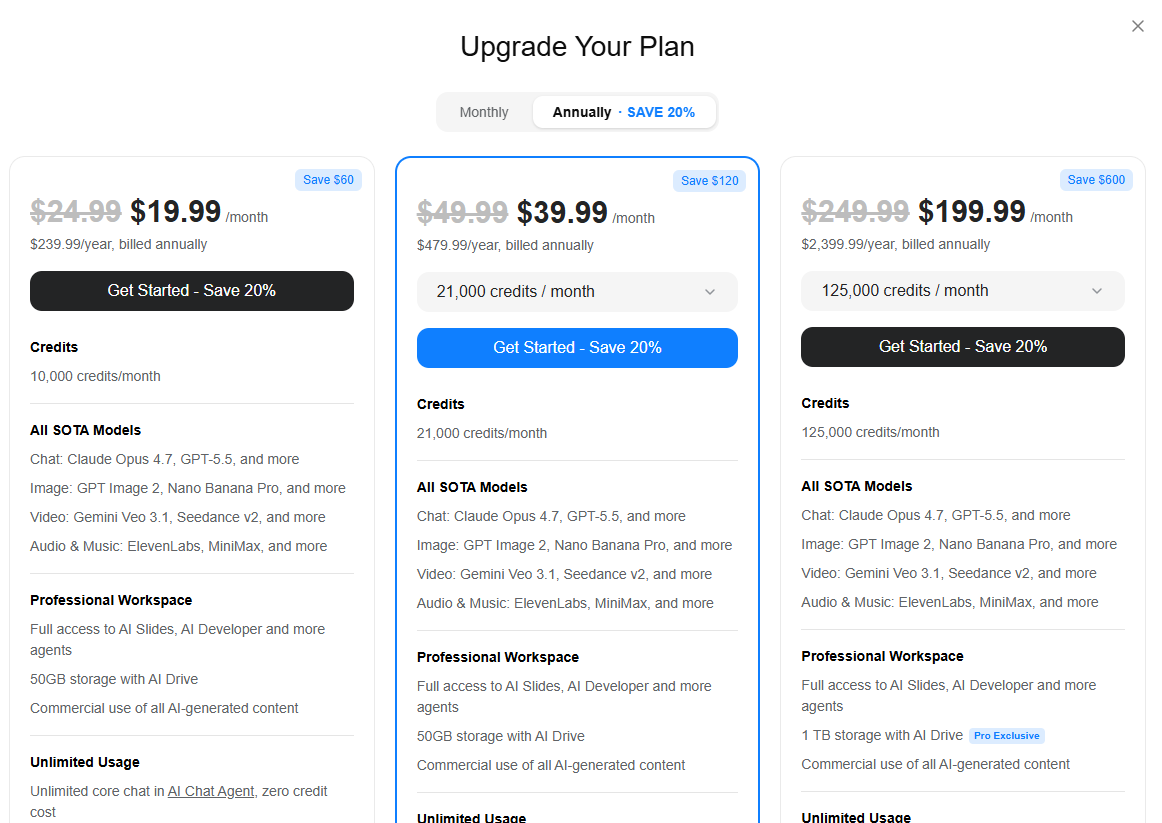
_Genspark 的三款未命名个人套餐_
本指南详细介绍了 Genspark 各套餐在 2026 年的费用、积分模式对演示文稿工作流程的具体意义,以及其定价与 Presentations.AI 的对比。旨在为你提供所需信息,以便你根据实际使用需求而非标价做出选择。
## 核心要点
- 定价信息需要登录才能查看。没有公开的定价页面。登录后,会出现三款个人套餐,只有金额,没有套餐名称。
- 套餐 1:每月 19.99 美元(每年 239.99 美元),每月 10,000 积分。套餐 2:每月 39.99 美元(每年 479.99 美元),21,000 积分。套餐 3:每月 199.99 美元(原价 249.99 美元),125,000 积分。
- 团队套餐为每席位每月 30 美元,适用于 2-150 名用户,每席位每月 12,000 积分。这是唯一提供管理员控制、SSO/SAML 和集中计费的套餐。
- 平台上的所有任务共享积分。幻灯片生成、研究查询、图像生成、视频和自动化呼叫都使用相同的每月积分池。无法为演示文稿单独划拨积分。
- 所有套餐层级中,品牌控制均需手动操作。没有品牌工具包,不支持基于 URL 的提取,也没有持久的样式设置。你需要在每次提示中重新指定品牌,或在每份演示文稿中手动清理。
- 所有当前定价均标注有效期至 2026 年 12 月 31 日,这表明它们是促销价而非永久价格。续订价格未公开说明。
- Presentations.AI Starter 版免费,无需信用卡,支持无限用户,并从一开始就包含品牌同步和 .pptx 导出功能。
## Genspark 概览

_Genspark 工作区_
Genspark 是一个多智能体 AI 工作区,它建立在由专业智能体组成的网络之上,这些智能体协同工作以完成复杂任务。通过一个简单的提示,它就能生成幻灯片演示文稿、研究简报、网站、电子表格、视频和自动化电话。这种多智能体架构使其在研究密集型任务中具有真正的深度,能够从多个来源提取信息并进行综合。
该平台专为需要涵盖多种输出类型的通用 AI 工作区的用户而设计。团队通常在需要通过单一订阅来完成研究、内容生成和偶尔的幻灯片制作时选择 Genspark,而不是为每项任务维护单独的工具。然而,对于主要交付物是演示文稿的团队来说,它就不那么适合了:其通用架构意味着设计质量、品牌控制和 PowerPoint 导出并非该平台的核心优化重点。
## Genspark 定价套餐及所含内容
Genspark采用积分计费模式,平台上的每项操作,无论是研究查询、幻灯片演示文稿还是自动化电话呼叫,都将消耗相同的每月积分池。了解积分计算方式与了解套餐价格同样重要,因为标示价格并不能反映高强度演示文稿工作流程的实际消耗。
### 套餐详情(免费版与付费版)
免费套餐提供每日有限积分,足以测试平台,但不足以支持持续的演示文稿制作。
三种付费个人套餐在定价页面上未命名,仅通过金额和积分量来区分。所有三种付费套餐都共享相同的功能集:可访问所有SOTA模型、AI幻灯片、50 GB存储空间(套餐3为1 TB),以及无限聊天和图像生成(不消耗积分)。不同套餐之间变化的纯粹是积分量和存储空间。
| | Free | Plan 1 | Plan 2 | Plan 3 |
| --- | --- | --- | --- | --- |
| Monthly price | Free | $19.99/mo | $39.99/mo | $199.99/mo\* |
| Annual price | Free | $239.99/yr | $479.99/yr | $2,399.99/yr |
| Credits/month | Limited/day | 10,000 | 21,000 | 125,000 |
| All SOTA models | Limited | Yes | Yes | Yes |
| AI Slides access | Limited | Yes | Yes | Yes |
| Storage | Minimal | 50 GB | 50 GB | 1 TB |
| Unlimited chat | No | Yes (0 credits) | Yes (0 credits) | Yes (0 credits) |
| Unlimited images | No | Yes (0 credits) | Yes (0 credits) | Yes (0 credits) |
| Brand kit | None | None | None | None |
| Admin / SSO | No | No | No | No |
| Valid until | Ongoing | Dec 31, 2026 | Dec 31, 2026 | Dec 31, 2026 |
Three personal plans, starting at about $20 per month
团队套餐是一个独立的层级,采用不同的定价逻辑,并且是唯一包含管理员控制和协作功能的选项:
| Team Plan Feature | Detail |
| --- | --- |
| Price | $30/seat/month |
| Users | 2–150 seats |
| Credits | 12,000/seat/month |
| Unlimited chat | Yes (zero credits) |
| Unlimited image gen | Yes (zero credits) |
| Storage | 60 GB/seat |
| Admin controls | Yes: member roles, usage analytics, centralized billing |
| SSO/SAML | Yes |
| Brand kit | None |
| Valid until | December 31, 2026 |
Team plan targeted at Businesses
### AI使用限制及使用量计算方式
积分是Genspark真正的定价驱动因素,其机制对于大规模制作演示文稿的用户至关重要。每项生成操作都消耗每月积分池:幻灯片生成、图像创建、视频、研究任务、网站生成和自动化呼叫。所有付费套餐都提供无限聊天和无限图像生成,不消耗积分,但这些无限额度专门适用于AI聊天代理和AI图像代理,而不适用于其他工具(包括AI幻灯片)中的生成操作。
一个包含10-15张幻灯片及辅助视觉内容的演示文稿预计消耗250-450积分。在每月10,000积分的套餐1中,如果所有积分都用于演示文稿,每月大约可以支持22-40个演示文稿。实际上,任何其他Genspark使用都会争夺相同的预算。目前无法专门为幻灯片工作预留或划拨积分。
### 导出、分享与品牌
Genspark支持幻灯片导出和通过链接分享。针对演示文稿的.pptx导出保真度尚未在独立报道中确认为生产级。由于Genspark是一个通用AI工作区,而非专门的演示文稿工具,其导出流程并未专门针对PowerPoint兼容性进行优化。对于最终文件需要在收件人电脑上通过Microsoft 365打开的任何工作流程,在提交之前应直接测试导出质量。
品牌控制在所有层级(包括团队层级)都是手动的。没有品牌工具包,无法从URL自动提取品牌信息,也没有演示文稿的持久样式设置。每个演示文稿都从零品牌背景开始:你需要在提示中指定颜色、字体和标志位置,或者在生成后手动应用。这是一个结构性限制,而非套餐层级限制。升级套餐也无法改变这一点。
## Presentations.AI 概述
Presentations.AI是一个原生AI演示文稿平台,专为一项任务而生:帮助团队高效创建、优化和交付商业演示文稿。与通用AI工作区不同,产品的每个部分都专门围绕演示文稿工作流程设计。
- Clip-E是该平台的对话式AI,负责处理完整的创建和优化周期。你可以从提示、PDF、Word文档、URL或直接粘贴的文本开始创建演示文稿,然后通过自然语言请求进行迭代,无需离开对话界面。
- 品牌同步功能可从你的URL自动提取公司的颜色、字体和标志,并将其自动应用于每个演示文稿。
- 抗脆弱模板可适应内容变化而不会破坏布局。并且 .pptx 导出旨在实现真实的 PowerPoint 忠实度,而非作为次要输出。
- 当演示文稿是主要交付物,且品牌一致性和导出质量不可妥协时,团队始终选择 Presentations.AI 而非通用工具。
## Presentations.AI 定价(供比较)
Presentations.AI 采用固定定价模式,没有积分池。您只需支付一个套餐级别,即可使用,无需监控使用预算,也无需担心因不相关的功能类型而产生超额费用。
| | Starter | Pro | Enterprise |
| --- | --- | --- | --- |
| Price | Free | $240/year ($20/mo) | Custom |
| Users | Unlimited | 1 | Unlimited |
| AI deck creation | Yes (Clip-E) | Yes (Clip-E) | Yes (Clip-E) |
| Brand Sync | Yes (auto-extracts from URL) | Full + expanded controls | Full + multi-brand |
| Input formats | Prompt, PDF, Word, URL, text | All Starter formats | All Pro formats |
| PPT export | Yes | Full fidelity | Full fidelity |
| Anti-fragile templates | Core library | Full library + advanced | Custom templates |
| Analytics | No | Yes (post-share tracking) | Yes |
| SOC 2 Type II | No | Yes | Yes |
| SSO / admin | No | No | Yes |
| Credit card | Not required | Required | Contact sales |
Plan breakdown (Starter vs Pro vs Enterprise)
### AI 积分、模板和协作
Presentations.AI 不对演示文稿使用按任务计费的积分系统。Clip-E 在整个工作流程中均可使用,没有跟踪每次生成、重写或优化请求的使用计量器。免费的 Starter 计划包含协作功能,支持无限用户,且没有按席位收费的限制。
从 Starter 升级到 Pro 可增加高级模板、分享后分析和跟踪、优先 AI 处理以及 SOC 2 Type II 合规性。企业版增加了 SSO/SCIM 和针对有需求组织的专属入职培训。这些升级都不是解锁核心协作或品牌功能所必需的,这些功能在免费层级即可使用。
## 并排比较(Genspark 与 Presentations.AI)
以下是这两个平台在影响您的实际成本和工作流程的维度上的比较。年度团队成本行假设有 10 个用户,在此情况下,定价差距最为明显。
| Feature | Genspark | Presentations.AI |
| --- | --- | --- |
| Entry price | $19.99/month (Plan 1) | Free (Starter) |
| Free plan | Yes (limited daily credits) | Yes: no credit card, unlimited users |
| Pricing model | Credit-based, shared across all tasks | Flat: no credit pool, no per-task metering |
| Pricing transparency | Login required to see plans; no tier names | Publicly listed; named tiers |
| Brand control | Manual; no brand kit at any tier | Brand Sync: auto-extracts from company URL |
| Slide iteration | Re-prompt or manual edit | Clip-E: converse in plain language |
| PPT export | Available; fidelity not verified | Clean .pptx, full fidelity (Pro+) |
| Team collaboration | $30/seat/month (Team plan only) | Included on the free Starter plan |
| Admin controls | Team plan only | Enterprise plan |
| SOC 2 | Not specified | Pro and above |
| Annual team cost (10 people) | $3,600/year min | $2,400/year (Pro, 10 users) |
| Price valid until | Dec 31, 2026 (promotional) | No stated expiry |
## **Genspark 与 Presentations.AI:哪个定价更优?**
标示价格只是故事的一部分。更重要的问题是:哪种工具在制作演示文稿这一特定任务上能提供更好的价值,总成本是多少,以及运营开销如何?
### 最适合快速、灵活的创作
Genspark 可以快速生成初稿,其研究深度为内容提供了坚实的信息基础。Presentations.AI 也能快速生成初稿,并且从草稿到最终演示文稿的路径更短,因为 Clip-E 会持续参与修订过程。对于任何需要多轮修改的演示文稿,Presentations.AI 的迭代模型都能缩短从需求到交付的总时间。
### 最适合品牌控制和一致设计
在这一点上,Presentations.AI 明显胜出。品牌同步功能会自动从您的公司网址中提取品牌信息,并将其应用于每个演示文稿,无需手动设置。Genspark 在任何层级都没有类似功能。
### 最适合团队和协作
Presentations.AI 的免费入门计划支持无限用户协作。Genspark 的所有团队功能都需订阅团队计划,该计划每席位每月收费 30 美元。一个 10 人的团队每年在 Genspark 上需支付 3,600 美元,而在 Presentations.AI Pro 上则为 2,400 美元(10 个用户)。
### 隐藏成本和需要注意的陷阱
Genspark 定价模式中最常见的两个意外是积分耗尽和价格不确定性。关于积分耗尽:如果您的团队在一个月内产出很高,共享积分池可能会在计费周期重置前耗尽。
无法提前预知每月预算中有多少会用于演示文稿,有多少用于其他任务。关于定价:Genspark 目前的所有计划有效期至 2026 年 12 月 31 日。这意味着您今天看到的价格可能无法反映您的计划续订时的实际支付金额。续订条款尚未公布。
Your presentations close deals. Use a tool that was built for that.
[https://app.presentations.ai/](https://app.presentations.ai/)
(No credit card required)
## 如何选择合适的计划
选择合适的计划取决于三个实际因素:您创建演示文稿的频率、品牌一致性对您的工作流程的重要性,以及是否需要多人访问共享工作区。
### 如果您只是试用
从 Presentations.AI 入门版(免费,无需信用卡)开始。您将获得 Clip-E、品牌同步、多格式输入和 .pptx 导出功能,没有时间限制,也没有每日积分上限。这是一个功能齐全的免费计划,而非试用版。
如果您还想评估 Genspark 的更广泛功能,其免费套餐提供有限的每日积分,供您探索工作区。在此阶段的关键区别在于:Presentations.AI 的免费计划旨在生成完成的、可用的演示文稿。Genspark 的免费套餐则旨在让用户体验平台。
### 如果您每周都创建演示文稿
对于需要持续每周产出的团队,每年 240 美元的 Presentations.AI Pro 是专注于演示文稿的团队更明确的选择。它面向单个用户,无需计算积分,提供完整的 .pptx 兼容性、分析和跟踪功能,并符合 SOC 2 标准。
在 Genspark 方面,每月 19.99 美元(每年 239.88 美元)的计划 1 提供 10,000 积分,但这些积分会在您在该平台上进行的所有操作中共享。对于一个每月制作 10-15 个演示文稿并同时执行其他 Genspark 任务的团队来说,在计费周期结束前积分耗尽是一个真实的规划风险。
### 如果您需要团队工作流程
对于团队治理,Genspark 每席位每月 30 美元的团队计划提供 SSO/SAML、管理员控制、使用情况分析和集中计费。这些是真正的组织级功能。但它不提供品牌治理。Presentations.AI 企业版包括 SSO/SCIM、品牌级控制和专属入职培训。
对于主要挑战在于多用户之间保持一致的、符合品牌规范的演示文稿输出,而非通用 AI 治理的团队,Presentations.AI 企业版解决了实际问题。而对于仅需要共享访问而无治理要求的团队,Presentations.AI 入门版可免费满足需求。
## 您的业务定价决策
Genspark 最适合那些真正需要多功能 AI 工作区,并且习惯于积分制模式的团队,该模式将预算分配到研究、幻灯片、视频以及平台上的所有其他功能。如果偶尔的演示文稿是这些其他工作流程的次要产出,那么这种定价模式可能适用。但在您承诺之前,请务必考虑当前费率将于 2026 年 12 月 31 日到期、所有层级均缺乏品牌控制,以及登录后才能查看定价页面的不透明性。
Presentations.AI 最适合那些以演示文稿为主要交付物,并重视品牌一致性、导出保真度和迭代式 AI 的团队。免费入门计划完全消除了评估风险:您可以构建一个真实的演示文稿,查看输出质量,然后做出决定。每年 240 美元的专业版面向单个用户,无需积分跟踪。企业版为有治理需求的组织增加了治理功能。如需完整比较,请参阅 Genspark 与 Presentations.AI 对比页面.
Dive into the future with the best AI Presentation Maker.
[https://app.presentations.ai/docs/login](https://app.presentations.ai/docs/login)

More Blogs
[Aug 11, 2026\\
\\
**2026 年 10 款最佳 Slidesgo 替代方案:模板、AI 与品牌管控对比**\\
\\
](https://www.presentations.ai/zh/blog/slidesgo-alternatives)
[Jun 10, 2026\\
\\
**2026年十大最佳Canva替代品(已测试并排名)**\\
\\
](https://www.presentations.ai/zh/blog/canva-alternatives)
[Jun 26, 2026\\
\\
**如何在6个步骤中整理幻灯片上的想法**\\
\\
](https://www.presentations.ai/zh/blog/formatting-your-ideas-on-a-slide)
[Aug 6, 2026\\
\\
**10个演示文稿设计最佳实践,助你打造更佳幻灯片 (2026)**\\
\\
](https://www.presentations.ai/zh/blog/presentation-design-best-practices)
[Jun 25, 2026\\
\\
**如何进行季度业务回顾:完整指南**\\
\\
](https://www.presentations.ai/zh/blog/present-a-quarterly-business-review)
[Jun 12, 2026\\
\\
**如何记住演示文稿:6种有效技巧**\\
\\
](https://www.presentations.ai/zh/blog/how-to-memorize-a-presentation)
Sign in with GoogleSign in with Google. Opens in new tab
Sign In - Google Accounts
Sign in with GoogleSign in with Google. Opens in new tab
## AI Presentation Tool Comparison
[Alternatives](https://www.presentations.ai/blog-category/alternatives)
# Canva vs Gamma vs Presentations.ai: Which AI Presentation Maker is Best in 2026?
#
Dhruv Saxena
Updated on
Jun 15, 2026

- [TL;DR](https://www.presentations.ai/blog/canva-vs-gamma#tl;dr)
- [What is Canva?](https://www.presentations.ai/blog/canva-vs-gamma#what-is-canva?)
- [What is Gamma?](https://www.presentations.ai/blog/canva-vs-gamma#what-is-gamma?)
- [What is Presentations.ai?](https://www.presentations.ai/blog/canva-vs-gamma#what-is-presentations.ai?)
- [Canva vs Gamma vs Presentations.ai: Feature-by-Feature Comparison](https://www.presentations.ai/blog/canva-vs-gamma#canva-vs-gamma-vs-presentations.ai:-feature-by-feature-comparison)
- [Canva vs Gamma vs Presentations.ai — Detailed Feature Comparison](https://www.presentations.ai/blog/canva-vs-gamma#canva-vs-gamma-vs-presentations.ai-%E2%80%94-detailed-feature-comparison)
- [Pricing Comparison: Canva vs Gamma vs Presentations.ai](https://www.presentations.ai/blog/canva-vs-gamma#pricing-comparison:-canva-vs-gamma-vs-presentations.ai)
- [Which Tool is Best for Your Use Case?](https://www.presentations.ai/blog/canva-vs-gamma#which-tool-is-best-for-your-use-case?)
- [Why Presentations.ai is the Smarter Choice Over Canva and Gamma](https://www.presentations.ai/blog/canva-vs-gamma#why-presentations.ai-is-the-smarter-choice-over-canva-and-gamma)
- [Verdict: Which AI Presentation Maker Should You Choose in 2026?](https://www.presentations.ai/blog/canva-vs-gamma#verdict:-which-ai-presentation-maker-should-you-choose-in-2026?)
## **TL;DR**
- Canva is built for general design: social media, marketing materials, posters, and presentations. Its AI generates layouts, not content. You still think the tool handles visual arrangement.
- Gamma targets creators making Instagram carousels, personal sites, and multi-format content. Presentations are one of ten things the platform does.
- Presentations.ai stands out with Brand Sync, anti-fragile templates that adapt without breaking design, Clip-E for conversational AI collaboration, and multi-source input that turns PDFs, Word docs, and URLs into decks instantly.
- For teams that need brand-consistent, business-critical presentations with genuine AI collaboration, Presentations.ai is the strongest all-around choice in 2026.
Most teams searching for an AI presentation tool end up using Canva for design or Gamma for speed, yet spend hours editing a deck before it’s ready to share. Both tools are capable within their lanes: Canva covers social media graphics, marketing materials, and posters, as well as presentations, while Gamma targets creators who need multi-format content quickly.
When it comes to professional business decks, however, a third option is worth serious consideration. Presentations.ai is an AI-native platform built exclusively for slide creation, with brand automation, persuasion-structured output, and enterprise-grade security that neither Canva nor Gamma was designed to deliver.
If you have been running a Canva vs Gamma search to find the right tool for your presentation workflow, this AI presentation tool comparison for 2026 is built for exactly that. It covers real use cases, actual pricing trade-offs, and the friction points that only show up after the free trial ends.
If you landed here looking for a Canva alternative or a Gamma alternative, Presentations.ai is the most complete answer to both. Stronger on AI depth, brand enforcement, and enterprise readiness than either tool.
| Tool | Best For | AI Features | Starting Price |
| --- | --- | --- | --- |
| Canva | General design, social media, and marketing teams | Magic Design (layouts) + Magic Write (copy) | Free / $120/year (Pro) |
| Gamma | Multi-format creators, small teams | Prompt-to-deck + AI Agent editing | Free / $12/month (Plus) |
| Presentations.ai | Professionals, sales teams, enterprises | Full AI collaborator (Clip-E) + Brand Sync | Free / $240/year (Pro) |
## What is Canva?
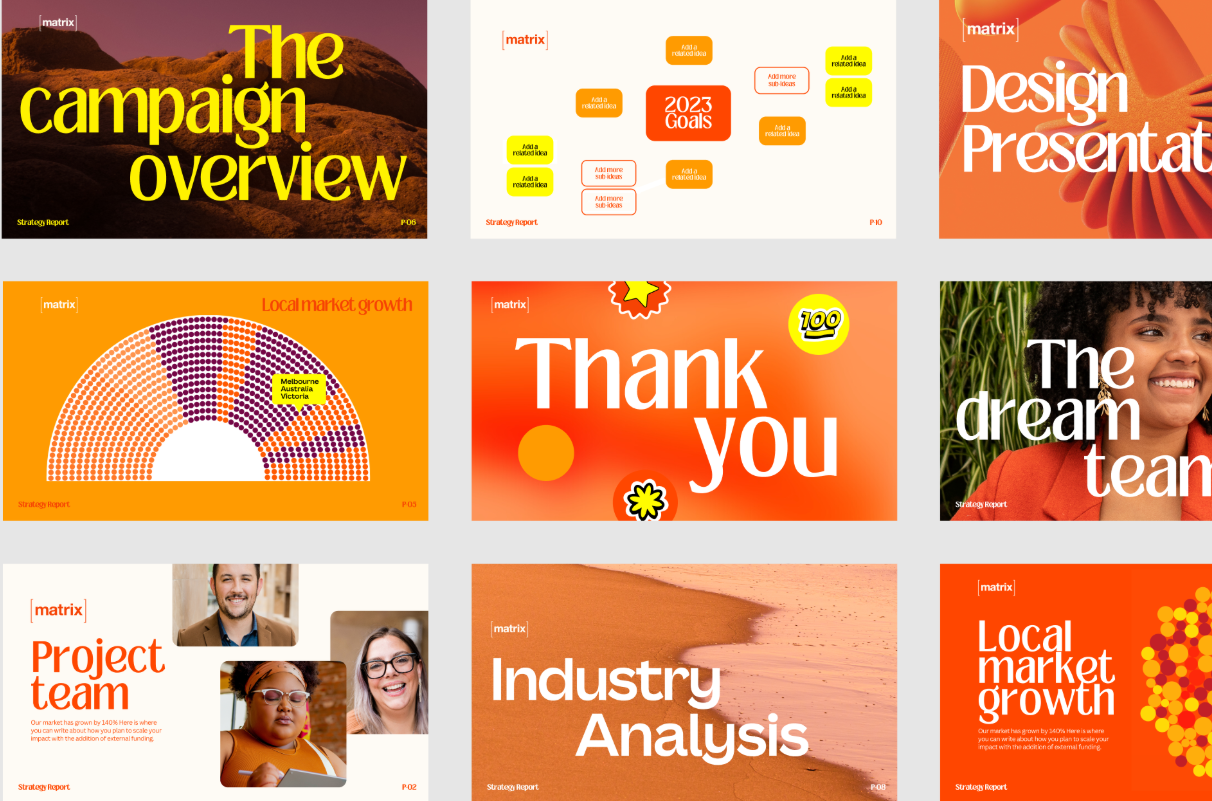
For presentations, Canva lets you choose from thousands of slide templates, customize layouts freely, and collaborate with teammates in real time. Its AI tools, Magic Design and Magic Write, can generate a slide layout from a prompt or draft body copy, though the output is design-first rather than content-first. Canva's AI provides basic text suggestions but lacks a structured slide flow.
Canva is best understood as a general-purpose creative tool that includes presentation functionality. The breadth is its greatest strength and its most significant limitation for buyers who need a dedicated, AI-driven presentation workflow.
If you’d like to compare Canva with a more business presentations-focused alternative, read our comparison with Presentations.ai [on this page](https://www.presentations.ai/compare/canva).
## What is Gamma?

Presentations are one of ten things the platform does, which means its AI output is generalist by design. Gamma uses ChatGPT integration to generate content, but the output is the same regardless of business context. It still requires hours of editing before it is usable for high-stakes presentations.
Gamma's card-based output does not always translate cleanly to traditional 16:9 PowerPoint slides. For teams that need to deliver polished .pptx files to clients or executives, that is friction worth knowing about upfront.
If you’d like to compare Gamma with an alternative that delivers polished business decks in .pptx format, [head over to our comparison page](https://www.presentations.ai/compare/gamma-vs-presentations-ai).
## What is Presentations.ai?
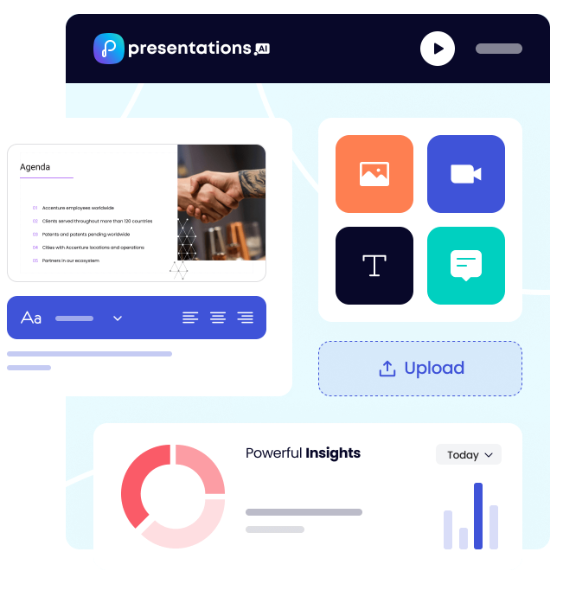
Presentations.ai is the first and only AI-native platform focused exclusively on presentations, with a single-minded focus on business presentations since 2019. It is built specifically for high-stakes slide creation: investor pitches, sales decks, board presentations, and anything where the output needs to move a decision.
The platform's AI, Clip-E, is trained on business decision-making psychology and persuasion architecture, not just content generation. Output is structured for persuasion from the start and is business-ready with minimal editing. Generate a full deck from a prompt, a URL, a PDF, or a Word document, then continue refining through natural conversation. The proprietary Brand Sync feature automatically pulls your company's colors, fonts, and logos from your URL and applies them consistently across every deck.
Presentations.ai is SOC 2 Type II certified and GDPR-ready, with complete audit trails and granular access controls designed for enterprise security from the ground up. For professionals who need speed, polish, and brand consistency without sacrificing control, it stands alone.
## Canva vs Gamma vs Presentations.ai: Feature-by-Feature Comparison
### AI-Powered Slide Generation
Canva's Magic Design generates a deck layout from a prompt or uploaded document, populating slides with structured placeholder content. It handles visual scaffolding well, but the substance of every slide remains your responsibility.
Gamma goes further, generating a full deck from a prompt and allowing iteration through its AI Agent. Output quality is consistent but typically needs two to four hours of editing before it's boardroom-ready.
Presentations.ai's Clip-E handles end-to-end creation from a prompt, PDF, URL, or Word doc, producing a structured, brand-consistent deck that requires minimal editing, with further refinement available through natural conversation.
**Winner: Presentations.ai — the only tool that generates, iterates, and refines through conversation.**
### Design Quality and Customization
Canva offers unmatched design flexibility: free element placement, custom animations, layered objects, and millions of templates. It gives you every tool and makes no decisions for you, which is exactly what teams with strong design instincts want.
Gamma's output is visually modern for browser-based sharing but loses polish in exported PowerPoint format.
Presentations.ai's anti-fragile templates and Brand Sync deliver consistent on-brand output, but within a more structured design system that trades creative freedom for speed.
**Winner: Canva — no other tool gives you this level of creative control over every element on the slide.**
### Collaboration and Team Features
Canva offers mature real-time collaboration across all plans, with shared brand kits and admin controls on Teams. Applying brand assets to presentations still requires manual selection.
Gamma's team features cost $20/seat/month and requires manual brand setup for every presentation.
Presentations.ai includes team collaboration and Brand Sync from the Starter plan, so any team member can produce on-brand output independently without additional configuration.
**Winner: Presentations.ai — brand consistency is automatic, not a manual step every team member has to remember.**
### Export and Integration Options
Canva supports the widest range of export formats: PowerPoint, PDF, MP4, GIF, PNG, SVG, and more, with native integrations for Google Drive, Dropbox, HubSpot, and more.
Gamma exports to PowerPoint and PDF, but the card-based format often converts poorly to 16:9 slides and needs cleanup before external delivery.
Presentations.ai's PowerPoint export is built for .pptx fidelity, but the overall range of formats and integrations is narrower than Canva's.
**Winner: Canva — the broadest export range and the most mature integration ecosystem of the three.**
### Ease of Use and Learning Curve
Canva is easy to get started with for anyone familiar with drag-and-drop tools, but building a coherent narrative still requires significant manual effort. Gamma's onboarding is smooth, with a generous free tier, though the card-based format may take some adjustment if you're used to traditional slides. Presentations.ai's conversational interface means users with no design experience can describe what they need in plain language and get polished, structured output with minimal setup.
**Winner: Presentations.ai — describe what you need, and Clip-E handles the rest.**
## Canva vs Gamma vs Presentations.ai — Detailed Feature Comparison
| Capability | Canva | Gamma | Presentations.ai |
| --- | --- | --- | --- |
| Core Approach | General-purpose design platform with presentation capability | Multi-format AI generation (decks, docs, web pages, social) | AI-driven content structuring and generation, exclusively for presentations |
| Typical Use Cases | Social media, marketing, general design, presentations | Instagram carousels, personal sites, multi-format content | Board decks, investor pitches, enterprise sales |
| Document Import | Basic file upload, limited conversion | Basic text/prompt input | PDF, Word, URL conversion |
| Brand Management | Manual Brand Kit setup on the Teams plan | Manual setup for every presentation, no centralized governance | Automatic from the company URL. One-time setup, perpetual consistency |
| PowerPoint Export | Available with some animation fidelity loss | ❌ Overlapping boxes, missing fonts, broken formatting | ✅ High-fidelity, one-click, boardroom-ready |
| Template Library | Millions across all design formats | Moderate library | 1,000+ professional presentation templates |
| AI Output Quality | Layout scaffolding, no narrative structure | Generic output regardless of business context; 2 to 4 hours editing typically needed | Trained on business persuasion architecture; business-ready with minimal editing |
| AI Iteration After First Draft | Limited, manual editing required | Yes, via AI Agent | Yes, full conversational iteration |
| Stock Images / Icons / Animations | Vast library (premium assets on Pro) | Moderate | Vast design libraries and automatic professional animations |
| Collaboration | Real-time on all plans | Real-time on all plans | Real-time team workflows (Starter+) |
| Enterprise Security | ISO 27001; SOC 2 is not the standard | ❌ No SOC 2 | ✅ SOC 2 Type II certified, complete audit trails, GDPR-ready |
| Data / Content Ownership | Users retain ownership | ❌ Grants Gamma perpetual, irrevocable, worldwide rights | ✅ Users retain full ownership |
| GDPR / Privacy Compliance | Standard compliance | ❌ Viewer tracking raises GDPR concerns | ✅ Privacy by design, no viewer tracking |
| Audit Trail | Limited | ❌ None | ✅ Full audit logging |
| Fortune 500 Adoption | Widespread for general design | Minimal | Widespread for business presentations |
| Free Plan | Yes: Generous, no card required | Yes: 400 one-time credits, no card | Yes: Unlimited users, 100 credits, up to 20 slides, no card |
| Hidden Costs | Premium elements, fonts, and stock require Pro | Export fixes, brand violations, and potential legal risk | None |
| Best For | Design-heavy teams, multi-format creative output | Multi-format content creation, solo creators | Teams that need business-critical, persuasion-structured presentations |
## Pricing Comparison: Canva vs Gamma vs Presentations.ai
Pricing in this category is rarely just about the headline number. What matters is what you hit once you need collaboration, brand controls, or clean exports. All three tools handle that differently.
### Canva Pricing
Canva has four tiers: Free, Pro, Teams, and Enterprise. The free plan is genuinely broad and covers basic presentation needs for many individuals.
- **Free**: Hundreds of thousands of templates, basic AI tools, real-time collaboration, and export to PDF and PowerPoint. Premium elements, stock images, and fonts are locked behind a paywall.
- **Pro**: $120/year per person (equivalent to $10/month). Unlocks the full template library, Brand Kit, background remover, premium stock assets, advanced AI tools, and additional export formats.
- **Teams**: $10/person/month, billed annually; minimum of 3 people. Adds team Brand Kit management, template locking, shared folders, admin controls, and centralized billing.
- **Enterprise**: Custom pricing. SSO, SCIM, advanced admin controls, dedicated account management, and priority support.
**What to watch out for**: Many of Canva's most visually appealing templates and stock elements are not included on the free plan. The Teams plan requires a minimum of three seats, so two-person teams pay for three regardless.
### Gamma Pricing
Gamma has four individual plans and two team plans. Monthly billing is available on most tiers, making it the most flexible of the three for buyers who are not ready to commit to an annual plan.
- **Free**: 400 one-time AI credits (do not refresh), up to 10 cards per prompt, Gamma branding on all output.
- **Plus**: $12/month (or approximately $9/month annual). Removes branding, 1,000 refreshing monthly credits, up to 20 cards per prompt.
- **Pro**: $25/month (or approximately $18/month annually). Premium AI models, API access, custom fonts, up to 10 custom domains, detailed analytics, 4,000 monthly credits, up to 50 cards per prompt.
- **Ultra**: $100/month (monthly only). 20,000 monthly credits, up to 75 cards per prompt, Studio Mode, and the most advanced AI image models.
- **Team**: $20/seat/month, minimum two seats. Custom company theme, shared folders, admin controls, centralized billing, 6,000 credits per seat.
- **Business**: $40/seat/month, minimum 10 seats. SSO, SOC 2 documentation, advanced data controls, 10,000 credits per seat.
**What to watch out for**: Free plan credits are one-time, not monthly. Gamma's data ownership clause grants the platform perpetual, worldwide rights to your content, which is a hard stop for most enterprise legal and compliance teams.
### Presentations.ai Pricing
Presentations.ai keeps its structure simple with three tiers. There is no monthly billing option; plans are available only on an annual or quarterly basis.
- **Starter**: Free. Unlimited users, limited AI credits, brand themes, team collaboration, and basic functionality. 100 credits and up to 20 slides, no credit card required.
- **Pro**: $240/year (one user). Equivalent to $20/month. Additional AI credits, Pro templates, custom fonts and colors, analytics, PDF export, and advanced features.
- **Enterprise**: Custom pricing. Unlimited AI credits, company-wide templates, admin capabilities, dedicated support, enterprise security, and compliance.
The Starter plan is genuinely multi-user, making it a practical way for an entire team to evaluate the platform before committing. The Pro plan at $240/year undercuts Gamma's equivalent Pro tier ($25/month) by 20% on an annualized basis.
| Plan / Feature | Canva | Gamma | Presentations.ai |
| --- | --- | --- | --- |
| Free plan | Yes (generous, no card) | Yes (400 one-time credits) | Yes (unlimited users, 100 credits, up to 20 slides) |
| Starter/entry paid | $120/year ($10/mo, Pro) | $12/mo (Plus) | $240/year ($20/mo) |
| Mid-tier paid | N/A | $25/mo (Pro) | N/A |
| Team plan | $10/person/mo (min. 3, annual) | $20/seat/mo (min. 2) | Enterprise (custom) |
| Enterprise | Custom | $40/seat/mo (min. 10) | Custom |
| AI credits included | Included in Pro; limited on Free | 1,000 to 20,000/mo (plan-dependent) | Limited on Starter; more on Pro; unlimited on Enterprise |
## Which Tool is Best for Your Use Case?
### Best for Startups and Pitch Decks
When you are creating an investor deck, the quality of the argument matters as much as the visual polish. Presentations.ai wins here on both counts.
Clip-E generates a structured, persuasion-ready pitch deck from a prompt or an uploaded document, built on AI trained specifically on how business decisions get made. You can iterate in natural language without toggling between slides manually.
The Pro plan at $240/year is accessible for early-stage founders. Canva is a reasonable option for founders with a strong design sensibility who want full control over layout. Gamma is less suited to high-stakes pitch workflows given its generic output and limitations in PowerPoint exports.
### Best for Sales Teams
Sales teams need decks that are fast to produce, consistently on-brand, and trackable once shared. Presentations.ai delivers on all three: AI-driven creation, Brand Sync for consistent output across reps, and viewer analytics on paid plans.
Many sales teams use Canva for proposals and one-pagers, but building a complete sales deck in Canva requires more manual effort than most reps want to invest. Gamma is less purpose-built for sales deck workflows.
### Best for Marketing Teams
This is where Canva competes most directly. Marketing teams that produce social content, campaign visuals, and presentations within a single workflow will find Canva hard to beat for overall creative breadth. For teams where presentations are one of many design deliverables, Canva makes practical sense.
But for marketing teams whose presentations need to reflect brand guidelines precisely and be produced at scale without design overhead, Presentations.ai's Brand Sync creates a genuine operational advantage. Every deck auto-aligns with the brand without anyone selecting a theme or manually checking a kit.
### Best for Enterprise and Large Teams
Presentations.ai at the Enterprise tier offers unlimited AI credits, company-wide templates, admin controls, complete audit trails, and full enterprise security. SOC 2 Type II certification and GDPR readiness are meaningful differentiators in procurement and security review processes, and the data ownership terms are clear: users retain all rights to their content.
Canva's Enterprise plan covers SSO, SCIM, and dedicated account management with ISO 27001 certification. But the lack of SOC 2 Type II at standard tiers creates friction in stricter enterprise environments.
Gamma Business at $40/seat adds SSO and SOC 2 documentation, but the platform's perpetual content rights clause is a hard stop for most legal and compliance teams.
### Best for Individuals and Freelancers
All three tools offer a free plan with no credit card required. Canva's free tier is the most broadly useful for general design work.
Gamma's free tier is the strongest for AI-generated multi-format content.
Presentations.ai's free Starter plan is the best option for individuals who need to produce professional business presentations and want to evaluate the full platform with teammates before upgrading.
For solo professionals who create decks regularly, Presentations.ai Pro at $20/month equivalent offers the best value for the feature set it delivers.
## Why Presentations.ai is the Smarter Choice Over Canva and Gamma
Canva and Gamma each win in specific scenarios. Canva is the stronger tool when design flexibility and multi-format creative output are the priority. Gamma is better suited to AI-generated content across formats, with month-to-month pricing flexibility. Both are solid tools within their defined lanes.
But Presentations.ai is the only tool built from the ground up for one job: producing professional business presentations that are persuasive, on-brand, and ready to share with minimal editing.
- **Brand Sync** goes further than any Brand Kit. It reads your company URL and automatically applies your visual identity across every deck. Every presentation is on-brand from slide one, with zero manual setup. Canva's Brand Kit requires deliberate selection. Gamma's theming requires manual configuration for every new presentation.
- **Clip-E** is trained on business persuasion, not just content generation. The AI structures decks in a way that business decisions get made: logical, persuasive, and audience-aware. Canva's AI generates layouts. Gamma's AI Agent produces generic output that typically needs two to four hours of editing before it is ready for a boardroom.
- **Multi-source input** is a real workflow advantage. Turn a PDF, a Word doc, a URL, or a plain prompt into a polished deck. Neither Canva nor Gamma supports conversion from all four input types.
- The **data ownership** terms are clean. Presentations.ai users retain full rights to their content. Gamma's terms grant the platform perpetual, worldwide rights. For any team handling confidential material, that distinction is not a minor footnote.
- The **free Starter plan** is genuinely multi-user. Your whole team can explore the platform before anyone commits to a budget. No credit card required, and up to 5 full presentations included.
## Verdict: Which AI Presentation Maker Should You Choose in 2026?
### **Choose Canva if you**:
- Produce presentations alongside a wider range of design work: social, marketing, and video
- Need maximum layout freedom and a massive, multi-format template library
- Have a design-comfortable team that is happy making visual decisions manually
- Want a free plan with broad design capabilities and no credit card required
### **Choose Gamma if you**:
- Create content across multiple formats: presentations, docs, web pages, social content
- Want month-to-month flexibility before committing to an annual plan
- We are a small team that needs collaborative features at a reasonable per-seat price
- Do not need high-fidelity PowerPoint export or enterprise security compliance
### **Choose Presentations.ai if you**:
- Want AI that structures decks for persuasion, not just fills in slides
- Need brand consistency to be automatic, not dependent on manual theme selection
- Regularly convert PDFs, Word docs, or URLs into presentation format
- Are building business-critical decks: pitches, sales presentations, board updates
- Need a clean PowerPoint export and enterprise-grade data ownership terms
Take Presentations.ai for a spin
[Try For Free](https://app.presentations.ai/)
(No Credit Card Required!)

More Blogs
[Jun 26, 2026\\
\\
**How to Format Your Ideas on a Slide in 6 Steps**\\
\\
](https://www.presentations.ai/blog/formatting-your-ideas-on-a-slide)
[Aug 6, 2026\\
\\
**10 Presentation Design Best Practices For Better Slides (2026)**\\
\\
](https://www.presentations.ai/blog/presentation-design-best-practices)
[Jun 25, 2026\\
\\
**How to Present a Quarterly Business Review: A Full Guide**\\
\\
](https://www.presentations.ai/blog/present-a-quarterly-business-review)
[Jun 12, 2026\\
\\
**How to Memorize a Presentation: 6 Techniques That Work**\\
\\
](https://www.presentations.ai/blog/how-to-memorize-a-presentation)
[Jun 12, 2026\\
\\
**Pitch Deck Statistics Every Founder Should Know in 2026**\\
\\
](https://www.presentations.ai/blog/pitch-deck-statistics)
[Jun 14, 2026\\
\\
**Canva Pricing 2026: Full Breakdown of Plans, Limits & What You're Actually Paying For**\\
\\
](https://www.presentations.ai/blog/canva-pricing)
Sign in with GoogleSign in with Google. Opens in new tab
Sign In - Google Accounts
Sign in with GoogleSign in with Google. Opens in new tab
## Genspark Pricing Overview
[Pricing](https://www.presentations.ai/blog-category/pricing)
# Genspark Pricing: Plans, AI Limits & How It Compares to Presentations.AI
A clear breakdown of Genspark's pricing structure, credit model, and brand limitations compared to Presentations.AI, so teams can make an informed decision before committing to a plan.
Sumanth Raghavendra
Updated on
May 27, 2026

- [Key Takeaways](https://www.presentations.ai/blog/genspark-pricing#key-takeaways)
- [Genspark Overview](https://www.presentations.ai/blog/genspark-pricing#genspark-overview)
- [Genspark Pricing Plans & What You Get](https://www.presentations.ai/blog/genspark-pricing#genspark-pricing-plans-&-what-you-get)
- [Presentations.AI Overview](https://www.presentations.ai/blog/genspark-pricing#presentations.ai-overview)
- [Presentations.AI Pricing (For Comparison)](https://www.presentations.ai/blog/genspark-pricing#presentations.ai-pricing-(for-comparison))
- [Side-by-Side Comparison (Genspark vs. Presentations.AI)](https://www.presentations.ai/blog/genspark-pricing#side-by-side-comparison-(genspark-vs.-presentations.ai))
- [Genspark vs. Presentations.AI: Which Has Better Pricing?](https://www.presentations.ai/blog/genspark-pricing#genspark-vs.-presentations.ai:-which-has-better-pricing?)
- [How to Choose the Right Plan](https://www.presentations.ai/blog/genspark-pricing#how-to-choose-the-right-plan)
- [Pricing Decisions For Your Business](https://www.presentations.ai/blog/genspark-pricing#pricing-decisions-for-your-business)
## Key Takeaways
- Pricing is gated behind a login. There is no public pricing page. Once you sign in, three personal plans appear with no tier names, only dollar amounts.
- Plan 1 costs $19.99/month ($239.99/year) for 10,000 credits/month. Plan 2 is $39.99/month ($479.99/year) for 21,000 credits. Plan 3 is $199.99/month (discounted from $249.99) for 125,000 credits.
- The Team plan is $30/seat/month for 2-150 users, with 12,000 credits per seat per month. It is the only tier with admin controls, SSO/SAML, and centralized billing.
- Credits are shared across every task on the platform. Gamma runs on a similar credit system, and our breakdown of [how Gamma's pricing compares](https://www.presentations.ai/blog/gamma-pricing) shows the same trade-offs play out there too. Slide generation, research queries, image generation, video, and automated calls all draw from the same monthly pool. There is no way to ring-fence credits for presentations.
- Brand control is manual at every tier. No brand kit, no URL-based extraction, no persistent style settings. You re-specify your brand in prompts or clean it up manually on every deck.
- All current pricing is marked as valid until December 31, 2026, suggesting promotional rather than permanent rates. Renewal pricing is not stated publicly.
- Presentations.AI Starter is free, requires no credit card, supports unlimited users, and includes Brand Sync and .pptx export from day one.
If you have tried to find Genspark pricing without logging in, you already know the first problem: there is no public pricing page. You need to run a search on your search engine, click through to the pricing page, and then create an account to even see what anything costs.
And once you are inside, the three personal plans are listed only by price, with no tier names. That combination of friction and opacity makes it harder than it should be to evaluate Genspark against alternatives before committing.

_Genspark’s three unnamed personal plans_
This guide lays out exactly what each Genspark plan costs in 2026, what the credit model means for presentation workflows specifically, and how the pricing stacks up against Presentations.AI. The goal is to give you the information you need to make choices based on real usage needs rather than sticker price.
## Genspark Overview

_Genspark workspace_
Genspark is a multi-agent AI workspace built on a network of specialized agents that coordinate to complete complex tasks. From a single prompt, it can generate slide decks, research briefs, websites, spreadsheets, videos, and automated phone calls. The multi-agent architecture gives it genuine depth on research-heavy tasks, pulling from multiple sources and synthesizing across them.
The platform is built for users who need a general-purpose AI workspace spanning many output types. Teams typically choose Genspark when they need research, content generation, and occasional slide creation from a single subscription rather than maintaining separate tools for each. Where it is less suited is for teams whose primary deliverable is presentations: the generalist architecture means design quality, brand control, and PowerPoint export are not the platform's core optimization.
## Genspark Pricing Plans & What You Get
Genspark uses a credit-based pricing model where every action on the platform, from a research query to a slide deck to an automated phone call, draws from the same monthly credit pool. Understanding the credit math is as important as knowing the plan price, because the headline cost does not reflect what a high-volume presentation workflow actually consumes.
### Plan breakdown (Free vs paid tiers)
The free plan gives you limited credits per day, enough to test the platform but not enough for sustained presentation production.
The three paid personal plans are unnamed on the pricing page and distinguished only by dollar amount and credit volume. All three paid tiers share the same feature set: access to all SOTA models, AI Slides, 50 GB of storage (1 TB on Plan 3), and unlimited chat and image generation at zero credit cost. What changes between tiers is purely credit volume and storage.
| | Free | Plan 1 | Plan 2 | Plan 3 |
| --- | --- | --- | --- | --- |
| Monthly price | Free | $19.99/mo | $39.99/mo | $199.99/mo\* |
| Annual price | Free | $239.99/yr | $479.99/yr | $2,399.99/yr |
| Credits/month | Limited/day | 10,000 | 21,000 | 125,000 |
| All SOTA models | Limited | Yes | Yes | Yes |
| AI Slides access | Limited | Yes | Yes | Yes |
| Storage | Minimal | 50 GB | 50 GB | 1 TB |
| Unlimited chat | No | Yes (0 credits) | Yes (0 credits) | Yes (0 credits) |
| Unlimited images | No | Yes (0 credits) | Yes (0 credits) | Yes (0 credits) |
| Brand kit | None | None | None | None |
| Admin / SSO | No | No | No | No |
| Valid until | Ongoing | Dec 31, 2026 | Dec 31, 2026 | Dec 31, 2026 |
Three personal plans, starting at about $20 per month
The Team plan is a separate tier with a different pricing logic and is the only option that includes admin controls and collaboration features:
| Team Plan Feature | Detail |
| --- | --- |
| Price | $30/seat/month |
| Users | 2–150 seats |
| Credits | 12,000/seat/month |
| Unlimited chat | Yes (zero credits) |
| Unlimited image gen | Yes (zero credits) |
| Storage | 60 GB/seat |
| Admin controls | Yes: member roles, usage analytics, centralized billing |
| SSO/SAML | Yes |
| Brand kit | None |
| Valid until | December 31, 2026 |
Team plan targeted at Businesses
### AI usage limits and what counts as usage
Credits are the real pricing driver at Genspark, and the mechanics matter to anyone building presentations at scale. Every generative action draws from the monthly pool: slide generation, image creation, video, research tasks, website generation, and automated calls. Unlimited chat and unlimited image generation are carved out at zero credit cost on all paid plans, but those unlimited carve-outs apply specifically to the AI Chat Agent and AI Image Agent, not to generative actions inside other tools, including AI Slides.
A single 10-15 slide deck with supporting visuals is estimated to consume 250-450 credits. On Plan 1 with 10,000 monthly credits, that supports roughly 22-40 decks per month if every credit were used for presentations. In practice, any other Genspark usage competes for the same budget. There is no way to reserve or ring-fence credits specifically for slide work.
### Exports, sharing, and branding
Genspark supports exporting slides and sharing via a link. The .pptx export fidelity for presentations specifically has not been confirmed as production-grade in independent coverage. Because Genspark is a general-purpose AI workspace rather than a presentation-native tool, the export pipeline is not optimized specifically for PowerPoint compatibility. For any workflow where the final file opens in Microsoft 365 on a recipient's machine, export quality should be tested directly before committing.
Brand control is manual at every tier, including the Team tier. There is no brand kit, no automatic brand extraction from a URL, and no persistent style settings for presentations. Every deck starts without brand context: you specify colors, fonts, and logo placement in the prompt, or apply them manually after generation. This is a structural limitation, not a plan-tier limitation. Upgrading does not change it.
## Presentations.AI Overview
Presentations.AI is an AI-native presentation platform built for one job: helping teams create, refine, and deliver business decks efficiently. Unlike general-purpose AI workspaces, every part of the product is designed specifically around presentation workflows.
- Clip-E, the platform's conversational AI, handles the full creation and refinement cycle. You start a deck from a prompt, a PDF, a Word document, a URL, or raw pasted text, and then iterate through plain-language requests without leaving the conversation.
- Brand Sync auto-extracts your company's colors, fonts, and logo from your URL and applies them automatically across every deck.
- Anti-fragile templates adapt to content changes without breaking layout. And the .pptx export is engineered for real-world PowerPoint fidelity, not as a secondary output.
- Teams consistently choose Presentations.AI over general-purpose tools when their primary deliverable is a presentation, and brand consistency and export quality are non-negotiable. See the full Genspark vs. Presentations.AI comparison for a deeper feature breakdown.
## Presentations.AI Pricing (For Comparison)
Presentations.AI uses a flat pricing model with no credit pool. You pay for a plan tier and use it without monitoring usage budgets or worrying about overage from unrelated feature types.
| | Starter | Pro | Enterprise |
| --- | --- | --- | --- |
| Price | Free | $240/year (~$20/mo) | Custom |
| Users | Unlimited | 1 | Unlimited |
| AI deck creation | Yes (Clip-E) | Yes (Clip-E) | Yes (Clip-E) |
| Brand Sync | Yes (auto-extracts from URL) | Full + expanded controls | Full + multi-brand |
| Input formats | Prompt, PDF, Word, URL, text | All Starter formats | All Pro formats |
| PPT export | Yes | Full fidelity | Full fidelity |
| Anti-fragile templates | Core library | Full library + advanced | Custom templates |
| Analytics | No | Yes (post-share tracking) | Yes |
| SOC 2 Type II | No | Yes | Yes |
| SSO / admin | No | No | Yes |
| Credit card | Not required | Required | Contact sales |
Plan breakdown (Starter vs Pro vs Enterprise)
### AI credits, templates, and collaboration
Presentations.AI does not use a per-task credit system for presentations. Clip-E is available throughout the workflow without a usage meter that tracks each generation, rewrite, or refinement request. Collaboration is included on the free Starter plan with unlimited users and no per-seat paywall.
The upgrade from Starter to Pro adds advanced templates, post-share analytics and tracking, priority AI processing, and SOC 2 Type II compliance. Enterprise adds SSO/SCIM and dedicated onboarding for organizations that need them. None of these upgrades are required to unlock core collaboration or brand features, which are available from the free tier.
## Side-by-Side Comparison (Genspark vs. Presentations.AI)
Here is how the two platforms compare across the dimensions that affect your actual cost and workflow. The annual team cost row assumes 10 users, where the pricing gap is most visible.
| Feature | Genspark | Presentations.AI |
| --- | --- | --- |
| Entry price | $19.99/month (Plan 1) | Free (Starter) |
| Free plan | Yes (limited daily credits) | Yes: no credit card, unlimited users |
| Pricing model | Credit-based, shared across all tasks | Flat: no credit pool, no per-task metering |
| Pricing transparency | Login required to see plans; no tier names | Publicly listed; named tiers |
| Brand control | Manual; no brand kit at any tier | Brand Sync: auto-extracts from company URL |
| Slide iteration | Re-prompt or manual edit | Clip-E: converse in plain language |
| PPT export | Available; fidelity not verified | Clean .pptx, full fidelity (Pro+) |
| Team collaboration | $30/seat/month (Team plan only) | Included on the free Starter plan |
| Admin controls | Team plan only | Enterprise plan |
| SOC 2 | Not specified | Pro and above |
| Annual team cost (10 people) | $3,600/year min | $2,400/year (Pro, 10 users) |
| Price valid until | Dec 31, 2026 (promotional) | No stated expiry |
## **Genspark vs. Presentations.AI: Which Has Better Pricing?**
Headline price is only part of the story. The same is true when you weigh [Beautiful.ai's pricing](https://www.presentations.ai/blog/beautiful-ai-pricing), where per-seat costs and gated brand controls change the real total. The more useful question is: which tool delivers better value for the specific job of making presentations, at what total cost, and with what operational overhead?
### Best for fast, flexible creation
Genspark generates a first draft quickly, and its research depth gives content a solid informational foundation. Presentations.AI is also fast to a first draft, and the path from draft to finished deck is shorter because Clip-E stays in the conversation for revisions. For any deck that goes through more than one round of input, Presentations.AI's iterative model reduces total time from brief to delivery.
### Best for brand control and consistent design
Presentations.AI wins clearly here. Brand Sync automatically extracts your brand from your company URL and applies it to every deck, without manual setup. Genspark has no equivalent feature at any tier.
### Best for teams and collaboration
Presentations.AI includes collaboration on the free Starter plan with unlimited users. Genspark gates all team features behind the Team plan, which costs $30 per seat per month. A 10-person team pays $3,600 per year on Genspark versus $240 per year on Presentations.AI Pro.
### Hidden costs and gotchas to watch
The two most common surprises in the Genspark pricing model are credit depletion and pricing impermanence. On credit depletion: if your team has a high-output month, the shared credit pool can run low before the billing cycle resets.
There is no way to see in advance how much of the monthly budget will go to presentations versus other tasks. Regarding pricing: all current Genspark plans are valid until December 31, 2026. That means the prices you see today may not reflect what you will pay when your plan renews. The renewal terms are not published.
Your presentations close deals. Use a tool that was built for that.
[Try Presentations.AI free](https://app.presentations.ai/)
(No credit card required)
## How to Choose the Right Plan
The right plan depends on three practical factors: how often you create presentations, how important brand consistency is to your workflow, and whether multiple people need access to a shared workspace.
### If you're just testing
Start with Presentations.AI Starter (free, no credit card). You get Clip-E, Brand Sync, multi-format input, and .pptx export with no time limit and no daily credit cap. It is a fully functional free plan, not a trial.
If you also want to evaluate Genspark's broader capabilities, the free tier gives you limited daily credits to explore the workspace. The key difference at this stage: Presentations.AI's free plan is designed to produce finished, usable decks. Genspark's free tier is designed to sample the platform.
### If you create decks every week
For consistent weekly output, Presentations.AI Pro at $240/year is the clearer choice for presentation-focused teams. It covers a single user with no credit math, full .pptx fidelity, analytics and tracking, and SOC 2 compliance.
On the Genspark side, Plan 1 at $19.99/month ($239.88/year) gives 10,000 credits, but those credits are shared across everything you do on the platform. For a team producing 10-15 decks per month alongside other Genspark tasks, credit depletion before the billing cycle ends is a real planning risk.
### If you need a team workflow
For team governance, Genspark's Team plan at $30/seat/month provides SSO/SAML, admin controls, usage analytics, and centralized billing. These are genuine organizational features. But it does not add brand governance. Presentations.AI Enterprise includes SSO/SCIM, brand-level controls, and dedicated onboarding.
For teams where the primary challenge is consistent, on-brand presentation output across multiple users, rather than general AI governance, Presentations.AI Enterprise addresses the actual problem. And for teams that simply need shared access without governance requirements, Presentations.AI Starter handles that at no cost.
## Pricing Decisions For Your Business
Genspark fits best for teams that genuinely need a multi-purpose AI workspace and are comfortable with a credit-based model that shares budget across research, slides, video, and everything else the platform does. If occasional presentations are a secondary output alongside those other workflows, the pricing can work. Just factor in the December 31, 2026, expiry on current rates, the absence of brand control at every tier, and the opacity of a login-gated pricing page before you commit. If those trade-offs give you pause, it is worth reviewing [the best Genspark alternatives](https://www.presentations.ai/blog/genspark-alternatives) before you lock in a plan.
Presentations.AI fits best for teams where presentations are the primary deliverable and brand consistency, export fidelity, and iterative AI matter. The free Starter plan removes the evaluation risk entirely: you build a real deck, see the output quality, and decide. Pro at $240/year covers a single user with no credit tracking. Enterprise adds governance for organizations that need it. For a full comparison, see the Genspark vs. Presentations.AI comparison page.
Dive into the future with the best AI Presentation Maker.
[Get Started For Free at Presentations.AI](https://app.presentations.ai/docs/login)

More Blogs
[Aug 11, 2026\\
\\
**10 Best Slidesgo Alternatives in 2026: Templates, AI, and Brand Control Compared**\\
\\
](https://www.presentations.ai/blog/slidesgo-alternatives)
[Jun 10, 2026\\
\\
**10 Best Canva Alternatives for 2026 (Tested and Ranked)**\\
\\
](https://www.presentations.ai/blog/canva-alternatives)
[Jun 26, 2026\\
\\
**How to Format Your Ideas on a Slide in 6 Steps**\\
\\
](https://www.presentations.ai/blog/formatting-your-ideas-on-a-slide)
[Aug 6, 2026\\
\\
**10 Presentation Design Best Practices For Better Slides (2026)**\\
\\
](https://www.presentations.ai/blog/presentation-design-best-practices)
[Jun 25, 2026\\
\\
**How to Present a Quarterly Business Review: A Full Guide**\\
\\
](https://www.presentations.ai/blog/present-a-quarterly-business-review)
[Jun 12, 2026\\
\\
**How to Memorize a Presentation: 6 Techniques That Work**\\
\\
](https://www.presentations.ai/blog/how-to-memorize-a-presentation)
Sign in with GoogleSign in with Google. Opens in new tab
Sign In - Google Accounts
Sign in with GoogleSign in with Google. Opens in new tab
## AI PDF Creator

Creador de PDF con IA
# **Creador de PDF con IA: crea un PDF profesional con IA gratis**
Escribe lo que necesites y nuestro creador de PDF con IA lo convertirá en un documento limpio y listo para compartir en segundos. Sin necesidad de diseño, sin complicaciones con plantillas y sin instalaciones.
Thank you! Your submission has been received!
Oops! Something went wrong while submitting the form.
Es gratuito y todos los archivos están cifrados y se eliminan automáticamente después de una hora. Describe tu informe, guía, currículum o documento a continuación y observa cómo la IA lo crea por ti.
## **Cómo crear un PDF con IA en 3 sencillos pasos**
Pasar de una idea a un PDF terminado lleva menos de un minuto. Así es como funciona.
### Dile a la IA qué quieres en tu PDF
Escribe una breve instrucción describiendo tu PDF: el tema, las secciones que necesitas y a quién va dirigido. Puedes pegar notas rápidas, un esquema o puntos clave. Cuantos más detalles proporciones, más se acercará el primer borrador a lo que tenías en mente.
### Deja que el creador de PDF con IA lo diseñe
El creador de PDF con IA lee tu instrucción, estructura el contenido de forma lógica, redacta el texto y aplica un diseño limpio con fuentes y colores a juego. En pocos segundos obtendrás un PDF completo y diseñado, no una plantilla vacía que aún debas rellenar.
### Edita y descarga tu PDF
Revisa el borrador y personalízalo. Ajusta la redacción, cambia una imagen o modifica el estilo, y luego descarga tu PDF final. Está listo para enviar por correo electrónico, imprimir o subir a cualquier parte, sin marcas de agua.
## **Qué puedes crear con nuestro creador de PDF con IA**
Desde un folleto rápido hasta un documento de ventas profesional, el creador de PDF con IA se adapta a una gran variedad de necesidades. Algunas de las más populares:
### Informes, guías y one-pagers
Convierte notas sueltas en informes de negocio limpios, guías prácticas, whitepapers y resúmenes de una página con aspecto de haberlos hecho un diseñador.
### Pitch decks y PDF de ventas
Crea one-pagers para inversores, fichas de producto, propuestas y material de ventas que puedes enviar directamente a un cliente potencial o compartir como enlace.
### Currículums, folletos y más
Crea currículums, folletos de eventos, menús, newsletters y listas de tareas: cualquier documento donde importe un aspecto limpio y profesional.
## **Crea PDF impecables con IA, sin necesidad de conocimientos de diseño**
¿Te preocupa que no quede bien? Ese es precisamente el problema que resuelve el creador de PDF con IA. Tú pones el texto y él se encarga del diseño.
### El creador de PDF con IA elige fuentes, colores y diseño
Cada PDF recibe un diseño equilibrado, una tipografía legible y una paleta de colores armónica, elegidos automáticamente, para que nunca tengas que ajustar el espaciado ni la alineación.
### Funciona en cualquier dispositivo o navegador
No hay nada que descargar. Crea PDF desde tu portátil, tablet o teléfono, en cualquier navegador moderno, en Windows, Mac, iOS o Android.
### Sin marca de agua, sin registro
Tu PDF final está limpio y es totalmente tuyo, sin logotipos estampados encima y sin necesidad de cuenta para empezar.
## **¿Es seguro utilizar nuestro creador de PDF con IA?**
Sí. La privacidad es fundamental. Los archivos se cifran durante la transmisión y no los conservamos; cada archivo que creas o subes se elimina automáticamente después de una hora. No se almacena nada a largo plazo y tu contenido sigue siendo tuyo.
Presentations.AI también cuenta con la certificación SOC 2 Tipo II y cumple con el RGPD, por lo que los mismos estándares que protegen a los equipos empresariales también protegen tus PDF.
## **Edita tu PDF generado por IA antes de descargarlo**
El primer borrador es un punto de partida, no la versión definitiva. Cambia cualquier texto, sustituye imágenes, reordena secciones o cambia el estilo de todo el documento hasta que quede perfecto. Como el diseño se adapta mientras editas, puedes añadir un párrafo o cambiar una imagen y el diseño se ajustará en lugar de romperse; tu PDF seguirá viéndose profesional sin importar cuánto lo modifiques.

## Más herramientas gratuitas para crear y convertir archivos PDF

### Texto a PPT
Introduce texto simple, genera una narrativa y conviértela en una presentación.
[Empezar →](https://www.presentations.ai/es/tools/text-to-ppt)

### PDF a PPT
Convierte un archivo PDF o Word en una presentación totalmente editable.
[Empezar →](https://www.presentations.ai/es/tools/pdf-to-ppt)

### De esquema a PPT
Crea una presentación a partir de tu esquema con viñetas y la IA convertirá tu estructura en diapositivas totalmente diseñadas y editables.
[Empezar →](https://www.presentations.ai/es/tools/outline-to-ppt)

### URL a PPT
Convierte cualquier enlace de página web en una presentación de diapositivas diseñada, sin necesidad de guardar ni exportar nada.
[Empezar →](https://www.presentations.ai/es/tools/google-slides-to-ppt)

### De Word a PPT
Convierte un documento de Word en diapositivas estructuradas y editables.
[Empezar →](https://www.presentations.ai/es/tools/word-to-ppt)

### De Markdown a PPT
Convierte Markdown en una presentación lista en menos de un minuto. Sin configuraciones ni ajustes de formato manuales.
[Empezar →](https://www.presentations.ai/es/tools/markdown-to-ppt)

### De PPT a Google Slides
Pasa tus presentaciones de PowerPoint a Google Slides sin perder el formato.
[Empezar →](https://www.presentations.ai/es/tools/ppt-to-google-slides)

### De Excel a PPT
Convierte hojas de cálculo en diapositivas con gráficos e información de datos generados automáticamente.
[Empezar →](https://www.presentations.ai/es/tools/excel-to-ppt)

## Diseñado para estudiantes, equipos de ventas y profesionales
Hagas lo que hagas, el creador de PDF con IA se adapta a tus necesidades.
### Estudiantes:
Entrega trabajos, tesis y proyectos académicos en formato PDF bloqueado que se verán exactamente igual en la pantalla de tu profesor: sin fuentes rotas ni diapositivas desplazadas.
### Equipos de ventas:
Envía propuestas y presentaciones comerciales como archivos PDF que no se pueden editar y que se abren perfectamente en cualquier dispositivo del cliente, ya sea por correo electrónico o en una sala de juntas.
### Profesionales:
Comparte informes, planes y presentaciones de solo lectura que mantienen su formato al imprimir, enviar por correo o archivar: siempre impecables y listos.


Testimonios
## Lo que dicen los equipos


Me gusta mucho cómo Presentations.ai convierte mis ideas en presentaciones al instante, eliminando mi dependencia de otros. La variedad de plantillas respalda bien mis casos de uso, ajustándose perfectamente a las etiquetas y los conocimientos. Además, es muy fácil de configurar, con un formulario sencillo de completar, lo que hace que mi espacio de trabajo esté listo de forma rápida y fluida.
**Manoj P**
Cofundador y Director de Estrategia, The Triple Dart

He probado cuatro o cinco herramientas de IA para presentaciones y esta es la única que realmente sigo usando. Las diapositivas se ven bien desde el primer momento, puedo editar todo lo que quiera y se exporta perfectamente a PowerPoint, por lo que encaja directamente en la forma en que mi equipo ya trabaja. Presentaciones con un aspecto excelente sin perder el control sobre ellas.
Chaitanya Chokkareddy
CTO, Ozonetel

Perfecto para presentaciones de negocios. He tenido una gran experiencia con Presentations.ai. Es increíblemente rápido pasar de una página en blanco a una presentación pulida, y la biblioteca de plantillas ofrece muchos puntos de partida bien diseñados para diferentes casos de uso.
Una función que realmente destaca es lo bien que maneja las visualizaciones de datos.
Charu Pragya
Fundadora, Public Knowledge Studio


## Preguntas frecuentes sobre el creador de PDF con IA
### ¿Es gratuito el creador de PDFs con IA?

Sí. Puedes empezar a crear PDFs con nuestro creador de PDFs con IA gratis con 100 créditos de IA. Consulta la [página de precios](https://www.presentations.ai/pricing) para ver lo que incluye cada plan.
### ¿Qué puedo hacer con el generador de PDF de IA?

El creador de PDF con IA genera informes, guías, documentos de una página, presentaciones de ventas, currículums, folletos y mucho más; solo tienes que describir lo que necesitas y obtendrás un PDF impecable, listo para compartir, en cuestión de segundos.
### ¿Mi PDF tendrá un aspecto limpio y profesional?

Sí. La IA elige las fuentes, los colores, el espaciado y el diseño por ti, para que cada PDF resulte equilibrado y pulido, incluso si nunca antes has diseñado nada.
### ¿Puedo editar el PDF después de que la IA lo genere?

Sí. El primer borrador es completamente editable. Cambia el texto, intercambia imágenes, reordena secciones o rediseña el documento, y el diseño se adapta automáticamente antes de que lo descargues.
### ¿Necesito habilidades de diseño para usarlo?

En absoluto. Solo necesitas describir lo que quieres. El creador de PDF con IA gestiona todas las decisiones de diseño, por lo que los resultados atractivos no requieren experiencia en diseño.
### ¿Puedo crear un PDF extenso con muchas páginas?

Sí. La IA estructura documentos de múltiples secciones y páginas con un formato uniforme en todo el documento, para que los informes y guías más extensos se mantengan impecables de la primera a la última página.
### ¿Qué dispositivos y navegadores funcionan?

Cualquiera de ellos. La herramienta funciona en tu navegador sin necesidad de instalar nada, por lo que es compatible con cualquier dispositivo.
Mostrar todas las preguntas
Mostrar menos

PREGUNTA A AI SOBRE PRESENTATIONS.AI
[](https://chatgpt.com/?dub_id=b6FrxV051kp9ZdJg&prompt=Explain+in+detail+how+Presentations.AI+is+better+than+other+AI+presentation+design+tools+like+Gamma+and+traditional+presentation+tools+%28PowerPoint%2C+Google+Slides%29+for+creating+professional+presentations.+Highlight+the+key+advantages+and+benefits=b6FrxV051kp9ZdJg&prompt=Explain+in+detail+how+Presentations.AI+is+better+than+other+AI+presentation+design+tools+like+Gamma+and+traditional+presentation+tools+%28PowerPoint%2C+Google+Slides%29+for+creating+professional+presentations.+Highlight+the+key+advantages+and+benefits)[](https://claude.ai/new?q=Explain+in+detail+how+Presentations.AI+is+better+than+other+AI+presentation+design+tools+like+Gamma+and+traditional+presentation+tools+%28PowerPoint%2C+Google+Slides%29+for+creating+professional+presentations.+Highlight+the+key+advantages+and+benefits&dub_id=Duw3bG7AVWVq7GEC)[](https://aistudio.google.com/prompts/new_chat?prompt=Explain+in+detail+how+Presentations.AI+is+better+than+other+AI+presentation+design+tools+like+Gamma+and+traditional+presentation+tools+%28PowerPoint%2C+Google+Slides%29+for+creating+professional+presentations.+Highlight+the+key+advantages+and+benefits&dub_id=DzbmqmQAwbrXWKU6)[](https://www.perplexity.ai/search/new?q=Explain+in+detail+how+Presentations.AI+is+better+than+other+AI+presentation+design+tools+like+Gamma+and+traditional+presentation+tools+%28PowerPoint%2C+Google+Slides%29+for+creating+professional+presentations.+Highlight+the+key+advantages+and+benefits)
## Diapositivas que van en serio.
[Pruébalo gratis](https://app.presentations.ai/)
Producto
- [Creador de presentaciones con IA](https://www.presentations.ai/es/ai-presentation-maker)
- [Creador de diapositivas con IA](https://www.presentations.ai/es/ai-slide-creator)
- [Generador de pitch deck IA](https://www.presentations.ai/es/ai-pitch-deck-generator)
- [ChatGPT para presentaciones](https://www.presentations.ai/es/chatgpt-for-presentations)
- [Plantillas de presentación](https://www.presentations.ai/es/presentation-templates)
- [Plantillas de diapositivas](https://www.presentations.ai/es/slide-templates)
- [Temas de color para presentaciones](https://www.presentations.ai/es/background-color)
EMPRESA
- [Por qué elegirnos](https://www.presentations.ai/es/features)
- [Sobre nosotros](https://www.presentations.ai/es/about)
- [Precios](https://www.presentations.ai/es/pricing)
- [Blog](https://www.presentations.ai/es/blog)
- [Noticias de la empresa](https://www.presentations.ai/es/company-news)
- [Manifiesto](https://www.presentations.ai/es/manifesto)
- [Preguntas frecuentes](https://www.presentations.ai/es/faq)
- [Información sobre IA](https://www.presentations.ai/es/ai-instructions)
Soluciones
[Ventas](https://www.presentations.ai/es/solutions/sales)
[Presentaciones AI Studio](https://www.presentations.ai/es/solutions/studio)
[Agente de actualización de presentaciones](https://www.presentations.ai/es/solutions/presentation-refresh-agent)
[Agente de creación de presentaciones](https://www.presentations.ai/es/solutions/presentation-creation-agent)
[Mercadeo](https://www.presentations.ai/es/solutions/marketing)
[Liderazgo](https://www.presentations.ai/es/solutions/business-leaders)
[Fundadores](https://www.presentations.ai/es/solutions/founders)
[Software de presentación de IA empresarial](https://www.presentations.ai/es/solutions/enterprise)
[Éxito del cliente](https://www.presentations.ai/es/solutions/customer-success)
[Automatiza tus presentaciones con la API de Presentations AI](https://www.presentations.ai/es/solutions/api)
HERRAMIENTAS
[URL to PPT](https://www.presentations.ai/es/tools/url-to-ppt)
[De Markdown a PPT](https://www.presentations.ai/es/tools/markdown-to-ppt)
[Creador de PDF con IA](https://www.presentations.ai/es/tools/ai-pdf-maker)
[De PPT a Google Slides](https://www.presentations.ai/es/tools/ppt-to-google-slides)
[PDF a PPT](https://www.presentations.ai/es/tools/pdf-to-ppt)
[Esquema a PPT](https://www.presentations.ai/es/tools/outline-to-ppt)
[Text to PPT](https://www.presentations.ai/es/tools/text-to-ppt)
[Word a PPT](https://www.presentations.ai/es/tools/word-to-ppt)
Plugins
[Extensión de Chrome](https://www.presentations.ai/es/plugins/chrome-extension)
[Plugin ChatGPT](https://www.presentations.ai/es/plugins/chatgpt)
Comparar
[Tome frente a Presentations.AI](https://www.presentations.ai/es/compare/tome-vs-presentations-ai)
[Slidesgo frente a Presentations.AI](https://www.presentations.ai/es/compare/slidesgo)
[Google Slides frente a Presentations.AI](https://www.presentations.ai/es/compare/google-slides)
[Gamma frente a Presentations.AI](https://www.presentations.ai/es/compare/gamma-vs-presentations-ai)
[Canva frente a Presentations.AI](https://www.presentations.ai/es/compare/canva)
[Beautiful.AI frente a Presentations.AI](https://www.presentations.ai/es/compare/beautiful-ai-vs-presentations-ai)
[AI PPT vs Presentations.AI](https://www.presentations.ai/es/compare/aippt)
DIRECCIÓN
- 24 Calle Sin Ming, #03 -99,
Midview City, Singapur,
573970
Contáctanos
- [support@presentations.ai](mailto:support@presentations.ai)
Sociales
MISCELÁNEO
- [Condiciones de uso](https://www.presentations.ai/es/terms)
- [Política de privacidad](https://www.presentations.ai/es/privacy)
- [Mapa del sitio](https://www.presentations.ai/es/sitemap)
- [Llms.txt](https://www.presentations.ai/llms.txt)
- [Acuerdo de procesamiento de datos](https://www.presentations.ai/es/dpa)

[](https://www.presentations.ai/es/tools/ai-pdf-maker#)
© Derechos de autor 2026 Presentations.AI. Todos los derechos reservados.
## Crea una cuenta gratis o inicia sesión
Continuar con GoogleContinuar con correo electrónicoContinuar con MS TeamsContinuar con LinkedInContinuar con Apple
Ver todas las opciones de registro
## Continuar con correo electrónico
Comprobaremos si tienes una cuenta y te ayudaremos a crear una si no la tienes.
Continuar
Al continuar, aceptas los [Términos](https://www.presentations.ai/es/terms) y la [Política de Privacidad](https://www.presentations.ai/es/privacy) de Presentations.AI
Sign in with GoogleSign in with Google. Opens in new tab
Sign In - Google Accounts
Sign in with GoogleSign in with Google. Opens in new tab
## Beautiful.ai Pricing Overview
[Pricing](https://www.presentations.ai/blog-category/pricing)
# **Beautiful.ai Pricing in 2026**: Plans, Costs & How It Compares to Presentations AI
This blog will help you understand the Beautiful.ai pricing structure and answer key questions about it's features.
Sumanth Raghavendra
Updated on
Apr 13, 2026
- [TL;DR](https://www.presentations.ai/blog/beautiful-ai-pricing#tl;dr)
- [The short version: Beautiful.ai formats slides, Presentations.AI turns source material into decks](https://www.presentations.ai/blog/beautiful-ai-pricing#the-short-version:-beautiful.ai-formats-slides,-presentations.ai-turns-source-material-into-decks)
- [Beautiful.ai vs. Presentations.AI at a glance](https://www.presentations.ai/blog/beautiful-ai-pricing#beautiful.ai-vs.-presentations.ai-at-a-glance)
- [Free Trial Terms and Cancellation Details](https://www.presentations.ai/blog/beautiful-ai-pricing#free-trial-terms-and-cancellation-details)
- [Beautiful.ai Overview](https://www.presentations.ai/blog/beautiful-ai-pricing#beautiful.ai-overview)
- [Beautiful.ai Pricing Plans and What You Get](https://www.presentations.ai/blog/beautiful-ai-pricing#beautiful.ai-pricing-plans-and-what-you-get)
- [Key Features Included in Each Plan](https://www.presentations.ai/blog/beautiful-ai-pricing#key-features-included-in-each-plan)
- [How AI Generation Works](https://www.presentations.ai/blog/beautiful-ai-pricing#how-ai-generation-works)
- [Pros and Cons Before You Subscribe](https://www.presentations.ai/blog/beautiful-ai-pricing#pros-and-cons-before-you-subscribe)
- [How Does Beautiful.ai Stack Up Against the Competition?](https://www.presentations.ai/blog/beautiful-ai-pricing#how-does-beautiful.ai-stack-up-against-the-competition?)
- [Presentations AI Overview](https://www.presentations.ai/blog/beautiful-ai-pricing#presentations-ai-overview)
- [Presentations AI Pricing](https://www.presentations.ai/blog/beautiful-ai-pricing#presentations-ai-pricing)
- [Beautiful.ai vs. Presentations AI: Which Offers Better Pricing?](https://www.presentations.ai/blog/beautiful-ai-pricing#beautiful.ai-vs.-presentations-ai:-which-offers-better-pricing?)
- [How to Choose the Right Plan](https://www.presentations.ai/blog/beautiful-ai-pricing#how-to-choose-the-right-plan)
- [Making the Right Choice for Your Company](https://www.presentations.ai/blog/beautiful-ai-pricing#making-the-right-choice-for-your-company)
Take Presentations AI for a spin
[Try for free](https://app.presentations.ai/)
## **TL;DR**
- Beautiful.ai limits free access to a 14-day trial. The trial requires a credit card and converts to paid unless you cancel.
- Six pricing paths exist: Pro at $12/mo annual, Single Presentation at $45/mo, Team at $40/seat/mo annual, SMB 50 at $6,000/year, SMB 100 at $12,000/year, and Enterprise at custom rates.
- All paid plans include unlimited AI generation, but output is shaped by the 300+ Smart Slide library, so creative flexibility has a ceiling.
- PowerPoint export is available on all paid plans, though some users report cleanup is needed. Test export quality before committing if you share .pptx files.
- Presentations.AI offers three tiers: Starter (free, unlimited users, no card), Pro ($240/year, one user), and Gold ($1,200/year, one user). Enterprise pricing is available on request.
- Beautiful.ai wins on headline price. Presentations.AI leads on document import and brand automation for business teams.
## The short version: Beautiful.ai formats slides, Presentations.AI turns source material into decks
Beautiful.ai is strongest when you are building from scratch and want design automation. Presentations.AI is stronger when your deck starts from existing material like a PDF or Word doc. It turns that source into a structured, on-brand presentation quickly.
That distinction matters more than the monthly price, especially for teams creating high-stakes business decks under time pressure.
You are comparing these tools for a real task. You are probably turning a report or a strategy doc into a deck someone can use in a meeting.
That is where pricing gets tricky. A cheaper plan can still cost you hours. You may copy-paste content, rebuild slides, and apply brand rules by hand. Beautiful.ai asks for your credit card before you create a single slide. Understand what you are buying before you hand it over.
This guide answers the following questions:
- Does the Smart Slide system actually hold up for business presentations, or does it box you in?
- What happens to your PowerPoint file after you export?
- Where does brand control start and where does it stop, depending on which plan you are on?
- How does the total cost of ownership compare against Presentations.AI when you weigh features against price?
## Beautiful.ai vs. Presentations.AI at a glance
| Decision factor | Beautiful.ai | Presentations.AI |
| --- | --- | --- |
| Best starting point | Blank deck or selected Smart Slide layout | Existing docs, PDFs, URLs, notes, and raw text |
| Best for | Clean slide design from structured inputs | Turning messy business content into on-brand decks |
| Brand control | Manual theme setup; stronger controls at higher tiers | Brand Sync from company URL |
| Workflow risk | Potential copy-paste and export cleanup | Designed to reduce manual deck-building steps |
How Beautiful.ai and Presentations.AI compare across starting point, best use, brand control, and workflow risk.
## Free Trial Terms and Cancellation Details
Beautiful.ai limits free access to a 14-day trial. Every path into the product starts with that trial, and it requires a credit card. The card is charged automatically when the trial ends unless you cancel first. Set a reminder if you are only evaluating.
The trial gives you the full Pro feature set, which makes it a genuine test of what you are buying. Just be deliberate about the conversion date.
| Trial factor | Beautiful.ai |
| --- | --- |
| Permanent free plan | No |
| Trial length | 14 days |
| Credit card required | Yes |
| Billing after trial | Converts to a paid plan unless cancelled |
| Features during trial | Full Pro feature set |
| Best for | Testing the complete Pro experience before committing |
Beautiful.ai free trial terms, including length, card requirement, and post-trial billing.
## Beautiful.ai Overview
Beautiful.ai is a browser-based presentation tool that automates slide design through a proprietary Smart Slide system. The premise is simple: choose a layout type, add your content, and let the tool handle the formatting. The result is visually consistent output without requiring a designer in the loop.

**_Caption_** _: Beautiful.ai in action_
The platform has expanded its offering over time to include AI-powered content generation, live data linking, multi-language support, and team collaboration features. It serves a broad range of users, from solo professionals to enterprise organizations.
### Who typically uses Beautiful.ai?
Beautiful.ai's primary audience is sales teams, marketing teams, consultants, and agencies that produce large volumes of presentations where visual consistency matters. It is also commonly adopted by non-designers who need professional output without the learning curve of tools like PowerPoint or Keynote. If you want a fuller assessment of how the tool performs beyond its pricing, our complete [Beautiful.ai review](https://www.presentations.ai/blog/beautiful-ai-review) covers its strengths and limitations in detail.
### What Are Smart Slides in Beautiful.ai?
Smart Slides are the foundation of how Beautiful.ai works, and understanding them is essential before evaluating any plan.
A Smart Slide is a purpose-built layout that adapts to your content in real time. Rather than manually positioning text boxes and images on a blank canvas, you select a slide type, such as a comparison, a timeline, a team roster, or a data chart, and the layout reflows automatically as content is added or edited. Beautiful.ai offers more than 300 Smart Slide layouts covering most standard presentation formats.
Classic Slides are also available on all plans. These give you a blank canvas with no automated formatting, useful when your content does not fit into a Smart Slide layout.
The Smart Slide system is fast and produces clean results for straightforward content. The trade-off is that it works best when your content fits the available structures. Push it too far outside those structures, and you will find yourself fighting the template rather than working with it.
## Beautiful.ai Pricing Plans and What You Get
Beautiful.ai offers three plan categories: Pro (Individual), Teams (2-20 seats), and Enterprise (Custom).
There is no free plan. Every path into Beautiful.ai starts with a 14-day trial that requires a credit card, and the card is charged automatically at the end of the trial unless you cancel. Keep that in mind as you evaluate.
In addition, there are two pricing variants:
- Two SMB plans with flat rates for small businesses
- Single-use plan for one-off projects
### Beautiful.ai Pricing Plans At a Glance (Billed Annually)
| Plan | Who It's For | Price | What It Unlocks |
| --- | --- | --- | --- |
| Pro | Individual users | $12/mo (billed annually) | - Unlimited AI generation
- Smart Slides
- Custom theme builder
- PPT and PDF export
- Viewer analytics |
| One | One-off projects | $45 (monthly, cancel anytime) | Everything in Pro, no annual commitment |
| Team | Teams of 2 to 20 | $40/seat/mo (billed annually) | Everything in Pro, plus:
- Real-time collaboration
- Centralized libraries
- Live data linking to charts & tables
- Version control
- Multi-language support |
| SMB 50 | Companies up to 50 employees | $6,000/year (flat rate) | All Team features, full access for all users, dedicated onboarding, priority support |
| SMB 100 | Companies up to 100 employees | $12,000/year (flat rate) | Same as above |
| Enterprise | Larger organizations with compliance needs | Custom | SSO, SOC 2 Type II, SCIM, audit logs, authentication (SSO, SCIM) |
The jump from Pro to Team is significant, both in price and in what unlocks. Collaboration features, centralized libraries, and analytics are all Team-tier and above. the SMB plans offer a middle path worth considering for smaller organizations that want team-wide access without per-seat pricing. With that context in place, here is what each plan includes in practice.
## Key Features Included in Each Plan
Price is only half the picture. What you actually receive changes meaningfully across tiers, so map the feature you need to the tier that includes it before you commit.
| Feature | Pro | Team | Enterprise |
| --- | --- | --- | --- |
| Unlimited AI generation | Yes | Yes | Yes |
| Smart Slides and templates | Yes | Yes | Yes |
| PowerPoint and PDF export | Yes | Yes | Yes |
| Real-time collaboration and shared libraries | No | Yes | Yes |
| Live data linking and version control | No | Yes | Yes |
| Viewer analytics | Yes | Yes | Yes |
| Enforced brand guardrails | No | No | Yes |
| SSO, SCIM, SOC 2 Type II, audit logs | No | No | Yes |
Feature availability across Beautiful.ai Pro, Team, and Enterprise tiers.
## How AI Generation Works
Beautiful.ai takes a different approach to AI than credit-based tools like Gamma. If you want the other side of that comparison, our breakdown of [how Gamma's pricing works](https://www.presentations.ai/blog/gamma-pricing) explains the credit-and-card model in detail. The plan skips credit tracking and monthly caps. All paid plans include unlimited AI content generation. It covers the AI writing assistant and DesignerBot slide generation. AI image generation and language translation are included too.
DesignerBot can generate a full presentation from a text prompt or create and modify individual slides on demand. The AI writing assistant handles in-slide editing and rewrites. AI image generation produces custom visuals without leaving the platform.
Unlimited generation stops short of unlimited flexibility. DesignerBot creates slides within the Smart Slide system, so AI-generated output is shaped by the same 300+ layout library available to manual users. If you need a layout missing from that library, AI generation leaves you stuck. Classic Slides remain the fallback for truly custom requirements.
## Pros and Cons Before You Subscribe
If you are close to a decision, here is the risk-benefit summary in plain terms.
### Pros
- Design automation through Smart Slides produces clean, consistent output without a designer.
- Predictable annual pricing, with Pro at $12/month billed annually.
- Unlimited AI generation on all paid plans, with zero credit tracking.
- Solid team collaboration and centralized libraries from the Team tier.
- SMB flat-rate plans give smaller organizations team-wide access without per-seat math.
### Cons
- The trial replaces any free plan and requires a credit card that auto-charges unless cancelled.
- Some users report PowerPoint exports need cleanup before external delivery.
- Layout flexibility is capped by the 300+ Smart Slide library.
- Enforced brand guardrails are locked behind the Enterprise tier.
- The $45/month one-off rate is steep for occasional users.
## How Does Beautiful.ai Stack Up Against the Competition?
Beautiful.ai's pricing tells only part of its competitive story. The more useful question is how it stacks up against the alternatives, particularly if your needs go beyond design automation.
The more relevant comparison for business teams is Presentations.AI, because the two products solve the presentation problem in different ways. Beautiful.ai is strongest when you are building from predefined slide layouts. Presentations.AI is stronger when the work starts with existing material and needs to become a structured, on-brand deck quickly.
## Presentations AI Overview
Presentations AI is an AI-native presentation platform designed for high-stakes business output. The product is built around a different core assumption than Beautiful.ai: That most business presentations do not start from a blank canvas; they start from existing content, a report, a brief, a strategy doc, or a data set, and the real job is turning that content into a structured, polished, on-brand deck. If that matches how your team actually builds decks, the [Presentation App](https://www.presentations.ai/) is worth a closer look before you commit to a Beautiful.ai trial.
SOC 2 Type II certification is included from the Pro tier, making it viable for enterprise procurement without requiring a custom contract.
Want to test the difference with your own content?
Upload a brief or a strategy doc and see how quickly Presentations.AI turns it into a structured, on-brand deck.
[Try for Free](https://www.presentations.ai/compare/beautiful-ai-vs-presentations-ai)
## Presentations AI Pricing
Presentations AI offers three tiers. No monthly billing option exists. Plans are annual or custom.
### Plan Breakdown: Starter, Pro, and Enterprise
| Plan | Price | Users | What Is Included | Best For |
| --- | --- | --- | --- | --- |
| Starter | $0 | Any number | Limited AI credits, brand themes, team collaboration, seamless sharing, basic functionality | Exploring the platform, light use |
| Pro | $240/year | 1 user | Additional AI credits, Pro templates, custom fonts and colors, analytics, PDF export, and advanced features | Individual professionals, regular deck creation |
| Enterprise | Contact sales | Custom | Unlimited AI credits, company templates, admin capabilities, dedicated support, enterprise security, and compliance | Large teams, brand governance at scale |
### Key Notes on Presentations AI Pricing
**Starter is genuinely free**: No credit card required. Any number of users can access the platform, including brand themes and team collaboration, with limited AI credits. This is a meaningful difference from Beautiful.ai's trial model, particularly for teams evaluating options before getting budget approved.
**What Pro unlocks**: The $240/year tier unlocks Pro templates, custom fonts and brand colors, analytics, advanced creation modes, and PDF export.
**Enterprise for scale**: Unlimited AI credits, company-wide templates, admin controls, and full enterprise security on custom terms.
### What Makes Presentations AI Different
**AI that helps with the whole presentation workflow:** Presentations.AI goes beyond generating slide layouts. It turns raw inputs into a clear narrative and applies your brand automatically. It also builds polished slides and cuts the manual rebuilding common in PowerPoint.
**From raw input to structured narrative:** Presentations.AI is built for the part of deck creation that takes the most time, turning messy source material into a clear storyline. Instead of a blank slide, you begin with a PDF or a Word doc.
**Less manual cleanup:** The goal reaches past making slides look better. It reduces the repetitive work of copying content and fixing layouts. It also handles brand rules and rebuilds for each audience.
**Brand Sync**: Automatically extracts your company's colors, fonts, and logo directly from your company URL and applies them to every presentation. No theme setup per deck, no brand drift, no relying on individual users to apply the right settings.
**Anti-fragile templates**: Layouts adapt intelligently as content evolves. Change the structure, add sections, or shift the narrative focus, and the design adjusts rather than breaking.
**Multiple creation modes**: Beyond prompt-based generation, Presentations AI allows users to import PDFs, Word documents, URLs, and raw text for conversion into structured decks. For professionals whose presentations begin as existing documents, this removes an entire manual step from the workflow. Try it on a recent client brief or strategy doc to see the difference, the [Free AI Presentation Maker](https://www.presentations.ai/ai-presentation-maker) generates a structured first draft from your existing content without any copy-paste.
**For a deeper look at Beautiful.ai vs. Presentations AI, visit** [**our comparison page**](https://www.presentations.ai/compare/beautiful-ai-vs-presentations-ai)
See it on a deck you already have.
Run Brand Sync against your company URL and turn an existing document into a polished, on-brand presentation.
[Try for Free](https://www.presentations.ai/compare/beautiful-ai-vs-presentations-ai)
## Beautiful.ai vs. Presentations AI: Which Offers Better Pricing?
Beautiful.ai's annual Pro plan at $12/month is cheaper than Presentations AI Pro at $20/month on a straight price comparison. For solo users who create presentations regularly and want design automation without an annual budget commitment, that gap is real. The picture changes when you look beyond the immediate number.
- Presentations AI's **Brand Sync** automatically applies your company's visual identity to a URL. No theme setup, no manual brand application before every deck. Beautiful.ai's custom theme builder requires deliberate configuration, and truly enforced brand guardrails, the kind that actually prevent team members from going off-brand, are locked behind the Enterprise tier. Underneath Brand Sync, an [AI Slide Generator](https://www.presentations.ai/ai-slide-creator) adjusts layout per slide based on content rather than slotting it into a fixed template library. That's a structurally different approach to Beautiful.ai's Smart Slide system, which gives you 300+ pre-built layouts but limits creative flexibility outside that library.
- **Document import** is another feature that you get with Presentations AI. If your presentations regularly start from a report, a client brief, or a strategy document, Presentations AI can convert them directly into a structured deck. Beautiful.ai requires manual copy-paste. That is not a minor inconvenience once you factor in how often it happens across a team.
- Regarding **export reliability**, user experiences posted on sites like G2 consistently tell a story: Beautiful.ai's PowerPoint exports require cleanup. Missing fonts, broken animations, and layout overlap are frequently reported. For teams that deliver .pptx files to clients or executives, that cleanup time has a real cost.
- **Hidden costs to watch**: Beautiful.ai's 14-day trial auto-charges if you do not cancel, and the credit card requirement prevents testing the product with zero financial risk. The ad hoc monthly rate of $45/month is steep for occasional users. And if your team needs brand guardrails, plan on Enterprise pricing, which is not transparent on the pricing page.
## How to Choose the Right Plan
The clearest way to narrow this down: Are you building presentations from scratch, or converting existing content? And do you need brand enforcement built in, or are you comfortable managing it manually?
Beautiful.ai and Presentations AI are not the only tools in this space. For the wider field, our roundup of the [best Beautiful.ai alternatives](https://www.presentations.ai/blog/beautiful-ai-alternatives) breaks down where each tool fits. Our roundup of the [Best AI Presentation Makers](https://www.presentations.ai/blog/best-ai-presentation-makers) compares the leading options side by side.
### If You Are Just Testing
Presentations AI's free Starter plan is the lower-friction starting point. No credit card, no expiry clock, and any number of team members can access it simultaneously. Run Brand Sync against your company URL early in the evaluation and see how well it captures your visual identity. That single test tends to be more informative than any feature comparison.
For Beautiful.ai, the 14-day trial gives you the full Pro feature set, but set a calendar reminder to cancel if you are not ready to commit. The trial auto-renews without warning.
### If You Create Decks Every Week
For regular individual use, Beautiful.ai Pro at $12/month annual is a compelling price. Presentations AI Pro at $20/month equivalent costs a bit more but adds document import, URL-to-deck conversion, and high-fidelity PowerPoint export as core features rather than afterthoughts. The tie-breaker: if your decks typically start from existing documents, Presentations AI removes friction that Beautiful.ai cannot.
### If You Need a Team Workflow
Beautiful.ai Team at $40/seat/month annual is a solid mid-market option for teams of 2 to 20, with real-time collaboration, centralized libraries, version control, and engagement analytics all included from the base team tier. The caveat is that brand guardrails do not unlock until Enterprise. For 20 or more users needing SSO, compliance documentation, and enforced brand standards, both Beautiful.ai Enterprise and Presentations AI Enterprise are worth a side-by-side evaluation before committing.
| Your situation | Better fit | Why |
| --- | --- | --- |
| You build simple decks from scratch | Beautiful.ai | Smart Slides are fast when your content fits standard layouts. |
| You start from reports, briefs, PDFs, or docs | Presentations.AI | Document import removes copy-paste and helps create a structured first draft. |
| Your team needs consistent branding | Presentations.AI | Brand Sync reduces manual setup and brand drift. |
| You need client-ready PowerPoint exports | Presentations.AI | Export reliability matters when decks leave the platform. |
Which tool fits each situation and the reason behind it.
## Making the Right Choice for Your Company
Beautiful.ai works well for professionals and teams who build presentations from scratch and want design consistency without hiring a designer. The Smart Slide system genuinely reduces formatting effort, and the $12/month annual Pro plan stays affordable. The Team plan scales cleanly up to 20 seats with a solid collaboration layer. If speed of creation and visual polish are the priorities, Beautiful.ai earns its reputation.
Presentations.AI is the stronger fit for teams where the work starts with existing content, and where every output needs to be brand-consistent and export-ready without cleanup. Brand Sync removes the manual brand setup step entirely. Document import eliminates copy-paste. SOC 2 Type II certification from the Pro tier onwards makes enterprise procurement straightforward. The annual-only pricing is a real constraint, but for teams creating high-stakes decks regularly, the $240/year Pro plan holds its value.
The fastest way to make the call is to test both tools with the kind of content your team uses. In Beautiful.ai, build a real brief with Smart Slides. Export it to PowerPoint and check the cleanup required. In Presentations.AI, upload a PDF or strategy memo and run Brand Sync against your company URL.
The better tool wins on more than the lowest monthly price. It moves your team from raw material to a clear, decision-ready deck with the least manual work.
Try it with your own content.
See how quickly Presentations.AI turns a document into a structured, on-brand deck.
[Try for Free](https://www.presentations.ai/compare/beautiful-ai-vs-presentations-ai)

More Blogs
[Aug 11, 2026\\
\\
**10 Best Slidesgo Alternatives in 2026: Templates, AI, and Brand Control Compared**\\
\\
](https://www.presentations.ai/blog/slidesgo-alternatives)
[Jun 10, 2026\\
\\
**10 Best Canva Alternatives for 2026 (Tested and Ranked)**\\
\\
](https://www.presentations.ai/blog/canva-alternatives)
[Jun 26, 2026\\
\\
**How to Format Your Ideas on a Slide in 6 Steps**\\
\\
](https://www.presentations.ai/blog/formatting-your-ideas-on-a-slide)
[Aug 6, 2026\\
\\
**10 Presentation Design Best Practices For Better Slides (2026)**\\
\\
](https://www.presentations.ai/blog/presentation-design-best-practices)
[Jun 25, 2026\\
\\
**How to Present a Quarterly Business Review: A Full Guide**\\
\\
](https://www.presentations.ai/blog/present-a-quarterly-business-review)
[Jun 12, 2026\\
\\
**How to Memorize a Presentation: 6 Techniques That Work**\\
\\
](https://www.presentations.ai/blog/how-to-memorize-a-presentation)
Sign in with GoogleSign in with Google. Opens in new tab
Sign In - Google Accounts
Sign in with GoogleSign in with Google. Opens in new tab
## AI Presentation Comparison
# Napkin.ai vs Presentations.AI: An Honest 2026 Comparison
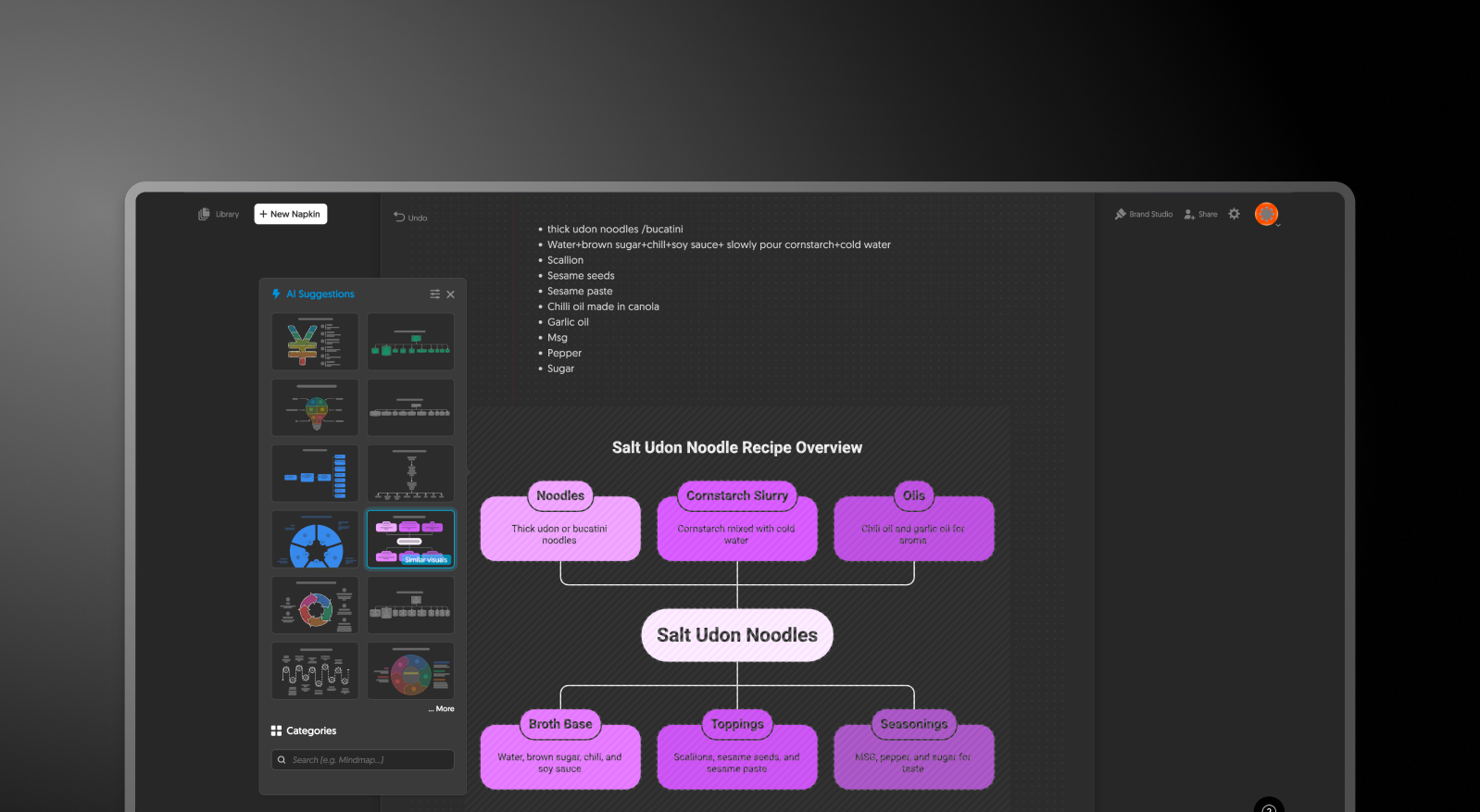
## What is Napkin.ai?
AI-powered visual creation platform that transforms text into diagrams, infographics, and standalone graphics. It's designed for individual visual outputs rather than end-to-end presentation building.

## What is Presentations.AI?
The first and only AI-native presentation tool that effortlessly transforms everything from a single text prompt, document, or outline into a polished slide deck. AI-driven design with adaptive templates, brand sync, real-time collaboration, high-fidelity PowerPoint export.

## Napkin.ai vs Presentations.AI: Feature Comparison
Napkin.ai is designed for quick visuals like diagrams, charts, and infographics generated from text. Presentations AI is built for generating complete, business-ready presentations with AI, including content, design, and branding. The key difference lies in scope: single visuals vs. full presentation workflows.
| Capability | Napkin.ai | Presentations.AI |
| --- | --- | --- |
| Primary Focus | Individual diagrams and infographics | End-to-end presentation creation (including single slides) |
| AI Integration | Text-to-visual conversion for standalone graphics | AI powers everything from content generation to layout and branding |
| Content & Deck Creation | No full-deck creation; requires external tools | Generate complete presentations or individual slides instantly |
| Template Library | Limited templates for single visuals | Extensive library with consistent, business-ready designs |
| Brand Customization | Basic colors and fonts | Automatic Brand Sync with logos, fonts, and colors |
| Input Methods | Text input for diagrams | Upload PDFs, Word docs, URLs, or prompts |
| PowerPoint Export | PNG, PDF, SVG only (no .pptx support) | High-fidelity .pptx export for slides and full decks |
| Team Collaboration | Basic diagram-level collaboration | Real-time collaboration, comments, and shared workflows |
| Free Plan | Limited features or watermarked exports | 100 credits and up to 20 slides, no credit card required |
| Pricing | Per-user pricing; can become expensive for teams | Starts at $16/month with better value for teams |
| Best Use Case | Quick diagrams and infographics | Business presentations, pitch decks, and client-ready slides |
## Napkin.ai and Presentations.AI at a Glance
Napkin.ai is an AI-powered visual creation tool specializing in standalone diagrams, infographics, and individual graphics — it excels at turning text into visually compelling single-frame visuals. Presentations AI is a full AI-native presentation platform that generates complete, multi-slide decks from text prompts or documents, with brand sync, real-time collaboration, and native PowerPoint export built in.
The key difference is scope. Napkin.ai creates individual visuals that must then be manually exported as PNG, PDF, or SVG files and stitched together in a separate presentation tool — adding layers of manual work whenever you need a complete slide deck. It has no built-in PowerPoint export, no multi-slide deck structure, and only basic team collaboration at the diagram level. Presentations AI covers the entire presentation workflow in one platform, eliminating the need for a separate diagramming tool altogether.
For teams who need both striking visuals and complete presentations without juggling multiple subscriptions, Presentations AI offers a compelling case: native .pptx export that eliminates the PNG stitching workaround, AI that handles layout, brand compliance, and design across entire decks, and real-time collaboration across all slides that Napkin.ai cannot provide at the deck level.
## How Napkin.ai Works
**Step 1: Sign Up** – Create a free or paid account. Paid tiers typically unlock more robust features.
**Step 2: Enter Your Content –** Input a paragraph, bullet points, or a rough concept describing the visual you want to create.
**Step 3: Generate and Select a Visual –** Napkin.ai auto-generates the diagram. Manually fine-tune fonts, colors, and shapes.
**Step 4: Export the Visual –** Download the final output as a PNG, PDF, or SVG file. There is no option to export as a native PowerPoint slide (.pptx).
**Step 5: Assemble Your Presentation Manually**– Import the exported visuals into PowerPoint or Google Slides and manually arrange them into a presentation. This step requires additional formatting, alignment, and branding effort.
## How Presentations AI Works
**Step 1: Sign Up at Presentations AI** – Enjoy a free plan allowing up to five presentations or single slides before upgrading.
**Step 2: Start with Input –** Upload a document, paste a URL, or simply enter a text prompt.
**Step 3: AI Generates the Narrative and Structure –** AI extracts key ideas and structures a clear presentation narrative. It understands different business use cases such as pitch decks, reports, or strategy presentations.
**Step 4: Automatic Slide Creation and Design** – Slides are generated instantly with adaptive layouts. The design adjusts dynamically based on the content, with no need for manual resizing.
**Step 4: Apply Brand Sync and Customize –** Enter your company URL or brand details once, and the platform automatically applies your logo, fonts, and colors across all slides.
**Step 5: Collaborate in Real Time** – Invite team members to edit, comment, and review. Built-in collaboration eliminates the need for file sharing or version tracking.
**Step 6: Export or Present Instantly** – Export the final presentation as a high-fidelity PowerPoint file (.pptx) or generate a single slide if needed. You can also present directly or share a link for feedback.
## Six Reasons Teams Choose Presentations.AI Over Napkin.ai
Instead of producing isolated visuals, our [AI presentation generator](https://www.presentations.ai/ai-presentation-maker) helps professionals create polished PowerPoint presentations faster, making it the smarter choice for teams looking to streamline presentation workflows.
### **All-in-one AI presentation workflow:**
Create full presentations, or single slides with the [AI slide creator](https://www.presentations.ai/ai-slide-creator), without switching between tools.
### **Native PowerPoint export (.pptx):**
Export fully editable slides instead of stitching together static images
### **AI-driven storytelling:**
Go beyond diagrams with structured narratives designed for business presentations
### **Automatic brand consistency:**
Apply logos, fonts, and colors across every slide instantly
### **Real-time collaboration:**
Teams can edit, comment, and iterate together in one shared workspace
### **Better value for teams:**
Replace multiple tools for diagramming and presentation creation with a single platform
## Why Diagram-to-Deck Workflows Slow Teams Down
If your team creates even a few dozen presentations a year, the workflow matters more than the tool. With Napkin.ai, each diagram is just one step — you still need to export it, import it into PowerPoint, and manually assemble the final deck.
This fragmented process slows teams down and adds hours of repetitive work. As a result, many professionals start looking for a more efficient Napkin.ai alternative that can handle both visuals and presentations in one place.
[Presentations AI](https://www.presentations.ai/?r=0) solves this by combining AI-powered content generation, slide design, and PowerPoint export into a single workflow — helping teams create complete, on-brand presentations faster.

## Frequently Asked Questions
### What is the main difference between Napkin.ai and Presentations.AI?

The main difference is scope. Napkin.ai is a text-to-visual tool that turns written input into individual diagrams, infographics, flowcharts, and mind maps. Presentations.AI is an end-to-end AI presentation platform that generates complete multi-slide decks from a document, outline, or prompt, with brand sync and PowerPoint export built in. Napkin.ai makes single visuals. Presentations.AI makes finished presentations.
### Can you export from Napkin.ai to PowerPoint?

Yes, Napkin.ai now supports PowerPoint export, but it is locked to paid plans. Free users can export only PNG and PDF files with a Napkin watermark. PPTX export becomes available on the Plus tier and above. Presentations.AI includes high-fidelity PowerPoint export on every plan, including the free tier, with no watermark.
### Is Napkin.ai free?

Yes, Napkin.ai has a free plan that includes 500 AI credits per week and exports to PNG and PDF with a Napkin watermark. PowerPoint and SVG exports require the Plus plan. Presentations.AI also offers a free plan with five complete AI-generated presentations, no credit card required, no watermark, and full PowerPoint export included.
### Does Napkin.ai create full presentations?

Napkin.ai is built for individual visuals, not full slide decks. It generates standalone diagrams, infographics, and charts that you then export and assemble into a presentation in PowerPoint or another tool. Presentations.AI generates the entire deck in one step. Content, layouts, brand application, and animations are produced together, ready for export or live presenting.
### What is the best alternative to Napkin.ai for business presentations?

Presentations.AI is the closest end-to-end alternative for teams who currently rely on Napkin.ai. It removes the export-and-stitch workflow by generating full presentations directly from documents or prompts, applies your brand automatically through company URL sync, and exports a high-fidelity PowerPoint file. For teams who need both visuals and complete decks in one workflow, it consolidates the work into one platform.
Show All Questions
Show Less
Sign in with GoogleSign in with Google. Opens in new tab
Sign In - Google Accounts
Sign in with GoogleSign in with Google. Opens in new tab
## Canva vs Gamma vs Presentations.AI
# Canva vs Gamma vs Presentations.AI: An Honest 2026 Comparison

## What is Canva?
Canva is a browser-based design platform covering an enormous range of output formats: social media graphics, presentations, videos, documents, whiteboards, websites, and more. Its drag-and-drop editor and library of millions of templates have made it one of the most widely adopted design tools worldwide, particularly among non-designers who need professional-looking visuals without hiring a designer.
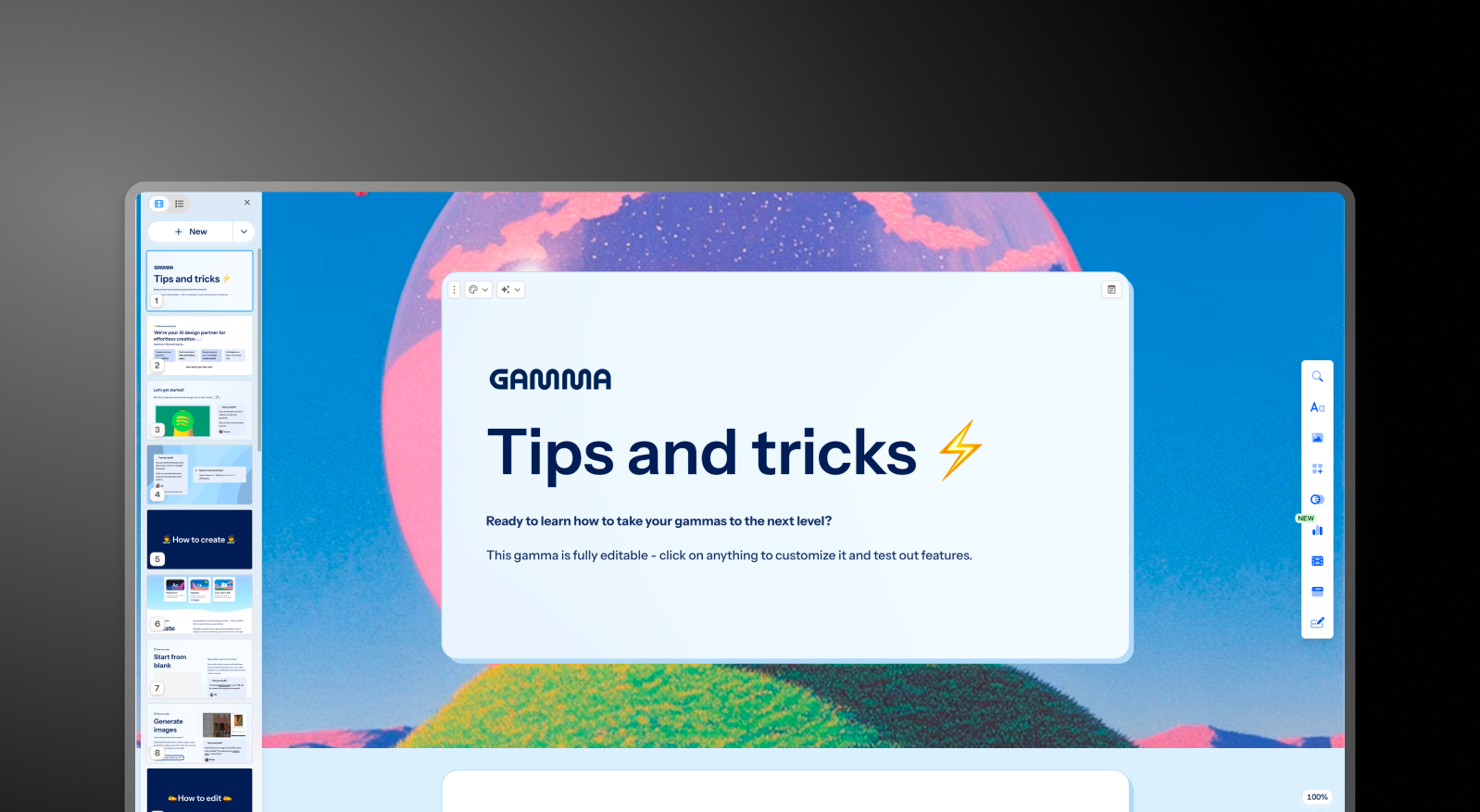
## What is Gamma?
Gamma is a browser-based creation tool that generates presentations, documents, and web pages from a text prompt. Its card-based format is the distinguishing structural choice: instead of fixed-size slides, cards expand and contract to fit their content, making them well-suited for browser-based sharing, async reading, and multi-format output.

## What is Presentations AI?
Presentations AI is the first and only AI-native platform focused exclusively on presentations, with a single-minded focus on business presentations since 2019. It is built specifically for high-stakes slide creation: investor pitches, sales decks, board presentations, and anything where the output needs to move a decision.

## Quick Overview
| Tool | Best For | AI Features | Starting Price |
| --- | --- | --- | --- |
| Canva | General design, social media, and marketing teams | Magic Design (layouts) + Magic Write (copy) | Free / $120/year (Pro) |
| Gamma | Multi-format creators, small teams | Prompt-to-deck + AI Agent editing | Free / $12/month (Plus) |
| Presentations AI | Professionals, sales teams, enterprises | Full AI collaborator (Clip-E) + Brand Sync | Free / $240/year (Pro) |
## Canva vs Gamma vs Presentations AI: Feature-by-Feature Comparison
## AI-Powered Slide Generation
**Canva**: Magic Design generates a slide deck layout from a text prompt or an uploaded document, applying a visual theme and populating slides with structured placeholder content.
Magic Write assists with copy at the individual slide level. What it cannot do: research a topic, build a logical narrative arc, or iterate on your deck through conversation. The AI handles visual scaffolding. The substance of every slide remains your responsibility.
**Gamma**: Gamma generates a full deck from a prompt using ChatGPT integration and continues iterating through its AI Agent. Users can ask the AI to revise sections, research topics, or add new content after the initial draft.
The output quality is consistent regardless of business context, meaning generic decks that typically need two to four hours of editing before they are ready for a boardroom or client. Card limits vary by plan, from 10 cards per prompt on the free tier up to 75 on Ultra.
**Presentations AI**: Clip-E handles end-to-end deck creation using AI trained specifically on business persuasion architecture. Generate from a prompt, import a PDF, paste a URL, or upload a Word doc, and the AI builds a structured, brand-consistent, business-ready deck that requires minimal editing.
You can refine, add slides, and adjust content through natural conversation without leaving the platform.
## Design Quality and Customization
**Canva**: Design flexibility is Canva's clearest advantage. You can move any element freely on a slide, layer objects, apply custom animations, and draw from millions of templates across every style and use case.
For teams that want precise control over how their presentations look, no tool in this comparison comes close. The trade-off: producing consistently polished output requires design judgment. Canva provides every tool; it does not make decisions for you.
**Gamma**: Gamma's output is visually modern and well-suited to its card-based format. Customization options on paid plans include custom fonts and themes. Visual quality shines for browser-based sharing, but can look less polished in exported PowerPoint format.
**Presentations AI**: Anti-fragile templates adapt intelligently as content changes without breaking the design structure. Brand Sync automatically applies your company's visual identity from a URL, so every deck is on-brand from the first slide without any manual theme setup.
With 10,000-plus professional templates, vast stock image and icon libraries, and automatic professional animations, Presentations AI delivers consistent visual quality that neither competitor can match at scale.
## Collaboration and Team Features
**Canva**: Real-time collaboration is available across all plans, includi ng the free tier. Team plans add shared brand kits, folders, template locking, and admin controls. The collaboration experience is mature and broadly used, especially in marketing and creative teams that already work inside Canva for other design formats.
Brand kit management in Teams provides centralized storage for logos, colors, and fonts, but applying those assets to presentations requires manual selection rather than automatic enforcement.
**Gamma**: Real-time collaboration is available on all plans. Team-level features, including custom company themes, shared folders, admin controls, and centralized billing, cost $20/seat/month with a minimum of two seats. Brand management requires manual setup for every presentation, with no centralized governance.
**Presentations AI**: Team collaboration, real-time sync, and access controls are included at the Starter level. Every team member has access to the Clip-E AI assistant, which means any user can produce professional-quality output independently.
Brand Sync is a one-time setup that delivers perpetual consistency across every deck anyone on the team creates. The Enterprise tier adds admin capabilities, company-wide templates, and enterprise security.
## Export and Integration Options
**Canva**: Export options are the most comprehensive of the three: PowerPoint, PDF, MP4 video, GIF, PNG, SVG, and more. PowerPoint export quality is generally strong, though advanced Canva-specific animations and effects do not always carry over cleanly to .pptx format.
Canva integrates natively with Google Drive, Dropbox, HubSpot, Mailchimp, and a wide range of other tools through its app marketplace.
**Gamma**: Exports to PowerPoint and PDF on all plans, including the free tier. The card-based format does not always convert cleanly to 16:9 slides. Common issues include overlapping boxes, missing fonts, and broken formatting.
Budget time for cleanup when delivering .pptx files externally. Gamma also supports web-based sharing, doc output, and social content formats that the other two tools do not cover.
**Presentations AI**: High-fidelity PowerPoint export on the Pro plan, designed from the ground up to translate correctly to .pptx format: one-click and boardroom-ready. PDF export is also available on Pro and above. Multiple import options, including PDF, Word, and URL, give it the most flexible intake of the three.
## Ease of Use and Learning Curve
**Canva**: Easy to start, especially for users already familiar with drag-and-drop design tools. The template library makes it easy to get a first slide that looks polished.
Building a full, coherent presentation with a logical narrative structure still requires significant manual effort. The tool handles design mechanics well; the strategic thinking behind the deck remains entirely with the user.
**Gamma**: Straightforward onboarding with a generous free tier that lets you create real presentations before committing to anything.
The card-based format takes a few decks to get comfortable with, especially if you are accustomed to traditional slide layouts. The platform's multi-format scope can be confusing for users who only need presentations.
**Presentations AI**: The conversational interface with Clip-E significantly reduces the learning curve. Because you can describe what you want in plain language, users with no design experience can quickly produce polished, persuasion-structured output. Brand Sync eliminates the setup friction that typically slows teams down when adopting a new tool.
Here’s a table comparing the three tools in depth:
| Capability | Canva | Gamma | Presentations AI |
| --- | --- | --- | --- |
| Core Approach | General-purpose design platform with presentation capability | Multi-format AI generation (decks, docs, web pages, social) | AI-driven content structuring and generation, exclusively for presentations |
| Typical Use Cases | Social media, marketing, general design, presentations | Instagram carousels, personal sites, multi-format content | Board decks, investor pitches, enterprise sales |
| Document Import | Basic file upload, limited conversion | Basic text/prompt input | PDF, Word, URL conversion |
| Brand Management | Manual Brand Kit setup on the Teams plan | Manual setup for every presentation, no centralized governance | Automatic from the company URL. One-time setup, perpetual consistency |
| PowerPoint Export | Available with some animation fidelity loss | ❌ Overlapping boxes, missing fonts, broken formatting | ✅ High-fidelity, one-click, boardroom-ready |
| Template Library | Millions across all design formats | Moderate library | 1,000+ professional presentation templates |
| AI Output Quality | Layout scaffolding, no narrative structure | Generic output regardless of business context; 2 to 4 hours editing typically needed | Trained on business persuasion architecture; business-ready with minimal editing |
| AI Iteration After First Draft | Limited, manual editing required | Yes, via AI Agent | Yes, full conversational iteration |
| Stock Images / Icons / Animations | Vast library (premium assets on Pro) | Moderate | Vast design libraries and automatic professional animations |
| Collaboration | Real-time on all plans | Real-time on all plans | Real-time team workflows (Starter+) |
| Enterprise Security | ISO 27001; SOC 2 is not the standard | ❌ No SOC 2 | ✅ SOC 2 Type II certified, complete audit trails, GDPR-ready |
| Data / Content Ownership | Users retain ownership | ❌ Grants Gamma perpetual, irrevocable, worldwide rights | ✅ Users retain full ownership |
| GDPR / Privacy Compliance | Standard compliance | ❌ Viewer tracking raises GDPR concerns | ✅ Privacy by design, no viewer tracking |
| Audit Trail | Limited | ❌ None | ✅ Full audit logging |
| Fortune 500 Adoption | Widespread for general design | Minimal | Widespread for business presentations |
| Free Plan | Yes: Generous, no card required | Yes: 400 one-time credits, no card | Yes: Unlimited users, 100 credits, up to 20 slides, no card |
| Hidden Costs | Premium elements, fonts, and stock require Pro | Export fixes, brand violations, and potential legal risk | None |
| Best For | Design-heavy teams, multi-format creative output | Multi-format content creation, solo creators | Teams that need business-critical, persuasion-structured presentations |
## Pricing Comparison: Canva vs Gamma vs Presentations AI
Pricing in this category is rarely just about the headline number. What matters is what you hit once you need collaboration, brand controls, or clean exports. All three tools handle that differently.
### Canva Pricing
Canva has four tiers: Free, Pro, Teams, and Enterprise. The free plan is genuinely broad and covers basic presentation needs for many individuals.
- **Free**: Hundreds of thousands of templates, basic AI tools, real-time collaboration, and export to PDF and PowerPoint. Premium elements, stock images, and fonts are locked behind a paywall.
- **Pro**: $120/year per person (equivalent to $10/month). Unlocks the full template library, Brand Kit, background remover, premium stock assets, advanced AI tools, and additional export formats.
- **Teams**: $10/person/month, billed annually; minimum of 3 people. Adds team Brand Kit management, template locking, shared folders, admin controls, and centralized billing.
- **Enterprise**: Custom pricing. SSO, SCIM, advanced admin controls, dedicated account management, and priority support.
**What to watch out for**: Many of Canva's most visually appealing templates and stock elements are not included on the free plan. The Teams plan requires a minimum of three seats, so two-person teams pay for three regardless.
### Gamma Pricing
Gamma has four individual plans and two team plans. Monthly billing is available on most tiers, making it the most flexible of the three for buyers who are not ready to commit to an annual plan.
- **Free**: 400 one-time AI credits (do not refresh), up to 10 cards per prompt, Gamma branding on all output.
- **Plus**: $12/month (or approximately $9/month annual). Removes branding, 1,000 refreshing monthly credits, up to 20 cards per prompt.
- **Pro**: $25/month (or approximately $18/month annually). Premium AI models, API access, custom fonts, up to 10 custom domains, detailed analytics, 4,000 monthly credits, up to 50 cards per prompt.
- **Ultra**: $100/month (monthly only). 20,000 monthly credits, up to 75 cards per prompt, Studio Mode, and the most advanced AI image models.
- **Team**: $20/seat/month, minimum two seats. Custom company theme, shared folders, admin controls, centralized billing, 6,000 credits per seat.
- **Business**: $40/seat/month, minimum 10 seats. SSO, SOC 2 documentation, advanced data controls, 10,000 credits per seat.
**What to watch out for**: Free plan credits are one-time, not monthly. Gamma's data ownership clause grants the platform perpetual, worldwide rights to your content, which is a hard stop for most enterprise legal and compliance teams.
## Presentations AI Pricing
Presentations AI keeps its structure simple with three tiers. There is no monthly billing option; plans are available only on an annual or quarterly basis.
- **Starter**: Free. Unlimited users, limited AI credits, brand themes, team collaboration, and basic functionality. 100 credits and up to 20 slides, no credit card required.
- **Pro**: $240/year (one user). Equivalent to $20/month. Additional AI credits, Pro templates, custom fonts and colors, analytics, PDF export, and advanced features.
- **Enterprise**: Custom pricing. Unlimited AI credits, company-wide templates, admin capabilities, dedicated support, enterprise security, and compliance.
The Starter plan is genuinely multi-user, making it a practical way for an entire team to evaluate the platform before committing. The Pro plan at $240/year undercuts Gamma's equivalent Pro tier ($25/month) by 20% on an annualized basis.
| Plan / Feature | Canva | Gamma | Presentations AI |
| --- | --- | --- | --- |
| Free plan | Yes (generous, no card) | Yes (400 one-time credits) | Yes (unlimited users, 100 credits, up to 20 slides) |
| Starter/entry paid | $120/year ($10/mo, Pro) | $12/mo (Plus) | $240/year ($20/mo) |
| Mid-tier paid | N/A | $25/mo (Pro) | N/A |
| Team plan | $10/person/mo (min. 3, annual) | $20/seat/mo (min. 2) | Enterprise (custom) |
| Enterprise | Custom | $40/seat/mo (min. 10) | Custom |
| AI credits included | Included in Pro; limited on Free | 1,000 to 20,000/mo (plan-dependent) | Limited on Starter; more on Pro; unlimited on Enterprise |
## Which Tool is Best for Your Use Case?
### Best for Startups and Pitch Decks
When you are creating an investor deck, the quality of the argument matters as much as the visual polish. Presentations AI wins here on both counts.
Clip-E generates a structured, persuasion-ready pitch deck from a prompt or an uploaded document, built on AI trained specifically on how business decisions get made. You can iterate in natural language without toggling between slides manually.
The Pro plan at $240/year is accessible for early-stage founders. Canva is a reasonable option for founders with a strong design sensibility who want full control over layout. Gamma is less suited to high-stakes pitch workflows given its generic output and limitations in PowerPoint exports.
### Best for Sales Teams
Sales teams need decks that are fast to produce, consistently on-brand, and trackable once shared. Presentations AI delivers on all three: AI-driven creation, Brand Sync for consistent output across reps, and viewer analytics on paid plans.
Sales teams widely use Canva for proposals and one-pagers, but building a complete sales deck in Canva requires more manual effort than most reps want to invest. Gamma is less purpose-built for sales deck workflows.
### Best for Marketing Teams
This is where Canva competes most directly. Marketing teams that produce social content, campaign visuals, and presentations within a single workflow will find Canva hard to beat for overall creative breadth. For teams where presentations are one of many design deliverables, Canva makes practical sense.
But for marketing teams whose presentations need to reflect brand guidelines precisely and be produced at scale without design overhead, Presentations AI's Brand Sync creates a genuine operational advantage. Every deck auto-aligns with the brand without anyone selecting a theme or manually checking a kit.
### Best for Enterprise and Large Teams
Presentations AI at the Enterprise tier offers unlimited AI credits, company-wide templates, admin controls, complete audit trails, and full enterprise security. SOC 2 Type II certification and GDPR readiness are meaningful differentiators in procurement and security review processes, and the data ownership terms are clear: users retain all rights to their content.
Canva's Enterprise plan covers SSO, SCIM, and dedicated account management with ISO 27001 certification. But the lack of SOC 2 Type II at standard tiers creates friction in stricter enterprise environments.
Gamma Business at $40/seat adds SSO and SOC 2 documentation, but the platform's perpetual content rights clause is a hard stop for most legal and compliance teams.
### Best for Individuals and Freelancers
All three tools offer a free plan with no credit card required. Canva's free tier is the most broadly useful for general design work.
Gamma's free tier is the strongest for AI-generated multi-format content.
Presentations AI's free Starter plan is the best option for individuals who need to produce professional business presentations and want to evaluate the full platform with teammates before upgrading.
For solo professionals who create decks regularly, Presentations AI Pro at $20/month equivalent offers the best value for the feature set it delivers.
## Five Reasons Teams Choose Presentations.AI Over Canva and Gamma
Canva and Gamma each win in specific scenarios. Canva is the stronger tool when design flexibility and multi-format creative output are the priority. Gamma is better suited to AI-generated content across formats, with month-to-month pricing flexibility. Both are solid tools within their defined lanes.
But Presentations AI is the only tool built from the ground up for one job: producing professional business presentations that are persuasive, on-brand, and ready to share with minimal editing.
- **Brand Sync** goes further than any Brand Kit. It reads your company URL and automatically applies your visual identity across every deck. Every presentation is on-brand from slide one, with zero manual setup. Canva's Brand Kit requires deliberate selection. Gamma's theming requires manual configuration for every new presentation.
- **Clip-E** is trained on business persuasion, not just content generation. The AI structures decks in a way that business decisions get made: logical, persuasive, and audience-aware. Canva's AI generates layouts. Gamma's AI Agent produces generic output that typically needs two to four hours of editing before it is ready for a boardroom.
- **Multi-source input** is a real workflow advantage. Turn a PDF, a Word doc, a URL, or a plain prompt into a polished deck. Neither Canva nor Gamma supports conversion from all four input types.
- The **data ownership** terms are clean. Presentations AI users retain full rights to their content. Gamma's terms grant the platform perpetual, worldwide rights. For any team handling confidential material, that distinction is not a minor footnote.
- The **free Starter plan** is genuinely multi-user. Your whole team can explore the platform before anyone commits to a budget. No credit card required, and up to 5 full presentations included.
## Verdict: Which AI Presentation Maker Should You Choose in 2026?
**Choose Canva if you**:
- Produce presentations alongside a wider range of design work: social, marketing, and video
- Need maximum layout freedom and a massive, multi-format template library
- Have a design-comfortable team that is happy making visual decisions manually
- Want a free plan with broad design capabilities and no credit card required
**Choose Gamma if you**:
- Create content across multiple formats: presentations, docs, web pages, social content
- Want month-to-month flexibility before committing to an annual plan
- We are a small team that needs collaborative features at a reasonable per-seat price
- Do not need high-fidelity PowerPoint export or enterprise security compliance
**Choose Presentations AI if you**:
- Want AI that structures decks for persuasion, not just fills in slides
- Need brand consistency to be automatic, not dependent on manual theme selection
- Regularly convert PDFs, Word docs, or URLs into presentation format
- Are building business-critical decks: pitches, sales presentations, board updates
- Need a clean PowerPoint export and enterprise-grade data ownership terms

## Frequently Asked Questions
### Is Canva better than Gamma for presentations?

Canva vs Gamma for presentations depends on what you are trying to produce. Canva offers more design control and a far larger template library, but building a fully structured deck still requires significant manual effort. Gamma generates a complete deck from a prompt and continues iterating through its AI Agent, but the output is generic by design and typically needs editing before it is ready for a high-stakes audience.
### What is the best free AI presentation maker?

Among the best AI presentation makers in 2026, Gamma and Presentations.AI both offer free plans that do not require a credit card. Gamma's free tier includes 400 one-time AI credits and PowerPoint export, making it the more feature-complete free option on the surface. Presentations.AI's free Starter plan supports unlimited users and includes brand themes and team collaboration, which is a meaningful advantage for teams evaluating the platform together before upgrading.
### Which AI presentation tool is best for teams?

For design-heavy teams working across multiple content formats, Canva Teams at $10/person/month is the most flexible entry point (minimum three seats). For small presentation-focused teams on a budget, Gamma's Team plan at $20/seat/month is a practical option with solid collaboration features. For teams where brand consistency and AI-assisted creation need to scale across all members, Presentations.AI gives every user access to Clip-E so professional output is not dependent on design skills. For enterprise teams with IT and compliance requirements, Presentations.AI's SOC 2 Type II certification makes it the lowest-friction option through procurement.
### How much do Canva, Gamma, and Presentations.AI cost?

Canva offers a free plan and a Pro plan at $120/year ($10/month). Teams pricing starts at $10/person/month (minimum three people). Gamma offers a free tier with 400 one-time credits and paid plans starting at $12/month (Plus), with team plans at $20/seat/month. Presentations.AI offers a free Starter plan for unlimited users and a Pro plan at $240/year ($20/month equivalent). Enterprise pricing is custom for all three.
### What is the best alternative to Canva and Gamma?

Presentations.AI is the strongest Canva alternative and Gamma alternative for teams focused on professional presentation output. For buyers who want brand-consistent, business-critical decks with a conversational AI collaborator and no credit card required to start, Presentations.AI is the logical conclusion of the Canva vs Gamma vs Presentations.AI comparison.
Show All Questions
Show Less
Sign in with GoogleSign in with Google. Opens in new tab
Sign In - Google Accounts
Sign in with GoogleSign in with Google. Opens in new tab
## Gamma AI Overview
[Alternatives](https://www.presentations.ai/blog-category/alternatives)
# **Gamma Review 2026**: Features, Pricing, Pros & Cons
This review covers what Gamma actually does well in 2026, where its limitations show up in practice, how the pricing holds up at different usage levels.
Sumanth Raghavendra
Updated on
Apr 5, 2026
- [TL;DR](https://www.presentations.ai/blog/gamma-review#tl;dr)
- [Quick Verdict: Who Should Use Gamma?](https://www.presentations.ai/blog/gamma-review#quick-verdict:-who-should-use-gamma?)
- [What's New in Gamma's 2026 Updates?](https://www.presentations.ai/blog/gamma-review#what's-new-in-gamma's-2026-updates?)
- [Our Review Methodology](https://www.presentations.ai/blog/gamma-review#our-review-methodology)
- [Gamma Overview](https://www.presentations.ai/blog/gamma-review#gamma-overview)
- [Real-World Testing Scenarios and Results](https://www.presentations.ai/blog/gamma-review#real-world-testing-scenarios-and-results)
- [What Is Gamma AI?](https://www.presentations.ai/blog/gamma-review#what-is-gamma-ai?)
- [Key Features of Gamma](https://www.presentations.ai/blog/gamma-review#key-features-of-gamma)
- [How to Create a Presentation in Gamma](https://www.presentations.ai/blog/gamma-review#how-to-create-a-presentation-in-gamma)
- [AI Capabilities, Limits, and Credit Usage](https://www.presentations.ai/blog/gamma-review#ai-capabilities,-limits,-and-credit-usage)
- [Limitations for Professional Presentation Workflows](https://www.presentations.ai/blog/gamma-review#limitations-for-professional-presentation-workflows)
- [PowerPoint Export Issues and Practical Fixes](https://www.presentations.ai/blog/gamma-review#powerpoint-export-issues-and-practical-fixes)
- [Content Rights, Security, and Compliance](https://www.presentations.ai/blog/gamma-review#content-rights,-security,-and-compliance)
- [Gamma Pricing: All Plans Explained](https://www.presentations.ai/blog/gamma-review#gamma-pricing:-all-plans-explained)
- [User Reviews: Common Praise and Complaints](https://www.presentations.ai/blog/gamma-review#user-reviews:-common-praise-and-complaints)
- [Gamma AI Pros and Cons](https://www.presentations.ai/blog/gamma-review#gamma-ai-pros-and-cons)
- [Gamma vs Presentations AI](https://www.presentations.ai/blog/gamma-review#gamma-vs-presentations-ai)
- [Best Alternatives to Gamma AI](https://www.presentations.ai/blog/gamma-review#best-alternatives-to-gamma-ai)
- [How to Decide: When to Use Gamma vs Presentations.AI](https://www.presentations.ai/blog/gamma-review#how-to-decide:-when-to-use-gamma-vs-presentations.ai)
- [Should You Choose Gamma AI For Your Company?](https://www.presentations.ai/blog/gamma-review#should-you-choose-gamma-ai-for-your-company?)
Your presentations should close deals.
Use a tool built for that.
[Get Started For Free](https://app.presentations.ai/)
## TL;DR
- Gamma generates a full deck from a prompt in under a minute, and it asks for zero design skills. The engine covers presentations and documents, plus websites and social posts.
- Plans run Free, Plus ($12/mo), Pro ($25/mo), and Ultra ($100/mo), with Team from $20/seat/mo. Free credits arrive once as a 400-credit total instead of refreshing monthly.
- Brand control stays manual, since you pick a theme per deck and workspace-level enforcement is absent. PowerPoint exports frequently need cleanup.
- AI credit limits create friction. A Plus user realistically produces four to five polished decks per month before hitting the ceiling.
- For business-critical decks like sales, funding, board updates, and client proposals, Presentations.AI is the stronger fit. It is built around brand control, editable exports, richer inputs, and AI iteration beyond the first draft.
## Quick Verdict: Who Should Use Gamma?
Our lens: we evaluated Gamma the way business teams use presentation software. Testing started with messy inputs and moved through building a clear narrative. We then applied brand standards, exported to PowerPoint, and shared with stakeholders who expect a ready deck.
Use Gamma if you need a fast, lightweight, web-based deck and rarely depend on PowerPoint handoff, brand governance, or compliance review. Look at [Presentations.AI](https://www.presentations.ai/?r=0) if your presentations support sales, funding, board updates, strategy reviews, or client work where brand consistency, data ownership, and editable exports matter.
| Category | Score (1–5) | Notes |
| --- | --- | --- |
| Ease of use | 5 | Minimal learning curve; first deck in minutes |
| AI output quality | 4 | Strong first drafts for standard business topics |
| Design quality | 4 | Polished, modern web-native output by default |
| Export reliability | 2 | PowerPoint exports often need a cleanup pass |
| Collaboration | 3 | Basic co-editing; no approval workflows or shared template governance |
| Brand control | 2 | No workspace-level enforcement; manual theme selection per deck |
| Security & compliance | 2 | No SOC 2 on standard plans; content rights concerns on Free/Plus |
| Pricing value | 4 | Competitive entry price, but credit limits temper the value |
| Overall fit | 3.5 | Best for lower-stakes, link-shared decks |
Category-by-category scores for Gamma across usability, output, exports, security, and pricing value.
## What's New in Gamma's 2026 Updates?
Gamma searchers in 2026 want to know what changed this year beyond evergreen feature coverage. Here is a consolidated view of the workflow-relevant updates verified at publication.
- AI image generation (March 2026): Gamma added text-to-image generation for charts, visualizations, marketing collateral, social graphics, and infographics, positioning itself against Canva and Adobe.
- Continued expansion beyond decks: The platform keeps broadening into websites, documents, and social content instead of deepening business-presentation features.
- Credit-based AI model persists: Every AI action still consumes credits. Free-plan credits remain a one-time 400-credit total instead of a monthly refresh.
- Plan lineup: Individual plans span Free, Plus ($12/mo), Pro ($25/mo), and Ultra ($100/mo). Team plans start at $20/seat/mo and Business at $40/seat/mo.
## Our Review Methodology
We tested Gamma's Plus and Pro plans across common business workflows: sales pitches, internal reports, investor decks, and client proposals. The goal was to see where it saves time and where it creates extra cleanup work. We also checked when a dedicated business presentation tool makes more sense. This work stayed internal, and we kept the resources away from client accounts.
Our evaluation covered AI generation speed and output quality, plus PowerPoint and PDF export reliability. We also reviewed brand control setup and collaboration features. Finally, we tracked AI credit consumption at typical usage levels and pricing against competing tools at similar price points.
We reviewed user feedback from the past six months on G2, Capterra, and Trustpilot to cross-check our hands-on findings against broader user experience. Feature details and pricing were verified directly from Gamma's website and pricing page at publication.
## Gamma Overview
| | |
| --- | --- |
| **G2 Rating** | 4.1 out of 5 (23 reviews) |
| **Capterra Rating** | 3.8 out of 5 (4 reviews) |
| **Trustpilot** | 1.6 out of 5 (88 reviews) |
| **Plans available** | Free; Plus $12/mo, Pro $25/mo, Ultra $100/mo |
| **Team Plans** | Team $20/seat/mo (min. 2 seats); Business $40/seat/mo (min. 10 seats) |
| **Best For** | Individuals and small teams needing fast AI-generated decks with a low barrier to entry |
| **Biggest Limitation** | AI credit limits, thin brand controls, and inconsistent PowerPoint exports |
| **Rating discrepancy** | Gamma is rated comparatively well on G2, but on Trustpilot, it’s rated just 1.7 out of 5. Reviews mention dissatisfaction with customer service, subscriptions, and overall user experience. |
_Gamma AI in action_
Gamma is one of the more accessible [AI presentation maker](https://www.presentations.ai/ai-presentation-maker) options in the market. The free plan is genuinely useful, the AI generation is fast, and the web-native output looks great. For individual contributors who need to create decks quickly and share them as links, Gamma delivers.
It struggles in the areas that matter most when teams grow: brand consistency cannot be enforced at the workspace level, PowerPoint exports frequently disappoint in desktop versions, and AI credit limits create friction for anyone using the tool regularly. The platform was built with individuals in mind, and that design intent shows when you try to scale its use across a team.
### Gamma is best for
- Individual contributors who need to produce well-designed decks quickly without a design background
- Freelancers and consultants who share presentations as web links rather than PowerPoint files
- Teams evaluating AI presentation tools that want to test the category without a payment commitment
- Educators and students creating visual content for presentations or pitches
### Gamma is not ideal for
- Teams that need brand standards enforced automatically across all decks; Gamma has no workspace-level brand controls.
- Organizations whose stakeholders or clients work in PowerPoint and need editable .pptx exports
- High-volume users; AI credit limits on all plans create friction for teams building multiple decks per week
- Companies that need real team collaboration features like shared template libraries, granular permissions, or approval workflows.
- Presentations that are data-heavy or require complex infographics and custom charts
## Real-World Testing Scenarios and Results
We ran Gamma across six realistic business scenarios to see how it performs beyond a demo prompt. The table summarizes output quality, time saved, and manual edits required. It also covers export reliability and our verdict for each.
| Scenario | Output Quality | Time Saved | Manual Edits | Export Reliability | Verdict |
| --- | --- | --- | --- | --- | --- |
| Sales pitch | Strong first draft | High | Moderate, tighten messaging | Usable, minor cleanup | Good fit for internal use |
| Investor deck | Good structure, generic narrative | Medium | Heavy, rework story | Cleanup needed for .pptx | Needs manual refinement |
| Quarterly report | Well organized | High | Light | Reliable as link | Solid for link sharing |
| Client proposal | Polished visuals | Medium | Moderate, brand alignment | Export cleanup required | Fine if shared as link |
| Data-heavy deck | Weak on complex charts | Low | Heavy, rebuild visuals | Charts shift in export | Not recommended |
| Last-minute update | Fast regeneration | High | Light | Good in viewer | Strong fit |
Six business scenarios rated for output quality, time saved, edits, export reliability, and overall verdict.
## What Is Gamma AI?
Gamma is an AI-powered content creation platform that turns prompts into presentations, documents, websites, and other visual assets. While it started as a presentation tool, it has evolved into a broader workspace for creating and sharing business content.
### Gamma's Evolution and Core Workflow
The company launched Gamma in 2020 as a slide editor. In early 2023, the team integrated ChatGPT, dramatically expanding its reach. Adoption accelerated quickly, including more than 60,000 signups after its Product Hunt debut. For many users, this was the moment Gamma became known as an AI-first alternative to traditional presentation software.
Since then, the product has expanded into websites, documents, social media content, and other formats. Presentations are referred to as "Gammas," reflecting the company's goal of serving a wider range of content creation needs rather than focusing exclusively on slide decks.
This evolution also helps explain how the platform operates today. AI handles the initial draft creation, while users make edits, customize layouts, and prepare files for sharing within the editor. Some people value this distinction between generation and refinement because it provides greater control over the final output. Others prefer a more unified experience with fewer handoffs between stages.
Instead of relying on conventional slide-by-slide navigation, Gamma uses a card-based format that scrolls vertically and expands interactively. This design works particularly well when content is shared through a link and viewed in a browser. Teams that primarily collaborate in PowerPoint can still export to .pptx, although the conversion process may occasionally require minor formatting adjustments.
## Key Features of Gamma
### **AI Generation From Prompts**
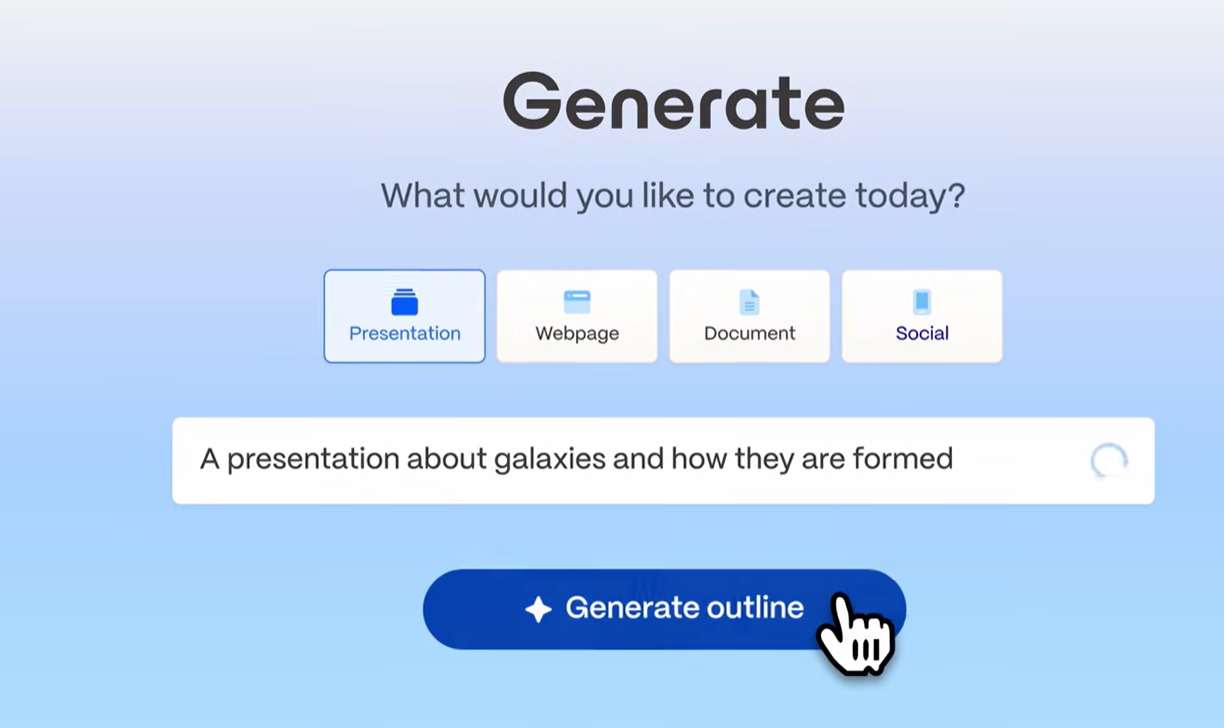
_AI generation capability in Gamma_
We started by generating several common deck types, including a company overview, a project update, and an educational presentation. In each case, Gamma produced a complete draft in under a minute after we entered a topic, added a small amount of context, and selected a presentation structure.
The results were generally well organized, with a logical flow between sections and clean visual layouts. For business topics, the generated content was usable as a starting point and required less editing than we usually see from comparable AI presentation tools. The strongest outputs were informational decks instead of highly specialized or data-heavy presentations.
### AI image generation
Gamma added image creation capabilities in March 2026 as part of its push into visual content production. [According to TechCrunch](https://techcrunch.com/2026/03/17/gamma-adds-ai-image-generation-tools-in-bid-to-take-on-canva-and-adobe/), the feature “will let users employ text prompts to create brand-specific assets like interactive charts and visualizations, marketing collateral, social graphics, and infographics”.
_Gamma AI’s image generation_
We experimented with several prompts and found the feature easy to use within the existing workspace. Instead of moving between separate applications, users can create custom visuals alongside written content. While still newer than dedicated design platforms, the addition makes it easier to build charts, graphics, and branded assets without leaving the platform.
### Web-native presentation format
One aspect that stood out immediately was Gamma's browser-first approach. Instead of sending files back and forth, content is distributed through a link that opens directly in a web browser.
For external audiences and asynchronous communication, the experience feels seamless. Interactive elements remain intact, and recipients see the content exactly as intended.
The trade-off appeared when we exported our work to PowerPoint. Although the conversion process was straightforward, certain layouts required minor cleanup afterward. Whether this matters depends largely on your team's workflow. Organizations that primarily distribute links will likely appreciate the approach, while PowerPoint-centric environments may encounter occasional friction.
### Editing and content controls
After creating an initial draft, we spent time refining copy, rearranging sections, replacing visuals, and adjusting layouts. Navigation felt intuitive, and the card-based structure made restructuring content quick.
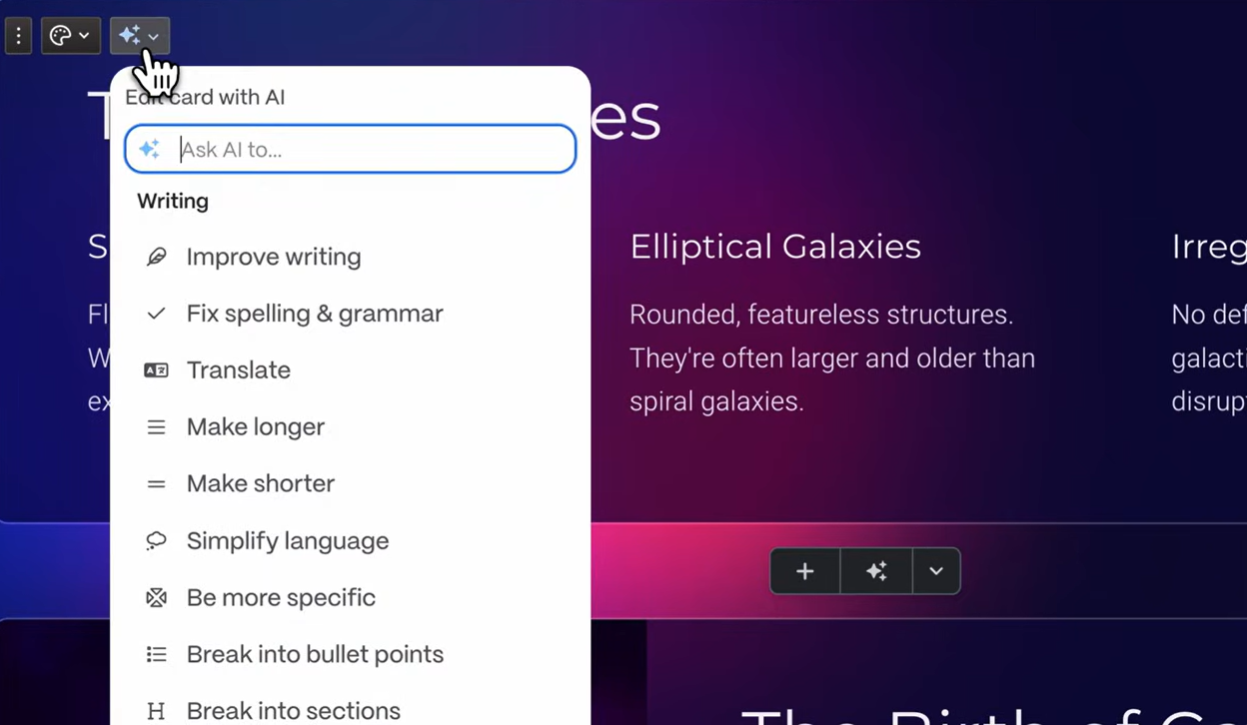
_Editing with AI_
We also tested the built-in assistance tools for shortening, expanding, and rewording text. These worked well for targeted changes. However, the platform becomes more hands-on once the first version is complete. Large-scale revisions generally require direct manipulation rather than issuing broader instructions through a conversational interface.
### Analytics and sharing
We reviewed Gamma's engagement tracking by publishing content and monitoring audience activity. The platform reports metrics such as views, time spent, and completion rates, providing useful insight into how recipients interact with materials.
These signals can be particularly valuable for sales and marketing teams that distribute resources as part of outreach efforts. Access controls are straightforward, with options for password protection and restricted visibility.
That said, the focus remains on audience engagement rather than document administration. Companies seeking extensive governance or advanced organizational controls may find the available options relatively basic.
### Collaboration features
We also explored how the platform handles team-based work. Multiple contributors can make changes simultaneously, leave feedback, and work from the same asset.
For smaller groups, the available functionality is likely sufficient. Larger organizations may notice the absence of features such as approval chains, granular permissions, or centralized template governance. Compared with software designed specifically for structured team workflows, the offering feels relatively lightweight.
## How to Create a Presentation in Gamma
During testing, Gamma's workflow felt fast and approachable. The important question for business teams is what happens after the first draft. How much structure, brand cleanup, and PowerPoint checking remains before the deck is ready? The process follows a clear four-step workflow.
### Step 1: Provide your input
From the dashboard, click Create new and select Presentation. You can start with a written brief, paste existing material, or import content from a URL. Before proceeding, Gamma lets you choose the approximate length and structure of the final output.
### Step 2: Review the first draft
Gamma produces a structured, multi-slide draft in under a minute. It selects a layout, populates slides with content, and automatically pulls in contextually relevant images. The output is organized and visually consistent out of the box.
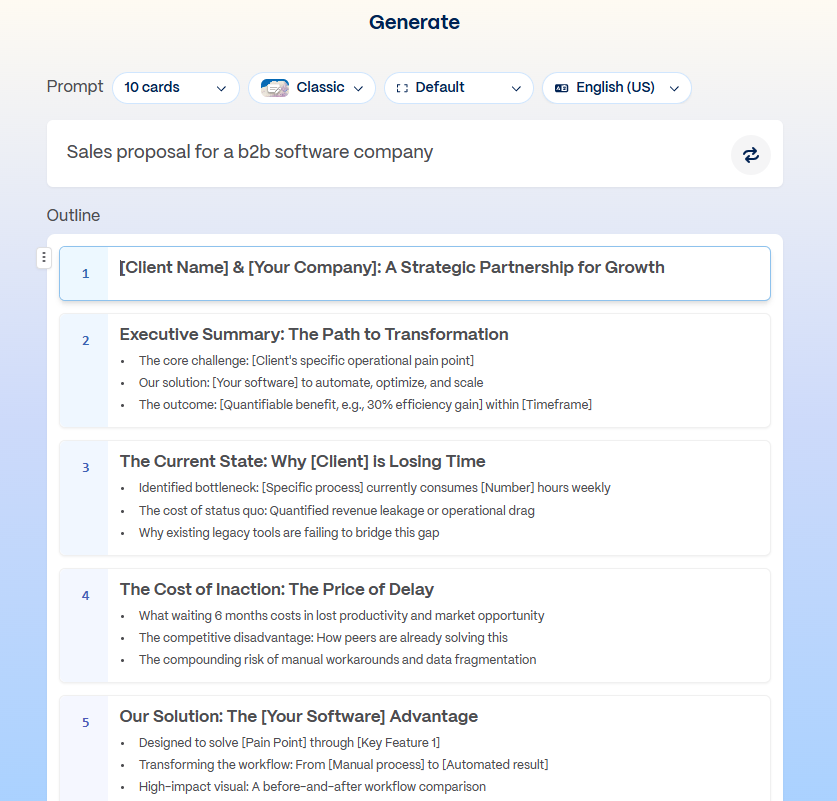
_Presentation outline generated by Gamma_
### Step 3: Customize the content
Once the draft is ready, you move into the editor to adjust text, swap images, reorder cards, and apply a theme. AI rewrite options (expand, condense, adjust tone) are available per card, though deeper structural changes require manual editing.
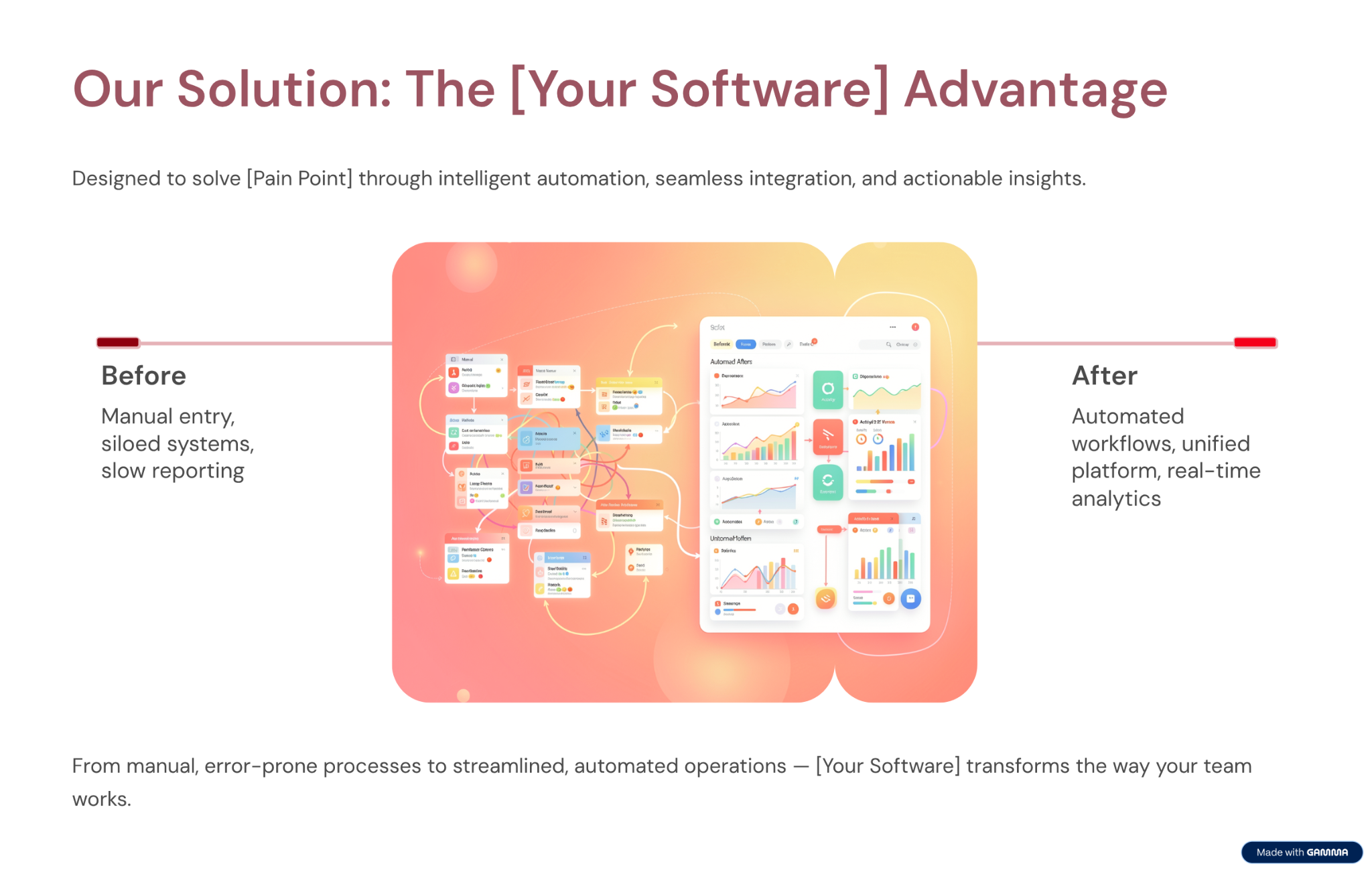
_Edit the generated cards according to your requirements_
Built-in assistance tools can rewrite, shorten, or expand individual blocks of content. Larger changes, however, typically require direct modification rather than a single AI instruction.
### Step 4: Publish or download
When you're satisfied with the result, you can distribute it through a shareable link or export it as a PDF or PowerPoint file.
Browser-based sharing delivered the smoothest experience during our evaluation since recipients view the content exactly as intended. PowerPoint exports were generally usable, though some files benefited from a quick formatting check before being sent externally.
#### Example prompts that worked well in our tests
- **Sales presentation**
"Create a 10-slide sales pitch for a B2B SaaS product that helps HR teams automate onboarding. Include a problem slide, solution overview, key features, pricing, and a call to action."
- **Investor presentation**
"Build a 12-slide investor deck for an early-stage fintech startup focused on expense management for SMBs. Include market size, product demo, traction, team, and funding ask."
One pattern became clear throughout our evaluation: detailed instructions consistently produced stronger results than short, open-ended requests. Defining the audience, desired length, and major sections upfront reduced the amount of refinement required afterward.
## AI Capabilities, Limits, and Credit Usage
### **What Gamma's AI Does Well**
The generation speed is genuinely impressive. You can go from a prompt to a finished deck in under a minute if your use case is simple.
The AI also handles image selection well by default, pulling in contextually relevant images that match the generated content. This removes one of the more time-consuming steps in building a deck from scratch.
### How Gamma’s AI Architecture Affects the Workflow
Gamma integrated AI into its existing editor, creating a workflow with two distinct stages. The AI generates an initial draft, while the editor is where users customize layouts, refine messaging, and finalize their work. Some users value this division because it offers more control over the finished output, while others prefer a more integrated creation experience.
| |
| --- |
| If you'd like to experience a modern, nifty AI Slide Maker, explore [Presentations.AI's slide maker→](https://www.presentations.ai/ai-slide-creator) |
### **Where the AI Reaches its Limits**
Gamma's AI produces a strong first draft, then steps back. You cannot have a back-and-forth conversation with it to refine the deck, instruct it to add a new section based on a document you've written, or ask it to rework the narrative from a different angle. The AI's input ends largely when the first draft is generated.
The AI also doesn't accept rich external inputs. You can paste text, but you cannot import a PDF, a Word document, or a URL to have Gamma build a deck directly from that source. For teams whose presentations regularly start from existing documents (strategy briefs, research reports, client emails), this is a practical limitation that adds manual steps to the workflow.
### **AI Credit Limits**
Gamma's AI features are credit-based. Each plan includes a set number of AI credits, and generating a new deck, regenerating sections, and using AI editing features all consume credits. Free plan users encounter these limits quickly. Even on paid plans, teams that produce multiple decks per week or iterate heavily on AI-generated content can burn through their credit allocation faster than expected. This is one of the most consistently noted friction points in user reviews.
The table below shows exactly what each action costs:
| Action | Credits Used |
| --- | --- |
| Create a presentation with AI | 40 credits per deck |
| Add a card with AI | 5 credits per card |
| Chat with AI (image search, rewrite, suggestions) | 10 credits per suggestion |
| Generate an AI image | 10 credits per image prompt |
| Continue with AI (/continue or +++) | 2 credits per use |
To put this in context: a Plus plan user with 1,000 monthly credits can generate roughly 25 decks per month if each is created from a single prompt with no additional editing. In practice, factor in card additions, AI rewrites, and image generation, and that number drops quickly.
A 10-slide deck with 5 AI images and 10 chat interactions costs around 200 credits, meaning a Plus user realistically gets 4 to 5 well-produced decks per month before hitting the limit. Pro plan users at 4,000 credits have considerably more headroom, but teams building multiple decks weekly will still want to track consumption.
## Limitations for Professional Presentation Workflows
Gamma's biggest issue lies beyond speed. The problem is what happens after the first draft. If your team still fixes layouts, reapplies brand rules, and rebuilds charts, the AI has solved only part of the workflow. Compliance checks and PowerPoint cleanup add more manual work. For teams creating presentations every week, that cleanup is exactly the work AI presentation software should remove.
### **AI Generation**
One thing became clear during testing: Gamma is remarkably fast at creating a first draft. The caveat is that the initial output is often just the starting point. Business presentations that require a specific narrative, technical accuracy, or material sourced from existing documents typically need additional refinement before they're ready to share.
### **Brand Controls**
Gamma offers themes that users can select for each presentation. The Team plan adds a custom workspace theme. What it cannot do is automatically apply your brand from a URL, lock down fonts and colors at the organization level, or enforce consistency without deliberate action on every deck. For teams where brand compliance matters on every output, this distinction is significant. An [AI Slide Generator](https://www.presentations.ai/ai-slide-creator) built around Brand Sync handles this automatically per slide during generation, so brand drift never happens between the first slide and the last, regardless of who on the team built the deck.
### **PowerPoint Export**
Gamma's web-native card format doesn't always translate cleanly to .pptx. Overlapping text boxes and missing fonts are the most common complaints in user reviews when exported files are opened in desktop PowerPoint. For internal decks that stay in Gamma's viewer, this doesn't matter. For client deliverables or stakeholder presentations that need to be edited in PowerPoint, a cleanup pass is typically required.
## PowerPoint Export Issues and Practical Fixes
Export reliability is one of the main purchase-decision factors for business presentation tools, so it deserves a closer look. Gamma's card-based format was designed for the browser, and that design choice is exactly why .pptx conversion causes friction.
| Common Issue | Likely Cause | Recommended Fix |
| --- | --- | --- |
| Overlapping text boxes | Card layouts don't map to fixed 16:9 slides | Manually re-space text blocks after export |
| Missing or substituted fonts | Fonts don't embed in the .pptx | Install matching fonts or swap to standard ones |
| Image-based text | Some elements flatten into images | Rebuild text as editable placeholders |
| Chart conversion errors | Interactive charts don't translate | Recreate charts natively in PowerPoint |
| Layout shifts | Expanding cards collapse into fixed frames | Run a layout cleanup pass before sending |
Common Gamma-to-PowerPoint export problems, their causes, and the recommended fix for each.
Before sending an exported deck to a client or stakeholder, run this quick checklist:
- Confirm fonts render correctly on a machine without Gamma installed.
- Check every slide for overlapping or clipped text boxes.
- Verify that key text stays editable instead of flattened into an image.
- Rebuild any charts that shifted or lost formatting.
- Review animations and transitions, which often drop during conversion.
- When editing stays optional, share the Gamma link or export a PDF. Both are safer than .pptx.
## Content Rights, Security, and Compliance
**Content rights**: Free and Plus users grant Gamma a perpetual, irrevocable, worldwide license to use their content for AI training. For commercially sensitive presentations or proprietary strategy documents, this is worth reviewing before uploading content.
**Enterprise security**: Gamma does not hold SOC 2 Type II certification on standard plans. SOC 2 documentation is available on request for Business plan subscribers only. For organizations with formal IT vendor review processes, this is a practical blocker at standard plan levels.
**Privacy**: Gamma collects viewers' data through shared presentations, raising GDPR compliance questions for teams with European customers or employees. Teams with strict data privacy obligations should verify their current data-handling practices before using the platform for external-facing work.
## Gamma Pricing: All Plans Explained
Gamma has four individual plans that cover a wide range of users. For a full plan-by-plan breakdown with current numbers, see our [gamma pricing](https://www.presentations.ai/blog/gamma-pricing) guide:
| Plan | Monthly | Annual | Credits/mo | Cards/Prompt | What You Get |
| --- | --- | --- | --- | --- | --- |
| Free | $0 | $0 | 400 one-time | Up to 10 | Basic AI, Gamma branding on all output |
| Plus | $12/mo | ~$9/mo | 1,000 | Up to 20 | No branding, advanced image models |
| Pro | $25/mo | ~$18/mo | 4,000 | Up to 50 | Premium AI, API, custom fonts, and domains (10), analytics |
| Ultra | $100/mo | ~$90/mo | 20,000 | Up to 75 | Most advanced AI, Studio Mode, 100 custom domains |
Gamma's four individual plans compared by monthly and annual price, credits, cards per prompt, and features.
### Team Plan Breakdown
Gamma team plans are priced per seat and unlock collaboration, branding, and organizational controls.
| Plan | Price | Min. Seats | Credits/Seat/mo | Cards/Prompt | Key Adds |
| --- | --- | --- | --- | --- | --- |
| Team | $20/seat/mo | 2 seats | 6,000 | Up to 60 | Custom company theme, shared folders, admin controls, centralized billing |
| Business | $40/seat/mo | 10 seats | 10,000 | Up to 60 | SSO, SOC 2 docs, most advanced AI models, and advanced data controls |
Gamma Team and Business plans compared by price, seat minimums, credits per seat, and key additions.
### Credit-Based Plans vs Flat-Rate Tools
Gamma's pricing looks low on the surface, though the real cost depends on how the credit model fits your usage. Comparing pricing models helps clarify total cost of ownership:
- Credit-based pricing (Gamma): Economical for occasional users who produce a few decks a month, though friction rises for anyone iterating heavily or generating multiple decks weekly.
- Seat-based pricing (Gamma Team/Business): Predictable per user, though costs scale with headcount and still carry per-seat credit ceilings.
- Flat-rate pricing (annual tools): Better for high-volume teams with predictable monthly output, since per-action metering disappears.
## User Reviews: Common Praise and Complaints
To cross-check our hands-on findings, we sampled user feedback from the past six months on G2, Capterra, and Trustpilot. The themes below reflect recurring sentiment, alongside whether our testing confirmed each one.
| Theme | Sentiment | Source Mentions | Our Hands-On Confirmation |
| --- | --- | --- | --- |
| Ease of use and speed | Praise | G2, Capterra | Confirmed, first drafts in under a minute |
| Modern visual quality | Praise | G2 | Confirmed, polished web-native output |
| PowerPoint export quality | Complaint | G2, Capterra, Trustpilot | Confirmed, cleanup often required |
| AI credit limits | Complaint | G2, Trustpilot | Confirmed, Plus limits hit quickly |
| Subscription and billing | Complaint | Trustpilot | Not tested directly; frequently reported |
| Customer support | Complaint | Trustpilot | Not tested directly; recurring theme |
Recurring review themes, sentiment, source platforms, and whether our hands-on testing confirmed each.
## Gamma AI Pros and Cons
### Pros
- Fast prompt-to-deck workflow
- Genuine free plan with no credit card required
- Competitive pricing: Plus at $12/mo, Pro at $25/mo
- Web-native output looks polished by default
- Viewer analytics on paid plans
- Clean, intuitive interface with a minimal learning curve
### Cons
- PowerPoint exports are unreliable; overlapping text boxes and missing fonts are common when files are opened in desktop PowerPoint
- AI credit limits create friction for regular users; Plus plan users realistically get 4 to 5 well-produced decks per month before hitting the ceiling
- No automatic brand enforcement; theme selection is manual per deck with no workspace-level controls
- Free and Plus users grant Gamma a perpetual, irrevocable license to use their content for AI training
- No SOC 2 certification on standard plans; fails most enterprise IT security reviews
- AI steps back after the first draft; no conversational iteration or document import for subsequent edits
## Gamma vs Presentations AI
The core difference is architecture and intent. Gamma is a general-purpose content generator that integrates AI into an existing slide editor. [Presentations.AI](https://www.presentations.ai/?r=0) was built around AI from the outset, specifically for business presentations, and deepens that focus with every update rather than broadening into other content formats.
[Learn where and how Presentations.AI Trumps Gamma →](https://www.presentations.ai/compare/gamma-vs-presentations-ai)
| Factor | Gamma AI | Presentations.AI |
| --- | --- | --- |
| Free plan | Yes, no credit card required | No; paid plan required after trial credits |
| Entry price | Plus at $9 / seat / mo | Pro at $20/mo |
| Web-native sharing | Smooth link-based sharing with no file conversion needed | File-based sharing; link sharing available but secondary |
| Learning curve | Minimal; most users create their first deck within minutes | Slightly steeper compared to Gamma; more features to navigate upfront |
| Typical Use Cases | Personal projects, social media | Board decks, investor pitches, enterprise sales |
| Content Rights | Perpetual, irrevocable rights granted to Gamma (Free/Plus) | Users retain full ownership |
| Brand Compliance | Manual per presentation | Automatic via company URL (Brand Sync) |
| PowerPoint Export | Overlapping boxes, missing fonts | High-fidelity export |
| Enterprise Security | No SOC 2 on standard plans | SOC 2 Type II certified |
| Data Ownership | Perpetual rights granted to Gamma | You retain all rights |
| GDPR / Privacy | Viewer tracking raises compliance concerns | Privacy by design |
| IT Approval Likelihood | Low on standard plans | High; meets enterprise standards |
| AI Input Formats | Prompt and pasted text only | Prompt, PDF, Word doc, URL |
| AI Post-Draft | Limited rewrites only | Conversational iteration throughout |
| Vendor Risk | High, pivoting away from presentations | Low; deepening presentation focus |
| Fortune 500 Adoption | Minimal | Widespread |
## **Best Alternatives to Gamma AI**
Gamma works well for a specific type of user, but it's not the right tool for every workflow. If the credit limits, export reliability, or brand control gaps are deal-breakers, the tools below are worth evaluating. Each takes a different approach to AI-assisted presentation creation. Research-first tools sit in this space too, and our [Genspark review](https://www.presentations.ai/blog/genspark-review) looks at how that multi-agent approach handles slides. If you want to know more about other products, here's a detailed blog on best [gamma alternatives](https://www.presentations.ai/compare/gamma-vs-presentations-ai).
| Tool | Best For | Trade-offs vs Gamma |
| --- | --- | --- |
| Presentations.AI | Business teams that need automatic brand enforcement, reliable PowerPoint export, and an AI that iterates conversationally throughout the process | No free plan; slightly steeper learning curve |
| Beautiful.ai | Non-designers who want consistently polished output through auto-layout Smart Slides, with viewer analytics included on the Pro plan | No free plan; limited AI depth; design flexibility more restricted than Gamma |
| Canva | Users who want full creative control, a large template library, and broad integrations across Slack, Google Drive, and Zoom | Less presentation-specific; no AI layout intelligence; more manual design effort required |
| Tome | Narrative-driven presentations and storytelling formats; web-native output similar to Gamma with a stronger focus on visual storytelling | Smaller template library; even less suited to traditional business deck formats; limited PowerPoint export |
| Plus AI | Teams already working in Google Slides or PowerPoint who want AI assistance without switching platforms | No standalone editor; dependent on Google Slides or PowerPoint; less capable on generation speed than Gamma |
For most business teams moving away from Gamma, Presentations.AI and Beautiful.ai are the closest functional replacements. Before you commit to either, our full [Beautiful.ai review](https://www.presentations.ai/blog/beautiful-ai-review) digs into where its Smart Slides help and where they limit you. Canva is the better pick if design flexibility is the priority. Tome and Plus AI serve narrower use cases. The former is best suited to narrative-driven storytelling, while the latter appeals to teams that are deeply invested in their existing software stack and don't want to adopt a separate platform.
## How to Decide: When to Use Gamma vs Presentations.AI
### **Choose Gamma if**:
- You want to test an AI deck builder without paying first
- You share presentations as web links, not PowerPoint files
- You work alone or in a small team without brand or compliance requirements
- You create decks occasionally and won't hit credit limits regularly
### **Choose Presentations AI if**:
- An [AI Pitch deck generator](https://www.presentations.ai/ai-pitch-deck-generator) earns its place when your presentations have business consequences: deals, funding, board approvals.
- Brand consistency needs to be automatic, not manually applied per deck
- Stakeholders expect clean, editable PowerPoint files
- Your organization requires SOC 2 compliance and full data ownership
- Your presentations regularly start from existing documents, PDFs, or URLs
If you are creating investor materials specifically, Presentations.AI's [AI Pitch Deck Generator](https://www.presentations.ai/ai-pitch-deck-generator) is designed for pitch workflows where narrative, brand, and editable handoff matter.
## Should You Choose Gamma AI For Your Company?
Gamma is a strong option for a specific use case: quickly creating visually appealing, web-based presentations with minimal setup. If your deck is low-stakes, mostly shared as a link, and free of strict brand governance, editable PowerPoint handoff, or compliance review, Gamma offers solid value. The Plus plan at $9 per seat/month and the Pro plan at $18 per seat/month are both competitively priced for users who need AI-powered presentation creation without enterprise-level requirements.
The more important question is whether Gamma fits workflows where presentations play a business-critical role. During our evaluation, the main limitations were PowerPoint export consistency, the lack of automated brand governance, limited enterprise controls, and content ownership restrictions on lower-tier plans. These stay minor for casual use, though they grow significant as presentation volume, stakeholder involvement, and compliance requirements increase.
A low-stakes deck shared as a link makes Gamma a fast, polished option. When the deck needs to win a deal, secure funding, align a leadership team, or survive PowerPoint handoff cleanly, the requirements change.
That is where Presentations.AI fits better. It is built for business teams that start with messy inputs and need to turn them into clear, branded, stakeholder-ready presentations without spending hours formatting slides manually.
Stop spending hours fixing slides after the first draft. Create an on-brand business presentation with AI.
[Try for Free](https://www.presentations.ai/compare/gamma-vs-presentations-ai)

More Blogs
[Jun 26, 2026\\
\\
**How to Format Your Ideas on a Slide in 6 Steps**\\
\\
](https://www.presentations.ai/blog/formatting-your-ideas-on-a-slide)
[Aug 6, 2026\\
\\
**10 Presentation Design Best Practices For Better Slides (2026)**\\
\\
](https://www.presentations.ai/blog/presentation-design-best-practices)
[Jun 25, 2026\\
\\
**How to Present a Quarterly Business Review: A Full Guide**\\
\\
](https://www.presentations.ai/blog/present-a-quarterly-business-review)
[Jun 12, 2026\\
\\
**How to Memorize a Presentation: 6 Techniques That Work**\\
\\
](https://www.presentations.ai/blog/how-to-memorize-a-presentation)
[Jun 12, 2026\\
\\
**Pitch Deck Statistics Every Founder Should Know in 2026**\\
\\
](https://www.presentations.ai/blog/pitch-deck-statistics)
[Jun 14, 2026\\
\\
**Canva Pricing 2026: Full Breakdown of Plans, Limits & What You're Actually Paying For**\\
\\
](https://www.presentations.ai/blog/canva-pricing)
Sign in with GoogleSign in with Google. Opens in new tab
Sign In - Google Accounts
Sign in with GoogleSign in with Google. Opens in new tab
## Presentation Design Tips
[Presentation Tips](https://www.presentations.ai/blog-category/presentation-tips)
# 10 Presentation Design Best Practices For Better Slides (2026)
Sumanth Raghavendra
Updated on
Aug 6, 2026

- [TL;DR](https://www.presentations.ai/blog/presentation-design-best-practices#tl;dr)
- [What Is Presentation Design?](https://www.presentations.ai/blog/presentation-design-best-practices#what-is-presentation-design?)
- [Why Presentation Design Matters](https://www.presentations.ai/blog/presentation-design-best-practices#why-presentation-design-matters)
- [Start With Content Structure Before Slide Design](https://www.presentations.ai/blog/presentation-design-best-practices#start-with-content-structure-before-slide-design)
- [Layout and Visual Hierarchy Best Practices](https://www.presentations.ai/blog/presentation-design-best-practices#layout-and-visual-hierarchy-best-practices)
- [Typography Best Practices: Fonts, Sizes, and Readability](https://www.presentations.ai/blog/presentation-design-best-practices#typography-best-practices:-fonts,-sizes,-and-readability)
- [Bullet Point Rules: 4x4, 5x5, and 7x7 Explained](https://www.presentations.ai/blog/presentation-design-best-practices#bullet-point-rules:-4x4,-5x5,-and-7x7-explained)
- [Color Best Practices: Palettes, Contrast, and Accessibility](https://www.presentations.ai/blog/presentation-design-best-practices#color-best-practices:-palettes,-contrast,-and-accessibility)
- [Accessibility Best Practices for Presentation Design](https://www.presentations.ai/blog/presentation-design-best-practices#accessibility-best-practices-for-presentation-design)
- [Spacing and Whitespace Best Practices](https://www.presentations.ai/blog/presentation-design-best-practices#spacing-and-whitespace-best-practices)
- [Visual Design Best Practices: Images, Icons, and Media](https://www.presentations.ai/blog/presentation-design-best-practices#visual-design-best-practices:-images,-icons,-and-media)
- [Charts and Data Visualization Best Practices](https://www.presentations.ai/blog/presentation-design-best-practices#charts-and-data-visualization-best-practices)
- [Consistency and Templates: How to Keep Every Slide On-Brand](https://www.presentations.ai/blog/presentation-design-best-practices#consistency-and-templates:-how-to-keep-every-slide-on-brand)
- [Design for the Room, Screen, and Audience](https://www.presentations.ai/blog/presentation-design-best-practices#design-for-the-room,-screen,-and-audience)
- [Animation and Transitions: When Motion Helps or Hurts](https://www.presentations.ai/blog/presentation-design-best-practices#animation-and-transitions:-when-motion-helps-or-hurts)
- [Presentation Design Checklist](https://www.presentations.ai/blog/presentation-design-best-practices#presentation-design-checklist)
- [How AI Makes These Design Rules Easier to Apply](https://www.presentations.ai/blog/presentation-design-best-practices#how-ai-makes-these-design-rules-easier-to-apply)
- [Conclusion](https://www.presentations.ai/blog/presentation-design-best-practices#conclusion)
## TL;DR
- Strong presentation design follows repeatable rules that make any deck look sharper and more credible. Those rules cover layout and typography through color and consistency.
- Limit each deck to two fonts and three to five colors, then lean on a grid and generous whitespace to guide attention.
- Plan your content and one idea per slide before designing, so structure drives the deck instead of decoration.
- Design for accessibility and the room by testing contrast and sizing type for the back row.
- Presentations.AI applies these rules automatically, helping sales and leadership teams turn rough inputs into polished, on-brand decks faster.
## What Is Presentation Design?
Presentation design starts with your raw material: notes, numbers, screenshots, or a strategy doc. You need to turn all of it into a deck that looks sharp enough for [leadership](https://www.presentations.ai/solutions/business-leaders) or an investor.
Presentation design matters because clean slides speed up decisions, beyond simply looking pretty. Clashing fonts and crowded layouts make your audience work harder than they should.
Presentation design is the practice of arranging slide content and visuals so an audience can understand and remember a message. It differs from presentation delivery, which covers how you speak and present. It also differs from graphic design, which serves branding and print instead of a live, sequential argument. Good presentation design exists to support comprehension and retention under real conditions.
Great presentation design follows a small set of repeatable rules. This guide covers the practical rules behind layout and typography, then color and consistency. It also shows how tools like [Presentations.AI](https://www.presentations.ai/ai-slide-creator) apply those rules automatically, so you spend less time formatting and more time sharpening the message.
You can apply these rules manually, and that is where teams lose time. They move boxes and rebuild charts one slide at a time. Presentations.AI handles the faster version of that workflow. It turns raw inputs into polished, on-brand presentations with the design rules already applied.
## Why Presentation Design Matters
Design is the first signal your audience gets about whether your thinking is organized enough to trust. In a sales meeting or investor pitch, that signal lands before you say a word.
A clean slide reads in seconds and refocuses attention on you. A cluttered slide forces viewers to decode the layout instead of the message. That hidden tax compounds across every slide in your deck.
### What Good Design Means in a Presentation
Good presentation design centers on three qualities working together:
- Clarity: One main idea per slide, instantly understandable.
- Hierarchy: The most important element is the first thing the eye lands on.
- Consistency: Fonts, colors, spacing, and alignment behave the same way across every slide.
With those three in place, even a simple deck feels professional. Break any one, and the slide feels "off" even when you cannot pinpoint why.
### The Cost of Poor Slide Design
Bad design damages comprehension and recall. Your audience will forget which font you used. They will remember whether the deck felt confusing or confident. In a pitch or a sales meeting, that impression decides the outcome.
For business teams, that cost is practical. A confusing sales deck can slow a deal. A cluttered QBR can bury the renewal story. A messy investor update can make strong numbers feel weaker than they are. Design does more than decorate. It determines how quickly your audience gets to the point.
Pro tip: If a viewer has to choose between reading your slide and listening to you, you have already lost half the room. Design should support your voice.
### Why Presenters Get This Wrong
Pressure, not taste, is why most business professionals get this wrong. They build under a deadline. They open a blank slide and paste in notes from a doc. They pull numbers from a dashboard and add screenshots from a report. Then they spend an hour nudging boxes until the deck looks acceptable. Our guide on [presentation tips](https://www.presentations.ai/blog-category/presentation-tips) covers a framework for planning your content before you touch a single slide. It pairs well with the design rules here.
That manual workflow is the real problem. The more decks your team creates, the more time disappears into formatting and chart cleanup. Presentations.AI's [presentation creation agent](https://www.presentations.ai/solutions/presentation-creation-agent) is built for a faster workflow: start with the content, then let AI structure the narrative and apply the design rules automatically.
### Why Manual Slide-Building Slows Teams Down
Traditional tools like PowerPoint and Google Slides give you a blank slide. That flexibility means every slide starts with the same manual decisions about layout and hierarchy, then spacing and alignment.
Teams building sales decks or board presentations watch that work compound quickly. The problem goes beyond bad design. It is the hours spent turning rough inputs into slides instead of sharpening the argument.
AI presentation workflows change that. You start from the story or the data, and the system creates a structured, on-brand deck from there.
Tired of rebuilding the same slide decisions by hand?
Presentations.AI applies layout and brand rules automatically so your next deck starts closer to finished.
[Try for Free](https://www.presentations.ai/ai-slide-creator)
## Start With Content Structure Before Slide Design
Design quality depends on content structure. Before you open a slide editor, outline the story and define your audience. Decide the single core takeaway each slide must deliver. Strong slides come from clear thinking over clever formatting.
Use a quick "Before You Design" checklist:
- Audience: Who is in the room and what decision do they need to make?
- Goal: What is the one outcome this deck should drive?
- Outline: What is the logical order of the argument, section by section?
- One takeaway per slide: What single point does each slide own?
- Message-led headlines: Does each headline state the insight, not just the topic?
- Supporting evidence: Which data or visual actually proves the point?
### Use the One-Idea-Per-Slide Rule
Each slide should make one argument or answer one question. If a slide is carrying three ideas, split it into two or three simpler slides. A crowded "market overview" slide becomes one slide for market size and one for the opportunity you are claiming.
This rule reduces cognitive load and makes the deck easier to present. When in doubt, subtract.
## Layout and Visual Hierarchy Best Practices
Layout is the architecture of your slide. Before anyone reads a word, the arrangement of elements tells them where to look first and second. Get this right, and your slide feels effortless. Get it wrong and even strong content feels chaotic.
The fastest way to fix the layout is to stop centering everything by default. Build slides on an invisible grid and let alignment do the heavy lifting. A grid gives every element a logical home and makes your deck feel deliberate instead of dropped together.
### Use a Grid and Anchor Every Element
Think of each slide as divided into columns and rows. Headlines and body text should snap to those lines. This creates clean edges that the eye reads as "professional," even subconsciously.
A simple two-column layout works for most slides: text on one side, visual on the other. For data-heavy slides, a three-column grid lets you group related metrics without crowding.
A [sales](https://www.presentations.ai/solutions/sales) QBR slide might use the left side for the headline insight and the right side for pipeline movement. A [marketing](https://www.presentations.ai/solutions/marketing) performance slide might use separate columns for spend and revenue impact. The point is practical: help a stakeholder see the decision faster.

_Good layout makes every slide easier to understand_
### Build a Clear Visual Hierarchy
Every slide needs one element that wins. That might be a bold headline or a single statistic. Everything else should support that anchor.
Hierarchy comes from size and placement. Your headline should be visibly larger than the supporting text. Your key takeaway should sit in the most prominent position, usually the upper-left or center.
Pro Tip: If you remove the text from your slide and the remaining shapes look balanced, your layout is working. If they look random, rebuild on a grid before adding content back.
## Typography Best Practices: Fonts, Sizes, and Readability
Typography is where many business decks quietly lose the room. When the numbers run too small or the hierarchy stays unclear, stakeholders decode the page instead of debating the decision. You need a few rules you can apply every time, not a designer's eye.
The biggest typography mistake is variety for its own sake. Three or four fonts in a deck look confused instead of creative. Restraint reads as professional.
### Stick to Two Fonts Maximum
One font for headlines, one for body text. That is the whole rulebook. A clean sans-serif like Inter or Helvetica works for almost any deck. For contrast, pair a bold display font for titles with a neutral sans-serif for body copy.
Avoid decorative scripts and condensed fonts unless your brand calls for them. These styles tire the eye and reduce readability at the back of the room.
### Set Sizes That Reflect Hierarchy
Font size should signal importance instantly. A reliable starting scale:
- Headlines: 36 to 44 pt
- Subheads: 24 to 28 pt
- Body text: 18 to 22 pt
- Captions and footnotes: 12 to 14 pt
Keep body text at 18 pt or larger so it stays readable from the back of a room or on a shared screen. If your text feels too big to fit, the answer is less text. Distributed or leave-behind decks can support slightly denser text than live presentation slides, and they still need clear hierarchy and scannability.
### Typography Do's and Don'ts
- Do keep the line length between 40 and 70 characters for comfortable reading
- Do use bold sparingly to emphasize one or two key phrases per slide
- Don't mix more than two fonts in a single deck
- Don't rely on italics for emphasis. They read weaker on screen
- Don't use all caps for long phrases. They slow down reading and feel aggressive
Key insight: If your audience has to squint, your typography has failed. Big and consistent always beats clever.
## Bullet Point Rules: 4x4, 5x5, and 7x7 Explained
Bullet frameworks give you a simple ceiling on how much text belongs on a slide. Treat each rule as a maximum limit instead of a design goal. Fewer words almost always read better.
| Rule | Meaning | Best Use Case | Caution |
| --- | --- | --- | --- |
| 4x4 | Maximum 4 bullets, 4 words each | High-stakes live presentations and executive updates | Can feel sparse without a supporting visual |
| 5x5 | Maximum 5 bullets, 5 words each | Standard business and sales slides | Still requires strong headlines to carry meaning |
| 7x7 | Maximum 7 bullets, 7 words each | Detailed or leave-behind reference decks | Approaches a wall of text; use rarely on live slides |
These rules reduce cognitive load by forcing you to cut filler. If a slide overflows your chosen rule, split it into two slides instead of shrinking the font.
## Color Best Practices: Palettes, Contrast, and Accessibility
Color is what people feel before they read anything. A confident palette makes your deck look intentional. A random one makes it look like a template fight. The fix is to pick fewer colors and use them with discipline.
Most professional decks rely on three to five colors, no more. That includes a primary brand color and a neutral background. One or two text colors complete the set. This small palette keeps every slide visually coherent.
### Pick a Palette and Stick to It
Start with your brand colors if you have them. Otherwise, choose one dominant color for headlines and one supporting color for charts. Add a neutral base such as white or charcoal for backgrounds.
A simple 60-30-10 rule helps: 60% neutral background, 30% primary color, 10% accent for emphasis. This balance keeps slides calm and readable.
### Use Contrast to Guide Attention
Color should pull the eye toward what matters. Bright accents work because they are rare, so save them for the single most important number or callout on each slide. When everything is colorful, nothing stands out.
Always check the contrast between text and background. Dark text on a light background reads cleanest in most rooms. A dark background requires body text bright enough to read without effort. Test on a projector or shared screen instead of trusting your laptop alone.
### Color Do's and Don'ts
| Do | Don't |
| --- | --- |
| Use three to five colors across the entire deck | Pull a new color from the palette on every slide |
| Reserve bright accent colors for key data points | Apply bright colors to large background areas |
| Test contrast on a projector or shared screen | Rely on how colors look on your laptop only |
| Stay consistent: same color, same meaning throughout | Switch chart colors between slides for no reason |
Did You Know: Red and green are the two most common colors people struggle to distinguish. If you encode meaning in color, pair it with labels or shapes so every viewer follows along.
## Accessibility Best Practices for Presentation Design
Accessible slides work for everyone, including audiences with low vision or color blindness. Building accessibility in also makes distributed decks stronger for every reader.
- Alt text: Add descriptive alt text to images and charts so screen readers can convey them in distributed decks.
- Contrast: Maintain sufficient contrast between text and background so content is readable at a distance and on shared screens.
- Color independence: Signal meaning with labels or shapes, beyond color alone.
- Reading order: Set a logical slide and element order so assistive tools follow the intended flow.
- Readable type: Keep body text at 18 pt or larger and avoid decorative fonts.
- Captions: Add captions to any embedded video.
- Accessible charts: Label data directly and write descriptive chart titles.
- Export checks: Verify that exported PDFs preserve reading order and alt text for distributed decks.
## Spacing and Whitespace Best Practices
Whitespace is the breathing room that lets every other element on your slide do its job. Cluttered decks carry too little space around their content.
A headline with room to stand on its own reads as confident. Crowd it with borders and stock icons, and the same headline feels uncertain. Space signals importance.
### Treat Margins Like a Rule
Every slide needs consistent margins on all four sides. A safe starting point is leaving at least 5 to 8 percent of the slide width as clear space around the edge. Keep important elements clear of the border.
Inside the slide, give elements room to separate from each other. Group related items closely and push unrelated items apart. This grouping is called proximity, and it does half the work of visual hierarchy.
### Resist the Urge to Fill Every Inch
A slide with one sentence and a single image outperforms one packed with bullets and charts. If a slide looks "empty," ask whether it actually looks clean. There is a difference.
When space feels uncomfortable, the instinct is to add a logo or a decorative shape. Resist it. Trust the silence.
### Spacing Do's and Don'ts
| Do | Don't |
| --- | --- |
| Leave at least one line of space between body paragraphs and between text blocks and images | Stretch content edge-to-edge to "fill" the slide |
| Use consistent padding inside boxes, cards, and tables across every slide | Vary your margins from slide to slide. It makes the deck feel uneven |
Pro tip: Before adding anything to a busy slide, try removing one element instead. Nine times out of ten, the slide gets stronger.
## Visual Design Best Practices: Images, Icons, and Media
A strong image can replace a paragraph. A weak image distracts from one. The goal is to deepen what you are saying with something the eye can grasp instantly.
The fastest upgrade most decks need is to remove low-quality stock photos and generic clip art icons. Both signal "template" before your audience reads a single word.
### Use High-Resolution, Purposeful Imagery
Every image should pass two tests: it is sharp at full size, and it directly supports the slide's message. A photo used as visual filler weakens the slide. Where a visual communicates faster than text, use it, and skip purely decorative imagery.
Prefer real product shots or screenshots that tie to your topic. When stock images are necessary, look for natural, unposed images instead of the overly polished headset-and-handshake variety. Add alt text when presentations are distributed.
Our [presentation examples](https://www.presentations.ai/blog/presentation-examples) show how professional decks structure visuals across pitch decks and sales presentations. They demonstrate purposeful visual storytelling across different slide types.
### Keep Icons Simple and Consistent
Icons work best when they share a single style: all line or all filled, at the same weight. Mixing icon styles in one deck is the visual equivalent of mixing fonts.
Use icons to label categories or mark steps in a process. Avoid stacking icons next to every line of text, as that creates noise instead of hierarchy.
### Image Do's and Don'ts
| Do | Don't |
| --- | --- |
| Use full-bleed images when they carry the message | Float small photos in the middle of a busy slide |
| Pick one consistent icon style for the whole deck | Mix line, filled, and 3D icons on the same slide |
| Crop images to focus on the key subject | Stretch or distort photos to fit a placeholder |
| Add a subtle overlay when text sits over a photo | Place text directly on a busy background |
Key insight: If you have to explain why an image is on the slide, leave it off. Visuals should add clarity.
## Charts and Data Visualization Best Practices
Data slides are where good design earns its keep. A clear chart makes a complex point land in seconds. A cluttered one makes your audience tune out before they understand the takeaway.
The mistake most business teams make is dropping a spreadsheet into a chart and calling it done. A chart on a slide is a single argument made visually.
If you are showing churn risk or pipeline coverage, your chart should make one argument immediately. Spare your audience the raw spreadsheet. Show them what changed and what decision comes next.
### Practical Chart Rules
- Write the takeaway as the chart title instead of a generic label like "Revenue by Quarter."
- Remove unnecessary gridlines and legends.
- Label data directly instead of forcing the eye back to a legend.
- Highlight only the single key data point with an accent color.
- Avoid 3D effects, which distort proportions.
- Choose the chart type based on the message: bars for comparison and lines for trends.

_Simplify the chart, amplify the insight_
Did you know: The human eye reads horizontal bars faster than vertical ones when category labels are long. A simple flip can make a crowded chart instantly clearer.
## Consistency and Templates: How to Keep Every Slide On-Brand
Consistency is the invisible thread that makes a deck feel like one thing instead of twenty different slides. Even with precise typography and color, a deck that breaks its own rules from slide to slide will feel amateur.
The fix is to commit to a small set of design decisions and apply them everywhere, without exception. Apply the same fonts and spacing everywhere, down to the icon style.
### Build (and Use) a Master Template
A master template locks in your fonts and color palette. It also fixes headline placement and margins, so design decisions are made once and reused instead of reinvented. Presentations.AI's [presentation templates](https://www.presentations.ai/presentation-templates) are built on these exact layout and hierarchy principles, so you start from a professional baseline instead of a blank slate.
Templates help, and they leave part of the workflow untouched. When your team still copies old slides and rebuilds charts by hand, consistency depends on repetitive work. Presentations.AI's [AI presentation maker](https://www.presentations.ai/ai-presentation-maker) applies those rules as the deck is created, so brand consistency holds even when a teammate has no design training.
If you find yourself dragging a text box into roughly the right spot, stop and build a layout for that slide type instead. Future-you will thank you.

_Sample template from Presentations.AI_
### Standardize the Repeating Elements
A few details to lock down across every deck:
- Headline position and size on every content slide
- Body text style: Same font and size throughout
- Bullet formatting: Same indent and spacing throughout
- Image treatment: Same corner radius and crop ratio.
- Section dividers: Follow one repeating pattern
### Consistency Do's and Don'ts
| Do | Don't |
| --- | --- |
| Start every new deck from a master template | Rebuild layout decisions from scratch for each presentation |
| Apply the same headline size and position on every content slide | Adjust font sizes and element placement to make content fit |
| Match image treatment throughout: same crop ratio, corner style, and shadow | Mix rounded and straight-edged images in the same deck |
| Use the same icon set from start to finish | Pull from different icon packs as the slide count grows |
## Design for the Room, Screen, and Audience
The right design choices change with viewing distance and audience context. A slide built for a boardroom differs from one built for a webinar or a mobile viewer. Adjust font size and slide density to fit the setting.
| Setting | Font Size | Slide Density | Contrast & Visuals |
| --- | --- | --- | --- |
| Large-room presentation | Extra large headlines, 24 pt+ body | Very low, one idea per slide | High contrast, large images and labels |
| Virtual meeting or webinar | Large, readable on small windows | Low to moderate | High contrast, avoid tiny chart labels |
| Boardroom deck | Standard, 18 to 22 pt body | Moderate, decision-focused | Clean, brand-aligned, minimal accents |
| Mobile viewing | Large, thumb-friendly | Low, short lines | Strong contrast, simple visuals |
| Leave-behind deck | Standard with readable footnotes | Higher density acceptable | Clear labels, self-explanatory charts |
## Animation and Transitions: When Motion Helps or Hurts
Motion should clarify the message. Use animation to reveal information only when you discuss it, or to walk through a process one step at a time. Avoid flashy transitions that pull focus away from the message. For a deeper look at using motion well, see our guide on [animated presentations](https://www.presentations.ai/blog/animated-presentations).
## Presentation Design Checklist
Use this 10-point checklist as a quick reference while editing your next deck:
01. One clear idea per slide.
02. Message-led headline on every content slide.
03. Two fonts maximum, with readable sizes (18 pt+ body).
04. Three to five colors used consistently, same color same meaning.
05. Strong contrast between text and background, tested on a shared screen.
06. Consistent grid, alignment, and margins across every slide.
07. Generous whitespace instead of edge-to-edge clutter.
08. Purposeful, high-resolution visuals with a single icon style.
09. Simplified charts with the takeaway as the title and only one point highlighted.
10. Accessible formatting, then a final slide-sorter review.
## How AI Makes These Design Rules Easier to Apply
Knowing the rules helps. Applying them manually across a 20-slide deck is where most teams lose time.
You still have to turn notes and dashboards into a narrative. Then you format the slides and rebuild the charts by hand, apply brand colors, and make the deck feel consistent from start to finish.
Presentations.AI removes that repetitive work. Its [AI slide creator](https://www.presentations.ai/ai-slide-creator) structures your story and generates polished slides. It applies layout and brand rules automatically, so you focus on the message and the decision your presentation needs to drive.
## Conclusion
Strong presentation design comes down to following a short list of rules with discipline. Keep one idea per slide and hold to two fonts. Lean on a tight color palette and generous whitespace. Stay consistent from the first slide to the last. Each rule works without a design background.
They require a willingness to subtract before you add. If you want to pair these principles with stronger delivery, our guide on [presentation skills](https://www.presentations.ai/blog/presentation-skills) covers how to hold attention and close the room once your slides are ready.
The next time you open a deck, start with the grid. Lock your fonts and colors before you write a single bullet. Treat whitespace as a feature.
If you are building decks every week from notes and dashboards, the bigger win is to stop doing all of that formatting by hand. Use the rules above as your standard, then let Presentations.AI apply them automatically so you can focus on the story and the decision your deck needs to drive.

More Blogs
[Aug 11, 2026\\
\\
**10 Best Slidesgo Alternatives in 2026: Templates, AI, and Brand Control Compared**\\
\\
](https://www.presentations.ai/blog/slidesgo-alternatives)
[Jun 10, 2026\\
\\
**10 Best Canva Alternatives for 2026 (Tested and Ranked)**\\
\\
](https://www.presentations.ai/blog/canva-alternatives)
[Jun 26, 2026\\
\\
**How to Format Your Ideas on a Slide in 6 Steps**\\
\\
](https://www.presentations.ai/blog/formatting-your-ideas-on-a-slide)
[Jun 25, 2026\\
\\
**How to Present a Quarterly Business Review: A Full Guide**\\
\\
](https://www.presentations.ai/blog/present-a-quarterly-business-review)
[Jun 12, 2026\\
\\
**How to Memorize a Presentation: 6 Techniques That Work**\\
\\
](https://www.presentations.ai/blog/how-to-memorize-a-presentation)
[Jun 12, 2026\\
\\
**Pitch Deck Statistics Every Founder Should Know in 2026**\\
\\
](https://www.presentations.ai/blog/pitch-deck-statistics)
Sign in with GoogleSign in with Google. Opens in new tab
Sign In - Google Accounts
Sign in with GoogleSign in with Google. Opens in new tab
## Colorful Presentation Templates
# Colorful Presentation templates
Check out our curated presentation templates to help jumpstart your next presentation. Each template is ready to use and fully customizable in just a few clicks.
Thank you! Your submission has been received!
Oops! Something went wrong while submitting the form.
[TRY FOR FREE ➔](https://app.presentations.ai/)
Purple
Red
Blue
Silver
Green
Popular color template categories
Explore the best Presentations.ai templates, highly-rated amongst users.
[Purple\\
\\
](https://www.presentations.ai/background-color/purple)
[Pink\\
\\
](https://www.presentations.ai/background-color/pink)
[Red\\
\\
](https://www.presentations.ai/background-color/red)
[Orange\\
\\
](https://www.presentations.ai/background-color/orange)
[Brown\\
\\
](https://www.presentations.ai/background-color/brown)
[Blue\\
\\
](https://www.presentations.ai/background-color/blue)
[Green\\
\\
](https://www.presentations.ai/background-color/green)
[Cream\\
\\
](https://www.presentations.ai/background-color/cream)
[Gray\\
\\
](https://www.presentations.ai/background-color/gray)
[Yellow\\
\\
](https://www.presentations.ai/background-color/yellow)
[Gold\\
\\
](https://www.presentations.ai/background-color/gold)
[Silver\\
\\
](https://www.presentations.ai/background-color/silver)

All templates
## What are you presenting today? Find the right template for the job — by what you're trying to accomplish.
All
Purple
Pink
Red
Orange
Brown
Blue
Green
Cream
Gray
Yellow
Gold
Silver
Thank you! Your submission has been received!
Oops! Something went wrong while submitting the form.
[\\
\\
#FFFDD0\\
\\
QA Testing Presentation Template](https://www.presentations.ai/presentation-templates/qa-testing)
[\\
\\
#FFA500\\
\\
Effective Feature Planning Presentation Template](https://www.presentations.ai/presentation-templates/success-feature-plan)
[\\
\\
#FFC0CB\\
\\
Business Plan Presentation Template Overview](https://www.presentations.ai/presentation-templates/business-plan)
[\\
\\
#FFA500\\
\\
Comprehensive Analysis of Crunchbase Pitch Decks](https://www.presentations.ai/presentation-templates/crunchbase-pitch-deck)
[\\
\\
#FFD700\\
\\
Product Roadmap Template](https://www.presentations.ai/presentation-templates/product-roadmap)
[\\
\\
#A52A2A\\
\\
SEO Proposal Template](https://www.presentations.ai/presentation-templates/seo-proposal)
[\\
\\
#FFD700\\
\\
Comprehensive Guide to Project Plan Templates](https://www.presentations.ai/presentation-templates/project-plan)
[\\
\\
#FFA500\\
\\
Influencer Marketing Proposal Template](https://www.presentations.ai/presentation-templates/influencer-marketing-proposal)
[\\
\\
#FFFF00\\
\\
Content Marketing Plan Template Analysis](https://www.presentations.ai/presentation-templates/content-marketing-plan)
[\\
\\
#008000\\
\\
Consulting Proposal Presentation Template](https://www.presentations.ai/presentation-templates/consulting-proposal)
[\\
\\
#808080\\
\\
Series A Presentation Innovative Tech Solutions](https://www.presentations.ai/presentation-templates/series-a)
[\\
\\
#A52A2A\\
\\
Budget Review Presentation Template](https://www.presentations.ai/presentation-templates/budget-review)
No items found.
[Previous Page](https://www.presentations.ai/background-color?c9c74ebb_page=0)
1 / 8
[Next Page](https://www.presentations.ai/background-color?c9c74ebb_page=2)

## Describe your deck and Presentations.AI will build it
Don't see what you need in the 1,000+ template library? Type a one-line prompt and our AI will draft, design, and brand a full deck in under 60 seconds.
Thank you! Your submission has been received!
Oops! Something went wrong while submitting the form.
Sign in with GoogleSign in with Google. Opens in new tab
Sign In - Google Accounts
Sign in with GoogleSign in with Google. Opens in new tab
## WePik vs Presentations.AI
# La mejor alternativa a WePik en 2026: WePik frente a Presentations.AI

## ¿Qué es WePik?
Una plataforma de diseño de propósito general para crear gráficos para redes sociales, folletos, logotipos y presentaciones básicas. Se centra en la personalización manual y la flexibilidad visual, en lugar de la creación de presentaciones impulsada por IA o la coherencia de marca.

## ¿Qué es Presentations.AI?
Un sistema nativo de IA diseñado específicamente para presentaciones de negocios, que automatiza el contenido, el diseño y el estilo de marca en un solo flujo de trabajo. En lugar de editar plantillas manualmente, los usuarios pueden generar diapositivas de PowerPoint completas y listas para presentar a partir de un documento o una indicación.

## Wepik vs Presentations.AI: Comparación de características
WePik está diseñado para especialistas en marketing y diseñadores que crean elementos visuales únicos en diferentes formatos. Presentations.AI está diseñado para profesionales que necesitan presentaciones completas y acordes con la marca, generadas automáticamente. WePik te ayuda a diseñar recursos; Presentations.AI te ayuda a crear presentaciones completas.
| Capacidad | WePik | Presentations AI |
| --- | --- | --- |
| Alcance | Diseño gráfico amplio (redes sociales, carteles, logotipos) | Creación de presentaciones dedicada con IA |
| Capacidades de IA | IA mínima; principalmente edición manual | IA avanzada para contenido, diseño y generación de diapositivas |
| Consistencia de Marca | Ajustes manuales de colores y fuentes | Sincronización automática de la marca en todas las diapositivas |
| Flujo de Diseño | Selección de plantillas y personalización manual | Diseño totalmente automatizado de principio a fin |
| Exportación | Opciones PNG, PDF o PPT básico | Exportación de PowerPoint (.pptx) de alta fidelidad |
| Caso de Uso | Gráficos y elementos visuales rápidos para marketing | Presentaciones empresariales integrales |
## Wepik y Presentations.AI de un vistazo
WePik es una herramienta de diseño flexible creada para generar una amplia gama de recursos visuales —desde publicaciones para redes sociales hasta folletos— utilizando plantillas editables. Presentations.AI es una plataforma de IA diseñada específicamente que genera presentaciones completas y coherentes con la marca a partir de texto o documentos, sin necesidad de esfuerzo de diseño manual.
La diferencia radica en el enfoque y la profundidad de la IA. WePik es una herramienta de diseño generalista con automatización de IA mínima específicamente para presentaciones; los usuarios seleccionan una plantilla y personalizan manualmente cada elemento, y la coherencia de la marca en todas las diapositivas requiere trabajo manual. Presentations.AI fue diseñada exclusivamente para la creación de diapositivas con IA: genera automáticamente el diseño, aplica la identidad corporativa en toda la presentación, añade animaciones y transiciones, y produce un resultado completamente pulido sin que el usuario tenga que tocar un solo elemento de diseño.
Para los profesionales que crean presentaciones regularmente, el motor de IA dedicado de Presentations.AI, la sincronización automática de la marca en todas las diapositivas y la exportación a PowerPoint de alta fidelidad representan un flujo de trabajo fundamentalmente más rápido y fiable que el enfoque de propósito general de WePik.
## Cómo funciona WePik
**Paso 1: Explorar plantillas** – Elija entre una amplia biblioteca de plantillas en categorías como redes sociales, materiales de negocios y presentaciones.

**Paso 2: Personalizar el diseño –** Utilice un editor de arrastrar y soltar para ajustar manualmente el texto, las imágenes, los colores y los elementos de diseño según sus necesidades.
**Paso 3: Aplicar la marca (manualmente)** – Actualice las fuentes, los colores y los logotipos individualmente; no hay una sincronización centralizada de la marca.
**Paso 4: Exportar su diseño** – Descargue su archivo como PNG, PDF o un archivo básico de PowerPoint, según el formato.
**Paso 5: Crear su presentación (si es necesario)** – Si está creando una presentación, repita el proceso diapositiva por diapositiva o ensamble los diseños externamente
## Cómo funciona Presentations.AI
**Paso 1: Comience con su contenido** – Suba un documento (PDF/Word), pegue una URL o introduzca una indicación que describa su presentación.
**Paso 2: La IA crea la presentación** – El sistema analiza tus datos y genera una presentación estructurada con titulares, diseños y elementos visuales.
**Paso 3: Aplicar la marca automáticamente** – Introduce la URL de tu empresa una sola vez — los colores, las fuentes y los logotipos se aplican en todas las diapositivas al instante.
**Paso 4: Perfecciona y colabora**– Edita las diapositivas, ajusta los diseños y colabora con tu equipo en tiempo real dentro de la plataforma.
**Paso 5: Exporta o presenta** – Descarga un archivo .pptx de alta fidelidad o presenta directamente — sin necesidad de reformatear.
## **Cinco razones por las que los equipos eligen Presentations.AI en lugar de Wepik**
### **Diseñado específicamente para presentaciones**:
Wepik está diseñado para gráficos generales. Presentations.AI está creado específicamente para crear presentaciones de negocios — de principio a fin.
### **La IA que hace el trabajo**:
En lugar de editar plantillas manualmente, la IA genera la presentación completa — contenido, estructura y diseño incluidos.
### **Coherencia de marca automática**:
No es necesario ajustar colores o fuentes diapositiva por diapositiva. Brand Sync garantiza que cada presentación sea coherente desde el principio.
### **Flujo de trabajo más rápido, mejor resultado**:
Lo que lleva horas de diseño manual en WePik se puede completar en minutos con Presentations.AI.
### **Una sola herramienta, no varias**:
Elimina la necesidad de herramientas separadas para el diseño, la maquetación y el montaje de presentaciones.
## **Donde las herramientas de diseño general llegan a su límite en las presentaciones**
WePik es una herramienta potente para crear elementos de diseño individuales. Pero, cuando los equipos utilizan herramientas de diseño general para presentaciones, terminan dedicando horas a montar diapositivas, corregir diseños y aplicar manualmente elementos de marca. Ese tiempo se acumula rápidamente.
Presentations.AI elimina por completo esta fricción. Al **generar presentaciones completas y acordes a la marca a partir de una única entrada, comprime el tiempo desde la idea hasta la entrega**—lo que permite a los equipos centrarse en el mensaje, no en el formato.

## Preguntas Frecuentes
### ¿Cuál es la principal diferencia entre Wepik y Presentations.AI?

La principal diferencia es el alcance. Wepik era una plataforma de diseño de propósito general para gráficos de redes sociales, folletos, logotipos y presentaciones básicas, con la edición manual como flujo de trabajo principal. Presentations.AI está diseñada exclusivamente para presentaciones de negocios, generando presentaciones completas a partir de documentos o indicaciones con sincronización de marca y exportación a PowerPoint aplicadas automáticamente. Wepik fue diseñado para elementos visuales individuales. Presentations.AI está diseñada para presentaciones completas.
### ¿Wepik sigue disponible en 2026?

Wepik ya no existe como producto independiente en 2026. Su funcionalidad de diseño principal ha sido absorbida por Freepik Designer, y su Creador de Presentaciones con IA se ha trasladado a Slidesgo, con las URL de wepik.com redirigiendo ahora allí. Para los usuarios que dependían de Wepik para la creación de presentaciones, Presentations.AI es una plataforma de presentaciones con IA equivalente, centrada en la sincronización de marca, la importación de documentos y la exportación a PowerPoint.
### ¿Es Wepik gratuito?

Wepik era de uso gratuito con una marca de agua en las presentaciones exportadas y sin ofrecer una actualización a planes de pago. Desde entonces, sus funciones se han trasladado a Slidesgo, que mantiene el modelo gratuito con requisitos de atribución en las descargas gratuitas. Presentations.AI ofrece un plan gratuito con cinco presentaciones completas generadas por IA, sin necesidad de tarjeta de crédito, sin marca de agua y con exportación completa a PowerPoint incluida.
### ¿Se puede exportar de Wepik a PowerPoint?

Wepik permitía la exportación a PowerPoint y PDF desde su editor, aunque la función de presentación con IA estaba configurada principalmente para la edición en el navegador y el uso compartido de enlaces. La misma función se encuentra ahora en Slidesgo. Presentations.AI está diseñado en torno a PowerPoint como formato de salida principal, exportando un archivo .pptx de alta fidelidad con diseños, fuentes, animaciones y el estilo de marca conservados.
### ¿Cuál es la mejor alternativa a Wepik para presentaciones de negocios?

Presentations.AI es el sustituto más cercano para los equipos que antes usaban Wepik para sus presentaciones. Genera presentaciones completas a partir de documentos, esquemas o indicaciones, aplica automáticamente los colores y fuentes de la marca mediante la sincronización con la URL de la empresa y exporta un archivo PowerPoint pulcro. Para presentaciones de negocios donde la coherencia, la velocidad y la compatibilidad con PowerPoint son importantes, el flujo de trabajo está diseñado en torno al caso de uso, en lugar de ser una característica añadida.
Mostrar todas las preguntas
Mostrar menos

PREGUNTA A AI SOBRE PRESENTATIONS.AI
[](https://chatgpt.com/?dub_id=b6FrxV051kp9ZdJg&prompt=Explain+in+detail+how+Presentations.AI+is+better+than+other+AI+presentation+design+tools+like+Gamma+and+traditional+presentation+tools+%28PowerPoint%2C+Google+Slides%29+for+creating+professional+presentations.+Highlight+the+key+advantages+and+benefits=b6FrxV051kp9ZdJg&prompt=Explain+in+detail+how+Presentations.AI+is+better+than+other+AI+presentation+design+tools+like+Gamma+and+traditional+presentation+tools+%28PowerPoint%2C+Google+Slides%29+for+creating+professional+presentations.+Highlight+the+key+advantages+and+benefits)[](https://claude.ai/new?q=Explain+in+detail+how+Presentations.AI+is+better+than+other+AI+presentation+design+tools+like+Gamma+and+traditional+presentation+tools+%28PowerPoint%2C+Google+Slides%29+for+creating+professional+presentations.+Highlight+the+key+advantages+and+benefits&dub_id=Duw3bG7AVWVq7GEC)[](https://aistudio.google.com/prompts/new_chat?prompt=Explain+in+detail+how+Presentations.AI+is+better+than+other+AI+presentation+design+tools+like+Gamma+and+traditional+presentation+tools+%28PowerPoint%2C+Google+Slides%29+for+creating+professional+presentations.+Highlight+the+key+advantages+and+benefits&dub_id=DzbmqmQAwbrXWKU6)[](https://www.perplexity.ai/search/new?q=Explain+in+detail+how+Presentations.AI+is+better+than+other+AI+presentation+design+tools+like+Gamma+and+traditional+presentation+tools+%28PowerPoint%2C+Google+Slides%29+for+creating+professional+presentations.+Highlight+the+key+advantages+and+benefits)
## Diapositivas que van en serio.
[Pruébalo gratis](https://app.presentations.ai/)
Producto
- [Creador de presentaciones con IA](https://www.presentations.ai/es/ai-presentation-maker)
- [Creador de diapositivas con IA](https://www.presentations.ai/es/ai-slide-creator)
- [Generador de pitch deck IA](https://www.presentations.ai/es/ai-pitch-deck-generator)
- [ChatGPT para presentaciones](https://www.presentations.ai/es/chatgpt-for-presentations)
- [Plantillas de presentación](https://www.presentations.ai/es/presentation-templates)
- [Plantillas de diapositivas](https://www.presentations.ai/es/slide-templates)
- [Temas de color para presentaciones](https://www.presentations.ai/es/background-color)
EMPRESA
- [Por qué elegirnos](https://www.presentations.ai/es/features)
- [Sobre nosotros](https://www.presentations.ai/es/about)
- [Precios](https://www.presentations.ai/es/pricing)
- [Blog](https://www.presentations.ai/es/blog)
- [Noticias de la empresa](https://www.presentations.ai/es/company-news)
- [Manifiesto](https://www.presentations.ai/es/manifesto)
- [Preguntas frecuentes](https://www.presentations.ai/es/faq)
- [Información sobre IA](https://www.presentations.ai/es/ai-instructions)
Soluciones
[Ventas](https://www.presentations.ai/es/solutions/sales)
[Presentaciones AI Studio](https://www.presentations.ai/es/solutions/studio)
[Agente de actualización de presentaciones](https://www.presentations.ai/es/solutions/presentation-refresh-agent)
[Agente de creación de presentaciones](https://www.presentations.ai/es/solutions/presentation-creation-agent)
[Mercadeo](https://www.presentations.ai/es/solutions/marketing)
[Liderazgo](https://www.presentations.ai/es/solutions/business-leaders)
[Fundadores](https://www.presentations.ai/es/solutions/founders)
[Software de presentación de IA empresarial](https://www.presentations.ai/es/solutions/enterprise)
[Éxito del cliente](https://www.presentations.ai/es/solutions/customer-success)
[Automatiza tus presentaciones con la API de Presentations AI](https://www.presentations.ai/es/solutions/api)
HERRAMIENTAS
[URL to PPT](https://www.presentations.ai/es/tools/url-to-ppt)
[De Markdown a PPT](https://www.presentations.ai/es/tools/markdown-to-ppt)
[Creador de PDF con IA](https://www.presentations.ai/es/tools/ai-pdf-maker)
[De PPT a Google Slides](https://www.presentations.ai/es/tools/ppt-to-google-slides)
[PDF a PPT](https://www.presentations.ai/es/tools/pdf-to-ppt)
[Esquema a PPT](https://www.presentations.ai/es/tools/outline-to-ppt)
[Text to PPT](https://www.presentations.ai/es/tools/text-to-ppt)
[Word a PPT](https://www.presentations.ai/es/tools/word-to-ppt)
Plugins
[Extensión de Chrome](https://www.presentations.ai/es/plugins/chrome-extension)
[Plugin ChatGPT](https://www.presentations.ai/es/plugins/chatgpt)
Comparar
[Tome frente a Presentations.AI](https://www.presentations.ai/es/compare/tome-vs-presentations-ai)
[Slidesgo frente a Presentations.AI](https://www.presentations.ai/es/compare/slidesgo)
[Google Slides frente a Presentations.AI](https://www.presentations.ai/es/compare/google-slides)
[Gamma frente a Presentations.AI](https://www.presentations.ai/es/compare/gamma-vs-presentations-ai)
[Canva frente a Presentations.AI](https://www.presentations.ai/es/compare/canva)
[Beautiful.AI frente a Presentations.AI](https://www.presentations.ai/es/compare/beautiful-ai-vs-presentations-ai)
[AI PPT vs Presentations.AI](https://www.presentations.ai/es/compare/aippt)
DIRECCIÓN
- 24 Calle Sin Ming, #03 -99,
Midview City, Singapur,
573970
Contáctanos
- [support@presentations.ai](mailto:support@presentations.ai)
Sociales
MISCELÁNEO
- [Condiciones de uso](https://www.presentations.ai/es/terms)
- [Política de privacidad](https://www.presentations.ai/es/privacy)
- [Mapa del sitio](https://www.presentations.ai/es/sitemap)
- [Llms.txt](https://www.presentations.ai/llms.txt)
- [Acuerdo de procesamiento de datos](https://www.presentations.ai/es/dpa)

[](https://www.presentations.ai/es/compare/wepik#)
© Derechos de autor 2026 Presentations.AI. Todos los derechos reservados.
## Crea una cuenta gratis o inicia sesión
Continuar con GoogleContinuar con correo electrónicoContinuar con MS TeamsContinuar con LinkedInContinuar con Apple
Ver todas las opciones de registro
## Continuar con correo electrónico
Comprobaremos si tienes una cuenta y te ayudaremos a crear una si no la tienes.
Continuar
Al continuar, aceptas los [Términos](https://www.presentations.ai/es/terms) y la [Política de Privacidad](https://www.presentations.ai/es/privacy) de Presentations.AI
Sign in with GoogleSign in with Google. Opens in new tab
Sign In - Google Accounts
Sign in with GoogleSign in with Google. Opens in new tab
## AI Presentation Maker

# 高品質なAIプレゼンテーションを数分で作成
アイデア、ドキュメント、データをプレゼン資料に変換
高品質でブランドイメージに沿ったAIプレゼンテーションを、効率的かつ大規模に作成・更新。編集可能なPowerPointファイルをこれまで以上に素早く生成します。
[無料で試す](https://app.presentations.ai/)

支援企業
[](https://www.together.fund/)[](https://techcrunch.com/2025/02/03/accel-backs-indian-ai-startup-building-chatgpt-for-presentations/)
1,200万以上のプロフェッショナルユーザーに選ばれています
TRUSTED BY



















概要
## **Presentations.AIとは?**
Presentations.AIは、アイデアやドキュメント、URLからプロ仕様のスライド資料を数分で作成できるAIプレゼンテーションプラットフォームです。ブランドデザインを自動的に適用し、説得力のあるコンテンツ作成をサポートします。PowerPointへの直接エクスポートも可能なため、コンセプトの立案からプレゼン準備までをスムーズに行うことができます。
チーム
## **重要なプレゼンテーションを熟知したチームが開発**
Presentations.AIは、Sumanth Raghavendra、Dhruv Saxena、Biju Abraham、Ravi Kasthuri、Saravanan Govindaraj、Ezhilkumarの6名によって設立されました。エンタープライズソフトウェア分野で20年の経験を持つ30名のチームが開発を手掛けています。

製品スイート
## **AIを活用したプレゼンテーション作成に必要なすべてをここに**
すべてのツールは共通のPresentations.AIエンジンで動作します。普段の作業スタイルに合わせて最適な入り口をお選びください。

### AIプレゼンテーション作成ツール:
プレゼンテーション全体をゼロから構築するための包括的なツールです。プロンプト、ドキュメント、URLを入力するだけで、構成、流れ、デザインが整ったブランド準拠のプレゼンテーションが完成します。
[AIプレゼンテーション作成ツールを試す](https://www.presentations.ai/ja/ai-presentation-maker)

### AIスライド作成ツール:
スライドを1枚ずつ作成できるツールです。AIが各スライドのドラフトを作成し、ドラッグ&ドロップで自由に調整や編集が可能です。
[AIスライド作成ツールを試す](https://www.presentations.ai/ja/ai-slide-creator)

### AIピッチデッキジェネレーター:
投資家が期待する構成(課題、解決策、市場、トラクション、資金調達額)に基づいたストーリー展開とスライド順序がプリセットされた、ピッチ資料作成特化型のツールです。
[AIピッチデッキジェネレーターを見る](https://www.presentations.ai/ja/ai-pitch-deck-generator)

### ChatGPTでプレゼン資料作成:
ChatGPTユーザーのための連携機能です。プロンプトや既存の会話を貼り付けるだけで、Presentations.AIがブランドイメージに沿った完成度の高いプレゼン資料に変換します。
[ChatGPTでプレゼン資料を作成](https://www.presentations.ai/ja/chatgpt-for-presentations)

### プレゼンテーションテンプレート:
営業、取締役会、製品発表など、特定の用途に合わせて作成された1,000種類以上のフルデッキテンプレートライブラリです。お好みのものを選んで内容を入力するだけです。
[プレゼンテーションテンプレートを探す](https://www.presentations.ai/ja/presentation-templates)

### スライドテンプレート:
タイムライン、比較、チーム紹介など、特定のニーズに合わせて既存のプレゼン資料にそのまま追加できる、単一スライドレイアウトのコレクションです。
[スライドテンプレートを探す](https://www.presentations.ai/ja/slide-templates)

ビジネスのために設計
## **重要なプレゼンを成功に導く、世界で最も選ばれているAIプレゼンテーション作成ツール**

### SOC 2 Type II Certified.
世界中の1,200万を超える企業チームが、ミッションクリティカルなプレゼンテーションのパートナーとして当社を選んでいます。

### 企業向けコンプライアンス。
GDPRに準拠し、柔軟なデータ管理とエンタープライズグレードのセキュリティを備えています。

課題
## **なぜ多くのプレゼンテーションは成果につながらないのか?**
### 問題はデザインではありません。明確さが損なわれる3つの要因:
### 制作は地道な作業です。
何時間もかけてスライドを作成しても、結局「何が言いたいの?」と聞かれてしまう。それは、結果ではなくデザインにばかり時間を費やしてしまったからです。

### データはあっという間に陳腐化します。
月次レポートの更新作業は、10個のタブを開き、数字をコピペし、何かが間違っているかもしれないという静かな不安がつきものです。

### 「ワンサイズ」では誰にもフィットしません。
パーソナライズされたデッキの方が効果的であることはご存知でしょう。しかし、顧客ごとにデッキをカスタマイズするのは、あまりにも多くの手作業です。


解決策
## **Presentations.AIなら、そのすべてを解決できます。** AIを活用して、プロフェッショナルなプレゼンテーションの作成、更新、展開をスムーズに。
Presentations.AIは、プレゼンテーションのためのChatGPTです。入力した情報を、意思決定に直結する構成の整ったスライドデッキへと瞬時に変換します。
[無料で試す](https://app.presentations.ai/)
Presentations.AIは、まさに [「プレゼンテーションのためのChatGPT」](https://www.presentations.ai/chatgpt-for-presentations) です。入力した情報を、意思決定に直結する構成の整ったスライドデッキへと変換します。初稿から最終版まで、チームがブランドに沿ったプロ品質のプレゼンテーションをより速く作成できるようサポートします。




作成
更新
構築
## あらゆる情報を、すぐに使える **AIプレゼンテーションに**
トピックやメモ、リンクを入力するだけで、構成の整ったプレゼンテーション資料が完成します。当社の [AIプレゼンテーション作成ツール](https://www.presentations.ai/ja/ai-presentation-maker) をぜひお試しください。
[無料で試す](https://app.presentations.ai/)
### まずは手元にあるものから始めましょう
テキスト、PDF、Wordドキュメント、URL、Googleドキュメント、Excelファイルなど、どのようなコンテンツでも準備は不要です。そのままお使いいただけます。
### 目的に合わせた構成
AIは、投資家向けピッチ、営業用資料、取締役会用プレゼンテーションなど、用途に応じて構成を最適化します。資料の目的を伝えるだけで、それに最適な内容を構築します。
### 瞬時にブランディング
ウェブサイトのURLを入力してください。独自の「Brand Sync」機能が、ロゴ、フォント、カラーを自動的に抽出します。すべてのスライドが、あなたのブランドイメージ通りに仕上がります。
### PowerPoint形式でのネイティブエクスポート
完全に編集可能な.pptxファイルをダウンロードできます。PowerPointやGoogleスライドで開いても、レイアウトが崩れることはありません。
## プレゼン資料をゼロから作り直すのはやめましょう
Refreshを使えば、元のデザインを維持したまま、新しいデータや見込み客情報、コンテキストを差し替えることができます。
[仕組みについて](https://www.presentations.ai/solutions/presentation-refresh-agent)
### マスターテンプレートを作成する
高価値なセールスデッキや四半期報告書テンプレートなど、マスタープレゼンテーションを作成またはインポートします。その後、更新ルールを設定してください。
### データ主導型のアップデート
Salesforce、HubSpot、Google Sheets、Tableau、Looker、Databox、Mixpanel、PostgreSQL、MySQL、Snowflakeなど、50以上のツールとマスターデータを連携できます。日次、週次、月次でスケジュールを設定すれば、データが更新されるたびにデッキも自動的に反映されます。
### オーディエンスに合わせたカスタマイズ
お手元の最高の営業提案書をご用意ください。そこに新規見込み客の企業名、業界、課題、関連する背景情報を入力するだけです。スライドの構成やデザインを一切変更することなく、数分でカスタマイズされた提案書が完成します。
### ルールの更新
物語、デザイン、ブランドといった「固定するもの」と、データ、宛先、数値といった「適応させるもの」を一度定義すれば、あとはRefreshがすべて自動で処理します。
## AIでプレゼンテーションを大量生成
単一のソースから何百ものパーソナライズされたプレゼンテーションを作成し、ワークフローや製品に組み込むことができます。
[仕組み](https://app.presentations.ai/)
### 大規模なパーソナライゼーション
データを入力するだけで、クライアント名、ロゴ、数値、ストーリーが最適化された数百ものプレゼン資料が作成されます。一つのソースから、無限の成果物を。
### ホワイトラベル
貴社のプロダクト内で、AIによるプレゼンテーション作成機能を提供できます。ユーザーの目には貴社のブランドのみが映り、当社の存在は一切表示されません。
### あらゆるものからトリガー
ノーコードならZapierやMakeで連携。コードを書くならREST APIやWebhookを活用できます。フォームの送信、プロジェクトの開始、商談の提案フェーズへの移行など、あらゆるタイミングで資料を自動生成します。

## **Presentations.AIの活用事例**
データからプレゼン資料を作成する、すべてのチームへ。
### 創業者
### 営業
### プロダクトチーム
### プロダクトマネージャー
### マーケター
### フリーランサー
### カスタマーサクセス
投資家向けピッチデッキを数分で作成しましょう。財務予測やトラクションデータを常に最新の状態に保ち、手作業による更新なしで、あらゆる資金調達ミーティングに臨めます。
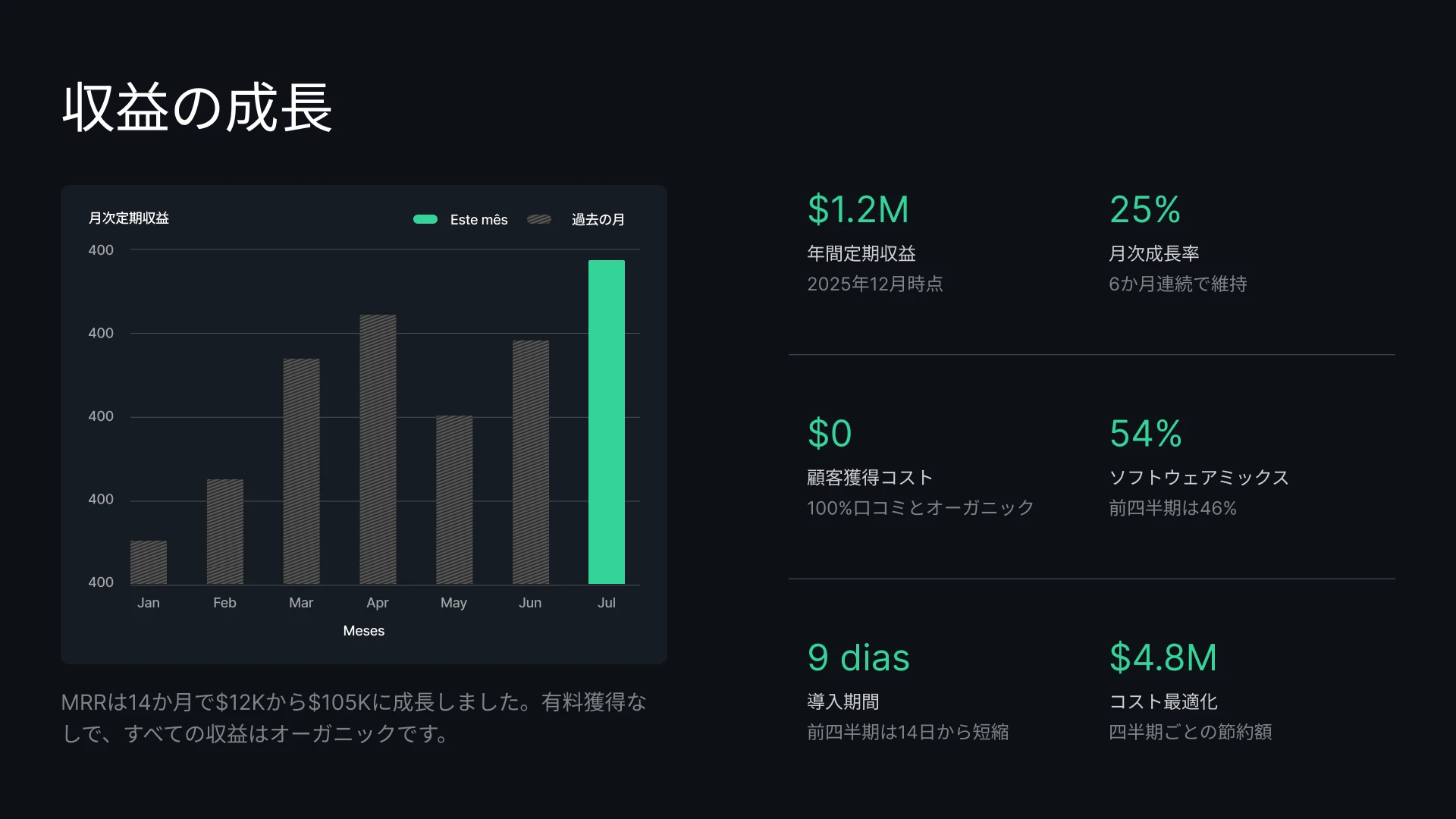
すべての見込み客に対して、パーソナライズされた提案書を瞬時に作成。常に最新の価格や取引データで、クライアントに確かな信頼感を与えましょう。
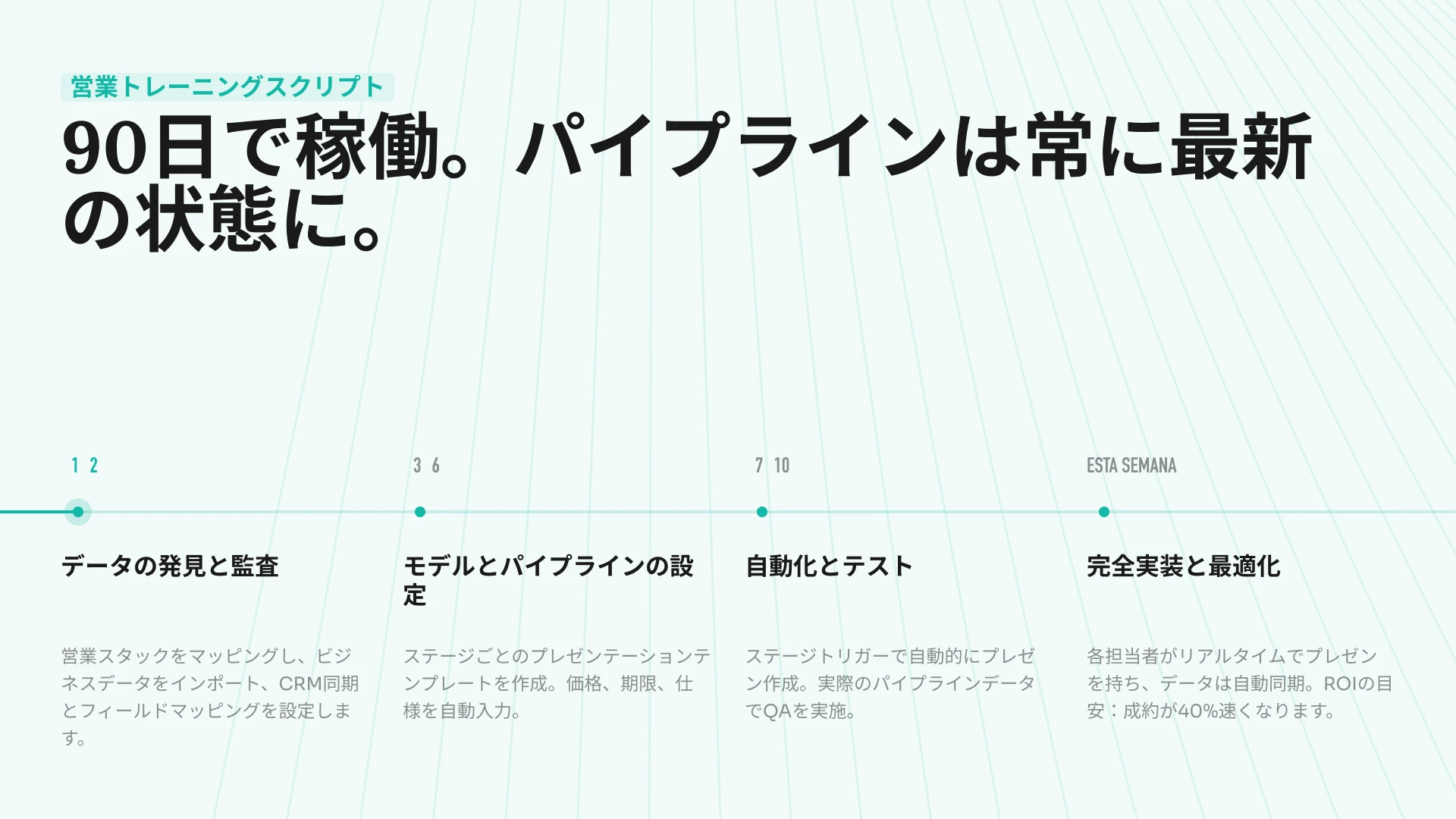
動きの速いロードマップを、視覚的に分かりやすいスライドへ。プロジェクトデータを同期させることで、プレゼン資料のタイムラインが古くなることはもうありません。
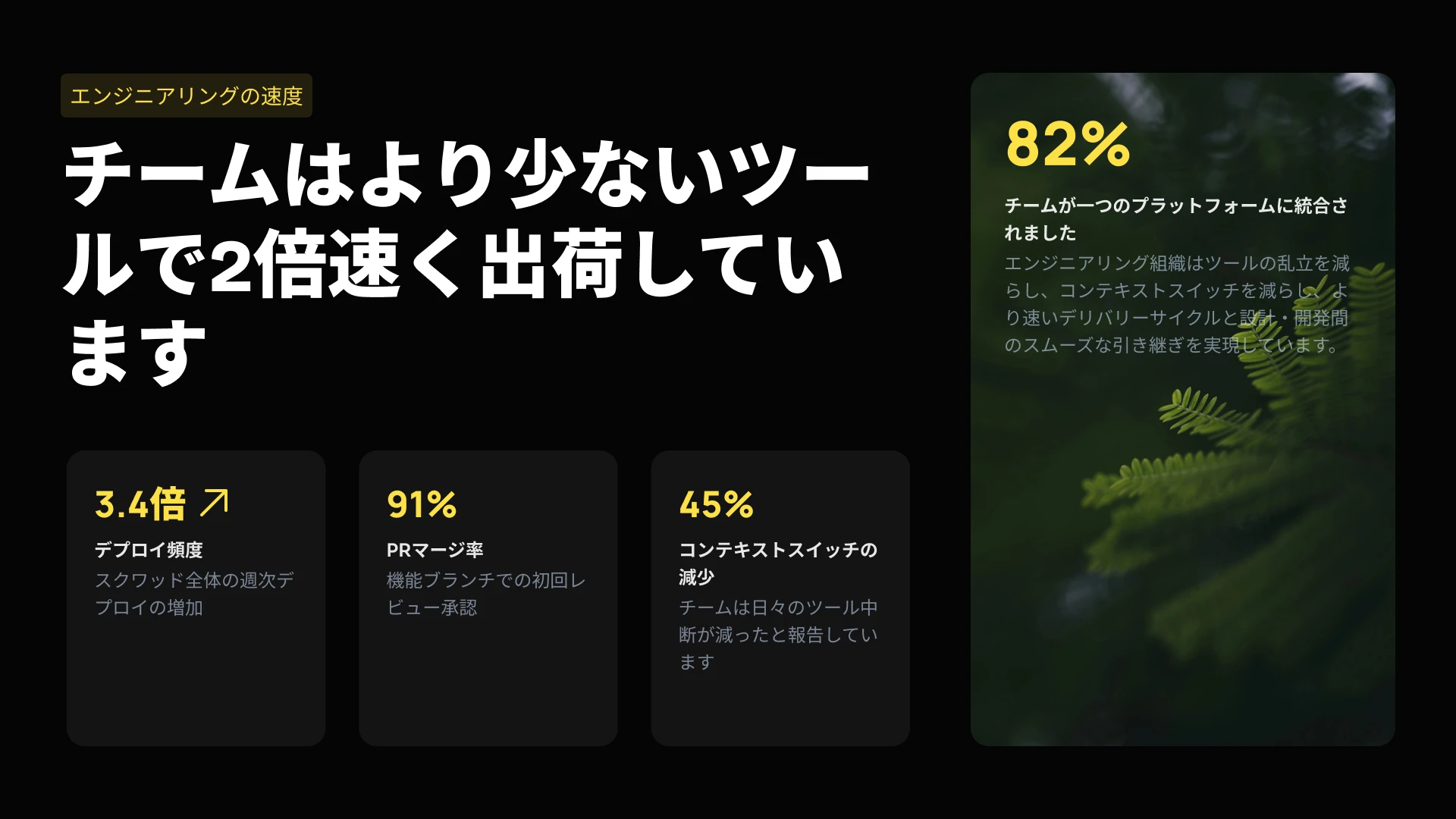
当社のプレゼンテーションエンジンを、貴社のSaaSプロダクトに組み込みませんか。APIを活用して数千ものスライドをプログラムで自動生成したり、エディターをホワイトラベルとして貴社のユーザーに提供したりすることが可能です。
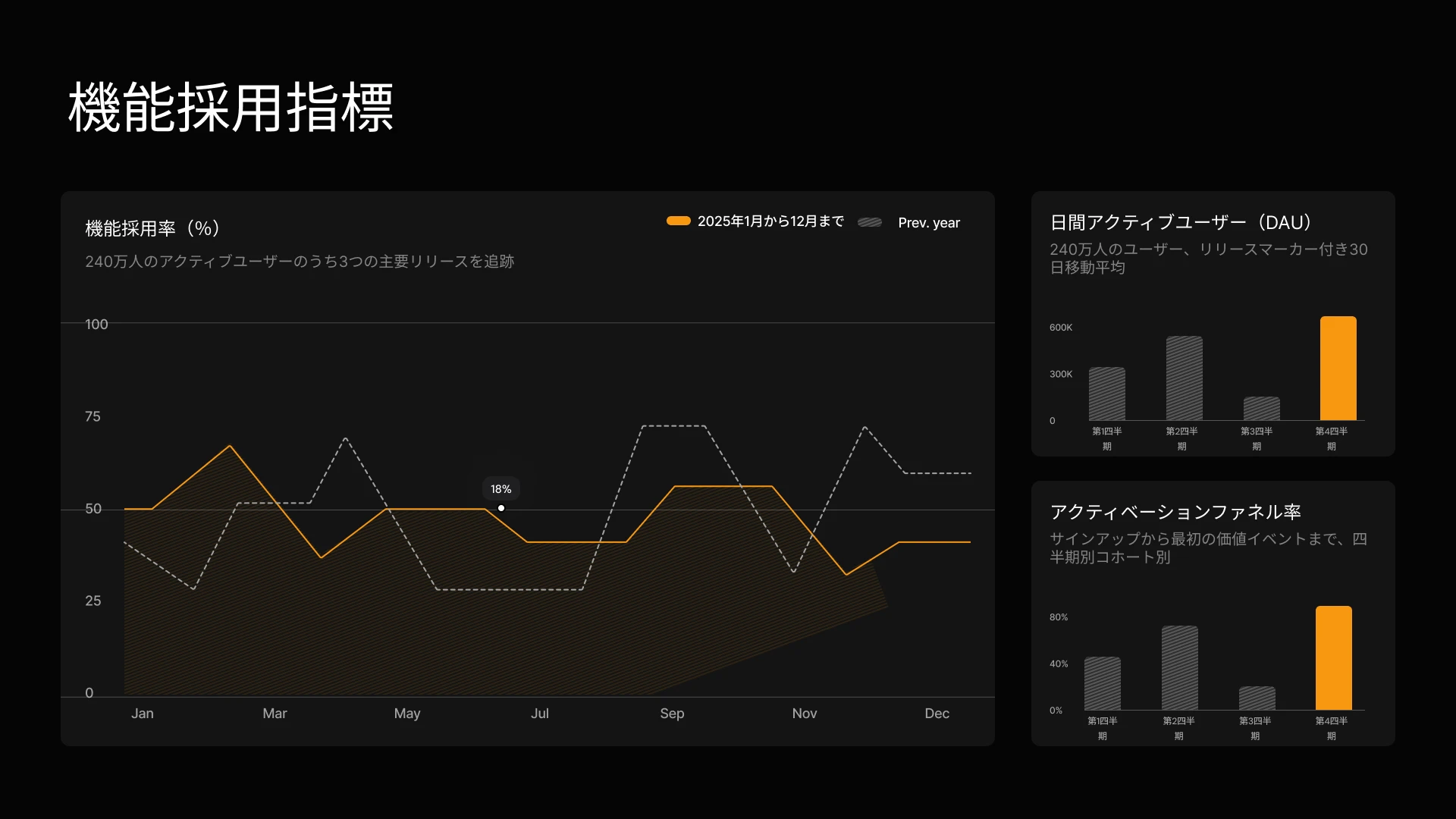
キャンペーンの成果やコンテンツのブリーフを、ブランドイメージを損なわないビジュアル資料へ瞬時に変換。手作業による修正なしで、ステークホルダーへの報告用データを常に最新の状態に保ちます。

見込み客一人ひとりに合わせた提案書を瞬時に作成。CRMと連携させることで、価格や顧客データを常に最新の状態に保つことができます。
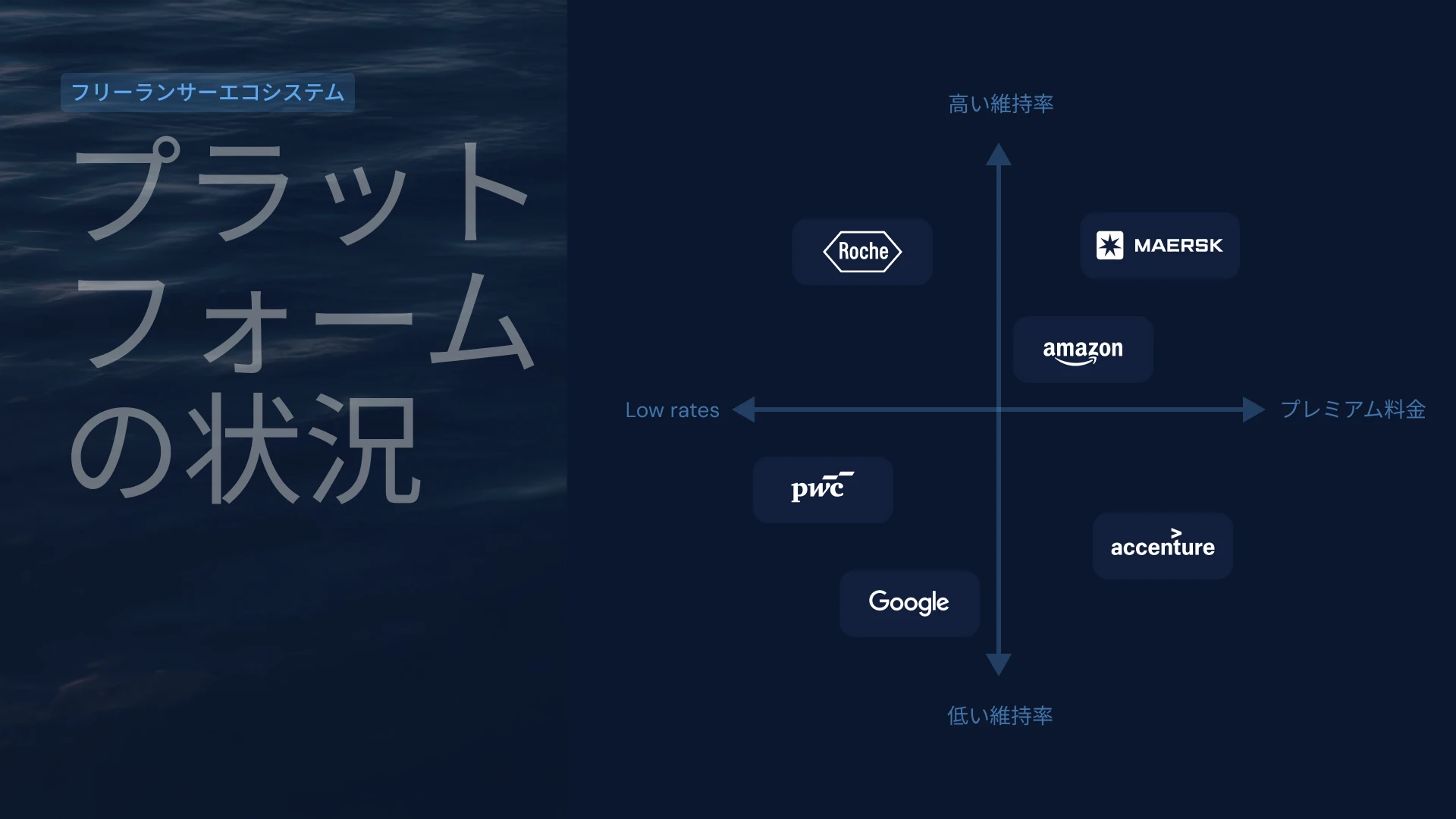
顧客の利用データをQBR(四半期ビジネスレビュー)資料に連携してグラフを自動更新したり、APIを活用して数百社におよぶロングテール顧客向けのパーソナライズされた更新用資料を瞬時に作成したりすることが可能です。
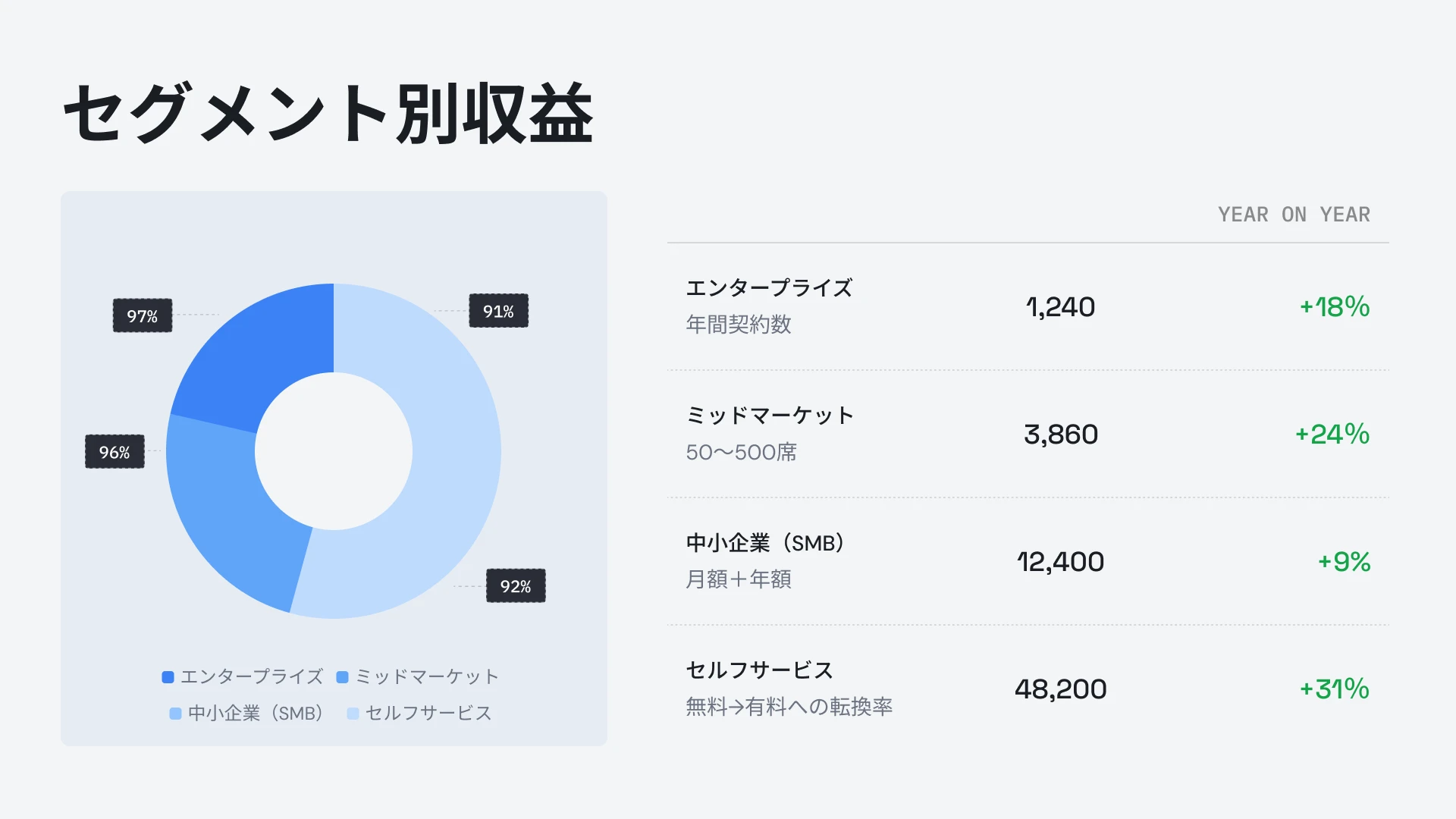


お客様の声
## 導入チームの声


Presentations.aiは、自分のアイデアを瞬時にプレゼン資料へと変換してくれるため、他者に頼る必要がなくなり、非常に重宝しています。テンプレートの種類も豊富で、目的に応じたタグやインサイトを完璧に反映してくれます。セットアップも簡単で、フォームに記入するだけでワークスペースがすぐに整うため、非常に効率的です。
**Manoj P**
The Triple Dart 共同創業者兼戦略ディレクター

これまで4〜5種類のAIスライド作成ツールを試してきましたが、最終的に使い続けているのはこれだけです。作成したスライドはそのままの状態で美しく、編集も自由自在。PowerPointへのエクスポートもスムーズなので、チームの既存のワークフローにそのまま組み込めます。コントロールを失うことなく、見栄えの良いプレゼン資料が作成できるのが魅力です。
Chaitanya Chokkareddy
Ozonetel CTO

ビジネスプレゼンテーションに最適です。Presentations.aiを実際に使ってみて、非常に満足しています。白紙の状態から洗練されたプレゼン資料を驚くほど短時間で作成でき、テンプレートライブラリも充実しているため、さまざまな用途に合わせて質の高いベースをすぐに用意できます。
特に優れていると感じたのは、データ可視化の処理能力です。
Charu Pragya
Public Knowledge Studio 創業者


エンタープライズ
## **エンタープライズにおけるプレゼンテーションの** 作成、レビュー、配信のプロセスを最適化するために設計されました
### 崩れないデザイン
レイアウトはコンテンツに合わせて自動的に調整されるため、手動での修正は一切不要です。
### 予約プレゼンテーション生成
レポートや資料は自動生成されるため、手作業は不要です。
### 複数チーム対応ワークスペース
チーム、ブランドシステム、権限を個別に、完全に管理。

### エンタープライズレベルのセキュリティ。
SOC 2 Type II認証取得済み。GDPR準拠。


無料で始めて、成長に合わせてスケールアップ。
プロフェッショナルなプレゼンテーションを数分で作成。PowerPointエクスポート、高度なモデル、ブランディング、共同編集、エンタープライズ向け管理機能が必要になったらアップグレードしてください。
[無料で試す](https://app.presentations.ai/)
スターター
無料で試す \- 100クレジット
$0
/月
プロ
5,000クレジット
$20
/月
年払い
ゴールド
50,000クレジット
$100
/月
年払い

## よくあるご質問
### Presentations.AIとは?

Presentations.AIは、アイデアやドキュメント、データをプレゼンテーション用のスライドに変換するAIツールです。プロンプトを入力するか、Wordファイル、PDF、URLを読み込ませるだけで、AIがストーリー構成から文章作成、最適なレイアウトの選択、洗練されたデザインの適用までを自動で行います。わずか1分足らずで、プレゼンテーションが完成します。
### AIを使ってプレゼンテーションを作成するにはどうすればよいですか?

トピックの入力、メモの貼り付け、WordやPDFファイルのアップロード、URLの共有など、どのような形式からでも始められます。Presentations.AIがコンテンツを読み取り、明確な構成を持つスライドデッキを作成し、洗練されたデザインを適用します。作成したスライドは編集可能で、ワンクリックでPowerPointやGoogleスライドにエクスポートできます。
### AIはPowerPointのプレゼンテーションを自動作成できますか?

はい。Presentations.AIは、入力内容からプレゼンテーション用のスライド一式を自動的に作成するため、手動での設定は不要です。作成されたスライドはネイティブな.pptxファイルとしてダウンロードでき、Microsoft PowerPointやGoogle Slidesで、テキスト、レイアウト、フォントをそのままの状態で開くことができます。
### Presentations.AIはどのような人向けですか?

Presentations.AIは、アイデアをプレゼンテーションという形にして意思決定を促したいすべての方のために設計されています。起業家、営業チーム、マーケター、プロダクトマネージャー、コンサルタント、トレーナーなど、スタートアップから大企業、代理店まで、明確なプレゼン資料がビジネスを前進させるあらゆる現場で活用されています。
### Presentations.AIは、Gamma、Canva、Copilotと何が違うのですか?

多くのAIプレゼンテーションツールは「スピード」を重視していますが、Presentations.AIが重視するのは「成果」です。より明確な資料、迅速な合意形成、そしてフォローアップ会議の削減を実現します。GammaはWebベースの単発プレゼンテーション向けに設計されており、Canvaはプレゼンテーション専用ではなく汎用的なデザインツールです。CopilotはPowerPoint内で動作しますが、ライブデータとの連携や大規模な資料生成には対応していません。Presentations.AIは、資料作成、データ連携による更新、APIベースの生成を一つの製品で完結できる唯一のプラットフォームです。
### Presentations.AIで作成したコンテンツの所有権は誰にありますか?

作成したプレゼンテーションの所有権はお客様に帰属します。Presentations.AIを通じて生成されたコンテンツは、お客様およびお客様のチームの所有物であり、他の成果物と同様に、自由に利用、編集、配布していただけます。
### 複数のメンバーで同時に同じプレゼンテーションを編集できますか?

はい。Presentations.AIはリアルタイムの共同編集に対応しています。チームメンバー全員で同じプレゼンテーション資料を編集、コメント、レビューでき、変更内容はワークスペース内の全員に即座に反映されます。
### AIが生成したデザインを、どの程度までカスタマイズできますか?

AIがドラフトの全編を生成しますが、レイアウト、配色、フォント、画像、ブランディングなど、すべての要素を完全に編集可能です。AIが決定した内容を、最初からやり直すことなく自由に変更できます。
すべての質問を表示
表示を減らす

## チームで共有する、唯一のプレゼン資料
Presentations.AIなら、チーム全員が同じワークスペースで常に最新の共有バージョンを閲覧できるため、認識のズレが生じません。

当サイトでは、より快適なユーザー体験を提供するためにクッキーを使用しています。詳細は [プライバシーポリシー](https://www.presentations.ai/ja/privacy) をご覧ください。
[すべて同意する](https://www.presentations.ai/ja#) [拒否する](https://www.presentations.ai/ja#)
Sign in with GoogleSign in with Google. Opens in new tab
Sign In - Google Accounts
Sign in with GoogleSign in with Google. Opens in new tab
## AI Presentation Features
# Presentations.AI Features: Everything You Need to Know
From AI-powered creation to enterprise automation, Presentations.AI includes everything required to build, manage, and deploy presentations at scale.
Thank you! Your submission has been received!
Oops! Something went wrong while submitting the form.
[TRY FOR FREE ➔](https://app.presentations.ai/)
Everything you need to make an AI Presentation
This page covers every capability. If you want details on a specific feature, jump to that section.
Creation & Generation

Design & Branding
Collaboration
Data & Automation

Analytics & Insights

Exports & Compatibility

Enterprise & Security

Integrations

Advanced Features


## Creation & Generation
### 1\. Conversational Generation

**What it does:** Type what you want in natural language. AI structures, writes, and designs.
**How it works:**
You: "Create a Q3 sales presentation. Revenue is up 15%, but pipeline is down. Main wins were enterprise segment and Acme Corp partnership. Address pipeline issue."
****
AI generates:
\- Title slide
\- Executive summary
\- Revenue growth slide with chart
\- Pipeline concern slide with analysis
\- Wins highlight slides
\- Pipeline recovery plan
\- Conclusion
****
**What you get:**
- Complete presentation structure
- Professional slide designs
- Appropriate visualizations
- Speaker notes
**Time saved: 4-6 hours per presentation**
### 2\. Document Upload & Conversion

**What it does:** Upload any document. AI reads, understands, and converts to presentation.
**Supported formats:**
- PDFs (whitepapers, reports, analyses)
- Word documents (.docx files)
- Text files and Google Docs
- Spreadsheets (data with context)
- Email threads (meeting summaries)
**How it works:**
1. Upload document
2. AI reads and extracts key points
3. Structures into logical presentation flow
4. Creates titles, bullets, speaker notes
5. Identifies data for visualization
**Example:**
- Input: 25-page market research PDF
- Output: 12-slide presentation with findings, competitive landscape, recommendations
**Time saved: 3-4 hours per document conversion**
### 3\. Remix / Transform Feature

**What it does:** Transform existing slides into new contexts or formats instantly.
**Examples:**
- "Make this sales deck into a customer-facing version" → Restructures for external audience
- "Turn this board presentation into an all-hands version" → Simplifies for employee audience
- "Create a mobile-friendly version" → Reformats for small screens
- "Condense this 50-slide deck into 15 must-know slides" → Extracts core points
**How it works:**
1. Upload existing presentation
2. Describe desired transformation
3. AI remixes slides while preserving core data
4. Design updates automatically
5. Brand applies consistently
**Time saved:** 2-3 hours per transformation
### 4\. AI Learning & Personalization

**What it does:** AI learns your preferences and style, applying them to new presentations.
**How it works:**
- You create presentation (sets your style baseline)
- AI observes: structure, messaging, visual preferences
- Next presentation: AI defaults to your style
- You refine: AI learns from your edits
- Over time: Output becomes increasingly personalized
**Example:**
- You create sales deck with "problem-solution" narrative
- Next sales deck: AI suggests that structure automatically
- You emphasize metrics and outcomes
- AI weights those in future generations
**Result: Personalized, consistent presentation style without extra effort**

## Design & Branding
### 5\. Anti-Fragile Design System

**What it does:** Slides adapt to your content without breaking design or requiring manual fixes.
**The problem it solves:** Traditional templates break when content changes:
- Add one more bullet → text gets cut off
- Add an image → layout breaks
- Add a chart → spacing collapses
- You spend 30 minutes fixing formatting
**How Presentations.AI works:**
- Slides have intelligent layout zones
- Content flows into zones automatically
- Design rules apply (spacing, alignment, hierarchy)
- Spacing adjusts intelligently
- Nothing breaks, nothing looks forced
**Result: Professional layouts every time, no manual tweaking**
### 6\. Automatic Brand Extraction

**What it does:** Upload your website URL. AI extracts brand elements automatically.
**What gets extracted:**
- Primary, secondary, accent colors
- Typography (fonts, sizes, weights)
- Logo usage rules
- Imagery style (photography style, tone)
- Spacing and layout patterns
**How it works:**
1. Input your website URL
2. AI analyzes site design
3. Extracts brand tokens (colors, fonts, logos)
4. Creates brand profile
5. Applies to all presentations automatically
**Result: Consistent brand across all presentations without manual configuration**
### 7\. Centralized Brand Assets

**What it does:** Store all brand elements in one place. Apply to presentations instantly.
**What you can store:**
- Logos (multiple versions, formats)
- Color palette (primary, secondary, accents)
- Typography (fonts, sizes, weights, line heights)
- Brand images and patterns
- Approved illustrations
- Icon library
**How it works:**
1. Upload assets once
2. Apply to all presentations automatically
3. Update centrally (cascades to all presentations)
4. Control which teams can use which assets
**Result: 100% brand consistency across all presentations**
### 8\. Style Variations

**What it does:** Switch between different visual approaches for same content.
**Examples:**
- Professional vs. Creative
- Minimal vs. Data-dense
- Corporate vs. Startup-friendly
- Dark mode vs. Light mode
- Animated vs. Static
**How it works:**
1. Generate presentation
2. Click "Change Style"
3. Select variation
4. Content reorganizes automatically
5. Design updates instantly
**Result: Multiple design options for same content in seconds**

## Collaboration
### 9\. Real-Time Collaboration

**What it does:** Multiple people edit same presentation simultaneously.
**How it works:**
- Invite team members
- See edits in real-time
- No version conflicts
- Changes synced instantly
- All see the latest version
**Like Google Docs, but for presentations.**
### 10\. Comments & Feedback

**What it does:** Leave feedback directly on slides. Have conversations about specific content.
**Features:**
- Thread discussions on any slide
- @mention specific people
- Resolve comments when addressed
- Comments persist with presentation history
**Example:**
- Comment on Slide 3: "Is this Q3 forecast locked or preliminary?"
- @Sarah replies: "Preliminary, could shift 10-15%"
- Designer updates slide with caveat
- Comment marked resolved
### 11\. Approval Workflows

**What it does:** Route presentations through custom approval process.
**Workflow options:**
- Sequential: Person A → Person B → Person C
- Parallel: All approve simultaneously
- Conditional: Different paths based on content type
- Role-based: Any person with role X can approve
**Example:**
- Draft created
- Routes to Content Reviewer (approves messaging)
- Routes to Legal (ensures compliance)
- Routes to Executive (final sign-off)
- Only after all approvals: ready to share
### 12\. Version History

**What it does:** Switch between different visual approaches for same content.
**Examples:**
- Professional vs. Creative
- Minimal vs. Data-dense
- Corporate vs. Startup-friendly
- Dark mode vs. Light mode
- Animated vs. Static
**How it works:**
1. Generate presentation
2. Click "Change Style"
3. Select variation
4. Content reorganizes automatically
5. Design updates instantly
**Result: Multiple design options for same content in seconds**
### 13\. Multiple Workspaces

**What it does:** Organize team into separate spaces with independent branding and settings.
**Example:**
- Sales workspace (sales presentations)
- Marketing workspace (campaign decks)
- Finance workspace (board decks)
- Each with own brand guidelines
**Benefits:**
- Separate brand standards per team
- Organized folder structure
- Access control at workspace level
- Billing per workspace

## Data & Automation
### 14\. Live Data Connections

**What it does:** Link presentations directly to data sources. Charts and tables stay current.
**Supported sources:**
**Business Intelligence:**
- Tableau, Power BI, Looker, Superset
**Spreadsheets:**
- Google Sheets, Microsoft Excel, Airtable
**Databases:**
- Snowflake, PostgreSQL, MySQL, MongoDB, Redshift
**SaaS & CRM:**
- Salesforce, HubSpot, Mixpanel, Databox, Google Analytics
**How it works:**
1. Connect data source (authenticate once)
2. Link chart/table to specific data
3. Data pulls from source automatically
4. Updates when data refreshes
**Result: Charts and tables always show latest data**
### 15\. Presentation Refresh Agent

**What it does:** Automatically updates recurring presentations when data changes.
**How it works:**
1. Set up presentation once
2. Mark which sections auto-update
3. Schedule refresh (daily, weekly, monthly)
4. AI updates data, text, charts automatically
5. Design and brand stay locked
**Example:**
- Monthly sales deck
- Linked to Salesforce pipeline
- Updates automatically 1st of month
- All charts and text refresh
- Brand colors/fonts stay locked
**Time saved: 4-8 hours per month per presentation**
### 16\. Schedule-Based Updates

**What it does:** Automatically generate presentations on a schedule.
**Examples:**
- Monday morning: Weekly sales review
- 1st of month: Monthly performance report
- End of quarter: Board presentation
- Friday 5 PM: Weekly team update
**How it works:**
1. Set up template
2. Connect data sources
3. Set schedule (Monday 8 AM, 1st of month, etc.)
4. Presentation generates automatically
5. Can go straight to stakeholders or require approval
**Time saved: 2-4 hours per week/month**
### 17\. Change Validation

**What it does:** Checks every automated update for quality before finalizing.
**Validates:**
- Numbers make sense (no data errors)
- Layout stays intact (no broken formatting)
- Brand consistency (colors, fonts correct)
- Readability (text isn't cut off)
**If validation fails:**
- Presentation flagged for human review
- Old version stays live
- Team reviews new version manually
- Updates only after approval
**Result: Automated updates that never break**

## Analytics & Insights
### 18\. Engagement Metrics

**What it does:** See who viewed your presentation and when.
**Metrics tracked:**
- Who viewed (by person or role)
- When they viewed (date/time)
- Duration of view (how long they spent)
- Devices used (desktop, mobile, tablet)
**Where it shows:**
- Dashboard view in Presentations.AI
- Automatic email reports (daily, weekly, monthly)
**Example: "Your board deck was viewed by 8 executives for an average of 18 minutes each on Tuesday morning."**
### 19\. Slide-Level Engagement

**What it does:** See which slides people spend most time on.
**Metrics:**
- Time spent on each slide
- Slides skipped
- Slide view order
- Drop-off points
**Insights you get:**
- "Slide 5 (Pricing) caused 40% drop-off"
- "Slide 3 (Problem Statement) kept 90% engaged"
- "Slides 12-15 were skipped by 60%"
**Action you can take:**
- Strengthen weak slides based on data
- Expand slides that resonate
- Restructure based on engagement patterns
### 20\. Conversion Correlation

**What it does:** Connect presentation views to business outcomes.
**Examples:**
- "Sales presentations with more than 3 data visualizations have 35% higher close rate"
- "Investor pitches with Slide 7 (Team) have 2x meeting requests"
- "Client proposals under 15 slides have 40% faster response"
**How it helps:**
- Optimize for outcomes (not vanity metrics)
- Understand what converts
- A/B test different approaches
- Prove ROI of presentation improvements
### 21\. Custom Reports

**What it does:** Build custom analytics reports on presentation performance.
**Report types:**
- By time period (weekly, monthly, quarterly)
- By presentation type (sales, board, investor)
- By audience segment (internal, external)
- By metric (engagement, conversion, time spent)
**How you use it:**
- Weekly leadership dashboard
- Monthly marketing performance review
- Quarterly board effectiveness report
- Investor relations tracking

## Exports & Compatibility
### 22\. Native PowerPoint Export

**What it does:** Download presentation as native .pptx file (fully editable).
**What you get:**
- Fully editable PowerPoint file
- All native PowerPoint supported
- Fonts and styling intact
- Embedded charts and images
- Speaker notes included
- Compatible with PowerPoint 2010+
**Use cases:**
- Share with people who prefer PowerPoint
- Further editing outside Presentations.AI
- Present from your laptop
- Archive for records
### 23\. PDF Export

**What it does:** Export presentation as professional PDF.
**Features:**
- Beautiful PDF layout
- All fonts render correctly
- Images display at high quality
- Links preserved and clickable
- Optimized file size
- Print-ready
**Use cases:**
- Share professionally
- Preserve formatting (especially across devices)
- Print for events
- Archive for records
### 24\. Batch Export

**What it does:** Export multiple presentations in multiple formats at once.
**How it works:**
1. Select 10 presentations
2. Choose formats (PPTX, PDF, images, HTML)
3. Click export
4. Get all files at once
**Time saved: Export 10 presentations in 30 seconds vs 10 minutes manually**
### 25\. HTML Export

**What it does:** Export presentation as interactive HTML (embed-able).
**Use cases:**
- Embed in website or blog
- Share via link (no download needed)
- Interactive online presentation
- Mobile-friendly viewing

## Enterprise & Security
### 26\. Single Sign-On (SSO)

**What it does:** Use your company's identity provider to log in.
**Supported providers:**
- Okta
- Azure Active Directory (Microsoft)
- Google Workspace
- Ping Identity
- Other SAML 2.0 providers
**Benefits:**
- One password for all tools
- Automatic deactivation when employee leaves
- Password policies managed by IT
- Centralized identity management
### 27\. Role-Based Access Control

**What it does:** Control exactly who can access what.
**Role examples:**
- Admin (manage all, change settings)
- Editor (create, edit, share)
- Viewer (view and comment)
- Commenter (view and comment, can't edit)
- Owner only (only the owner can edit)
**Granularity:**
- Set at organization level
- Set at workspace level
- Set per individual presentation
- Set per specific slide
**Example: "Interns can view marketing deck, but can't edit. Finance team can view all presentations, but only manage finance presentations."**
### 28\. Audit Logging

**What it does:** Complete record of who did what, when.
**Logged events:**
- Login/logout
- File access
- Changes made (who, what, when)
- Sharing activities
- Permission changes
- Downloads
- Exports
**Uses:**
- Compliance audits
- Forensics ("who deleted that slide?")
- Security review
- Accountability
### 29\. Data Encryption

**What it does:** Encrypt your data in transit and at rest.
**In transit:**
- TLS 1.2+ (same as banking)
- All communication encrypted
- No interception possible
**At rest:**
- AES-256 encryption
- Military-grade encryption
- Even if servers breached, data unreadable
**Result: Your data is protected everywhere**
### 30\. Private Instances

**What it does:** Run Presentations.AI on isolated servers (completely separate from other customers).
**Options:**
- Air-gapped (no internet connection)
- Private cloud (your AWS/Azure account)
- On-premises (your data center)
**Who needs this:**
- Government agencies
- Defense contractors
- Financial institutions
- Heavily regulated industries
### 31\. Data Residency Options

**What it does:** Choose where your data physically lives.
**Options:**
- US (Virginia)
- EU (Germany/Ireland)
- Custom region for enterprise
**Why it matters:**
- Compliance (GDPR, local laws)
- Performance (low latency)
- Privacy (data stays in region)
### 32\. Compliance & Standards

**Certifications & Readiness:**
- SOC 2 Type II (independently audited)
- GDPR compliant
- HIPAA ready
- SOX ready
- ISO 27001 ready
**What this means:**
- Your data is protected by industry standards
- Independent verification of our security
- Meeting regulatory requirements
- Enterprise-ready infrastructure

## Integrations
### 33\. CRM Integrations

**Connected CRMs:**
- Salesforce
- HubSpot
- Pipedrive
- Intercom
**What you can do:**
- Generate proposals from deal data
- Auto-refresh sales decks with latest opportunity info
- Link presentations to deals for tracking
- Automated sales deck generation on trigger
### 34\. BI Tool Integrations

**Connected BI Platforms:**
- Tableau
- Power BI
- Looker
- Superset
**What you can do:**
- Embed live BI dashboards
- Auto-refresh charts from queries
- Build presentations around BI insights
- Stay current with latest analysis
### 35\. Spreadsheet Integrations

**Connected Spreadsheets:**
- Google Sheets
- Microsoft Excel
- Airtable
- Notion
**What you can do:**
- Link tables to spreadsheet data
- Auto-refresh when data changes
- Build presentations from spreadsheet structure
- Maintain live data connections
### 36\. Communication Tool Integrations

**Connected Tools:**
- Slack
- Microsoft Teams
- Email notifications
- Webhooks
**What you can do:**
- Share presentations to Slack/Teams
- Notify team of presentation updates
- Trigger presentations from external events
- Integrate into communication workflows
### 37\. Webhook Support

**What it does:** Trigger presentation generation from external events.
**Examples:**
- Sales rep creates deal → Presentation auto-generates
- Monthly data refresh completes → Board deck updates
- Customer closes → Proposal presentation creates
- Campaign launches → Campaign deck creates

## Advanced Features
### 38\. Template Builder

**What it does:** Create custom presentation templates.
**What you can customize:**
- Slide layouts
- Color schemes
- Typography
- Logo placement
- Approved imagery
**Benefits:**
- Consistent look across all presentations
- Team follows guidelines automatically
- Can be enforced (teams can't break the template)
- Update once, applies everywhere
### 39\. Master Slide Management

**What it does:** Define presentation structure once, apply everywhere.
**What you set:**
- Default layouts
- Font choices
- Color palette
- Spacing rules
- Asset placement
**Benefit: All presentations inherit settings; edit globally if needed**
### 40\. AI Writing Assistant

**What it does:** Generate and refine slide copy with AI.
**Features:**
- Generate from outline
- Refine existing text
- Adjust tone (professional, casual, technical)
- Shorten/expand copy
- Improve clarity
**Example: Input: "Our product is good at things" AI refine: "Presentations.AI reduces presentation creation time by 80%, allowing teams to focus on strategy instead of formatting."**
## Feature Comparison By Plan
| Capability | Free | Pro | Business | Enterprise |
| --- | --- | --- | --- | --- |
| Creation |
| Conversational generation | ✓ | ✓ | ✓ | ✓ |
| Document conversion | ✓ | ✓ | ✓ | ✓ |
| Remix feature | — | ✓ | ✓ | ✓ |
| Design & Branding |
| Anti-fragile design | ✓ | ✓ | ✓ | ✓ |
| Brand extraction | — | ✓ | ✓ | ✓ |
| Multiple brand profiles | 5 | Unlimited | Unlimited | Unlimited |
| Style variations | — | ✓ | ✓ | ✓ |
| Collaboration |
| Real-time collaboration | — | ✓ | ✓ | ✓ |
| Approval workflows | — | ✓ | ✓ | ✓ |
| Version history | — | ✓ | ✓ | ✓ |
| Data & Automation |
| Live data connections | — | — | 5 | Unlimited |
| Refresh Agent | — | — | ✓ | ✓ |
| Scheduled updates | — | — | ✓ | ✓ |
| Analytics |
| Engagement metrics | — | ✓ | ✓ | ✓ |
| Slide-level analytics | — | ✓ | ✓ | ✓ |
| Custom reports | — | — | ✓ | ✓ |
| Enterprise |
| SSO / SAML | — | — | ✓ | ✓ |
| RBAC | — | — | ✓ | ✓ |
| Audit logging | — | — | ✓ | ✓ |
| Private instances | — | — | — | ✓ |
Sign in with GoogleSign in with Google. Opens in new tab
Sign In - Google Accounts
Sign in with GoogleSign in with Google. Opens in new tab
## Canva AI Presentation Guide
[Alternatif & Perbandingan](https://www.presentations.ai/id/blog-category/alternatives)
# Cara Menggunakan Canva AI untuk Membuat Presentasi **(Panduan Langkah demi Langkah)**
Panduan 2026 untuk membantu Anda menggunakan fitur AI Canva, termasuk Magic Design, Magic Write, dan alat gambar untuk membuat presentasi.
Sumanth Raghavendra
Diperbarui pada
May 4, 2026

- [Intinya](https://www.presentations.ai/id/blog/how-to-create-a-presentation-with-canva-ai-step-by-step#intinya)
- [Langkah demi Langkah: Cara Membuat Presentasi Menggunakan AI Canva](https://www.presentations.ai/id/blog/how-to-create-a-presentation-with-canva-ai-step-by-step#langkah-demi-langkah:-cara-membuat-presentasi-menggunakan-ai-canva)
- [Kekurangan AI Canva untuk Presentasi](https://www.presentations.ai/id/blog/how-to-create-a-presentation-with-canva-ai-step-by-step#kekurangan-ai-canva-untuk-presentasi)
- [AI Canva vs. Alat Presentasi AI Khusus](https://www.presentations.ai/id/blog/how-to-create-a-presentation-with-canva-ai-step-by-step#ai-canva-vs.-alat-presentasi-ai-khusus)
- [Apa yang Dilakukan Presentations.AI Berbeda](https://www.presentations.ai/id/blog/how-to-create-a-presentation-with-canva-ai-step-by-step#apa-yang-dilakukan-presentations.ai-berbeda)
- [Kapan Canva AI Efektif untuk Presentasi, dan Kapan Tidak](https://www.presentations.ai/id/blog/how-to-create-a-presentation-with-canva-ai-step-by-step#kapan-canva-ai-efektif-untuk-presentasi,-dan-kapan-tidak)
## Intinya
- **Magic Design** menghasilkan seluruh presentasi dari prompt teks dalam beberapa menit, tetapi hasilnya perlu diedit sebelum Anda mempresentasikannya kepada siapa pun.
- **Pengguna gratis mendapatkan 200 kredit AI** di semua alat Magic Studio. Setelah habis, Anda memerlukan Canva Pro ($15/bulan atau $120/tahun) untuk melanjutkan. Pengguna Pro mendapatkan 20 kali lebih banyak daripada paket Gratis.
- **Ekspor PowerPoint khusus Pro,** dan tata letak sering bergeser saat Anda membuka file di PowerPoint, yang berarti lebih banyak pekerjaan perbaikan.
Jika Anda menginginkan seluruh presentasi dihasilkan dari satu prompt dengan interaksi minimal, [Presentations.AI](https://www.presentations.ai/id) dirancang khusus untuk alur kerja tersebut.
## Langkah demi Langkah: Cara Membuat Presentasi Menggunakan AI Canva
Jika Anda sudah menggunakan Canva untuk pekerjaan desain, fitur AI terasa seperti peningkatan alami. Anda sudah familiar dengan editornya, Anda punya template yang Anda suka, dan sekarang Canva memberi tahu Anda bahwa ia dapat menghasilkan seluruh presentasi dari prompt teks. Itu hal yang wajar untuk dicoba.
Panduan ini menjelaskan secara persis cara melakukannya. Kami akan membahas Magic Design, Magic Write untuk teks, alat gambar, dan cara menerapkan merek Anda setelah presentasi dihasilkan. Kami juga akan jujur tentang bagian-bagian yang memerlukan upaya manual lebih banyak daripada yang biasanya ditunjukkan dalam video tutorial. Pada akhirnya, Anda akan tahu cara memaksimalkan fitur presentasi AI Canva, dan Anda akan memiliki pemahaman yang jelas kapan alat presentasi AI khusus lebih masuk akal untuk pekerjaan yang Anda lakukan. Jika yang Anda cari adalah satu prompt yang menghasilkan presentasi yang hampir siap, maka alat yang dibuat khusus [pembuat presentasi AI](https://www.presentations.ai/id/ai-presentation-maker) layak dibandingkan dengan Canva sebelum Anda berkomitmen.
#### Langkah 1: Masuk dan Mulai Presentasi Baru
Buka Canva dan masuk, atau buat akun gratis jika Anda belum memilikinya. Dari halaman utama, klik Buat desain dan cari Presentasi di opsi format. Pilih Presentasi (16:9), yang merupakan format layar lebar standar yang digunakan untuk sebagian besar presentasi.
Anda akan masuk ke editor Canva dengan kanvas kosong. Dari sini, ada dua cara untuk melibatkan AI: Anda bisa menelusuri template dan menambahkan alat AI seiring berjalannya waktu, atau Anda bisa langsung ke Magic Design dan membiarkan AI membangun struktur awal Anda. Panduan ini berfokus pada pendekatan yang mengutamakan AI.
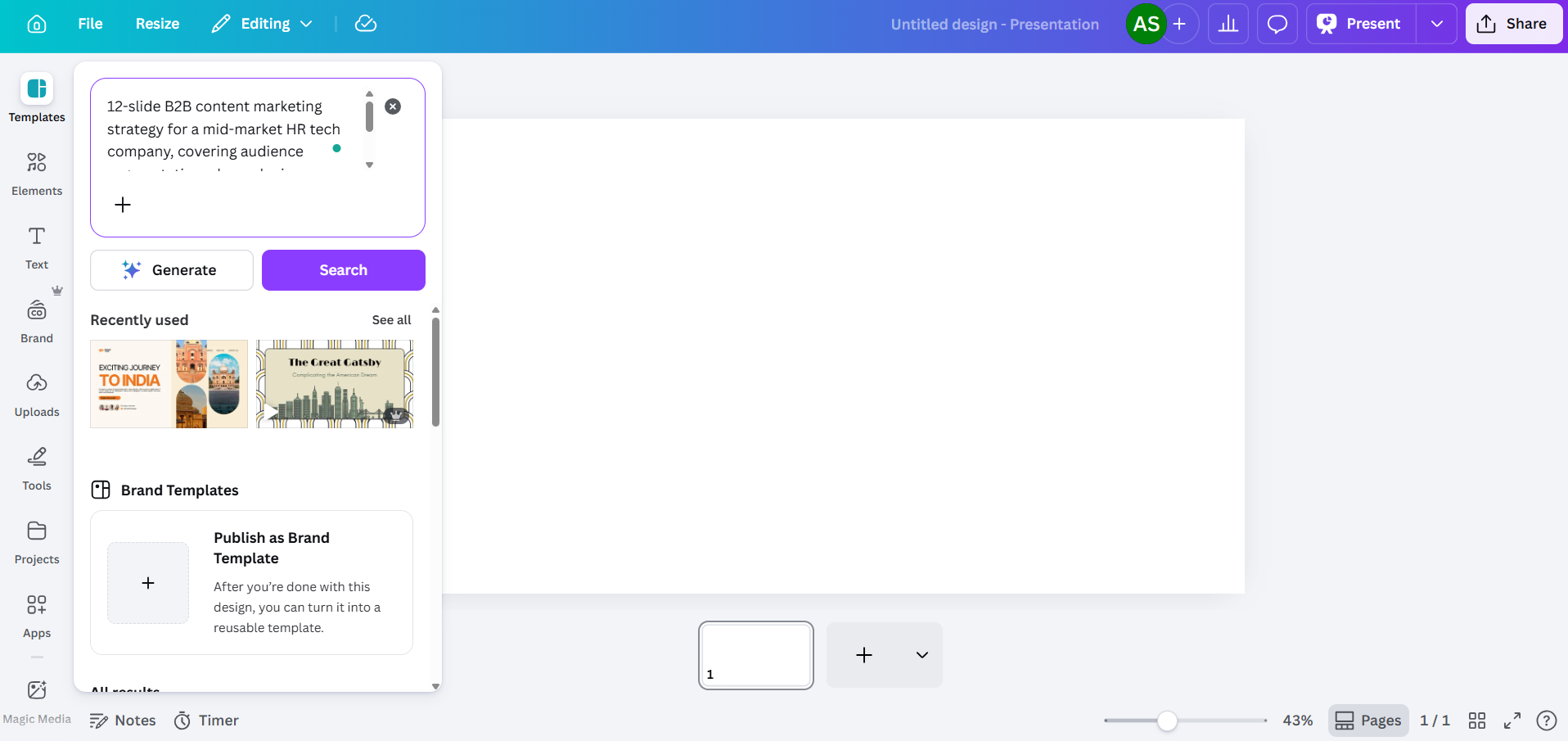
_Membuka presentasi baru di Canva_
#### Langkah 2: Gunakan Magic Design untuk Membuat Dek Anda
Magic Design adalah alat utama Canva untuk membuat presentasi dari perintah teks. Anda akan menemukannya di bilah alat di sisi kiri editor, atau dengan membuka Aplikasi dan memilih Magic Studio.
Saat panel Magic Design terbuka, Anda akan melihat kolom teks. Ketik deskripsi presentasi yang Anda butuhkan. Jika Anda lebih suka berbicara daripada mengetik, Canva juga menerima perintah suara di sini, sehingga Anda dapat mendikte ringkasan Anda dan membiarkan alat tersebut mentranskripsi serta menindaklanjutinya. Semakin spesifik Anda, semakin bermanfaat hasilnya.
**Kualitas perintah penting di sini**
**Kurang Baik**: "Presentasi strategi pemasaran."
**Lebih Baik**: "Strategi pemasaran konten B2B 12 slide untuk perusahaan teknologi SDM pasar menengah, mencakup segmentasi audiens, bauran saluran, kalender konten, dan KPI untuk Semester 2 2026"
Berikan konteks yang dibutuhkan AI di awal: industri, audiens, jumlah slide, dan topik spesifik yang ingin Anda bahas. Ini mengurangi kemungkinan alat tersebut menghasilkan konten pengisi yang umum. Setelah Anda memasukkan perintah, Canva akan menghasilkan beberapa opsi tata letak, masing-masing diambil dari keluarga template yang berbeda. Anda biasanya akan melihat antara tiga hingga delapan variasi. Pilih yang paling mendekati kebutuhan Anda, dengan asumsi Anda akan mengeditnya nanti.

_Sebuah slide dari presentasi AI Canva dari perintah di atas_.
Satu hal yang perlu diketahui tentang paket gratis: Magic Design menggunakan kumpulan kredit AI bersama Anda. Akun Canva Gratis mendapatkan total 200 kredit di semua alat Magic Studio. Itu mencakup jumlah terbatas pembuatan dek lengkap sebelum Anda mencapai batas. Akun Pro mendapatkan kredit 20 kali lipat dari paket Gratis, dengan Dream Lab (pembuatan gambar AI) berjalan pada penghitung terpisah, terbatas hingga 500 pembuatan per bulan.
#### Langkah 3: Edit Konten yang Dihasilkan AI
Ini adalah bagian yang paling memakan waktu. Canva AI akan memberi Anda dek terstruktur dengan slide yang relevan secara arah dengan perintah Anda, tetapi konten sebenarnya terasa umum. Judulnya luas, teks isinya bisa berlaku untuk perusahaan mana pun, dan slide data menampilkan bagan placeholder daripada angka Anda yang sebenarnya.
Rencanakan untuk menulis ulang:
- Judul yang terlalu samar ("Mendorong Pertumbuhan Melalui Inovasi" alih-alih sesuatu dengan angka atau hasil yang sebenarnya)
- Teks isi yang terasa seperti placeholder daripada wawasan yang sebenarnya
- Slide data di mana bagannya bersifat dekoratif daripada diisi dengan angka-angka nyata
- Slide kesimpulan yang secara default berisi ajakan bertindak yang umum

_Dalam presentasi yang dihasilkan AI ini, teksnya khas AI, dan gambar-gambarnya tumpang tindih. Ini perlu disesuaikan secara manual._
Klik blok teks mana pun untuk mengeditnya secara langsung. Anda juga bisa menggunakan Magic Write untuk membuat ulang blok teks tertentu di paket mana pun, sesuai dengan jatah kredit Anda. Sorot blok, klik kanan, dan cari opsi Magic Write. Ini berfungsi, tetapi hasilnya masih cenderung ke bahasa umum daripada konten bisnis spesifik, jadi anggaplah ini sebagai titik awal, bukan produk jadi.
#### Langkah 5: Gunakan Magic Write untuk Pembuatan Teks pada Slide Individual
Magic Write adalah alat teks AI Canva, dan penting untuk memahaminya secara terpisah dari Magic Design. Sementara Magic Design membangun seluruh dek, Magic Write bekerja pada tingkat blok teks individual. Anda bisa menggunakannya untuk menyusun salinan slide, menulis ulang bagian dengan nada yang berbeda, atau mengembangkan poin-poin menjadi paragraf.
Untuk menggunakannya, pilih elemen teks pada slide Anda, lalu cari opsi Magic Write di bilah alat atau menu klik kanan. Anda bisa memberinya perintah spesifik untuk slide tersebut, yang membantu menghindari hasil generik yang berasal dari pembuatan seluruh dek.

_Slide yang sama seperti di atas, dibersihkan secara manual, dan teks diubah menggunakan Magic Write_
Batasan di sini sama dengan Magic Design: Magic Write lebih baik dalam menghasilkan teks yang terdengar masuk akal daripada menghasilkan konten yang spesifik dan akurat. Jika slide Anda perlu merujuk pada metrik aktual perusahaan Anda, nama pelanggan, atau spesifikasi produk, Anda perlu menambahkan detail tersebut sendiri.
#### Langkah 6: Tambahkan Visual Menggunakan Alat Gambar Canva
Ini benar-benar salah satu area terkuat Canva. Panel Elemen memberi Anda akses ke jutaan foto stok, ilustrasi, ikon, dan klip video. Gunakan bilah pencarian untuk menemukan aset yang sesuai dengan konten Anda, lalu seret ke slide Anda.
Untuk gambar yang dihasilkan AI, buka Aplikasi dan cari Magic Media. Anda bisa memasukkan perintah teks untuk menghasilkan gambar, yang berguna saat Anda membutuhkan sesuatu yang spesifik yang tidak dapat disediakan oleh fotografi stok. Akun gratis menggunakan kumpulan 200 kredit bersama mereka, dan akun Pro mendapatkan 500 generasi gambar Dream Lab per bulan, yang dilacak secara terpisah.

_Bagian elemen Canva_
Selain menghasilkan gambar, alat pengeditan AI Canva memberi Anda kontrol yang berguna atas visual yang Anda gunakan pada slide:
- **Magic Expand** memungkinkan Anda memperluas foto melampaui bingkai aslinya, yang berguna saat gambar tidak sepenuhnya sesuai dengan dimensi slide Anda.
- **Penghapus Latar Belakang** (Khusus Pro) menghapus latar belakang dari foto dengan bersih dalam satu klik, berguna untuk foto produk, foto kepala, atau gambar apa pun yang ingin Anda tempatkan di atas latar belakang slide.
- **Magic Erase** memungkinkan Anda mengklik elemen tertentu dalam foto dan menghapusnya, sementara AI mengisi area di belakangnya. Berguna saat gambar stok mendekati apa yang Anda butuhkan tetapi memiliki objek yang mengganggu yang ingin Anda hilangkan.
- **Magic Grab** memungkinkan Anda memilih dan memposisikan ulang subjek foto sebagai elemen terpisah, dengan AI menciptakan kembali latar belakang di belakangnya.
- **Magic Edit** mengambil deskripsi bahasa alami dan menerapkannya pada elemen di gambar Anda. Misalnya, Anda dapat memilih jaket di foto, mengetik "jadikan biru dongker," dan AI akan menerapkan perubahan tersebut. Sangat membantu saat Anda membutuhkan visual yang sesuai dengan skema warna tanpa perlu memotret ulang atau mencari aset baru.
- **Penyesuaian AI** memungkinkan Anda memodifikasi secara independen subjek, latar depan, atau latar belakang gambar tanpa memengaruhi lapisan lainnya. Anda dapat mencerahkan latar belakang sambil menjaga kontras subjek tetap utuh, atau mengaburkan elemen latar depan sambil menjaga subjek tetap tajam.
- **Ambil Teks** mengidentifikasi teks yang tertanam dalam gambar dan membuatnya dapat diedit, yang sangat berguna jika Anda bekerja dengan tangkapan layar atau grafik yang diimpor yang berisi teks yang perlu Anda ubah.
Untuk bagan dan visualisasi data, buka Aplikasi dan pilih Bagan. Anda dapat menyisipkan jenis bagan dasar (batang, garis, pai, donat) dan memasukkan data Anda secara manual. Tidak ada koneksi langsung ke spreadsheet atau sumber data eksternal, jadi setiap angka harus diketik secara manual.
#### Langkah 7: Terapkan Brand Kit Anda
Jika presentasi Anda perlu sesuai dengan merek tertentu, Brand Kit Canva adalah tempat Anda menyimpan warna, font, dan logo Anda. Tingkat akses tergantung pada paket Anda:
- Gratis: 1 Brand Kit dengan hingga 3 warna
- Pro ($15/bulan): 5 Brand Kit
- Bisnis: 100 Brand Kit
- Enterprise: 1.000 Brand Kit dengan persetujuan berjenjang dan manajemen multi-tim
Untuk menerapkan Brand Kit di editor, klik Gaya di bilah alat dan pilih merek Anda. Canva akan mencoba mewarnai ulang elemen dan menukar font, tetapi di sinilah Anda akan menemukan kesenjangan antara apa yang dijanjikan fitur tersebut dan apa yang sebenarnya diberikannya:
Logo tidak otomatis menyesuaikan posisi di seluruh slide. Anda harus menyeret dan mengubah ukuran logo di setiap slide secara individual.
Penerapan warna bersifat umum daripada cerdas. AI mungkin menerapkan warna merek utama Anda ke latar belakang yang bertabrakan dengan keterbacaan teks.
Aturan pasangan font tidak dihormati. AI tidak membedakan antara font judul dan font isi Anda, seperti yang mungkin ditentukan oleh pedoman merek Anda.
Alokasikan waktu tambahan 10-15 menit untuk pembersihan merek pada presentasi 10 slide. Untuk presentasi 20 slide, kira-kira dua kali lipat dari itu.
#### Langkah 8: Presentasi Langsung dari Canva atau Ekspor ke PowerPoint
Setelah presentasi Anda siap, Anda memiliki beberapa opsi untuk penyampaian:
- **Tampilkan dari Canva**: Klik Tampilkan untuk tayangan slide layar penuh. Ini adalah mode penyampaian terbaik Canva. Animasi, transisi, dan media tersemat semuanya berfungsi sebagaimana mestinya. Persyaratannya adalah browser dan koneksi internet.
- **Bagikan tautan**: Buat tautan hanya-lihat atau dapat diedit. Canva menawarkan pelacakan tampilan dasar, tetapi analitiknya terbatas.
- **Ekspor ke PowerPoint**: Buka Bagikan, lalu Unduh, lalu Microsoft PowerPoint (.pptx). Opsi ini hanya tersedia untuk paket Pro ($15/bulan) dan di atasnya. Buka file yang diekspor di PowerPoint dan periksa setiap slide. Pergeseran tata letak sering terjadi, kotak teks bergeser, elemen yang dikelompokkan terpisah, dan semua animasi yang Anda tambahkan dihilangkan sepenuhnya.
Jika tim atau klien Anda membutuhkan penyampaian dalam format PowerPoint, uji ekspor sejak awal dalam alur kerja Anda daripada menemukan masalah tata letak 30 menit sebelum rapat.
## Kekurangan AI Canva untuk Presentasi
Langkah-langkah di atas berhasil. AI Canva akan membuatkan Anda sebuah dek presentasi. Pertanyaannya adalah apakah total upaya yang diperlukan sesuai dengan ekspektasi Anda dari alat "bertenaga AI". Berikut adalah hal-hal yang tidak banyak dibahas dalam sebagian besar tutorial:
#### **Hasilnya Terkesan Generik**
Magic Design mengambil dari pustaka template Canva yang masif untuk mencocokkan perintah Anda, dan pustaka yang sama adalah sumber kelemahan utamanya. AI menghasilkan konten yang cukup luas untuk diterapkan pada hampir semua perusahaan di industri mana pun.
#### **Kontrol Perintah Terbatas**
Anda dapat menyesuaikan perintah awal dan membuat ulang, tetapi AI Canva tidak menawarkan banyak kontrol atas struktur, nada, atau hierarki konten di luar perintah dasar. Anda tidak dapat memintanya untuk memberikan bobot lebih pada slide tertentu, menggunakan struktur narasi tertentu, atau mengambil dari dokumen sumber tertentu.
#### **Penerapan Merek Belum Sepenuhnya Otomatis**
Akses Brand Kit bervariasi berdasarkan paket: pengguna gratis mendapatkan satu kit yang terbatas pada 3 warna; Pro ($15/bulan) memberi Anda 5 kit; Bisnis membuka 100; dan Enterprise hingga 1.000 kit dengan persetujuan berjenjang.
#### **Ekspor PowerPoint Menciptakan Tahap Pengeditan Kedua**
Ekspor .pptx terlihat rapi di dalam editor Canva. Buka di Microsoft PowerPoint, dan Anda akan sering menemukan bahwa dalam beberapa kasus, kotak teks bergeser, spasi tidak tepat, elemen yang dikelompokkan terpisah, dan animasi hilang. Untuk tim yang rutin melakukan presentasi di PowerPoint, ini berarti setiap dek yang dihasilkan AI memerlukan setidaknya dua tahap pengeditan: satu di Canva, satu di PowerPoint.
#### **Paket Gratis Cepat Habis**
Paket gratis Canva mencakup 200 kredit AI yang dibagikan di semua alat Magic Studio. Ini adalah kredit seumur hidup, bukan pembaruan bulanan. Magic Design untuk dek presentasi lengkap menggunakan sebagian besar dari kumpulan tersebut. Setelah habis, Anda memerlukan Pro ($15/bulan) untuk terus menggunakan fitur AI. Itu adalah jangka waktu yang wajar untuk mengevaluasi alat tersebut, tetapi itu bukan akses gratis tanpa batas seperti yang terkadang diisyaratkan oleh pemasaran.
## AI Canva vs. Alat Presentasi AI Khusus
Canva dibangun sebagai platform desain dan menambahkan AI presentasi sebagai salah satu dari banyak fiturnya. Keputusan arsitektural itu terlihat di seluruh alur kerja: setiap alat AI adalah tindakan terpisah, penerapan merek dilakukan secara manual, dan ekspor ke PowerPoint menciptakan pekerjaan ulang.
Alat seperti [Presentations.AI](https://www.presentations.ai/id) mengambil pendekatan yang berbeda. Ini dibangun dari awal untuk mengatasi masalah pembuatan presentasi siap bisnis dari satu perintah, dengan sinkronisasi merek, input multi-format, dan ekspor PowerPoint yang bersih sebagai fitur inti, bukan tambahan. Berikut perbandingan keduanya dalam hal-hal yang paling penting untuk alur kerja presentasi.
| Feature | Canva AI (Pro) | Presentations.AI (Starter) |
| --- | --- | --- |
| **Brand application** | Manual setup, limited on free
(1 kit, 3 colors) | Auto Brand Sync from URL |
| **Input formats** | Text prompt only | Prompt, PDF, Word, URL, text |
| **PowerPoint export fidelity** | Layout shifts common | Full fidelity |
| **Free tier** | 200 lifetime AI credits, no
PPTX export | Unlimited users, no credit card |
| **Prompt control** | Single prompt,
template-matched | Conversational refinement via
Clip-E |
| **Pro plan cost** | $15/month or $120/year | $240 per year |
## Apa yang Dilakukan Presentations.AI Berbeda
Perbedaan utama antara pendekatan Canva terhadap presentasi dan Presentations.AI bersifat arsitektural. Canva menambahkan AI ke alat desain. [Presentations.AI](https://www.presentations.ai/id/ai-presentation-maker) membangun seluruh produknya untuk mengatasi masalah pembuatan dek presentasi yang siap pakai dari satu input, dengan koreksi manual sesedikit mungkin setelahnya.
#### **Satu Prompt, Dek Lengkap**
Cukup masukkan prompt, dan Presentations.AI, sebuah [pembuat slide AI](https://www.presentations.ai/id/ai-slide-creator) yang dibangun untuk dek bisnis, menghasilkan dek yang terstruktur dan spesifik konten dalam waktu kurang dari 30 detik. Bukan titik awal yang harus Anda bangun ulang selama 30 menit berikutnya, tetapi draf yang terorganisir, konsisten secara visual, dan siap untuk tinjauan khusus Anda.
#### **Sinkronisasi Merek dari URL Anda**
Daripada mengunggah logo dan mengatur kode heksa secara manual, Sinkronisasi Merek Presentations.AI menarik warna merek, font, dan logo Anda langsung dari URL perusahaan Anda. Ini menerapkannya secara otomatis di setiap slide, tanpa penyesuaian per slide yang dibutuhkan Canva.
#### **Input Multi-Format**
Presentasi bisnis jarang dimulai dari nol. Mereka dimulai dari dokumen strategi, PDF penelitian, analisis kompetitif, atau URL yang perlu Anda ubah menjadi poin-poin pembicaraan. Presentations.AI menerima semua itu sebagai input, menghasilkan dek terstruktur dari materi sumber asli Anda daripada mengharuskan Anda meringkasnya menjadi prompt terlebih dahulu. Jika Anda sudah memiliki kerangka, cukup tempelkan untuk mengubahnya menjadi dek.
#### **Ekspor PowerPoint yang Bersih**
Apa yang Anda buat di editor Presentations.AI adalah apa yang terbuka di PowerPoint. Tata letak tetap terjaga, font tidak kembali ke default sistem, dan spasi tetap pada tempatnya. Untuk tim yang melakukan presentasi di PowerPoint dan membutuhkan file yang siap dikirim segera, ini menghilangkan seluruh siklus ekspor dan pembersihan.
#### **Penyempurnaan Percakapan dengan Clip-E**
Clip-E, asisten AI yang terintegrasi dalam Presentations.AI, memungkinkan Anda menyempurnakan dek Anda dengan bahasa sederhana setelah pembuatan. "Persingkat ringkasan eksekutif" atau "Tambahkan slide lanskap kompetitif di antara slide 4 dan 5.” AI menerapkan perubahan tersebut secara langsung. Anda mengarahkan daripada menyeret dan mengklik.
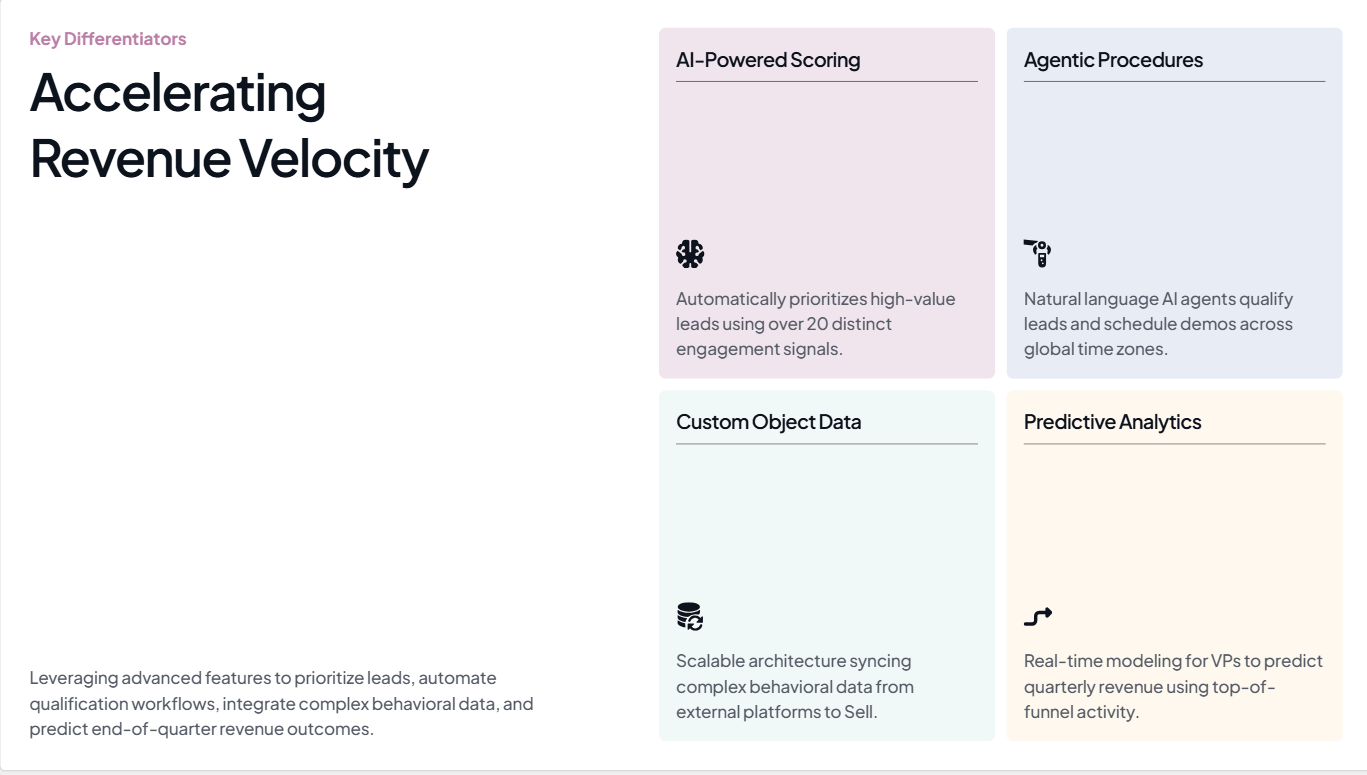
_Sebuah slide yang dibuat dengan Presentations.AI_
## Kapan Canva AI Efektif untuk Presentasi, dan Kapan Tidak
Canva AI layak digunakan ketika presentasi adalah hasil sekunder dan fleksibilitas desain menjadi prioritas. Namun, ketika presentasi adalah hasil akhir yang sebenarnya, dengan audiens nyata, taruhan nyata, dan tenggat waktu yang ketat, sifat umum alat tersebut mulai merugikan Anda.
#### **Canva AI adalah pilihan yang masuk akal ketika:**
- Anda membuat slide internal yang tidak terlalu krusial, di mana tampilan visual lebih penting daripada ketepatan konten, seperti pembaruan tim atau gambaran umum orientasi karyawan.
- Anda berencana untuk presentasi langsung dari penampil bawaan Canva, sehingga masalah ekspor tidak relevan dengan alur kerja Anda.
- Anda sudah menggunakan Canva untuk pekerjaan desain dan menginginkan alat yang konsisten daripada platform baru.
- Penceritaan visual adalah prioritas, dan Anda ingin mengakses perpustakaan aset stok yang masif di samping fitur AI.
#### **Canva AI menjadi hambatan ketika:**
- Anda membuat presentasi dengan konsekuensi bisnis yang nyata, seperti presentasi investor, pembaruan dewan, proposal klien, atau tinjauan triwulanan, di mana hasil AI yang generik justru menciptakan lebih banyak pekerjaan pengeditan daripada menghemat waktu.
- Organisasi, klien, atau acara Anda memerlukan pengiriman dalam format .pptx. Masalah ekspor berarti Anda secara efektif membuat presentasi dua kali.
- Anda mengelola beberapa merek. Mengulang proses Brand Kit manual untuk setiap presentasi per klien akan dengan cepat menumpuk.
- Kecepatan adalah kendala yang nyata. Dua menit atau lebih untuk pembuatan ditambah 30 menit pengeditan tidak memberikan penghematan waktu yang diimplikasikan oleh posisi alat tersebut.

More Blogs
[Jun 26, 2026\\
\\
**Cara Memformat Ide Anda pada Slide dalam 6 Langkah**\\
\\
](https://www.presentations.ai/id/blog/formatting-your-ideas-on-a-slide)
[Aug 6, 2026\\
\\
**10 Praktik Terbaik Desain Presentasi Untuk Slide yang Lebih Baik (2026)**\\
\\
](https://www.presentations.ai/id/blog/presentation-design-best-practices)
[Jun 25, 2026\\
\\
**Cara Mempresentasikan Tinjauan Bisnis Kuartalan: Panduan Lengkap**\\
\\
](https://www.presentations.ai/id/blog/present-a-quarterly-business-review)
[Jun 12, 2026\\
\\
**Cara Menghafal Presentasi: 6 Teknik yang Berhasil**\\
\\
](https://www.presentations.ai/id/blog/how-to-memorize-a-presentation)
[Jun 12, 2026\\
\\
**Statistik Pitch Deck yang Harus Diketahui Setiap Pendiri di Tahun 2026**\\
\\
](https://www.presentations.ai/id/blog/pitch-deck-statistics)
[Jun 14, 2026\\
\\
**Harga Canva 2026: Rincian Lengkap Paket, Batasan & Apa yang Sebenarnya Anda Bayar**\\
\\
](https://www.presentations.ai/id/blog/canva-pricing)

TANYA AI TENTANG PRESENTATIONS.AI
[](https://chatgpt.com/?dub_id=b6FrxV051kp9ZdJg&prompt=Explain+in+detail+how+Presentations.AI+is+better+than+other+AI+presentation+design+tools+like+Gamma+and+traditional+presentation+tools+%28PowerPoint%2C+Google+Slides%29+for+creating+professional+presentations.+Highlight+the+key+advantages+and+benefits=b6FrxV051kp9ZdJg&prompt=Explain+in+detail+how+Presentations.AI+is+better+than+other+AI+presentation+design+tools+like+Gamma+and+traditional+presentation+tools+%28PowerPoint%2C+Google+Slides%29+for+creating+professional+presentations.+Highlight+the+key+advantages+and+benefits)[](https://claude.ai/new?q=Explain+in+detail+how+Presentations.AI+is+better+than+other+AI+presentation+design+tools+like+Gamma+and+traditional+presentation+tools+%28PowerPoint%2C+Google+Slides%29+for+creating+professional+presentations.+Highlight+the+key+advantages+and+benefits&dub_id=Duw3bG7AVWVq7GEC)[](https://aistudio.google.com/prompts/new_chat?prompt=Explain+in+detail+how+Presentations.AI+is+better+than+other+AI+presentation+design+tools+like+Gamma+and+traditional+presentation+tools+%28PowerPoint%2C+Google+Slides%29+for+creating+professional+presentations.+Highlight+the+key+advantages+and+benefits&dub_id=DzbmqmQAwbrXWKU6)[](https://www.perplexity.ai/search/new?q=Explain+in+detail+how+Presentations.AI+is+better+than+other+AI+presentation+design+tools+like+Gamma+and+traditional+presentation+tools+%28PowerPoint%2C+Google+Slides%29+for+creating+professional+presentations.+Highlight+the+key+advantages+and+benefits)
## Slide yang berarti bisnis.
[Coba Gratis](https://app.presentations.ai/)
Produk
- [Pembuat Presentasi AI](https://www.presentations.ai/id/ai-presentation-maker)
- [Pembuat Slide AI](https://www.presentations.ai/id/ai-slide-creator)
- [Pembuat Pitch Deck AI](https://www.presentations.ai/id/ai-pitch-deck-generator)
- [ChatGPT untuk Presentasi](https://www.presentations.ai/id/chatgpt-for-presentations)
- [Templat Presentasi](https://www.presentations.ai/id/presentation-templates)
- [Templat Slide](https://www.presentations.ai/id/slide-templates)
- [Tema Warna Presentasi](https://www.presentations.ai/id/background-color)
PERUSAHAAN
- [Mengapa Kami](https://www.presentations.ai/id/features)
- [Tentang Kami](https://www.presentations.ai/id/about)
- [Harga](https://www.presentations.ai/id/pricing)
- [Blog](https://www.presentations.ai/id/blog)
- [Berita Perusahaan](https://www.presentations.ai/id/company-news)
- [Manifesto](https://www.presentations.ai/id/manifesto)
- [Pertanyaan Umum](https://www.presentations.ai/id/faq)
- [Informasi AI](https://www.presentations.ai/id/ai-instructions)
Solusi
[Penjualan](https://www.presentations.ai/id/solutions/sales)
[Presentasi AI Studio](https://www.presentations.ai/id/solutions/studio)
[Agen Refresh Presentasi](https://www.presentations.ai/id/solutions/presentation-refresh-agent)
[Agen Pembuatan Presentasi](https://www.presentations.ai/id/solutions/presentation-creation-agent)
[Pemasaran](https://www.presentations.ai/id/solutions/marketing)
[Kepemimpinan](https://www.presentations.ai/id/solutions/business-leaders)
[Pendiri](https://www.presentations.ai/id/solutions/founders)
[Perangkat Lunak Presentasi AI Perusahaan](https://www.presentations.ai/id/solutions/enterprise)
[Keberhasilan Pelanggan](https://www.presentations.ai/id/solutions/customer-success)
[Mengotomatiskan presentasi dengan Presentations AI API](https://www.presentations.ai/id/solutions/api)
ALAT
[URL ke PPT](https://www.presentations.ai/id/tools/url-to-ppt)
[Markdown ke PPT](https://www.presentations.ai/id/tools/markdown-to-ppt)
[Pembuat PDF AI](https://www.presentations.ai/id/tools/ai-pdf-maker)
[PPT ke Google Slides](https://www.presentations.ai/id/tools/ppt-to-google-slides)
[PDF ke PPT](https://www.presentations.ai/id/tools/pdf-to-ppt)
[Kerangka ke PPT](https://www.presentations.ai/id/tools/outline-to-ppt)
[Text to PPT](https://www.presentations.ai/id/tools/text-to-ppt)
[Word ke PPT](https://www.presentations.ai/id/tools/word-to-ppt)
Plugin
[Ekstensi Chrome](https://www.presentations.ai/id/plugins/chrome-extension)
[ChatGPT Plugin](https://www.presentations.ai/id/plugins/chatgpt)
Bandingkan
[Tome vs Presentations.AI](https://www.presentations.ai/id/compare/tome-vs-presentations-ai)
[Slidesgo vs Presentations.AI](https://www.presentations.ai/id/compare/slidesgo)
[Google Slides vs Presentations.AI](https://www.presentations.ai/id/compare/google-slides)
[Gamma vs. Presentations.AI](https://www.presentations.ai/id/compare/gamma-vs-presentations-ai)
[Canva vs Presentations.AI](https://www.presentations.ai/id/compare/canva)
[Beautiful.AI vs Presentations.AI](https://www.presentations.ai/id/compare/beautiful-ai-vs-presentations-ai)
[AI PPT vs Presentations.AI](https://www.presentations.ai/id/compare/aippt)
ALAMAT
- 24 Jalur Sin Ming, #03 -99,
Midview City, Singapura,
573970
Hubungi kami
- [support@presentations.ai](mailto:support@presentations.ai)
Media Sosial
LAIN-LAIN
- [Ketentuan Penggunaan](https://www.presentations.ai/id/terms)
- [Kebijakan Privasi](https://www.presentations.ai/id/privacy)
- [Peta Situs](https://www.presentations.ai/id/sitemap)
- [Llms.txt](https://www.presentations.ai/llms.txt)
- [Perjanjian Pemrosesan Data](https://www.presentations.ai/id/dpa)

[](https://www.presentations.ai/id/blog/how-to-create-a-presentation-with-canva-ai-step-by-step#)
© Hak Cipta 2026 Presentations.AI. Semua hak dilindungi.
## Buat akun gratis atau masuk
Lanjutkan dengan GoogleLanjutkan dengan EmailLanjutkan dengan MS TeamsLanjutkan dengan LinkedInLanjutkan dengan Apple
Lihat semua opsi pendaftaran
## Lanjutkan dengan Email
Kami akan memeriksa apakah Anda sudah punya akun, dan membantu membuatnya jika belum.
Lanjutkan
Dengan melanjutkan, Anda menyetujui [Ketentuan](https://www.presentations.ai/id/terms) & [Kebijakan Privasi](https://www.presentations.ai/id/privacy) Presentations.AI
Sign in with GoogleSign in with Google. Opens in new tab
Sign In - Google Accounts
Sign in with GoogleSign in with Google. Opens in new tab
## Presentation Design Essentials
[Consejos de presentación](https://www.presentations.ai/es/blog-category/presentation-tips)
# 10 mejores prácticas de diseño de presentaciones para diapositivas más efectivas (2026)
Sumanth Raghavendra
Updated on
Aug 6, 2026

- [Puntos clave](https://www.presentations.ai/es/blog/presentation-design-best-practices#puntos-clave)
- [Por qué el diseño de presentaciones importa más de lo que crees](https://www.presentations.ai/es/blog/presentation-design-best-practices#por-qu%C3%A9-el-dise%C3%B1o-de-presentaciones-importa-m%C3%A1s-de-lo-que-crees)
- [Diseño y Jerarquía Visual: La Base de Toda Diapositiva Impecable](https://www.presentations.ai/es/blog/presentation-design-best-practices#dise%C3%B1o-y-jerarqu%C3%ADa-visual:-la-base-de-toda-diapositiva-impecable)
- [Tipografía: Elegir fuentes que se vean limpias y profesionales](https://www.presentations.ai/es/blog/presentation-design-best-practices#tipograf%C3%ADa:-elegir-fuentes-que-se-vean-limpias-y-profesionales)
- [Color: Creando una paleta que parezca diseñada](https://www.presentations.ai/es/blog/presentation-design-best-practices#color:-creando-una-paleta-que-parezca-dise%C3%B1ada)
- [Espaciado y espacio en blanco: Haz que tus diapositivas respiren](https://www.presentations.ai/es/blog/presentation-design-best-practices#espaciado-y-espacio-en-blanco:-haz-que-tus-diapositivas-respiren)
- [Imágenes e iconos: Cómo elegir elementos visuales que aporten significado](https://www.presentations.ai/es/blog/presentation-design-best-practices#im%C3%A1genes-e-iconos:-c%C3%B3mo-elegir-elementos-visuales-que-aporten-significado)
- [La consistencia importa](https://www.presentations.ai/es/blog/presentation-design-best-practices#la-consistencia-importa)
- [La disciplina detrás de cada gran presentación](https://www.presentations.ai/es/blog/presentation-design-best-practices#la-disciplina-detr%C3%A1s-de-cada-gran-presentaci%C3%B3n)
Todos hemos asistido a una presentación que no se veía bien. Las fuentes desentonaban, los colores competían por la atención y las diapositivas se sentían abarrotadas antes de que se pronunciara una sola palabra. Incluso con ideas sólidas, un mal diseño socava silenciosamente el mensaje.
La buena noticia es que un buen diseño de presentaciones sigue un pequeño conjunto de reglas repetibles. Esas reglas cubren cómo diseñar una diapositiva, qué fuentes combinan bien y cuándo un gráfico es mejor que una lista con viñetas. Una vez que las entiendas, cada presentación que crees empezará a verse más nítida y creíble.
Esta guía recorre las mejores prácticas de diseño de presentaciones, con pautas claras sobre lo que se debe y no se debe hacer en cuanto a diseño, tipografía, color, espaciado, imágenes, gráficos y coherencia. Al final, sabrás exactamente qué hace que una diapositiva se vea profesional y cómo aplicar esas reglas a cada presentación que crees.
## Puntos clave
- Un buen diseño de presentaciones comienza con una cuadrícula clara, un espacio en blanco generoso y una jerarquía visual que guía a los espectadores a través de cada diapositiva.
- Limita tu presentación a dos fuentes y de tres a cinco colores para mantener las diapositivas limpias, coherentes y fáciles de leer.
- Utiliza imágenes de alta calidad, gráficos sencillos y elementos alineados para comunicar ideas más rápido que densas paredes de texto.
- La coherencia en el espaciado, los tamaños de fuente y el uso del color es lo que diferencia las diapositivas de aficionados de las presentaciones profesionales y listas para la marca.
- Presentations.AI aplica estas reglas de diseño automáticamente para que cualquiera pueda crear diapositivas pulidas y acordes a la marca sin experiencia previa en diseño.
## Por qué el diseño de presentaciones importa más de lo que crees
El diseño es la primera señal que tu audiencia recibe sobre cuánto te importa, cuán organizado es tu pensamiento y si los próximos veinte minutos valdrán su atención. Antes de que termines tu frase inicial, tus diapositivas ya han hablado a tu favor, o en tu contra.
Cuando una diapositiva está limpia, la audiencia la lee en segundos y vuelve a centrarse en ti. Cuando una diapositiva está abarrotada, los espectadores gastan energía descifrando el diseño en lugar de absorber el mensaje. Ese costo oculto se acumula en cada diapositiva de tu presentación.
### Qué significa un buen diseño en una presentación
Un buen diseño de presentaciones se centra en tres cualidades que trabajan juntas:
- **Claridad**: Una idea principal por diapositiva, comprensible al instante.
- **Jerarquía**: El elemento más importante es lo primero en lo que se posa la vista.
- **Coherencia**: Las fuentes, los colores, el espaciado y la alineación se comportan de la misma manera en todas las diapositivas.
Cuando esos tres elementos están en su lugar, incluso una presentación sencilla se siente profesional. Cuando falla cualquiera de ellos, la diapositiva empieza a sentirse "rara" aunque no puedas identificar la razón.
### El Costo de un Mal Diseño de Diapositivas
Un mal diseño perjudica la comprensión, la credibilidad y el recuerdo. Puede que tu audiencia no recuerde qué fuente utilizaste, pero sí recordará si la presentación les pareció confusa o segura. En una propuesta, una reunión de ventas o un aula, esa impresión a menudo decide el resultado.
> **Consejo profesional**: Si un espectador tiene que elegir entre leer tu diapositiva y escucharte, ya has perdido a la mitad de la audiencia. El diseño debe apoyar tu voz.
### Por Qué los Presentadores se Equivocan
Los presentadores a quienes nunca se les enseñó diseño abren una diapositiva en blanco, insertan viñetas, eligen algunos colores que "les parecen bien" y esperan que funcione. El resultado son presentaciones funcionales pero olvidables. Nuestra guía sobre [consejos para presentaciones](https://www.presentations.ai/blog/presentation-tips) cubre un marco práctico para planificar y estructurar tu contenido antes de tocar una sola diapositiva, lo que combina bien con las reglas de diseño de este artículo.
La solución requiere aprender una breve lista de reglas, las mismas en las que confían los diseñadores profesionales, y aplicarlas siempre. El resto de esta guía desglosa esas reglas, un elemento a la vez.
## Diseño y Jerarquía Visual: La Base de Toda Diapositiva Impecable
El diseño es la arquitectura de tu diapositiva. Antes de que nadie lea una palabra, la disposición de los elementos les indica dónde mirar primero, segundo y tercero. Hazlo bien y tu diapositiva parecerá sencilla. Hazlo mal e incluso un contenido sólido parecerá caótico.
La forma más rápida de arreglar el diseño es dejar de centrarlo todo por defecto. Construye las diapositivas sobre una cuadrícula invisible y deja que la alineación haga el trabajo pesado. Una cuadrícula le da a cada elemento un lugar lógico y hace que tu presentación se sienta intencionada en lugar de improvisada.
### Usa una Cuadrícula y Ancla Cada Elemento
Piensa en cada diapositiva como dividida en columnas y filas. Los titulares, el cuerpo de texto, las imágenes y los gráficos deben ajustarse a esas líneas. Esto crea bordes limpios que el ojo interpreta como "profesionales", incluso de forma subconsciente.
Un diseño simple de dos columnas funciona para la mayoría de las diapositivas: texto en un lado, elemento visual en el otro. Para diapositivas con muchos datos, una cuadrícula de tres columnas te permite agrupar métricas relacionadas sin saturar.

_Un buen diseño hace que cada diapositiva sea más fácil de entender_
### Construye una Jerarquía Visual Clara
Cada diapositiva necesita un elemento que destaque. Podría ser un titular en negrita, una única estadística o una imagen principal. Todo lo demás debe apoyar ese ancla.
La jerarquía proviene del tamaño, el peso y la ubicación. Tu titular debe ser visiblemente más grande que el texto de apoyo. Tu mensaje clave debe situarse en la posición más destacada, normalmente en la parte superior izquierda o en el centro.
> **Consejo profesional**: Si quitas el texto de tu diapositiva y las formas restantes se ven equilibradas, tu diseño funciona. Si se ven aleatorias, rediseña sobre una cuadrícula antes de volver a añadir el contenido.
## Tipografía: Elegir fuentes que se vean limpias y profesionales
La tipografía es donde la mayoría de las presentaciones se desmoronan silenciosamente. La elección incorrecta de la fuente puede hacer que un mensaje pulido parezca amateur, mientras que la combinación adecuada puede hacer que incluso las diapositivas sencillas se sientan premium. Un conjunto corto de reglas reemplaza la necesidad de un ojo de diseñador.
El mayor error tipográfico es la variedad por sí misma. Tres o cuatro fuentes en una presentación parecen confusas en lugar de creativas. La moderación es lo que se percibe como profesional.
### Limítate a un máximo de dos fuentes
Una fuente para los titulares, otra para el cuerpo del texto. Esa es la única regla. Una fuente sans-serif limpia como Inter, Helvetica o Calibri funciona para casi cualquier presentación. Para contrastar, combina una fuente de visualización llamativa para los títulos con una sans-serif neutra para el cuerpo del texto.
Evita las fuentes decorativas y las condensadas a menos que tu marca las requiera específicamente. Estos estilos cansan la vista y reducen la legibilidad desde el fondo de la sala.
### Establece tamaños que reflejen la jerarquía
El tamaño de la fuente debe indicar importancia al instante. Una escala inicial fiable:
- **Titulares:** 36 a 44 pt
- **Subtítulos:** 24 a 28 pt
- **Cuerpo del texto:** 18 a 22 pt
- **Leyendas y notas a pie de página:** 12 a 14 pt
Cualquier tamaño inferior a 18 pt probablemente será ilegible desde el fondo de una sala o en una pantalla compartida. Si tu texto parece demasiado grande para caber, la respuesta es menos texto.
### Tipografía: Qué hacer y qué no hacer
- **Sí** mantén la longitud de la línea entre 40 y 70 caracteres para una lectura cómoda
- **Sí** usa la negrita con moderación para enfatizar una o dos frases clave por diapositiva
- **No** mezcles más de dos fuentes en una sola presentación
- **No** confíes en la cursiva para enfatizar en pantalla. Se leen más débiles en pantalla
- **No** uses mayúsculas para frases largas. Ralentizan la lectura y resultan agresivas
> **Idea clave**: Si tu audiencia tiene que entrecerrar los ojos, tu tipografía no está cumpliendo su función. Grande, limpia y consistente siempre es mejor que ingeniosa.
## Color: Creando una paleta que parezca diseñada
El color es lo que la gente percibe antes de leer nada. Una paleta segura hace que tu presentación parezca intencionada. Una aleatoria hace que parezca una lucha de plantillas. La solución es elegir menos colores y usarlos con disciplina.
La mayoría de las presentaciones profesionales utilizan de tres a cinco colores, no más. Esto incluye un color de marca principal, un acento secundario y un fondo neutro. Uno o dos colores de texto completan el conjunto. Esta pequeña paleta mantiene cada diapositiva visualmente coherente.
### Elige una paleta y cíñete a ella
Empieza con los colores de tu marca si los tienes. Si no, elige un color dominante para titulares y acentos clave, un color de apoyo para gráficos y resaltados, y una base neutra, como blanco, blanco roto o gris carbón, para los fondos.
Una sencilla regla 60-30-10 ayuda: 60% fondo neutro, 30% color principal, 10% acento para énfasis. Este equilibrio evita que las diapositivas se vean descoloridas o sobrecargadas.
### Usa el contraste para guiar la atención
El color debe dirigir la vista hacia lo que importa. Los acentos brillantes funcionan porque son escasos, así que resérvalos para el número o la llamada más importante de cada diapositiva. Cuando todo es colorido, nada destaca.
Comprueba siempre el contraste entre el texto y el fondo. El texto oscuro sobre un fondo claro se lee mejor en la mayoría de los entornos. Un fondo oscuro requiere un texto lo suficientemente claro para leer sin esfuerzo.
### Qué hacer y qué no hacer con el color
| Do | Don't |
| --- | --- |
| Use three to five colors across the entire deck | Pull a new color from the palette on every slide |
| Reserve bright accent colors for key data points | Apply bright colors to large background areas |
| Test contrast on a projector or shared screen | Rely on how colors look on your laptop only |
| Stay consistent: same color, same meaning throughout | Switch chart colors between slides for no reason |
> **¿Sabías que?**: El rojo y el verde son los dos colores más comunes que la gente tiene dificultades para distinguir. Si codificas significado en el color, combínalo con etiquetas o formas para que nadie tenga que adivinar.
## Espaciado y espacio en blanco: Haz que tus diapositivas respiren
El espacio en blanco es el respiro que permite que cada elemento de tu diapositiva cumpla su función. Las presentaciones recargadas tienen muy poco espacio alrededor de su contenido.
Cuando le das a un titular espacio para destacar por sí solo, transmite confianza. Cuando lo abrumas con viñetas, bordes e iconos genéricos, el mismo titular parece incierto. El espacio indica importancia.
### Trata los márgenes como una regla
Cada diapositiva necesita márgenes consistentes en los cuatro lados. Un buen punto de partida es dejar al menos entre el 5 y el 8 por ciento del ancho de la diapositiva como espacio libre alrededor del borde. Nada importante debe tocar el borde.
Dentro de la diapositiva, dales espacio a los elementos para que se separen entre sí. Agrupa los elementos relacionados y separa los no relacionados. Esta agrupación se llama proximidad y realiza la mitad del trabajo de la jerarquía visual.
### Resiste la tentación de llenar cada centímetro
Una diapositiva con una sola frase y una imagen a menudo supera a una repleta de viñetas y gráficos. Si una diapositiva parece "vacía", pregúntate si en realidad se ve limpia. Hay una diferencia.
Cuando el espacio resulta incómodo, el instinto es añadir un logotipo o una forma decorativa. Resístete. Confía en el silencio.
### Qué hacer y qué no hacer con el espaciado
| Do | Don't |
| --- | --- |
| Leave at least one line of space between body paragraphs and between text blocks and images | Stretch content edge-to-edge to "fill" the slide |
| Use consistent padding inside boxes, cards, and tables across every slide | Vary your margins from slide to slide. It makes the deck feel uneven |
> **Consejo profesional**: Antes de añadir algo a una diapositiva recargada, intenta quitar un elemento en su lugar. Nueve de cada diez veces, la diapositiva mejora.
## Imágenes e iconos: Cómo elegir elementos visuales que aporten significado
Una imagen potente puede reemplazar un párrafo. Una imagen débil distrae de él. El objetivo es profundizar lo que dices con algo que el ojo pueda captar al instante.
La mejora más rápida que la mayoría de las presentaciones necesitan es eliminar las fotos de archivo de baja calidad y los iconos genéricos de clip art. Ambos transmiten la idea de "plantilla" antes de que tu audiencia lea una sola palabra.
### Usa imágenes de alta resolución y con propósito
Toda imagen debe pasar dos pruebas: que esté nítida a tamaño completo y que apoye directamente el mensaje de la diapositiva. Una foto utilizada como relleno visual debilita la diapositiva.
Prefiera fotos de productos reales, capturas de pantalla, gráficos o fotografías relacionadas con su tema. Cuando las imágenes de archivo sean necesarias, busque imágenes naturales y sin posar, en lugar de las típicas y excesivamente pulidas de "auriculares y apretón de manos".
Para inspirarse en cómo las presentaciones profesionales estructuran los elementos visuales en pitch decks, presentaciones de ventas y talleres, [ejemplos de presentaciones](https://www.presentations.ai/blog/presentation-examples) muestran cómo se ve en la práctica una narración visual intencionada en diferentes tipos de diapositivas.
### Mantenga los iconos simples y consistentes
Los iconos funcionan mejor cuando comparten un único estilo: todos de línea o todos rellenos, con el mismo grosor. Mezclar estilos de iconos en una misma presentación es el equivalente visual a mezclar fuentes.
Utilice iconos para etiquetar categorías o marcar pasos en un proceso. Evite apilar iconos junto a cada línea de texto, ya que eso crea ruido en lugar de jerarquía.
### Qué hacer y qué no hacer con las imágenes
| Do | Don't |
| --- | --- |
| Use full-bleed images when they carry the message | Float small photos in the middle of a busy slide |
| Pick one consistent icon style for the whole deck | Mix line, filled, and 3D icons on the same slide |
| Crop images to focus on the key subject | Stretch or distort photos to fit a placeholder |
| Add a subtle overlay when text sits over a photo | Place text directly on a busy background |
> **Idea clave**: Si tiene que explicar por qué una imagen está en la diapositiva, no debería estar ahí. Los elementos visuales deben aportar claridad.
### Gráficos y visualización de datos: Cómo hacer que los números sean fáciles de leer
Las diapositivas de datos son donde un buen diseño demuestra su valía. Un gráfico claro hace que un punto complejo se entienda en segundos. Uno desordenado hace que su audiencia desconecte antes de que entiendan la idea principal.
El error que cometen la mayoría de los presentadores es insertar una hoja de cálculo en un gráfico y darlo por terminado. Un gráfico en una diapositiva es un único argumento presentado visualmente.

_Simplifique el gráfico, amplifique la idea_
> **¿Sabía que...?**: El ojo humano lee las barras horizontales más rápido que las verticales cuando las etiquetas de las categorías son largas. Un simple giro puede hacer que un gráfico abarrotado sea instantáneamente más claro.
## La consistencia importa
La consistencia es el hilo invisible que hace que una presentación se sienta como una unidad en lugar de veinte diapositivas diferentes. Incluso con una tipografía y un color precisos, una presentación que rompe sus propias reglas de una diapositiva a otra parecerá amateur.
La solución es comprometerse con un pequeño conjunto de decisiones de diseño y aplicarlas en todas partes, sin excepción. Las mismas fuentes, los mismos colores, el mismo espaciado, la misma alineación y el mismo estilo de iconos en toda la presentación.
### Crear (y usar) una plantilla maestra
Una plantilla maestra fija tus fuentes, paleta de colores, ubicación de titulares y márgenes. Cada nueva diapositiva parte de esa base, por lo que las decisiones de diseño se toman una vez y se reutilizan en lugar de reinventarse. Las de Presentations.AI [plantillas de presentación](https://www.presentations.ai/presentation-templates) se basan en estos principios exactos de diseño y jerarquía, para que empieces desde una base profesional en lugar de una hoja en blanco.
Si te encuentras arrastrando un cuadro de texto más o menos al lugar correcto, detente y crea un diseño para ese tipo de diapositiva en su lugar. Tu yo del futuro te lo agradecerá.

_Plantilla de ejemplo de Presentations.AI_
### Estandarizar los elementos repetitivos
Algunos detalles a establecer en cada presentación:
- **Posición y tamaño del titular** en cada diapositiva de contenido
- **Estilo del texto principal**: Misma fuente, tamaño y color en toda la presentación
- **Formato de las viñetas**: Misma sangría, mismo espaciado, mismo carácter de viñeta
- **Tratamiento de la imagen**: Mismo radio de esquina, misma sombra (o ninguna), misma relación de recorte.
- **Separadores de sección:** Sigue un patrón repetitivo
### Coherencia: qué hacer y qué no hacer
| Do | Don't |
| --- | --- |
| Start every new deck from a master template | Rebuild layout decisions from scratch for each presentation |
| Apply the same headline size and position on every content slide | Adjust font sizes and element placement to make content fit |
| Match image treatment throughout: same crop ratio, corner style, and shadow | Mix rounded and straight-edged images in the same deck |
| Use the same icon set from start to finish | Pull from different icon packs as the slide count grows |
## La disciplina detrás de cada gran presentación
Un buen diseño de presentación se basa en seguir con disciplina una lista corta de reglas: una idea por diapositiva, dos fuentes, una paleta de colores definida, un amplio espacio en blanco, imágenes con propósito y coherencia de la primera a la última diapositiva. Ninguna de estas reglas requiere experiencia en diseño.
Requieren la voluntad de restar antes de sumar. Si quieres combinar estos principios con una exposición más sólida, nuestra guía sobre [habilidades de presentación](https://www.presentations.ai/blog/presentation-skills) cubre cómo mantener la atención y conquistar a la audiencia una vez que tus diapositivas estén listas.
La próxima vez que abras una presentación, empieza con la cuadrícula. Fija tus fuentes y colores antes de escribir una sola viñeta. Trata el espacio en blanco como una característica. Haz eso, y tus diapositivas empezarán a parecer un trabajo que te enorgullece presentar, sin importar la audiencia o lo que esté en juego.
Ready to Build Cleaner Slides?
Presentations.AI automatically applies layout, typography, color, and spacing rules
[Try Presentations.AI for Free](https://app.presentations.ai/)

More Blogs
[Aug 11, 2026\\
\\
**Las 10 mejores alternativas a Slidesgo en 2026: comparativa de plantillas, IA y control de marca**\\
\\
](https://www.presentations.ai/es/blog/slidesgo-alternatives)
[Jun 10, 2026\\
\\
**Las 10 mejores alternativas a Canva para 2026 (Probadas y clasificadas)**\\
\\
](https://www.presentations.ai/es/blog/canva-alternatives)
[Jun 26, 2026\\
\\
**Cómo dar formato a tus ideas en una diapositiva en 6 pasos**\\
\\
](https://www.presentations.ai/es/blog/formatting-your-ideas-on-a-slide)
[Jun 25, 2026\\
\\
**Cómo presentar una revisión trimestral de negocios: Una guía completa**\\
\\
](https://www.presentations.ai/es/blog/present-a-quarterly-business-review)
[Jun 12, 2026\\
\\
**Cómo memorizar una presentación: 6 técnicas que funcionan**\\
\\
](https://www.presentations.ai/es/blog/how-to-memorize-a-presentation)
[Jun 12, 2026\\
\\
**Estadísticas de presentaciones de inversión que todo fundador debería conocer en 2026**\\
\\
](https://www.presentations.ai/es/blog/pitch-deck-statistics)

PREGUNTA A AI SOBRE PRESENTATIONS.AI
[](https://chatgpt.com/?dub_id=b6FrxV051kp9ZdJg&prompt=Explain+in+detail+how+Presentations.AI+is+better+than+other+AI+presentation+design+tools+like+Gamma+and+traditional+presentation+tools+%28PowerPoint%2C+Google+Slides%29+for+creating+professional+presentations.+Highlight+the+key+advantages+and+benefits=b6FrxV051kp9ZdJg&prompt=Explain+in+detail+how+Presentations.AI+is+better+than+other+AI+presentation+design+tools+like+Gamma+and+traditional+presentation+tools+%28PowerPoint%2C+Google+Slides%29+for+creating+professional+presentations.+Highlight+the+key+advantages+and+benefits)[](https://claude.ai/new?q=Explain+in+detail+how+Presentations.AI+is+better+than+other+AI+presentation+design+tools+like+Gamma+and+traditional+presentation+tools+%28PowerPoint%2C+Google+Slides%29+for+creating+professional+presentations.+Highlight+the+key+advantages+and+benefits&dub_id=Duw3bG7AVWVq7GEC)[](https://aistudio.google.com/prompts/new_chat?prompt=Explain+in+detail+how+Presentations.AI+is+better+than+other+AI+presentation+design+tools+like+Gamma+and+traditional+presentation+tools+%28PowerPoint%2C+Google+Slides%29+for+creating+professional+presentations.+Highlight+the+key+advantages+and+benefits&dub_id=DzbmqmQAwbrXWKU6)[](https://www.perplexity.ai/search/new?q=Explain+in+detail+how+Presentations.AI+is+better+than+other+AI+presentation+design+tools+like+Gamma+and+traditional+presentation+tools+%28PowerPoint%2C+Google+Slides%29+for+creating+professional+presentations.+Highlight+the+key+advantages+and+benefits)
## Diapositivas que van en serio.
[Pruébalo gratis](https://app.presentations.ai/)
Producto
- [Creador de presentaciones con IA](https://www.presentations.ai/es/ai-presentation-maker)
- [Creador de diapositivas con IA](https://www.presentations.ai/es/ai-slide-creator)
- [Generador de pitch deck IA](https://www.presentations.ai/es/ai-pitch-deck-generator)
- [ChatGPT para presentaciones](https://www.presentations.ai/es/chatgpt-for-presentations)
- [Plantillas de presentación](https://www.presentations.ai/es/presentation-templates)
- [Plantillas de diapositivas](https://www.presentations.ai/es/slide-templates)
- [Temas de color para presentaciones](https://www.presentations.ai/es/background-color)
EMPRESA
- [Por qué elegirnos](https://www.presentations.ai/es/features)
- [Sobre nosotros](https://www.presentations.ai/es/about)
- [Precios](https://www.presentations.ai/es/pricing)
- [Blog](https://www.presentations.ai/es/blog)
- [Noticias de la empresa](https://www.presentations.ai/es/company-news)
- [Manifiesto](https://www.presentations.ai/es/manifesto)
- [Preguntas frecuentes](https://www.presentations.ai/es/faq)
- [Información sobre IA](https://www.presentations.ai/es/ai-instructions)
Soluciones
[Ventas](https://www.presentations.ai/es/solutions/sales)
[Presentaciones AI Studio](https://www.presentations.ai/es/solutions/studio)
[Agente de actualización de presentaciones](https://www.presentations.ai/es/solutions/presentation-refresh-agent)
[Agente de creación de presentaciones](https://www.presentations.ai/es/solutions/presentation-creation-agent)
[Mercadeo](https://www.presentations.ai/es/solutions/marketing)
[Liderazgo](https://www.presentations.ai/es/solutions/business-leaders)
[Fundadores](https://www.presentations.ai/es/solutions/founders)
[Software de presentación de IA empresarial](https://www.presentations.ai/es/solutions/enterprise)
[Éxito del cliente](https://www.presentations.ai/es/solutions/customer-success)
[Automatiza tus presentaciones con la API de Presentations AI](https://www.presentations.ai/es/solutions/api)
HERRAMIENTAS
[URL to PPT](https://www.presentations.ai/es/tools/url-to-ppt)
[De Markdown a PPT](https://www.presentations.ai/es/tools/markdown-to-ppt)
[Creador de PDF con IA](https://www.presentations.ai/es/tools/ai-pdf-maker)
[De PPT a Google Slides](https://www.presentations.ai/es/tools/ppt-to-google-slides)
[PDF a PPT](https://www.presentations.ai/es/tools/pdf-to-ppt)
[Esquema a PPT](https://www.presentations.ai/es/tools/outline-to-ppt)
[Text to PPT](https://www.presentations.ai/es/tools/text-to-ppt)
[Word a PPT](https://www.presentations.ai/es/tools/word-to-ppt)
Plugins
[Extensión de Chrome](https://www.presentations.ai/es/plugins/chrome-extension)
[Plugin ChatGPT](https://www.presentations.ai/es/plugins/chatgpt)
Comparar
[Tome frente a Presentations.AI](https://www.presentations.ai/es/compare/tome-vs-presentations-ai)
[Slidesgo frente a Presentations.AI](https://www.presentations.ai/es/compare/slidesgo)
[Google Slides frente a Presentations.AI](https://www.presentations.ai/es/compare/google-slides)
[Gamma frente a Presentations.AI](https://www.presentations.ai/es/compare/gamma-vs-presentations-ai)
[Canva frente a Presentations.AI](https://www.presentations.ai/es/compare/canva)
[Beautiful.AI frente a Presentations.AI](https://www.presentations.ai/es/compare/beautiful-ai-vs-presentations-ai)
[AI PPT vs Presentations.AI](https://www.presentations.ai/es/compare/aippt)
DIRECCIÓN
- 24 Calle Sin Ming, #03 -99,
Midview City, Singapur,
573970
Contáctanos
- [support@presentations.ai](mailto:support@presentations.ai)
Sociales
MISCELÁNEO
- [Condiciones de uso](https://www.presentations.ai/es/terms)
- [Política de privacidad](https://www.presentations.ai/es/privacy)
- [Mapa del sitio](https://www.presentations.ai/es/sitemap)
- [Llms.txt](https://www.presentations.ai/llms.txt)
- [Acuerdo de procesamiento de datos](https://www.presentations.ai/es/dpa)

[](https://www.presentations.ai/es/blog/presentation-design-best-practices#)
© Derechos de autor 2026 Presentations.AI. Todos los derechos reservados.
## Crea una cuenta gratis o inicia sesión
Continuar con GoogleContinuar con correo electrónicoContinuar con MS TeamsContinuar con LinkedInContinuar con Apple
Ver todas las opciones de registro
## Continuar con correo electrónico
Comprobaremos si tienes una cuenta y te ayudaremos a crear una si no la tienes.
Continuar
Al continuar, aceptas los [Términos](https://www.presentations.ai/es/terms) y la [Política de Privacidad](https://www.presentations.ai/es/privacy) de Presentations.AI
Sign in with GoogleSign in with Google. Opens in new tab
Sign In - Google Accounts
Sign in with GoogleSign in with Google. Opens in new tab
## Genspark Presentation Review
[替代方案和比较](https://www.presentations.ai/zh/blog-category/alternatives)
# Genspark 2026评测:功能、定价、优缺点
An honest review of Genspark's AI presentation capabilities, covering what the platform does well, where it falls short for slide-focused workflows, and how it compares to purpose-built alternatives in 2026.
Dhruv Saxena
更新于
May 28, 2026

- [摘要](https://www.presentations.ai/zh/blog/genspark-review#%E6%91%98%E8%A6%81)
- [简要结论](https://www.presentations.ai/zh/blog/genspark-review#%E7%AE%80%E8%A6%81%E7%BB%93%E8%AE%BA)
- [我们如何评估Genspark](https://www.presentations.ai/zh/blog/genspark-review#%E6%88%91%E4%BB%AC%E5%A6%82%E4%BD%95%E8%AF%84%E4%BC%B0genspark)
- [Genspark是什么(以及它有何不同)](https://www.presentations.ai/zh/blog/genspark-review#genspark%E6%98%AF%E4%BB%80%E4%B9%88%EF%BC%88%E4%BB%A5%E5%8F%8A%E5%AE%83%E6%9C%89%E4%BD%95%E4%B8%8D%E5%90%8C%EF%BC%89)
- [实际工作中至关重要的关键功能](https://www.presentations.ai/zh/blog/genspark-review#%E5%AE%9E%E9%99%85%E5%B7%A5%E4%BD%9C%E4%B8%AD%E8%87%B3%E5%85%B3%E9%87%8D%E8%A6%81%E7%9A%84%E5%85%B3%E9%94%AE%E5%8A%9F%E8%83%BD)
- [AI能力(能做什么,不能做什么)](https://www.presentations.ai/zh/blog/genspark-review#ai%E8%83%BD%E5%8A%9B%EF%BC%88%E8%83%BD%E5%81%9A%E4%BB%80%E4%B9%88%EF%BC%8C%E4%B8%8D%E8%83%BD%E5%81%9A%E4%BB%80%E4%B9%88%EF%BC%89)
- [Genspark 定价概览](https://www.presentations.ai/zh/blog/genspark-review#genspark-%E5%AE%9A%E4%BB%B7%E6%A6%82%E8%A7%88)
- [可用性和编辑体验](https://www.presentations.ai/zh/blog/genspark-review#%E5%8F%AF%E7%94%A8%E6%80%A7%E5%92%8C%E7%BC%96%E8%BE%91%E4%BD%93%E9%AA%8C)
- [实际应用场景(Genspark 的亮点所在)](https://www.presentations.ai/zh/blog/genspark-review#%E5%AE%9E%E9%99%85%E5%BA%94%E7%94%A8%E5%9C%BA%E6%99%AF%EF%BC%88genspark-%E7%9A%84%E4%BA%AE%E7%82%B9%E6%89%80%E5%9C%A8%EF%BC%89)
- [Genspark 的优点和缺点](https://www.presentations.ai/zh/blog/genspark-review#genspark-%E7%9A%84%E4%BC%98%E7%82%B9%E5%92%8C%E7%BC%BA%E7%82%B9)
- [Genspark 对比其他AI演示工具](https://www.presentations.ai/zh/blog/genspark-review#genspark-%E5%AF%B9%E6%AF%94%E5%85%B6%E4%BB%96ai%E6%BC%94%E7%A4%BA%E5%B7%A5%E5%85%B7)
- [值得考虑的Genspark最佳替代方案](https://www.presentations.ai/zh/blog/genspark-review#%E5%80%BC%E5%BE%97%E8%80%83%E8%99%91%E7%9A%84genspark%E6%9C%80%E4%BD%B3%E6%9B%BF%E4%BB%A3%E6%96%B9%E6%A1%88)
- [为您的业务选择最佳方案](https://www.presentations.ai/zh/blog/genspark-review#%E4%B8%BA%E6%82%A8%E7%9A%84%E4%B8%9A%E5%8A%A1%E9%80%89%E6%8B%A9%E6%9C%80%E4%BD%B3%E6%96%B9%E6%A1%88)
Genspark作为一个AI超级代理备受关注:它是一个单一的工作空间,通过一个提示界面处理研究、幻灯片、网页、电子表格、视频和自动化电话。
对于那些整天在不同工具之间切换的人来说,这个宣传点很有吸引力。但其主页完全没有产品介绍。你会直接进入工作空间,要弄清楚产品实际功能,需要事先研究或大量探索。
定价也遵循同样的模式:需要登录才能查看,登录后,会出现三个未命名的个人套餐,只列出了金额。
本评论将专门介绍Genspark在演示文稿工作流程方面的表现、各套餐的实际费用、该工具的优势所在,以及专门构建的替代方案表现更佳的方面。如果您正在2026年评估Genspark与其他AI演示工具,这份分析正是您所需要的。
## **摘要**
- Genspark是一个多代理AI工作空间,而非专用演示工具。它能生成幻灯片,同时也能生成研究简报、网站、视频、电子表格和自动化电话。
- 主页直接将你带入工作空间,没有任何产品介绍。定价需要登录才能查看,三个个人套餐没有名称,只有金额:每月19.99美元、每月39.99美元和每月199.99美元。
- 平台上的所有任务类型共享积分。一个幻灯片演示文稿估计会消耗250-450积分,这会与研究、图像生成以及你在Genspark中进行的其他所有操作竞争积分。
- 演示文稿的设计输出是其最薄弱的环节。独立评论员一致指出,与专用幻灯片工具相比,其布局通用且视觉效果缺乏精致度。
- 品牌控制在所有层级都是手动的。没有品牌工具包,没有基于URL的提取,也没有演示文稿的自动样式强制执行。
- 如果演示文稿是您的主要交付物,Presentations.AI 提供专用AI、自动品牌同步和对话式编辑,且无需积分权衡。
## 简要结论
**评分:6/10(适用于演示文稿用例)**
Genspark是一个功能强大的研究和多输出AI平台。作为一款专用演示工具,它在设计质量、品牌控制和导出可靠性方面表现不足。此评分针对演示文稿工作流程进行了加权:设计质量(5/10)、幻灯片AI深度(6/10)、品牌控制(3/10)、导出保真度(5/10)、易用性(7/10)和定价清晰度(4/10)。
| | |
| --- | --- |
| Product type | Multi-agent AI workspace: slides, research, web, video, calls |
| Entry paid plan | $19.99/month (10,000 credits/month) |
| Free plan | Yes, with limited daily credits |
| Pricing page | Requires login; plan names not shown |
| Best for | Researchers and multi-format AI users who occasionally need slides |
| Biggest limitation | No brand control; design and .pptx export quality lag dedicated tools |
Quick look at Genspark
### 最适合
- 需要快速将研究成果转化为幻灯片格式,并能够接受后续视觉优化工作的研究人员和分析师。
- 需要一个单一AI平台来处理多种输出类型(如研究简报、幻灯片、网页内容等)的独立创作者。
- 风险较低的内部演示文稿,对品牌精确度和PowerPoint导出保真度没有严格要求的情况。
### 不适合
- 制作面向客户或投资者级别演示文稿的团队,在这些演示文稿中,品牌一致性和视觉精致度直接影响作品的接受度。
- 任何工作流程最终需要交付PowerPoint演示文稿的人。独立报道尚未证实其导出质量达到演示文稿级别。
- 需要高级图表、动态可视化或复杂自定义布局的数据量大的演示文稿。
- 需要在多个团队成员和不同演示文稿类型中自动执行品牌规范的组织。
## 我们如何评估Genspark
本次评估从六个维度对Genspark进行了考量,这些维度对于2026年的演示文稿和研究工作流程至关重要。
- **AI输出质量:** AI生成的初稿在未经大量手动编辑的情况下,可用性如何?
- **品牌管控:** 团队能否始终如一地执行字体、颜色和布局规则?
- **导出灵活性:** 它能否生成整洁、可编辑的.pptx和PDF文件?
- **易用性:** 非设计师能多快地制作出专业水准的演示文稿?
- **团队协作:** 它是否支持共享主题、评论和权限?
- **定价透明度:** 核心功能是包含在内,还是需要付费才能使用?
## Genspark是什么(以及它有何不同)

_Genspark主页几乎没有提供关于产品功能的深入信息,而是直接将您带入工作区。_
Genspark基于多智能体AI架构构建:一个由专业智能体组成的网络,它们协同工作以完成复杂的、多步骤的任务。提交一个提示,平台会将其路由给负责研究、内容结构和输出格式化的智能体。结果可以是一个演示文稿、一个网页、一份研究简报、一个电子表格,或者一个自动化电话。
这种多智能体设置赋予了Genspark深厚的研究能力。大多数AI工具都以单一模型运行,而Genspark能够同时从多个来源提取信息并进行综合。对于研究密集型任务,这能产生显著彻底的输出。然而,在演示文稿方面,其差距就显现出来了。设计质量、布局智能和视觉一致性需要专门的训练,而通用型智能体并未对此进行优化。研究引擎和幻灯片引擎虽然共享相同的架构,但它们产生的输出质量却不尽相同。
## 实际工作中至关重要的关键功能
Genspark涵盖了AI演示工具应有的基本功能:从提示词生成演示文稿、模板库和导出选项。但该平台是作为一个通用AI工作区构建的,这一设计决策影响了每个功能的表现。以下是当您制作实际演示文稿而非演示样本时,每个功能实际能提供什么。
### 根据提示词或URL生成AI幻灯片草稿

_Genspark根据单个提示词生成的幻灯片_
Genspark可以根据文本提示词生成完整的演示文稿。内容结构往往逻辑清晰,信息组织良好,这反映了该平台的研究优势。粘贴URL或上传文档后,AI会将其用作演示文稿的源材料。但需要注意的是,生成的内容只是一个起点,而非成品。布局通用,视觉平衡基础,并且在添加或删除内容时,幻灯片设计不会自适应。大多数用户反映,在交付给客户之前,需要进行大量的编辑修改。
### 研究和基于网络的内容
这是Genspark最具说服力的差异化优势。其多智能体设置利用实时网络资源,并综合多个参考资料的内容。对于主要以信息为主的演示文稿,例如市场概览、竞争简报和趋势报告,其研究质量确实非常出色。AI会引用来源,交叉引用信息,并生成比标准单一模型提示响应更具时效性和多视角的内容。
### 模板和幻灯片类型
Genspark提供了一套涵盖常见演示文稿格式的通用模板。种类包括演示文稿、报告式布局和简报结构。这些模板注重实用性而非精美度:它们为AI提供了填充结构,但不会智能地适应内容变化。对于有特定视觉标准或重复使用演示文稿格式的团队来说,该模板系统无法提供专门构建的演示平台所具备的锁定且品牌一致的起点。

_Genspark的商业演示文稿模板_
### 品牌控制(主题、字体、颜色)
实际上,在商业用途上没有值得依赖的品牌控制功能。查阅所有公开文档和独立报道,Genspark在任何套餐级别都没有品牌工具包、持久的样式设置或自动品牌提取功能。如果您需要将公司的颜色、字体和徽标在所有演示文稿中保持一致,那么对于大量制作演示文稿的团队来说,您要么每次都在提示词中重新指定,要么在生成后手动清理,这会累积产生显著的重复时间成本。
### 导出和共享选项
Genspark支持导出幻灯片并通过链接共享。独立评测尚未确认其演示文稿的.pptx导出保真度达到生产级标准。由于该平台是一个通用AI工作区而非原生演示工具,其导出流程并未专门针对PowerPoint兼容性进行优化。如果您的演示文稿需要在他人电脑上的Microsoft 365中干净地打开,请在确定使用该工作流程之前,直接测试导出质量。
## AI能力(能做什么,不能做什么)
Genspark的AI确实有助于快速将您脑中的内容呈现在幻灯片上。然而,它的局限性体现在初稿之后的所有环节。以下将诚实地审视AI擅长什么、处理得尚可什么,以及您仍需亲力亲为的地方。
### AI用于大纲和幻灯片草稿
Genspark可以根据提示词、URL或上传的文档生成结构良好、初稿幻灯片。从简要描述到初始演示文稿的生成速度具有竞争力。对于有研究支持的内容,AI会借鉴当前来源,使草稿比标准模板填充方法更具深度。对于大多数用户而言,即使视觉方面仍需改进,初稿也能在结构和内容收集方面节省大量时间。
### AI用于重写和内容润色
一旦内容进入幻灯片,Genspark 的 AI 就能重写文本以提高清晰度,精简冗长内容,并调整语气。这有助于优化单个幻灯片,而无需逐行手动修改。对于事实性、商务风格的内容,其重写质量通常可靠。但对于高度专业化或技术性主题,AI 生成的内容虽然读起来准确,但缺乏领域专家所能提供的精确性。

_Genspark AI 编辑功能下的各项功能_
### AI 仍面临的挑战
独立测评中普遍存在的一个不足是设计方面:布局虽然实用但缺乏特色,并且没有自适应模板引擎来处理内容变化。即使添加几个额外的要点,幻灯片也不会自动调整。它不支持复杂的数据可视化、自定义图表类型和高级动画。此外,与专为幻灯片设计的对话式 AI 平台不同,Genspark 在修订周期中无法保持互动。一旦生成初稿,后续的迭代意味着需要重新输入提示或手动编辑,而不是通过自然语言对话进行优化。
## Genspark 定价概览
Genspark 的定价页面在未登录的情况下无法公开访问。登录后,会显示三个个人套餐,没有具体的套餐名称,只有价格点。团队套餐则单独列出。所有当前定价的有效期截止到 2026 年 12 月 31 日,这表明它们是促销价格而非永久费率。如需完整详情,请参阅专属的 [Genspark 定价页面](https://www.presentations.ai/zh/blog/genspark-pricing)。
| Feature | Plan 1 | Plan 2 | Plan 3 | Team |
| --- | --- | --- | --- | --- |
| Monthly price | $19.99/mo | $39.99/mo | $199.99/mo\* | $30/seat/mo |
| Annual price | $239.99/yr | $479.99/yr | $2,399.99/yr | Annual billing |
| Credits/month | 10,000 | 21,000 | 125,000 | 12,000/seat |
| Users | 1 | 1 | 1 | 2–150 seats |
| AI Slides access | Yes | Yes | Yes | Yes |
| Storage | 50 GB | 50 GB | 1 TB | 60 GB/seat |
| Unlimited chat | Yes (0 credits) | Yes (0 credits) | Yes (0 credits) | Yes (0 credits) |
| Unlimited images | Yes (0 credits) | Yes (0 credits) | Yes (0 credits) | Yes (0 credits) |
| Brand kit | None | None | None | None |
| Admin / SSO | No | No | No | Yes |
| Valid until | Dec 31, 2026 | Dec 31, 2026 | Dec 31, 2026 | Dec 31, 2026 |
The personal plans don't have names on the website right now, so we're just referring to them as Plan 1, Plan 2, and Plan 3
## 可用性和编辑体验
速度是 Genspark 的真正卖点之一,但它在整个工作流程中的体现并不均衡。生成初稿很快,但要制作出可分享的最终演示文稿则是另一回事。
### 您能多快制作出高质量的演示文稿?
生成初稿确实很快。提交一个提示,Genspark 就能在合理的时间内生成一个结构化的演示文稿。内容组织通常很扎实,特别是对于主题驱动型或研究支持型演示文稿。然而,生成后的速度会放缓:由于没有自适应模板或对话式 AI 来指导修订,大多数用户在演示文稿准备好分享之前,还需要花费额外时间进行布局清理、视觉调整和品牌应用。
### 灵活性与 AI 限制
Genspark 的 AI 优先方法为您提供了一个快速的起点,解决了“空白页”难题。但其权衡之处在于,您必须在 AI 生成内容的框架内进行操作。它没有自由画布编辑体验,布局逻辑也不如传统幻灯片编辑器灵活。对于那些希望彻底修改幻灯片设计或构建非标准布局的用户来说,该平台带来的限制多于赋能。这种体验更适合那些主要接受 AI 输出并进行有针对性的内容编辑而非结构性重新设计的用户。
## 实际应用场景(Genspark 的亮点所在)
Genspark 的研究深度使其天然契合某些演示文稿类型,尤其是那些内容准确性比设计完美度更重要的场景。在这些情况下,它的表现最为出色。
### 研究支持的报告和简报
Genspark 在演示文稿方面最强大的用例是,将研究密集型提示转化为结构化的幻灯片格式。市场分析、竞争概览、行业趋势报告和多源简报都受益于其多智能体研究能力。其内容基础比标准 AI 提示更全面,幻灯片结构也组织得更具逻辑性。视觉清理时间是其代价,但对于内容准确性比精美度更重要的内部简报而言,这种权衡是合理的。
### 销售演示文稿和推介
对于需要快速生成推介或提案初稿的销售团队来说,Genspark 显著缩短了生成初始演示文稿所需的时间。AI 负责构建内容,用户可以根据具体的交易背景编辑文案。其局限性在于品牌一致性:如果没有品牌工具包,每个演示文稿都需要手动应用颜色、字体和徽标。对于向多个潜在客户发送品牌提案的团队来说,这种额外工作量会迅速增加。
### 营销和推广演示文稿
推广简报、发布计划和利益相关者更新都受益于 Genspark 基于研究的内容生成能力。AI 可以从简单的简报中提取市场背景、相关数据点和结构化叙述。尽管视觉输出对于大多数营销标准来说仍需改进,但对于内部规划演示文稿和初步草稿而言,其速度优势是显而易见的。
### 内部更新和团队简报
对于需要最新、结构良好内容的定期内部演示文稿,例如领导层更新、每周站会和运营评审,Genspark 的研究深度和快速生成能力减少了内容收集的时间。如果没有品牌控制,这些演示文稿的视觉标准化程度有限,但对于非正式的内部使用而言,其功能性输出已足够。
## Genspark 的优点和缺点
尽管 Genspark 在更广泛的用例中表现出色,但它在设计、定价透明度以及其他几个方面存在不足。
### Genspark 优点
- 研究质量确实很强。多智能体合成能够生成来源可靠、内容最新且逻辑清晰的内容。
- 输出类型多样化:从单一平台生成幻灯片、研究简报、网页、视频和自动化呼叫。
- 所有付费计划中无限次的聊天和图像生成,且不消耗积分,这对于高用量用户来说是一个真正的优势。
- 对于内容密集的演示文稿,能快速生成初稿。“空白页”难题也基本消除。
- 团队计划包含完善的管理控制:单点登录/SAML、使用情况分析、集中计费和角色管理。
### Genspark 缺点
- 设计输出一直被反映为通用且缺乏视觉美感。布局无法适应内容变化。
- 没有品牌工具包,没有自动品牌提取,任何层级都没有持久的样式设置。
- 定价需要登录才能查看,缺少计划名称,并且2026年12月31日的有效期为未来的成本带来了不确定性。
- 积分在所有任务类型中共享。侧重幻灯片的工作流程会与研究、视频和其他功能争夺相同的月度预算。
- 没有用于迭代幻灯片的对话式AI。生成后的优化是手动的,或者需要重新输入提示。
- PowerPoint 导出保真度尚未经过独立验证,无法确定是否达到商业演示文稿的生产级标准。
## **Genspark 对比其他AI演示工具**
我们来看看AI演示工具Presentations.AI,并了解Genspark如何与之比较。

Presentations.AI 主页
这两个平台都使用AI生成演示文稿,但它们的核心理念不同。Genspark将幻灯片视为通用AI工作区众多可能输出之一。而Presentations.AI则将幻灯片视为唯一的输出,并围绕这一功能构建其整个产品。如需详细分析,请参阅Genspark与Presentations.AI对比页面。
| Feature | Genspark | Presentations.AI |
| --- | --- | --- |
| Primary focus | Multi-agent AI workspace | AI-native presentation platform |
| Create from | Prompt | Prompt, PDF, Word, URL, or text |
| Slide iteration | Re-prompt or manual edit | Clip-E: refine slide-by-slide in plain language |
| Brand control | None at any tier | Brand Sync: auto-extracts from company URL |
| Template system | General-purpose; no adaptive layouts | Anti-fragile templates that adapt to content |
| PowerPoint export | Available; fidelity not verified | Clean .pptx, full fidelity (Pro+) |
| Free plan | Yes (limited daily credits) | Yes: no credit card, unlimited users |
| Entry paid plan | $19.99/month (10,000 credits) | $240/year |
| Collaboration | Team plan only ($30/seat/month) | Included on the free Starter plan |
| Analytics | Not documented for presentations | Built-in analytics and tracking |
### 哪个更适合快速初稿?
Genspark能快速生成初稿,其研究质量为内容提供了比大多数AI工具更坚实的基础。Presentations.AI的Clip-E助手可以根据提示、PDF、Word文档或URL生成内容,并持续参与修订过程,这意味着从初稿到可发送演示文稿的路径更短。对于只需一份草稿的场景,两者差异不大。对于需要多轮修改的演示文稿,Presentations.AI的迭代式AI提供了显著优势。
### 哪个更适合品牌一致性?
Presentations.AI具有明显优势。品牌同步功能(Brand Sync)能自动从您的公司URL中提取颜色、字体和徽标。每个演示文稿都能在无需手动设置的情况下保持品牌一致性。Genspark在任何套餐级别都没有类似功能。对于需要制作对外演示文稿且品牌准确性不容妥协的团队来说,每次都重新指定视觉识别是一项随着数量增加而累积的时间成本。
### 哪个更适合团队?
Presentations.AI的免费入门计划(Starter plan)包含团队协作功能,支持无限用户,且没有按席位收费的限制。Genspark则将协作功能限制在团队计划(Team plan)中,每月每席位30美元。对于一个10人团队,Genspark每年需花费3600美元,而Presentations.AI Pro每年则为$。Presentations.AI还消除了跨功能积分竞争:所有积分都用于演示文稿,而非研究任务、视频生成或自动化呼叫。
## 值得考虑的Genspark最佳替代方案
### 如果您需要更多设计控制权
Canva提供海量模板库、拖放式编辑以及完全的布局自由,在付费计划中,还提供品牌工具包(Brand Kit)来统一字体、颜色和徽标。对于已融入Canva生态系统,且除了演示文稿还需要其他设计工作的团队来说,Canva是最自然的选择。PowerPoint仍然是像素级控制、深度动画以及在各种商业环境中原生兼容性的行业标准。
### 如果您需要更强大的AI优先工作流程
Presentations.AI在该类别中处于领先地位。Clip-E可以根据提示、PDF、Word文档或URL生成完整的演示文稿,并以通俗易懂的语言持续参与修订过程。品牌同步功能(Brand Sync)自动应用您的视觉识别。防脆弱模板(Anti-fragile templates)在内容更改时仍能保持其布局。其.pptx导出功能专为实际PowerPoint兼容性而设计。该 [免费入门计划](https://www.presentations.ai/zh) 无需信用卡,并支持无限用户。对于追求简洁、现代AI生成输出且不需要严格PowerPoint导出保真度的个人用户,Gamma也值得考虑。
### 如果您需要企业级控制
对于需要SSO、SCIM、审计跟踪和高级管理功能的大型组织,Genspark的团队计划(Team plan)涵盖SSO/SAML、使用情况分析和集中计费。Presentations.AI支持企业级功能,包括Pro及以上版本提供的SOC 2 Type II合规性。对于已在Microsoft 365生态系统内的团队,带有Copilot的PowerPoint可与现有安全和合规基础设施原生集成。然而,Copilot许可会使现有M365订阅每月每用户增加30美元。
## 为您的业务选择最佳方案
如果演示文稿是您的核心交付物,那么合适的工具应是专为此类工作而设计的。
### 如果您符合以下条件,请选择 Genspark:
- 您的工作流程涵盖研究、幻灯片、网页内容和多种输出类型,并且您需要一个单一平台而非专用工具。
- 演示文稿不常使用且仅限内部,并且生成后进行视觉调整的时间是可以接受的。
- 考虑到 Genspark 为您的工作流程所做的所有其他事情,其积分额度足以应对您的实际演示文稿量。
### 如果您符合以下条件,请选择 Presentations.AI:
- 演示文稿是您的主要交付物。请从 [AI演示文稿制作工具](https://www.presentations.ai/zh/ai-presentation-maker)。
- 您需要自动强制执行品牌一致性,而不是在每个演示文稿中手动重新应用。
- 您的演示文稿会经历多轮修订,并且您需要一款在初稿之后仍能保持实用性的AI。
- 您的团队需要协作,且无需支付按席位收费的费用即可访问共享工作区。
### 如果您符合以下条件,请选择其他工具:
- 您需要像素级设计精度控制和高级动画(PowerPoint 或 Keynote)。
- 您想要一个提供现代风格输出和网络原生共享的免费AI版本(Gamma)。
- 您需要一个全面的视觉设计平台,除了演示文稿,还能处理社交媒体、文档和其他素材(Canva)。
Dive into the future with an AI presentation maker purpose-built for businesses.
[Get Started For Free With Presentations.AI](https://app.presentations.ai/docs/login)

More Blogs
[Jun 26, 2026\\
\\
**如何在6个步骤中整理幻灯片上的想法**\\
\\
](https://www.presentations.ai/zh/blog/formatting-your-ideas-on-a-slide)
[Aug 6, 2026\\
\\
**10个演示文稿设计最佳实践,助你打造更佳幻灯片 (2026)**\\
\\
](https://www.presentations.ai/zh/blog/presentation-design-best-practices)
[Jun 25, 2026\\
\\
**如何进行季度业务回顾:完整指南**\\
\\
](https://www.presentations.ai/zh/blog/present-a-quarterly-business-review)
[Jun 12, 2026\\
\\
**如何记住演示文稿:6种有效技巧**\\
\\
](https://www.presentations.ai/zh/blog/how-to-memorize-a-presentation)
[Jun 12, 2026\\
\\
**2026年每位创始人应知晓的路演演示文稿数据**\\
\\
](https://www.presentations.ai/zh/blog/pitch-deck-statistics)
[Jun 14, 2026\\
\\
**Canva 定价 2026:方案、限制及你实际支付费用的完整细分**\\
\\
](https://www.presentations.ai/zh/blog/canva-pricing)
Sign in with GoogleSign in with Google. Opens in new tab
Sign In - Google Accounts
Sign in with GoogleSign in with Google. Opens in new tab
## AI Presentation Generator

What ChatGPT can't build, we do
# Create Presentation Slides With ChatGPT
Type a topic. AI builds your full slide deck - branded and ready to present.
[Try for free](https://app.presentations.ai/)
No credit card required

Backed By
[](https://www.together.fund/)[](https://techcrunch.com/2025/02/03/accel-backs-indian-ai-startup-building-chatgpt-for-presentations/)
Trusted by over 12 million professional teams
TRUSTED BY


















AI-powered Presentation Generator!
## Benefits of Using Presentations.AI
### Build ChatGPT Presentations in Seconds

### Auto Brand Kit — Colors, Fonts, Logo Applied
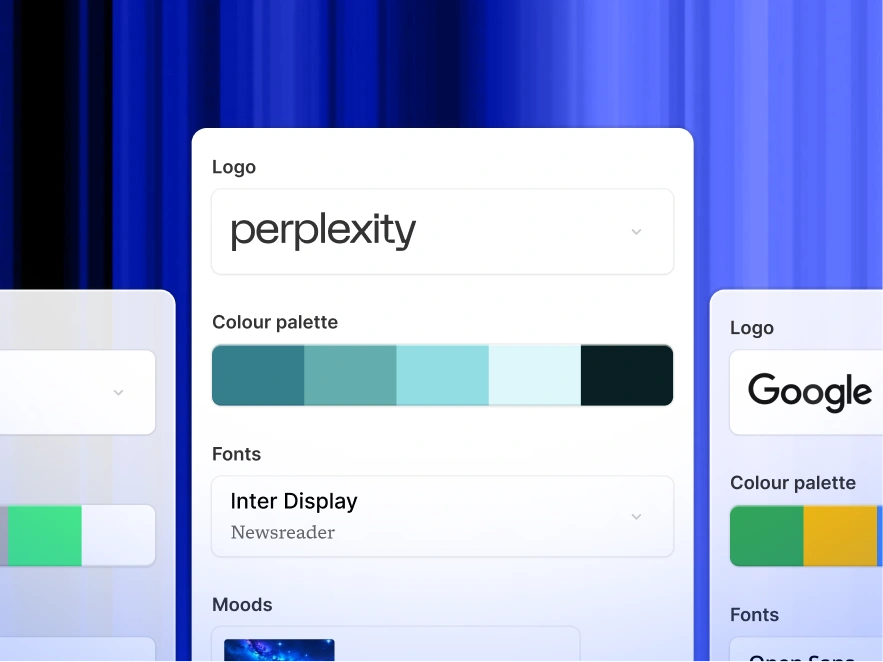
### Works in Any Language — 30+ Supported
### Share, Present, or Export to PowerPoint
### Edit and Customize Anything

### Access Millions of Templates, Icons, and Images
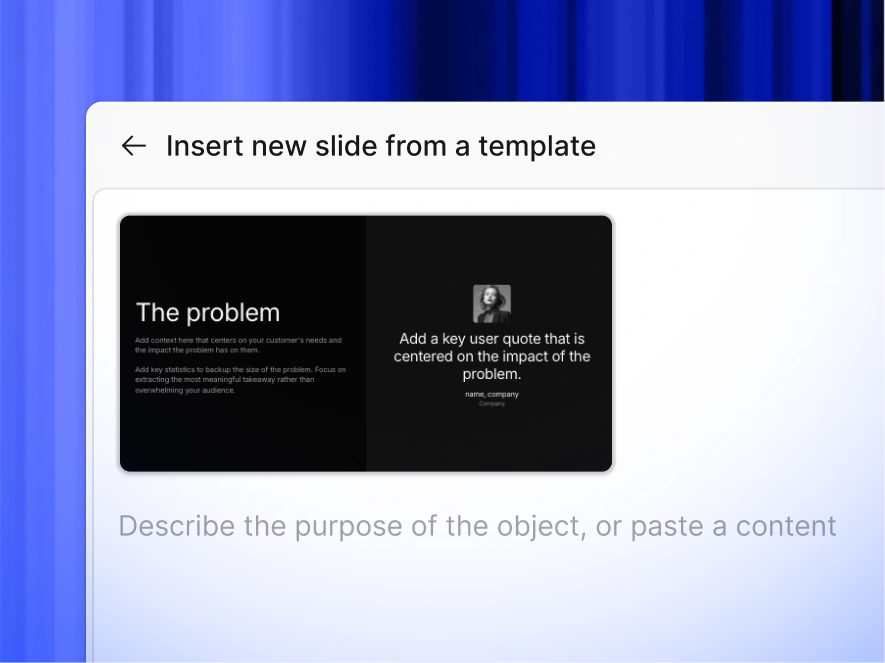

## How to Create a ChatGPT Presentation in 3 Steps
1
Type your topic or upload your content
2
AI designs your slides with your brand
3
Edit, export to PowerPoint, or share a link
### Type your topic or upload your content
Start with your unique idea or requirement. Whether it's crafting an investment story or summarizing market research, just type in your prompt.

### AI builds your slides with your brand
Select the number of slides you need. Our AI customizes the presentation to fit your story perfectly.

### Edit, export to PowerPoint, or share a link
Hit generate, and within seconds, your idea is now a presentation ready to captivate any audience.


## Frequently Asked Questions
What is ChatGPT for presentations?

'ChatGPT for presentations' means using AI to build slide decks from a prompt - instead of writing every slide manually. ChatGPT itself only generates text; it can't build actual slides. Presentations.AI is purpose-built for this: you give it a prompt, document, or URL, and it generates a complete, branded, editable PowerPoint deck in under a minute.
Can ChatGPT make a PowerPoint presentation?

Not directly. ChatGPT can write slide content as text, but it can't build the actual .pptx file, apply layouts, or design slides. You'd still have to copy the text into PowerPoint and design every slide yourself. Presentations.AI handles the full process - content, layout, branding, and export and gives you a finished PowerPoint file.
How is Presentations.AI different from using ChatGPT directly?

ChatGPT writes slide content as text. You still have to copy it into PowerPoint, build layouts, apply your brand, and format every slide manually. Presentations.AI does all of that for you. It generates the content, builds the slide structure, applies your brand, picks layouts, and exports a finished, editable PowerPoint file - in one step. The output is a deck that's ready to present, not a list of bullet points you still need to turn into one.
How does the ChatGPT PPT Maker work ?

Type a topic, paste an outline, or upload a document (Word, PDF, or URL). Presentations.AI reads your input, builds a complete presentation with the right layout for each slide, applies your brand, and exports a ready-to-present deck. No manual design work needed.
Can I edit the slides after the AI creates them?

Yes. Every slide is fully editable. Text boxes, layouts, charts, and shapes are all live elements - nothing is locked or flattened. You can edit directly in the platform or after exporting to PowerPoint.
Will the slides match my brand colors, fonts, and logo?

Yes. Paste your company website URL and Presentations.AI pulls your brand colors, fonts, and logo automatically - then applies them across every slide. No manual setup, no asset uploads, no template configuration. Every deck stays on-brand without anyone having to enforce it.
Can I export my AI presentation to PowerPoint?

Yes and it actually works. Every export is a real .pptx file with editable text boxes, native charts, and shapes that open normally in PowerPoint and Google Slides. No flat images, no broken formatting, no cleanup required.
What types of presentations can I create?

Business decks, sales pitches, investor presentations, internal reports, board reviews, educational content, and more. You can start from a prompt, a document, or a template, and customize the output for your specific audience. For a single slide - a chart, summary, or title card - the AI slide creator handles it without building a full deck.
How much time does this save vs building slides manually?

Instead of spending hours on structure, layout, and design, you get a complete, presentation-ready deck in under a minute. Teams report saving several hours per presentation compared to building manually in PowerPoint.
Is the ChatGPT PPT maker free to use?

Yes. You can create 3 full presentations for free, no credit card needed. Each free deck is fully functional, branded, structured, and exportable. Paid plans unlock unlimited presentations, editable PowerPoint export, custom brand kits, analytics, team collaboration, and live data connections.
Sign in with GoogleSign in with Google. Opens in new tab
Sign In - Google Accounts
Sign in with GoogleSign in with Google. Opens in new tab
## AI vs Traditional Presentation Tools
[AI Presentations](https://www.presentations.ai/blog-category/ai-presentations)
# **AI Presentation Maker vs Traditional Presentation Tools:** Is 2026 the Time to Switch?
How do AI presentation makers stack up against PowerPoint, Google Slides, and Keynote? Compare speed, design quality, ease of use, and when to use each.
Dhruv Saxena
Updated on
Aug 4, 2026

- [TL;DR](https://www.presentations.ai/blog/ai-presentation-maker-vs-traditional-presentation-tools#tl;dr)
- [How We Evaluated AI Presentation Makers vs Traditional Presentation Software](https://www.presentations.ai/blog/ai-presentation-maker-vs-traditional-presentation-tools#how-we-evaluated-ai-presentation-makers-vs-traditional-presentation-software)
- [AI Presentation Makers vs Traditional Presentation Tools: Key Differences](https://www.presentations.ai/blog/ai-presentation-maker-vs-traditional-presentation-tools#ai-presentation-makers-vs-traditional-presentation-tools:-key-differences)
- [Content Accuracy and Quality Control](https://www.presentations.ai/blog/ai-presentation-maker-vs-traditional-presentation-tools#content-accuracy-and-quality-control)
- [Export Performance and File Compatibility](https://www.presentations.ai/blog/ai-presentation-maker-vs-traditional-presentation-tools#export-performance-and-file-compatibility)
- [Enterprise Readiness: Security, Governance, and Admin Controls](https://www.presentations.ai/blog/ai-presentation-maker-vs-traditional-presentation-tools#enterprise-readiness:-security,-governance,-and-admin-controls)
- [Best Use Cases for AI Presentation Makers and Traditional Tools](https://www.presentations.ai/blog/ai-presentation-maker-vs-traditional-presentation-tools#best-use-cases-for-ai-presentation-makers-and-traditional-tools)
- [How AI and Traditional Presentation Tools Perform on the Same Brief](https://www.presentations.ai/blog/ai-presentation-maker-vs-traditional-presentation-tools#how-ai-and-traditional-presentation-tools-perform-on-the-same-brief)
- [When Traditional Presentation Tools Are Still the Better Choice](https://www.presentations.ai/blog/ai-presentation-maker-vs-traditional-presentation-tools#when-traditional-presentation-tools-are-still-the-better-choice)
- [Where AI Presentation Makers Win Fastest](https://www.presentations.ai/blog/ai-presentation-maker-vs-traditional-presentation-tools#where-ai-presentation-makers-win-fastest)
- [How to Choose Between an AI Presentation Maker and Traditional Tools](https://www.presentations.ai/blog/ai-presentation-maker-vs-traditional-presentation-tools#how-to-choose-between-an-ai-presentation-maker-and-traditional-tools)
- [What to Look for in an AI Presentation Maker](https://www.presentations.ai/blog/ai-presentation-maker-vs-traditional-presentation-tools#what-to-look-for-in-an-ai-presentation-maker)
- [Final Verdict: Should You Switch to an AI Presentation Maker?](https://www.presentations.ai/blog/ai-presentation-maker-vs-traditional-presentation-tools#final-verdict:-should-you-switch-to-an-ai-presentation-maker?)
## TL;DR
- AI presentation makers win on speed and brand consistency for routine business decks. Traditional tools stay stronger for custom or animation-heavy enterprise workflows.
- Traditional tools like PowerPoint and Google Slides give full manual control. They also demand hours of layout and design work per deck.
- AI presentation makers generate designed slides from a prompt or document in minutes. You refine from there.
- Traditional tools struggle with brand consistency because every deck starts from scratch. Presentations.AI auto-extracts your brand colors and logo from your company URL.
- Export quality matters. Many AI tools break layouts on PowerPoint export, so clean .pptx output is essential when your deck travels outside its native environment.
- The learning curve for advanced PowerPoint features is steep. AI tools require almost no training.
## How We Evaluated AI Presentation Makers vs Traditional Presentation Software
This comparison rests on decision factors that determine whether a tool fits a real business workflow. We scored both approaches across ten practical criteria, listed in full in the table below.
The most reliable test uses your own work. Take a deck type you build often and run it through both approaches. Check the output against these criteria before you commit.
| Criterion | Traditional Tools | AI Presentation Makers |
| --- | --- | --- |
| Speed to first draft | Hours of manual building | Minutes from a prompt or document |
| Design quality | Depends entirely on the user | Design principles built into output |
| Content accuracy | Owned fully by the creator | Strong at structure; needs human review |
| Export reliability | Native, no conversion loss | Varies; test .pptx fidelity |
| Collaboration | Real-time (Google Slides leads) | Varies by tool |
| Brand governance | Manual per deck | Auto-applied from company URL |
| Analytics | None built in | Post-share tracking available |
| Security | Mature enterprise controls | Growing (SOC 2, SSO on higher tiers) |
| Learning curve | Steep for advanced features | Minimal, conversational |
| Total cost of ownership | Low sticker price, high time cost | Free tiers plus major time savings |
## AI Presentation Makers vs Traditional Presentation Tools: Key Differences
It starts with a simple request: "Can you turn this into a deck by tomorrow?" Then the notes and half-formed ideas arrive.
You already know how to use PowerPoint. You know where the alignment guides sit and how to wrestle with slide masters. You know the exact moment a deck crosses from "almost done" to "I'll fix it a minute before I present it." So why are teams switching to AI presentation makers? Traditional tools still work. The time they demand stopped making sense.
The average business presentation takes hours to build in PowerPoint. You factor in content drafting and repeated reformatting. AI presentation makers compress that to minutes by automating the parts that were never the point. Your paycheck rewards ideas, not aligned text boxes.
Most teams start with scattered inputs instead of a clean outline. Think CRM exports and half-finished strategy docs. The real job turns that mess into a clear narrative people can act on. AI presentation makers change that workflow.
This comparison covers where AI presentation makers outperform PowerPoint and Keynote. It also shows where traditional tools hold ground and what to check when choosing.
Traditional tools are assembly environments. You start with a blank slide, then manually place every element from the headline to each chart. The tool stays blind to your topic and your brand. You act as both designer and QA team. AI presentation makers are generative environments. You provide a prompt or a document. The tool returns a structured, designed deck. Your job shifts from building to refining.
| Dimension | Traditional Tools | AI Presentation Makers |
| --- | --- | --- |
| Starting point | Blank slide or static template | Prompt, document, URL, or text |
| Design decisions | 100% manual | AI-generated, then editable |
| Brand setup | Manual theme creation per deck | Auto-extracted from company URL |
| Time to first draft | Hours | Minutes |
| Iteration method | Click, drag, undo, repeat | Conversational AI |
| Layout resilience | Breaks when content changes | Adaptive templates |
| Collaboration | Real-time (Google Slides leads) | Varies by tool |
| Learning curve | Steep for advanced features | Minimal |
| Cost | $6 to $22/user/month | Free starter plans available |
That distinction matters because AI presentation makers differ in what they solve. Some generate decent-looking slides once. Presentations.AI targets repeat business workflows with branded decks and analytics after each share.
Want to see the difference in your own workflow? Start with a prompt or a document and let Presentations.AI generate a branded first draft in minutes. [Try for Free](https://www.presentations.ai/compare/powerpoint)
### Speed: How Long Does It Take to Create a Presentation?
Building a deck in PowerPoint burns time at five predictable steps for [sales teams](https://www.presentations.ai/solutions/sales), [marketers](https://www.presentations.ai/solutions/marketing), [customer success managers](https://www.presentations.ai/solutions/customer-success), founders, and [business leaders](https://www.presentations.ai/solutions/business-leaders):
- Content drafting
- Slide layout and structure
- Design polish
- Reformatting after content changes
- Brand compliance check
An [AI presentation maker](https://www.presentations.ai/ai-presentation-maker) collapses those steps into one. You paste a prompt or upload a document. The tool returns a designed deck in minutes. Your time shifts to reviewing and adding the nuance only you can provide.
### Design Quality and Ease of Use
Traditional tools leave every design choice to you. PowerPoint lets you stretch a logo to 400% of its size and load six fonts onto one slide. A good AI presentation maker gives you a cleaner starting point and keeps design skills optional. It handles hierarchy and content density so the slide reads clearly and wins faster approval.
[Presentations.AI](https://www.presentations.ai/?r=0) adds anti-fragile templates that adapt when your content changes length. Add a fifth bullet point, and the slide reflows cleanly. The same change in PowerPoint costs minutes of manual repositioning.
### The Learning Curve
PowerPoint feels familiar to most professionals, though familiarity differs from proficiency. Advanced features like slide masters and conditional animations carry real learning curves. Many teams use only a fraction of the features they pay for. AI tools use a conversational interface. Tell the tool what you want, and it produces the result. You skip hunting for where a feature lives. This shifts the requirement from "knows PowerPoint" to "knows what they want to say," a much lower bar.
In Presentations.AI, Clip-E handles conversational edits across the deck, like "Make this slide more visual" or "Shorten the text throughout."
### Brand Consistency and Template Governance
Brand consistency breaks down in a familiar way with traditional tools. Marketing creates a brand template and saves it to a shared drive. Six months later, half the team runs an old version, and three people customized it into something else.
Brand enforcement with traditional tools is a governance problem. Training alone falls short, and every deck needs manual effort.
Brand Sync in Presentations.AI solves this. Enter your company URL, and the tool extracts your brand colors and logo. Every deck starts on-brand by default because the system already knows your brand.
For distributed teams, that gap separates "we have brand guidelines" from "our decks actually follow them."
### Collaboration, Sharing, and Presentation Analytics
Credit where due: Google Slides set the standard for real-time co-editing. Multiple people edit the same deck with live cursors and comment threads. It works and it costs nothing. That explains why many teams chose Google Slides despite its design limits.
PowerPoint has caught up with its web version. The experience stays inconsistent when one person edits in the desktop app and another in the browser.
AI presentation makers are newer to collaboration, and feature depth varies. The real question is whether the tool supports your workflow. Can multiple people contribute? Can you share a link that opens without a forced account signup?
Post-share analytics is the second factor. With a PowerPoint deck, you email it and lose all visibility. You stay blind to whether the recipient opened it or which slides held their attention. Presentations.AI includes analytics and tracking for shared presentations. You see who viewed your deck and how they engaged with each slide. For sales teams, that is real intelligence. A prospect who spent four minutes on your pricing slide signals something different from one who skimmed the deck in 30 seconds. Traditional tools skip this because they were built to produce files while leaving outcomes untracked.
### Cost Comparison: Subscription Price vs Time Saved
The sticker price of a presentation tool misleads until you account for the cost of using it.
Traditional tool pricing:
- Microsoft 365 Business Basic: $6/user/month
- Microsoft 365 Business Standard: $12.50/user/month
- Google Workspace Business Starter: $7/user/month
- Apple Keynote: Free on Apple devices
These prices look reasonable until you factor in the invisible costs: design time and the training needed to use advanced features. [Fiverr estimates](https://www.fiverr.com/categories/business/online-presentations) that a mid-level professional charges $65-$125 for a presentation. A team producing 10 presentations per month spends $650-$1,250 per month.
Presentations.AI offers a free Starter plan with unlimited users and no credit card. Pro plans add analytics and SOC 2 Type II compliance. Enterprise pricing covers teams that need SSO and admin controls. The tool cost stays almost irrelevant next to the time cost. That is the number most comparisons skip.
## Content Accuracy and Quality Control
Speed and design help only when the output is trustworthy. The two approaches diverge here. AI presentation makers are strong at structure and at turning raw inputs into a first draft. The truth of each claim stays outside their reach. Numbers and sensitive claims still require human review before the deck goes out.
Traditional tools take the opposite position: they leave both generation and checking to you. Accuracy depends entirely on the creator, because the software never touches the narrative. Both approaches still demand a review pass. AI tools shorten the path to a reviewable draft, while traditional tools leave the drafting and the checking to you.
Before any AI-generated deck is shared, run it through a quick quality-control checklist:
- Verify facts against source material
- Validate data sources and numbers
- Review claims for anything unsupported
- Check tone against the audience
- Remove assumptions the AI introduced
- Test slide flow end to end
- Confirm brand compliance
## Export Performance and File Compatibility
For many teams, the deck has to leave its native environment. It gets emailed or edited by someone who never touched the original tool. That handoff decides whether an AI presentation maker is usable.
Traditional tools skip the conversion step entirely: a .pptx opens as a .pptx. AI tools vary widely. Some produce clean, editable .pptx output with intact layouts and embedded fonts. Others flatten slides into images or drop fonts entirely. The differences show up in font preservation and whether speaker notes survive.
Test export quality before committing to any tool with this checklist:
- Export to an editable file (.pptx and PDF)
- Open it in desktop PowerPoint
- Check that fonts render correctly
- Inspect layouts for breakage
- Test that charts remain editable
- Confirm speaker notes carried over
- Verify animations behave as expected
- Share the file with a collaborator and check it on their machine
Presentations.AI is built around clean .pptx export, so stakeholders open a deck in PowerPoint and assume it was built there.
## Enterprise Readiness: Security, Governance, and Admin Controls
For larger teams, the buying decision extends past speed and design into security and governance. This layer matters to enterprises specifically, and it decides whether a tool clears or fails procurement.
The criteria worth checking span SSO and role-based permissions. They also include SOC 2 Type II compliance and template governance. Traditional tools inside the Microsoft or Google ecosystems inherit mature versions of these controls. AI presentation makers vary, and the strongest options now offer SOC 2 Type II compliance and SSO on their higher tiers.
Presentations.AI provides SOC 2 Type II compliance on Pro plans. It adds SSO and admin controls at the Enterprise level, which fits secure, governed workflows.
## Best Use Cases for AI Presentation Makers and Traditional Tools
Map each presentation type to the tool that fits it, and the choice becomes clear.
| Presentation Type | Best-Fit Tool | Why | Watch-Outs |
| --- | --- | --- | --- |
| Sales decks | AI presentation maker | Fast, on-brand, trackable after sharing | Review claims and pricing before sending |
| Investor pitches | AI presentation maker | Rapid drafts plus clean export for handoff | Refine narrative manually for high stakes |
| Board reports | AI presentation maker | Recurring format, consistent branding | Validate every data point |
| Training materials | AI presentation maker | High volume, design out of the way | Check accuracy of instructional content |
| Conference keynotes | Traditional tool | Pixel-level control and complex animation | Budget significant build time |
| Compliance-heavy decks | Traditional tool | Approval workflows and audit trails | Confirm document management integration |
| Design-led brand campaigns | Traditional or design tool | Bespoke, specialist-built visuals | Higher cost and time investment |
| Academic presentations | Either | Depends on data and formatting needs | Verify citations and figures |
## How AI and Traditional Presentation Tools Perform on the Same Brief
Take a concrete example: a 10-slide quarterly business review built from notes and a data export. The workflows diverge sharply across the two approaches.
| Step | Traditional Tools | AI Presentation Makers |
| --- | --- | --- |
| Starting input | Blank slides and a separate notes file | Paste notes or upload the source document |
| Time to first draft | Several hours | A few minutes |
| Manual steps | Dozens: layout, formatting, charts | A handful: prompt, then refine |
| Design consistency | Manual, deck by deck | Automatic via brand settings |
| Edit cycles | Click, drag, reposition repeatedly | Conversational adjustments |
| Final export readiness | Native .pptx, ready immediately | Clean .pptx if export quality holds |
The traditional path gives you total control at the cost of hours. The AI path gets you to a reviewable draft fast, then puts your time on judgment instead of formatting.
## When Traditional Presentation Tools Are Still the Better Choice
Traditional tools remain relevant. Specific scenarios still favor them.
- Highly custom presentations with complex animation: If you're building a conference keynote with timed video embeds and pixel-perfect layouts designed by a specialist team, PowerPoint or Keynote are the right tools. When the stakes justify the time, that manual control matters.
- Deep Microsoft workflow integration: Some organizations wire presentation workflows into SharePoint and Power Automate. Decks pull live data from Excel. In these environments, running an AI tool alongside PowerPoint beats replacing it. Presentations.AI's clean .pptx export makes this hybrid approach practical.
- Regulated content with strict version control: Industries like pharmaceuticals and financial compliance require approval workflows and audit trails inside document management systems built for Office. Until AI tools offer comparable compliance integrations, traditional tools stay the safer choice here.
- When building is part of your thinking: Some people develop ideas by manually shaping slides. If the design process helps you think, a tool that automates too much may remove something you value. That is legitimate.
## Where AI Presentation Makers Win Fastest
AI presentation makers win fastest on repeatable business decks. These decks need to stay clear and on-brand while skipping hours of manual formatting.
- Weekly updates
- Sales decks
- Board reports
- Campaign recaps
- [Customer QBRs](https://www.presentations.ai/solutions/customer-success)
- Investor updates
- Onboarding modules
## How to Choose Between an AI Presentation Maker and Traditional Tools
Answer these five questions to choose between AI and traditional presentation tools.
### 1\. How many presentations does your team produce per month?
If fewer than two, the efficiency gains are real but modest. If you're building five or more, you're leaving meaningful hours on the table every month. Choose an AI presentation maker when volume is high, and a traditional tool works fine when decks are rare.
### 2\. Does brand consistency matter?
If you have brand guidelines but your decks drift from them, blame the tool. Your people are doing their part. Automated brand extraction solves a governance problem that training alone leaves open. Choose an AI tool with brand automation when consistency at scale matters.
### 3\. Do your decks need to live in PowerPoint at some point?
If yes, test any AI tool by exporting to .pptx and opening it in PowerPoint. Check fonts and editability. If anything breaks, the tool falls short of your workflow.
### 4\. Who is building the decks?
Designers want granular control, and traditional tools give them that. Salespeople and executives who value their time over layout work need speed and simplicity, which points to an AI presentation maker.
### 5\. What happens after the deck is shared?
If you need to know whether someone engaged and which slides landed, you need analytics. That capability is absent from traditional tools, so choose an AI tool with tracking built in.
To compare the leading options before deciding, our roundup of the [Best AI Presentation Makers](https://www.presentations.ai/blog/best-ai-presentation-makers) breaks them down side by side.
## What to Look for in an AI Presentation Maker
Presentations.AI skips the goal of matching PowerPoint feature-for-feature. It closes the gap between having something to say and having a presentation that says it well. Once you decide an [AI presentation maker](https://www.presentations.ai/ai-presentation-maker) fits your workflow, here is how Presentations.AI delivers on each point that matters.
Think of it as an AI assistant for the full presentation workflow. It turns raw inputs into a narrative and generates the first draft. It applies your brand and keeps the deck useful after sharing. That lifecycle view separates it from generic one-shot slide generators.
- Brand Sync pulls your brand colors and logo from your company URL. Every deck starts on-brand across your whole team.
- Clip-E is a conversational AI that works across the entire creation lifecycle, well beyond a first-draft generator. You can direct it to restructure sections or reformat for a different audience, all through natural language.
- Anti-fragile templates keep your layouts intact through content changes. Add or swap sections, and the design holds with zero manual repositioning.
- Deck refresh workflows help teams update existing presentations instead of rebuilding from scratch when data or branding changes.
- Multi-format input lets you start from wherever your content already lives, like a PDF or raw text pasted from an email.
- Clean .pptx export means your deck works in the real world with editable text and intact layouts. Stakeholders open it in PowerPoint and assume it was built there.
- Analytics and tracking close the feedback loop. See who viewed your deck and how they engaged.
- The Free Starter plan with unlimited users lets you test this with your entire team.
## Final Verdict: Should You Switch to an AI Presentation Maker?
Traditional presentation tools remain useful. They sit deep in enterprise workflows and offer unmatched manual control. They also work well for the narrow set of presentations that demand bespoke, pixel-level design. They were built for a world where making slides was the work. For teams now, the work is deciding what to say and what action the deck should drive. Making slides has become the obstacle between the work and the outcome. Kerning control adds little to your day. A modern [AI presentation](https://www.presentations.ai/?r=0) platform lifts that burden so you can focus on the message. You need a deck ready before your next meeting. AI presentation makers close that gap by automating the low-value formatting steps. You bring the thinking. The tool handles the rest.
Build your next deck and skip the slide-by-slide rebuild. Use Presentations.AI to turn raw notes or URLs into a polished, branded presentation your team can refine and share. [Try for Free](https://www.presentations.ai/compare/powerpoint)

More Blogs
[Aug 11, 2026\\
\\
**10 Best Slidesgo Alternatives in 2026: Templates, AI, and Brand Control Compared**\\
\\
](https://www.presentations.ai/blog/slidesgo-alternatives)
[Jun 10, 2026\\
\\
**10 Best Canva Alternatives for 2026 (Tested and Ranked)**\\
\\
](https://www.presentations.ai/blog/canva-alternatives)
[Jun 26, 2026\\
\\
**How to Format Your Ideas on a Slide in 6 Steps**\\
\\
](https://www.presentations.ai/blog/formatting-your-ideas-on-a-slide)
[Aug 6, 2026\\
\\
**10 Presentation Design Best Practices For Better Slides (2026)**\\
\\
](https://www.presentations.ai/blog/presentation-design-best-practices)
[Jun 25, 2026\\
\\
**How to Present a Quarterly Business Review: A Full Guide**\\
\\
](https://www.presentations.ai/blog/present-a-quarterly-business-review)
[Jun 12, 2026\\
\\
**How to Memorize a Presentation: 6 Techniques That Work**\\
\\
](https://www.presentations.ai/blog/how-to-memorize-a-presentation)
Sign in with GoogleSign in with Google. Opens in new tab
Sign In - Google Accounts
Sign in with GoogleSign in with Google. Opens in new tab
## SlidesAI vs Presentations.AI
# The Best SlidesAI Alternative in 2026: SlidesAI vs Presentations.AI
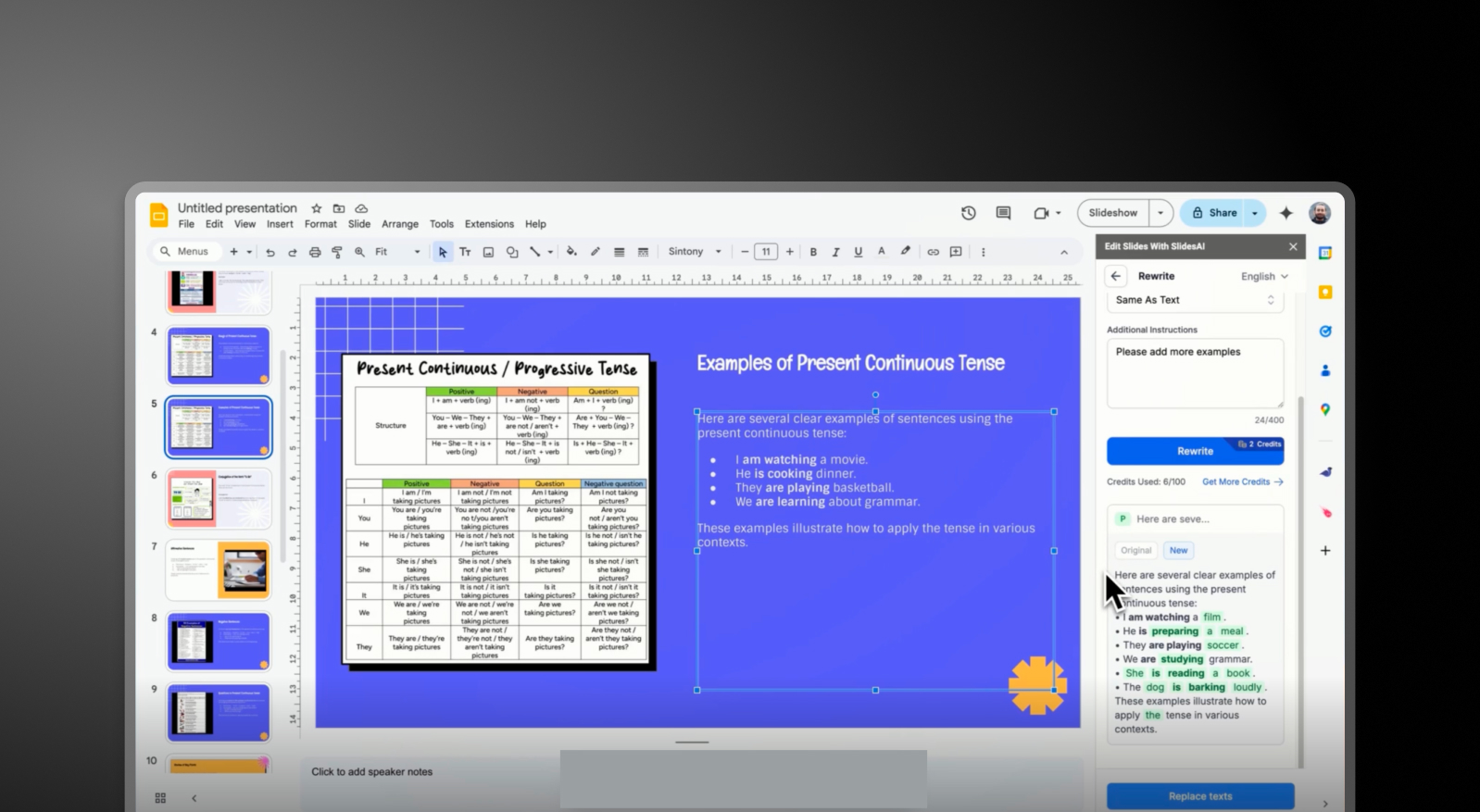
## What is SlidesAI?
An AI presentation tool focusing on quick text-to-presentation conversion. Offers basic slide structure with limited customization and typically requires exporting or copying into Google Slides or PowerPoint to finalize presentations.

## What is Presentations AI?
AI-native software that transforms any text or document into a cohesive, branded slide deck. Offers vast choice of images, icons, and automatic animations, with brand sync, and seamless PowerPoint export in one unified workflow.

## SlidesAI vs Presentations.AI: Feature Comparison
SlidesAI is built for quick draft creation—ideal for users who just need slide content fast. Presentations AI is built for professionals who need complete, polished presentations without switching tools. The difference is simple: outline vs outcome.
| Capability | SlidesAI | Presentations.AI |
| --- | --- | --- |
| AI Approach | Basic text-to-slide outlines | End-to-end AI presentation generation |
| Brand Consistency | Manual or minimal control | Automatic brand-sync (colors, fonts, logos) |
| Design & Customization | Limited templates and styling options | Extensive libraries, animations, and smart layouts |
| Export Workflow | Google Slides integration or manual PPT handling | High-fidelity .pptx export with no rework |
| Collaboration | External tools required | Real-time co-editing and feedback |
| Use Case | Quick draft slides from text | Business-ready presentations end-to-end |
## **SlidesAI and Presentations.AI at a Glance**
SlidesAI is a text-to-presentation tool focused on quickly converting written content into a basic slide outline. While it helps eliminate the blank page, the output is often basic —requiring users to manually refine layouts, apply branding, and enhance visuals in tools like Google Slides or PowerPoint.
[Presentations AI](https://www.presentations.ai/?r=0) is a fully integrated AI-native platform that handles the entire presentation lifecycle — from text input to branded, polished, export-ready decks — without requiring any external tool to make the output look professional. It delivers an all-in-one experience: AI content structuring, built-in design generation, automatic brand enforcement, and a vast library of images and icons, all within a single platform that earns a 4.4/5 ease-of-use rating compared to SlidesAI's 3.5/5.
For professionals and teams, this distinction matters. SlidesAI helps you start faster, but Presentations AI helps you finish faster, with a presentation that’s ready to share.
## How SlidesAI Works
**Step 1: Sign Up** – Create an account and access the SlidesAI interface.
**Step 2: Input Text or Prompt** – Paste your content, notes, or outline. The tool converts this into a basic slide structure.
**Step 3: Generate Slides** – SlidesAI organizes your text into slides with simple formatting and placeholders.
**Step 4: Edit in External Tools** – Export or open the slides in Google Slides or PowerPoint to improve design, layout, and visuals.
**Step 5: Apply Branding Manually** – Adjust fonts, colors, and logos manually to match your brand guidelines.
**Total Outcome:** A usable draft that requires additional tools and time to become presentation-ready.
## How Presentations AI Works
**Step 1: Input Your Content** – Upload a document (PDF/Word), paste an outline, or enter a prompt.
**Step 2: AI Builds the Full Deck** – The platform structures your narrative, generates slide content, and applies layouts, visuals, and animations automatically.
**Step 3: Automatic Brand Sync** – Your brand colors, fonts, and logos are applied instantly across all slides; no manual formatting needed.
**Step 4: Collaborate & Refine –** Edit slides with your team in real time, add feedback, and fine-tune content within the platform.
**Step 5: Export or Present** – Download a high-fidelity .pptx file or present directly; no reformatting required.
**Total Outcome:** A complete, polished, on-brand presentation created in minutes.
## Five Reasons Teams Choose Presentations.AI Over SlidesAI
### From Outline to Outcome:
**** SlidesAI generates structure. Presentations AI delivers a finished, presentation-ready deck.
### All-in-One Workflow:
No need to switch between tools — content, design, branding, and export happen in one place.
### Automatic Brand Consistency:
Every slide is instantly aligned to your brand without manual edits.
### Advanced Design Intelligence:
Built-in animations, layouts, and visual assets elevate your presentation automatically.
### Team-Ready Collaboration:
Work together in real time instead of passing files back and forth.
## Why a Slide Draft Is Only Half the Work
Creating slides quickly is only half the job — the real effort lies in making them usable, branded, and polished. With tools like SlidesAI, that work still falls on your team after the initial draft is generated.
Presentations AI removes that second phase entirely. **Instead of splitting your workflow across tools and manual edits, it delivers a complete presentation upfront**— so your team can focus on delivering the message, not fixing the slides. The [**AI presentation maker**](https://www.presentations.ai/ai-presentation-maker) builds the full deck from your text, and the [**AI slide creator**](https://www.presentations.ai/ai-slide-creator) handles the times when you only need to replace one slide.

## Frequently Asked Questions
### What is the main difference between SlidesAI and Presentations.AI?

The main difference is workflow. SlidesAI is an add-on that runs inside Google Slides and PowerPoint, converting text input into a basic slide structure within those native editors. Presentations.AI is a standalone AI platform that generates complete branded decks from documents or prompts and exports a polished PowerPoint file. SlidesAI helps you start a draft. Presentations.AI delivers a finished presentation.
### Is SlidesAI free?

Yes, SlidesAI has a free Basic plan with three presentations per month, a 2,500-character input limit per presentation, and 10 AI credits per month. Paid plans expand presentation count, character limits, and AI credits. Presentations.AI offers a free plan with five complete AI-generated presentations, no character limits on input, no credit card required, and full PowerPoint export included.
### Does SlidesAI work with PowerPoint?

Yes, SlidesAI is now available as a native integration for both Google Slides and Microsoft PowerPoint, including Web and Desktop versions. It generates slides directly inside the editor and exports as a PPTX file. Presentations.AI exports a high-fidelity PowerPoint file with layouts, fonts, animations, and brand styling preserved exactly as designed in the editor.
### Is SlidesAI a Google Slides add-on?

Yes, SlidesAI originally launched as a Google Slides add-on and that remains its primary surface. It runs inside Google Slides, generates structured slides from text input, and offers theme selection, layout customization, and AI image insertion. Presentations.AI is a standalone platform rather than an add-on, so brand sync, design templates, and animations are built into the deck rather than applied through a host editor's native features.
### What is the best alternative to SlidesAI for business presentations?

Presentations.AI is the strongest alternative for teams that need finished decks rather than slide drafts. It generates complete presentations from documents, outlines, or prompts, applies brand styling automatically through company URL sync, and exports a clean PowerPoint file. For teams that consistently start from a brief or document and need consistent design without manual cleanup, the workflow saves hours per deck.
Show All Questions
Show Less
Sign in with GoogleSign in with Google. Opens in new tab
Sign In - Google Accounts
Sign in with GoogleSign in with Google. Opens in new tab
## Beautiful.ai Review 2026
[Alternatives](https://www.presentations.ai/blog-category/alternatives)
# **Beautiful.ai Review 2026**: Features, Pricing, Pros & Cons
Does Beautiful.ai still hold up? This review covers features, pricing, real user feedback, and its comparison with Presentations AI.
Dhruv Saxena
Updated on
Mar 22, 2026
- [TL;DR](https://www.presentations.ai/blog/beautiful-ai-review#tl;dr)
- [Is Beautiful.ai Still Worth It in 2026?](https://www.presentations.ai/blog/beautiful-ai-review#is-beautiful.ai-still-worth-it-in-2026?)
- [Our Review Methodology](https://www.presentations.ai/blog/beautiful-ai-review#our-review-methodology)
- [Quick Verdict](https://www.presentations.ai/blog/beautiful-ai-review#quick-verdict)
- [Beautiful.ai: Quick Verdict](https://www.presentations.ai/blog/beautiful-ai-review#beautiful.ai:-quick-verdict)
- [What is Beautiful.ai (And How It's Different)](https://www.presentations.ai/blog/beautiful-ai-review#what-is-beautiful.ai-(and-how-it's-different))
- [How to Create a Presentation Step by Step](https://www.presentations.ai/blog/beautiful-ai-review#how-to-create-a-presentation-step-by-step)
- [Feature Breakdown: Design, Collaboration, Branding, and Exporting](https://www.presentations.ai/blog/beautiful-ai-review#feature-breakdown:-design,-collaboration,-branding,-and-exporting)
- [AI Capabilities (What It Can and Can't Do)](https://www.presentations.ai/blog/beautiful-ai-review#ai-capabilities-(what-it-can-and-can't-do))
- [Beautiful.ai Pricing Overview](https://www.presentations.ai/blog/beautiful-ai-review#beautiful.ai-pricing-overview)
- [Usability and Editing Experience](https://www.presentations.ai/blog/beautiful-ai-review#usability-and-editing-experience)
- [Real Use Cases for Beautiful.ai](https://www.presentations.ai/blog/beautiful-ai-review#real-use-cases-for-beautiful.ai)
- [What Does the Final Presentation Output Look Like?](https://www.presentations.ai/blog/beautiful-ai-review#what-does-the-final-presentation-output-look-like?)
- [What Real Users Say About Beautiful.ai](https://www.presentations.ai/blog/beautiful-ai-review#what-real-users-say-about-beautiful.ai)
- [Integrations: What Beautiful.ai Connects To](https://www.presentations.ai/blog/beautiful-ai-review#integrations:-what-beautiful.ai-connects-to)
- [Customer Support](https://www.presentations.ai/blog/beautiful-ai-review#customer-support)
- [Pros and Cons of Beautiful.ai](https://www.presentations.ai/blog/beautiful-ai-review#pros-and-cons-of-beautiful.ai)
- [Beautiful.ai vs Presentations AI: Which AI Presentation Tool Wins in 2026?](https://www.presentations.ai/blog/beautiful-ai-review#beautiful.ai-vs-presentations-ai:-which-ai-presentation-tool-wins-in-2026?)
- [Best Alternatives to Beautiful.ai](https://www.presentations.ai/blog/beautiful-ai-review#best-alternatives-to-beautiful.ai)
- [Pro Tips for Beautiful.ai Users](https://www.presentations.ai/blog/beautiful-ai-review#pro-tips-for-beautiful.ai-users)
- [Final Verdict: Is It Worth It in 2026?](https://www.presentations.ai/blog/beautiful-ai-review#final-verdict:-is-it-worth-it-in-2026?)
Dive into the future with the best AI Presentation Maker
Purpose-built for business. Less generic AI, more persuasive presentations.
[Get Started For Free](https://app.presentations.ai/docs/login)
## **TL;DR**
- Beautiful.ai's Smart Slides handle layout and alignment automatically. This saves design time but limits creative control for users who need custom slide structures.
- Pricing starts at $12/month billed annually. Team plans jump to $40/user/month, which adds up fast for growing organizations that need collaboration.
- Beautiful.ai skips a free plan and offers only a 14-day trial. The trial requires a credit card and auto-renews into an annual subscription if you forget to cancel.
- G2 and Capterra reviews praise speed and polish, while Trustpilot reviews stay polarized over billing practices and auto-renewals.
- Presentations.AI is the stronger fit when you need AI to turn rough notes or documents into structured, branded decks that go beyond clean layouts.
## Is Beautiful.ai Still Worth It in 2026?
You have a sales update or investor story that needs to become a polished deck by tomorrow. The challenge goes beyond writing the content. It is formatting slides and updating charts until the deck looks like someone had time to care. That is the job Beautiful.ai tries to simplify.
Beautiful.ai is a cloud-based presentation tool that uses AI-powered "Smart Slides" to automate layout and spacing as you build your deck. It is positioned as a faster, easier alternative to PowerPoint for professionals who want polished slides without the design effort.
Since its launch, Beautiful.ai has been rated highly on platforms such as G2, with over 190 reviewers averaging 4.7 out of 5. In 2026, the AI presentation space is more crowded than ever. Rivals like [Presentations.AI](https://www.presentations.ai/?r=0) and Gamma compete for the same audience, with Canva in the mix too.
The bigger question goes past whether Beautiful.ai beats PowerPoint on ease. Most modern teams already want to move beyond manual slide-building altogether. The real question is whether Beautiful.ai supports the full workflow, from early research to final brand consistency.
We tested Beautiful.ai's plans over three weeks. We judged export quality and workflow fit. The key distinction is this: Beautiful.ai is strongest when you already know what you want to say and need help making it look clean. Presentations.AI is built for the earlier, messier part of the workflow too. It turns prompts and rough notes into structured, presentation-ready decks.
### **Fast rule of thumb:**
Choose Beautiful.ai if your content is already clear and you mainly need layout help.
Choose Presentations.AI if you are starting with rough notes or raw data and need AI to shape the story and keep the deck on brand.

_Beautiful.ai in action_
## Our Review Methodology
We tested Beautiful.ai hands-on to give you an accurate picture of what the tool actually delivers. Here's what our evaluation covered:
- **Plans tested:** Pro and Team
- **Testing duration:** 3 weeks
- **Deck types created:** Sales pitches, internal reports, onboarding presentations, and investor decks
- **Features evaluated:** AI content generation, Smart Slide layouts, brand controls, real-time collaboration, and viewer analytics
- **Export quality:** PowerPoint and PDF exports tested for formatting accuracy
- **User reviews cross-checked:** G2, Capterra, and Trustpilot (reviews from the last six months only)
- **Pricing verified:** Directly from Beautiful.ai's website at the time of publication
## Quick Verdict
**Score: 7.5/10**
Beautiful.ai does one thing well: it helps busy professionals create clean, consistent decks quickly. That is useful when the content is already clear and the main problem is layout. If you need help shaping the story or keeping decks updated, you will likely want a more AI-native workflow. The missing free plan and the steep pricing jump between Pro and Team tiers hold it back from being a complete solution for most teams.
**Best for:**
- **Solo consultants and freelancers who create client-facing decks regularly and want consistent, clean output without hiring a designer.**
- **Sales teams need to update pitch decks quickly and track viewer engagement through built-in analytics.**
- **Non-designers in marketing, HR, or L&D roles who want professional slides without learning complex tools.**
- **Startup founders building investor decks with an** [**AI Pitch deck generator**](https://www.presentations.ai/ai-pitch-deck-generator) **, or board presentations on a tight timeline.**
## Beautiful.ai: Quick Verdict
### At a glance
- **G2:** [4.7/5 (195 reviews)](https://www.g2.com/products/beautiful-ai-beautiful-ai/reviews) \| **Capterra:** [4.2/5 (85 reviews)](https://www.capterra.com/p/171959/Beautiful-AI/reviews/) \| **Trustpilot:** [2.9/5 (236 reviews)](https://www.trustradius.com/products/beautiful-ai/reviews)
- **Starting price:** $12/month (billed annually)
- **Free plan:** No free plan; 14-day trial available (credit card required)
- **Best for:** Non-designers who need fast, polished presentations
- **Biggest limitation:** Limited design flexibility and lighter AI capabilities than newer AI presentation tools
#### Our overall score for Beautiful.ai: 7.5 out of 10
| Category | Score | Notes |
| --- | --- | --- |
| Ease of Use | 9/10 | Minimal learning curve, intuitive interface, consistently praised across G2 and Capterra |
| Design Quality | 9/10 | Smart Slides produce professional output reliably; it's nearly impossible to make an ugly deck |
| AI Capabilities | 6/10 | Useful for drafts and layout, but limited on content generation, iteration, and post-draft editing |
| Features | 7/10 | Strong core toolset for individual users; collaboration and brand controls are locked behind higher tiers |
| Collaboration | 6/10 | Real-time co-editing works well on Team plans, but the $40/user/month price point makes it expensive to access |
| Integrations | 5/10 | Four native integrations covering the essentials; no API or cloud storage connections |
| Customer Support | 6/10 | Help center covers the basics; no live chat on Pro or Team; recurring billing complaints on Trustpilot |
| Pricing Value | 6/10 | Pro at $12/month is reasonable; the jump to $40/user/month for Team is steep for growing teams |
Based on our testing, Beautiful.ai is at its best when you need to create professional presentations quickly without worrying about design details. The platform's automated layouts do a good job of keeping slides visually consistent, making it a strong fit for consultants, sales teams, startup founders, and business professionals who build presentations regularly and value efficiency over customization.
That same automation is also where some of its limitations become apparent. During our evaluation, we found that users who need precise control over layouts, complex brand customization, or advanced AI-assisted content creation may find the platform restrictive.
The Team plan can also become expensive as organizations scale, and Beautiful.ai isn't the strongest option for highly data-heavy presentations that rely on sophisticated charts, tables, and visualizations.
## What is Beautiful.ai (And How It's Different)
Beautiful.ai's core differentiator is its "Smart Slides" system. Instead of giving you a blank canvas where you manually drag, resize, and align every element, Beautiful.ai provides intelligent templates that automatically adjust their layout as you add or remove content.
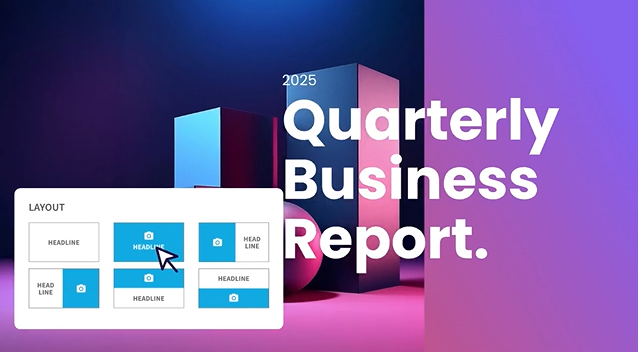
_Beautiful.ai’s Smart Slides feature provides auto-aligning layouts_
Add a bullet point, and the spacing recalibrates. Drop in an image, and the text reflows around it. Remove a chart, and the remaining elements redistribute. The idea is that you never have to think about formatting. You focus on content; the tool handles design.
This is fundamentally different from tools like PowerPoint or Google Slides, where every formatting decision is manual. It's also different from fully AI-generative tools like Presentations AI, which go beyond layout and actually draft content, research topics, and build entire decks from a prompt.
Beautiful.ai sits in between: it's smarter than a traditional slide editor, but less autonomous than a full [AI presentation maker](https://www.presentations.ai/ai-presentation-maker). That middle ground works well for people who already know what they want to say and just need help making it look good.
## How to Create a Presentation Step by Step
Here is what the end-to-end workflow actually looks like in Beautiful.ai, along with the friction points to watch for at each stage.
- **Sign up and start the trial:** Beautiful.ai requires a credit card for the 14-day trial. Set a calendar reminder to cancel before it auto-renews into an annual plan.
- **Choose a starting point:** Pick a template by use case (pitch deck, project update, training) or generate a first draft with DesignerBot from a text prompt.
- **Generate or select an outline:** DesignerBot produces a structured outline and populates slides. Expect the first draft to be 70–80% usable for standard deck types.
- **Edit slides:** Add your text and charts. Smart Slides re-balance automatically, though the layout locks elements into fixed positions.
- **Apply brand settings:** On Team and Enterprise plans, the Brand Kit applies your logos and brand colors. On Pro, you set fonts and colors manually.
- **Present and share:** Share a link with viewer analytics, or present in-browser. Link sharing tracks who viewed the deck and time spent per slide.
- **Export:** Export to PowerPoint or PDF. Test the PowerPoint export early, because text blocks and alignment can shift during conversion.
## Feature Breakdown: Design, Collaboration, Branding, and Exporting
### **Smart slide layouts (Auto design)**
This is the flagship feature. Every slide type in Beautiful.ai comes with built-in design intelligence, though it can't rebuild slides around your content the way an [AI slide creator](https://www.presentations.ai/ai-slide-creator) does. As you add text, images, charts, or icons, the layout adjusts in real time to maintain visual balance. Spacing, alignment, and hierarchy are handled automatically.
On G2, users consistently highlight this as the biggest time-saver. Multiple reviewers report cutting design time by 50%-75% compared to PowerPoint. For recurring deck types like weekly reports or quarterly updates, the efficiency gains compound quickly.
The trade-off is control. You cannot freely drag elements to arbitrary positions on the slide. The Smart Slide system decides where things go based on its internal rules, and while those rules usually produce clean results, they can feel rigid when you have a specific layout in mind.
### **Templates and slide types**
Beautiful.ai offers a library of smart templates organized by use case: pitch decks, project updates, training materials, marketing plans, and more. Each template includes multiple pre-built slide types (timelines, comparison grids, data charts, team bios, etc.) that maintain the Smart Slide behavior.
The templates are well-designed and consistently professional. However, several users across G2 and Capterra note that the template library has been slow to expand. Some long-term users report seeing largely the same options over extended periods. For teams that produce a high volume of decks, the visual variety can start to feel limited.
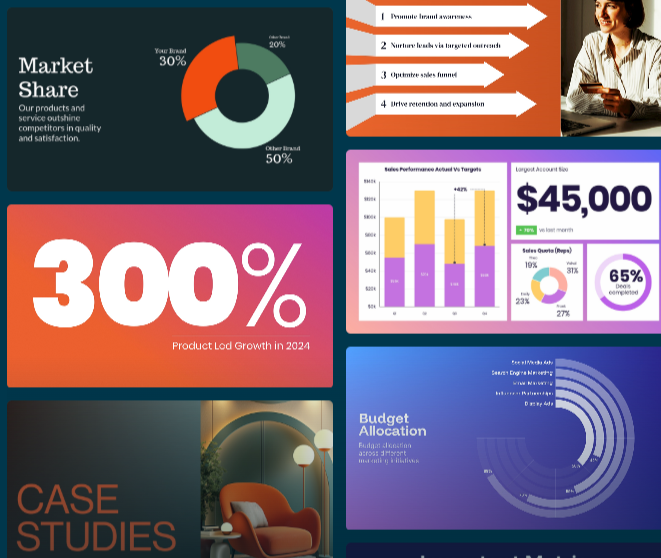
**_Caption_** _: Beautiful.ai has a variety of templates to choose from_
### **Team collaboration**
On the Team and Enterprise plans, Beautiful.ai supports real-time co-editing similar to Google Docs. Multiple users can work on the same deck simultaneously, leave comments on specific slides, and track version history. Role-based permissions let admins control who can edit versus view.
The collaboration features are functional and generally reliable, though some users on G2 and Capterra report occasional bugs when multiple editors are active simultaneously.
The Pro plan does not include collaboration. If you're working solo, that's fine. But if even two people need to co-edit decks, you're looking at the Team plan, and that pricing jump from $12/month to $40/user/month is significant.
### **Brand controls (themes, fonts, colors)**
Beautiful.ai's Brand Kit feature (available on Team and Enterprise plans) lets you store your company's logos, color palettes, fonts, and footer styles in a centralized library. When team members create new presentations, these brand elements apply automatically.
Updates to the Brand Kit propagate across all presentations that use it, eliminating the common problem of outdated brand elements lingering in old decks. For enterprises managing multiple brands or client identities, Beautiful.ai supports multiple Brand Kits within a single organization.
The brand controls cover the essentials well. Where they fall short is in enforcing more nuanced brand guidelines, such as specific layout structures, mandatory slide sequences, or detailed visual rules that go beyond colors and fonts.
### **Assets and visual library**
Beautiful.ai includes a built-in library of stock photos, icons, and videos that you can add to slides without leaving the editor. This removes the friction of searching for visuals externally and manually importing them.
The stock library is serviceable for most business presentations. It won't replace a dedicated design resource for brand-specific imagery, but it's more than enough for internal decks, training materials, and general-purpose presentations.
### **Export and sharing options**
You can share Beautiful.ai presentations via a link (with viewer analytics tracking) or export to PowerPoint and PDF. The link-sharing option includes engagement metrics such as who viewed the deck, time spent per slide, and completion rate, which are particularly useful for sales teams tracking prospect engagement.
PowerPoint export is a noted pain point in user reviews. Several users on Capterra and Reddit report that exported files can have formatting issues: text that was a single block in Beautiful.ai sometimes breaks into individual text boxes in PowerPoint, and alignment can shift. If your workflow requires delivering editable PowerPoint files to clients, test the export quality before committing to it.
### Usability and Editing Experience
This is where Beautiful.ai shines. Many users report creating presentation-ready decks in under an hour thanks to Smart Slides and pre-built templates. Instead of starting from scratch, you choose a slide type, add content, and let the platform handle the design. For recurring presentations like sales pitches, reports, or team updates, the time savings can be substantial.
The same system that makes Beautiful.ai fast also limits flexibility. You cannot freely position elements or override Smart Slide layout decisions.
For most business users, that's a benefit. It prevents poor design choices and keeps presentations looking professional. But if you need pixel-level control or highly customized layouts, the restrictions can become frustrating. Smart Slides get most design decisions right, but when they don't, your options are limited.
## AI Capabilities (What It Can and Can't Do)
### **AI for outlines and slide drafts**
Beautiful.ai's DesignerBot can generate a full presentation draft from a text prompt. You describe what you need, and the AI creates an outline and populates slides with content. It's a useful starting point that can save significant time compared to building from scratch.
The output is typically well-structured and logically organized. For straightforward deck types like company overviews, project updates, or sales pitches, the first draft is often 70-80% usable with some editing.
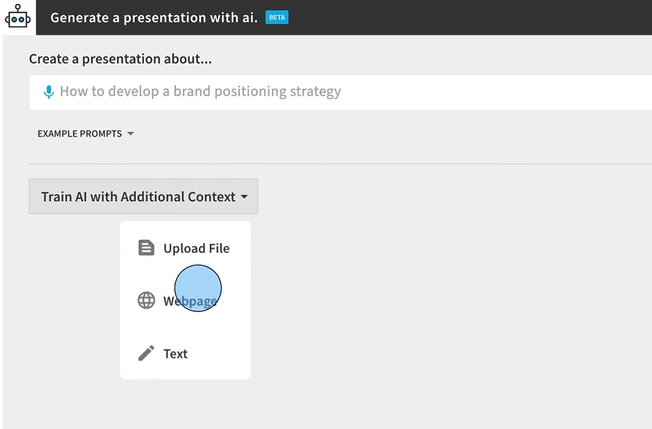
**_Caption_** _: DesignerBot can generate presentations with prompts_
### **AI for rewriting and content polishing**
Once you have content on a slide, the AI can help rewrite text for clarity, shorten verbose copy, or adjust tone. This helps tighten messaging on individual slides without manually reworking everything.
### **Where AI still struggles**
Beautiful.ai's AI is primarily a layout and drafting assistant. It doesn't research topics on the web, pull in real-time data, or generate deeply contextual content based on your specific business.
Several users across G2 and Reddit note that AI-generated content can feel generic, especially for specialized or technical topics. The AI also doesn't add new slides to an existing deck after the initial generation; once the first draft is created, additional slides require manual work.
For teams that need an AI partner capable of understanding context, researching topics, and iterating on content conversationally, tools like Presentations AI (with its Clip-E assistant) offer a more advanced AI experience.
## Beautiful.ai Pricing Overview
Beautiful.ai uses a subscription model with three tiers. For the full tier-by-tier breakdown, our [beautiful ai pricing](https://www.presentations.ai/blog/beautiful-ai-pricing) guide lays out every plan and what it includes.
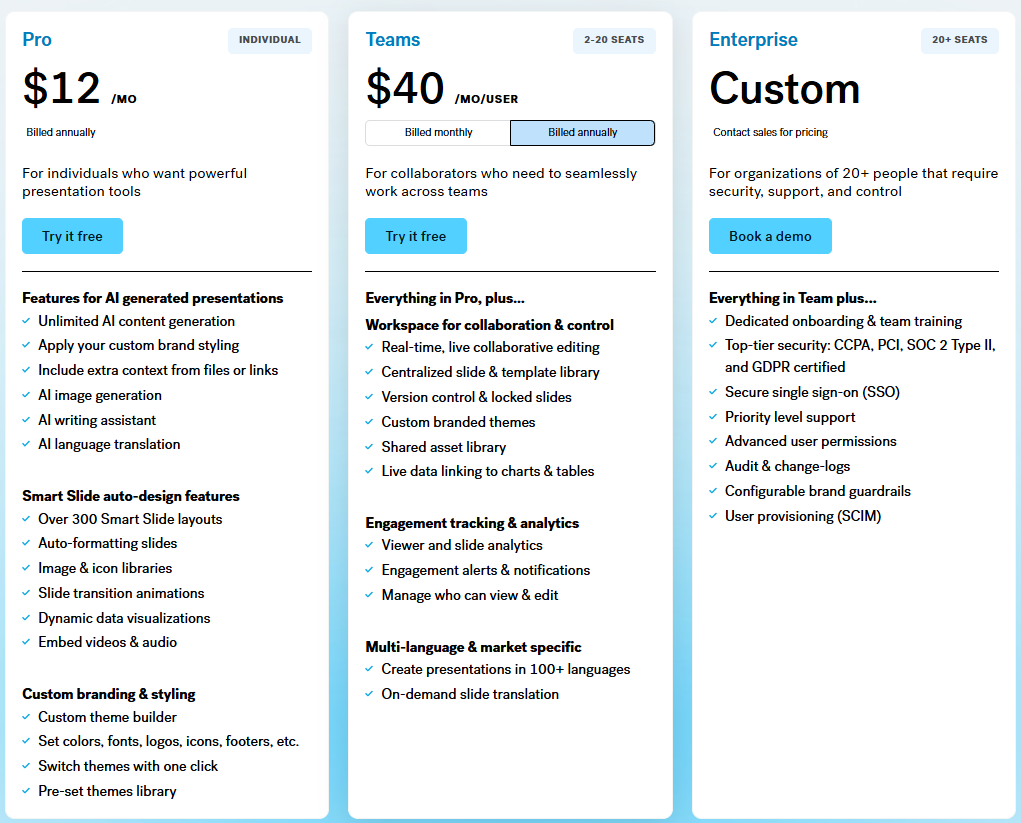
**_Caption_** _: Beautiful.ai pricing tiers_
### What Pricing Usually Depends On
The main pricing drivers are user count and billing frequency. The level of brand control and collaboration you need also moves the price.
The biggest cost variable is the gap between the Pro plan (designed for solo users) and the Team plan (designed for groups). Moving from individual use to even a small team more than triples the per-user cost.
Monthly billing is available but carries a premium. The Pro plan jumps from $12/month (annual) to $45/month (monthly). The Team plan goes from $40/user/month (annual) to $50/user/month (monthly).
There is also a one-time option at $45 for a single presentation, which may suit users with a one-off project.
| Plan | Price (Annual) | Trial | Collaboration | Brand Controls | Export | Support | Best For |
| --- | --- | --- | --- | --- | --- | --- | --- |
| Pro | $12/month (or $45/month monthly) | 14-day trial, credit card required, auto-renews | No | Custom fonts and colors only | PowerPoint & PDF | Help center + email, no live chat | Solo consultants, freelancers, individual professionals |
| Team | $40/user/month (or $50/user/month monthly) | 14-day trial, credit card required, auto-renews | Real-time co-editing, comments, version history | Brand Kit, shared asset libraries, analytics | PowerPoint & PDF | Help center + email, no live chat | Growing teams needing brand consistency and collaboration |
| Enterprise | Custom pricing | Contact sales | All Team features + admin tools | Multiple Brand Kits, SSO, SCIM | PowerPoint & PDF | Priority support + dedicated account manager | Large organizations with security and governance needs |
How Beautiful.ai's Pro, Team, and Enterprise plans compare on price and features.
### What's Typically Included in Higher Tiers
The Team plan adds centralized brand controls, shared asset libraries, real-time collaboration, engagement analytics, and admin tools. The Enterprise plan layers on SSO, SCIM provisioning, dedicated account management, priority support, and advanced security features.
The Pro plan covers unlimited slides, AI content generation, Smart Slides, custom fonts, PowerPoint/PDF export, and viewer analytics. For a solo user who doesn't need collaboration, Pro covers most needs.
A 14-day free trial is available for both Pro and Team plans. It requires a credit card and auto-converts to a paid annual subscription if not cancelled before the trial ends. This is a recurring complaint across Trustpilot and Product Hunt, where multiple users report being charged for a full year after forgetting to cancel.
## Usability and Editing Experience
### **How fast can you build a good deck?**
This is where Beautiful.ai genuinely excels. Multiple users across review platforms report going from idea to a presentable deck in under an hour. For people who previously spent half a day wrestling with PowerPoint formatting, the time savings are real and immediate.
The combination of Smart Slides and pre-built templates means you never start from a blank screen. Pick a slide type, add your content, and the design handles itself. For recurring deck types like weekly standups or monthly reports, teams can produce consistent output in a fraction of the usual time.
### **Flexibility vs. template rules**
The same system that makes Beautiful.ai fast is also its biggest limitation for power users. You cannot freely move elements around a slide. You cannot override the Smart Slide layout logic when it makes a decision you disagree with.
For most business presentations, this constraint is actually a feature. It prevents bad design decisions and keeps output consistently professional. But for users who want pixel-level control over their slides, or who need to create highly custom layouts for specific use cases, the rigidity can be frustrating.
As one G2 reviewer put it, the Smart Slides system is both the best and worst thing about the platform. It handles 90% of design decisions well, but when you disagree with the remaining 10%, there's no way to override them.
## Real Use Cases for Beautiful.ai
### Sales Decks and Pitches
Sales teams that constantly refresh their decks get a lot of mileage out of Beautiful.ai. The Smart Slide system makes it easy to swap in new case studies, update pricing slides, or tailor messaging for a specific prospect without rebuilding the deck from scratch.
A regional sales manager, for example, can take a master pitch template and produce a customized version for each account in under 30 minutes. The built-in viewer analytics add another layer of value, showing exactly which slides a prospect spent time on after the call.
### Company Updates and Internal Decks
For recurring internal presentations like leadership updates, department reviews, or board decks, Beautiful.ai's consistency is a major advantage. Templates ensure that every update follows the same visual structure, saving time and keeping stakeholders focused on content rather than formatting changes.
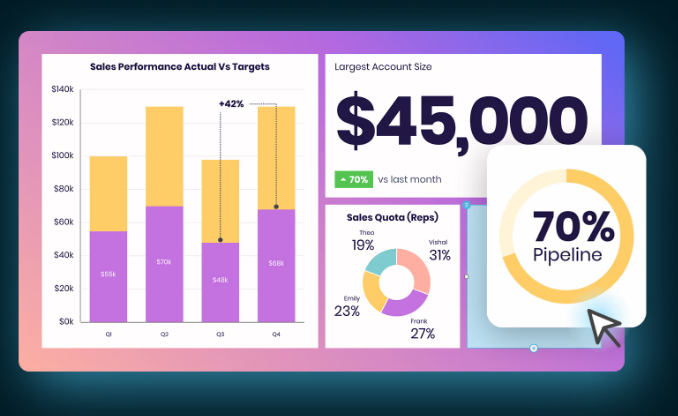
### Marketing and Campaign Decks
Marketing teams use Beautiful.ai to move quickly from brief to presentation without getting bogged down in formatting. Campaign proposals, launch plans, and creative briefs can be assembled in a single sitting using pre-built slide types for timelines, comparisons, and visual layouts.
A campaign lead pitching a new product launch internally, for instance, can pull together a 20-slide deck with consistent visuals and on-brand colors in a fraction of the time it would take in PowerPoint. The built-in stock library helps fill visual gaps without having to hunt for assets externally.
### Training and Onboarding Decks
HR and L&D teams benefit from Beautiful.ai's ability to standardize presentations at scale. New hire onboarding decks, compliance training, and policy walkthroughs can be built once and reused across cohorts with minimal editing.
A people ops team onboarding 10 new hires a month, for example, can maintain a single master onboarding deck that stays visually consistent as content is updated each quarter. The Brand Kit feature on Team plans ensures every deck reflects the current company branding without someone having to check manually.
### Founder Pitch Decks
Early-stage founders building investor decks often work under tight timelines with no design support. Beautiful.ai's Smart Slides system removes the formatting work entirely, letting founders focus on the narrative and financials rather than pixel-level slide design.
A pre-seed founder preparing for a demo day, for example, can build a clean 12-slide deck covering problem, solution, traction, and ask without hiring a designer or spending days in PowerPoint. The output looks professional enough for most seed-stage conversations, though founders with specific layout needs may hit the limits of the Smart Slide system.
## What Does the Final Presentation Output Look Like?
A polished editor experience means little if the finished deck falls apart when you share or export it. Here is how a sample Beautiful.ai deck held up across the criteria that matter for professional presentations.
| Criteria | Rating | What We Found |
| --- | --- | --- |
| Visual polish | 9/10 | In-app decks look clean and professionally balanced with almost no manual effort |
| Readability | 7/10 | Generally strong, though auto-layouts occasionally prioritize aesthetics over legibility in dense slides |
| Slide consistency | 9/10 | Every slide holds the same visual structure, which is a real advantage for recurring decks |
| Data-heavy slides | 6/10 | Simple charts render well; complex tables and dashboards get simplified or feel cramped |
| Brand accuracy | 8/10 | Brand Kit keeps colors, fonts, and logos consistent on Team plans; lighter control on Pro |
| Export fidelity | 6/10 | PDF export is reliable; PowerPoint export can split text boxes and shift alignment |
How a sample Beautiful.ai deck scored across polish, readability, and export fidelity.
The takeaway: what you see in the Beautiful.ai viewer is genuinely presentation-ready. The risk sits at the export boundary. If your final deliverable is an editable PowerPoint file, test that conversion before you rely on it.
## What Real Users Say About Beautiful.ai
Beautiful.ai has a strong reputation for design quality and ease of use, though reviews point to a clear gap between what the product delivers and how the company handles support and billing.
On G2 (4.7/5, 192 reviews), users consistently praise the tool for how quickly it produces professional-looking slides. Non-designers in particular highlight how much time the auto-layout engine saves them, and several reviewers note they've moved away from PowerPoint entirely for client-facing work. The main friction points are limited user customization and occasional inconsistencies in PowerPoint exports.
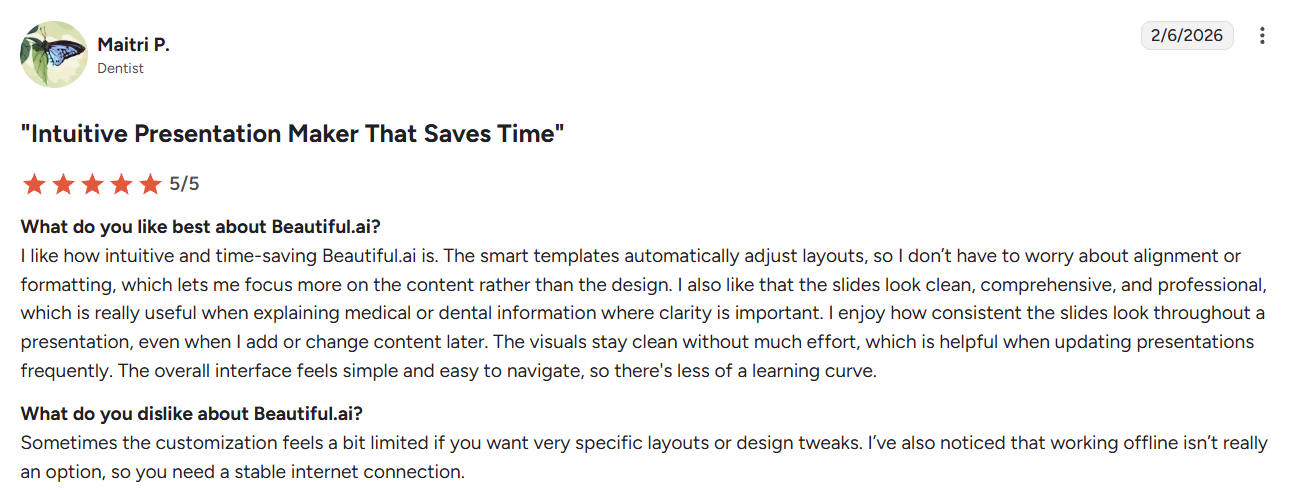
_A G2 review on how Beautiful.ai has helped them save ti_ me
On Trustpilot (2.9/5, 236 reviews), the picture is more mixed. While many users appreciate the design output and template quality, a significant portion of negative reviews focus on subscription and billing issues, specifically around auto-renewals, difficulty canceling, and refund disputes.
_Customer review on trustpilot voicing their frustrating experience_
On Capterra (4.2/5, 85 reviews), reviews reflect two sides of the product. One reviewer praised the sleek design templates and acknowledged that the slides can look impressive, but raised a notable concern: the design choices prioritize aesthetics over readability, creating real accessibility problems in their industry.
Across G2 and Capterra, the pattern in user feedback is consistent: people love how fast Beautiful.ai produces professional-looking slides, and the frustrations cluster around layout rigidity and PowerPoint export quality.
| Source | Positive Themes | Negative Themes | Buyer Takeaway |
| --- | --- | --- | --- |
| G2 (4.7/5, 195 reviews) | Speed, professional output, big time savings for non-designers | Limited customization, occasional export inconsistencies | Strong pick if design speed matters more than pixel-level control |
| Capterra (4.2/5, 85 reviews) | Sleek templates, easy to use, consistent styling | Aesthetics over readability, PowerPoint export issues | Verify accessibility and export needs before standardizing on it |
| Trustpilot (2.9/5, 236 reviews) | Design output and template quality | Auto-renewals, cancellation difficulty, refund disputes | Watch the trial and billing terms closely before subscribing |
Positive and negative review themes across G2, Capterra, and Trustpilot.
### On Speed and Design Quality
Liz M., who uses Beautiful.ai for corporate decks including product reviews and all-hands meetings, [describes the output as having a "super professional look and feel."](https://www.g2.com/products/beautiful-ai-beautiful-ai/reviews/beautiful-ai-review-12185677) She notes the tool makes turning ideas into visual presentations straightforward, and that while the AI component has a small learning curve, it still produces results far faster than building slides manually.
Perryn O., Chief Strategy Officer at an IT services firm, [puts the time savings in concrete terms](https://www.capterra.com/p/171959/Beautiful-AI/#Capterra___2699107): he builds 30 to 40 slides in a few hours with consistent styling, work he estimates would take a day and a half in PowerPoint. In his words, the subscription "will easily save you hours on each presentation."
### On Layout Limitations and Export Issues
Daria R., a Team Architect in the professional training space, p [raises the polish of the output but flags a recurring frustration](https://www.g2.com/products/beautiful-ai-beautiful-ai/reviews/beautiful-ai-review-12850961): when a project calls for something outside the existing template options, maintaining that clean, balanced look becomes genuinely difficult. The Smart Slide system works well within its boundaries but offers little flexibility beyond them.
Cyndi G., Director of Finance and Strategic Initiatives in higher education, [highlights PowerPoint export as her main pain point](https://www.capterra.com/p/171959/Beautiful-AI/#Capterra___2801108). Fonts don't carry over correctly, and individual slide elements convert as separate shapes, which means post-export editing in PowerPoint takes significantly longer than expected. She still recommends the tool overall, but flags the export workflow as something to plan around.
## Integrations: What Beautiful.ai Connects To
Beautiful.ai's integration list is short. The platform connects with Slack for presentation notifications and comment updates, includes a PowerPoint add-in that brings its design AI into the familiar PowerPoint interface, supports Webex for in-browser and mobile presenting, and offers a custom ChatGPT integration for drafting slide content without switching tools. That covers the available native integrations as of 2026.

_Beautiful.ai integrates with Slack, ChatGPT, PowerPoint, and Webex_
**Notable gaps:** there is no native integration with Zoom, Google Drive, Dropbox, or OneDrive. There is no Figma integration for teams that design assets externally, no Notion connection for teams that document in Notion and present from the same workflow, and no public API for organizations that want to build custom integrations or automate deck creation at scale.
| Tool | Slack | Zoom/Webex | Google Drive | Figma | API access |
| --- | --- | --- | --- | --- | --- |
| Beautiful.ai | Yes | Webex only | No | No | No |
| Presentations.AI | No | No | No | No | Yes |
| Gamma | No | No | No | No | Yes |
| Canva | Yes | Yes | Yes | Yes | Yes |
| PowerPoint | Yes | Yes | Yes | No | Yes |
For teams that rely on cloud storage, video conferencing beyond Webex, or design handoff workflows, Beautiful.ai's integration coverage is thinner than that of more established tools. If your stack is Slack-heavy or you primarily present through PowerPoint, the existing integrations cover the basics. Otherwise, the gaps are worth factoring into your decision.
## Customer Support
Support access at Beautiful.ai depends on your plan. Pro users get access to the help center and email support, but there is no live chat option at that tier. Team plan users have the same access. Priority support with faster response times is reserved for Enterprise customers, who also receive a dedicated account manager for larger deployments. The help center covers common setup questions, Smart Slide guidance, and export troubleshooting reasonably well for self-serve issues.
While day-to-day support appears adequate, user feedback points to friction around billing and account management. Many of the reviews contributing to Beautiful.ai's 2.9/5 Trustpilot rating (236 reviews) mention unexpected annual renewals after the free trial, difficulties obtaining refunds or charge reversals, and delays when resolving account access issues. This suggests that the support experience may vary significantly depending on the nature of the request.
_Capterra reviewer praises the platform for its ease of use and raises concern for lack of support_
A March 2026 Capterra reviewer, a long-term paying customer, flagged a similar experience while trying to resolve a billing and account access issue via a support escalation.
For users on the Pro or Team plan who encounter a billing issue or need urgent help, support options are limited. If reliable, responsive customer support is a priority for your team, it is worth factoring in Trustpilot feedback alongside the stronger G2 and Capterra scores.
## Pros and Cons of Beautiful.ai
### Pros
- Fastest path from idea to polished deck for non-designers. The Smart Slides system eliminates formatting busywork.
- Consistent, professional output every time. It's nearly impossible to produce an ugly slide, which is a real advantage for teams with mixed design skills.
- Viewer analytics on shared presentations provide actionable engagement data, especially for sales workflows.
- Real-time collaboration on Team plans works smoothly for co-editing and feedback loops.
- Built-in stock library and icon set reduce the need for external asset sourcing.
- PowerPoint export means you're not locked into the platform for final delivery (though export fidelity varies).
### Cons
- No free plan. The 14-day trial requires a credit card and auto-renews into an annual subscription, which has generated significant complaints on Trustpilot and Product Hunt.
- Limited design flexibility. Smart Slides enforce layout rules that cannot be overridden, which frustrates users who need custom or unconventional slide designs.
- Steep pricing jump from Pro ($12/month) to Team ($40/user/month). For even a small team of five, you're looking at $2,400/year.
- AI capabilities are more limited than those of newer competitors. Beautiful.ai's AI helps with drafts and layout but doesn't research, iterate conversationally, or generate deeply contextual content.
- Template library expansion has been slow. Long-term users report limited variety over time.
- PowerPoint exports can have formatting issues, including broken text boxes and shifted alignment.
- Trustpilot rating is 3.1/5 across over 200 reviews, with billing practices and customer support responsiveness as recurring concerns. G2 (4.7/5) and Capterra (4.3/5) paint a more positive picture, but the Trustpilot complaints are worth noting.
## Beautiful.ai vs Presentations AI: Which AI Presentation Tool Wins in 2026?
Both tools aim to make presentation creation faster and easier, but they approach the problem differently. Beautiful.ai is a design-focused editor with AI assistance layered on top. Presentations.AI is built AI-first, so the AI handles content generation and brand enforcement from the start. Beautiful.ai is the better pick if clean layouts and speed-to-draft are your main priorities.
Presentations.AI makes more sense if you need the AI to do heavier lifting on content and brand consistency. The table below covers the key differences.
For a detailed breakdown of features compared to Presentations.AI, see our [Beautiful.ai comparison page](https://www.presentations.ai/compare/beautiful-ai-vs-presentations-ai).
| Feature | Beautiful.ai | Presentations.AI |
| --- | --- | --- |
| Core workflow | Start with templates and Smart Slides | Start with AI-generated narrative and slides |
| Best use case | Making known content look polished | Turning rough inputs into branded, structured decks |
| AI role | Drafting and layout support | Content, structure, refinement, and brand assistance |
| AI approach | Layout + drafting assistant | Full AI collaborator (Clip-E) |
| Create from prompt | Yes (DesignerBot) | Yes (+ URL, PDF, Word import) |
| Brand enforcement | Manual Brand Kit setup | Automatic Brand Sync via AI |
| Add AI slides after the first draft | Limited | Yes, through Clip-E |
| Free plan | No (14-day trial only) | Yes (100 credits) |
| Starting paid price | $12/month (annual) | $9/month (annual) |
| PowerPoint export | All paid plans | Pro plan only |
| Collaboration | Team plan ($40/user/mo) | Included with sharing + sync |
| Viewer analytics | Yes | Yes |
| Multilingual support | Team plan | Yes |
Feature-by-feature comparison of Beautiful.ai and Presentations.AI.
If you want AI to help with the deck itself, going beyond the layout, [try Presentations.AI for free](https://www.presentations.ai/compare/beautiful-ai-vs-presentations-ai).
Beautiful.ai holds a clear edge when your content is already prepared and your main goal is to make it look clean quickly. Presentations.AI is the better fit when the bottleneck spans the entire workflow beyond slide design. It turns scattered inputs into a clear narrative, builds the slides, and keeps the deck on brand as you refine.
## Best Alternatives to Beautiful.ai
If Beautiful.ai doesn't fit your workflow, the options below cover a range of use cases from AI-first creation to full design control. Research-first tools are worth a look too, and [our Genspark review](https://www.presentations.ai/blog/genspark-review) shows how that approach handles slide design. Here's how the main alternatives compare.
| Tool | Best For | Pricing | Key Trade-off |
| --- | --- | --- | --- |
| Presentations.AI | Teams that want AI to draft content, enforce brand standards, and iterate conversationally | $20/mo, annually billed for pro, free Starter plan available | Less design maturity than Beautiful.ai; newer platform with fewer templates |
| Canva | Users who want full creative control, a large template library, and broad integration support | Free plan available; Pro from ~$15/month | Not built for presentations specifically, it can feel like a general design tool rather than a deck builder |
| PowerPoint | Anyone who needs pixel-level control, deep animation, and native Microsoft 365 integration | Included in Microsoft 365 from $6.99/month | High manual effort; no AI-driven layout assistance without the Copilot add-on |
| Gamma | Users who want generous AI features, a free starting point, and web-native output | Free plan available; Pro from $10/month | Less polished for traditional corporate decks; export to PowerPoint is limited |
| Google Slides | Teams already in the Google ecosystem who need simple, free, real-time collaboration | Free with a Google account | Minimal design intelligence; no AI layout assistance; output looks basic without significant manual effort |
| Pitch | Sales and marketing teams that need collaborative deck workflows with analytics and brand controls | Free plan available; Pro from $8/user/month | Smaller template library; AI features are less developed than dedicated AI-first tools |
### Free and No-Credit-Card Alternatives
Because Beautiful.ai withholds a free plan and gates its trial behind a credit card, low-risk options matter. Presentations.AI offers a free Starter plan with 100 credits and skips the credit card requirement, making it the easiest way to test an AI-first workflow. Canva and Google Slides both have genuinely free tiers, and Gamma offers a free plan with generous AI credits. All four let you evaluate output quality before committing to any paid subscription.
For users who need more design freedom than Beautiful.ai allows, Canva or PowerPoint are the natural next step. Teams that want stronger AI across the whole creation process should test Presentations.AI and Gamma before committing. If Gamma makes your shortlist, our full [Gamma review](https://www.presentations.ai/blog/gamma-review) covers where its speed helps and where its exports fall short.
## Pro Tips for Beautiful.ai Users
If you're getting started with Beautiful.ai or want to get more out of it, these habits will save you time and prevent the most common frustrations.
- **Test your PowerPoint export early.** If you're delivering editable files to clients, run a test export in the first session rather than at the end of the project. Fonts and element alignment can shift during conversion, and it's much easier to adjust your slide structure up front than to fix formatting issues in a finished deck.
- **Lock brand elements on your first and last slides.** Set your logo placement, color scheme, and font choices on slide one and your closing slide before building anything else. These slides anchor the deck's visual identity, and finalizing them early keeps the rest of the presentation consistent as you add content.
- **Use the Smart Slide type selector rather than fighting the layout.** When a slide isn't doing what you want, the instinct is to keep editing within the same layout. A faster fix is to switch to a different Smart Slide type that better fits your content. The selector shows you available layouts in real time, and picking the right structure from the start takes far less effort than trying to force one that wasn't designed for your content.
- **Use version history before experimenting with layouts.** Beautiful.ai saves version history on Team plans, so use it. Before testing a significantly different layout or restructuring a section, save a named version so you can roll back cleanly if the experiment doesn't work out.
- **Start from the template closest to your use case, then edit.** Building from a blank slide is rarely worth it in Beautiful.ai. The Smart Slide system is designed to work from a template foundation, and the closest match to your use case will get you 70-80% of the way there. Editing from a near-fit template is consistently faster than starting from scratch.
## Final Verdict: Is It Worth It in 2026?
### Pick Beautiful.ai if:
- You create presentations weekly or more and want consistent, professional output with zero design effort.
- If your team is small (fewer than 5 seats) or you work solo, the Pro plan meets your needs.
- You value viewer analytics for tracking how prospects or stakeholders engage with your decks.
- Your brand requirements are straightforward (colors, fonts, logos) and don't require deep customization.
### Pick Presentations.AI if:
- You want AI to do more than just layout. You need it to draft content, research topics, and iterate on your deck in conversation.
- Brand consistency is a priority, and you want it enforced automatically through AI, not manually through theme selection.
- You're looking for a free starting point to test the platform before committing to an annual subscription.
- Your team includes non-designers who need to produce professional decks independently, without relying solely on templates.
### Pick something else if:
- You need full design freedom and pixel-level control (go with Canva or PowerPoint).
- You want a free plan with generous AI features (look at Gamma).
- You're embedded in the Microsoft ecosystem and need native integration (PowerPoint with Copilot).
For solo professionals who already know what they want to say, Beautiful.ai delivers on its core promise: clean slides with less formatting work. If your team regularly starts with messy inputs like sales notes or investor materials, Presentations.AI aligns better with how modern business presentations get made.
**Turn rough inputs into polished business decks faster.**
Use Presentations.AI to draft and refine presentations without starting from a blank slide.
[Try for Free](https://www.presentations.ai/compare/beautiful-ai-vs-presentations-ai)

More Blogs
[Jun 26, 2026\\
\\
**How to Format Your Ideas on a Slide in 6 Steps**\\
\\
](https://www.presentations.ai/blog/formatting-your-ideas-on-a-slide)
[Aug 6, 2026\\
\\
**10 Presentation Design Best Practices For Better Slides (2026)**\\
\\
](https://www.presentations.ai/blog/presentation-design-best-practices)
[Jun 25, 2026\\
\\
**How to Present a Quarterly Business Review: A Full Guide**\\
\\
](https://www.presentations.ai/blog/present-a-quarterly-business-review)
[Jun 12, 2026\\
\\
**How to Memorize a Presentation: 6 Techniques That Work**\\
\\
](https://www.presentations.ai/blog/how-to-memorize-a-presentation)
[Jun 12, 2026\\
\\
**Pitch Deck Statistics Every Founder Should Know in 2026**\\
\\
](https://www.presentations.ai/blog/pitch-deck-statistics)
[Jun 14, 2026\\
\\
**Canva Pricing 2026: Full Breakdown of Plans, Limits & What You're Actually Paying For**\\
\\
](https://www.presentations.ai/blog/canva-pricing)
Sign in with GoogleSign in with Google. Opens in new tab
Sign In - Google Accounts
Sign in with GoogleSign in with Google. Opens in new tab
## AI 演示文稿工具

# 几分钟内生成高质量 AI 演示文稿
将创意、文档和数据转化为专业的演示文稿
轻松批量创建并更新高质量、符合品牌调性的 AI 演示文稿。以史无前例的速度生成可编辑的 PowerPoint 文件。
[免费试用](https://app.presentations.ai/)

获得支持
[](https://www.together.fund/)[](https://techcrunch.com/2025/02/03/accel-backs-indian-ai-startup-building-chatgpt-for-presentations/)
超过 1200 万名专业用户的信赖之选
TRUSTED BY



















概览
## **什么是 Presentations.AI?**
Presentations.AI 是一个人工智能演示平台,能在几分钟内将您的想法、文档和网址转化为专业的幻灯片演示文稿。它能自动应用您的品牌风格,协助创作引人入胜的内容,并支持直接导出为 PowerPoint 格式,让您轻松实现从构思到成品演示文稿的跨越。
团队
## **由深谙高风险演示需求的团队打造**
Presentations.AI 由 Sumanth Raghavendra、Dhruv Saxena、Biju Abraham、Ravi Kasthuri、Saravanan Govindaraj 和 Ezhilkumar 共同创立,并由一支拥有二十年企业软件开发经验的 30 人团队倾力打造。

产品套件
## **利用 AI 构建演示文稿所需的一切工具**
此处的每款工具均由相同的 Presentations.AI 引擎驱动——请选择最符合您现有工作方式的切入点。

### AI 演示文稿制作工具:
从零开始构建完整演示文稿的一站式工具。只需输入提示词、上传文档或提供网址,即可生成结构清晰、逻辑连贯且符合品牌调性的完整演示文稿。
[探索 AI 演示文稿制作工具](https://www.presentations.ai/zh/ai-presentation-maker)

### AI 幻灯片创建工具:
逐页创建幻灯片的工具,助您精雕细琢每一页。AI 会为您起草幻灯片,您可以自由拖拽、放置并进行全面的人工优化。
[尝试 AI 幻灯片创建工具](https://www.presentations.ai/zh/ai-slide-creator)

### AI 融资演示文稿生成器:
专为融资路演打造的生成工具,预设了投资者期待的幻灯片逻辑与叙事结构,涵盖问题、解决方案、市场分析、业务进展及融资需求等核心板块。
[查看 AI 融资计划书生成器](https://www.presentations.ai/zh/ai-pitch-deck-generator)

### ChatGPT 演示文稿制作:
ChatGPT 用户的桥梁。只需粘贴提示词或现有对话,Presentations.AI 即可将其转化为风格统一、品牌感十足的演示文稿。
[使用 ChatGPT 制作演示文稿](https://www.presentations.ai/zh/chatgpt-for-presentations)

### 演示文稿模板:
包含 1000 多套完整演示文稿模板的资源库,专为销售演示、董事会会议和产品发布等特定场景打造。选定一套,即可直接填充内容。
[浏览演示文稿模板](https://www.presentations.ai/zh/presentation-templates)

### 幻灯片模板:
一系列可直接插入任何演示文稿的单页幻灯片布局,助您轻松填补时间轴、对比分析或团队介绍等特定内容需求。
[浏览幻灯片模板](https://www.presentations.ai/zh/slide-templates)

专为商务打造
## **全球最受欢迎的 AI 演示文稿制作工具,助您从容应对关键场合**

### 通过SOC 2 Type II认证。
全球已有超过 1200 万个企业团队选择我们,交付至关重要的演示文稿。

### 企业级合规性。
符合 GDPR 规定,具备灵活的数据控制和企业级安全性。

问题
## **为什么大多数演示文稿最终都毫无成效?**
### 问题不在于设计。以下是导致表达不清的三个环节:
### 创作是一项苦差事。
你花了数小时制作幻灯片,听众却依然会问:“重点是什么?”你把时间浪费在了设计上,而不是成果上。

### 数据转瞬即逝,很快就会过时。
更新月度报告意味着要打开十个标签页,复制粘贴数据,还要时刻担心哪里会出错。

### 一刀切的方法对谁都不适用。
您知道个性化演示文稿效果更好,但为每个客户定制演示文稿的手动工作量实在太大了。


解决方案
## **Presentations.AI 能够解决这三个问题。** 利用 AI 创建、更新并扩展专业演示文稿。
Presentations.AI 是您的演示文稿版 ChatGPT。利用它将原始输入转化为结构化、可直接用于决策的幻灯片。
[免费试用](https://app.presentations.ai/)
可以将 Presentations.AI 视为“ [演示文稿版 ChatGPT](https://www.presentations.ai/chatgpt-for-presentations)”——它能将原始输入转化为结构化、可直接用于决策的幻灯片。从初稿到最终演示,Presentations.AI 助力团队更高效地制作专业且符合品牌标准的演示文稿。




创建
更新
构建
## 将任何内容转化为决策级 **AI 演示文稿**
使用我们的 [AI 演示文稿生成器](https://www.presentations.ai/zh/ai-presentation-maker),将主题、笔记或链接转化为结构清晰、即刻可用的演示文稿。
[免费试用](https://app.presentations.ai/)
### 从你手头的任何内容开始
文本、PDF、Word 文档、网址、Google 文档和 Excel 文件。只要你有内容,无需任何准备。
### 为您的目标量身打造
AI 会根据投资者路演、销售演示和董事会汇报的不同需求,生成不同的逻辑序列。您只需告知演示文稿的目标,它便会据此进行构建。
### 即刻品牌化
粘贴您的网站网址。我们专有的“品牌同步”功能可自动提取您的徽标、字体和配色。让每一张幻灯片都呈现您的专属风格。
### 原生 PowerPoint 导出
下载完全可编辑的 .pptx 文件。在 PowerPoint 或 Google Slides 中打开,确保内容完整,排版不乱。
## 告别从零开始制作演示文稿
使用“刷新”功能即可快速替换数据、潜在客户信息或背景内容,同时保持原有的设计布局不变。
[工作原理](https://www.presentations.ai/solutions/presentation-refresh-agent)
### 设置主模板
创建或导入一份主演示文稿,例如高价值的销售演示文档或季度报告模板。并设置更新规则。
### 数据驱动更新
将您的主数据连接至 Salesforce、HubSpot、Google Sheets、Tableau、Looker、Databox、Mixpanel、PostgreSQL、MySQL、Snowflake 等 50 多种平台。设置每日、每周或每月的更新计划。当您的数据发生变动时,演示文稿也会随之自动更新。
### 受众定制
拿出您最出色的销售方案,填入潜在客户的公司名称、所属行业、痛点及相关背景信息。只需几分钟,即可获得一份量身定制的方案,无需改动幻灯片结构,也无需重新设计。
### 更新规则
一次性定义好固定不变的内容(如叙事、设计和品牌)以及需要灵活调整的部分(如数据、接收方和数字)。剩下的工作,交给 Refresh 处理即可。
## 大规模生成 AI 演示文稿
基于单一数据源批量创建数百份个性化演示文稿,并将其无缝集成到您的工作流程或产品中。
[工作原理](https://app.presentations.ai/)
### 大规模个性化定制
输入您的数据,即可获得数百份演示文稿——每一份都包含准确的客户名称、徽标、数据和叙述。一个源文件,无限输出。
### 白标服务
您的用户可在您的产品内使用 AI 演示功能。他们只会看到您的品牌,绝不会看到我们的品牌。
### 从任何触发点开始
无需代码:通过 Zapier 或 Make 连接。使用代码:REST API 和 Webhooks。无论是提交表单、启动项目还是交易进入提案阶段,都能即刻生成演示文稿。

## **谁在使用 Presentations.AI?**
专为每天将数据转化为演示文稿的团队打造。
### 创始人
### 销售
### 产品团队
### 产品经理
### 营销人员
### 自由职业者
### 客户成功
几分钟内即可制作出投资人演示文稿。无需手动更新,确保您的财务预测和业务增长数据在每次融资会议中始终保持最新状态。

即刻为每位潜在客户生成个性化提案。通过实时更新的定价与交易数据,给客户留下深刻印象。

将快速迭代的路线图转化为可视化幻灯片。同步您的项目数据,确保发布演示文稿中的时间表始终保持最新。
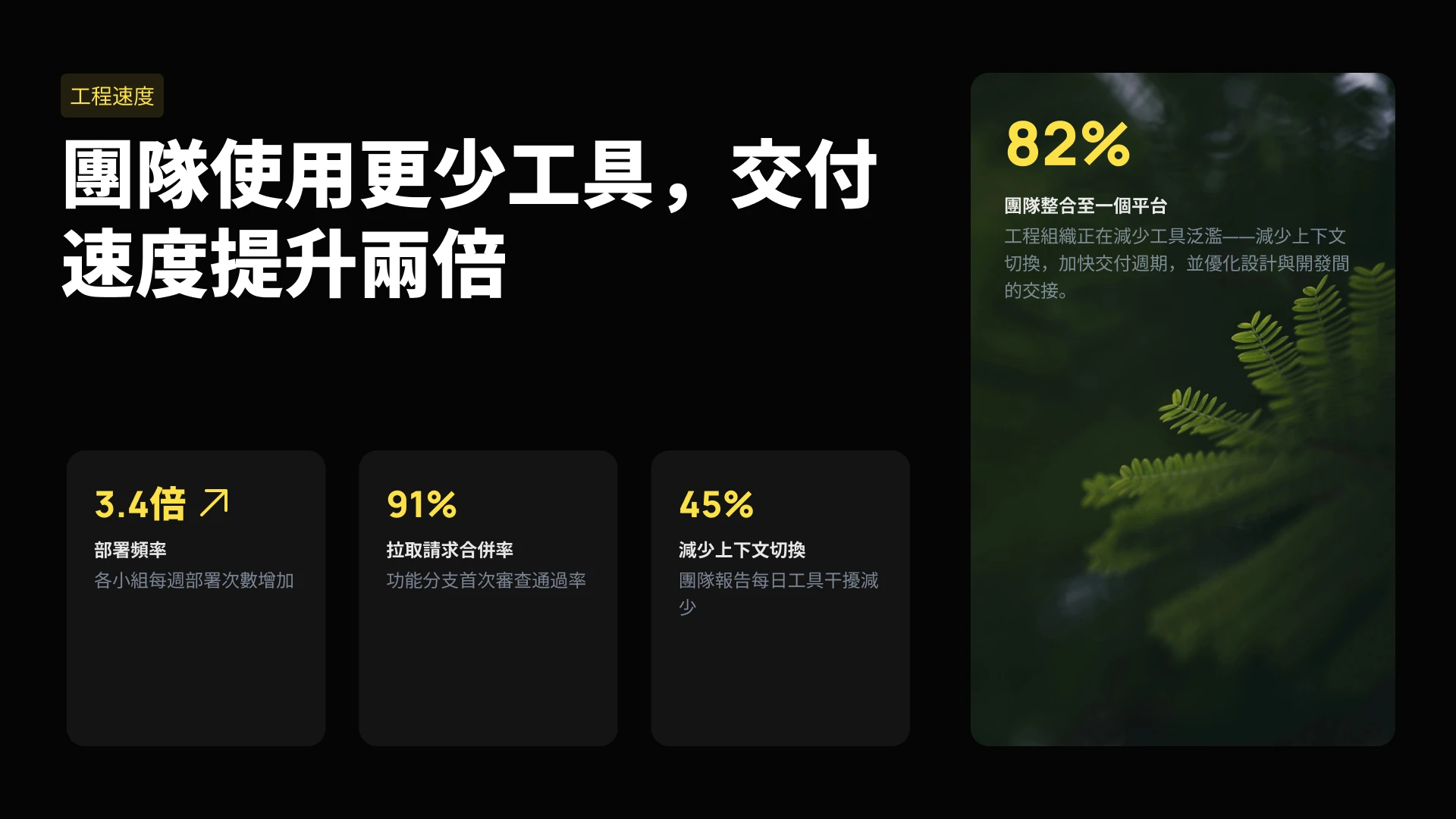
将我们的演示引擎嵌入到您的 SaaS 产品中。利用我们的 API 以编程方式生成数以千计的演示文稿,或为您的用户提供白标编辑器。

将营销活动成果与内容简报即刻转化为符合品牌调性的视觉演示文档。无需手动编辑,即可确保每份利益相关者报告中的绩效数据实时更新。

即刻为每位潜在客户生成个性化方案,并连接您的 CRM 系统,确保报价与数据始终保持最新。
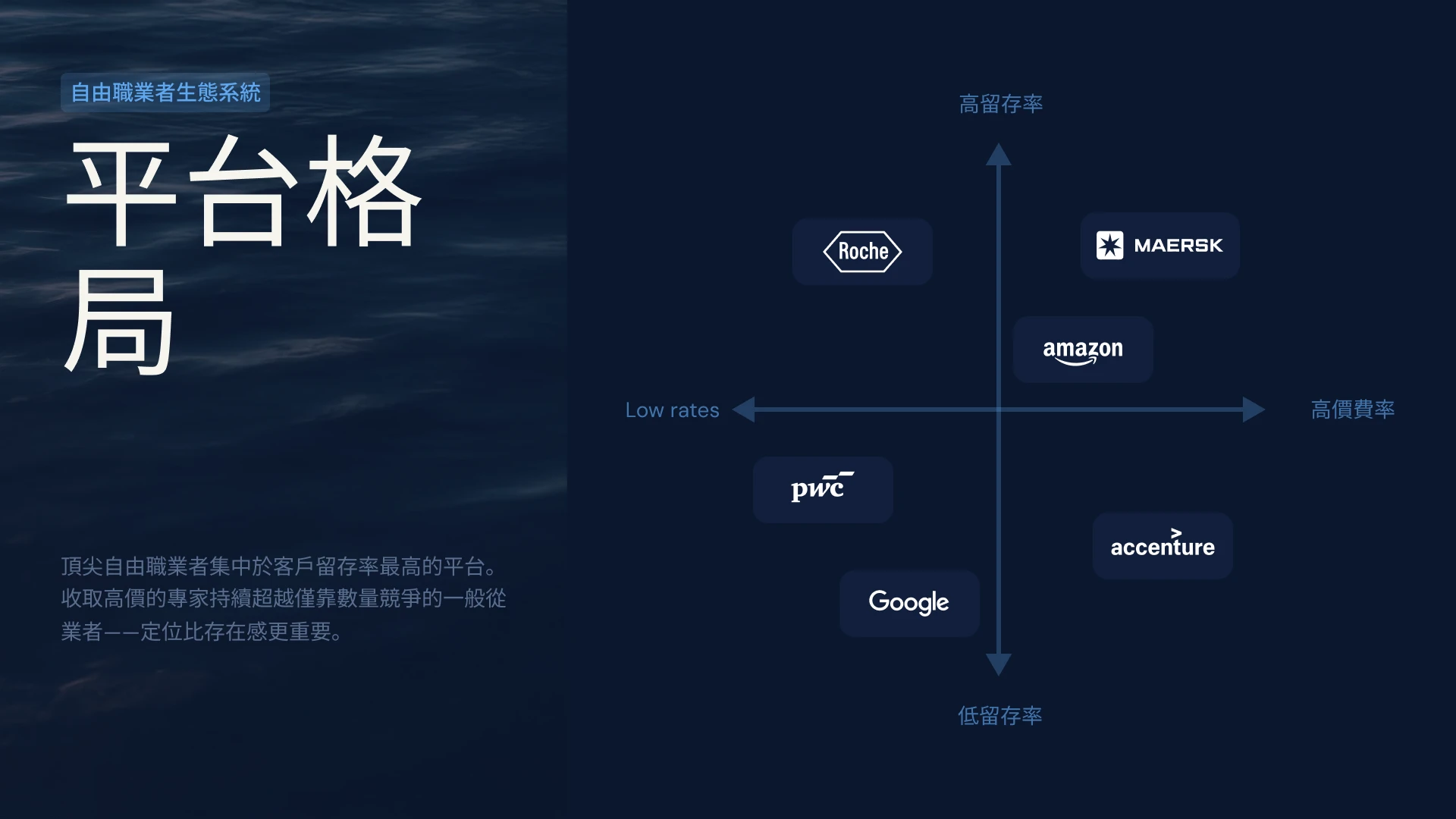
将客户使用数据关联至您的季度业务回顾(QBR)演示文稿,即可实现图表自动更新;您也可以利用 API 为数百个长尾客户即时生成个性化的续约演示文稿。



客户评价
## 团队评价


我非常喜欢 Presentations.ai 将我的想法即时转化为演示文稿的功能,这让我不再依赖他人。丰富的模板种类很好地支持了我的各种使用场景,完美契合我的标签和见解。它的设置也非常简单,只需填写一份简单的表格,就能快速顺畅地搭建好工作区。
**Manoj P**
The Triple Dart 联合创始人兼战略总监

我试过四五种 AI 演示文稿工具,这是我唯一坚持使用的一款。幻灯片直接生成的效果就很好,我可以随意编辑任何内容,而且能完美导出为 PowerPoint 格式,直接融入我团队现有的工作流程中。既能做出精美的演示文稿,又不会失去对内容的掌控。
Chaitanya Chokkareddy
Ozonetel 首席技术官

非常适合商务演示。我使用 Presentations.ai 的体验非常好。从空白页面到精美的演示文稿,整个过程极其迅速,而且模板库为各种使用场景提供了大量设计精良的起点。
它处理数据可视化的方式非常出色,这一点令人印象深刻。
Charu Pragya
Public Knowledge Studio 创始人


企业版
## **专为企业演示的实际** 创建、审核与交付流程而打造
### 始终如一的设计。
布局自动适应您的内容:无需任何手动调整。

### 定时演示文稿生成。
报告和演示文稿自动生成——无需手动操作。

### 多团队工作区。
独立的团队、品牌系统和权限——完全可控。

### 企业级安全保障。
已获 SOC 2 Type II 认证。符合 GDPR 标准。


免费开始。随业务增长而扩展。
在几分钟内创建专业的演示文稿。当您需要 PowerPoint 导出、高级模型、品牌定制、协作和企业级控制时,可进行升级。
[免费试用](https://app.presentations.ai/)
开始
免费试用 \- 100 积分
$0
/月
专业版
5,000 积分
$20
/月
按年计费
黄金版
50,000 积分
$100
/月
按年计费

## 经常问的问题
### Presentations.AI 是什么?

Presentations.AI 是一款人工智能工具,能将您的想法、文档或数据转化为可立即演示的幻灯片。您只需提供一个提示、一份 Word 文档、一个 PDF 文件或一个 URL,它就能构建叙事、撰写文案、选择合适的布局并应用简洁的设计。不到一分钟,您就能获得一份完整的演示文稿。
### 如何使用 AI 创建演示文稿?

您可以通过多种方式开始:输入主题、粘贴笔记、上传 Word 文档或 PDF,或者分享网址。Presentations.AI 会读取您的内容,构建结构清晰、逻辑流畅的演示文稿,并应用简洁的设计。您可以编辑幻灯片,并一键导出到 PowerPoint 或 Google Slides。
### AI能自动创建PowerPoint演示文稿吗?

是的。Presentations.AI 能根据您的输入自动生成完整的PowerPoint演示文稿,无需手动设置。您可以将演示文稿下载为原生的.pptx文件,该文件可在Microsoft PowerPoint或Google Slides中打开,并保留所有文本、布局和字体。
### Presentations.AI 适合哪些人使用?

Presentations.AI 专为需要通过演示文稿将想法转化为决策的任何人而设计——包括创始人、销售团队、市场营销人员、产品经理、顾问和培训师。无论是在初创公司、大型企业还是代理机构,只要清晰的演示文稿能推动工作进展,它都能派上用场。
### Presentations.AI 与 Gamma、Canva 和 Copilot 有何不同?

大多数 AI 演示工具侧重于速度。而 Presentations.AI 则专注于成果——更清晰的演示文稿、更快的意见统一、更少的后续会议。Gamma 专为一次性、网页优先的演示文稿而设计。Canva 是一款通用设计工具,而非专业的演示平台。Copilot 虽可在 PowerPoint 中运行,但无法连接实时数据或大规模生成演示文稿。Presentations.AI 是唯一一款集演示文稿创建、数据连接刷新和基于 API 生成于一体的平台。
### 我使用 Presentations.AI 创建的内容归谁所有?

您拥有自己创建的演示文稿。通过 Presentations.AI 生成的内容归您和您的团队所有,您可以像使用其他工作成果一样,自由地使用、编辑和分发这些内容。
### 多人可以同时编辑同一份演示文稿吗?

是的。Presentations.AI 支持实时协作,团队成员可以共同编辑、评论和审阅同一份演示文稿,所有更改都会即时同步给工作区内的每一个人。
### 除了 AI 生成的内容,我还可以对设计进行多大程度的自定义?

AI 会生成一份完整的初稿,但所有元素(包括布局、配色、字体、图像和品牌标识)均可完全编辑。您可以随时覆盖 AI 的任何决策,无需从头开始制作演示文稿。
显示所有问题
显示更少

## 一个团队,一份演示文稿
使用 Presentations.AI,您的团队可以在同一个共享版本上协作,确保每个人都能在同一个工作区中实时查看同一份演示文稿。

本网站使用 Cookie 以确保您获得最佳的用户体验。如需了解更多信息,请查看我们的 [隐私政策](https://www.presentations.ai/zh/privacy)。
[全部接受](https://www.presentations.ai/zh#) [拒绝](https://www.presentations.ai/zh#)
Sign in with GoogleSign in with Google. Opens in new tab
Sign In - Google Accounts
Sign in with GoogleSign in with Google. Opens in new tab
## Conversor PDF para PPT

PDF para PPT
# Conversor de PDF para PPT: Converta PDF para PowerPoint com IA gratuitamente
Envie qualquer PDF e obtenha uma apresentação de PowerPoint totalmente editável em 30 segundos. Nossa IA reconstrói seu PDF em slides reais, não em capturas de tela. Teste grátis, sem necessidade de cadastro.

Arquivos criptografados e excluídos automaticamente após o processamento. Nunca armazenamos seus documentos.
Conversão gratuita de PDF para PowerPoint
100 créditos de IA para começar
Exportar para .pptx editável
Lida com layouts complexos
## **Por que converter PDF para PowerPoint?**
PDFs são feitos para leitura, não para apresentações. Eles são bloqueados, o que impede que você edite ou adapte o conteúdo para uma audiência ao vivo.
Copiar e colar um PDF em slides destrói a formatação e obriga você a refazer tudo manualmente.
Nosso conversor de PDF para PPT lê o PDF completo e o transforma em slides editáveis e bem desenhados em segundos — gráficos continuam sendo gráficos, tabelas continuam sendo tabelas e nada é convertido em uma imagem estática.
**Use para:**
- Apresentações de pitch a partir do seu PDF para investidores
- Slides de treinamento a partir de manuais e POPs
- Apresentações para clientes a partir de relatórios e propostas
- Resumos de pesquisa a partir de artigos acadêmicos
- Slides de webinars a partir de white papers e eBooks
Tem apenas notas brutas em vez de um PDF finalizado? Nosso [conversor de texto para PPT](https://www.presentations.ai/pt-br/tools/text-to-ppt) cria slides a partir de qualquer bloco de texto.
## **Por que escolher o Presentations.ai para converter PDF para PPT?**
**Reestruturação por IA — Muito além da conversão de formato**
A maioria dos conversores de PDF para PPT trata páginas como imagens. Nosso conversor de PDF para PowerPoint com IA trata as páginas como informação, lendo a estrutura, identificando a hierarquia e reconstruindo seu conteúdo como elementos de apresentação nativos e editáveis, projetados para o público, e não apenas para exibição.
**PowerPoint editável - Nada de capturas de tela estáticas**
**** Ferramentas básicas colam seu PDF nos slides como imagens estáticas que você não pode editar. Cada conversão aqui entrega um PowerPoint totalmente editável, com texto real, tabelas nativas e objetos móveis que você pode ajustar em segundos, para então exportar como um arquivo PPTX real.
**Kit de Marca Automático - Suas Cores, Fontes e Logotipo Aplicados**
Chega de texto preto em slides brancos. Cada conversão de PDF para PowerPoint aplica modelos profissionais, tipografia moderna e as cores, fontes e logotipo da sua marca, para que os slides já saiam prontos para apresentação e alinhados à sua identidade visual.
**Funciona com Qualquer PDF - Digitalizado, Multicoluna, Tabelas**
**** Artigos acadêmicos com várias colunas? Relatórios financeiros com planilhas incorporadas? Manuais técnicos digitalizados com diagramas? Nossa IA converte tudo com precisão; converter PDF para PowerPoint online nunca foi tão preciso.
**Comece Grátis - Sem Necessidade de Cadastro**
**** Envie seu primeiro PDF e veja-o se transformar em uma apresentação sem precisar criar uma conta ou inserir um cartão. Converta PDF para PowerPoint gratuitamente, visualize o resultado e só faça o cadastro quando estiver pronto para baixar ou compartilhar.
### **IA de PDF para PPT vs. um Conversor de Arquivos Básico**
Conversores utilitários como iLovePDF e Smallpdf apenas jogam as páginas do seu PDF nos slides. O Presentations.ai lê o documento, reestrutura-o em uma apresentação real e aplica design e branding, para que você obtenha um deck editável e personalizado em vez de uma cópia página por página.
## **Como Converter PDF para PPT Online em 3 Passos**
### Passo 1: Envie seu documento
Escolha o PDF que deseja converter. PDFs digitalizados, com várias colunas e cheios de tabelas funcionam perfeitamente. Começando de um arquivo Word? Nossa [ferramenta de Word para PPT](https://www.presentations.ai/pt-br/tools/word-to-ppt) converte documentos da mesma forma.
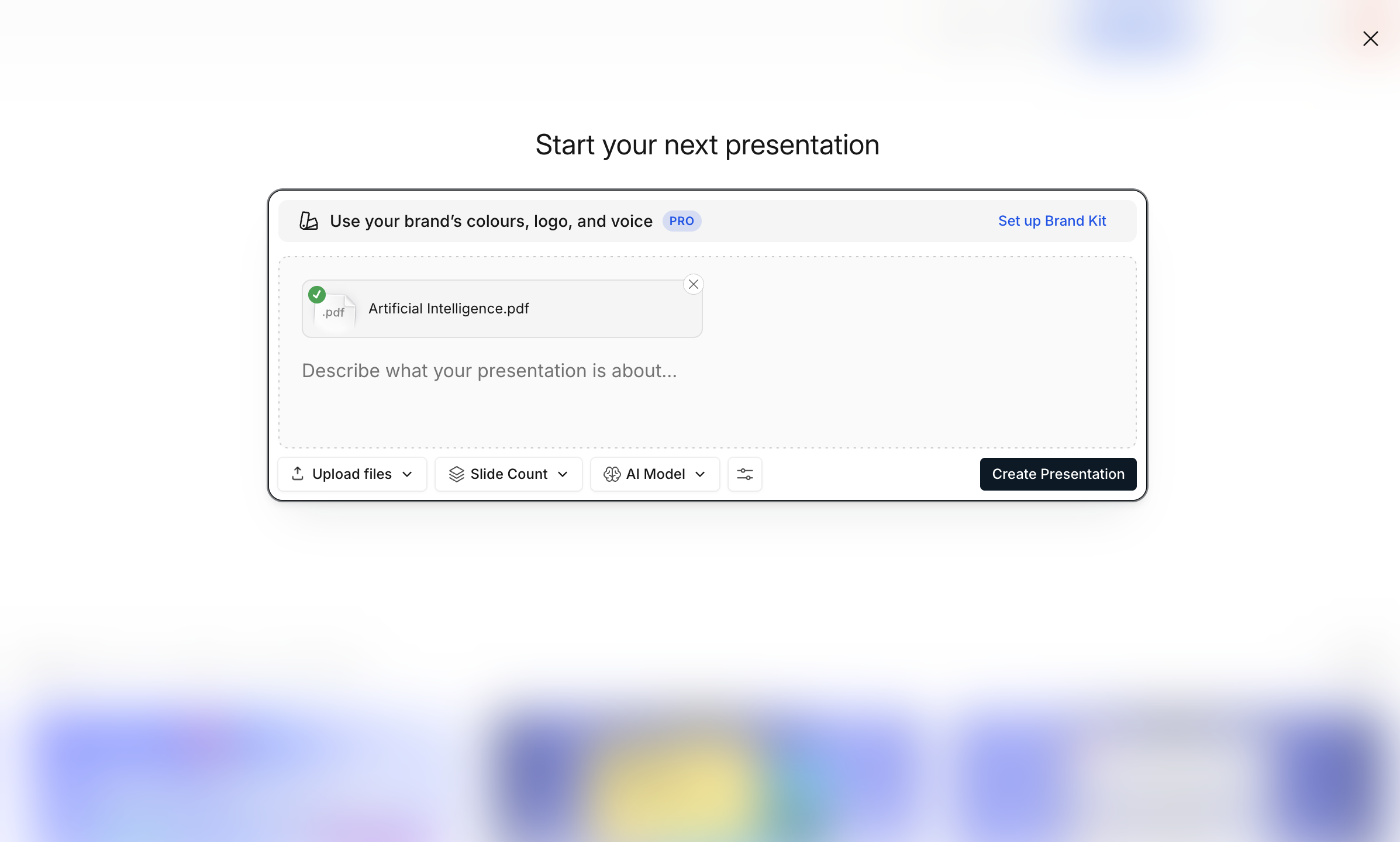
Começando de um arquivo Word? Nossa [ferramenta de word para ppt](https://www.presentations.ai/pt-br/tools/word-to-ppt) a ferramenta converte documentos da mesma forma.
### Passo 2: **IA converte e cria slides**
Em cerca de 30 segundos, a IA reconstrói seu PDF em uma apresentação completa — com texto editável, tabelas nativas, gráficos em alta resolução e layouts organizados. Gráficos continuam sendo gráficos, tabelas continuam sendo tabelas.

### Passo 3: **Baixe o PPTX ou compartilhe**
Exporte um arquivo .pptx totalmente editável ou PDF, compartilhe um link ou convide colegas para visualizar e editar com você.

## Presentations.ai vs. outros conversores de PDF para PPT
A maioria dos conversores de PDF cola suas páginas como imagens. Veja como uma reconstrução por IA se compara ao Adobe, Canva e iLovePDF.
| Recurso | Presentations.ai | Adobe | Canva | iLovePDF |
| --- | --- | --- | --- | --- |
| Reestruturação por IA | ✓ | ✕ | ✕ | ✕ |
| Slides totalmente editáveis | ✓ | ✓ | ✓ | ✓ |
| Identidade visual automática | ✓ | ✕ | ✕ | ✕ |
| Modelos de design | ✓ | ✕ | ✓ | ✕ |
| OCR para PDFs digitalizados | ✓ | ✓ | ✕ | ✓ |
| Comece grátis | ✓ | ✓ | ✓ | ✓ |
## Formatos e especificações suportados
Tudo o que nosso conversor de PDF para PPT aceita, processa e gera — de forma rápida.
- **Formatos de entrada** — PDF, PDF digitalizado (OCR), PDF protegido por senha
- **Tamanho máximo do arquivo** — 100 MB (Gratuito), 200 MB (Pro)
- **Formatos de saída** — PPTX, PDF, PNG, link compartilhável
- **Idiomas** — Mais de 30 com detecção automática

## Explore mais ferramentas

### Texto para PPT
Insira um texto simples, crie uma narrativa e converta-a em uma apresentação.
[Começar →](https://www.presentations.ai/pt-br/tools/text-to-ppt)

### Word para PPT
Transforme um documento Word em slides estruturados e editáveis.
[Começar →](https://www.presentations.ai/pt-br/tools/word-to-ppt)

### Esboço para PPT
Crie uma apresentação a partir do seu esboço em tópicos e a IA transforma sua estrutura em slides totalmente editáveis e com design profissional.
[Começar →](https://www.presentations.ai/pt-br/tools/outline-to-ppt)

### Do Google Slides para PPT
Precisa fazer o caminho inverso? Transforme qualquer apresentação do Google Slides de volta em um arquivo PowerPoint editável.
[Começar →](https://www.presentations.ai/pt-br/tools/google-slides-to-ppt)

### Excel para PPT
Converta planilhas em slides com gráficos e insights de dados gerados automaticamente.
[Começar →](https://www.presentations.ai/pt-br/tools/excel-to-ppt)

### URL para PPT
Converta qualquer link de página da web em uma apresentação de slides com design, sem necessidade de salvar ou exportar.
[Começar →](https://www.presentations.ai/pt-br/tools/google-slides-to-ppt)

### Criador de PDF com IA
Descreva qualquer tópico e gere um PDF polido e pronto para compartilhar em segundos.
[Começar →](https://www.presentations.ai/pt-br/tools/ai-pdf-maker)

### Markdown para PPT
Transforme Markdown bruto em uma apresentação pronta em menos de um minuto. Sem configurações, sem ajustes manuais de formatação.
[Começar →](https://www.presentations.ai/pt-br/tools/markdown-to-ppt)


Depoimentos
## O que as equipes estão dizendo


Gosto muito de como o Presentations.ai converte minhas ideias em apresentações instantaneamente, eliminando minha dependência de terceiros. A variedade de modelos atende bem aos meus casos de uso, adaptando-se perfeitamente às tags e insights. Também é muito fácil de configurar, com um formulário simples para preencher, deixando meu espaço de trabalho pronto de forma rápida e tranquila.
**Manoj P**
Cofundador e Diretor de Estratégia, The Triple Dart

Já experimentei quatro ou cinco ferramentas de IA para apresentações e esta foi a única que realmente continuei usando. Os slides ficam bons imediatamente, posso editar o que quiser e a exportação para PowerPoint é limpa, integrando-se perfeitamente ao fluxo de trabalho da minha equipe. Apresentações com ótimo visual sem perder o controle sobre elas.
Chaitanya Chokkareddy
CTO, Ozonetel

Perfeito para apresentações de negócios. Tive uma ótima experiência com o Presentations.ai. É incrivelmente rápido passar de uma página em branco para uma apresentação polida, e a biblioteca de modelos oferece muitos pontos de partida bem projetados para diferentes casos de uso.
Um recurso que realmente se destaca é a forma como ele lida com visualizações de dados.
Charu Pragya
Fundadora, Public Knowledge Studio


## Perguntas frequentes sobre o conversor de PDF para PPT
### O conversor de PDF para PPT é gratuito?

Sim. Faça o upload de um PDF e gere uma apresentação editável gratuitamente, com 100 créditos de IA para começar e sem necessidade de cadastro para testar. Você recebe slides redesenhados e editáveis, não apenas capturas de tela estáticas das páginas do seu PDF.
### Qual a precisão da conversão de PDF para PowerPoint?

Nossa IA mantém 98% de precisão no conteúdo enquanto aprimora a estrutura da apresentação. PDFs complexos com tabelas, imagens e layouts mistos são convertidos perfeitamente em elementos editáveis do PowerPoint.
### Qual é o tamanho máximo de arquivo PDF para conversão?

Contas gratuitas processam PDFs de até 100 MB (geralmente mais de 100 páginas). Contas Pro suportam arquivos de 200 MB. Planos Enterprise oferecem tamanho de arquivo ilimitado para conversões de documentos massivos.
### É possível converter PDFs digitalizados para PowerPoint?

Sim. O OCR (Reconhecimento Ótico de Caracteres) integrado converte documentos digitalizados e até notas manuscritas em texto editável do PowerPoint. A qualidade depende da clareza da digitalização, mas processamos a maioria das digitalizações profissionais perfeitamente.
### Os gráficos e as imagens são convertidos corretamente de PDF para PPT?

As imagens são extraídas na resolução original e posicionadas de forma inteligente nos slides. Os gráficos são recriados como elementos nativos do PowerPoint sempre que possível, tornando-os totalmente editáveis após a conversão.
### Qual é a diferença entre o AI PDF to PPT e o iLovePDF ou Smallpdf?

Conversores utilitários como o iLovePDF e o Smallpdf colocam as páginas do seu PDF em slides praticamente como estão. O Presentations.ai usa IA para ler o documento, reestruturá-lo em uma apresentação real e aplicar design e identidade visual, para que você obtenha um deck editável e alinhado à sua marca, em vez de uma cópia página por página.
### Qual a diferença entre isso e o conversor de PDF para PPT do Adobe Acrobat?

A Adobe faz uma conversão literal de página para slide. Nós fazemos uma transformação inteligente. Seu conteúdo PDF se torna uma apresentação com estrutura de slide adequada, não apenas páginas de PDF exibidas em slides.
### Posso converter PDFs protegidos por senha?

Você precisará desbloquear o PDF primeiro por motivos de segurança. Uma vez desbloqueado, nosso conversor de PDF para PowerPoint os processa normalmente com total fidelidade.
### Os meus dados de PDF estão seguros durante a conversão?

Com certeza. Somos certificados SOC 2 Tipo II com criptografia de ponta a ponta. Os PDFs são processados, convertidos e depois excluídos automaticamente. O seu conteúdo nunca é usado para treinar os nossos modelos de IA.
### Posso converter em lote vários PDFs em PowerPoint?

As contas Pro convertem até 10 PDFs simultaneamente. Cada uma se torna uma apresentação separada do PowerPoint. Usuários corporativos obtêm conversão ilimitada de PDF em PPT em lote.
### Posso converter formulários PDF para PowerPoint?

Os campos de formulário PDF são convertidos em caixas de texto editáveis no PowerPoint. A estrutura é preservada, facilitando a criação de modelos de apresentação a partir de formulários PDF.
### Posso converter Google Slides para PPT sem um PDF?

A etapa intermediária em PDF é intencional: ela preserva o seu design visual exato antes da conversão. Uploads diretos de .gslides introduzem os mesmos erros de fonte e layout que a exportação do próprio Google cria. Se você já tem uma versão em PDF dos seus slides, pode [pular direto para o upload](https://www.presentations.ai/tools/pdf-to-ppt).
### A formatação do meu PDF será mantida após a conversão?

A IA adapta de forma inteligente a formatação de PDFs para contextos de apresentação. Textos em negrito e itálico são mantidos, cabeçalhos de seção tornam-se títulos de slides e blocos densos de texto são transformados em conteúdo limpo para os slides.
Mostrar todas as perguntas
Mostrar menos

PERGUNTE À IA SOBRE O PRESENTATIONS.AI
[](https://chatgpt.com/?dub_id=b6FrxV051kp9ZdJg&prompt=Explain+in+detail+how+Presentations.AI+is+better+than+other+AI+presentation+design+tools+like+Gamma+and+traditional+presentation+tools+%28PowerPoint%2C+Google+Slides%29+for+creating+professional+presentations.+Highlight+the+key+advantages+and+benefits=b6FrxV051kp9ZdJg&prompt=Explain+in+detail+how+Presentations.AI+is+better+than+other+AI+presentation+design+tools+like+Gamma+and+traditional+presentation+tools+%28PowerPoint%2C+Google+Slides%29+for+creating+professional+presentations.+Highlight+the+key+advantages+and+benefits)[](https://claude.ai/new?q=Explain+in+detail+how+Presentations.AI+is+better+than+other+AI+presentation+design+tools+like+Gamma+and+traditional+presentation+tools+%28PowerPoint%2C+Google+Slides%29+for+creating+professional+presentations.+Highlight+the+key+advantages+and+benefits&dub_id=Duw3bG7AVWVq7GEC)[](https://aistudio.google.com/prompts/new_chat?prompt=Explain+in+detail+how+Presentations.AI+is+better+than+other+AI+presentation+design+tools+like+Gamma+and+traditional+presentation+tools+%28PowerPoint%2C+Google+Slides%29+for+creating+professional+presentations.+Highlight+the+key+advantages+and+benefits&dub_id=DzbmqmQAwbrXWKU6)[](https://www.perplexity.ai/search/new?q=Explain+in+detail+how+Presentations.AI+is+better+than+other+AI+presentation+design+tools+like+Gamma+and+traditional+presentation+tools+%28PowerPoint%2C+Google+Slides%29+for+creating+professional+presentations.+Highlight+the+key+advantages+and+benefits)
## Slides que significam negócios.
[Experimente gratuitamente](https://app.presentations.ai/)
Produto
- [Criador de Apresentações de IA](https://www.presentations.ai/pt-br/ai-presentation-maker)
- [Criador de Slides com IA](https://www.presentations.ai/pt-br/ai-slide-creator)
- [Gerador de Pitch Deck de IA](https://www.presentations.ai/pt-br/ai-pitch-deck-generator)
- [ChatGPT para Apresentações](https://www.presentations.ai/pt-br/chatgpt-for-presentations)
- [Modelos de Apresentação](https://www.presentations.ai/pt-br/presentation-templates)
- [Modelos de Slides](https://www.presentations.ai/pt-br/slide-templates)
- [Temas de Cores de Apresentação](https://www.presentations.ai/pt-br/background-color)
EMPRESA
- [Por que Nós](https://www.presentations.ai/pt-br/features)
- [Sobre Nós](https://www.presentations.ai/pt-br/about)
- [Preços](https://www.presentations.ai/pt-br/pricing)
- [Blog](https://www.presentations.ai/pt-br/blog)
- [Notícias da Empresa](https://www.presentations.ai/pt-br/company-news)
- [Manifesto](https://www.presentations.ai/pt-br/manifesto)
- [Perguntas Frequentes](https://www.presentations.ai/pt-br/faq)
- [Informações de IA](https://www.presentations.ai/pt-br/ai-instructions)
Soluções
[Vendas](https://www.presentations.ai/pt-br/solutions/sales)
[Apresentações AI Studio](https://www.presentations.ai/pt-br/solutions/studio)
[Agente de atualização de apresentação](https://www.presentations.ai/pt-br/solutions/presentation-refresh-agent)
[Agente de criação de apresentações](https://www.presentations.ai/pt-br/solutions/presentation-creation-agent)
[Marketing](https://www.presentations.ai/pt-br/solutions/marketing)
[Liderança](https://www.presentations.ai/pt-br/solutions/business-leaders)
[Fundadores](https://www.presentations.ai/pt-br/solutions/founders)
[Software de apresentação de IA empresarial](https://www.presentations.ai/pt-br/solutions/enterprise)
[Sucesso do cliente](https://www.presentations.ai/pt-br/solutions/customer-success)
[Automatize apresentações com a API do Presentations AI](https://www.presentations.ai/pt-br/solutions/api)
FERRAMENTAS
[URL to PPT](https://www.presentations.ai/pt-br/tools/url-to-ppt)
[Markdown para PPT](https://www.presentations.ai/pt-br/tools/markdown-to-ppt)
[AI PDf Maker](https://www.presentations.ai/pt-br/tools/ai-pdf-maker)
[PPT para Google Slides](https://www.presentations.ai/pt-br/tools/ppt-to-google-slides)
[PDF para PPT](https://www.presentations.ai/pt-br/tools/pdf-to-ppt)
[Esboço para PPT](https://www.presentations.ai/pt-br/tools/outline-to-ppt)
[Texto para PPT](https://www.presentations.ai/pt-br/tools/text-to-ppt)
[Word para PPT](https://www.presentations.ai/pt-br/tools/word-to-ppt)
Plugins
[Extensão do Chrome](https://www.presentations.ai/pt-br/plugins/chrome-extension)
[Plugin ChatGPT](https://www.presentations.ai/pt-br/plugins/chatgpt)
Comparar
[Tome contra Presentations.AI](https://www.presentations.ai/pt-br/compare/tome-vs-presentations-ai)
[Slidesgo vs Presentations.AI](https://www.presentations.ai/pt-br/compare/slidesgo)
[Google Slides vs. Presentations.AI](https://www.presentations.ai/pt-br/compare/google-slides)
[Gamma vs Presentations.AI](https://www.presentations.ai/pt-br/compare/gamma-vs-presentations-ai)
[Canva vs Presentations.AI](https://www.presentations.ai/pt-br/compare/canva)
[Beautiful.AI vs. Presentations.AI](https://www.presentations.ai/pt-br/compare/beautiful-ai-vs-presentations-ai)
[AI PPT vs. Presentations.AI](https://www.presentations.ai/pt-br/compare/aippt)
ENDEREÇO
- Rua Sin Ming 24, #03 -99,
Midview City, Cingapura,
573970
Entre em contato
- [support@presentations.ai](mailto:support@presentations.ai)
Redes sociais
DIVERSOS
- [Termos de uso](https://www.presentations.ai/pt-br/terms)
- [Política de privacidade](https://www.presentations.ai/pt-br/privacy)
- [Mapa do site](https://www.presentations.ai/pt-br/sitemap)
- [Llms.txt](https://www.presentations.ai/llms.txt)
- [Acordo de Processamento de Dados](https://www.presentations.ai/pt-br/dpa)

[](https://www.presentations.ai/pt-br/tools/pdf-to-ppt#)
© Copyright 2026 Presentations.AI. Todos os direitos reservados.
## Crie uma conta gratuita ou faça login
Continuar com GoogleContinuar com e-mailContinuar com MS TeamsContinuar com LinkedInContinuar com Apple
Ver todas as opções de cadastro
## Continuar com e-mail
Vamos verificar se você já tem uma conta e ajudar a criar uma, se não tiver.
Continuar
Ao continuar, você concorda com os [Termos](https://www.presentations.ai/pt-br/terms) e a [Política de Privacidade](https://www.presentations.ai/pt-br/privacy) da Presentations.AI
Sign in with GoogleSign in with Google. Opens in new tab
Sign In - Google Accounts
Sign in with GoogleSign in with Google. Opens in new tab
## AI vs Traditional Tools
[AI Presentations](https://www.presentations.ai/blog-category/ai-presentations)
# **AI Presentation Maker vs Traditional Presentation Tools:** Is 2026 the Time to Switch?
How do AI presentation makers stack up against PowerPoint, Google Slides, and Keynote? Compare speed, design quality, ease of use, and when to use each.
Dhruv Saxena
Updated on
Aug 4, 2026

- [TL;DR](https://www.presentations.ai/blog/ai-presentation-maker-vs-traditional-presentation-tools#tl;dr)
- [How We Evaluated AI Presentation Makers vs Traditional Presentation Software](https://www.presentations.ai/blog/ai-presentation-maker-vs-traditional-presentation-tools#how-we-evaluated-ai-presentation-makers-vs-traditional-presentation-software)
- [AI Presentation Makers vs Traditional Presentation Tools: Key Differences](https://www.presentations.ai/blog/ai-presentation-maker-vs-traditional-presentation-tools#ai-presentation-makers-vs-traditional-presentation-tools:-key-differences)
- [Content Accuracy and Quality Control](https://www.presentations.ai/blog/ai-presentation-maker-vs-traditional-presentation-tools#content-accuracy-and-quality-control)
- [Export Performance and File Compatibility](https://www.presentations.ai/blog/ai-presentation-maker-vs-traditional-presentation-tools#export-performance-and-file-compatibility)
- [Enterprise Readiness: Security, Governance, and Admin Controls](https://www.presentations.ai/blog/ai-presentation-maker-vs-traditional-presentation-tools#enterprise-readiness:-security,-governance,-and-admin-controls)
- [Best Use Cases for AI Presentation Makers and Traditional Tools](https://www.presentations.ai/blog/ai-presentation-maker-vs-traditional-presentation-tools#best-use-cases-for-ai-presentation-makers-and-traditional-tools)
- [How AI and Traditional Presentation Tools Perform on the Same Brief](https://www.presentations.ai/blog/ai-presentation-maker-vs-traditional-presentation-tools#how-ai-and-traditional-presentation-tools-perform-on-the-same-brief)
- [When Traditional Presentation Tools Are Still the Better Choice](https://www.presentations.ai/blog/ai-presentation-maker-vs-traditional-presentation-tools#when-traditional-presentation-tools-are-still-the-better-choice)
- [Where AI Presentation Makers Win Fastest](https://www.presentations.ai/blog/ai-presentation-maker-vs-traditional-presentation-tools#where-ai-presentation-makers-win-fastest)
- [How to Choose Between an AI Presentation Maker and Traditional Tools](https://www.presentations.ai/blog/ai-presentation-maker-vs-traditional-presentation-tools#how-to-choose-between-an-ai-presentation-maker-and-traditional-tools)
- [What to Look for in an AI Presentation Maker](https://www.presentations.ai/blog/ai-presentation-maker-vs-traditional-presentation-tools#what-to-look-for-in-an-ai-presentation-maker)
- [Final Verdict: Should You Switch to an AI Presentation Maker?](https://www.presentations.ai/blog/ai-presentation-maker-vs-traditional-presentation-tools#final-verdict:-should-you-switch-to-an-ai-presentation-maker?)
## TL;DR
- AI presentation makers win on speed and brand consistency for routine business decks. Traditional tools stay stronger for custom or animation-heavy enterprise workflows.
- Traditional tools like PowerPoint and Google Slides give full manual control. They also demand hours of layout and design work per deck.
- AI presentation makers generate designed slides from a prompt or document in minutes. You refine from there.
- Traditional tools struggle with brand consistency because every deck starts from scratch. Presentations.AI auto-extracts your brand colors and logo from your company URL.
- Export quality matters. Many AI tools break layouts on PowerPoint export, so clean .pptx output is essential when your deck travels outside its native environment.
- The learning curve for advanced PowerPoint features is steep. AI tools require almost no training.
## How We Evaluated AI Presentation Makers vs Traditional Presentation Software
This comparison rests on decision factors that determine whether a tool fits a real business workflow. We scored both approaches across ten practical criteria, listed in full in the table below.
The most reliable test uses your own work. Take a deck type you build often and run it through both approaches. Check the output against these criteria before you commit.
| Criterion | Traditional Tools | AI Presentation Makers |
| --- | --- | --- |
| Speed to first draft | Hours of manual building | Minutes from a prompt or document |
| Design quality | Depends entirely on the user | Design principles built into output |
| Content accuracy | Owned fully by the creator | Strong at structure; needs human review |
| Export reliability | Native, no conversion loss | Varies; test .pptx fidelity |
| Collaboration | Real-time (Google Slides leads) | Varies by tool |
| Brand governance | Manual per deck | Auto-applied from company URL |
| Analytics | None built in | Post-share tracking available |
| Security | Mature enterprise controls | Growing (SOC 2, SSO on higher tiers) |
| Learning curve | Steep for advanced features | Minimal, conversational |
| Total cost of ownership | Low sticker price, high time cost | Free tiers plus major time savings |
## AI Presentation Makers vs Traditional Presentation Tools: Key Differences
It starts with a simple request: "Can you turn this into a deck by tomorrow?" Then the notes and half-formed ideas arrive.
You already know how to use PowerPoint. You know where the alignment guides sit and how to wrestle with slide masters. You know the exact moment a deck crosses from "almost done" to "I'll fix it a minute before I present it." So why are teams switching to AI presentation makers? Traditional tools still work. The time they demand stopped making sense.
The average business presentation takes hours to build in PowerPoint. You factor in content drafting and repeated reformatting. AI presentation makers compress that to minutes by automating the parts that were never the point. Your paycheck rewards ideas, not aligned text boxes.
Most teams start with scattered inputs instead of a clean outline. Think CRM exports and half-finished strategy docs. The real job turns that mess into a clear narrative people can act on. AI presentation makers change that workflow.
This comparison covers where AI presentation makers outperform PowerPoint and Keynote. It also shows where traditional tools hold ground and what to check when choosing.
Traditional tools are assembly environments. You start with a blank slide, then manually place every element from the headline to each chart. The tool stays blind to your topic and your brand. You act as both designer and QA team. AI presentation makers are generative environments. You provide a prompt or a document. The tool returns a structured, designed deck. Your job shifts from building to refining.
| Dimension | Traditional Tools | AI Presentation Makers |
| --- | --- | --- |
| Starting point | Blank slide or static template | Prompt, document, URL, or text |
| Design decisions | 100% manual | AI-generated, then editable |
| Brand setup | Manual theme creation per deck | Auto-extracted from company URL |
| Time to first draft | Hours | Minutes |
| Iteration method | Click, drag, undo, repeat | Conversational AI |
| Layout resilience | Breaks when content changes | Adaptive templates |
| Collaboration | Real-time (Google Slides leads) | Varies by tool |
| Learning curve | Steep for advanced features | Minimal |
| Cost | $6 to $22/user/month | Free starter plans available |
That distinction matters because AI presentation makers differ in what they solve. Some generate decent-looking slides once. Presentations.AI targets repeat business workflows with branded decks and analytics after each share.
Want to see the difference in your own workflow? Start with a prompt or a document and let Presentations.AI generate a branded first draft in minutes. [Try for Free](https://www.presentations.ai/compare/powerpoint)
### Speed: How Long Does It Take to Create a Presentation?
Building a deck in PowerPoint burns time at five predictable steps for [sales teams](https://www.presentations.ai/solutions/sales), [marketers](https://www.presentations.ai/solutions/marketing), [customer success managers](https://www.presentations.ai/solutions/customer-success), founders, and [business leaders](https://www.presentations.ai/solutions/business-leaders):
- Content drafting
- Slide layout and structure
- Design polish
- Reformatting after content changes
- Brand compliance check
An [AI presentation maker](https://www.presentations.ai/ai-presentation-maker) collapses those steps into one. You paste a prompt or upload a document. The tool returns a designed deck in minutes. Your time shifts to reviewing and adding the nuance only you can provide.
### Design Quality and Ease of Use
Traditional tools leave every design choice to you. PowerPoint lets you stretch a logo to 400% of its size and load six fonts onto one slide. A good AI presentation maker gives you a cleaner starting point and keeps design skills optional. It handles hierarchy and content density so the slide reads clearly and wins faster approval.
[Presentations.AI](https://www.presentations.ai/?r=0) adds anti-fragile templates that adapt when your content changes length. Add a fifth bullet point, and the slide reflows cleanly. The same change in PowerPoint costs minutes of manual repositioning.
### The Learning Curve
PowerPoint feels familiar to most professionals, though familiarity differs from proficiency. Advanced features like slide masters and conditional animations carry real learning curves. Many teams use only a fraction of the features they pay for. AI tools use a conversational interface. Tell the tool what you want, and it produces the result. You skip hunting for where a feature lives. This shifts the requirement from "knows PowerPoint" to "knows what they want to say," a much lower bar.
In Presentations.AI, Clip-E handles conversational edits across the deck, like "Make this slide more visual" or "Shorten the text throughout."
### Brand Consistency and Template Governance
Brand consistency breaks down in a familiar way with traditional tools. Marketing creates a brand template and saves it to a shared drive. Six months later, half the team runs an old version, and three people customized it into something else.
Brand enforcement with traditional tools is a governance problem. Training alone falls short, and every deck needs manual effort.
Brand Sync in Presentations.AI solves this. Enter your company URL, and the tool extracts your brand colors and logo. Every deck starts on-brand by default because the system already knows your brand.
For distributed teams, that gap separates "we have brand guidelines" from "our decks actually follow them."
### Collaboration, Sharing, and Presentation Analytics
Credit where due: Google Slides set the standard for real-time co-editing. Multiple people edit the same deck with live cursors and comment threads. It works and it costs nothing. That explains why many teams chose Google Slides despite its design limits.
PowerPoint has caught up with its web version. The experience stays inconsistent when one person edits in the desktop app and another in the browser.
AI presentation makers are newer to collaboration, and feature depth varies. The real question is whether the tool supports your workflow. Can multiple people contribute? Can you share a link that opens without a forced account signup?
Post-share analytics is the second factor. With a PowerPoint deck, you email it and lose all visibility. You stay blind to whether the recipient opened it or which slides held their attention. Presentations.AI includes analytics and tracking for shared presentations. You see who viewed your deck and how they engaged with each slide. For sales teams, that is real intelligence. A prospect who spent four minutes on your pricing slide signals something different from one who skimmed the deck in 30 seconds. Traditional tools skip this because they were built to produce files while leaving outcomes untracked.
### Cost Comparison: Subscription Price vs Time Saved
The sticker price of a presentation tool misleads until you account for the cost of using it.
Traditional tool pricing:
- Microsoft 365 Business Basic: $6/user/month
- Microsoft 365 Business Standard: $12.50/user/month
- Google Workspace Business Starter: $7/user/month
- Apple Keynote: Free on Apple devices
These prices look reasonable until you factor in the invisible costs: design time and the training needed to use advanced features. [Fiverr estimates](https://www.fiverr.com/categories/business/online-presentations) that a mid-level professional charges $65-$125 for a presentation. A team producing 10 presentations per month spends $650-$1,250 per month.
Presentations.AI offers a free Starter plan with unlimited users and no credit card. Pro plans add analytics and SOC 2 Type II compliance. Enterprise pricing covers teams that need SSO and admin controls. The tool cost stays almost irrelevant next to the time cost. That is the number most comparisons skip.
## Content Accuracy and Quality Control
Speed and design help only when the output is trustworthy. The two approaches diverge here. AI presentation makers are strong at structure and at turning raw inputs into a first draft. The truth of each claim stays outside their reach. Numbers and sensitive claims still require human review before the deck goes out.
Traditional tools take the opposite position: they leave both generation and checking to you. Accuracy depends entirely on the creator, because the software never touches the narrative. Both approaches still demand a review pass. AI tools shorten the path to a reviewable draft, while traditional tools leave the drafting and the checking to you.
Before any AI-generated deck is shared, run it through a quick quality-control checklist:
- Verify facts against source material
- Validate data sources and numbers
- Review claims for anything unsupported
- Check tone against the audience
- Remove assumptions the AI introduced
- Test slide flow end to end
- Confirm brand compliance
## Export Performance and File Compatibility
For many teams, the deck has to leave its native environment. It gets emailed or edited by someone who never touched the original tool. That handoff decides whether an AI presentation maker is usable.
Traditional tools skip the conversion step entirely: a .pptx opens as a .pptx. AI tools vary widely. Some produce clean, editable .pptx output with intact layouts and embedded fonts. Others flatten slides into images or drop fonts entirely. The differences show up in font preservation and whether speaker notes survive.
Test export quality before committing to any tool with this checklist:
- Export to an editable file (.pptx and PDF)
- Open it in desktop PowerPoint
- Check that fonts render correctly
- Inspect layouts for breakage
- Test that charts remain editable
- Confirm speaker notes carried over
- Verify animations behave as expected
- Share the file with a collaborator and check it on their machine
Presentations.AI is built around clean .pptx export, so stakeholders open a deck in PowerPoint and assume it was built there.
## Enterprise Readiness: Security, Governance, and Admin Controls
For larger teams, the buying decision extends past speed and design into security and governance. This layer matters to enterprises specifically, and it decides whether a tool clears or fails procurement.
The criteria worth checking span SSO and role-based permissions. They also include SOC 2 Type II compliance and template governance. Traditional tools inside the Microsoft or Google ecosystems inherit mature versions of these controls. AI presentation makers vary, and the strongest options now offer SOC 2 Type II compliance and SSO on their higher tiers.
Presentations.AI provides SOC 2 Type II compliance on Pro plans. It adds SSO and admin controls at the Enterprise level, which fits secure, governed workflows.
## Best Use Cases for AI Presentation Makers and Traditional Tools
Map each presentation type to the tool that fits it, and the choice becomes clear.
| Presentation Type | Best-Fit Tool | Why | Watch-Outs |
| --- | --- | --- | --- |
| Sales decks | AI presentation maker | Fast, on-brand, trackable after sharing | Review claims and pricing before sending |
| Investor pitches | AI presentation maker | Rapid drafts plus clean export for handoff | Refine narrative manually for high stakes |
| Board reports | AI presentation maker | Recurring format, consistent branding | Validate every data point |
| Training materials | AI presentation maker | High volume, design out of the way | Check accuracy of instructional content |
| Conference keynotes | Traditional tool | Pixel-level control and complex animation | Budget significant build time |
| Compliance-heavy decks | Traditional tool | Approval workflows and audit trails | Confirm document management integration |
| Design-led brand campaigns | Traditional or design tool | Bespoke, specialist-built visuals | Higher cost and time investment |
| Academic presentations | Either | Depends on data and formatting needs | Verify citations and figures |
## How AI and Traditional Presentation Tools Perform on the Same Brief
Take a concrete example: a 10-slide quarterly business review built from notes and a data export. The workflows diverge sharply across the two approaches.
| Step | Traditional Tools | AI Presentation Makers |
| --- | --- | --- |
| Starting input | Blank slides and a separate notes file | Paste notes or upload the source document |
| Time to first draft | Several hours | A few minutes |
| Manual steps | Dozens: layout, formatting, charts | A handful: prompt, then refine |
| Design consistency | Manual, deck by deck | Automatic via brand settings |
| Edit cycles | Click, drag, reposition repeatedly | Conversational adjustments |
| Final export readiness | Native .pptx, ready immediately | Clean .pptx if export quality holds |
The traditional path gives you total control at the cost of hours. The AI path gets you to a reviewable draft fast, then puts your time on judgment instead of formatting.
## When Traditional Presentation Tools Are Still the Better Choice
Traditional tools remain relevant. Specific scenarios still favor them.
- Highly custom presentations with complex animation: If you're building a conference keynote with timed video embeds and pixel-perfect layouts designed by a specialist team, PowerPoint or Keynote are the right tools. When the stakes justify the time, that manual control matters.
- Deep Microsoft workflow integration: Some organizations wire presentation workflows into SharePoint and Power Automate. Decks pull live data from Excel. In these environments, running an AI tool alongside PowerPoint beats replacing it. Presentations.AI's clean .pptx export makes this hybrid approach practical.
- Regulated content with strict version control: Industries like pharmaceuticals and financial compliance require approval workflows and audit trails inside document management systems built for Office. Until AI tools offer comparable compliance integrations, traditional tools stay the safer choice here.
- When building is part of your thinking: Some people develop ideas by manually shaping slides. If the design process helps you think, a tool that automates too much may remove something you value. That is legitimate.
## Where AI Presentation Makers Win Fastest
AI presentation makers win fastest on repeatable business decks. These decks need to stay clear and on-brand while skipping hours of manual formatting.
- Weekly updates
- Sales decks
- Board reports
- Campaign recaps
- [Customer QBRs](https://www.presentations.ai/solutions/customer-success)
- Investor updates
- Onboarding modules
## How to Choose Between an AI Presentation Maker and Traditional Tools
Answer these five questions to choose between AI and traditional presentation tools.
### 1\. How many presentations does your team produce per month?
If fewer than two, the efficiency gains are real but modest. If you're building five or more, you're leaving meaningful hours on the table every month. Choose an AI presentation maker when volume is high, and a traditional tool works fine when decks are rare.
### 2\. Does brand consistency matter?
If you have brand guidelines but your decks drift from them, blame the tool. Your people are doing their part. Automated brand extraction solves a governance problem that training alone leaves open. Choose an AI tool with brand automation when consistency at scale matters.
### 3\. Do your decks need to live in PowerPoint at some point?
If yes, test any AI tool by exporting to .pptx and opening it in PowerPoint. Check fonts and editability. If anything breaks, the tool falls short of your workflow.
### 4\. Who is building the decks?
Designers want granular control, and traditional tools give them that. Salespeople and executives who value their time over layout work need speed and simplicity, which points to an AI presentation maker.
### 5\. What happens after the deck is shared?
If you need to know whether someone engaged and which slides landed, you need analytics. That capability is absent from traditional tools, so choose an AI tool with tracking built in.
To compare the leading options before deciding, our roundup of the [Best AI Presentation Makers](https://www.presentations.ai/blog/best-ai-presentation-makers) breaks them down side by side.
## What to Look for in an AI Presentation Maker
Presentations.AI skips the goal of matching PowerPoint feature-for-feature. It closes the gap between having something to say and having a presentation that says it well. Once you decide an [AI presentation maker](https://www.presentations.ai/ai-presentation-maker) fits your workflow, here is how Presentations.AI delivers on each point that matters.
Think of it as an AI assistant for the full presentation workflow. It turns raw inputs into a narrative and generates the first draft. It applies your brand and keeps the deck useful after sharing. That lifecycle view separates it from generic one-shot slide generators.
- Brand Sync pulls your brand colors and logo from your company URL. Every deck starts on-brand across your whole team.
- Clip-E is a conversational AI that works across the entire creation lifecycle, well beyond a first-draft generator. You can direct it to restructure sections or reformat for a different audience, all through natural language.
- Anti-fragile templates keep your layouts intact through content changes. Add or swap sections, and the design holds with zero manual repositioning.
- Deck refresh workflows help teams update existing presentations instead of rebuilding from scratch when data or branding changes.
- Multi-format input lets you start from wherever your content already lives, like a PDF or raw text pasted from an email.
- Clean .pptx export means your deck works in the real world with editable text and intact layouts. Stakeholders open it in PowerPoint and assume it was built there.
- Analytics and tracking close the feedback loop. See who viewed your deck and how they engaged.
- The Free Starter plan with unlimited users lets you test this with your entire team.
## Final Verdict: Should You Switch to an AI Presentation Maker?
Traditional presentation tools remain useful. They sit deep in enterprise workflows and offer unmatched manual control. They also work well for the narrow set of presentations that demand bespoke, pixel-level design. They were built for a world where making slides was the work. For teams now, the work is deciding what to say and what action the deck should drive. Making slides has become the obstacle between the work and the outcome. Kerning control adds little to your day. A modern [AI presentation](https://www.presentations.ai/?r=0) platform lifts that burden so you can focus on the message. You need a deck ready before your next meeting. AI presentation makers close that gap by automating the low-value formatting steps. You bring the thinking. The tool handles the rest.
Build your next deck and skip the slide-by-slide rebuild. Use Presentations.AI to turn raw notes or URLs into a polished, branded presentation your team can refine and share. [Try for Free](https://www.presentations.ai/compare/powerpoint)

More Blogs
[Aug 11, 2026\\
\\
**10 Best Slidesgo Alternatives in 2026: Templates, AI, and Brand Control Compared**\\
\\
](https://www.presentations.ai/blog/slidesgo-alternatives)
[Jun 10, 2026\\
\\
**10 Best Canva Alternatives for 2026 (Tested and Ranked)**\\
\\
](https://www.presentations.ai/blog/canva-alternatives)
[Jun 26, 2026\\
\\
**How to Format Your Ideas on a Slide in 6 Steps**\\
\\
](https://www.presentations.ai/blog/formatting-your-ideas-on-a-slide)
[Aug 6, 2026\\
\\
**10 Presentation Design Best Practices For Better Slides (2026)**\\
\\
](https://www.presentations.ai/blog/presentation-design-best-practices)
[Jun 25, 2026\\
\\
**How to Present a Quarterly Business Review: A Full Guide**\\
\\
](https://www.presentations.ai/blog/present-a-quarterly-business-review)
[Jun 12, 2026\\
\\
**How to Memorize a Presentation: 6 Techniques That Work**\\
\\
](https://www.presentations.ai/blog/how-to-memorize-a-presentation)
Sign in with GoogleSign in with Google. Opens in new tab
Sign In - Google Accounts
Sign in with GoogleSign in with Google. Opens in new tab
## PowerPoint vs Gamma vs Presentations.AI
# PowerPoint vs Gamma vs Presentations.AI: An Honest 2026 Comparison
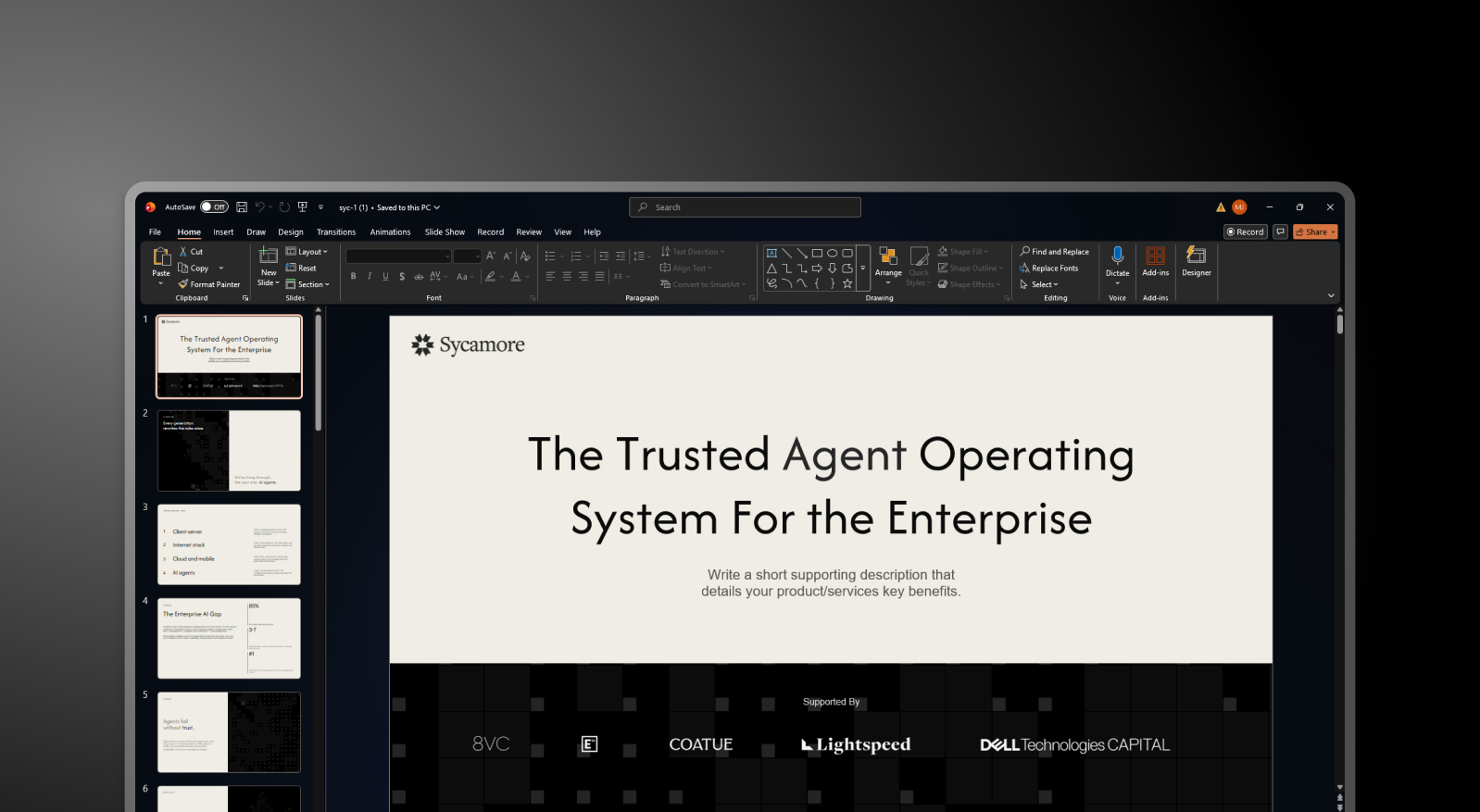
## What is PowerPoint?
Microsoft PowerPoint is the presentation layer of Microsoft 365, the suite that over 430 million people use globally. It gives you a blank canvas, a rich library of design tools, and complete freedom to place, resize, animate, and format every element on every slide exactly as you choose. For complex data visualization, Excel-linked charts, pixel-level design control, and presentations that need to work offline in a client boardroom, nothing matches PowerPoint's depth.

## What is Gamma?
Gamma is a browser-based creation tool that generates presentations, documents, and web pages from a text prompt. Its card-based format replaces fixed-size slides with sections that expand and contract to fit their content, making them well-suited for browser-based sharing and async reading. Gamma targets creators making Instagram carousels, personal sites, and multi-format content. Presentations are one of ten things the platform does.

## What is Presentations AI?
Presentations AI is an AI-native platform built exclusively for professional slide creation, with single-minded focus on business presentations since 2018. Rather than competing with PowerPoint, it is designed to complement it: Presentations AI automates the initial deck-building process, then exports a high-fidelity .pptx file that opens cleanly in PowerPoint for final edits, offline access, or any advanced PowerPoint features the workflow requires.

## Quick Overview
| Tool | Best For | AI Features | Starting Price |
| --- | --- | --- | --- |
| PowerPoint | Universal compatibility, enterprise IT environments, complex data visualization | Copilot (basic drafting, limited output quality) | Included in Microsoft 365 from $7.2/user/month |
| Gamma | Multi-format creators, small teams, browser-based sharing | Prompt-to-deck + AI Agent editing | Free / $12/month (Plus) |
| Presentations.AI | Professionals, sales teams, enterprises | Full AI collaborator (Clip-E) + Brand Sync | Free / $240/year (Pro) |
## PowerPoint vs Gamma vs Presentations AI: Feature-by-feature Comparison
### AI-Powered Slide Generation
**PowerPoint**: PowerPoint's design toolkit is extensive and highly configurable. Copilot for PowerPoint can generate a first draft from a prompt, giving teams a starting point to work from. For users who know exactly what they want to say and need granular control over how each slide looks, PowerPoint's manual workflow is unmatched in depth.
The creation process is hands-on by design, which is where pairing it with a purpose-built AI creation tool like Presentations AI delivers the most value: AI handles the initial generation, PowerPoint handles the refinement.
**Gamma**: Gamma generates a full deck from a prompt using ChatGPT integration and continues iterating through its AI Agent. Users can ask the AI to revise sections, research topics, or add new content after the initial draft.
The speed is genuine: a 15-slide deck in under three minutes is realistic. But the output is generalist. The AI produces the same quality of content regardless of whether you are pitching a board or drafting an internal update, and the deck typically requires significant editing before it is suitable for a high-stakes external audience.
**Presentations AI**: Clip-E handles end-to-end deck creation using AI trained specifically on business persuasion architecture. Generate from a prompt, import a PDF, paste a URL, or upload a Word doc, and the AI builds a structured, brand-consistent deck that is business-ready with minimal editing.
You can refine, add slides, and adjust content through natural conversation without leaving the platform. The AI stays engaged across the full creation process, not just the opening draft.
## Design Quality and Customization
**PowerPoint**: Design depth is PowerPoint's clearest competitive advantage. Every element on every slide is fully customizable: position, size, animation, transition, color, and layering are all under precise manual control. For presentations that need to match exacting brand standards at the pixel level, or that include complex custom charts and data visualizations, PowerPoint remains the gold standard.
Presentations AI is designed to complement this strength: the AI handles design and brand application during creation, and the exported .pptx brings that output into PowerPoint where any further design refinement can be applied with full control.
**Gamma**: Gamma's output is visually modern and well-suited to its card-based format. Customization options on paid plans include custom fonts and themes. Visual quality is strong for browser-based sharing but loses fidelity in exported PowerPoint format.
For teams coming from PowerPoint who expect design precision in their .pptx output, Gamma's export limitations are a meaningful step backward.
**Presentations AI**: Anti-fragile templates adapt intelligently as content changes without breaking the design structure. Brand Sync automatically applies your company's visual identity from a URL, so every deck is on-brand from the first slide without any manual theme setup.
The 10,000-plus professional template library, vast stock image and icon libraries, and automatic professional animations deliver a level of consistent visual quality that removes the design overhead PowerPoint places on its users.
## Collaboration and Team Features
**PowerPoint**: Collaboration in Microsoft 365 is functional and familiar. Real-time co-authoring works across the web and desktop apps, and Teams integration makes sharing and presenting straightforward for organizations already inside the Microsoft ecosystem.
Presentations AI fits naturally into this workflow: the AI creates the initial deck, exports it as a clean .pptx, and from that point the team collaborates in PowerPoint as they normally would, with no change to how they review, comment, or present.
**Gamma**: Real-time collaboration is available on all plans. Team-level features, including custom company themes, shared folders, admin controls, and centralized billing, cost $20/seat/month with a minimum of two seats.
Brand management requires manual setup for every presentation, with no centralized governance across the workspace.
**Presentations AI**: Team collaboration, real-time sync, and access controls are included at the Starter level. Every team member has access to Clip-E, which means any user can produce professional-quality output independently without relying on a designated deck designer.
Brand Sync is a one-time setup that delivers perpetual consistency across every presentation anyone on the team creates. The Enterprise tier adds admin capabilities, company-wide templates, and enterprise security.
## Export and Integration Options
**PowerPoint**: PowerPoint is the export standard. There is no conversion step, no fidelity loss, no formatting cleanup. Files work offline, integrate natively with Excel for live-linked charts, and open correctly in every client environment regardless of operating system.
Presentations AI is designed to feed directly into this strength: build the deck in Presentations AI, export the high-fidelity .pptx, and open it in PowerPoint for any final adjustments, advanced chart work, or offline delivery. The two tools are built to work in sequence.
**Gamma**: Exports to PowerPoint and PDF on all plans, including the free tier. The card-based format frequently produces overlapping boxes, missing fonts, and broken formatting in the exported .pptx file.
Gamma presentations look strong in a browser. In a boardroom with a .pptx file open on a client's laptop, the results are inconsistent. Budget time for cleanup if PowerPoint delivery is part of your workflow.
**Presentations AI**: High-fidelity PowerPoint export on the Pro plan, designed from the ground up to translate correctly to .pptx format: one-click and boardroom-ready. PDF export is also available on Pro and above.
Multiple import options, including PDF, Word, and URL, give it the most flexible intake of the three. For teams transitioning away from PowerPoint who still need to deliver editable .pptx files, Presentations AI is the only AI-native option in this comparison with a consistently clean export record.
## Ease of Use and Learning Curve
**PowerPoint**: Most professionals have used PowerPoint for years, which makes the learning curve a non-issue. For teams that already run their workflow in PowerPoint, Presentations AI slots in as the creation step that precedes it.
With Presentations AI added, there’s no new delivery format, no retraining stakeholders, no change to how the final file is reviewed or presented. The AI creates the deck; PowerPoint handles everything after.
**Gamma**: Gamma onboards quickly, with a generous free tier that lets new users create real presentations before committing. The card-based format takes a few sessions to get comfortable with, particularly for users accustomed to traditional slide layouts.
The multi-format scope of the platform can create confusion for users who only need presentation output.
**Presentations AI**: Clip-E's conversational interface significantly reduces the time from brief to finished deck. Users describe what they need in plain language; the AI handles structure, design, and brand application.
For teams currently spending hours in PowerPoint on formatting and layout, the productivity shift is immediate. Brand Sync also removes the setup friction that slows teams down when adopting a new tool.
| Capability | PowerPoint | Gamma | Presentations AI |
| --- | --- | --- | --- |
| Core Approach | Manual slide editor with AI assist (Copilot) | Multi-format AI generation (decks, docs, web pages, social) | AI-driven content structuring and generation, exclusively for presentations |
| Typical Use Cases | Enterprise presentations, client deliverables, complex data decks | Instagram carousels, personal sites, multi-format content | Board decks, investor pitches, enterprise sales |
| Time to First Draft | Manual: Several hours for a polished deck from scratch | Under 3 minutes (requires 2 to 4 hours editing for high-stakes use) | Minutes, business-ready with minimal editing; export to PowerPoint for final edits |
| Document Import | PowerPoint files natively; limited AI conversion | Basic text / prompt input | PDF, Word, URL conversion |
| Brand Management | Manual: Relies on individual slide masters and templates | Manual setup for every presentation, no centralized governance | Automatic from company URL: One-time setup, perpetual consistency |
| PowerPoint Export / Compatibility | ✅ Native: No conversion needed | ❌ Overlapping boxes, missing fonts, broken formatting | ✅ High-fidelity, one-click, boardroom-ready |
| Offline Access | ✅ Full offline functionality | ❌ Browser-only | ❌ Browser-based |
| Excel / Data Integration | ✅ Native live-linked charts | Limited | Limited |
| AI Output Quality | Copilot provides a starting draft; deep manual control for refinement | Generic output regardless of business context | Trained on business persuasion architecture; business-ready with minimal editing |
| AI Iteration After First Draft | Limited: Copilot does not add new slides easily | Yes, via AI Agent | Yes, full conversational iteration |
| Template Library | Large, highly customizable | Moderate library | 1,000+ professional presentation templates |
| Collaboration | Real-time in Microsoft 365 ecosystem | Real-time on all plans | Real-time team workflows (Starter+) |
| Enterprise Security | Enterprise-grade within Microsoft 365 | ❌ No SOC 2 | ✅ SOC 2 Type II certified, complete audit trails, GDPR-ready |
| Data / Content Ownership | Users retain ownership | ❌ Grants Gamma perpetual, irrevocable, worldwide rights | ✅ Users retain full ownership |
| GDPR / Privacy Compliance | Standard Microsoft compliance | ❌ Viewer tracking raises GDPR concerns | ✅ Privacy by design, no viewer tracking |
| Free Plan | No, requires Microsoft 365 subscription | Yes, 400 one-time credits, no card | Yes, unlimited users, 100 credits, up to 20 slides, no card |
| Hidden Costs | Significant time cost per deck; rising Microsoft 365 license fees | Export fixes, brand violations, potential legal risk | None |
| Vendor Risk | Low, deeply embedded, global standard | High, platform pivoting away from presentations | Low, deepening focus on presentations since 2019 |
| Support Level | Microsoft enterprise support | Generic help center | Dedicated enterprise support |
| Best For | Final editing, advanced charts, offline delivery, client-facing .pptx files, pairs with Presentations.AI for the full workflow | Multi-format content creation, solo creators, browser sharing | AI-driven initial creation, brand automation, and high-fidelity .pptx export into PowerPoint |
## Which Tool is Best for Your Use Case?
### Best for Startups and Pitch Decks
Speed matters more than anything when you are building an investor deck under deadline. Presentations AI wins here. Clip-E generates a structured, persuasion-ready pitch deck from a prompt or an uploaded document, built on AI that understands how funding decisions get made. You can iterate in natural language in minutes rather than hours.
For early-stage founders on a budget, the Pro plan at $240/year is significantly more affordable than a full Microsoft 365 Business Standard subscription for a team. PowerPoint remains a valid option for founders who need offline access or plan to share fully editable files with their investors.
### Best for Sales Teams
Sales teams need decks that are fast to produce, consistently on-brand, and trackable once shared. Presentations AI delivers on all three: AI-driven creation, Brand Sync for consistent output across every rep without manual theme setup, and viewer analytics on paid plans.
PowerPoint can serve sales teams well, but brand consistency across a large sales organization using PowerPoint typically requires dedicated design support or strict template governance. Gamma is the weakest fit for sales workflows given its PowerPoint export limitations and generic AI output.
### Best for Marketing Teams
Marketing teams that need presentations as part of a broader content workflow, alongside social graphics and campaign materials, may already be using Microsoft 365 and PowerPoint by default. For those teams, adding Presentations AI for presentation-specific work is a practical complement rather than a replacement.
The brand-consistent output from Presentations AI's Brand Sync integrates well with marketing teams that have established visual identity guidelines and need every deck to reflect them automatically.
### Best for Enterprise and Large Teams
Large enterprises running Microsoft 365 already have PowerPoint. The question is whether Copilot for PowerPoint meets the AI bar they need. Based on current reviews, it does not. For enterprise teams that need AI-generated, brand-consistent presentations with SOC 2 Type II security and clean data ownership terms, Presentations AI at the Enterprise tier is the stronger AI presentation choice alongside an existing Microsoft 365 deployment.
Gamma's data ownership clause and lack of SOC 2 certification make it difficult to clear procurement in regulated or security-conscious organizations.
## Best for Individuals and Freelancers
For solo users, the decision comes down to whether you already pay for Microsoft 365 for other reasons. If you do, PowerPoint is effectively free. If presentations are your primary need and you do not already subscribe to Microsoft 365, paying $12.50/month for Business Standard to access PowerPoint alone is hard to justify against Presentations AI Pro at $20/month equivalent with genuinely capable AI included. Gamma's free tier is the best zero-cost entry point for individuals who want AI-generated content without any subscription commitment.
## Why Presentations AI Complements PowerPoint and Outperforms Gamma
PowerPoint wins on compatibility, control, offline access, and deep Microsoft ecosystem integration. Those strengths are real, and the best workflow for most teams is not to abandon PowerPoint but to stop using it for the part it was never designed for: creating a full, brand-consistent deck from scratch under time pressure.
Presentations AI was built for exactly that first step. Here is how the combined workflow delivers what neither tool achieves alone:
- **AI handles creation**; PowerPoint handles refinement. Build the core deck in Presentations AI with AI-driven slides, text, brand styling, and animations. Export the .pptx. Open in PowerPoint for final tweaks, advanced chart work, or PowerPoint-specific add-ons. The workflow is additive, not disruptive.
- **Brand Sync** removes the manual setup step before every deck. Presentations AI reads your company URL once and applies your visual identity automatically across every deck created. Every .pptx export arrives in PowerPoint already on-brand, without anyone applying a template or checking brand guidelines manually.
- **Multi-source input** converts existing documents into decks directly. Turn a PDF, a Word doc, a URL, or a plain prompt into a polished, structured deck. Neither PowerPoint nor Gamma supports conversion from all four input types. For teams that regularly create presentations from reports, briefings, or strategy documents, this removes the most time-consuming part of the PowerPoint workflow entirely.
- **The data ownership terms** are clean. Presentations AI users retain full rights to their content. Gamma's terms grant the platform perpetual, worldwide rights. For teams working with confidential proposals, financial data, or proprietary strategy, that distinction has real legal and compliance weight.
- **SOC 2 Type II certification** clears enterprise procurement faster. Gamma frequently fails enterprise IT reviews due to the absence of SOC 2 compliance. Presentations AI is certified and GDPR-ready, which means it integrates into enterprise environments without additional security review friction.
## The Verdict: Which Presentation Tool Should You Choose?
Use PowerPoint for:
- Final editing, advanced chart work, and PowerPoint-specific add-ons
- Offline delivery in client environments without reliable internet
- Live-linked Excel charts that update when the data model changes
- Pixel-level design control on every element
- Sharing editable .pptx files with stakeholders who work in PowerPoint
Choose Gamma if you:
- Create content across multiple formats: presentations, docs, web pages, social posts
- Share presentations via browser link rather than delivering .pptx files
- Want month-to-month flexibility with no annual commitment
- Do not need enterprise-grade security compliance or clean data ownership terms
Use Presentations AI for:
- AI-driven initial deck creation before taking it into PowerPoint for final edits
- Automatic brand application across every deck your team creates
- Converting PDFs, Word docs, or URLs directly into structured presentations
- Business-critical decks that need to be built fast and exported cleanly to .pptx
- Enterprise environments that require SOC 2 Type II certification and GDPR compliance.

## Frequently Asked Questions
### Is PowerPoint still worth using in 2026?

Yes, for specific use cases. PowerPoint remains the gold standard for presentations requiring offline access, live-linked Excel data, pixel-level design control, or delivery as editable .pptx files to clients in the Microsoft ecosystem. However, AI presentation tools can now handle layout, design, and brand consistency automatically.
### What is the best AI presentation tool to replace PowerPoint?

Among the best AI presentation tools in 2026, Presentations.AI is the strongest replacement for teams whose primary pain point is the time PowerPoint demands. Its AI generates persuasion-structured, brand-consistent decks from a prompt, a document, or a URL, and iterates through natural conversation. Gamma is a capable alternative for browser-based sharing, but its export quality limitations make it a difficult full replacement for PowerPoint-dependent workflows.
### Does Copilot for PowerPoint replace the need for an AI presentation tool?

Not yet, based on current independent reviews. Copilot for PowerPoint generates first drafts, but the output quality is limited. It does not research topics, structure persuasive narratives, or iterate on a deck through conversation the way purpose-built AI tools like Presentations.AI and Gamma do.
### Is Presentations.AI better than PowerPoint for business presentations?

For most business presentation workflows in 2026, Presentations.AI is faster, more consistent, and more brand-governed than PowerPoint. It generates persuasion-structured decks from multiple input sources, applies brand identity automatically, and produces clean PowerPoint exports when .pptx delivery is required.
### How much do PowerPoint, Gamma, and Presentations.AI cost?

PowerPoint requires a Microsoft 365 subscription starting at $12.50/user/month (Business Standard, annual billing). Gamma's paid plans start at $12/month (Plus), with team plans from $20/seat/month. Presentations.AI offers a free Starter plan for unlimited users and a Pro plan at $240/year ($20/month equivalent). Enterprise pricing is custom for all three.
Show All Questions
Show Less
Sign in with GoogleSign in with Google. Opens in new tab
Sign In - Google Accounts
Sign in with GoogleSign in with Google. Opens in new tab
## AI Presentation Tool Comparison
# Beautiful.ai vs Gamma vs Presentations.AI: An Honest 2026 Comparison

## What is Beautiful.ai?
Beautiful.ai is a cloud-based presentation tool built around a feature called Smart Slides. Instead of a blank canvas, you work with intelligent slide templates that automatically adjust their layout as you add or remove content. Drop in a bullet point and spacing recalibrates. Add an image and text reflows. The design handles itself.

## What is Gamma?
Gamma is a browser-based creation tool that generates presentations, documents, and web pages from a text prompt. Its card-based format is the distinguishing structural choice: instead of fixed-size slides, cards expand and contract to fit their content, making them well-suited for browser-based sharing, async reading, and multi-format output.

## What is Presentations AI?
Presentations AI is an AI-native presentation platform built specifically for business-critical slide creation. Think investor pitches, sales decks, board presentations, and anything where the output needs to move a decision. It is purpose-built for one format done exceptionally well: the professional slide deck.

## Quick Overview
| Tool | Best For | AI Features | Starting Price | G2 Rating |
| --- | --- | --- | --- | --- |
| Beautiful.ai | Non-designers, solo consultants | Layout automation + draft generation | $12/month (annual) | 4.7/5 |
| Gamma | Multi-format creators, small teams | Prompt-to-deck + AI Agent editing | Free / $12/month (Plus) | 4.7/5 |
| Presentations AI | Professionals, sales teams, enterprises | Full AI collaborator (Clip-E) + Brand Sync | Free / $240/year (Pro) | 4.8/5 |
## Beautiful.ai vs Gamma vs Presentations AI: Feature-by-Feature Comparison
### AI-Powered Slide Generation
**Beautiful.ai**: DesignerBot generates a presentation from a text prompt and populates slides with content organized by outline. The first draft is typically 70-80% usable for standard deck types. After the initial generation, adding new AI-produced slides requires manual workarounds. The AI is a starting gun, not a collaborator.
**Gamma**: Gamma generates a full deck from a prompt and continues iterating through its AI Agent. Users can ask the AI to revise sections, research topics, or add new content after the initial draft. Card limits vary by plan, from 10 cards per prompt on the free tier up to 75 on Ultra.
**Presentations AI**: Clip-E handles end-to-end deck creation and stays engaged throughout the process. Generate from a prompt, import a PDF, paste a URL, or upload a Word doc, and the AI builds a structured, brand-consistent deck. You can refine, add slides, and adjust content through natural conversation without leaving the platform.

[**_Clip-E in action (Link to YouTube video)_**](https://www.youtube.com/watch?v=Ny5l0zOEuY8)
## Design Quality and Customization
**Beautiful.ai**: The Smart Slides system produces consistently clean, professional output. The trade-off is control. You cannot freely position elements or override the layout logic when it makes a decision you disagree with. For the vast majority of business presentations, that constraint is actually an advantage. For users who need custom or unconventional layouts, it is a hard ceiling.
**Gamma**: Gamma's output is visually modern and well-suited to its card-based format. Customization options on paid plans are broader than those in Beautiful.ai, including custom fonts and themes. The visual quality shines for browser-based sharing but can look less polished in exported PowerPoint format.
**Presentations AI**: Anti-fragile templates adapt intelligently as content changes without breaking the design structure. Brand Sync automatically applies your company's visual identity from a URL, so every deck is on-brand from the first slide without any manual theme setup.
## Collaboration and Team Features
**Beautiful.ai**: Real-time co-editing, comments, version history, role-based permissions, and shared asset libraries are available on the Team plan at $40/user/month. These features are mature and functional. The catch is that they are entirely locked behind a plan that more than triples the per-user cost from the Pro tier.
**Gamma**: Real-time collaboration is available on all plans. Team-level features, including custom company themes, shared folders, admin controls, and centralized billing, cost $20/seat/month with a minimum of 2 seats. For small teams, this is the most practical mid-market collaboration entry point among the three tools.
**Presentations AI**: Team collaboration, real-time sync, and access controls are included at the Starter level. Every team member has access to the Clip-E AI assistant, which means any user can produce professional-quality output independently. The Enterprise tier adds admin capabilities, company-wide templates, and enterprise security.
## Export and Integration Options
**Beautiful.ai**: PowerPoint and PDF export on all paid plans. PowerPoint export is a noted pain point in user reviews. Text that appears as a single block in Beautiful.ai can be split into individual text boxes in the exported file, and alignment can shift. Test export quality before committing if .pptx delivery is central to your workflow.
**Gamma**: Exports to PowerPoint and PDF on all plans. The card-based format does not always convert cleanly to 16:9 slides, so budget time for cleanup when delivering .pptx files externally. Gamma also supports web-based sharing, doc output, and social content formats that the other two tools do not cover.
**Presentations AI**: Clean PowerPoint export on the Pro plan, with output designed from the ground up to translate correctly to .pptx format. PDF export is also available on Pro and above. Multiple import options, including PDF, Word, and URL, give it the most flexible intake of the three.
## Ease of Use and Learning Curve
**Beautiful.ai**: Minimal learning curve. The Smart Slides system means you never start from a blank canvas, and design decisions are largely handled automatically. Multiple users across review platforms report going from idea to a presentable deck in under an hour. For non-designers, this is the most immediately accessible of the three tools.
**Gamma**: Straightforward onboarding with a generous free tier that lets you create real presentations before committing to anything. The card-based format takes a few decks to get comfortable with, especially if you are accustomed to traditional slide layouts. The AI Agent adds capability once you learn how to direct it.
**Presentations AI**: The conversational interface with Clip-E significantly reduces the learning curve. Because you can describe what you want in plain language, users with no design experience can quickly produce polished output. Brand Sync eliminates the setup friction that typically slows teams down when adopting a new tool.
| Capability | Beautiful.ai | Gamma | Presentations AI |
| --- | --- | --- | --- |
| Core Approach | Template automation: smart layouts that adapt | Multi-format AI generation (decks, docs, web pages) | AI-driven content structuring and generation |
| Typical Use Cases | Sales decks, client presentations, internal updates | Personal projects, social media, multi-format content | Board decks, investor pitches, enterprise sales |
| Document Import | Basic text input | Basic text / prompt input | PDF, Word, URL conversion |
| Brand Management | Manual setup per presentation | Manual per presentation | Automatic from the company URL |
| PowerPoint Export | Available — users report formatting issues | ❌ Overlapping boxes, missing fonts | ✅ High-fidelity exports |
| Template Library | Professional but limited selection | Moderate library | 1,000+ templates |
| AI Features | DesignerBot for slide generation | AI Agent for research and iterative editing | Full content generation and structuring (Clip-E) |
| Animation / Transitions | Manual configuration | Card-based format — limited traditional animations | Automatic professional animations |
| Collaboration | Basic sharing — full co-editing on the Team plan only | Real-time on all plans | Real-time team workflows (Starter+) |
| Enterprise Security | Standard security | ❌ No SOC 2 — frequently fails IT review | ✅ SOC 2 Type II certified |
| Data / Content Ownership | Standard terms | ❌ Grants Gamma perpetual, irrevocable, worldwide rights | ✅ Users retain full ownership |
| GDPR / Privacy Compliance | Standard | ❌ Viewer tracking raises GDPR concerns | ✅ Privacy by design |
| Audit Trail | Limited | ❌ None | ✅ Full audit logging |
| Fortune 500 Adoption | Moderate | Minimal | Widespread |
| IT Approval Likelihood | Moderate | Low — security and data concerns | High — meets enterprise standards |
| Free Trial | 14-day trial (credit card required) | Free plan — no card required | 100 credits, up to 20 slides — no card required |
| Hidden Costs | Export cleanup, limited AI depth at scale | Export fixes, brand violations, and potential legal risk | None |
| Training Required | Minimal for design tasks | Multi-format scope creates confusion | Focused workflow — low ramp-up |
| Vendor Risk | Moderate | High — platform pivoting away from presentations | Low — deepening focus on presentations |
| Support Level | Standard support | Generic help center | Dedicated enterprise support |
| Best For | Teams needing design consistency without design skills | Multi-format content creation, solo creators | Teams converting documents to polished presentations |
## Pricing Comparison: Beautiful.ai vs Gamma vs Presentations AI
Pricing in this category is rarely just about the headline number. What matters is what you hit once you need collaboration, brand controls, or clean exports. All three tools handle that differently.
### Beautiful.ai Pricing
Beautiful.ai has three tiers: Pro, Team, and Enterprise. There is no free plan. A 14-day trial is available for Pro and Team, but it requires a credit card and will automatically convert to an annual subscription if not cancelled. This has generated recurring complaints across Trustpilot and Product Hunt.
- Pro: $12/month (annual) or $45/month (monthly). Unlimited slides, Smart Slides, AI generation, custom fonts, PowerPoint and PDF export, viewer analytics. Single user only.
- Team: $40/user/month (annual) or $50/user/month (monthly). Adds real-time collaboration, Brand Kit, shared libraries, admin controls, and engagement analytics—the jump from Pro to Team more than triples the per-user cost.
- Enterprise: Custom pricing. SSO, SCIM, dedicated account management, priority support, and advanced security.
**What to watch out for**: a team of five on the Team plan costs $2,400 per year. That is a significant commitment for a tool whose AI capabilities are more limited than its newer competitors.
### Gamma Pricing
Gamma has four individual plans and two team plans. Monthly billing is available on most tiers, which makes it the most flexible of the three for buyers who are not ready to commit annually.
- **Free**: 400 one-time AI credits (do not refresh), up to 10 cards per prompt, Gamma branding on all output.
- **Plus**: $12/month (or ~$9/month annual). Removes branding, 1,000 refreshing monthly credits, up to 20 cards per prompt.
- **Pro**: $25/month (or ~$18/month annual). Premium AI models, API access, custom fonts, up to 10 custom domains, detailed analytics, 4,000 monthly credits, up to 50 cards per prompt.
- **Ultra**: $100/month (monthly only). 20,000 monthly credits, up to 75 cards per prompt, Studio Mode, and the most advanced AI image models.
- **Team**: $20/seat/month, minimum 2 seats. Custom company theme, shared folders, admin controls, centralized billing, 6,000 credits per seat.
- **Business**: $40/seat/month, minimum 10 seats. SSO, SOC 2 documentation, advanced data controls, 10,000 credits per seat.
**What to watch out for**: Free plan credits are one-time, not monthly. Heavy use of premium image models on paid plans burns through the monthly credit allowance faster than expected.
| Plan/Feature | Beautiful.ai | Gamma | Presentations AI |
| --- | --- | --- | --- |
| Free plan | ✗ (14-day trial only) | ✓ (400 one-time credits) | ✓ (unlimited users) |
| Starter/entry paid | $12/mo (Pro, annual) | $12/mo (Plus) | $240/year ($20/mo) |
| Mid-tier paid | N/A | $25/mo (Pro) | N/A |
| Team plan | $40/user/mo | $20/seat/mo (min. 2) | Enterprise (custom) |
| Enterprise | Custom | $40/seat/mo (min. 10) | Custom |
| Annual discount | ✓ | ✓ | Annual only (no monthly) |
| Monthly billing | ✓ (premium pricing) | ✓ | ✗ |
| AI credits included | Unlimited on paid | 1,000–20,000/mo (plan-dependent) | Limited on Starter; more on Pro; unlimited on Enterprise |
| Branding removal | All paid plans | Plus and above | Paid plans |
| Credit card for trial | ✓ (required) | ✗ | ✗ |
## Presentations AI Pricing
Presentations AI keeps its structure simple with three tiers. There is no monthly billing option; plans are available only on an annual or quarterly basis.
- **Starter**: Free. Unlimited users, limited AI credits, brand themes, team collaboration, and basic functionality.
- **Pro**: $240/year (one user). Equivalent to $20/month. Additional AI credits, Pro templates, custom fonts and colors, analytics, PDF export, and advanced features.
- **Enterprise**: Custom pricing. Unlimited AI credits, company-wide templates, admin capabilities, dedicated support, enterprise security, and compliance.
The Starter plan is genuinely multi-user, making it a practical way for an entire team to evaluate the platform before committing. The Pro plan at $240/year undercuts Gamma's equivalent Pro tier ($25/month) by 20% on an annualized basis.
## **Which Tool is Best for Your Use Case?**
### Best for Startups and Pitch Decks
Speed and polish matter more than anything else when you are creating an investor deck on a deadline. Presentations AI wins here. Clip-E generates a structured, brand-consistent pitch deck from a prompt or an uploaded document, and you can iterate in natural language without going back and forth between slides manually.
The Pro plan at $240/year is affordable for early-stage founders, and the output looks professionally designed. Beautiful.ai is a reasonable second option if you already know what you want to say and just need it to look good fast.
### Best for Sales Teams
Sales teams need decks that are fast to produce, easy to personalize, and trackable once shared. Presentations AI delivers on all three: AI-driven creation, Brand Sync for consistent output across reps, and viewer analytics on paid plans.
Beautiful.ai is also a credible option for sales teams who value the Smart Slides consistency and built-in engagement tracking on the Pro tier. Gamma is less purpose-built for sales deck workflows.
### Best for Marketing Teams
Marketing teams live inside their brand guidelines, and that is where Presentations AI's Brand Sync creates a genuine operational advantage. Every deck auto-aligns to the brand without anyone needing to select a theme or check a brand kit.
For teams producing campaign proposals, launch presentations, and creative briefs at volume, that automation compounds quickly. Beautiful.ai's Brand Kit is a solid manual alternative. Gamma works well for marketing teams that need multi-format output beyond just slides.
### Best for Enterprise and Large Teams
Presentations AI at the Enterprise tier offers unlimited AI credits, company-wide templates, admin controls, and full enterprise security. SOC 2 Type II certification is a meaningful differentiator for procurement and security review processes.
Beautiful.ai's Enterprise plan covers SSO, SCIM, and dedicated account management. Gamma Business at $40/seat adds SSO and SOC 2 documentation for organizations that want enterprise controls without leaving the Gamma ecosystem.
### Best for Individuals and Freelancers
For solo users, the decision comes down to the quality and value of the free tier and the first paid tier. Gamma's free plan is the most genuinely useful: 400 credits, no credit card required, and PowerPoint export included. Presentations AI's free Starter plan is strong for exploring the platform before committing. Beautiful.ai has no free plan, and the trial requires a credit card with auto-renewal into an annual subscription. For solo professionals who create decks regularly, Presentations AI Pro at $20/month offers the best value for the feature set it delivers
## Five Reasons Teams Choose Presentations.AI Over Beautiful.ai and Gamma
Beautiful.ai and Gamma each win in specific scenarios. Beautiful.ai is faster for non-designers building straightforward decks. Gamma is more flexible if you need multi-format content output and month-to-month pricing freedom. Both are solid tools within their defined lanes.
But Presentations AI is built for the use case that matters most: producing business-critical presentations that need to look professional, stay on-brand, and be created fast without relying on design skills you may not have.
Here is what makes it a stronger all-around choice:
- **Brand Sync** goes further than any Brand Kit. It does not ask you to set up brand rules manually. It reads your company URL and automatically applies your visual identity. Every deck is on-brand from slide one, with zero setup per presentation.
- **Clip-E** is a genuine AI collaborator, not just a first-draft engine. You can build, refine, and reshape a deck through conversation. Beautiful.ai's AI stops at the first draft. Gamma's AI Agent is capable but less focused on slide output specifically.
- **Multi-source input** is a real workflow advantage. Turn a PDF, a Word doc, a URL, or a plain prompt into a polished deck. Neither competitor supports input from all four sources.
- **The Pro pricing** is more competitive than it first appears. At $240/year ($20/month), Presentations AI Pro undercuts Gamma Pro ($25/month) by 20% and sits above Beautiful.ai Pro ($12/month) by a margin that narrows, especially when you factor in what each tier actually delivers.
- **The free Starter plan** is genuinely multi-user. Your whole team can explore the platform before anyone commits to a budget. Beautiful.ai's trial requires a credit card. Gamma's free tier is limited to one-time credits.
## The Verdict: Which AI Presentation Maker Should You Choose?
**Choose Beautiful.ai if you**:
- Create decks solo and want a consistent, polished result every time with minimal effort
- Need viewer engagement analytics for sales follow-up workflows
- Brand requirements are straightforward: colors, fonts, logos
- Are comfortable with a 14-day trial that requires a credit card
**Choose Gamma if you**:
- Need a free plan with no credit card required
- Create content across multiple formats: presentations, docs, web pages, social content
- Want month-to-month flexibility before committing to an annual plan
- Are a small team looking for collaborative features at a reasonable per-seat price
**Choose Presentations AI if you**:
- Want AI that builds, refines, and iterates on your deck conversationally
- Need brand consistency to be automatic, not dependent on manual theme selection
- Regularly convert PDFs, Word docs, or URLs into presentation format
- Are building business-critical decks: pitches, sales presentations, board updates
- Team needs every member to produce professional output, regardless of design skill

## Frequently Asked Questions
### Is Beautiful.ai better than Gamma for presentations?

Beautiful.AI vs Gamma comes down to the output you need. Beautiful.ai produces cleaner, more consistent slide decks for traditional presentation formats. Gamma is more versatile, handling docs, web pages, and social content alongside slides, and its AI Agent offers more iterative content generation. For buyers who need neither tool's specific strengths, Presentations.AI is worth evaluating as a third option that combines AI depth with brand-consistent slide output.
### What is the best free AI presentation maker?

Among the best AI presentation makers in 2026, all three tools offer free plans with no credit card required. Canva's free tier is the most broadly capable for general design work. Gamma's free tier includes 400 one-time AI credits and PowerPoint export, though export quality is a known issue. Presentations.AI's free Starter plan supports unlimited users, includes brand themes and team collaboration, and allows up to 5 full presentations — making it the best free option for business teams evaluating the platform together before upgrading.
### Can I export presentations to PowerPoint from all three tools?

Yes, but with important caveats. Beautiful.ai exports to PowerPoint on all paid plans, but formatting issues are a common complaint — text splitting into separate boxes and alignment shifting. Gamma exports to PowerPoint on all plans including the free tier, but the card-based format does not always convert cleanly to 16:9 slides. Presentations.AI exports to PowerPoint on the Pro plan with output specifically designed for clean .pptx fidelity. If PowerPoint export quality is critical to your workflow, Presentations.AI has the strongest track record among the three.
### Which AI presentation tool is best for teams?

For small teams on a budget, Gamma's Team plan at $20/seat/month (minimum 2 seats) is the most accessible entry point with real collaboration features. For teams where brand consistency and AI-assisted creation need to scale across all members, Presentations.AI's approach of giving every user access to Clip-E is a meaningful structural advantage. Beautiful.ai has mature collaboration features on its Team plan, but at $40/user/month, the cost for even a small team adds up quickly.
### What is the best alternative to Beautiful.ai and Gamma?

Presentations.AI is the strongest Beautiful.ai alternative and Gamma alternative available in 2026. It addresses the key limitations of each: it goes deeper on AI than Beautiful.ai and produces cleaner, more business-focused slide output than Gamma. For buyers who want brand-consistent professional decks with a conversational AI collaborator and no credit card required to start, Presentations.AI is the logical next step.
Show All Questions
Show Less
Sign in with GoogleSign in with Google. Opens in new tab
Sign In - Google Accounts
Sign in with GoogleSign in with Google. Opens in new tab
## AI Presentation Tools
https://www.presentations.ai/pt-br2026-09-08T11:15:28.422Zhttps://www.presentations.ai/id2026-09-08T11:15:28.422Zhttps://www.presentations.ai/es2026-09-08T11:15:28.422Zhttps://www.presentations.ai/de-de2026-09-08T11:15:28.422Zhttps://www.presentations.ai/fr-fr2026-09-08T11:15:28.422Zhttps://www.presentations.ai/tr2026-09-08T11:15:28.422Zhttps://www.presentations.ai/zh2026-09-08T11:15:28.422Zhttps://www.presentations.ai/ja2026-09-08T11:15:28.422Zhttps://www.presentations.ai/ko2026-09-08T11:15:28.422Zhttps://www.presentations.ai/ar2026-09-08T11:15:28.422Zhttps://www.presentations.ai2026-09-08T11:15:28.422Zhttps://www.presentations.ai/pt-br/about2026-09-08T10:47:36.810Zhttps://www.presentations.ai/id/about2026-09-08T10:47:36.810Zhttps://www.presentations.ai/es/about2026-09-08T10:47:36.810Zhttps://www.presentations.ai/de-de/about2026-09-08T10:47:36.810Zhttps://www.presentations.ai/fr-fr/about2026-09-08T10:47:36.810Zhttps://www.presentations.ai/tr/about2026-09-08T10:47:36.810Zhttps://www.presentations.ai/zh/about2026-09-08T10:47:36.810Zhttps://www.presentations.ai/ja/about2026-09-08T10:47:36.810Zhttps://www.presentations.ai/ko/about2026-09-08T10:47:36.810Zhttps://www.presentations.ai/ar/about2026-09-08T10:47:36.810Zhttps://www.presentations.ai/about2026-09-08T10:47:36.810Zhttps://www.presentations.ai/pt-br/acceptance-use-policy2026-08-26T09:18:32.205Zhttps://www.presentations.ai/id/acceptance-use-policy2026-08-26T09:18:32.205Zhttps://www.presentations.ai/es/acceptance-use-policy2026-08-26T09:18:32.205Zhttps://www.presentations.ai/de-de/acceptance-use-policy2026-08-26T09:18:32.205Zhttps://www.presentations.ai/fr-fr/acceptance-use-policy2026-08-26T09:18:32.205Zhttps://www.presentations.ai/tr/acceptance-use-policy2026-08-26T09:18:32.205Zhttps://www.presentations.ai/zh/acceptance-use-policy2026-08-26T09:18:32.205Zhttps://www.presentations.ai/ja/acceptance-use-policy2026-08-26T09:18:32.205Zhttps://www.presentations.ai/ko/acceptance-use-policy2026-08-26T09:18:32.205Zhttps://www.presentations.ai/ar/acceptance-use-policy2026-08-26T09:18:32.205Zhttps://www.presentations.ai/acceptance-use-policy2026-08-26T09:18:32.205Zhttps://www.presentations.ai/pt-br/blog2026-08-27T12:28:23.117Zhttps://www.presentations.ai/id/blog2026-08-27T12:28:23.117Zhttps://www.presentations.ai/es/blog2026-08-27T12:28:23.117Zhttps://www.presentations.ai/de-de/blog2026-08-27T12:28:23.117Zhttps://www.presentations.ai/fr-fr/blog2026-08-27T12:28:23.117Zhttps://www.presentations.ai/tr/blog2026-08-27T12:28:23.117Zhttps://www.presentations.ai/zh/blog2026-08-27T12:28:23.117Zhttps://www.presentations.ai/ja/blog2026-08-27T12:28:23.117Zhttps://www.presentations.ai/ko/blog2026-08-27T12:28:23.117Zhttps://www.presentations.ai/ar/blog2026-08-27T12:28:23.117Zhttps://www.presentations.ai/blog2026-08-27T12:28:23.117Zhttps://www.presentations.ai/pt-br/clip-e2026-09-07T05:58:05.094Zhttps://www.presentations.ai/id/clip-e2026-09-07T05:58:05.094Zhttps://www.presentations.ai/es/clip-e2026-09-07T05:58:05.094Zhttps://www.presentations.ai/de-de/clip-e2026-09-07T05:58:05.094Zhttps://www.presentations.ai/fr-fr/clip-e2026-09-07T05:58:05.094Zhttps://www.presentations.ai/tr/clip-e2026-09-07T05:58:05.094Zhttps://www.presentations.ai/zh/clip-e2026-09-07T05:58:05.094Zhttps://www.presentations.ai/ja/clip-e2026-09-07T05:58:05.094Zhttps://www.presentations.ai/ko/clip-e2026-09-07T05:58:05.094Zhttps://www.presentations.ai/ar/clip-e2026-09-07T05:58:05.094Zhttps://www.presentations.ai/clip-e2026-09-07T05:58:05.094Zhttps://www.presentations.ai/pt-br/features2026-09-08T10:46:44.141Zhttps://www.presentations.ai/id/features2026-09-08T10:46:44.141Zhttps://www.presentations.ai/es/features2026-09-08T10:46:44.141Zhttps://www.presentations.ai/de-de/features2026-09-08T10:46:44.141Zhttps://www.presentations.ai/fr-fr/features2026-09-08T10:46:44.141Zhttps://www.presentations.ai/tr/features2026-09-08T10:46:44.141Zhttps://www.presentations.ai/zh/features2026-09-08T10:46:44.141Zhttps://www.presentations.ai/ja/features2026-09-08T10:46:44.141Zhttps://www.presentations.ai/ko/features2026-09-08T10:46:44.141Zhttps://www.presentations.ai/ar/features2026-09-08T10:46:44.141Zhttps://www.presentations.ai/features2026-09-08T10:46:44.141Zhttps://www.presentations.ai/pt-br/chatgpt-for-presentations2026-08-26T09:21:35.754Zhttps://www.presentations.ai/id/chatgpt-for-presentations2026-08-26T09:21:35.754Zhttps://www.presentations.ai/es/chatgpt-for-presentations2026-08-26T09:21:35.754Zhttps://www.presentations.ai/de-de/chatgpt-for-presentations2026-08-26T09:21:35.754Zhttps://www.presentations.ai/fr-fr/chatgpt-for-presentations2026-08-26T09:21:35.754Zhttps://www.presentations.ai/tr/chatgpt-for-presentations2026-08-26T09:21:35.754Zhttps://www.presentations.ai/zh/chatgpt-for-presentations2026-08-26T09:21:35.754Zhttps://www.presentations.ai/ja/chatgpt-for-presentations2026-08-26T09:21:35.754Zhttps://www.presentations.ai/ko/chatgpt-for-presentations2026-08-26T09:21:35.754Zhttps://www.presentations.ai/ar/chatgpt-for-presentations2026-08-26T09:21:35.754Zhttps://www.presentations.ai/chatgpt-for-presentations2026-08-26T09:21:35.754Zhttps://www.presentations.ai/pt-br/pricing2026-09-08T10:15:57.987Zhttps://www.presentations.ai/id/pricing2026-09-08T10:15:57.987Zhttps://www.presentations.ai/es/pricing2026-09-08T10:15:57.987Zhttps://www.presentations.ai/de-de/pricing2026-09-08T10:15:57.987Zhttps://www.presentations.ai/fr-fr/pricing2026-09-08T10:15:57.987Zhttps://www.presentations.ai/tr/pricing2026-09-08T10:15:57.987Zhttps://www.presentations.ai/zh/pricing2026-09-08T10:15:57.987Zhttps://www.presentations.ai/ja/pricing2026-09-08T10:15:57.987Zhttps://www.presentations.ai/ko/pricing2026-09-08T10:15:57.987Zhttps://www.presentations.ai/ar/pricing2026-09-08T10:15:57.987Zhttps://www.presentations.ai/pricing2026-09-08T10:15:57.987Zhttps://www.presentations.ai/pt-br/privacy2026-08-26T09:17:55.342Zhttps://www.presentations.ai/id/privacy2026-08-26T09:17:55.342Zhttps://www.presentations.ai/es/privacy2026-08-26T09:17:55.342Zhttps://www.presentations.ai/de-de/privacy2026-08-26T09:17:55.342Zhttps://www.presentations.ai/fr-fr/privacy2026-08-26T09:17:55.342Zhttps://www.presentations.ai/tr/privacy2026-08-26T09:17:55.342Zhttps://www.presentations.ai/zh/privacy2026-08-26T09:17:55.342Zhttps://www.presentations.ai/ja/privacy2026-08-26T09:17:55.342Zhttps://www.presentations.ai/ko/privacy2026-08-26T09:17:55.342Zhttps://www.presentations.ai/ar/privacy2026-08-26T09:17:55.342Zhttps://www.presentations.ai/privacy2026-08-26T09:17:55.342Zhttps://www.presentations.ai/pt-br/terms2026-08-26T09:18:18.445Zhttps://www.presentations.ai/id/terms2026-08-26T09:18:18.445Zhttps://www.presentations.ai/es/terms2026-08-26T09:18:18.445Zhttps://www.presentations.ai/de-de/terms2026-08-26T09:18:18.445Zhttps://www.presentations.ai/fr-fr/terms2026-08-26T09:18:18.445Zhttps://www.presentations.ai/tr/terms2026-08-26T09:18:18.445Zhttps://www.presentations.ai/zh/terms2026-08-26T09:18:18.445Zhttps://www.presentations.ai/ja/terms2026-08-26T09:18:18.445Zhttps://www.presentations.ai/ko/terms2026-08-26T09:18:18.445Zhttps://www.presentations.ai/ar/terms2026-08-26T09:18:18.445Zhttps://www.presentations.ai/terms2026-08-26T09:18:18.445Zhttps://www.presentations.ai/pt-br/tools2026-08-27T12:23:03.751Zhttps://www.presentations.ai/id/tools2026-08-27T12:23:03.751Zhttps://www.presentations.ai/es/tools2026-08-27T12:23:03.751Zhttps://www.presentations.ai/de-de/tools2026-08-27T12:23:03.751Zhttps://www.presentations.ai/fr-fr/tools2026-08-27T12:23:03.751Zhttps://www.presentations.ai/tr/tools2026-08-27T12:23:03.751Zhttps://www.presentations.ai/zh/tools2026-08-27T12:23:03.751Zhttps://www.presentations.ai/ja/tools2026-08-27T12:23:03.751Zhttps://www.presentations.ai/ko/tools2026-08-27T12:23:03.751Zhttps://www.presentations.ai/ar/tools2026-08-27T12:23:03.751Zhttps://www.presentations.ai/tools2026-08-27T12:23:03.751Zhttps://www.presentations.ai/pt-br/ai-presentation-maker2026-09-08T09:26:41.168Zhttps://www.presentations.ai/id/ai-presentation-maker2026-09-08T09:26:41.168Zhttps://www.presentations.ai/es/ai-presentation-maker2026-09-08T09:26:41.168Zhttps://www.presentations.ai/de-de/ai-presentation-maker2026-09-08T09:26:41.168Zhttps://www.presentations.ai/fr-fr/ai-presentation-maker2026-09-08T09:26:41.168Zhttps://www.presentations.ai/tr/ai-presentation-maker2026-09-08T09:26:41.168Zhttps://www.presentations.ai/zh/ai-presentation-maker2026-09-08T09:26:41.168Zhttps://www.presentations.ai/ja/ai-presentation-maker2026-09-08T09:26:41.168Zhttps://www.presentations.ai/ko/ai-presentation-maker2026-09-08T09:26:41.168Zhttps://www.presentations.ai/ar/ai-presentation-maker2026-09-08T09:26:41.168Zhttps://www.presentations.ai/ai-presentation-maker2026-09-08T09:26:41.168Zhttps://www.presentations.ai/pt-br/ai-slide-creator2026-09-07T06:06:33.607Zhttps://www.presentations.ai/id/ai-slide-creator2026-09-07T06:06:33.607Zhttps://www.presentations.ai/es/ai-slide-creator2026-09-07T06:06:33.607Zhttps://www.presentations.ai/de-de/ai-slide-creator2026-09-07T06:06:33.607Zhttps://www.presentations.ai/fr-fr/ai-slide-creator2026-09-07T06:06:33.607Zhttps://www.presentations.ai/tr/ai-slide-creator2026-09-07T06:06:33.607Zhttps://www.presentations.ai/zh/ai-slide-creator2026-09-07T06:06:33.607Zhttps://www.presentations.ai/ja/ai-slide-creator2026-09-07T06:06:33.607Zhttps://www.presentations.ai/ko/ai-slide-creator2026-09-07T06:06:33.607Zhttps://www.presentations.ai/ar/ai-slide-creator2026-09-07T06:06:33.607Zhttps://www.presentations.ai/ai-slide-creator2026-09-07T06:06:33.607Zhttps://www.presentations.ai/pt-br/compare2026-08-27T12:19:37.675Zhttps://www.presentations.ai/id/compare2026-08-27T12:19:37.675Zhttps://www.presentations.ai/es/compare2026-08-27T12:19:37.675Zhttps://www.presentations.ai/de-de/compare2026-08-27T12:19:37.675Zhttps://www.presentations.ai/fr-fr/compare2026-08-27T12:19:37.675Zhttps://www.presentations.ai/tr/compare2026-08-27T12:19:37.675Zhttps://www.presentations.ai/zh/compare2026-08-27T12:19:37.675Zhttps://www.presentations.ai/ja/compare2026-08-27T12:19:37.675Zhttps://www.presentations.ai/ko/compare2026-08-27T12:19:37.675Zhttps://www.presentations.ai/ar/compare2026-08-27T12:19:37.675Zhttps://www.presentations.ai/compare2026-08-27T12:19:37.675Zhttps://www.presentations.ai/pt-br/slide-templates2026-09-07T13:06:42.285Zhttps://www.presentations.ai/id/slide-templates2026-09-07T13:06:42.285Zhttps://www.presentations.ai/es/slide-templates2026-09-07T13:06:42.285Zhttps://www.presentations.ai/de-de/slide-templates2026-09-07T13:06:42.285Zhttps://www.presentations.ai/fr-fr/slide-templates2026-09-07T13:06:42.285Zhttps://www.presentations.ai/tr/slide-templates2026-09-07T13:06:42.285Zhttps://www.presentations.ai/zh/slide-templates2026-09-07T13:06:42.285Zhttps://www.presentations.ai/ja/slide-templates2026-09-07T13:06:42.285Zhttps://www.presentations.ai/ko/slide-templates2026-09-07T13:06:42.285Zhttps://www.presentations.ai/ar/slide-templates2026-09-07T13:06:42.285Zhttps://www.presentations.ai/slide-templates2026-09-07T13:06:42.285Zhttps://www.presentations.ai/pt-br/presentation-templates2026-09-07T13:07:14.925Zhttps://www.presentations.ai/id/presentation-templates2026-09-07T13:07:14.925Zhttps://www.presentations.ai/es/presentation-templates2026-09-07T13:07:14.925Zhttps://www.presentations.ai/de-de/presentation-templates2026-09-07T13:07:14.925Zhttps://www.presentations.ai/fr-fr/presentation-templates2026-09-07T13:07:14.925Zhttps://www.presentations.ai/tr/presentation-templates2026-09-07T13:07:14.925Zhttps://www.presentations.ai/zh/presentation-templates2026-09-07T13:07:14.925Zhttps://www.presentations.ai/ja/presentation-templates2026-09-07T13:07:14.925Zhttps://www.presentations.ai/ko/presentation-templates2026-09-07T13:07:14.925Zhttps://www.presentations.ai/ar/presentation-templates2026-09-07T13:07:14.925Zhttps://www.presentations.ai/presentation-templates2026-09-07T13:07:14.925Zhttps://www.presentations.ai/pt-br/sitemap2026-08-26T11:18:35.557Zhttps://www.presentations.ai/id/sitemap2026-08-26T11:18:35.557Zhttps://www.presentations.ai/es/sitemap2026-08-26T11:18:35.557Zhttps://www.presentations.ai/de-de/sitemap2026-08-26T11:18:35.557Zhttps://www.presentations.ai/fr-fr/sitemap2026-08-26T11:18:35.557Zhttps://www.presentations.ai/tr/sitemap2026-08-26T11:18:35.557Zhttps://www.presentations.ai/zh/sitemap2026-08-26T11:18:35.557Zhttps://www.presentations.ai/ja/sitemap2026-08-26T11:18:35.557Zhttps://www.presentations.ai/ko/sitemap2026-08-26T11:18:35.557Zhttps://www.presentations.ai/ar/sitemap2026-08-26T11:18:35.557Zhttps://www.presentations.ai/sitemap2026-08-26T11:18:35.557Zhttps://www.presentations.ai/pt-br/manifesto2026-09-08T10:20:49.729Zhttps://www.presentations.ai/id/manifesto2026-09-08T10:20:49.729Zhttps://www.presentations.ai/es/manifesto2026-09-08T10:20:49.729Zhttps://www.presentations.ai/de-de/manifesto2026-09-08T10:20:49.729Zhttps://www.presentations.ai/fr-fr/manifesto2026-09-08T10:20:49.729Zhttps://www.presentations.ai/tr/manifesto2026-09-08T10:20:49.729Zhttps://www.presentations.ai/zh/manifesto2026-09-08T10:20:49.729Zhttps://www.presentations.ai/ja/manifesto2026-09-08T10:20:49.729Zhttps://www.presentations.ai/ko/manifesto2026-09-08T10:20:49.729Zhttps://www.presentations.ai/ar/manifesto2026-09-08T10:20:49.729Zhttps://www.presentations.ai/manifesto2026-09-08T10:20:49.729Zhttps://www.presentations.ai/pt-br/background-color2026-09-07T06:21:45.792Zhttps://www.presentations.ai/id/background-color2026-09-07T06:21:45.792Zhttps://www.presentations.ai/es/background-color2026-09-07T06:21:45.792Zhttps://www.presentations.ai/de-de/background-color2026-09-07T06:21:45.792Zhttps://www.presentations.ai/fr-fr/background-color2026-09-07T06:21:45.792Zhttps://www.presentations.ai/tr/background-color2026-09-07T06:21:45.792Zhttps://www.presentations.ai/zh/background-color2026-09-07T06:21:45.792Zhttps://www.presentations.ai/ja/background-color2026-09-07T06:21:45.792Zhttps://www.presentations.ai/ko/background-color2026-09-07T06:21:45.792Zhttps://www.presentations.ai/ar/background-color2026-09-07T06:21:45.792Zhttps://www.presentations.ai/background-color2026-09-07T06:21:45.792Zhttps://www.presentations.ai/pt-br/company-news/presentations-ai-seed-funding-20252026-08-26T09:23:44.782Zhttps://www.presentations.ai/id/company-news/presentations-ai-seed-funding-20252026-08-26T09:23:44.782Zhttps://www.presentations.ai/es/company-news/presentations-ai-seed-funding-20252026-08-26T09:23:44.782Zhttps://www.presentations.ai/de-de/company-news/presentations-ai-seed-funding-20252026-08-26T09:23:44.782Zhttps://www.presentations.ai/fr-fr/company-news/presentations-ai-seed-funding-20252026-08-26T09:23:44.782Zhttps://www.presentations.ai/tr/company-news/presentations-ai-seed-funding-20252026-08-26T09:23:44.782Zhttps://www.presentations.ai/zh/company-news/presentations-ai-seed-funding-20252026-08-26T09:23:44.782Zhttps://www.presentations.ai/ja/company-news/presentations-ai-seed-funding-20252026-08-26T09:23:44.782Zhttps://www.presentations.ai/ko/company-news/presentations-ai-seed-funding-20252026-08-26T09:23:44.782Zhttps://www.presentations.ai/ar/company-news/presentations-ai-seed-funding-20252026-08-26T09:23:44.782Zhttps://www.presentations.ai/company-news/presentations-ai-seed-funding-20252026-08-26T09:23:44.782Zhttps://www.presentations.ai/pt-br/company-news2026-08-26T09:13:39.057Zhttps://www.presentations.ai/id/company-news2026-08-26T09:13:39.057Zhttps://www.presentations.ai/es/company-news2026-08-26T09:13:39.057Zhttps://www.presentations.ai/de-de/company-news2026-08-26T09:13:39.057Zhttps://www.presentations.ai/fr-fr/company-news2026-08-26T09:13:39.057Zhttps://www.presentations.ai/tr/company-news2026-08-26T09:13:39.057Zhttps://www.presentations.ai/zh/company-news2026-08-26T09:13:39.057Zhttps://www.presentations.ai/ja/company-news2026-08-26T09:13:39.057Zhttps://www.presentations.ai/ko/company-news2026-08-26T09:13:39.057Zhttps://www.presentations.ai/ar/company-news2026-08-26T09:13:39.057Zhttps://www.presentations.ai/company-news2026-08-26T09:13:39.057Zhttps://www.presentations.ai/pt-br/dpa2026-09-08T09:58:30.950Zhttps://www.presentations.ai/id/dpa2026-09-08T09:58:30.950Zhttps://www.presentations.ai/es/dpa2026-09-08T09:58:30.950Zhttps://www.presentations.ai/de-de/dpa2026-09-08T09:58:30.950Zhttps://www.presentations.ai/fr-fr/dpa2026-09-08T09:58:30.950Zhttps://www.presentations.ai/tr/dpa2026-09-08T09:58:30.950Zhttps://www.presentations.ai/zh/dpa2026-09-08T09:58:30.950Zhttps://www.presentations.ai/ja/dpa2026-09-08T09:58:30.950Zhttps://www.presentations.ai/ko/dpa2026-09-08T09:58:30.950Zhttps://www.presentations.ai/ar/dpa2026-09-08T09:58:30.950Zhttps://www.presentations.ai/dpa2026-09-08T09:58:30.950Zhttps://www.presentations.ai/pt-br/plugins2026-08-26T09:12:02.391Zhttps://www.presentations.ai/id/plugins2026-08-26T09:12:02.391Zhttps://www.presentations.ai/es/plugins2026-08-26T09:12:02.391Zhttps://www.presentations.ai/de-de/plugins2026-08-26T09:12:02.391Zhttps://www.presentations.ai/fr-fr/plugins2026-08-26T09:12:02.391Zhttps://www.presentations.ai/tr/plugins2026-08-26T09:12:02.391Zhttps://www.presentations.ai/zh/plugins2026-08-26T09:12:02.391Zhttps://www.presentations.ai/ja/plugins2026-08-26T09:12:02.391Zhttps://www.presentations.ai/ko/plugins2026-08-26T09:12:02.391Zhttps://www.presentations.ai/ar/plugins2026-08-26T09:12:02.391Zhttps://www.presentations.ai/plugins2026-08-26T09:12:02.391Zhttps://www.presentations.ai/pt-br/faq2026-09-04T06:57:53.502Zhttps://www.presentations.ai/id/faq2026-09-04T06:57:53.502Zhttps://www.presentations.ai/es/faq2026-09-04T06:57:53.502Zhttps://www.presentations.ai/de-de/faq2026-09-04T06:57:53.502Zhttps://www.presentations.ai/fr-fr/faq2026-09-04T06:57:53.502Zhttps://www.presentations.ai/tr/faq2026-09-04T06:57:53.502Zhttps://www.presentations.ai/zh/faq2026-09-04T06:57:53.502Zhttps://www.presentations.ai/ja/faq2026-09-04T06:57:53.502Zhttps://www.presentations.ai/ko/faq2026-09-04T06:57:53.502Zhttps://www.presentations.ai/ar/faq2026-09-04T06:57:53.502Zhttps://www.presentations.ai/faq2026-09-04T06:57:53.502Zhttps://www.presentations.ai/pt-br/solutions2026-08-31T04:38:09.976Zhttps://www.presentations.ai/id/solutions2026-08-31T04:38:09.976Zhttps://www.presentations.ai/es/solutions2026-08-31T04:38:09.976Zhttps://www.presentations.ai/de-de/solutions2026-08-31T04:38:09.976Zhttps://www.presentations.ai/fr-fr/solutions2026-08-31T04:38:09.976Zhttps://www.presentations.ai/tr/solutions2026-08-31T04:38:09.976Zhttps://www.presentations.ai/zh/solutions2026-08-31T04:38:09.976Zhttps://www.presentations.ai/ja/solutions2026-08-31T04:38:09.976Zhttps://www.presentations.ai/ko/solutions2026-08-31T04:38:09.976Zhttps://www.presentations.ai/ar/solutions2026-08-31T04:38:09.976Zhttps://www.presentations.ai/solutions2026-08-31T04:38:09.976Zhttps://www.presentations.ai/pt-br/ai-pitch-deck-generator2026-09-07T06:01:09.378Zhttps://www.presentations.ai/id/ai-pitch-deck-generator2026-09-07T06:01:09.378Zhttps://www.presentations.ai/es/ai-pitch-deck-generator2026-09-07T06:01:09.378Zhttps://www.presentations.ai/de-de/ai-pitch-deck-generator2026-09-07T06:01:09.378Zhttps://www.presentations.ai/fr-fr/ai-pitch-deck-generator2026-09-07T06:01:09.378Zhttps://www.presentations.ai/tr/ai-pitch-deck-generator2026-09-07T06:01:09.378Zhttps://www.presentations.ai/zh/ai-pitch-deck-generator2026-09-07T06:01:09.378Zhttps://www.presentations.ai/ja/ai-pitch-deck-generator2026-09-07T06:01:09.378Zhttps://www.presentations.ai/ko/ai-pitch-deck-generator2026-09-07T06:01:09.378Zhttps://www.presentations.ai/ar/ai-pitch-deck-generator2026-09-07T06:01:09.378Zhttps://www.presentations.ai/ai-pitch-deck-generator2026-09-07T06:01:09.378Zhttps://www.presentations.ai/pt-br/ai-instructions2026-09-03T11:59:44.980Zhttps://www.presentations.ai/id/ai-instructions2026-09-03T11:59:44.980Zhttps://www.presentations.ai/es/ai-instructions2026-09-03T11:59:44.980Zhttps://www.presentations.ai/de-de/ai-instructions2026-09-03T11:59:44.980Zhttps://www.presentations.ai/fr-fr/ai-instructions2026-09-03T11:59:44.980Zhttps://www.presentations.ai/tr/ai-instructions2026-09-03T11:59:44.980Zhttps://www.presentations.ai/zh/ai-instructions2026-09-03T11:59:44.980Zhttps://www.presentations.ai/ja/ai-instructions2026-09-03T11:59:44.980Zhttps://www.presentations.ai/ko/ai-instructions2026-09-03T11:59:44.980Zhttps://www.presentations.ai/ar/ai-instructions2026-09-03T11:59:44.980Zhttps://www.presentations.ai/ai-instructions2026-09-03T11:59:44.980Zhttps://www.presentations.ai/presentation-templates/30-60-90-plan2025-04-01T10:50:41.068Zhttps://www.presentations.ai/pt-br/presentation-templates/30-60-90-plan2025-04-01T10:50:41.068Zhttps://www.presentations.ai/id/presentation-templates/30-60-90-plan2025-04-01T10:50:41.068Zhttps://www.presentations.ai/es/presentation-templates/30-60-90-plan2025-04-01T10:50:41.068Zhttps://www.presentations.ai/de-de/presentation-templates/30-60-90-plan2025-04-01T10:50:41.068Zhttps://www.presentations.ai/fr-fr/presentation-templates/30-60-90-plan2025-04-01T10:50:41.068Zhttps://www.presentations.ai/tr/presentation-templates/30-60-90-plan2025-04-01T10:50:41.068Zhttps://www.presentations.ai/zh/presentation-templates/30-60-90-plan2025-04-01T10:50:41.068Zhttps://www.presentations.ai/ja/presentation-templates/30-60-90-plan2025-04-01T10:50:41.068Zhttps://www.presentations.ai/ko/presentation-templates/30-60-90-plan2025-04-01T10:50:41.068Zhttps://www.presentations.ai/ar/presentation-templates/30-60-90-plan2025-04-01T10:50:41.068Zhttps://www.presentations.ai/presentation-templates/agency-pitch2025-04-01T10:50:41.068Zhttps://www.presentations.ai/pt-br/presentation-templates/agency-pitch2025-04-01T10:50:41.068Zhttps://www.presentations.ai/id/presentation-templates/agency-pitch2025-04-01T10:50:41.068Zhttps://www.presentations.ai/es/presentation-templates/agency-pitch2025-04-01T10:50:41.068Zhttps://www.presentations.ai/de-de/presentation-templates/agency-pitch2025-04-01T10:50:41.068Zhttps://www.presentations.ai/fr-fr/presentation-templates/agency-pitch2025-04-01T10:50:41.068Zhttps://www.presentations.ai/tr/presentation-templates/agency-pitch2025-04-01T10:50:41.068Zhttps://www.presentations.ai/zh/presentation-templates/agency-pitch2025-04-01T10:50:41.068Zhttps://www.presentations.ai/ja/presentation-templates/agency-pitch2025-04-01T10:50:41.068Zhttps://www.presentations.ai/ko/presentation-templates/agency-pitch2025-04-01T10:50:41.068Zhttps://www.presentations.ai/ar/presentation-templates/agency-pitch2025-04-01T10:50:41.068Zhttps://www.presentations.ai/presentation-templates/agile-workflow2026-03-09T08:53:31.621Zhttps://www.presentations.ai/pt-br/presentation-templates/agile-workflow2026-03-09T08:53:31.621Zhttps://www.presentations.ai/id/presentation-templates/agile-workflow2026-03-09T08:53:31.621Zhttps://www.presentations.ai/es/presentation-templates/agile-workflow2026-03-09T08:53:31.621Zhttps://www.presentations.ai/de-de/presentation-templates/agile-workflow2026-03-09T08:53:31.621Zhttps://www.presentations.ai/fr-fr/presentation-templates/agile-workflow2026-03-09T08:53:31.621Zhttps://www.presentations.ai/tr/presentation-templates/agile-workflow2026-03-09T08:53:31.621Zhttps://www.presentations.ai/zh/presentation-templates/agile-workflow2026-03-09T08:53:31.621Zhttps://www.presentations.ai/ja/presentation-templates/agile-workflow2026-03-09T08:53:31.621Zhttps://www.presentations.ai/ko/presentation-templates/agile-workflow2026-03-09T08:53:31.621Zhttps://www.presentations.ai/ar/presentation-templates/agile-workflow2026-03-09T08:53:31.621Zhttps://www.presentations.ai/presentation-templates/airbnb-analysis2025-04-22T12:59:43.337Zhttps://www.presentations.ai/pt-br/presentation-templates/airbnb-analysis2025-04-22T12:59:43.337Zhttps://www.presentations.ai/id/presentation-templates/airbnb-analysis2025-04-22T12:59:43.337Zhttps://www.presentations.ai/es/presentation-templates/airbnb-analysis2025-04-22T12:59:43.337Zhttps://www.presentations.ai/de-de/presentation-templates/airbnb-analysis2025-04-22T12:59:43.337Zhttps://www.presentations.ai/fr-fr/presentation-templates/airbnb-analysis2025-04-22T12:59:43.337Zhttps://www.presentations.ai/tr/presentation-templates/airbnb-analysis2025-04-22T12:59:43.337Zhttps://www.presentations.ai/zh/presentation-templates/airbnb-analysis2025-04-22T12:59:43.337Zhttps://www.presentations.ai/ja/presentation-templates/airbnb-analysis2025-04-22T12:59:43.337Zhttps://www.presentations.ai/ko/presentation-templates/airbnb-analysis2025-04-22T12:59:43.337Zhttps://www.presentations.ai/ar/presentation-templates/airbnb-analysis2025-04-22T12:59:43.337Zhttps://www.presentations.ai/presentation-templates/all-hands-meeting2025-04-29T07:59:11.864Zhttps://www.presentations.ai/pt-br/presentation-templates/all-hands-meeting2025-04-29T07:59:11.864Zhttps://www.presentations.ai/id/presentation-templates/all-hands-meeting2025-04-29T07:59:11.864Zhttps://www.presentations.ai/es/presentation-templates/all-hands-meeting2025-04-29T07:59:11.864Zhttps://www.presentations.ai/de-de/presentation-templates/all-hands-meeting2025-04-29T07:59:11.864Zhttps://www.presentations.ai/fr-fr/presentation-templates/all-hands-meeting2025-04-29T07:59:11.864Zhttps://www.presentations.ai/tr/presentation-templates/all-hands-meeting2025-04-29T07:59:11.864Zhttps://www.presentations.ai/zh/presentation-templates/all-hands-meeting2025-04-29T07:59:11.864Zhttps://www.presentations.ai/ja/presentation-templates/all-hands-meeting2025-04-29T07:59:11.864Zhttps://www.presentations.ai/ko/presentation-templates/all-hands-meeting2025-04-29T07:59:11.864Zhttps://www.presentations.ai/ar/presentation-templates/all-hands-meeting2025-04-29T07:59:11.864Zhttps://www.presentations.ai/presentation-templates/b2b-marketing2025-04-01T10:50:41.068Zhttps://www.presentations.ai/id/presentation-templates/b2b-marketing2025-04-01T10:50:41.068Zhttps://www.presentations.ai/pt-br/presentation-templates/b2b-marketing2025-04-01T10:50:41.068Zhttps://www.presentations.ai/es/presentation-templates/b2b-marketing2025-04-01T10:50:41.068Zhttps://www.presentations.ai/de-de/presentation-templates/b2b-marketing2025-04-01T10:50:41.068Zhttps://www.presentations.ai/fr-fr/presentation-templates/b2b-marketing2025-04-01T10:50:41.068Zhttps://www.presentations.ai/tr/presentation-templates/b2b-marketing2025-04-01T10:50:41.068Zhttps://www.presentations.ai/zh/presentation-templates/b2b-marketing2025-04-01T10:50:41.068Zhttps://www.presentations.ai/ja/presentation-templates/b2b-marketing2025-04-01T10:50:41.068Zhttps://www.presentations.ai/ko/presentation-templates/b2b-marketing2025-04-01T10:50:41.068Zhttps://www.presentations.ai/ar/presentation-templates/b2b-marketing2025-04-01T10:50:41.068Zhttps://www.presentations.ai/presentation-templates/biology-slide-presentation2025-04-01T10:50:41.068Zhttps://www.presentations.ai/pt-br/presentation-templates/biology-slide-presentation2025-04-01T10:50:41.068Zhttps://www.presentations.ai/id/presentation-templates/biology-slide-presentation2025-04-01T10:50:41.068Zhttps://www.presentations.ai/es/presentation-templates/biology-slide-presentation2025-04-01T10:50:41.068Zhttps://www.presentations.ai/de-de/presentation-templates/biology-slide-presentation2025-04-01T10:50:41.068Zhttps://www.presentations.ai/fr-fr/presentation-templates/biology-slide-presentation2025-04-01T10:50:41.068Zhttps://www.presentations.ai/tr/presentation-templates/biology-slide-presentation2025-04-01T10:50:41.068Zhttps://www.presentations.ai/zh/presentation-templates/biology-slide-presentation2025-04-01T10:50:41.068Zhttps://www.presentations.ai/ja/presentation-templates/biology-slide-presentation2025-04-01T10:50:41.068Zhttps://www.presentations.ai/ko/presentation-templates/biology-slide-presentation2025-04-01T10:50:41.068Zhttps://www.presentations.ai/ar/presentation-templates/biology-slide-presentation2025-04-01T10:50:41.068Zhttps://www.presentations.ai/presentation-templates/board-meeting2026-03-05T09:49:36.616Zhttps://www.presentations.ai/pt-br/presentation-templates/board-meeting2026-03-05T09:49:36.616Zhttps://www.presentations.ai/id/presentation-templates/board-meeting2026-03-05T09:49:36.616Zhttps://www.presentations.ai/es/presentation-templates/board-meeting2026-03-05T09:49:36.616Zhttps://www.presentations.ai/de-de/presentation-templates/board-meeting2026-03-05T09:49:36.616Zhttps://www.presentations.ai/fr-fr/presentation-templates/board-meeting2026-03-05T09:49:36.616Zhttps://www.presentations.ai/tr/presentation-templates/board-meeting2026-03-05T09:49:36.616Zhttps://www.presentations.ai/zh/presentation-templates/board-meeting2026-03-05T09:49:36.616Zhttps://www.presentations.ai/ja/presentation-templates/board-meeting2026-03-05T09:49:36.616Zhttps://www.presentations.ai/ko/presentation-templates/board-meeting2026-03-05T09:49:36.616Zhttps://www.presentations.ai/ar/presentation-templates/board-meeting2026-03-05T09:49:36.616Zhttps://www.presentations.ai/presentation-templates/brand-guidelines2025-04-01T10:50:41.068Zhttps://www.presentations.ai/pt-br/presentation-templates/brand-guidelines2025-04-01T10:50:41.068Zhttps://www.presentations.ai/id/presentation-templates/brand-guidelines2025-04-01T10:50:41.068Zhttps://www.presentations.ai/es/presentation-templates/brand-guidelines2025-04-01T10:50:41.068Zhttps://www.presentations.ai/de-de/presentation-templates/brand-guidelines2025-04-01T10:50:41.068Zhttps://www.presentations.ai/fr-fr/presentation-templates/brand-guidelines2025-04-01T10:50:41.068Zhttps://www.presentations.ai/tr/presentation-templates/brand-guidelines2025-04-01T10:50:41.068Zhttps://www.presentations.ai/zh/presentation-templates/brand-guidelines2025-04-01T10:50:41.068Zhttps://www.presentations.ai/ja/presentation-templates/brand-guidelines2025-04-01T10:50:41.068Zhttps://www.presentations.ai/ko/presentation-templates/brand-guidelines2025-04-01T10:50:41.068Zhttps://www.presentations.ai/ar/presentation-templates/brand-guidelines2025-04-01T10:50:41.068Zhttps://www.presentations.ai/presentation-templates/brex2026-03-09T08:53:31.621Zhttps://www.presentations.ai/pt-br/presentation-templates/brex2026-03-09T08:53:31.621Zhttps://www.presentations.ai/id/presentation-templates/brex2026-03-09T08:53:31.621Zhttps://www.presentations.ai/es/presentation-templates/brex2026-03-09T08:53:31.621Zhttps://www.presentations.ai/de-de/presentation-templates/brex2026-03-09T08:53:31.621Zhttps://www.presentations.ai/fr-fr/presentation-templates/brex2026-03-09T08:53:31.621Zhttps://www.presentations.ai/tr/presentation-templates/brex2026-03-09T08:53:31.621Zhttps://www.presentations.ai/zh/presentation-templates/brex2026-03-09T08:53:31.621Zhttps://www.presentations.ai/ja/presentation-templates/brex2026-03-09T08:53:31.621Zhttps://www.presentations.ai/ko/presentation-templates/brex2026-03-09T08:53:31.621Zhttps://www.presentations.ai/ar/presentation-templates/brex2026-03-09T08:53:31.621Zhttps://www.presentations.ai/presentation-templates/budget-proposal2025-04-01T10:50:41.068Zhttps://www.presentations.ai/pt-br/presentation-templates/budget-proposal2025-04-01T10:50:41.068Zhttps://www.presentations.ai/id/presentation-templates/budget-proposal2025-04-01T10:50:41.068Zhttps://www.presentations.ai/es/presentation-templates/budget-proposal2025-04-01T10:50:41.068Zhttps://www.presentations.ai/de-de/presentation-templates/budget-proposal2025-04-01T10:50:41.068Zhttps://www.presentations.ai/fr-fr/presentation-templates/budget-proposal2025-04-01T10:50:41.068Zhttps://www.presentations.ai/tr/presentation-templates/budget-proposal2025-04-01T10:50:41.068Zhttps://www.presentations.ai/zh/presentation-templates/budget-proposal2025-04-01T10:50:41.068Zhttps://www.presentations.ai/ja/presentation-templates/budget-proposal2025-04-01T10:50:41.068Zhttps://www.presentations.ai/ko/presentation-templates/budget-proposal2025-04-01T10:50:41.068Zhttps://www.presentations.ai/ar/presentation-templates/budget-proposal2025-04-01T10:50:41.068Zhttps://www.presentations.ai/presentation-templates/budget-review2026-03-09T08:53:31.621Zhttps://www.presentations.ai/pt-br/presentation-templates/budget-review2026-03-09T08:53:31.621Zhttps://www.presentations.ai/id/presentation-templates/budget-review2026-03-09T08:53:31.621Zhttps://www.presentations.ai/es/presentation-templates/budget-review2026-03-09T08:53:31.621Zhttps://www.presentations.ai/de-de/presentation-templates/budget-review2026-03-09T08:53:31.621Zhttps://www.presentations.ai/fr-fr/presentation-templates/budget-review2026-03-09T08:53:31.621Zhttps://www.presentations.ai/tr/presentation-templates/budget-review2026-03-09T08:53:31.621Zhttps://www.presentations.ai/zh/presentation-templates/budget-review2026-03-09T08:53:31.621Zhttps://www.presentations.ai/ja/presentation-templates/budget-review2026-03-09T08:53:31.621Zhttps://www.presentations.ai/ko/presentation-templates/budget-review2026-03-09T08:53:31.621Zhttps://www.presentations.ai/ar/presentation-templates/budget-review2026-03-09T08:53:31.621Zhttps://www.presentations.ai/presentation-templates/buffer-social-media2025-04-29T07:00:13.280Zhttps://www.presentations.ai/pt-br/presentation-templates/buffer-social-media2025-04-29T07:00:13.280Zhttps://www.presentations.ai/id/presentation-templates/buffer-social-media2025-04-29T07:00:13.280Zhttps://www.presentations.ai/es/presentation-templates/buffer-social-media2025-04-29T07:00:13.280Zhttps://www.presentations.ai/de-de/presentation-templates/buffer-social-media2025-04-29T07:00:13.280Zhttps://www.presentations.ai/fr-fr/presentation-templates/buffer-social-media2025-04-29T07:00:13.280Zhttps://www.presentations.ai/tr/presentation-templates/buffer-social-media2025-04-29T07:00:13.280Zhttps://www.presentations.ai/zh/presentation-templates/buffer-social-media2025-04-29T07:00:13.280Zhttps://www.presentations.ai/ja/presentation-templates/buffer-social-media2025-04-29T07:00:13.280Zhttps://www.presentations.ai/ko/presentation-templates/buffer-social-media2025-04-29T07:00:13.280Zhttps://www.presentations.ai/ar/presentation-templates/buffer-social-media2025-04-29T07:00:13.280Zhttps://www.presentations.ai/es/presentation-templates/business2026-07-16T12:14:18.101Zhttps://www.presentations.ai/tr/presentation-templates/business2026-07-16T12:14:18.101Zhttps://www.presentations.ai/zh/presentation-templates/business2026-07-16T12:14:18.101Zhttps://www.presentations.ai/ko/presentation-templates/business2026-07-16T12:14:18.101Zhttps://www.presentations.ai/fr-fr/presentation-templates/business2026-07-16T12:14:18.101Zhttps://www.presentations.ai/de-de/presentation-templates/business2026-07-16T12:14:18.101Zhttps://www.presentations.ai/presentation-templates/business2026-07-16T12:14:18.101Zhttps://www.presentations.ai/pt-br/presentation-templates/business2026-07-16T12:14:18.101Zhttps://www.presentations.ai/ja/presentation-templates/business2026-07-16T12:14:18.101Zhttps://www.presentations.ai/ar/presentation-templates/business2026-07-16T12:14:18.101Zhttps://www.presentations.ai/id/presentation-templates/business2026-07-16T12:14:18.101Zhttps://www.presentations.ai/presentation-templates/business-plan2026-03-05T09:49:36.616Zhttps://www.presentations.ai/pt-br/presentation-templates/business-plan2026-03-05T09:49:36.616Zhttps://www.presentations.ai/id/presentation-templates/business-plan2026-03-05T09:49:36.616Zhttps://www.presentations.ai/es/presentation-templates/business-plan2026-03-05T09:49:36.616Zhttps://www.presentations.ai/de-de/presentation-templates/business-plan2026-03-05T09:49:36.616Zhttps://www.presentations.ai/fr-fr/presentation-templates/business-plan2026-03-05T09:49:36.616Zhttps://www.presentations.ai/tr/presentation-templates/business-plan2026-03-05T09:49:36.616Zhttps://www.presentations.ai/zh/presentation-templates/business-plan2026-03-05T09:49:36.616Zhttps://www.presentations.ai/ja/presentation-templates/business-plan2026-03-05T09:49:36.616Zhttps://www.presentations.ai/ko/presentation-templates/business-plan2026-03-05T09:49:36.616Zhttps://www.presentations.ai/ar/presentation-templates/business-plan2026-03-05T09:49:36.616Zhttps://www.presentations.ai/presentation-templates/business-plan-proposal2026-03-09T08:53:31.621Zhttps://www.presentations.ai/pt-br/presentation-templates/business-plan-proposal2026-03-09T08:53:31.621Zhttps://www.presentations.ai/id/presentation-templates/business-plan-proposal2026-03-09T08:53:31.621Zhttps://www.presentations.ai/es/presentation-templates/business-plan-proposal2026-03-09T08:53:31.621Zhttps://www.presentations.ai/de-de/presentation-templates/business-plan-proposal2026-03-09T08:53:31.621Zhttps://www.presentations.ai/fr-fr/presentation-templates/business-plan-proposal2026-03-09T08:53:31.621Zhttps://www.presentations.ai/tr/presentation-templates/business-plan-proposal2026-03-09T08:53:31.621Zhttps://www.presentations.ai/zh/presentation-templates/business-plan-proposal2026-03-09T08:53:31.621Zhttps://www.presentations.ai/ja/presentation-templates/business-plan-proposal2026-03-09T08:53:31.621Zhttps://www.presentations.ai/ko/presentation-templates/business-plan-proposal2026-03-09T08:53:31.621Zhttps://www.presentations.ai/ar/presentation-templates/business-plan-proposal2026-03-09T08:53:31.621Zhttps://www.presentations.ai/presentation-templates/case-study-presentation2025-04-01T10:50:41.068Zhttps://www.presentations.ai/pt-br/presentation-templates/case-study-presentation2025-04-01T10:50:41.068Zhttps://www.presentations.ai/id/presentation-templates/case-study-presentation2025-04-01T10:50:41.068Zhttps://www.presentations.ai/es/presentation-templates/case-study-presentation2025-04-01T10:50:41.068Zhttps://www.presentations.ai/de-de/presentation-templates/case-study-presentation2025-04-01T10:50:41.068Zhttps://www.presentations.ai/fr-fr/presentation-templates/case-study-presentation2025-04-01T10:50:41.068Zhttps://www.presentations.ai/tr/presentation-templates/case-study-presentation2025-04-01T10:50:41.068Zhttps://www.presentations.ai/zh/presentation-templates/case-study-presentation2025-04-01T10:50:41.068Zhttps://www.presentations.ai/ja/presentation-templates/case-study-presentation2025-04-01T10:50:41.068Zhttps://www.presentations.ai/ko/presentation-templates/case-study-presentation2025-04-01T10:50:41.068Zhttps://www.presentations.ai/ar/presentation-templates/case-study-presentation2025-04-01T10:50:41.068Zhttps://www.presentations.ai/presentation-templates/coinbase-pitch-deck2026-03-09T08:53:31.621Zhttps://www.presentations.ai/pt-br/presentation-templates/coinbase-pitch-deck2026-03-09T08:53:31.621Zhttps://www.presentations.ai/id/presentation-templates/coinbase-pitch-deck2026-03-09T08:53:31.621Zhttps://www.presentations.ai/es/presentation-templates/coinbase-pitch-deck2026-03-09T08:53:31.621Zhttps://www.presentations.ai/de-de/presentation-templates/coinbase-pitch-deck2026-03-09T08:53:31.621Zhttps://www.presentations.ai/fr-fr/presentation-templates/coinbase-pitch-deck2026-03-09T08:53:31.621Zhttps://www.presentations.ai/tr/presentation-templates/coinbase-pitch-deck2026-03-09T08:53:31.621Zhttps://www.presentations.ai/zh/presentation-templates/coinbase-pitch-deck2026-03-09T08:53:31.621Zhttps://www.presentations.ai/ja/presentation-templates/coinbase-pitch-deck2026-03-09T08:53:31.621Zhttps://www.presentations.ai/ko/presentation-templates/coinbase-pitch-deck2026-03-09T08:53:31.621Zhttps://www.presentations.ai/ar/presentation-templates/coinbase-pitch-deck2026-03-09T08:53:31.621Zhttps://www.presentations.ai/presentation-templates/company-overview2025-04-01T10:50:41.068Zhttps://www.presentations.ai/pt-br/presentation-templates/company-overview2025-04-01T10:50:41.068Zhttps://www.presentations.ai/id/presentation-templates/company-overview2025-04-01T10:50:41.068Zhttps://www.presentations.ai/es/presentation-templates/company-overview2025-04-01T10:50:41.068Zhttps://www.presentations.ai/de-de/presentation-templates/company-overview2025-04-01T10:50:41.068Zhttps://www.presentations.ai/fr-fr/presentation-templates/company-overview2025-04-01T10:50:41.068Zhttps://www.presentations.ai/tr/presentation-templates/company-overview2025-04-01T10:50:41.068Zhttps://www.presentations.ai/zh/presentation-templates/company-overview2025-04-01T10:50:41.068Zhttps://www.presentations.ai/ja/presentation-templates/company-overview2025-04-01T10:50:41.068Zhttps://www.presentations.ai/ko/presentation-templates/company-overview2025-04-01T10:50:41.068Zhttps://www.presentations.ai/ar/presentation-templates/company-overview2025-04-01T10:50:41.068Zhttps://www.presentations.ai/presentation-templates/competitive-analysis2026-03-09T08:53:31.621Zhttps://www.presentations.ai/pt-br/presentation-templates/competitive-analysis2026-03-09T08:53:31.621Zhttps://www.presentations.ai/id/presentation-templates/competitive-analysis2026-03-09T08:53:31.621Zhttps://www.presentations.ai/es/presentation-templates/competitive-analysis2026-03-09T08:53:31.621Zhttps://www.presentations.ai/de-de/presentation-templates/competitive-analysis2026-03-09T08:53:31.621Zhttps://www.presentations.ai/fr-fr/presentation-templates/competitive-analysis2026-03-09T08:53:31.621Zhttps://www.presentations.ai/tr/presentation-templates/competitive-analysis2026-03-09T08:53:31.621Zhttps://www.presentations.ai/zh/presentation-templates/competitive-analysis2026-03-09T08:53:31.621Zhttps://www.presentations.ai/ja/presentation-templates/competitive-analysis2026-03-09T08:53:31.621Zhttps://www.presentations.ai/ko/presentation-templates/competitive-analysis2026-03-09T08:53:31.621Zhttps://www.presentations.ai/ar/presentation-templates/competitive-analysis2026-03-09T08:53:31.621Zhttps://www.presentations.ai/presentation-templates/consultant-pitch2026-03-09T08:53:31.621Zhttps://www.presentations.ai/pt-br/presentation-templates/consultant-pitch2026-03-09T08:53:31.621Zhttps://www.presentations.ai/id/presentation-templates/consultant-pitch2026-03-09T08:53:31.621Zhttps://www.presentations.ai/es/presentation-templates/consultant-pitch2026-03-09T08:53:31.621Zhttps://www.presentations.ai/de-de/presentation-templates/consultant-pitch2026-03-09T08:53:31.621Zhttps://www.presentations.ai/fr-fr/presentation-templates/consultant-pitch2026-03-09T08:53:31.621Zhttps://www.presentations.ai/tr/presentation-templates/consultant-pitch2026-03-09T08:53:31.621Zhttps://www.presentations.ai/zh/presentation-templates/consultant-pitch2026-03-09T08:53:31.621Zhttps://www.presentations.ai/ja/presentation-templates/consultant-pitch2026-03-09T08:53:31.621Zhttps://www.presentations.ai/ko/presentation-templates/consultant-pitch2026-03-09T08:53:31.621Zhttps://www.presentations.ai/ar/presentation-templates/consultant-pitch2026-03-09T08:53:31.621Zhttps://www.presentations.ai/presentation-templates/consulting-proposal2026-03-09T08:53:31.621Zhttps://www.presentations.ai/pt-br/presentation-templates/consulting-proposal2026-03-09T08:53:31.621Zhttps://www.presentations.ai/id/presentation-templates/consulting-proposal2026-03-09T08:53:31.621Zhttps://www.presentations.ai/es/presentation-templates/consulting-proposal2026-03-09T08:53:31.621Zhttps://www.presentations.ai/de-de/presentation-templates/consulting-proposal2026-03-09T08:53:31.621Zhttps://www.presentations.ai/fr-fr/presentation-templates/consulting-proposal2026-03-09T08:53:31.621Zhttps://www.presentations.ai/tr/presentation-templates/consulting-proposal2026-03-09T08:53:31.621Zhttps://www.presentations.ai/zh/presentation-templates/consulting-proposal2026-03-09T08:53:31.621Zhttps://www.presentations.ai/ja/presentation-templates/consulting-proposal2026-03-09T08:53:31.621Zhttps://www.presentations.ai/ko/presentation-templates/consulting-proposal2026-03-09T08:53:31.621Zhttps://www.presentations.ai/ar/presentation-templates/consulting-proposal2026-03-09T08:53:31.621Zhttps://www.presentations.ai/presentation-templates/content-marketing-plan2026-03-09T08:53:31.621Zhttps://www.presentations.ai/pt-br/presentation-templates/content-marketing-plan2026-03-09T08:53:31.621Zhttps://www.presentations.ai/id/presentation-templates/content-marketing-plan2026-03-09T08:53:31.621Zhttps://www.presentations.ai/es/presentation-templates/content-marketing-plan2026-03-09T08:53:31.621Zhttps://www.presentations.ai/de-de/presentation-templates/content-marketing-plan2026-03-09T08:53:31.621Zhttps://www.presentations.ai/fr-fr/presentation-templates/content-marketing-plan2026-03-09T08:53:31.621Zhttps://www.presentations.ai/tr/presentation-templates/content-marketing-plan2026-03-09T08:53:31.621Zhttps://www.presentations.ai/zh/presentation-templates/content-marketing-plan2026-03-09T08:53:31.621Zhttps://www.presentations.ai/ja/presentation-templates/content-marketing-plan2026-03-09T08:53:31.621Zhttps://www.presentations.ai/ko/presentation-templates/content-marketing-plan2026-03-09T08:53:31.621Zhttps://www.presentations.ai/ar/presentation-templates/content-marketing-plan2026-03-09T08:53:31.621Zhttps://www.presentations.ai/presentation-templates/cottagecore-mood-board2026-03-04T06:24:09.150Zhttps://www.presentations.ai/pt-br/presentation-templates/cottagecore-mood-board2026-03-04T06:24:09.150Zhttps://www.presentations.ai/id/presentation-templates/cottagecore-mood-board2026-03-04T06:24:09.150Zhttps://www.presentations.ai/es/presentation-templates/cottagecore-mood-board2026-03-04T06:24:09.150Zhttps://www.presentations.ai/de-de/presentation-templates/cottagecore-mood-board2026-03-04T06:24:09.150Zhttps://www.presentations.ai/fr-fr/presentation-templates/cottagecore-mood-board2026-03-04T06:24:09.150Zhttps://www.presentations.ai/tr/presentation-templates/cottagecore-mood-board2026-03-04T06:24:09.150Zhttps://www.presentations.ai/zh/presentation-templates/cottagecore-mood-board2026-03-04T06:24:09.150Zhttps://www.presentations.ai/ja/presentation-templates/cottagecore-mood-board2026-03-04T06:24:09.150Zhttps://www.presentations.ai/ko/presentation-templates/cottagecore-mood-board2026-03-04T06:24:09.150Zhttps://www.presentations.ai/ar/presentation-templates/cottagecore-mood-board2026-03-04T06:24:09.150Zhttps://www.presentations.ai/tr/presentation-templates/creative2026-07-16T13:30:19.872Zhttps://www.presentations.ai/pt-br/presentation-templates/creative2026-07-16T13:30:19.872Zhttps://www.presentations.ai/fr-fr/presentation-templates/creative2026-07-16T13:30:19.872Zhttps://www.presentations.ai/zh/presentation-templates/creative2026-07-16T13:30:19.872Zhttps://www.presentations.ai/ar/presentation-templates/creative2026-07-16T13:30:19.872Zhttps://www.presentations.ai/ja/presentation-templates/creative2026-07-16T13:30:19.872Zhttps://www.presentations.ai/id/presentation-templates/creative2026-07-16T13:30:19.872Zhttps://www.presentations.ai/es/presentation-templates/creative2026-07-16T13:30:19.872Zhttps://www.presentations.ai/de-de/presentation-templates/creative2026-07-16T13:30:19.872Zhttps://www.presentations.ai/presentation-templates/creative2026-07-16T13:30:19.872Zhttps://www.presentations.ai/ko/presentation-templates/creative2026-07-16T13:30:19.872Zhttps://www.presentations.ai/presentation-templates/creative-portfolio2025-04-01T10:50:41.068Zhttps://www.presentations.ai/pt-br/presentation-templates/creative-portfolio2025-04-01T10:50:41.068Zhttps://www.presentations.ai/id/presentation-templates/creative-portfolio2025-04-01T10:50:41.068Zhttps://www.presentations.ai/es/presentation-templates/creative-portfolio2025-04-01T10:50:41.068Zhttps://www.presentations.ai/de-de/presentation-templates/creative-portfolio2025-04-01T10:50:41.068Zhttps://www.presentations.ai/fr-fr/presentation-templates/creative-portfolio2025-04-01T10:50:41.068Zhttps://www.presentations.ai/tr/presentation-templates/creative-portfolio2025-04-01T10:50:41.068Zhttps://www.presentations.ai/zh/presentation-templates/creative-portfolio2025-04-01T10:50:41.068Zhttps://www.presentations.ai/ja/presentation-templates/creative-portfolio2025-04-01T10:50:41.068Zhttps://www.presentations.ai/ko/presentation-templates/creative-portfolio2025-04-01T10:50:41.068Zhttps://www.presentations.ai/ar/presentation-templates/creative-portfolio2025-04-01T10:50:41.068Zhttps://www.presentations.ai/presentation-templates/crunchbase-pitch-deck2026-03-09T08:53:31.621Zhttps://www.presentations.ai/pt-br/presentation-templates/crunchbase-pitch-deck2026-03-09T08:53:31.621Zhttps://www.presentations.ai/id/presentation-templates/crunchbase-pitch-deck2026-03-09T08:53:31.621Zhttps://www.presentations.ai/es/presentation-templates/crunchbase-pitch-deck2026-03-09T08:53:31.621Zhttps://www.presentations.ai/de-de/presentation-templates/crunchbase-pitch-deck2026-03-09T08:53:31.621Zhttps://www.presentations.ai/fr-fr/presentation-templates/crunchbase-pitch-deck2026-03-09T08:53:31.621Zhttps://www.presentations.ai/tr/presentation-templates/crunchbase-pitch-deck2026-03-09T08:53:31.621Zhttps://www.presentations.ai/zh/presentation-templates/crunchbase-pitch-deck2026-03-09T08:53:31.621Zhttps://www.presentations.ai/ja/presentation-templates/crunchbase-pitch-deck2026-03-09T08:53:31.621Zhttps://www.presentations.ai/ko/presentation-templates/crunchbase-pitch-deck2026-03-09T08:53:31.621Zhttps://www.presentations.ai/ar/presentation-templates/crunchbase-pitch-deck2026-03-09T08:53:31.621Zhttps://www.presentations.ai/presentation-templates/customer-profile2025-04-29T07:00:13.280Zhttps://www.presentations.ai/pt-br/presentation-templates/customer-profile2025-04-29T07:00:13.280Zhttps://www.presentations.ai/id/presentation-templates/customer-profile2025-04-29T07:00:13.280Zhttps://www.presentations.ai/es/presentation-templates/customer-profile2025-04-29T07:00:13.280Zhttps://www.presentations.ai/de-de/presentation-templates/customer-profile2025-04-29T07:00:13.280Zhttps://www.presentations.ai/fr-fr/presentation-templates/customer-profile2025-04-29T07:00:13.280Zhttps://www.presentations.ai/tr/presentation-templates/customer-profile2025-04-29T07:00:13.280Zhttps://www.presentations.ai/zh/presentation-templates/customer-profile2025-04-29T07:00:13.280Zhttps://www.presentations.ai/ja/presentation-templates/customer-profile2025-04-29T07:00:13.280Zhttps://www.presentations.ai/ko/presentation-templates/customer-profile2025-04-29T07:00:13.280Zhttps://www.presentations.ai/ar/presentation-templates/customer-profile2025-04-29T07:00:13.280Zhttps://www.presentations.ai/presentation-templates/design-sprint2025-04-01T10:50:41.068Zhttps://www.presentations.ai/pt-br/presentation-templates/design-sprint2025-04-01T10:50:41.068Zhttps://www.presentations.ai/id/presentation-templates/design-sprint2025-04-01T10:50:41.068Zhttps://www.presentations.ai/es/presentation-templates/design-sprint2025-04-01T10:50:41.068Zhttps://www.presentations.ai/de-de/presentation-templates/design-sprint2025-04-01T10:50:41.068Zhttps://www.presentations.ai/fr-fr/presentation-templates/design-sprint2025-04-01T10:50:41.068Zhttps://www.presentations.ai/tr/presentation-templates/design-sprint2025-04-01T10:50:41.068Zhttps://www.presentations.ai/zh/presentation-templates/design-sprint2025-04-01T10:50:41.068Zhttps://www.presentations.ai/ja/presentation-templates/design-sprint2025-04-01T10:50:41.068Zhttps://www.presentations.ai/ko/presentation-templates/design-sprint2025-04-01T10:50:41.068Zhttps://www.presentations.ai/ar/presentation-templates/design-sprint2025-04-01T10:50:41.068Zhttps://www.presentations.ai/presentation-templates/discord-rebrand2026-03-09T08:53:31.621Zhttps://www.presentations.ai/pt-br/presentation-templates/discord-rebrand2026-03-09T08:53:31.621Zhttps://www.presentations.ai/id/presentation-templates/discord-rebrand2026-03-09T08:53:31.621Zhttps://www.presentations.ai/es/presentation-templates/discord-rebrand2026-03-09T08:53:31.621Zhttps://www.presentations.ai/de-de/presentation-templates/discord-rebrand2026-03-09T08:53:31.621Zhttps://www.presentations.ai/fr-fr/presentation-templates/discord-rebrand2026-03-09T08:53:31.621Zhttps://www.presentations.ai/tr/presentation-templates/discord-rebrand2026-03-09T08:53:31.621Zhttps://www.presentations.ai/zh/presentation-templates/discord-rebrand2026-03-09T08:53:31.621Zhttps://www.presentations.ai/ja/presentation-templates/discord-rebrand2026-03-09T08:53:31.621Zhttps://www.presentations.ai/ko/presentation-templates/discord-rebrand2026-03-09T08:53:31.621Zhttps://www.presentations.ai/ar/presentation-templates/discord-rebrand2026-03-09T08:53:31.621Zhttps://www.presentations.ai/presentation-templates/dmaic2025-04-01T10:50:41.068Zhttps://www.presentations.ai/pt-br/presentation-templates/dmaic2025-04-01T10:50:41.068Zhttps://www.presentations.ai/id/presentation-templates/dmaic2025-04-01T10:50:41.068Zhttps://www.presentations.ai/es/presentation-templates/dmaic2025-04-01T10:50:41.068Zhttps://www.presentations.ai/de-de/presentation-templates/dmaic2025-04-01T10:50:41.068Zhttps://www.presentations.ai/fr-fr/presentation-templates/dmaic2025-04-01T10:50:41.068Zhttps://www.presentations.ai/tr/presentation-templates/dmaic2025-04-01T10:50:41.068Zhttps://www.presentations.ai/zh/presentation-templates/dmaic2025-04-01T10:50:41.068Zhttps://www.presentations.ai/ja/presentation-templates/dmaic2025-04-01T10:50:41.068Zhttps://www.presentations.ai/ko/presentation-templates/dmaic2025-04-01T10:50:41.068Zhttps://www.presentations.ai/ar/presentation-templates/dmaic2025-04-01T10:50:41.068Zhttps://www.presentations.ai/presentation-templates/dropbox-style-pitch-deck2026-03-09T08:53:31.621Zhttps://www.presentations.ai/pt-br/presentation-templates/dropbox-style-pitch-deck2026-03-09T08:53:31.621Zhttps://www.presentations.ai/id/presentation-templates/dropbox-style-pitch-deck2026-03-09T08:53:31.621Zhttps://www.presentations.ai/es/presentation-templates/dropbox-style-pitch-deck2026-03-09T08:53:31.621Zhttps://www.presentations.ai/de-de/presentation-templates/dropbox-style-pitch-deck2026-03-09T08:53:31.621Zhttps://www.presentations.ai/fr-fr/presentation-templates/dropbox-style-pitch-deck2026-03-09T08:53:31.621Zhttps://www.presentations.ai/tr/presentation-templates/dropbox-style-pitch-deck2026-03-09T08:53:31.621Zhttps://www.presentations.ai/zh/presentation-templates/dropbox-style-pitch-deck2026-03-09T08:53:31.621Zhttps://www.presentations.ai/ja/presentation-templates/dropbox-style-pitch-deck2026-03-09T08:53:31.621Zhttps://www.presentations.ai/ko/presentation-templates/dropbox-style-pitch-deck2026-03-09T08:53:31.621Zhttps://www.presentations.ai/ar/presentation-templates/dropbox-style-pitch-deck2026-03-09T08:53:31.621Zhttps://www.presentations.ai/pt-br/presentation-templates/education2026-07-16T12:14:18.101Zhttps://www.presentations.ai/zh/presentation-templates/education2026-07-16T12:14:18.101Zhttps://www.presentations.ai/de-de/presentation-templates/education2026-07-16T12:14:18.101Zhttps://www.presentations.ai/ko/presentation-templates/education2026-07-16T12:14:18.101Zhttps://www.presentations.ai/fr-fr/presentation-templates/education2026-07-16T12:14:18.101Zhttps://www.presentations.ai/ar/presentation-templates/education2026-07-16T12:14:18.101Zhttps://www.presentations.ai/tr/presentation-templates/education2026-07-16T12:14:18.101Zhttps://www.presentations.ai/presentation-templates/education2026-07-16T12:14:18.101Zhttps://www.presentations.ai/ja/presentation-templates/education2026-07-16T12:14:18.101Zhttps://www.presentations.ai/id/presentation-templates/education2026-07-16T12:14:18.101Zhttps://www.presentations.ai/es/presentation-templates/education2026-07-16T12:14:18.101Zhttps://www.presentations.ai/presentation-templates/effective-ad-strategies2026-03-04T06:24:09.150Zhttps://www.presentations.ai/pt-br/presentation-templates/effective-ad-strategies2026-03-04T06:24:09.150Zhttps://www.presentations.ai/id/presentation-templates/effective-ad-strategies2026-03-04T06:24:09.150Zhttps://www.presentations.ai/es/presentation-templates/effective-ad-strategies2026-03-04T06:24:09.150Zhttps://www.presentations.ai/de-de/presentation-templates/effective-ad-strategies2026-03-04T06:24:09.150Zhttps://www.presentations.ai/fr-fr/presentation-templates/effective-ad-strategies2026-03-04T06:24:09.150Zhttps://www.presentations.ai/tr/presentation-templates/effective-ad-strategies2026-03-04T06:24:09.150Zhttps://www.presentations.ai/zh/presentation-templates/effective-ad-strategies2026-03-04T06:24:09.150Zhttps://www.presentations.ai/ja/presentation-templates/effective-ad-strategies2026-03-04T06:24:09.150Zhttps://www.presentations.ai/ko/presentation-templates/effective-ad-strategies2026-03-04T06:24:09.150Zhttps://www.presentations.ai/ar/presentation-templates/effective-ad-strategies2026-03-04T06:24:09.150Zhttps://www.presentations.ai/presentation-templates/effective-training2025-04-01T10:50:41.068Zhttps://www.presentations.ai/pt-br/presentation-templates/effective-training2025-04-01T10:50:41.068Zhttps://www.presentations.ai/id/presentation-templates/effective-training2025-04-01T10:50:41.068Zhttps://www.presentations.ai/es/presentation-templates/effective-training2025-04-01T10:50:41.068Zhttps://www.presentations.ai/de-de/presentation-templates/effective-training2025-04-01T10:50:41.068Zhttps://www.presentations.ai/fr-fr/presentation-templates/effective-training2025-04-01T10:50:41.068Zhttps://www.presentations.ai/tr/presentation-templates/effective-training2025-04-01T10:50:41.068Zhttps://www.presentations.ai/zh/presentation-templates/effective-training2025-04-01T10:50:41.068Zhttps://www.presentations.ai/ja/presentation-templates/effective-training2025-04-01T10:50:41.068Zhttps://www.presentations.ai/ko/presentation-templates/effective-training2025-04-01T10:50:41.068Zhttps://www.presentations.ai/ar/presentation-templates/effective-training2025-04-01T10:50:41.068Zhttps://www.presentations.ai/presentation-templates/employee-engagement2026-03-09T08:53:31.621Zhttps://www.presentations.ai/pt-br/presentation-templates/employee-engagement2026-03-09T08:53:31.621Zhttps://www.presentations.ai/id/presentation-templates/employee-engagement2026-03-09T08:53:31.621Zhttps://www.presentations.ai/es/presentation-templates/employee-engagement2026-03-09T08:53:31.621Zhttps://www.presentations.ai/de-de/presentation-templates/employee-engagement2026-03-09T08:53:31.621Zhttps://www.presentations.ai/fr-fr/presentation-templates/employee-engagement2026-03-09T08:53:31.621Zhttps://www.presentations.ai/tr/presentation-templates/employee-engagement2026-03-09T08:53:31.621Zhttps://www.presentations.ai/zh/presentation-templates/employee-engagement2026-03-09T08:53:31.621Zhttps://www.presentations.ai/ja/presentation-templates/employee-engagement2026-03-09T08:53:31.621Zhttps://www.presentations.ai/ko/presentation-templates/employee-engagement2026-03-09T08:53:31.621Zhttps://www.presentations.ai/ar/presentation-templates/employee-engagement2026-03-09T08:53:31.621Zhttps://www.presentations.ai/presentation-templates/employee-handbook2026-03-09T08:53:31.621Zhttps://www.presentations.ai/pt-br/presentation-templates/employee-handbook2026-03-09T08:53:31.621Zhttps://www.presentations.ai/id/presentation-templates/employee-handbook2026-03-09T08:53:31.621Zhttps://www.presentations.ai/es/presentation-templates/employee-handbook2026-03-09T08:53:31.621Zhttps://www.presentations.ai/de-de/presentation-templates/employee-handbook2026-03-09T08:53:31.621Zhttps://www.presentations.ai/fr-fr/presentation-templates/employee-handbook2026-03-09T08:53:31.621Zhttps://www.presentations.ai/tr/presentation-templates/employee-handbook2026-03-09T08:53:31.621Zhttps://www.presentations.ai/zh/presentation-templates/employee-handbook2026-03-09T08:53:31.621Zhttps://www.presentations.ai/ja/presentation-templates/employee-handbook2026-03-09T08:53:31.621Zhttps://www.presentations.ai/ko/presentation-templates/employee-handbook2026-03-09T08:53:31.621Zhttps://www.presentations.ai/ar/presentation-templates/employee-handbook2026-03-09T08:53:31.621Zhttps://www.presentations.ai/presentation-templates/event-recap2025-04-01T10:50:41.068Zhttps://www.presentations.ai/pt-br/presentation-templates/event-recap2025-04-01T10:50:41.068Zhttps://www.presentations.ai/id/presentation-templates/event-recap2025-04-01T10:50:41.068Zhttps://www.presentations.ai/es/presentation-templates/event-recap2025-04-01T10:50:41.068Zhttps://www.presentations.ai/de-de/presentation-templates/event-recap2025-04-01T10:50:41.068Zhttps://www.presentations.ai/fr-fr/presentation-templates/event-recap2025-04-01T10:50:41.068Zhttps://www.presentations.ai/tr/presentation-templates/event-recap2025-04-01T10:50:41.068Zhttps://www.presentations.ai/zh/presentation-templates/event-recap2025-04-01T10:50:41.068Zhttps://www.presentations.ai/ja/presentation-templates/event-recap2025-04-01T10:50:41.068Zhttps://www.presentations.ai/ko/presentation-templates/event-recap2025-04-01T10:50:41.068Zhttps://www.presentations.ai/ar/presentation-templates/event-recap2025-04-01T10:50:41.068Zhttps://www.presentations.ai/presentation-templates/facebook-pitch-deck2025-04-22T12:59:43.337Zhttps://www.presentations.ai/pt-br/presentation-templates/facebook-pitch-deck2025-04-22T12:59:43.337Zhttps://www.presentations.ai/id/presentation-templates/facebook-pitch-deck2025-04-22T12:59:43.337Zhttps://www.presentations.ai/es/presentation-templates/facebook-pitch-deck2025-04-22T12:59:43.337Zhttps://www.presentations.ai/de-de/presentation-templates/facebook-pitch-deck2025-04-22T12:59:43.337Zhttps://www.presentations.ai/fr-fr/presentation-templates/facebook-pitch-deck2025-04-22T12:59:43.337Zhttps://www.presentations.ai/tr/presentation-templates/facebook-pitch-deck2025-04-22T12:59:43.337Zhttps://www.presentations.ai/zh/presentation-templates/facebook-pitch-deck2025-04-22T12:59:43.337Zhttps://www.presentations.ai/ja/presentation-templates/facebook-pitch-deck2025-04-22T12:59:43.337Zhttps://www.presentations.ai/ko/presentation-templates/facebook-pitch-deck2025-04-22T12:59:43.337Zhttps://www.presentations.ai/ar/presentation-templates/facebook-pitch-deck2025-04-22T12:59:43.337Zhttps://www.presentations.ai/presentation-templates/feature-planning2025-04-01T10:50:41.068Zhttps://www.presentations.ai/pt-br/presentation-templates/feature-planning2025-04-01T10:50:41.068Zhttps://www.presentations.ai/id/presentation-templates/feature-planning2025-04-01T10:50:41.068Zhttps://www.presentations.ai/es/presentation-templates/feature-planning2025-04-01T10:50:41.068Zhttps://www.presentations.ai/de-de/presentation-templates/feature-planning2025-04-01T10:50:41.068Zhttps://www.presentations.ai/fr-fr/presentation-templates/feature-planning2025-04-01T10:50:41.068Zhttps://www.presentations.ai/tr/presentation-templates/feature-planning2025-04-01T10:50:41.068Zhttps://www.presentations.ai/zh/presentation-templates/feature-planning2025-04-01T10:50:41.068Zhttps://www.presentations.ai/ja/presentation-templates/feature-planning2025-04-01T10:50:41.068Zhttps://www.presentations.ai/ko/presentation-templates/feature-planning2025-04-01T10:50:41.068Zhttps://www.presentations.ai/ar/presentation-templates/feature-planning2025-04-01T10:50:41.068Zhttps://www.presentations.ai/presentation-templates/figma-rebrand2026-03-09T08:53:31.621Zhttps://www.presentations.ai/pt-br/presentation-templates/figma-rebrand2026-03-09T08:53:31.621Zhttps://www.presentations.ai/id/presentation-templates/figma-rebrand2026-03-09T08:53:31.621Zhttps://www.presentations.ai/es/presentation-templates/figma-rebrand2026-03-09T08:53:31.621Zhttps://www.presentations.ai/de-de/presentation-templates/figma-rebrand2026-03-09T08:53:31.621Zhttps://www.presentations.ai/fr-fr/presentation-templates/figma-rebrand2026-03-09T08:53:31.621Zhttps://www.presentations.ai/tr/presentation-templates/figma-rebrand2026-03-09T08:53:31.621Zhttps://www.presentations.ai/zh/presentation-templates/figma-rebrand2026-03-09T08:53:31.621Zhttps://www.presentations.ai/ja/presentation-templates/figma-rebrand2026-03-09T08:53:31.621Zhttps://www.presentations.ai/ko/presentation-templates/figma-rebrand2026-03-09T08:53:31.621Zhttps://www.presentations.ai/ar/presentation-templates/figma-rebrand2026-03-09T08:53:31.621Zhttps://www.presentations.ai/presentation-templates/foursquare-pitch-deck-analysis2025-04-01T10:50:41.068Zhttps://www.presentations.ai/pt-br/presentation-templates/foursquare-pitch-deck-analysis2025-04-01T10:50:41.068Zhttps://www.presentations.ai/id/presentation-templates/foursquare-pitch-deck-analysis2025-04-01T10:50:41.068Zhttps://www.presentations.ai/es/presentation-templates/foursquare-pitch-deck-analysis2025-04-01T10:50:41.068Zhttps://www.presentations.ai/de-de/presentation-templates/foursquare-pitch-deck-analysis2025-04-01T10:50:41.068Zhttps://www.presentations.ai/fr-fr/presentation-templates/foursquare-pitch-deck-analysis2025-04-01T10:50:41.068Zhttps://www.presentations.ai/tr/presentation-templates/foursquare-pitch-deck-analysis2025-04-01T10:50:41.068Zhttps://www.presentations.ai/zh/presentation-templates/foursquare-pitch-deck-analysis2025-04-01T10:50:41.068Zhttps://www.presentations.ai/ja/presentation-templates/foursquare-pitch-deck-analysis2025-04-01T10:50:41.068Zhttps://www.presentations.ai/ko/presentation-templates/foursquare-pitch-deck-analysis2025-04-01T10:50:41.068Zhttps://www.presentations.ai/ar/presentation-templates/foursquare-pitch-deck-analysis2025-04-01T10:50:41.068Zhttps://www.presentations.ai/presentation-templates/fundraising-pitch-deck2025-04-01T10:50:41.068Zhttps://www.presentations.ai/pt-br/presentation-templates/fundraising-pitch-deck2025-04-01T10:50:41.068Zhttps://www.presentations.ai/id/presentation-templates/fundraising-pitch-deck2025-04-01T10:50:41.068Zhttps://www.presentations.ai/es/presentation-templates/fundraising-pitch-deck2025-04-01T10:50:41.068Zhttps://www.presentations.ai/de-de/presentation-templates/fundraising-pitch-deck2025-04-01T10:50:41.068Zhttps://www.presentations.ai/fr-fr/presentation-templates/fundraising-pitch-deck2025-04-01T10:50:41.068Zhttps://www.presentations.ai/tr/presentation-templates/fundraising-pitch-deck2025-04-01T10:50:41.068Zhttps://www.presentations.ai/zh/presentation-templates/fundraising-pitch-deck2025-04-01T10:50:41.068Zhttps://www.presentations.ai/ja/presentation-templates/fundraising-pitch-deck2025-04-01T10:50:41.068Zhttps://www.presentations.ai/ko/presentation-templates/fundraising-pitch-deck2025-04-01T10:50:41.068Zhttps://www.presentations.ai/ar/presentation-templates/fundraising-pitch-deck2025-04-01T10:50:41.068Zhttps://www.presentations.ai/presentation-templates/go-to-market-strategy2025-04-01T10:50:41.068Zhttps://www.presentations.ai/pt-br/presentation-templates/go-to-market-strategy2025-04-01T10:50:41.068Zhttps://www.presentations.ai/id/presentation-templates/go-to-market-strategy2025-04-01T10:50:41.068Zhttps://www.presentations.ai/es/presentation-templates/go-to-market-strategy2025-04-01T10:50:41.068Zhttps://www.presentations.ai/de-de/presentation-templates/go-to-market-strategy2025-04-01T10:50:41.068Zhttps://www.presentations.ai/fr-fr/presentation-templates/go-to-market-strategy2025-04-01T10:50:41.068Zhttps://www.presentations.ai/tr/presentation-templates/go-to-market-strategy2025-04-01T10:50:41.068Zhttps://www.presentations.ai/zh/presentation-templates/go-to-market-strategy2025-04-01T10:50:41.068Zhttps://www.presentations.ai/ja/presentation-templates/go-to-market-strategy2025-04-01T10:50:41.068Zhttps://www.presentations.ai/ko/presentation-templates/go-to-market-strategy2025-04-01T10:50:41.068Zhttps://www.presentations.ai/ar/presentation-templates/go-to-market-strategy2025-04-01T10:50:41.068Zhttps://www.presentations.ai/presentation-templates/grant-proposal2026-03-09T08:53:31.621Zhttps://www.presentations.ai/pt-br/presentation-templates/grant-proposal2026-03-09T08:53:31.621Zhttps://www.presentations.ai/id/presentation-templates/grant-proposal2026-03-09T08:53:31.621Zhttps://www.presentations.ai/es/presentation-templates/grant-proposal2026-03-09T08:53:31.621Zhttps://www.presentations.ai/de-de/presentation-templates/grant-proposal2026-03-09T08:53:31.621Zhttps://www.presentations.ai/fr-fr/presentation-templates/grant-proposal2026-03-09T08:53:31.621Zhttps://www.presentations.ai/tr/presentation-templates/grant-proposal2026-03-09T08:53:31.621Zhttps://www.presentations.ai/zh/presentation-templates/grant-proposal2026-03-09T08:53:31.621Zhttps://www.presentations.ai/ja/presentation-templates/grant-proposal2026-03-09T08:53:31.621Zhttps://www.presentations.ai/ko/presentation-templates/grant-proposal2026-03-09T08:53:31.621Zhttps://www.presentations.ai/ar/presentation-templates/grant-proposal2026-03-09T08:53:31.621Zhttps://www.presentations.ai/presentation-templates/hr-benefits-template2025-04-01T10:50:41.068Zhttps://www.presentations.ai/pt-br/presentation-templates/hr-benefits-template2025-04-01T10:50:41.068Zhttps://www.presentations.ai/id/presentation-templates/hr-benefits-template2025-04-01T10:50:41.068Zhttps://www.presentations.ai/es/presentation-templates/hr-benefits-template2025-04-01T10:50:41.068Zhttps://www.presentations.ai/de-de/presentation-templates/hr-benefits-template2025-04-01T10:50:41.068Zhttps://www.presentations.ai/fr-fr/presentation-templates/hr-benefits-template2025-04-01T10:50:41.068Zhttps://www.presentations.ai/tr/presentation-templates/hr-benefits-template2025-04-01T10:50:41.068Zhttps://www.presentations.ai/zh/presentation-templates/hr-benefits-template2025-04-01T10:50:41.068Zhttps://www.presentations.ai/ja/presentation-templates/hr-benefits-template2025-04-01T10:50:41.068Zhttps://www.presentations.ai/ko/presentation-templates/hr-benefits-template2025-04-01T10:50:41.068Zhttps://www.presentations.ai/ar/presentation-templates/hr-benefits-template2025-04-01T10:50:41.068Zhttps://www.presentations.ai/fr-fr/presentation-templates/hr-training2026-07-16T12:14:18.101Zhttps://www.presentations.ai/ko/presentation-templates/hr-training2026-07-16T12:14:18.101Zhttps://www.presentations.ai/ja/presentation-templates/hr-training2026-07-16T12:14:18.101Zhttps://www.presentations.ai/presentation-templates/hr-training2026-07-16T12:14:18.101Zhttps://www.presentations.ai/id/presentation-templates/hr-training2026-07-16T12:14:18.101Zhttps://www.presentations.ai/tr/presentation-templates/hr-training2026-07-16T12:14:18.101Zhttps://www.presentations.ai/pt-br/presentation-templates/hr-training2026-07-16T12:14:18.101Zhttps://www.presentations.ai/es/presentation-templates/hr-training2026-07-16T12:14:18.101Zhttps://www.presentations.ai/de-de/presentation-templates/hr-training2026-07-16T12:14:18.101Zhttps://www.presentations.ai/zh/presentation-templates/hr-training2026-07-16T12:14:18.101Zhttps://www.presentations.ai/ar/presentation-templates/hr-training2026-07-16T12:14:18.101Zhttps://www.presentations.ai/presentation-templates/influencer-marketing-proposal2026-03-09T08:53:31.621Zhttps://www.presentations.ai/pt-br/presentation-templates/influencer-marketing-proposal2026-03-09T08:53:31.621Zhttps://www.presentations.ai/id/presentation-templates/influencer-marketing-proposal2026-03-09T08:53:31.621Zhttps://www.presentations.ai/es/presentation-templates/influencer-marketing-proposal2026-03-09T08:53:31.621Zhttps://www.presentations.ai/de-de/presentation-templates/influencer-marketing-proposal2026-03-09T08:53:31.621Zhttps://www.presentations.ai/fr-fr/presentation-templates/influencer-marketing-proposal2026-03-09T08:53:31.621Zhttps://www.presentations.ai/tr/presentation-templates/influencer-marketing-proposal2026-03-09T08:53:31.621Zhttps://www.presentations.ai/zh/presentation-templates/influencer-marketing-proposal2026-03-09T08:53:31.621Zhttps://www.presentations.ai/ja/presentation-templates/influencer-marketing-proposal2026-03-09T08:53:31.621Zhttps://www.presentations.ai/ko/presentation-templates/influencer-marketing-proposal2026-03-09T08:53:31.621Zhttps://www.presentations.ai/ar/presentation-templates/influencer-marketing-proposal2026-03-09T08:53:31.621Zhttps://www.presentations.ai/presentation-templates/influencer-media-kit2026-03-09T08:53:31.621Zhttps://www.presentations.ai/pt-br/presentation-templates/influencer-media-kit2026-03-09T08:53:31.621Zhttps://www.presentations.ai/id/presentation-templates/influencer-media-kit2026-03-09T08:53:31.621Zhttps://www.presentations.ai/es/presentation-templates/influencer-media-kit2026-03-09T08:53:31.621Zhttps://www.presentations.ai/de-de/presentation-templates/influencer-media-kit2026-03-09T08:53:31.621Zhttps://www.presentations.ai/fr-fr/presentation-templates/influencer-media-kit2026-03-09T08:53:31.621Zhttps://www.presentations.ai/tr/presentation-templates/influencer-media-kit2026-03-09T08:53:31.621Zhttps://www.presentations.ai/zh/presentation-templates/influencer-media-kit2026-03-09T08:53:31.621Zhttps://www.presentations.ai/ja/presentation-templates/influencer-media-kit2026-03-09T08:53:31.621Zhttps://www.presentations.ai/ko/presentation-templates/influencer-media-kit2026-03-09T08:53:31.621Zhttps://www.presentations.ai/ar/presentation-templates/influencer-media-kit2026-03-09T08:53:31.621Zhttps://www.presentations.ai/presentation-templates/innovative-advertising2026-03-09T08:53:31.621Zhttps://www.presentations.ai/pt-br/presentation-templates/innovative-advertising2026-03-09T08:53:31.621Zhttps://www.presentations.ai/id/presentation-templates/innovative-advertising2026-03-09T08:53:31.621Zhttps://www.presentations.ai/es/presentation-templates/innovative-advertising2026-03-09T08:53:31.621Zhttps://www.presentations.ai/de-de/presentation-templates/innovative-advertising2026-03-09T08:53:31.621Zhttps://www.presentations.ai/fr-fr/presentation-templates/innovative-advertising2026-03-09T08:53:31.621Zhttps://www.presentations.ai/tr/presentation-templates/innovative-advertising2026-03-09T08:53:31.621Zhttps://www.presentations.ai/zh/presentation-templates/innovative-advertising2026-03-09T08:53:31.621Zhttps://www.presentations.ai/ja/presentation-templates/innovative-advertising2026-03-09T08:53:31.621Zhttps://www.presentations.ai/ko/presentation-templates/innovative-advertising2026-03-09T08:53:31.621Zhttps://www.presentations.ai/ar/presentation-templates/innovative-advertising2026-03-09T08:53:31.621Zhttps://www.presentations.ai/presentation-templates/innovative-product-proposal2025-04-01T10:50:41.068Zhttps://www.presentations.ai/pt-br/presentation-templates/innovative-product-proposal2025-04-01T10:50:41.068Zhttps://www.presentations.ai/id/presentation-templates/innovative-product-proposal2025-04-01T10:50:41.068Zhttps://www.presentations.ai/es/presentation-templates/innovative-product-proposal2025-04-01T10:50:41.068Zhttps://www.presentations.ai/de-de/presentation-templates/innovative-product-proposal2025-04-01T10:50:41.068Zhttps://www.presentations.ai/fr-fr/presentation-templates/innovative-product-proposal2025-04-01T10:50:41.068Zhttps://www.presentations.ai/tr/presentation-templates/innovative-product-proposal2025-04-01T10:50:41.068Zhttps://www.presentations.ai/zh/presentation-templates/innovative-product-proposal2025-04-01T10:50:41.068Zhttps://www.presentations.ai/ja/presentation-templates/innovative-product-proposal2025-04-01T10:50:41.068Zhttps://www.presentations.ai/ko/presentation-templates/innovative-product-proposal2025-04-01T10:50:41.068Zhttps://www.presentations.ai/ar/presentation-templates/innovative-product-proposal2025-04-01T10:50:41.068Zhttps://www.presentations.ai/presentation-templates/investment-proposal2026-03-09T08:53:31.621Zhttps://www.presentations.ai/pt-br/presentation-templates/investment-proposal2026-03-09T08:53:31.621Zhttps://www.presentations.ai/id/presentation-templates/investment-proposal2026-03-09T08:53:31.621Zhttps://www.presentations.ai/es/presentation-templates/investment-proposal2026-03-09T08:53:31.621Zhttps://www.presentations.ai/de-de/presentation-templates/investment-proposal2026-03-09T08:53:31.621Zhttps://www.presentations.ai/fr-fr/presentation-templates/investment-proposal2026-03-09T08:53:31.621Zhttps://www.presentations.ai/tr/presentation-templates/investment-proposal2026-03-09T08:53:31.621Zhttps://www.presentations.ai/zh/presentation-templates/investment-proposal2026-03-09T08:53:31.621Zhttps://www.presentations.ai/ja/presentation-templates/investment-proposal2026-03-09T08:53:31.621Zhttps://www.presentations.ai/ko/presentation-templates/investment-proposal2026-03-09T08:53:31.621Zhttps://www.presentations.ai/ar/presentation-templates/investment-proposal2026-03-09T08:53:31.621Zhttps://www.presentations.ai/presentation-templates/investor-presentation2026-03-09T08:53:31.621Zhttps://www.presentations.ai/pt-br/presentation-templates/investor-presentation2026-03-09T08:53:31.621Zhttps://www.presentations.ai/id/presentation-templates/investor-presentation2026-03-09T08:53:31.621Zhttps://www.presentations.ai/es/presentation-templates/investor-presentation2026-03-09T08:53:31.621Zhttps://www.presentations.ai/de-de/presentation-templates/investor-presentation2026-03-09T08:53:31.621Zhttps://www.presentations.ai/fr-fr/presentation-templates/investor-presentation2026-03-09T08:53:31.621Zhttps://www.presentations.ai/tr/presentation-templates/investor-presentation2026-03-09T08:53:31.621Zhttps://www.presentations.ai/zh/presentation-templates/investor-presentation2026-03-09T08:53:31.621Zhttps://www.presentations.ai/ja/presentation-templates/investor-presentation2026-03-09T08:53:31.621Zhttps://www.presentations.ai/ko/presentation-templates/investor-presentation2026-03-09T08:53:31.621Zhttps://www.presentations.ai/ar/presentation-templates/investor-presentation2026-03-09T08:53:31.621Zhttps://www.presentations.ai/presentation-templates/key-account-management2025-04-01T10:50:41.068Zhttps://www.presentations.ai/pt-br/presentation-templates/key-account-management2025-04-01T10:50:41.068Zhttps://www.presentations.ai/id/presentation-templates/key-account-management2025-04-01T10:50:41.068Zhttps://www.presentations.ai/es/presentation-templates/key-account-management2025-04-01T10:50:41.068Zhttps://www.presentations.ai/de-de/presentation-templates/key-account-management2025-04-01T10:50:41.068Zhttps://www.presentations.ai/fr-fr/presentation-templates/key-account-management2025-04-01T10:50:41.068Zhttps://www.presentations.ai/tr/presentation-templates/key-account-management2025-04-01T10:50:41.068Zhttps://www.presentations.ai/zh/presentation-templates/key-account-management2025-04-01T10:50:41.068Zhttps://www.presentations.ai/ja/presentation-templates/key-account-management2025-04-01T10:50:41.068Zhttps://www.presentations.ai/ko/presentation-templates/key-account-management2025-04-01T10:50:41.068Zhttps://www.presentations.ai/ar/presentation-templates/key-account-management2025-04-01T10:50:41.068Zhttps://www.presentations.ai/presentation-templates/kpi-marketing-report2026-03-09T08:53:31.621Zhttps://www.presentations.ai/pt-br/presentation-templates/kpi-marketing-report2026-03-09T08:53:31.621Zhttps://www.presentations.ai/id/presentation-templates/kpi-marketing-report2026-03-09T08:53:31.621Zhttps://www.presentations.ai/es/presentation-templates/kpi-marketing-report2026-03-09T08:53:31.621Zhttps://www.presentations.ai/zh/presentation-templates/kpi-marketing-report2026-03-09T08:53:31.621Zhttps://www.presentations.ai/de-de/presentation-templates/kpi-marketing-report2026-03-09T08:53:31.621Zhttps://www.presentations.ai/fr-fr/presentation-templates/kpi-marketing-report2026-03-09T08:53:31.621Zhttps://www.presentations.ai/tr/presentation-templates/kpi-marketing-report2026-03-09T08:53:31.621Zhttps://www.presentations.ai/ja/presentation-templates/kpi-marketing-report2026-03-09T08:53:31.621Zhttps://www.presentations.ai/ko/presentation-templates/kpi-marketing-report2026-03-09T08:53:31.621Zhttps://www.presentations.ai/ar/presentation-templates/kpi-marketing-report2026-03-09T08:53:31.621Zhttps://www.presentations.ai/presentation-templates/lean-coffee2025-04-01T10:50:41.068Zhttps://www.presentations.ai/pt-br/presentation-templates/lean-coffee2025-04-01T10:50:41.068Zhttps://www.presentations.ai/id/presentation-templates/lean-coffee2025-04-01T10:50:41.068Zhttps://www.presentations.ai/es/presentation-templates/lean-coffee2025-04-01T10:50:41.068Zhttps://www.presentations.ai/de-de/presentation-templates/lean-coffee2025-04-01T10:50:41.068Zhttps://www.presentations.ai/fr-fr/presentation-templates/lean-coffee2025-04-01T10:50:41.068Zhttps://www.presentations.ai/tr/presentation-templates/lean-coffee2025-04-01T10:50:41.068Zhttps://www.presentations.ai/zh/presentation-templates/lean-coffee2025-04-01T10:50:41.068Zhttps://www.presentations.ai/ja/presentation-templates/lean-coffee2025-04-01T10:50:41.068Zhttps://www.presentations.ai/ko/presentation-templates/lean-coffee2025-04-01T10:50:41.068Zhttps://www.presentations.ai/ar/presentation-templates/lean-coffee2025-04-01T10:50:41.068Zhttps://www.presentations.ai/presentation-templates/linkedin2026-03-09T08:53:31.621Zhttps://www.presentations.ai/pt-br/presentation-templates/linkedin2026-03-09T08:53:31.621Zhttps://www.presentations.ai/id/presentation-templates/linkedin2026-03-09T08:53:31.621Zhttps://www.presentations.ai/es/presentation-templates/linkedin2026-03-09T08:53:31.621Zhttps://www.presentations.ai/de-de/presentation-templates/linkedin2026-03-09T08:53:31.621Zhttps://www.presentations.ai/fr-fr/presentation-templates/linkedin2026-03-09T08:53:31.621Zhttps://www.presentations.ai/tr/presentation-templates/linkedin2026-03-09T08:53:31.621Zhttps://www.presentations.ai/zh/presentation-templates/linkedin2026-03-09T08:53:31.621Zhttps://www.presentations.ai/ja/presentation-templates/linkedin2026-03-09T08:53:31.621Zhttps://www.presentations.ai/ko/presentation-templates/linkedin2026-03-09T08:53:31.621Zhttps://www.presentations.ai/ar/presentation-templates/linkedin2026-03-09T08:53:31.621Zhttps://www.presentations.ai/presentation-templates/market-research-presentation2026-03-04T06:24:09.150Zhttps://www.presentations.ai/pt-br/presentation-templates/market-research-presentation2026-03-04T06:24:09.150Zhttps://www.presentations.ai/id/presentation-templates/market-research-presentation2026-03-04T06:24:09.150Zhttps://www.presentations.ai/es/presentation-templates/market-research-presentation2026-03-04T06:24:09.150Zhttps://www.presentations.ai/de-de/presentation-templates/market-research-presentation2026-03-04T06:24:09.150Zhttps://www.presentations.ai/fr-fr/presentation-templates/market-research-presentation2026-03-04T06:24:09.150Zhttps://www.presentations.ai/tr/presentation-templates/market-research-presentation2026-03-04T06:24:09.150Zhttps://www.presentations.ai/zh/presentation-templates/market-research-presentation2026-03-04T06:24:09.150Zhttps://www.presentations.ai/ja/presentation-templates/market-research-presentation2026-03-04T06:24:09.150Zhttps://www.presentations.ai/ko/presentation-templates/market-research-presentation2026-03-04T06:24:09.150Zhttps://www.presentations.ai/ar/presentation-templates/market-research-presentation2026-03-04T06:24:09.150Zhttps://www.presentations.ai/ar/presentation-templates/marketing2026-07-16T12:14:18.101Zhttps://www.presentations.ai/de-de/presentation-templates/marketing2026-07-16T12:14:18.101Zhttps://www.presentations.ai/fr-fr/presentation-templates/marketing2026-07-16T12:14:18.101Zhttps://www.presentations.ai/id/presentation-templates/marketing2026-07-16T12:14:18.101Zhttps://www.presentations.ai/tr/presentation-templates/marketing2026-07-16T12:14:18.101Zhttps://www.presentations.ai/presentation-templates/marketing2026-07-16T12:14:18.101Zhttps://www.presentations.ai/pt-br/presentation-templates/marketing2026-07-16T12:14:18.101Zhttps://www.presentations.ai/zh/presentation-templates/marketing2026-07-16T12:14:18.101Zhttps://www.presentations.ai/es/presentation-templates/marketing2026-07-16T12:14:18.101Zhttps://www.presentations.ai/ja/presentation-templates/marketing2026-07-16T12:14:18.101Zhttps://www.presentations.ai/ko/presentation-templates/marketing2026-07-16T12:14:18.101Zhttps://www.presentations.ai/presentation-templates/marketing-campaign-plan2026-03-09T08:53:31.621Zhttps://www.presentations.ai/pt-br/presentation-templates/marketing-campaign-plan2026-03-09T08:53:31.621Zhttps://www.presentations.ai/id/presentation-templates/marketing-campaign-plan2026-03-09T08:53:31.621Zhttps://www.presentations.ai/es/presentation-templates/marketing-campaign-plan2026-03-09T08:53:31.621Zhttps://www.presentations.ai/de-de/presentation-templates/marketing-campaign-plan2026-03-09T08:53:31.621Zhttps://www.presentations.ai/fr-fr/presentation-templates/marketing-campaign-plan2026-03-09T08:53:31.621Zhttps://www.presentations.ai/tr/presentation-templates/marketing-campaign-plan2026-03-09T08:53:31.621Zhttps://www.presentations.ai/zh/presentation-templates/marketing-campaign-plan2026-03-09T08:53:31.621Zhttps://www.presentations.ai/ja/presentation-templates/marketing-campaign-plan2026-03-09T08:53:31.621Zhttps://www.presentations.ai/ko/presentation-templates/marketing-campaign-plan2026-03-09T08:53:31.621Zhttps://www.presentations.ai/ar/presentation-templates/marketing-campaign-plan2026-03-09T08:53:31.621Zhttps://www.presentations.ai/presentation-templates/marketing-communication-plan2026-03-09T08:53:31.621Zhttps://www.presentations.ai/pt-br/presentation-templates/marketing-communication-plan2026-03-09T08:53:31.621Zhttps://www.presentations.ai/id/presentation-templates/marketing-communication-plan2026-03-09T08:53:31.621Zhttps://www.presentations.ai/es/presentation-templates/marketing-communication-plan2026-03-09T08:53:31.621Zhttps://www.presentations.ai/de-de/presentation-templates/marketing-communication-plan2026-03-09T08:53:31.621Zhttps://www.presentations.ai/fr-fr/presentation-templates/marketing-communication-plan2026-03-09T08:53:31.621Zhttps://www.presentations.ai/tr/presentation-templates/marketing-communication-plan2026-03-09T08:53:31.621Zhttps://www.presentations.ai/zh/presentation-templates/marketing-communication-plan2026-03-09T08:53:31.621Zhttps://www.presentations.ai/ja/presentation-templates/marketing-communication-plan2026-03-09T08:53:31.621Zhttps://www.presentations.ai/ko/presentation-templates/marketing-communication-plan2026-03-09T08:53:31.621Zhttps://www.presentations.ai/ar/presentation-templates/marketing-communication-plan2026-03-09T08:53:31.621Zhttps://www.presentations.ai/presentation-templates/marketing-plan2026-03-09T09:11:43.069Zhttps://www.presentations.ai/pt-br/presentation-templates/marketing-plan2026-03-09T09:11:43.069Zhttps://www.presentations.ai/id/presentation-templates/marketing-plan2026-03-09T09:11:43.069Zhttps://www.presentations.ai/es/presentation-templates/marketing-plan2026-03-09T09:11:43.069Zhttps://www.presentations.ai/de-de/presentation-templates/marketing-plan2026-03-09T09:11:43.069Zhttps://www.presentations.ai/fr-fr/presentation-templates/marketing-plan2026-03-09T09:11:43.069Zhttps://www.presentations.ai/tr/presentation-templates/marketing-plan2026-03-09T09:11:43.069Zhttps://www.presentations.ai/zh/presentation-templates/marketing-plan2026-03-09T09:11:43.069Zhttps://www.presentations.ai/ja/presentation-templates/marketing-plan2026-03-09T09:11:43.069Zhttps://www.presentations.ai/ko/presentation-templates/marketing-plan2026-03-09T09:11:43.069Zhttps://www.presentations.ai/ar/presentation-templates/marketing-plan2026-03-09T09:11:43.069Zhttps://www.presentations.ai/presentation-templates/master-thesis2026-03-09T08:53:31.621Zhttps://www.presentations.ai/pt-br/presentation-templates/master-thesis2026-03-09T08:53:31.621Zhttps://www.presentations.ai/id/presentation-templates/master-thesis2026-03-09T08:53:31.621Zhttps://www.presentations.ai/es/presentation-templates/master-thesis2026-03-09T08:53:31.621Zhttps://www.presentations.ai/de-de/presentation-templates/master-thesis2026-03-09T08:53:31.621Zhttps://www.presentations.ai/fr-fr/presentation-templates/master-thesis2026-03-09T08:53:31.621Zhttps://www.presentations.ai/tr/presentation-templates/master-thesis2026-03-09T08:53:31.621Zhttps://www.presentations.ai/zh/presentation-templates/master-thesis2026-03-09T08:53:31.621Zhttps://www.presentations.ai/ja/presentation-templates/master-thesis2026-03-09T08:53:31.621Zhttps://www.presentations.ai/ko/presentation-templates/master-thesis2026-03-09T08:53:31.621Zhttps://www.presentations.ai/ar/presentation-templates/master-thesis2026-03-09T08:53:31.621Zhttps://www.presentations.ai/presentation-templates/mixpanel2026-03-09T08:53:31.621Zhttps://www.presentations.ai/pt-br/presentation-templates/mixpanel2026-03-09T08:53:31.621Zhttps://www.presentations.ai/id/presentation-templates/mixpanel2026-03-09T08:53:31.621Zhttps://www.presentations.ai/es/presentation-templates/mixpanel2026-03-09T08:53:31.621Zhttps://www.presentations.ai/de-de/presentation-templates/mixpanel2026-03-09T08:53:31.621Zhttps://www.presentations.ai/fr-fr/presentation-templates/mixpanel2026-03-09T08:53:31.621Zhttps://www.presentations.ai/tr/presentation-templates/mixpanel2026-03-09T08:53:31.621Zhttps://www.presentations.ai/zh/presentation-templates/mixpanel2026-03-09T08:53:31.621Zhttps://www.presentations.ai/ja/presentation-templates/mixpanel2026-03-09T08:53:31.621Zhttps://www.presentations.ai/ko/presentation-templates/mixpanel2026-03-09T08:53:31.621Zhttps://www.presentations.ai/ar/presentation-templates/mixpanel2026-03-09T08:53:31.621Zhttps://www.presentations.ai/presentation-templates/netflix2026-03-05T06:32:01.713Zhttps://www.presentations.ai/pt-br/presentation-templates/netflix2026-03-05T06:32:01.713Zhttps://www.presentations.ai/id/presentation-templates/netflix2026-03-05T06:32:01.713Zhttps://www.presentations.ai/es/presentation-templates/netflix2026-03-05T06:32:01.713Zhttps://www.presentations.ai/de-de/presentation-templates/netflix2026-03-05T06:32:01.713Zhttps://www.presentations.ai/fr-fr/presentation-templates/netflix2026-03-05T06:32:01.713Zhttps://www.presentations.ai/tr/presentation-templates/netflix2026-03-05T06:32:01.713Zhttps://www.presentations.ai/zh/presentation-templates/netflix2026-03-05T06:32:01.713Zhttps://www.presentations.ai/ja/presentation-templates/netflix2026-03-05T06:32:01.713Zhttps://www.presentations.ai/ko/presentation-templates/netflix2026-03-05T06:32:01.713Zhttps://www.presentations.ai/ar/presentation-templates/netflix2026-03-05T06:32:01.713Zhttps://www.presentations.ai/presentation-templates/okr2025-04-01T10:50:41.068Zhttps://www.presentations.ai/pt-br/presentation-templates/okr2025-04-01T10:50:41.068Zhttps://www.presentations.ai/id/presentation-templates/okr2025-04-01T10:50:41.068Zhttps://www.presentations.ai/es/presentation-templates/okr2025-04-01T10:50:41.068Zhttps://www.presentations.ai/de-de/presentation-templates/okr2025-04-01T10:50:41.068Zhttps://www.presentations.ai/fr-fr/presentation-templates/okr2025-04-01T10:50:41.068Zhttps://www.presentations.ai/tr/presentation-templates/okr2025-04-01T10:50:41.068Zhttps://www.presentations.ai/zh/presentation-templates/okr2025-04-01T10:50:41.068Zhttps://www.presentations.ai/ja/presentation-templates/okr2025-04-01T10:50:41.068Zhttps://www.presentations.ai/ko/presentation-templates/okr2025-04-01T10:50:41.068Zhttps://www.presentations.ai/ar/presentation-templates/okr2025-04-01T10:50:41.068Zhttps://www.presentations.ai/presentation-templates/onboarding2026-03-09T08:53:31.621Zhttps://www.presentations.ai/pt-br/presentation-templates/onboarding2026-03-09T08:53:31.621Zhttps://www.presentations.ai/id/presentation-templates/onboarding2026-03-09T08:53:31.621Zhttps://www.presentations.ai/es/presentation-templates/onboarding2026-03-09T08:53:31.621Zhttps://www.presentations.ai/de-de/presentation-templates/onboarding2026-03-09T08:53:31.621Zhttps://www.presentations.ai/fr-fr/presentation-templates/onboarding2026-03-09T08:53:31.621Zhttps://www.presentations.ai/tr/presentation-templates/onboarding2026-03-09T08:53:31.621Zhttps://www.presentations.ai/zh/presentation-templates/onboarding2026-03-09T08:53:31.621Zhttps://www.presentations.ai/ja/presentation-templates/onboarding2026-03-09T08:53:31.621Zhttps://www.presentations.ai/ko/presentation-templates/onboarding2026-03-09T08:53:31.621Zhttps://www.presentations.ai/ar/presentation-templates/onboarding2026-03-09T08:53:31.621Zhttps://www.presentations.ai/presentation-templates/operations-plan2026-03-09T08:53:31.621Zhttps://www.presentations.ai/pt-br/presentation-templates/operations-plan2026-03-09T08:53:31.621Zhttps://www.presentations.ai/id/presentation-templates/operations-plan2026-03-09T08:53:31.621Zhttps://www.presentations.ai/es/presentation-templates/operations-plan2026-03-09T08:53:31.621Zhttps://www.presentations.ai/de-de/presentation-templates/operations-plan2026-03-09T08:53:31.621Zhttps://www.presentations.ai/fr-fr/presentation-templates/operations-plan2026-03-09T08:53:31.621Zhttps://www.presentations.ai/tr/presentation-templates/operations-plan2026-03-09T08:53:31.621Zhttps://www.presentations.ai/zh/presentation-templates/operations-plan2026-03-09T08:53:31.621Zhttps://www.presentations.ai/ja/presentation-templates/operations-plan2026-03-09T08:53:31.621Zhttps://www.presentations.ai/ko/presentation-templates/operations-plan2026-03-09T08:53:31.621Zhttps://www.presentations.ai/ar/presentation-templates/operations-plan2026-03-09T08:53:31.621Zhttps://www.presentations.ai/presentation-templates/peloton2026-03-09T08:53:31.621Zhttps://www.presentations.ai/pt-br/presentation-templates/peloton2026-03-09T08:53:31.621Zhttps://www.presentations.ai/id/presentation-templates/peloton2026-03-09T08:53:31.621Zhttps://www.presentations.ai/es/presentation-templates/peloton2026-03-09T08:53:31.621Zhttps://www.presentations.ai/de-de/presentation-templates/peloton2026-03-09T08:53:31.621Zhttps://www.presentations.ai/fr-fr/presentation-templates/peloton2026-03-09T08:53:31.621Zhttps://www.presentations.ai/tr/presentation-templates/peloton2026-03-09T08:53:31.621Zhttps://www.presentations.ai/zh/presentation-templates/peloton2026-03-09T08:53:31.621Zhttps://www.presentations.ai/ja/presentation-templates/peloton2026-03-09T08:53:31.621Zhttps://www.presentations.ai/ko/presentation-templates/peloton2026-03-09T08:53:31.621Zhttps://www.presentations.ai/ar/presentation-templates/peloton2026-03-09T08:53:31.621Zhttps://www.presentations.ai/presentation-templates/performance-review2026-03-09T08:53:31.621Zhttps://www.presentations.ai/pt-br/presentation-templates/performance-review2026-03-09T08:53:31.621Zhttps://www.presentations.ai/id/presentation-templates/performance-review2026-03-09T08:53:31.621Zhttps://www.presentations.ai/es/presentation-templates/performance-review2026-03-09T08:53:31.621Zhttps://www.presentations.ai/de-de/presentation-templates/performance-review2026-03-09T08:53:31.621Zhttps://www.presentations.ai/fr-fr/presentation-templates/performance-review2026-03-09T08:53:31.621Zhttps://www.presentations.ai/tr/presentation-templates/performance-review2026-03-09T08:53:31.621Zhttps://www.presentations.ai/zh/presentation-templates/performance-review2026-03-09T08:53:31.621Zhttps://www.presentations.ai/ja/presentation-templates/performance-review2026-03-09T08:53:31.621Zhttps://www.presentations.ai/ko/presentation-templates/performance-review2026-03-09T08:53:31.621Zhttps://www.presentations.ai/ar/presentation-templates/performance-review2026-03-09T08:53:31.621Zhttps://www.presentations.ai/presentation-templates/phd-defense2025-04-01T10:50:41.068Zhttps://www.presentations.ai/pt-br/presentation-templates/phd-defense2025-04-01T10:50:41.068Zhttps://www.presentations.ai/id/presentation-templates/phd-defense2025-04-01T10:50:41.068Zhttps://www.presentations.ai/es/presentation-templates/phd-defense2025-04-01T10:50:41.068Zhttps://www.presentations.ai/de-de/presentation-templates/phd-defense2025-04-01T10:50:41.068Zhttps://www.presentations.ai/fr-fr/presentation-templates/phd-defense2025-04-01T10:50:41.068Zhttps://www.presentations.ai/tr/presentation-templates/phd-defense2025-04-01T10:50:41.068Zhttps://www.presentations.ai/zh/presentation-templates/phd-defense2025-04-01T10:50:41.068Zhttps://www.presentations.ai/ja/presentation-templates/phd-defense2025-04-01T10:50:41.068Zhttps://www.presentations.ai/ko/presentation-templates/phd-defense2025-04-01T10:50:41.068Zhttps://www.presentations.ai/ar/presentation-templates/phd-defense2025-04-01T10:50:41.068Zhttps://www.presentations.ai/presentation-templates/pitchdeck2026-07-16T12:14:18.101Zhttps://www.presentations.ai/pt-br/presentation-templates/pitchdeck2026-07-16T12:14:18.101Zhttps://www.presentations.ai/tr/presentation-templates/pitchdeck2026-07-16T12:14:18.101Zhttps://www.presentations.ai/ar/presentation-templates/pitchdeck2026-07-16T12:14:18.101Zhttps://www.presentations.ai/es/presentation-templates/pitchdeck2026-07-16T12:14:18.101Zhttps://www.presentations.ai/fr-fr/presentation-templates/pitchdeck2026-07-16T12:14:18.101Zhttps://www.presentations.ai/ko/presentation-templates/pitchdeck2026-07-16T12:14:18.101Zhttps://www.presentations.ai/id/presentation-templates/pitchdeck2026-07-16T12:14:18.101Zhttps://www.presentations.ai/zh/presentation-templates/pitchdeck2026-07-16T12:14:18.101Zhttps://www.presentations.ai/ja/presentation-templates/pitchdeck2026-07-16T12:14:18.101Zhttps://www.presentations.ai/de-de/presentation-templates/pitchdeck2026-07-16T12:14:18.101Zhttps://www.presentations.ai/presentation-templates/press-kit2026-03-09T08:53:31.621Zhttps://www.presentations.ai/pt-br/presentation-templates/press-kit2026-03-09T08:53:31.621Zhttps://www.presentations.ai/id/presentation-templates/press-kit2026-03-09T08:53:31.621Zhttps://www.presentations.ai/es/presentation-templates/press-kit2026-03-09T08:53:31.621Zhttps://www.presentations.ai/de-de/presentation-templates/press-kit2026-03-09T08:53:31.621Zhttps://www.presentations.ai/fr-fr/presentation-templates/press-kit2026-03-09T08:53:31.621Zhttps://www.presentations.ai/tr/presentation-templates/press-kit2026-03-09T08:53:31.621Zhttps://www.presentations.ai/zh/presentation-templates/press-kit2026-03-09T08:53:31.621Zhttps://www.presentations.ai/ja/presentation-templates/press-kit2026-03-09T08:53:31.621Zhttps://www.presentations.ai/ko/presentation-templates/press-kit2026-03-09T08:53:31.621Zhttps://www.presentations.ai/ar/presentation-templates/press-kit2026-03-09T08:53:31.621Zhttps://www.presentations.ai/presentation-templates/product-launch2026-03-09T08:53:31.621Zhttps://www.presentations.ai/pt-br/presentation-templates/product-launch2026-03-09T08:53:31.621Zhttps://www.presentations.ai/id/presentation-templates/product-launch2026-03-09T08:53:31.621Zhttps://www.presentations.ai/es/presentation-templates/product-launch2026-03-09T08:53:31.621Zhttps://www.presentations.ai/de-de/presentation-templates/product-launch2026-03-09T08:53:31.621Zhttps://www.presentations.ai/fr-fr/presentation-templates/product-launch2026-03-09T08:53:31.621Zhttps://www.presentations.ai/tr/presentation-templates/product-launch2026-03-09T08:53:31.621Zhttps://www.presentations.ai/zh/presentation-templates/product-launch2026-03-09T08:53:31.621Zhttps://www.presentations.ai/ja/presentation-templates/product-launch2026-03-09T08:53:31.621Zhttps://www.presentations.ai/ko/presentation-templates/product-launch2026-03-09T08:53:31.621Zhttps://www.presentations.ai/ar/presentation-templates/product-launch2026-03-09T08:53:31.621Zhttps://www.presentations.ai/presentation-templates/product-roadmap2026-03-09T08:53:31.621Zhttps://www.presentations.ai/pt-br/presentation-templates/product-roadmap2026-03-09T08:53:31.621Zhttps://www.presentations.ai/id/presentation-templates/product-roadmap2026-03-09T08:53:31.621Zhttps://www.presentations.ai/es/presentation-templates/product-roadmap2026-03-09T08:53:31.621Zhttps://www.presentations.ai/de-de/presentation-templates/product-roadmap2026-03-09T08:53:31.621Zhttps://www.presentations.ai/fr-fr/presentation-templates/product-roadmap2026-03-09T08:53:31.621Zhttps://www.presentations.ai/tr/presentation-templates/product-roadmap2026-03-09T08:53:31.621Zhttps://www.presentations.ai/zh/presentation-templates/product-roadmap2026-03-09T08:53:31.621Zhttps://www.presentations.ai/ja/presentation-templates/product-roadmap2026-03-09T08:53:31.621Zhttps://www.presentations.ai/ko/presentation-templates/product-roadmap2026-03-09T08:53:31.621Zhttps://www.presentations.ai/ar/presentation-templates/product-roadmap2026-03-09T08:53:31.621Zhttps://www.presentations.ai/presentation-templates/project-management2026-03-09T08:53:31.621Zhttps://www.presentations.ai/pt-br/presentation-templates/project-management2026-03-09T08:53:31.621Zhttps://www.presentations.ai/id/presentation-templates/project-management2026-03-09T08:53:31.621Zhttps://www.presentations.ai/es/presentation-templates/project-management2026-03-09T08:53:31.621Zhttps://www.presentations.ai/de-de/presentation-templates/project-management2026-03-09T08:53:31.621Zhttps://www.presentations.ai/fr-fr/presentation-templates/project-management2026-03-09T08:53:31.621Zhttps://www.presentations.ai/tr/presentation-templates/project-management2026-03-09T08:53:31.621Zhttps://www.presentations.ai/zh/presentation-templates/project-management2026-03-09T08:53:31.621Zhttps://www.presentations.ai/ja/presentation-templates/project-management2026-03-09T08:53:31.621Zhttps://www.presentations.ai/ko/presentation-templates/project-management2026-03-09T08:53:31.621Zhttps://www.presentations.ai/ar/presentation-templates/project-management2026-03-09T08:53:31.621Zhttps://www.presentations.ai/presentation-templates/project-plan2026-03-09T08:53:31.621Zhttps://www.presentations.ai/pt-br/presentation-templates/project-plan2026-03-09T08:53:31.621Zhttps://www.presentations.ai/id/presentation-templates/project-plan2026-03-09T08:53:31.621Zhttps://www.presentations.ai/es/presentation-templates/project-plan2026-03-09T08:53:31.621Zhttps://www.presentations.ai/de-de/presentation-templates/project-plan2026-03-09T08:53:31.621Zhttps://www.presentations.ai/fr-fr/presentation-templates/project-plan2026-03-09T08:53:31.621Zhttps://www.presentations.ai/tr/presentation-templates/project-plan2026-03-09T08:53:31.621Zhttps://www.presentations.ai/zh/presentation-templates/project-plan2026-03-09T08:53:31.621Zhttps://www.presentations.ai/ja/presentation-templates/project-plan2026-03-09T08:53:31.621Zhttps://www.presentations.ai/ko/presentation-templates/project-plan2026-03-09T08:53:31.621Zhttps://www.presentations.ai/ar/presentation-templates/project-plan2026-03-09T08:53:31.621Zhttps://www.presentations.ai/presentation-templates/project-retrospective2025-04-29T07:00:13.280Zhttps://www.presentations.ai/pt-br/presentation-templates/project-retrospective2025-04-29T07:00:13.280Zhttps://www.presentations.ai/id/presentation-templates/project-retrospective2025-04-29T07:00:13.280Zhttps://www.presentations.ai/es/presentation-templates/project-retrospective2025-04-29T07:00:13.280Zhttps://www.presentations.ai/de-de/presentation-templates/project-retrospective2025-04-29T07:00:13.280Zhttps://www.presentations.ai/fr-fr/presentation-templates/project-retrospective2025-04-29T07:00:13.280Zhttps://www.presentations.ai/tr/presentation-templates/project-retrospective2025-04-29T07:00:13.280Zhttps://www.presentations.ai/zh/presentation-templates/project-retrospective2025-04-29T07:00:13.280Zhttps://www.presentations.ai/ja/presentation-templates/project-retrospective2025-04-29T07:00:13.280Zhttps://www.presentations.ai/ko/presentation-templates/project-retrospective2025-04-29T07:00:13.280Zhttps://www.presentations.ai/ar/presentation-templates/project-retrospective2025-04-29T07:00:13.280Zhttps://www.presentations.ai/presentation-templates/project-status-report2026-03-05T09:49:36.616Zhttps://www.presentations.ai/pt-br/presentation-templates/project-status-report2026-03-05T09:49:36.616Zhttps://www.presentations.ai/id/presentation-templates/project-status-report2026-03-05T09:49:36.616Zhttps://www.presentations.ai/es/presentation-templates/project-status-report2026-03-05T09:49:36.616Zhttps://www.presentations.ai/de-de/presentation-templates/project-status-report2026-03-05T09:49:36.616Zhttps://www.presentations.ai/fr-fr/presentation-templates/project-status-report2026-03-05T09:49:36.616Zhttps://www.presentations.ai/tr/presentation-templates/project-status-report2026-03-05T09:49:36.616Zhttps://www.presentations.ai/zh/presentation-templates/project-status-report2026-03-05T09:49:36.616Zhttps://www.presentations.ai/ja/presentation-templates/project-status-report2026-03-05T09:49:36.616Zhttps://www.presentations.ai/ko/presentation-templates/project-status-report2026-03-05T09:49:36.616Zhttps://www.presentations.ai/ar/presentation-templates/project-status-report2026-03-05T09:49:36.616Zhttps://www.presentations.ai/presentation-templates/public-relations-analysis2025-04-01T10:50:41.068Zhttps://www.presentations.ai/pt-br/presentation-templates/public-relations-analysis2025-04-01T10:50:41.068Zhttps://www.presentations.ai/id/presentation-templates/public-relations-analysis2025-04-01T10:50:41.068Zhttps://www.presentations.ai/es/presentation-templates/public-relations-analysis2025-04-01T10:50:41.068Zhttps://www.presentations.ai/de-de/presentation-templates/public-relations-analysis2025-04-01T10:50:41.068Zhttps://www.presentations.ai/fr-fr/presentation-templates/public-relations-analysis2025-04-01T10:50:41.068Zhttps://www.presentations.ai/tr/presentation-templates/public-relations-analysis2025-04-01T10:50:41.068Zhttps://www.presentations.ai/zh/presentation-templates/public-relations-analysis2025-04-01T10:50:41.068Zhttps://www.presentations.ai/ja/presentation-templates/public-relations-analysis2025-04-01T10:50:41.068Zhttps://www.presentations.ai/ko/presentation-templates/public-relations-analysis2025-04-01T10:50:41.068Zhttps://www.presentations.ai/ar/presentation-templates/public-relations-analysis2025-04-01T10:50:41.068Zhttps://www.presentations.ai/presentation-templates/qa-testing2026-07-23T11:36:01.634Zhttps://www.presentations.ai/pt-br/presentation-templates/qa-testing2026-07-23T11:36:01.634Zhttps://www.presentations.ai/id/presentation-templates/qa-testing2026-07-23T11:36:01.634Zhttps://www.presentations.ai/es/presentation-templates/qa-testing2026-07-23T11:36:01.634Zhttps://www.presentations.ai/de-de/presentation-templates/qa-testing2026-07-23T11:36:01.634Zhttps://www.presentations.ai/fr-fr/presentation-templates/qa-testing2026-07-23T11:36:01.634Zhttps://www.presentations.ai/tr/presentation-templates/qa-testing2026-07-23T11:36:01.634Zhttps://www.presentations.ai/zh/presentation-templates/qa-testing2026-07-23T11:36:01.634Zhttps://www.presentations.ai/ja/presentation-templates/qa-testing2026-07-23T11:36:01.634Zhttps://www.presentations.ai/ko/presentation-templates/qa-testing2026-07-23T11:36:01.634Zhttps://www.presentations.ai/ar/presentation-templates/qa-testing2026-07-23T11:36:01.634Zhttps://www.presentations.ai/presentation-templates/quarterly-business-review2025-04-01T10:50:41.068Zhttps://www.presentations.ai/pt-br/presentation-templates/quarterly-business-review2025-04-01T10:50:41.068Zhttps://www.presentations.ai/id/presentation-templates/quarterly-business-review2025-04-01T10:50:41.068Zhttps://www.presentations.ai/es/presentation-templates/quarterly-business-review2025-04-01T10:50:41.068Zhttps://www.presentations.ai/de-de/presentation-templates/quarterly-business-review2025-04-01T10:50:41.068Zhttps://www.presentations.ai/fr-fr/presentation-templates/quarterly-business-review2025-04-01T10:50:41.068Zhttps://www.presentations.ai/tr/presentation-templates/quarterly-business-review2025-04-01T10:50:41.068Zhttps://www.presentations.ai/zh/presentation-templates/quarterly-business-review2025-04-01T10:50:41.068Zhttps://www.presentations.ai/ja/presentation-templates/quarterly-business-review2025-04-01T10:50:41.068Zhttps://www.presentations.ai/ko/presentation-templates/quarterly-business-review2025-04-01T10:50:41.068Zhttps://www.presentations.ai/ar/presentation-templates/quarterly-business-review2025-04-01T10:50:41.068Zhttps://www.presentations.ai/presentation-templates/quarterly-project-update-analysis2025-04-01T10:50:41.068Zhttps://www.presentations.ai/pt-br/presentation-templates/quarterly-project-update-analysis2025-04-01T10:50:41.068Zhttps://www.presentations.ai/id/presentation-templates/quarterly-project-update-analysis2025-04-01T10:50:41.068Zhttps://www.presentations.ai/es/presentation-templates/quarterly-project-update-analysis2025-04-01T10:50:41.068Zhttps://www.presentations.ai/de-de/presentation-templates/quarterly-project-update-analysis2025-04-01T10:50:41.068Zhttps://www.presentations.ai/fr-fr/presentation-templates/quarterly-project-update-analysis2025-04-01T10:50:41.068Zhttps://www.presentations.ai/tr/presentation-templates/quarterly-project-update-analysis2025-04-01T10:50:41.068Zhttps://www.presentations.ai/zh/presentation-templates/quarterly-project-update-analysis2025-04-01T10:50:41.068Zhttps://www.presentations.ai/ja/presentation-templates/quarterly-project-update-analysis2025-04-01T10:50:41.068Zhttps://www.presentations.ai/ko/presentation-templates/quarterly-project-update-analysis2025-04-01T10:50:41.068Zhttps://www.presentations.ai/ar/presentation-templates/quarterly-project-update-analysis2025-04-01T10:50:41.068Zhttps://www.presentations.ai/presentation-templates/real-estate-development-proposal2026-03-09T08:53:31.621Zhttps://www.presentations.ai/pt-br/presentation-templates/real-estate-development-proposal2026-03-09T08:53:31.621Zhttps://www.presentations.ai/id/presentation-templates/real-estate-development-proposal2026-03-09T08:53:31.621Zhttps://www.presentations.ai/es/presentation-templates/real-estate-development-proposal2026-03-09T08:53:31.621Zhttps://www.presentations.ai/de-de/presentation-templates/real-estate-development-proposal2026-03-09T08:53:31.621Zhttps://www.presentations.ai/fr-fr/presentation-templates/real-estate-development-proposal2026-03-09T08:53:31.621Zhttps://www.presentations.ai/tr/presentation-templates/real-estate-development-proposal2026-03-09T08:53:31.621Zhttps://www.presentations.ai/zh/presentation-templates/real-estate-development-proposal2026-03-09T08:53:31.621Zhttps://www.presentations.ai/ja/presentation-templates/real-estate-development-proposal2026-03-09T08:53:31.621Zhttps://www.presentations.ai/ko/presentation-templates/real-estate-development-proposal2026-03-09T08:53:31.621Zhttps://www.presentations.ai/ar/presentation-templates/real-estate-development-proposal2026-03-09T08:53:31.621Zhttps://www.presentations.ai/presentation-templates/recruitment2026-03-09T08:53:31.621Zhttps://www.presentations.ai/pt-br/presentation-templates/recruitment2026-03-09T08:53:31.621Zhttps://www.presentations.ai/id/presentation-templates/recruitment2026-03-09T08:53:31.621Zhttps://www.presentations.ai/es/presentation-templates/recruitment2026-03-09T08:53:31.621Zhttps://www.presentations.ai/de-de/presentation-templates/recruitment2026-03-09T08:53:31.621Zhttps://www.presentations.ai/fr-fr/presentation-templates/recruitment2026-03-09T08:53:31.621Zhttps://www.presentations.ai/tr/presentation-templates/recruitment2026-03-09T08:53:31.621Zhttps://www.presentations.ai/zh/presentation-templates/recruitment2026-03-09T08:53:31.621Zhttps://www.presentations.ai/ja/presentation-templates/recruitment2026-03-09T08:53:31.621Zhttps://www.presentations.ai/ko/presentation-templates/recruitment2026-03-09T08:53:31.621Zhttps://www.presentations.ai/ar/presentation-templates/recruitment2026-03-09T08:53:31.621Zhttps://www.presentations.ai/presentation-templates/reddit-analysis2026-03-09T08:53:31.621Zhttps://www.presentations.ai/pt-br/presentation-templates/reddit-analysis2026-03-09T08:53:31.621Zhttps://www.presentations.ai/id/presentation-templates/reddit-analysis2026-03-09T08:53:31.621Zhttps://www.presentations.ai/es/presentation-templates/reddit-analysis2026-03-09T08:53:31.621Zhttps://www.presentations.ai/de-de/presentation-templates/reddit-analysis2026-03-09T08:53:31.621Zhttps://www.presentations.ai/fr-fr/presentation-templates/reddit-analysis2026-03-09T08:53:31.621Zhttps://www.presentations.ai/tr/presentation-templates/reddit-analysis2026-03-09T08:53:31.621Zhttps://www.presentations.ai/zh/presentation-templates/reddit-analysis2026-03-09T08:53:31.621Zhttps://www.presentations.ai/ja/presentation-templates/reddit-analysis2026-03-09T08:53:31.621Zhttps://www.presentations.ai/ko/presentation-templates/reddit-analysis2026-03-09T08:53:31.621Zhttps://www.presentations.ai/ar/presentation-templates/reddit-analysis2026-03-09T08:53:31.621Zhttps://www.presentations.ai/presentation-templates/research-project-overview2026-03-09T08:53:31.621Zhttps://www.presentations.ai/pt-br/presentation-templates/research-project-overview2026-03-09T08:53:31.621Zhttps://www.presentations.ai/id/presentation-templates/research-project-overview2026-03-09T08:53:31.621Zhttps://www.presentations.ai/es/presentation-templates/research-project-overview2026-03-09T08:53:31.621Zhttps://www.presentations.ai/de-de/presentation-templates/research-project-overview2026-03-09T08:53:31.621Zhttps://www.presentations.ai/fr-fr/presentation-templates/research-project-overview2026-03-09T08:53:31.621Zhttps://www.presentations.ai/tr/presentation-templates/research-project-overview2026-03-09T08:53:31.621Zhttps://www.presentations.ai/zh/presentation-templates/research-project-overview2026-03-09T08:53:31.621Zhttps://www.presentations.ai/ja/presentation-templates/research-project-overview2026-03-09T08:53:31.621Zhttps://www.presentations.ai/ko/presentation-templates/research-project-overview2026-03-09T08:53:31.621Zhttps://www.presentations.ai/ar/presentation-templates/research-project-overview2026-03-09T08:53:31.621Zhttps://www.presentations.ai/presentation-templates/resume2025-04-01T10:50:41.068Zhttps://www.presentations.ai/pt-br/presentation-templates/resume2025-04-01T10:50:41.068Zhttps://www.presentations.ai/id/presentation-templates/resume2025-04-01T10:50:41.068Zhttps://www.presentations.ai/es/presentation-templates/resume2025-04-01T10:50:41.068Zhttps://www.presentations.ai/de-de/presentation-templates/resume2025-04-01T10:50:41.068Zhttps://www.presentations.ai/fr-fr/presentation-templates/resume2025-04-01T10:50:41.068Zhttps://www.presentations.ai/tr/presentation-templates/resume2025-04-01T10:50:41.068Zhttps://www.presentations.ai/zh/presentation-templates/resume2025-04-01T10:50:41.068Zhttps://www.presentations.ai/ja/presentation-templates/resume2025-04-01T10:50:41.068Zhttps://www.presentations.ai/ko/presentation-templates/resume2025-04-01T10:50:41.068Zhttps://www.presentations.ai/ar/presentation-templates/resume2025-04-01T10:50:41.068Zhttps://www.presentations.ai/es/presentation-templates/sales2026-07-16T12:14:18.101Zhttps://www.presentations.ai/ar/presentation-templates/sales2026-07-16T12:14:18.101Zhttps://www.presentations.ai/pt-br/presentation-templates/sales2026-07-16T12:14:18.101Zhttps://www.presentations.ai/de-de/presentation-templates/sales2026-07-16T12:14:18.101Zhttps://www.presentations.ai/tr/presentation-templates/sales2026-07-16T12:14:18.101Zhttps://www.presentations.ai/presentation-templates/sales2026-07-16T12:14:18.101Zhttps://www.presentations.ai/ja/presentation-templates/sales2026-07-16T12:14:18.101Zhttps://www.presentations.ai/id/presentation-templates/sales2026-07-16T12:14:18.101Zhttps://www.presentations.ai/zh/presentation-templates/sales2026-07-16T12:14:18.101Zhttps://www.presentations.ai/ko/presentation-templates/sales2026-07-16T12:14:18.101Zhttps://www.presentations.ai/fr-fr/presentation-templates/sales2026-07-16T12:14:18.101Zhttps://www.presentations.ai/presentation-templates/sales-battlecard2026-07-16T13:30:19.872Zhttps://www.presentations.ai/pt-br/presentation-templates/sales-battlecard2026-07-16T13:30:19.872Zhttps://www.presentations.ai/id/presentation-templates/sales-battlecard2026-07-16T13:30:19.872Zhttps://www.presentations.ai/es/presentation-templates/sales-battlecard2026-07-16T13:30:19.872Zhttps://www.presentations.ai/de-de/presentation-templates/sales-battlecard2026-07-16T13:30:19.872Zhttps://www.presentations.ai/fr-fr/presentation-templates/sales-battlecard2026-07-16T13:30:19.872Zhttps://www.presentations.ai/tr/presentation-templates/sales-battlecard2026-07-16T13:30:19.872Zhttps://www.presentations.ai/zh/presentation-templates/sales-battlecard2026-07-16T13:30:19.872Zhttps://www.presentations.ai/ja/presentation-templates/sales-battlecard2026-07-16T13:30:19.872Zhttps://www.presentations.ai/ko/presentation-templates/sales-battlecard2026-07-16T13:30:19.872Zhttps://www.presentations.ai/ar/presentation-templates/sales-battlecard2026-07-16T13:30:19.872Zhttps://www.presentations.ai/presentation-templates/sales-go-to-market2026-03-09T08:53:31.621Zhttps://www.presentations.ai/pt-br/presentation-templates/sales-go-to-market2026-03-09T08:53:31.621Zhttps://www.presentations.ai/id/presentation-templates/sales-go-to-market2026-03-09T08:53:31.621Zhttps://www.presentations.ai/es/presentation-templates/sales-go-to-market2026-03-09T08:53:31.621Zhttps://www.presentations.ai/de-de/presentation-templates/sales-go-to-market2026-03-09T08:53:31.621Zhttps://www.presentations.ai/fr-fr/presentation-templates/sales-go-to-market2026-03-09T08:53:31.621Zhttps://www.presentations.ai/tr/presentation-templates/sales-go-to-market2026-03-09T08:53:31.621Zhttps://www.presentations.ai/zh/presentation-templates/sales-go-to-market2026-03-09T08:53:31.621Zhttps://www.presentations.ai/ja/presentation-templates/sales-go-to-market2026-03-09T08:53:31.621Zhttps://www.presentations.ai/ko/presentation-templates/sales-go-to-market2026-03-09T08:53:31.621Zhttps://www.presentations.ai/ar/presentation-templates/sales-go-to-market2026-03-09T08:53:31.621Zhttps://www.presentations.ai/presentation-templates/sales-pitch2025-04-01T10:50:41.068Zhttps://www.presentations.ai/pt-br/presentation-templates/sales-pitch2025-04-01T10:50:41.068Zhttps://www.presentations.ai/id/presentation-templates/sales-pitch2025-04-01T10:50:41.068Zhttps://www.presentations.ai/es/presentation-templates/sales-pitch2025-04-01T10:50:41.068Zhttps://www.presentations.ai/de-de/presentation-templates/sales-pitch2025-04-01T10:50:41.068Zhttps://www.presentations.ai/fr-fr/presentation-templates/sales-pitch2025-04-01T10:50:41.068Zhttps://www.presentations.ai/tr/presentation-templates/sales-pitch2025-04-01T10:50:41.068Zhttps://www.presentations.ai/zh/presentation-templates/sales-pitch2025-04-01T10:50:41.068Zhttps://www.presentations.ai/ja/presentation-templates/sales-pitch2025-04-01T10:50:41.068Zhttps://www.presentations.ai/ko/presentation-templates/sales-pitch2025-04-01T10:50:41.068Zhttps://www.presentations.ai/ar/presentation-templates/sales-pitch2025-04-01T10:50:41.068Zhttps://www.presentations.ai/presentation-templates/sales-pitch-strategies2025-04-01T10:50:41.068Zhttps://www.presentations.ai/pt-br/presentation-templates/sales-pitch-strategies2025-04-01T10:50:41.068Zhttps://www.presentations.ai/id/presentation-templates/sales-pitch-strategies2025-04-01T10:50:41.068Zhttps://www.presentations.ai/es/presentation-templates/sales-pitch-strategies2025-04-01T10:50:41.068Zhttps://www.presentations.ai/de-de/presentation-templates/sales-pitch-strategies2025-04-01T10:50:41.068Zhttps://www.presentations.ai/fr-fr/presentation-templates/sales-pitch-strategies2025-04-01T10:50:41.068Zhttps://www.presentations.ai/tr/presentation-templates/sales-pitch-strategies2025-04-01T10:50:41.068Zhttps://www.presentations.ai/zh/presentation-templates/sales-pitch-strategies2025-04-01T10:50:41.068Zhttps://www.presentations.ai/ja/presentation-templates/sales-pitch-strategies2025-04-01T10:50:41.068Zhttps://www.presentations.ai/ko/presentation-templates/sales-pitch-strategies2025-04-01T10:50:41.068Zhttps://www.presentations.ai/ar/presentation-templates/sales-pitch-strategies2025-04-01T10:50:41.068Zhttps://www.presentations.ai/presentation-templates/sales-projection2026-03-09T08:53:31.621Zhttps://www.presentations.ai/pt-br/presentation-templates/sales-projection2026-03-09T08:53:31.621Zhttps://www.presentations.ai/id/presentation-templates/sales-projection2026-03-09T08:53:31.621Zhttps://www.presentations.ai/es/presentation-templates/sales-projection2026-03-09T08:53:31.621Zhttps://www.presentations.ai/de-de/presentation-templates/sales-projection2026-03-09T08:53:31.621Zhttps://www.presentations.ai/fr-fr/presentation-templates/sales-projection2026-03-09T08:53:31.621Zhttps://www.presentations.ai/tr/presentation-templates/sales-projection2026-03-09T08:53:31.621Zhttps://www.presentations.ai/zh/presentation-templates/sales-projection2026-03-09T08:53:31.621Zhttps://www.presentations.ai/ja/presentation-templates/sales-projection2026-03-09T08:53:31.621Zhttps://www.presentations.ai/ko/presentation-templates/sales-projection2026-03-09T08:53:31.621Zhttps://www.presentations.ai/ar/presentation-templates/sales-projection2026-03-09T08:53:31.621Zhttps://www.presentations.ai/presentation-templates/sales-proposal-presentation2025-04-01T10:50:41.068Zhttps://www.presentations.ai/pt-br/presentation-templates/sales-proposal-presentation2025-04-01T10:50:41.068Zhttps://www.presentations.ai/id/presentation-templates/sales-proposal-presentation2025-04-01T10:50:41.068Zhttps://www.presentations.ai/es/presentation-templates/sales-proposal-presentation2025-04-01T10:50:41.068Zhttps://www.presentations.ai/de-de/presentation-templates/sales-proposal-presentation2025-04-01T10:50:41.068Zhttps://www.presentations.ai/fr-fr/presentation-templates/sales-proposal-presentation2025-04-01T10:50:41.068Zhttps://www.presentations.ai/tr/presentation-templates/sales-proposal-presentation2025-04-01T10:50:41.068Zhttps://www.presentations.ai/zh/presentation-templates/sales-proposal-presentation2025-04-01T10:50:41.068Zhttps://www.presentations.ai/ja/presentation-templates/sales-proposal-presentation2025-04-01T10:50:41.068Zhttps://www.presentations.ai/ko/presentation-templates/sales-proposal-presentation2025-04-01T10:50:41.068Zhttps://www.presentations.ai/ar/presentation-templates/sales-proposal-presentation2025-04-01T10:50:41.068Zhttps://www.presentations.ai/presentation-templates/sales-strategy2025-04-22T12:59:43.337Zhttps://www.presentations.ai/pt-br/presentation-templates/sales-strategy2025-04-22T12:59:43.337Zhttps://www.presentations.ai/id/presentation-templates/sales-strategy2025-04-22T12:59:43.337Zhttps://www.presentations.ai/es/presentation-templates/sales-strategy2025-04-22T12:59:43.337Zhttps://www.presentations.ai/de-de/presentation-templates/sales-strategy2025-04-22T12:59:43.337Zhttps://www.presentations.ai/fr-fr/presentation-templates/sales-strategy2025-04-22T12:59:43.337Zhttps://www.presentations.ai/tr/presentation-templates/sales-strategy2025-04-22T12:59:43.337Zhttps://www.presentations.ai/zh/presentation-templates/sales-strategy2025-04-22T12:59:43.337Zhttps://www.presentations.ai/ja/presentation-templates/sales-strategy2025-04-22T12:59:43.337Zhttps://www.presentations.ai/ko/presentation-templates/sales-strategy2025-04-22T12:59:43.337Zhttps://www.presentations.ai/ar/presentation-templates/sales-strategy2025-04-22T12:59:43.337Zhttps://www.presentations.ai/presentation-templates/scope-of-work2026-03-09T08:53:31.621Zhttps://www.presentations.ai/pt-br/presentation-templates/scope-of-work2026-03-09T08:53:31.621Zhttps://www.presentations.ai/id/presentation-templates/scope-of-work2026-03-09T08:53:31.621Zhttps://www.presentations.ai/es/presentation-templates/scope-of-work2026-03-09T08:53:31.621Zhttps://www.presentations.ai/de-de/presentation-templates/scope-of-work2026-03-09T08:53:31.621Zhttps://www.presentations.ai/fr-fr/presentation-templates/scope-of-work2026-03-09T08:53:31.621Zhttps://www.presentations.ai/tr/presentation-templates/scope-of-work2026-03-09T08:53:31.621Zhttps://www.presentations.ai/zh/presentation-templates/scope-of-work2026-03-09T08:53:31.621Zhttps://www.presentations.ai/ja/presentation-templates/scope-of-work2026-03-09T08:53:31.621Zhttps://www.presentations.ai/ko/presentation-templates/scope-of-work2026-03-09T08:53:31.621Zhttps://www.presentations.ai/ar/presentation-templates/scope-of-work2026-03-09T08:53:31.621Zhttps://www.presentations.ai/presentation-templates/seo-competitor2025-04-01T10:50:41.068Zhttps://www.presentations.ai/pt-br/presentation-templates/seo-competitor2025-04-01T10:50:41.068Zhttps://www.presentations.ai/id/presentation-templates/seo-competitor2025-04-01T10:50:41.068Zhttps://www.presentations.ai/es/presentation-templates/seo-competitor2025-04-01T10:50:41.068Zhttps://www.presentations.ai/de-de/presentation-templates/seo-competitor2025-04-01T10:50:41.068Zhttps://www.presentations.ai/fr-fr/presentation-templates/seo-competitor2025-04-01T10:50:41.068Zhttps://www.presentations.ai/tr/presentation-templates/seo-competitor2025-04-01T10:50:41.068Zhttps://www.presentations.ai/zh/presentation-templates/seo-competitor2025-04-01T10:50:41.068Zhttps://www.presentations.ai/ja/presentation-templates/seo-competitor2025-04-01T10:50:41.068Zhttps://www.presentations.ai/ko/presentation-templates/seo-competitor2025-04-01T10:50:41.068Zhttps://www.presentations.ai/ar/presentation-templates/seo-competitor2025-04-01T10:50:41.068Zhttps://www.presentations.ai/presentation-templates/seo-proposal2025-07-01T07:10:38.808Zhttps://www.presentations.ai/pt-br/presentation-templates/seo-proposal2025-07-01T07:10:38.808Zhttps://www.presentations.ai/id/presentation-templates/seo-proposal2025-07-01T07:10:38.808Zhttps://www.presentations.ai/es/presentation-templates/seo-proposal2025-07-01T07:10:38.808Zhttps://www.presentations.ai/de-de/presentation-templates/seo-proposal2025-07-01T07:10:38.808Zhttps://www.presentations.ai/fr-fr/presentation-templates/seo-proposal2025-07-01T07:10:38.808Zhttps://www.presentations.ai/tr/presentation-templates/seo-proposal2025-07-01T07:10:38.808Zhttps://www.presentations.ai/zh/presentation-templates/seo-proposal2025-07-01T07:10:38.808Zhttps://www.presentations.ai/ja/presentation-templates/seo-proposal2025-07-01T07:10:38.808Zhttps://www.presentations.ai/ko/presentation-templates/seo-proposal2025-07-01T07:10:38.808Zhttps://www.presentations.ai/ar/presentation-templates/seo-proposal2025-07-01T07:10:38.808Zhttps://www.presentations.ai/presentation-templates/seo-report2026-03-09T08:53:31.621Zhttps://www.presentations.ai/pt-br/presentation-templates/seo-report2026-03-09T08:53:31.621Zhttps://www.presentations.ai/id/presentation-templates/seo-report2026-03-09T08:53:31.621Zhttps://www.presentations.ai/es/presentation-templates/seo-report2026-03-09T08:53:31.621Zhttps://www.presentations.ai/de-de/presentation-templates/seo-report2026-03-09T08:53:31.621Zhttps://www.presentations.ai/fr-fr/presentation-templates/seo-report2026-03-09T08:53:31.621Zhttps://www.presentations.ai/tr/presentation-templates/seo-report2026-03-09T08:53:31.621Zhttps://www.presentations.ai/zh/presentation-templates/seo-report2026-03-09T08:53:31.621Zhttps://www.presentations.ai/ja/presentation-templates/seo-report2026-03-09T08:53:31.621Zhttps://www.presentations.ai/ko/presentation-templates/seo-report2026-03-09T08:53:31.621Zhttps://www.presentations.ai/ar/presentation-templates/seo-report2026-03-09T08:53:31.621Zhttps://www.presentations.ai/presentation-templates/series-a2026-03-09T08:53:31.621Zhttps://www.presentations.ai/pt-br/presentation-templates/series-a2026-03-09T08:53:31.621Zhttps://www.presentations.ai/id/presentation-templates/series-a2026-03-09T08:53:31.621Zhttps://www.presentations.ai/es/presentation-templates/series-a2026-03-09T08:53:31.621Zhttps://www.presentations.ai/de-de/presentation-templates/series-a2026-03-09T08:53:31.621Zhttps://www.presentations.ai/fr-fr/presentation-templates/series-a2026-03-09T08:53:31.621Zhttps://www.presentations.ai/tr/presentation-templates/series-a2026-03-09T08:53:31.621Zhttps://www.presentations.ai/zh/presentation-templates/series-a2026-03-09T08:53:31.621Zhttps://www.presentations.ai/ja/presentation-templates/series-a2026-03-09T08:53:31.621Zhttps://www.presentations.ai/ko/presentation-templates/series-a2026-03-09T08:53:31.621Zhttps://www.presentations.ai/ar/presentation-templates/series-a2026-03-09T08:53:31.621Zhttps://www.presentations.ai/presentation-templates/series-b2026-03-09T08:53:31.621Zhttps://www.presentations.ai/pt-br/presentation-templates/series-b2026-03-09T08:53:31.621Zhttps://www.presentations.ai/id/presentation-templates/series-b2026-03-09T08:53:31.621Zhttps://www.presentations.ai/es/presentation-templates/series-b2026-03-09T08:53:31.621Zhttps://www.presentations.ai/de-de/presentation-templates/series-b2026-03-09T08:53:31.621Zhttps://www.presentations.ai/fr-fr/presentation-templates/series-b2026-03-09T08:53:31.621Zhttps://www.presentations.ai/tr/presentation-templates/series-b2026-03-09T08:53:31.621Zhttps://www.presentations.ai/zh/presentation-templates/series-b2026-03-09T08:53:31.621Zhttps://www.presentations.ai/ja/presentation-templates/series-b2026-03-09T08:53:31.621Zhttps://www.presentations.ai/ko/presentation-templates/series-b2026-03-09T08:53:31.621Zhttps://www.presentations.ai/ar/presentation-templates/series-b2026-03-09T08:53:31.621Zhttps://www.presentations.ai/presentation-templates/shopify2026-03-09T08:53:31.621Zhttps://www.presentations.ai/pt-br/presentation-templates/shopify2026-03-09T08:53:31.621Zhttps://www.presentations.ai/id/presentation-templates/shopify2026-03-09T08:53:31.621Zhttps://www.presentations.ai/es/presentation-templates/shopify2026-03-09T08:53:31.621Zhttps://www.presentations.ai/de-de/presentation-templates/shopify2026-03-09T08:53:31.621Zhttps://www.presentations.ai/fr-fr/presentation-templates/shopify2026-03-09T08:53:31.621Zhttps://www.presentations.ai/tr/presentation-templates/shopify2026-03-09T08:53:31.621Zhttps://www.presentations.ai/zh/presentation-templates/shopify2026-03-09T08:53:31.621Zhttps://www.presentations.ai/ja/presentation-templates/shopify2026-03-09T08:53:31.621Zhttps://www.presentations.ai/ko/presentation-templates/shopify2026-03-09T08:53:31.621Zhttps://www.presentations.ai/ar/presentation-templates/shopify2026-03-09T08:53:31.621Zhttps://www.presentations.ai/presentation-templates/small-business2025-04-01T10:50:41.068Zhttps://www.presentations.ai/pt-br/presentation-templates/small-business2025-04-01T10:50:41.068Zhttps://www.presentations.ai/id/presentation-templates/small-business2025-04-01T10:50:41.068Zhttps://www.presentations.ai/es/presentation-templates/small-business2025-04-01T10:50:41.068Zhttps://www.presentations.ai/de-de/presentation-templates/small-business2025-04-01T10:50:41.068Zhttps://www.presentations.ai/fr-fr/presentation-templates/small-business2025-04-01T10:50:41.068Zhttps://www.presentations.ai/tr/presentation-templates/small-business2025-04-01T10:50:41.068Zhttps://www.presentations.ai/zh/presentation-templates/small-business2025-04-01T10:50:41.068Zhttps://www.presentations.ai/ja/presentation-templates/small-business2025-04-01T10:50:41.068Zhttps://www.presentations.ai/ko/presentation-templates/small-business2025-04-01T10:50:41.068Zhttps://www.presentations.ai/ar/presentation-templates/small-business2025-04-01T10:50:41.068Zhttps://www.presentations.ai/presentation-templates/snapchat-analysis2025-04-01T10:50:41.068Zhttps://www.presentations.ai/pt-br/presentation-templates/snapchat-analysis2025-04-01T10:50:41.068Zhttps://www.presentations.ai/id/presentation-templates/snapchat-analysis2025-04-01T10:50:41.068Zhttps://www.presentations.ai/es/presentation-templates/snapchat-analysis2025-04-01T10:50:41.068Zhttps://www.presentations.ai/de-de/presentation-templates/snapchat-analysis2025-04-01T10:50:41.068Zhttps://www.presentations.ai/fr-fr/presentation-templates/snapchat-analysis2025-04-01T10:50:41.068Zhttps://www.presentations.ai/tr/presentation-templates/snapchat-analysis2025-04-01T10:50:41.068Zhttps://www.presentations.ai/zh/presentation-templates/snapchat-analysis2025-04-01T10:50:41.068Zhttps://www.presentations.ai/ja/presentation-templates/snapchat-analysis2025-04-01T10:50:41.068Zhttps://www.presentations.ai/ko/presentation-templates/snapchat-analysis2025-04-01T10:50:41.068Zhttps://www.presentations.ai/ar/presentation-templates/snapchat-analysis2025-04-01T10:50:41.068Zhttps://www.presentations.ai/presentation-templates/social-media-audit2026-03-09T08:53:31.621Zhttps://www.presentations.ai/pt-br/presentation-templates/social-media-audit2026-03-09T08:53:31.621Zhttps://www.presentations.ai/id/presentation-templates/social-media-audit2026-03-09T08:53:31.621Zhttps://www.presentations.ai/es/presentation-templates/social-media-audit2026-03-09T08:53:31.621Zhttps://www.presentations.ai/de-de/presentation-templates/social-media-audit2026-03-09T08:53:31.621Zhttps://www.presentations.ai/fr-fr/presentation-templates/social-media-audit2026-03-09T08:53:31.621Zhttps://www.presentations.ai/tr/presentation-templates/social-media-audit2026-03-09T08:53:31.621Zhttps://www.presentations.ai/zh/presentation-templates/social-media-audit2026-03-09T08:53:31.621Zhttps://www.presentations.ai/ja/presentation-templates/social-media-audit2026-03-09T08:53:31.621Zhttps://www.presentations.ai/ko/presentation-templates/social-media-audit2026-03-09T08:53:31.621Zhttps://www.presentations.ai/ar/presentation-templates/social-media-audit2026-03-09T08:53:31.621Zhttps://www.presentations.ai/presentation-templates/social-media-strategy2025-04-01T10:50:41.068Zhttps://www.presentations.ai/pt-br/presentation-templates/social-media-strategy2025-04-01T10:50:41.068Zhttps://www.presentations.ai/id/presentation-templates/social-media-strategy2025-04-01T10:50:41.068Zhttps://www.presentations.ai/es/presentation-templates/social-media-strategy2025-04-01T10:50:41.068Zhttps://www.presentations.ai/de-de/presentation-templates/social-media-strategy2025-04-01T10:50:41.068Zhttps://www.presentations.ai/fr-fr/presentation-templates/social-media-strategy2025-04-01T10:50:41.068Zhttps://www.presentations.ai/tr/presentation-templates/social-media-strategy2025-04-01T10:50:41.068Zhttps://www.presentations.ai/zh/presentation-templates/social-media-strategy2025-04-01T10:50:41.068Zhttps://www.presentations.ai/ja/presentation-templates/social-media-strategy2025-04-01T10:50:41.068Zhttps://www.presentations.ai/ko/presentation-templates/social-media-strategy2025-04-01T10:50:41.068Zhttps://www.presentations.ai/ar/presentation-templates/social-media-strategy2025-04-01T10:50:41.068Zhttps://www.presentations.ai/presentation-templates/software-integration2026-03-09T08:53:31.621Zhttps://www.presentations.ai/pt-br/presentation-templates/software-integration2026-03-09T08:53:31.621Zhttps://www.presentations.ai/id/presentation-templates/software-integration2026-03-09T08:53:31.621Zhttps://www.presentations.ai/es/presentation-templates/software-integration2026-03-09T08:53:31.621Zhttps://www.presentations.ai/de-de/presentation-templates/software-integration2026-03-09T08:53:31.621Zhttps://www.presentations.ai/fr-fr/presentation-templates/software-integration2026-03-09T08:53:31.621Zhttps://www.presentations.ai/tr/presentation-templates/software-integration2026-03-09T08:53:31.621Zhttps://www.presentations.ai/zh/presentation-templates/software-integration2026-03-09T08:53:31.621Zhttps://www.presentations.ai/ja/presentation-templates/software-integration2026-03-09T08:53:31.621Zhttps://www.presentations.ai/ko/presentation-templates/software-integration2026-03-09T08:53:31.621Zhttps://www.presentations.ai/ar/presentation-templates/software-integration2026-03-09T08:53:31.621Zhttps://www.presentations.ai/presentation-templates/spotify-rebrand2026-07-14T06:36:53.732Zhttps://www.presentations.ai/pt-br/presentation-templates/spotify-rebrand2026-07-14T06:36:53.732Zhttps://www.presentations.ai/es/presentation-templates/spotify-rebrand2026-07-14T06:36:53.732Zhttps://www.presentations.ai/zh/presentation-templates/spotify-rebrand2026-07-14T06:36:53.732Zhttps://www.presentations.ai/id/presentation-templates/spotify-rebrand2026-07-14T06:36:53.732Zhttps://www.presentations.ai/ar/presentation-templates/spotify-rebrand2026-07-14T06:36:53.732Zhttps://www.presentations.ai/fr-fr/presentation-templates/spotify-rebrand2026-07-14T06:36:53.732Zhttps://www.presentations.ai/de-de/presentation-templates/spotify-rebrand2026-07-14T06:36:53.732Zhttps://www.presentations.ai/ja/presentation-templates/spotify-rebrand2026-07-14T06:36:53.732Zhttps://www.presentations.ai/tr/presentation-templates/spotify-rebrand2026-07-14T06:36:53.732Zhttps://www.presentations.ai/ko/presentation-templates/spotify-rebrand2026-07-14T06:36:53.732Zhttps://www.presentations.ai/presentation-templates/startup-pitch-deck2026-03-09T08:53:31.621Zhttps://www.presentations.ai/pt-br/presentation-templates/startup-pitch-deck2026-03-09T08:53:31.621Zhttps://www.presentations.ai/id/presentation-templates/startup-pitch-deck2026-03-09T08:53:31.621Zhttps://www.presentations.ai/es/presentation-templates/startup-pitch-deck2026-03-09T08:53:31.621Zhttps://www.presentations.ai/de-de/presentation-templates/startup-pitch-deck2026-03-09T08:53:31.621Zhttps://www.presentations.ai/fr-fr/presentation-templates/startup-pitch-deck2026-03-09T08:53:31.621Zhttps://www.presentations.ai/tr/presentation-templates/startup-pitch-deck2026-03-09T08:53:31.621Zhttps://www.presentations.ai/zh/presentation-templates/startup-pitch-deck2026-03-09T08:53:31.621Zhttps://www.presentations.ai/ja/presentation-templates/startup-pitch-deck2026-03-09T08:53:31.621Zhttps://www.presentations.ai/ko/presentation-templates/startup-pitch-deck2026-03-09T08:53:31.621Zhttps://www.presentations.ai/ar/presentation-templates/startup-pitch-deck2026-03-09T08:53:31.621Zhttps://www.presentations.ai/zh/presentation-templates/startups2026-07-16T12:14:18.101Zhttps://www.presentations.ai/id/presentation-templates/startups2026-07-16T12:14:18.101Zhttps://www.presentations.ai/de-de/presentation-templates/startups2026-07-16T12:14:18.101Zhttps://www.presentations.ai/presentation-templates/startups2026-07-16T12:14:18.101Zhttps://www.presentations.ai/pt-br/presentation-templates/startups2026-07-16T12:14:18.101Zhttps://www.presentations.ai/es/presentation-templates/startups2026-07-16T12:14:18.101Zhttps://www.presentations.ai/tr/presentation-templates/startups2026-07-16T12:14:18.101Zhttps://www.presentations.ai/ja/presentation-templates/startups2026-07-16T12:14:18.101Zhttps://www.presentations.ai/fr-fr/presentation-templates/startups2026-07-16T12:14:18.101Zhttps://www.presentations.ai/ar/presentation-templates/startups2026-07-16T12:14:18.101Zhttps://www.presentations.ai/ko/presentation-templates/startups2026-07-16T12:14:18.101Zhttps://www.presentations.ai/presentation-templates/success-feature-plan2026-07-16T05:59:21.886Zhttps://www.presentations.ai/pt-br/presentation-templates/success-feature-plan2026-07-16T05:59:21.886Zhttps://www.presentations.ai/es/presentation-templates/success-feature-plan2026-07-16T05:59:21.886Zhttps://www.presentations.ai/de-de/presentation-templates/success-feature-plan2026-07-16T05:59:21.886Zhttps://www.presentations.ai/fr-fr/presentation-templates/success-feature-plan2026-07-16T05:59:21.886Zhttps://www.presentations.ai/tr/presentation-templates/success-feature-plan2026-07-16T05:59:21.886Zhttps://www.presentations.ai/zh/presentation-templates/success-feature-plan2026-07-16T05:59:21.886Zhttps://www.presentations.ai/ja/presentation-templates/success-feature-plan2026-07-16T05:59:21.886Zhttps://www.presentations.ai/ko/presentation-templates/success-feature-plan2026-07-16T05:59:21.886Zhttps://www.presentations.ai/ar/presentation-templates/success-feature-plan2026-07-16T05:59:21.886Zhttps://www.presentations.ai/id/presentation-templates/success-feature-plan2026-07-16T05:59:21.886Zhttps://www.presentations.ai/presentation-templates/tam2026-03-09T08:53:31.621Zhttps://www.presentations.ai/pt-br/presentation-templates/tam2026-03-09T08:53:31.621Zhttps://www.presentations.ai/id/presentation-templates/tam2026-03-09T08:53:31.621Zhttps://www.presentations.ai/es/presentation-templates/tam2026-03-09T08:53:31.621Zhttps://www.presentations.ai/de-de/presentation-templates/tam2026-03-09T08:53:31.621Zhttps://www.presentations.ai/fr-fr/presentation-templates/tam2026-03-09T08:53:31.621Zhttps://www.presentations.ai/tr/presentation-templates/tam2026-03-09T08:53:31.621Zhttps://www.presentations.ai/zh/presentation-templates/tam2026-03-09T08:53:31.621Zhttps://www.presentations.ai/ja/presentation-templates/tam2026-03-09T08:53:31.621Zhttps://www.presentations.ai/ko/presentation-templates/tam2026-03-09T08:53:31.621Zhttps://www.presentations.ai/ar/presentation-templates/tam2026-03-09T08:53:31.621Zhttps://www.presentations.ai/presentation-templates/team-bulletin2025-04-01T10:50:41.068Zhttps://www.presentations.ai/pt-br/presentation-templates/team-bulletin2025-04-01T10:50:41.068Zhttps://www.presentations.ai/id/presentation-templates/team-bulletin2025-04-01T10:50:41.068Zhttps://www.presentations.ai/es/presentation-templates/team-bulletin2025-04-01T10:50:41.068Zhttps://www.presentations.ai/de-de/presentation-templates/team-bulletin2025-04-01T10:50:41.068Zhttps://www.presentations.ai/fr-fr/presentation-templates/team-bulletin2025-04-01T10:50:41.068Zhttps://www.presentations.ai/tr/presentation-templates/team-bulletin2025-04-01T10:50:41.068Zhttps://www.presentations.ai/zh/presentation-templates/team-bulletin2025-04-01T10:50:41.068Zhttps://www.presentations.ai/ja/presentation-templates/team-bulletin2025-04-01T10:50:41.068Zhttps://www.presentations.ai/ko/presentation-templates/team-bulletin2025-04-01T10:50:41.068Zhttps://www.presentations.ai/ar/presentation-templates/team-bulletin2025-04-01T10:50:41.068Zhttps://www.presentations.ai/presentation-templates/team-stand-up2026-03-09T08:53:31.621Zhttps://www.presentations.ai/pt-br/presentation-templates/team-stand-up2026-03-09T08:53:31.621Zhttps://www.presentations.ai/id/presentation-templates/team-stand-up2026-03-09T08:53:31.621Zhttps://www.presentations.ai/es/presentation-templates/team-stand-up2026-03-09T08:53:31.621Zhttps://www.presentations.ai/de-de/presentation-templates/team-stand-up2026-03-09T08:53:31.621Zhttps://www.presentations.ai/fr-fr/presentation-templates/team-stand-up2026-03-09T08:53:31.621Zhttps://www.presentations.ai/tr/presentation-templates/team-stand-up2026-03-09T08:53:31.621Zhttps://www.presentations.ai/zh/presentation-templates/team-stand-up2026-03-09T08:53:31.621Zhttps://www.presentations.ai/ja/presentation-templates/team-stand-up2026-03-09T08:53:31.621Zhttps://www.presentations.ai/ko/presentation-templates/team-stand-up2026-03-09T08:53:31.621Zhttps://www.presentations.ai/ar/presentation-templates/team-stand-up2026-03-09T08:53:31.621Zhttps://www.presentations.ai/presentation-templates/tesla-pitch-deck2025-04-01T10:50:41.068Zhttps://www.presentations.ai/pt-br/presentation-templates/tesla-pitch-deck2025-04-01T10:50:41.068Zhttps://www.presentations.ai/id/presentation-templates/tesla-pitch-deck2025-04-01T10:50:41.068Zhttps://www.presentations.ai/es/presentation-templates/tesla-pitch-deck2025-04-01T10:50:41.068Zhttps://www.presentations.ai/de-de/presentation-templates/tesla-pitch-deck2025-04-01T10:50:41.068Zhttps://www.presentations.ai/fr-fr/presentation-templates/tesla-pitch-deck2025-04-01T10:50:41.068Zhttps://www.presentations.ai/tr/presentation-templates/tesla-pitch-deck2025-04-01T10:50:41.068Zhttps://www.presentations.ai/zh/presentation-templates/tesla-pitch-deck2025-04-01T10:50:41.068Zhttps://www.presentations.ai/ja/presentation-templates/tesla-pitch-deck2025-04-01T10:50:41.068Zhttps://www.presentations.ai/ko/presentation-templates/tesla-pitch-deck2025-04-01T10:50:41.068Zhttps://www.presentations.ai/ar/presentation-templates/tesla-pitch-deck2025-04-01T10:50:41.068Zhttps://www.presentations.ai/presentation-templates/tinder-pitch-deck2026-03-09T08:53:31.621Zhttps://www.presentations.ai/pt-br/presentation-templates/tinder-pitch-deck2026-03-09T08:53:31.621Zhttps://www.presentations.ai/id/presentation-templates/tinder-pitch-deck2026-03-09T08:53:31.621Zhttps://www.presentations.ai/es/presentation-templates/tinder-pitch-deck2026-03-09T08:53:31.621Zhttps://www.presentations.ai/de-de/presentation-templates/tinder-pitch-deck2026-03-09T08:53:31.621Zhttps://www.presentations.ai/fr-fr/presentation-templates/tinder-pitch-deck2026-03-09T08:53:31.621Zhttps://www.presentations.ai/tr/presentation-templates/tinder-pitch-deck2026-03-09T08:53:31.621Zhttps://www.presentations.ai/zh/presentation-templates/tinder-pitch-deck2026-03-09T08:53:31.621Zhttps://www.presentations.ai/ja/presentation-templates/tinder-pitch-deck2026-03-09T08:53:31.621Zhttps://www.presentations.ai/ko/presentation-templates/tinder-pitch-deck2026-03-09T08:53:31.621Zhttps://www.presentations.ai/ar/presentation-templates/tinder-pitch-deck2026-03-09T08:53:31.621Zhttps://www.presentations.ai/presentation-templates/trade-show2025-04-01T10:50:41.068Zhttps://www.presentations.ai/ja/presentation-templates/trade-show2025-04-01T10:50:41.068Zhttps://www.presentations.ai/pt-br/presentation-templates/trade-show2025-04-01T10:50:41.068Zhttps://www.presentations.ai/id/presentation-templates/trade-show2025-04-01T10:50:41.068Zhttps://www.presentations.ai/es/presentation-templates/trade-show2025-04-01T10:50:41.068Zhttps://www.presentations.ai/de-de/presentation-templates/trade-show2025-04-01T10:50:41.068Zhttps://www.presentations.ai/fr-fr/presentation-templates/trade-show2025-04-01T10:50:41.068Zhttps://www.presentations.ai/tr/presentation-templates/trade-show2025-04-01T10:50:41.068Zhttps://www.presentations.ai/zh/presentation-templates/trade-show2025-04-01T10:50:41.068Zhttps://www.presentations.ai/ko/presentation-templates/trade-show2025-04-01T10:50:41.068Zhttps://www.presentations.ai/ar/presentation-templates/trade-show2025-04-01T10:50:41.068Zhttps://www.presentations.ai/pt-br/presentation-templates/uber-pitch-deck2026-06-04T13:24:06.373Zhttps://www.presentations.ai/id/presentation-templates/uber-pitch-deck2026-06-04T13:24:06.373Zhttps://www.presentations.ai/es/presentation-templates/uber-pitch-deck2026-06-04T13:24:06.373Zhttps://www.presentations.ai/de-de/presentation-templates/uber-pitch-deck2026-06-04T13:24:06.373Zhttps://www.presentations.ai/fr-fr/presentation-templates/uber-pitch-deck2026-06-04T13:24:06.373Zhttps://www.presentations.ai/tr/presentation-templates/uber-pitch-deck2026-06-04T13:24:06.373Zhttps://www.presentations.ai/zh/presentation-templates/uber-pitch-deck2026-06-04T13:24:06.373Zhttps://www.presentations.ai/ja/presentation-templates/uber-pitch-deck2026-06-04T13:24:06.373Zhttps://www.presentations.ai/ko/presentation-templates/uber-pitch-deck2026-06-04T13:24:06.373Zhttps://www.presentations.ai/ar/presentation-templates/uber-pitch-deck2026-06-04T13:24:06.373Zhttps://www.presentations.ai/presentation-templates/uber-pitch-deck2026-06-04T13:24:06.373Zhttps://www.presentations.ai/presentation-templates/usability-testing2026-03-09T08:53:31.621Zhttps://www.presentations.ai/pt-br/presentation-templates/usability-testing2026-03-09T08:53:31.621Zhttps://www.presentations.ai/id/presentation-templates/usability-testing2026-03-09T08:53:31.621Zhttps://www.presentations.ai/es/presentation-templates/usability-testing2026-03-09T08:53:31.621Zhttps://www.presentations.ai/de-de/presentation-templates/usability-testing2026-03-09T08:53:31.621Zhttps://www.presentations.ai/fr-fr/presentation-templates/usability-testing2026-03-09T08:53:31.621Zhttps://www.presentations.ai/tr/presentation-templates/usability-testing2026-03-09T08:53:31.621Zhttps://www.presentations.ai/zh/presentation-templates/usability-testing2026-03-09T08:53:31.621Zhttps://www.presentations.ai/ja/presentation-templates/usability-testing2026-03-09T08:53:31.621Zhttps://www.presentations.ai/ko/presentation-templates/usability-testing2026-03-09T08:53:31.621Zhttps://www.presentations.ai/ar/presentation-templates/usability-testing2026-03-09T08:53:31.621Zhttps://www.presentations.ai/presentation-templates/ux-case-study2025-04-01T10:50:41.068Zhttps://www.presentations.ai/pt-br/presentation-templates/ux-case-study2025-04-01T10:50:41.068Zhttps://www.presentations.ai/id/presentation-templates/ux-case-study2025-04-01T10:50:41.068Zhttps://www.presentations.ai/es/presentation-templates/ux-case-study2025-04-01T10:50:41.068Zhttps://www.presentations.ai/de-de/presentation-templates/ux-case-study2025-04-01T10:50:41.068Zhttps://www.presentations.ai/fr-fr/presentation-templates/ux-case-study2025-04-01T10:50:41.068Zhttps://www.presentations.ai/tr/presentation-templates/ux-case-study2025-04-01T10:50:41.068Zhttps://www.presentations.ai/zh/presentation-templates/ux-case-study2025-04-01T10:50:41.068Zhttps://www.presentations.ai/ja/presentation-templates/ux-case-study2025-04-01T10:50:41.068Zhttps://www.presentations.ai/ko/presentation-templates/ux-case-study2025-04-01T10:50:41.068Zhttps://www.presentations.ai/ar/presentation-templates/ux-case-study2025-04-01T10:50:41.068Zhttps://www.presentations.ai/presentation-templates/webinar-recap2025-04-01T10:50:41.068Zhttps://www.presentations.ai/pt-br/presentation-templates/webinar-recap2025-04-01T10:50:41.068Zhttps://www.presentations.ai/id/presentation-templates/webinar-recap2025-04-01T10:50:41.068Zhttps://www.presentations.ai/es/presentation-templates/webinar-recap2025-04-01T10:50:41.068Zhttps://www.presentations.ai/de-de/presentation-templates/webinar-recap2025-04-01T10:50:41.068Zhttps://www.presentations.ai/fr-fr/presentation-templates/webinar-recap2025-04-01T10:50:41.068Zhttps://www.presentations.ai/tr/presentation-templates/webinar-recap2025-04-01T10:50:41.068Zhttps://www.presentations.ai/zh/presentation-templates/webinar-recap2025-04-01T10:50:41.068Zhttps://www.presentations.ai/ja/presentation-templates/webinar-recap2025-04-01T10:50:41.068Zhttps://www.presentations.ai/ko/presentation-templates/webinar-recap2025-04-01T10:50:41.068Zhttps://www.presentations.ai/ar/presentation-templates/webinar-recap2025-04-01T10:50:41.068Zhttps://www.presentations.ai/presentation-templates/weekly-report2026-03-05T09:49:36.616Zhttps://www.presentations.ai/pt-br/presentation-templates/weekly-report2026-03-05T09:49:36.616Zhttps://www.presentations.ai/id/presentation-templates/weekly-report2026-03-05T09:49:36.616Zhttps://www.presentations.ai/es/presentation-templates/weekly-report2026-03-05T09:49:36.616Zhttps://www.presentations.ai/de-de/presentation-templates/weekly-report2026-03-05T09:49:36.616Zhttps://www.presentations.ai/fr-fr/presentation-templates/weekly-report2026-03-05T09:49:36.616Zhttps://www.presentations.ai/tr/presentation-templates/weekly-report2026-03-05T09:49:36.616Zhttps://www.presentations.ai/zh/presentation-templates/weekly-report2026-03-05T09:49:36.616Zhttps://www.presentations.ai/ja/presentation-templates/weekly-report2026-03-05T09:49:36.616Zhttps://www.presentations.ai/ko/presentation-templates/weekly-report2026-03-05T09:49:36.616Zhttps://www.presentations.ai/ar/presentation-templates/weekly-report2026-03-05T09:49:36.616Zhttps://www.presentations.ai/presentation-templates/year-end-employee-reviews2025-07-08T12:51:32.531Zhttps://www.presentations.ai/pt-br/presentation-templates/year-end-employee-reviews2025-07-08T12:51:32.531Zhttps://www.presentations.ai/id/presentation-templates/year-end-employee-reviews2025-07-08T12:51:32.531Zhttps://www.presentations.ai/es/presentation-templates/year-end-employee-reviews2025-07-08T12:51:32.531Zhttps://www.presentations.ai/de-de/presentation-templates/year-end-employee-reviews2025-07-08T12:51:32.531Zhttps://www.presentations.ai/fr-fr/presentation-templates/year-end-employee-reviews2025-07-08T12:51:32.531Zhttps://www.presentations.ai/tr/presentation-templates/year-end-employee-reviews2025-07-08T12:51:32.531Zhttps://www.presentations.ai/zh/presentation-templates/year-end-employee-reviews2025-07-08T12:51:32.531Zhttps://www.presentations.ai/ja/presentation-templates/year-end-employee-reviews2025-07-08T12:51:32.531Zhttps://www.presentations.ai/ko/presentation-templates/year-end-employee-reviews2025-07-08T12:51:32.531Zhttps://www.presentations.ai/ar/presentation-templates/year-end-employee-reviews2025-07-08T12:51:32.531Zhttps://www.presentations.ai/presentation-templates/youtube-pitch-deck2026-03-09T08:53:31.621Zhttps://www.presentations.ai/pt-br/presentation-templates/youtube-pitch-deck2026-03-09T08:53:31.621Zhttps://www.presentations.ai/id/presentation-templates/youtube-pitch-deck2026-03-09T08:53:31.621Zhttps://www.presentations.ai/es/presentation-templates/youtube-pitch-deck2026-03-09T08:53:31.621Zhttps://www.presentations.ai/de-de/presentation-templates/youtube-pitch-deck2026-03-09T08:53:31.621Zhttps://www.presentations.ai/fr-fr/presentation-templates/youtube-pitch-deck2026-03-09T08:53:31.621Zhttps://www.presentations.ai/tr/presentation-templates/youtube-pitch-deck2026-03-09T08:53:31.621Zhttps://www.presentations.ai/zh/presentation-templates/youtube-pitch-deck2026-03-09T08:53:31.621Zhttps://www.presentations.ai/ja/presentation-templates/youtube-pitch-deck2026-03-09T08:53:31.621Zhttps://www.presentations.ai/ko/presentation-templates/youtube-pitch-deck2026-03-09T08:53:31.621Zhttps://www.presentations.ai/ar/presentation-templates/youtube-pitch-deck2026-03-09T08:53:31.621Zhttps://www.presentations.ai/slide-templates/about-us2026-06-18T10:44:19.691Zhttps://www.presentations.ai/ar/slide-templates/about-us2026-06-18T10:44:19.691Zhttps://www.presentations.ai/tr/slide-templates/about-us2026-06-18T10:44:19.691Zhttps://www.presentations.ai/es/slide-templates/about-us2026-06-18T10:44:19.691Zhttps://www.presentations.ai/ko/slide-templates/about-us2026-06-18T10:44:19.691Zhttps://www.presentations.ai/ja/slide-templates/about-us2026-06-18T10:44:19.691Zhttps://www.presentations.ai/zh/slide-templates/about-us2026-06-18T10:44:19.691Zhttps://www.presentations.ai/fr-fr/slide-templates/about-us2026-06-18T10:44:19.691Zhttps://www.presentations.ai/pt-br/slide-templates/about-us2026-06-18T10:44:19.691Zhttps://www.presentations.ai/id/slide-templates/about-us2026-06-18T10:44:19.691Zhttps://www.presentations.ai/de-de/slide-templates/about-us2026-06-18T10:44:19.691Zhttps://www.presentations.ai/pt-br/slide-templates/agenda2026-06-18T10:52:29.123Zhttps://www.presentations.ai/de-de/slide-templates/agenda2026-06-18T10:52:29.123Zhttps://www.presentations.ai/zh/slide-templates/agenda2026-06-18T10:52:29.123Zhttps://www.presentations.ai/ja/slide-templates/agenda2026-06-18T10:52:29.123Zhttps://www.presentations.ai/es/slide-templates/agenda2026-06-18T10:52:29.123Zhttps://www.presentations.ai/tr/slide-templates/agenda2026-06-18T10:52:29.123Zhttps://www.presentations.ai/id/slide-templates/agenda2026-06-18T10:52:29.123Zhttps://www.presentations.ai/slide-templates/agenda2026-06-18T10:52:29.123Zhttps://www.presentations.ai/fr-fr/slide-templates/agenda2026-06-18T10:52:29.123Zhttps://www.presentations.ai/ar/slide-templates/agenda2026-06-18T10:52:29.123Zhttps://www.presentations.ai/ko/slide-templates/agenda2026-06-18T10:52:29.123Zhttps://www.presentations.ai/slide-templates/area-chart2026-06-18T10:51:18.113Zhttps://www.presentations.ai/pt-br/slide-templates/area-chart2026-06-18T10:51:18.113Zhttps://www.presentations.ai/zh/slide-templates/area-chart2026-06-18T10:51:18.113Zhttps://www.presentations.ai/id/slide-templates/area-chart2026-06-18T10:51:18.113Zhttps://www.presentations.ai/es/slide-templates/area-chart2026-06-18T10:51:18.113Zhttps://www.presentations.ai/de-de/slide-templates/area-chart2026-06-18T10:51:18.113Zhttps://www.presentations.ai/fr-fr/slide-templates/area-chart2026-06-18T10:51:18.113Zhttps://www.presentations.ai/tr/slide-templates/area-chart2026-06-18T10:51:18.113Zhttps://www.presentations.ai/ja/slide-templates/area-chart2026-06-18T10:51:18.113Zhttps://www.presentations.ai/ko/slide-templates/area-chart2026-06-18T10:51:18.113Zhttps://www.presentations.ai/ar/slide-templates/area-chart2026-06-18T10:51:18.113Zhttps://www.presentations.ai/slide-templates/bar-chart2026-06-18T10:45:34.868Zhttps://www.presentations.ai/es/slide-templates/bar-chart2026-06-18T10:45:34.868Zhttps://www.presentations.ai/zh/slide-templates/bar-chart2026-06-18T10:45:34.868Zhttps://www.presentations.ai/fr-fr/slide-templates/bar-chart2026-06-18T10:45:34.868Zhttps://www.presentations.ai/tr/slide-templates/bar-chart2026-06-18T10:45:34.868Zhttps://www.presentations.ai/pt-br/slide-templates/bar-chart2026-06-18T10:45:34.868Zhttps://www.presentations.ai/id/slide-templates/bar-chart2026-06-18T10:45:34.868Zhttps://www.presentations.ai/de-de/slide-templates/bar-chart2026-06-18T10:45:34.868Zhttps://www.presentations.ai/ja/slide-templates/bar-chart2026-06-18T10:45:34.868Zhttps://www.presentations.ai/ko/slide-templates/bar-chart2026-06-18T10:45:34.868Zhttps://www.presentations.ai/ar/slide-templates/bar-chart2026-06-18T10:45:34.868Zhttps://www.presentations.ai/zh/slide-templates/big-number2026-06-18T10:50:31.267Zhttps://www.presentations.ai/slide-templates/big-number2026-06-18T10:50:31.267Zhttps://www.presentations.ai/de-de/slide-templates/big-number2026-06-18T10:50:31.267Zhttps://www.presentations.ai/pt-br/slide-templates/big-number2026-06-18T10:50:31.267Zhttps://www.presentations.ai/es/slide-templates/big-number2026-06-18T10:50:31.267Zhttps://www.presentations.ai/id/slide-templates/big-number2026-06-18T10:50:31.267Zhttps://www.presentations.ai/ko/slide-templates/big-number2026-06-18T10:50:31.267Zhttps://www.presentations.ai/fr-fr/slide-templates/big-number2026-06-18T10:50:31.267Zhttps://www.presentations.ai/tr/slide-templates/big-number2026-06-18T10:50:31.267Zhttps://www.presentations.ai/ja/slide-templates/big-number2026-06-18T10:50:31.267Zhttps://www.presentations.ai/ar/slide-templates/big-number2026-06-18T10:50:31.267Zhttps://www.presentations.ai/slide-templates/bullet-list2026-06-18T10:51:58.844Zhttps://www.presentations.ai/ja/slide-templates/bullet-list2026-06-18T10:51:58.844Zhttps://www.presentations.ai/pt-br/slide-templates/bullet-list2026-06-18T10:51:58.844Zhttps://www.presentations.ai/es/slide-templates/bullet-list2026-06-18T10:51:58.844Zhttps://www.presentations.ai/ko/slide-templates/bullet-list2026-06-18T10:51:58.844Zhttps://www.presentations.ai/id/slide-templates/bullet-list2026-06-18T10:51:58.844Zhttps://www.presentations.ai/fr-fr/slide-templates/bullet-list2026-06-18T10:51:58.844Zhttps://www.presentations.ai/de-de/slide-templates/bullet-list2026-06-18T10:51:58.844Zhttps://www.presentations.ai/ar/slide-templates/bullet-list2026-06-18T10:51:58.844Zhttps://www.presentations.ai/zh/slide-templates/bullet-list2026-06-18T10:51:58.844Zhttps://www.presentations.ai/tr/slide-templates/bullet-list2026-06-18T10:51:58.844Zhttps://www.presentations.ai/pt-br/slide-templates/calender2026-06-18T10:46:12.509Zhttps://www.presentations.ai/fr-fr/slide-templates/calender2026-06-18T10:46:12.509Zhttps://www.presentations.ai/ja/slide-templates/calender2026-06-18T10:46:12.509Zhttps://www.presentations.ai/de-de/slide-templates/calender2026-06-18T10:46:12.509Zhttps://www.presentations.ai/slide-templates/calender2026-06-18T10:46:12.509Zhttps://www.presentations.ai/es/slide-templates/calender2026-06-18T10:46:12.509Zhttps://www.presentations.ai/id/slide-templates/calender2026-06-18T10:46:12.509Zhttps://www.presentations.ai/ko/slide-templates/calender2026-06-18T10:46:12.509Zhttps://www.presentations.ai/tr/slide-templates/calender2026-06-18T10:46:12.509Zhttps://www.presentations.ai/zh/slide-templates/calender2026-06-18T10:46:12.509Zhttps://www.presentations.ai/ar/slide-templates/calender2026-06-18T10:46:12.509Zhttps://www.presentations.ai/es/slide-templates/comparison2026-06-18T10:45:22.121Zhttps://www.presentations.ai/fr-fr/slide-templates/comparison2026-06-18T10:45:22.121Zhttps://www.presentations.ai/tr/slide-templates/comparison2026-06-18T10:45:22.121Zhttps://www.presentations.ai/ko/slide-templates/comparison2026-06-18T10:45:22.121Zhttps://www.presentations.ai/de-de/slide-templates/comparison2026-06-18T10:45:22.121Zhttps://www.presentations.ai/slide-templates/comparison2026-06-18T10:45:22.121Zhttps://www.presentations.ai/ar/slide-templates/comparison2026-06-18T10:45:22.121Zhttps://www.presentations.ai/ja/slide-templates/comparison2026-06-18T10:45:22.121Zhttps://www.presentations.ai/zh/slide-templates/comparison2026-06-18T10:45:22.121Zhttps://www.presentations.ai/pt-br/slide-templates/comparison2026-06-18T10:45:22.121Zhttps://www.presentations.ai/id/slide-templates/comparison2026-06-18T10:45:22.121Zhttps://www.presentations.ai/slide-templates/contact2026-07-28T11:29:19.444Zhttps://www.presentations.ai/pt-br/slide-templates/contact2026-07-28T11:29:19.444Zhttps://www.presentations.ai/de-de/slide-templates/contact2026-07-28T11:29:19.444Zhttps://www.presentations.ai/id/slide-templates/contact2026-07-28T11:29:19.444Zhttps://www.presentations.ai/zh/slide-templates/contact2026-07-28T11:29:19.444Zhttps://www.presentations.ai/ja/slide-templates/contact2026-07-28T11:29:19.444Zhttps://www.presentations.ai/es/slide-templates/contact2026-07-28T11:29:19.444Zhttps://www.presentations.ai/fr-fr/slide-templates/contact2026-07-28T11:29:19.444Zhttps://www.presentations.ai/tr/slide-templates/contact2026-07-28T11:29:19.444Zhttps://www.presentations.ai/ko/slide-templates/contact2026-07-28T11:29:19.444Zhttps://www.presentations.ai/ar/slide-templates/contact2026-07-28T11:29:19.444Zhttps://www.presentations.ai/slide-templates/cycle2026-06-18T10:47:11.936Zhttps://www.presentations.ai/pt-br/slide-templates/cycle2026-06-18T10:47:11.936Zhttps://www.presentations.ai/id/slide-templates/cycle2026-06-18T10:47:11.936Zhttps://www.presentations.ai/es/slide-templates/cycle2026-06-18T10:47:11.936Zhttps://www.presentations.ai/de-de/slide-templates/cycle2026-06-18T10:47:11.936Zhttps://www.presentations.ai/fr-fr/slide-templates/cycle2026-06-18T10:47:11.936Zhttps://www.presentations.ai/tr/slide-templates/cycle2026-06-18T10:47:11.936Zhttps://www.presentations.ai/zh/slide-templates/cycle2026-06-18T10:47:11.936Zhttps://www.presentations.ai/ja/slide-templates/cycle2026-06-18T10:47:11.936Zhttps://www.presentations.ai/ko/slide-templates/cycle2026-06-18T10:47:11.936Zhttps://www.presentations.ai/ar/slide-templates/cycle2026-06-18T10:47:11.936Zhttps://www.presentations.ai/es/slide-templates/data-comparison2026-06-18T10:50:49.561Zhttps://www.presentations.ai/slide-templates/data-comparison2026-06-18T10:50:49.561Zhttps://www.presentations.ai/tr/slide-templates/data-comparison2026-06-18T10:50:49.561Zhttps://www.presentations.ai/fr-fr/slide-templates/data-comparison2026-06-18T10:50:49.561Zhttps://www.presentations.ai/ar/slide-templates/data-comparison2026-06-18T10:50:49.561Zhttps://www.presentations.ai/pt-br/slide-templates/data-comparison2026-06-18T10:50:49.561Zhttps://www.presentations.ai/de-de/slide-templates/data-comparison2026-06-18T10:50:49.561Zhttps://www.presentations.ai/id/slide-templates/data-comparison2026-06-18T10:50:49.561Zhttps://www.presentations.ai/ja/slide-templates/data-comparison2026-06-18T10:50:49.561Zhttps://www.presentations.ai/zh/slide-templates/data-comparison2026-06-18T10:50:49.561Zhttps://www.presentations.ai/ko/slide-templates/data-comparison2026-06-18T10:50:49.561Zhttps://www.presentations.ai/slide-templates/desktop2026-06-18T10:44:40.151Zhttps://www.presentations.ai/pt-br/slide-templates/desktop2026-06-18T10:44:40.151Zhttps://www.presentations.ai/de-de/slide-templates/desktop2026-06-18T10:44:40.151Zhttps://www.presentations.ai/fr-fr/slide-templates/desktop2026-06-18T10:44:40.151Zhttps://www.presentations.ai/zh/slide-templates/desktop2026-06-18T10:44:40.151Zhttps://www.presentations.ai/ja/slide-templates/desktop2026-06-18T10:44:40.151Zhttps://www.presentations.ai/ko/slide-templates/desktop2026-06-18T10:44:40.151Zhttps://www.presentations.ai/ar/slide-templates/desktop2026-06-18T10:44:40.151Zhttps://www.presentations.ai/tr/slide-templates/desktop2026-06-18T10:44:40.151Zhttps://www.presentations.ai/id/slide-templates/desktop2026-06-18T10:44:40.151Zhttps://www.presentations.ai/es/slide-templates/desktop2026-06-18T10:44:40.151Zhttps://www.presentations.ai/slide-templates/donut-chart2026-06-18T10:50:59.614Zhttps://www.presentations.ai/pt-br/slide-templates/donut-chart2026-06-18T10:50:59.614Zhttps://www.presentations.ai/id/slide-templates/donut-chart2026-06-18T10:50:59.614Zhttps://www.presentations.ai/tr/slide-templates/donut-chart2026-06-18T10:50:59.614Zhttps://www.presentations.ai/ja/slide-templates/donut-chart2026-06-18T10:50:59.614Zhttps://www.presentations.ai/de-de/slide-templates/donut-chart2026-06-18T10:50:59.614Zhttps://www.presentations.ai/es/slide-templates/donut-chart2026-06-18T10:50:59.614Zhttps://www.presentations.ai/zh/slide-templates/donut-chart2026-06-18T10:50:59.614Zhttps://www.presentations.ai/ko/slide-templates/donut-chart2026-06-18T10:50:59.614Zhttps://www.presentations.ai/fr-fr/slide-templates/donut-chart2026-06-18T10:50:59.614Zhttps://www.presentations.ai/ar/slide-templates/donut-chart2026-06-18T10:50:59.614Zhttps://www.presentations.ai/tr/slide-templates/flow-chart2026-06-18T10:47:58.623Zhttps://www.presentations.ai/de-de/slide-templates/flow-chart2026-06-18T10:47:58.623Zhttps://www.presentations.ai/zh/slide-templates/flow-chart2026-06-18T10:47:58.623Zhttps://www.presentations.ai/pt-br/slide-templates/flow-chart2026-06-18T10:47:58.623Zhttps://www.presentations.ai/es/slide-templates/flow-chart2026-06-18T10:47:58.623Zhttps://www.presentations.ai/fr-fr/slide-templates/flow-chart2026-06-18T10:47:58.623Zhttps://www.presentations.ai/slide-templates/flow-chart2026-06-18T10:47:58.623Zhttps://www.presentations.ai/ja/slide-templates/flow-chart2026-06-18T10:47:58.623Zhttps://www.presentations.ai/id/slide-templates/flow-chart2026-06-18T10:47:58.623Zhttps://www.presentations.ai/ko/slide-templates/flow-chart2026-06-18T10:47:58.623Zhttps://www.presentations.ai/ar/slide-templates/flow-chart2026-06-18T10:47:58.623Zhttps://www.presentations.ai/slide-templates/full-video2026-04-06T13:35:34.683Zhttps://www.presentations.ai/pt-br/slide-templates/full-video2026-04-06T13:35:34.683Zhttps://www.presentations.ai/id/slide-templates/full-video2026-04-06T13:35:34.683Zhttps://www.presentations.ai/es/slide-templates/full-video2026-04-06T13:35:34.683Zhttps://www.presentations.ai/de-de/slide-templates/full-video2026-04-06T13:35:34.683Zhttps://www.presentations.ai/fr-fr/slide-templates/full-video2026-04-06T13:35:34.683Zhttps://www.presentations.ai/tr/slide-templates/full-video2026-04-06T13:35:34.683Zhttps://www.presentations.ai/zh/slide-templates/full-video2026-04-06T13:35:34.683Zhttps://www.presentations.ai/ja/slide-templates/full-video2026-04-06T13:35:34.683Zhttps://www.presentations.ai/ko/slide-templates/full-video2026-04-06T13:35:34.683Zhttps://www.presentations.ai/ar/slide-templates/full-video2026-04-06T13:35:34.683Zhttps://www.presentations.ai/slide-templates/funnel2026-06-18T10:48:09.162Zhttps://www.presentations.ai/id/slide-templates/funnel2026-06-18T10:48:09.162Zhttps://www.presentations.ai/tr/slide-templates/funnel2026-06-18T10:48:09.162Zhttps://www.presentations.ai/ja/slide-templates/funnel2026-06-18T10:48:09.162Zhttps://www.presentations.ai/pt-br/slide-templates/funnel2026-06-18T10:48:09.162Zhttps://www.presentations.ai/es/slide-templates/funnel2026-06-18T10:48:09.162Zhttps://www.presentations.ai/de-de/slide-templates/funnel2026-06-18T10:48:09.162Zhttps://www.presentations.ai/fr-fr/slide-templates/funnel2026-06-18T10:48:09.162Zhttps://www.presentations.ai/zh/slide-templates/funnel2026-06-18T10:48:09.162Zhttps://www.presentations.ai/ko/slide-templates/funnel2026-06-18T10:48:09.162Zhttps://www.presentations.ai/ar/slide-templates/funnel2026-06-18T10:48:09.162Zhttps://www.presentations.ai/pt-br/slide-templates/gantt-chart2026-06-18T10:51:28.976Zhttps://www.presentations.ai/ko/slide-templates/gantt-chart2026-06-18T10:51:28.976Zhttps://www.presentations.ai/slide-templates/gantt-chart2026-06-18T10:51:28.976Zhttps://www.presentations.ai/id/slide-templates/gantt-chart2026-06-18T10:51:28.976Zhttps://www.presentations.ai/tr/slide-templates/gantt-chart2026-06-18T10:51:28.976Zhttps://www.presentations.ai/es/slide-templates/gantt-chart2026-06-18T10:51:28.976Zhttps://www.presentations.ai/de-de/slide-templates/gantt-chart2026-06-18T10:51:28.976Zhttps://www.presentations.ai/fr-fr/slide-templates/gantt-chart2026-06-18T10:51:28.976Zhttps://www.presentations.ai/zh/slide-templates/gantt-chart2026-06-18T10:51:28.976Zhttps://www.presentations.ai/ja/slide-templates/gantt-chart2026-06-18T10:51:28.976Zhttps://www.presentations.ai/ar/slide-templates/gantt-chart2026-06-18T10:51:28.976Zhttps://www.presentations.ai/pt-br/slide-templates/headline2026-06-18T10:53:10.241Zhttps://www.presentations.ai/ko/slide-templates/headline2026-06-18T10:53:10.241Zhttps://www.presentations.ai/id/slide-templates/headline2026-06-18T10:53:10.241Zhttps://www.presentations.ai/ar/slide-templates/headline2026-06-18T10:53:10.241Zhttps://www.presentations.ai/slide-templates/headline2026-06-18T10:53:10.241Zhttps://www.presentations.ai/de-de/slide-templates/headline2026-06-18T10:53:10.241Zhttps://www.presentations.ai/es/slide-templates/headline2026-06-18T10:53:10.241Zhttps://www.presentations.ai/fr-fr/slide-templates/headline2026-06-18T10:53:10.241Zhttps://www.presentations.ai/tr/slide-templates/headline2026-06-18T10:53:10.241Zhttps://www.presentations.ai/zh/slide-templates/headline2026-06-18T10:53:10.241Zhttps://www.presentations.ai/ja/slide-templates/headline2026-06-18T10:53:10.241Zhttps://www.presentations.ai/pt-br/slide-templates/hub-and-spoke2026-06-18T10:47:29.935Zhttps://www.presentations.ai/zh/slide-templates/hub-and-spoke2026-06-18T10:47:29.935Zhttps://www.presentations.ai/slide-templates/hub-and-spoke2026-06-18T10:47:29.935Zhttps://www.presentations.ai/id/slide-templates/hub-and-spoke2026-06-18T10:47:29.935Zhttps://www.presentations.ai/ar/slide-templates/hub-and-spoke2026-06-18T10:47:29.935Zhttps://www.presentations.ai/ko/slide-templates/hub-and-spoke2026-06-18T10:47:29.935Zhttps://www.presentations.ai/es/slide-templates/hub-and-spoke2026-06-18T10:47:29.935Zhttps://www.presentations.ai/de-de/slide-templates/hub-and-spoke2026-06-18T10:47:29.935Zhttps://www.presentations.ai/fr-fr/slide-templates/hub-and-spoke2026-06-18T10:47:29.935Zhttps://www.presentations.ai/tr/slide-templates/hub-and-spoke2026-06-18T10:47:29.935Zhttps://www.presentations.ai/ja/slide-templates/hub-and-spoke2026-06-18T10:47:29.935Zhttps://www.presentations.ai/slide-templates/icon2026-03-04T06:24:09.150Zhttps://www.presentations.ai/pt-br/slide-templates/icon2026-03-04T06:24:09.150Zhttps://www.presentations.ai/id/slide-templates/icon2026-03-04T06:24:09.150Zhttps://www.presentations.ai/es/slide-templates/icon2026-03-04T06:24:09.150Zhttps://www.presentations.ai/de-de/slide-templates/icon2026-03-04T06:24:09.150Zhttps://www.presentations.ai/fr-fr/slide-templates/icon2026-03-04T06:24:09.150Zhttps://www.presentations.ai/tr/slide-templates/icon2026-03-04T06:24:09.150Zhttps://www.presentations.ai/zh/slide-templates/icon2026-03-04T06:24:09.150Zhttps://www.presentations.ai/ja/slide-templates/icon2026-03-04T06:24:09.150Zhttps://www.presentations.ai/ko/slide-templates/icon2026-03-04T06:24:09.150Zhttps://www.presentations.ai/ar/slide-templates/icon2026-03-04T06:24:09.150Zhttps://www.presentations.ai/pt-br/slide-templates/icon-list2026-06-18T10:52:19.280Zhttps://www.presentations.ai/ja/slide-templates/icon-list2026-06-18T10:52:19.280Zhttps://www.presentations.ai/slide-templates/icon-list2026-06-18T10:52:19.280Zhttps://www.presentations.ai/es/slide-templates/icon-list2026-06-18T10:52:19.280Zhttps://www.presentations.ai/ko/slide-templates/icon-list2026-06-18T10:52:19.280Zhttps://www.presentations.ai/id/slide-templates/icon-list2026-06-18T10:52:19.280Zhttps://www.presentations.ai/tr/slide-templates/icon-list2026-06-18T10:52:19.280Zhttps://www.presentations.ai/de-de/slide-templates/icon-list2026-06-18T10:52:19.280Zhttps://www.presentations.ai/fr-fr/slide-templates/icon-list2026-06-18T10:52:19.280Zhttps://www.presentations.ai/ar/slide-templates/icon-list2026-06-18T10:52:19.280Zhttps://www.presentations.ai/zh/slide-templates/icon-list2026-06-18T10:52:19.280Zhttps://www.presentations.ai/slide-templates/image2026-04-06T13:35:34.683Zhttps://www.presentations.ai/pt-br/slide-templates/image2026-04-06T13:35:34.683Zhttps://www.presentations.ai/id/slide-templates/image2026-04-06T13:35:34.683Zhttps://www.presentations.ai/es/slide-templates/image2026-04-06T13:35:34.683Zhttps://www.presentations.ai/de-de/slide-templates/image2026-04-06T13:35:34.683Zhttps://www.presentations.ai/fr-fr/slide-templates/image2026-04-06T13:35:34.683Zhttps://www.presentations.ai/tr/slide-templates/image2026-04-06T13:35:34.683Zhttps://www.presentations.ai/zh/slide-templates/image2026-04-06T13:35:34.683Zhttps://www.presentations.ai/ja/slide-templates/image2026-04-06T13:35:34.683Zhttps://www.presentations.ai/ko/slide-templates/image2026-04-06T13:35:34.683Zhttps://www.presentations.ai/ar/slide-templates/image2026-04-06T13:35:34.683Zhttps://www.presentations.ai/slide-templates/infographic2026-06-18T10:45:52.604Zhttps://www.presentations.ai/pt-br/slide-templates/infographic2026-06-18T10:45:52.604Zhttps://www.presentations.ai/ko/slide-templates/infographic2026-06-18T10:45:52.604Zhttps://www.presentations.ai/id/slide-templates/infographic2026-06-18T10:45:52.604Zhttps://www.presentations.ai/es/slide-templates/infographic2026-06-18T10:45:52.604Zhttps://www.presentations.ai/de-de/slide-templates/infographic2026-06-18T10:45:52.604Zhttps://www.presentations.ai/fr-fr/slide-templates/infographic2026-06-18T10:45:52.604Zhttps://www.presentations.ai/tr/slide-templates/infographic2026-06-18T10:45:52.604Zhttps://www.presentations.ai/zh/slide-templates/infographic2026-06-18T10:45:52.604Zhttps://www.presentations.ai/ja/slide-templates/infographic2026-06-18T10:45:52.604Zhttps://www.presentations.ai/ar/slide-templates/infographic2026-06-18T10:45:52.604Zhttps://www.presentations.ai/tr/slide-templates/journey-map2026-06-18T10:46:23.598Zhttps://www.presentations.ai/de-de/slide-templates/journey-map2026-06-18T10:46:23.598Zhttps://www.presentations.ai/es/slide-templates/journey-map2026-06-18T10:46:23.598Zhttps://www.presentations.ai/fr-fr/slide-templates/journey-map2026-06-18T10:46:23.598Zhttps://www.presentations.ai/ja/slide-templates/journey-map2026-06-18T10:46:23.598Zhttps://www.presentations.ai/ko/slide-templates/journey-map2026-06-18T10:46:23.598Zhttps://www.presentations.ai/id/slide-templates/journey-map2026-06-18T10:46:23.598Zhttps://www.presentations.ai/pt-br/slide-templates/journey-map2026-06-18T10:46:23.598Zhttps://www.presentations.ai/slide-templates/journey-map2026-06-18T10:46:23.598Zhttps://www.presentations.ai/zh/slide-templates/journey-map2026-06-18T10:46:23.598Zhttps://www.presentations.ai/ar/slide-templates/journey-map2026-06-18T10:46:23.598Zhttps://www.presentations.ai/de-de/slide-templates/kanban2026-07-28T11:29:19.444Zhttps://www.presentations.ai/slide-templates/kanban2026-07-28T11:29:19.444Zhttps://www.presentations.ai/id/slide-templates/kanban2026-07-28T11:29:19.444Zhttps://www.presentations.ai/pt-br/slide-templates/kanban2026-07-28T11:29:19.444Zhttps://www.presentations.ai/ar/slide-templates/kanban2026-07-28T11:29:19.444Zhttps://www.presentations.ai/fr-fr/slide-templates/kanban2026-07-28T11:29:19.444Zhttps://www.presentations.ai/ko/slide-templates/kanban2026-07-28T11:29:19.444Zhttps://www.presentations.ai/zh/slide-templates/kanban2026-07-28T11:29:19.444Zhttps://www.presentations.ai/tr/slide-templates/kanban2026-07-28T11:29:19.444Zhttps://www.presentations.ai/es/slide-templates/kanban2026-07-28T11:29:19.444Zhttps://www.presentations.ai/ja/slide-templates/kanban2026-07-28T11:29:19.444Zhttps://www.presentations.ai/id/slide-templates/laptop2026-06-18T10:43:59.968Zhttps://www.presentations.ai/pt-br/slide-templates/laptop2026-06-18T10:43:59.968Zhttps://www.presentations.ai/es/slide-templates/laptop2026-06-18T10:43:59.968Zhttps://www.presentations.ai/tr/slide-templates/laptop2026-06-18T10:43:59.968Zhttps://www.presentations.ai/slide-templates/laptop2026-06-18T10:43:59.968Zhttps://www.presentations.ai/ar/slide-templates/laptop2026-06-18T10:43:59.968Zhttps://www.presentations.ai/de-de/slide-templates/laptop2026-06-18T10:43:59.968Zhttps://www.presentations.ai/ja/slide-templates/laptop2026-06-18T10:43:59.968Zhttps://www.presentations.ai/fr-fr/slide-templates/laptop2026-06-18T10:43:59.968Zhttps://www.presentations.ai/ko/slide-templates/laptop2026-06-18T10:43:59.968Zhttps://www.presentations.ai/zh/slide-templates/laptop2026-06-18T10:43:59.968Zhttps://www.presentations.ai/de-de/slide-templates/line-chart2026-06-18T10:51:09.082Zhttps://www.presentations.ai/tr/slide-templates/line-chart2026-06-18T10:51:09.082Zhttps://www.presentations.ai/ko/slide-templates/line-chart2026-06-18T10:51:09.082Zhttps://www.presentations.ai/ja/slide-templates/line-chart2026-06-18T10:51:09.082Zhttps://www.presentations.ai/es/slide-templates/line-chart2026-06-18T10:51:09.082Zhttps://www.presentations.ai/id/slide-templates/line-chart2026-06-18T10:51:09.082Zhttps://www.presentations.ai/slide-templates/line-chart2026-06-18T10:51:09.082Zhttps://www.presentations.ai/zh/slide-templates/line-chart2026-06-18T10:51:09.082Zhttps://www.presentations.ai/ar/slide-templates/line-chart2026-06-18T10:51:09.082Zhttps://www.presentations.ai/pt-br/slide-templates/line-chart2026-06-18T10:51:09.082Zhttps://www.presentations.ai/fr-fr/slide-templates/line-chart2026-06-18T10:51:09.082Zhttps://www.presentations.ai/slide-templates/logo-grid2026-06-18T10:44:10.988Zhttps://www.presentations.ai/zh/slide-templates/logo-grid2026-06-18T10:44:10.988Zhttps://www.presentations.ai/id/slide-templates/logo-grid2026-06-18T10:44:10.988Zhttps://www.presentations.ai/de-de/slide-templates/logo-grid2026-06-18T10:44:10.988Zhttps://www.presentations.ai/fr-fr/slide-templates/logo-grid2026-06-18T10:44:10.988Zhttps://www.presentations.ai/tr/slide-templates/logo-grid2026-06-18T10:44:10.988Zhttps://www.presentations.ai/ja/slide-templates/logo-grid2026-06-18T10:44:10.988Zhttps://www.presentations.ai/ko/slide-templates/logo-grid2026-06-18T10:44:10.988Zhttps://www.presentations.ai/ar/slide-templates/logo-grid2026-06-18T10:44:10.988Zhttps://www.presentations.ai/es/slide-templates/logo-grid2026-06-18T10:44:10.988Zhttps://www.presentations.ai/pt-br/slide-templates/logo-grid2026-06-18T10:44:10.988Zhttps://www.presentations.ai/pt-br/slide-templates/number-list2026-06-18T10:52:09.485Zhttps://www.presentations.ai/zh/slide-templates/number-list2026-06-18T10:52:09.485Zhttps://www.presentations.ai/es/slide-templates/number-list2026-06-18T10:52:09.485Zhttps://www.presentations.ai/id/slide-templates/number-list2026-06-18T10:52:09.485Zhttps://www.presentations.ai/de-de/slide-templates/number-list2026-06-18T10:52:09.485Zhttps://www.presentations.ai/slide-templates/number-list2026-06-18T10:52:09.485Zhttps://www.presentations.ai/fr-fr/slide-templates/number-list2026-06-18T10:52:09.485Zhttps://www.presentations.ai/tr/slide-templates/number-list2026-06-18T10:52:09.485Zhttps://www.presentations.ai/ja/slide-templates/number-list2026-06-18T10:52:09.485Zhttps://www.presentations.ai/ko/slide-templates/number-list2026-06-18T10:52:09.485Zhttps://www.presentations.ai/ar/slide-templates/number-list2026-06-18T10:52:09.485Zhttps://www.presentations.ai/slide-templates/org-chart2025-04-01T10:50:41.068Zhttps://www.presentations.ai/pt-br/slide-templates/org-chart2025-04-01T10:50:41.068Zhttps://www.presentations.ai/id/slide-templates/org-chart2025-04-01T10:50:41.068Zhttps://www.presentations.ai/es/slide-templates/org-chart2025-04-01T10:50:41.068Zhttps://www.presentations.ai/de-de/slide-templates/org-chart2025-04-01T10:50:41.068Zhttps://www.presentations.ai/fr-fr/slide-templates/org-chart2025-04-01T10:50:41.068Zhttps://www.presentations.ai/tr/slide-templates/org-chart2025-04-01T10:50:41.068Zhttps://www.presentations.ai/zh/slide-templates/org-chart2025-04-01T10:50:41.068Zhttps://www.presentations.ai/ja/slide-templates/org-chart2025-04-01T10:50:41.068Zhttps://www.presentations.ai/ko/slide-templates/org-chart2025-04-01T10:50:41.068Zhttps://www.presentations.ai/ar/slide-templates/org-chart2025-04-01T10:50:41.068Zhttps://www.presentations.ai/id/slide-templates/photo-grid2026-06-18T10:48:39.314Zhttps://www.presentations.ai/pt-br/slide-templates/photo-grid2026-06-18T10:48:39.314Zhttps://www.presentations.ai/zh/slide-templates/photo-grid2026-06-18T10:48:39.314Zhttps://www.presentations.ai/ar/slide-templates/photo-grid2026-06-18T10:48:39.314Zhttps://www.presentations.ai/tr/slide-templates/photo-grid2026-06-18T10:48:39.314Zhttps://www.presentations.ai/slide-templates/photo-grid2026-06-18T10:48:39.314Zhttps://www.presentations.ai/ja/slide-templates/photo-grid2026-06-18T10:48:39.314Zhttps://www.presentations.ai/es/slide-templates/photo-grid2026-06-18T10:48:39.314Zhttps://www.presentations.ai/ko/slide-templates/photo-grid2026-06-18T10:48:39.314Zhttps://www.presentations.ai/de-de/slide-templates/photo-grid2026-06-18T10:48:39.314Zhttps://www.presentations.ai/fr-fr/slide-templates/photo-grid2026-06-18T10:48:39.314Zhttps://www.presentations.ai/id/slide-templates/pictograph2026-06-18T10:48:52.979Zhttps://www.presentations.ai/fr-fr/slide-templates/pictograph2026-06-18T10:48:52.979Zhttps://www.presentations.ai/es/slide-templates/pictograph2026-06-18T10:48:52.979Zhttps://www.presentations.ai/de-de/slide-templates/pictograph2026-06-18T10:48:52.979Zhttps://www.presentations.ai/pt-br/slide-templates/pictograph2026-06-18T10:48:52.979Zhttps://www.presentations.ai/slide-templates/pictograph2026-06-18T10:48:52.979Zhttps://www.presentations.ai/tr/slide-templates/pictograph2026-06-18T10:48:52.979Zhttps://www.presentations.ai/zh/slide-templates/pictograph2026-06-18T10:48:52.979Zhttps://www.presentations.ai/ja/slide-templates/pictograph2026-06-18T10:48:52.979Zhttps://www.presentations.ai/ko/slide-templates/pictograph2026-06-18T10:48:52.979Zhttps://www.presentations.ai/ar/slide-templates/pictograph2026-06-18T10:48:52.979Zhttps://www.presentations.ai/slide-templates/pie-chart2026-06-18T10:51:48.693Zhttps://www.presentations.ai/pt-br/slide-templates/pie-chart2026-06-18T10:51:48.693Zhttps://www.presentations.ai/id/slide-templates/pie-chart2026-06-18T10:51:48.693Zhttps://www.presentations.ai/de-de/slide-templates/pie-chart2026-06-18T10:51:48.693Zhttps://www.presentations.ai/ko/slide-templates/pie-chart2026-06-18T10:51:48.693Zhttps://www.presentations.ai/es/slide-templates/pie-chart2026-06-18T10:51:48.693Zhttps://www.presentations.ai/fr-fr/slide-templates/pie-chart2026-06-18T10:51:48.693Zhttps://www.presentations.ai/tr/slide-templates/pie-chart2026-06-18T10:51:48.693Zhttps://www.presentations.ai/zh/slide-templates/pie-chart2026-06-18T10:51:48.693Zhttps://www.presentations.ai/ja/slide-templates/pie-chart2026-06-18T10:51:48.693Zhttps://www.presentations.ai/ar/slide-templates/pie-chart2026-06-18T10:51:48.693Zhttps://www.presentations.ai/es/slide-templates/process2026-06-18T10:47:50.095Zhttps://www.presentations.ai/pt-br/slide-templates/process2026-06-18T10:47:50.095Zhttps://www.presentations.ai/fr-fr/slide-templates/process2026-06-18T10:47:50.095Zhttps://www.presentations.ai/de-de/slide-templates/process2026-06-18T10:47:50.095Zhttps://www.presentations.ai/id/slide-templates/process2026-06-18T10:47:50.095Zhttps://www.presentations.ai/tr/slide-templates/process2026-06-18T10:47:50.095Zhttps://www.presentations.ai/ar/slide-templates/process2026-06-18T10:47:50.095Zhttps://www.presentations.ai/slide-templates/process2026-06-18T10:47:50.095Zhttps://www.presentations.ai/zh/slide-templates/process2026-06-18T10:47:50.095Zhttps://www.presentations.ai/ja/slide-templates/process2026-06-18T10:47:50.095Zhttps://www.presentations.ai/ko/slide-templates/process2026-06-18T10:47:50.095Zhttps://www.presentations.ai/ja/slide-templates/pyramid2026-06-18T10:46:45.961Zhttps://www.presentations.ai/es/slide-templates/pyramid2026-06-18T10:46:45.961Zhttps://www.presentations.ai/slide-templates/pyramid2026-06-18T10:46:45.961Zhttps://www.presentations.ai/ar/slide-templates/pyramid2026-06-18T10:46:45.961Zhttps://www.presentations.ai/ko/slide-templates/pyramid2026-06-18T10:46:45.961Zhttps://www.presentations.ai/pt-br/slide-templates/pyramid2026-06-18T10:46:45.961Zhttps://www.presentations.ai/fr-fr/slide-templates/pyramid2026-06-18T10:46:45.961Zhttps://www.presentations.ai/id/slide-templates/pyramid2026-06-18T10:46:45.961Zhttps://www.presentations.ai/de-de/slide-templates/pyramid2026-06-18T10:46:45.961Zhttps://www.presentations.ai/tr/slide-templates/pyramid2026-06-18T10:46:45.961Zhttps://www.presentations.ai/zh/slide-templates/pyramid2026-06-18T10:46:45.961Zhttps://www.presentations.ai/slide-templates/quotation2026-07-28T11:29:19.444Zhttps://www.presentations.ai/pt-br/slide-templates/quotation2026-07-28T11:29:19.444Zhttps://www.presentations.ai/zh/slide-templates/quotation2026-07-28T11:29:19.444Zhttps://www.presentations.ai/fr-fr/slide-templates/quotation2026-07-28T11:29:19.444Zhttps://www.presentations.ai/es/slide-templates/quotation2026-07-28T11:29:19.444Zhttps://www.presentations.ai/ar/slide-templates/quotation2026-07-28T11:29:19.444Zhttps://www.presentations.ai/id/slide-templates/quotation2026-07-28T11:29:19.444Zhttps://www.presentations.ai/ja/slide-templates/quotation2026-07-28T11:29:19.444Zhttps://www.presentations.ai/tr/slide-templates/quotation2026-07-28T11:29:19.444Zhttps://www.presentations.ai/de-de/slide-templates/quotation2026-07-28T11:29:19.444Zhttps://www.presentations.ai/ko/slide-templates/quotation2026-07-28T11:29:19.444Zhttps://www.presentations.ai/ar/slide-templates/quotes2026-06-18T10:43:51.181Zhttps://www.presentations.ai/ja/slide-templates/quotes2026-06-18T10:43:51.181Zhttps://www.presentations.ai/slide-templates/quotes2026-06-18T10:43:51.181Zhttps://www.presentations.ai/es/slide-templates/quotes2026-06-18T10:43:51.181Zhttps://www.presentations.ai/id/slide-templates/quotes2026-06-18T10:43:51.181Zhttps://www.presentations.ai/tr/slide-templates/quotes2026-06-18T10:43:51.181Zhttps://www.presentations.ai/de-de/slide-templates/quotes2026-06-18T10:43:51.181Zhttps://www.presentations.ai/ko/slide-templates/quotes2026-06-18T10:43:51.181Zhttps://www.presentations.ai/pt-br/slide-templates/quotes2026-06-18T10:43:51.181Zhttps://www.presentations.ai/fr-fr/slide-templates/quotes2026-06-18T10:43:51.181Zhttps://www.presentations.ai/zh/slide-templates/quotes2026-06-18T10:43:51.181Zhttps://www.presentations.ai/zh/slide-templates/scattergraph2026-06-18T10:46:34.351Zhttps://www.presentations.ai/es/slide-templates/scattergraph2026-06-18T10:46:34.351Zhttps://www.presentations.ai/fr-fr/slide-templates/scattergraph2026-06-18T10:46:34.351Zhttps://www.presentations.ai/slide-templates/scattergraph2026-06-18T10:46:34.351Zhttps://www.presentations.ai/id/slide-templates/scattergraph2026-06-18T10:46:34.351Zhttps://www.presentations.ai/pt-br/slide-templates/scattergraph2026-06-18T10:46:34.351Zhttps://www.presentations.ai/de-de/slide-templates/scattergraph2026-06-18T10:46:34.351Zhttps://www.presentations.ai/ko/slide-templates/scattergraph2026-06-18T10:46:34.351Zhttps://www.presentations.ai/tr/slide-templates/scattergraph2026-06-18T10:46:34.351Zhttps://www.presentations.ai/ja/slide-templates/scattergraph2026-06-18T10:46:34.351Zhttps://www.presentations.ai/ar/slide-templates/scattergraph2026-06-18T10:46:34.351Zhttps://www.presentations.ai/slide-templates/section-break2026-06-18T10:49:01.981Zhttps://www.presentations.ai/pt-br/slide-templates/section-break2026-06-18T10:49:01.981Zhttps://www.presentations.ai/fr-fr/slide-templates/section-break2026-06-18T10:49:01.981Zhttps://www.presentations.ai/id/slide-templates/section-break2026-06-18T10:49:01.981Zhttps://www.presentations.ai/tr/slide-templates/section-break2026-06-18T10:49:01.981Zhttps://www.presentations.ai/es/slide-templates/section-break2026-06-18T10:49:01.981Zhttps://www.presentations.ai/de-de/slide-templates/section-break2026-06-18T10:49:01.981Zhttps://www.presentations.ai/zh/slide-templates/section-break2026-06-18T10:49:01.981Zhttps://www.presentations.ai/ja/slide-templates/section-break2026-06-18T10:49:01.981Zhttps://www.presentations.ai/ko/slide-templates/section-break2026-06-18T10:49:01.981Zhttps://www.presentations.ai/ar/slide-templates/section-break2026-06-18T10:49:01.981Zhttps://www.presentations.ai/pt-br/slide-templates/swot-analysis2026-06-18T10:45:44.544Zhttps://www.presentations.ai/ko/slide-templates/swot-analysis2026-06-18T10:45:44.544Zhttps://www.presentations.ai/slide-templates/swot-analysis2026-06-18T10:45:44.544Zhttps://www.presentations.ai/de-de/slide-templates/swot-analysis2026-06-18T10:45:44.544Zhttps://www.presentations.ai/ar/slide-templates/swot-analysis2026-06-18T10:45:44.544Zhttps://www.presentations.ai/id/slide-templates/swot-analysis2026-06-18T10:45:44.544Zhttps://www.presentations.ai/es/slide-templates/swot-analysis2026-06-18T10:45:44.544Zhttps://www.presentations.ai/fr-fr/slide-templates/swot-analysis2026-06-18T10:45:44.544Zhttps://www.presentations.ai/tr/slide-templates/swot-analysis2026-06-18T10:45:44.544Zhttps://www.presentations.ai/zh/slide-templates/swot-analysis2026-06-18T10:45:44.544Zhttps://www.presentations.ai/ja/slide-templates/swot-analysis2026-06-18T10:45:44.544Zhttps://www.presentations.ai/zh/slide-templates/table2026-06-18T10:51:38.825Zhttps://www.presentations.ai/es/slide-templates/table2026-06-18T10:51:38.825Zhttps://www.presentations.ai/pt-br/slide-templates/table2026-06-18T10:51:38.825Zhttps://www.presentations.ai/slide-templates/table2026-06-18T10:51:38.825Zhttps://www.presentations.ai/de-de/slide-templates/table2026-06-18T10:51:38.825Zhttps://www.presentations.ai/id/slide-templates/table2026-06-18T10:51:38.825Zhttps://www.presentations.ai/fr-fr/slide-templates/table2026-06-18T10:51:38.825Zhttps://www.presentations.ai/tr/slide-templates/table2026-06-18T10:51:38.825Zhttps://www.presentations.ai/ja/slide-templates/table2026-06-18T10:51:38.825Zhttps://www.presentations.ai/ko/slide-templates/table2026-06-18T10:51:38.825Zhttps://www.presentations.ai/ar/slide-templates/table2026-06-18T10:51:38.825Zhttps://www.presentations.ai/slide-templates/target2026-06-18T10:46:53.851Zhttps://www.presentations.ai/pt-br/slide-templates/target2026-06-18T10:46:53.851Zhttps://www.presentations.ai/zh/slide-templates/target2026-06-18T10:46:53.851Zhttps://www.presentations.ai/de-de/slide-templates/target2026-06-18T10:46:53.851Zhttps://www.presentations.ai/id/slide-templates/target2026-06-18T10:46:53.851Zhttps://www.presentations.ai/es/slide-templates/target2026-06-18T10:46:53.851Zhttps://www.presentations.ai/tr/slide-templates/target2026-06-18T10:46:53.851Zhttps://www.presentations.ai/ko/slide-templates/target2026-06-18T10:46:53.851Zhttps://www.presentations.ai/ja/slide-templates/target2026-06-18T10:46:53.851Zhttps://www.presentations.ai/fr-fr/slide-templates/target2026-06-18T10:46:53.851Zhttps://www.presentations.ai/ar/slide-templates/target2026-06-18T10:46:53.851Zhttps://www.presentations.ai/pt-br/slide-templates/team2026-06-18T10:44:29.762Zhttps://www.presentations.ai/es/slide-templates/team2026-06-18T10:44:29.762Zhttps://www.presentations.ai/fr-fr/slide-templates/team2026-06-18T10:44:29.762Zhttps://www.presentations.ai/zh/slide-templates/team2026-06-18T10:44:29.762Zhttps://www.presentations.ai/slide-templates/team2026-06-18T10:44:29.762Zhttps://www.presentations.ai/ko/slide-templates/team2026-06-18T10:44:29.762Zhttps://www.presentations.ai/tr/slide-templates/team2026-06-18T10:44:29.762Zhttps://www.presentations.ai/ar/slide-templates/team2026-06-18T10:44:29.762Zhttps://www.presentations.ai/ja/slide-templates/team2026-06-18T10:44:29.762Zhttps://www.presentations.ai/de-de/slide-templates/team2026-06-18T10:44:29.762Zhttps://www.presentations.ai/id/slide-templates/team2026-06-18T10:44:29.762Zhttps://www.presentations.ai/pt-br/slide-templates/text2026-06-18T10:53:01.087Zhttps://www.presentations.ai/slide-templates/text2026-06-18T10:53:01.087Zhttps://www.presentations.ai/fr-fr/slide-templates/text2026-06-18T10:53:01.087Zhttps://www.presentations.ai/de-de/slide-templates/text2026-06-18T10:53:01.087Zhttps://www.presentations.ai/id/slide-templates/text2026-06-18T10:53:01.087Zhttps://www.presentations.ai/es/slide-templates/text2026-06-18T10:53:01.087Zhttps://www.presentations.ai/tr/slide-templates/text2026-06-18T10:53:01.087Zhttps://www.presentations.ai/zh/slide-templates/text2026-06-18T10:53:01.087Zhttps://www.presentations.ai/ja/slide-templates/text2026-06-18T10:53:01.087Zhttps://www.presentations.ai/ko/slide-templates/text2026-06-18T10:53:01.087Zhttps://www.presentations.ai/ar/slide-templates/text2026-06-18T10:53:01.087Zhttps://www.presentations.ai/slide-templates/thermometer2026-06-18T10:47:40.485Zhttps://www.presentations.ai/id/slide-templates/thermometer2026-06-18T10:47:40.485Zhttps://www.presentations.ai/es/slide-templates/thermometer2026-06-18T10:47:40.485Zhttps://www.presentations.ai/de-de/slide-templates/thermometer2026-06-18T10:47:40.485Zhttps://www.presentations.ai/pt-br/slide-templates/thermometer2026-06-18T10:47:40.485Zhttps://www.presentations.ai/fr-fr/slide-templates/thermometer2026-06-18T10:47:40.485Zhttps://www.presentations.ai/tr/slide-templates/thermometer2026-06-18T10:47:40.485Zhttps://www.presentations.ai/zh/slide-templates/thermometer2026-06-18T10:47:40.485Zhttps://www.presentations.ai/ja/slide-templates/thermometer2026-06-18T10:47:40.485Zhttps://www.presentations.ai/ko/slide-templates/thermometer2026-06-18T10:47:40.485Zhttps://www.presentations.ai/ar/slide-templates/thermometer2026-06-18T10:47:40.485Zhttps://www.presentations.ai/ja/slide-templates/title2026-06-18T10:52:49.636Zhttps://www.presentations.ai/de-de/slide-templates/title2026-06-18T10:52:49.636Zhttps://www.presentations.ai/slide-templates/title2026-06-18T10:52:49.636Zhttps://www.presentations.ai/ko/slide-templates/title2026-06-18T10:52:49.636Zhttps://www.presentations.ai/id/slide-templates/title2026-06-18T10:52:49.636Zhttps://www.presentations.ai/es/slide-templates/title2026-06-18T10:52:49.636Zhttps://www.presentations.ai/zh/slide-templates/title2026-06-18T10:52:49.636Zhttps://www.presentations.ai/tr/slide-templates/title2026-06-18T10:52:49.636Zhttps://www.presentations.ai/pt-br/slide-templates/title2026-06-18T10:52:49.636Zhttps://www.presentations.ai/fr-fr/slide-templates/title2026-06-18T10:52:49.636Zhttps://www.presentations.ai/ar/slide-templates/title2026-06-18T10:52:49.636Zhttps://www.presentations.ai/ko/slide-templates/venn-diagram2026-06-18T10:48:19.394Zhttps://www.presentations.ai/es/slide-templates/venn-diagram2026-06-18T10:48:19.394Zhttps://www.presentations.ai/slide-templates/venn-diagram2026-06-18T10:48:19.394Zhttps://www.presentations.ai/pt-br/slide-templates/venn-diagram2026-06-18T10:48:19.394Zhttps://www.presentations.ai/zh/slide-templates/venn-diagram2026-06-18T10:48:19.394Zhttps://www.presentations.ai/id/slide-templates/venn-diagram2026-06-18T10:48:19.394Zhttps://www.presentations.ai/de-de/slide-templates/venn-diagram2026-06-18T10:48:19.394Zhttps://www.presentations.ai/fr-fr/slide-templates/venn-diagram2026-06-18T10:48:19.394Zhttps://www.presentations.ai/tr/slide-templates/venn-diagram2026-06-18T10:48:19.394Zhttps://www.presentations.ai/ja/slide-templates/venn-diagram2026-06-18T10:48:19.394Zhttps://www.presentations.ai/ar/slide-templates/venn-diagram2026-06-18T10:48:19.394Zhttps://www.presentations.ai/id/slide-templates/visual-headline2026-06-18T10:49:34.660Zhttps://www.presentations.ai/fr-fr/slide-templates/visual-headline2026-06-18T10:49:34.660Zhttps://www.presentations.ai/slide-templates/visual-headline2026-06-18T10:49:34.660Zhttps://www.presentations.ai/tr/slide-templates/visual-headline2026-06-18T10:49:34.660Zhttps://www.presentations.ai/ja/slide-templates/visual-headline2026-06-18T10:49:34.660Zhttps://www.presentations.ai/pt-br/slide-templates/visual-headline2026-06-18T10:49:34.660Zhttps://www.presentations.ai/zh/slide-templates/visual-headline2026-06-18T10:49:34.660Zhttps://www.presentations.ai/es/slide-templates/visual-headline2026-06-18T10:49:34.660Zhttps://www.presentations.ai/de-de/slide-templates/visual-headline2026-06-18T10:49:34.660Zhttps://www.presentations.ai/ko/slide-templates/visual-headline2026-06-18T10:49:34.660Zhttps://www.presentations.ai/ar/slide-templates/visual-headline2026-06-18T10:49:34.660Zhttps://www.presentations.ai/slide-templates/visual-icon2026-06-18T10:49:53.814Zhttps://www.presentations.ai/pt-br/slide-templates/visual-icon2026-06-18T10:49:53.814Zhttps://www.presentations.ai/id/slide-templates/visual-icon2026-06-18T10:49:53.814Zhttps://www.presentations.ai/ja/slide-templates/visual-icon2026-06-18T10:49:53.814Zhttps://www.presentations.ai/zh/slide-templates/visual-icon2026-06-18T10:49:53.814Zhttps://www.presentations.ai/es/slide-templates/visual-icon2026-06-18T10:49:53.814Zhttps://www.presentations.ai/de-de/slide-templates/visual-icon2026-06-18T10:49:53.814Zhttps://www.presentations.ai/fr-fr/slide-templates/visual-icon2026-06-18T10:49:53.814Zhttps://www.presentations.ai/tr/slide-templates/visual-icon2026-06-18T10:49:53.814Zhttps://www.presentations.ai/ko/slide-templates/visual-icon2026-06-18T10:49:53.814Zhttps://www.presentations.ai/ar/slide-templates/visual-icon2026-06-18T10:49:53.814Zhttps://www.presentations.ai/slide-templates/visual-image2026-06-18T10:49:44.590Zhttps://www.presentations.ai/zh/slide-templates/visual-image2026-06-18T10:49:44.590Zhttps://www.presentations.ai/pt-br/slide-templates/visual-image2026-06-18T10:49:44.590Zhttps://www.presentations.ai/ko/slide-templates/visual-image2026-06-18T10:49:44.590Zhttps://www.presentations.ai/id/slide-templates/visual-image2026-06-18T10:49:44.590Zhttps://www.presentations.ai/es/slide-templates/visual-image2026-06-18T10:49:44.590Zhttps://www.presentations.ai/de-de/slide-templates/visual-image2026-06-18T10:49:44.590Zhttps://www.presentations.ai/fr-fr/slide-templates/visual-image2026-06-18T10:49:44.590Zhttps://www.presentations.ai/tr/slide-templates/visual-image2026-06-18T10:49:44.590Zhttps://www.presentations.ai/ja/slide-templates/visual-image2026-06-18T10:49:44.590Zhttps://www.presentations.ai/ar/slide-templates/visual-image2026-06-18T10:49:44.590Zhttps://www.presentations.ai/slide-templates/waterfall-chart2026-04-06T13:35:34.683Zhttps://www.presentations.ai/pt-br/slide-templates/waterfall-chart2026-04-06T13:35:34.683Zhttps://www.presentations.ai/id/slide-templates/waterfall-chart2026-04-06T13:35:34.683Zhttps://www.presentations.ai/es/slide-templates/waterfall-chart2026-04-06T13:35:34.683Zhttps://www.presentations.ai/de-de/slide-templates/waterfall-chart2026-04-06T13:35:34.683Zhttps://www.presentations.ai/fr-fr/slide-templates/waterfall-chart2026-04-06T13:35:34.683Zhttps://www.presentations.ai/tr/slide-templates/waterfall-chart2026-04-06T13:35:34.683Zhttps://www.presentations.ai/zh/slide-templates/waterfall-chart2026-04-06T13:35:34.683Zhttps://www.presentations.ai/ja/slide-templates/waterfall-chart2026-04-06T13:35:34.683Zhttps://www.presentations.ai/ko/slide-templates/waterfall-chart2026-04-06T13:35:34.683Zhttps://www.presentations.ai/ar/slide-templates/waterfall-chart2026-04-06T13:35:34.683Zhttps://www.presentations.ai/id/slide-templates/word-cloud2026-06-18T10:50:08.090Zhttps://www.presentations.ai/de-de/slide-templates/word-cloud2026-06-18T10:50:08.090Zhttps://www.presentations.ai/fr-fr/slide-templates/word-cloud2026-06-18T10:50:08.090Zhttps://www.presentations.ai/tr/slide-templates/word-cloud2026-06-18T10:50:08.090Zhttps://www.presentations.ai/slide-templates/word-cloud2026-06-18T10:50:08.090Zhttps://www.presentations.ai/ar/slide-templates/word-cloud2026-06-18T10:50:08.090Zhttps://www.presentations.ai/ja/slide-templates/word-cloud2026-06-18T10:50:08.090Zhttps://www.presentations.ai/zh/slide-templates/word-cloud2026-06-18T10:50:08.090Zhttps://www.presentations.ai/es/slide-templates/word-cloud2026-06-18T10:50:08.090Zhttps://www.presentations.ai/pt-br/slide-templates/word-cloud2026-06-18T10:50:08.090Zhttps://www.presentations.ai/ko/slide-templates/word-cloud2026-06-18T10:50:08.090Zhttps://www.presentations.ai/id/slide-templates/xy-plot2026-06-18T10:45:07.046Zhttps://www.presentations.ai/pt-br/slide-templates/xy-plot2026-06-18T10:45:07.046Zhttps://www.presentations.ai/fr-fr/slide-templates/xy-plot2026-06-18T10:45:07.046Zhttps://www.presentations.ai/tr/slide-templates/xy-plot2026-06-18T10:45:07.046Zhttps://www.presentations.ai/slide-templates/xy-plot2026-06-18T10:45:07.046Zhttps://www.presentations.ai/ko/slide-templates/xy-plot2026-06-18T10:45:07.046Zhttps://www.presentations.ai/ar/slide-templates/xy-plot2026-06-18T10:45:07.046Zhttps://www.presentations.ai/zh/slide-templates/xy-plot2026-06-18T10:45:07.046Zhttps://www.presentations.ai/ja/slide-templates/xy-plot2026-06-18T10:45:07.046Zhttps://www.presentations.ai/de-de/slide-templates/xy-plot2026-06-18T10:45:07.046Zhttps://www.presentations.ai/es/slide-templates/xy-plot2026-06-18T10:45:07.046Zhttps://www.presentations.ai/blog-category/ai-presentations2026-06-09T09:09:37.281Zhttps://www.presentations.ai/pt-br/blog-category/ai-presentations2026-06-09T09:09:37.281Zhttps://www.presentations.ai/id/blog-category/ai-presentations2026-06-09T09:09:37.281Zhttps://www.presentations.ai/es/blog-category/ai-presentations2026-06-09T09:09:37.281Zhttps://www.presentations.ai/de-de/blog-category/ai-presentations2026-06-09T09:09:37.281Zhttps://www.presentations.ai/fr-fr/blog-category/ai-presentations2026-06-09T09:09:37.281Zhttps://www.presentations.ai/tr/blog-category/ai-presentations2026-06-09T09:09:37.281Zhttps://www.presentations.ai/zh/blog-category/ai-presentations2026-06-09T09:09:37.281Zhttps://www.presentations.ai/ja/blog-category/ai-presentations2026-06-09T09:09:37.281Zhttps://www.presentations.ai/ar/blog-category/ai-presentations2026-06-09T09:09:37.281Zhttps://www.presentations.ai/ko/blog-category/ai-presentations2026-06-09T09:09:37.281Zhttps://www.presentations.ai/de-de/blog-category/alternatives2026-07-24T10:56:02.184Zhttps://www.presentations.ai/es/blog-category/alternatives2026-07-24T10:56:02.184Zhttps://www.presentations.ai/ko/blog-category/alternatives2026-07-24T10:56:02.184Zhttps://www.presentations.ai/tr/blog-category/alternatives2026-07-24T10:56:02.184Zhttps://www.presentations.ai/pt-br/blog-category/alternatives2026-07-24T10:56:02.184Zhttps://www.presentations.ai/ar/blog-category/alternatives2026-07-24T10:56:02.184Zhttps://www.presentations.ai/ja/blog-category/alternatives2026-07-24T10:56:02.184Zhttps://www.presentations.ai/id/blog-category/alternatives2026-07-24T10:56:02.184Zhttps://www.presentations.ai/blog-category/alternatives2026-07-24T10:56:02.184Zhttps://www.presentations.ai/fr-fr/blog-category/alternatives2026-07-24T10:56:02.184Zhttps://www.presentations.ai/zh/blog-category/alternatives2026-07-24T10:56:02.184Zhttps://www.presentations.ai/blog-category/guides-how-tos2026-06-09T09:09:37.281Zhttps://www.presentations.ai/pt-br/blog-category/guides-how-tos2026-06-09T09:09:37.281Zhttps://www.presentations.ai/id/blog-category/guides-how-tos2026-06-09T09:09:37.281Zhttps://www.presentations.ai/es/blog-category/guides-how-tos2026-06-09T09:09:37.281Zhttps://www.presentations.ai/de-de/blog-category/guides-how-tos2026-06-09T09:09:37.281Zhttps://www.presentations.ai/fr-fr/blog-category/guides-how-tos2026-06-09T09:09:37.281Zhttps://www.presentations.ai/tr/blog-category/guides-how-tos2026-06-09T09:09:37.281Zhttps://www.presentations.ai/zh/blog-category/guides-how-tos2026-06-09T09:09:37.281Zhttps://www.presentations.ai/ja/blog-category/guides-how-tos2026-06-09T09:09:37.281Zhttps://www.presentations.ai/ar/blog-category/guides-how-tos2026-06-09T09:09:37.281Zhttps://www.presentations.ai/ko/blog-category/guides-how-tos2026-06-09T09:09:37.281Zhttps://www.presentations.ai/blog-category/news2026-06-09T09:09:37.281Zhttps://www.presentations.ai/pt-br/blog-category/news2026-06-09T09:09:37.281Zhttps://www.presentations.ai/id/blog-category/news2026-06-09T09:09:37.281Zhttps://www.presentations.ai/es/blog-category/news2026-06-09T09:09:37.281Zhttps://www.presentations.ai/de-de/blog-category/news2026-06-09T09:09:37.281Zhttps://www.presentations.ai/fr-fr/blog-category/news2026-06-09T09:09:37.281Zhttps://www.presentations.ai/tr/blog-category/news2026-06-09T09:09:37.281Zhttps://www.presentations.ai/zh/blog-category/news2026-06-09T09:09:37.281Zhttps://www.presentations.ai/ja/blog-category/news2026-06-09T09:09:37.281Zhttps://www.presentations.ai/ar/blog-category/news2026-06-09T09:09:37.281Zhttps://www.presentations.ai/ko/blog-category/news2026-06-09T09:09:37.281Zhttps://www.presentations.ai/de-de/blog-category/pitch-deck2026-07-16T05:59:21.886Zhttps://www.presentations.ai/id/blog-category/pitch-deck2026-07-16T05:59:21.886Zhttps://www.presentations.ai/pt-br/blog-category/pitch-deck2026-07-16T05:59:21.886Zhttps://www.presentations.ai/blog-category/pitch-deck2026-07-16T05:59:21.886Zhttps://www.presentations.ai/fr-fr/blog-category/pitch-deck2026-07-16T05:59:21.886Zhttps://www.presentations.ai/ko/blog-category/pitch-deck2026-07-16T05:59:21.886Zhttps://www.presentations.ai/tr/blog-category/pitch-deck2026-07-16T05:59:21.886Zhttps://www.presentations.ai/zh/blog-category/pitch-deck2026-07-16T05:59:21.886Zhttps://www.presentations.ai/ar/blog-category/pitch-deck2026-07-16T05:59:21.886Zhttps://www.presentations.ai/ja/blog-category/pitch-deck2026-07-16T05:59:21.886Zhttps://www.presentations.ai/es/blog-category/pitch-deck2026-07-16T05:59:21.886Zhttps://www.presentations.ai/blog-category/presentation-tips2026-06-09T09:09:37.281Zhttps://www.presentations.ai/pt-br/blog-category/presentation-tips2026-06-09T09:09:37.281Zhttps://www.presentations.ai/id/blog-category/presentation-tips2026-06-09T09:09:37.281Zhttps://www.presentations.ai/es/blog-category/presentation-tips2026-06-09T09:09:37.281Zhttps://www.presentations.ai/de-de/blog-category/presentation-tips2026-06-09T09:09:37.281Zhttps://www.presentations.ai/fr-fr/blog-category/presentation-tips2026-06-09T09:09:37.281Zhttps://www.presentations.ai/tr/blog-category/presentation-tips2026-06-09T09:09:37.281Zhttps://www.presentations.ai/zh/blog-category/presentation-tips2026-06-09T09:09:37.281Zhttps://www.presentations.ai/ja/blog-category/presentation-tips2026-06-09T09:09:37.281Zhttps://www.presentations.ai/ko/blog-category/presentation-tips2026-06-09T09:09:37.281Zhttps://www.presentations.ai/ar/blog-category/presentation-tips2026-06-09T09:09:37.281Zhttps://www.presentations.ai/blog-category/pricing2026-06-09T09:09:37.281Zhttps://www.presentations.ai/pt-br/blog-category/pricing2026-06-09T09:09:37.281Zhttps://www.presentations.ai/id/blog-category/pricing2026-06-09T09:09:37.281Zhttps://www.presentations.ai/es/blog-category/pricing2026-06-09T09:09:37.281Zhttps://www.presentations.ai/de-de/blog-category/pricing2026-06-09T09:09:37.281Zhttps://www.presentations.ai/fr-fr/blog-category/pricing2026-06-09T09:09:37.281Zhttps://www.presentations.ai/tr/blog-category/pricing2026-06-09T09:09:37.281Zhttps://www.presentations.ai/zh/blog-category/pricing2026-06-09T09:09:37.281Zhttps://www.presentations.ai/ja/blog-category/pricing2026-06-09T09:09:37.281Zhttps://www.presentations.ai/ar/blog-category/pricing2026-06-09T09:09:37.281Zhttps://www.presentations.ai/ko/blog-category/pricing2026-06-09T09:09:37.281Zhttps://www.presentations.ai/blog-category/product-updates2026-06-09T09:09:37.281Zhttps://www.presentations.ai/pt-br/blog-category/product-updates2026-06-09T09:09:37.281Zhttps://www.presentations.ai/id/blog-category/product-updates2026-06-09T09:09:37.281Zhttps://www.presentations.ai/es/blog-category/product-updates2026-06-09T09:09:37.281Zhttps://www.presentations.ai/de-de/blog-category/product-updates2026-06-09T09:09:37.281Zhttps://www.presentations.ai/fr-fr/blog-category/product-updates2026-06-09T09:09:37.281Zhttps://www.presentations.ai/tr/blog-category/product-updates2026-06-09T09:09:37.281Zhttps://www.presentations.ai/zh/blog-category/product-updates2026-06-09T09:09:37.281Zhttps://www.presentations.ai/ja/blog-category/product-updates2026-06-09T09:09:37.281Zhttps://www.presentations.ai/ko/blog-category/product-updates2026-06-09T09:09:37.281Zhttps://www.presentations.ai/ar/blog-category/product-updates2026-06-09T09:09:37.281Zhttps://www.presentations.ai/blog-category/templates-design2026-06-09T09:09:37.281Zhttps://www.presentations.ai/pt-br/blog-category/templates-design2026-06-09T09:09:37.281Zhttps://www.presentations.ai/id/blog-category/templates-design2026-06-09T09:09:37.281Zhttps://www.presentations.ai/es/blog-category/templates-design2026-06-09T09:09:37.281Zhttps://www.presentations.ai/de-de/blog-category/templates-design2026-06-09T09:09:37.281Zhttps://www.presentations.ai/fr-fr/blog-category/templates-design2026-06-09T09:09:37.281Zhttps://www.presentations.ai/tr/blog-category/templates-design2026-06-09T09:09:37.281Zhttps://www.presentations.ai/zh/blog-category/templates-design2026-06-09T09:09:37.281Zhttps://www.presentations.ai/ja/blog-category/templates-design2026-06-09T09:09:37.281Zhttps://www.presentations.ai/ar/blog-category/templates-design2026-06-09T09:09:37.281Zhttps://www.presentations.ai/ko/blog-category/templates-design2026-06-09T09:09:37.281Zhttps://www.presentations.ai/pt-br/blog/10-20-30-rule-for-presentations2026-09-01T09:58:42.020Zhttps://www.presentations.ai/tr/blog/10-20-30-rule-for-presentations2026-09-01T09:58:42.020Zhttps://www.presentations.ai/zh/blog/10-20-30-rule-for-presentations2026-09-01T09:58:42.020Zhttps://www.presentations.ai/es/blog/10-20-30-rule-for-presentations2026-09-01T09:58:42.020Zhttps://www.presentations.ai/blog/10-20-30-rule-for-presentations2026-09-01T09:58:42.020Zhttps://www.presentations.ai/ar/blog/10-20-30-rule-for-presentations2026-09-01T09:58:42.020Zhttps://www.presentations.ai/de-de/blog/10-20-30-rule-for-presentations2026-09-01T09:58:42.020Zhttps://www.presentations.ai/ko/blog/10-20-30-rule-for-presentations2026-09-01T09:58:42.020Zhttps://www.presentations.ai/ja/blog/10-20-30-rule-for-presentations2026-09-01T09:58:42.020Zhttps://www.presentations.ai/fr-fr/blog/10-20-30-rule-for-presentations2026-09-01T09:58:42.020Zhttps://www.presentations.ai/id/blog/10-20-30-rule-for-presentations2026-09-01T09:58:42.020Zhttps://www.presentations.ai/fr-fr/blog/adobe-express-alternatives2026-09-01T09:58:42.020Zhttps://www.presentations.ai/es/blog/adobe-express-alternatives2026-09-01T09:58:42.020Zhttps://www.presentations.ai/tr/blog/adobe-express-alternatives2026-09-01T09:58:42.020Zhttps://www.presentations.ai/blog/adobe-express-alternatives2026-09-01T09:58:42.020Zhttps://www.presentations.ai/pt-br/blog/adobe-express-alternatives2026-09-01T09:58:42.020Zhttps://www.presentations.ai/ar/blog/adobe-express-alternatives2026-09-01T09:58:42.020Zhttps://www.presentations.ai/ko/blog/adobe-express-alternatives2026-09-01T09:58:42.020Zhttps://www.presentations.ai/id/blog/adobe-express-alternatives2026-09-01T09:58:42.020Zhttps://www.presentations.ai/zh/blog/adobe-express-alternatives2026-09-01T09:58:42.020Zhttps://www.presentations.ai/ja/blog/adobe-express-alternatives2026-09-01T09:58:42.020Zhttps://www.presentations.ai/de-de/blog/adobe-express-alternatives2026-09-01T09:58:42.020Zhttps://www.presentations.ai/id/blog/ai-presentation-maker-vs-traditional-presentation-tools2026-08-20T10:08:48.533Zhttps://www.presentations.ai/ko/blog/ai-presentation-maker-vs-traditional-presentation-tools2026-08-20T10:08:48.533Zhttps://www.presentations.ai/de-de/blog/ai-presentation-maker-vs-traditional-presentation-tools2026-08-20T10:08:48.533Zhttps://www.presentations.ai/tr/blog/ai-presentation-maker-vs-traditional-presentation-tools2026-08-20T10:08:48.533Zhttps://www.presentations.ai/es/blog/ai-presentation-maker-vs-traditional-presentation-tools2026-08-20T10:08:48.533Zhttps://www.presentations.ai/blog/ai-presentation-maker-vs-traditional-presentation-tools2026-08-20T10:08:48.533Zhttps://www.presentations.ai/zh/blog/ai-presentation-maker-vs-traditional-presentation-tools2026-08-20T10:08:48.533Zhttps://www.presentations.ai/fr-fr/blog/ai-presentation-maker-vs-traditional-presentation-tools2026-08-20T10:08:48.533Zhttps://www.presentations.ai/ja/blog/ai-presentation-maker-vs-traditional-presentation-tools2026-08-20T10:08:48.533Zhttps://www.presentations.ai/ar/blog/ai-presentation-maker-vs-traditional-presentation-tools2026-08-20T10:08:48.533Zhttps://www.presentations.ai/pt-br/blog/ai-presentation-maker-vs-traditional-presentation-tools2026-08-20T10:08:48.533Zhttps://www.presentations.ai/ar/blog/ai-presentation-trends2026-08-20T10:08:48.533Zhttps://www.presentations.ai/es/blog/ai-presentation-trends2026-08-20T10:08:48.533Zhttps://www.presentations.ai/pt-br/blog/ai-presentation-trends2026-08-20T10:08:48.533Zhttps://www.presentations.ai/tr/blog/ai-presentation-trends2026-08-20T10:08:48.533Zhttps://www.presentations.ai/zh/blog/ai-presentation-trends2026-08-20T10:08:48.533Zhttps://www.presentations.ai/ko/blog/ai-presentation-trends2026-08-20T10:08:48.533Zhttps://www.presentations.ai/ja/blog/ai-presentation-trends2026-08-20T10:08:48.533Zhttps://www.presentations.ai/blog/ai-presentation-trends2026-08-20T10:08:48.533Zhttps://www.presentations.ai/id/blog/ai-presentation-trends2026-08-20T10:08:48.533Zhttps://www.presentations.ai/fr-fr/blog/ai-presentation-trends2026-08-20T10:08:48.533Zhttps://www.presentations.ai/de-de/blog/ai-presentation-trends2026-08-20T10:08:48.533Zhttps://www.presentations.ai/de-de/blog/ai-presentations-vs-manual-design2026-08-20T10:08:48.533Zhttps://www.presentations.ai/ar/blog/ai-presentations-vs-manual-design2026-08-20T10:08:48.533Zhttps://www.presentations.ai/zh/blog/ai-presentations-vs-manual-design2026-08-20T10:08:48.533Zhttps://www.presentations.ai/fr-fr/blog/ai-presentations-vs-manual-design2026-08-20T10:08:48.533Zhttps://www.presentations.ai/tr/blog/ai-presentations-vs-manual-design2026-08-20T10:08:48.533Zhttps://www.presentations.ai/blog/ai-presentations-vs-manual-design2026-08-20T10:08:48.533Zhttps://www.presentations.ai/ko/blog/ai-presentations-vs-manual-design2026-08-20T10:08:48.533Zhttps://www.presentations.ai/es/blog/ai-presentations-vs-manual-design2026-08-20T10:08:48.533Zhttps://www.presentations.ai/pt-br/blog/ai-presentations-vs-manual-design2026-08-20T10:08:48.533Zhttps://www.presentations.ai/id/blog/ai-presentations-vs-manual-design2026-08-20T10:08:48.533Zhttps://www.presentations.ai/ja/blog/ai-presentations-vs-manual-design2026-08-20T10:08:48.533Zhttps://www.presentations.ai/ja/blog/animated-presentations2026-08-03T13:38:31.206Zhttps://www.presentations.ai/pt-br/blog/animated-presentations2026-08-03T13:38:31.206Zhttps://www.presentations.ai/id/blog/animated-presentations2026-08-03T13:38:31.206Zhttps://www.presentations.ai/es/blog/animated-presentations2026-08-03T13:38:31.206Zhttps://www.presentations.ai/zh/blog/animated-presentations2026-08-03T13:38:31.206Zhttps://www.presentations.ai/de-de/blog/animated-presentations2026-08-03T13:38:31.206Zhttps://www.presentations.ai/ar/blog/animated-presentations2026-08-03T13:38:31.206Zhttps://www.presentations.ai/ko/blog/animated-presentations2026-08-03T13:38:31.206Zhttps://www.presentations.ai/blog/animated-presentations2026-08-03T13:38:31.206Zhttps://www.presentations.ai/fr-fr/blog/animated-presentations2026-08-03T13:38:31.206Zhttps://www.presentations.ai/tr/blog/animated-presentations2026-08-03T13:38:31.206Zhttps://www.presentations.ai/ja/blog/are-ai-generated-presentations-good2026-08-03T13:38:31.206Zhttps://www.presentations.ai/zh/blog/are-ai-generated-presentations-good2026-08-03T13:38:31.206Zhttps://www.presentations.ai/ko/blog/are-ai-generated-presentations-good2026-08-03T13:38:31.206Zhttps://www.presentations.ai/ar/blog/are-ai-generated-presentations-good2026-08-03T13:38:31.206Zhttps://www.presentations.ai/pt-br/blog/are-ai-generated-presentations-good2026-08-03T13:38:31.206Zhttps://www.presentations.ai/es/blog/are-ai-generated-presentations-good2026-08-03T13:38:31.206Zhttps://www.presentations.ai/blog/are-ai-generated-presentations-good2026-08-03T13:38:31.206Zhttps://www.presentations.ai/id/blog/are-ai-generated-presentations-good2026-08-03T13:38:31.206Zhttps://www.presentations.ai/de-de/blog/are-ai-generated-presentations-good2026-08-03T13:38:31.206Zhttps://www.presentations.ai/fr-fr/blog/are-ai-generated-presentations-good2026-08-03T13:38:31.206Zhttps://www.presentations.ai/tr/blog/are-ai-generated-presentations-good2026-08-03T13:38:31.206Zhttps://www.presentations.ai/ja/blog/beautiful-ai-alternatives2026-09-01T09:58:42.020Zhttps://www.presentations.ai/ar/blog/beautiful-ai-alternatives2026-09-01T09:58:42.020Zhttps://www.presentations.ai/de-de/blog/beautiful-ai-alternatives2026-09-01T09:58:42.020Zhttps://www.presentations.ai/fr-fr/blog/beautiful-ai-alternatives2026-09-01T09:58:42.020Zhttps://www.presentations.ai/zh/blog/beautiful-ai-alternatives2026-09-01T09:58:42.020Zhttps://www.presentations.ai/id/blog/beautiful-ai-alternatives2026-09-01T09:58:42.020Zhttps://www.presentations.ai/blog/beautiful-ai-alternatives2026-09-01T09:58:42.020Zhttps://www.presentations.ai/ko/blog/beautiful-ai-alternatives2026-09-01T09:58:42.020Zhttps://www.presentations.ai/tr/blog/beautiful-ai-alternatives2026-09-01T09:58:42.020Zhttps://www.presentations.ai/es/blog/beautiful-ai-alternatives2026-09-01T09:58:42.020Zhttps://www.presentations.ai/pt-br/blog/beautiful-ai-alternatives2026-09-01T09:58:42.020Zhttps://www.presentations.ai/blog/beautiful-ai-pricing2026-09-07T12:17:14.265Zhttps://www.presentations.ai/zh/blog/beautiful-ai-pricing2026-09-07T12:17:14.265Zhttps://www.presentations.ai/ko/blog/beautiful-ai-pricing2026-09-07T12:17:14.265Zhttps://www.presentations.ai/pt-br/blog/beautiful-ai-pricing2026-09-07T12:17:14.265Zhttps://www.presentations.ai/ar/blog/beautiful-ai-pricing2026-09-07T12:17:14.265Zhttps://www.presentations.ai/de-de/blog/beautiful-ai-pricing2026-09-07T12:17:14.265Zhttps://www.presentations.ai/fr-fr/blog/beautiful-ai-pricing2026-09-07T12:17:14.265Zhttps://www.presentations.ai/ja/blog/beautiful-ai-pricing2026-09-07T12:17:14.265Zhttps://www.presentations.ai/id/blog/beautiful-ai-pricing2026-09-07T12:17:14.265Zhttps://www.presentations.ai/es/blog/beautiful-ai-pricing2026-09-07T12:17:14.265Zhttps://www.presentations.ai/tr/blog/beautiful-ai-pricing2026-09-07T12:17:14.265Zhttps://www.presentations.ai/ar/blog/beautiful-ai-review2026-09-01T09:58:42.020Zhttps://www.presentations.ai/blog/beautiful-ai-review2026-09-01T09:58:42.020Zhttps://www.presentations.ai/id/blog/beautiful-ai-review2026-09-01T09:58:42.020Zhttps://www.presentations.ai/pt-br/blog/beautiful-ai-review2026-09-01T09:58:42.020Zhttps://www.presentations.ai/ja/blog/beautiful-ai-review2026-09-01T09:58:42.020Zhttps://www.presentations.ai/tr/blog/beautiful-ai-review2026-09-01T09:58:42.020Zhttps://www.presentations.ai/fr-fr/blog/beautiful-ai-review2026-09-01T09:58:42.020Zhttps://www.presentations.ai/ko/blog/beautiful-ai-review2026-09-01T09:58:42.020Zhttps://www.presentations.ai/es/blog/beautiful-ai-review2026-09-01T09:58:42.020Zhttps://www.presentations.ai/de-de/blog/beautiful-ai-review2026-09-01T09:58:42.020Zhttps://www.presentations.ai/zh/blog/beautiful-ai-review2026-09-01T09:58:42.020Zhttps://www.presentations.ai/fr-fr/blog/beautiful-ai-vs-gamma2026-08-27T07:28:13.188Zhttps://www.presentations.ai/es/blog/beautiful-ai-vs-gamma2026-08-27T07:28:13.188Zhttps://www.presentations.ai/ja/blog/beautiful-ai-vs-gamma2026-08-27T07:28:13.188Zhttps://www.presentations.ai/id/blog/beautiful-ai-vs-gamma2026-08-27T07:28:13.188Zhttps://www.presentations.ai/ar/blog/beautiful-ai-vs-gamma2026-08-27T07:28:13.188Zhttps://www.presentations.ai/ko/blog/beautiful-ai-vs-gamma2026-08-27T07:28:13.188Zhttps://www.presentations.ai/zh/blog/beautiful-ai-vs-gamma2026-08-27T07:28:13.188Zhttps://www.presentations.ai/blog/beautiful-ai-vs-gamma2026-08-27T07:28:13.188Zhttps://www.presentations.ai/tr/blog/beautiful-ai-vs-gamma2026-08-27T07:28:13.188Zhttps://www.presentations.ai/pt-br/blog/beautiful-ai-vs-gamma2026-08-27T07:28:13.188Zhttps://www.presentations.ai/de-de/blog/beautiful-ai-vs-gamma2026-08-27T07:28:13.188Zhttps://www.presentations.ai/id/blog/benefits-of-presentation-software2026-08-03T13:38:31.206Zhttps://www.presentations.ai/ar/blog/benefits-of-presentation-software2026-08-03T13:38:31.206Zhttps://www.presentations.ai/fr-fr/blog/benefits-of-presentation-software2026-08-03T13:38:31.206Zhttps://www.presentations.ai/ko/blog/benefits-of-presentation-software2026-08-03T13:38:31.206Zhttps://www.presentations.ai/zh/blog/benefits-of-presentation-software2026-08-03T13:38:31.206Zhttps://www.presentations.ai/ja/blog/benefits-of-presentation-software2026-08-03T13:38:31.206Zhttps://www.presentations.ai/de-de/blog/benefits-of-presentation-software2026-08-03T13:38:31.206Zhttps://www.presentations.ai/blog/benefits-of-presentation-software2026-08-03T13:38:31.206Zhttps://www.presentations.ai/pt-br/blog/benefits-of-presentation-software2026-08-03T13:38:31.206Zhttps://www.presentations.ai/tr/blog/benefits-of-presentation-software2026-08-03T13:38:31.206Zhttps://www.presentations.ai/es/blog/benefits-of-presentation-software2026-08-03T13:38:31.206Zhttps://www.presentations.ai/es/blog/best-ai-pitch-deck-generators2026-08-03T13:38:31.206Zhttps://www.presentations.ai/blog/best-ai-pitch-deck-generators2026-08-03T13:38:31.206Zhttps://www.presentations.ai/ja/blog/best-ai-pitch-deck-generators2026-08-03T13:38:31.206Zhttps://www.presentations.ai/de-de/blog/best-ai-pitch-deck-generators2026-08-03T13:38:31.206Zhttps://www.presentations.ai/zh/blog/best-ai-pitch-deck-generators2026-08-03T13:38:31.206Zhttps://www.presentations.ai/pt-br/blog/best-ai-pitch-deck-generators2026-08-03T13:38:31.206Zhttps://www.presentations.ai/ar/blog/best-ai-pitch-deck-generators2026-08-03T13:38:31.206Zhttps://www.presentations.ai/ko/blog/best-ai-pitch-deck-generators2026-08-03T13:38:31.206Zhttps://www.presentations.ai/tr/blog/best-ai-pitch-deck-generators2026-08-03T13:38:31.206Zhttps://www.presentations.ai/fr-fr/blog/best-ai-pitch-deck-generators2026-08-03T13:38:31.206Zhttps://www.presentations.ai/id/blog/best-ai-pitch-deck-generators2026-08-03T13:38:31.206Zhttps://www.presentations.ai/blog/best-ai-presentation-makers2026-09-01T09:58:42.020Zhttps://www.presentations.ai/ja/blog/best-ai-presentation-makers-in-2026-12-tools-compared2026-09-01T09:58:42.020Zhttps://www.presentations.ai/zh/blog/best-ai-presentation-makers-in-2026-12-tools-compared2026-09-01T09:58:42.020Zhttps://www.presentations.ai/ar/blog/best-ai-presentation-makers-in-2026-12-tools-compared2026-09-01T09:58:42.020Zhttps://www.presentations.ai/tr/blog/best-ai-presentation-makers-in-2026-12-tools-compared2026-09-01T09:58:42.020Zhttps://www.presentations.ai/ko/blog/best-ai-presentation-makers-in-2026-12-tools-compared2026-09-01T09:58:42.020Zhttps://www.presentations.ai/es/blog/best-ai-presentation-makers-in-2026-12-tools-compared2026-09-01T09:58:42.020Zhttps://www.presentations.ai/id/blog/best-ai-presentation-makers-in-2026-12-tools-compared2026-09-01T09:58:42.020Zhttps://www.presentations.ai/pt-br/blog/best-ai-presentation-makers-in-2026-12-tools-compared2026-09-01T09:58:42.020Zhttps://www.presentations.ai/fr-fr/blog/best-ai-presentation-makers-in-2026-12-tools-compared2026-09-01T09:58:42.020Zhttps://www.presentations.ai/de-de/blog/best-ai-presentation-makers-in-2026-12-tools-compared2026-09-01T09:58:42.020Zhttps://www.presentations.ai/blog/best-presentation-software2026-08-20T10:08:48.533Zhttps://www.presentations.ai/tr/blog/best-presentation-software2026-08-20T10:08:48.533Zhttps://www.presentations.ai/ko/blog/best-presentation-software2026-08-20T10:08:48.533Zhttps://www.presentations.ai/id/blog/best-presentation-software2026-08-20T10:08:48.533Zhttps://www.presentations.ai/de-de/blog/best-presentation-software2026-08-20T10:08:48.533Zhttps://www.presentations.ai/ar/blog/best-presentation-software2026-08-20T10:08:48.533Zhttps://www.presentations.ai/ja/blog/best-presentation-software2026-08-20T10:08:48.533Zhttps://www.presentations.ai/es/blog/best-presentation-software2026-08-20T10:08:48.533Zhttps://www.presentations.ai/pt-br/blog/best-presentation-software2026-08-20T10:08:48.533Zhttps://www.presentations.ai/zh/blog/best-presentation-software2026-08-20T10:08:48.533Zhttps://www.presentations.ai/fr-fr/blog/best-presentation-software2026-08-20T10:08:48.533Zhttps://www.presentations.ai/blog/canva-alternatives2026-09-01T09:58:42.020Zhttps://www.presentations.ai/ar/blog/canva-alternatives2026-09-01T09:58:42.020Zhttps://www.presentations.ai/fr-fr/blog/canva-alternatives2026-09-01T09:58:42.020Zhttps://www.presentations.ai/ko/blog/canva-alternatives2026-09-01T09:58:42.020Zhttps://www.presentations.ai/tr/blog/canva-alternatives2026-09-01T09:58:42.020Zhttps://www.presentations.ai/zh/blog/canva-alternatives2026-09-01T09:58:42.020Zhttps://www.presentations.ai/es/blog/canva-alternatives2026-09-01T09:58:42.020Zhttps://www.presentations.ai/ja/blog/canva-alternatives2026-09-01T09:58:42.020Zhttps://www.presentations.ai/de-de/blog/canva-alternatives2026-09-01T09:58:42.020Zhttps://www.presentations.ai/id/blog/canva-alternatives2026-09-01T09:58:42.020Zhttps://www.presentations.ai/pt-br/blog/canva-alternatives2026-09-01T09:58:42.020Zhttps://www.presentations.ai/ja/blog/canva-pricing2026-08-03T13:38:31.206Zhttps://www.presentations.ai/ko/blog/canva-pricing2026-08-03T13:38:31.206Zhttps://www.presentations.ai/ar/blog/canva-pricing2026-08-03T13:38:31.206Zhttps://www.presentations.ai/zh/blog/canva-pricing2026-08-03T13:38:31.206Zhttps://www.presentations.ai/pt-br/blog/canva-pricing2026-08-03T13:38:31.206Zhttps://www.presentations.ai/de-de/blog/canva-pricing2026-08-03T13:38:31.206Zhttps://www.presentations.ai/blog/canva-pricing2026-08-03T13:38:31.206Zhttps://www.presentations.ai/id/blog/canva-pricing2026-08-03T13:38:31.206Zhttps://www.presentations.ai/fr-fr/blog/canva-pricing2026-08-03T13:38:31.206Zhttps://www.presentations.ai/tr/blog/canva-pricing2026-08-03T13:38:31.206Zhttps://www.presentations.ai/es/blog/canva-pricing2026-08-03T13:38:31.206Zhttps://www.presentations.ai/pt-br/blog/canva-vs-gamma2026-08-21T07:34:48.556Zhttps://www.presentations.ai/tr/blog/canva-vs-gamma2026-08-21T07:34:48.556Zhttps://www.presentations.ai/zh/blog/canva-vs-gamma2026-08-21T07:34:48.556Zhttps://www.presentations.ai/ja/blog/canva-vs-gamma2026-08-21T07:34:48.556Zhttps://www.presentations.ai/blog/canva-vs-gamma2026-08-21T07:34:48.556Zhttps://www.presentations.ai/es/blog/canva-vs-gamma2026-08-21T07:34:48.556Zhttps://www.presentations.ai/ar/blog/canva-vs-gamma2026-08-21T07:34:48.556Zhttps://www.presentations.ai/ko/blog/canva-vs-gamma2026-08-21T07:34:48.556Zhttps://www.presentations.ai/fr-fr/blog/canva-vs-gamma2026-08-21T07:34:48.556Zhttps://www.presentations.ai/de-de/blog/canva-vs-gamma2026-08-21T07:34:48.556Zhttps://www.presentations.ai/id/blog/canva-vs-gamma2026-08-21T07:34:48.556Zhttps://www.presentations.ai/blog/canva-vs-powerpoint2026-08-21T07:34:48.556Zhttps://www.presentations.ai/ja/blog/canva-vs-powerpoint2026-08-21T07:34:48.556Zhttps://www.presentations.ai/es/blog/canva-vs-powerpoint2026-08-21T07:34:48.556Zhttps://www.presentations.ai/ko/blog/canva-vs-powerpoint2026-08-21T07:34:48.556Zhttps://www.presentations.ai/ar/blog/canva-vs-powerpoint2026-08-21T07:34:48.556Zhttps://www.presentations.ai/zh/blog/canva-vs-powerpoint2026-08-21T07:34:48.556Zhttps://www.presentations.ai/id/blog/canva-vs-powerpoint2026-08-21T07:34:48.556Zhttps://www.presentations.ai/fr-fr/blog/canva-vs-powerpoint2026-08-21T07:34:48.556Zhttps://www.presentations.ai/pt-br/blog/canva-vs-powerpoint2026-08-21T07:34:48.556Zhttps://www.presentations.ai/de-de/blog/canva-vs-powerpoint2026-08-21T07:34:48.556Zhttps://www.presentations.ai/tr/blog/canva-vs-powerpoint2026-08-21T07:34:48.556Zhttps://www.presentations.ai/tr/blog/common-ai-presentation-mistakes2026-09-08T10:48:42.500Zhttps://www.presentations.ai/blog/common-ai-presentation-mistakes2026-09-08T10:48:42.500Zhttps://www.presentations.ai/id/blog/common-ai-presentation-mistakes2026-09-08T10:48:42.500Zhttps://www.presentations.ai/zh/blog/common-ai-presentation-mistakes2026-09-08T10:48:42.500Zhttps://www.presentations.ai/ko/blog/common-ai-presentation-mistakes2026-09-08T10:48:42.500Zhttps://www.presentations.ai/de-de/blog/common-ai-presentation-mistakes2026-09-08T10:48:42.500Zhttps://www.presentations.ai/fr-fr/blog/common-ai-presentation-mistakes2026-09-08T10:48:42.500Zhttps://www.presentations.ai/pt-br/blog/common-ai-presentation-mistakes2026-09-08T10:48:42.500Zhttps://www.presentations.ai/ar/blog/common-ai-presentation-mistakes2026-09-08T10:48:42.500Zhttps://www.presentations.ai/es/blog/common-ai-presentation-mistakes2026-09-08T10:48:42.500Zhttps://www.presentations.ai/ja/blog/common-ai-presentation-mistakes2026-09-08T10:48:42.500Zhttps://www.presentations.ai/zh/blog/formatting-your-ideas-on-a-slide2026-08-03T13:38:31.206Zhttps://www.presentations.ai/ja/blog/formatting-your-ideas-on-a-slide2026-08-03T13:38:31.206Zhttps://www.presentations.ai/ar/blog/formatting-your-ideas-on-a-slide2026-08-03T13:38:31.206Zhttps://www.presentations.ai/id/blog/formatting-your-ideas-on-a-slide2026-08-03T13:38:31.206Zhttps://www.presentations.ai/ko/blog/formatting-your-ideas-on-a-slide2026-08-03T13:38:31.206Zhttps://www.presentations.ai/pt-br/blog/formatting-your-ideas-on-a-slide2026-08-03T13:38:31.206Zhttps://www.presentations.ai/blog/formatting-your-ideas-on-a-slide2026-08-03T13:38:31.206Zhttps://www.presentations.ai/de-de/blog/formatting-your-ideas-on-a-slide2026-08-03T13:38:31.206Zhttps://www.presentations.ai/fr-fr/blog/formatting-your-ideas-on-a-slide2026-08-03T13:38:31.206Zhttps://www.presentations.ai/es/blog/formatting-your-ideas-on-a-slide2026-08-03T13:38:31.206Zhttps://www.presentations.ai/tr/blog/formatting-your-ideas-on-a-slide2026-08-03T13:38:31.206Zhttps://www.presentations.ai/es/blog/fotor-alternatives2026-09-01T09:58:42.020Zhttps://www.presentations.ai/pt-br/blog/fotor-alternatives2026-09-01T09:58:42.020Zhttps://www.presentations.ai/id/blog/fotor-alternatives2026-09-01T09:58:42.020Zhttps://www.presentations.ai/ar/blog/fotor-alternatives2026-09-01T09:58:42.020Zhttps://www.presentations.ai/fr-fr/blog/fotor-alternatives2026-09-01T09:58:42.020Zhttps://www.presentations.ai/zh/blog/fotor-alternatives2026-09-01T09:58:42.020Zhttps://www.presentations.ai/blog/fotor-alternatives2026-09-01T09:58:42.020Zhttps://www.presentations.ai/de-de/blog/fotor-alternatives2026-09-01T09:58:42.020Zhttps://www.presentations.ai/ko/blog/fotor-alternatives2026-09-01T09:58:42.020Zhttps://www.presentations.ai/ja/blog/fotor-alternatives2026-09-01T09:58:42.020Zhttps://www.presentations.ai/tr/blog/fotor-alternatives2026-09-01T09:58:42.020Zhttps://www.presentations.ai/ja/blog/gamma-alternatives2026-08-03T13:38:31.206Zhttps://www.presentations.ai/zh/blog/gamma-alternatives2026-08-03T13:38:31.206Zhttps://www.presentations.ai/id/blog/gamma-alternatives2026-08-03T13:38:31.206Zhttps://www.presentations.ai/de-de/blog/gamma-alternatives2026-08-03T13:38:31.206Zhttps://www.presentations.ai/fr-fr/blog/gamma-alternatives2026-08-03T13:38:31.206Zhttps://www.presentations.ai/es/blog/gamma-alternatives2026-08-03T13:38:31.206Zhttps://www.presentations.ai/ko/blog/gamma-alternatives2026-08-03T13:38:31.206Zhttps://www.presentations.ai/ar/blog/gamma-alternatives2026-08-03T13:38:31.206Zhttps://www.presentations.ai/blog/gamma-alternatives2026-08-03T13:38:31.206Zhttps://www.presentations.ai/pt-br/blog/gamma-alternatives2026-08-03T13:38:31.206Zhttps://www.presentations.ai/tr/blog/gamma-alternatives2026-08-03T13:38:31.206Zhttps://www.presentations.ai/blog/gamma-pricing2026-08-27T07:28:13.188Zhttps://www.presentations.ai/id/blog/gamma-pricing2026-08-27T07:28:13.188Zhttps://www.presentations.ai/es/blog/gamma-pricing2026-08-27T07:28:13.188Zhttps://www.presentations.ai/pt-br/blog/gamma-pricing2026-08-27T07:28:13.188Zhttps://www.presentations.ai/zh/blog/gamma-pricing2026-08-27T07:28:13.188Zhttps://www.presentations.ai/de-de/blog/gamma-pricing2026-08-27T07:28:13.188Zhttps://www.presentations.ai/ar/blog/gamma-pricing2026-08-27T07:28:13.188Zhttps://www.presentations.ai/ja/blog/gamma-pricing2026-08-27T07:28:13.188Zhttps://www.presentations.ai/ko/blog/gamma-pricing2026-08-27T07:28:13.188Zhttps://www.presentations.ai/fr-fr/blog/gamma-pricing2026-08-27T07:28:13.188Zhttps://www.presentations.ai/tr/blog/gamma-pricing2026-08-27T07:28:13.188Zhttps://www.presentations.ai/ko/blog/gamma-review2026-08-27T07:28:13.188Zhttps://www.presentations.ai/tr/blog/gamma-review2026-08-27T07:28:13.188Zhttps://www.presentations.ai/zh/blog/gamma-review2026-08-27T07:28:13.188Zhttps://www.presentations.ai/id/blog/gamma-review2026-08-27T07:28:13.188Zhttps://www.presentations.ai/blog/gamma-review2026-08-27T07:28:13.188Zhttps://www.presentations.ai/fr-fr/blog/gamma-review2026-08-27T07:28:13.188Zhttps://www.presentations.ai/es/blog/gamma-review2026-08-27T07:28:13.188Zhttps://www.presentations.ai/ar/blog/gamma-review2026-08-27T07:28:13.188Zhttps://www.presentations.ai/de-de/blog/gamma-review2026-08-27T07:28:13.188Zhttps://www.presentations.ai/pt-br/blog/gamma-review2026-08-27T07:28:13.188Zhttps://www.presentations.ai/ja/blog/gamma-review2026-08-27T07:28:13.188Zhttps://www.presentations.ai/pt-br/blog/genspark-alternatives2026-09-01T09:58:42.020Zhttps://www.presentations.ai/es/blog/genspark-alternatives2026-09-01T09:58:42.020Zhttps://www.presentations.ai/id/blog/genspark-alternatives2026-09-01T09:58:42.020Zhttps://www.presentations.ai/tr/blog/genspark-alternatives2026-09-01T09:58:42.020Zhttps://www.presentations.ai/ko/blog/genspark-alternatives2026-09-01T09:58:42.020Zhttps://www.presentations.ai/blog/genspark-alternatives2026-09-01T09:58:42.020Zhttps://www.presentations.ai/zh/blog/genspark-alternatives2026-09-01T09:58:42.020Zhttps://www.presentations.ai/ja/blog/genspark-alternatives2026-09-01T09:58:42.020Zhttps://www.presentations.ai/fr-fr/blog/genspark-alternatives2026-09-01T09:58:42.020Zhttps://www.presentations.ai/ar/blog/genspark-alternatives2026-09-01T09:58:42.020Zhttps://www.presentations.ai/de-de/blog/genspark-alternatives2026-09-01T09:58:42.020Zhttps://www.presentations.ai/ja/blog/genspark-pricing2026-09-01T09:58:42.020Zhttps://www.presentations.ai/ar/blog/genspark-pricing2026-09-01T09:58:42.020Zhttps://www.presentations.ai/id/blog/genspark-pricing2026-09-01T09:58:42.020Zhttps://www.presentations.ai/es/blog/genspark-pricing2026-09-01T09:58:42.020Zhttps://www.presentations.ai/ko/blog/genspark-pricing2026-09-01T09:58:42.020Zhttps://www.presentations.ai/zh/blog/genspark-pricing2026-09-01T09:58:42.020Zhttps://www.presentations.ai/fr-fr/blog/genspark-pricing2026-09-01T09:58:42.020Zhttps://www.presentations.ai/tr/blog/genspark-pricing2026-09-01T09:58:42.020Zhttps://www.presentations.ai/pt-br/blog/genspark-pricing2026-09-01T09:58:42.020Zhttps://www.presentations.ai/de-de/blog/genspark-pricing2026-09-01T09:58:42.020Zhttps://www.presentations.ai/blog/genspark-pricing2026-09-01T09:58:42.020Zhttps://www.presentations.ai/tr/blog/genspark-review2026-08-03T13:38:31.206Zhttps://www.presentations.ai/ar/blog/genspark-review2026-08-03T13:38:31.206Zhttps://www.presentations.ai/de-de/blog/genspark-review2026-08-03T13:38:31.206Zhttps://www.presentations.ai/zh/blog/genspark-review2026-08-03T13:38:31.206Zhttps://www.presentations.ai/ja/blog/genspark-review2026-08-03T13:38:31.206Zhttps://www.presentations.ai/ko/blog/genspark-review2026-08-03T13:38:31.206Zhttps://www.presentations.ai/fr-fr/blog/genspark-review2026-08-03T13:38:31.206Zhttps://www.presentations.ai/blog/genspark-review2026-08-03T13:38:31.206Zhttps://www.presentations.ai/id/blog/genspark-review2026-08-03T13:38:31.206Zhttps://www.presentations.ai/pt-br/blog/genspark-review2026-08-03T13:38:31.206Zhttps://www.presentations.ai/es/blog/genspark-review2026-08-03T13:38:31.206Zhttps://www.presentations.ai/blog/google-slides-vs-powerpoint2026-08-21T07:34:48.556Zhttps://www.presentations.ai/pt-br/blog/google-slides-vs-powerpoint2026-08-21T07:34:48.556Zhttps://www.presentations.ai/ja/blog/google-slides-vs-powerpoint2026-08-21T07:34:48.556Zhttps://www.presentations.ai/ar/blog/google-slides-vs-powerpoint2026-08-21T07:34:48.556Zhttps://www.presentations.ai/id/blog/google-slides-vs-powerpoint2026-08-21T07:34:48.556Zhttps://www.presentations.ai/de-de/blog/google-slides-vs-powerpoint2026-08-21T07:34:48.556Zhttps://www.presentations.ai/ko/blog/google-slides-vs-powerpoint2026-08-21T07:34:48.556Zhttps://www.presentations.ai/zh/blog/google-slides-vs-powerpoint2026-08-21T07:34:48.556Zhttps://www.presentations.ai/tr/blog/google-slides-vs-powerpoint2026-08-21T07:34:48.556Zhttps://www.presentations.ai/es/blog/google-slides-vs-powerpoint2026-08-21T07:34:48.556Zhttps://www.presentations.ai/fr-fr/blog/google-slides-vs-powerpoint2026-08-21T07:34:48.556Zhttps://www.presentations.ai/tr/blog/how-ai-is-changing-the-way-presentations-are-created2026-09-01T09:58:42.020Zhttps://www.presentations.ai/ar/blog/how-ai-is-changing-the-way-presentations-are-created2026-09-01T09:58:42.020Zhttps://www.presentations.ai/zh/blog/how-ai-is-changing-the-way-presentations-are-created2026-09-01T09:58:42.020Zhttps://www.presentations.ai/pt-br/blog/how-ai-is-changing-the-way-presentations-are-created2026-09-01T09:58:42.020Zhttps://www.presentations.ai/id/blog/how-ai-is-changing-the-way-presentations-are-created2026-09-01T09:58:42.020Zhttps://www.presentations.ai/ko/blog/how-ai-is-changing-the-way-presentations-are-created2026-09-01T09:58:42.020Zhttps://www.presentations.ai/blog/how-ai-is-changing-the-way-presentations-are-created2026-09-01T09:58:42.020Zhttps://www.presentations.ai/fr-fr/blog/how-ai-is-changing-the-way-presentations-are-created2026-09-01T09:58:42.020Zhttps://www.presentations.ai/ja/blog/how-ai-is-changing-the-way-presentations-are-created2026-09-01T09:58:42.020Zhttps://www.presentations.ai/es/blog/how-ai-is-changing-the-way-presentations-are-created2026-09-01T09:58:42.020Zhttps://www.presentations.ai/de-de/blog/how-ai-is-changing-the-way-presentations-are-created2026-09-01T09:58:42.020Zhttps://www.presentations.ai/id/blog/how-ai-presentation-maker-work2026-08-20T10:08:48.533Zhttps://www.presentations.ai/zh/blog/how-ai-presentation-maker-work2026-08-20T10:08:48.533Zhttps://www.presentations.ai/ja/blog/how-ai-presentation-maker-work2026-08-20T10:08:48.533Zhttps://www.presentations.ai/blog/how-ai-presentation-maker-work2026-08-20T10:08:48.533Zhttps://www.presentations.ai/ar/blog/how-ai-presentation-maker-work2026-08-20T10:08:48.533Zhttps://www.presentations.ai/es/blog/how-ai-presentation-maker-work2026-08-20T10:08:48.533Zhttps://www.presentations.ai/de-de/blog/how-ai-presentation-maker-work2026-08-20T10:08:48.533Zhttps://www.presentations.ai/ko/blog/how-ai-presentation-maker-work2026-08-20T10:08:48.533Zhttps://www.presentations.ai/pt-br/blog/how-ai-presentation-maker-work2026-08-20T10:08:48.533Zhttps://www.presentations.ai/fr-fr/blog/how-ai-presentation-maker-work2026-08-20T10:08:48.533Zhttps://www.presentations.ai/tr/blog/how-ai-presentation-maker-work2026-08-20T10:08:48.533Zhttps://www.presentations.ai/ar/blog/how-to-create-a-presentation-with-canva-ai-step-by-step2026-08-20T10:08:48.533Zhttps://www.presentations.ai/blog/how-to-create-a-presentation-with-canva-ai-step-by-step2026-08-20T10:08:48.533Zhttps://www.presentations.ai/ja/blog/how-to-create-a-presentation-with-canva-ai-step-by-step2026-08-20T10:08:48.533Zhttps://www.presentations.ai/zh/blog/how-to-create-a-presentation-with-canva-ai-step-by-step2026-08-20T10:08:48.533Zhttps://www.presentations.ai/fr-fr/blog/how-to-create-a-presentation-with-canva-ai-step-by-step2026-08-20T10:08:48.533Zhttps://www.presentations.ai/pt-br/blog/how-to-create-a-presentation-with-canva-ai-step-by-step2026-08-20T10:08:48.533Zhttps://www.presentations.ai/ko/blog/how-to-create-a-presentation-with-canva-ai-step-by-step2026-08-20T10:08:48.533Zhttps://www.presentations.ai/es/blog/how-to-create-a-presentation-with-canva-ai-step-by-step2026-08-20T10:08:48.533Zhttps://www.presentations.ai/id/blog/how-to-create-a-presentation-with-canva-ai-step-by-step2026-08-20T10:08:48.533Zhttps://www.presentations.ai/de-de/blog/how-to-create-a-presentation-with-canva-ai-step-by-step2026-08-20T10:08:48.533Zhttps://www.presentations.ai/tr/blog/how-to-create-a-presentation-with-canva-ai-step-by-step2026-08-20T10:08:48.533Zhttps://www.presentations.ai/ko/blog/how-to-end-a-presentation2026-08-20T10:08:48.533Zhttps://www.presentations.ai/pt-br/blog/how-to-end-a-presentation2026-08-20T10:08:48.533Zhttps://www.presentations.ai/ja/blog/how-to-end-a-presentation2026-08-20T10:08:48.533Zhttps://www.presentations.ai/blog/how-to-end-a-presentation2026-08-20T10:08:48.533Zhttps://www.presentations.ai/de-de/blog/how-to-end-a-presentation2026-08-20T10:08:48.533Zhttps://www.presentations.ai/fr-fr/blog/how-to-end-a-presentation2026-08-20T10:08:48.533Zhttps://www.presentations.ai/ar/blog/how-to-end-a-presentation2026-08-20T10:08:48.533Zhttps://www.presentations.ai/zh/blog/how-to-end-a-presentation2026-08-20T10:08:48.533Zhttps://www.presentations.ai/id/blog/how-to-end-a-presentation2026-08-20T10:08:48.533Zhttps://www.presentations.ai/es/blog/how-to-end-a-presentation2026-08-20T10:08:48.533Zhttps://www.presentations.ai/tr/blog/how-to-end-a-presentation2026-08-20T10:08:48.533Zhttps://www.presentations.ai/es/blog/how-to-make-a-sales-presentation-that-closes-deals2026-08-03T13:38:31.206Zhttps://www.presentations.ai/ja/blog/how-to-make-a-sales-presentation-that-closes-deals2026-08-03T13:38:31.206Zhttps://www.presentations.ai/ko/blog/how-to-make-a-sales-presentation-that-closes-deals2026-08-03T13:38:31.206Zhttps://www.presentations.ai/zh/blog/how-to-make-a-sales-presentation-that-closes-deals2026-08-03T13:38:31.206Zhttps://www.presentations.ai/blog/how-to-make-a-sales-presentation-that-closes-deals2026-08-03T13:38:31.206Zhttps://www.presentations.ai/id/blog/how-to-make-a-sales-presentation-that-closes-deals2026-08-03T13:38:31.206Zhttps://www.presentations.ai/fr-fr/blog/how-to-make-a-sales-presentation-that-closes-deals2026-08-03T13:38:31.206Zhttps://www.presentations.ai/ar/blog/how-to-make-a-sales-presentation-that-closes-deals2026-08-03T13:38:31.206Zhttps://www.presentations.ai/de-de/blog/how-to-make-a-sales-presentation-that-closes-deals2026-08-03T13:38:31.206Zhttps://www.presentations.ai/pt-br/blog/how-to-make-a-sales-presentation-that-closes-deals2026-08-03T13:38:31.206Zhttps://www.presentations.ai/tr/blog/how-to-make-a-sales-presentation-that-closes-deals2026-08-03T13:38:31.206Zhttps://www.presentations.ai/ja/blog/how-to-memorize-a-presentation2026-08-03T13:38:31.206Zhttps://www.presentations.ai/ko/blog/how-to-memorize-a-presentation2026-08-03T13:38:31.206Zhttps://www.presentations.ai/ar/blog/how-to-memorize-a-presentation2026-08-03T13:38:31.206Zhttps://www.presentations.ai/zh/blog/how-to-memorize-a-presentation2026-08-03T13:38:31.206Zhttps://www.presentations.ai/id/blog/how-to-memorize-a-presentation2026-08-03T13:38:31.206Zhttps://www.presentations.ai/pt-br/blog/how-to-memorize-a-presentation2026-08-03T13:38:31.206Zhttps://www.presentations.ai/fr-fr/blog/how-to-memorize-a-presentation2026-08-03T13:38:31.206Zhttps://www.presentations.ai/es/blog/how-to-memorize-a-presentation2026-08-03T13:38:31.206Zhttps://www.presentations.ai/de-de/blog/how-to-memorize-a-presentation2026-08-03T13:38:31.206Zhttps://www.presentations.ai/blog/how-to-memorize-a-presentation2026-08-03T13:38:31.206Zhttps://www.presentations.ai/tr/blog/how-to-memorize-a-presentation2026-08-03T13:38:31.206Zhttps://www.presentations.ai/de-de/blog/how-to-research-for-a-presentation2026-08-03T13:38:31.206Zhttps://www.presentations.ai/ko/blog/how-to-research-for-a-presentation2026-08-03T13:38:31.206Zhttps://www.presentations.ai/id/blog/how-to-research-for-a-presentation2026-08-03T13:38:31.206Zhttps://www.presentations.ai/ar/blog/how-to-research-for-a-presentation2026-08-03T13:38:31.206Zhttps://www.presentations.ai/es/blog/how-to-research-for-a-presentation2026-08-03T13:38:31.206Zhttps://www.presentations.ai/blog/how-to-research-for-a-presentation2026-08-03T13:38:31.206Zhttps://www.presentations.ai/pt-br/blog/how-to-research-for-a-presentation2026-08-03T13:38:31.206Zhttps://www.presentations.ai/zh/blog/how-to-research-for-a-presentation2026-08-03T13:38:31.206Zhttps://www.presentations.ai/ja/blog/how-to-research-for-a-presentation2026-08-03T13:38:31.206Zhttps://www.presentations.ai/fr-fr/blog/how-to-research-for-a-presentation2026-08-03T13:38:31.206Zhttps://www.presentations.ai/tr/blog/how-to-research-for-a-presentation2026-08-03T13:38:31.206Zhttps://www.presentations.ai/zh/blog/how-to-start-a-presentation2026-08-20T10:08:48.533Zhttps://www.presentations.ai/fr-fr/blog/how-to-start-a-presentation2026-08-20T10:08:48.533Zhttps://www.presentations.ai/ar/blog/how-to-start-a-presentation2026-08-20T10:08:48.533Zhttps://www.presentations.ai/tr/blog/how-to-start-a-presentation2026-08-20T10:08:48.533Zhttps://www.presentations.ai/ja/blog/how-to-start-a-presentation2026-08-20T10:08:48.533Zhttps://www.presentations.ai/blog/how-to-start-a-presentation2026-08-20T10:08:48.533Zhttps://www.presentations.ai/pt-br/blog/how-to-start-a-presentation2026-08-20T10:08:48.533Zhttps://www.presentations.ai/ko/blog/how-to-start-a-presentation2026-08-20T10:08:48.533Zhttps://www.presentations.ai/es/blog/how-to-start-a-presentation2026-08-20T10:08:48.533Zhttps://www.presentations.ai/id/blog/how-to-start-a-presentation2026-08-20T10:08:48.533Zhttps://www.presentations.ai/de-de/blog/how-to-start-a-presentation2026-08-20T10:08:48.533Zhttps://www.presentations.ai/es/blog/how-to-write-ai-presentation-prompts-that-work2026-09-01T09:58:42.020Zhttps://www.presentations.ai/blog/how-to-write-ai-presentation-prompts-that-work2026-09-01T09:58:42.020Zhttps://www.presentations.ai/zh/blog/how-to-write-ai-presentation-prompts-that-work2026-09-01T09:58:42.020Zhttps://www.presentations.ai/fr-fr/blog/how-to-write-ai-presentation-prompts-that-work2026-09-01T09:58:42.020Zhttps://www.presentations.ai/ja/blog/how-to-write-ai-presentation-prompts-that-work2026-09-01T09:58:42.020Zhttps://www.presentations.ai/pt-br/blog/how-to-write-ai-presentation-prompts-that-work2026-09-01T09:58:42.020Zhttps://www.presentations.ai/ar/blog/how-to-write-ai-presentation-prompts-that-work2026-09-01T09:58:42.020Zhttps://www.presentations.ai/ko/blog/how-to-write-ai-presentation-prompts-that-work2026-09-01T09:58:42.020Zhttps://www.presentations.ai/tr/blog/how-to-write-ai-presentation-prompts-that-work2026-09-01T09:58:42.020Zhttps://www.presentations.ai/de-de/blog/how-to-write-ai-presentation-prompts-that-work2026-09-01T09:58:42.020Zhttps://www.presentations.ai/id/blog/how-to-write-ai-presentation-prompts-that-work2026-09-01T09:58:42.020Zhttps://www.presentations.ai/pt-br/blog/make-an-interactive-presentation2026-08-20T10:08:48.533Zhttps://www.presentations.ai/ja/blog/make-an-interactive-presentation2026-08-20T10:08:48.533Zhttps://www.presentations.ai/fr-fr/blog/make-an-interactive-presentation2026-08-20T10:08:48.533Zhttps://www.presentations.ai/zh/blog/make-an-interactive-presentation2026-08-20T10:08:48.533Zhttps://www.presentations.ai/id/blog/make-an-interactive-presentation2026-08-20T10:08:48.533Zhttps://www.presentations.ai/ar/blog/make-an-interactive-presentation2026-08-20T10:08:48.533Zhttps://www.presentations.ai/tr/blog/make-an-interactive-presentation2026-08-20T10:08:48.533Zhttps://www.presentations.ai/ko/blog/make-an-interactive-presentation2026-08-20T10:08:48.533Zhttps://www.presentations.ai/blog/make-an-interactive-presentation2026-08-20T10:08:48.533Zhttps://www.presentations.ai/de-de/blog/make-an-interactive-presentation2026-08-20T10:08:48.533Zhttps://www.presentations.ai/es/blog/make-an-interactive-presentation2026-08-20T10:08:48.533Zhttps://www.presentations.ai/ar/blog/making-business-presentation-that-closes-deals2026-08-03T13:38:31.206Zhttps://www.presentations.ai/es/blog/making-business-presentation-that-closes-deals2026-08-03T13:38:31.206Zhttps://www.presentations.ai/zh/blog/making-business-presentation-that-closes-deals2026-08-03T13:38:31.206Zhttps://www.presentations.ai/fr-fr/blog/making-business-presentation-that-closes-deals2026-08-03T13:38:31.206Zhttps://www.presentations.ai/blog/making-business-presentation-that-closes-deals2026-08-03T13:38:31.206Zhttps://www.presentations.ai/de-de/blog/making-business-presentation-that-closes-deals2026-08-03T13:38:31.206Zhttps://www.presentations.ai/id/blog/making-business-presentation-that-closes-deals2026-08-03T13:38:31.206Zhttps://www.presentations.ai/ko/blog/making-business-presentation-that-closes-deals2026-08-03T13:38:31.206Zhttps://www.presentations.ai/ja/blog/making-business-presentation-that-closes-deals2026-08-03T13:38:31.206Zhttps://www.presentations.ai/pt-br/blog/making-business-presentation-that-closes-deals2026-08-03T13:38:31.206Zhttps://www.presentations.ai/tr/blog/making-business-presentation-that-closes-deals2026-08-03T13:38:31.206Zhttps://www.presentations.ai/pt-br/blog/manus-alternatives2026-08-28T11:24:49.285Zhttps://www.presentations.ai/id/blog/manus-alternatives2026-08-28T11:24:49.285Zhttps://www.presentations.ai/zh/blog/manus-alternatives2026-08-28T11:24:49.285Zhttps://www.presentations.ai/ar/blog/manus-alternatives2026-08-28T11:24:49.285Zhttps://www.presentations.ai/es/blog/manus-alternatives2026-08-28T11:24:49.285Zhttps://www.presentations.ai/fr-fr/blog/manus-alternatives2026-08-28T11:24:49.285Zhttps://www.presentations.ai/ko/blog/manus-alternatives2026-08-28T11:24:49.285Zhttps://www.presentations.ai/blog/manus-alternatives2026-08-28T11:24:49.285Zhttps://www.presentations.ai/de-de/blog/manus-alternatives2026-08-28T11:24:49.285Zhttps://www.presentations.ai/ja/blog/manus-alternatives2026-08-28T11:24:49.285Zhttps://www.presentations.ai/tr/blog/manus-alternatives2026-08-28T11:24:49.285Zhttps://www.presentations.ai/ar/blog/miro-alternatives2026-08-28T11:24:49.285Zhttps://www.presentations.ai/ko/blog/miro-alternatives2026-08-28T11:24:49.285Zhttps://www.presentations.ai/es/blog/miro-alternatives2026-08-28T11:24:49.285Zhttps://www.presentations.ai/pt-br/blog/miro-alternatives2026-08-28T11:24:49.285Zhttps://www.presentations.ai/blog/miro-alternatives2026-08-28T11:24:49.285Zhttps://www.presentations.ai/fr-fr/blog/miro-alternatives2026-08-28T11:24:49.285Zhttps://www.presentations.ai/de-de/blog/miro-alternatives2026-08-28T11:24:49.285Zhttps://www.presentations.ai/zh/blog/miro-alternatives2026-08-28T11:24:49.285Zhttps://www.presentations.ai/id/blog/miro-alternatives2026-08-28T11:24:49.285Zhttps://www.presentations.ai/ja/blog/miro-alternatives2026-08-28T11:24:49.285Zhttps://www.presentations.ai/tr/blog/miro-alternatives2026-08-28T11:24:49.285Zhttps://www.presentations.ai/blog/multimedia-presentations2026-08-20T10:08:48.533Zhttps://www.presentations.ai/pt-br/blog/multimedia-presentations2026-08-20T10:08:48.533Zhttps://www.presentations.ai/zh/blog/multimedia-presentations2026-08-20T10:08:48.533Zhttps://www.presentations.ai/ja/blog/multimedia-presentations2026-08-20T10:08:48.533Zhttps://www.presentations.ai/ar/blog/multimedia-presentations2026-08-20T10:08:48.533Zhttps://www.presentations.ai/fr-fr/blog/multimedia-presentations2026-08-20T10:08:48.533Zhttps://www.presentations.ai/de-de/blog/multimedia-presentations2026-08-20T10:08:48.533Zhttps://www.presentations.ai/id/blog/multimedia-presentations2026-08-20T10:08:48.533Zhttps://www.presentations.ai/tr/blog/multimedia-presentations2026-08-20T10:08:48.533Zhttps://www.presentations.ai/es/blog/multimedia-presentations2026-08-20T10:08:48.533Zhttps://www.presentations.ai/ko/blog/multimedia-presentations2026-08-20T10:08:48.533Zhttps://www.presentations.ai/ja/blog/pitch-deck-statistics2026-08-20T10:08:48.533Zhttps://www.presentations.ai/ko/blog/pitch-deck-statistics2026-08-20T10:08:48.533Zhttps://www.presentations.ai/ar/blog/pitch-deck-statistics2026-08-20T10:08:48.533Zhttps://www.presentations.ai/tr/blog/pitch-deck-statistics2026-08-20T10:08:48.533Zhttps://www.presentations.ai/de-de/blog/pitch-deck-statistics2026-08-20T10:08:48.533Zhttps://www.presentations.ai/zh/blog/pitch-deck-statistics2026-08-20T10:08:48.533Zhttps://www.presentations.ai/id/blog/pitch-deck-statistics2026-08-20T10:08:48.533Zhttps://www.presentations.ai/pt-br/blog/pitch-deck-statistics2026-08-20T10:08:48.533Zhttps://www.presentations.ai/fr-fr/blog/pitch-deck-statistics2026-08-20T10:08:48.533Zhttps://www.presentations.ai/es/blog/pitch-deck-statistics2026-08-20T10:08:48.533Zhttps://www.presentations.ai/blog/pitch-deck-statistics2026-08-20T10:08:48.533Zhttps://www.presentations.ai/ar/blog/powerpoint-alternatives2026-08-20T10:08:48.533Zhttps://www.presentations.ai/ko/blog/powerpoint-alternatives2026-08-20T10:08:48.533Zhttps://www.presentations.ai/zh/blog/powerpoint-alternatives2026-08-20T10:08:48.533Zhttps://www.presentations.ai/pt-br/blog/powerpoint-alternatives2026-08-20T10:08:48.533Zhttps://www.presentations.ai/es/blog/powerpoint-alternatives2026-08-20T10:08:48.533Zhttps://www.presentations.ai/blog/powerpoint-alternatives2026-08-20T10:08:48.533Zhttps://www.presentations.ai/fr-fr/blog/powerpoint-alternatives2026-08-20T10:08:48.533Zhttps://www.presentations.ai/de-de/blog/powerpoint-alternatives2026-08-20T10:08:48.533Zhttps://www.presentations.ai/ja/blog/powerpoint-alternatives2026-08-20T10:08:48.533Zhttps://www.presentations.ai/tr/blog/powerpoint-alternatives2026-08-20T10:08:48.533Zhttps://www.presentations.ai/id/blog/powerpoint-alternatives2026-08-20T10:08:48.533Zhttps://www.presentations.ai/zh/blog/powerpoint-vs-gamma2026-08-21T07:34:48.556Zhttps://www.presentations.ai/ja/blog/powerpoint-vs-gamma2026-08-21T07:34:48.556Zhttps://www.presentations.ai/blog/powerpoint-vs-gamma2026-08-21T07:34:48.556Zhttps://www.presentations.ai/tr/blog/powerpoint-vs-gamma2026-08-21T07:34:48.556Zhttps://www.presentations.ai/ko/blog/powerpoint-vs-gamma2026-08-21T07:34:48.556Zhttps://www.presentations.ai/de-de/blog/powerpoint-vs-gamma2026-08-21T07:34:48.556Zhttps://www.presentations.ai/ar/blog/powerpoint-vs-gamma2026-08-21T07:34:48.556Zhttps://www.presentations.ai/es/blog/powerpoint-vs-gamma2026-08-21T07:34:48.556Zhttps://www.presentations.ai/id/blog/powerpoint-vs-gamma2026-08-21T07:34:48.556Zhttps://www.presentations.ai/fr-fr/blog/powerpoint-vs-gamma2026-08-21T07:34:48.556Zhttps://www.presentations.ai/pt-br/blog/powerpoint-vs-gamma2026-08-21T07:34:48.556Zhttps://www.presentations.ai/ja/blog/present-a-quarterly-business-review2026-08-03T13:38:31.206Zhttps://www.presentations.ai/ar/blog/present-a-quarterly-business-review2026-08-03T13:38:31.206Zhttps://www.presentations.ai/zh/blog/present-a-quarterly-business-review2026-08-03T13:38:31.206Zhttps://www.presentations.ai/ko/blog/present-a-quarterly-business-review2026-08-03T13:38:31.206Zhttps://www.presentations.ai/tr/blog/present-a-quarterly-business-review2026-08-03T13:38:31.206Zhttps://www.presentations.ai/pt-br/blog/present-a-quarterly-business-review2026-08-03T13:38:31.206Zhttps://www.presentations.ai/id/blog/present-a-quarterly-business-review2026-08-03T13:38:31.206Zhttps://www.presentations.ai/de-de/blog/present-a-quarterly-business-review2026-08-03T13:38:31.206Zhttps://www.presentations.ai/fr-fr/blog/present-a-quarterly-business-review2026-08-03T13:38:31.206Zhttps://www.presentations.ai/es/blog/present-a-quarterly-business-review2026-08-03T13:38:31.206Zhttps://www.presentations.ai/blog/present-a-quarterly-business-review2026-08-03T13:38:31.206Zhttps://www.presentations.ai/ja/blog/presentation-design-best-practices2026-08-20T10:08:48.533Zhttps://www.presentations.ai/de-de/blog/presentation-design-best-practices2026-08-20T10:08:48.533Zhttps://www.presentations.ai/ar/blog/presentation-design-best-practices2026-08-20T10:08:48.533Zhttps://www.presentations.ai/tr/blog/presentation-design-best-practices2026-08-20T10:08:48.533Zhttps://www.presentations.ai/ko/blog/presentation-design-best-practices2026-08-20T10:08:48.533Zhttps://www.presentations.ai/zh/blog/presentation-design-best-practices2026-08-20T10:08:48.533Zhttps://www.presentations.ai/es/blog/presentation-design-best-practices2026-08-20T10:08:48.533Zhttps://www.presentations.ai/fr-fr/blog/presentation-design-best-practices2026-08-20T10:08:48.533Zhttps://www.presentations.ai/id/blog/presentation-design-best-practices2026-08-20T10:08:48.533Zhttps://www.presentations.ai/pt-br/blog/presentation-design-best-practices2026-08-20T10:08:48.533Zhttps://www.presentations.ai/blog/presentation-design-best-practices2026-08-20T10:08:48.533Zhttps://www.presentations.ai/ja/blog/presentation-examples2026-08-20T10:08:48.533Zhttps://www.presentations.ai/id/blog/presentation-examples2026-08-20T10:08:48.533Zhttps://www.presentations.ai/pt-br/blog/presentation-examples2026-08-20T10:08:48.533Zhttps://www.presentations.ai/ar/blog/presentation-examples2026-08-20T10:08:48.533Zhttps://www.presentations.ai/tr/blog/presentation-examples2026-08-20T10:08:48.533Zhttps://www.presentations.ai/blog/presentation-examples2026-08-20T10:08:48.533Zhttps://www.presentations.ai/de-de/blog/presentation-examples2026-08-20T10:08:48.533Zhttps://www.presentations.ai/fr-fr/blog/presentation-examples2026-08-20T10:08:48.533Zhttps://www.presentations.ai/ko/blog/presentation-examples2026-08-20T10:08:48.533Zhttps://www.presentations.ai/es/blog/presentation-examples2026-08-20T10:08:48.533Zhttps://www.presentations.ai/zh/blog/presentation-examples2026-08-20T10:08:48.533Zhttps://www.presentations.ai/es/blog/presentation-ideas2026-08-20T10:08:48.533Zhttps://www.presentations.ai/zh/blog/presentation-ideas2026-08-20T10:08:48.533Zhttps://www.presentations.ai/ar/blog/presentation-ideas2026-08-20T10:08:48.533Zhttps://www.presentations.ai/pt-br/blog/presentation-ideas2026-08-20T10:08:48.533Zhttps://www.presentations.ai/fr-fr/blog/presentation-ideas2026-08-20T10:08:48.533Zhttps://www.presentations.ai/de-de/blog/presentation-ideas2026-08-20T10:08:48.533Zhttps://www.presentations.ai/blog/presentation-ideas2026-08-20T10:08:48.533Zhttps://www.presentations.ai/ja/blog/presentation-ideas2026-08-20T10:08:48.533Zhttps://www.presentations.ai/id/blog/presentation-ideas2026-08-20T10:08:48.533Zhttps://www.presentations.ai/ko/blog/presentation-ideas2026-08-20T10:08:48.533Zhttps://www.presentations.ai/tr/blog/presentation-ideas2026-08-20T10:08:48.533Zhttps://www.presentations.ai/tr/blog/presentation-outline2026-08-20T10:08:48.533Zhttps://www.presentations.ai/ja/blog/presentation-outline2026-08-20T10:08:48.533Zhttps://www.presentations.ai/zh/blog/presentation-outline2026-08-20T10:08:48.533Zhttps://www.presentations.ai/blog/presentation-outline2026-08-20T10:08:48.533Zhttps://www.presentations.ai/ko/blog/presentation-outline2026-08-20T10:08:48.533Zhttps://www.presentations.ai/pt-br/blog/presentation-outline2026-08-20T10:08:48.533Zhttps://www.presentations.ai/ar/blog/presentation-outline2026-08-20T10:08:48.533Zhttps://www.presentations.ai/id/blog/presentation-outline2026-08-20T10:08:48.533Zhttps://www.presentations.ai/es/blog/presentation-outline2026-08-20T10:08:48.533Zhttps://www.presentations.ai/de-de/blog/presentation-outline2026-08-20T10:08:48.533Zhttps://www.presentations.ai/fr-fr/blog/presentation-outline2026-08-20T10:08:48.533Zhttps://www.presentations.ai/de-de/blog/presentation-skills2026-08-20T10:08:48.533Zhttps://www.presentations.ai/id/blog/presentation-skills2026-08-20T10:08:48.533Zhttps://www.presentations.ai/ja/blog/presentation-skills2026-08-20T10:08:48.533Zhttps://www.presentations.ai/fr-fr/blog/presentation-skills2026-08-20T10:08:48.533Zhttps://www.presentations.ai/es/blog/presentation-skills2026-08-20T10:08:48.533Zhttps://www.presentations.ai/blog/presentation-skills2026-08-20T10:08:48.533Zhttps://www.presentations.ai/ko/blog/presentation-skills2026-08-20T10:08:48.533Zhttps://www.presentations.ai/ar/blog/presentation-skills2026-08-20T10:08:48.533Zhttps://www.presentations.ai/zh/blog/presentation-skills2026-08-20T10:08:48.533Zhttps://www.presentations.ai/tr/blog/presentation-skills2026-08-20T10:08:48.533Zhttps://www.presentations.ai/pt-br/blog/presentation-skills2026-08-20T10:08:48.533Zhttps://www.presentations.ai/ko/blog/presentation-statistics2026-08-03T13:38:31.206Zhttps://www.presentations.ai/zh/blog/presentation-statistics2026-08-03T13:38:31.206Zhttps://www.presentations.ai/blog/presentation-statistics2026-08-03T13:38:31.206Zhttps://www.presentations.ai/id/blog/presentation-statistics2026-08-03T13:38:31.206Zhttps://www.presentations.ai/ja/blog/presentation-statistics2026-08-03T13:38:31.206Zhttps://www.presentations.ai/es/blog/presentation-statistics2026-08-03T13:38:31.206Zhttps://www.presentations.ai/pt-br/blog/presentation-statistics2026-08-03T13:38:31.206Zhttps://www.presentations.ai/de-de/blog/presentation-statistics2026-08-03T13:38:31.206Zhttps://www.presentations.ai/fr-fr/blog/presentation-statistics2026-08-03T13:38:31.206Zhttps://www.presentations.ai/ar/blog/presentation-statistics2026-08-03T13:38:31.206Zhttps://www.presentations.ai/tr/blog/presentation-statistics2026-08-03T13:38:31.206Zhttps://www.presentations.ai/ar/blog/presentation-tips2026-08-03T13:38:31.206Zhttps://www.presentations.ai/ja/blog/presentation-tips2026-08-03T13:38:31.206Zhttps://www.presentations.ai/ko/blog/presentation-tips2026-08-03T13:38:31.206Zhttps://www.presentations.ai/zh/blog/presentation-tips2026-08-03T13:38:31.206Zhttps://www.presentations.ai/es/blog/presentation-tips2026-08-03T13:38:31.206Zhttps://www.presentations.ai/blog/presentation-tips2026-08-03T13:38:31.206Zhttps://www.presentations.ai/fr-fr/blog/presentation-tips2026-08-03T13:38:31.206Zhttps://www.presentations.ai/id/blog/presentation-tips2026-08-03T13:38:31.206Zhttps://www.presentations.ai/de-de/blog/presentation-tips2026-08-03T13:38:31.206Zhttps://www.presentations.ai/pt-br/blog/presentation-tips2026-08-03T13:38:31.206Zhttps://www.presentations.ai/tr/blog/presentation-tips2026-08-03T13:38:31.206Zhttps://www.presentations.ai/ko/blog/presentation-topics2026-08-20T10:08:48.533Zhttps://www.presentations.ai/fr-fr/blog/presentation-topics2026-08-20T10:08:48.533Zhttps://www.presentations.ai/es/blog/presentation-topics2026-08-20T10:08:48.533Zhttps://www.presentations.ai/blog/presentation-topics2026-08-20T10:08:48.533Zhttps://www.presentations.ai/ar/blog/presentation-topics2026-08-20T10:08:48.533Zhttps://www.presentations.ai/tr/blog/presentation-topics2026-08-20T10:08:48.533Zhttps://www.presentations.ai/pt-br/blog/presentation-topics2026-08-20T10:08:48.533Zhttps://www.presentations.ai/id/blog/presentation-topics2026-08-20T10:08:48.533Zhttps://www.presentations.ai/zh/blog/presentation-topics2026-08-20T10:08:48.533Zhttps://www.presentations.ai/ja/blog/presentation-topics2026-08-20T10:08:48.533Zhttps://www.presentations.ai/de-de/blog/presentation-topics2026-08-20T10:08:48.533Zhttps://www.presentations.ai/zh/blog/prezi-pricing2026-08-03T13:38:31.206Zhttps://www.presentations.ai/de-de/blog/prezi-pricing2026-08-03T13:38:31.206Zhttps://www.presentations.ai/ar/blog/prezi-pricing2026-08-03T13:38:31.206Zhttps://www.presentations.ai/ko/blog/prezi-pricing2026-08-03T13:38:31.206Zhttps://www.presentations.ai/pt-br/blog/prezi-pricing2026-08-03T13:38:31.206Zhttps://www.presentations.ai/blog/prezi-pricing2026-08-03T13:38:31.206Zhttps://www.presentations.ai/ja/blog/prezi-pricing2026-08-03T13:38:31.206Zhttps://www.presentations.ai/id/blog/prezi-pricing2026-08-03T13:38:31.206Zhttps://www.presentations.ai/es/blog/prezi-pricing2026-08-03T13:38:31.206Zhttps://www.presentations.ai/fr-fr/blog/prezi-pricing2026-08-03T13:38:31.206Zhttps://www.presentations.ai/tr/blog/prezi-pricing2026-08-03T13:38:31.206Zhttps://www.presentations.ai/fr-fr/blog/prezi-review2026-09-08T10:15:11.987Zhttps://www.presentations.ai/id/blog/prezi-review2026-09-08T10:15:11.987Zhttps://www.presentations.ai/es/blog/prezi-review2026-09-08T10:15:11.987Zhttps://www.presentations.ai/zh/blog/prezi-review2026-09-08T10:15:11.987Zhttps://www.presentations.ai/de-de/blog/prezi-review2026-09-08T10:15:11.987Zhttps://www.presentations.ai/ko/blog/prezi-review2026-09-08T10:15:11.987Zhttps://www.presentations.ai/tr/blog/prezi-review2026-09-08T10:15:11.987Zhttps://www.presentations.ai/ar/blog/prezi-review2026-09-08T10:15:11.987Zhttps://www.presentations.ai/pt-br/blog/prezi-review2026-09-08T10:15:11.987Zhttps://www.presentations.ai/ja/blog/prezi-review2026-09-08T10:15:11.987Zhttps://www.presentations.ai/blog/prezi-review2026-09-08T10:15:11.987Zhttps://www.presentations.ai/fr-fr/blog/prezi-vs-beautiful-ai2026-08-24T12:19:38.573Zhttps://www.presentations.ai/tr/blog/prezi-vs-beautiful-ai2026-08-24T12:19:38.573Zhttps://www.presentations.ai/es/blog/prezi-vs-beautiful-ai2026-08-24T12:19:38.573Zhttps://www.presentations.ai/zh/blog/prezi-vs-beautiful-ai2026-08-24T12:19:38.573Zhttps://www.presentations.ai/id/blog/prezi-vs-beautiful-ai2026-08-24T12:19:38.573Zhttps://www.presentations.ai/pt-br/blog/prezi-vs-beautiful-ai2026-08-24T12:19:38.573Zhttps://www.presentations.ai/de-de/blog/prezi-vs-beautiful-ai2026-08-24T12:19:38.573Zhttps://www.presentations.ai/ko/blog/prezi-vs-beautiful-ai2026-08-24T12:19:38.573Zhttps://www.presentations.ai/ja/blog/prezi-vs-beautiful-ai2026-08-24T12:19:38.573Zhttps://www.presentations.ai/ar/blog/prezi-vs-beautiful-ai2026-08-24T12:19:38.573Zhttps://www.presentations.ai/blog/prezi-vs-beautiful-ai2026-08-24T12:19:38.573Zhttps://www.presentations.ai/ar/blog/revolutionize-presentations-with-clip-e2026-08-03T13:38:31.206Zhttps://www.presentations.ai/ja/blog/revolutionize-presentations-with-clip-e2026-08-03T13:38:31.206Zhttps://www.presentations.ai/zh/blog/revolutionize-presentations-with-clip-e2026-08-03T13:38:31.206Zhttps://www.presentations.ai/id/blog/revolutionize-presentations-with-clip-e2026-08-03T13:38:31.206Zhttps://www.presentations.ai/ko/blog/revolutionize-presentations-with-clip-e2026-08-03T13:38:31.206Zhttps://www.presentations.ai/de-de/blog/revolutionize-presentations-with-clip-e2026-08-03T13:38:31.206Zhttps://www.presentations.ai/blog/revolutionize-presentations-with-clip-e2026-08-03T13:38:31.206Zhttps://www.presentations.ai/es/blog/revolutionize-presentations-with-clip-e2026-08-03T13:38:31.206Zhttps://www.presentations.ai/pt-br/blog/revolutionize-presentations-with-clip-e2026-08-03T13:38:31.206Zhttps://www.presentations.ai/fr-fr/blog/revolutionize-presentations-with-clip-e2026-08-03T13:38:31.206Zhttps://www.presentations.ai/tr/blog/revolutionize-presentations-with-clip-e2026-08-03T13:38:31.206Zhttps://www.presentations.ai/ko/blog/sales-presentation-examples2026-08-20T10:08:48.533Zhttps://www.presentations.ai/de-de/blog/sales-presentation-examples2026-08-20T10:08:48.533Zhttps://www.presentations.ai/fr-fr/blog/sales-presentation-examples2026-08-20T10:08:48.533Zhttps://www.presentations.ai/blog/sales-presentation-examples2026-08-20T10:08:48.533Zhttps://www.presentations.ai/ar/blog/sales-presentation-examples2026-08-20T10:08:48.533Zhttps://www.presentations.ai/ja/blog/sales-presentation-examples2026-08-20T10:08:48.533Zhttps://www.presentations.ai/tr/blog/sales-presentation-examples2026-08-20T10:08:48.533Zhttps://www.presentations.ai/es/blog/sales-presentation-examples2026-08-20T10:08:48.533Zhttps://www.presentations.ai/zh/blog/sales-presentation-examples2026-08-20T10:08:48.533Zhttps://www.presentations.ai/id/blog/sales-presentation-examples2026-08-20T10:08:48.533Zhttps://www.presentations.ai/pt-br/blog/sales-presentation-examples2026-08-20T10:08:48.533Zhttps://www.presentations.ai/ko/blog/seed-funding2026-08-28T11:24:49.285Zhttps://www.presentations.ai/zh/blog/seed-funding2026-08-28T11:24:49.285Zhttps://www.presentations.ai/blog/seed-funding2026-08-28T11:24:49.285Zhttps://www.presentations.ai/pt-br/blog/seed-funding2026-08-28T11:24:49.285Zhttps://www.presentations.ai/tr/blog/seed-funding2026-08-28T11:24:49.285Zhttps://www.presentations.ai/de-de/blog/seed-funding2026-08-28T11:24:49.285Zhttps://www.presentations.ai/fr-fr/blog/seed-funding2026-08-28T11:24:49.285Zhttps://www.presentations.ai/ja/blog/seed-funding2026-08-28T11:24:49.285Zhttps://www.presentations.ai/ar/blog/seed-funding2026-08-28T11:24:49.285Zhttps://www.presentations.ai/es/blog/seed-funding2026-08-28T11:24:49.285Zhttps://www.presentations.ai/id/blog/seed-funding2026-08-28T11:24:49.285Zhttps://www.presentations.ai/de-de/blog/sider-ai-alternatives2026-08-28T11:24:49.285Zhttps://www.presentations.ai/ko/blog/sider-ai-alternatives2026-08-28T11:24:49.285Zhttps://www.presentations.ai/es/blog/sider-ai-alternatives2026-08-28T11:24:49.285Zhttps://www.presentations.ai/tr/blog/sider-ai-alternatives2026-08-28T11:24:49.285Zhttps://www.presentations.ai/ja/blog/sider-ai-alternatives2026-08-28T11:24:49.285Zhttps://www.presentations.ai/blog/sider-ai-alternatives2026-08-28T11:24:49.285Zhttps://www.presentations.ai/id/blog/sider-ai-alternatives2026-08-28T11:24:49.285Zhttps://www.presentations.ai/zh/blog/sider-ai-alternatives2026-08-28T11:24:49.285Zhttps://www.presentations.ai/fr-fr/blog/sider-ai-alternatives2026-08-28T11:24:49.285Zhttps://www.presentations.ai/pt-br/blog/sider-ai-alternatives2026-08-28T11:24:49.285Zhttps://www.presentations.ai/ar/blog/sider-ai-alternatives2026-08-28T11:24:49.285Zhttps://www.presentations.ai/ko/blog/slidesgo-alternatives2026-08-13T11:00:51.510Zhttps://www.presentations.ai/blog/slidesgo-alternatives2026-08-13T11:00:51.510Zhttps://www.presentations.ai/ar/blog/slidesgo-alternatives2026-08-13T11:00:51.510Zhttps://www.presentations.ai/id/blog/slidesgo-alternatives2026-08-13T11:00:51.510Zhttps://www.presentations.ai/pt-br/blog/slidesgo-alternatives2026-08-13T11:00:51.510Zhttps://www.presentations.ai/es/blog/slidesgo-alternatives2026-08-13T11:00:51.510Zhttps://www.presentations.ai/de-de/blog/slidesgo-alternatives2026-08-13T11:00:51.510Zhttps://www.presentations.ai/fr-fr/blog/slidesgo-alternatives2026-08-13T11:00:51.510Zhttps://www.presentations.ai/tr/blog/slidesgo-alternatives2026-08-13T11:00:51.510Zhttps://www.presentations.ai/zh/blog/slidesgo-alternatives2026-08-13T11:00:51.510Zhttps://www.presentations.ai/ja/blog/slidesgo-alternatives2026-08-13T11:00:51.510Zhttps://www.presentations.ai/ko/blog/thank-you-slide2026-09-07T12:17:14.265Zhttps://www.presentations.ai/id/blog/thank-you-slide2026-09-07T12:17:14.265Zhttps://www.presentations.ai/ar/blog/thank-you-slide2026-09-07T12:17:14.265Zhttps://www.presentations.ai/blog/thank-you-slide2026-09-07T12:17:14.265Zhttps://www.presentations.ai/zh/blog/thank-you-slide2026-09-07T12:17:14.265Zhttps://www.presentations.ai/ja/blog/thank-you-slide2026-09-07T12:17:14.265Zhttps://www.presentations.ai/fr-fr/blog/thank-you-slide2026-09-07T12:17:14.265Zhttps://www.presentations.ai/pt-br/blog/thank-you-slide2026-09-07T12:17:14.265Zhttps://www.presentations.ai/de-de/blog/thank-you-slide2026-09-07T12:17:14.265Zhttps://www.presentations.ai/es/blog/thank-you-slide2026-09-07T12:17:14.265Zhttps://www.presentations.ai/tr/blog/thank-you-slide2026-09-07T12:17:14.265Zhttps://www.presentations.ai/blog/the-fastest-growing-productivity-app-of-all-time2026-08-20T10:08:48.533Zhttps://www.presentations.ai/ko/blog/the-fastest-growing-productivity-app-of-all-time2026-08-20T10:08:48.533Zhttps://www.presentations.ai/pt-br/blog/the-fastest-growing-productivity-app-of-all-time2026-08-20T10:08:48.533Zhttps://www.presentations.ai/es/blog/the-fastest-growing-productivity-app-of-all-time2026-08-20T10:08:48.533Zhttps://www.presentations.ai/id/blog/the-fastest-growing-productivity-app-of-all-time2026-08-20T10:08:48.533Zhttps://www.presentations.ai/fr-fr/blog/the-fastest-growing-productivity-app-of-all-time2026-08-20T10:08:48.533Zhttps://www.presentations.ai/de-de/blog/the-fastest-growing-productivity-app-of-all-time2026-08-20T10:08:48.533Zhttps://www.presentations.ai/zh/blog/the-fastest-growing-productivity-app-of-all-time2026-08-20T10:08:48.533Zhttps://www.presentations.ai/ar/blog/the-fastest-growing-productivity-app-of-all-time2026-08-20T10:08:48.533Zhttps://www.presentations.ai/tr/blog/the-fastest-growing-productivity-app-of-all-time2026-08-20T10:08:48.533Zhttps://www.presentations.ai/ja/blog/the-fastest-growing-productivity-app-of-all-time2026-08-20T10:08:48.533Zhttps://www.presentations.ai/es/blog/types-of-presentations2026-09-01T09:58:42.020Zhttps://www.presentations.ai/fr-fr/blog/types-of-presentations2026-09-01T09:58:42.020Zhttps://www.presentations.ai/pt-br/blog/types-of-presentations2026-09-01T09:58:42.020Zhttps://www.presentations.ai/zh/blog/types-of-presentations2026-09-01T09:58:42.020Zhttps://www.presentations.ai/de-de/blog/types-of-presentations2026-09-01T09:58:42.020Zhttps://www.presentations.ai/ar/blog/types-of-presentations2026-09-01T09:58:42.020Zhttps://www.presentations.ai/ja/blog/types-of-presentations2026-09-01T09:58:42.020Zhttps://www.presentations.ai/tr/blog/types-of-presentations2026-09-01T09:58:42.020Zhttps://www.presentations.ai/ko/blog/types-of-presentations2026-09-01T09:58:42.020Zhttps://www.presentations.ai/blog/types-of-presentations2026-09-01T09:58:42.020Zhttps://www.presentations.ai/id/blog/types-of-presentations2026-09-01T09:58:42.020Zhttps://www.presentations.ai/blog/visual-presentations-guide2026-08-20T10:08:48.533Zhttps://www.presentations.ai/ar/blog/visual-presentations-guide2026-08-20T10:08:48.533Zhttps://www.presentations.ai/fr-fr/blog/visual-presentations-guide2026-08-20T10:08:48.533Zhttps://www.presentations.ai/zh/blog/visual-presentations-guide2026-08-20T10:08:48.533Zhttps://www.presentations.ai/pt-br/blog/visual-presentations-guide2026-08-20T10:08:48.533Zhttps://www.presentations.ai/ko/blog/visual-presentations-guide2026-08-20T10:08:48.533Zhttps://www.presentations.ai/de-de/blog/visual-presentations-guide2026-08-20T10:08:48.533Zhttps://www.presentations.ai/tr/blog/visual-presentations-guide2026-08-20T10:08:48.533Zhttps://www.presentations.ai/id/blog/visual-presentations-guide2026-08-20T10:08:48.533Zhttps://www.presentations.ai/es/blog/visual-presentations-guide2026-08-20T10:08:48.533Zhttps://www.presentations.ai/ja/blog/visual-presentations-guide2026-08-20T10:08:48.533Zhttps://www.presentations.ai/ja/blog/what-font-size-is-best-for-presentations2026-08-20T10:08:48.533Zhttps://www.presentations.ai/fr-fr/blog/what-font-size-is-best-for-presentations2026-08-20T10:08:48.533Zhttps://www.presentations.ai/ar/blog/what-font-size-is-best-for-presentations2026-08-20T10:08:48.533Zhttps://www.presentations.ai/ko/blog/what-font-size-is-best-for-presentations2026-08-20T10:08:48.533Zhttps://www.presentations.ai/id/blog/what-font-size-is-best-for-presentations2026-08-20T10:08:48.533Zhttps://www.presentations.ai/tr/blog/what-font-size-is-best-for-presentations2026-08-20T10:08:48.533Zhttps://www.presentations.ai/zh/blog/what-font-size-is-best-for-presentations2026-08-20T10:08:48.533Zhttps://www.presentations.ai/de-de/blog/what-font-size-is-best-for-presentations2026-08-20T10:08:48.533Zhttps://www.presentations.ai/blog/what-font-size-is-best-for-presentations2026-08-20T10:08:48.533Zhttps://www.presentations.ai/pt-br/blog/what-font-size-is-best-for-presentations2026-08-20T10:08:48.533Zhttps://www.presentations.ai/es/blog/what-font-size-is-best-for-presentations2026-08-20T10:08:48.533Zhttps://www.presentations.ai/es/blog/what-makes-a-presentation-successful2026-08-28T11:24:49.285Zhttps://www.presentations.ai/blog/what-makes-a-presentation-successful2026-08-28T11:24:49.285Zhttps://www.presentations.ai/id/blog/what-makes-a-presentation-successful2026-08-28T11:24:49.285Zhttps://www.presentations.ai/tr/blog/what-makes-a-presentation-successful2026-08-28T11:24:49.285Zhttps://www.presentations.ai/de-de/blog/what-makes-a-presentation-successful2026-08-28T11:24:49.285Zhttps://www.presentations.ai/ko/blog/what-makes-a-presentation-successful2026-08-28T11:24:49.285Zhttps://www.presentations.ai/ar/blog/what-makes-a-presentation-successful2026-08-28T11:24:49.285Zhttps://www.presentations.ai/fr-fr/blog/what-makes-a-presentation-successful2026-08-28T11:24:49.285Zhttps://www.presentations.ai/zh/blog/what-makes-a-presentation-successful2026-08-28T11:24:49.285Zhttps://www.presentations.ai/ja/blog/what-makes-a-presentation-successful2026-08-28T11:24:49.285Zhttps://www.presentations.ai/pt-br/blog/what-makes-a-presentation-successful2026-08-28T11:24:49.285Zhttps://www.presentations.ai/solutions/api2026-09-01T09:58:42.020Zhttps://www.presentations.ai/ko/solutions/api2026-09-01T09:58:42.020Zhttps://www.presentations.ai/pt-br/solutions/api2026-09-01T09:58:42.020Zhttps://www.presentations.ai/es/solutions/api2026-09-01T09:58:42.020Zhttps://www.presentations.ai/de-de/solutions/api2026-09-01T09:58:42.020Zhttps://www.presentations.ai/fr-fr/solutions/api2026-09-01T09:58:42.020Zhttps://www.presentations.ai/ja/solutions/api2026-09-01T09:58:42.020Zhttps://www.presentations.ai/ar/solutions/api2026-09-01T09:58:42.020Zhttps://www.presentations.ai/id/solutions/api2026-09-01T09:58:42.020Zhttps://www.presentations.ai/zh/solutions/api2026-09-01T09:58:42.020Zhttps://www.presentations.ai/tr/solutions/api2026-09-01T09:58:42.020Zhttps://www.presentations.ai/es/solutions/business-leaders2026-09-01T09:58:42.020Zhttps://www.presentations.ai/ja/solutions/business-leaders2026-09-01T09:58:42.020Zhttps://www.presentations.ai/solutions/business-leaders2026-09-01T09:58:42.020Zhttps://www.presentations.ai/zh/solutions/business-leaders2026-09-01T09:58:42.020Zhttps://www.presentations.ai/ar/solutions/business-leaders2026-09-01T09:58:42.020Zhttps://www.presentations.ai/de-de/solutions/business-leaders2026-09-01T09:58:42.020Zhttps://www.presentations.ai/tr/solutions/business-leaders2026-09-01T09:58:42.020Zhttps://www.presentations.ai/ko/solutions/business-leaders2026-09-01T09:58:42.020Zhttps://www.presentations.ai/fr-fr/solutions/business-leaders2026-09-01T09:58:42.020Zhttps://www.presentations.ai/id/solutions/business-leaders2026-09-01T09:58:42.020Zhttps://www.presentations.ai/pt-br/solutions/business-leaders2026-09-01T09:58:42.020Zhttps://www.presentations.ai/de-de/solutions/customer-success2026-09-01T09:58:42.020Zhttps://www.presentations.ai/fr-fr/solutions/customer-success2026-09-01T09:58:42.020Zhttps://www.presentations.ai/solutions/customer-success2026-09-01T09:58:42.020Zhttps://www.presentations.ai/zh/solutions/customer-success2026-09-01T09:58:42.020Zhttps://www.presentations.ai/ar/solutions/customer-success2026-09-01T09:58:42.020Zhttps://www.presentations.ai/tr/solutions/customer-success2026-09-01T09:58:42.020Zhttps://www.presentations.ai/id/solutions/customer-success2026-09-01T09:58:42.020Zhttps://www.presentations.ai/ko/solutions/customer-success2026-09-01T09:58:42.020Zhttps://www.presentations.ai/pt-br/solutions/customer-success2026-09-01T09:58:42.020Zhttps://www.presentations.ai/ja/solutions/customer-success2026-09-01T09:58:42.020Zhttps://www.presentations.ai/es/solutions/customer-success2026-09-01T09:58:42.020Zhttps://www.presentations.ai/fr-fr/solutions/enterprise2026-09-01T09:58:42.020Zhttps://www.presentations.ai/de-de/solutions/enterprise2026-09-01T09:58:42.020Zhttps://www.presentations.ai/ja/solutions/enterprise2026-09-01T09:58:42.020Zhttps://www.presentations.ai/ko/solutions/enterprise2026-09-01T09:58:42.020Zhttps://www.presentations.ai/tr/solutions/enterprise2026-09-01T09:58:42.020Zhttps://www.presentations.ai/ar/solutions/enterprise2026-09-01T09:58:42.020Zhttps://www.presentations.ai/id/solutions/enterprise2026-09-01T09:58:42.020Zhttps://www.presentations.ai/es/solutions/enterprise2026-09-01T09:58:42.020Zhttps://www.presentations.ai/pt-br/solutions/enterprise2026-09-01T09:58:42.020Zhttps://www.presentations.ai/zh/solutions/enterprise2026-09-01T09:58:42.020Zhttps://www.presentations.ai/solutions/enterprise2026-09-01T09:58:42.020Zhttps://www.presentations.ai/zh/solutions/founders2026-09-01T09:58:42.020Zhttps://www.presentations.ai/de-de/solutions/founders2026-09-01T09:58:42.020Zhttps://www.presentations.ai/pt-br/solutions/founders2026-09-01T09:58:42.020Zhttps://www.presentations.ai/ja/solutions/founders2026-09-01T09:58:42.020Zhttps://www.presentations.ai/ko/solutions/founders2026-09-01T09:58:42.020Zhttps://www.presentations.ai/tr/solutions/founders2026-09-01T09:58:42.020Zhttps://www.presentations.ai/solutions/founders2026-09-01T09:58:42.020Zhttps://www.presentations.ai/es/solutions/founders2026-09-01T09:58:42.020Zhttps://www.presentations.ai/ar/solutions/founders2026-09-01T09:58:42.020Zhttps://www.presentations.ai/fr-fr/solutions/founders2026-09-01T09:58:42.020Zhttps://www.presentations.ai/id/solutions/founders2026-09-01T09:58:42.020Zhttps://www.presentations.ai/es/solutions/marketing2026-09-01T09:58:42.020Zhttps://www.presentations.ai/tr/solutions/marketing2026-09-01T09:58:42.020Zhttps://www.presentations.ai/de-de/solutions/marketing2026-09-01T09:58:42.020Zhttps://www.presentations.ai/zh/solutions/marketing2026-09-01T09:58:42.020Zhttps://www.presentations.ai/fr-fr/solutions/marketing2026-09-01T09:58:42.020Zhttps://www.presentations.ai/solutions/marketing2026-09-01T09:58:42.020Zhttps://www.presentations.ai/ar/solutions/marketing2026-09-01T09:58:42.020Zhttps://www.presentations.ai/id/solutions/marketing2026-09-01T09:58:42.020Zhttps://www.presentations.ai/ja/solutions/marketing2026-09-01T09:58:42.020Zhttps://www.presentations.ai/ko/solutions/marketing2026-09-01T09:58:42.020Zhttps://www.presentations.ai/pt-br/solutions/marketing2026-09-01T09:58:42.020Zhttps://www.presentations.ai/solutions/presentation-creation-agent2026-09-01T09:58:42.020Zhttps://www.presentations.ai/tr/solutions/presentation-creation-agent2026-09-01T09:58:42.020Zhttps://www.presentations.ai/zh/solutions/presentation-creation-agent2026-09-01T09:58:42.020Zhttps://www.presentations.ai/fr-fr/solutions/presentation-creation-agent2026-09-01T09:58:42.020Zhttps://www.presentations.ai/es/solutions/presentation-creation-agent2026-09-01T09:58:42.020Zhttps://www.presentations.ai/pt-br/solutions/presentation-creation-agent2026-09-01T09:58:42.020Zhttps://www.presentations.ai/id/solutions/presentation-creation-agent2026-09-01T09:58:42.020Zhttps://www.presentations.ai/ja/solutions/presentation-creation-agent2026-09-01T09:58:42.020Zhttps://www.presentations.ai/ko/solutions/presentation-creation-agent2026-09-01T09:58:42.020Zhttps://www.presentations.ai/ar/solutions/presentation-creation-agent2026-09-01T09:58:42.020Zhttps://www.presentations.ai/de-de/solutions/presentation-creation-agent2026-09-01T09:58:42.020Zhttps://www.presentations.ai/solutions/presentation-refresh-agent2026-09-01T09:58:42.020Zhttps://www.presentations.ai/es/solutions/presentation-refresh-agent2026-09-01T09:58:42.020Zhttps://www.presentations.ai/tr/solutions/presentation-refresh-agent2026-09-01T09:58:42.020Zhttps://www.presentations.ai/pt-br/solutions/presentation-refresh-agent2026-09-01T09:58:42.020Zhttps://www.presentations.ai/ar/solutions/presentation-refresh-agent2026-09-01T09:58:42.020Zhttps://www.presentations.ai/de-de/solutions/presentation-refresh-agent2026-09-01T09:58:42.020Zhttps://www.presentations.ai/fr-fr/solutions/presentation-refresh-agent2026-09-01T09:58:42.020Zhttps://www.presentations.ai/zh/solutions/presentation-refresh-agent2026-09-01T09:58:42.020Zhttps://www.presentations.ai/ja/solutions/presentation-refresh-agent2026-09-01T09:58:42.020Zhttps://www.presentations.ai/ko/solutions/presentation-refresh-agent2026-09-01T09:58:42.020Zhttps://www.presentations.ai/id/solutions/presentation-refresh-agent2026-09-01T09:58:42.020Zhttps://www.presentations.ai/zh/solutions/sales2026-09-01T09:58:42.020Zhttps://www.presentations.ai/pt-br/solutions/sales2026-09-01T09:58:42.020Zhttps://www.presentations.ai/solutions/sales2026-09-01T09:58:42.020Zhttps://www.presentations.ai/id/solutions/sales2026-09-01T09:58:42.020Zhttps://www.presentations.ai/es/solutions/sales2026-09-01T09:58:42.020Zhttps://www.presentations.ai/de-de/solutions/sales2026-09-01T09:58:42.020Zhttps://www.presentations.ai/ja/solutions/sales2026-09-01T09:58:42.020Zhttps://www.presentations.ai/ar/solutions/sales2026-09-01T09:58:42.020Zhttps://www.presentations.ai/fr-fr/solutions/sales2026-09-01T09:58:42.020Zhttps://www.presentations.ai/ko/solutions/sales2026-09-01T09:58:42.020Zhttps://www.presentations.ai/tr/solutions/sales2026-09-01T09:58:42.020Zhttps://www.presentations.ai/solutions/studio2026-09-01T09:58:42.020Zhttps://www.presentations.ai/tr/solutions/studio2026-09-01T09:58:42.020Zhttps://www.presentations.ai/fr-fr/solutions/studio2026-09-01T09:58:42.020Zhttps://www.presentations.ai/ko/solutions/studio2026-09-01T09:58:42.020Zhttps://www.presentations.ai/pt-br/solutions/studio2026-09-01T09:58:42.020Zhttps://www.presentations.ai/id/solutions/studio2026-09-01T09:58:42.020Zhttps://www.presentations.ai/es/solutions/studio2026-09-01T09:58:42.020Zhttps://www.presentations.ai/de-de/solutions/studio2026-09-01T09:58:42.020Zhttps://www.presentations.ai/ar/solutions/studio2026-09-01T09:58:42.020Zhttps://www.presentations.ai/ja/solutions/studio2026-09-01T09:58:42.020Zhttps://www.presentations.ai/zh/solutions/studio2026-09-01T09:58:42.020Zhttps://www.presentations.ai/id/plugins/chatgpt2026-08-21T11:30:07.491Zhttps://www.presentations.ai/pt-br/plugins/chatgpt2026-08-21T11:30:07.491Zhttps://www.presentations.ai/tr/plugins/chatgpt2026-08-21T11:30:07.491Zhttps://www.presentations.ai/ja/plugins/chatgpt2026-08-21T11:30:07.491Zhttps://www.presentations.ai/plugins/chatgpt2026-08-21T11:30:07.491Zhttps://www.presentations.ai/fr-fr/plugins/chatgpt2026-08-21T11:30:07.491Zhttps://www.presentations.ai/es/plugins/chatgpt2026-08-21T11:30:07.491Zhttps://www.presentations.ai/de-de/plugins/chatgpt2026-08-21T11:30:07.491Zhttps://www.presentations.ai/ko/plugins/chatgpt2026-08-21T11:30:07.491Zhttps://www.presentations.ai/ar/plugins/chatgpt2026-08-21T11:30:07.491Zhttps://www.presentations.ai/zh/plugins/chatgpt2026-08-21T11:30:07.491Zhttps://www.presentations.ai/fr-fr/plugins/chrome-extension2026-08-21T11:30:07.491Zhttps://www.presentations.ai/pt-br/plugins/chrome-extension2026-08-21T11:30:07.491Zhttps://www.presentations.ai/ar/plugins/chrome-extension2026-08-21T11:30:07.491Zhttps://www.presentations.ai/tr/plugins/chrome-extension2026-08-21T11:30:07.491Zhttps://www.presentations.ai/de-de/plugins/chrome-extension2026-08-21T11:30:07.491Zhttps://www.presentations.ai/zh/plugins/chrome-extension2026-08-21T11:30:07.491Zhttps://www.presentations.ai/id/plugins/chrome-extension2026-08-21T11:30:07.491Zhttps://www.presentations.ai/ja/plugins/chrome-extension2026-08-21T11:30:07.491Zhttps://www.presentations.ai/es/plugins/chrome-extension2026-08-21T11:30:07.491Zhttps://www.presentations.ai/ko/plugins/chrome-extension2026-08-21T11:30:07.491Zhttps://www.presentations.ai/plugins/chrome-extension2026-08-21T11:30:07.491Zhttps://www.presentations.ai/zh/tools/ai-pdf-maker2026-08-12T11:30:16.378Zhttps://www.presentations.ai/de-de/tools/ai-pdf-maker2026-08-12T11:30:16.378Zhttps://www.presentations.ai/ja/tools/ai-pdf-maker2026-08-12T11:30:16.378Zhttps://www.presentations.ai/ko/tools/ai-pdf-maker2026-08-12T11:30:16.378Zhttps://www.presentations.ai/tr/tools/ai-pdf-maker2026-08-12T11:30:16.378Zhttps://www.presentations.ai/fr-fr/tools/ai-pdf-maker2026-08-12T11:30:16.378Zhttps://www.presentations.ai/es/tools/ai-pdf-maker2026-08-12T11:30:16.378Zhttps://www.presentations.ai/ar/tools/ai-pdf-maker2026-08-12T11:30:16.378Zhttps://www.presentations.ai/tools/ai-pdf-maker2026-08-12T11:30:16.378Zhttps://www.presentations.ai/id/tools/ai-pdf-maker2026-08-12T11:30:16.378Zhttps://www.presentations.ai/pt-br/tools/ai-pdf-maker2026-08-12T11:30:16.378Zhttps://www.presentations.ai/ar/tools/excel-to-ppt2026-09-08T09:24:30.209Zhttps://www.presentations.ai/id/tools/excel-to-ppt2026-09-08T09:24:30.209Zhttps://www.presentations.ai/tools/excel-to-ppt2026-09-08T09:24:30.209Zhttps://www.presentations.ai/es/tools/excel-to-ppt2026-09-08T09:24:30.209Zhttps://www.presentations.ai/tr/tools/excel-to-ppt2026-09-08T09:24:30.209Zhttps://www.presentations.ai/de-de/tools/excel-to-ppt2026-09-08T09:24:30.209Zhttps://www.presentations.ai/zh/tools/excel-to-ppt2026-09-08T09:24:30.209Zhttps://www.presentations.ai/ja/tools/excel-to-ppt2026-09-08T09:24:30.209Zhttps://www.presentations.ai/ko/tools/excel-to-ppt2026-09-08T09:24:30.209Zhttps://www.presentations.ai/pt-br/tools/excel-to-ppt2026-09-08T09:24:30.209Zhttps://www.presentations.ai/fr-fr/tools/excel-to-ppt2026-09-08T09:24:30.209Zhttps://www.presentations.ai/de-de/tools/google-slides-to-ppt2026-09-07T12:17:14.265Zhttps://www.presentations.ai/ko/tools/google-slides-to-ppt2026-09-07T12:17:14.265Zhttps://www.presentations.ai/es/tools/google-slides-to-ppt2026-09-07T12:17:14.265Zhttps://www.presentations.ai/tools/google-slides-to-ppt2026-09-07T12:17:14.265Zhttps://www.presentations.ai/zh/tools/google-slides-to-ppt2026-09-07T12:17:14.265Zhttps://www.presentations.ai/tr/tools/google-slides-to-ppt2026-09-07T12:17:14.265Zhttps://www.presentations.ai/fr-fr/tools/google-slides-to-ppt2026-09-07T12:17:14.265Zhttps://www.presentations.ai/ar/tools/google-slides-to-ppt2026-09-07T12:17:14.265Zhttps://www.presentations.ai/id/tools/google-slides-to-ppt2026-09-07T12:17:14.265Zhttps://www.presentations.ai/pt-br/tools/google-slides-to-ppt2026-09-07T12:17:14.265Zhttps://www.presentations.ai/ja/tools/google-slides-to-ppt2026-09-07T12:17:14.265Zhttps://www.presentations.ai/id/tools/html-to-ppt2026-09-07T12:17:14.265Zhttps://www.presentations.ai/es/tools/html-to-ppt2026-09-07T12:17:14.265Zhttps://www.presentations.ai/de-de/tools/html-to-ppt2026-09-07T12:17:14.265Zhttps://www.presentations.ai/tr/tools/html-to-ppt2026-09-07T12:17:14.265Zhttps://www.presentations.ai/tools/html-to-ppt2026-09-07T12:17:14.265Zhttps://www.presentations.ai/ko/tools/html-to-ppt2026-09-07T12:17:14.265Zhttps://www.presentations.ai/pt-br/tools/html-to-ppt2026-09-07T12:17:14.265Zhttps://www.presentations.ai/ar/tools/html-to-ppt2026-09-07T12:17:14.265Zhttps://www.presentations.ai/ja/tools/html-to-ppt2026-09-07T12:17:14.265Zhttps://www.presentations.ai/zh/tools/html-to-ppt2026-09-07T12:17:14.265Zhttps://www.presentations.ai/fr-fr/tools/html-to-ppt2026-09-07T12:17:14.265Zhttps://www.presentations.ai/ar/tools/markdown-to-ppt2026-08-12T11:30:16.378Zhttps://www.presentations.ai/zh/tools/markdown-to-ppt2026-08-12T11:30:16.378Zhttps://www.presentations.ai/pt-br/tools/markdown-to-ppt2026-08-12T11:30:16.378Zhttps://www.presentations.ai/fr-fr/tools/markdown-to-ppt2026-08-12T11:30:16.378Zhttps://www.presentations.ai/ko/tools/markdown-to-ppt2026-08-12T11:30:16.378Zhttps://www.presentations.ai/de-de/tools/markdown-to-ppt2026-08-12T11:30:16.378Zhttps://www.presentations.ai/es/tools/markdown-to-ppt2026-08-12T11:30:16.378Zhttps://www.presentations.ai/tr/tools/markdown-to-ppt2026-08-12T11:30:16.378Zhttps://www.presentations.ai/id/tools/markdown-to-ppt2026-08-12T11:30:16.378Zhttps://www.presentations.ai/ja/tools/markdown-to-ppt2026-08-12T11:30:16.378Zhttps://www.presentations.ai/tools/markdown-to-ppt2026-08-12T11:30:16.378Zhttps://www.presentations.ai/ar/tools/notion-to-ppt2026-08-12T11:30:16.378Zhttps://www.presentations.ai/ko/tools/notion-to-ppt2026-08-12T11:30:16.378Zhttps://www.presentations.ai/zh/tools/notion-to-ppt2026-08-12T11:30:16.378Zhttps://www.presentations.ai/tools/notion-to-ppt2026-08-12T11:30:16.378Zhttps://www.presentations.ai/es/tools/notion-to-ppt2026-08-12T11:30:16.378Zhttps://www.presentations.ai/de-de/tools/notion-to-ppt2026-08-12T11:30:16.378Zhttps://www.presentations.ai/ja/tools/notion-to-ppt2026-08-12T11:30:16.378Zhttps://www.presentations.ai/fr-fr/tools/notion-to-ppt2026-08-12T11:30:16.378Zhttps://www.presentations.ai/pt-br/tools/notion-to-ppt2026-08-12T11:30:16.378Zhttps://www.presentations.ai/tr/tools/notion-to-ppt2026-08-12T11:30:16.378Zhttps://www.presentations.ai/id/tools/notion-to-ppt2026-08-12T11:30:16.378Zhttps://www.presentations.ai/id/tools/outline-to-ppt2026-09-08T10:48:42.500Zhttps://www.presentations.ai/de-de/tools/outline-to-ppt2026-09-08T10:48:42.500Zhttps://www.presentations.ai/ja/tools/outline-to-ppt2026-09-08T10:48:42.500Zhttps://www.presentations.ai/fr-fr/tools/outline-to-ppt2026-09-08T10:48:42.500Zhttps://www.presentations.ai/es/tools/outline-to-ppt2026-09-08T10:48:42.500Zhttps://www.presentations.ai/tools/outline-to-ppt2026-09-08T10:48:42.500Zhttps://www.presentations.ai/zh/tools/outline-to-ppt2026-09-08T10:48:42.500Zhttps://www.presentations.ai/ko/tools/outline-to-ppt2026-09-08T10:48:42.500Zhttps://www.presentations.ai/ar/tools/outline-to-ppt2026-09-08T10:48:42.500Zhttps://www.presentations.ai/tr/tools/outline-to-ppt2026-09-08T10:48:42.500Zhttps://www.presentations.ai/pt-br/tools/outline-to-ppt2026-09-08T10:48:42.500Zhttps://www.presentations.ai/pt-br/tools/pdf-to-ppt2026-09-07T12:17:14.265Zhttps://www.presentations.ai/ar/tools/pdf-to-ppt2026-09-07T12:17:14.265Zhttps://www.presentations.ai/tr/tools/pdf-to-ppt2026-09-07T12:17:14.265Zhttps://www.presentations.ai/de-de/tools/pdf-to-ppt2026-09-07T12:17:14.265Zhttps://www.presentations.ai/ja/tools/pdf-to-ppt2026-09-07T12:17:14.265Zhttps://www.presentations.ai/ko/tools/pdf-to-ppt2026-09-07T12:17:14.265Zhttps://www.presentations.ai/fr-fr/tools/pdf-to-ppt2026-09-07T12:17:14.265Zhttps://www.presentations.ai/zh/tools/pdf-to-ppt2026-09-07T12:17:14.265Zhttps://www.presentations.ai/es/tools/pdf-to-ppt2026-09-07T12:17:14.265Zhttps://www.presentations.ai/tools/pdf-to-ppt2026-09-07T12:17:14.265Zhttps://www.presentations.ai/id/tools/pdf-to-ppt2026-09-07T12:17:14.265Zhttps://www.presentations.ai/id/tools/ppt-to-google-slides2026-09-08T08:43:31.462Zhttps://www.presentations.ai/ja/tools/ppt-to-google-slides2026-09-08T08:43:31.462Zhttps://www.presentations.ai/ko/tools/ppt-to-google-slides2026-09-08T08:43:31.462Zhttps://www.presentations.ai/ar/tools/ppt-to-google-slides2026-09-08T08:43:31.462Zhttps://www.presentations.ai/de-de/tools/ppt-to-google-slides2026-09-08T08:43:31.462Zhttps://www.presentations.ai/fr-fr/tools/ppt-to-google-slides2026-09-08T08:43:31.462Zhttps://www.presentations.ai/tools/ppt-to-google-slides2026-09-08T08:43:31.462Zhttps://www.presentations.ai/pt-br/tools/ppt-to-google-slides2026-09-08T08:43:31.462Zhttps://www.presentations.ai/zh/tools/ppt-to-google-slides2026-09-08T08:43:31.462Zhttps://www.presentations.ai/es/tools/ppt-to-google-slides2026-09-08T08:43:31.462Zhttps://www.presentations.ai/tr/tools/ppt-to-google-slides2026-09-08T08:43:31.462Zhttps://www.presentations.ai/ja/tools/ppt-to-pdf2026-09-01T09:58:42.020Zhttps://www.presentations.ai/tools/ppt-to-pdf2026-09-01T09:58:42.020Zhttps://www.presentations.ai/pt-br/tools/ppt-to-pdf2026-09-01T09:58:42.020Zhttps://www.presentations.ai/ar/tools/ppt-to-pdf2026-09-01T09:58:42.020Zhttps://www.presentations.ai/id/tools/ppt-to-pdf2026-09-01T09:58:42.020Zhttps://www.presentations.ai/es/tools/ppt-to-pdf2026-09-01T09:58:42.020Zhttps://www.presentations.ai/de-de/tools/ppt-to-pdf2026-09-01T09:58:42.020Zhttps://www.presentations.ai/fr-fr/tools/ppt-to-pdf2026-09-01T09:58:42.020Zhttps://www.presentations.ai/tr/tools/ppt-to-pdf2026-09-01T09:58:42.020Zhttps://www.presentations.ai/zh/tools/ppt-to-pdf2026-09-01T09:58:42.020Zhttps://www.presentations.ai/ko/tools/ppt-to-pdf2026-09-01T09:58:42.020Zhttps://www.presentations.ai/pt-br/tools/text-to-ppt2026-08-12T11:30:16.378Zhttps://www.presentations.ai/tools/text-to-ppt2026-08-12T11:30:16.378Zhttps://www.presentations.ai/fr-fr/tools/text-to-ppt2026-08-12T11:30:16.378Zhttps://www.presentations.ai/ko/tools/text-to-ppt2026-08-12T11:30:16.378Zhttps://www.presentations.ai/tr/tools/text-to-ppt2026-08-12T11:30:16.378Zhttps://www.presentations.ai/zh/tools/text-to-ppt2026-08-12T11:30:16.378Zhttps://www.presentations.ai/de-de/tools/text-to-ppt2026-08-12T11:30:16.378Zhttps://www.presentations.ai/ar/tools/text-to-ppt2026-08-12T11:30:16.378Zhttps://www.presentations.ai/id/tools/text-to-ppt2026-08-12T11:30:16.378Zhttps://www.presentations.ai/ja/tools/text-to-ppt2026-08-12T11:30:16.378Zhttps://www.presentations.ai/es/tools/text-to-ppt2026-08-12T11:30:16.378Zhttps://www.presentations.ai/ar/tools/url-to-ppt2026-08-21T07:34:48.556Zhttps://www.presentations.ai/tools/url-to-ppt2026-08-21T07:34:48.556Zhttps://www.presentations.ai/tr/tools/url-to-ppt2026-08-21T07:34:48.556Zhttps://www.presentations.ai/id/tools/url-to-ppt2026-08-21T07:34:48.556Zhttps://www.presentations.ai/zh/tools/url-to-ppt2026-08-21T07:34:48.556Zhttps://www.presentations.ai/pt-br/tools/url-to-ppt2026-08-21T07:34:48.556Zhttps://www.presentations.ai/fr-fr/tools/url-to-ppt2026-08-21T07:34:48.556Zhttps://www.presentations.ai/es/tools/url-to-ppt2026-08-21T07:34:48.556Zhttps://www.presentations.ai/ja/tools/url-to-ppt2026-08-21T07:34:48.556Zhttps://www.presentations.ai/de-de/tools/url-to-ppt2026-08-21T07:34:48.556Zhttps://www.presentations.ai/ko/tools/url-to-ppt2026-08-21T07:34:48.556Zhttps://www.presentations.ai/ar/tools/word-to-ppt2026-09-07T12:17:14.265Zhttps://www.presentations.ai/fr-fr/tools/word-to-ppt2026-09-07T12:17:14.265Zhttps://www.presentations.ai/tools/word-to-ppt2026-09-07T12:17:14.265Zhttps://www.presentations.ai/es/tools/word-to-ppt2026-09-07T12:17:14.265Zhttps://www.presentations.ai/tr/tools/word-to-ppt2026-09-07T12:17:14.265Zhttps://www.presentations.ai/ja/tools/word-to-ppt2026-09-07T12:17:14.265Zhttps://www.presentations.ai/zh/tools/word-to-ppt2026-09-07T12:17:14.265Zhttps://www.presentations.ai/id/tools/word-to-ppt2026-09-07T12:17:14.265Zhttps://www.presentations.ai/pt-br/tools/word-to-ppt2026-09-07T12:17:14.265Zhttps://www.presentations.ai/de-de/tools/word-to-ppt2026-09-07T12:17:14.265Zhttps://www.presentations.ai/ko/tools/word-to-ppt2026-09-07T12:17:14.265Zhttps://www.presentations.ai/ko/compare/ahaslides2026-07-08T09:00:05.618Zhttps://www.presentations.ai/ar/compare/ahaslides2026-07-08T09:00:05.618Zhttps://www.presentations.ai/pt-br/compare/ahaslides2026-07-08T09:00:05.618Zhttps://www.presentations.ai/fr-fr/compare/ahaslides2026-07-08T09:00:05.618Zhttps://www.presentations.ai/de-de/compare/ahaslides2026-07-08T09:00:05.618Zhttps://www.presentations.ai/zh/compare/ahaslides2026-07-08T09:00:05.618Zhttps://www.presentations.ai/id/compare/ahaslides2026-07-08T09:00:05.618Zhttps://www.presentations.ai/ja/compare/ahaslides2026-07-08T09:00:05.618Zhttps://www.presentations.ai/tr/compare/ahaslides2026-07-08T09:00:05.618Zhttps://www.presentations.ai/es/compare/ahaslides2026-07-08T09:00:05.618Zhttps://www.presentations.ai/compare/ahaslides2026-07-08T09:00:05.618Zhttps://www.presentations.ai/fr-fr/compare/aippt2026-08-27T10:13:33.778Zhttps://www.presentations.ai/zh/compare/aippt2026-08-27T10:13:33.778Zhttps://www.presentations.ai/ja/compare/aippt2026-08-27T10:13:33.778Zhttps://www.presentations.ai/id/compare/aippt2026-08-27T10:13:33.778Zhttps://www.presentations.ai/ar/compare/aippt2026-08-27T10:13:33.778Zhttps://www.presentations.ai/compare/aippt2026-08-27T10:13:33.778Zhttps://www.presentations.ai/pt-br/compare/aippt2026-08-27T10:13:33.778Zhttps://www.presentations.ai/de-de/compare/aippt2026-08-27T10:13:33.778Zhttps://www.presentations.ai/tr/compare/aippt2026-08-27T10:13:33.778Zhttps://www.presentations.ai/ko/compare/aippt2026-08-27T10:13:33.778Zhttps://www.presentations.ai/es/compare/aippt2026-08-27T10:13:33.778Zhttps://www.presentations.ai/zh/compare/beautiful-ai-vs-gamma-vs-presentations-ai2026-08-14T06:21:58.066Zhttps://www.presentations.ai/ar/compare/beautiful-ai-vs-gamma-vs-presentations-ai2026-08-14T06:21:58.066Zhttps://www.presentations.ai/compare/beautiful-ai-vs-gamma-vs-presentations-ai2026-08-14T06:21:58.066Zhttps://www.presentations.ai/fr-fr/compare/beautiful-ai-vs-gamma-vs-presentations-ai2026-08-14T06:21:58.066Zhttps://www.presentations.ai/de-de/compare/beautiful-ai-vs-gamma-vs-presentations-ai2026-08-14T06:21:58.066Zhttps://www.presentations.ai/pt-br/compare/beautiful-ai-vs-gamma-vs-presentations-ai2026-08-14T06:21:58.066Zhttps://www.presentations.ai/tr/compare/beautiful-ai-vs-gamma-vs-presentations-ai2026-08-14T06:21:58.066Zhttps://www.presentations.ai/id/compare/beautiful-ai-vs-gamma-vs-presentations-ai2026-08-14T06:21:58.066Zhttps://www.presentations.ai/es/compare/beautiful-ai-vs-gamma-vs-presentations-ai2026-08-14T06:21:58.066Zhttps://www.presentations.ai/ja/compare/beautiful-ai-vs-gamma-vs-presentations-ai2026-08-14T06:21:58.066Zhttps://www.presentations.ai/ko/compare/beautiful-ai-vs-gamma-vs-presentations-ai2026-08-14T06:21:58.066Zhttps://www.presentations.ai/es/compare/beautiful-ai-vs-presentations-ai2026-09-01T09:58:42.020Zhttps://www.presentations.ai/ja/compare/beautiful-ai-vs-presentations-ai2026-09-01T09:58:42.020Zhttps://www.presentations.ai/ar/compare/beautiful-ai-vs-presentations-ai2026-09-01T09:58:42.020Zhttps://www.presentations.ai/fr-fr/compare/beautiful-ai-vs-presentations-ai2026-09-01T09:58:42.020Zhttps://www.presentations.ai/zh/compare/beautiful-ai-vs-presentations-ai2026-09-01T09:58:42.020Zhttps://www.presentations.ai/compare/beautiful-ai-vs-presentations-ai2026-09-01T09:58:42.020Zhttps://www.presentations.ai/id/compare/beautiful-ai-vs-presentations-ai2026-09-01T09:58:42.020Zhttps://www.presentations.ai/tr/compare/beautiful-ai-vs-presentations-ai2026-09-01T09:58:42.020Zhttps://www.presentations.ai/de-de/compare/beautiful-ai-vs-presentations-ai2026-09-01T09:58:42.020Zhttps://www.presentations.ai/pt-br/compare/beautiful-ai-vs-presentations-ai2026-09-01T09:58:42.020Zhttps://www.presentations.ai/ko/compare/beautiful-ai-vs-presentations-ai2026-09-01T09:58:42.020Zhttps://www.presentations.ai/id/compare/canva2026-08-27T10:13:33.778Zhttps://www.presentations.ai/ko/compare/canva2026-08-27T10:13:33.778Zhttps://www.presentations.ai/ar/compare/canva2026-08-27T10:13:33.778Zhttps://www.presentations.ai/compare/canva2026-08-27T10:13:33.778Zhttps://www.presentations.ai/pt-br/compare/canva2026-08-27T10:13:33.778Zhttps://www.presentations.ai/ja/compare/canva2026-08-27T10:13:33.778Zhttps://www.presentations.ai/es/compare/canva2026-08-27T10:13:33.778Zhttps://www.presentations.ai/de-de/compare/canva2026-08-27T10:13:33.778Zhttps://www.presentations.ai/fr-fr/compare/canva2026-08-27T10:13:33.778Zhttps://www.presentations.ai/tr/compare/canva2026-08-27T10:13:33.778Zhttps://www.presentations.ai/zh/compare/canva2026-08-27T10:13:33.778Zhttps://www.presentations.ai/id/compare/canva-vs-gamma-vs-presentations-ai2026-09-08T08:43:31.462Zhttps://www.presentations.ai/de-de/compare/canva-vs-gamma-vs-presentations-ai2026-09-08T08:43:31.462Zhttps://www.presentations.ai/tr/compare/canva-vs-gamma-vs-presentations-ai2026-09-08T08:43:31.462Zhttps://www.presentations.ai/pt-br/compare/canva-vs-gamma-vs-presentations-ai2026-09-08T08:43:31.462Zhttps://www.presentations.ai/fr-fr/compare/canva-vs-gamma-vs-presentations-ai2026-09-08T08:43:31.462Zhttps://www.presentations.ai/ko/compare/canva-vs-gamma-vs-presentations-ai2026-09-08T08:43:31.462Zhttps://www.presentations.ai/zh/compare/canva-vs-gamma-vs-presentations-ai2026-09-08T08:43:31.462Zhttps://www.presentations.ai/ar/compare/canva-vs-gamma-vs-presentations-ai2026-09-08T08:43:31.462Zhttps://www.presentations.ai/ja/compare/canva-vs-gamma-vs-presentations-ai2026-09-08T08:43:31.462Zhttps://www.presentations.ai/es/compare/canva-vs-gamma-vs-presentations-ai2026-09-08T08:43:31.462Zhttps://www.presentations.ai/compare/canva-vs-gamma-vs-presentations-ai2026-09-08T08:43:31.462Zhttps://www.presentations.ai/ja/compare/decktopus2026-07-29T09:25:32.010Zhttps://www.presentations.ai/tr/compare/decktopus2026-07-29T09:25:32.010Zhttps://www.presentations.ai/id/compare/decktopus2026-07-29T09:25:32.010Zhttps://www.presentations.ai/de-de/compare/decktopus2026-07-29T09:25:32.010Zhttps://www.presentations.ai/zh/compare/decktopus2026-07-29T09:25:32.010Zhttps://www.presentations.ai/compare/decktopus2026-07-29T09:25:32.010Zhttps://www.presentations.ai/ko/compare/decktopus2026-07-29T09:25:32.010Zhttps://www.presentations.ai/ar/compare/decktopus2026-07-29T09:25:32.010Zhttps://www.presentations.ai/pt-br/compare/decktopus2026-07-29T09:25:32.010Zhttps://www.presentations.ai/es/compare/decktopus2026-07-29T09:25:32.010Zhttps://www.presentations.ai/fr-fr/compare/decktopus2026-07-29T09:25:32.010Zhttps://www.presentations.ai/de-de/compare/gamma-vs-presentations-ai2026-09-07T12:17:14.265Zhttps://www.presentations.ai/tr/compare/gamma-vs-presentations-ai2026-09-07T12:17:14.265Zhttps://www.presentations.ai/compare/gamma-vs-presentations-ai2026-09-07T12:17:14.265Zhttps://www.presentations.ai/pt-br/compare/gamma-vs-presentations-ai2026-09-07T12:17:14.265Zhttps://www.presentations.ai/id/compare/gamma-vs-presentations-ai2026-09-07T12:17:14.265Zhttps://www.presentations.ai/zh/compare/gamma-vs-presentations-ai2026-09-07T12:17:14.265Zhttps://www.presentations.ai/fr-fr/compare/gamma-vs-presentations-ai2026-09-07T12:17:14.265Zhttps://www.presentations.ai/ar/compare/gamma-vs-presentations-ai2026-09-07T12:17:14.265Zhttps://www.presentations.ai/ko/compare/gamma-vs-presentations-ai2026-09-07T12:17:14.265Zhttps://www.presentations.ai/es/compare/gamma-vs-presentations-ai2026-09-07T12:17:14.265Zhttps://www.presentations.ai/ja/compare/gamma-vs-presentations-ai2026-09-07T12:17:14.265Zhttps://www.presentations.ai/zh/compare/google-slides2026-09-07T12:17:14.265Zhttps://www.presentations.ai/ja/compare/google-slides2026-09-07T12:17:14.265Zhttps://www.presentations.ai/fr-fr/compare/google-slides2026-09-07T12:17:14.265Zhttps://www.presentations.ai/de-de/compare/google-slides2026-09-07T12:17:14.265Zhttps://www.presentations.ai/es/compare/google-slides2026-09-07T12:17:14.265Zhttps://www.presentations.ai/ar/compare/google-slides2026-09-07T12:17:14.265Zhttps://www.presentations.ai/tr/compare/google-slides2026-09-07T12:17:14.265Zhttps://www.presentations.ai/id/compare/google-slides2026-09-07T12:17:14.265Zhttps://www.presentations.ai/ko/compare/google-slides2026-09-07T12:17:14.265Zhttps://www.presentations.ai/pt-br/compare/google-slides2026-09-07T12:17:14.265Zhttps://www.presentations.ai/compare/google-slides2026-09-07T12:17:14.265Zhttps://www.presentations.ai/pt-br/compare/keynote2026-08-14T06:21:58.066Zhttps://www.presentations.ai/ja/compare/keynote2026-08-14T06:21:58.066Zhttps://www.presentations.ai/es/compare/keynote2026-08-14T06:21:58.066Zhttps://www.presentations.ai/ar/compare/keynote2026-08-14T06:21:58.066Zhttps://www.presentations.ai/fr-fr/compare/keynote2026-08-14T06:21:58.066Zhttps://www.presentations.ai/de-de/compare/keynote2026-08-14T06:21:58.066Zhttps://www.presentations.ai/zh/compare/keynote2026-08-14T06:21:58.066Zhttps://www.presentations.ai/compare/keynote2026-08-14T06:21:58.066Zhttps://www.presentations.ai/id/compare/keynote2026-08-14T06:21:58.066Zhttps://www.presentations.ai/tr/compare/keynote2026-08-14T06:21:58.066Zhttps://www.presentations.ai/ko/compare/keynote2026-08-14T06:21:58.066Zhttps://www.presentations.ai/compare/magicslides2026-09-07T12:17:14.265Zhttps://www.presentations.ai/es/compare/magicslides2026-09-07T12:17:14.265Zhttps://www.presentations.ai/zh/compare/magicslides2026-09-07T12:17:14.265Zhttps://www.presentations.ai/id/compare/magicslides2026-09-07T12:17:14.265Zhttps://www.presentations.ai/fr-fr/compare/magicslides2026-09-07T12:17:14.265Zhttps://www.presentations.ai/ja/compare/magicslides2026-09-07T12:17:14.265Zhttps://www.presentations.ai/tr/compare/magicslides2026-09-07T12:17:14.265Zhttps://www.presentations.ai/ko/compare/magicslides2026-09-07T12:17:14.265Zhttps://www.presentations.ai/ar/compare/magicslides2026-09-07T12:17:14.265Zhttps://www.presentations.ai/pt-br/compare/magicslides2026-09-07T12:17:14.265Zhttps://www.presentations.ai/de-de/compare/magicslides2026-09-07T12:17:14.265Zhttps://www.presentations.ai/compare/napkin2026-08-10T08:51:22.806Zhttps://www.presentations.ai/de-de/compare/napkin2026-08-10T08:51:22.806Zhttps://www.presentations.ai/ar/compare/napkin2026-08-10T08:51:22.806Zhttps://www.presentations.ai/ja/compare/napkin2026-08-10T08:51:22.806Zhttps://www.presentations.ai/tr/compare/napkin2026-08-10T08:51:22.806Zhttps://www.presentations.ai/ko/compare/napkin2026-08-10T08:51:22.806Zhttps://www.presentations.ai/id/compare/napkin2026-08-10T08:51:22.806Zhttps://www.presentations.ai/es/compare/napkin2026-08-10T08:51:22.806Zhttps://www.presentations.ai/pt-br/compare/napkin2026-08-10T08:51:22.806Zhttps://www.presentations.ai/fr-fr/compare/napkin2026-08-10T08:51:22.806Zhttps://www.presentations.ai/zh/compare/napkin2026-08-10T08:51:22.806Zhttps://www.presentations.ai/ar/compare/pitch2026-07-29T09:25:32.010Zhttps://www.presentations.ai/tr/compare/pitch2026-07-29T09:25:32.010Zhttps://www.presentations.ai/fr-fr/compare/pitch2026-07-29T09:25:32.010Zhttps://www.presentations.ai/de-de/compare/pitch2026-07-29T09:25:32.010Zhttps://www.presentations.ai/ja/compare/pitch2026-07-29T09:25:32.010Zhttps://www.presentations.ai/zh/compare/pitch2026-07-29T09:25:32.010Zhttps://www.presentations.ai/id/compare/pitch2026-07-29T09:25:32.010Zhttps://www.presentations.ai/pt-br/compare/pitch2026-07-29T09:25:32.010Zhttps://www.presentations.ai/es/compare/pitch2026-07-29T09:25:32.010Zhttps://www.presentations.ai/ko/compare/pitch2026-07-29T09:25:32.010Zhttps://www.presentations.ai/compare/pitch2026-07-29T09:25:32.010Zhttps://www.presentations.ai/fr-fr/compare/plus-ai2026-08-13T06:29:14.947Zhttps://www.presentations.ai/ja/compare/plus-ai2026-08-13T06:29:14.947Zhttps://www.presentations.ai/de-de/compare/plus-ai2026-08-13T06:29:14.947Zhttps://www.presentations.ai/ar/compare/plus-ai2026-08-13T06:29:14.947Zhttps://www.presentations.ai/compare/plus-ai2026-08-13T06:29:14.947Zhttps://www.presentations.ai/tr/compare/plus-ai2026-08-13T06:29:14.947Zhttps://www.presentations.ai/pt-br/compare/plus-ai2026-08-13T06:29:14.947Zhttps://www.presentations.ai/es/compare/plus-ai2026-08-13T06:29:14.947Zhttps://www.presentations.ai/zh/compare/plus-ai2026-08-13T06:29:14.947Zhttps://www.presentations.ai/ko/compare/plus-ai2026-08-13T06:29:14.947Zhttps://www.presentations.ai/id/compare/plus-ai2026-08-13T06:29:14.947Zhttps://www.presentations.ai/compare/popai2026-09-07T12:17:14.265Zhttps://www.presentations.ai/fr-fr/compare/popai2026-09-07T12:17:14.265Zhttps://www.presentations.ai/ko/compare/popai2026-09-07T12:17:14.265Zhttps://www.presentations.ai/ja/compare/popai2026-09-07T12:17:14.265Zhttps://www.presentations.ai/de-de/compare/popai2026-09-07T12:17:14.265Zhttps://www.presentations.ai/zh/compare/popai2026-09-07T12:17:14.265Zhttps://www.presentations.ai/tr/compare/popai2026-09-07T12:17:14.265Zhttps://www.presentations.ai/es/compare/popai2026-09-07T12:17:14.265Zhttps://www.presentations.ai/id/compare/popai2026-09-07T12:17:14.265Zhttps://www.presentations.ai/pt-br/compare/popai2026-09-07T12:17:14.265Zhttps://www.presentations.ai/ar/compare/popai2026-09-07T12:17:14.265Zhttps://www.presentations.ai/pt-br/compare/powerpoint2026-07-08T09:00:05.618Zhttps://www.presentations.ai/compare/powerpoint2026-07-08T09:00:05.618Zhttps://www.presentations.ai/fr-fr/compare/powerpoint2026-07-08T09:00:05.618Zhttps://www.presentations.ai/tr/compare/powerpoint2026-07-08T09:00:05.618Zhttps://www.presentations.ai/zh/compare/powerpoint2026-07-08T09:00:05.618Zhttps://www.presentations.ai/ko/compare/powerpoint2026-07-08T09:00:05.618Zhttps://www.presentations.ai/ar/compare/powerpoint2026-07-08T09:00:05.618Zhttps://www.presentations.ai/id/compare/powerpoint2026-07-08T09:00:05.618Zhttps://www.presentations.ai/de-de/compare/powerpoint2026-07-08T09:00:05.618Zhttps://www.presentations.ai/ja/compare/powerpoint2026-07-08T09:00:05.618Zhttps://www.presentations.ai/es/compare/powerpoint2026-07-08T09:00:05.618Zhttps://www.presentations.ai/pt-br/compare/powerpoint-vs-gamma-vs-presentations-ai2026-08-04T11:01:04.665Zhttps://www.presentations.ai/ar/compare/powerpoint-vs-gamma-vs-presentations-ai2026-08-04T11:01:04.665Zhttps://www.presentations.ai/es/compare/powerpoint-vs-gamma-vs-presentations-ai2026-08-04T11:01:04.665Zhttps://www.presentations.ai/fr-fr/compare/powerpoint-vs-gamma-vs-presentations-ai2026-08-04T11:01:04.665Zhttps://www.presentations.ai/tr/compare/powerpoint-vs-gamma-vs-presentations-ai2026-08-04T11:01:04.665Zhttps://www.presentations.ai/ja/compare/powerpoint-vs-gamma-vs-presentations-ai2026-08-04T11:01:04.665Zhttps://www.presentations.ai/zh/compare/powerpoint-vs-gamma-vs-presentations-ai2026-08-04T11:01:04.665Zhttps://www.presentations.ai/ko/compare/powerpoint-vs-gamma-vs-presentations-ai2026-08-04T11:01:04.665Zhttps://www.presentations.ai/de-de/compare/powerpoint-vs-gamma-vs-presentations-ai2026-08-04T11:01:04.665Zhttps://www.presentations.ai/id/compare/powerpoint-vs-gamma-vs-presentations-ai2026-08-04T11:01:04.665Zhttps://www.presentations.ai/compare/powerpoint-vs-gamma-vs-presentations-ai2026-08-04T11:01:04.665Zhttps://www.presentations.ai/ar/compare/prezi2026-08-10T08:51:22.806Zhttps://www.presentations.ai/zh/compare/prezi2026-08-10T08:51:22.806Zhttps://www.presentations.ai/compare/prezi2026-08-10T08:51:22.806Zhttps://www.presentations.ai/ja/compare/prezi2026-08-10T08:51:22.806Zhttps://www.presentations.ai/ko/compare/prezi2026-08-10T08:51:22.806Zhttps://www.presentations.ai/de-de/compare/prezi2026-08-10T08:51:22.806Zhttps://www.presentations.ai/es/compare/prezi2026-08-10T08:51:22.806Zhttps://www.presentations.ai/pt-br/compare/prezi2026-08-10T08:51:22.806Zhttps://www.presentations.ai/tr/compare/prezi2026-08-10T08:51:22.806Zhttps://www.presentations.ai/id/compare/prezi2026-08-10T08:51:22.806Zhttps://www.presentations.ai/fr-fr/compare/prezi2026-08-10T08:51:22.806Zhttps://www.presentations.ai/fr-fr/compare/prezi-vs-beautiful-ai-vs-presentations-ai2026-08-04T10:14:45.115Zhttps://www.presentations.ai/de-de/compare/prezi-vs-beautiful-ai-vs-presentations-ai2026-08-04T10:14:45.115Zhttps://www.presentations.ai/zh/compare/prezi-vs-beautiful-ai-vs-presentations-ai2026-08-04T10:14:45.115Zhttps://www.presentations.ai/pt-br/compare/prezi-vs-beautiful-ai-vs-presentations-ai2026-08-04T10:14:45.115Zhttps://www.presentations.ai/id/compare/prezi-vs-beautiful-ai-vs-presentations-ai2026-08-04T10:14:45.115Zhttps://www.presentations.ai/ja/compare/prezi-vs-beautiful-ai-vs-presentations-ai2026-08-04T10:14:45.115Zhttps://www.presentations.ai/ar/compare/prezi-vs-beautiful-ai-vs-presentations-ai2026-08-04T10:14:45.115Zhttps://www.presentations.ai/ko/compare/prezi-vs-beautiful-ai-vs-presentations-ai2026-08-04T10:14:45.115Zhttps://www.presentations.ai/tr/compare/prezi-vs-beautiful-ai-vs-presentations-ai2026-08-04T10:14:45.115Zhttps://www.presentations.ai/es/compare/prezi-vs-beautiful-ai-vs-presentations-ai2026-08-04T10:14:45.115Zhttps://www.presentations.ai/compare/prezi-vs-beautiful-ai-vs-presentations-ai2026-08-04T10:14:45.115Zhttps://www.presentations.ai/es/compare/simplified2026-08-04T10:14:45.115Zhttps://www.presentations.ai/tr/compare/simplified2026-08-04T10:14:45.115Zhttps://www.presentations.ai/ar/compare/simplified2026-08-04T10:14:45.115Zhttps://www.presentations.ai/id/compare/simplified2026-08-04T10:14:45.115Zhttps://www.presentations.ai/ko/compare/simplified2026-08-04T10:14:45.115Zhttps://www.presentations.ai/de-de/compare/simplified2026-08-04T10:14:45.115Zhttps://www.presentations.ai/pt-br/compare/simplified2026-08-04T10:14:45.115Zhttps://www.presentations.ai/compare/simplified2026-08-04T10:14:45.115Zhttps://www.presentations.ai/fr-fr/compare/simplified2026-08-04T10:14:45.115Zhttps://www.presentations.ai/ja/compare/simplified2026-08-04T10:14:45.115Zhttps://www.presentations.ai/zh/compare/simplified2026-08-04T10:14:45.115Zhttps://www.presentations.ai/id/compare/skywork-vs-presentations-ai2026-09-07T12:17:14.265Zhttps://www.presentations.ai/fr-fr/compare/skywork-vs-presentations-ai2026-09-07T12:17:14.265Zhttps://www.presentations.ai/ja/compare/skywork-vs-presentations-ai2026-09-07T12:17:14.265Zhttps://www.presentations.ai/ko/compare/skywork-vs-presentations-ai2026-09-07T12:17:14.265Zhttps://www.presentations.ai/de-de/compare/skywork-vs-presentations-ai2026-09-07T12:17:14.265Zhttps://www.presentations.ai/tr/compare/skywork-vs-presentations-ai2026-09-07T12:17:14.265Zhttps://www.presentations.ai/zh/compare/skywork-vs-presentations-ai2026-09-07T12:17:14.265Zhttps://www.presentations.ai/pt-br/compare/skywork-vs-presentations-ai2026-09-07T12:17:14.265Zhttps://www.presentations.ai/ar/compare/skywork-vs-presentations-ai2026-09-07T12:17:14.265Zhttps://www.presentations.ai/compare/skywork-vs-presentations-ai2026-09-07T12:17:14.265Zhttps://www.presentations.ai/es/compare/skywork-vs-presentations-ai2026-09-07T12:17:14.265Zhttps://www.presentations.ai/compare/slidebean2026-09-01T06:39:34.254Zhttps://www.presentations.ai/fr-fr/compare/slidebean2026-09-01T06:39:34.254Zhttps://www.presentations.ai/ar/compare/slidebean2026-09-01T06:39:34.254Zhttps://www.presentations.ai/tr/compare/slidebean2026-09-01T06:39:34.254Zhttps://www.presentations.ai/ko/compare/slidebean2026-09-01T06:39:34.254Zhttps://www.presentations.ai/ja/compare/slidebean2026-09-01T06:39:34.254Zhttps://www.presentations.ai/es/compare/slidebean2026-09-01T06:39:34.254Zhttps://www.presentations.ai/zh/compare/slidebean2026-09-01T06:39:34.254Zhttps://www.presentations.ai/id/compare/slidebean2026-09-01T06:39:34.254Zhttps://www.presentations.ai/de-de/compare/slidebean2026-09-01T06:39:34.254Zhttps://www.presentations.ai/pt-br/compare/slidebean2026-09-01T06:39:34.254Zhttps://www.presentations.ai/ja/compare/slidemake2026-07-08T09:00:05.618Zhttps://www.presentations.ai/compare/slidemake2026-07-08T09:00:05.618Zhttps://www.presentations.ai/ko/compare/slidemake2026-07-08T09:00:05.618Zhttps://www.presentations.ai/es/compare/slidemake2026-07-08T09:00:05.618Zhttps://www.presentations.ai/fr-fr/compare/slidemake2026-07-08T09:00:05.618Zhttps://www.presentations.ai/tr/compare/slidemake2026-07-08T09:00:05.618Zhttps://www.presentations.ai/id/compare/slidemake2026-07-08T09:00:05.618Zhttps://www.presentations.ai/pt-br/compare/slidemake2026-07-08T09:00:05.618Zhttps://www.presentations.ai/zh/compare/slidemake2026-07-08T09:00:05.618Zhttps://www.presentations.ai/de-de/compare/slidemake2026-07-08T09:00:05.618Zhttps://www.presentations.ai/ar/compare/slidemake2026-07-08T09:00:05.618Zhttps://www.presentations.ai/ar/compare/slidemodel2026-07-08T09:00:05.618Zhttps://www.presentations.ai/pt-br/compare/slidemodel2026-07-08T09:00:05.618Zhttps://www.presentations.ai/de-de/compare/slidemodel2026-07-08T09:00:05.618Zhttps://www.presentations.ai/zh/compare/slidemodel2026-07-08T09:00:05.618Zhttps://www.presentations.ai/tr/compare/slidemodel2026-07-08T09:00:05.618Zhttps://www.presentations.ai/es/compare/slidemodel2026-07-08T09:00:05.618Zhttps://www.presentations.ai/fr-fr/compare/slidemodel2026-07-08T09:00:05.618Zhttps://www.presentations.ai/ja/compare/slidemodel2026-07-08T09:00:05.618Zhttps://www.presentations.ai/ko/compare/slidemodel2026-07-08T09:00:05.618Zhttps://www.presentations.ai/id/compare/slidemodel2026-07-08T09:00:05.618Zhttps://www.presentations.ai/compare/slidemodel2026-07-08T09:00:05.618Zhttps://www.presentations.ai/compare/slidesai2026-09-07T12:17:14.265Zhttps://www.presentations.ai/id/compare/slidesai2026-09-07T12:17:14.265Zhttps://www.presentations.ai/pt-br/compare/slidesai2026-09-07T12:17:14.265Zhttps://www.presentations.ai/zh/compare/slidesai2026-09-07T12:17:14.265Zhttps://www.presentations.ai/ar/compare/slidesai2026-09-07T12:17:14.265Zhttps://www.presentations.ai/es/compare/slidesai2026-09-07T12:17:14.265Zhttps://www.presentations.ai/ko/compare/slidesai2026-09-07T12:17:14.265Zhttps://www.presentations.ai/de-de/compare/slidesai2026-09-07T12:17:14.265Zhttps://www.presentations.ai/fr-fr/compare/slidesai2026-09-07T12:17:14.265Zhttps://www.presentations.ai/tr/compare/slidesai2026-09-07T12:17:14.265Zhttps://www.presentations.ai/ja/compare/slidesai2026-09-07T12:17:14.265Zhttps://www.presentations.ai/compare/slidescarnival2026-09-01T06:39:34.254Zhttps://www.presentations.ai/id/compare/slidescarnival2026-09-01T06:39:34.254Zhttps://www.presentations.ai/ar/compare/slidescarnival2026-09-01T06:39:34.254Zhttps://www.presentations.ai/fr-fr/compare/slidescarnival2026-09-01T06:39:34.254Zhttps://www.presentations.ai/ko/compare/slidescarnival2026-09-01T06:39:34.254Zhttps://www.presentations.ai/tr/compare/slidescarnival2026-09-01T06:39:34.254Zhttps://www.presentations.ai/de-de/compare/slidescarnival2026-09-01T06:39:34.254Zhttps://www.presentations.ai/ja/compare/slidescarnival2026-09-01T06:39:34.254Zhttps://www.presentations.ai/es/compare/slidescarnival2026-09-01T06:39:34.254Zhttps://www.presentations.ai/zh/compare/slidescarnival2026-09-01T06:39:34.254Zhttps://www.presentations.ai/pt-br/compare/slidescarnival2026-09-01T06:39:34.254Zhttps://www.presentations.ai/es/compare/slidesgo2026-09-07T12:17:14.265Zhttps://www.presentations.ai/zh/compare/slidesgo2026-09-07T12:17:14.265Zhttps://www.presentations.ai/compare/slidesgo2026-09-07T12:17:14.265Zhttps://www.presentations.ai/ko/compare/slidesgo2026-09-07T12:17:14.265Zhttps://www.presentations.ai/tr/compare/slidesgo2026-09-07T12:17:14.265Zhttps://www.presentations.ai/id/compare/slidesgo2026-09-07T12:17:14.265Zhttps://www.presentations.ai/fr-fr/compare/slidesgo2026-09-07T12:17:14.265Zhttps://www.presentations.ai/ja/compare/slidesgo2026-09-07T12:17:14.265Zhttps://www.presentations.ai/de-de/compare/slidesgo2026-09-07T12:17:14.265Zhttps://www.presentations.ai/pt-br/compare/slidesgo2026-09-07T12:17:14.265Zhttps://www.presentations.ai/ar/compare/slidesgo2026-09-07T12:17:14.265Zhttps://www.presentations.ai/compare/slidesgpt2026-09-08T08:43:31.462Zhttps://www.presentations.ai/pt-br/compare/slidesgpt2026-09-08T08:43:31.462Zhttps://www.presentations.ai/zh/compare/slidesgpt2026-09-08T08:43:31.462Zhttps://www.presentations.ai/de-de/compare/slidesgpt2026-09-08T08:43:31.462Zhttps://www.presentations.ai/es/compare/slidesgpt2026-09-08T08:43:31.462Zhttps://www.presentations.ai/fr-fr/compare/slidesgpt2026-09-08T08:43:31.462Zhttps://www.presentations.ai/tr/compare/slidesgpt2026-09-08T08:43:31.462Zhttps://www.presentations.ai/ko/compare/slidesgpt2026-09-08T08:43:31.462Zhttps://www.presentations.ai/id/compare/slidesgpt2026-09-08T08:43:31.462Zhttps://www.presentations.ai/ja/compare/slidesgpt2026-09-08T08:43:31.462Zhttps://www.presentations.ai/ar/compare/slidesgpt2026-09-08T08:43:31.462Zhttps://www.presentations.ai/compare/slidesmania2026-09-01T06:39:34.254Zhttps://www.presentations.ai/id/compare/slidesmania2026-09-01T06:39:34.254Zhttps://www.presentations.ai/zh/compare/slidesmania2026-09-01T06:39:34.254Zhttps://www.presentations.ai/es/compare/slidesmania2026-09-01T06:39:34.254Zhttps://www.presentations.ai/de-de/compare/slidesmania2026-09-01T06:39:34.254Zhttps://www.presentations.ai/ja/compare/slidesmania2026-09-01T06:39:34.254Zhttps://www.presentations.ai/pt-br/compare/slidesmania2026-09-01T06:39:34.254Zhttps://www.presentations.ai/tr/compare/slidesmania2026-09-01T06:39:34.254Zhttps://www.presentations.ai/fr-fr/compare/slidesmania2026-09-01T06:39:34.254Zhttps://www.presentations.ai/ar/compare/slidesmania2026-09-01T06:39:34.254Zhttps://www.presentations.ai/ko/compare/slidesmania2026-09-01T06:39:34.254Zhttps://www.presentations.ai/es/compare/slidespeak2026-09-07T12:17:14.265Zhttps://www.presentations.ai/pt-br/compare/slidespeak2026-09-07T12:17:14.265Zhttps://www.presentations.ai/compare/slidespeak2026-09-07T12:17:14.265Zhttps://www.presentations.ai/fr-fr/compare/slidespeak2026-09-07T12:17:14.265Zhttps://www.presentations.ai/id/compare/slidespeak2026-09-07T12:17:14.265Zhttps://www.presentations.ai/zh/compare/slidespeak2026-09-07T12:17:14.265Zhttps://www.presentations.ai/ja/compare/slidespeak2026-09-07T12:17:14.265Zhttps://www.presentations.ai/ar/compare/slidespeak2026-09-07T12:17:14.265Zhttps://www.presentations.ai/tr/compare/slidespeak2026-09-07T12:17:14.265Zhttps://www.presentations.ai/ko/compare/slidespeak2026-09-07T12:17:14.265Zhttps://www.presentations.ai/de-de/compare/slidespeak2026-09-07T12:17:14.265Zhttps://www.presentations.ai/de-de/compare/slidespilot2026-09-01T06:39:34.254Zhttps://www.presentations.ai/zh/compare/slidespilot2026-09-01T06:39:34.254Zhttps://www.presentations.ai/ar/compare/slidespilot2026-09-01T06:39:34.254Zhttps://www.presentations.ai/compare/slidespilot2026-09-01T06:39:34.254Zhttps://www.presentations.ai/fr-fr/compare/slidespilot2026-09-01T06:39:34.254Zhttps://www.presentations.ai/pt-br/compare/slidespilot2026-09-01T06:39:34.254Zhttps://www.presentations.ai/id/compare/slidespilot2026-09-01T06:39:34.254Zhttps://www.presentations.ai/tr/compare/slidespilot2026-09-01T06:39:34.254Zhttps://www.presentations.ai/ja/compare/slidespilot2026-09-01T06:39:34.254Zhttps://www.presentations.ai/es/compare/slidespilot2026-09-01T06:39:34.254Zhttps://www.presentations.ai/ko/compare/slidespilot2026-09-01T06:39:34.254Zhttps://www.presentations.ai/pt-br/compare/tome-vs-presentations-ai2026-08-27T07:28:13.188Zhttps://www.presentations.ai/compare/tome-vs-presentations-ai2026-08-27T07:28:13.188Zhttps://www.presentations.ai/zh/compare/tome-vs-presentations-ai2026-08-27T07:28:13.188Zhttps://www.presentations.ai/ja/compare/tome-vs-presentations-ai2026-08-27T07:28:13.188Zhttps://www.presentations.ai/id/compare/tome-vs-presentations-ai2026-08-27T07:28:13.188Zhttps://www.presentations.ai/es/compare/tome-vs-presentations-ai2026-08-27T07:28:13.188Zhttps://www.presentations.ai/ko/compare/tome-vs-presentations-ai2026-08-27T07:28:13.188Zhttps://www.presentations.ai/tr/compare/tome-vs-presentations-ai2026-08-27T07:28:13.188Zhttps://www.presentations.ai/de-de/compare/tome-vs-presentations-ai2026-08-27T07:28:13.188Zhttps://www.presentations.ai/fr-fr/compare/tome-vs-presentations-ai2026-08-27T07:28:13.188Zhttps://www.presentations.ai/ar/compare/tome-vs-presentations-ai2026-08-27T07:28:13.188Zhttps://www.presentations.ai/fr-fr/compare/visme2026-09-07T12:17:14.265Zhttps://www.presentations.ai/ko/compare/visme2026-09-07T12:17:14.265Zhttps://www.presentations.ai/ar/compare/visme2026-09-07T12:17:14.265Zhttps://www.presentations.ai/id/compare/visme2026-09-07T12:17:14.265Zhttps://www.presentations.ai/pt-br/compare/visme2026-09-07T12:17:14.265Zhttps://www.presentations.ai/de-de/compare/visme2026-09-07T12:17:14.265Zhttps://www.presentations.ai/zh/compare/visme2026-09-07T12:17:14.265Zhttps://www.presentations.ai/compare/visme2026-09-07T12:17:14.265Zhttps://www.presentations.ai/tr/compare/visme2026-09-07T12:17:14.265Zhttps://www.presentations.ai/ja/compare/visme2026-09-07T12:17:14.265Zhttps://www.presentations.ai/es/compare/visme2026-09-07T12:17:14.265Zhttps://www.presentations.ai/compare/wepik2026-09-01T06:39:34.254Zhttps://www.presentations.ai/de-de/compare/wepik2026-09-01T06:39:34.254Zhttps://www.presentations.ai/pt-br/compare/wepik2026-09-01T06:39:34.254Zhttps://www.presentations.ai/es/compare/wepik2026-09-01T06:39:34.254Zhttps://www.presentations.ai/zh/compare/wepik2026-09-01T06:39:34.254Zhttps://www.presentations.ai/ko/compare/wepik2026-09-01T06:39:34.254Zhttps://www.presentations.ai/ar/compare/wepik2026-09-01T06:39:34.254Zhttps://www.presentations.ai/id/compare/wepik2026-09-01T06:39:34.254Zhttps://www.presentations.ai/fr-fr/compare/wepik2026-09-01T06:39:34.254Zhttps://www.presentations.ai/ja/compare/wepik2026-09-01T06:39:34.254Zhttps://www.presentations.ai/tr/compare/wepik2026-09-01T06:39:34.254Zhttps://www.presentations.ai/pt-br/compare/wonderslide2026-08-28T08:52:51.759Zhttps://www.presentations.ai/es/compare/wonderslide2026-08-28T08:52:51.759Zhttps://www.presentations.ai/tr/compare/wonderslide2026-08-28T08:52:51.759Zhttps://www.presentations.ai/id/compare/wonderslide2026-08-28T08:52:51.759Zhttps://www.presentations.ai/fr-fr/compare/wonderslide2026-08-28T08:52:51.759Zhttps://www.presentations.ai/ar/compare/wonderslide2026-08-28T08:52:51.759Zhttps://www.presentations.ai/zh/compare/wonderslide2026-08-28T08:52:51.759Zhttps://www.presentations.ai/ko/compare/wonderslide2026-08-28T08:52:51.759Zhttps://www.presentations.ai/compare/wonderslide2026-08-28T08:52:51.759Zhttps://www.presentations.ai/de-de/compare/wonderslide2026-08-28T08:52:51.759Zhttps://www.presentations.ai/ja/compare/wonderslide2026-08-28T08:52:51.759Zhttps://www.presentations.ai/ar/slide-templates-category/basic-slides2026-06-18T12:23:31.820Zhttps://www.presentations.ai/ja/slide-templates-category/basic-slides2026-06-18T12:23:31.820Zhttps://www.presentations.ai/es/slide-templates-category/basic-slides2026-06-18T12:23:31.820Zhttps://www.presentations.ai/pt-br/slide-templates-category/basic-slides2026-06-18T12:23:31.820Zhttps://www.presentations.ai/ko/slide-templates-category/basic-slides2026-06-18T12:23:31.820Zhttps://www.presentations.ai/tr/slide-templates-category/basic-slides2026-06-18T12:23:31.820Zhttps://www.presentations.ai/fr-fr/slide-templates-category/basic-slides2026-06-18T12:23:31.820Zhttps://www.presentations.ai/zh/slide-templates-category/basic-slides2026-06-18T12:23:31.820Zhttps://www.presentations.ai/slide-templates-category/basic-slides2026-06-18T12:23:31.820Zhttps://www.presentations.ai/id/slide-templates-category/basic-slides2026-06-18T12:23:31.820Zhttps://www.presentations.ai/de-de/slide-templates-category/basic-slides2026-06-18T12:23:31.820Zhttps://www.presentations.ai/pt-br/slide-templates-category/comparison-slides2026-06-18T12:23:31.820Zhttps://www.presentations.ai/ko/slide-templates-category/comparison-slides2026-06-18T12:23:31.820Zhttps://www.presentations.ai/fr-fr/slide-templates-category/comparison-slides2026-06-18T12:23:31.820Zhttps://www.presentations.ai/ar/slide-templates-category/comparison-slides2026-06-18T12:23:31.820Zhttps://www.presentations.ai/de-de/slide-templates-category/comparison-slides2026-06-18T12:23:31.820Zhttps://www.presentations.ai/tr/slide-templates-category/comparison-slides2026-06-18T12:23:31.820Zhttps://www.presentations.ai/es/slide-templates-category/comparison-slides2026-06-18T12:23:31.820Zhttps://www.presentations.ai/ja/slide-templates-category/comparison-slides2026-06-18T12:23:31.820Zhttps://www.presentations.ai/id/slide-templates-category/comparison-slides2026-06-18T12:23:31.820Zhttps://www.presentations.ai/slide-templates-category/comparison-slides2026-06-18T12:23:31.820Zhttps://www.presentations.ai/zh/slide-templates-category/comparison-slides2026-06-18T12:23:31.820Zhttps://www.presentations.ai/de-de/slide-templates-category/data-and-charts-slides2026-06-18T12:23:31.820Zhttps://www.presentations.ai/id/slide-templates-category/data-and-charts-slides2026-06-18T12:23:31.820Zhttps://www.presentations.ai/ko/slide-templates-category/data-and-charts-slides2026-06-18T12:23:31.820Zhttps://www.presentations.ai/fr-fr/slide-templates-category/data-and-charts-slides2026-06-18T12:23:31.820Zhttps://www.presentations.ai/zh/slide-templates-category/data-and-charts-slides2026-06-18T12:23:31.820Zhttps://www.presentations.ai/slide-templates-category/data-and-charts-slides2026-06-18T12:23:31.820Zhttps://www.presentations.ai/pt-br/slide-templates-category/data-and-charts-slides2026-06-18T12:23:31.820Zhttps://www.presentations.ai/ar/slide-templates-category/data-and-charts-slides2026-06-18T12:23:31.820Zhttps://www.presentations.ai/ja/slide-templates-category/data-and-charts-slides2026-06-18T12:23:31.820Zhttps://www.presentations.ai/tr/slide-templates-category/data-and-charts-slides2026-06-18T12:23:31.820Zhttps://www.presentations.ai/es/slide-templates-category/data-and-charts-slides2026-06-18T12:23:31.820Zhttps://www.presentations.ai/es/slide-templates-category/diagrams-timeline-slides2026-06-18T12:23:31.820Zhttps://www.presentations.ai/id/slide-templates-category/diagrams-timeline-slides2026-06-18T12:23:31.820Zhttps://www.presentations.ai/slide-templates-category/diagrams-timeline-slides2026-06-18T12:23:31.820Zhttps://www.presentations.ai/tr/slide-templates-category/diagrams-timeline-slides2026-06-18T12:23:31.820Zhttps://www.presentations.ai/ja/slide-templates-category/diagrams-timeline-slides2026-06-18T12:23:31.820Zhttps://www.presentations.ai/ko/slide-templates-category/diagrams-timeline-slides2026-06-18T12:23:31.820Zhttps://www.presentations.ai/fr-fr/slide-templates-category/diagrams-timeline-slides2026-06-18T12:23:31.820Zhttps://www.presentations.ai/pt-br/slide-templates-category/diagrams-timeline-slides2026-06-18T12:23:31.820Zhttps://www.presentations.ai/de-de/slide-templates-category/diagrams-timeline-slides2026-06-18T12:23:31.820Zhttps://www.presentations.ai/ar/slide-templates-category/diagrams-timeline-slides2026-06-18T12:23:31.820Zhttps://www.presentations.ai/zh/slide-templates-category/diagrams-timeline-slides2026-06-18T12:23:31.820Zhttps://www.presentations.ai/de-de/slide-templates-category/list-slides2026-06-18T12:23:31.820Zhttps://www.presentations.ai/id/slide-templates-category/list-slides2026-06-18T12:23:31.820Zhttps://www.presentations.ai/zh/slide-templates-category/list-slides2026-06-18T12:23:31.820Zhttps://www.presentations.ai/ja/slide-templates-category/list-slides2026-06-18T12:23:31.820Zhttps://www.presentations.ai/ar/slide-templates-category/list-slides2026-06-18T12:23:31.820Zhttps://www.presentations.ai/tr/slide-templates-category/list-slides2026-06-18T12:23:31.820Zhttps://www.presentations.ai/es/slide-templates-category/list-slides2026-06-18T12:23:31.820Zhttps://www.presentations.ai/fr-fr/slide-templates-category/list-slides2026-06-18T12:23:31.820Zhttps://www.presentations.ai/pt-br/slide-templates-category/list-slides2026-06-18T12:23:31.820Zhttps://www.presentations.ai/ko/slide-templates-category/list-slides2026-06-18T12:23:31.820Zhttps://www.presentations.ai/slide-templates-category/list-slides2026-06-18T12:23:31.820Zhttps://www.presentations.ai/slide-templates-category/people-product-slides2026-06-18T12:23:31.820Zhttps://www.presentations.ai/ko/slide-templates-category/people-product-slides2026-06-18T12:23:31.820Zhttps://www.presentations.ai/es/slide-templates-category/people-product-slides2026-06-18T12:23:31.820Zhttps://www.presentations.ai/de-de/slide-templates-category/people-product-slides2026-06-18T12:23:31.820Zhttps://www.presentations.ai/tr/slide-templates-category/people-product-slides2026-06-18T12:23:31.820Zhttps://www.presentations.ai/zh/slide-templates-category/people-product-slides2026-06-18T12:23:31.820Zhttps://www.presentations.ai/fr-fr/slide-templates-category/people-product-slides2026-06-18T12:23:31.820Zhttps://www.presentations.ai/ar/slide-templates-category/people-product-slides2026-06-18T12:23:31.820Zhttps://www.presentations.ai/ja/slide-templates-category/people-product-slides2026-06-18T12:23:31.820Zhttps://www.presentations.ai/pt-br/slide-templates-category/people-product-slides2026-06-18T12:23:31.820Zhttps://www.presentations.ai/id/slide-templates-category/people-product-slides2026-06-18T12:23:31.820Zhttps://www.presentations.ai/ko/slide-templates-category/visual-impact-slides2026-06-18T12:23:31.820Zhttps://www.presentations.ai/zh/slide-templates-category/visual-impact-slides2026-06-18T12:23:31.820Zhttps://www.presentations.ai/slide-templates-category/visual-impact-slides2026-06-18T12:23:31.820Zhttps://www.presentations.ai/pt-br/slide-templates-category/visual-impact-slides2026-06-18T12:23:31.820Zhttps://www.presentations.ai/es/slide-templates-category/visual-impact-slides2026-06-18T12:23:31.820Zhttps://www.presentations.ai/ar/slide-templates-category/visual-impact-slides2026-06-18T12:23:31.820Zhttps://www.presentations.ai/fr-fr/slide-templates-category/visual-impact-slides2026-06-18T12:23:31.820Zhttps://www.presentations.ai/tr/slide-templates-category/visual-impact-slides2026-06-18T12:23:31.820Zhttps://www.presentations.ai/de-de/slide-templates-category/visual-impact-slides2026-06-18T12:23:31.820Zhttps://www.presentations.ai/ja/slide-templates-category/visual-impact-slides2026-06-18T12:23:31.820Zhttps://www.presentations.ai/id/slide-templates-category/visual-impact-slides2026-06-18T12:23:31.820Zhttps://www.presentations.ai/es/background-color/blue2026-06-12T09:39:12.895Zhttps://www.presentations.ai/background-color/blue2026-06-12T09:39:12.895Zhttps://www.presentations.ai/de-de/background-color/blue2026-06-12T09:39:12.895Zhttps://www.presentations.ai/id/background-color/blue2026-06-12T09:39:12.895Zhttps://www.presentations.ai/ja/background-color/blue2026-06-12T09:39:12.895Zhttps://www.presentations.ai/fr-fr/background-color/blue2026-06-12T09:39:12.895Zhttps://www.presentations.ai/ar/background-color/blue2026-06-12T09:39:12.895Zhttps://www.presentations.ai/pt-br/background-color/blue2026-06-12T09:39:12.895Zhttps://www.presentations.ai/tr/background-color/blue2026-06-12T09:39:12.895Zhttps://www.presentations.ai/zh/background-color/blue2026-06-12T09:39:12.895Zhttps://www.presentations.ai/ko/background-color/blue2026-06-12T09:39:12.895Zhttps://www.presentations.ai/background-color/brown2026-06-12T09:39:12.895Zhttps://www.presentations.ai/tr/background-color/brown2026-06-12T09:39:12.895Zhttps://www.presentations.ai/zh/background-color/brown2026-06-12T09:39:12.895Zhttps://www.presentations.ai/ko/background-color/brown2026-06-12T09:39:12.895Zhttps://www.presentations.ai/ar/background-color/brown2026-06-12T09:39:12.895Zhttps://www.presentations.ai/id/background-color/brown2026-06-12T09:39:12.895Zhttps://www.presentations.ai/fr-fr/background-color/brown2026-06-12T09:39:12.895Zhttps://www.presentations.ai/ja/background-color/brown2026-06-12T09:39:12.895Zhttps://www.presentations.ai/es/background-color/brown2026-06-12T09:39:12.895Zhttps://www.presentations.ai/de-de/background-color/brown2026-06-12T09:39:12.895Zhttps://www.presentations.ai/pt-br/background-color/brown2026-06-12T09:39:12.895Zhttps://www.presentations.ai/tr/background-color/cream2026-06-12T09:39:12.895Zhttps://www.presentations.ai/background-color/cream2026-06-12T09:39:12.895Zhttps://www.presentations.ai/id/background-color/cream2026-06-12T09:39:12.895Zhttps://www.presentations.ai/ja/background-color/cream2026-06-12T09:39:12.895Zhttps://www.presentations.ai/pt-br/background-color/cream2026-06-12T09:39:12.895Zhttps://www.presentations.ai/de-de/background-color/cream2026-06-12T09:39:12.895Zhttps://www.presentations.ai/es/background-color/cream2026-06-12T09:39:12.895Zhttps://www.presentations.ai/zh/background-color/cream2026-06-12T09:39:12.895Zhttps://www.presentations.ai/ko/background-color/cream2026-06-12T09:39:12.895Zhttps://www.presentations.ai/ar/background-color/cream2026-06-12T09:39:12.895Zhttps://www.presentations.ai/fr-fr/background-color/cream2026-06-12T09:39:12.895Zhttps://www.presentations.ai/id/background-color/gold2026-06-12T09:39:12.895Zhttps://www.presentations.ai/background-color/gold2026-06-12T09:39:12.895Zhttps://www.presentations.ai/ja/background-color/gold2026-06-12T09:39:12.895Zhttps://www.presentations.ai/pt-br/background-color/gold2026-06-12T09:39:12.895Zhttps://www.presentations.ai/ar/background-color/gold2026-06-12T09:39:12.895Zhttps://www.presentations.ai/fr-fr/background-color/gold2026-06-12T09:39:12.895Zhttps://www.presentations.ai/de-de/background-color/gold2026-06-12T09:39:12.895Zhttps://www.presentations.ai/es/background-color/gold2026-06-12T09:39:12.895Zhttps://www.presentations.ai/zh/background-color/gold2026-06-12T09:39:12.895Zhttps://www.presentations.ai/tr/background-color/gold2026-06-12T09:39:12.895Zhttps://www.presentations.ai/ko/background-color/gold2026-06-12T09:39:12.895Zhttps://www.presentations.ai/zh/background-color/gray2026-06-12T09:39:12.895Zhttps://www.presentations.ai/pt-br/background-color/gray2026-06-12T09:39:12.895Zhttps://www.presentations.ai/es/background-color/gray2026-06-12T09:39:12.895Zhttps://www.presentations.ai/background-color/gray2026-06-12T09:39:12.895Zhttps://www.presentations.ai/ar/background-color/gray2026-06-12T09:39:12.895Zhttps://www.presentations.ai/ja/background-color/gray2026-06-12T09:39:12.895Zhttps://www.presentations.ai/id/background-color/gray2026-06-12T09:39:12.895Zhttps://www.presentations.ai/fr-fr/background-color/gray2026-06-12T09:39:12.895Zhttps://www.presentations.ai/ko/background-color/gray2026-06-12T09:39:12.895Zhttps://www.presentations.ai/de-de/background-color/gray2026-06-12T09:39:12.895Zhttps://www.presentations.ai/tr/background-color/gray2026-06-12T09:39:12.895Zhttps://www.presentations.ai/id/background-color/green2026-06-12T09:39:12.895Zhttps://www.presentations.ai/ko/background-color/green2026-06-12T09:39:12.895Zhttps://www.presentations.ai/background-color/green2026-06-12T09:39:12.895Zhttps://www.presentations.ai/ja/background-color/green2026-06-12T09:39:12.895Zhttps://www.presentations.ai/es/background-color/green2026-06-12T09:39:12.895Zhttps://www.presentations.ai/ar/background-color/green2026-06-12T09:39:12.895Zhttps://www.presentations.ai/tr/background-color/green2026-06-12T09:39:12.895Zhttps://www.presentations.ai/pt-br/background-color/green2026-06-12T09:39:12.895Zhttps://www.presentations.ai/zh/background-color/green2026-06-12T09:39:12.895Zhttps://www.presentations.ai/fr-fr/background-color/green2026-06-12T09:39:12.895Zhttps://www.presentations.ai/de-de/background-color/green2026-06-12T09:39:12.895Zhttps://www.presentations.ai/ko/background-color/orange2026-06-12T09:39:12.895Zhttps://www.presentations.ai/fr-fr/background-color/orange2026-06-12T09:39:12.895Zhttps://www.presentations.ai/background-color/orange2026-06-12T09:39:12.895Zhttps://www.presentations.ai/ja/background-color/orange2026-06-12T09:39:12.895Zhttps://www.presentations.ai/es/background-color/orange2026-06-12T09:39:12.895Zhttps://www.presentations.ai/pt-br/background-color/orange2026-06-12T09:39:12.895Zhttps://www.presentations.ai/id/background-color/orange2026-06-12T09:39:12.895Zhttps://www.presentations.ai/ar/background-color/orange2026-06-12T09:39:12.895Zhttps://www.presentations.ai/zh/background-color/orange2026-06-12T09:39:12.895Zhttps://www.presentations.ai/tr/background-color/orange2026-06-12T09:39:12.895Zhttps://www.presentations.ai/de-de/background-color/orange2026-06-12T09:39:12.895Zhttps://www.presentations.ai/tr/background-color/pink2026-06-12T09:39:12.895Zhttps://www.presentations.ai/zh/background-color/pink2026-06-12T09:39:12.895Zhttps://www.presentations.ai/background-color/pink2026-06-12T09:39:12.895Zhttps://www.presentations.ai/fr-fr/background-color/pink2026-06-12T09:39:12.895Zhttps://www.presentations.ai/de-de/background-color/pink2026-06-12T09:39:12.895Zhttps://www.presentations.ai/ko/background-color/pink2026-06-12T09:39:12.895Zhttps://www.presentations.ai/ja/background-color/pink2026-06-12T09:39:12.895Zhttps://www.presentations.ai/id/background-color/pink2026-06-12T09:39:12.895Zhttps://www.presentations.ai/es/background-color/pink2026-06-12T09:39:12.895Zhttps://www.presentations.ai/ar/background-color/pink2026-06-12T09:39:12.895Zhttps://www.presentations.ai/pt-br/background-color/pink2026-06-12T09:39:12.895Zhttps://www.presentations.ai/fr-fr/background-color/purple2026-06-12T09:39:12.895Zhttps://www.presentations.ai/ja/background-color/purple2026-06-12T09:39:12.895Zhttps://www.presentations.ai/de-de/background-color/purple2026-06-12T09:39:12.895Zhttps://www.presentations.ai/id/background-color/purple2026-06-12T09:39:12.895Zhttps://www.presentations.ai/background-color/purple2026-06-12T09:39:12.895Zhttps://www.presentations.ai/zh/background-color/purple2026-06-12T09:39:12.895Zhttps://www.presentations.ai/ko/background-color/purple2026-06-12T09:39:12.895Zhttps://www.presentations.ai/tr/background-color/purple2026-06-12T09:39:12.895Zhttps://www.presentations.ai/pt-br/background-color/purple2026-06-12T09:39:12.895Zhttps://www.presentations.ai/ar/background-color/purple2026-06-12T09:39:12.895Zhttps://www.presentations.ai/es/background-color/purple2026-06-12T09:39:12.895Zhttps://www.presentations.ai/background-color/red2026-06-12T09:39:12.895Zhttps://www.presentations.ai/de-de/background-color/red2026-06-12T09:39:12.895Zhttps://www.presentations.ai/ko/background-color/red2026-06-12T09:39:12.895Zhttps://www.presentations.ai/id/background-color/red2026-06-12T09:39:12.895Zhttps://www.presentations.ai/fr-fr/background-color/red2026-06-12T09:39:12.895Zhttps://www.presentations.ai/pt-br/background-color/red2026-06-12T09:39:12.895Zhttps://www.presentations.ai/zh/background-color/red2026-06-12T09:39:12.895Zhttps://www.presentations.ai/ar/background-color/red2026-06-12T09:39:12.895Zhttps://www.presentations.ai/es/background-color/red2026-06-12T09:39:12.895Zhttps://www.presentations.ai/tr/background-color/red2026-06-12T09:39:12.895Zhttps://www.presentations.ai/ja/background-color/red2026-06-12T09:39:12.895Zhttps://www.presentations.ai/id/background-color/silver2026-06-12T09:39:12.895Zhttps://www.presentations.ai/ja/background-color/silver2026-06-12T09:39:12.895Zhttps://www.presentations.ai/de-de/background-color/silver2026-06-12T09:39:12.895Zhttps://www.presentations.ai/fr-fr/background-color/silver2026-06-12T09:39:12.895Zhttps://www.presentations.ai/ar/background-color/silver2026-06-12T09:39:12.895Zhttps://www.presentations.ai/background-color/silver2026-06-12T09:39:12.895Zhttps://www.presentations.ai/es/background-color/silver2026-06-12T09:39:12.895Zhttps://www.presentations.ai/tr/background-color/silver2026-06-12T09:39:12.895Zhttps://www.presentations.ai/pt-br/background-color/silver2026-06-12T09:39:12.895Zhttps://www.presentations.ai/ko/background-color/silver2026-06-12T09:39:12.895Zhttps://www.presentations.ai/zh/background-color/silver2026-06-12T09:39:12.895Zhttps://www.presentations.ai/pt-br/background-color/yellow2026-06-12T09:39:12.895Zhttps://www.presentations.ai/id/background-color/yellow2026-06-12T09:39:12.895Zhttps://www.presentations.ai/zh/background-color/yellow2026-06-12T09:39:12.895Zhttps://www.presentations.ai/de-de/background-color/yellow2026-06-12T09:39:12.895Zhttps://www.presentations.ai/ja/background-color/yellow2026-06-12T09:39:12.895Zhttps://www.presentations.ai/fr-fr/background-color/yellow2026-06-12T09:39:12.895Zhttps://www.presentations.ai/tr/background-color/yellow2026-06-12T09:39:12.895Zhttps://www.presentations.ai/es/background-color/yellow2026-06-12T09:39:12.895Zhttps://www.presentations.ai/background-color/yellow2026-06-12T09:39:12.895Zhttps://www.presentations.ai/ar/background-color/yellow2026-06-12T09:39:12.895Zhttps://www.presentations.ai/ko/background-color/yellow2026-06-12T09:39:12.895Zhttps://www.presentations.ai/pt-br/partner/accel-partners2026-08-28T11:24:49.285Zhttps://www.presentations.ai/zh/partner/accel-partners2026-08-28T11:24:49.285Zhttps://www.presentations.ai/id/partner/accel-partners2026-08-28T11:24:49.285Zhttps://www.presentations.ai/partner/accel-partners2026-08-28T11:24:49.285Zhttps://www.presentations.ai/fr-fr/partner/accel-partners2026-08-28T11:24:49.285Zhttps://www.presentations.ai/ja/partner/accel-partners2026-08-28T11:24:49.285Zhttps://www.presentations.ai/es/partner/accel-partners2026-08-28T11:24:49.285Zhttps://www.presentations.ai/de-de/partner/accel-partners2026-08-28T11:24:49.285Zhttps://www.presentations.ai/ar/partner/accel-partners2026-08-28T11:24:49.285Zhttps://www.presentations.ai/ko/partner/accel-partners2026-08-28T11:24:49.285Zhttps://www.presentations.ai/tr/partner/accel-partners2026-08-28T11:24:49.285Zhttps://www.presentations.ai/de-de/partner/google-ai-futures-fund2026-09-08T10:48:42.500Zhttps://www.presentations.ai/partner/google-ai-futures-fund2026-09-08T10:48:42.500Zhttps://www.presentations.ai/pt-br/partner/google-ai-futures-fund2026-09-08T10:48:42.500Zhttps://www.presentations.ai/ko/partner/google-ai-futures-fund2026-09-08T10:48:42.500Zhttps://www.presentations.ai/ja/partner/google-ai-futures-fund2026-09-08T10:48:42.500Zhttps://www.presentations.ai/ar/partner/google-ai-futures-fund2026-09-08T10:48:42.500Zhttps://www.presentations.ai/es/partner/google-ai-futures-fund2026-09-08T10:48:42.500Zhttps://www.presentations.ai/fr-fr/partner/google-ai-futures-fund2026-09-08T10:48:42.500Zhttps://www.presentations.ai/id/partner/google-ai-futures-fund2026-09-08T10:48:42.500Zhttps://www.presentations.ai/tr/partner/google-ai-futures-fund2026-09-08T10:48:42.500Zhttps://www.presentations.ai/zh/partner/google-ai-futures-fund2026-09-08T10:48:42.500Zhttps://www.presentations.ai/tr/partner/together-fund2026-07-01T11:16:56.514Zhttps://www.presentations.ai/de-de/partner/together-fund2026-07-01T11:16:56.514Zhttps://www.presentations.ai/fr-fr/partner/together-fund2026-07-01T11:16:56.514Zhttps://www.presentations.ai/es/partner/together-fund2026-07-01T11:16:56.514Zhttps://www.presentations.ai/ja/partner/together-fund2026-07-01T11:16:56.514Zhttps://www.presentations.ai/id/partner/together-fund2026-07-01T11:16:56.514Zhttps://www.presentations.ai/partner/together-fund2026-07-01T11:16:56.514Zhttps://www.presentations.ai/ko/partner/together-fund2026-07-01T11:16:56.514Zhttps://www.presentations.ai/ar/partner/together-fund2026-07-01T11:16:56.514Zhttps://www.presentations.ai/zh/partner/together-fund2026-07-01T11:16:56.514Zhttps://www.presentations.ai/pt-br/partner/together-fund2026-07-01T11:16:56.514Z
## AI Presentation Tool Comparison
[Alternatives](https://www.presentations.ai/blog-category/alternatives)
# Beautiful.ai vs Gamma vs Presentations.AI: Which AI Presentation Maker is Best in 2026?
#
Sumanth Raghavendra
Updated on
Jun 21, 2026

- [TL;DR: Key takeaways](https://www.presentations.ai/blog/beautiful-ai-vs-gamma#tl;dr:-key-takeaways)
- [Quick Overview](https://www.presentations.ai/blog/beautiful-ai-vs-gamma#quick-overview)
- [What is Beautiful.ai?](https://www.presentations.ai/blog/beautiful-ai-vs-gamma#what-is-beautiful.ai?)
- [What is Gamma?](https://www.presentations.ai/blog/beautiful-ai-vs-gamma#what-is-gamma?)
- [What is Presentations.AI?](https://www.presentations.ai/blog/beautiful-ai-vs-gamma#what-is-presentations.ai?)
- [Beautiful.ai vs Gamma vs Presentations.AI: Feature-by-Feature Comparison](https://www.presentations.ai/blog/beautiful-ai-vs-gamma#beautiful.ai-vs-gamma-vs-presentations.ai:-feature-by-feature-comparison)
- [Beautiful.ai vs Gamma vs Presentations.ai — Detailed Feature Comparison Table](https://www.presentations.ai/blog/beautiful-ai-vs-gamma#beautiful.ai-vs-gamma-vs-presentations.ai-%E2%80%94-detailed-feature-comparison-table)
- [Pricing Comparison: Beautiful.ai vs Gamma vs Presentations.AI](https://www.presentations.ai/blog/beautiful-ai-vs-gamma#pricing-comparison:-beautiful.ai-vs-gamma-vs-presentations.ai)
- [Which Tool is Best for Your Use Case?](https://www.presentations.ai/blog/beautiful-ai-vs-gamma#which-tool-is-best-for-your-use-case?)
- [Why Presentations.AI is the Smarter Choice Over Beautiful.ai and Gamma](https://www.presentations.ai/blog/beautiful-ai-vs-gamma#why-presentations.ai-is-the-smarter-choice-over-beautiful.ai-and-gamma)
- [The Verdict: Which AI Presentation Maker Should You Choose?](https://www.presentations.ai/blog/beautiful-ai-vs-gamma#the-verdict:-which-ai-presentation-maker-should-you-choose?)
Here’s the scenario many buyers end up in: you’ve narrowed your presentation-making tool choices to Beautiful.ai and Gamma. You’ve read a few reviews, and you still cannot make a decision. One is stronger on design. The other has a better free tier. Neither feels like a clear winner.
That deadlock between Beautiful.ai and Gamma usually means there is a third option worth knowing about. What if there were a tool that sits at the intersection of Beautiful.ai and Gamma? Think AI-driven creation speed plus brand-consistent, professionally polished output: That’s Presentations.AI.
## TL;DR: Key takeaways
- Beautiful.AI's Smart Slides system automates layout and design, but the AI stops at the first draft. Adding new AI-generated slides after initial creation requires manual workarounds.
- Gamma's card-based format works well for browser-based sharing but frequently produces overlapping boxes and missing fonts when exported to PowerPoint.
- Presentations.AI stands out with Brand Sync, anti-fragile templates that adapt without breaking design, Clip-E for conversational AI collaboration, and multi-source input that turns PDFs, Word docs, and URLs into decks instantly.
- Beautiful.AI has no free plan. The 14-day trial requires a credit card and auto-renews into an annual subscription.
- Gamma offers a free tier with 400 one-time AI credits and a PowerPoint export included.
- Presentations.AI lets you create presentations on the free Starter plan with no credit card required.
- For teams that need brand-consistent, business-critical presentations with genuine AI collaboration, Presentations.ai is the strongest all-around choice in 2026.
If you have been running a Beautiful.AI vs. Gamma search to make a final call, you are not alone. This AI presentation tool comparison for 2026 compares three tools based on how you, as a buyer, would actually approach the choice: real use cases, pricing, and what you will actually pay once the free trial is over.
If you landed here looking for a Beautiful.ai alternative or a Gamma alternative, Presentations.AI is the most complete answer to both. Stronger on AI depth, brand enforcement, and enterprise readiness than either tool.
## Quick Overview
| Tool | Best For | AI Features | Starting Price | G2 Rating |
| --- | --- | --- | --- | --- |
| Beautiful.ai | Non-designers, solo consultants | Layout automation + draft generation | $12/month (annual) | 4.7/5 |
| Gamma | Multi-format creators, small teams | Prompt-to-deck + AI Agent editing | Free / $12/month (Plus) | 4.7/5 |
| Presentations.AI | Professionals, sales teams, enterprises | Full AI collaborator (Clip-E) + Brand Sync | Free / $240/year (Pro) | 4.8/5 |
## What is Beautiful.ai?

_Beautiful.ai’s Smart Slides feature provides auto-aligning layouts_
Beautiful.ai is a cloud-based presentation tool built around a feature called Smart Slides. Instead of a blank canvas, you work with intelligent slide templates that automatically adjust their layout as you add or remove content. Drop in a bullet point and spacing recalibrates. Add an image and text reflows. The design handles itself.
That core mechanic is what has built its user base among consultants, sales teams, marketers, and startup founders who need consistently polished output without spending hours on formatting. It sits in a deliberate middle ground: smarter than traditional slide editors, but less autonomous than a full AI generation platform.
Beautiful.ai is best understood as a design-assistance tool. You bring the content and structure; it brings the visual execution.
## What is Gamma?

Gamma is a browser-based creation tool that generates presentations, documents, and web pages from a text prompt. Its card-based format is the distinguishing structural choice: instead of fixed-size slides, cards expand and contract to fit their content, making them well-suited for browser-based sharing, async reading, and multi-format output.
Gamma is broader in scope than most presentation tools. Users create Instagram carousels, internal reports, landing pages, and social content on the same platform. Its AI Agent can research, draft, and iterate on content, and its free tier is genuinely useful rather than the typical token offering.
The trade-off for that versatility: Gamma's card-based output does not always translate cleanly to traditional 16:9 PowerPoint slides. For teams that need to deliver polished .pptx files to clients or executives, that is friction worth knowing about upfront.
If you’d like to compare Gamma with another tool that’s better at PPT exports and more, it's worth looking at a [Gamma alternative](https://www.presentations.ai/compare/gamma-vs-presentations-ai) built for slides first.
## What is Presentations.AI?

Presentations.AI is an AI-native presentation platform built specifically for business-critical slide creation. Think investor pitches, sales decks, board presentations, and anything where the output needs to move a decision. It is purpose-built for one format done exceptionally well: the professional slide deck.
The platform's AI, Clip-E, functions as an ongoing collaborator. You can [generate a full deck from an outline](https://www.presentations.ai/tools/create-presentation-from-outline-content), a prompt, a URL, a PDF, or a Word document, and then continue refining through natural conversation. The proprietary Brand Sync feature automatically pulls your company's colors, fonts, and logos from your URL and applies them consistently across every deck.
Presentations.AI is SOC 2 Type II certified and designed for the security and compliance expectations of enterprise buyers. For professionals who need speed, polish, and brand consistency without sacrificing control, it stands alone.
If you’d like to compare Beautiful.ai in depth with Presentations.ai, [head over to this page](https://www.presentations.ai/compare/beautiful-ai-vs-presentations-ai).
## Beautiful.ai vs Gamma vs Presentations.AI: Feature-by-Feature Comparison
### AI-Powered Slide Generation
**Beautiful.ai**: DesignerBot generates a presentation from a text prompt and populates slides with content organized by outline. After the initial generation, adding new AI-produced slides requires manual workarounds.
**Gamma**: Gamma generates a full deck from a prompt and continues iterating through its AI Agent. Users can ask the AI to revise sections, research topics, or add new content after the initial draft.
**Presentations.AI**: Clip-E handles end-to-end deck creation and stays engaged throughout the process. Generate from a prompt, [import a PDF](https://www.presentations.ai/tools/pdf-to-ppt), paste a URL, or upload a Word doc, and the AI builds a structured, brand-consistent deck. You can refine, add slides, and adjust content through natural conversation without leaving the platform.
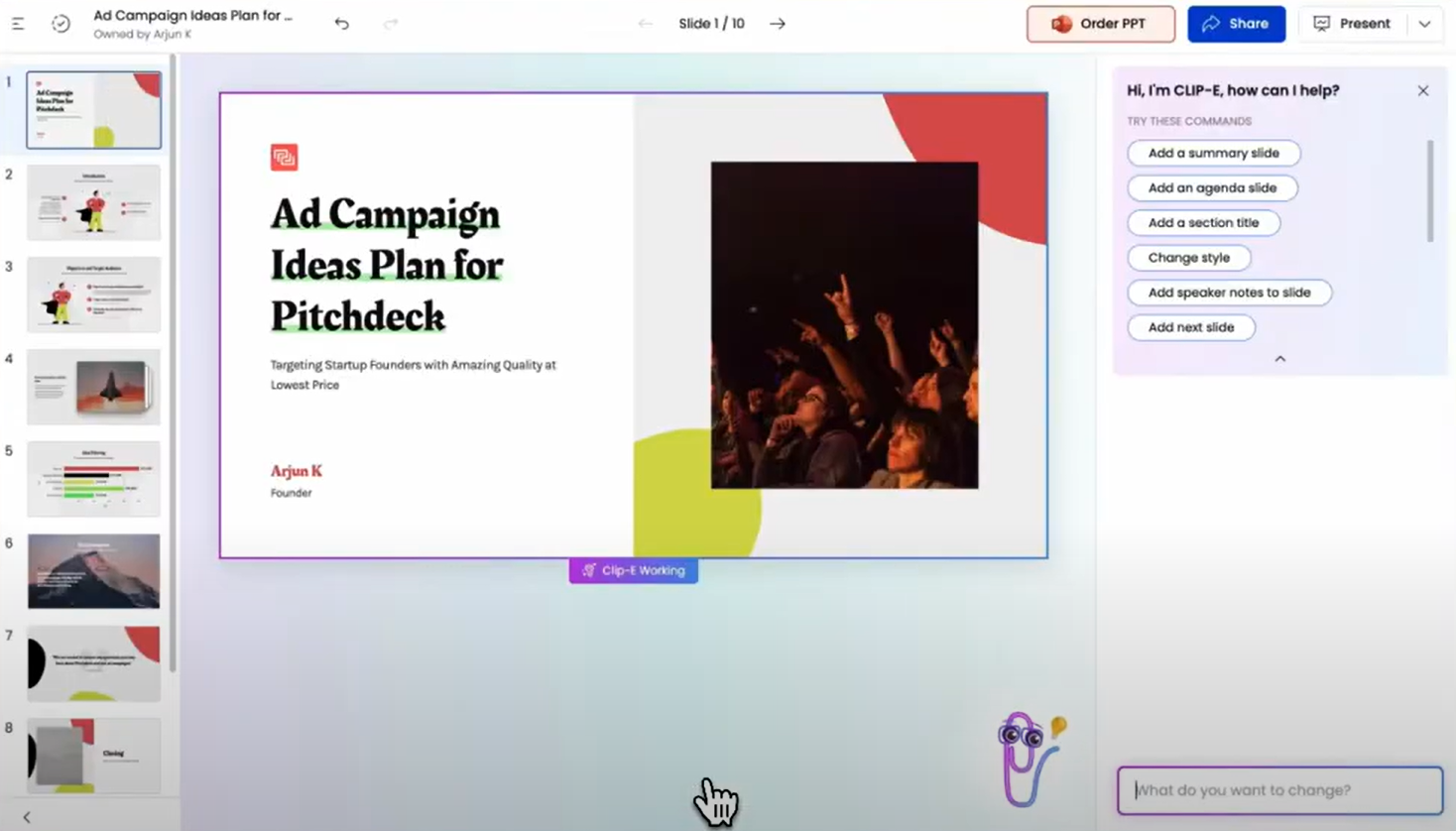
[_Clip-E in action (Link to YouTube video)_](https://www.youtube.com/watch?v=Ny5l0zOEuY8)
### Design Quality and Customization
**Beautiful.ai**: The Smart Slides system produces consistently clean, professional output. The trade-off is control. You cannot freely position elements or override the layout logic. For users who need custom or unconventional layouts, it is a hard ceiling.
**Gamma**: Gamma's output is visually modern and well-suited to its card-based format. Customization options on paid plans are broader than those in Beautiful.ai, including custom fonts and themes. The visual quality shines for browser-based sharing but can look less polished in exported PowerPoint format.
**Presentations.AI**: Has [templates that adapt](https://www.presentations.ai/presentation-templates) intelligently as content changes without breaking the design structure. Brand Sync automatically applies your company's visual identity from a URL, so every deck is on-brand from the first slide without any manual theme setup.
### Collaboration and Team Features
**Beautiful.ai**: Real-time co-editing, comments, version history, role-based permissions, and shared asset libraries are available on the Team plan at $40/user/month. The catch is that they are entirely locked behind a plan that more than triples the per-user cost from the Pro tier.
**Gamma**: Real-time collaboration is available on all plans. Team-level features, including custom company themes, shared folders, admin controls, and centralized billing, cost $20/seat/month with a minimum of 2 seats.
**Presentations.AI**: Team collaboration, real-time sync, and access controls are included at the Starter level. Every team member has access to the Clip-E AI assistant, which means any user can produce professional-quality output independently.
### Export and Integration Options
**Beautiful.ai**: PowerPoint and PDF export on all paid plans. PowerPoint export is a noted pain point in user reviews. Text that appears as a single block in Beautiful.ai can be split into individual text boxes in the exported file, and alignment can shift. Test export quality before committing if .pptx delivery is central to your workflow.
**Gamma**: Exports to PowerPoint and PDF on all plans. The card-based format does not always convert cleanly to 16:9 slides, so budget time for cleanup when delivering .pptx files externally. Gamma also supports web-based sharing, doc output, and social content formats that the other two tools do not cover.
**Presentations.AI**: Clean PowerPoint export on the Pro plan, with output designed from the ground up to translate correctly to .pptx format. PDF export is also available on Pro and above. Multiple import options, including PDF, Word, and URL, give it the most flexible intake of the three.
### Ease of Use and Learning Curve
**Beautiful.ai**: Minimal learning curve. The Smart Slides system means you never start from a blank canvas, and design decisions are largely handled automatically. Multiple users across review platforms report going from idea to a presentable deck in under an hour. For non-designers, this is the most immediately accessible of the three tools.
**Gamma**: Straightforward onboarding with a generous free tier that lets you create real presentations before committing to anything. The card-based format takes a few decks to get comfortable with, especially if you are accustomed to traditional slide layouts. The AI Agent adds capability once you learn how to direct it.
**Presentations.AI**: The conversational interface with Clip-E significantly reduces the learning curve. Because you can describe what you want in plain language, users with no design experience can quickly produce polished output. Brand Sync eliminates the setup friction that typically slows teams down when adopting a new tool.
## Beautiful.ai vs Gamma vs Presentations.ai — Detailed Feature Comparison Table
| Capability | Beautiful.ai | Gamma | Presentations.ai |
| --- | --- | --- | --- |
| Core Approach | Template automation: smart layouts that adapt | Multi-format AI generation (decks, docs, web pages) | AI-driven content structuring and generation |
| Typical Use Cases | Sales decks, client presentations, internal updates | Personal projects, social media, multi-format content | Board decks, investor pitches, enterprise sales |
| Document Import | Basic text input | Basic text / prompt input | PDF, Word, URL conversion |
| Brand Management | Manual setup per presentation | Manual per presentation | Automatic from the company URL |
| PowerPoint Export | Available — users report formatting issues | ❌ Overlapping boxes, missing fonts | ✅ High-fidelity exports |
| Template Library | Professional but limited selection | Moderate library | 1,000+ templates |
| AI Features | DesignerBot for slide generation | AI Agent for research and iterative editing | Full content generation and structuring (Clip-E) |
| Animation / Transitions | Manual configuration | Card-based format — limited traditional animations | Automatic professional animations |
| Collaboration | Basic sharing — full co-editing on the Team plan only | Real-time on all plans | Real-time team workflows (Starter+) |
| Enterprise Security | Standard security | ❌ No SOC 2 — frequently fails IT review | ✅ SOC 2 Type II certified |
| Data / Content Ownership | Standard terms | ❌ Grants Gamma perpetual, irrevocable, worldwide rights | ✅ Users retain full ownership |
| GDPR / Privacy Compliance | Standard | ❌ Viewer tracking raises GDPR concerns | ✅ Privacy by design |
| Audit Trail | Limited | ❌ None | ✅ Full audit logging |
| Fortune 500 Adoption | Moderate | Minimal | Widespread |
| IT Approval Likelihood | Moderate | Low — security and data concerns | High — meets enterprise standards |
| Free Trial | 14-day trial (credit card required) | Free plan — no card required | 100 credits, up to 20 slides — no card required |
| Hidden Costs | Export cleanup, limited AI depth at scale | Export fixes, brand violations, and potential legal risk | None |
| Training Required | Minimal for design tasks | Multi-format scope creates confusion | Focused workflow — low ramp-up |
| Vendor Risk | Moderate | High — platform pivoting away from presentations | Low — deepening focus on presentations |
| Support Level | Standard support | Generic help center | Dedicated enterprise support |
| Best For | Teams needing design consistency without design skills | Multi-format content creation, solo creators | Teams converting documents to polished presentations |
## Pricing Comparison: Beautiful.ai vs Gamma vs Presentations.AI
| Plan/Feature | Beautiful.ai | Gamma | Presentations.AI |
| --- | --- | --- | --- |
| Free plan | ✗ (14-day trial only) | ✓ (400 one-time credits) | ✓ (unlimited users) |
| Starter/entry paid | $12/mo (Pro, annual) | $12/mo (Plus) | $240/year ($20/mo) |
| Mid-tier paid | N/A | $25/mo (Pro) | N/A |
| Team plan | $40/user/mo | $20/seat/mo (min. 2) | Enterprise (custom) |
| Enterprise | Custom | $40/seat/mo (min. 10) | Custom |
| Annual discount | ✓ | ✓ | Annual only (no monthly) |
| Monthly billing | ✓ (premium pricing) | ✓ | ✗ |
| AI credits included | Unlimited on paid | 1,000–20,000/mo (plan-dependent) | Limited on Starter; more on Pro; unlimited on Enterprise |
| Branding removal | All paid plans | Plus and above | Paid plans |
| Credit card for trial | ✓ (required) | ✗ | ✗ |
Take a look at [Presentations.ai’s pricing](https://www.presentations.ai/pricing) in depth.
## Which Tool is Best for Your Use Case?
### Best for Startups and Pitch Decks
Presentations.AI wins here. Clip-E generates a structured, brand-consistent pitch deck from a prompt or an uploaded document, and you can iterate in natural language. Beautiful.ai is a reasonable second option if you already know what you want to say and just need it to look good fast.
### Best for Sales Teams
Presentations.AI delivers on three things sales teams need the most: AI-driven creation, Brand Sync for consistent output across reps, and viewer analytics on paid plans. Beautiful.ai is also a credible option with Smart Slides consistency and built-in engagement tracking on the Pro tier. Gamma is less purpose-built for sales deck workflows.
### Best for Marketing Teams
Presentations.AI's Brand Sync means every deck auto-aligns to the brand without anyone needing to select a theme or check a brand kit. For teams producing campaign proposals, launch presentations, and creative briefs at volume, that automation compounds quickly. Beautiful.ai's Brand Kit is a solid manual alternative. Gamma works well for marketing teams that need multi-format output beyond just slides.
### Best for Enterprise and Large Teams
Presentations.AI at the Enterprise tier offers unlimited AI credits, company-wide templates, admin controls, and full enterprise security. SOC 2 Type II certification is a meaningful differentiator for procurement and security review processes.
Beautiful.ai's Enterprise plan covers SSO, SCIM, and dedicated account management. Gamma Business at $40/seat adds SSO and SOC 2 documentation for organizations that want enterprise controls without leaving the Gamma ecosystem.
### Best for Individuals and Freelancers
For solo users, the decision comes down to the quality and value of the free tier and the first paid tier. Gamma's free plan is the most genuinely useful: 400 credits, no credit card required, and PowerPoint export included. Presentations.AI's free Starter plan is strong for exploring the platform before committing. Beautiful.ai has no free plan, and the trial requires a credit card with auto-renewal.
## Why Presentations.AI is the Smarter Choice Over Beautiful.ai and Gamma
Here is what makes it a stronger all-around choice:
- **Brand Sync** reads your company URL and automatically applies your visual identity. This saves the time required to set up brand identity and ensures presentations are on-brand from slide 1.
- **Clip-E** can build, refine, and reshape a deck through conversation. This saves time and effort and helps even non-designers create presentations with ease. Beautiful.ai's AI stops at the first draft. Gamma's AI Agent is capable but less focused on slide output specifically.
- **Multi-source input** can turn a PDF, a Word doc, a URL, or a plain prompt into a polished deck. Neither competitor supports input from all four sources.
- **Pricing:** At $240/year ($20/month), Presentations.AI Pro undercuts Gamma Pro ($25/month) by 20% and sits above Beautiful.ai Pro ($12/month) by a margin that narrows, especially when you factor in what each tier actually delivers.
- **The free Starter plan** is multi-user, and your team can explore the platform before committing. Beautiful.ai's trial requires a credit card. Gamma's free tier is limited to one-time credits.
## The Verdict: Which AI Presentation Maker Should You Choose?
### **Choose Beautiful.ai if you**:
- Create decks solo and want a consistent, polished result every time with minimal effort
- Need viewer engagement analytics for sales follow-up workflows
- Brand requirements are straightforward: colors, fonts, logos
- Are comfortable with a 14-day trial that requires a credit card
### **Choose Gamma if you**:
- Need a free plan with no credit card required
- Create content across multiple formats: presentations, docs, web pages, social content
- Want month-to-month flexibility before committing to an annual plan
- Are a small team looking for collaborative features at a reasonable per-seat price
### **Choose Presentations.AI if you**:
- Want AI that builds, refines, and iterates on your deck conversationally
- Need brand consistency to be automatic, not dependent on manual theme selection
- Regularly convert PDFs, Word docs, or URLs into presentation format
- Are building business-critical decks: pitches, sales presentations, board updates
- Team needs every member to produce professional output, regardless of design skill
Take Presentations.AI for a spin
[Try For Free](https://app.presentations.ai/)
(No Credit Card Required!)

More Blogs
[Jun 26, 2026\\
\\
**How to Format Your Ideas on a Slide in 6 Steps**\\
\\
](https://www.presentations.ai/blog/formatting-your-ideas-on-a-slide)
[Aug 6, 2026\\
\\
**10 Presentation Design Best Practices For Better Slides (2026)**\\
\\
](https://www.presentations.ai/blog/presentation-design-best-practices)
[Jun 25, 2026\\
\\
**How to Present a Quarterly Business Review: A Full Guide**\\
\\
](https://www.presentations.ai/blog/present-a-quarterly-business-review)
[Jun 12, 2026\\
\\
**How to Memorize a Presentation: 6 Techniques That Work**\\
\\
](https://www.presentations.ai/blog/how-to-memorize-a-presentation)
[Jun 12, 2026\\
\\
**Pitch Deck Statistics Every Founder Should Know in 2026**\\
\\
](https://www.presentations.ai/blog/pitch-deck-statistics)
[Jun 14, 2026\\
\\
**Canva Pricing 2026: Full Breakdown of Plans, Limits & What You're Actually Paying For**\\
\\
](https://www.presentations.ai/blog/canva-pricing)
Sign in with GoogleSign in with Google. Opens in new tab
Sign In - Google Accounts
Sign in with GoogleSign in with Google. Opens in new tab
## Visual Presentations Guide
[Templates & Design](https://www.presentations.ai/blog-category/templates-design)
# Visual Presentations Guide: Tips, Examples & Design Help
A practical guide to building visual presentations that hold audience attention, covering the principles, slide types, and step-by-step techniques that make information easier to absorb and remember.
Sumanth Raghavendra
Updated on
Aug 6, 2026
- [TL;DR](https://www.presentations.ai/blog/visual-presentations-guide#tl;dr)
- [Introduction](https://www.presentations.ai/blog/visual-presentations-guide#introduction)
- [What Is a Visual Presentation?](https://www.presentations.ai/blog/visual-presentations-guide#what-is-a-visual-presentation?)
- [The Effectiveness of Visual Presentations: Why Visuals Work Better Than Text-Heavy Slides](https://www.presentations.ai/blog/visual-presentations-guide#the-effectiveness-of-visual-presentations:-why-visuals-work-better-than-text-heavy-slides)
- [Types of Visual Aids in Presentations That Hold Attention](https://www.presentations.ai/blog/visual-presentations-guide#types-of-visual-aids-in-presentations-that-hold-attention)
- [Good Visuals vs. Bad Visuals: What Makes the Difference?](https://www.presentations.ai/blog/visual-presentations-guide#good-visuals-vs.-bad-visuals:-what-makes-the-difference?)
- [Types of Visual Presentation Formats](https://www.presentations.ai/blog/visual-presentations-guide#types-of-visual-presentation-formats)
- [How to Choose the Right Visual Aids in a Presentation](https://www.presentations.ai/blog/visual-presentations-guide#how-to-choose-the-right-visual-aids-in-a-presentation)
- [Visual Presentation of Statistical Data](https://www.presentations.ai/blog/visual-presentations-guide#visual-presentation-of-statistical-data)
- [Visual Presentation Examples and When to Use Each One](https://www.presentations.ai/blog/visual-presentations-guide#visual-presentation-examples-and-when-to-use-each-one)
- [How to Create a Visual Presentation Step by Step](https://www.presentations.ai/blog/visual-presentations-guide#how-to-create-a-visual-presentation-step-by-step)
- [Visual Presentation Design Tips for Non-Designers](https://www.presentations.ai/blog/visual-presentations-guide#visual-presentation-design-tips-for-non-designers)
- [Accessibility Considerations for Visual Presentations](https://www.presentations.ai/blog/visual-presentations-guide#accessibility-considerations-for-visual-presentations)
- [Common Visual Presentation Mistakes to Avoid](https://www.presentations.ai/blog/visual-presentations-guide#common-visual-presentation-mistakes-to-avoid)
- [Conclusion: Build Visual Business Presentations Faster](https://www.presentations.ai/blog/visual-presentations-guide#conclusion:-build-visual-business-presentations-faster)
## TL;DR
- Visual presentations turn dense notes and business data into clear slides built on images and charts instead of crowded bullet points.
- Audiences absorb and remember visuals far better than text read aloud, so visual slides drive faster comprehension and stronger stakeholder decisions.
- The core rule is simple: one idea per slide, supported by one clear visual that makes the message instantly obvious.
- You can build credible sales and leadership decks without a design degree. Consistent colors and generous whitespace do most of the work.
- Presentations.AI turns messy inputs into structured, decision-ready decks automatically. It handles the narrative and layouts so you focus on the message.
## Introduction
You have a sales proposal or investor deck due soon. The inputs are messy, including scattered notes and a few half-finished slides. The default move is familiar. You open PowerPoint, paste everything in, then hope the audience follows.
That is how you end up with 20 slides of tiny text and stakeholders checking their phones. Visual presentations take the opposite approach. They lean on images and clean layouts to carry the message. The audience listens and remembers what you said.
The good news: you do not need to be a designer to make this shift. You need a clear message and a handful of principles that keep your slides focused.
This guide breaks down what visual presentations are and why they consistently outperform text-heavy decks for business communication. It also covers exactly how to build your next deck to be more visual, step by step, with examples and practical tips you can use today.
The hard part goes beyond making slides look better. It is turning messy inputs into a clear story quickly. Sales notes and strategy docs arrive in raw form, far from presentation-ready. AI-assisted workflows change the process. Instead of formatting every slide by hand, you start with the message and let the system handle structure and polish. The old way asks you to become a designer and analyst at the same time. The better way is to decide what needs to be said, then let AI handle the repetitive slide-building work.
## What Is a Visual Presentation?
A visual presentation is a deck that communicates through images and charts with minimal text. Instead of cramming every talking point onto a slide, visual presentations let each slide carry one idea. A single visual element makes that point instantly clear.
Consider the difference this way. A text-heavy slide about quarterly revenue might list eight bullet points plus a footnote everyone skips. A visual slide covering the same content shows a single bar chart and a bold headline with the key number. Same information. Completely different experience for the audience.
It also helps to distinguish a visual presentation from adjacent formats. A written report is built for detailed reading, where dense text and full context are appropriate. A standard text-heavy slide deck tries to do both jobs at once and fails at each. A visual presentation is built for live communication and fast comprehension. The slide supports the speaker instead of replacing them. When you need a decision in the room, the visual presentation is the right format.
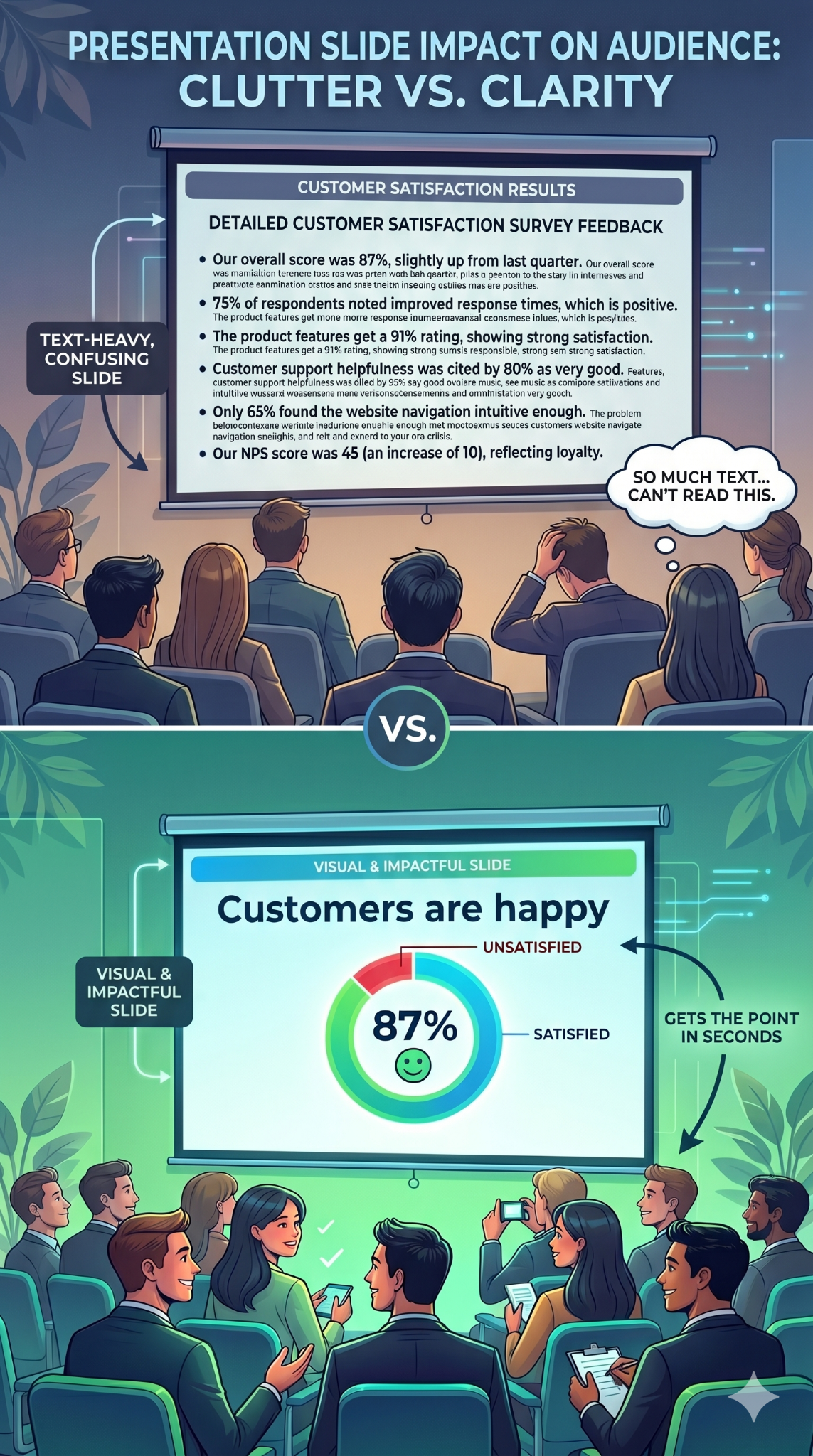
_Visual slides are clear, memorable, and impactful_
Visual presentations serve clarity over decoration. Every image or chart earns its place by communicating faster than a paragraph could.
Teams apply this approach across many business contexts:
- Sales teams use visual decks to explain value and move deals forward.
- Marketing teams use them to turn campaign results into a clear performance story.
- Customer success teams use them to make QBRs easier for executives to understand.
- Founders use them to pitch investors with a sharper narrative and fewer distracting details.
- Business leaders use them to align teams around strategy and priorities.
## The Effectiveness of Visual Presentations: Why Visuals Work Better Than Text-Heavy Slides
Your brain is wired for images. It processes visual information faster than text. When a slide shows a clear chart or a compelling photograph, the audience absorbs the point almost instantly. When a slide shows a paragraph, the audience must read and decode before understanding anything.
That processing gap matters because attention is limited. Text-heavy slides force people to read the screen and listen to the speaker at the same time. These are competing demands, and the brain handles them poorly. Audience members default to one or the other. They read ahead and tune you out, or they ignore the slide entirely. Either way, the slide fails.
Visual slides eliminate that conflict. When a slide shows an image or a simple chart, the audience glances at it and returns focus to you. The visual reinforces your words instead of competing with them.
In practical terms, visual presentations deliver a clear set of business benefits:
- Faster understanding: a single chart lands in a second, where a paragraph takes far longer.
- Better recall: stakeholders remember what they see far longer than what they read.
- Stronger emotional connection: a real customer photo resonates where a bullet stays flat.
- Improved data clarity: the right chart makes numbers feel credible and easy to act on.
- Reduced cognitive load: one idea per slide lets the audience focus on the decision.
Retention follows the same pattern. A striking image paired with a spoken story creates two memory anchors instead of one. Here is the business upside: good visuals make your point easier to believe. A well-designed chart makes data feel credible. A photograph of a real customer creates emotional resonance beyond any bullet point. Visuals inform and convince.
Did You Know: When audiences read slides and listen to a speaker simultaneously, they retain less of both. The brain splits its attention between processing text and processing speech, and comprehension drops for each. Visual slides solve this by letting the image communicate at a glance, so the audience can focus fully on what you are saying.
## Types of Visual Aids in Presentations That Hold Attention
Choosing the right types of visual presentation elements for each slide is where most people get stuck. The key is matching the format to the message.
Here are the categories that matter most, and when to reach for each one.
### Images and Photography
A single high-quality photograph can replace an entire paragraph of descriptive text. Use images to set emotional tone or ground an abstract idea in something tangible. A full-bleed photo of a packed stadium says "massive audience" faster than any sentence could.
Choose images that connect directly to your point. Generic stock photos of handshakes and skyscrapers add nothing. Specific, relevant photography adds everything.
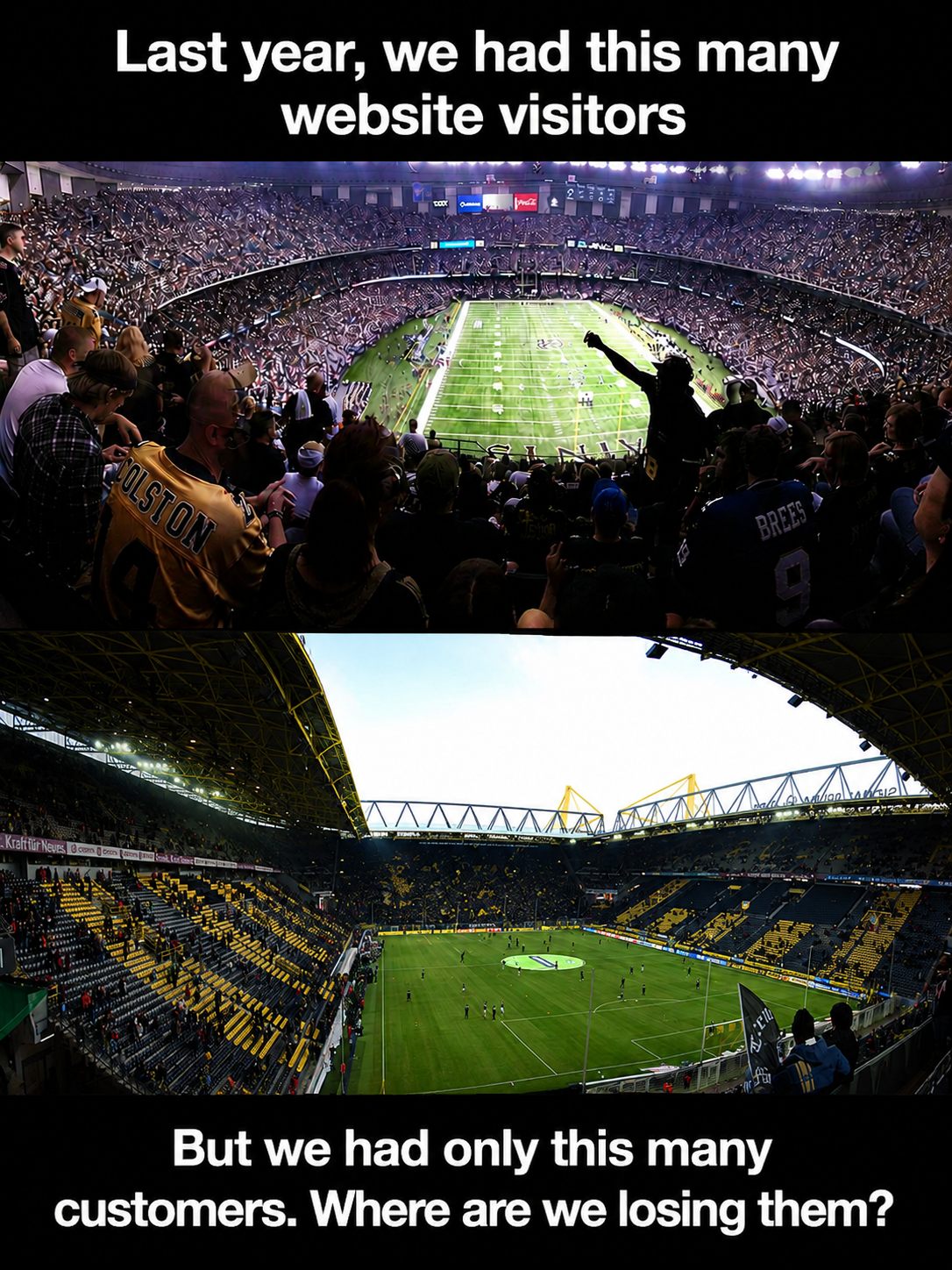
_Use impactful photos to tell a story_
### Icons, Illustrations, and Graphics
Icons are the workhorses of clean slides. They simplify abstract concepts into recognizable shapes and guide the viewer's eye across a layout. A consistent icon set also creates visual coherence from slide to slide.
Use a matching icon set throughout your deck to keep the style cohesive. Pair each icon with a short label of up to 2 or 3 words. This combination replaces bullet-point lists with something scannable and visually appealing. Illustrations work the same way at a larger scale, adding personality to product overviews and pitch decks.
A set of open-source icons from [Iconify](https://iconify.design/)
### Charts, Graphs, and Diagrams
When your slide includes data, present it visually instead of verbally. A bar chart comparing four numbers communicates in a second. A paragraph describing those same four numbers takes thirty seconds and still confuses half the room.
Diagrams and flowcharts handle processes and relationships. Timelines show sequence. Any time you catch yourself writing "first, then, next, finally" in a slide, a diagram will do the job better.
| Visual Type | Best Use Case | What It Replaces | Business Example |
| --- | --- | --- | --- |
| Photography | Setting emotional tone or showing real context | Descriptive paragraphs | Customer story in a case study or renewal deck |
| Icons | Simplifying abstract concepts | Bullet-point lists | Product pillars or strategic priorities |
| Bar/column chart | Comparing quantities across categories | Data tables and number-heavy text | Pipeline by segment or regional revenue comparison |
| Line chart | Showing trends over time | Written summaries of change | ARR growth or churn trend across quarters |
| Pie/donut chart | Displaying proportions of a whole | Percentage lists | Revenue mix by product line |
| Flowchart or diagram | Mapping processes and relationships | Step-by-step written instructions | Customer onboarding or implementation timeline |
| Short video or GIF | Demonstrating motion or change (use sparingly) | Lengthy verbal explanations | Product demo clip inside a sales presentation |
Whitespace and typography function as visual tools too. A bold headline in a large font size against an open background is itself a visual choice. These elements direct attention and create hierarchy on every slide.
## Good Visuals vs. Bad Visuals: What Makes the Difference?
A weak visual hurts your message as much as a wall of text does. The difference comes down to image quality and how well the visual supports your story. Use this comparison to quickly diagnose whether your slides are helping or hurting.
| Element | Good Practice | Bad Practice | Why It Matters |
| --- | --- | --- | --- |
| Images | High-resolution and directly relevant to the point | Blurry or generic stock photos | Image quality signals credibility in stakeholder meetings |
| Charts | One clear insight, labeled directly | Cluttered with gridlines and 3D effects | Simple charts communicate data in seconds |
| Icons | Consistent set paired with short labels | Mixed styles from different libraries | Consistency looks polished and professional |
| Text | One idea per slide, minimal words | Paragraphs and dense bullet lists | Less text keeps attention on the speaker |
| Colors | Two or three brand colors | Five or more competing colors | A limited palette reduces visual noise |
| Fonts | One heading font, one body font | Multiple mismatched typefaces | Font discipline keeps decks cohesive |
| Animation | Subtle, purposeful transitions | Excessive motion on every element | Overuse distracts from the message |
| Accessibility | High contrast, meaning never carried by color alone | Low contrast, color-dependent cues | Accessible slides reach every audience member |
## Types of Visual Presentation Formats
Slide decks are the default, though other visual formats often communicate better. The right choice depends on your audience and your message. Here are the common options and when each one fits.
| Format | Best Use Case | Ideal Audience | Key Limitation |
| --- | --- | --- | --- |
| Slide decks | Structured, sequential business communication | Sales prospects, boards, leadership teams | Can become text-heavy without discipline |
| Infographics | Condensing data and process into one visual | Marketing and external stakeholders | Hard to update and easy to overcrowd |
| Video presentations | Demonstrating motion, product, or narrative | Remote buyers and async audiences | Higher production effort and file size |
| Interactive presentations | Letting the audience explore data or paths | Workshops and self-serve buyers | Requires tooling and setup time |
| Whiteboards | Live problem-solving and ideation | Internal teams and working sessions | Not polished for high-stakes decks |
| Posters | Single-glance summary of one topic | Events and public-facing settings | Limited depth for complex arguments |
| Handouts | Detailed reference material after a talk | Executives who want the full record | Competes with attention if shared too early |
| Mind maps | Showing relationships between ideas | Strategy and planning discussions | Can look chaotic when overloaded |
## How to Choose the Right Visual Aids in a Presentation
Once you know the formats, the next question is which visual aid fits which communication goal. Match the visual to what you need the audience to do instead of what looks impressive.
- Use charts when you need to compare quantities or prove a number.
- Use timelines when you need to show sequence or a rollout plan.
- Use diagrams when you need to explain a system or relationship.
- Use icons when you need to categorize or label priorities.
- Use photos when you need emotion, context, or a real customer story.
- Use video when you need to demonstrate motion or a live product.
Work through this short checklist before you build a slide:
- Define the single message the slide must land.
- Identify what the audience needs from it, such as a decision or a takeaway to remember.
- Choose the visual type that carries that message fastest.
- Cut every detail that distracts from the message.
- Check readability from the back of the room or on a laptop screen.
- Verify accessibility, including contrast and non-color cues.
- Rehearse how you will explain the visual out loud.
## Visual Presentation of Statistical Data
Data-heavy decks are where most presentations fall apart. Numbers pile up while gridlines multiply, and the audience loses the point. The fix is to choose the right chart for the story your data tells, then strip the chart down to that story.
| Chart Type | Use It For | Best Practice |
| --- | --- | --- |
| Bar or column chart | Comparisons across categories | Label directly and highlight the key bar |
| Line chart | Trends over time | Remove clutter and annotate the turning point |
| Pie or donut chart | Simple proportions of a whole | Limit to a few segments |
| Scatter plot | Relationships between variables | Highlight the pattern, not every point |
| Histogram | Distribution of values | Choose sensible bin widths |
| Waterfall chart | Cumulative change | Show the start, the drivers, and the end clearly |
Whatever chart you choose, follow a few rules. Label data directly instead of relying on a legend. Remove unnecessary gridlines and avoid 3D effects. Highlight the one data point that matters, then write an insight-led title. A title like "Churn dropped 4 points after onboarding changes" is far stronger than "Churn by quarter."
## Visual Presentation Examples and When to Use Each One
Abstract advice only goes so far. Seeing examples of visual presentations in action makes the principles concrete and gives you patterns to reuse in real business decks.
### Single-stat Executive Slide
One number displayed in large, bold font. A supporting image or color block behind it. A clean, open background. This pattern works when you want a stakeholder to remember one number, such as revenue growth or campaign ROI. It is the sharpest way to open a board update or executive review.
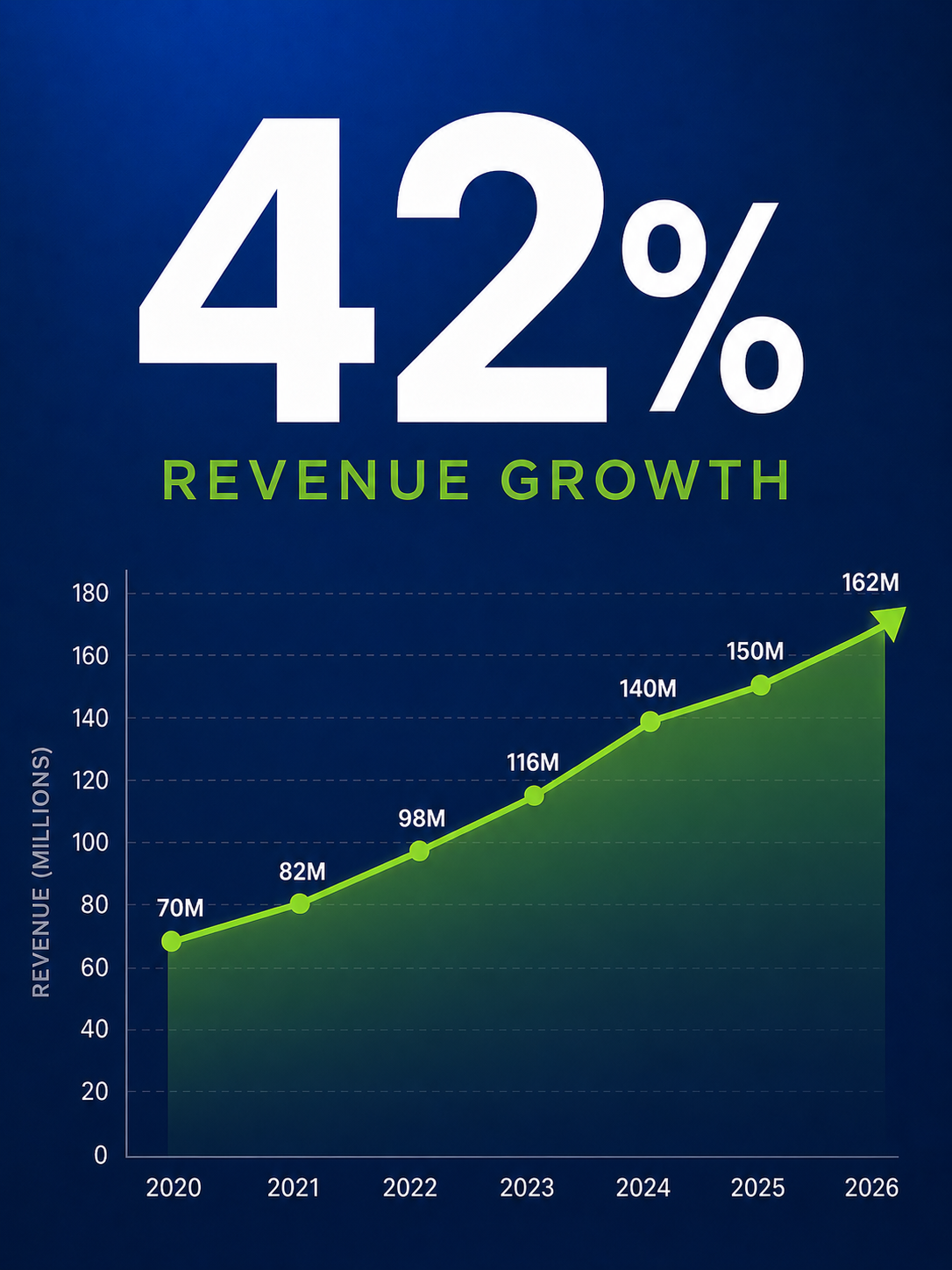
_Leading with a single number_
### Before-and-after Business Case Slide
Show the current state on the left and the proposed or improved state on the right. The contrast is immediate and persuasive. This pattern helps when you make the case for a change. Examples include a new process or a budget increase that a stakeholder needs to approve.
### Trend Chart with a Takeaway Headline
A clean line or bar chart with a headline that states the insight instead of the metric. Slide after slide, this pattern turns raw data into a clear narrative about what is happening and why it matters. Sales and marketing teams use it to summarize campaign performance and pipeline health.
### Customer Story Slide
A full-bleed photograph or logo with a short headline that captures one piece of a customer's story. Customer success and sales teams rely on this to build credibility and real emotional resonance. It works especially well in QBRs and renewal conversations.
### Strategy Roadmap or Decision Slide
A simple timeline or decision path that shows where the business is headed and what choice needs to be made. Business leaders use this to align teams around priorities and to guide a room toward a decision instead of a discussion.
### Icon Grid for Priorities or Pillars
Four icons arranged in a grid, each with a two-word label beneath it. The single slide replaces a four-bullet list and communicates the same information with more clarity. It works in team updates and product roadmaps.
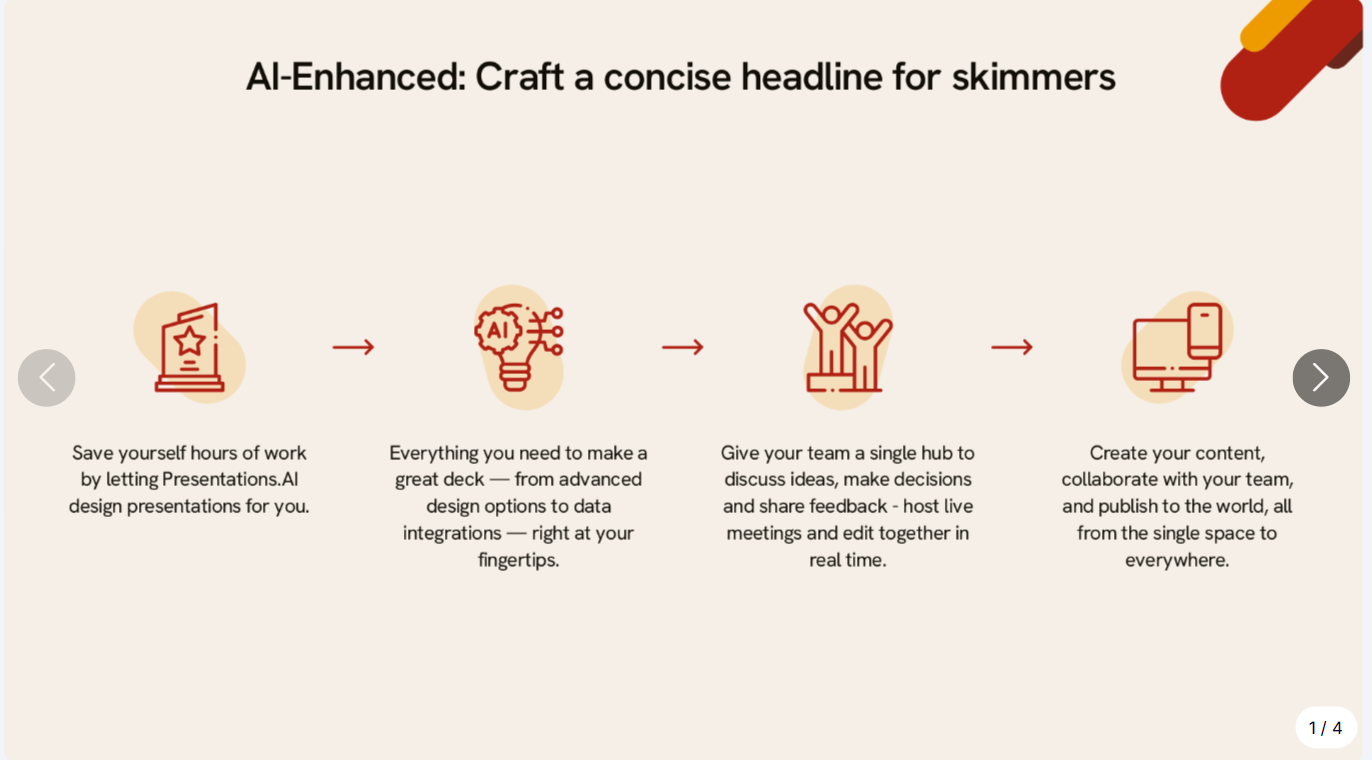
_An icon grid can replace bullet points_
These patterns translate across contexts. They work in boardrooms and remote stakeholder updates alike. The ideas stay the same. Simplify, and let the visual carry the weight.
Pro Tip: Start building a personal swipe file. Whenever a slide grabs your attention in a webinar or a board deck, screenshot it. Over time, you will have a library of proven patterns to draw from. Browsing [presentation templates](https://www.presentations.ai/presentation-templates) is another fast way to collect visual layouts that work.
## How to Create a Visual Presentation Step by Step
You understand why visual presentations work. Here is the process for building one, from blank page to finished deck.
Checklist
- Analyze your audience and purpose. What do they need to do with the deck?
- Outline your key messages (three to five main points maximum)
- Gather supporting visuals such as photos and diagrams
- Choose or generate a template that matches your topic
- Commit to one idea per slide from the very first draft
### Start With Your Story, Not Your Slides
Build the story before you arrange any slides. Write down the three to five points your audience absolutely needs to understand. If your inputs are scattered across notes and CRM exports, use AI to turn them into a first-pass narrative before layouts. This narrative arc is the backbone of your deck. Every slide should serve one of those points.
### One Idea Per Slide
The simplest rule changes everything. Each slide carries a single concept. One message and one supporting visual, with open space for both to breathe. When you feel tempted to squeeze two ideas onto one slide, make two slides instead. Slides are free. Audience attention is finite.
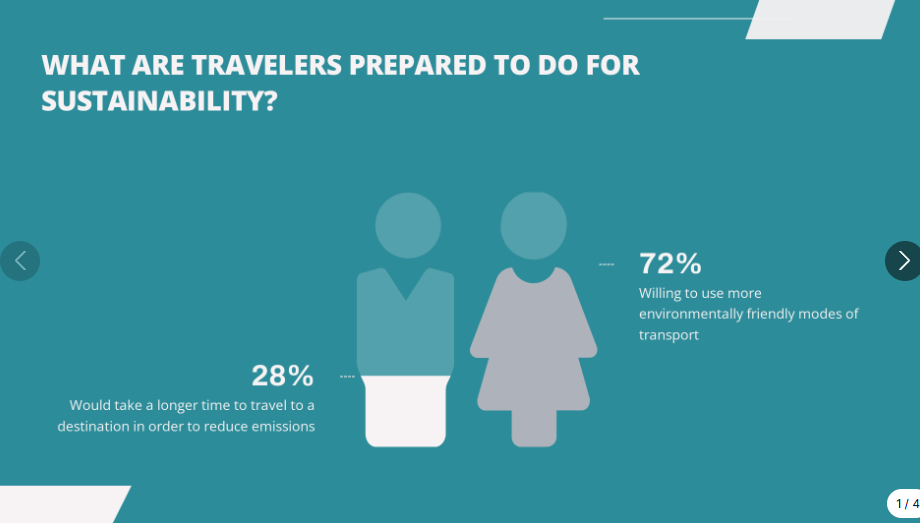
_Each slide should ideally consist of one idea_
### Swap Text for Visuals
Go through your draft and look for substitutions. A four-bullet list becomes an icon grid. A paragraph about growth becomes a line chart. Every time you remove a block of text and replace it with a visual, your slide gets faster to understand and harder to ignore.
### Lock In a Consistent Style
Pick two colors and two fonts, one for headings and one for body. Apply a single image treatment to every slide. Consistency makes even simple visual presentations feel polished and professional. Inconsistency, even with great visuals, makes a deck look rushed.
### Let a Tool Handle the Design
Rebuilding charts and testing layouts for every slide eats time most business teams lack. This is exactly the work AI should absorb. An [AI presentation maker](https://www.presentations.ai/ai-presentation-maker) can turn your topic or notes into a structured deck. It suggests a narrative flow and generates polished slides automatically. Presentations.AI does this for business decks where clarity and speed matter, from sales proposals to leadership presentations. You focus on the point you need to make. Presentations.AI handles the repetitive slide-building work.
Templates help when you already know what each slide should say. Presentations.AI goes further. It turns your inputs into the deck itself, including the storyline and layout. That matters when you start from a messy collection of notes and deadlines instead of a clean outline. Instead of spending the afternoon rebuilding charts and nudging text boxes, you can move from raw material to a stakeholder-ready first draft faster.
Need the deck faster?
Paste your topic or notes into Presentations.AI and let AI turn it into a polished visual deck.
[Try for Free](https://www.presentations.ai/ai-slide-creator)
### Edit Ruthlessly
Once your draft is assembled, review every slide with one question: Does this element support the slide's single idea? If a visual decorates without communicating, cut it. If text restates what the image already shows, delete it. The strongest visual presentations are the ones where nothing is left to remove.
## Visual Presentation Design Tips for Non-Designers
You can build credible stakeholder slides without a design degree. These six principles handle most of the work.
- Use whitespace: empty space directs focus to what matters and keeps slides open.
- Limit your color palette: two or three colors maximum. More than that creates visual noise that distracts from your content.
- Use only two fonts: one for headings, one for body text. Mixing fonts is the fastest way to make a deck feel chaotic.
- Size visuals generously: if an image or chart is worth including, make it large enough to read from the back of the room or on a laptop screen.
- Align everything to a grid: consistent alignment signals professionalism, even on the simplest slides. Most presentation tools have snap-to-grid features built in.
- When in doubt, simplify: remove elements until only what is necessary remains.
These principles are already baked into good templates and AI-generated decks from tools like [Presentations.AI](https://www.presentations.ai/?r=0), which means you start ahead of the curve.
Summary
- Whitespace directs attention, so leave room to breathe
- Two to three colors, no more
- Two fonts: one heading, one body
- Make visuals large enough to matter
- Align everything to a grid
- Simplify until nothing unnecessary remains
## Accessibility Considerations for Visual Presentations
A visual presentation only works if everyone in the room can actually read it. Treat accessibility as a first-class design goal. It widens your audience across boardrooms and public-facing settings. Design for it from the start.
- Use font sizes large enough to read on both a projector and a laptop screen.
- Maintain sufficient contrast between text and background.
- Never rely on color alone to carry meaning; add labels or patterns.
- Use color-blind-safe palettes for charts and diagrams.
- Keep chart labels readable and describe key visuals verbally as you present.
- Add captions for any embedded video.
- Include alt text on images in decks you distribute or share digitally.
- Ensure charts read clearly in grayscale.
## Common Visual Presentation Mistakes to Avoid
Specific, avoidable errors flatten even well-intentioned visual presentations.
- Overcrowding slides: adding images on top of text walls makes slides busier. Visuals should replace text instead of competing with it.
- Using low-quality or generic images: a blurry photo or an overused stock image undermines credibility. Every image should feel intentional and connected to your message.
- Inconsistent styling: mixing three font families and five colors across slides makes a deck look assembled from spare parts. Pick a style and commit.
- No visual variety or pacing: when every slide uses the same layout, the deck becomes monotonous even with strong visuals. Alternate between image-led slides and chart slides to create a rhythm that keeps the audience engaged.
- Reading directly from your slides: if you read the text aloud, the audience tunes out. Use visuals as cues instead of a script.
- Relying too heavily on animation: excessive motion distracts from the message and slows your delivery.
- Ignoring accessibility: low contrast and color-only meaning shut out part of your audience.
- Failing to test media: unchecked videos and fonts break at the worst moment. Test on the actual screen before you present.
## Conclusion: Build Visual Business Presentations Faster
Every slide you build is a choice between competing for your audience's attention and earning it. Visual presentations earn it because they make the point clear before the audience has to work for it.
The rule is simple: one idea per slide, supported by one visual that makes the message easier to understand. That applies to a sales proposal, an investor update, and every leadership deck in between.
The old way is to spend hours turning messy inputs into polished slides by hand. The faster way is to start with the message and let AI handle structure and formatting. That is the shift: less slide work, more decision-making clarity.
Start with the next deck that actually matters, like the board update or QBR sitting on your calendar. Pick one overloaded slide and decide the single point it must make. Replace the clutter with one clear visual. That first swap is usually enough to change how you build presentations going forward.
You can skip the blank-canvas struggle.
Turn your notes or topic into a polished visual deck with Presentations.AI.
[Try for Free](https://www.presentations.ai/ai-slide-creator)
No credit card required.

More Blogs
[Aug 11, 2026\\
\\
**10 Best Slidesgo Alternatives in 2026: Templates, AI, and Brand Control Compared**\\
\\
](https://www.presentations.ai/blog/slidesgo-alternatives)
[Jun 10, 2026\\
\\
**10 Best Canva Alternatives for 2026 (Tested and Ranked)**\\
\\
](https://www.presentations.ai/blog/canva-alternatives)
[Jun 26, 2026\\
\\
**How to Format Your Ideas on a Slide in 6 Steps**\\
\\
](https://www.presentations.ai/blog/formatting-your-ideas-on-a-slide)
[Aug 6, 2026\\
\\
**10 Presentation Design Best Practices For Better Slides (2026)**\\
\\
](https://www.presentations.ai/blog/presentation-design-best-practices)
[Jun 25, 2026\\
\\
**How to Present a Quarterly Business Review: A Full Guide**\\
\\
](https://www.presentations.ai/blog/present-a-quarterly-business-review)
[Jun 12, 2026\\
\\
**How to Memorize a Presentation: 6 Techniques That Work**\\
\\
](https://www.presentations.ai/blog/how-to-memorize-a-presentation)
Sign in with GoogleSign in with Google. Opens in new tab
Sign In - Google Accounts
Sign in with GoogleSign in with Google. Opens in new tab
## Gamma vs Presentations.AI
# La mejor alternativa a Gamma en 2026: Gamma frente a Presentations.AI
Compara Gamma y Presentations.AI en cuanto a exportación a PowerPoint, sincronización de marca, calidad de IA y seguridad empresarial, y descubre por qué los equipos que se juegan mucho están haciendo el cambio.

## ¿Qué es Gamma?
Gamma es una plataforma de IA que crea presentaciones, documentos, sitios web y publicaciones para redes sociales a partir de un único prompt, esquema o archivo cargado. Está diseñada para manejar varios formatos de contenido en un mismo editor en lugar de centrarse en uno solo.
La flexibilidad de Gamma es útil cuando necesitas un borrador rápido que puedas adaptar a distintos formatos. Sin embargo, como las presentaciones son solo una parte de lo que hace Gamma, los equipos que crean presentaciones de alto nivel a menudo terminan ajustando el formato de las exportaciones a PowerPoint antes de una reunión con el cliente.

## ¿Qué es Presentations.AI?
Presentations.AI es una plataforma de presentaciones con IA, certificada con SOC 2 Tipo II, que convierte prompts de texto, URLs o documentos en presentaciones totalmente diseñadas y listas para exponer. Cada presentación se exporta como un archivo .pptx de alta fidelidad, conservando diseños, fuentes y estilos de marca para ofrecerte una exportación a PowerPoint impecable y el control total de tus datos.
Gamma trata las presentaciones como un formato más entre muchos. Presentations.ai las trata como su única razón de ser. El resultado: menos urgencias antes de las reuniones y más presentaciones que realmente logran su objetivo.

Reviews
## Reseñas de Gamma 2026: qué dicen los usuarios sobre la plataforma
Es fácil empezar a usar Gamma, pero los equipos que realizan trabajos detallados, orientados a la marca o dirigidos a clientes suelen toparse con sus limitaciones.
Gamma cuenta con una [valoración de 3.9/5 en G2](https://www.g2.com/products/gamma-ai/reviews). Los usuarios elogian constantemente su rapidez y facilidad de uso. Las opiniones son más divididas en cuanto a la personalización y la profundidad del diseño: las quejas recurrentes mencionan una variedad limitada de plantillas, diseños de diapositivas genéricos o repetitivos tras un uso prolongado, y controles de fuente y formato que resultan restrictivos en comparación con las herramientas tradicionales.
Algunos usuarios también señalan que las imágenes generadas por IA son de baja calidad y que el servicio de atención al cliente es más lento de lo esperado al tratar problemas de cuentas y facturación.
Si buscas una [reseña detallada de Gamma](https://www.presentations.ai/es/blog/gamma-review), hemos cubierto todo lo que necesitas saber en este artículo.
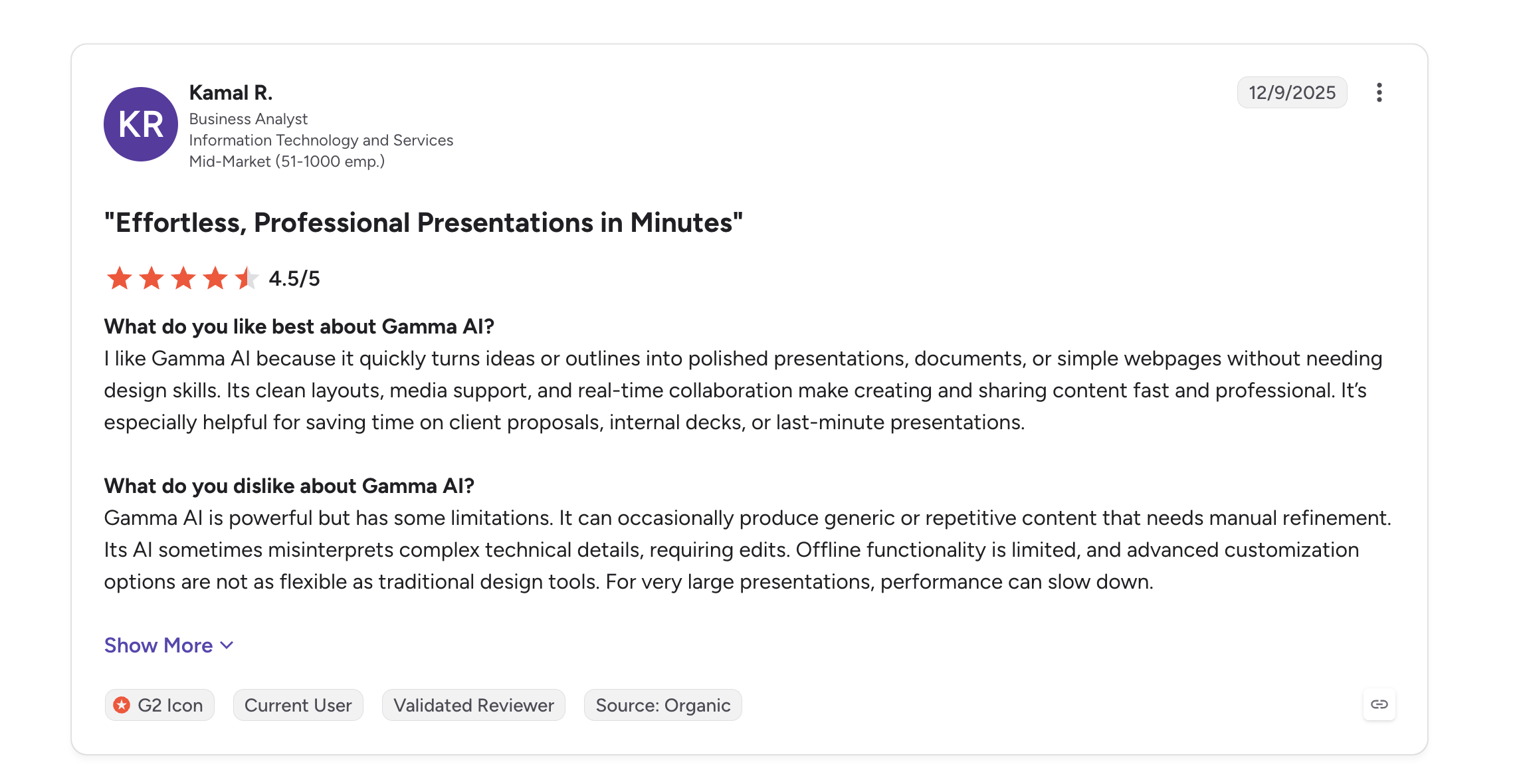
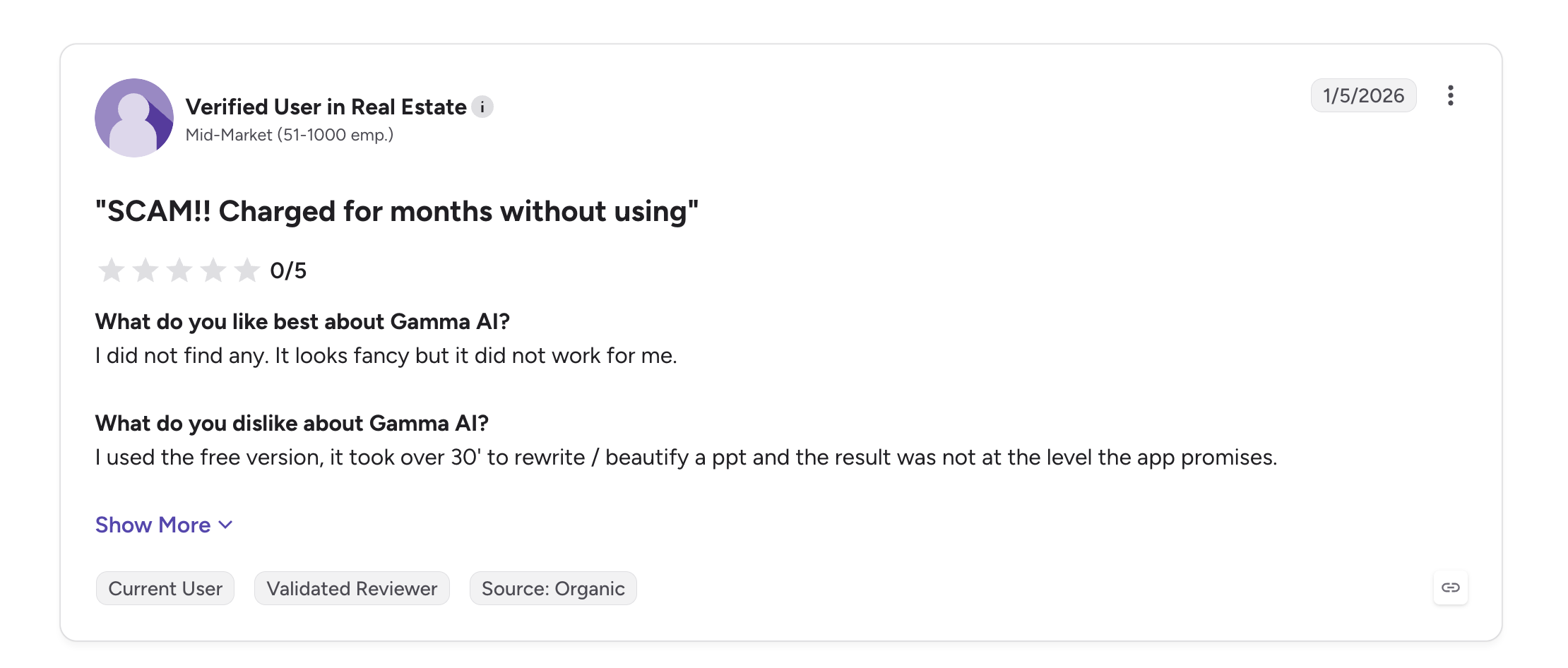

## Gamma frente a Presentations.AI: Comparativa de funciones
Gamma mide el éxito por el número de usuarios y formatos de contenido. Presentations.AI mide el éxito por acuerdos cerrados, presupuestos aprobados y rondas de financiación. Una plataforma trata las presentaciones como un tipo de contenido más entre muchos. La otra las trata como herramientas de negocio críticas y ha construido todo su sistema en torno a ello.
| Capacidad | Gamma | Presentations.AI |
| --- | --- | --- |
| Enfoque Principal | Contenido multiformato (presentaciones, sitios web, documentos) | Presentaciones empresariales especializadas con tecnología de IA |
| Capacidad de IA | Generación genérica de contenido con IA (basada en ChatGPT) | IA entrenada para la narrativa estructurada y la persuasión |
| Calidad del Contenido | Similar a una plantilla, requiere mucha edición manual | Narrativas de diapositivas contextualizadas y listas para empresas |
| Coherencia de Marca | Configuración manual por presentación | Sincronización automática de la marca mediante la URL de la empresa |
| Exportación a PowerPoint | Problemas de formato (solapamientos, fuentes faltantes) | Exportación de alta fidelidad con los diseños conservados |
| Colaboración | Uso compartido y edición básicos | Flujos de trabajo de colaboración en equipo en tiempo real |
| Propiedad de los Datos | Otorga a la plataforma derechos sobre el contenido del usuario | Los usuarios conservan la propiedad total |
| Mejor Caso de Uso | Proyectos personales, contenido para redes sociales, borradores rápidos | Presentaciones para inversores, presentaciones de ventas, uso en directorios |
## **Desglose de funciones: Gamma frente a Presentations.AI**
### Calidad de la IA y generación de contenido
La IA de Gamma genera contenido para presentaciones, documentos, sitios web y publicaciones en redes sociales. Es un modelo generalista aplicado a muchos formatos. Tras unos pocos usos, el resultado suele requerir una reescritura manual si va dirigido a clientes. La IA de Presentations.AI está entrenada específicamente en estructura de presentaciones y persuasión, diseñada para un único fin: presentaciones listas para el mundo empresarial.
### Exportación a PowerPoint y formato
El formato vertical basado en tarjetas de Gamma no se adapta bien a las diapositivas nativas de 16:9, lo que suele provocar desplazamientos en el diseño, texto convertido en imágenes y fuentes que no aparecen al exportar. Presentations.AI exporta archivos .pptx de alta fidelidad con los diseños, fuentes y estilos de marca preservados desde el momento en que se abren.
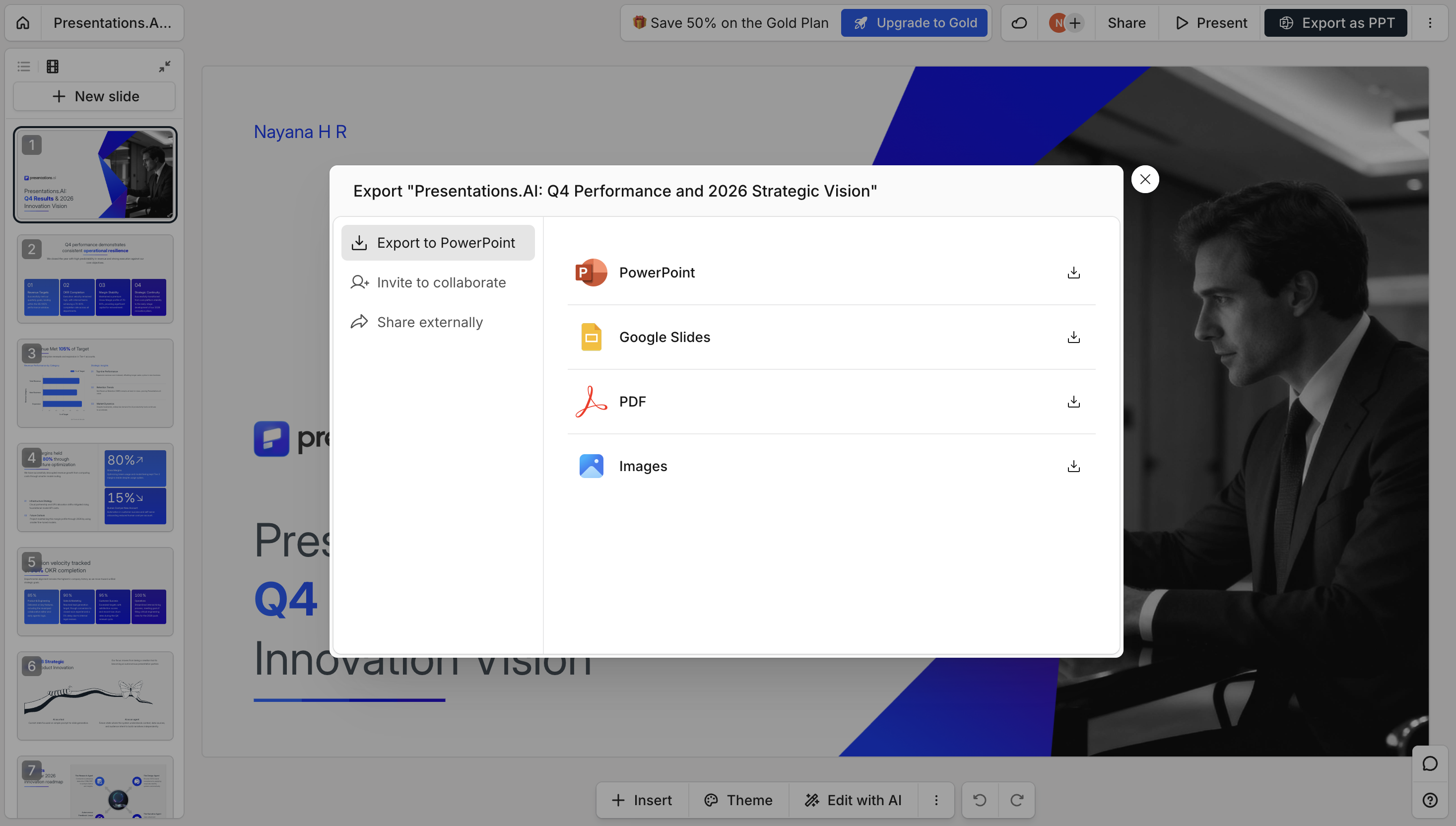
### Consistencia y sincronización de marca
Gamma aplica temas y colores manualmente, presentación por presentación, sin un sistema de marca automático. La sincronización de marca de Presentations.AI extrae automáticamente tu logotipo, fuentes y colores desde la URL de tu empresa, aplicándolos a cada presentación sin necesidad de configurarlos manualmente una y otra vez.
### Colaboración y flujo de trabajo en equipo
Ambas plataformas permiten compartir y editar en equipo. Gamma ofrece funciones básicas de uso compartido y comentarios; Presentations.AI admite flujos de trabajo de colaboración en tiempo real diseñados para iterar juntos sobre la misma presentación de negocios.
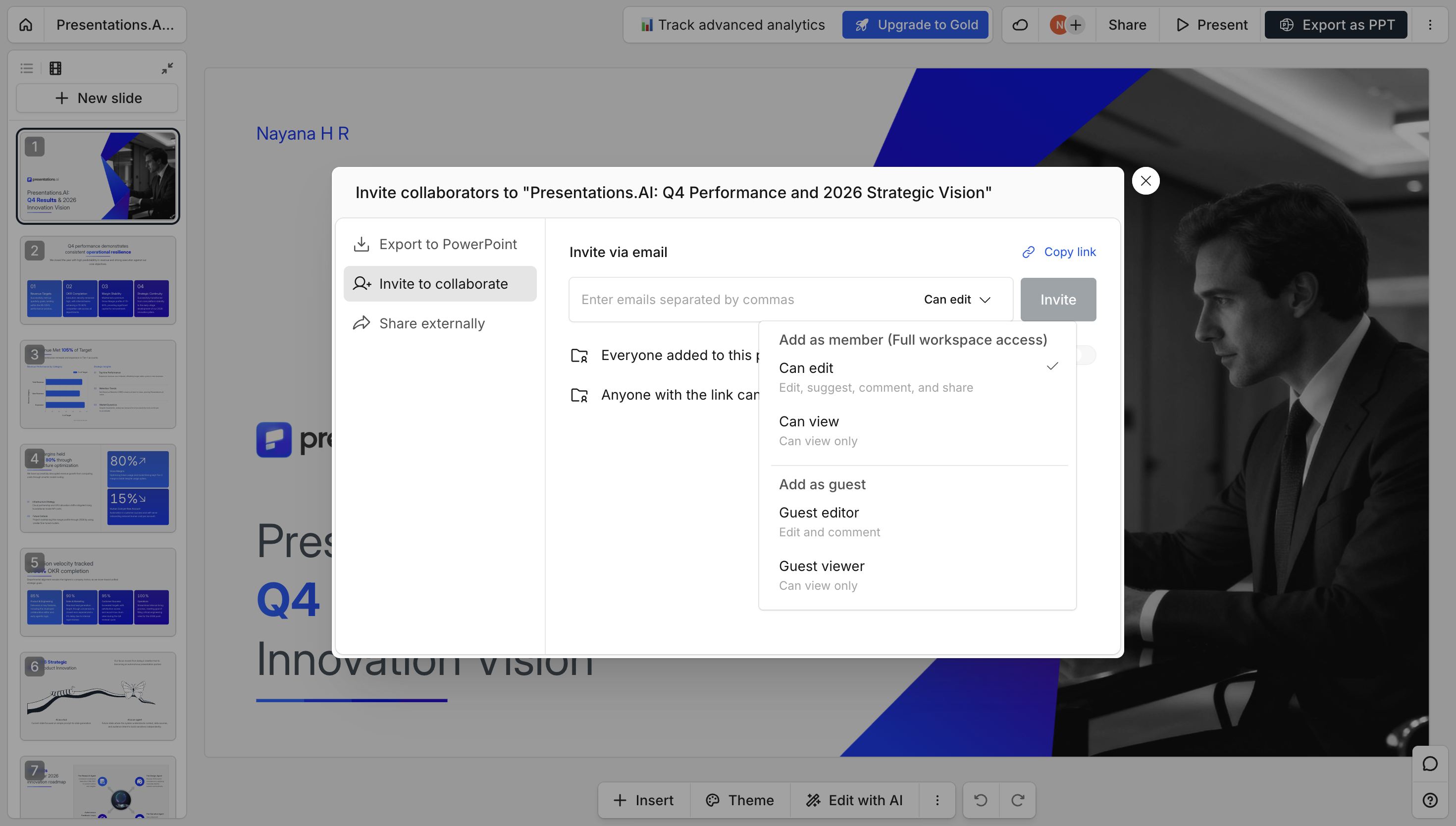
### Seguridad, privacidad y propiedad de los datos
Gamma no cuenta con la certificación SOC 2 y sus términos otorgan a la plataforma derechos amplios y perpetuos para utilizar el contenido cargado en el entrenamiento de su IA, con un límite de responsabilidad de 100 dólares por daños, incluidas las brechas de seguridad. Presentations.AI cuenta con la certificación SOC 2 Tipo II; los usuarios conservan la propiedad total de su contenido y existen contratos empresariales disponibles para revisión legal.
## **Gamma frente a Presentations.AI: un vistazo rápido**
Gamma tiene 50 millones de usuarios. Su base de usuarios abarca desde contenido para redes sociales, sitios web y documentos hasta presentaciones. La IA no aprende de presentaciones de negocios, sino de contenido social. Por eso el resultado parece genérico, las exportaciones fallan y los departamentos de TI de las empresas lo rechazan en la primera revisión. Para ver un análisis completo de dónde destaca Gamma y dónde falla, consulta nuestra [reseña de Gamma.](https://www.presentations.ai/blog/gamma-review)
Presentations.AI cuenta con una base de usuarios enfocada: consultores, analistas, fundadores y equipos de Fortune 500 que crean presentaciones donde el fracaso tiene un costo real. Cada interacción con la IA entrena al sistema sobre lo que funciona en las salas de juntas, no sobre lo que genera impacto en las redes sociales. El resultado es una IA que entiende la diferencia entre informar y persuadir, y construye presentaciones en consecuencia.
Gamma es una herramienta capaz para creadores de contenido que necesitan múltiples formatos a bajo costo. Si el precio es el factor decisivo, nuestro desglose de [precios de Gamma](https://www.presentations.ai/blog/gamma-pricing) muestra exactamente lo que incluye cada plan. Para los profesionales cuyas presentaciones determinan los resultados de negocio, es la herramienta equivocada, y la diferencia en su arquitectura explica por qué.
## **Cómo funciona Gamma**
**Paso 1: Crea una cuenta** – Regístrate mediante correo electrónico o Google. Se requiere verificación por correo electrónico antes de acceder al espacio de trabajo.
**Paso 2: Inicia un nuevo documento –** Elige entre formato de presentación, sitio web o documento. Gamma maneja los tres, lo cual es parte del problema.
**Paso 3: Elige un método de creación –** Pega texto existente, ingresa una instrucción breve o importa un archivo. La personalización es limitada en esta etapa.
**Paso 4: Genera un esquema –** Ingresa tu instrucción y genera. Ajusta el tono, la cantidad de diapositivas y el idioma manualmente; los valores predeterminados rara vez se adaptan a contextos empresariales sin edición.
**Paso 5: Edita y perfecciona el esquema –** Por lo general, se requiere un ajuste manual significativo antes de que el contenido sea relevante para tu caso de uso real.
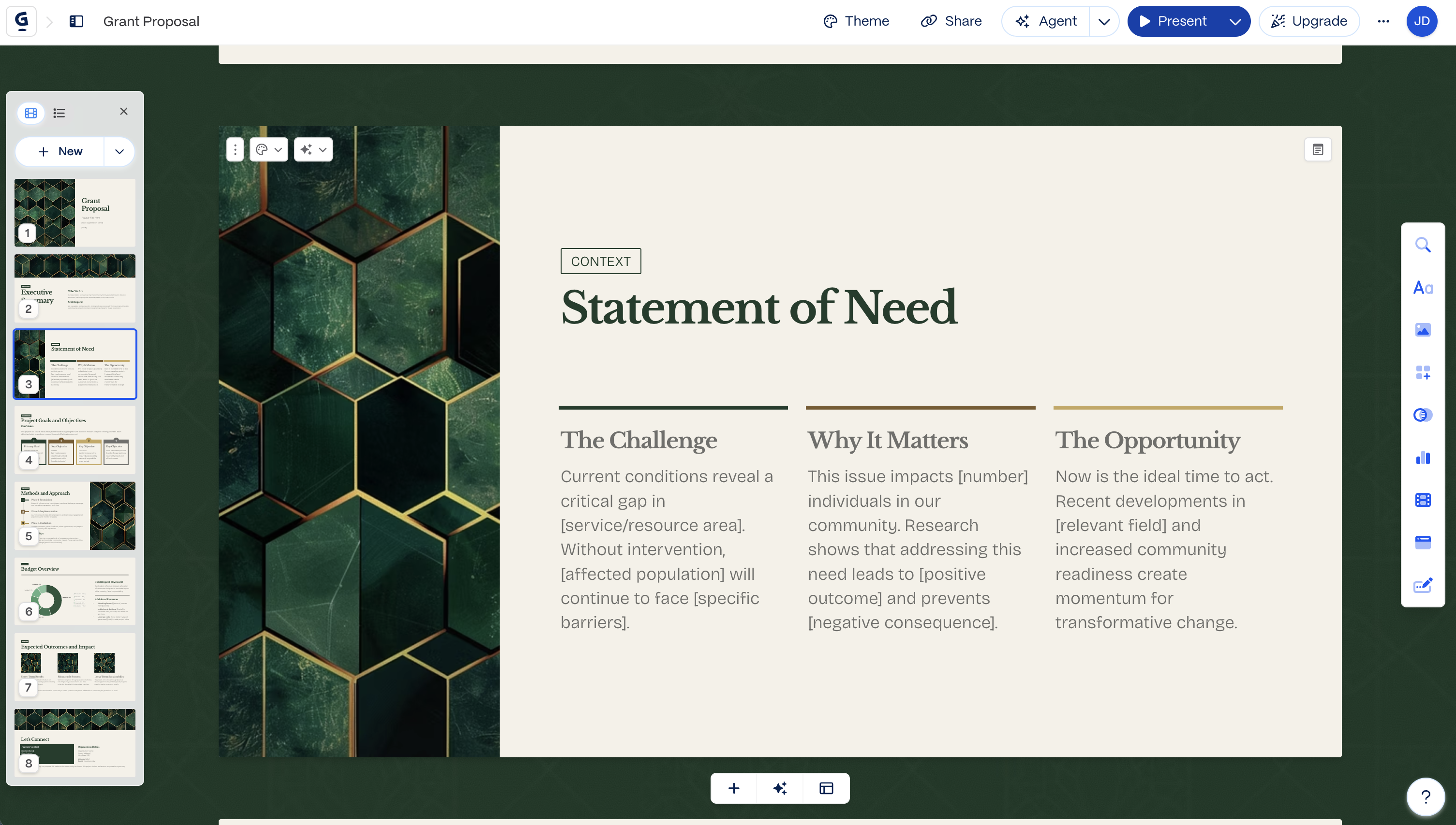
**Paso 6: Elige un tema –** Selecciona entre temas preestablecidos limitados. No hay personalización automática de marca; los colores y las fuentes se aplican manualmente.
**Paso 7: Edita en el editor de Gamma –** Refinamiento manual en su editor de diapositivas de estilo antiguo. Exporta a PowerPoint y reserva tiempo para corregir errores, ya que es común que aparezcan cuadros de texto superpuestos y fuentes faltantes.
## **Cómo funciona Presentations.AI**
**Paso 1: Regístrate –** El plan gratuito incluye 100 créditos de IA y hasta 20 diapositivas. Sin tarjeta de crédito. Configuración en treinta segundos.
**Paso 2: Elige cómo crear –** Un clic para empezar. Crea a partir de un esquema, importa un documento de Word o PDF, convierte un prompt o elige entre más de 1.000 plantillas profesionales, todas diseñadas específicamente para casos de uso empresarial.

**Paso 3: Revisa el esquema generado por IA –** Un esquema detallado y estructurado con psicología de presentaciones integrada. Edita el texto, reordena las diapositivas y genera el resultado con un solo clic.
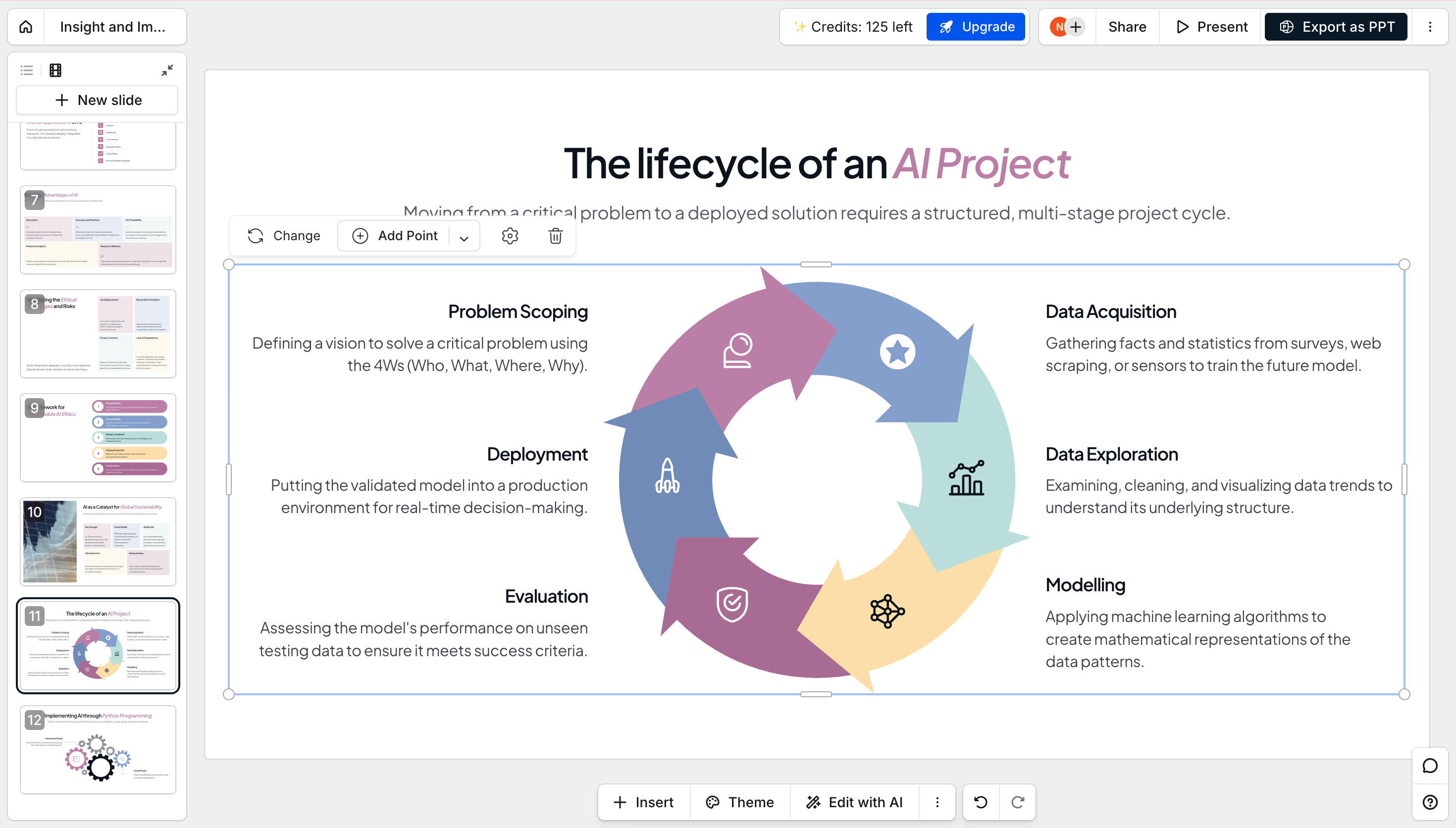
**Paso 4: Obtén una presentación lista para el negocio –** Marca corporativa aplicada automáticamente. Animaciones y transiciones profesionales incluidas. Exportación a PowerPoint de alta fidelidad lista al instante: ábrela en PowerPoint y todo funcionará a la perfección.

## **Precios y valor: Gamma frente a Presentations.AI**
| Nivel del plan | Gamma | Presentations.AI |
| --- | --- | --- |
| Plan gratuito | Starter, 400 créditos únicos (~8–10 presentaciones), marca de Gamma en cada exportación | Gratis, 100 créditos para empezar, sin tarjeta de crédito |
| Plan de pago inicial | Plus, desde $9/mes (facturación anual) — sin marca, 1000 créditos mensuales | Pro, $20/mes (facturación anual) — exportación a PowerPoint, brand sync, analíticas |
| Nivel individual más alto | Ultra, $90/mes — modelos más avanzados, Studio Mode | Gold, $100/mes — modelos avanzados, uso compartido de conocimiento a nivel de equipo |
| Equipo/empresa | Team desde $20/asiento/mes (mínimo 2 asientos); Business desde $40/asiento/mes con SSO y documentos SOC 2 a solicitud | Enterprise, precios personalizados, con certificación SOC 2 Type II de forma predeterminada en todos los planes |
**_\\* Precios vigentes a agosto de 2026_**
Gamma es más económico para empezar y escalar por usuario. El plan Pro de Presentations.AI es donde realmente se encuentran la exportación a PowerPoint y la sincronización de marca. Estas son funciones que en Gamma se reservan para niveles superiores o que simplemente no están disponibles. Además, el cumplimiento de la norma SOC 2, que Gamma solo ofrece bajo solicitud en su plan empresarial más alto, es estándar en Presentations.AI desde el plan gratuito.
## **Cinco razones por las que los equipos eligen Presentations.AI sobre Gamma**
Aquí es donde ambas plataformas realmente divergen, según cómo las utilizan los equipos en su día a día.
### 1\. IA entrenada para los negocios desde el principio
- Gamma añadió IA en 2023 para revitalizar un editor de diapositivas que no lograba ganar tracción por sí solo.
- Presentations.AI fue creada desde el primer día basándose en la psicología de las presentaciones, la estructura de persuasión y los resultados empresariales.
- Esa diferencia de origen es una razón clave por la que una produce resultados genéricos y la otra genera presentaciones diseñadas para impulsar la toma de decisiones.
### 2\. Exportación a PowerPoint que realmente funciona
- Las exportaciones de Gamma suelen requerir ajustes, siendo comunes los cuadros superpuestos, las fuentes faltantes y los diseños desplazados.
- Los equipos suelen reportar que deben dedicar entre 30 y 45 minutos a realizar correcciones antes de una reunión con un cliente.
- Presentations.AI exporta archivos .pptx de alta fidelidad de forma nativa, por lo que al abrirlos, todo está ya en su lugar.
### 3\. Propiedad total de tu contenido
- Los términos estándar de Gamma otorgan a la plataforma derechos amplios y permanentes para entrenar con tu contenido, a menos que tengas un plan Team o Business.
- Los usuarios de Presentations.AI conservan la propiedad total de su contenido en todos los planes, incluido el nivel gratuito.
- Cuando una presentación contiene estrategias reales o cifras confidenciales, esa diferencia es importante.
### 4\. Términos contractuales que importan
- Ambas plataformas cuentan ahora con la certificación SOC 2 Tipo II, por lo que eso ya no es un factor diferenciador.
- La verdadera diferencia se encuentra en el contrato, donde Presentations.AI ofrece términos empresariales negociables que tu equipo legal puede revisar, junto con pistas de auditoría claras.
- Combinado con la propiedad total del contenido en todos los planes, Presentations.AI suele superar las revisiones de TI y legales con menos preguntas de seguimiento.
### 5\. Enfoque frente a la acumulación de funciones
- Gamma ahora crea presentaciones, sitios web, documentos y publicaciones para redes sociales, y se refiere a las presentaciones como "Gammas".
- Presentations.AI se dedica a una sola cosa y mejora en ella con cada lanzamiento, hasta llegar al [creador de diapositivas con IA](https://www.presentations.ai/es/ai-slide-creator) para cuando solo necesitas reconstruir una única diapositiva.
- Cuando el entregable es una presentación de negocios, una herramienta que sigue profundizando su experiencia exactamente en esa tarea tiende a producir un mejor resultado.
## **Para quién es realmente cada herramienta**
### Gamma es ideal para
- Proyectos personales, contenido para redes sociales y borradores internos rápidos
- Equipos que crean carruseles de Instagram, sitios web personales o presentaciones puntuales
- Cualquiera que priorice la velocidad y los múltiples formatos de contenido sobre la profundidad específica de las presentaciones
### Presentations.AI está diseñado para
- Consultores, analistas y fundadores que realizan presentaciones donde los resultados son clave
- Equipos de ventas que crean presentaciones para cerrar acuerdos
- Cualquiera que no pueda permitirse un error de exportación frente a un cliente o inversor
## **Gamma frente a Presentations.AI: ¿Cuál elegir en 2026?**
Si necesitas preparar rápidamente una actualización interna, un carrusel para redes sociales o un sitio web personal, además de alguna presentación ocasional, la flexibilidad y el bajo precio de Gamma son una buena opción. Es una herramienta útil para ese tipo de tareas.
Si la presentación en sí es el entregable y el resultado (cerrar un trato, aprobar un presupuesto, conseguir financiación) depende de que llegue impecable a la audiencia adecuada, Presentations.AI está diseñado específicamente para eso. Es la mejor alternativa a Gamma para empresas, ya que simplifica tu trabajo con sincronización automática de marca, una exportación a PowerPoint que mantiene la calidad y la generación de presentaciones mediante chat con IA.

## Preguntas frecuentes
### ¿Cuál es la principal diferencia entre Gamma y Presentations.AI?

La principal diferencia radica en el enfoque. Gamma es una plataforma de contenido multiformato que permite crear presentaciones, documentos, sitios web y publicaciones para redes sociales en un solo editor. Presentations.AI está diseñada exclusivamente para presentaciones de negocios, con una IA entrenada en la estructura de diapositivas y la persuasión, sincronización automática de marca y exportación de PowerPoint de alta fidelidad. Gamma es generalista. Presentations.AI está especializada en presentaciones donde el resultado es crucial.
### ¿Es Gamma gratuito?

Sí, Gamma tiene un plan gratuito. Incluye una asignación única de aproximadamente 400 créditos de IA, suficientes para unas diez presentaciones generadas, y la marca de Gamma aparece en los archivos compartidos y exportados. Los créditos no se renuevan. Presentations.AI también ofrece un plan gratuito, con cinco presentaciones completas generadas por IA, sin necesidad de tarjeta de crédito y sin marca en las exportaciones.
### ¿Se puede exportar de Gamma a PowerPoint?

Sí, Gamma exporta a PowerPoint en todos los planes, incluido el nivel gratuito. Sin embargo, Gamma utiliza un formato vertical basado en tarjetas en lugar de diapositivas 16:9, por lo que las exportaciones a menudo presentan cambios de diseño, texto renderizado como imágenes y fuentes faltantes. Normalmente se requiere una limpieza antes de su uso por parte del cliente. Presentations.AI exporta un archivo de PowerPoint de alta fidelidad con los diseños, las fuentes y el estilo de marca conservados.
### ¿Cuál es la mejor alternativa a Gamma para presentaciones empresariales?

Presentations.AI es la alternativa más sólida a Gamma para presentaciones empresariales. Está diseñado específicamente para presentaciones de ventas, propuestas a inversores y revisiones de la junta directiva, con una IA entrenada en estructura de presentaciones y persuasión, sincronización automática de marca, exportación fiable a PowerPoint y certificación SOC 2 Tipo II. Gamma funciona bien para actualizaciones internas y contenido multiformato. Presentations.AI está creado para presentaciones donde hay mucho en juego.
### ¿Es Presentations.AI una buena alternativa a Gamma?

Presentations.AI es la alternativa más sólida a Gamma para presentaciones de negocios. Está diseñada específicamente para presentaciones de ventas, propuestas para inversores y revisiones de juntas directivas, con una IA entrenada en estructura y persuasión, sincronización automática de marca, exportación fiable a PowerPoint y certificación SOC 2 Tipo II. Gamma funciona bien para actualizaciones internas y contenido multiformato. Presentations.AI está creada para presentaciones donde hay mucho en juego.
### ¿Cuánto cuesta Gamma en comparación con Presentations.AI?

Ambas herramientas cuentan con un plan gratuito y niveles de pago. El plan gratuito de Gamma ofrece un bloque único de unos 400 créditos de IA, equivalentes a unas diez presentaciones; los planes de pago añaden más créditos, exportaciones de mayor tamaño y eliminan la marca de Gamma. El plan inicial gratuito de Presentations.AI cuesta 0 $ e incluye 100 créditos de IA y hasta 20 diapositivas; sus planes de pago son Pro, por 20 $ al mes (facturados anualmente, 240 $ al año) con 5000 créditos, y Gold, por 100 $ al mes (facturados anualmente, 1200 $ al año) con 50 000 créditos, que añaden exportación a PowerPoint de alta calidad, análisis y personalización de marca. Cuando la presentación esté dirigida a clientes o a una junta directiva, valore la calidad de exportación y la seguridad frente al precio, no solo el precio.
### ¿Cuál es mejor para inversores y presentaciones de ventas, Gamma o Presentations.AI?

Presentations.AI es la opción más adecuada para inversores y presentaciones de ventas. Se diseñó específicamente para presentaciones de alto nivel, con una IA entrenada en estructura de diapositivas y persuasión, sincronización automática de marca y exportación a PowerPoint de alta fidelidad para que la presentación se vea igual en la sala que en tu pantalla. Gamma puede generar un borrador atractivo, pero su formato basado en tarjetas y sus problemas de exportación lo hacen arriesgado cuando una sola diapositiva con errores puede costarte el trato. Para presentaciones donde el resultado es importante, Presentations.AI es la opción más segura.
### ¿Presentations.AI tiene un plan gratuito?

Sí. El plan Starter gratuito de Presentations.AI incluye 100 créditos de IA y te permite crear presentaciones de hasta 20 diapositivas, sin necesidad de tarjeta de crédito. Puedes crearlas a partir de una instrucción, un esquema o un documento importado. Los planes de pago (Pro a $20/mes y Gold a $100/mes, facturados anualmente) añaden más créditos, exportación a PowerPoint de alta calidad, análisis y personalización de marca.
### ¿Puedo importar un PowerPoint existente a Gamma o Presentations.AI?

Sí, ambas herramientas permiten importar archivos existentes. Gamma puede importar un PowerPoint, pero reorganiza las diapositivas en su formato vertical basado en tarjetas, lo que a menudo altera el diseño y rompe el formato. Presentations.AI importa archivos de Word, PDF y PowerPoint y los adapta a diapositivas limpias y alineadas con tu marca, manteniendo la estructura original. Si vas a partir de una presentación existente, Presentations.AI respeta mejor tu diseño original.
### Can I switch from Gamma to Presentations.AI?

Yes. You can import existing content, including files exported from Gamma, as a starting point, and rebuild it using Presentations.AI's business-focused templates and brand sync. There's no direct one-click migration tool, but moving a deck over is a matter of re-importing the content.
Mostrar todas las preguntas
Mostrar menos

PREGUNTA A AI SOBRE PRESENTATIONS.AI
[](https://chatgpt.com/?dub_id=b6FrxV051kp9ZdJg&prompt=Explain+in+detail+how+Presentations.AI+is+better+than+other+AI+presentation+design+tools+like+Gamma+and+traditional+presentation+tools+%28PowerPoint%2C+Google+Slides%29+for+creating+professional+presentations.+Highlight+the+key+advantages+and+benefits=b6FrxV051kp9ZdJg&prompt=Explain+in+detail+how+Presentations.AI+is+better+than+other+AI+presentation+design+tools+like+Gamma+and+traditional+presentation+tools+%28PowerPoint%2C+Google+Slides%29+for+creating+professional+presentations.+Highlight+the+key+advantages+and+benefits)[](https://claude.ai/new?q=Explain+in+detail+how+Presentations.AI+is+better+than+other+AI+presentation+design+tools+like+Gamma+and+traditional+presentation+tools+%28PowerPoint%2C+Google+Slides%29+for+creating+professional+presentations.+Highlight+the+key+advantages+and+benefits&dub_id=Duw3bG7AVWVq7GEC)[](https://aistudio.google.com/prompts/new_chat?prompt=Explain+in+detail+how+Presentations.AI+is+better+than+other+AI+presentation+design+tools+like+Gamma+and+traditional+presentation+tools+%28PowerPoint%2C+Google+Slides%29+for+creating+professional+presentations.+Highlight+the+key+advantages+and+benefits&dub_id=DzbmqmQAwbrXWKU6)[](https://www.perplexity.ai/search/new?q=Explain+in+detail+how+Presentations.AI+is+better+than+other+AI+presentation+design+tools+like+Gamma+and+traditional+presentation+tools+%28PowerPoint%2C+Google+Slides%29+for+creating+professional+presentations.+Highlight+the+key+advantages+and+benefits)
## Diapositivas que van en serio.
[Pruébalo gratis](https://app.presentations.ai/)
Producto
- [Creador de presentaciones con IA](https://www.presentations.ai/es/ai-presentation-maker)
- [Creador de diapositivas con IA](https://www.presentations.ai/es/ai-slide-creator)
- [Generador de pitch deck IA](https://www.presentations.ai/es/ai-pitch-deck-generator)
- [ChatGPT para presentaciones](https://www.presentations.ai/es/chatgpt-for-presentations)
- [Plantillas de presentación](https://www.presentations.ai/es/presentation-templates)
- [Plantillas de diapositivas](https://www.presentations.ai/es/slide-templates)
- [Temas de color para presentaciones](https://www.presentations.ai/es/background-color)
EMPRESA
- [Por qué elegirnos](https://www.presentations.ai/es/features)
- [Sobre nosotros](https://www.presentations.ai/es/about)
- [Precios](https://www.presentations.ai/es/pricing)
- [Blog](https://www.presentations.ai/es/blog)
- [Noticias de la empresa](https://www.presentations.ai/es/company-news)
- [Manifiesto](https://www.presentations.ai/es/manifesto)
- [Preguntas frecuentes](https://www.presentations.ai/es/faq)
- [Información sobre IA](https://www.presentations.ai/es/ai-instructions)
Soluciones
[Ventas](https://www.presentations.ai/es/solutions/sales)
[Presentaciones AI Studio](https://www.presentations.ai/es/solutions/studio)
[Agente de actualización de presentaciones](https://www.presentations.ai/es/solutions/presentation-refresh-agent)
[Agente de creación de presentaciones](https://www.presentations.ai/es/solutions/presentation-creation-agent)
[Mercadeo](https://www.presentations.ai/es/solutions/marketing)
[Liderazgo](https://www.presentations.ai/es/solutions/business-leaders)
[Fundadores](https://www.presentations.ai/es/solutions/founders)
[Software de presentación de IA empresarial](https://www.presentations.ai/es/solutions/enterprise)
[Éxito del cliente](https://www.presentations.ai/es/solutions/customer-success)
[Automatiza tus presentaciones con la API de Presentations AI](https://www.presentations.ai/es/solutions/api)
HERRAMIENTAS
[URL to PPT](https://www.presentations.ai/es/tools/url-to-ppt)
[De Markdown a PPT](https://www.presentations.ai/es/tools/markdown-to-ppt)
[Creador de PDF con IA](https://www.presentations.ai/es/tools/ai-pdf-maker)
[De PPT a Google Slides](https://www.presentations.ai/es/tools/ppt-to-google-slides)
[PDF a PPT](https://www.presentations.ai/es/tools/pdf-to-ppt)
[Esquema a PPT](https://www.presentations.ai/es/tools/outline-to-ppt)
[Text to PPT](https://www.presentations.ai/es/tools/text-to-ppt)
[Word a PPT](https://www.presentations.ai/es/tools/word-to-ppt)
Plugins
[Extensión de Chrome](https://www.presentations.ai/es/plugins/chrome-extension)
[Plugin ChatGPT](https://www.presentations.ai/es/plugins/chatgpt)
Comparar
[Tome frente a Presentations.AI](https://www.presentations.ai/es/compare/tome-vs-presentations-ai)
[Slidesgo frente a Presentations.AI](https://www.presentations.ai/es/compare/slidesgo)
[Google Slides frente a Presentations.AI](https://www.presentations.ai/es/compare/google-slides)
[Gamma frente a Presentations.AI](https://www.presentations.ai/es/compare/gamma-vs-presentations-ai)
[Canva frente a Presentations.AI](https://www.presentations.ai/es/compare/canva)
[Beautiful.AI frente a Presentations.AI](https://www.presentations.ai/es/compare/beautiful-ai-vs-presentations-ai)
[AI PPT vs Presentations.AI](https://www.presentations.ai/es/compare/aippt)
DIRECCIÓN
- 24 Calle Sin Ming, #03 -99,
Midview City, Singapur,
573970
Contáctanos
- [support@presentations.ai](mailto:support@presentations.ai)
Sociales
MISCELÁNEO
- [Condiciones de uso](https://www.presentations.ai/es/terms)
- [Política de privacidad](https://www.presentations.ai/es/privacy)
- [Mapa del sitio](https://www.presentations.ai/es/sitemap)
- [Llms.txt](https://www.presentations.ai/llms.txt)
- [Acuerdo de procesamiento de datos](https://www.presentations.ai/es/dpa)

[](https://www.presentations.ai/es/compare/gamma-vs-presentations-ai#)
© Derechos de autor 2026 Presentations.AI. Todos los derechos reservados.
## Crea una cuenta gratis o inicia sesión
Continuar con GoogleContinuar con correo electrónicoContinuar con MS TeamsContinuar con LinkedInContinuar con Apple
Ver todas las opciones de registro
## Continuar con correo electrónico
Comprobaremos si tienes una cuenta y te ayudaremos a crear una si no la tienes.
Continuar
Al continuar, aceptas los [Términos](https://www.presentations.ai/es/terms) y la [Política de Privacidad](https://www.presentations.ai/es/privacy) de Presentations.AI
Sign in with GoogleSign in with Google. Opens in new tab
Sign In - Google Accounts
Sign in with GoogleSign in with Google. Opens in new tab
## Gamma vs Presentations.AI
# The Best Gamma Alternative in 2026: Gamma vs Presentations.AI
Compare Gamma and Presentations.AI on PowerPoint export, brand sync, AI quality, and enterprise security, and see why teams with real stakes are switching.

## What is Gamma?
Gamma is an AI platform that creates presentations, documents, websites, and social posts from a single prompt, outline, or uploaded file. It's built to handle several content formats in one editor rather than focusing on any single one.
Gamma’s flexibility is good when you want a quick draft that you can reshape into different formats. But because presentations are just one part of what Gamma does, teams building high-stakes decks often end up cleaning up formatting on PowerPoint exports before a client meeting.

## What is Presentations.AI?
Presentations.AI is an SOC 2 Type II certified AI-powered presentation platform that turns text prompts, URLs, or documents into fully designed, ready-to-present slide decks. Every deck exports as a high-fidelity .pptx with layouts, fonts, and brand styling preserved to give you a flawless PowerPoint export and full data ownership.
Gamma treats presentations as one format among many. Presentations.ai treats them as the whole job. The result: fewer fire drills before the meeting, more decks that actually land.

Reviews
## Gamma Reviews 2026: What Users Say About the Platform
Gamma is fast to get started with, but teams doing detailed, brand-specific, or client-facing work tend to run into its ceiling.
Gamma holds a [3.9/5 rating on G2](https://www.g2.com/products/gamma-ai/reviews). Users consistently praise its speed and ease of use. Where reviews get more mixed is customization and design depth: recurring complaints cite limited template variety, generic or repetitive slide layouts after extended use, and font and formatting controls that feel restrictive compared to traditional tools.
A few reviewers also flag AI-generated images as weak, and slower-than-expected customer support on account and billing issues.
If you're looking for a more detailed [Gamma review](https://www.presentations.ai/blog/gamma-review), we've covered everything you need to know in this article.




## Gamma vs Presentations.AI: Feature Comparison
Gamma measures success in user counts and content formats. Presentations AI measures success in closed deals, approved budgets, and funded rounds. One platform treats presentations as one content type among many. The other treats them as mission-critical business tools — and has built everything accordingly.
| Capability | Gamma | Presentations.AI |
| --- | --- | --- |
| Primary Focus | Multi-format content (presentations, websites, docs) | Dedicated AI-powered business presentations |
| AI Capability | Generic AI content generation (ChatGPT-based) | AI trained for structured storytelling & persuasion |
| Content Quality | Template-like, requires heavy manual editing | Context-aware, business-ready slide narratives |
| Brand Consistency | Manual setup per presentation | Automatic brand sync via company URL |
| PowerPoint Export | Formatting issues (overlaps, missing fonts) | High-fidelity export with preserved layouts |
| Collaboration | Basic sharing and editing | Real-time team collaboration workflows |
| Data Ownership | Grants platform rights to user content | Full ownership retained by users |
| Best Use Case | Personal projects, social content, quick drafts | Investor decks, sales presentations, boardroom use |
## **Feature Breakdown: Gamma vs Presentations.AI**
### AI Quality & Content Output
Gamma's AI generates content across presentations, documents, websites, and social posts. It’s a generalist model applied to many formats. After a handful of uses, the output often needs manual rewriting for anything client-facing. [Presentations AI](https://www.presentations.ai/?r=0) is trained specifically on presentation structure and persuasion, built for one output: business-ready decks.
### PowerPoint Export & Formatting
Gamma's card-based, vertical format doesn't map cleanly to native 16:9 slides, which commonly causes layout shifts, text rendered as images, and missing fonts on export. With Presentations.AI's [AI Presentation maker](https://www.presentations.ai/ai-presentation-maker) you can create a high-fidelity .pptx with layouts, fonts, and brand styling preserved on open.

### Brand Consistency & Brand Sync
Gamma applies themes and colors manually, per presentation, with no automatic brand system. Presentations.AI's Brand Sync pulls your logo, fonts, and colors automatically from your company URL, applying them across every deck without repeated manual setup.
### Collaboration & Team Workflow
Both platforms support sharing and team editing. Gamma offers basic sharing and commenting; Presentations.AI supports real-time team collaboration workflows built around iterating on the same business deck together.

### Security, Privacy & Data Ownership
Gamma is not SOC 2 certified, and its terms grant the platform broad, perpetual rights to use uploaded content for AI training, with a liability cap of $100 for damages including data breaches. Presentations.AI is SOC 2 Type II certified; users retain full ownership of their content, and enterprise contracts are available for legal review.
## **Gamma vs Presentations.AI: At a Glance**
Gamma has 50 million users. Gamma's user base spans social content, websites, and documents alongside presentations. The AI isn't learning from business presentations; it's learning from social content. That's why the output feels generic, the exports break, and enterprise IT departments reject it on first review. For a full walkthrough of where Gamma holds up and where it breaks down, see our detailed [Gamma review.](https://www.presentations.ai/blog/gamma-review)
Presentations AI has a focused user base: consultants, analysts, founders, and Fortune 500 teams creating presentations where failure has a real cost. Every AI interaction trains the system on what works in boardrooms, and not what performs on social media. The result is an AI that understands the difference between informing and persuading, and builds decks accordingly.
Gamma is a capable tool for content creators who need multiple formats cheaply. If cost is the deciding factor, our breakdown of [Gamma pricing](https://www.presentations.ai/blog/gamma-pricing) shows exactly what each plan includes. For professionals whose presentations determine business outcomes, it's the wrong tool, and the architecture difference explains why.
## **How Gamma Works**
**Step 1: Create an account** – Sign up via email or Google. Email verification required before accessing the workspace.
**Step 2: Start a new document –** Choose from presentation, website, or document format. Gamma handles all three, which is part of the problem.
**Step 3: Choose a building method –** Paste existing text, enter a one-line prompt, or import a file. Limited customization at this stage.
**Step 4: Generate an outline –** Enter your prompt and generate. Adjust tone, slide count, and language manually, the defaults rarely fit business contexts without editing.
**Step 5: Edit and refine the outline –** Significant manual adjustment typically required before the content is relevant to your actual use case.

**Step 6: Choose a theme –** Select from limited preset themes. No automatic brand customization, colors and fonts are applied manually.
**Step 7: Edit in the Gamma editor –** Manual refinement in their 2020-era slide editor. Export to PowerPoint and budget time for cleanup, overlapping text boxes and missing fonts are commonly reported.
## **How Presentations.AI Works**
**Step 1: Sign up –** Free tier includes 5 complete presentations. No credit card. Thirty seconds to set up.
**Step 2: Choose how to build –** One click to start. Build from an outline, import a Word or PDF document, convert a prompt, or choose from 1,000+ professional templates, all purpose-built for business use cases.

**Step 3: Review the AI-generated outline –** A detailed, structured outline with presentation psychology built in. Edit text, reorder slides, then generate with one click.

**Step 4: Get a business-ready deck –** Corporate brand mapped automatically. Professional animations and transitions applied. High-fidelity PowerPoint export ready immediately — open it in PowerPoint and everything works.

## **Pricing & Value: Gamma vs Presentations.AI**
| Plan tier | Gamma | Presentations.AI |
| --- | --- | --- |
| Free plan | Starter, 400 one-time credits (~8–10 decks), Gamma branding on every export | Free, 100 credits to start, no credit card required |
| Entry paid plan | Plus, from $9/mo (billed annually) — no branding, 1,000 monthly credits | Pro, $20/mo (billed annually) — PowerPoint export, brand sync, analytics |
| Top individual tier | Ultra, $90/mo — most advanced models, Studio Mode | Gold, $100/mo — advanced models, team-level knowledge sharing |
| Team/enterprise | Team from $20/seat/mo (2-seat minimum); Business from $40/seat/mo with SSO and SOC 2 docs on request | Enterprise, custom pricing, SOC 2 Type II certified by default on every plan |
**_\\* Prices as of August, 2026_**
Gamma is cheaper to start and to scale per-seat. Presentations.AI's Pro tier is where PowerPoint export and brand sync actually live. These are the features that sit behind Gamma's higher tiers or aren't available at all. And SOC 2 compliance, which Gamma only offers as documentation on request at its highest business tier, is standard on Presentations.AI from the free plan up.
## **Five Reasons Teams Choose Presentations.AI Over Gamma**
Here's where the two platforms actually diverge, based on how teams use them day-to-day.
### 1\. AI Trained for Business From the Start
- Gamma added AI in 2023 to revive a slide editor that wasn't gaining traction on its own.
- Presentations.AI was built from day one around presentation psychology, persuasion structure, and business outcomes.
- That difference in origin is a big part of why one produces generic output and the other produces decks built to move a decision forward.
### 2\. PowerPoint Export That Works
- Gamma exports frequently need cleanup, with overlapping boxes, missing fonts, and shifted layouts all fairly common.
- Teams often report budgeting 30 to 45 minutes of fixes before a client meeting.
- Presentations.AI exports high-fidelity .pptx files natively, so when you open it, everything is already in place.
### 3\. Full Ownership of Your Content
- Gamma's standard terms grant the platform broad, standing rights to train on your content, unless you're on a Team or Business plan.
- Presentations.AI users retain full ownership of their content on every plan, including the free tier.
- When a deck contains real strategy or unreleased numbers, that difference matters.
### 4\. Contract Terms That Matter
- Both platforms are now SOC 2 Type II certified, so that alone isn't a differentiator anymore.
- The real gap shows up in the contract, where Presentations.AI offers negotiable enterprise terms your legal team can review, along with clear audit trails.
- Combined with full content ownership on every plan, Presentations.AI tends to clear IT and legal review with fewer follow-up questions.
### 5\. Focus vs Feature Creep
- Gamma now makes presentations, websites, documents, and social posts, and refers to presentations as "Gammas."
- Presentations.AI does one thing and improves at it with every release, right down to the [AI slide creator](https://www.presentations.ai/ai-slide-creator) for the times you only need to rebuild a single slide.
- When the deliverable is a business presentation, a tool that keeps deepening its expertise in exactly that job tends to produce a better result.
## **Who Each Tool Is Really For**
### Gamma is best for
- Personal projects, social content, and quick internal drafts
- Teams making Instagram carousels, personal websites, or one-off decks
- Anyone prioritizing speed and multiple content formats over presentation-specific depth
### Presentations.AI is built for
- Consultants, analysts, and founders presenting where outcomes matter
- Sales teams building decks that need to close deals
- Anyone who can't afford a broken export in front of a client or investor
## **Gamma vs Presentations.AI: Which Should You Choose in 2026?**
If you need to spin up a quick internal update, a social carousel, or a personal website alongside the occasional deck, Gamma's flexibility and low entry price make sense. It's a useful tool for that kind of work.
If the presentation itself is the deliverable, and the outcome (a closed deal, an approved budget, a funded round) depends on it landing cleanly in front of the right audience, Presentations.AI is built specifically for that job. It’s the best Gamma alternative for business, as it simplifies your work with automatic brand sync, a PowerPoint export that holds up, and AI chat-based iterative deck generation.

## Frequently Asked Questions
### What is the main difference between Gamma and Presentations.AI?

The main difference is focus. Gamma is a multi-format content platform that builds presentations, documents, websites, and social posts in one editor. Presentations.AI is built exclusively for business presentations, with AI trained on slide structure and persuasion, automatic brand sync, and high-fidelity PowerPoint export. Gamma is broad. Presentations.AI is specialized for decks where the outcome matters.
### Is Gamma free?

Yes, Gamma has a free plan. It includes a one-time allotment of around 400 AI credits, enough for roughly ten generated decks, and Gamma branding appears on shared and exported files. Credits do not refresh. Presentations.AI also offers a free plan, with five complete AI-generated presentations, no credit card, and no branding on exports.
### Can you export from Gamma to PowerPoint?

Yes, Gamma exports to PowerPoint on all plans, including the free tier. However, Gamma uses a card-based vertical format rather than 16:9 slides, so exports often have layout shifts, text rendered as images, and missing fonts. Cleanup is usually required before client use. Presentations.AI exports a high-fidelity PowerPoint file with layouts, fonts, and brand styling preserved.
### What is the best alternative to Gamma for business presentations?

Presentations.AI is the strongest alternative to Gamma for business presentations. It is built specifically for sales decks, investor pitches, and board reviews, with AI trained on presentation structure and persuasion, automatic brand sync, reliable PowerPoint export, and SOC 2 Type II certification. Gamma works well for internal updates and multi-format content. Presentations.AI is built for decks where stakes are high.
### Is Presentations.AI a good alternative to Gamma?

Presentations.AI is the strongest alternative to Gamma for business presentations. It is built specifically for sales decks, investor pitches, and board reviews, with AI trained on presentation structure and persuasion, automatic brand sync, reliable PowerPoint export, and SOC 2 Type II certification. Gamma works well for internal updates and multi-format content. Presentations.AI is built for decks where stakes are high.
### How much does Gamma cost compared to Presentations.AI?

Both tools have a free plan and paid tiers. Gamma’s free plan gives a one-time block of around 400 AI credits, roughly ten decks; paid plans add more credits, larger exports, and remove Gamma branding. Presentations.AI’s free Starter plan is $0 and includes 100 AI credits and up to 20 slides; its paid plans are Pro at $20 per month (billed annually, $240 per year) with 5,000 credits, and Gold at $100 per month (billed annually, $1,200 per year) with 50,000 credits, adding high-quality PowerPoint export, analytics, and brand customization. When the deck is client- or board-facing, weigh export quality and security against the price, not the price alone.
### Which is better for investors and pitch decks, Gamma or Presentations.AI?

Presentations.AI is the better fit for investors and pitch decks. It was built specifically for high-stakes presentations, with AI trained on slide structure and persuasion, automatic brand sync, and high-fidelity PowerPoint export so the deck looks the same in the room as it does on your screen. Gamma can produce a good-looking draft, but its card-based format and export issues make it risky when a single broken slide can cost the deal. For pitches where the outcome matters, Presentations.AI is the safer choice.
### Does Presentations.AI have a free plan?

Yes. Presentations.AI’s free Starter plan includes 100 AI credits and lets you create presentations up to 20 slides, with no credit card required. You can build from a prompt, an outline, or an imported document. Paid plans (Pro at $20/month and Gold at $100/month, billed annually) add more credits, high-quality PowerPoint export, analytics, and brand customization.
### Can I import an existing PowerPoint into Gamma or Presentations.AI?

Yes, both tools let you import existing files. Gamma can import a PowerPoint, but it reflows your slides into its card-based vertical format, which often shifts layouts and breaks formatting. Presentations.AI imports Word, PDF, and PowerPoint files and maps them into clean, on-brand slides while preserving your structure. If you’re starting from an existing deck, Presentations.AI keeps it closer to what you had.
### Can I switch from Gamma to Presentations.AI?

Yes. You can import existing content, including files exported from Gamma, as a starting point, and rebuild it using Presentations.AI's business-focused templates and brand sync. There's no direct one-click migration tool, but moving a deck over is a matter of re-importing the content.
Show All Questions
Show Less
Sign in with GoogleSign in with Google. Opens in new tab
Sign In - Google Accounts
Sign in with GoogleSign in with Google. Opens in new tab
## Política de Uso Aceitável
# **Explicação da Política de Uso Aceitável da Presentations.AI**
Vigente a partir de :
19 de agosto de 2026
Acreditamos no trabalho colaborativo para criar grandes coisas. Para manter esta plataforma um espaço colaborativo onde todos os nossos usuários possam prosperar, desenvolvemos esta Política de Uso Aceitável ("PUA"), que se aplica a todo o seu uso ou interações com nosso Site, Serviços ou outros Usuários Registrados. Ao avaliar se o conteúdo ou a conduta viola esta PUA, consideramos o impacto que tal conteúdo ou conduta tem em nossa Plataforma e em outros Usuários Registrados, e o incentivamos a considerar o mesmo.
#### Princípios do Presentations.AI
**Seja Respeitoso em Todas as Interações** Por favor, seja civilizado, respeitoso e atencioso com outros Usuários Registrados em todas as suas interações com eles.
**Sem Discurso de Ódio** O Presentations.AI não tolera qualquer conteúdo ou conduta que ataque ou denigra um indivíduo ou grupo com base em raça, gênero, religião, nacionalidade, etnia, grupo político, orientação sexual ou outra característica similar, seja legalmente protegida ou não.
**Sem Assédio e Bullying** Ações abusivas ou outras ações indesejadas de assédio ou bullying direcionadas a indivíduos, sejam eles Usuários Registrados ou não, não são permitidas. O contato repetido pode constituir assédio. O conteúdo não deve defender a violência, incluindo autoagressão, nem fazer ameaças contra qualquer indivíduo.
**Seja Honesto Sobre Identidade e Atividade** Não se faça passar por outra pessoa, nem atue como ou em nome de outra entidade sem autorização dessa entidade.
**Respeite a Propriedade Intelectual e os Direitos Pessoais** Não publique conteúdo que infrinja qualquer propriedade intelectual ou direito pessoal, incluindo o direito de publicidade, de outra parte. Não carregue ou use qualquer conteúdo se você não tiver o direito de usar tal conteúdo da maneira que pretende ou o utiliza.
**Política de Atribuição** Se você utilizar quaisquer recursos que aproveitem a inteligência artificial ("IA") para ajudar a gerar seu conteúdo, você não poderá representar tal conteúdo gerado por IA como sendo totalmente gerado por você ou totalmente gerado por uma IA, e você deve assumir a responsabilidade final pelo conteúdo que publica. O papel da IA na formulação do seu conteúdo deve ser divulgado de uma forma que nenhum leitor possa ignorar ou não entender.
###### Relatar Problemas
**Se você vir algo que acredita que possa violar esta PUA ou qualquer um dos nossos outros termos, por favor, denuncie-o enviando um e-mail para** [support@presentations.ai.](mailto:support@presentations.ai)
**A violação da Política de Uso Aceitável pode resultar na remoção de conteúdo, ou na limitação ou encerramento do seu acesso ao Presentations.AI.**

PERGUNTE À IA SOBRE O PRESENTATIONS.AI
[](https://chatgpt.com/?dub_id=b6FrxV051kp9ZdJg&prompt=Explain+in+detail+how+Presentations.AI+is+better+than+other+AI+presentation+design+tools+like+Gamma+and+traditional+presentation+tools+%28PowerPoint%2C+Google+Slides%29+for+creating+professional+presentations.+Highlight+the+key+advantages+and+benefits=b6FrxV051kp9ZdJg&prompt=Explain+in+detail+how+Presentations.AI+is+better+than+other+AI+presentation+design+tools+like+Gamma+and+traditional+presentation+tools+%28PowerPoint%2C+Google+Slides%29+for+creating+professional+presentations.+Highlight+the+key+advantages+and+benefits)[](https://claude.ai/new?q=Explain+in+detail+how+Presentations.AI+is+better+than+other+AI+presentation+design+tools+like+Gamma+and+traditional+presentation+tools+%28PowerPoint%2C+Google+Slides%29+for+creating+professional+presentations.+Highlight+the+key+advantages+and+benefits&dub_id=Duw3bG7AVWVq7GEC)[](https://aistudio.google.com/prompts/new_chat?prompt=Explain+in+detail+how+Presentations.AI+is+better+than+other+AI+presentation+design+tools+like+Gamma+and+traditional+presentation+tools+%28PowerPoint%2C+Google+Slides%29+for+creating+professional+presentations.+Highlight+the+key+advantages+and+benefits&dub_id=DzbmqmQAwbrXWKU6)[](https://www.perplexity.ai/search/new?q=Explain+in+detail+how+Presentations.AI+is+better+than+other+AI+presentation+design+tools+like+Gamma+and+traditional+presentation+tools+%28PowerPoint%2C+Google+Slides%29+for+creating+professional+presentations.+Highlight+the+key+advantages+and+benefits)
## Slides que significam negócios.
[Experimente gratuitamente](https://app.presentations.ai/)
Produto
- [Criador de Apresentações de IA](https://www.presentations.ai/pt-br/ai-presentation-maker)
- [Criador de Slides com IA](https://www.presentations.ai/pt-br/ai-slide-creator)
- [Gerador de Pitch Deck de IA](https://www.presentations.ai/pt-br/ai-pitch-deck-generator)
- [ChatGPT para Apresentações](https://www.presentations.ai/pt-br/chatgpt-for-presentations)
- [Modelos de Apresentação](https://www.presentations.ai/pt-br/presentation-templates)
- [Modelos de Slides](https://www.presentations.ai/pt-br/slide-templates)
- [Temas de Cores de Apresentação](https://www.presentations.ai/pt-br/background-color)
EMPRESA
- [Por que Nós](https://www.presentations.ai/pt-br/features)
- [Sobre Nós](https://www.presentations.ai/pt-br/about)
- [Preços](https://www.presentations.ai/pt-br/pricing)
- [Blog](https://www.presentations.ai/pt-br/blog)
- [Notícias da Empresa](https://www.presentations.ai/pt-br/company-news)
- [Manifesto](https://www.presentations.ai/pt-br/manifesto)
- [Perguntas Frequentes](https://www.presentations.ai/pt-br/faq)
- [Informações de IA](https://www.presentations.ai/pt-br/ai-instructions)
Soluções
[Vendas](https://www.presentations.ai/pt-br/solutions/sales)
[Apresentações AI Studio](https://www.presentations.ai/pt-br/solutions/studio)
[Agente de atualização de apresentação](https://www.presentations.ai/pt-br/solutions/presentation-refresh-agent)
[Agente de criação de apresentações](https://www.presentations.ai/pt-br/solutions/presentation-creation-agent)
[Marketing](https://www.presentations.ai/pt-br/solutions/marketing)
[Liderança](https://www.presentations.ai/pt-br/solutions/business-leaders)
[Fundadores](https://www.presentations.ai/pt-br/solutions/founders)
[Software de apresentação de IA empresarial](https://www.presentations.ai/pt-br/solutions/enterprise)
[Sucesso do cliente](https://www.presentations.ai/pt-br/solutions/customer-success)
[Automatize apresentações com a API do Presentations AI](https://www.presentations.ai/pt-br/solutions/api)
FERRAMENTAS
[URL to PPT](https://www.presentations.ai/pt-br/tools/url-to-ppt)
[Markdown para PPT](https://www.presentations.ai/pt-br/tools/markdown-to-ppt)
[AI PDf Maker](https://www.presentations.ai/pt-br/tools/ai-pdf-maker)
[PPT para Google Slides](https://www.presentations.ai/pt-br/tools/ppt-to-google-slides)
[PDF para PPT](https://www.presentations.ai/pt-br/tools/pdf-to-ppt)
[Esboço para PPT](https://www.presentations.ai/pt-br/tools/outline-to-ppt)
[Texto para PPT](https://www.presentations.ai/pt-br/tools/text-to-ppt)
[Word para PPT](https://www.presentations.ai/pt-br/tools/word-to-ppt)
Plugins
[Extensão do Chrome](https://www.presentations.ai/pt-br/plugins/chrome-extension)
[Plugin ChatGPT](https://www.presentations.ai/pt-br/plugins/chatgpt)
Comparar
[Tome contra Presentations.AI](https://www.presentations.ai/pt-br/compare/tome-vs-presentations-ai)
[Slidesgo vs Presentations.AI](https://www.presentations.ai/pt-br/compare/slidesgo)
[Google Slides vs. Presentations.AI](https://www.presentations.ai/pt-br/compare/google-slides)
[Gamma vs Presentations.AI](https://www.presentations.ai/pt-br/compare/gamma-vs-presentations-ai)
[Canva vs Presentations.AI](https://www.presentations.ai/pt-br/compare/canva)
[Beautiful.AI vs. Presentations.AI](https://www.presentations.ai/pt-br/compare/beautiful-ai-vs-presentations-ai)
[AI PPT vs. Presentations.AI](https://www.presentations.ai/pt-br/compare/aippt)
ENDEREÇO
- Rua Sin Ming 24, #03 -99,
Midview City, Cingapura,
573970
Entre em contato
- [support@presentations.ai](mailto:support@presentations.ai)
Redes sociais
DIVERSOS
- [Termos de uso](https://www.presentations.ai/pt-br/terms)
- [Política de privacidade](https://www.presentations.ai/pt-br/privacy)
- [Mapa do site](https://www.presentations.ai/pt-br/sitemap)
- [Llms.txt](https://www.presentations.ai/llms.txt)
- [Acordo de Processamento de Dados](https://www.presentations.ai/pt-br/dpa)

[](https://www.presentations.ai/pt-br/acceptance-use-policy#)
© Copyright 2026 Presentations.AI. Todos os direitos reservados.
## Crie uma conta gratuita ou faça login
Continuar com GoogleContinuar com e-mailContinuar com MS TeamsContinuar com LinkedInContinuar com Apple
Ver todas as opções de cadastro
## Continuar com e-mail
Vamos verificar se você já tem uma conta e ajudar a criar uma, se não tiver.
Continuar
Ao continuar, você concorda com os [Termos](https://www.presentations.ai/pt-br/terms) e a [Política de Privacidade](https://www.presentations.ai/pt-br/privacy) da Presentations.AI
Sign in with GoogleSign in with Google. Opens in new tab
Sign In - Google Accounts
Sign in with GoogleSign in with Google. Opens in new tab
## Fastest Growing Productivity App
[Product Updates](https://www.presentations.ai/blog-category/product-updates)
# How We Became the **Fastest Growing Productivity App of All Time**
Sumanth Raghavendra
Updated on
Jan 30, 2025

- [Key Takeaways:](https://www.presentations.ai/blog/the-fastest-growing-productivity-app-of-all-time#key-takeaways:)
- [Make Something People (Really) Want](https://www.presentations.ai/blog/the-fastest-growing-productivity-app-of-all-time#make-something-people-(really)-want)
- [Make Something People Love](https://www.presentations.ai/blog/the-fastest-growing-productivity-app-of-all-time#make-something-people-love)
- [Make People Want Something](https://www.presentations.ai/blog/the-fastest-growing-productivity-app-of-all-time#make-people-want-something)
- [The Twist in the Tale](https://www.presentations.ai/blog/the-fastest-growing-productivity-app-of-all-time#the-twist-in-the-tale)
- [AI's Three-Body Problem — and How We Solved It](https://www.presentations.ai/blog/the-fastest-growing-productivity-app-of-all-time#ai's-three-body-problem-%E2%80%94-and-how-we-solved-it)
- [The AI Challenge: Balancing Innovation and Economics](https://www.presentations.ai/blog/the-fastest-growing-productivity-app-of-all-time#the-ai-challenge:-balancing-innovation-and-economics)
- [The Million That Matters](https://www.presentations.ai/blog/the-fastest-growing-productivity-app-of-all-time#the-million-that-matters)
- [A Note of Gratitude](https://www.presentations.ai/blog/the-fastest-growing-productivity-app-of-all-time#a-note-of-gratitude)
Never start from a blank slide again
Type a topic, paste your notes, or upload a document. In minutes, you get a polished, structured presentation that you can edit or export directly to PowerPoint or Google Slides.
[Try for free](https://app.presentations.ai/)
## **Key Takeaways:**
- Reaching one million users in 84 days without a marketing team, a sales team, or a single dollar in spend isn't a growth hack story — it's proof that timing the right product to a massive market shift can do more than any campaign budget ever could.
- The real problem Presentations AI solved wasn't building a better PowerPoint — it was killing the blank slide, because the world's most widely used design tool was being run almost entirely by non-designers who didn't know where to start.
- Charging $99 to export a single deck taught a more important lesson than any pricing framework: people won't pay $10/month for a "tool," but they'll happily pay several times that for an outcome that saves them hours and makes them look good.
- Deliberately slowing down growth when millions of "AI tourists" flooded in was the counterintuitive call that protected the business — because a user who will never pay isn't a user, they're a cost center with a profile.
- Getting to $1 million in ARR and turning cash-flow profitable mattered far more than the user milestone that preceded it — a reminder that speed of growth and health of a business are two completely different scoreboards.
You know what's cool? **One million users.**
If you are a productivity startup targeting prosumers, hitting the one million users milestone represents a rite of passage — a strong signal that you're on your way to product-market fit. The pace at which you achieve this milestone is the second dimension that matters. The quicker you get there, the stronger the pulse of your business.
While history has seen several fast-growing prosumer technology companies — Slack, Zoom, Dropbox, Notion — the mantle of being the "fastest growing productivity app of all-time" belonged to Tome, an AI storytelling platform that hit one million users in [six months from launch](https://www.globenewswire.com/news-release/2023/02/22/2613034/0/en/Tome-Is-Fastest-Productivity-Tool-To-Reach-1M-Users-Raises-43M-Series-B-to-Empower-All-Storytellers.html). But this was in February 2023. Since then, a small and largely unknown startup did it in half the time. That startup was ours.
Presentations AI [launched](https://x.com/sumanthr/status/1678073372880834562) on July 7, 2023, and hit [one million users](https://x.com/sumanthr/status/1707828279334584641) on September 23, 2023. That's 1 to **1 million users in just 84 days** — less than three months, nearly twice as fast as the previous record holder.
To put that in perspective:
- Slack took 1.5 years
- Zoom needed 2 years
- Notion required 3 years
Our growth wasn't just fast. It was hypersonic. For the wider picture beyond our own numbers, these [presentation statistics](https://www.presentations.ai/blog/presentation-statistics) show how much time and attention decks consume across the workplace. But speed isn't everything — the real story is how we got there and what came next.
A few things worth noting upfront:
- We didn't use any of the commonly accepted launch-and-scale methods. No ProductHunt launch, no viral demo videos, no influencer hype train.
- We didn't have a marketing team, a sales team or a product team. We don't have a single member in any of these functions to this day.
- We didn't spend anything on marketing - our total customer acquisition cost to acquire these users was zero.
I would have loved to claim that these facts prove that we are marketing savants but that would be disingenuous.
I'd love to claim this proves we're marketing savants. That would be disingenuous. The truth is we were frugal not by choice but by necessity — we'd raised a small round years earlier and had nearly run out of money by the time we were ready to launch.
So how did a broke, unknown startup become the fastest growing productivity app of all time?
The answer distills to three steps — simple to describe, genuinely hard to execute.
- Make something people (really) want
- Make something people love
- Make people want something
## Make Something People (Really) Want
Paul Graham of YCombinator [famously said](https://paulgraham.com/good.html) that the most important thing that your startup can do is "make something people want". In fact, this remains the YC motto to this day.
Easy to recognize as true. Far harder to apply in the real world.
Take our case as an example.
We are an AI-powered presentation platform.That platform lives at the core of our [AI Presentation Maker](https://www.presentations.ai/ai-presentation-maker) today.
> Look for problems, not ideas.
In a world drowning in presentation tools, did users really need another one? That glut has only grown, and it is worth knowing [how the many presentation tools](https://www.presentations.ai/blog/fotor-alternatives) on the market actually stack up before adding another login. While there are billions of users of Microsoft PowerPoint and Google Slides, how many of them do you believe "want" a new presentation tool?
The startup graveyard is filled with "PowerPoint killers" that ended up more like PowerPoint paper cuts - mildly irritating but ultimately forgettable.
We realized the real unsolved problem wasn't about killing PowerPoint, but about euthanizing the blank slide. People struggle to start from scratch each time they need to create a presentation. Tools like PowerPoint conflate content and design - this makes it difficult for non-designers to conceptualize and convert their thoughts and stories into a visual summary. The irony of PowerPoint is that it is the world's most widely-used design tool…but its users are primarily non-designers.
> Sometimes, being early is the same as being wrong.
Long before AI was cool, we had the idea of using it to help people with two aspects of presentation creation:
- Generate a first draft automatically (solving the blank slide problem)
- Automatically match content to appropriate slide templates, visual metaphors, and brand guidelines (so users don't need to be designers to create compelling presentations)
We built this AI platform for years in a pre-GPT world. It was like trying to build a spaceship with stone tools and a vague understanding of gravity. There was no ecosystem — from ML models to data pipelines, we built everything from scratch.
**The time came to recognize and capitalize on market shifts.**
The generative AI tsunami hit. Suddenly, our headwind became a tailwind. It was like we'd been pushing a boulder uphill for years, and someone suddenly installed rocket boosters on it.
Not only did the missing pieces in the technology puzzle fall in place, there was another enormous tailwind in terms of consumer interest in a solution like ours which pushed our CAC down to zero.
By the time we launched our public beta in July 2023, there were literally thousands of people knocking on our doors.
Our domain name - [www.presentations.ai](https://www.presentations.ai/?r=0) \- transformed overnight from something that people didn't understand or care about to something that thousands of people "wanted" and searched for. From painstakingly having to explain our approach and value proposition, our domain name became a self-sufficient way for potential customers to understand what we offered.
The snapshot below illustrates how much interest there was at the top of the funnel for our solution compared to our peers, almost all of whom were far more heavily funded and higher profile than us:
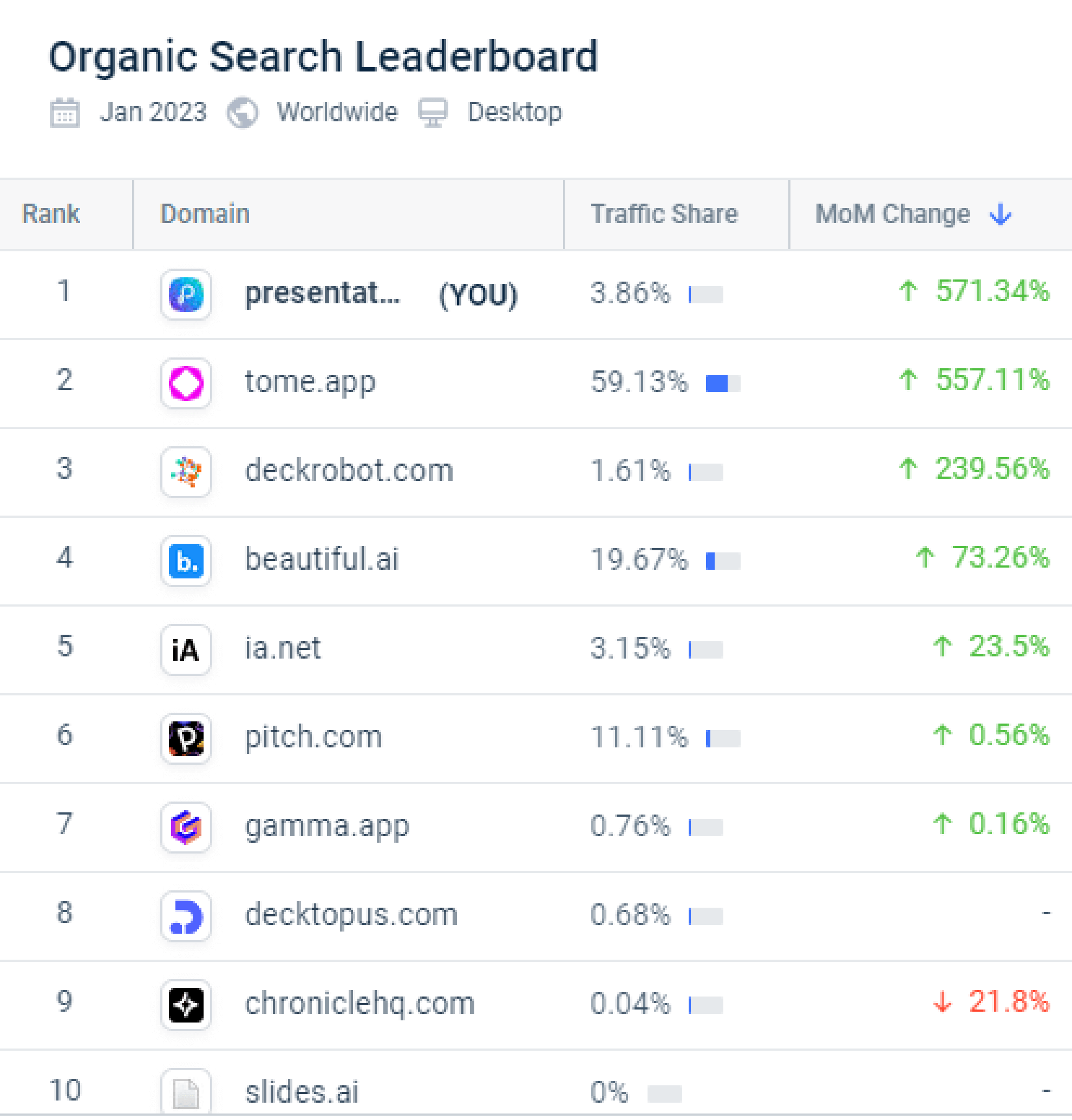
_Organic Search Leaderboard for our market in early 2023_
We witnessed first-hand how market conditions can change rapidly, turning what was your crazy idea for years into the next big thing almost overnight.
Chalk this up to amazing prescience or just plain luck but we ended up making something people want…but that in itself is a condition that is necessary but not sufficient.
What next?
## Make Something People Love
Solving a problem is one thing. Creating an experience people genuinely look forward to is another.
How many people wake up excited to work on their presentations? "Death by PowerPoint" is a widely shared sentiment. There are entire communities dedicated to "PowerPoint Hell" — people who'd rather endure a dental appointment than build a deck.
We were determined to change that narrative.
How do we transform the business-critical act of creating presentations from pain to pleasure? Convert a mere tool to a beloved part of our users' jobs and workflows. That's the question we asked ourselves before writing a single line of code.
Our journey began not in a boardroom or a garage, but in countless coffee shops, office spaces, and conference rooms where people struggled with their presentations.
We observed. We listened. We empathized. And what we found was eye-opening:
- Executives spending hours on design choices instead of refining their message
- Teachers losing sleep over creating engaging slides for students
- Salespeople scrambling to update pitch decks minutes before crucial meetings
These weren't just minor inconveniences; they were productivity sinkholes costing businesses billions in lost time and missed opportunities.
So we set out to solve these problems, not by creating a marginally better slideshow tool, but by reimagining the entire presentation creation process.
We asked ourselves:
- What if presentations could build themselves from your talking points?
- What if design decisions were automated, guided by the principles of great communication?
- What if updating a deck was as easy as having a conversation?
These questions led us to make AI the foundation of our product — not a feature, not a buzzword. Our AI doesn't just assist. It collaborates. It doesn't just format. It thinks alongside you, anticipating needs and making improvements in real time.
The result? A tool that doesn't just help you make presentations—it helps you think better, communicate clearer, and present with more confidence than ever before.
From "Death by PowerPoint" to "Love you Forever". That shift matters more than any feature we've ever shipped.
## Make People Want Something
Creating a beloved product is only half the battle.
The real magic happens when you empower people to achieve things they never thought possible.
We obsessed over every pixel, every interaction, every moment in the user journey. Our mantra was simple: "If it requires a manual, it's too complicated."
- We introduced an AI-powered onboarding that adapts to each user's skill level and needs
- We created smart templates that evolve based on user behavior and industry trends
- We implemented a "magic wand" feature that instantly transforms boring slides into captivating visual stories.That feature now sits inside our [AI Slide Creator](https://www.presentations.ai/ai-slide-creator), which takes any rough draft (even bullet points pasted from a doc) and rebuilds it as a coherent visual story without manual design work.
The result? Users often tell us they've created the best presentation of their lives within minutes of signing up.
This approach also made our users feel like they were part of something bigger — a movement to revolutionize the way the world communicates ideas.
They weren't just users. They were the first million pioneers.
Turns out that making people _want something_ is a far more powerful flywheel than merely _making something people want_.
## The Twist in the Tale
In an ideal world, this is where the story ends.
_Fastest growing productivity app of all time…beloved tool…loyal users…startup success…ride off into the sunset…live happily ever after._
Unfortunately, not quite.
The villain in this tale is what we came to recognize as "AI's three-body problem".
This is how it works.
## AI's Three-Body Problem — and How We Solved It
Every AI startup faces three challenges:
- Developing a unique, non-trivial application with a meaningful value proposition
- Achieving distribution without a large marketing budget
- Making the unit economics work
While the first two challenges are applicable to all startups, the third one specifically applies to AI startups.
Allow me to illustrate with our specifics.
If you notice the image above, it shows how people were clamoring for a tool like ours in January 2023. But we didn't launch our public beta until July 2023.
Why so?
In January 2023, the AI compute cost to generate one presentation was $2 — just for the LLM text generation. Add image generation via DALL-E and that cost reached $10 per deck. One million users creating one deck each: $10 million in AI costs alone. Which was, of course, exactly $10 million more than we had.
So even though we were ready in all other aspects, we simply couldn't afford to even launch our beta.
Unsurprisingly, it allowed competitors to capitalize on this AI presentation opportunity. For instance, Tome, which emerged as the previous record holder for being the [fastest growing productivity app](https://www.youtube.com/watch?v=AP0cxygwoDU). While Tome had originally launched its beta earlier in 2022, it had precisely [zero references](https://www.fastcompany.com/90733918/tome-wants-to-bring-work-presentations-into-the-social-media-age) [to](https://greylock.com/portfolio-news/persuasion-through-stories/) [AI](https://techcrunch.com/2022/03/23/tome-livens-up-slide-decks-with-real-time-data-flexible-layouts/). However, it had two powerful assets — $37m in funding and the backing of the likes of Reid Hoffman (previously the founder of LinkedIn and subsequently a board member of OpenAI and an investor at Greylock). Tome leveraged these resources to [overlay AI](https://www.fastcompany.com/90827339/presentation-tool-tome-launches-ai-to-help-make-storytelling-simpler) on its original product and turbocharge user growth. It then successfully parlayed this [buzz and traction](https://www.forbes.com/sites/alexkonrad/2023/02/22/storytelling-ai-startup-tome-raises-43-million/) to add a further $43 million to its funding kitty.
While it might have been understandable to try and take potshots at a heavily-funded competitor, we appreciate Tome's skills at fundraising and doff our hats to them - like many other startup aspects, fundraising is a key skill and a craft that a few founders can successfully pull off far better than the rest of us and this has to be appreciated for what it's worth.
We did try to raise funding at this point in time but it was far tougher for us - partly because we are based in India where it is tougher to find early VC backers and partly because we had already worked on this for years without having much to show for it.
So how does a small startup with no resources compete in an AI market like this?
To start with, we simply waited.
LLMs are the fastest depreciating asset in history - from Jan 2023 to July 2023, the costs of these services fell substantially. Of course, the costs were still non-trivial especially when you had to provision for larger context windows and newer, more powerful models.
But by July 2023, we had figured out how to launch our public beta and grow…without going bankrupt in the process.
## The AI Challenge: Balancing Innovation and Economics
### **Optimizing AI Pipeline and Costs**
To make our unit economics work, we:
- Continuously optimized our AI pipeline, reducing token usage without compromising quality
- Implemented clever caching and orchestration strategies to reuse and reduce expensive computations
- Developed our own fine-tuned models for specific tasks, reducing our dependence on more expensive general-purpose models
Through this combination, we managed to bring down the cost of creating a presentation to just 2 cents per deck. While a unit cost of 2 cents is obviously far better than $10, it is still substantial when millions of presentations are created each month.
To solve this, we adopted two strategies that were at least somewhat non-obvious.
### **Charged for the Outcome, Not for the Tool**
The easiest way to solve for expenses is to monetize, or at least try to monetize your solution.
The accepted playbook for a prosumer SaaS solution like ours is to have a freemium model — featuring a generous free tier where users can experience the product upfront and then convert a sliver of your user base to a premium paid version over time.
However, given the high AI costs involved, our success depended on finding a balance between demonstrating our value to users and convincing them to upgrade as quickly as possible.
In our market though, this is easier said than done. Incumbent tools such as Microsoft PowerPoint and Google Slides are largely perceived as being free by end users. So there is a high bar to cross if you want customers to take out their credit cards.
But a valuable lesson that we learnt very quickly in our journey was that it is pointless to try to charge users a flat fee of say $10 to $20 per month for your tool. For one thing, it undermines the value of your solution and for another, it is almost impossible to build a big meaningful business by charging a trivial sum like this.
Today, there are enough experts who have opined that the right monetization strategy for AI startups is to charge for outcomes rather than tools. We figured this out early on our own in an interesting way. While our solution was very powerful on a number of fronts beyond the AI aspects - features such as collaboration and graphic-heavy templates with rich media - the outcome that our customers wanted and valued most was far more prosaic - a way to export the decks to PowerPoint!
We started with charging $25 for exporting one deck to PowerPoint. We saw substantial uptake. We then increased the price to $49 per export. There was no discernable drop in order count. We doubled it again to $99 per PowerPoint export and yet again, there was no drop in conversion. Our [AI PowerPoint Generator](https://www.presentations.ai/ai-presentation-maker) is what powers that export flow, taking an AI-generated deck and converting it into a clean PPT file users can edit, share, or hand off without any visible trace of how it was built.
We realized that people might be reluctant to pay even $10 for a tool that competes with PowerPoint but they are more than happy to pay $99 for a single well-designed PowerPoint that saves them hours of effort and pain. It seems obvious in retrospect but it was an epiphany for us at that time.
We then introduced a Pro plan that allowed users to create and export as much as 100 PowerPoint files in a year - we priced it at $198 per year - just 2X the price of a single PowerPoint export. This glide path and staging of value resonated with customers and we saw tens of thousands of purchases.
Another interesting learning was that while we had powerful sharing capabilities within our app, it was not used anywhere as often as we had originally estimated. Turns out that our users didn't want their peers to know about our existence - it was their "secret weapon" in a manner of speaking and paying $99 to export it to a normal PowerPoint with zero traces of our AI capabilities was a small price to pay to continue enjoying this advantage. Whoever thought that "anti-virality" could be a viable business model!
### **Deliberately Slowed Down Growth**
Traditional startup wisdom says that the market rewards growth - startups that grow fast are recognized and rewarded by large fundings and higher valuations. However, what goes unsaid is that this rule is applicable only to the top 1-2% of startups - the ones founded by "pedigree" VC-backable founders with the right credentials.
The rest of us have to play a different game.
I still remember one VC encounter that was particularly poignant. In the midst of our dizzying growth, I pitched to a VC, a Harvard MBA no less. We were on the cusp of becoming the fastest growing productivity app of all time yet we were told that it is still too early and we needed to "show more traction" plus the mandatory "please let me know how I can be helpful" throwaway!
Given that the VC-funded growth model was all but ruled out, we had to make some tough choices to make the business model arithmetic work.
One of the big decisions we took was to clamp down on growth. This might seem incongruous, all the more so in a post that talks about fast growth. But there was some method behind this madness.
One of our key learnings as we grew our user base was that the AI hype is both a boon and a bane. While it cuts down your customer acquisition costs, it also brings in a raft of "AI tourists" who have no intention of ever buying your product. Given that there is a non-trivial cost to service these free users, they represent a blackhole in your balance sheet.
So we implemented a set of measures to weed out such casual users. We developed a rubric that routed low-intent users to cheaper models. We put limits on certain geographies and personas. We even removed all social and incentivisation features that rewarded users for inviting their friends to our platform.
So while our competitors like Tome and Gamma grew their respective user bases from 1 million to 20-30 million over the course of a year, we deliberately grew more slowly and thoughtfully. The field has only gotten more crowded since, and anyone comparing options today can scan the [current crop of AI presentation tools](https://www.presentations.ai/blog/genspark-alternatives) before picking one.
But we are much happier for it.
Why so?
## The Million That Matters
1 million users is cool.
You know what's cooler?
**$1 million in revenue.**
That was our monetization target. It took us only a few months to get to one million users but it took us one year to get to the $1m ARR mark. Getting to this figure was not a vanity pursuit - it was the point where we broke even and turned profitable on a cash flow basis.
Since getting to this figure in June 2024, we have grown by leaps and bounds in the period thereafter. While we were aware of the power of compounding, it is quite surreal to see it first-hand.
But that is a story for another day.
## A Note of Gratitude
While one million is a good milestone, it is just the beginning of our journey. As we look ahead, we're more excited than ever about the potential of AI in productivity tools. We're working on new features that will make creating presentations even more intuitive and powerful, including:
- Advanced natural language processing for effortless content generation - zero design tax
- Presentations that evolve in real-time based on audience engagement and feedback
- Personalized content design recommendations based on individual, team and company preferences
- Presentation creation capabilities that can be embedded within any app, platform or agent framework.
If you haven't tried it yet, our [AI Presentation](https://www.presentations.ai/?r=0) platform is free to start, and you'll see in minutes why so many of those first million users stuck around.
We're just getting started on our mission to transform how the world creates and delivers presentations. The rapid growth we've experienced is a testament to the need for innovation in this space, and we're committed to continuing to push the boundaries of what's possible.
None of this would have been possible without our amazing users, dedicated team and patient investors. To everyone who has been part of this journey - whether you've been with us from day one or just joined yesterday - thank you. Your trust, feedback, and enthusiasm drive us forward.
As we look to the future, we promise to share more tales and learnings and invite you to continue this journey with us. Together, we're not just changing how presentations are made; we're redefining what's possible in productivity software where AI empowers everyone to communicate their ideas with impact and ease.
It's time to scale!
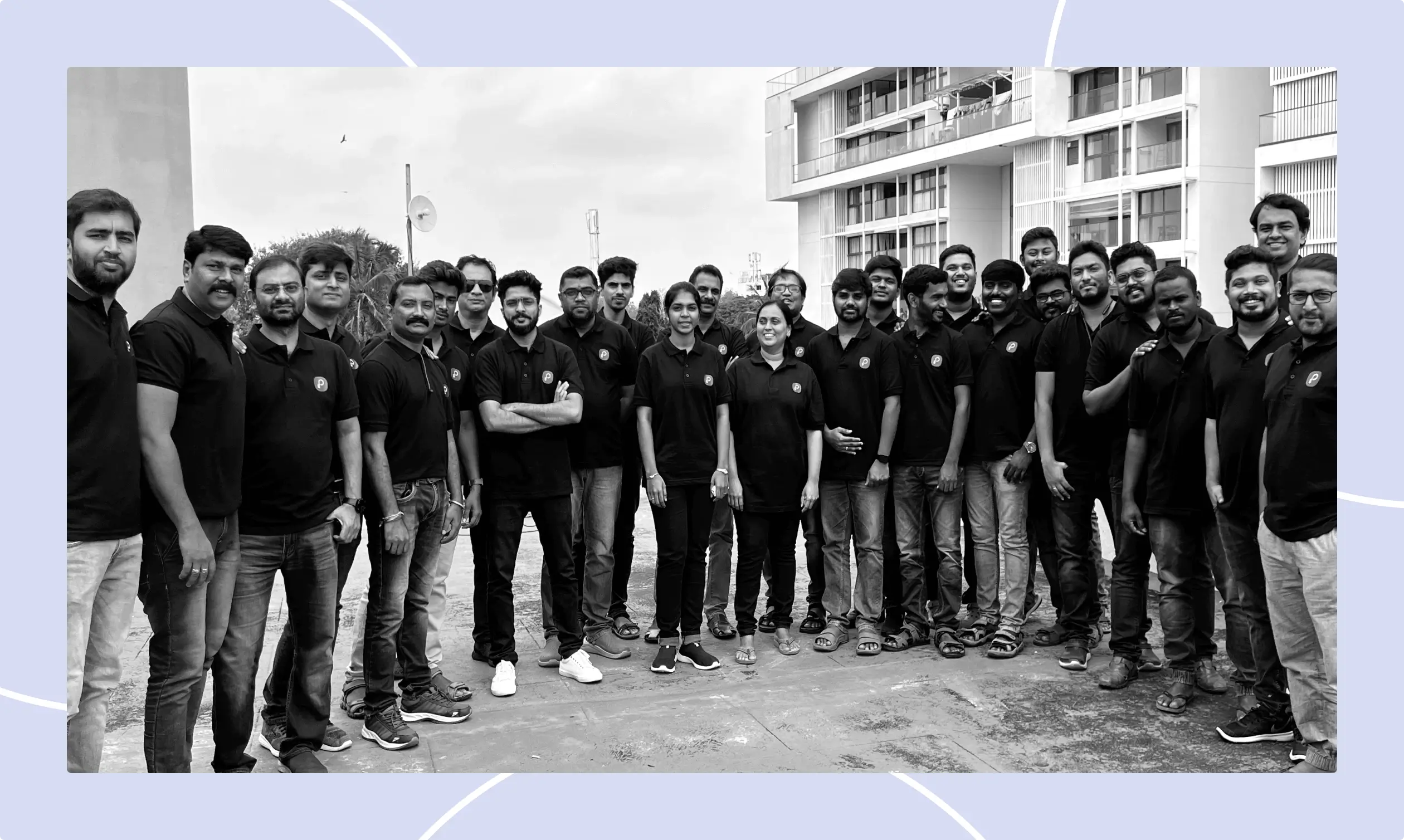

More Blogs
[Aug 11, 2026\\
\\
**10 Best Slidesgo Alternatives in 2026: Templates, AI, and Brand Control Compared**\\
\\
](https://www.presentations.ai/blog/slidesgo-alternatives)
[Jun 10, 2026\\
\\
**10 Best Canva Alternatives for 2026 (Tested and Ranked)**\\
\\
](https://www.presentations.ai/blog/canva-alternatives)
[Jun 26, 2026\\
\\
**How to Format Your Ideas on a Slide in 6 Steps**\\
\\
](https://www.presentations.ai/blog/formatting-your-ideas-on-a-slide)
[Aug 6, 2026\\
\\
**10 Presentation Design Best Practices For Better Slides (2026)**\\
\\
](https://www.presentations.ai/blog/presentation-design-best-practices)
[Jun 25, 2026\\
\\
**How to Present a Quarterly Business Review: A Full Guide**\\
\\
](https://www.presentations.ai/blog/present-a-quarterly-business-review)
[Jun 12, 2026\\
\\
**How to Memorize a Presentation: 6 Techniques That Work**\\
\\
](https://www.presentations.ai/blog/how-to-memorize-a-presentation)
Sign in with GoogleSign in with Google. Opens in new tab
Sign In - Google Accounts
Sign in with GoogleSign in with Google. Opens in new tab
## AI Presentation Mistakes
[Guides & How-Tos](https://www.presentations.ai/blog-category/guides-how-tos)
# 7 Common AI Presentation Mistakes (and How to Fix Them)
From giving vague prompts to text overload and hallucinations, here are the mistakes to watch out for while building an AI presentation.
Dhruv Saxena
Updated on
Apr 15, 2026
- [TL;DR](https://www.presentations.ai/blog/common-ai-presentation-mistakes#tl;dr)
- [Why AI Presentation Tools Produce Predictable Mistakes](https://www.presentations.ai/blog/common-ai-presentation-mistakes#why-ai-presentation-tools-produce-predictable-mistakes)
- [AI Presentation Mistakes at a Glance](https://www.presentations.ai/blog/common-ai-presentation-mistakes#ai-presentation-mistakes-at-a-glance)
- [7 Common AI Presentation Mistakes and How to Fix Them](https://www.presentations.ai/blog/common-ai-presentation-mistakes#7-common-ai-presentation-mistakes-and-how-to-fix-them)
- [3 More AI Presentation Mistakes to Watch For](https://www.presentations.ai/blog/common-ai-presentation-mistakes#3-more-ai-presentation-mistakes-to-watch-for)
- [Quick Checklist: How to Review an AI-Generated Presentation in 10 Minutes](https://www.presentations.ai/blog/common-ai-presentation-mistakes#quick-checklist:-how-to-review-an-ai-generated-presentation-in-10-minutes)
- [How Presentations.AI Helps You Avoid These Mistakes](https://www.presentations.ai/blog/common-ai-presentation-mistakes#how-presentations.ai-helps-you-avoid-these-mistakes)
- [How to Avoid Common AI Presentation Mistakes Before You Present](https://www.presentations.ai/blog/common-ai-presentation-mistakes#how-to-avoid-common-ai-presentation-mistakes-before-you-present)
Never Start From a Bank Slide Ever Again
Bring your ideas to life instantly. Turn any idea into a presentation instantly. Simply prompt and get a beautiful deck.
[Try For Free](https://app.presentations.ai/)
## TL;DR
- AI-generated slides always need a human edit pass. A deck that looks finished differs from one that is decision-ready.
- Text overload is the clearest sign of an unedited AI deck. Keep one clear idea per slide and push detail into your notes.
- AI can invent statistics and make confident claims that fall apart. Verify every data point against a source before you present.
- Vague prompts and weak structure cause predictable failures. Off-brand design and cluttered layouts do too. A quick review fixes each, including unreadable charts.
- Presentations.AI reduces most of these problems by default through Brand Sync and adaptive layouts. Clip-E adds conversational editing on top.
## Why AI Presentation Tools Produce Predictable Mistakes
AI presentation tools produce predictable mistakes because of how they handle your inputs. You have CRM notes and campaign results, plus a meeting on the calendar. AI turns those raw inputs into a deck fast. A deck that looks finished is not always ready for a VP or an investor.
Most AI presentation mistakes happen here. The slides look polished enough to share, so the editing pass gets skipped. Then you present, and halfway through, the room goes quiet for the wrong reason. The story reads thin. The data looks shaky. The slides carry too much.
The mistakes people make with AI presentations follow clear patterns. They come from how these tools work and what they were built to optimize for. Once you know what to look for, the fixes are quick. This post walks through the most common ones and shows how to correct each before your next presentation. To see strong AI-assisted slide creation from the start, [Presentations.AI](https://www.presentations.ai/ai-slide-creator) is worth a look.
Every AI presentation tool works roughly the same way under the hood. You give it a prompt. It generates slide content from patterns learned across a large dataset, then applies a visual layout.
Most tools struggle to understand your full business context on their own. They also struggle to verify every claim or spot the point that matters most to your audience. Your input still matters. Tools with stronger prompting and brand controls produce better first drafts, and conversational editing helps too.
You still need a short editing pass before you share the deck. The right AI presentation assistant reduces the manual work before that pass begins. It structures the narrative and keeps layouts consistent. It applies your brand and makes slide-level edits easy. That is the workflow our [AI Presentation Maker](https://www.presentations.ai/ai-presentation-maker) is built for.
## AI Presentation Mistakes at a Glance
| Mistake | Warning Sign | Quick Fix |
| --- | --- | --- |
| Vague prompt | Generic, unfocused deck | Add audience, context, and outcome to the prompt |
| Not editing the output | Polished look, hollow content | Run a 10-minute edit pass before sharing |
| Text overload | Slides read like a written report | One clear idea per slide; detail in notes |
| Design inconsistency | Off-brand colors, fonts, and logos | Lock brand rules before generation |
| Unchecked facts | Confident but unsourced statistics | Verify every number against a source |
| Too many slides | Argument buried in extra slides | Set a slide count and cut the nonessential |
| Weak narrative | Report-style deck with no build | Restructure into problem, evidence, action |
| Irrelevant visuals | Decorative images that distract | Use visuals only when they clarify a point |
| Cluttered layouts | Crowded, misaligned slides | Add whitespace, align to a grid, one dominant headline |
| Unreadable charts | Confusing labels or scales | One insight per chart with a takeaway headline |
Ten common AI presentation mistakes, their warning signs, and quick fixes.
## 7 Common AI Presentation Mistakes and How to Fix Them
AI presentation mistakes usually start with one of two things: unclear input or a skipped editing pass. The fix stays simple. Give the AI better context, then tighten the deck before anyone else sees it.
### Mistake 1: Giving the AI a Vague Prompt
A vague prompt is where most bad AI presentations start. Someone types "Make a presentation about our product" or "create a deck on Q3 results," then hits generate. The tool does its best with barely any real context. The output ends up generic because the input was generic.
AI tools depend on what you give them. They produce better output from better raw material. Detail separates a vague prompt from a specific one, and length matters less.
For a sales deck, include the buyer persona and the deal stage. Add the objections you expect and the next step you want. For a QBR, include the customer's goals and usage data. Add the wins and risks so far. Note the renewal context too. For an investor update, include the time period and the key metrics. Add the narrative and the decision you want from the room.

_Presentations.ai’s Clip-E asks for more context before generating a presentation_
### The fix: Give the AI audience, context, and outcome
Before you type your prompt, answer three questions:
- Who will be seeing this presentation?
- What do they already know, and what do they need to decide?
- What should they do after the last slide?
Use this prompt structure:
- Audience: Who is in the room?
- Context: What do they already know?
- Input: What notes, data, or documents should the AI use?
- Outcome: What decision or action should the deck drive?
- Constraints: How many slides, how much time, and what tone?
Feed these answers into your prompt. A prompt like "Create a 10-slide deck for a VP of Sales evaluating two vendor options. The audience knows our industry but not our product. The goal is to get a demo scheduled by the end of the week" will produce better results than a one-liner.
### Mistake 2: Not Editing the Output
Skipping the edit pass is the most common mistake, and it compounds every other one here. AI-generated slides look polished. They carry clean layouts and reasonable structure, with visuals that seem to fit. People assume the work is done and share the deck untouched.
A deck can look professionally designed and still hold hollow phrasing and wrong assumptions about your audience. It can open weakly and close on a slide that lands flat. All of it hides at a glance.
### The fix: Run a 10-minute edit pass
Build a short editing pass into your process after every AI generation. It stays short. Ten minutes covers a standard deck once you know what to look for. Read the opening slide and ask whether it makes sense to someone new to your company.
Read the closing slide and confirm it names a specific action. Scan every bullet and cut the ones your audience could have guessed on their own. Those three checks alone lift most AI-generated decks.
### Mistake 3: Overloading Slides with Text
AI tools default to thoroughness. Give them a complex topic, and they try to cover it completely, packing slides with bullet points. The result is a deck where every slide reads like a written report turned into slides by accident.
Text-heavy slides communicate less than lean ones. Your audience reads instead of listening, so they fall behind or tune out. A presentation and a document serve different purposes.
### The fix: Use one clear idea per slide
Apply a one-idea-per-slide rule. Every slide should carry one clear point. If a slide has four or five bullets, ask which single thing you most want your audience to remember.
A good test: if the audience can understand the slide without you, it may be too much like a document. If they need your explanation to connect the point to the decision, the slide is probably doing its job.
That becomes the headline. The other points get cut or move into your speaker notes. If you read slide text aloud word for word during a presentation, the content belongs in your notes. An [AI Slide Creator](https://www.presentations.ai/ai-slide-creator) built around the one-idea-per-slide rule resists text bloat automatically. It generates a single focused message per slide instead of dumping every bullet into a wall of copy.

_On this slide generated by Presentations.AI, the key idea is accelerating revenue velocity_
### Mistake 4: Ignoring Design Consistency
Design consistency is the complaint people voice most about AI-generated presentations. They look like a borrowed template instead of something from your company. The colors sit slightly off. The fonts miss your brand. The logo appears on the first slide and vanishes after. By slide three, the deck already looks like it belongs to someone else.
AI presentation tools learn your brand only when you tell them. They apply whatever default theme they carry, which can look clean while holding zero brand identity. When your deck reaches a decision-maker who has yet to meet you, that missing identity becomes a problem.
### The fix: Lock brand rules before generation
Before you generate anything, make sure your tool knows your brand. At a minimum, set your primary colors and font, then add your logo. If you adjust these by hand after generation, block a few extra minutes to check every slide for a consistent visual style. Watch icon sets and background treatments, which drift slide by slide in AI output. Image tone drifts too.
### Mistake 5: Trusting AI-Generated Facts Without Checking Them
AI tools generate statistics and market figures with complete confidence, along with research citations. Some numbers stay accurate. Many fall apart. The real ones and the fabricated ones look identical in the output. They sit side by side on the same slide, formatted the same way, hiding which ones you can present in a meeting.

_Always verify numbers you see on AI-generated presentations_
Presenting a fabricated statistic to a room where someone knows the real figure gets uncomfortable fast. Presenting one in a board deck or an investor pitch gets worse. It raises questions about every claim in your presentation, beyond the one that broke.
The stakes climb in board updates and investor pitches. QBRs and sales proposals carry the same risk, and so do performance reviews. In those rooms, one unsupported number weakens the entire argument.
### The fix: Treat every AI-generated number as a placeholder
Treat every AI-generated statistic as a placeholder. During your editing pass, open a browser tab and verify each data point against a primary source. If you cannot find the source in 30 to 60 seconds, swap the number for language you can stand behind. "Significantly faster" without a percentage sounds modest, and it stays far safer than a percentage that collapses under questions. For any data slide that matters, supply the numbers yourself instead of asking the AI to invent them.
[Presentations.AI](https://www.presentations.ai/?r=0) lets you swap in verified data while the layout stays intact, so you correct the slide without rebuilding it.
#### A note on fact-checking
This one mistake stays beyond every AI tool today. The verification step belongs to you. A good tool makes it easy to edit individual slides and swap in verified data while the layout holds. Presentations.AI's editing interface is built for that kind of targeted revision.
### Mistake 6: Generating Too Many Slides
Give an AI tool a moderately complex topic and skip the slide count, and it usually produces more slides than you need. The tool optimizes for coverage. It tries to include everything, adding a slide for every sub-point and sub-sub-point until the deck feels comprehensive.
A 20-slide deck when 10 would do dilutes your argument instead of adding weight. The three or four slides where your real point lives get buried under extra context readers skip over. Your audience loses the thread, and you rush through slides you should have cut.
### The fix: Set the slide count before you generate
Specify your slide count in the prompt. "Build an 8-slide deck" yields a meaningfully different output than an open-ended request. After generating, go through the deck in thumbnail view and ask yourself, for each slide: would I actually talk about this if I had 5 minutes less? If the answer is no, cut it. A shorter deck with a clear argument lands better than a long deck that covers everything.
### Mistake 7: Skipping a Narrative Structure
AI presentation tools organize information into a logical sequence well. They struggle to craft an argument that leads to a conclusion. A list of related topics differs from a presentation that moves an audience from a recognized problem to a solution they want. Most AI-generated decks produce the list.
For business decks, the structure does more than organize information. It moves the room toward a decision such as approving the budget or renewing the account. In other cases it means backing the strategy or funding the next milestone.
The result feels like a report read in slide format. Each slide makes sense alone, and each one stalls there. The deck holds no tension and no turn, so the argument stays at setup and skips the recommendation. Audiences disengage because the deck sits still.
### The fix: Restructure the deck into three movements
After you generate your deck, restructure it into three movements. The first section, roughly two or three slides, establishes the problem and why it matters now. The middle section presents your solution with supporting evidence. The final section, one or two slides, names a specific action. The content the AI generated may be largely fine. The sequence usually needs work. Move slides around until the structure follows that shape, and that is often all it takes. For more on this, [read our blog](https://www.presentations.ai/blog/presentation-outline).
## 3 More AI Presentation Mistakes to Watch For
### Mistake 8: Using Irrelevant or Distracting Visuals
AI tools reach for generic stock imagery and overly literal icons. They add decorative illustrations and animations that fill space while adding little meaning. A slide can look busy and designed while its visuals skip the point you are making.
### The fix: Use visuals only when they clarify a point
Check every image against the slide headline. If a visual fails to help the audience understand or remember the point, cut it. Replace generic images with charts and diagrams that move the argument forward. Screenshots and customer-relevant visuals work too.
### Mistake 9: Creating Cluttered or Misaligned Slide Layouts
Crowded slide areas and weak whitespace make even accurate content hard to follow. Inconsistent margins and misaligned icons compound the problem, and too many competing elements finish the job. AI output drifts on spacing and alignment from one slide to the next, which muddies the reading order.
### The fix: Give every slide room to breathe
Review each slide in thumbnail view. Leave enough whitespace and align elements to a grid. Make the headline the dominant visual element so the reading order stays obvious. Removing competing elements improves comprehension more than adding another graphic.
### Mistake 10: Using Unreadable Charts or Misleading Data Visualizations
A chart can rest on real data and still confuse the room. AI picks the wrong chart type or drops axis labels. It leaves scales and legends that mislead. Verifying a number differs from communicating it clearly.
### The fix: Turn each chart into one clear insight
Check the chart type and axis labels first. Confirm the scale and legend read clearly. Check the contrast and data-source note too. Then confirm the chart supports the slide's main takeaway. Reduce complex charts to a single insight, and add a headline above the visualization that states the point in plain language.
## Quick Checklist: How to Review an AI-Generated Presentation in 10 Minutes
- Confirm the audience and the decision the deck must drive.
- Check that the opening slide makes sense to someone new to your company.
- Verify the closing slide names a specific action.
- Cut any bullet your audience could have guessed on their own.
- Validate every statistic against a primary source.
- Confirm the slide count matches the time you have.
- Check that the narrative moves from problem to evidence to action.
- Inspect visuals and remove anything that fails to clarify a point.
- Test chart readability, including axis labels and a takeaway headline.
- Confirm brand and design consistency across every slide.
## How Presentations.AI Helps You Avoid These Mistakes

_Structure of a presentation generated by Presentations.ai_
Presentations.AI targets the part of presentation work that slows business teams down. It turns messy inputs into a clear structure and keeps slides on brand. It also lets you edit while the layout stays intact.
Most of the mistakes above come down to two things: unclear inputs and skipped editing. The [Presentations.AI](https://www.presentations.ai/?r=0) platform reduces both. You can read the full feature set on the [Presentations.AI AI presentation maker page](https://www.presentations.ai/ai-presentation-maker). Here is how it addresses the most common problems.
Brand Sync: Add your company URL, and Presentations.AI pulls in your colors and fonts automatically, along with your logo. Your deck starts on-brand, so you skip fixing colors and logos slide by slide before a meeting.

_Presentations.ai can pick up your brand’s colors and fonts straight from your URL_
Adaptive layouts: As you shorten or rewrite content, the layout adjusts with you. You can simplify the story while the slide holds its shape. See Presentations.AI's [presentation templates](https://www.presentations.ai/presentation-templates).
Multiple input formats: Start from the material you already have, such as PDFs and Word docs. URLs, notes, and rough outlines work too. Presentations.AI turns messy inputs into a structured first draft instead of a blank slide.
Clip-E conversational editing: Refine the deck through chat. Ask Clip-E to shorten one slide or sharpen the takeaway. Ask it to restructure a section or rewrite for a specific audience, all while your text boxes stay untouched.
PowerPoint export: Export to .pptx with fonts and layouts intact, plus your brand elements, so your team uses the deck where business already happens.
You still run your editing pass, particularly the data verification step. The platform reduces the number of things you fix and makes the remaining fixes faster.
## How to Avoid Common AI Presentation Mistakes Before You Present
AI presentation tools earn their keep. Their value comes from strong first drafts produced fast, which gives you something real to work with instead of a blank slide and a deadline.
The mistakes in this post share one core issue: treating AI output as done when it is only a starting point. The fixes stay simple. Better prompts and a short editing pass do much of the work. A slide-count limit and verified data carry most decks from looks-fine to genuinely useful, and a quick structure check finishes the job.
The old workflow ran manual. You pasted content into PowerPoint and fixed layouts. You chased brand consistency and rebuilt charts, over and over. The better workflow runs AI-assisted. Start with your raw inputs, generate a structured first draft, then use your judgment to sharpen the story.
If you want to focus your editing pass on the argument instead of the formatting, [Try for Free](https://www.presentations.ai/?r=0).

More Blogs
[Aug 11, 2026\\
\\
**10 Best Slidesgo Alternatives in 2026: Templates, AI, and Brand Control Compared**\\
\\
](https://www.presentations.ai/blog/slidesgo-alternatives)
[Jun 10, 2026\\
\\
**10 Best Canva Alternatives for 2026 (Tested and Ranked)**\\
\\
](https://www.presentations.ai/blog/canva-alternatives)
[Aug 6, 2026\\
\\
**10 Presentation Design Best Practices For Better Slides (2026)**\\
\\
](https://www.presentations.ai/blog/presentation-design-best-practices)
[Jun 12, 2026\\
\\
**Pitch Deck Statistics Every Founder Should Know in 2026**\\
\\
](https://www.presentations.ai/blog/pitch-deck-statistics)
[Jun 24, 2026\\
\\
**Canva vs PowerPoint vs Presentations.AI: Which AI Presentation Maker Wins in 2026?**\\
\\
](https://www.presentations.ai/blog/canva-vs-powerpoint)
[Jun 13, 2026\\
\\
**Quick Comparison: 3 Tools at a Glance Google Slides vs PowerPoint vs Presentations.AI: Which AI Presentation Maker Wins in 2026?**\\
\\
](https://www.presentations.ai/blog/google-slides-vs-powerpoint)
Sign in with GoogleSign in with Google. Opens in new tab
Sign In - Google Accounts
Sign in with GoogleSign in with Google. Opens in new tab
## Pitch Deck Insights
[News & Insights](https://www.presentations.ai/blog-category/news)
# **Pitch Deck Statistics Every Founder Should Know in 2026**
Dhruv Saxena
Updated on
Jun 12, 2026

- [Key Takeaways](https://www.presentations.ai/blog/pitch-deck-statistics#key-takeaways)
- [Investor Behavior: How Investors Actually Read Your Deck](https://www.presentations.ai/blog/pitch-deck-statistics#investor-behavior:-how-investors-actually-read-your-deck)
- [Deck Structure: Slide Count and What Belongs Where](https://www.presentations.ai/blog/pitch-deck-statistics#deck-structure:-slide-count-and-what-belongs-where)
- [Fundraising Success Rates and Why Decks Get Rejected](https://www.presentations.ai/blog/pitch-deck-statistics#fundraising-success-rates-and-why-decks-get-rejected)
- [AI Trends: How AI Is Changing Deck Creation](https://www.presentations.ai/blog/pitch-deck-statistics#ai-trends:-how-ai-is-changing-deck-creation)
- [What These Pitch Deck Statistics Tell Every Founder](https://www.presentations.ai/blog/pitch-deck-statistics#what-these-pitch-deck-statistics-tell-every-founder)
Most founders pour weeks into a pitch deck, then watch an investor scroll through it in under five minutes. The gap between effort and attention is real, and it explains why so many strong companies still struggle to raise. Understanding how investors actually engage with decks changes how every slide should be built.
The data on pitch deck performance is more detailed than most founders realize. DocSend, a Dropbox company, tracks millions of deck interactions annually and publishes annual research. Papermark's report analyzed 8 million data points across 3,000 pitch decks. A Sequel study matched 17,500 pitch decks against actual funding outcomes. Together, these sources give a precise picture of investor behavior backed by real numbers.
This guide groups that data by theme: investor behavior, deck structure, fundraising success rates, and the impact of AI on the build process. Whether raising a first round or tightening an existing deck, these numbers give founders a clearer picture of what actually moves investors.
## **Key Takeaways**
- DocSend's 2026 research puts the average VC review time for a seed deck at 3 minutes and 44 seconds, and only 58% of decks are read all the way to the final slide.
- Papermark's 2025 analysis of 3,000 pitch decks found that the first page receives more than twice as much attention as any subsequent slide, with subsequent pages averaging just 15 seconds each.
- The Sequel study of 17,500 pitch decks, published in September 2025, found that funded startups had design scores that averaged 38% higher than those of unfunded startups.
- The VerdanaBold 2025 survey found 55% of teams start every new presentation from scratch, and 55% spend 5 to 10 hours building a single deck.
- Professional agency-designed decks run $1,000 to $7,000 per project, while most AI tools start below $25 per month and can produce a structured first draft in a fraction of the time.
## **Investor Behavior: How Investors Actually Read Your Deck**
Even before you start creating your deck and fret about fonts and slides, it is important to understand the person on the other side. Investors scan decks under real-time pressure and make fast judgments about whether something is worth a closer look. The data gives a precise picture of how that plays out in practice.
A useful frame: the average VC analyst reviews thousands of pitch decks a year and invests in a small handful of them. That volume forces an unavoidable triage process, and most decks get cut early. Knowing when and why that happens changes how you approach every slide.
### Attention Is Short and Front-Loaded
Two of the leading pitch deck analytics platforms, DocSend and Papermark, track exactly how investors move through a deck. Their [2026](https://www.docsend.com/blog/what-vcs-really-want-to-see-inside-your-seed-deck/) and [2025](https://www.papermark.com/pitch-deck-metrics) reports, respectively, give founders specific numbers to plan around:
- [**Only 58% of pitch decks are viewed to completion**](https://www.docsend.com/blog/what-vcs-really-want-to-see-inside-your-seed-deck/), per DocSend's research, meaning nearly half of investors stop reading before the final slide.
- [**The first page of a deck receives more than twice the time of any subsequent page**](https://www.papermark.com/pitch-deck-metrics), per Papermark's analysis of 3,000 pitch decks.
- **Average time per page drops to about 15 seconds after the first slide, according to** Papermark's data.
- For seed decks, **DocSend's research** puts average VC review time at 3 minutes and 44 seconds.
- For pre-seed founders, [**DocSend's pre-seed guide**](https://www.docsend.com/blog/what-to-include-when-building-your-pre-seed-pitch-deck/) notes the average rises to 4 minutes and 10 seconds.
The opening slide is doing more filtration work than any other element in the deck. Front-loading your problem, solution, and an early traction signal is the structural answer to this pattern, not a cosmetic polish.
### Where Investors Actually Spend Their Time
DocSend's research gives founders a clear picture of which sections earn the most scrutiny, and the answer surprises most people:
- The **team slide gets the most time of any section** in funded decks, per DocSend's analysis. Financials gets the second most, and the product slide gets the least.
- **Investors who spend more than 4 minutes on a deck** convert to meetings at a substantially higher rate than those who spend less than 2 minutes, per DocSend's research.
- **Average total view time across 3,000 pitch decks was 3.2 minutes**, per Papermark's report.
The team slide commanding the most attention tells founders exactly where to invest editorial effort. If your team slide reads like a list of job titles and company logos, that needs to change before anything else.
> **Pro Tip:** Read your deck in 90 seconds, headlines only. If the story holds up, you have built it for how investors actually scan.
### Design Shapes First Impressions
Deck design directly affects whether investors keep reading, and the numbers from a major 2025 study back that up:
A [**Sequel study that matched 17,500 pitch decks with actual funding outcomes**](https://www.openvc.app/blog/worlds-first-study-of-17500-startup-pitch-decks-by-sequel) found that funded startups had design scores averaging 38% higher than those of unfunded startups.
Clean, consistent layout signals discipline and makes numbers easier to trust from the first slide. The design section of the VerdanaBold presentation survey provides useful context: 12% of respondents named design as their biggest presentation challenge. Most founders are underinvested in both design and storytelling, with [storytelling cited as the top challenge](https://www.verdanabold.com/post/presentation-design-trends-insights-from-our-2025-survey) by 47% of founders. The [presentation tips](https://www.presentations.ai/blog-category/presentation-tips) guide covers how to address both together.
## **Deck Structure: Slide Count and What Belongs Where**
Once the reading behavior is clear, structure becomes the highest-leverage variable in your control. The right slide count and sequence guide an investor through your story without friction. Too few slides leave gaps; too many bury the signal.
The temptation to overbuild is real. More slides feel thorough, but the data consistently points toward brevity. The good news is that the research is specific about what the right range actually looks like.
### The Ideal Slide Count
Two independent datasets give founders a clear picture of where decks actually land and where they should land:
- **49% of all pitch decks analyzed are 9 to 16 pages**, per Papermark's report covering 3,000 decks.
- DocSend's **seed deck research** recommends a full deck of 19 to 20 pages when an appendix is included, with the core story standing on its own in the first 12 to 16 slides.
A standard, investor-friendly flow draws on the clearest [presentation examples](https://www.presentations.ai/blog/presentation-examples) from funded companies and covers:
- **Problem:** The pain point being solved, stated plainly.
- **Solution:** The product and why it fits the problem.
- **Market:** Size and opportunity, grounded in sourced data.
- **Why Now:** Timing context, increasingly included in successful decks.
- **Traction:** Proof that something is working.
- **Business model:** How the company makes money.
- **Team:** Why this group is the right one to win.
- **The ask:** How much is being raised and what it funds.
Starting from one of the structured [presentation templates](https://www.presentations.ai/presentation-templates) built for investor-facing decks gives your outline a format investors recognize immediately.

_The ideal pitch deck is shorter than most founders think_
### Order Shapes Momentum
Sequence matters as much as count. DocSend's research shows that founders who open with the company's purpose, problem, solution, and market size are more likely to raise capital than those who lead with a different approach. The narrative should draw a reader from one question to the next, so each slide answers the question raised by the previous one.
DocSend's research is also direct on the appendix: supplementary data, technical details, and expanded financials belong there rather than in the main flow. Interested investors will ask for more. Keep the core story clean enough to fit within four minutes.
> **Pro Tip:** Outline your deck as a one-sentence summary per slide before designing anything. If those sentences read like a coherent story in order, your structure is sound.
### The Time Investment Behind Every Deck
Deck building is a major time commitment for most teams, and the numbers from the VerdanaBold presentation survey make that clear:
- [**55% of teams spend 5 to 10 hours preparing a single presentation**](https://www.verdanabold.com/post/presentation-design-trends-insights-from-our-2025-survey), per the VerdanaBold survey of PowerPoint users.
- **16% spend 10 to 20 hours;** another 16% spend more than 20 hours.
- **55% of teams still start every new presentation from scratch,** despite having previous decks and templates available.
That time investment is why structure decisions made early, including slide count and section order, have such a large downstream impact. A clear framework reduces the hours spent on rework and revision.
## **Fundraising Success Rates and Why Decks Get Rejected**
The context behind these numbers matters. Fundraising is competitive at every stage, and the baseline rates reflect that. Understanding those rates is less about feeling discouraged and more about directing effort to the right places.
Rejection is rarely one fatal flaw. More often, it is an accumulation of small friction points that push a skimming investor toward a pass. The encouraging side of that pattern is that most friction is within a founder's control.
### The Funding Landscape in 2026
Capital is moving, but its distribution is increasingly concentrated:
- [**$91 billion was raised globally in Q2 2025 alone**](https://news.crunchbase.com/venture/global-funding-climbs-q2-2025-ai-ma-data/) (Crunchbase), but a third of all that funding went to the largest companies.
- **Roughly 50% of 2025 venture capital** flowed into AI-related startups, intensifying competition for the remaining half.
For early-stage founders outside the AI category, differentiation through clarity and narrative structure matters more than it did in the looser funding climate of 2020 and 2021. A deck that communicates a clear story and credible traction is a genuine competitive advantage.
### The Most Common Rejection Reasons
When investors pass, a consistent set of patterns emerges from DocSend's annual pitch deck research:
- **Weak market sizing:** Vague or inflated numbers undermine trust in the rest of the deck.
- **Unclear traction:** The lack of evidence of momentum makes the business story feel theoretical.
- **Cluttered design:** Visual chaos signals a lack of discipline and slows the read.
- **Decks that run too long:** Bloated decks dilute the message and exhaust attention before the ask.
> **Key Insight:** DocSend's research also points to a specific slide-level pattern: investors spend significantly more time on unclear sections of unsuccessful decks. When the traction story is hard to parse, investors slow down trying to understand it rather than moving forward. Clarity in those sections, not more data, is what changes their trajectory.
### Turn Weaknesses into Edits
Each of the above can be fixed before the deck goes out. A clearer market slide with a named data source, a sharper traction chart, and a tighter slide count are all revisions within a founder's reach. Treat each common rejection reason as a checklist line rather than a verdict on the business.
Improving these areas used to mean hours of manual redesign. That is exactly where AI tools are changing the workflow.
## **AI Trends: How AI Is Changing Deck Creation**
Deck creation has changed significantly in a short period. The time and cost that once made a polished investor deck a serious project have both come down sharply, and the data from multiple independent sources backs that up.
For early-stage teams with no in-house designer and limited hours to spare, this shift is material. The time savings free founders to focus on narrative and numbers rather than layout and typography. And because design quality correlates directly with funding outcomes, tools that produce clean, consistent output remove one of the most consistent friction points investors encounter.
### From Blank Page to First Draft
The VerdanaBold survey confirmed what most founders already know: pitch decks consume a significant amount of time. The AI alternative makes a striking contrast:
- **55% of teams still start from scratch each time** rather than using templates or adapting prior work, according to the VerdanaBold survey.
- [**AI pitch deck generators cut preparation time by roughly 90%**](https://www.digitalhill.com/blog/ai-powered-pitch-deck-generator-for-startups/) compared to manual builds, per a December 2025 analysis citing Workast research.
- **Professional agency-designed decks run $1,000 to $7,000 per project;** most AI tools start below $25 per month.
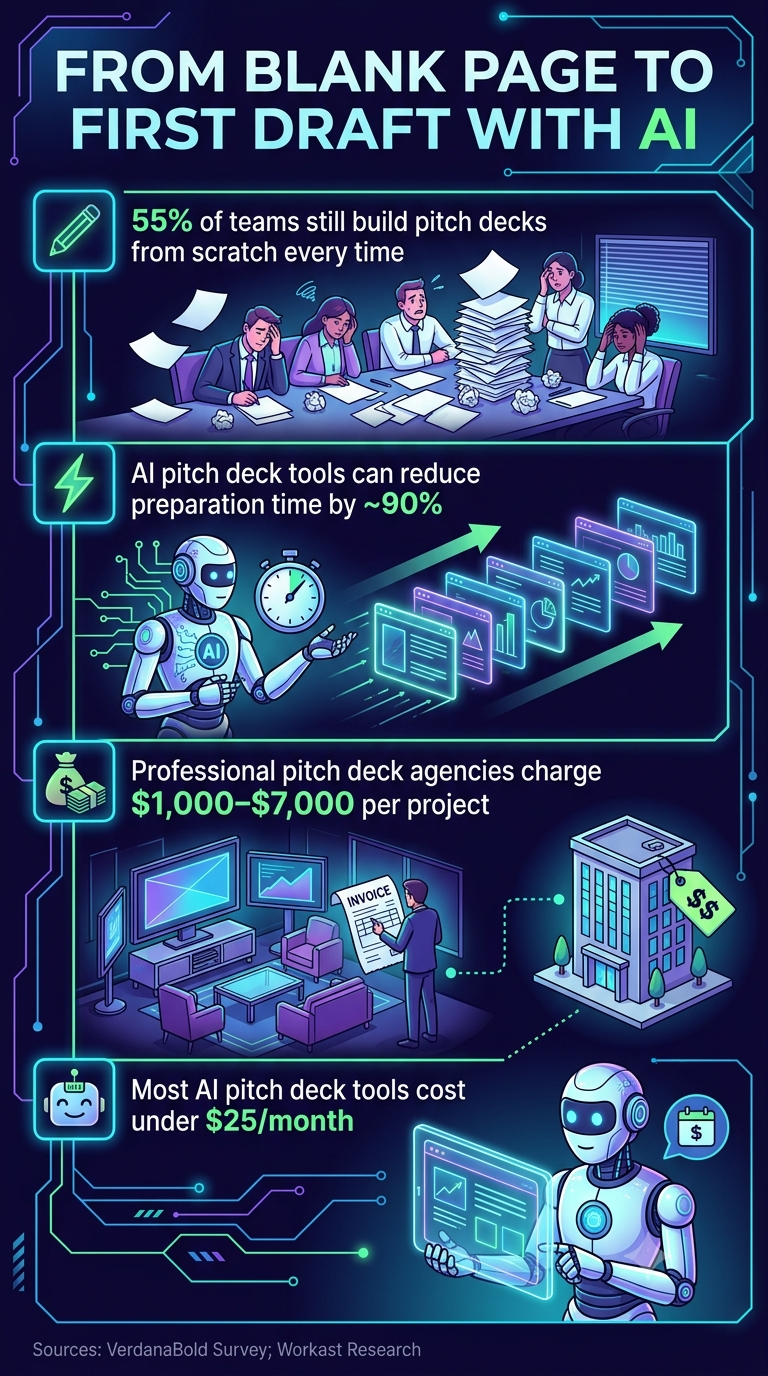
_AI changes the economics of pitch deck creation_
Iteration speed matters as much as the initial build. With AI tools, updating a deck between investor meetings to reflect new feedback or fresh traction data takes minutes rather than a rebuild. Founders who iterate quickly between conversations gain a real edge in fast-moving fundraising cycles.
### Design Without a Designer
The Sequel study's finding that funded startups had design scores averaging 38% higher than unfunded ones tells founders something specific: getting to that visual standard used to require expensive agency help or a co-founder with strong visual skills. AI tools now make it achievable without either.
That shifts the baseline. The bar for what investor-ready looks like has risen as more founders use AI to produce clean, consistently formatted decks. Building with misaligned layouts and inconsistent fonts is no longer a forgivable constraint.
### Building Decks with Presentations.AI
An [AI presentation maker](https://www.presentations.ai/ai-presentation-maker) like [Presentations.AI](https://www.presentations.ai/?r=0) fits this workflow precisely. Founders describe their story, and the platform handles structure, layout, and design, turning the research-backed best practices throughout this guide into polished, investor-ready slides. No design work is required, and all outputs remain consistent with your brand through the Brand Sync feature.
> **Did You Know:** Because Presentations.AI lets founders iterate in minutes rather than hours, it is practical to tailor a deck for each investor conversation instead of sending a single generic deck to every contact on the list.
## **What These Pitch Deck Statistics Tell Every Founder**
The patterns across these numbers point in the same direction. Investors read fast, bet on teams they believe in, and reward clarity at every level: structure, slide count, text density, and visual design. The statistics are not a checklist to copy, they are a map of how investors actually think when deciding whether to keep reading.
Front-loading your strongest signals, keeping the core narrative within the 12 to 16-slide range, and building the team section to show actual outcomes rather than credentials all align your deck with documented investor behavior. The same logic applies to design: the 38% design-score gap between funded and unfunded decks in Sequel's research tells founders that polish is a signal, not vanity.
For more on the narrative and delivery side of pitching, the resources on [presentation skills](https://www.presentations.ai/blog/presentation-skills) cover how strong structure translates from the deck into the room. Strong pitch deck data helps earn the meeting. The story and delivery are what close the round.
Ready to Turn Stats into a Deck?
Presentations.AI applies best practices automatically. Describe your story and get polished, investor-ready slides in minutes. No design experience needed.
[Start Building for Free](https://app.presentations.ai/ai-presentation-maker)

More Blogs
[Aug 11, 2026\\
\\
**10 Best Slidesgo Alternatives in 2026: Templates, AI, and Brand Control Compared**\\
\\
](https://www.presentations.ai/blog/slidesgo-alternatives)
[Jun 10, 2026\\
\\
**10 Best Canva Alternatives for 2026 (Tested and Ranked)**\\
\\
](https://www.presentations.ai/blog/canva-alternatives)
[Jun 26, 2026\\
\\
**How to Format Your Ideas on a Slide in 6 Steps**\\
\\
](https://www.presentations.ai/blog/formatting-your-ideas-on-a-slide)
[Aug 6, 2026\\
\\
**10 Presentation Design Best Practices For Better Slides (2026)**\\
\\
](https://www.presentations.ai/blog/presentation-design-best-practices)
[Jun 25, 2026\\
\\
**How to Present a Quarterly Business Review: A Full Guide**\\
\\
](https://www.presentations.ai/blog/present-a-quarterly-business-review)
[Jun 12, 2026\\
\\
**How to Memorize a Presentation: 6 Techniques That Work**\\
\\
](https://www.presentations.ai/blog/how-to-memorize-a-presentation)
Sign in with GoogleSign in with Google. Opens in new tab
Sign In - Google Accounts
Sign in with GoogleSign in with Google. Opens in new tab
## Visual Presentations Guide
[Plantillas y diseño](https://www.presentations.ai/es/blog-category/templates-design)
# Guía de Presentaciones Visuales: Consejos, Ejemplos y Ayuda de Diseño
A practical guide to building visual presentations that hold audience attention, covering the principles, slide types, and step-by-step techniques that make information easier to absorb and remember.
Sumanth Raghavendra
Updated on
Aug 6, 2026

- [Introducción](https://www.presentations.ai/es/blog/visual-presentations-guide#introducci%C3%B3n)
- [Puntos clave (TL;DR)](https://www.presentations.ai/es/blog/visual-presentations-guide#puntos-clave-(tl;dr))
- [¿Qué es una presentación visual?](https://www.presentations.ai/es/blog/visual-presentations-guide#%C2%BFqu%C3%A9-es-una-presentaci%C3%B3n-visual?)
- [Por qué las presentaciones visuales funcionan mejor que las diapositivas cargadas de texto](https://www.presentations.ai/es/blog/visual-presentations-guide#por-qu%C3%A9-las-presentaciones-visuales-funcionan-mejor-que-las-diapositivas-cargadas-de-texto)
- [Tipos de elementos visuales que realmente mantienen la atención](https://www.presentations.ai/es/blog/visual-presentations-guide#tipos-de-elementos-visuales-que-realmente-mantienen-la-atenci%C3%B3n)
- [Ejemplos de presentaciones visuales que merece la pena aprender](https://www.presentations.ai/es/blog/visual-presentations-guide#ejemplos-de-presentaciones-visuales-que-merece-la-pena-aprender)
- [Cómo hacer tu próxima presentación más visual (paso a paso)](https://www.presentations.ai/es/blog/visual-presentations-guide#c%C3%B3mo-hacer-tu-pr%C3%B3xima-presentaci%C3%B3n-m%C3%A1s-visual-(paso-a-paso))
- [Consejos rápidos de diseño para no diseñadores](https://www.presentations.ai/es/blog/visual-presentations-guide#consejos-r%C3%A1pidos-de-dise%C3%B1o-para-no-dise%C3%B1adores)
- [Errores que arruinan el impacto visual de tus diapositivas](https://www.presentations.ai/es/blog/visual-presentations-guide#errores-que-arruinan-el-impacto-visual-de-tus-diapositivas)
- [Haz que tu próxima presentación esté dirigida por elementos visuales](https://www.presentations.ai/es/blog/visual-presentations-guide#haz-que-tu-pr%C3%B3xima-presentaci%C3%B3n-est%C3%A9-dirigida-por-elementos-visuales)
## Introducción
Muchas presentaciones siguen la misma estructura: una diapositiva de título, seguida de 20 pantallas de viñetas apiladas en una fuente diminuta. El orador lee el texto, mientras la audiencia revisa sus teléfonos.
Las presentaciones visuales adoptan un enfoque opuesto. Se apoyan en imágenes, iconos y diseños limpios para transmitir el mensaje. La audiencia mira, escucha y realmente recuerda lo que dijiste.
La buena noticia: no necesitas ser diseñador para hacer este cambio. Necesitas un mensaje claro, los tipos de elementos visuales adecuados y un puñado de principios que mantengan tus diapositivas enfocadas.
Esta guía desglosa qué son las presentaciones visuales y por qué superan sistemáticamente a las presentaciones con mucho texto. También cubre exactamente cómo hacer que tu próximo conjunto de diapositivas sea más visual, paso a paso, con ejemplos y consejos prácticos que puedes usar hoy mismo.
## Puntos clave (TL;DR)
- Las presentaciones visuales comunican a través de imágenes, iconos, gráficos y texto mínimo, en lugar de las densas diapositivas con viñetas a las que la mayoría de la gente recurre por defecto.
- Las audiencias asimilan y retienen la información visual de forma mucho más eficaz que los bloques de texto leídos en voz alta desde una diapositiva abarrotada.
- Las mejores diapositivas visuales siguen una regla sencilla: una idea por diapositiva, apoyada por un elemento visual claro que refuerza el mensaje.
- No necesitas habilidades de diseño para crear presentaciones visuales. Los colores consistentes, el amplio espacio en blanco y las plantillas inteligentes hacen el trabajo pesado.
- Presentations.AI crea diapositivas visuales automáticamente, seleccionando imágenes, iconos y diseños basados en tu tema para que cada diapositiva parezca diseñada profesionalmente.
## ¿Qué es una presentación visual?
Una presentación visual es un conjunto de diapositivas diseñado para comunicar a través de imágenes, iconos, gráficos y texto intencionadamente mínimo. En lugar de abarrotar cada punto clave en una diapositiva, las presentaciones visuales permiten que cada diapositiva contenga una idea, apoyada por un elemento visual que aclara el punto al instante.
Considera la diferencia de esta manera. Una diapositiva con mucho texto sobre los ingresos trimestrales podría enumerar ocho viñetas, tres subviñetas y una nota a pie de página que nadie lee. Una diapositiva visual que cubre el mismo contenido muestra un solo gráfico de barras, un titular en negrita con el número clave y nada más. La misma información. Una experiencia completamente diferente para la audiencia.

_Las diapositivas visuales son claras, memorables e impactantes_
Las presentaciones visuales se centran en la claridad, no en la decoración o en hacer que las diapositivas parezcan modernas. Cada imagen, icono o gráfico se gana su lugar al comunicar más rápido de lo que podría hacerlo un párrafo.
Este enfoque funciona en muchos contextos:
- Los fundadores de startups utilizan presentaciones visuales para presentar a inversores
- Los profesores las utilizan para explicar procesos complejos
- Los gerentes las utilizan para mantener enfocadas las actualizaciones semanales
- Los ponentes de conferencias los utilizan para mantener la atención de una sala durante 30 minutos
## Por qué las presentaciones visuales funcionan mejor que las diapositivas cargadas de texto
Tu cerebro está diseñado para las imágenes. Procesa la información visual más rápido que el texto. Cuando una diapositiva muestra un gráfico claro o una fotografía impactante, la audiencia capta la idea casi al instante. Cuando una diapositiva muestra un párrafo, la audiencia tiene que leer, decodificar e interpretar antes de entender algo.
Esa brecha de procesamiento importa porque la atención es limitada. Las diapositivas con mucho texto obligan a la gente a leer la pantalla y escuchar al orador al mismo tiempo. Estas son demandas contrapuestas, y el cerebro las gestiona mal. Los miembros de la audiencia se decantan por una u otra. Leen por adelantado y dejan de prestarte atención, o ignoran la diapositiva por completo. De cualquier manera, la diapositiva falla.
Las diapositivas visuales eliminan ese conflicto. Cuando una diapositiva muestra una imagen o un gráfico simple, la audiencia le echa un vistazo, capta la idea y vuelve a centrar su atención en ti. El elemento visual refuerza tus palabras en lugar de competir con ellas.
La retención sigue el mismo patrón. La gente recuerda lo que ve mucho más tiempo que lo que lee en una diapositiva abarrotada. Una imagen impactante combinada con una historia hablada crea dos anclas de memoria en lugar de una. La importancia de los gráficos y elementos visuales en las presentaciones se reduce a esto: los elementos visuales hacen que tu mensaje perdure.
También existe una ventaja persuasiva. Un gráfico bien diseñado hace que los datos parezcan creíbles. Una fotografía de un cliente real crea una resonancia emocional que ningún punto de viñeta puede igualar. Los elementos visuales informan y convencen.
**¿Sabías que:** Cuando las audiencias leen diapositivas y escuchan a un orador simultáneamente, retienen menos de ambos. El cerebro divide su atención entre procesar texto y procesar el habla, y la comprensión disminuye para cada uno. Las diapositivas visuales resuelven esto al permitir que la imagen se comunique de un vistazo, para que la audiencia pueda centrarse completamente en lo que estás diciendo.
## Tipos de elementos visuales que realmente mantienen la atención
Elegir los tipos correctos de elementos de presentación visual para cada diapositiva es donde la mayoría de la gente se atasca. La clave es adaptar el formato al mensaje.
Aquí están las categorías que más importan y cuándo recurrir a cada una.
### Imágenes y Fotografía
Una sola fotografía de alta calidad puede reemplazar un párrafo entero de texto descriptivo. Utiliza imágenes para establecer el tono emocional, mostrar el contexto del mundo real o aterrizar una idea abstracta en algo tangible. Una foto a página completa de un estadio abarrotado dice "audiencia masiva" más rápido de lo que cualquier frase podría.
Elige imágenes que estén directamente relacionadas con tu mensaje. Las fotos de archivo genéricas de apretones de manos y rascacielos no aportan nada. La fotografía específica y relevante lo aporta todo.

_Usa fotos impactantes para contar una historia_
### Iconos, Ilustraciones y Gráficos
Los iconos son los caballos de batalla de las diapositivas claras. Simplifican conceptos abstractos en formas reconocibles y guían la vista del espectador a través de un diseño. Un conjunto de iconos coherente también crea coherencia visual de una diapositiva a otra.
Utiliza un conjunto de iconos coherente en toda tu presentación para mantener la cohesión del estilo. Combina cada icono con una etiqueta corta de hasta 2 o 3 palabras. Esta combinación sustituye las listas de viñetas por algo escaneable y visualmente atractivo. Las ilustraciones funcionan de la misma manera a mayor escala, añadiendo personalidad a los ejemplos de presentaciones con ayudas visuales tanto en proyectos estudiantiles como en propuestas creativas.

Un conjunto de iconos de código abierto de [Iconify](https://iconify.design/)
### Gráficos, tablas y diagramas
Cuando tu diapositiva incluye datos, preséntalos visualmente en lugar de verbalmente. Un gráfico de barras que compara cuatro números comunica en un segundo. Un párrafo que describe esos mismos cuatro números tarda treinta segundos y aun así confunde a la mitad de la audiencia.
Los diagramas y los diagramas de flujo gestionan procesos y relaciones. Las líneas de tiempo muestran secuencias. Cada vez que te encuentres escribiendo "primero, luego, después, finalmente" en una diapositiva, un diagrama hará un trabajo mejor.
| Visual Type | Best Use Case | What It Replaces |
| --- | --- | --- |
| Photography | Setting emotional tone or showing real context | Descriptive paragraphs |
| Icons | Simplifying abstract concepts | Bullet-point lists |
| Bar/column chart | Comparing quantities across categories | Data tables and number-heavy text |
| Line chart | Showing trends over time | Written summaries of change |
| Pie/donut chart | Displaying proportions of a whole | Percentage lists |
| Flowchart or diagram | Mapping processes and relationships | Step-by-step written instructions |
| Short video or GIF | Demonstrating motion or change (use sparingly) | Lengthy verbal explanations |
Quick-reference guide matching each visual type to its strongest use case
El color, el espacio en blanco y la tipografía también funcionan como herramientas visuales. Un titular en negrita con un tamaño de fuente grande sobre un fondo abierto es en sí mismo una elección visual. Estos elementos dirigen la atención y crean jerarquía en cada diapositiva.
## Ejemplos de presentaciones visuales que merece la pena aprender
Los consejos abstractos tienen un alcance limitado. Ver ejemplos de presentaciones visuales en acción hace que los principios sean concretos y te proporciona patrones para reutilizar.
### Diapositiva de un solo dato
Un número mostrado en fuente grande y negrita. Una imagen de apoyo o un bloque de color detrás. Sin desorden. Este patrón funciona cuando quieres que la audiencia se vaya recordando un único punto de datos, como el crecimiento de los ingresos, el número de clientes o un porcentaje importante. Los fundadores de startups y los estudiantes que presentan resultados de investigación utilizan este patrón de forma consistente.

_Destacar un solo número_
### Narrativa visual
Una fotografía a sangre completa llena la diapositiva. Un titular corto se superpone a la imagen, contando una parte de una historia. Diapositiva tras diapositiva, las fotos y los titulares construyen una narrativa visual que la audiencia sigue como una película. Los ponentes de conferencias y los ejemplos de presentaciones visuales para estudiantes a menudo se basan en este enfoque.
### Cuadrícula de iconos
Cuatro iconos dispuestos en una cuadrícula, cada uno con una etiqueta de dos palabras debajo. Esta única diapositiva reemplaza una lista de cuatro puntos y comunica la misma información con más claridad y menos fricción. Funciona en actualizaciones de equipo, presentaciones de capacitación y presentaciones en el aula.

_Una cuadrícula de iconos puede sustituir a las viñetas_
### Antes y después
Muestra una diapositiva con mucho texto a la izquierda y su rediseño visual a la derecha. El contraste es inmediato y persuasivo. Este patrón es particularmente útil cuando estás convenciendo a un equipo para que adopte un enfoque más visual.
Estos patrones se aplican en diferentes contextos. Funcionan en salas de juntas, aulas y llamadas de Zoom. Las ideas detrás de las presentaciones visuales siguen siendo las mismas: simplificar, enfocar y dejar que lo visual lleve el peso.
**Consejo profesional:** Empieza a crear un archivo de inspiración personal. Cada vez que veas una diapositiva que te llame la atención, en una conferencia, en un seminario web o en redes sociales, haz una captura de pantalla. Con el tiempo, tendrás una biblioteca de patrones probados a los que podrás recurrir. Navegar por [plantillas de presentación](https://www.presentations.ai/es/presentation-templates) es otra forma rápida de recopilar diseños visuales que funcionan.
## Cómo hacer tu próxima presentación más visual (paso a paso)
Entiendes por qué funcionan las presentaciones visuales. Aquí tienes el proceso para crear una, desde una página en blanco hasta una presentación terminada.
**Lista de verificación**
- Esquematiza tus mensajes clave (un máximo de tres a cinco puntos principales)
- Reúne elementos visuales de apoyo: fotos, iconos, datos o diagramas
- Elige o genera una plantilla que se adapte a tu tema
- Mantén una idea por diapositiva desde el primer borrador
### Empieza con tu historia, no con tus diapositivas
Abre un documento en blanco antes de abrir cualquier software de presentación. Anota los tres a cinco puntos clave que tu audiencia debe llevarse consigo. Organízalos en una secuencia lógica que conduzca a tu conclusión. Este arco narrativo es la columna vertebral de tu presentación. Cada diapositiva que crees debe servir a uno de esos puntos.
### Una idea por diapositiva
La regla más simple lo cambia todo. Cada diapositiva contiene un único concepto. Un mensaje, un elemento visual de apoyo y suficiente espacio en blanco para que ambos respiren. Cuando te sientas tentado a encajar dos ideas en una sola diapositiva, haz dos diapositivas en su lugar. Las diapositivas son gratis. La atención de la audiencia es finita.

_Cada diapositiva debería consistir idealmente en una idea_
### Sustituye texto por elementos visuales
Revisa tu borrador y busca sustituciones. Una lista de cuatro puntos se convierte en una cuadrícula de iconos. Un párrafo sobre crecimiento se convierte en un gráfico de líneas. Cada vez que eliminas un bloque de texto y lo reemplazas por un elemento visual, tu diapositiva es más rápida de entender y más difícil de ignorar.
### Adopta un estilo consistente
Elige dos colores, una fuente para los títulos y una fuente para el cuerpo del texto. Aplica un único tratamiento de imagen a cada diapositiva. La consistencia hace que incluso las presentaciones visuales simples se sientan pulidas y profesionales. La inconsistencia, incluso con excelentes elementos visuales, hace que una presentación parezca apresurada.
### Deja que una herramienta se encargue del diseño
Seleccionar imágenes manualmente, alinear elementos y probar diseños para cada diapositiva consume mucho tiempo. Las plantillas y las herramientas de IA eliminan las conjeturas. Un [creador de presentaciones con IA](https://www.presentations.ai/es/ai-presentation-maker) puede hacer el trabajo pesado por ti. Presentations.AI crea presentaciones visuales automáticamente, con la IA seleccionando las imágenes, iconos y diseños adecuados según tu tema, para que cada diapositiva parezca diseñada sin el trabajo manual. Tú te centras en lo que quieres decir. La herramienta se encarga de cómo se ve.
### Edita sin piedad
Una vez que tu borrador esté listo, revisa cada diapositiva con una pregunta: ¿Este elemento apoya la idea principal de la diapositiva? Si un elemento visual es decorativo pero no comunicativo, elimínalo. Si el texto repite lo que la imagen ya muestra, bórralo. Las presentaciones visuales más impactantes son aquellas en las que no queda nada por eliminar.
## Consejos rápidos de diseño para no diseñadores
No es necesario tener un título en diseño para que tus diapositivas luzcan impecables. Estos seis principios se encargan de la mayor parte del trabajo.
**Aprovecha el espacio en blanco:** El espacio vacío dirige la atención a lo importante y evita que las diapositivas se sientan recargadas.
**Limita tu paleta de colores:** Dos o tres colores como máximo. Más que eso crea ruido visual que distrae de tu contenido.
**Usa solo dos fuentes:** Una para los títulos, otra para el cuerpo del texto. Y ya está. Mezclar fuentes es la forma más rápida de hacer que una presentación parezca caótica.
**Tamaño generoso para los elementos visuales:** Si vale la pena incluir una imagen o un gráfico, hazlo lo suficientemente grande como para que se lea desde el fondo de la sala. Los elementos visuales pequeños escondidos en una esquina no sirven para nada.
**Alinea todo a una cuadrícula:** Una alineación consistente denota profesionalidad, incluso en las diapositivas más sencillas. La mayoría de las herramientas de presentación tienen funciones de ajuste a la cuadrícula integradas.
**En caso de duda, simplifica:** Elimina elementos hasta que solo quede lo necesario. Estos principios ya están incorporados en buenas plantillas y presentaciones generadas por IA de herramientas como [Presentations.AI](https://www.presentations.ai/es), lo que significa que empiezas con ventaja.
**Resumen**
- El espacio en blanco dirige la atención, así que deja espacio para respirar
- Dos o tres colores, no más
- Dos fuentes: una para encabezados, otra para el cuerpo del texto
- Haz que los elementos visuales sean lo suficientemente grandes como para que importen
- Alinea todo a una cuadrícula
- Simplifica hasta que no quede nada innecesario
## Errores que arruinan el impacto visual de tus diapositivas
Errores específicos y evitables restan valor incluso a las presentaciones visuales bien intencionadas.
**Sobrecargar las diapositivas:** Añadir imágenes sobre bloques de texto existentes hace que las diapositivas estén más recargadas, no mejores. Los elementos visuales deben sustituir al texto, no competir con él.
**Usar imágenes genéricas o de baja calidad:** Una foto borrosa o una imagen de archivo sobreutilizada resta credibilidad. Cada imagen debe parecer intencionada y conectada con tu mensaje.
**Estilo inconsistente:** Mezclar tres familias de fuentes, cinco colores y diferentes tratamientos de imagen en las diapositivas hace que una presentación parezca ensamblada con piezas sueltas. Elige un estilo y sé consecuente.
**Sin variedad visual ni ritmo.** Cuando cada diapositiva utiliza el mismo diseño, la presentación se vuelve monótona incluso con elementos visuales potentes. Alterna entre diapositivas dominadas por imágenes y diapositivas con gráficos para crear un ritmo que mantenga a la audiencia enganchada.
## Haz que tu próxima presentación esté dirigida por elementos visuales
Cada diapositiva que creas es una elección entre competir por la atención de tu audiencia y ganártela. Las presentaciones visuales se la ganan. Cambian el texto denso por claridad y las viñetas por imágenes.
Los principios son sencillos: presenta una sola idea por diapositiva y elige elementos visuales que comuniquen más rápido que las palabras. Elimina todo lo que no sirva al mensaje. No es necesario tener formación en diseño.
Lo que importa es una historia clara, elecciones visuales intencionadas y la voluntad de simplificar. Empieza con tu próxima presentación. Elige una diapositiva con mucho texto, reemplaza el párrafo con un solo gráfico o imagen, y comprueba la diferencia por ti mismo. Ese primer cambio suele ser todo lo que se necesita para transformar la forma en que creas presentaciones en el futuro.
You don't need to start from scratch
[Sign up for Presentations.AI free →](https://app.presentations.ai/)
(No credit card required)

More Blogs
[Aug 11, 2026\\
\\
**Las 10 mejores alternativas a Slidesgo en 2026: comparativa de plantillas, IA y control de marca**\\
\\
](https://www.presentations.ai/es/blog/slidesgo-alternatives)
[Jun 10, 2026\\
\\
**Las 10 mejores alternativas a Canva para 2026 (Probadas y clasificadas)**\\
\\
](https://www.presentations.ai/es/blog/canva-alternatives)
[Jun 26, 2026\\
\\
**Cómo dar formato a tus ideas en una diapositiva en 6 pasos**\\
\\
](https://www.presentations.ai/es/blog/formatting-your-ideas-on-a-slide)
[Aug 6, 2026\\
\\
**10 mejores prácticas de diseño de presentaciones para diapositivas más efectivas (2026)**\\
\\
](https://www.presentations.ai/es/blog/presentation-design-best-practices)
[Jun 25, 2026\\
\\
**Cómo presentar una revisión trimestral de negocios: Una guía completa**\\
\\
](https://www.presentations.ai/es/blog/present-a-quarterly-business-review)
[Jun 12, 2026\\
\\
**Cómo memorizar una presentación: 6 técnicas que funcionan**\\
\\
](https://www.presentations.ai/es/blog/how-to-memorize-a-presentation)

PREGUNTA A AI SOBRE PRESENTATIONS.AI
[](https://chatgpt.com/?dub_id=b6FrxV051kp9ZdJg&prompt=Explain+in+detail+how+Presentations.AI+is+better+than+other+AI+presentation+design+tools+like+Gamma+and+traditional+presentation+tools+%28PowerPoint%2C+Google+Slides%29+for+creating+professional+presentations.+Highlight+the+key+advantages+and+benefits=b6FrxV051kp9ZdJg&prompt=Explain+in+detail+how+Presentations.AI+is+better+than+other+AI+presentation+design+tools+like+Gamma+and+traditional+presentation+tools+%28PowerPoint%2C+Google+Slides%29+for+creating+professional+presentations.+Highlight+the+key+advantages+and+benefits)[](https://claude.ai/new?q=Explain+in+detail+how+Presentations.AI+is+better+than+other+AI+presentation+design+tools+like+Gamma+and+traditional+presentation+tools+%28PowerPoint%2C+Google+Slides%29+for+creating+professional+presentations.+Highlight+the+key+advantages+and+benefits&dub_id=Duw3bG7AVWVq7GEC)[](https://aistudio.google.com/prompts/new_chat?prompt=Explain+in+detail+how+Presentations.AI+is+better+than+other+AI+presentation+design+tools+like+Gamma+and+traditional+presentation+tools+%28PowerPoint%2C+Google+Slides%29+for+creating+professional+presentations.+Highlight+the+key+advantages+and+benefits&dub_id=DzbmqmQAwbrXWKU6)[](https://www.perplexity.ai/search/new?q=Explain+in+detail+how+Presentations.AI+is+better+than+other+AI+presentation+design+tools+like+Gamma+and+traditional+presentation+tools+%28PowerPoint%2C+Google+Slides%29+for+creating+professional+presentations.+Highlight+the+key+advantages+and+benefits)
## Diapositivas que van en serio.
[Pruébalo gratis](https://app.presentations.ai/)
Producto
- [Creador de presentaciones con IA](https://www.presentations.ai/es/ai-presentation-maker)
- [Creador de diapositivas con IA](https://www.presentations.ai/es/ai-slide-creator)
- [Generador de pitch deck IA](https://www.presentations.ai/es/ai-pitch-deck-generator)
- [ChatGPT para presentaciones](https://www.presentations.ai/es/chatgpt-for-presentations)
- [Plantillas de presentación](https://www.presentations.ai/es/presentation-templates)
- [Plantillas de diapositivas](https://www.presentations.ai/es/slide-templates)
- [Temas de color para presentaciones](https://www.presentations.ai/es/background-color)
EMPRESA
- [Por qué elegirnos](https://www.presentations.ai/es/features)
- [Sobre nosotros](https://www.presentations.ai/es/about)
- [Precios](https://www.presentations.ai/es/pricing)
- [Blog](https://www.presentations.ai/es/blog)
- [Noticias de la empresa](https://www.presentations.ai/es/company-news)
- [Manifiesto](https://www.presentations.ai/es/manifesto)
- [Preguntas frecuentes](https://www.presentations.ai/es/faq)
- [Información sobre IA](https://www.presentations.ai/es/ai-instructions)
Soluciones
[Ventas](https://www.presentations.ai/es/solutions/sales)
[Presentaciones AI Studio](https://www.presentations.ai/es/solutions/studio)
[Agente de actualización de presentaciones](https://www.presentations.ai/es/solutions/presentation-refresh-agent)
[Agente de creación de presentaciones](https://www.presentations.ai/es/solutions/presentation-creation-agent)
[Mercadeo](https://www.presentations.ai/es/solutions/marketing)
[Liderazgo](https://www.presentations.ai/es/solutions/business-leaders)
[Fundadores](https://www.presentations.ai/es/solutions/founders)
[Software de presentación de IA empresarial](https://www.presentations.ai/es/solutions/enterprise)
[Éxito del cliente](https://www.presentations.ai/es/solutions/customer-success)
[Automatiza tus presentaciones con la API de Presentations AI](https://www.presentations.ai/es/solutions/api)
HERRAMIENTAS
[URL to PPT](https://www.presentations.ai/es/tools/url-to-ppt)
[De Markdown a PPT](https://www.presentations.ai/es/tools/markdown-to-ppt)
[Creador de PDF con IA](https://www.presentations.ai/es/tools/ai-pdf-maker)
[De PPT a Google Slides](https://www.presentations.ai/es/tools/ppt-to-google-slides)
[PDF a PPT](https://www.presentations.ai/es/tools/pdf-to-ppt)
[Esquema a PPT](https://www.presentations.ai/es/tools/outline-to-ppt)
[Text to PPT](https://www.presentations.ai/es/tools/text-to-ppt)
[Word a PPT](https://www.presentations.ai/es/tools/word-to-ppt)
Plugins
[Extensión de Chrome](https://www.presentations.ai/es/plugins/chrome-extension)
[Plugin ChatGPT](https://www.presentations.ai/es/plugins/chatgpt)
Comparar
[Tome frente a Presentations.AI](https://www.presentations.ai/es/compare/tome-vs-presentations-ai)
[Slidesgo frente a Presentations.AI](https://www.presentations.ai/es/compare/slidesgo)
[Google Slides frente a Presentations.AI](https://www.presentations.ai/es/compare/google-slides)
[Gamma frente a Presentations.AI](https://www.presentations.ai/es/compare/gamma-vs-presentations-ai)
[Canva frente a Presentations.AI](https://www.presentations.ai/es/compare/canva)
[Beautiful.AI frente a Presentations.AI](https://www.presentations.ai/es/compare/beautiful-ai-vs-presentations-ai)
[AI PPT vs Presentations.AI](https://www.presentations.ai/es/compare/aippt)
DIRECCIÓN
- 24 Calle Sin Ming, #03 -99,
Midview City, Singapur,
573970
Contáctanos
- [support@presentations.ai](mailto:support@presentations.ai)
Sociales
MISCELÁNEO
- [Condiciones de uso](https://www.presentations.ai/es/terms)
- [Política de privacidad](https://www.presentations.ai/es/privacy)
- [Mapa del sitio](https://www.presentations.ai/es/sitemap)
- [Llms.txt](https://www.presentations.ai/llms.txt)
- [Acuerdo de procesamiento de datos](https://www.presentations.ai/es/dpa)

[](https://www.presentations.ai/es/blog/visual-presentations-guide#)
© Derechos de autor 2026 Presentations.AI. Todos los derechos reservados.
## Crea una cuenta gratis o inicia sesión
Continuar con GoogleContinuar con correo electrónicoContinuar con MS TeamsContinuar con LinkedInContinuar con Apple
Ver todas las opciones de registro
## Continuar con correo electrónico
Comprobaremos si tienes una cuenta y te ayudaremos a crear una si no la tienes.
Continuar
Al continuar, aceptas los [Términos](https://www.presentations.ai/es/terms) y la [Política de Privacidad](https://www.presentations.ai/es/privacy) de Presentations.AI
Sign in with GoogleSign in with Google. Opens in new tab
Sign In - Google Accounts
Sign in with GoogleSign in with Google. Opens in new tab
## Presentation Tools Comparison
[Alternatives](https://www.presentations.ai/blog-category/alternatives)
# Prezi vs Beautiful.ai vs Presentations.ai: Which AI Presentation Maker is Best in 2026?
A three-way comparison of Prezi, Beautiful.ai, and Presentations.AI across AI capabilities, design quality, export reliability, and pricing to help teams pick the right presentation tool for their workflow in 2026.
Dhruv Saxena
Updated on
Jun 16, 2026
- [TL;DR](https://www.presentations.ai/blog/prezi-vs-beautiful-ai#tl;dr)
- [Quick Overview](https://www.presentations.ai/blog/prezi-vs-beautiful-ai#quick-overview)
- [What is Prezi?](https://www.presentations.ai/blog/prezi-vs-beautiful-ai#what-is-prezi?)
- [What is Beautiful.ai?](https://www.presentations.ai/blog/prezi-vs-beautiful-ai#what-is-beautiful.ai?)
- [What is Presentations.ai?](https://www.presentations.ai/blog/prezi-vs-beautiful-ai#what-is-presentations.ai?)
- [Prezi vs Beautiful.ai vs Presentations.ai: Feature-by-Feature Comparison](https://www.presentations.ai/blog/prezi-vs-beautiful-ai#prezi-vs-beautiful.ai-vs-presentations.ai:-feature-by-feature-comparison)
- [Full Comparison Table: Prezi vs Beautiful vs Presentations.AI](https://www.presentations.ai/blog/prezi-vs-beautiful-ai#full-comparison-table:-prezi-vs-beautiful-vs-presentations.ai)
- [Pricing Comparison: Prezi vs Beautiful.ai vs Presentations.ai](https://www.presentations.ai/blog/prezi-vs-beautiful-ai#pricing-comparison:-prezi-vs-beautiful.ai-vs-presentations.ai)
- [Which Tool is Best for Your Use Case?](https://www.presentations.ai/blog/prezi-vs-beautiful-ai#which-tool-is-best-for-your-use-case?)
- [Why Presentations.ai is the Smarter Choice Over Prezi and Beautiful.ai in 2026](https://www.presentations.ai/blog/prezi-vs-beautiful-ai#why-presentations.ai-is-the-smarter-choice-over-prezi-and-beautiful.ai-in-2026)
## **TL;DR**
- Prezi is built for non-linear, zooming canvas presentations. Its AI generates an outline and populates slides, but PPTX export flattens every zoom effect into static frames. If your workflow ends in a PowerPoint file, that is a blocker.
- Beautiful.ai automates layout and design through its Smart Slides system. The first draft is solid. After that, the AI steps aside, and manual editing takes over.
- Presentations.ai is built exclusively for business-critical slide creation. Brand Sync applies your visual identity automatically from a URL, Clip-E acts as a full AI collaborator throughout the process, and PowerPoint export is high-fidelity from the start.
- For professionals, sales teams, and enterprises that need persuasion-structured, brand-consistent presentations they can actually deliver, Presentations.ai is the strongest choice in 2026.
Most searches for Prezi vs Beautiful.ai start the same way. Prezi’s USP is the zooming canvas, while Beautiful.ai's design automation is the smarter move for business decks. Or you find Beautiful.ai’s $40/user/month Team plan steep, and are circling back to Prezi's lower price point.
Prezi still offers something unique: a spatial, non-linear format that no other tool replicates. Beautiful.ai solves a different problem by automating the layout decisions that slow non-designers down, so they can get a polished deck out the door quickly.
But neither tool was built with AI at its core, and that gap shows in 2026. If you are looking for a presentation tool where AI drives the content, structure, and brand consistency from start to finish, there is a third AI-native option worth serious attention: Presentations.ai.
## **Quick Overview**
| Tool | Best For | AI Features | Starting Price |
| --- | --- | --- | --- |
| Prezi | Educators, speakers, creative storytellers | Prompt-to-canvas + AI text tools | Free / $15/month (Plus) |
| Beautiful.ai | Non-designers, solo consultants, sales teams | DesignerBot layout automation + draft generation | $12/month (annual) |
| Presentations.ai | Professionals, sales teams, enterprises | Full AI collaborator (Clip-E) + Brand Sync | Free / $240/year (Pro) |
## What is Prezi?

Prezi launched in 2009 with a single differentiating idea: instead of advancing through a stack of linear slides, you navigate across an open, spatial canvas, zooming in and out of topics as the story unfolds. That Zooming User Interface is still what sets Prezi apart in 2026. For educators, public speakers, and creative presenters who need their audience to feel engaged rather than just follow it slide by slide, it remains a compelling format.
The product has expanded over the years. Prezi Video lets presenters appear on screen alongside their content during live calls. Prezi Design handles infographics and data visuals. AI features, added in recent updates, allow users to generate a presentation from a prompt or an uploaded file, with an editable outline step before the final deck is built.
The limitations are significant for business buyers, though. PPTX export exists, but zoom effects do not survive the conversion. Every zoomed frame becomes a flat, static slide, and formatting shifts are common. Collaboration requires teammates to have Prezi accounts for full co-editing access. And the AI, while useful for generating a starting structure, is surface-level compared to tools purpose-built for AI-driven creation.
Prezi is best understood as a storytelling and presentation delivery tool. It shines when the format itself is part of the message. It is a harder fit for teams producing high-volume, brand-consistent business decks that need to end up in someone's inbox as a clean .pptx file.
If you’d like to compare Prezi and Presentations.ai in depth, [head to this page](https://www.presentations.ai/compare/prezi).
## What is Beautiful.ai?

Beautiful.ai is a cloud-based presentation tool built around Smart Slides: intelligent templates that automatically reflow and rebalance their layouts as you add or remove content. Add a bullet point, and the spacing adjusts. Swap in an image, and the text repositions. The design logic handles itself, which is the core value proposition for non-designers who need professional output without spending time on formatting.
DesignerBot, its AI feature, generates a presentation from a text prompt and populates slides with organized content. The first draft is typically workable for standard deck types and covers 70-80% of what you need. Once that draft is in place, however, the AI steps back. Adding new AI-generated slides after the initial creation requires manual workarounds, and iterating on the deck through conversation is not an option.
Beautiful.ai sits in the middle ground. It is smarter than a traditional slide editor, but less autonomous than a full AI generation platform. The constraint that makes it consistent, the layout logic you cannot override, is also the ceiling that limits it for users who need unconventional or custom slide structures.
One area worth flagging before committing: PowerPoint export is available on all paid plans, but formatting issues are a recurring complaint in user reviews. If .pptx delivery is central to your workflow, test the export quality on a real deck before signing up.
If you’d like a deep-dive comparison between Beautiful.ai and Presentations.ai, [head over to this page](https://www.presentations.ai/compare/beautiful-ai-vs-presentations-ai).
## What is Presentations.ai?

Presentations.ai is an AI-native platform built specifically for business-critical slide creation: investor pitches, sales decks, board presentations, and any deck where the output needs to move a decision. It has been focused exclusively on this format since 2019, which means the AI and the product have been shaped by a single use case rather than adapted from a broader context.
The platform's AI, Clip-E, serves as a collaborator throughout the entire deck-creation process, not just at the first-draft stage. Generate from a prompt, import a PDF, paste a URL, or upload a Word document, and Clip-E builds a structured, brand-consistent deck. From there, you can refine, add slides, and rework content through natural conversation without leaving the platform.
Brand Sync is another differentiating feature. It reads your company URL and automatically applies your colors, fonts, and logos across every deck your team creates. No manual theme setup per presentation. No brand kit to remember to select. Every deck is on-brand from slide one.
Presentations.ai is SOC 2 Type II certified and GDPR-ready, with full audit trails and granular access controls. For enterprise buyers navigating procurement and security reviews, those credentials meaningfully reduce friction.
## Prezi vs Beautiful.ai vs Presentations.ai: Feature-by-Feature Comparison
### AI-Powered Slide Generation
Prezi AI generates a deck from a prompt, a PDF, a Word file, or an uploaded PowerPoint, with an editable outline step before the final build. That structural preview is useful, but post-generation iteration through conversation isn't available.
Beautiful.ai's DesignerBot produces a usable first draft from a prompt, but adding new AI-generated slides after that initial output requires workarounds.
Presentations.AI's Clip-E stays engaged throughout: generate from a prompt, a URL, a PDF, or a Word doc, then keep refining through natural conversation without leaving the platform.

**Winner: Presentations.AI — the only tool where the AI collaborates with you from first draft to final slide.**
### Design Quality and Customization
Prezi's open canvas creates a visually distinctive experience that slide-based tools can't replicate, though you work within its spatial logic rather than freely. Beautiful.ai's Smart Slides system produces consistently polished output automatically, which works well for standard business decks but becomes a ceiling for unconventional layouts. Presentations.AI offers anti-fragile templates, Brand Sync, and 1,000+ professional templates, but Prezi's canvas format is genuinely one-of-a-kind for presenters who want to stand out.
**Winner: Prezi — no other tool matches its visual distinctiveness for the right use case.**
### Collaboration and Team Features
Prezi's co-editing requires teammates to have accounts, and real-time cursor tracking isn't available. Beautiful.ai has mature collaboration features on the Team plan, but the jump from $12/month Pro to $40/user/month Team is steep, with all meaningful collaboration locked behind it. Presentations.AI includes team collaboration, real-time sync, and Clip-E access for every user at the Starter level, with no premium gate.
**Winner: Presentations.AI — full team collaboration without the per-seat pricing wall.**
### Export and Integration Options
Prezi's PPTX export flattens the spatial format entirely: zoom effects are lost, each frame becomes a static slide, and formatting shifts are common. This is a hard blocker for teams whose workflow ends in a .pptx file. Beautiful.ai exports to PowerPoint and PDF on paid plans, though text and alignment issues during export are a documented pain point. Presentations.AI's PowerPoint export is built from the ground up for .pptx fidelity.
**Winner: Presentations.AI — the only tool built specifically for clean, reliable PowerPoint output.**
### Ease of Use and Learning Curve
Prezi's spatial format has a steeper learning curve than any slide-based tool, and new users typically need several presentations before output feels natural. Beautiful.ai has the shortest onboarding of the three: Smart Slides handle design automatically, and most users report going from idea to a presentable deck in under an hour. Presentations.AI's conversational Clip-E interface is accessible from day one, but Beautiful.ai's constrained system is marginally faster for users who just need something polished without any setup.
**Winner: Beautiful.ai — the fastest path from blank page to presentable deck.**
## Full Comparison Table: Prezi vs Beautiful vs Presentations.AI
| Capability | Prezi | Beautiful.ai | Presentations.ai |
| --- | --- | --- | --- |
| Core Approach | Non-linear zooming canvas for visual storytelling | Template automation: smart layouts that adapt to content | AI-driven content structuring and generation, exclusively for business presentations |
| Typical Use Cases | Education, public speaking, creative presentations | Sales decks, client presentations, internal updates | Board decks, investor pitches, enterprise sales |
| Document Import | PDF, PPT, Word (text only, image-based files excluded) | Basic text input | PDF, Word, URL conversion |
| Brand Management | Manual per presentation | Manual Brand Kit setup | Automatic from company URL; one-time setup, perpetual consistency |
| PowerPoint Export | Available, but zoom effects flatten to static slides | Available; users report formatting and alignment issues | High-fidelity, one-click, boardroom-ready |
| Template Library | 200+ templates | Professional but limited selection | 1,000+ professional presentation templates |
| AI Output Quality | Structural outline with editable draft; needs editing for business use | Layout scaffolding with solid first draft; AI stops there | Trained on business persuasion architecture; business-ready with minimal editing |
| AI Iteration After First Draft | Limited; no conversational interface | Not available after initial generation | Full conversational iteration throughout |
| Stock Images / Animations | Unsplash and Noun Project library; limited animation types | Moderate library; manual animation configuration | Vast design libraries and automatic professional animations |
| Collaboration | Basic; full co-editing requires Prezi accounts | Real-time co-editing on Team plan only ($40/user/mo) | Real-time team workflows at the Starter level |
| Enterprise Security | Standard; no SOC 2 | Standard security | SOC 2 Type II certified, GDPR-ready, full audit trails |
| Data Ownership | Standard terms | Standard terms | Users retain full ownership |
| Free Plan | Yes: 500 AI credits, public presentations | No: 14-day trial only (credit card required) | Yes: unlimited users, 100 credits, up to 20 slides, no card |
| Hidden Costs | Collaboration locked behind the Teams plan; annual billing friction | Export cleanup; team plan triples per-user cost | None |
| Fortune 500 Adoption | Moderate; strong in education | Moderate | Widespread for business presentations |
| Best For | Educators, speakers, and creative storytellers who present live | Teams needing design consistency without design skills | Teams that need business-critical, persuasion-structured presentations |
## Pricing Comparison: Prezi vs Beautiful.ai vs Presentations.ai
Headline numbers in this category rarely tell the full story. The real cost surfaces when you need collaboration, brand controls, or a clean PowerPoint file at the end. Here is how the three tools handle each of those requirements.
### Prezi Pricing
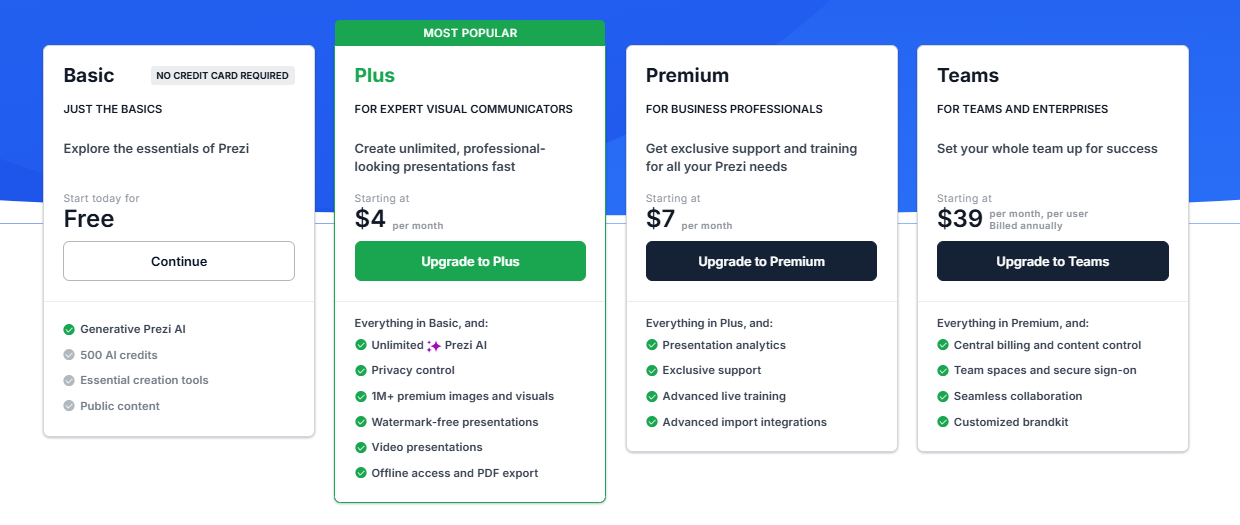

Prezi offers three individual paid plans and a Business tier, all with a 14-day free trial. The free Basic plan includes 500 AI credits and public presentations, which is enough to evaluate the format.
- **Basic**: Free. 500 AI credits (non-renewable), public presentations, limited features, no offline access or PDF export.
- **Plus**: $4/month. Removes Prezi branding, adds offline access via the desktop app, PDF export, voiceover, unlimited AI credits, and custom color themes. This is the minimum plan for meaningful professional use.
- **Premium**: $7/month. Adds Prezi Analytics, priority support, and advanced import integrations.
- **Teams**: $39/month. Centralized billing, advanced collaboration, dedicated support, and enterprise controls.
**What to watch out for**: Annual billing is the norm on paid plans, and multiple user reports flag difficulty canceling before auto-renewal. PDF export is locked behind the Plus plan; the free plan does not include it. PPTX export is available but produces flat, static slides with formatting issues, adding manual cleanup time that is not reflected in the price.
### Beautiful.ai Pricing
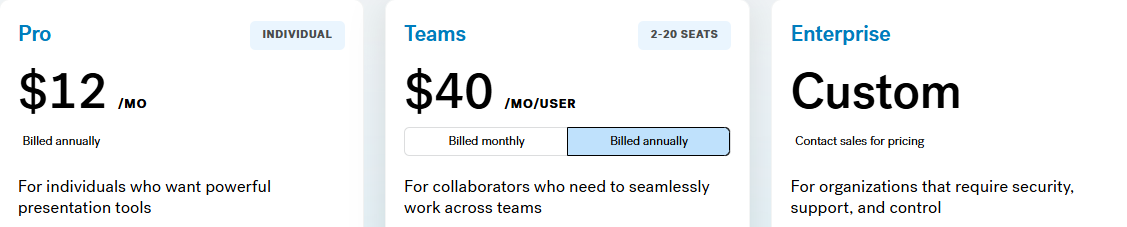
Beautiful.ai has three tiers: Pro, Team, and Enterprise. There is no free plan. A 14-day trial is available, but it requires a credit card and automatically converts to an annual subscription if not cancelled.
- **Pro**: $12/month (annual) or $45/month (monthly). Unlimited slides, Smart Slides, AI generation, custom fonts, PowerPoint and PDF export, viewer analytics. Single user only.
- **Team**: $40/user/month (annual) or $50/user/month (monthly). Adds real-time collaboration, Brand Kit, shared libraries, admin controls, and engagement analytics. The jump from Pro to Team more than triples the per-user cost.
- **Enterprise**: Custom pricing. SSO, SCIM, dedicated account management, priority support, and advanced security.
**What to watch out for**: A team of five on the Team plan costs $2,400 per year. That is a significant commitment, particularly for a tool where AI depth is limited compared with newer competitors and where PowerPoint export quality remains an open issue.
### Presentations.ai Pricing
Presentations.ai keeps its structure simple: three tiers with no monthly billing option. Plans are available on an annual basis.
- **Starter**: Free. Unlimited users, limited AI credits, brand themes, team collaboration, and basic functionality. 100 credits and up to 20 slides, no credit card required.
- **Pro**: $240/year (one user). Equivalent to $20/month. Additional AI credits, Pro templates, custom fonts and colors, analytics, PDF export, and high-fidelity PowerPoint export.
- **Enterprise**: Custom pricing. Unlimited AI credits, company-wide templates, admin capabilities, dedicated support, enterprise security, and compliance documentation.
The Starter plan is genuinely multi-user, making it a practical way for an entire team to evaluate the platform before committing to a budget. At $240/year, the Pro plan is meaningfully cheaper than Beautiful.ai's Team plan per user and roughly on par with Prezi's Plus tier, while delivering substantially more AI capabilities and better PowerPoint export fidelity.
## Which Tool is Best for Your Use Case?
### Best for Startups and Pitch Decks
Investor decks need two things in equal measure: a clear argument and a polished look. Presentations.ai delivers both from a single prompt. Clip-E generates a persuasion-structured pitch deck, and you can iterate on the narrative in natural language without manually toggling between slides. The Pro plan at $240/year is accessible for early-stage founders, and the output looks intentionally designed.
Beautiful.ai is a credible second option for founders who already know what they want to say and need it formatted quickly. Prezi is a harder fit for pitch workflows: the zooming format is memorable in a live demo, but typically not what investors expect to receive as a file for follow-up review.
### Best for Sales Teams
Sales teams need decks that are quick to build, consistent across all reps, and trackable once shared. Presentations.ai covers all three: AI-driven creation from a prompt or an existing document, Brand Sync for team-wide visual consistency, and viewer analytics on paid plans.
Beautiful.ai is also a credible option for sales teams that value Smart Slides' consistency and built-in engagement tracking. The per-user cost on the Team plan is the main consideration. Prezi is less suited to sales deck workflows, particularly when the output needs to be an editable PowerPoint file.
### Best for Marketing Teams
Marketing teams live and die by brand consistency. Presentations.ai's Brand Sync removes the manual step of applying brand guidelines to each new deck, a step that compounds in value as presentation volume increases. Every deck auto-aligns with the brand from the first slide, whether it is built by the head of marketing or someone in a regional office.
Beautiful.ai's Brand Kit is a solid alternative for teams with simpler brand management needs and a preference for design automation. Prezi's format works well for marketing teams creating conference keynotes or product launch presentations where the visual experience is part of the message. For high-volume, brand-critical business decks, the Brand Sync advantage is hard to replicate manually.
### Best for Enterprise and Large Teams
Presentations.ai at the Enterprise tier provides unlimited AI credits, company-wide templates, admin controls, complete audit trails, SOC 2 Type II certification, and GDPR-ready compliance documentation. Those credentials matter in security reviews, and the data ownership terms are unambiguous: users retain full rights to their content.
Beautiful.ai's Enterprise plan covers SSO, SCIM, and dedicated account management. Prezi offers Business tier pricing on request with enterprise controls, though it lacks SOC 2 Type II certification. For IT and procurement teams conducting formal security evaluations, Presentations.ai reduces the friction in that process more than either competitor does.
### Best for Individuals and Freelancers
Prezi's free plan and $15/month Plus tier are genuinely accessible for solo users who want to create visually distinctive presentations without a large investment. Beautiful.ai has no free plan and requires a credit card for its 14-day trial.
Presentations.ai's free Starter plan supports unlimited users and includes team collaboration and brand themes. For solo professionals who regularly create business decks,
Presentations.ai Pro at $20/month offers the broadest feature set for the price, combining AI generation, high-fidelity PPTX export, and brand management in a single plan.
## Why Presentations.ai is the Smarter Choice Over Prezi and Beautiful.ai in 2026
Prezi and Beautiful.ai each have genuine strengths within defined use cases. Prezi's non-linear canvas is unlike anything else available, and Beautiful.ai is the fastest path from a blank prompt to a polished deck for non-designers. But Presentations.AI is the only tool in this comparison built specifically for professional business presentations that are persuasive, on-brand, and ready to deliver with minimal editing time.
- Brand Sync reads your company URL and automatically applies your visual identity to every deck. Prezi requires manual theme setup per presentation; Beautiful.ai's Brand Kit requires deliberate selection each time.
- Clip-E stays engaged throughout the process. Prezi's AI generates a starting structure and steps back. Beautiful.ai's DesignerBot stops at the first draft.
- Multi-source input lets you turn a PDF, Word document, URL, or plain text prompt into a polished deck. Neither Prezi nor Beautiful.ai supports all four input types.
- PowerPoint export is built for clean .pptx fidelity. Prezi flattens zoom effects into static slides. Beautiful.ai's export produces formatting issues that require cleanup.
- The free Starter plan is genuinely multi-user with no credit card required. Beautiful.ai has no free plan. Prezi's free tier excludes PDF export and limits presentations to public visibility.
#### **Choose Prezi if you:**
- Regularly present live to audiences and want the zooming canvas to be part of the experience
- Work in education, public speaking, or creative industries where non-linear storytelling sets you apart
- Do not need to deliver polished, editable PowerPoint files as a regular output
- Want an accessible individual plan with a distinctive format
#### **Choose Beautiful.ai if you:**
- Create decks solo and need consistent, polished output every time with minimal formatting effort
- Value viewer engagement analytics for sales follow-up
- Are comfortable with a credit card required for the trial, and no free plan to evaluate upfront
- Have straightforward brand requirements: colors, fonts, logos applied manually
#### **Choose Presentations.ai if you:**
- Want AI that structures decks for persuasion, not just fills in slides with generated content
- Need brand consistency to be automatic, not dependent on remembering to apply a theme
- Regularly convert PDFs, Word documents, or URLs into presentation format
- Are building business-critical decks: pitches, sales presentations, board updates
- Need high-fidelity PowerPoint export and enterprise-grade data ownership terms
Take Presentations.ai for a spin
[Try For Free](https://app.presentations.ai/)
(No Credit Card Required!)

More Blogs
[Jun 26, 2026\\
\\
**How to Format Your Ideas on a Slide in 6 Steps**\\
\\
](https://www.presentations.ai/blog/formatting-your-ideas-on-a-slide)
[Aug 6, 2026\\
\\
**10 Presentation Design Best Practices For Better Slides (2026)**\\
\\
](https://www.presentations.ai/blog/presentation-design-best-practices)
[Jun 25, 2026\\
\\
**How to Present a Quarterly Business Review: A Full Guide**\\
\\
](https://www.presentations.ai/blog/present-a-quarterly-business-review)
[Jun 12, 2026\\
\\
**How to Memorize a Presentation: 6 Techniques That Work**\\
\\
](https://www.presentations.ai/blog/how-to-memorize-a-presentation)
[Jun 12, 2026\\
\\
**Pitch Deck Statistics Every Founder Should Know in 2026**\\
\\
](https://www.presentations.ai/blog/pitch-deck-statistics)
[Jun 14, 2026\\
\\
**Canva Pricing 2026: Full Breakdown of Plans, Limits & What You're Actually Paying For**\\
\\
](https://www.presentations.ai/blog/canva-pricing)
Sign in with GoogleSign in with Google. Opens in new tab
Sign In - Google Accounts
Sign in with GoogleSign in with Google. Opens in new tab
## PowerPoint vs Gamma Comparison
[Alternatives](https://www.presentations.ai/blog-category/alternatives)
# PowerPoint vs Gamma vs Presentations.ai: Which AI Presentation Maker is Best in 2026?
Sumanth Raghavendra
Updated on
Jun 22, 2026

- [TL;DR](https://www.presentations.ai/blog/powerpoint-vs-gamma#tl;dr)
- [What is PowerPoint?](https://www.presentations.ai/blog/powerpoint-vs-gamma#what-is-powerpoint?)
- [What is Gamma?](https://www.presentations.ai/blog/powerpoint-vs-gamma#what-is-gamma?)
- [What is Presentations.ai?](https://www.presentations.ai/blog/powerpoint-vs-gamma#what-is-presentations.ai?)
- [PowerPoint vs Gamma vs Presentations.ai: Feature-by-feature Comparison](https://www.presentations.ai/blog/powerpoint-vs-gamma#powerpoint-vs-gamma-vs-presentations.ai:-feature-by-feature-comparison)
- [Which Tool is Best for Your Use Case?](https://www.presentations.ai/blog/powerpoint-vs-gamma#which-tool-is-best-for-your-use-case?)
- [Best for Individuals and Freelancers](https://www.presentations.ai/blog/powerpoint-vs-gamma#best-for-individuals-and-freelancers)
- [Why Presentations.ai Complements PowerPoint and Outperforms Gamma](https://www.presentations.ai/blog/powerpoint-vs-gamma#why-presentations.ai-complements-powerpoint-and-outperforms-gamma)
- [The Verdict: Which Presentation Tool Should You Choose?](https://www.presentations.ai/blog/powerpoint-vs-gamma#the-verdict:-which-presentation-tool-should-you-choose?)
## **TL;DR**
- Microsoft PowerPoint is feature-rich and widely used. Its design capabilities are deep, but the process is largely manual. Layout, brand alignment, and formatting all require hands-on effort every time.
- Gamma targets creators making Instagram carousels, personal sites, and multi-format content. Presentations are one of ten things the platform does, and its card-based format frequently produces overlapping boxes and missing fonts when exported to PowerPoint.
- Presentations.ai complements PowerPoint rather than replacing it. Use Presentations.ai to automate initial slide creation, brand application, and design, then export a high-fidelity .pptx file into PowerPoint for final edits, offline access, or advanced features.
- Presentations.ai stands out with Brand Sync, anti-fragile templates that adapt without breaking design, Clip-E for conversational AI collaboration, and multi-source input that turns PDFs, Word docs, and URLs into decks instantly.
- For teams that want the speed of AI creation and the familiarity of PowerPoint delivery, using Presentations.ai and PowerPoint together is the strongest workflow in 2026.
PowerPoint has been the global standard for professional presentations since the early 1990s, and for good reason: it is powerful, universally compatible, and deeply integrated with the tools most organizations already run on. If your slide needs to land in a client's inbox as an editable .pptx file, PowerPoint remains a great way to do that.
Where teams increasingly look for support is in the creation phase: the hours spent arranging layouts, applying brand guidelines, and building the first draft of a deck before any real editing begins. That is where AI presentation tools have stepped in, and the question worth asking in 2026 is how they fit alongside PowerPoint rather than whether they replace it.
| Tool | Best For | AI Features | Starting Price |
| --- | --- | --- | --- |
| PowerPoint | Universal compatibility, enterprise IT environments, complex data visualization | Copilot (basic drafting, limited output quality) | Included in Microsoft 365 from $7.2/user/month |
| Gamma | Multi-format creators, small teams, browser-based sharing | Prompt-to-deck + AI Agent editing | Free / $12/month (Plus) |
| Presentations.ai | Professionals, sales teams, enterprises | Full AI collaborator (Clip-E) + Brand Sync | Free / $240/year (Pro) |
## What is PowerPoint?
Microsoft PowerPoint is the presentation layer of Microsoft 365, the suite [that over 320 million people use globally](https://sqmagazine.co.uk/microsoft-365-statistics/#:~:text=Microsoft%20365%20has%C2%A0nearly%20345%20million%20paid%20subscribers%C2%A0and%20about%C2%A0321%20million%20active%20users%C2%A0worldwide.). It gives you a blank canvas, a rich library of design tools, and complete freedom to place, resize, animate, and format every element on every slide exactly as you choose. For complex data visualization, Excel-linked charts, pixel-level design control, and presentations that need to work offline in a client boardroom, nothing matches PowerPoint's depth.


PowerPoint also offers a wide array of transitions, animations, and add-ons built up over decades. Its integration with the broader Microsoft 365 ecosystem, including Teams, SharePoint, and OneDrive, makes it the natural default for enterprise environments already running on Microsoft infrastructure.
Where PowerPoint is more limited is in automating the creation process itself. Building a polished deck from scratch requires active design decisions at every step: layouts, spacing, brand application, and formatting are all manual.
For teams that create presentations frequently, that is where purpose-built AI tools like Presentations.ai add the most value, by handling the initial creation phase so that PowerPoint can do what it does best in the final editing and delivery stage.
If you’re interested in knowing more about how Presentations.ai [complements PowerPoint](https://www.presentations.ai/compare/powerpoint), [head to this page](https://www.presentations.ai/compare/powerpoint).
## What is Gamma?
Gamma is a browser-based creation tool that generates presentations, documents, and web pages from a text prompt. Its card-based format replaces fixed-size slides with sections that expand and contract to fit their content, making them well-suited for browser-based sharing and async reading. Gamma targets creators making Instagram carousels, personal sites, and multi-format content. Presentations are one of ten things the platform does.

That breadth comes at a cost for business presentation workflows. Gamma's AI uses ChatGPT integration to generate content, but the output is consistent regardless of business context. Decks typically need two to four hours of editing before they are ready for a high-stakes audience. For teams moving away from PowerPoint specifically because it is time-consuming, that trade-off deserves scrutiny.
The export issue is the practical dealbreaker for many PowerPoint users considering Gamma. Converting Gamma's card-based format to traditional 16:9 slides regularly produces overlapping boxes, missing fonts, and broken formatting. If your audience expects a clean .pptx file, Gamma introduces a new problem rather than solving the old one.
If you’d like to compare Gamma with an alternative that delivers polished business decks in .pptx format, [head over to our comparison page](https://www.presentations.ai/compare/gamma-vs-presentations-ai).
## What is Presentations.ai?
Presentations.ai is an AI-native platform built exclusively for professional slide creation, with single-minded focus on business presentations since 2018. Rather than competing with PowerPoint, it is designed to complement it: Presentations.ai automates the initial deck-building process, then exports a high-fidelity .pptx file that opens cleanly in PowerPoint for final edits, offline access, or any advanced PowerPoint features the workflow requires.
The platform's AI engine, dubbed Clip-E, is trained on business decision-making psychology and persuasion architecture. Generate a full deck from a prompt, a URL, a PDF, or a Word document, and the AI builds a structured, brand-consistent deck ready for review. Continue refining through natural conversation, then export directly to PowerPoint. Stakeholders who prefer the PowerPoint interface can open, co-edit, and present the deck as usual, with no reformatting required.

Brand Sync automatically pulls your company's colors, fonts, and logos from your URL and applies them across every deck, so every export into PowerPoint arrives already on-brand. Anti-fragile templates adapt as content changes without breaking the layout. Vast stock image and icon libraries and automatic professional animations are applied during the AI creation phase, preserving correctly in the .pptx export.
Presentations.ai is SOC 2 Type II certified and GDPR-ready, built for enterprise security from the ground up.
## PowerPoint vs Gamma vs Presentations.ai: Feature-by-feature Comparison
### AI-Powered Slide Generation
**PowerPoint**: PowerPoint's design toolkit is extensive and highly configurable. Copilot for PowerPoint can generate a first draft from a prompt, giving teams a starting point to work from. For users who know exactly what they want to say and need granular control over how each slide looks, PowerPoint's manual workflow is unmatched in depth.
The creation process is hands-on by design, which is where pairing it with a purpose-built AI creation tool like Presentations.ai delivers the most value: AI handles the initial generation, PowerPoint handles the refinement.
**Gamma**: Gamma generates a full deck from a prompt using ChatGPT integration and continues iterating through its AI Agent. Users can ask the AI to revise sections, research topics, or add new content after the initial draft.
The speed is genuine: a 15-slide deck in under three minutes is realistic. But the output is generalist. The AI produces the same quality of content regardless of whether you are pitching a board or drafting an internal update, and the deck typically requires significant editing before it is suitable for a high-stakes external audience.
**Presentations.ai**: Clip-E handles end-to-end deck creation using AI trained specifically on business persuasion architecture. Generate from a prompt, import a PDF, paste a URL, or upload a Word doc, and the AI builds a structured, brand-consistent deck that is business-ready with minimal editing.
You can refine, add slides, and adjust content through natural conversation without leaving the platform. The AI stays engaged across the full creation process, not just the opening draft.
### Design Quality and Customization
**PowerPoint**: Design depth is PowerPoint's clearest competitive advantage. Every element on every slide is fully customizable: position, size, animation, transition, color, and layering are all under precise manual control. For presentations that need to match exacting brand standards at the pixel level, or that include complex custom charts and data visualizations, PowerPoint remains the gold standard.
Presentations.ai is designed to complement this strength: the AI handles design and brand application during creation, and the exported .pptx brings that output into PowerPoint where any further design refinement can be applied with full control.
**Gamma**: Gamma's output is visually modern and well-suited to its card-based format. Customization options on paid plans include custom fonts and themes. Visual quality is strong for browser-based sharing but loses fidelity in exported PowerPoint format.
For teams coming from PowerPoint who expect design precision in their .pptx output, Gamma's export limitations are a meaningful step backward.
**Presentations.ai**: Anti-fragile templates adapt intelligently as content changes without breaking the design structure. Brand Sync automatically applies your company's visual identity from a URL, so every deck is on-brand from the first slide without any manual theme setup.
The 10,000-plus professional template library, vast stock image and icon libraries, and automatic professional animations deliver a level of consistent visual quality that removes the design overhead PowerPoint places on its users.
### Collaboration and Team Features
**PowerPoint**: Collaboration in Microsoft 365 is functional and familiar. Real-time co-authoring works across the web and desktop apps, and Teams integration makes sharing and presenting straightforward for organizations already inside the Microsoft ecosystem.
Presentations.ai fits naturally into this workflow: the AI creates the initial deck, exports it as a clean .pptx, and from that point the team collaborates in PowerPoint as they normally would, with no change to how they review, comment, or present.
**Gamma**: Real-time collaboration is available on all plans. Team-level features, including custom company themes, shared folders, admin controls, and centralized billing, cost $20/seat/month with a minimum of two seats.
Brand management requires manual setup for every presentation, with no centralized governance across the workspace.
**Presentations.ai**: Team collaboration, real-time sync, and access controls are included at the Starter level. Every team member has access to Clip-E, which means any user can produce professional-quality output independently without relying on a designated deck designer.
Brand Sync is a one-time setup that delivers perpetual consistency across every presentation anyone on the team creates. The Enterprise tier adds admin capabilities, company-wide templates, and enterprise security.
### Export and Integration Options
**PowerPoint**: PowerPoint is the export standard. There is no conversion step, no fidelity loss, no formatting cleanup. Files work offline, integrate natively with Excel for live-linked charts, and open correctly in every client environment regardless of operating system.
Presentations.ai is designed to feed directly into this strength: build the deck in Presentations.ai, export the high-fidelity .pptx, and open it in PowerPoint for any final adjustments, advanced chart work, or offline delivery. The two tools are built to work in sequence.
**Gamma**: Exports to PowerPoint and PDF on all plans, including the free tier. The card-based format frequently produces overlapping boxes, missing fonts, and broken formatting in the exported .pptx file.
Gamma presentations look strong in a browser. In a boardroom with a .pptx file open on a client's laptop, the results are inconsistent. Budget time for cleanup if PowerPoint delivery is part of your workflow.
**Presentations.ai**: High-fidelity PowerPoint export on the Pro plan, designed from the ground up to translate correctly to .pptx format: one-click and boardroom-ready. PDF export is also available on Pro and above.
Multiple import options, including PDF, Word, and URL, give it the most flexible intake of the three. For teams transitioning away from PowerPoint who still need to deliver editable .pptx files, Presentations.ai is the only AI-native option in this comparison with a consistently clean export record.
### Ease of Use and Learning Curve
**PowerPoint**: Most professionals have used PowerPoint for years, which makes the learning curve a non-issue. For teams that already run their workflow in PowerPoint, Presentations.ai slots in as the creation step that precedes it.
With Presentations.ai added, there’s no new delivery format, no retraining stakeholders, no change to how the final file is reviewed or presented. The AI creates the deck; PowerPoint handles everything after.
**Gamma**: Gamma onboards quickly, with a generous free tier that lets new users create real presentations before committing. The card-based format takes a few sessions to get comfortable with, particularly for users accustomed to traditional slide layouts.
The multi-format scope of the platform can create confusion for users who only need presentation output.
**Presentations.ai**: Clip-E's conversational interface significantly reduces the time from brief to finished deck. Users describe what they need in plain language; the AI handles structure, design, and brand application.
For teams currently spending hours in PowerPoint on formatting and layout, the productivity shift is immediate. Brand Sync also removes the setup friction that slows teams down when adopting a new tool.
| Capability | PowerPoint | Gamma | Presentations.ai |
| --- | --- | --- | --- |
| Core Approach | Manual slide editor with AI assist (Copilot) | Multi-format AI generation (decks, docs, web pages, social) | AI-driven content structuring and generation, exclusively for presentations |
| Typical Use Cases | Enterprise presentations, client deliverables, complex data decks | Instagram carousels, personal sites, multi-format content | Board decks, investor pitches, enterprise sales |
| Time to First Draft | Manual: Several hours for a polished deck from scratch | Under 3 minutes (requires 2 to 4 hours editing for high-stakes use) | Minutes, business-ready with minimal editing; export to PowerPoint for final edits |
| Document Import | PowerPoint files natively; limited AI conversion | Basic text / prompt input | PDF, Word, URL conversion |
| Brand Management | Manual: Relies on individual slide masters and templates | Manual setup for every presentation, no centralized governance | Automatic from company URL: One-time setup, perpetual consistency |
| PowerPoint Export / Compatibility | ✅ Native: No conversion needed | ❌ Overlapping boxes, missing fonts, broken formatting | ✅ High-fidelity, one-click, boardroom-ready |
| Offline Access | ✅ Full offline functionality | ❌ Browser-only | ❌ Browser-based |
| Excel / Data Integration | ✅ Native live-linked charts | Limited | Limited |
| AI Output Quality | Copilot provides a starting draft; deep manual control for refinement | Generic output regardless of business context | Trained on business persuasion architecture; business-ready with minimal editing |
| AI Iteration After First Draft | Limited: Copilot does not add new slides easily | Yes, via AI Agent | Yes, full conversational iteration |
| Template Library | Large, highly customizable | Moderate library | 1,000+ professional presentation templates |
| Collaboration | Real-time in Microsoft 365 ecosystem | Real-time on all plans | Real-time team workflows (Starter+) |
| Enterprise Security | Enterprise-grade within Microsoft 365 | ❌ No SOC 2 | ✅ SOC 2 Type II certified, complete audit trails, GDPR-ready |
| Data / Content Ownership | Users retain ownership | ❌ Grants Gamma perpetual, irrevocable, worldwide rights | ✅ Users retain full ownership |
| GDPR / Privacy Compliance | Standard Microsoft compliance | ❌ Viewer tracking raises GDPR concerns | ✅ Privacy by design, no viewer tracking |
| Free Plan | No, requires Microsoft 365 subscription | Yes, 400 one-time credits, no card | Yes, unlimited users, 100 credits, up to 20 slides, no card |
| Hidden Costs | Significant time cost per deck; rising Microsoft 365 license fees | Export fixes, brand violations, potential legal risk | None |
| Vendor Risk | Low, deeply embedded, global standard | High, platform pivoting away from presentations | Low, deepening focus on presentations since 2019 |
| Support Level | Microsoft enterprise support | Generic help center | Dedicated enterprise support |
| Best For | Final editing, advanced charts, offline delivery, client-facing .pptx files, pairs with Presentations.ai for the full workflow | Multi-format content creation, solo creators, browser sharing | AI-driven initial creation, brand automation, and high-fidelity .pptx export into PowerPoint |
## Which Tool is Best for Your Use Case?
### Best for Startups and Pitch Decks
Speed matters more than anything when you are building an investor deck under deadline. Presentations.ai wins here. Clip-E generates a structured, persuasion-ready pitch deck from a prompt or an uploaded document, built on AI that understands how funding decisions get made. You can iterate in natural language in minutes rather than hours.
For early-stage founders on a budget, the Pro plan at $240/year is significantly more affordable than a full Microsoft 365 Business Standard subscription for a team. PowerPoint remains a valid option for founders who need offline access or plan to share fully editable files with their investors.
### Best for Sales Teams
Sales teams need decks that are fast to produce, consistently on-brand, and trackable once shared. Presentations.ai delivers on all three: AI-driven creation, Brand Sync for consistent output across every rep without manual theme setup, and viewer analytics on paid plans.
PowerPoint can serve sales teams well, but brand consistency across a large sales organization using PowerPoint typically requires dedicated design support or strict template governance. Gamma is the weakest fit for sales workflows given its PowerPoint export limitations and generic AI output.
### Best for Marketing Teams
Marketing teams that need presentations as part of a broader content workflow, alongside social graphics and campaign materials, may already be using Microsoft 365 and PowerPoint by default. For those teams, adding Presentations.ai for presentation-specific work is a practical complement rather than a replacement.
The brand-consistent output from Presentations.ai's Brand Sync integrates well with marketing teams that have established visual identity guidelines and need every deck to reflect them automatically.
### Best for Enterprise and Large Teams
Large enterprises running Microsoft 365 already have PowerPoint. The question is whether Copilot for PowerPoint meets the AI bar they need. Based on current reviews, it does not. For enterprise teams that need AI-generated, brand-consistent presentations with SOC 2 Type II security and clean data ownership terms, Presentations.ai at the Enterprise tier is the stronger AI presentation choice alongside an existing Microsoft 365 deployment.
Gamma's data ownership clause and lack of SOC 2 certification make it difficult to clear procurement in regulated or security-conscious organizations.
## Best for Individuals and Freelancers
For solo users, the decision comes down to whether you already pay for Microsoft 365 for other reasons. If you do, PowerPoint is effectively free. If presentations are your primary need and you do not already subscribe to Microsoft 365, paying $12.50/month for Business Standard to access PowerPoint alone is hard to justify against Presentations.ai Pro at $20/month equivalent with genuinely capable AI included. Gamma's free tier is the best zero-cost entry point for individuals who want AI-generated content without any subscription commitment.
## Why Presentations.ai Complements PowerPoint and Outperforms Gamma
PowerPoint wins on compatibility, control, offline access, and deep Microsoft ecosystem integration. Those strengths are real, and the best workflow for most teams is not to abandon PowerPoint but to stop using it for the part it was never designed for: creating a full, brand-consistent deck from scratch under time pressure.
Presentations.ai was built for exactly that first step. Here is how the combined workflow delivers what neither tool achieves alone:
- **AI handles creation**; PowerPoint handles refinement. Build the core deck in Presentations.ai with AI-driven slides, text, brand styling, and animations. Export the .pptx. Open in PowerPoint for final tweaks, advanced chart work, or PowerPoint-specific add-ons. The workflow is additive, not disruptive.
- **Brand Sync** removes the manual setup step before every deck. Presentations.ai reads your company URL once and applies your visual identity automatically across every deck created. Every .pptx export arrives in PowerPoint already on-brand, without anyone applying a template or checking brand guidelines manually.
- **Multi-source input** converts existing documents into decks directly. Turn a PDF, a Word doc, a URL, or a plain prompt into a polished, structured deck. Neither PowerPoint nor Gamma supports conversion from all four input types. For teams that regularly create presentations from reports, briefings, or strategy documents, this removes the most time-consuming part of the PowerPoint workflow entirely.
- **The data ownership terms** are clean. Presentations.ai users retain full rights to their content. Gamma's terms grant the platform perpetual, worldwide rights. For teams working with confidential proposals, financial data, or proprietary strategy, that distinction has real legal and compliance weight.
- **SOC 2 Type II certification** clears enterprise procurement faster. Gamma frequently fails enterprise IT reviews due to the absence of SOC 2 compliance. Presentations.ai is certified and GDPR-ready, which means it integrates into enterprise environments without additional security review friction.
## The Verdict: Which Presentation Tool Should You Choose?
### **Use PowerPoint for:**
- Final editing, advanced chart work, and PowerPoint-specific add-ons
- Offline delivery in client environments without reliable internet
- Live-linked Excel charts that update when the data model changes
- Pixel-level design control on every element
- Sharing editable .pptx files with stakeholders who work in PowerPoint
### Choose Gamma if you:
- Create content across multiple formats: presentations, docs, web pages, social posts
- Share presentations via browser link rather than delivering .pptx files
- Want month-to-month flexibility with no annual commitment
- Do not need enterprise-grade security compliance or clean data ownership terms
### Use Presentations.ai for:
- AI-driven initial deck creation before taking it into PowerPoint for final edits
- Automatic brand application across every deck your team creates
- Converting PDFs, Word docs, or URLs directly into structured presentations
- Business-critical decks that need to be built fast and exported cleanly to .pptx
- Enterprise environments that require SOC 2 Type II certification and GDPR compliance.
Take Presentations.ai for a spin
[Try For Free](https://app.presentations.ai/)
(No Credit Card Required!)

More Blogs
[Jun 26, 2026\\
\\
**How to Format Your Ideas on a Slide in 6 Steps**\\
\\
](https://www.presentations.ai/blog/formatting-your-ideas-on-a-slide)
[Aug 6, 2026\\
\\
**10 Presentation Design Best Practices For Better Slides (2026)**\\
\\
](https://www.presentations.ai/blog/presentation-design-best-practices)
[Jun 25, 2026\\
\\
**How to Present a Quarterly Business Review: A Full Guide**\\
\\
](https://www.presentations.ai/blog/present-a-quarterly-business-review)
[Jun 12, 2026\\
\\
**How to Memorize a Presentation: 6 Techniques That Work**\\
\\
](https://www.presentations.ai/blog/how-to-memorize-a-presentation)
[Jun 12, 2026\\
\\
**Pitch Deck Statistics Every Founder Should Know in 2026**\\
\\
](https://www.presentations.ai/blog/pitch-deck-statistics)
[Jun 14, 2026\\
\\
**Canva Pricing 2026: Full Breakdown of Plans, Limits & What You're Actually Paying For**\\
\\
](https://www.presentations.ai/blog/canva-pricing)
Sign in with GoogleSign in with Google. Opens in new tab
Sign In - Google Accounts
Sign in with GoogleSign in with Google. Opens in new tab
## Visual Presentations Guide
[Template & Desain](https://www.presentations.ai/id/blog-category/templates-design)
# Panduan Presentasi Visual: Tips, Contoh & Bantuan Desain
A practical guide to building visual presentations that hold audience attention, covering the principles, slide types, and step-by-step techniques that make information easier to absorb and remember.
Sumanth Raghavendra
Diperbarui pada
Aug 6, 2026

- [Pendahuluan](https://www.presentations.ai/id/blog/visual-presentations-guide#pendahuluan)
- [Poin-Poin Penting (Singkatnya)](https://www.presentations.ai/id/blog/visual-presentations-guide#poin-poin-penting-(singkatnya))
- [Apa Itu Presentasi Visual?](https://www.presentations.ai/id/blog/visual-presentations-guide#apa-itu-presentasi-visual?)
- [Mengapa Presentasi Visual Lebih Efektif daripada Slide Penuh Teks](https://www.presentations.ai/id/blog/visual-presentations-guide#mengapa-presentasi-visual-lebih-efektif-daripada-slide-penuh-teks)
- [Jenis Visual yang Benar-benar Menarik Perhatian](https://www.presentations.ai/id/blog/visual-presentations-guide#jenis-visual-yang-benar-benar-menarik-perhatian)
- [Contoh Presentasi Visual yang Patut Dipelajari](https://www.presentations.ai/id/blog/visual-presentations-guide#contoh-presentasi-visual-yang-patut-dipelajari)
- [Cara Membuat Presentasi Anda Berikutnya Lebih Visual (Langkah demi Langkah)](https://www.presentations.ai/id/blog/visual-presentations-guide#cara-membuat-presentasi-anda-berikutnya-lebih-visual-(langkah-demi-langkah))
- [Kiat Desain Cepat untuk Non-Desainer](https://www.presentations.ai/id/blog/visual-presentations-guide#kiat-desain-cepat-untuk-non-desainer)
- [Kesalahan yang Merusak Dampak Visual Slide Anda](https://www.presentations.ai/id/blog/visual-presentations-guide#kesalahan-yang-merusak-dampak-visual-slide-anda)
- [Buat Presentasi Anda Berikutnya Berbasis Visual](https://www.presentations.ai/id/blog/visual-presentations-guide#buat-presentasi-anda-berikutnya-berbasis-visual)
## Pendahuluan
Banyak presentasi mengikuti struktur yang sama: slide judul, diikuti oleh 20 layar poin-poin yang ditumpuk dengan font kecil. Pembicara membaca teks, sementara audiens memeriksa ponsel mereka.
Presentasi visual mengambil pendekatan yang berlawanan. Mereka mengandalkan gambar, ikon, dan tata letak yang rapi untuk menyampaikan pesan. Audiens menonton, mendengarkan, dan benar-benar mengingat apa yang Anda katakan.
Kabar baiknya: Anda tidak perlu menjadi desainer untuk melakukan perubahan ini. Anda membutuhkan pesan yang jelas, jenis visual yang tepat, dan beberapa prinsip yang menjaga slide Anda tetap fokus.
Panduan ini menguraikan apa itu presentasi visual dan mengapa presentasi tersebut secara konsisten mengungguli presentasi yang padat teks. Ini juga mencakup secara persis bagaimana membuat kumpulan slide Anda berikutnya lebih visual, langkah demi langkah, dengan contoh dan tips praktis yang dapat Anda gunakan hari ini.
## Poin-Poin Penting (Singkatnya)
- Presentasi visual berkomunikasi melalui gambar, ikon, bagan, dan teks minimal alih-alih slide poin-poin padat yang biasa digunakan kebanyakan orang.
- Audiens menyerap dan mempertahankan informasi visual jauh lebih efektif daripada blok teks yang dibacakan dari slide yang penuh sesak.
- Slide visual terbaik mengikuti aturan sederhana: satu ide per slide, didukung oleh satu elemen visual yang jelas yang memperkuat pesan.
- Anda tidak memerlukan keterampilan desain untuk membuat presentasi visual. Warna yang konsisten, ruang kosong yang lapang, dan template cerdas melakukan pekerjaan berat.
- Presentations.AI membuat slide visual secara otomatis, memilih gambar, ikon, dan tata letak berdasarkan topik Anda sehingga setiap slide terlihat dirancang secara profesional.
## Apa Itu Presentasi Visual?
Presentasi visual adalah kumpulan slide yang dibuat untuk berkomunikasi melalui gambar, ikon, bagan, dan teks yang sengaja diminimalkan. Alih-alih memadatkan setiap poin pembicaraan ke dalam satu slide, presentasi visual membiarkan setiap slide membawa satu ide, didukung oleh elemen visual yang membuat poin tersebut langsung jelas.
Pertimbangkan perbedaannya seperti ini. Slide yang padat teks tentang pendapatan triwulanan mungkin mencantumkan delapan poin-poin, tiga sub-poin, dan catatan kaki yang tidak dibaca siapa pun. Slide visual yang mencakup konten yang sama menampilkan satu bagan batang, judul tebal dengan angka kunci, dan tidak ada yang lain. Informasi yang sama. Pengalaman yang sama sekali berbeda bagi audiens.

_Slide visual jelas, mudah diingat, dan berdampak_
Presentasi visual adalah tentang kejelasan, bukan dekorasi atau membuat slide terlihat trendi. Setiap gambar, ikon, atau bagan mendapatkan tempatnya dengan berkomunikasi lebih cepat daripada yang bisa dilakukan sebuah paragraf.
Pendekatan ini berhasil di berbagai konteks:
- Pendiri startup menggunakan presentasi visual untuk mempresentasikan kepada investor
- Guru menggunakannya untuk menjelaskan proses yang kompleks
- Manajer menggunakannya untuk menjaga pembaruan mingguan tetap fokus
- Pembicara konferensi menggunakannya untuk mempertahankan perhatian audiens selama 30 menit
## Mengapa Presentasi Visual Lebih Efektif daripada Slide Penuh Teks
Otak Anda dirancang untuk gambar. Otak memproses informasi visual lebih cepat daripada teks. Ketika sebuah slide menampilkan grafik yang jelas atau foto yang menarik, audiens memahami intinya hampir seketika. Ketika sebuah slide menampilkan paragraf, audiens harus membaca, menguraikan, dan menafsirkan sebelum mereka memahami apa pun.
Kesenjangan pemrosesan itu penting karena perhatian terbatas. Slide yang penuh teks memaksa orang untuk membaca layar dan mendengarkan pembicara secara bersamaan. Ini adalah tuntutan yang saling bersaing, dan otak menanganinya dengan buruk. Anggota audiens cenderung memilih salah satu. Mereka membaca lebih dulu dan mengabaikan Anda, atau mereka mengabaikan slide sepenuhnya. Bagaimanapun juga, slide tersebut gagal.
Slide visual menghilangkan konflik itu. Ketika sebuah slide menampilkan gambar atau grafik sederhana, audiens meliriknya, memahami intinya, dan mengembalikan fokus mereka kepada Anda. Visual tersebut memperkuat kata-kata Anda alih-alih bersaing dengannya.
Retensi mengikuti pola yang sama. Orang mengingat apa yang mereka lihat jauh lebih lama daripada apa yang mereka baca di slide yang padat. Gambar yang mencolok dipadukan dengan cerita lisan menciptakan dua jangkar memori alih-alih satu. Pentingnya grafik dan visual dalam presentasi bermuara pada hal ini: visual membuat pesan Anda melekat.
Keunggulan persuasi juga ada. Grafik yang dirancang dengan baik membuat data terasa kredibel. Foto pelanggan nyata menciptakan resonansi emosional yang tidak dapat ditandingi oleh poin-poin mana pun. Visual menginformasikan dan meyakinkan.
**Tahukah Anda:** Ketika audiens membaca slide dan mendengarkan pembicara secara bersamaan, mereka kurang mengingat keduanya. Otak membagi perhatiannya antara memproses teks dan memproses ucapan, dan pemahaman menurun untuk masing-masing. Slide visual mengatasi ini dengan membiarkan gambar berkomunikasi sekilas, sehingga audiens dapat sepenuhnya fokus pada apa yang Anda katakan.
## Jenis Visual yang Benar-benar Menarik Perhatian
Memilih jenis elemen presentasi visual yang tepat untuk setiap slide adalah tempat kebanyakan orang kesulitan. Kuncinya adalah mencocokkan format dengan pesan.
Berikut adalah kategori yang paling penting, dan kapan harus menggunakan masing-masing.
### Gambar dan Fotografi
Satu foto berkualitas tinggi dapat menggantikan seluruh paragraf teks deskriptif. Gunakan gambar untuk mengatur nada emosional, menunjukkan konteks dunia nyata, atau mendasarkan ide abstrak pada sesuatu yang nyata. Foto stadion yang penuh sesak secara penuh mengatakan "audiens besar" lebih cepat daripada kalimat apa pun.
Pilih gambar yang terhubung langsung dengan poin Anda. Foto stok generik jabat tangan dan gedung pencakar langit tidak menambahkan apa-apa. Fotografi yang spesifik dan relevan menambahkan segalanya.

_Gunakan foto yang berdampak untuk menceritakan sebuah kisah_
### Ikon, Ilustrasi, dan Grafik
Ikon adalah tulang punggung slide yang bersih. Ikon menyederhanakan konsep abstrak menjadi bentuk yang mudah dikenali dan memandu mata pemirsa melintasi tata letak. Set ikon yang konsisten juga menciptakan koherensi visual dari satu slide ke slide lainnya.
Gunakan set ikon yang serasi di seluruh presentasi Anda untuk menjaga gaya tetap kohesif. Pasangkan setiap ikon dengan label singkat hingga 2 atau 3 kata. Kombinasi ini menggantikan daftar poin-poin dengan sesuatu yang mudah dipindai dan menarik secara visual. Ilustrasi bekerja dengan cara yang sama dalam skala yang lebih besar, menambahkan kepribadian pada contoh presentasi alat bantu visual dalam proyek siswa maupun presentasi kreatif.

Kumpulan ikon sumber terbuka dari [Iconify](https://iconify.design/)
### Bagan, Grafik, dan Diagram
Ketika slide Anda berisi data, sajikan secara visual, bukan verbal. Bagan batang yang membandingkan empat angka dapat menyampaikan informasi dalam sedetik. Paragraf yang menjelaskan empat angka yang sama membutuhkan tiga puluh detik dan masih membingungkan separuh audiens.
Diagram dan bagan alir menangani proses dan hubungan. Garis waktu menunjukkan urutan. Setiap kali Anda mendapati diri menulis "pertama, lalu, berikutnya, akhirnya" dalam slide, diagram akan melakukan pekerjaan itu dengan lebih baik.
| Visual Type | Best Use Case | What It Replaces |
| --- | --- | --- |
| Photography | Setting emotional tone or showing real context | Descriptive paragraphs |
| Icons | Simplifying abstract concepts | Bullet-point lists |
| Bar/column chart | Comparing quantities across categories | Data tables and number-heavy text |
| Line chart | Showing trends over time | Written summaries of change |
| Pie/donut chart | Displaying proportions of a whole | Percentage lists |
| Flowchart or diagram | Mapping processes and relationships | Step-by-step written instructions |
| Short video or GIF | Demonstrating motion or change (use sparingly) | Lengthy verbal explanations |
Quick-reference guide matching each visual type to its strongest use case
Warna, ruang kosong, dan tipografi juga berfungsi sebagai alat visual. Judul tebal dengan ukuran font besar di atas latar belakang terbuka itu sendiri adalah pilihan visual. Elemen-elemen ini mengarahkan perhatian dan menciptakan hierarki di setiap slide.
## Contoh Presentasi Visual yang Patut Dipelajari
Saran abstrak hanya berlaku sampai batas tertentu. Melihat contoh presentasi visual dalam praktik membuat prinsip-prinsipnya menjadi konkret dan memberi Anda pola untuk digunakan kembali.
### Slide Statistik Tunggal
Satu angka ditampilkan dalam font besar dan tebal. Gambar pendukung atau blok warna di belakangnya. Tanpa kerumitan. Pola ini berfungsi ketika Anda ingin audiens mengingat satu poin data, seperti pertumbuhan pendapatan, jumlah pelanggan, atau persentase yang penting. Pendiri startup dan mahasiswa yang mempresentasikan temuan penelitian secara konsisten menggunakan pola ini.

_Mengawali dengan satu angka_
### Narasi Berbasis Gambar
Sebuah foto penuh memenuhi slide. Judul singkat melapisi gambar, menceritakan satu bagian dari sebuah kisah. Slide demi slide, foto dan judul membangun narasi visual yang diikuti audiens seperti film. Pembicara konferensi dan contoh presentasi visual untuk mahasiswa sering mengandalkan pendekatan ini.
### Kisi ikon
Empat ikon disusun dalam kisi, masing-masing dengan label dua kata di bawahnya. Satu slide ini menggantikan daftar empat poin dan menyampaikan informasi yang sama dengan lebih jelas dan tanpa hambatan. Ini berfungsi dalam pembaruan tim, materi pelatihan, dan presentasi kelas.

_Kisi ikon dapat menggantikan poin-poin_
### Sebelum dan sesudah
Tampilkan slide yang padat teks di sebelah kiri dan desain ulang visualnya di sebelah kanan. Kontrasnya langsung terlihat dan meyakinkan. Pola ini sangat berguna ketika Anda meyakinkan tim untuk mengadopsi pendekatan yang lebih visual.
Pola-pola ini berlaku di berbagai konteks. Pola-pola ini berfungsi di ruang rapat, ruang kuliah, dan panggilan Zoom. Ide-ide di balik presentasi visual tetap sama: sederhanakan, fokus, dan biarkan visual yang menyampaikan pesan utama.
**Kiat Pro:** Mulailah membuat arsip pribadi. Setiap kali Anda melihat slide yang menarik perhatian Anda, baik di konferensi, webinar, atau media sosial, tangkap layarnya. Seiring waktu, Anda akan memiliki perpustakaan pola-pola terbukti yang bisa dijadikan referensi. Menjelajahi [templat presentasi](https://www.presentations.ai/id/presentation-templates) adalah cara cepat lain untuk mengumpulkan tata letak visual yang efektif.
## Cara Membuat Presentasi Anda Berikutnya Lebih Visual (Langkah demi Langkah)
Anda memahami mengapa presentasi visual berhasil. Berikut adalah proses untuk membuatnya, dari halaman kosong hingga presentasi yang selesai.
**Daftar Periksa**
- Buat kerangka pesan utama Anda (maksimal tiga hingga lima poin utama)
- Kumpulkan visual pendukung: foto, ikon, data, atau diagram
- Pilih atau buat templat yang sesuai dengan topik Anda
- Terapkan satu ide per slide sejak draf pertama
### Mulailah dengan Cerita Anda, Bukan Slide Anda
Buka dokumen kosong sebelum Anda membuka perangkat lunak presentasi apa pun. Tuliskan tiga hingga lima poin yang mutlak harus dipahami audiens Anda. Susun poin-poin tersebut dalam urutan logis yang mengarah pada kesimpulan Anda. Alur narasi ini adalah tulang punggung presentasi Anda. Setiap slide yang Anda buat harus mendukung salah satu poin tersebut.
### Satu Ide Per Slide
Aturan paling sederhana mengubah segalanya. Setiap slide membawa satu konsep tunggal. Satu pesan, satu visual pendukung, dan ruang kosong yang cukup agar keduanya "bernapas". Ketika Anda tergoda untuk memadatkan dua ide ke dalam satu slide, buatlah dua slide sebagai gantinya. Slide itu gratis. Perhatian audiens terbatas.

_Setiap slide idealnya terdiri dari satu ide_
### Ganti Teks dengan Visual
Periksa draf Anda dan cari penggantian. Daftar empat poin berubah menjadi kisi ikon. Sebuah paragraf tentang pertumbuhan menjadi grafik garis. Setiap kali Anda menghapus blok teks dan menggantinya dengan visual, slide Anda menjadi lebih cepat dipahami dan lebih sulit diabaikan.
### Terapkan Gaya yang Konsisten
Pilih dua warna, satu font untuk judul, dan satu font untuk isi. Terapkan satu perlakuan gambar yang sama untuk setiap slide. Konsistensi membuat presentasi visual yang sederhana sekalipun terasa rapi dan profesional. Inkonsistensi, bahkan dengan visual yang bagus, membuat presentasi terlihat terburu-buru.
### Biarkan Alat Menangani Desainnya
Memilih gambar secara manual, menyelaraskan elemen, dan menguji tata letak untuk setiap slide membutuhkan waktu yang signifikan. Templat dan alat AI menghilangkan tebakan. Sebuah [pembuat presentasi AI](https://www.presentations.ai/id/ai-presentation-maker) dapat melakukan pekerjaan berat untuk Anda. Presentations.AI membangun presentasi visual secara otomatis, dengan AI memilih gambar, ikon, dan tata letak yang tepat berdasarkan topik Anda, sehingga setiap slide terlihat dirancang tanpa pekerjaan manual. Anda fokus pada apa yang ingin Anda sampaikan. Alat ini menangani tampilannya.
### Edit dengan Tegas
Setelah draf Anda tersusun, tinjau setiap slide dengan satu pertanyaan: Apakah elemen ini mendukung satu ide utama slide? Jika visual hanya bersifat dekoratif dan tidak komunikatif, hapuslah. Jika teks mengulang apa yang sudah ditunjukkan gambar, hapuslah. Presentasi visual terkuat adalah yang tidak menyisakan apa pun untuk dihapus.
## Kiat Desain Cepat untuk Non-Desainer
Gelar desain tidak diperlukan untuk membuat slide terlihat menarik. Enam prinsip ini menangani sebagian besar pekerjaan.
**Manfaatkan ruang kosong:** Ruang kosong mengarahkan fokus pada hal yang penting dan mencegah slide terasa sesak.
**Batasi palet warna Anda:** Maksimal dua atau tiga warna. Lebih dari itu akan menciptakan kebisingan visual yang mengganggu konten Anda.
**Gunakan hanya dua font:** Satu untuk judul, satu untuk teks isi. Itu saja. Mencampur font adalah cara tercepat untuk membuat presentasi terasa kacau.
**Berikan ukuran yang besar pada visual:** Jika gambar atau bagan layak disertakan, buatlah cukup besar agar dapat dibaca dari bagian belakang ruangan. Visual kecil yang tersembunyi di sudut tidak berguna bagi siapa pun.
**Selaraskan semuanya ke grid:** Penyelarasan yang konsisten menunjukkan profesionalisme, bahkan pada slide paling sederhana sekalipun. Sebagian besar alat presentasi memiliki fitur snap-to-grid bawaan.
**Jika ragu, sederhanakan:** Hapus elemen hingga hanya yang diperlukan yang tersisa. Prinsip-prinsip ini sudah tertanam dalam templat yang baik dan presentasi yang dihasilkan AI dari alat seperti [Presentations.AI](https://www.presentations.ai/id), yang berarti Anda memulai dengan keunggulan.
**Ringkasan**
- Ruang kosong mengarahkan perhatian, jadi berikan ruang untuk bernapas
- Dua hingga tiga warna, tidak lebih
- Dua jenis huruf: satu untuk judul, satu untuk isi
- Buat visual cukup besar agar berdampak
- Sejajarkan semuanya ke grid
- Sederhanakan hingga tidak ada yang tidak perlu tersisa
## Kesalahan yang Merusak Dampak Visual Slide Anda
Kesalahan spesifik yang dapat dihindari dapat merusak presentasi visual yang berniat baik sekalipun.
**Memadati slide:** Menambahkan gambar di atas tumpukan teks yang sudah ada membuat slide lebih ramai, bukan lebih baik. Visual seharusnya menggantikan teks, bukan bersaing dengannya.
**Menggunakan gambar berkualitas rendah atau generik:** Foto buram atau gambar stok yang terlalu sering digunakan merusak kredibilitas. Setiap gambar harus terasa disengaja dan terhubung dengan pesan Anda.
**Gaya yang tidak konsisten:** Mencampur tiga jenis huruf, lima warna, dan perlakuan gambar yang berbeda di seluruh slide membuat presentasi terlihat seperti dirakit dari suku cadang bekas. Pilih satu gaya dan patuhi.
**Tidak ada variasi atau ritme visual.** Ketika setiap slide menggunakan tata letak yang sama, presentasi menjadi monoton bahkan dengan visual yang kuat. Bergantian antara slide yang didominasi gambar dan slide grafik untuk menciptakan ritme yang membuat audiens tetap terlibat.
## Buat Presentasi Anda Berikutnya Berbasis Visual
Setiap slide yang Anda buat adalah pilihan antara bersaing untuk perhatian audiens Anda dan mendapatkannya. Presentasi visual mendapatkannya. Mereka menukar teks padat dengan kejelasan dan poin-poin dengan gambar.
Prinsipnya sederhana: sajikan satu ide per slide dan pilih visual yang berkomunikasi lebih cepat daripada kata-kata. Singkirkan semua yang tidak mendukung pesan. Pelatihan desain tidak diperlukan.
Cerita yang jelas, pilihan visual yang disengaja, dan kemauan untuk menyederhanakan adalah hal yang penting. Mulailah dengan presentasi Anda berikutnya. Pilih satu slide yang penuh teks, ganti paragraf tersebut dengan satu bagan atau gambar, dan lihat perbedaannya sendiri. Pergantian pertama itu biasanya sudah cukup untuk mengubah cara Anda membuat presentasi ke depannya.
You don't need to start from scratch
[Sign up for Presentations.AI free →](https://app.presentations.ai/)
(No credit card required)

More Blogs
[Aug 11, 2026\\
\\
**10 Alternatif Slidesgo Terbaik di Tahun 2026: Perbandingan Templat, AI, dan Kontrol Merek**\\
\\
](https://www.presentations.ai/id/blog/slidesgo-alternatives)
[Jun 10, 2026\\
\\
**10 Alternatif Canva Terbaik untuk 2026 (Diuji dan Diberi Peringkat)**\\
\\
](https://www.presentations.ai/id/blog/canva-alternatives)
[Jun 26, 2026\\
\\
**Cara Memformat Ide Anda pada Slide dalam 6 Langkah**\\
\\
](https://www.presentations.ai/id/blog/formatting-your-ideas-on-a-slide)
[Aug 6, 2026\\
\\
**10 Praktik Terbaik Desain Presentasi Untuk Slide yang Lebih Baik (2026)**\\
\\
](https://www.presentations.ai/id/blog/presentation-design-best-practices)
[Jun 25, 2026\\
\\
**Cara Mempresentasikan Tinjauan Bisnis Kuartalan: Panduan Lengkap**\\
\\
](https://www.presentations.ai/id/blog/present-a-quarterly-business-review)
[Jun 12, 2026\\
\\
**Cara Menghafal Presentasi: 6 Teknik yang Berhasil**\\
\\
](https://www.presentations.ai/id/blog/how-to-memorize-a-presentation)

TANYA AI TENTANG PRESENTATIONS.AI
[](https://chatgpt.com/?dub_id=b6FrxV051kp9ZdJg&prompt=Explain+in+detail+how+Presentations.AI+is+better+than+other+AI+presentation+design+tools+like+Gamma+and+traditional+presentation+tools+%28PowerPoint%2C+Google+Slides%29+for+creating+professional+presentations.+Highlight+the+key+advantages+and+benefits=b6FrxV051kp9ZdJg&prompt=Explain+in+detail+how+Presentations.AI+is+better+than+other+AI+presentation+design+tools+like+Gamma+and+traditional+presentation+tools+%28PowerPoint%2C+Google+Slides%29+for+creating+professional+presentations.+Highlight+the+key+advantages+and+benefits)[](https://claude.ai/new?q=Explain+in+detail+how+Presentations.AI+is+better+than+other+AI+presentation+design+tools+like+Gamma+and+traditional+presentation+tools+%28PowerPoint%2C+Google+Slides%29+for+creating+professional+presentations.+Highlight+the+key+advantages+and+benefits&dub_id=Duw3bG7AVWVq7GEC)[](https://aistudio.google.com/prompts/new_chat?prompt=Explain+in+detail+how+Presentations.AI+is+better+than+other+AI+presentation+design+tools+like+Gamma+and+traditional+presentation+tools+%28PowerPoint%2C+Google+Slides%29+for+creating+professional+presentations.+Highlight+the+key+advantages+and+benefits&dub_id=DzbmqmQAwbrXWKU6)[](https://www.perplexity.ai/search/new?q=Explain+in+detail+how+Presentations.AI+is+better+than+other+AI+presentation+design+tools+like+Gamma+and+traditional+presentation+tools+%28PowerPoint%2C+Google+Slides%29+for+creating+professional+presentations.+Highlight+the+key+advantages+and+benefits)
## Slide yang berarti bisnis.
[Coba Gratis](https://app.presentations.ai/)
Produk
- [Pembuat Presentasi AI](https://www.presentations.ai/id/ai-presentation-maker)
- [Pembuat Slide AI](https://www.presentations.ai/id/ai-slide-creator)
- [Pembuat Pitch Deck AI](https://www.presentations.ai/id/ai-pitch-deck-generator)
- [ChatGPT untuk Presentasi](https://www.presentations.ai/id/chatgpt-for-presentations)
- [Templat Presentasi](https://www.presentations.ai/id/presentation-templates)
- [Templat Slide](https://www.presentations.ai/id/slide-templates)
- [Tema Warna Presentasi](https://www.presentations.ai/id/background-color)
PERUSAHAAN
- [Mengapa Kami](https://www.presentations.ai/id/features)
- [Tentang Kami](https://www.presentations.ai/id/about)
- [Harga](https://www.presentations.ai/id/pricing)
- [Blog](https://www.presentations.ai/id/blog)
- [Berita Perusahaan](https://www.presentations.ai/id/company-news)
- [Manifesto](https://www.presentations.ai/id/manifesto)
- [Pertanyaan Umum](https://www.presentations.ai/id/faq)
- [Informasi AI](https://www.presentations.ai/id/ai-instructions)
Solusi
[Penjualan](https://www.presentations.ai/id/solutions/sales)
[Presentasi AI Studio](https://www.presentations.ai/id/solutions/studio)
[Agen Refresh Presentasi](https://www.presentations.ai/id/solutions/presentation-refresh-agent)
[Agen Pembuatan Presentasi](https://www.presentations.ai/id/solutions/presentation-creation-agent)
[Pemasaran](https://www.presentations.ai/id/solutions/marketing)
[Kepemimpinan](https://www.presentations.ai/id/solutions/business-leaders)
[Pendiri](https://www.presentations.ai/id/solutions/founders)
[Perangkat Lunak Presentasi AI Perusahaan](https://www.presentations.ai/id/solutions/enterprise)
[Keberhasilan Pelanggan](https://www.presentations.ai/id/solutions/customer-success)
[Mengotomatiskan presentasi dengan Presentations AI API](https://www.presentations.ai/id/solutions/api)
ALAT
[URL ke PPT](https://www.presentations.ai/id/tools/url-to-ppt)
[Markdown ke PPT](https://www.presentations.ai/id/tools/markdown-to-ppt)
[Pembuat PDF AI](https://www.presentations.ai/id/tools/ai-pdf-maker)
[PPT ke Google Slides](https://www.presentations.ai/id/tools/ppt-to-google-slides)
[PDF ke PPT](https://www.presentations.ai/id/tools/pdf-to-ppt)
[Kerangka ke PPT](https://www.presentations.ai/id/tools/outline-to-ppt)
[Text to PPT](https://www.presentations.ai/id/tools/text-to-ppt)
[Word ke PPT](https://www.presentations.ai/id/tools/word-to-ppt)
Plugin
[Ekstensi Chrome](https://www.presentations.ai/id/plugins/chrome-extension)
[ChatGPT Plugin](https://www.presentations.ai/id/plugins/chatgpt)
Bandingkan
[Tome vs Presentations.AI](https://www.presentations.ai/id/compare/tome-vs-presentations-ai)
[Slidesgo vs Presentations.AI](https://www.presentations.ai/id/compare/slidesgo)
[Google Slides vs Presentations.AI](https://www.presentations.ai/id/compare/google-slides)
[Gamma vs. Presentations.AI](https://www.presentations.ai/id/compare/gamma-vs-presentations-ai)
[Canva vs Presentations.AI](https://www.presentations.ai/id/compare/canva)
[Beautiful.AI vs Presentations.AI](https://www.presentations.ai/id/compare/beautiful-ai-vs-presentations-ai)
[AI PPT vs Presentations.AI](https://www.presentations.ai/id/compare/aippt)
ALAMAT
- 24 Jalur Sin Ming, #03 -99,
Midview City, Singapura,
573970
Hubungi kami
- [support@presentations.ai](mailto:support@presentations.ai)
Media Sosial
LAIN-LAIN
- [Ketentuan Penggunaan](https://www.presentations.ai/id/terms)
- [Kebijakan Privasi](https://www.presentations.ai/id/privacy)
- [Peta Situs](https://www.presentations.ai/id/sitemap)
- [Llms.txt](https://www.presentations.ai/llms.txt)
- [Perjanjian Pemrosesan Data](https://www.presentations.ai/id/dpa)

[](https://www.presentations.ai/id/blog/visual-presentations-guide#)
© Hak Cipta 2026 Presentations.AI. Semua hak dilindungi.
## Buat akun gratis atau masuk
Lanjutkan dengan GoogleLanjutkan dengan EmailLanjutkan dengan MS TeamsLanjutkan dengan LinkedInLanjutkan dengan Apple
Lihat semua opsi pendaftaran
## Lanjutkan dengan Email
Kami akan memeriksa apakah Anda sudah punya akun, dan membantu membuatnya jika belum.
Lanjutkan
Dengan melanjutkan, Anda menyetujui [Ketentuan](https://www.presentations.ai/id/terms) & [Kebijakan Privasi](https://www.presentations.ai/id/privacy) Presentations.AI
Sign in with GoogleSign in with Google. Opens in new tab
Sign In - Google Accounts
Sign in with GoogleSign in with Google. Opens in new tab
## Apresentações com IA

# Apresentações com IA de alta qualidade em minutos
Transforme ideias, documentos e dados em apresentações prontas para exibir
Crie e atualize apresentações com IA de alta qualidade e alinhadas à sua marca, de forma simples e em escala. Gere arquivos editáveis do PowerPoint mais rápido do que nunca.
[Experimente grátis](https://app.presentations.ai/)

Apoiado Por
[](https://www.together.fund/)[](https://techcrunch.com/2025/02/03/accel-backs-indian-ai-startup-building-chatgpt-for-presentations/)
Mais de 12 milhões de profissionais confiam em nós
TRUSTED BY



















VISÃO GERAL
## **O que é o Presentations.AI?**
O Presentations.AI é uma plataforma de apresentações com IA que transforma ideias, documentos e URLs em apresentações profissionais em minutos. Ele aplica automaticamente a sua marca, ajuda a criar conteúdo atraente e exporta diretamente para o PowerPoint, tornando simples o processo de transformar um conceito em uma apresentação pronta.
Equipe
## **Criado por uma equipe que entende de apresentações de alto nível**
A Presentations.AI foi fundada por Sumanth Raghavendra, Dhruv Saxena, Biju Abraham, Ravi Kasthuri, Saravanan Govindaraj e Ezhilkumar, e desenvolvida por uma equipe de 30 pessoas que traz duas décadas de experiência em software empresarial.

Conjunto de Produtos
## **Tudo o que você precisa para criar uma apresentação com IA**
Todas as ferramentas aqui rodam no mesmo motor do Presentations.AI - escolha o ponto de partida que melhor se adapta à sua forma de trabalhar.

### Criador de apresentações com IA:
A ferramenta completa para criar uma apresentação do zero. Transforme um prompt, documento ou URL em uma apresentação pronta e alinhada à sua marca — com estrutura, fluxo e design já definidos.
[Explore o Criador de apresentações com IA](https://www.presentations.ai/pt-br/ai-presentation-maker)

### Criador de slides com IA:
Um criador de slides que permite desenvolver um slide de cada vez. A IA cria o rascunho de cada slide; você arrasta, solta e refina com controle manual total.
[Experimente o Criador de slides com IA](https://www.presentations.ai/pt-br/ai-slide-creator)

### Gerador de Pitch Deck com IA:
Uma versão do criador focada em pitch, pré-carregada com a ordem dos slides e a narrativa que os investidores esperam: problema, solução, mercado, tração e o pedido.
[Conheça o Gerador de Pitch Deck com IA](https://www.presentations.ai/pt-br/ai-pitch-deck-generator)

### ChatGPT para apresentações:
Uma ponte para usuários do ChatGPT. Cole um prompt ou uma conversa existente e o Presentations.AI a transforma em uma apresentação pronta e alinhada à sua marca.
[Use o ChatGPT para apresentações](https://www.presentations.ai/pt-br/chatgpt-for-presentations)

### Modelos de apresentação:
Uma biblioteca com mais de 1.000 modelos completos, cada um criado para um caso de uso específico, como vendas, reuniões de diretoria e lançamentos de produtos. Escolha um e preencha.
[Explorar modelos de apresentação](https://www.presentations.ai/pt-br/presentation-templates)

### Modelos de slides:
Uma coleção de layouts de slide único que você pode inserir em qualquer apresentação — para preencher uma lacuna específica, como uma linha do tempo, comparação ou slide de equipe.
[Navegar pelos modelos de slides](https://www.presentations.ai/pt-br/slide-templates)

FEITO PARA NEGÓCIOS
## **O criador de apresentações com IA mais popular do mundo para apresentações de alto nível**

### Certificação SOC 2 Tipo II.
Mais de 12 milhões de usuários em todo o mundo confiam em nós para suas apresentações essenciais

### Conformidade pronta para empresas.
Em conformidade com o RGPD, com controles de dados flexíveis e segurança de nível empresarial.

PROBLEMA
## **Por que a maioria das apresentações não leva a lugar nenhum?**
### O problema não é o design. Três pontos onde a clareza se perde:
### Criar é um trabalho árduo.
Você passa horas criando slides. Mas a plateia ainda pergunta: “Qual é o objetivo?” Você perdeu tempo focando no design em vez dos resultados.

### Dados envelhecem rápido.
Atualizar um relatório mensal significa dez abas abertas, números copiados e colados, e o medo silencioso de que algo esteja errado.

### Um tamanho não serve para todos.
Você sabe que apresentações personalizadas funcionam melhor, mas personalizar uma apresentação para cada cliente é simplesmente demasiado trabalho manual.


SOLUÇÃO
## **O Presentations.AI resolve os três.** IA para criar, atualizar e escalar apresentações profissionais.
O Presentations.AI é o seu ChatGPT para apresentações. Use-o para transformar dados brutos em decks de slides estruturados e prontos para a tomada de decisão.
[Experimente Grátis](https://app.presentations.ai/)
Pense na Presentations.AI como o " [ChatGPT para apresentações](https://www.presentations.ai/chatgpt-for-presentations)" — transforme dados brutos em apresentações estruturadas e prontas para a tomada de decisão. Do primeiro rascunho à versão final, a Presentations.AI ajuda as equipes a criar apresentações profissionais e alinhadas à marca com muito mais agilidade.




Criar
Atualizar
Construir
## Transforme qualquer conteúdo em **apresentações com IA prontas para decisão**
Transforme um tópico, notas ou um link em uma apresentação estruturada e pronta para usar com nosso [criador de apresentações com IA](https://www.presentations.ai/pt-br/ai-presentation-maker).
[Experimente Grátis](https://app.presentations.ai/)
### Comece com o que você tiver
Textos, PDFs, documentos do Word, URLs, Google Docs e arquivos do Excel. Se você tem o conteúdo, não precisa preparar nada.
### Estruturado para o seu objetivo
A IA cria sequências diferentes para um pitch de investidor, uma apresentação de vendas e uma reunião de conselho. Você diz a ela o que a apresentação precisa alcançar. Ela constrói de acordo.
### Branding Instantâneo
Cole a URL do seu site. Nossa tecnologia exclusiva “Brand Sync” extrai automaticamente seu logotipo, fontes e cores. Cada slide terá a sua cara.
### Exportação nativa para PowerPoint
Baixe um arquivo .pptx totalmente editável. Abra-o no PowerPoint ou no Google Slides — nada sai do lugar, nada quebra.
## Pare de criar apresentações do zero
Use o Refresh para inserir novos dados, clientes potenciais ou contexto, mantendo o seu design original intacto.
[Como funciona](https://www.presentations.ai/solutions/presentation-refresh-agent)
### Configure um modelo principal
Crie ou importe uma apresentação principal - um deck de vendas de alto valor ou um modelo de relatório trimestral, por exemplo. Defina regras de atualização.
### Atualizações baseadas em dados
Conecte seu master ao Salesforce, HubSpot, Google Sheets, Tableau, Looker, Databox, Mixpanel, PostgreSQL, MySQL, Snowflake e mais de 50 outros. Defina uma programação - diária, semanal ou mensal. Quando seus dados mudam, a apresentação muda junto.
### Personalização para o público
Pegue sua melhor proposta de vendas. Insira a empresa, o setor, as dores e o contexto relevante de um novo cliente em potencial. Obtenha uma versão personalizada em minutos - sem precisar alterar a estrutura dos slides ou refazer o design.
### Atualizar Regras
Defina de uma vez o que permanece fixo — sua narrativa, seu design, sua marca — e o que se adapta — os dados, o destinatário, os números. O Refresh cuida do resto.
## Gere apresentações com IA em escala
Crie centenas de apresentações personalizadas a partir de uma única fonte de dados e integre-as ao seu fluxo de trabalho ou produto.
[Como funciona](https://app.presentations.ai/)
### Personalização em escala
Insira seus dados. Receba centenas de apresentações — cada uma com o nome do cliente, logotipo, números e narrativa corretos. Uma única fonte, resultados ilimitados.
### White-Label
Seus usuários terão recursos de apresentação com IA dentro do seu produto. Eles verão a sua marca. Eles nunca verão a nossa.
### Acione a partir de qualquer lugar
Sem código: conecte via Zapier ou Make. Com código: REST API e webhooks. Gere uma apresentação no momento em que um formulário for enviado, um projeto for iniciado ou um negócio avançar para a fase de proposta.

## **Quem usa o Presentations.AI?**
Para equipes que transformam dados em apresentações, todos os dias.
### Fundadores
### Vendas
### Equipes de Produto
### Gerentes de Produto
### Marketers
### Freelancers
### Sucesso do Cliente
Crie apresentações para investidores em minutos. Mantenha suas projeções financeiras e dados de tração atualizados para cada reunião de captação de recursos, sem precisar de atualizações manuais.

Gere propostas personalizadas para cada cliente potencial instantaneamente. Impressione seus clientes com dados de preços e negociações sempre atualizados.

Transforme roteiros dinâmicos em slides visuais. Sincronize os dados do seu projeto para que sua apresentação de lançamento nunca exiba cronogramas desatualizados.

Integre nosso motor de apresentações ao seu próprio produto SaaS. Use nossa API para gerar milhares de apresentações de forma programática ou ofereça o editor com a sua própria marca para seus usuários.
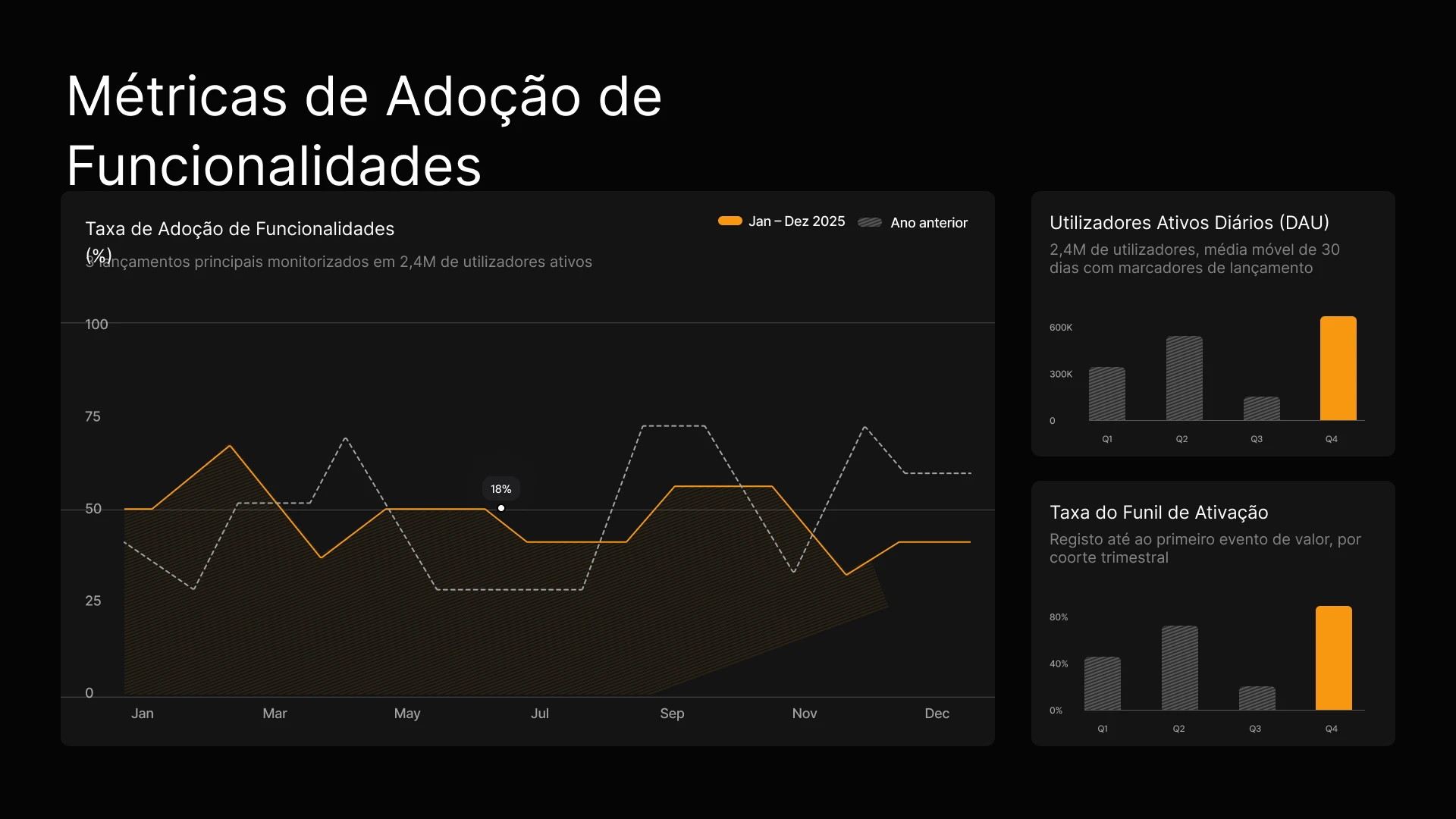
Transforme resultados de campanhas e briefings de conteúdo em apresentações visuais alinhadas à sua marca instantaneamente. Mantenha os dados de desempenho atualizados em todas as atualizações para stakeholders, sem necessidade de edições manuais.

Gere propostas personalizadas para cada cliente em instantes e conecte seu CRM para garantir que preços e dados estejam sempre atualizados.

Conecte os dados de uso dos clientes à sua apresentação de QBR para que os gráficos sejam atualizados automaticamente, ou utilize a API para gerar apresentações de renovação personalizadas para centenas de clientes da cauda longa instantaneamente.



Depoimentos
## O que as equipes estão dizendo


Gosto muito de como o Presentations.ai converte minhas ideias em apresentações instantaneamente, eliminando minha dependência de terceiros. A variedade de modelos atende bem aos meus casos de uso, adaptando-se perfeitamente às tags e insights. Também é muito fácil de configurar, com um formulário simples para preencher, deixando meu espaço de trabalho pronto de forma rápida e tranquila.
**Manoj P**
Cofundador e Diretor de Estratégia, The Triple Dart

Já experimentei quatro ou cinco ferramentas de IA para apresentações e esta foi a única que realmente continuei usando. Os slides ficam bons imediatamente, posso editar o que quiser e a exportação para PowerPoint é limpa, integrando-se perfeitamente ao fluxo de trabalho da minha equipe. Apresentações com ótimo visual sem perder o controle sobre elas.
Chaitanya Chokkareddy
CTO, Ozonetel

Perfeito para apresentações de negócios. Tive uma ótima experiência com o Presentations.ai. É incrivelmente rápido passar de uma página em branco para uma apresentação polida, e a biblioteca de modelos oferece muitos pontos de partida bem projetados para diferentes casos de uso.
Um recurso que realmente se destaca é a forma como ele lida com visualizações de dados.
Charu Pragya
Fundadora, Public Knowledge Studio


EMPRESARIAL
## **Criado para a forma como as apresentações corporativas** são realmente criadas, revisadas e entregues
### Design que não quebra.
Os layouts adaptam-se automaticamente ao seu conteúdo: sem correções manuais, nunca.
### Geração agendada de apresentações.
Relatórios e apresentações são gerados automaticamente, sem qualquer trabalho manual.

### Workspaces para múltiplas equipes.
Equipes, sistemas de marca e permissões separados — com controle total.

### Segurança de nível empresarial.
Certificação SOC 2 Tipo II. Em conformidade com o GDPR.


Comece grátis. Escale conforme você cresce.
Crie apresentações profissionais em minutos. Faça o upgrade quando precisar de exportação para PowerPoint, modelos avançados, branding, colaboração e controles corporativos.
[Experimente grátis](https://app.presentations.ai/)
Starter
Experimente grátis - 100 créditos
$0
/mês
Pro
5.000 créditos
$20
/mês
Cobrado anualmente
Gold
50.000 créditos
$100
/mês
Cobrado anualmente

## Perguntas Frequentes
### O que é Presentations.AI?

Presentations.AI é uma ferramenta de IA que transforma suas ideias, documentos ou dados em decks de slides prontos para apresentação. Basta fornecer um prompt, um documento Word, um PDF ou um URL – ele constrói a narrativa, escreve o texto, seleciona o layout certo e aplica um design limpo. Você recebe uma apresentação finalizada em menos de um minuto.
### Como faço para criar uma apresentação com IA?

Comece com qualquer tipo de entrada – digite um tópico, cole suas anotações, faça upload de um documento Word ou PDF, ou compartilhe um URL. O Presentations.AI lê seu conteúdo, cria um deck estruturado com um fluxo claro e aplica um design limpo. Você pode editar os slides e exportá-los para PowerPoint ou Google Slides com um clique.
### A IA pode criar apresentações em PowerPoint automaticamente?

Sim. O Presentations.AI cria apresentações completas em PowerPoint automaticamente a partir do seu input – sem configuração manual. Você pode baixar a apresentação como um arquivo .pptx nativo que abre no Microsoft PowerPoint ou no Google Slides com todo o texto, layouts e fontes intactos.
### Para quem é o Presentations.AI?

O Presentations.AI foi criado para qualquer pessoa que precise transformar ideias em decisões por meio de apresentações — fundadores, equipes de vendas, profissionais de marketing, gerentes de produto, consultores e formadores. É usado em startups, empresas e agências, onde apresentações claras impulsionam o trabalho.
### Como o Presentations.AI se diferencia do Gamma, Canva e Copilot?

A maioria das ferramentas de apresentação com IA foca na velocidade. O Presentations.AI foca nos resultados - apresentações mais claras, alinhamento mais rápido, menos reuniões de acompanhamento. O Gamma é feito para apresentações web-first, de uso único. O Canva é uma ferramenta de design geral, não uma plataforma de apresentação. O Copilot funciona dentro do PowerPoint, mas não consegue conectar-se a dados em tempo real nem gerar apresentações em escala. O Presentations.AI é a única plataforma que combina criação de apresentações, atualização conectada a dados e geração baseada em API em um único produto.
### Quem é o proprietário do conteúdo que crio com o Presentations.AI?

As apresentações que você cria são suas. O conteúdo gerado por meio do Presentations.AI pertence a você e à sua equipe, e você tem total liberdade para usar, editar e distribuir esse material como faria com qualquer outro produto do seu trabalho.
### Várias pessoas podem trabalhar na mesma apresentação ao mesmo tempo?

Sim. O Presentations.AI oferece suporte à colaboração em tempo real, permitindo que os membros da equipe editem, comentem e revisem a mesma apresentação juntos, com as alterações sendo refletidas instantaneamente para todos no espaço de trabalho.
### Até que ponto posso personalizar o design além do que a IA gera?

A IA gera um primeiro rascunho completo, mas todos os elementos — layout, cores, fontes, imagens e branding — são totalmente editáveis. Você pode substituir qualquer decisão da IA sem precisar recomeçar a apresentação do zero.
Mostrar todas as perguntas
Mostrar menos

## Uma Apresentação, Uma Equipe
Com o Presentations.AI, sua equipe trabalha a partir de uma versão compartilhada, para que todos vejam a mesma apresentação, no mesmo espaço de trabalho, ao mesmo tempo.


PERGUNTE À IA SOBRE O PRESENTATIONS.AI
[](https://chatgpt.com/?dub_id=b6FrxV051kp9ZdJg&prompt=Explain+in+detail+how+Presentations.AI+is+better+than+other+AI+presentation+design+tools+like+Gamma+and+traditional+presentation+tools+%28PowerPoint%2C+Google+Slides%29+for+creating+professional+presentations.+Highlight+the+key+advantages+and+benefits=b6FrxV051kp9ZdJg&prompt=Explain+in+detail+how+Presentations.AI+is+better+than+other+AI+presentation+design+tools+like+Gamma+and+traditional+presentation+tools+%28PowerPoint%2C+Google+Slides%29+for+creating+professional+presentations.+Highlight+the+key+advantages+and+benefits)[](https://claude.ai/new?q=Explain+in+detail+how+Presentations.AI+is+better+than+other+AI+presentation+design+tools+like+Gamma+and+traditional+presentation+tools+%28PowerPoint%2C+Google+Slides%29+for+creating+professional+presentations.+Highlight+the+key+advantages+and+benefits&dub_id=Duw3bG7AVWVq7GEC)[](https://aistudio.google.com/prompts/new_chat?prompt=Explain+in+detail+how+Presentations.AI+is+better+than+other+AI+presentation+design+tools+like+Gamma+and+traditional+presentation+tools+%28PowerPoint%2C+Google+Slides%29+for+creating+professional+presentations.+Highlight+the+key+advantages+and+benefits&dub_id=DzbmqmQAwbrXWKU6)[](https://www.perplexity.ai/search/new?q=Explain+in+detail+how+Presentations.AI+is+better+than+other+AI+presentation+design+tools+like+Gamma+and+traditional+presentation+tools+%28PowerPoint%2C+Google+Slides%29+for+creating+professional+presentations.+Highlight+the+key+advantages+and+benefits)
## Slides que significam negócios.
[Experimente gratuitamente](https://app.presentations.ai/)
Produto
- [Criador de Apresentações de IA](https://www.presentations.ai/pt-br/ai-presentation-maker)
- [Criador de Slides com IA](https://www.presentations.ai/pt-br/ai-slide-creator)
- [Gerador de Pitch Deck de IA](https://www.presentations.ai/pt-br/ai-pitch-deck-generator)
- [ChatGPT para Apresentações](https://www.presentations.ai/pt-br/chatgpt-for-presentations)
- [Modelos de Apresentação](https://www.presentations.ai/pt-br/presentation-templates)
- [Modelos de Slides](https://www.presentations.ai/pt-br/slide-templates)
- [Temas de Cores de Apresentação](https://www.presentations.ai/pt-br/background-color)
EMPRESA
- [Por que Nós](https://www.presentations.ai/pt-br/features)
- [Sobre Nós](https://www.presentations.ai/pt-br/about)
- [Preços](https://www.presentations.ai/pt-br/pricing)
- [Blog](https://www.presentations.ai/pt-br/blog)
- [Notícias da Empresa](https://www.presentations.ai/pt-br/company-news)
- [Manifesto](https://www.presentations.ai/pt-br/manifesto)
- [Perguntas Frequentes](https://www.presentations.ai/pt-br/faq)
- [Informações de IA](https://www.presentations.ai/pt-br/ai-instructions)
Soluções
[Vendas](https://www.presentations.ai/pt-br/solutions/sales)
[Apresentações AI Studio](https://www.presentations.ai/pt-br/solutions/studio)
[Agente de atualização de apresentação](https://www.presentations.ai/pt-br/solutions/presentation-refresh-agent)
[Agente de criação de apresentações](https://www.presentations.ai/pt-br/solutions/presentation-creation-agent)
[Marketing](https://www.presentations.ai/pt-br/solutions/marketing)
[Liderança](https://www.presentations.ai/pt-br/solutions/business-leaders)
[Fundadores](https://www.presentations.ai/pt-br/solutions/founders)
[Software de apresentação de IA empresarial](https://www.presentations.ai/pt-br/solutions/enterprise)
[Sucesso do cliente](https://www.presentations.ai/pt-br/solutions/customer-success)
[Automatize apresentações com a API do Presentations AI](https://www.presentations.ai/pt-br/solutions/api)
FERRAMENTAS
[URL to PPT](https://www.presentations.ai/pt-br/tools/url-to-ppt)
[Markdown para PPT](https://www.presentations.ai/pt-br/tools/markdown-to-ppt)
[AI PDf Maker](https://www.presentations.ai/pt-br/tools/ai-pdf-maker)
[PPT para Google Slides](https://www.presentations.ai/pt-br/tools/ppt-to-google-slides)
[PDF para PPT](https://www.presentations.ai/pt-br/tools/pdf-to-ppt)
[Esboço para PPT](https://www.presentations.ai/pt-br/tools/outline-to-ppt)
[Texto para PPT](https://www.presentations.ai/pt-br/tools/text-to-ppt)
[Word para PPT](https://www.presentations.ai/pt-br/tools/word-to-ppt)
Plugins
[Extensão do Chrome](https://www.presentations.ai/pt-br/plugins/chrome-extension)
[Plugin ChatGPT](https://www.presentations.ai/pt-br/plugins/chatgpt)
Comparar
[Tome contra Presentations.AI](https://www.presentations.ai/pt-br/compare/tome-vs-presentations-ai)
[Slidesgo vs Presentations.AI](https://www.presentations.ai/pt-br/compare/slidesgo)
[Google Slides vs. Presentations.AI](https://www.presentations.ai/pt-br/compare/google-slides)
[Gamma vs Presentations.AI](https://www.presentations.ai/pt-br/compare/gamma-vs-presentations-ai)
[Canva vs Presentations.AI](https://www.presentations.ai/pt-br/compare/canva)
[Beautiful.AI vs. Presentations.AI](https://www.presentations.ai/pt-br/compare/beautiful-ai-vs-presentations-ai)
[AI PPT vs. Presentations.AI](https://www.presentations.ai/pt-br/compare/aippt)
ENDEREÇO
- Rua Sin Ming 24, #03 -99,
Midview City, Cingapura,
573970
Entre em contato
- [support@presentations.ai](mailto:support@presentations.ai)
Redes sociais
DIVERSOS
- [Termos de uso](https://www.presentations.ai/pt-br/terms)
- [Política de privacidade](https://www.presentations.ai/pt-br/privacy)
- [Mapa do site](https://www.presentations.ai/pt-br/sitemap)
- [Llms.txt](https://www.presentations.ai/llms.txt)
- [Acordo de Processamento de Dados](https://www.presentations.ai/pt-br/dpa)

[](https://www.presentations.ai/pt-br#)
© Copyright 2026 Presentations.AI. Todos os direitos reservados.
## Crie uma conta gratuita ou faça login
Continuar com GoogleContinuar com e-mailContinuar com MS TeamsContinuar com LinkedInContinuar com Apple
Ver todas as opções de cadastro
## Continuar com e-mail
Vamos verificar se você já tem uma conta e ajudar a criar uma, se não tiver.
Continuar
Ao continuar, você concorda com os [Termos](https://www.presentations.ai/pt-br/terms) e a [Política de Privacidade](https://www.presentations.ai/pt-br/privacy) da Presentations.AI
Utilizamos cookies para garantir que você tenha a melhor experiência em nosso site. Confira nossa [política de privacidade](https://www.presentations.ai/pt-br/privacy) para mais informações.
[Aceitar tudo](https://www.presentations.ai/pt-br#) [Recusar](https://www.presentations.ai/pt-br#)
Sign in with GoogleSign in with Google. Opens in new tab
Sign In - Google Accounts
Sign in with GoogleSign in with Google. Opens in new tab
## AI-Powered Presentation Maker

# Presentasi AI Berkualitas Tinggi dalam Hitungan Menit
Ubah Ide, Dokumen, dan Data Menjadi Dek Siap Presentasi
Buat dan perbarui presentasi AI berkualitas tinggi yang sesuai dengan merek Anda dalam skala besar dengan mudah. Hasilkan file PowerPoint yang dapat diedit lebih cepat dari sebelumnya.
[Coba Gratis](https://app.presentations.ai/)

Backed By
[](https://www.together.fund/)[](https://techcrunch.com/2025/02/03/accel-backs-indian-ai-startup-building-chatgpt-for-presentations/)
Dipercaya oleh lebih dari 12 juta pengguna profesional
TRUSTED BY



















GAMBARAN UMUM
## **Apa itu Presentations.AI?**
Presentations.AI adalah platform presentasi berbasis AI yang mengubah ide, dokumen, dan URL menjadi slide presentasi profesional dalam hitungan menit. Platform ini secara otomatis menerapkan identitas merek Anda, membantu membuat konten yang menarik, dan dapat diekspor langsung ke PowerPoint, sehingga Anda dapat beralih dari konsep ke slide siap pakai dengan mudah.
Tim
## **Dibuat oleh Tim yang Memahami Presentasi Berisiko Tinggi**
Presentations.AI didirikan oleh Sumanth Raghavendra, Dhruv Saxena, Biju Abraham, Ravi Kasthuri, Saravanan Govindaraj, dan Ezhilkumar, serta dikembangkan oleh tim beranggotakan 30 orang yang membawa pengalaman selama dua dekade di bidang perangkat lunak perusahaan.

Rangkaian Produk
## **Semua yang Anda Butuhkan untuk Membuat Presentasi dengan AI**
Setiap alat di sini dijalankan dengan mesin Presentations.AI yang sama - pilih titik awal yang sesuai dengan cara kerja Anda saat ini.

### Pembuat Presentasi AI:
Alat lengkap untuk menyusun dek presentasi dari awal. Ubah perintah, dokumen, atau URL menjadi presentasi lengkap yang sesuai dengan identitas merek Anda—struktur, alur, dan desain sudah tertangani.
[Jelajahi Pembuat Presentasi AI](https://www.presentations.ai/id/ai-presentation-maker)

### Pembuat Slide AI:
Pembuat slide demi slide untuk menyusun presentasi satu per satu. AI akan membuat draf setiap slide; Anda tinggal seret, lepas, dan sempurnakan dengan kendali penuh secara manual.
[Coba Pembuat Slide AI](https://www.presentations.ai/id/ai-slide-creator)

### Generator Pitch Deck AI:
Versi pembuat yang berfokus pada pitch, sudah dilengkapi dengan urutan slide dan narasi yang diharapkan investor - masalah, solusi, pasar, traksi, dan penawaran.
[Lihat Generator Pitch Deck AI](https://www.presentations.ai/id/ai-pitch-deck-generator)

### ChatGPT untuk Presentasi:
Jembatan bagi pengguna ChatGPT. Tempelkan perintah atau percakapan yang sudah ada, dan Presentations.AI akan mengubahnya menjadi dek presentasi yang sudah jadi dan sesuai dengan merek Anda.
[Gunakan ChatGPT untuk Presentasi](https://www.presentations.ai/id/chatgpt-for-presentations)

### Templat Presentasi:
Pustaka berisi 1.000+ templat presentasi lengkap, masing-masing dibuat untuk kebutuhan spesifik seperti penjualan, rapat direksi, dan peluncuran produk. Pilih satu dan lengkapi isinya.
[Telusuri Templat Presentasi](https://www.presentations.ai/id/presentation-templates)

### Templat Slide:
Koleksi tata letak satu slide yang bisa Anda masukkan ke dalam presentasi mana pun - untuk mengisi bagian tertentu seperti linimasa, perbandingan, atau slide tim.
[Telusuri Templat Slide](https://www.presentations.ai/id/slide-templates)

DIBUAT UNTUK BISNIS
## **Pembuat Presentasi AI Terpopuler di Dunia untuk Presentasi Penting**

### Tersertifikasi SOC 2 Tipe II.
Lebih dari 12 juta pengguna di seluruh dunia memercayakan presentasi penting mereka kepada kami

### Kepatuhan Siap Perusahaan.
Memenuhi standar GDPR dengan kontrol data yang fleksibel dan keamanan tingkat perusahaan.

MASALAH
## **Mengapa sebagian besar presentasi tidak membuahkan hasil?**
### Masalahnya bukan pada desain. Tiga hal yang menyebabkan hilangnya kejelasan:
### Creation is a grind.
Anda menghabiskan waktu berjam-jam membuat slide, namun audiens tetap bertanya, “Apa intinya?” Anda telah membuang waktu dengan berfokus pada desain alih-alih hasil akhir.

### Data cepat sekali usang.
Memperbarui laporan bulanan berarti harus membuka sepuluh tab, menyalin dan menempel angka, serta dihantui rasa cemas kalau-kalau ada yang salah.

### Satu ukuran tidak cocok untuk semua.
Anda tahu dek presentasi yang dipersonalisasi jauh lebih efektif, tetapi menyesuaikan dek untuk setiap klien secara manual sungguh sangat merepotkan.


SOLUSI
## **Presentations.AI menjawab ketiganya.** AI untuk membuat, memperbarui, dan meningkatkan skala presentasi profesional.
Presentations.AI adalah ChatGPT untuk presentasi Anda. Gunakan untuk mengubah input mentah menjadi slide presentasi terstruktur yang siap digunakan untuk pengambilan keputusan.
[Coba Gratis](https://app.presentations.ai/)
Bayangkan Presentations.AI sebagai " [ChatGPT untuk Presentasi](https://www.presentations.ai/chatgpt-for-presentations)" \- ubah input mentah menjadi dek slide terstruktur yang siap untuk pengambilan keputusan. Dari draf pertama hingga presentasi final, Presentations.AI membantu tim membuat presentasi profesional yang siap pakai dengan lebih cepat.




Buat
Menyegarkan
Membangun
## Ubah Apa Saja Menjadi **Presentasi AI Siap Pakai**
Ubah topik, catatan, atau tautan menjadi presentasi terstruktur yang siap digunakan dengan [pembuat presentasi AI](https://www.presentations.ai/id/ai-presentation-maker) kami.
[Coba Gratis](https://app.presentations.ai/)
### Mulai dengan Apa Pun yang Anda Miliki
Teks, PDF, dokumen Word, URL, Google Docs, dan file Excel. Jika Anda memiliki konten, tidak ada yang perlu disiapkan.
### Disusun Sesuai Tujuan Anda
AI menyusun urutan secara berbeda untuk presentasi investor, dek penjualan, dan presentasi dewan direksi. Anda cukup memberi tahu apa yang ingin dicapai oleh dek tersebut, dan AI akan membangunnya sesuai kebutuhan.
### Branding Instan
Tempelkan URL situs web Anda. Kemampuan “Brand Sync” eksklusif kami akan menarik logo, font, dan warna Anda secara otomatis. Setiap slide akan terlihat seperti identitas Anda.
### Ekspor PowerPoint Asli
Unduh file .pptx yang dapat diedit sepenuhnya. Buka di PowerPoint atau Google Slides - tidak ada yang bergeser, tidak ada yang rusak.
## Berhenti Membuat Presentasi dari Nol
Gunakan Refresh untuk menukar data, prospek, atau konteks baru, sementara desain asli Anda tetap terkunci.
[Cara kerjanya](https://www.presentations.ai/solutions/presentation-refresh-agent)
### Siapkan Templat Utama
Buat atau impor presentasi utama - misalnya, dek penjualan bernilai tinggi atau templat laporan triwulanan. Atur aturan pembaruan.
### Pembaruan Berbasis Data
Hubungkan master Anda ke Salesforce, HubSpot, Google Sheets, Tableau, Looker, Databox, Mixpanel, PostgreSQL, MySQL, Snowflake, dan 50+ lainnya. Atur jadwalnya - harian, mingguan, atau bulanan. Saat data Anda berubah, dek Anda pun ikut berubah.
### Penyesuaian Audiens
Ambil proposal penjualan terbaik Anda. Masukkan nama perusahaan, industri, masalah, dan konteks relevan dari prospek baru. Dapatkan versi yang telah disesuaikan dalam hitungan menit - tanpa perlu mengubah struktur slide atau mendesain ulang apa pun.
### Perbarui Aturan
Tentukan sekali apa yang tetap - narasi, desain, dan merek Anda - dan apa yang beradaptasi - data, penerima, serta angka. Refresh akan menangani sisanya.
## Hasilkan Presentasi AI dalam Skala Besar
Buat ratusan presentasi yang dipersonalisasi dari satu sumber data utama dan tambahkan ke alur kerja atau produk Anda.
[Cara kerjanya](https://app.presentations.ai/)
### Personalisasi dalam Skala Besar
Masukkan data Anda. Dapatkan ratusan dek presentasi—masing-masing dengan nama klien, logo, angka, dan narasi yang tepat. Satu sumber, hasil tak terbatas.
### White-Label
Pengguna Anda mendapatkan kemampuan presentasi AI di dalam produk Anda. Mereka melihat merek Anda. Mereka tidak akan pernah melihat merek kami.
### Picu dari Apa Pun
Tanpa kode: hubungkan melalui Zapier atau Make. Dengan kode: REST API dan webhook. Buat dek saat formulir dikirimkan, proyek dimulai, atau kesepakatan beralih ke tahap penawaran.

## **Siapa yang Menggunakan Presentations.AI?**
Bagi tim yang mengubah data menjadi presentasi, setiap hari.
### Pendiri
### Penjualan
### Tim Produk
### Manajer Produk
### Pemasar
### Pekerja Lepas
### Kesuksesan Pelanggan
Buat dek presentasi investor dalam hitungan menit. Pastikan proyeksi keuangan dan data traksi Anda selalu mutakhir untuk setiap pertemuan penggalangan dana tanpa perlu pembaruan manual.
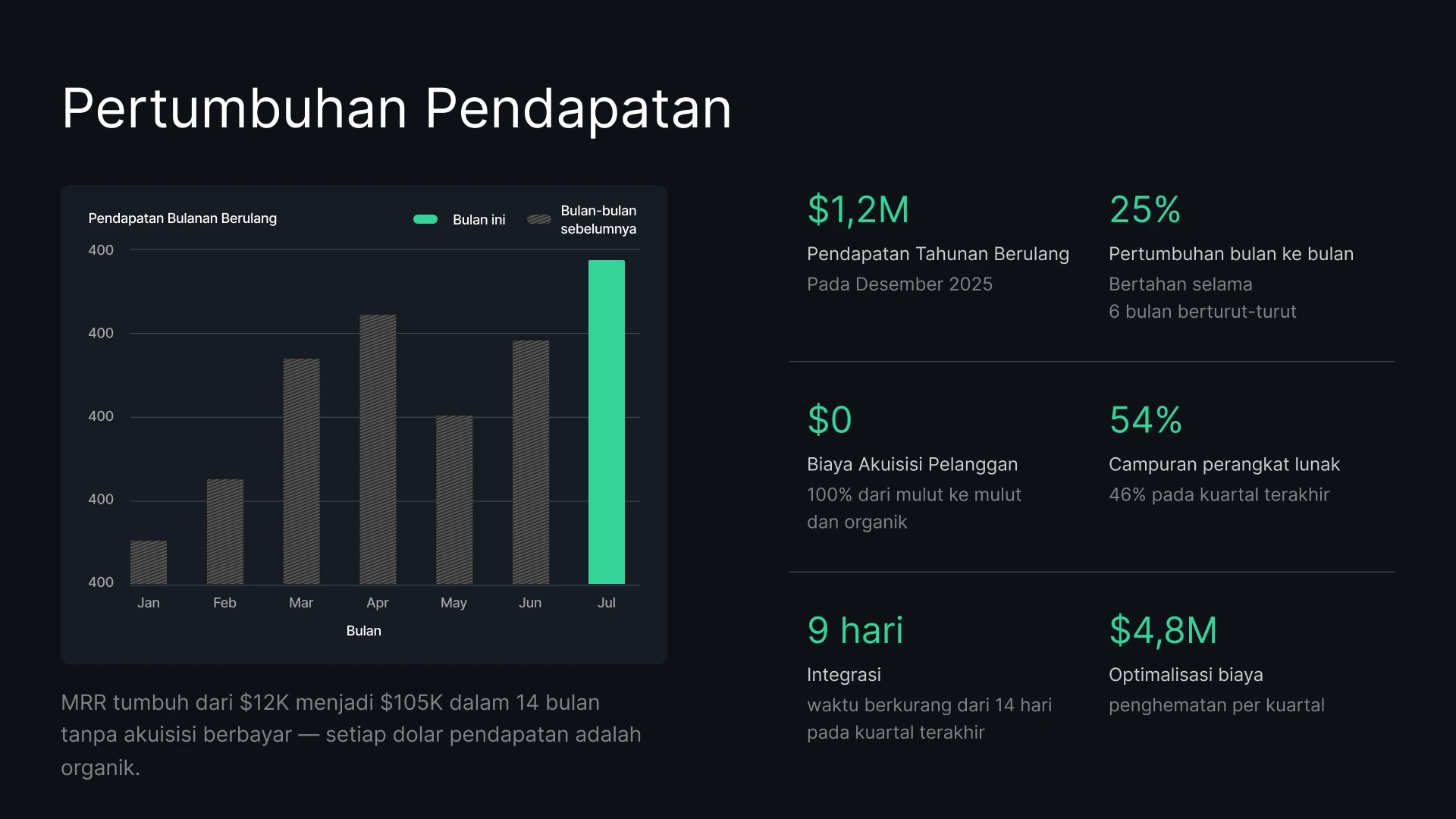
Buat proposal yang dipersonalisasi untuk setiap prospek secara instan. Buat klien terkesan dengan data harga dan penawaran yang selalu terkini.
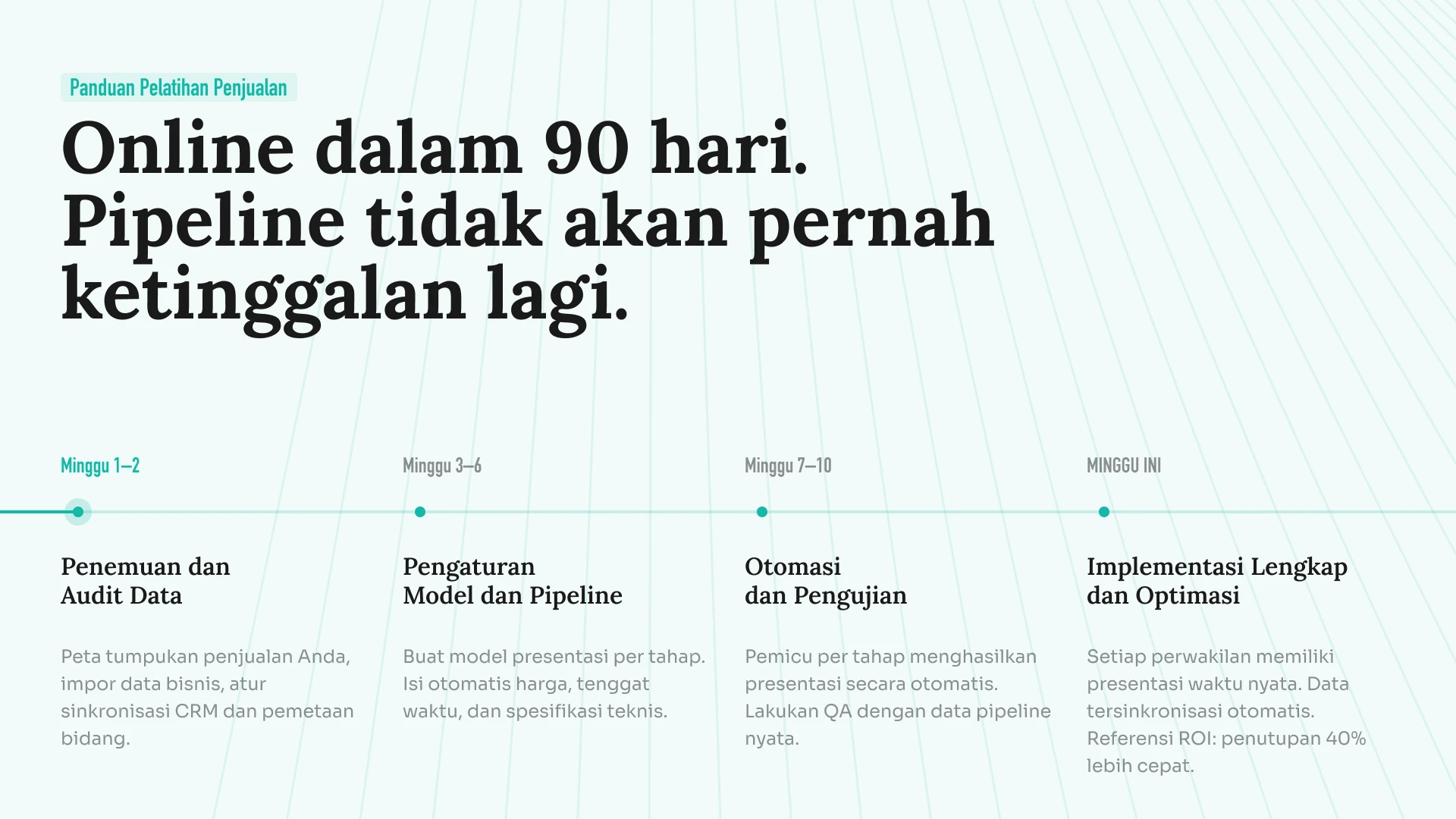
Ubah peta jalan yang bergerak cepat menjadi slide visual. Sinkronkan data proyek Anda agar dek peluncuran Anda tidak pernah menampilkan linimasa yang kedaluwarsa.
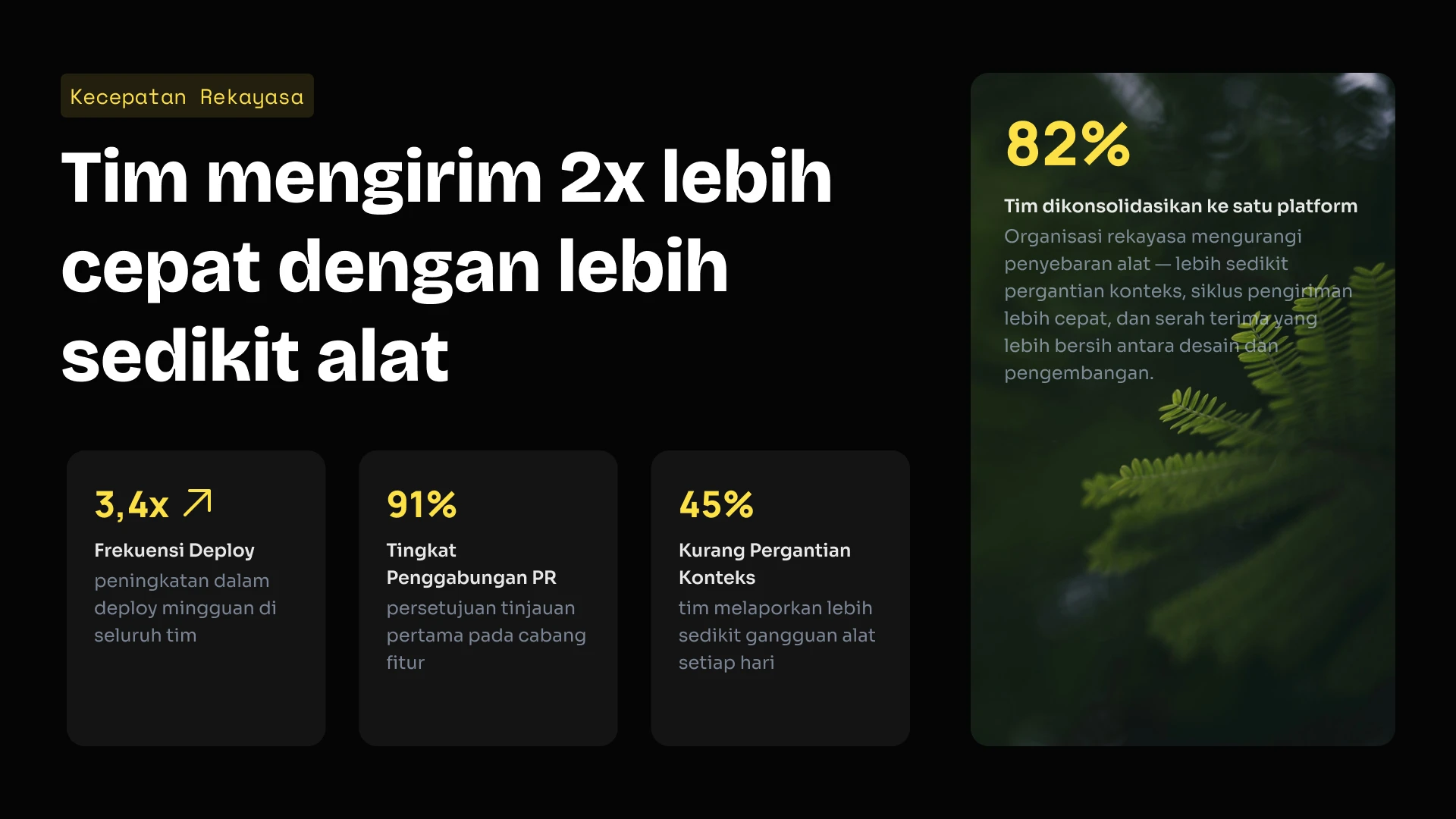
Integrasikan mesin presentasi kami ke dalam produk SaaS Anda. Gunakan API kami untuk membuat ribuan dek presentasi secara terprogram, atau gunakan editor kami dengan label putih (white-label) untuk pengguna Anda.
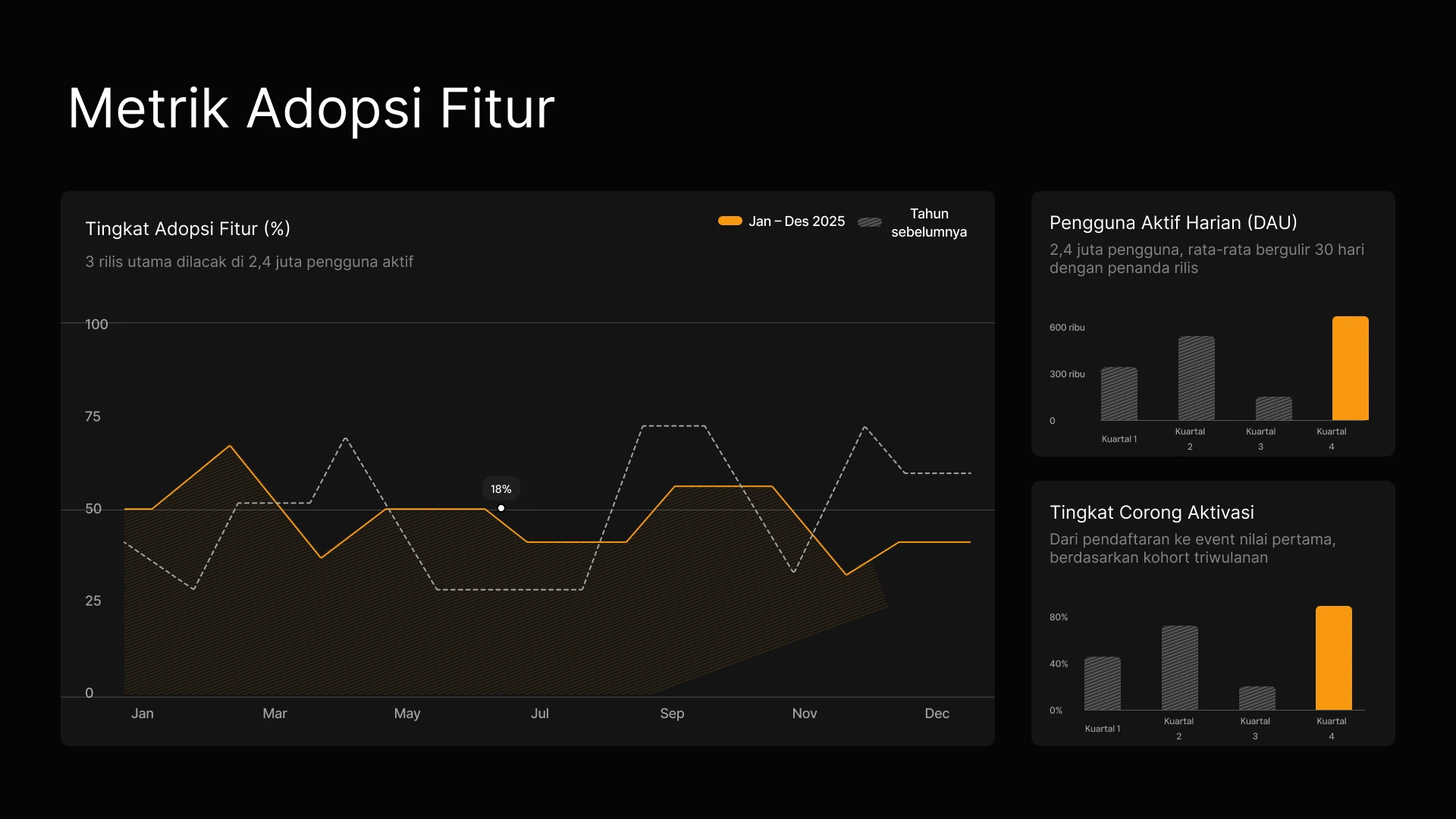
Ubah hasil kampanye dan brief konten menjadi dek visual yang sesuai dengan brand secara instan. Pastikan data performa selalu terkini di setiap pembaruan untuk pemangku kepentingan tanpa perlu pengeditan manual.

Buat proposal yang dipersonalisasi untuk setiap prospek secara instan, dan hubungkan CRM Anda untuk memastikan harga serta data selalu terkini.
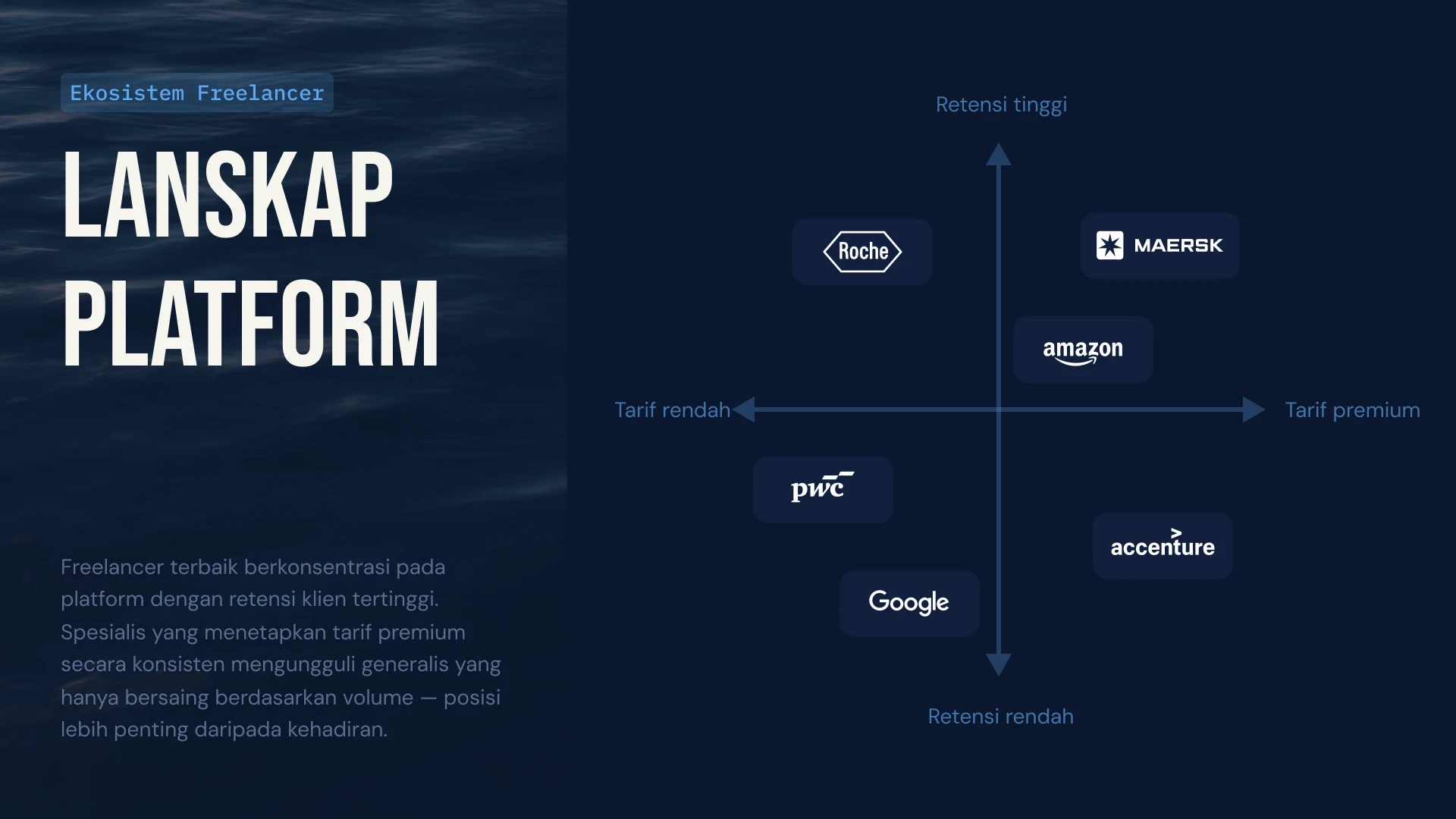
Hubungkan data penggunaan klien ke presentasi QBR Anda agar grafik diperbarui secara otomatis, atau gunakan API untuk membuat presentasi perpanjangan yang dipersonalisasi bagi ratusan klien long-tail secara instan.
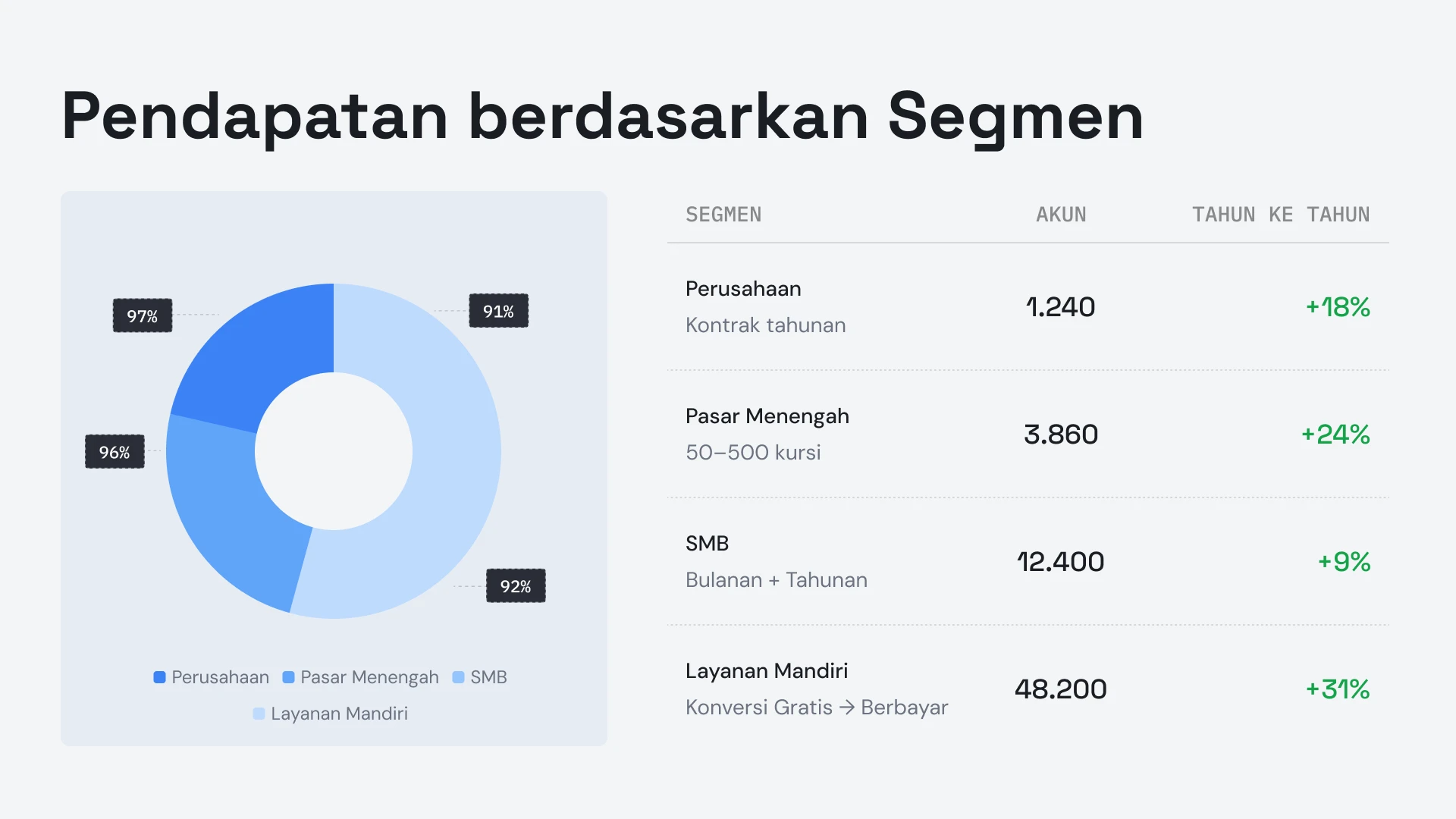


Testimoni
## Kata mereka tentang kami


Saya sangat suka bagaimana Presentations.ai mengubah ide saya menjadi presentasi secara instan, sehingga saya tidak perlu bergantung pada orang lain. Beragam templat yang tersedia mendukung kebutuhan saya dengan baik, sangat pas dengan tag dan wawasan yang saya miliki. Pengaturannya juga sangat mudah, cukup mengisi formulir sederhana, membuat ruang kerja saya siap dengan lancar dan cepat.
**Manoj P**
Salah satu Pendiri dan Direktur Strategi, The Triple Dart

Saya sudah mencoba empat atau lima alat presentasi AI, dan ini adalah satu-satunya yang terus saya gunakan. Slide-nya langsung terlihat bagus, saya bisa mengedit apa pun yang saya mau, dan hasilnya bisa diekspor dengan rapi ke PowerPoint sehingga langsung cocok dengan alur kerja tim saya. Presentasi yang tampak hebat tanpa kehilangan kendali atas isinya.
Chaitanya Chokkareddy
CTO, Ozonetel

Sempurna untuk presentasi bisnis. Pengalaman saya menggunakan Presentations.ai sangat memuaskan. Sangat cepat untuk mengubah halaman kosong menjadi presentasi yang rapi, dan pustaka templatnya menyediakan banyak pilihan awal yang dirancang dengan baik untuk berbagai kebutuhan.
Satu fitur yang sangat menonjol adalah kemampuannya dalam menangani visualisasi data.
Charu Pragya
Pendiri, Public Knowledge Studio


PERUSAHAAN
## **Dibangun untuk Cara Presentasi Perusahaan** Sebenarnya Dibuat, Ditinjau, dan Disampaikan
### Desain yang Tidak Rusak.
Tata letak beradaptasi dengan konten Anda secara otomatis: tidak ada perbaikan manual, selamanya.
### Pembuatan Presentasi Terjadwal.
Laporan dan presentasi dibuat secara otomatis—tanpa pekerjaan manual.
### Ruang Kerja Multi-Tim.
Tim terpisah, sistem merek, dan izin—sepenuhnya terkontrol.
### Keamanan tingkat perusahaan.
Tersertifikasi SOC 2 Tipe II. Memenuhi standar GDPR.


Mulai Gratis. Kembangkan Sesuai Kebutuhan.
Buat presentasi profesional dalam hitungan menit. Tingkatkan paket Anda jika membutuhkan ekspor PowerPoint, model canggih, branding, kolaborasi, dan kontrol perusahaan.
[Coba Gratis](https://app.presentations.ai/)
Starter
Coba gratis - 100 kredit
$0
/bln
Pro
5.000 kredit
$20
/bln
Ditagihkan per tahun
Gold
50.000 kredit
$100
/bln
Ditagihkan per tahun

## Pertanyaan yang Sering Diajukan
### Apa itu Presentations.AI?

Presentations.AI adalah alat AI yang mengubah ide, dokumen, atau data Anda menjadi dek slide yang siap dipresentasikan. Berikan perintah, dokumen Word, PDF, atau URL - ia akan menyusun narasi, menulis teks, memilih tata letak yang tepat, dan menerapkan desain yang bersih. Anda akan mendapatkan presentasi yang selesai dalam waktu kurang dari satu menit.
### Bagaimana cara membuat presentasi dengan AI?

Mulai dengan input apa pun - ketik topik, tempel catatan Anda, unggah dokumen Word atau PDF, atau bagikan URL. Presentations.AI membaca konten Anda, membangun rangkaian slide terstruktur dengan alur yang jelas, dan menerapkan desain yang rapi. Anda dapat mengedit slide dan mengekspornya ke PowerPoint atau Google Slides dalam satu klik.
### Bisakah AI membuat presentasi PowerPoint secara otomatis?

Ya. Presentations.AI secara otomatis membuat seluruh dek PowerPoint dari masukan Anda – tanpa perlu pengaturan manual. Anda dapat mengunduh dek tersebut sebagai file .pptx asli yang dapat dibuka di Microsoft PowerPoint atau Google Slides dengan semua teks, tata letak, dan font tetap utuh.
### Untuk siapa Presentations.AI?

Presentations.AI dirancang untuk siapa saja yang perlu mengubah ide menjadi keputusan melalui presentasi — para pendiri, tim penjualan, pemasar, manajer produk, konsultan, dan pelatih. Ini digunakan di startup, perusahaan besar, dan agensi, di mana pun presentasi yang jelas dapat memajukan pekerjaan.
### Apa perbedaan Presentations.AI dengan Gamma, Canva, dan Copilot?

Sebagian besar alat presentasi AI berfokus pada kecepatan. Presentations.AI berfokus pada hasil - presentasi yang lebih jelas, penyelarasan yang lebih cepat, dan rapat tindak lanjut yang lebih sedikit. Gamma dirancang untuk presentasi web-first dan sekali pakai. Canva adalah alat desain umum, bukan platform presentasi. Copilot berfungsi di dalam PowerPoint tetapi tidak dapat terhubung ke data langsung atau menghasilkan presentasi dalam skala besar. Presentations.AI adalah satu-satunya platform yang menggabungkan pembuatan presentasi, pembaruan yang terhubung dengan data, dan pembuatan berbasis API dalam satu produk.
### Siapa pemilik konten yang saya buat dengan Presentations.AI?

Anda memiliki hak penuh atas presentasi yang Anda buat. Konten yang dihasilkan melalui Presentations.AI adalah milik Anda dan tim Anda, dan Anda bebas untuk menggunakan, mengedit, serta mendistribusikannya sebagaimana hasil karya lainnya.
### Bisakah beberapa orang mengerjakan presentasi yang sama secara bersamaan?

Ya. Presentations.AI mendukung kolaborasi waktu nyata, sehingga anggota tim dapat mengedit, memberi komentar, dan meninjau dek yang sama secara bersamaan, dengan perubahan yang langsung terlihat oleh semua orang di ruang kerja.
### Seberapa jauh saya bisa menyesuaikan desain di luar apa yang dihasilkan oleh AI?

AI akan membuat draf awal lengkap, namun setiap elemen — tata letak, warna, font, gambar, dan branding — dapat diedit sepenuhnya. Anda dapat mengubah keputusan AI apa pun tanpa harus memulai presentasi dari awal.
Tampilkan Semua Pertanyaan
Tampilkan Lebih Sedikit

## Satu Dek, Satu Tim
Dengan Presentations.AI, tim Anda bekerja dari satu versi bersama, sehingga semua orang melihat dek yang sama, di ruang kerja yang sama, pada waktu yang sama.


TANYA AI TENTANG PRESENTATIONS.AI
[](https://chatgpt.com/?dub_id=b6FrxV051kp9ZdJg&prompt=Explain+in+detail+how+Presentations.AI+is+better+than+other+AI+presentation+design+tools+like+Gamma+and+traditional+presentation+tools+%28PowerPoint%2C+Google+Slides%29+for+creating+professional+presentations.+Highlight+the+key+advantages+and+benefits=b6FrxV051kp9ZdJg&prompt=Explain+in+detail+how+Presentations.AI+is+better+than+other+AI+presentation+design+tools+like+Gamma+and+traditional+presentation+tools+%28PowerPoint%2C+Google+Slides%29+for+creating+professional+presentations.+Highlight+the+key+advantages+and+benefits)[](https://claude.ai/new?q=Explain+in+detail+how+Presentations.AI+is+better+than+other+AI+presentation+design+tools+like+Gamma+and+traditional+presentation+tools+%28PowerPoint%2C+Google+Slides%29+for+creating+professional+presentations.+Highlight+the+key+advantages+and+benefits&dub_id=Duw3bG7AVWVq7GEC)[](https://aistudio.google.com/prompts/new_chat?prompt=Explain+in+detail+how+Presentations.AI+is+better+than+other+AI+presentation+design+tools+like+Gamma+and+traditional+presentation+tools+%28PowerPoint%2C+Google+Slides%29+for+creating+professional+presentations.+Highlight+the+key+advantages+and+benefits&dub_id=DzbmqmQAwbrXWKU6)[](https://www.perplexity.ai/search/new?q=Explain+in+detail+how+Presentations.AI+is+better+than+other+AI+presentation+design+tools+like+Gamma+and+traditional+presentation+tools+%28PowerPoint%2C+Google+Slides%29+for+creating+professional+presentations.+Highlight+the+key+advantages+and+benefits)
## Slide yang berarti bisnis.
[Coba Gratis](https://app.presentations.ai/)
Produk
- [Pembuat Presentasi AI](https://www.presentations.ai/id/ai-presentation-maker)
- [Pembuat Slide AI](https://www.presentations.ai/id/ai-slide-creator)
- [Pembuat Pitch Deck AI](https://www.presentations.ai/id/ai-pitch-deck-generator)
- [ChatGPT untuk Presentasi](https://www.presentations.ai/id/chatgpt-for-presentations)
- [Templat Presentasi](https://www.presentations.ai/id/presentation-templates)
- [Templat Slide](https://www.presentations.ai/id/slide-templates)
- [Tema Warna Presentasi](https://www.presentations.ai/id/background-color)
PERUSAHAAN
- [Mengapa Kami](https://www.presentations.ai/id/features)
- [Tentang Kami](https://www.presentations.ai/id/about)
- [Harga](https://www.presentations.ai/id/pricing)
- [Blog](https://www.presentations.ai/id/blog)
- [Berita Perusahaan](https://www.presentations.ai/id/company-news)
- [Manifesto](https://www.presentations.ai/id/manifesto)
- [Pertanyaan Umum](https://www.presentations.ai/id/faq)
- [Informasi AI](https://www.presentations.ai/id/ai-instructions)
Solusi
[Penjualan](https://www.presentations.ai/id/solutions/sales)
[Presentasi AI Studio](https://www.presentations.ai/id/solutions/studio)
[Agen Refresh Presentasi](https://www.presentations.ai/id/solutions/presentation-refresh-agent)
[Agen Pembuatan Presentasi](https://www.presentations.ai/id/solutions/presentation-creation-agent)
[Pemasaran](https://www.presentations.ai/id/solutions/marketing)
[Kepemimpinan](https://www.presentations.ai/id/solutions/business-leaders)
[Pendiri](https://www.presentations.ai/id/solutions/founders)
[Perangkat Lunak Presentasi AI Perusahaan](https://www.presentations.ai/id/solutions/enterprise)
[Keberhasilan Pelanggan](https://www.presentations.ai/id/solutions/customer-success)
[Mengotomatiskan presentasi dengan Presentations AI API](https://www.presentations.ai/id/solutions/api)
ALAT
[URL ke PPT](https://www.presentations.ai/id/tools/url-to-ppt)
[Markdown ke PPT](https://www.presentations.ai/id/tools/markdown-to-ppt)
[Pembuat PDF AI](https://www.presentations.ai/id/tools/ai-pdf-maker)
[PPT ke Google Slides](https://www.presentations.ai/id/tools/ppt-to-google-slides)
[PDF ke PPT](https://www.presentations.ai/id/tools/pdf-to-ppt)
[Kerangka ke PPT](https://www.presentations.ai/id/tools/outline-to-ppt)
[Text to PPT](https://www.presentations.ai/id/tools/text-to-ppt)
[Word ke PPT](https://www.presentations.ai/id/tools/word-to-ppt)
Plugin
[Ekstensi Chrome](https://www.presentations.ai/id/plugins/chrome-extension)
[ChatGPT Plugin](https://www.presentations.ai/id/plugins/chatgpt)
Bandingkan
[Tome vs Presentations.AI](https://www.presentations.ai/id/compare/tome-vs-presentations-ai)
[Slidesgo vs Presentations.AI](https://www.presentations.ai/id/compare/slidesgo)
[Google Slides vs Presentations.AI](https://www.presentations.ai/id/compare/google-slides)
[Gamma vs. Presentations.AI](https://www.presentations.ai/id/compare/gamma-vs-presentations-ai)
[Canva vs Presentations.AI](https://www.presentations.ai/id/compare/canva)
[Beautiful.AI vs Presentations.AI](https://www.presentations.ai/id/compare/beautiful-ai-vs-presentations-ai)
[AI PPT vs Presentations.AI](https://www.presentations.ai/id/compare/aippt)
ALAMAT
- 24 Jalur Sin Ming, #03 -99,
Midview City, Singapura,
573970
Hubungi kami
- [support@presentations.ai](mailto:support@presentations.ai)
Media Sosial
LAIN-LAIN
- [Ketentuan Penggunaan](https://www.presentations.ai/id/terms)
- [Kebijakan Privasi](https://www.presentations.ai/id/privacy)
- [Peta Situs](https://www.presentations.ai/id/sitemap)
- [Llms.txt](https://www.presentations.ai/llms.txt)
- [Perjanjian Pemrosesan Data](https://www.presentations.ai/id/dpa)

[](https://www.presentations.ai/id#)
© Hak Cipta 2026 Presentations.AI. Semua hak dilindungi.
## Buat akun gratis atau masuk
Lanjutkan dengan GoogleLanjutkan dengan EmailLanjutkan dengan MS TeamsLanjutkan dengan LinkedInLanjutkan dengan Apple
Lihat semua opsi pendaftaran
## Lanjutkan dengan Email
Kami akan memeriksa apakah Anda sudah punya akun, dan membantu membuatnya jika belum.
Lanjutkan
Dengan melanjutkan, Anda menyetujui [Ketentuan](https://www.presentations.ai/id/terms) & [Kebijakan Privasi](https://www.presentations.ai/id/privacy) Presentations.AI
Situs web kami menggunakan cookie untuk memastikan Anda mendapatkan pengalaman pengguna terbaik. Lihat [kebijakan privasi](https://www.presentations.ai/id/privacy) kami untuk informasi lebih lanjut.
[Terima Semua](https://www.presentations.ai/id#) [Tolak](https://www.presentations.ai/id#)
Sign in with GoogleSign in with Google. Opens in new tab
Sign In - Google Accounts
Sign in with GoogleSign in with Google. Opens in new tab
## Creación de Presentaciones IA

# Presentaciones con IA de alta calidad en minutos
Convierte ideas, documentos y datos en presentaciones listas para exponer
Crea y actualiza presentaciones con IA de alta calidad y alineadas con tu marca de forma sencilla y a gran escala. Genera archivos de PowerPoint editables más rápido que nunca.
[Pruébalo gratis](https://app.presentations.ai/)

Respaldado por
[](https://www.together.fund/)[](https://techcrunch.com/2025/02/03/accel-backs-indian-ai-startup-building-chatgpt-for-presentations/)
Más de 12 millones de usuarios profesionales confían en nosotros
TRUSTED BY



















DESCRIPCIÓN GENERAL
## **¿Qué es Presentations.AI?**
Presentations.AI es una plataforma de presentaciones con IA que convierte ideas, documentos y URL en presentaciones profesionales en cuestión de minutos. Aplica automáticamente tu marca, ayuda a crear contenido atractivo y permite exportar directamente a PowerPoint, facilitando el proceso desde la idea inicial hasta la presentación final.
Equipo
## **Creado por un equipo que entiende las presentaciones de alto nivel**
Presentations.AI fue fundada por Sumanth Raghavendra, Dhruv Saxena, Biju Abraham, Ravi Kasthuri, Saravanan Govindaraj y Ezhilkumar, y desarrollada por un equipo de 30 personas que aporta dos décadas de experiencia en software empresarial.

Suite de productos
## **Todo lo que necesitas para crear una presentación con IA**
Todas las herramientas aquí funcionan con el mismo motor de Presentations.AI; elige el punto de partida que mejor se adapte a tu forma de trabajar.

### Creador de presentaciones con IA:
La herramienta integral para crear una presentación completa desde cero. Convierte un prompt, documento o URL en una presentación terminada y alineada con tu marca: la estructura, el flujo y el diseño ya están resueltos.
[Explora el creador de presentaciones con IA](https://www.presentations.ai/es/ai-presentation-maker)

### Creador de diapositivas con IA:
Un creador de diapositivas que te permite diseñar una por una. La IA redacta cada diapositiva; tú arrastras, sueltas y perfeccionas el contenido con control manual total.
[Prueba el Creador de diapositivas con IA](https://www.presentations.ai/es/ai-slide-creator)

### Generador de presentaciones para inversores con IA:
Una versión del creador enfocada en presentaciones, precargada con el orden de diapositivas y la narrativa que esperan los inversores: problema, solución, mercado, tracción y la propuesta.
[Ver el Generador de presentaciones para inversores con IA](https://www.presentations.ai/es/ai-pitch-deck-generator)

### ChatGPT para presentaciones:
Un puente para los usuarios de ChatGPT. Pega un prompt o una conversación existente y Presentations.AI la convertirá en una presentación terminada y adaptada a tu marca.
[Usa ChatGPT para presentaciones](https://www.presentations.ai/es/chatgpt-for-presentations)

### Plantillas de presentación:
Una biblioteca con más de 1.000 plantillas completas, cada una diseñada para un caso de uso específico, como ventas, reuniones de junta directiva y lanzamientos de productos. Elige una y complétala.
[Explorar plantillas de presentación](https://www.presentations.ai/es/presentation-templates)

### Plantillas de diapositivas:
Una colección de diseños de una sola diapositiva que puedes insertar en cualquier presentación para cubrir una necesidad específica, como una línea de tiempo, una comparación o una diapositiva de equipo.
[Explorar plantillas de diapositivas](https://www.presentations.ai/es/slide-templates)

DISEÑADO PARA EMPRESAS
## **El creador de presentaciones con IA más popular del mundo para presentaciones de alto nivel**

### Certificación SOC 2 Tipo II.
Más de 12 millones de usuarios en todo el mundo confían en nosotros para sus presentaciones críticas

### Cumplimiento normativo para empresas.
Cumple con el RGPD, con controles de datos flexibles y seguridad de nivel empresarial.

PROBLEMA
## **¿Por qué la mayoría de las presentaciones no llevan a nada?**
### El problema no es el diseño. Tres puntos donde la claridad se pierde:
### Crear es un esfuerzo.
You spend hours building slides. But the room still asks, “What’s the point?” You have wasted time focusing on design instead of outcomes.

### Los datos caducan rápidamente.
Actualizar un informe mensual implica tener diez pestañas abiertas, copiar y pegar números y el temor silencioso de que algo haya salido mal.

### Una talla única no le sirve a nadie.
Sabes que las presentaciones personalizadas funcionan mejor, pero adaptar una presentación para cada cliente supone demasiado trabajo manual.


SOLUCIÓN
## **Presentations.AI resuelve los tres.** IA para crear, actualizar y escalar presentaciones profesionales.
Presentations.AI es tu ChatGPT para presentaciones. Úsalo para convertir información básica en presentaciones estructuradas y listas para la toma de decisiones.
[Pruébalo gratis](https://app.presentations.ai/)
Piensa en Presentations.AI como " [ChatGPT para presentaciones"](https://www.presentations.ai/chatgpt-for-presentations): convierte información básica en presentaciones estructuradas y listas para la toma de decisiones. Desde el primer borrador hasta la presentación final, Presentations.AI ayuda a los equipos a crear presentaciones profesionales y listas para la marca con mayor rapidez.




Crear
Refrescar
Construir
## Convierte cualquier contenido en **presentaciones con IA listas para decidir**
Escribe un tema, pega tus notas, sube un documento o comparte un enlace. Presentations.AI crea **presentaciones con IA** estructuradas, con un flujo claro, un enfoque sólido y diapositivas listas para usar: sin páginas en blanco ni trabajo de formato. ¿Prefieres empezar con una sola instrucción? Prueba nuestro [generador de presentaciones con IA](https://www.presentations.ai/es/ai-presentation-maker)
[Pruébalo Gratis](https://app.presentations.ai/)
### Empieza con lo que tengas
Textos, archivos PDF, documentos de Word, URL, Google Docs y archivos de Excel. Si tienes contenido, no hay nada que preparar.
### Estructurado para tu objetivo
La IA organiza las secuencias de forma distinta para una presentación ante inversores, una presentación de ventas o una reunión de la junta directiva. Tú le indicas qué debe lograr la presentación y ella la construye en consecuencia.
### Branding instantáneo
Pega la URL de tu sitio web. Nuestra función exclusiva “Brand Sync” extrae automáticamente tu logotipo, fuentes y colores. Cada diapositiva tendrá tu estilo.
### Exportación nativa a PowerPoint
Descarga un archivo .pptx totalmente editable. Ábrelo en PowerPoint o Google Slides: nada se mueve, nada se rompe.
## Deja de crear presentaciones desde cero
Usa Refresh para intercambiar datos, clientes potenciales o contexto, mientras mantienes intacto tu diseño original.
[Cómo funciona](https://www.presentations.ai/solutions/presentation-refresh-agent)
### Configura una plantilla maestra
Crea o importa una presentación maestra, como por ejemplo una presentación de ventas de alto valor o una plantilla de informe trimestral. Establece reglas de actualización.
### Actualizaciones basadas en datos
Conecta tu master a Salesforce, HubSpot, Google Sheets, Tableau, Looker, Databox, Mixpanel, PostgreSQL, MySQL, Snowflake y más de 50 herramientas adicionales. Establece una programación: diaria, semanal o mensual. Cuando tus datos cambian, la presentación se actualiza automáticamente.
### Personalización para la audiencia
Toma tu mejor propuesta de ventas. Incluye la empresa, el sector, los puntos de dolor y el contexto relevante de un nuevo cliente potencial. Obtén una versión personalizada en minutos, sin modificar la estructura de las diapositivas ni rediseñar nada.
### Actualizar reglas
Define de una vez qué permanece fijo (tu narrativa, tu diseño, tu marca) y qué se adapta (los datos, el destinatario, las cifras). Refresh se encarga del resto.
## Genera presentaciones con IA a gran escala
Crea cientos de presentaciones personalizadas a partir de una única fuente de información e intégralas en tu flujo de trabajo o producto.
[Cómo funciona](https://app.presentations.ai/)
### Personalización a gran escala
Introduce tus datos. Obtén cientos de presentaciones, cada una con el nombre del cliente, el logotipo, las cifras y la narrativa adecuados. Una sola fuente, resultados ilimitados.
### Marca blanca
Tus usuarios obtienen capacidades de presentación con IA dentro de tu producto. Ven tu marca. Nunca ven la nuestra.
### Activa desde cualquier lugar
Sin código: conéctate mediante Zapier o Make. Con código: API REST y webhooks. Genera una presentación en el momento en que se envíe un formulario, comience un proyecto o una oportunidad pase a la etapa de propuesta.

## **¿Quién utiliza Presentations.AI?**
Para equipos que convierten datos en presentaciones, todos los días.
### Fundadores
### Ventas
### Equipos de productos
### Gerentes de producto
### Vendedores
### Autónomos
### Éxito del cliente
Crea presentaciones para inversores en minutos. Mantén tus proyecciones financieras y datos de tracción actualizados para cada reunión de recaudación de fondos sin necesidad de realizar cambios manuales.
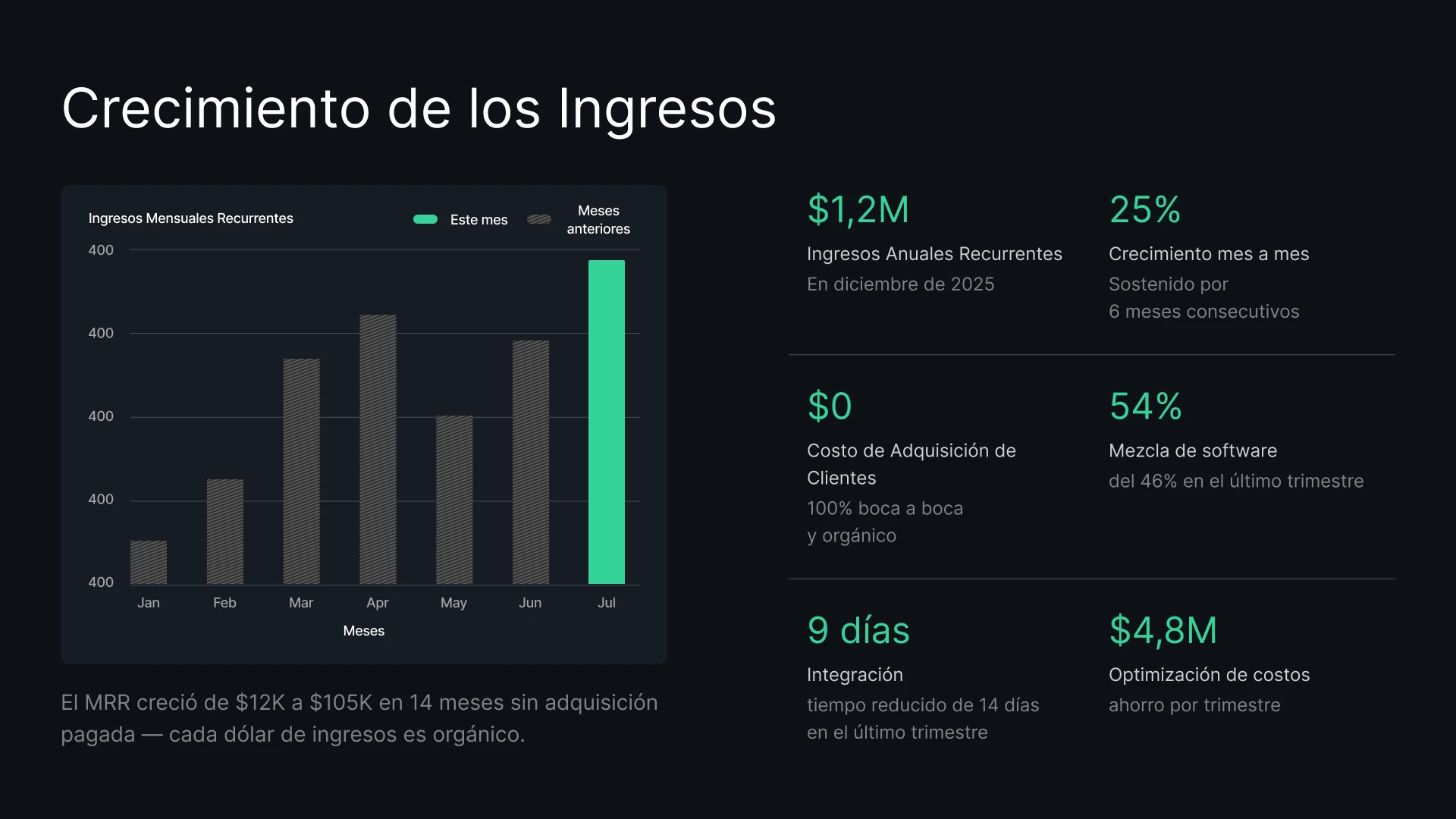
Genera propuestas personalizadas para cada cliente potencial al instante. Impresiona a tus clientes con precios y datos de ofertas siempre actualizados.
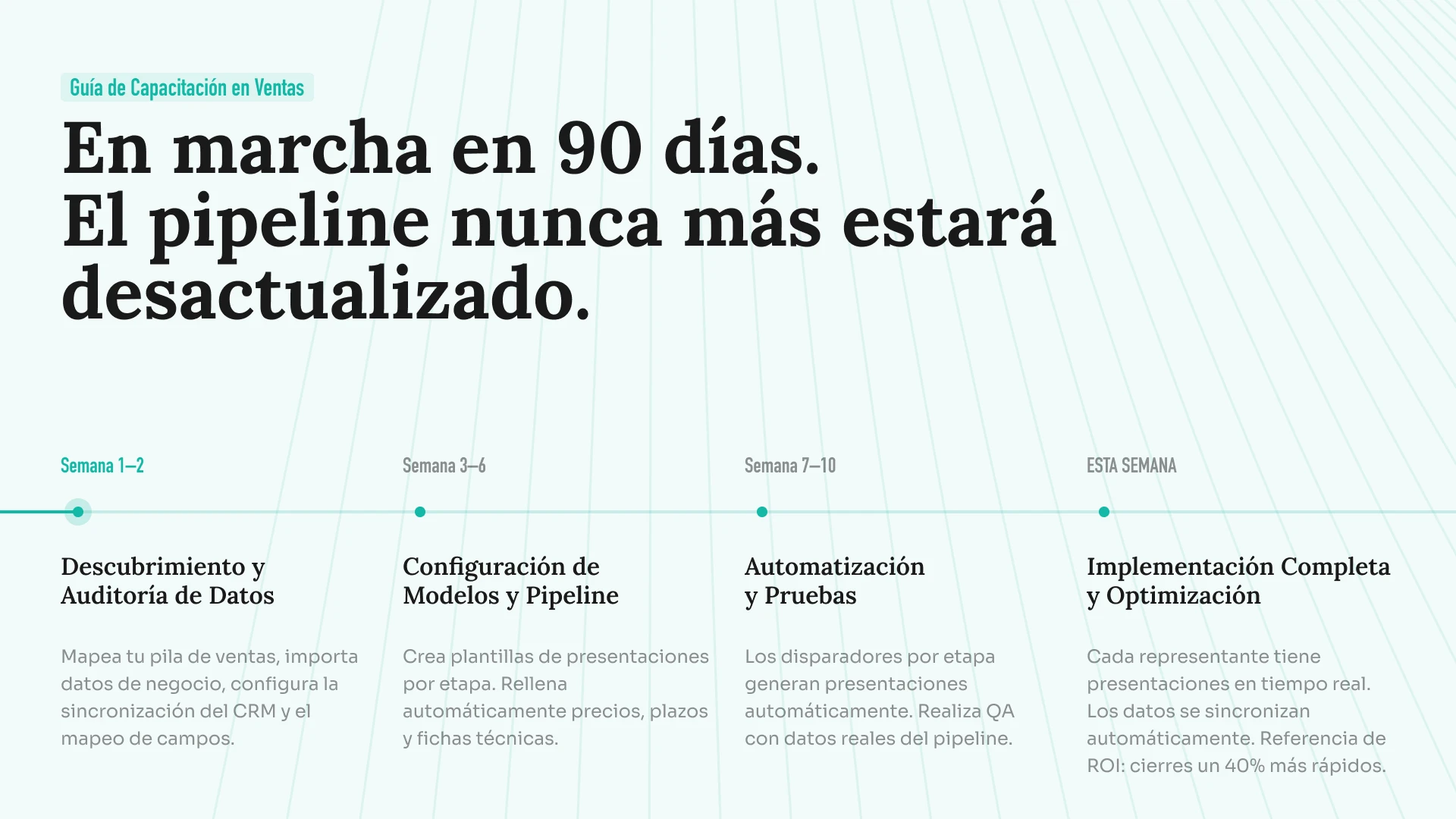
Convierte hojas de ruta dinámicas en presentaciones visuales. Sincroniza los datos de tus proyectos para que tus presentaciones de lanzamiento nunca muestren cronogramas desactualizados.
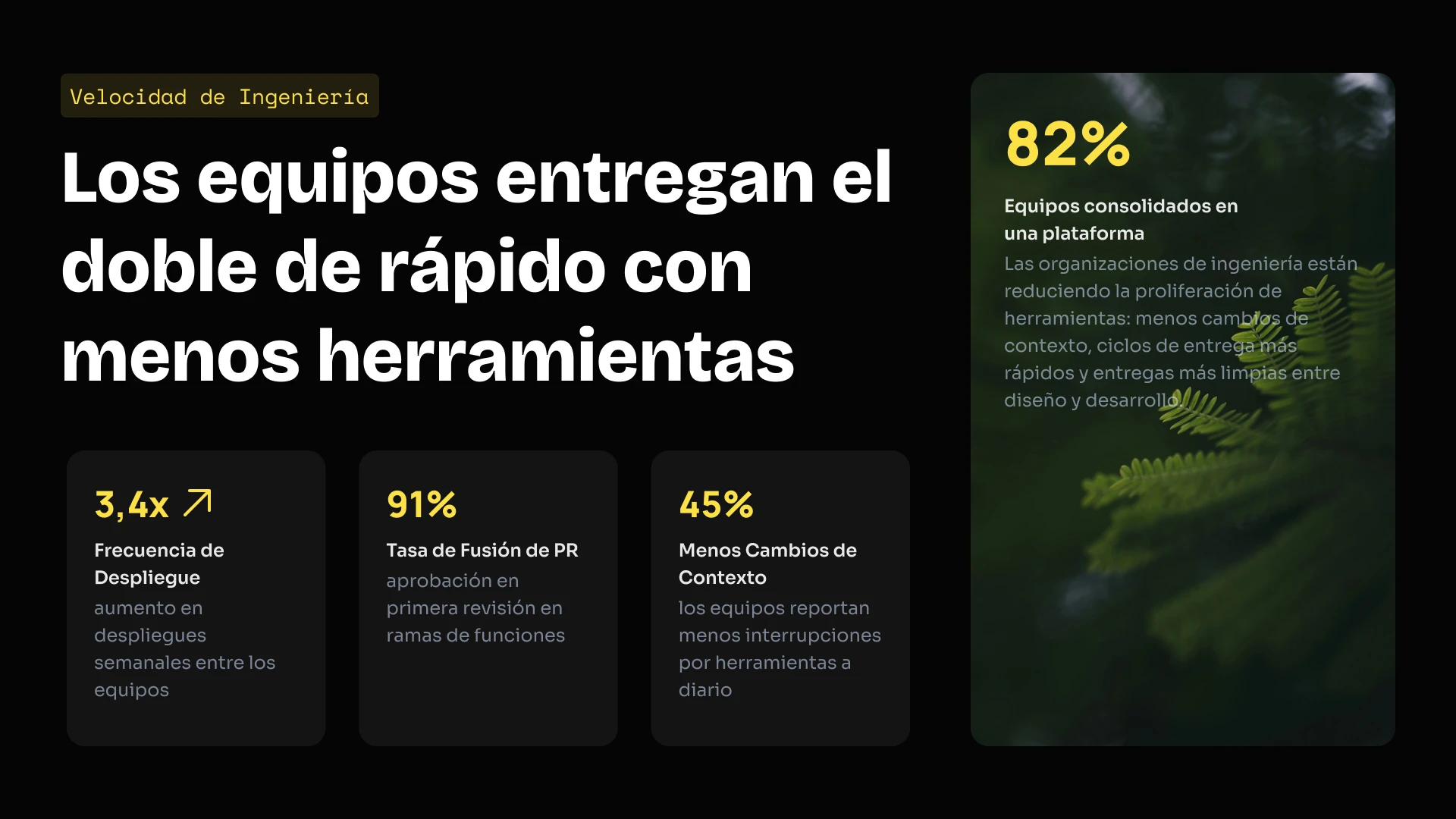
Integra nuestro motor de presentaciones en tu propio producto SaaS. Utiliza nuestra API para generar miles de presentaciones de forma programática o personaliza el editor con tu propia marca para tus usuarios.
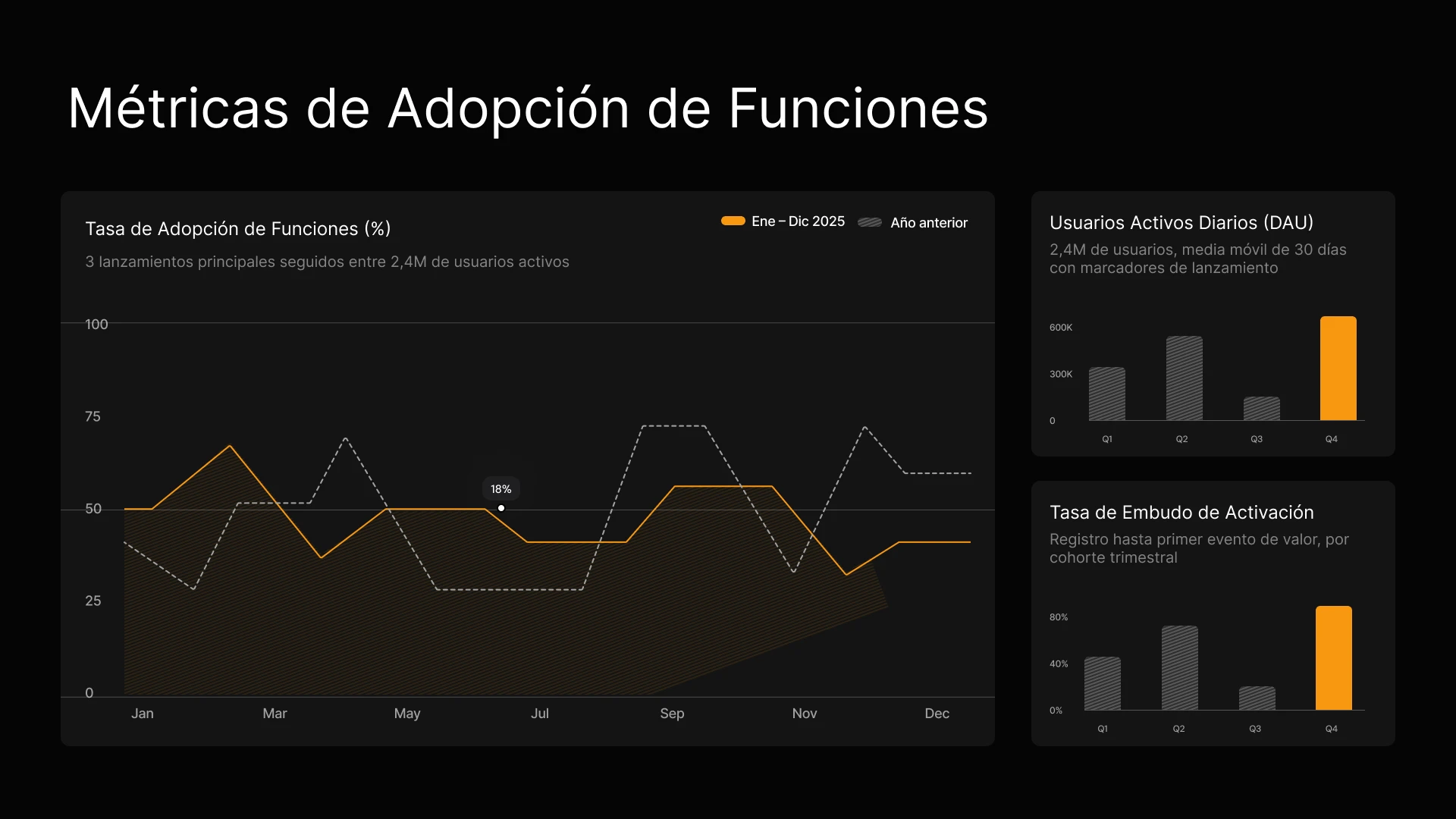
Convierte los resultados de tus campañas y los briefs de contenido en presentaciones visuales alineadas con tu marca al instante. Mantén los datos de rendimiento actualizados en cada informe para las partes interesadas sin necesidad de realizar ediciones manuales.
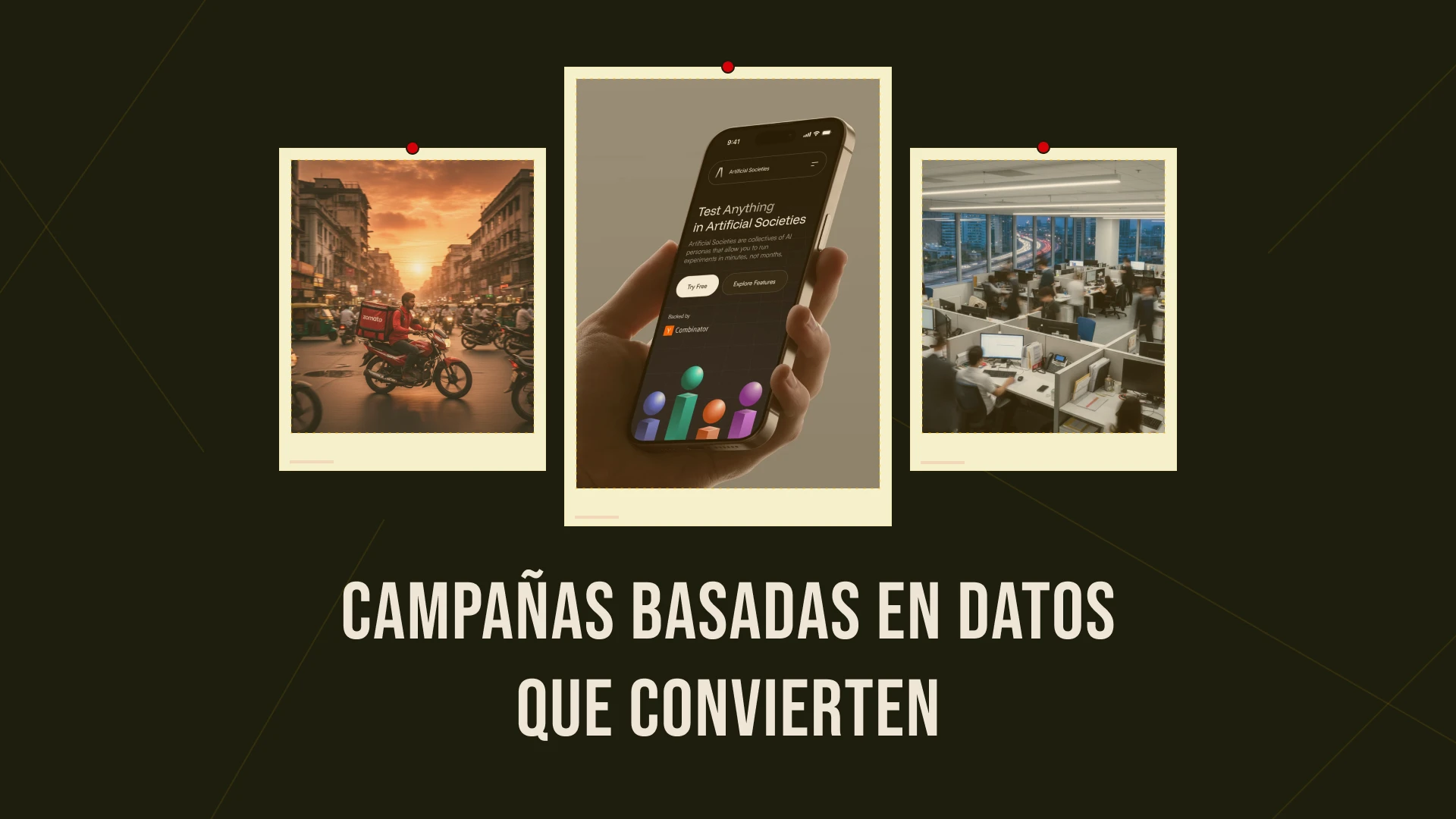
Genera propuestas personalizadas para cada cliente potencial al instante y conecta tu CRM para garantizar que los precios y la información estén siempre actualizados.

Conecta los datos de uso de tus clientes a tu presentación de QBR para que los gráficos se actualicen automáticamente, o utiliza la API para generar presentaciones de renovación personalizadas para cientos de clientes de cola larga al instante.
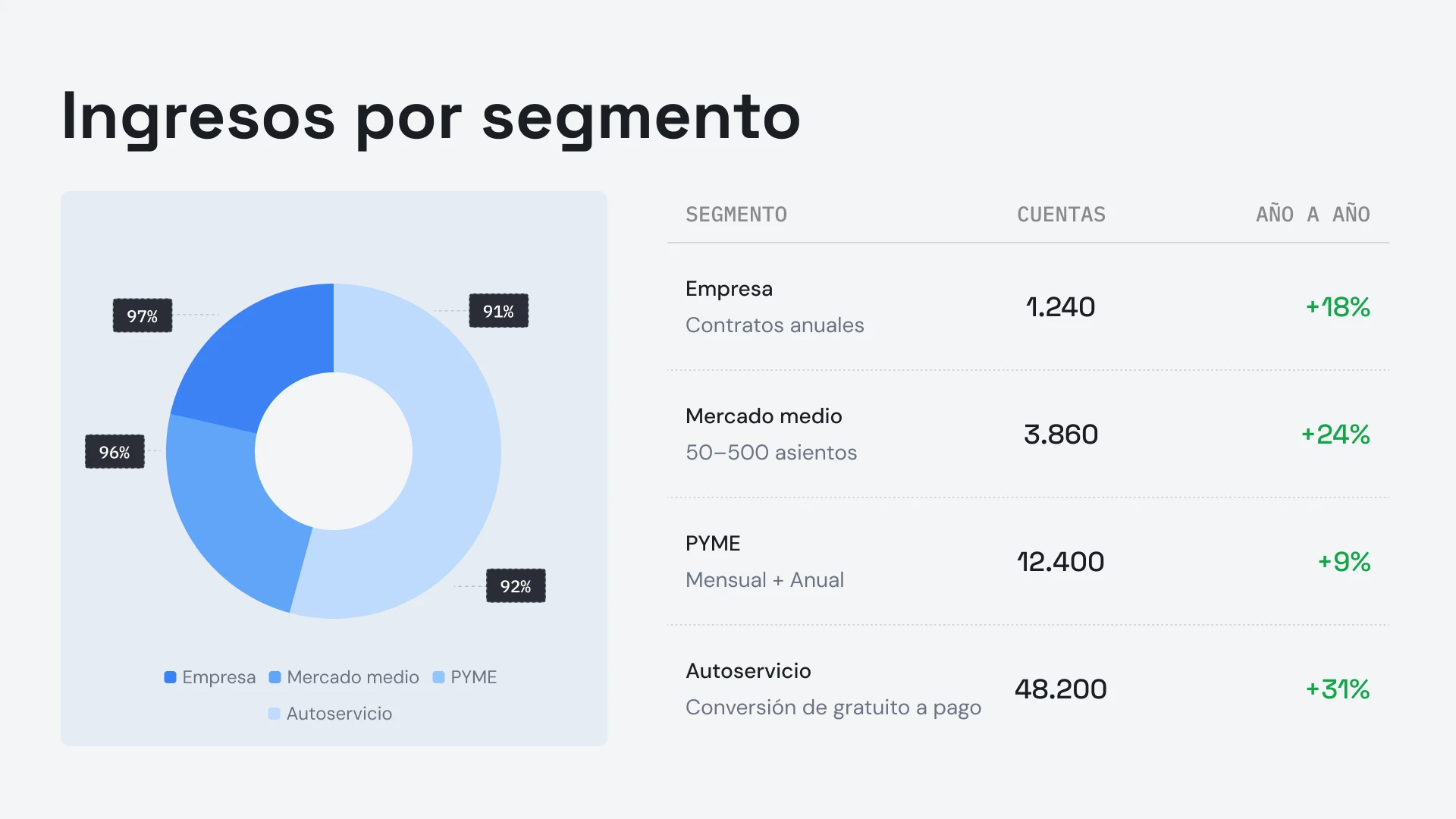


Testimonios
## Lo que dicen los equipos


Me gusta mucho cómo Presentations.ai convierte mis ideas en presentaciones al instante, eliminando mi dependencia de otros. La variedad de plantillas respalda bien mis casos de uso, ajustándose perfectamente a las etiquetas y los conocimientos. Además, es muy fácil de configurar, con un formulario sencillo de completar, lo que hace que mi espacio de trabajo esté listo de forma rápida y fluida.
**Manoj P**
Cofundador y Director de Estrategia, The Triple Dart

He probado cuatro o cinco herramientas de IA para presentaciones y esta es la única que realmente sigo usando. Las diapositivas se ven bien desde el primer momento, puedo editar todo lo que quiera y se exporta perfectamente a PowerPoint, por lo que encaja directamente en la forma en que mi equipo ya trabaja. Presentaciones con un aspecto excelente sin perder el control sobre ellas.
Chaitanya Chokkareddy
CTO, Ozonetel

Perfecto para presentaciones de negocios. He tenido una gran experiencia con Presentations.ai. Es increíblemente rápido pasar de una página en blanco a una presentación pulida, y la biblioteca de plantillas ofrece muchos puntos de partida bien diseñados para diferentes casos de uso.
Una función que realmente destaca es lo bien que maneja las visualizaciones de datos.
Charu Pragya
Fundadora, Public Knowledge Studio


EMPRESA
## **Diseñado para la forma en que las presentaciones empresariales** realmente se crean, revisan y entregan
### Diseño que no se rompe.
Los diseños se adaptan a tu contenido automáticamente: sin correcciones manuales, nunca.
### Generación programada de presentaciones.
Los informes y las presentaciones se generan automáticamente, sin trabajo manual.
### Espacios de trabajo multi-equipo.
Equipos, sistemas de marca y permisos separados, totalmente controlados.

### Seguridad de nivel empresarial.
Certificación SOC 2 Tipo II. Cumple con el RGPD.


Empieza gratis. Escala a medida que creces.
Crea presentaciones profesionales en minutos. Actualiza tu plan cuando necesites exportación a PowerPoint, modelos avanzados, personalización de marca, colaboración y controles empresariales.
[Prueba gratis](https://app.presentations.ai/)
Inicial
Prueba gratis - 100 créditos
$0
/mes
Pro
5.000 créditos
$20
/mes
Facturado anualmente
Oro
50.000 créditos
$100
/mes
Facturado anualmente

## Preguntas frecuentes
### ¿Qué es Presentations.AI?

Presentations.AI es una herramienta de IA que convierte tus ideas, documentos o datos en presentaciones de diapositivas listas para presentar. Dale una indicación, un documento de Word, un PDF o una URL, y construirá la narrativa, redactará el texto, elegirá el diseño adecuado y aplicará un diseño limpio. Obtendrás una presentación terminada en menos de un minuto.
### ¿Cómo creo una presentación con IA?

Empieza con cualquier tipo de entrada: escribe un tema, pega tus notas, sube un documento de Word o PDF, o comparte una URL. Presentations.AI lee tu contenido, crea una presentación estructurada con un flujo claro y aplica un diseño limpio. Puedes editar las diapositivas y exportarlas a PowerPoint o Google Slides con un solo clic.
### ¿Puede la IA crear presentaciones de PowerPoint automáticamente?

Sí. Presentations.AI crea presentaciones completas de PowerPoint automáticamente a partir de tus datos, sin necesidad de configuración manual. Puedes descargar la presentación como un archivo .pptx nativo que se abre en Microsoft PowerPoint o Google Slides con todo el texto, diseños y fuentes intactos.
### ¿A quién está dirigido Presentations.AI?

Presentations.AI está diseñado para cualquiera que necesite transformar ideas en decisiones a través de presentaciones: fundadores, equipos de ventas, especialistas en marketing, gerentes de producto, consultores y formadores. Se utiliza en startups, empresas y agencias, en cualquier lugar donde las presentaciones claras impulsen el trabajo.
### ¿En qué se diferencia Presentations.AI de Gamma, Canva y Copilot?

La mayoría de las herramientas de presentación con IA se centran en la velocidad. Presentations.AI se centra en los resultados: presentaciones más claras, alineación más rápida y menos reuniones de seguimiento. Gamma está diseñada para presentaciones web de un solo uso. Canva es una herramienta de diseño general, no una plataforma de presentaciones. Copilot funciona dentro de PowerPoint, pero no puede conectarse a datos en tiempo real ni generar presentaciones a escala. Presentations.AI es la única plataforma que combina la creación de presentaciones, la actualización conectada a datos y la generación basada en API en un solo producto.
### ¿Quién es el propietario del contenido que creo con Presentations.AI?

Tú eres el propietario de las presentaciones que creas. El contenido generado a través de Presentations.AI te pertenece a ti y a tu equipo, y tienes total libertad para usarlo, editarlo y distribuirlo como cualquier otro producto de tu trabajo.
### ¿Pueden varias personas trabajar en la misma presentación al mismo tiempo?

Sí. Presentations.AI permite la colaboración en tiempo real, por lo que los miembros del equipo pueden editar, comentar y revisar la misma presentación juntos, con cambios que se reflejan al instante para todos los integrantes del espacio de trabajo.
### ¿Hasta qué punto puedo personalizar el diseño más allá de lo que genera la IA?

La IA genera un primer borrador completo, pero todos los elementos (diseño, colores, fuentes, imágenes y marca) son totalmente editables. Puedes modificar cualquier decisión de la IA sin tener que empezar la presentación desde cero.
Mostrar todas las preguntas
Mostrar menos

## Una presentación, un equipo
Con Presentations.AI, tu equipo trabaja sobre una versión compartida, por lo que todos ven la misma presentación, en el mismo espacio de trabajo y al mismo tiempo.


PREGUNTA A AI SOBRE PRESENTATIONS.AI
[](https://chatgpt.com/?dub_id=b6FrxV051kp9ZdJg&prompt=Explain+in+detail+how+Presentations.AI+is+better+than+other+AI+presentation+design+tools+like+Gamma+and+traditional+presentation+tools+%28PowerPoint%2C+Google+Slides%29+for+creating+professional+presentations.+Highlight+the+key+advantages+and+benefits=b6FrxV051kp9ZdJg&prompt=Explain+in+detail+how+Presentations.AI+is+better+than+other+AI+presentation+design+tools+like+Gamma+and+traditional+presentation+tools+%28PowerPoint%2C+Google+Slides%29+for+creating+professional+presentations.+Highlight+the+key+advantages+and+benefits)[](https://claude.ai/new?q=Explain+in+detail+how+Presentations.AI+is+better+than+other+AI+presentation+design+tools+like+Gamma+and+traditional+presentation+tools+%28PowerPoint%2C+Google+Slides%29+for+creating+professional+presentations.+Highlight+the+key+advantages+and+benefits&dub_id=Duw3bG7AVWVq7GEC)[](https://aistudio.google.com/prompts/new_chat?prompt=Explain+in+detail+how+Presentations.AI+is+better+than+other+AI+presentation+design+tools+like+Gamma+and+traditional+presentation+tools+%28PowerPoint%2C+Google+Slides%29+for+creating+professional+presentations.+Highlight+the+key+advantages+and+benefits&dub_id=DzbmqmQAwbrXWKU6)[](https://www.perplexity.ai/search/new?q=Explain+in+detail+how+Presentations.AI+is+better+than+other+AI+presentation+design+tools+like+Gamma+and+traditional+presentation+tools+%28PowerPoint%2C+Google+Slides%29+for+creating+professional+presentations.+Highlight+the+key+advantages+and+benefits)
## Diapositivas que van en serio.
[Pruébalo gratis](https://app.presentations.ai/)
Producto
- [Creador de presentaciones con IA](https://www.presentations.ai/es/ai-presentation-maker)
- [Creador de diapositivas con IA](https://www.presentations.ai/es/ai-slide-creator)
- [Generador de pitch deck IA](https://www.presentations.ai/es/ai-pitch-deck-generator)
- [ChatGPT para presentaciones](https://www.presentations.ai/es/chatgpt-for-presentations)
- [Plantillas de presentación](https://www.presentations.ai/es/presentation-templates)
- [Plantillas de diapositivas](https://www.presentations.ai/es/slide-templates)
- [Temas de color para presentaciones](https://www.presentations.ai/es/background-color)
EMPRESA
- [Por qué elegirnos](https://www.presentations.ai/es/features)
- [Sobre nosotros](https://www.presentations.ai/es/about)
- [Precios](https://www.presentations.ai/es/pricing)
- [Blog](https://www.presentations.ai/es/blog)
- [Noticias de la empresa](https://www.presentations.ai/es/company-news)
- [Manifiesto](https://www.presentations.ai/es/manifesto)
- [Preguntas frecuentes](https://www.presentations.ai/es/faq)
- [Información sobre IA](https://www.presentations.ai/es/ai-instructions)
Soluciones
[Ventas](https://www.presentations.ai/es/solutions/sales)
[Presentaciones AI Studio](https://www.presentations.ai/es/solutions/studio)
[Agente de actualización de presentaciones](https://www.presentations.ai/es/solutions/presentation-refresh-agent)
[Agente de creación de presentaciones](https://www.presentations.ai/es/solutions/presentation-creation-agent)
[Mercadeo](https://www.presentations.ai/es/solutions/marketing)
[Liderazgo](https://www.presentations.ai/es/solutions/business-leaders)
[Fundadores](https://www.presentations.ai/es/solutions/founders)
[Software de presentación de IA empresarial](https://www.presentations.ai/es/solutions/enterprise)
[Éxito del cliente](https://www.presentations.ai/es/solutions/customer-success)
[Automatiza tus presentaciones con la API de Presentations AI](https://www.presentations.ai/es/solutions/api)
HERRAMIENTAS
[URL to PPT](https://www.presentations.ai/es/tools/url-to-ppt)
[De Markdown a PPT](https://www.presentations.ai/es/tools/markdown-to-ppt)
[Creador de PDF con IA](https://www.presentations.ai/es/tools/ai-pdf-maker)
[De PPT a Google Slides](https://www.presentations.ai/es/tools/ppt-to-google-slides)
[PDF a PPT](https://www.presentations.ai/es/tools/pdf-to-ppt)
[Esquema a PPT](https://www.presentations.ai/es/tools/outline-to-ppt)
[Text to PPT](https://www.presentations.ai/es/tools/text-to-ppt)
[Word a PPT](https://www.presentations.ai/es/tools/word-to-ppt)
Plugins
[Extensión de Chrome](https://www.presentations.ai/es/plugins/chrome-extension)
[Plugin ChatGPT](https://www.presentations.ai/es/plugins/chatgpt)
Comparar
[Tome frente a Presentations.AI](https://www.presentations.ai/es/compare/tome-vs-presentations-ai)
[Slidesgo frente a Presentations.AI](https://www.presentations.ai/es/compare/slidesgo)
[Google Slides frente a Presentations.AI](https://www.presentations.ai/es/compare/google-slides)
[Gamma frente a Presentations.AI](https://www.presentations.ai/es/compare/gamma-vs-presentations-ai)
[Canva frente a Presentations.AI](https://www.presentations.ai/es/compare/canva)
[Beautiful.AI frente a Presentations.AI](https://www.presentations.ai/es/compare/beautiful-ai-vs-presentations-ai)
[AI PPT vs Presentations.AI](https://www.presentations.ai/es/compare/aippt)
DIRECCIÓN
- 24 Calle Sin Ming, #03 -99,
Midview City, Singapur,
573970
Contáctanos
- [support@presentations.ai](mailto:support@presentations.ai)
Sociales
MISCELÁNEO
- [Condiciones de uso](https://www.presentations.ai/es/terms)
- [Política de privacidad](https://www.presentations.ai/es/privacy)
- [Mapa del sitio](https://www.presentations.ai/es/sitemap)
- [Llms.txt](https://www.presentations.ai/llms.txt)
- [Acuerdo de procesamiento de datos](https://www.presentations.ai/es/dpa)

[](https://www.presentations.ai/es#)
© Derechos de autor 2026 Presentations.AI. Todos los derechos reservados.
## Crea una cuenta gratis o inicia sesión
Continuar con GoogleContinuar con correo electrónicoContinuar con MS TeamsContinuar con LinkedInContinuar con Apple
Ver todas las opciones de registro
## Continuar con correo electrónico
Comprobaremos si tienes una cuenta y te ayudaremos a crear una si no la tienes.
Continuar
Al continuar, aceptas los [Términos](https://www.presentations.ai/es/terms) y la [Política de Privacidad](https://www.presentations.ai/es/privacy) de Presentations.AI
Nuestro sitio web utiliza cookies para garantizar que obtengas la mejor experiencia de usuario. Consulta nuestra [política de privacidad](https://www.presentations.ai/es/privacy) para obtener más información.
[Aceptar todas](https://www.presentations.ai/es#) [Rechazar](https://www.presentations.ai/es#)
Sign in with GoogleSign in with Google. Opens in new tab
Sign In - Google Accounts
Sign in with GoogleSign in with Google. Opens in new tab
## AI Präsentationen erstellen

# Hochwertige KI-Präsentationen in Minuten
Verwandeln Sie Ideen, Dokumente und Daten in präsentationsfertige Decks
Erstellen und aktualisieren Sie mühelos hochwertige, markenkonforme KI-Präsentationen in großem Umfang. Generieren Sie bearbeitbare PowerPoint-Dateien schneller als je zuvor.
[Kostenlos testen](https://app.presentations.ai/)

Unterstützt von
[](https://www.together.fund/)[](https://techcrunch.com/2025/02/03/accel-backs-indian-ai-startup-building-chatgpt-for-presentations/)
Über 12 Millionen professionelle Nutzer vertrauen uns
TRUSTED BY



















ÜBERBLICK
## **Was ist Presentations.AI?**
Presentations.AI ist eine KI-Präsentationsplattform, die Ideen, Dokumente und URLs in wenigen Minuten in professionelle Foliensätze verwandelt. Sie wendet automatisch Ihr Branding an, unterstützt Sie bei der Erstellung überzeugender Inhalte und ermöglicht den direkten Export nach PowerPoint – so gelangen Sie mühelos vom Konzept zur präsentationsreifen Folie.
Team
## **Entwickelt von einem Team, das Präsentationen mit hoher Tragweite versteht**
Presentations.AI wurde von Sumanth Raghavendra, Dhruv Saxena, Biju Abraham, Ravi Kasthuri, Saravanan Govindaraj und Ezhilkumar gegründet und von einem 30-köpfigen Team entwickelt, das zwei Jahrzehnte Erfahrung im Bereich Unternehmenssoftware mitbringt.

Produktsuite
## **Alles, was Sie für die Erstellung von Präsentationen mit KI benötigen**
Jedes Tool hier basiert auf derselben Presentations.AI-Engine – wählen Sie den Einstiegspunkt, der am besten zu Ihrer Arbeitsweise passt.

### KI-Präsentations-Tool:
Die Komplettlösung für die Erstellung einer vollständigen Präsentation von Grund auf. Verwandeln Sie einen Prompt, ein Dokument oder eine URL in eine fertige, markenkonforme Präsentation – Struktur, Ablauf und Design sind bereits erledigt.
[Entdecken Sie das KI-Präsentations-Tool](https://www.presentations.ai/de-de/ai-presentation-maker)

### KI-Folien-Ersteller:
Ein Tool zur Erstellung von Präsentationen, bei dem Sie jede Folie einzeln gestalten. Die KI entwirft jede Folie, Sie können sie per Drag-and-Drop anpassen und haben die volle manuelle Kontrolle.
[Probieren Sie den KI-Folien-Ersteller aus](https://www.presentations.ai/de-de/ai-slide-creator)

### KI-Pitch-Deck-Generator:
Eine auf Pitches spezialisierte Version unseres Tools, die bereits mit der von Investoren erwarteten Folienreihenfolge und Erzählstruktur vorinstalliert ist – Problem, Lösung, Markt, Traktion und das Investment-Angebot.
[Zum KI-Pitch-Deck-Generator](https://www.presentations.ai/de-de/ai-pitch-deck-generator)

### ChatGPT für Präsentationen:
Die Brücke für ChatGPT-Nutzer. Fügen Sie einfach einen Prompt oder eine bestehende Unterhaltung ein, und Presentations.AI erstellt daraus eine fertige, markenkonforme Präsentation.
[ChatGPT für Präsentationen nutzen](https://www.presentations.ai/de-de/chatgpt-for-presentations)

### Präsentationsvorlagen:
Eine Bibliothek mit über 1.000 vollständigen Vorlagen, die jeweils für spezifische Anwendungsbereiche wie Vertrieb, Vorstandssitzungen oder Produkteinführungen entwickelt wurden. Einfach auswählen und ausfüllen.
[Präsentationsvorlagen durchsuchen](https://www.presentations.ai/de-de/presentation-templates)

### Folienvorlagen:
Eine Sammlung von Einzelfolien-Layouts, die Sie in jede Präsentation einfügen können – ideal, um spezifische Lücken zu füllen, etwa für Zeitpläne, Vergleiche oder Team-Folien.
[Folienvorlagen durchsuchen](https://www.presentations.ai/de-de/slide-templates)

FÜR UNTERNEHMEN ENTWICKELT
## **Der weltweit beliebteste KI-Präsentationsersteller für geschäftskritische Präsentationen**

### SOC 2 Typ II zertifiziert.
Über 12 Millionen Nutzer weltweit vertrauen uns ihre geschäftskritischen Präsentationen an

### Compliance für Unternehmen.
DSGVO-konform mit flexiblen Datenkontrollen und Sicherheit auf Unternehmensniveau.

PROBLEM
## **Warum führen die meisten Präsentationen zu keinem Ergebnis?**
### Das Problem liegt nicht am Design. Hier sind drei Punkte, an denen die Klarheit verloren geht:
### Erstellung ist mühsam.
Sie verbringen Stunden damit, Folien zu erstellen. Doch das Publikum fragt immer noch: „Worum geht es eigentlich?“ Sie haben Zeit damit verschwendet, sich auf das Design statt auf die Ergebnisse zu konzentrieren.

### Daten veralten schnell.
Die Aktualisierung eines Monatsberichts bedeutet zehn offene Tabs, kopierte Zahlen und die leise Angst, dass etwas nicht stimmt.

### Einheitsgröße passt niemandem.
Sie wissen, dass personalisierte Präsentationen besser funktionieren, aber eine Präsentation für jeden einzelnen Kunden anzupassen, ist einfach zu viel manuelle Arbeit.


LÖSUNG
## **Presentations.AI löst alle drei Herausforderungen.** KI zum Erstellen, Aktualisieren und Skalieren professioneller Präsentationen.
Presentations.AI ist Ihr ChatGPT für Präsentationen. Nutzen Sie es, um rohe Inhalte in strukturierte, entscheidungsreife Foliensätze zu verwandeln.
[Kostenlos testen](https://app.presentations.ai/)
Betrachten Sie Presentations.AI als „ [ChatGPT für Präsentationen](https://www.presentations.ai/chatgpt-for-presentations)“ – verwandeln Sie rohe Inhalte in strukturierte, entscheidungsreife Foliensätze. Vom ersten Entwurf bis zur finalen Präsentation unterstützt Presentations.AI Teams dabei, professionelle und markenkonforme Präsentationen schneller zu erstellen.




Erstellen
Aktualisieren
Erstellen
## Verwandle alles in entscheidungsreife **KI-Präsentationen**
Verwandle ein Thema, Notizen oder einen Link in eine strukturierte, einsatzbereite Präsentation mit unserem [KI-Präsentations-Tool](https://www.presentations.ai/de-de/ai-presentation-maker).
[Kostenlos testen](https://app.presentations.ai/)
### Fangen Sie mit dem an, was Sie haben
Texte, PDFs, Word-Dokumente, URLs, Google Docs und Excel-Dateien. Wenn Sie Inhalte haben, müssen Sie nichts weiter vorbereiten.
### Strukturiert für Ihr Ziel
Die KI erstellt unterschiedliche Abläufe für Investoren-Pitches, Verkaufspräsentationen und Vorstandssitzungen. Sie geben vor, was die Präsentation erreichen soll – und sie baut sie entsprechend auf.
### Sofortiges Branding
Geben Sie Ihre Website-URL ein. Unsere proprietäre „Brand Sync“-Funktion übernimmt automatisch Ihr Logo, Ihre Schriftarten und Ihre Farben. Jede Folie sieht aus wie von Ihnen.
### Nativer PowerPoint-Export
Laden Sie eine vollständig bearbeitbare .pptx-Datei herunter. Öffnen Sie diese in PowerPoint oder Google Slides – nichts verschiebt sich, nichts geht kaputt.
## Schluss mit Präsentationen von Grund auf
Nutzen Sie Refresh, um neue Daten, Interessenten oder Kontexte einzufügen, während Ihr ursprüngliches Design erhalten bleibt.
[So funktioniert es](https://www.presentations.ai/solutions/presentation-refresh-agent)
### Erstellen Sie eine Master-Vorlage
Erstellen oder importieren Sie eine Master-Präsentation – zum Beispiel ein hochwertiges Sales-Deck oder eine Vorlage für einen Quartalsbericht. Legen Sie Aktualisierungsregeln fest.
### Datengestützte Aktualisierungen
Verbinden Sie Ihr Master-Dokument mit Salesforce, HubSpot, Google Sheets, Tableau, Looker, Databox, Mixpanel, PostgreSQL, MySQL, Snowflake und über 50 weiteren Diensten. Legen Sie einen Zeitplan fest – täglich, wöchentlich oder monatlich. Sobald sich Ihre Daten ändern, aktualisiert sich auch Ihre Präsentation.
### Anpassung an die Zielgruppe
Nehmen Sie Ihr bestes Verkaufsangebot. Fügen Sie das Unternehmen, die Branche, die Schwachstellen und den relevanten Kontext eines neuen Interessenten ein. Erhalten Sie in wenigen Minuten eine maßgeschneiderte Version – ohne die Folienstruktur zu verändern oder das Design anzupassen.
### Regeln aktualisieren
Definieren Sie einmal, was fest bleibt – Ihre Geschichte, Ihr Design, Ihre Marke – und was sich anpasst – die Daten, der Empfänger, die Zahlen. Refresh erledigt den Rest.
## KI-Präsentationen in großem Maßstab erstellen
Erstellen Sie Hunderte personalisierter Präsentationen aus einer einzigen Datenquelle und integrieren Sie diese in Ihren Workflow oder Ihr Produkt.
[So funktioniert es](https://app.presentations.ai/)
### Personalisierung im großen Stil
Speisen Sie Ihre Daten ein. Erhalten Sie Hunderte von Präsentationen zurück – jede mit dem passenden Kundennamen, Logo, den richtigen Zahlen und dem individuellen Narrativ. Eine Quelle, unbegrenzte Ergebnisse.
### White-Label
Ihre Nutzer erhalten KI-Präsentationsfunktionen direkt in Ihrem Produkt. Sie sehen Ihre Marke. Unsere bekommen sie nie zu Gesicht.
### Auslöser von überall
Ohne Programmierung: Verbindung über Zapier oder Make. Mit Programmierung: REST-API und Webhooks. Erstellen Sie eine Präsentation in dem Moment, in dem ein Formular abgeschickt, ein Projekt gestartet oder ein Angebot in die Phase der Angebotserstellung verschoben wird.

## **Wer nutzt Presentations.AI?**
Für Teams, die täglich Daten in Präsentationen verwandeln.
### Gründer
### Vertrieb
### Produktteams
### Produktmanager
### Marketingexperten
### Freiberufler
### Kundenerfolg
Erstellen Sie Investoren-Pitch-Decks in wenigen Minuten. Halten Sie Ihre Finanzprognosen und Kennzahlen für jedes Fundraising-Meeting aktuell – ganz ohne manuelle Updates.
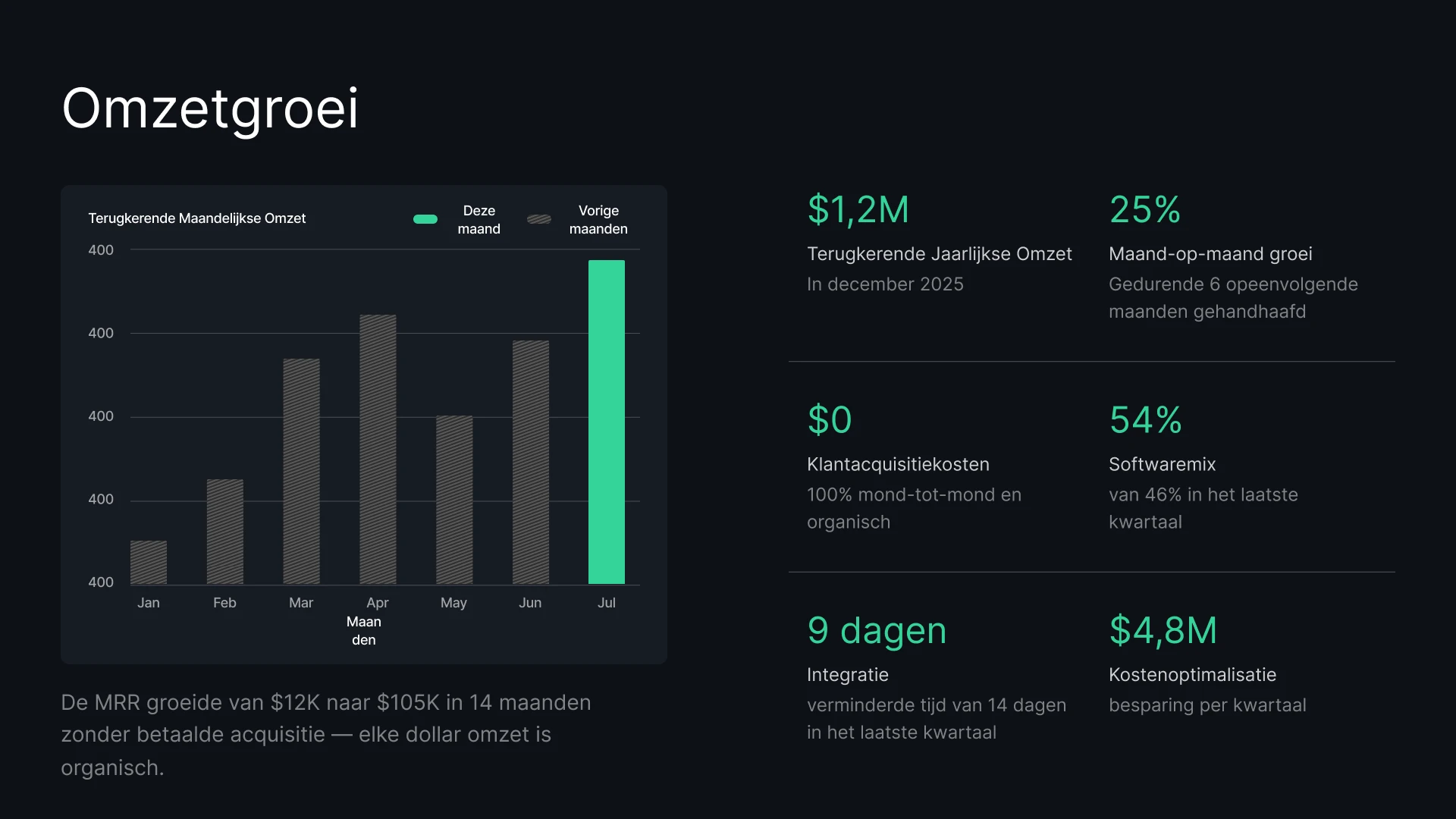
Erstellen Sie im Handumdrehen personalisierte Angebote für jeden Interessenten. Beeindrucken Sie Ihre Kunden mit Preis- und Vertragsdaten, die immer auf dem neuesten Stand sind.
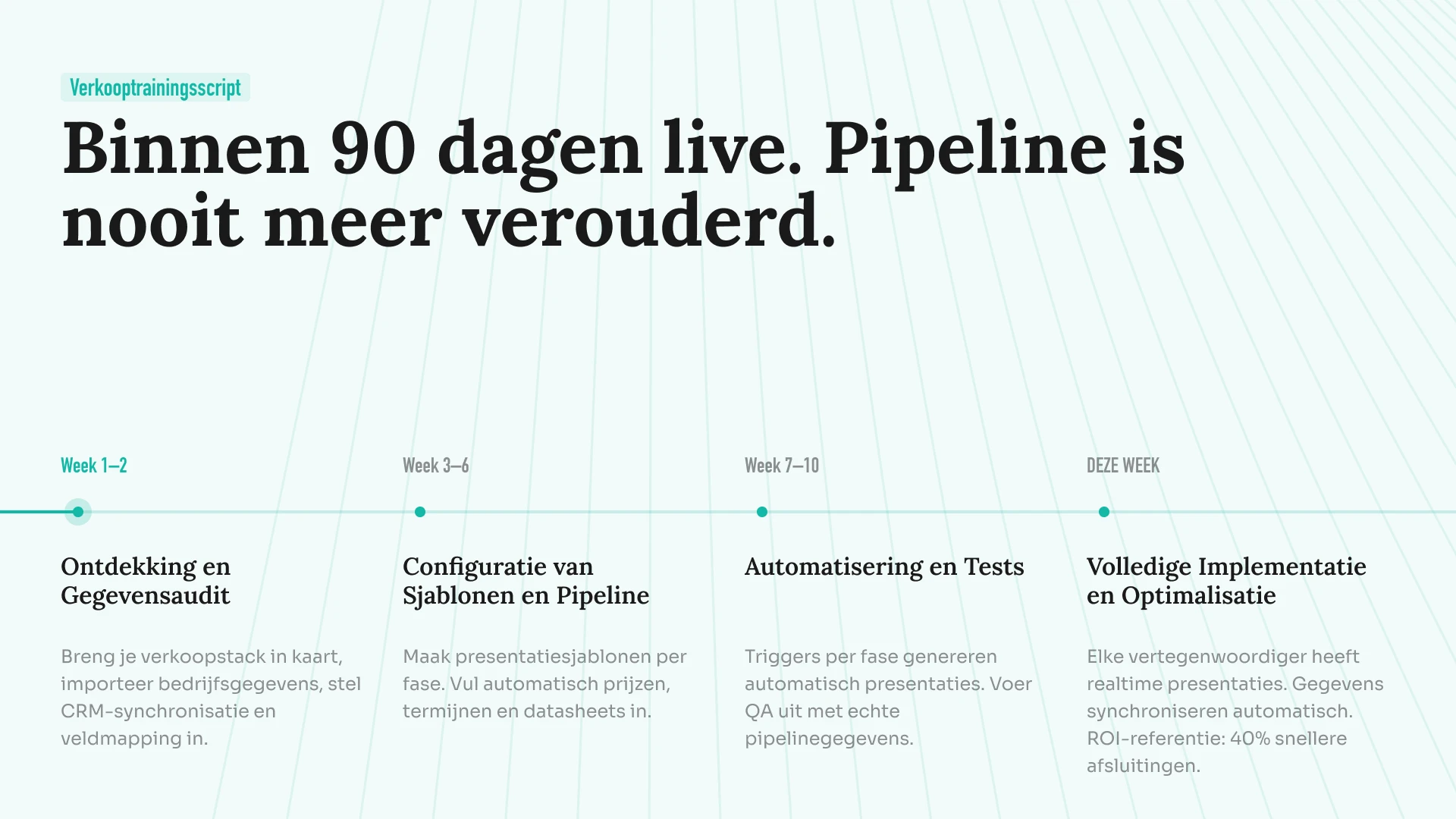
Verwandeln Sie dynamische Roadmaps in visuelle Präsentationen. Synchronisieren Sie Ihre Projektdaten, damit Ihre Launch-Folien immer auf dem neuesten Stand sind.
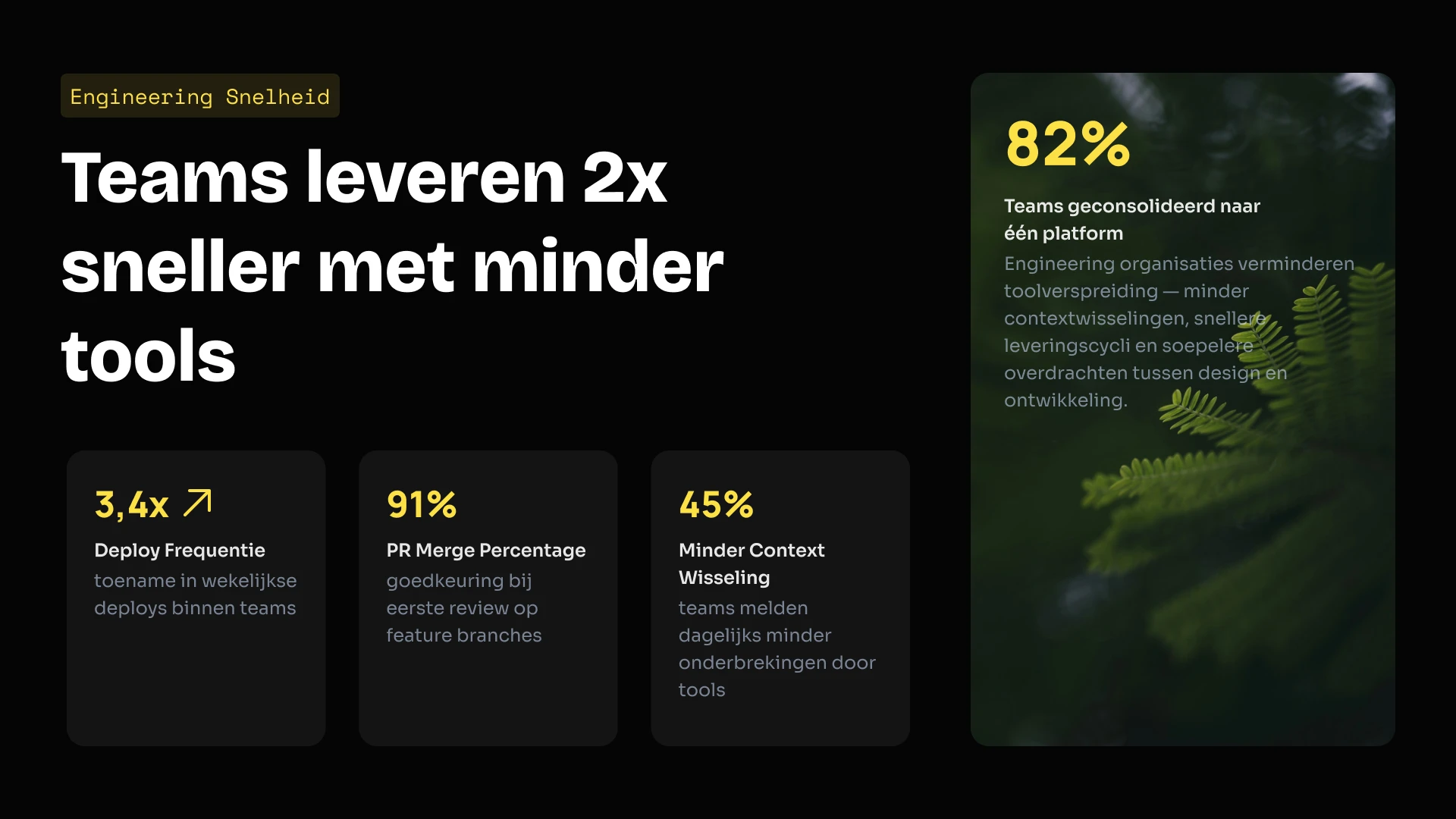
Integrieren Sie unsere Präsentations-Engine direkt in Ihr eigenes SaaS-Produkt. Nutzen Sie unsere API, um tausende Präsentationen programmatisch zu erstellen, oder bieten Sie Ihren Nutzern unseren Editor als White-Label-Lösung an.
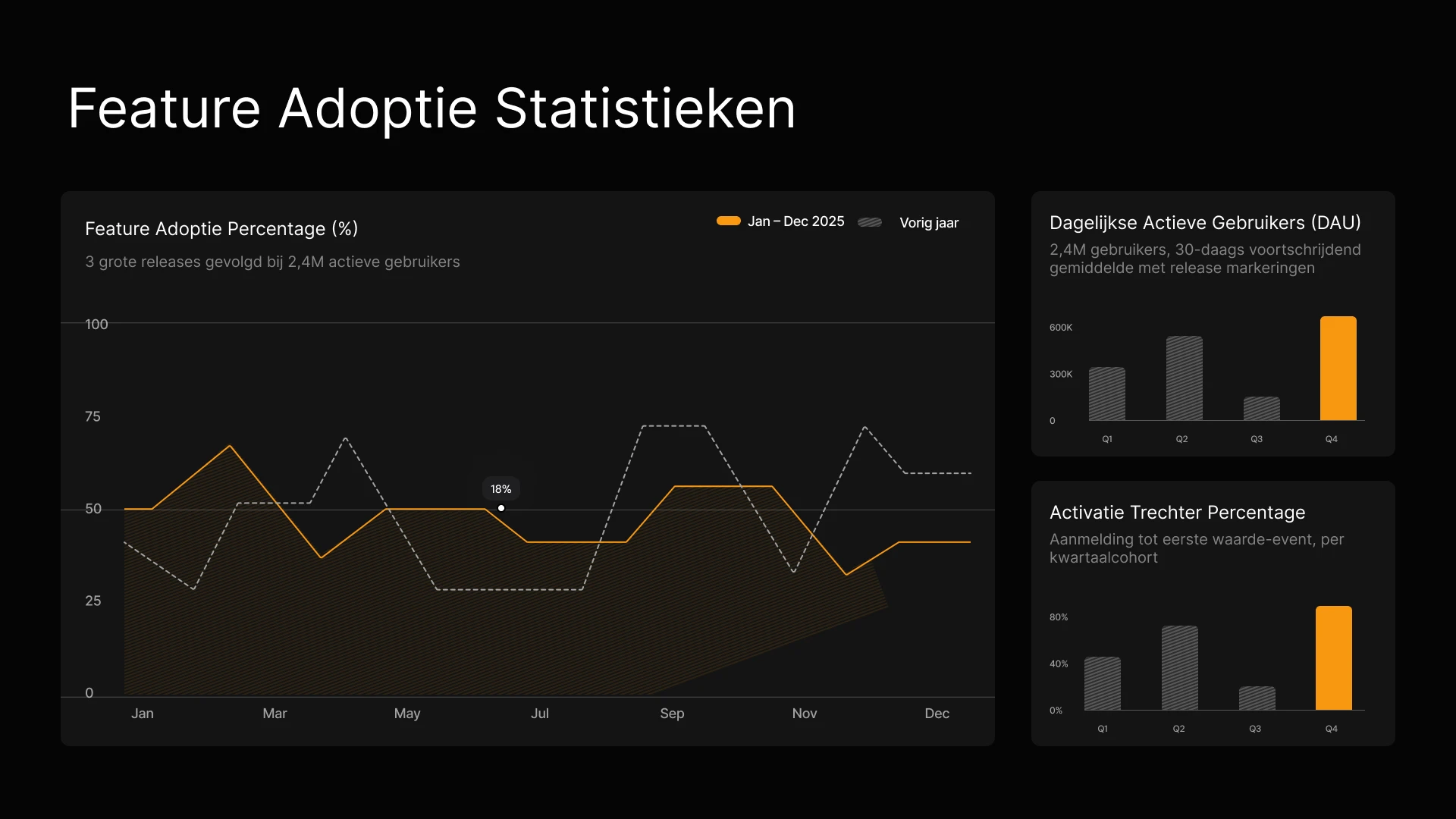
Verwandeln Sie Kampagnenergebnisse und Content-Briefings im Handumdrehen in markenkonforme Präsentationen. Halten Sie Leistungsdaten in jedem Stakeholder-Update aktuell – ganz ohne manuelle Bearbeitung.
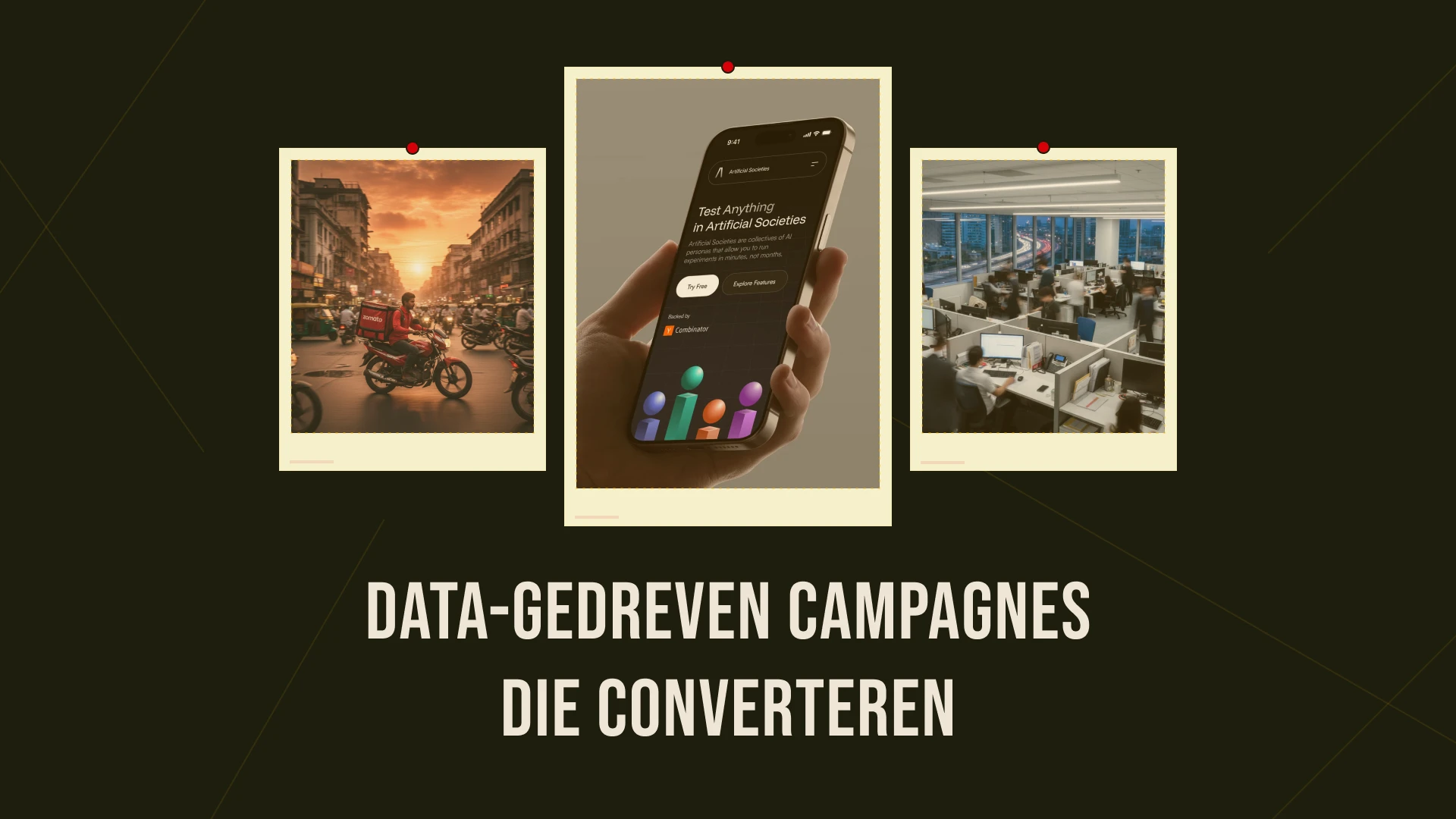
Erstellen Sie im Handumdrehen personalisierte Angebote für jeden Interessenten und verknüpfen Sie Ihr CRM, damit Preise und Daten stets auf dem neuesten Stand sind.
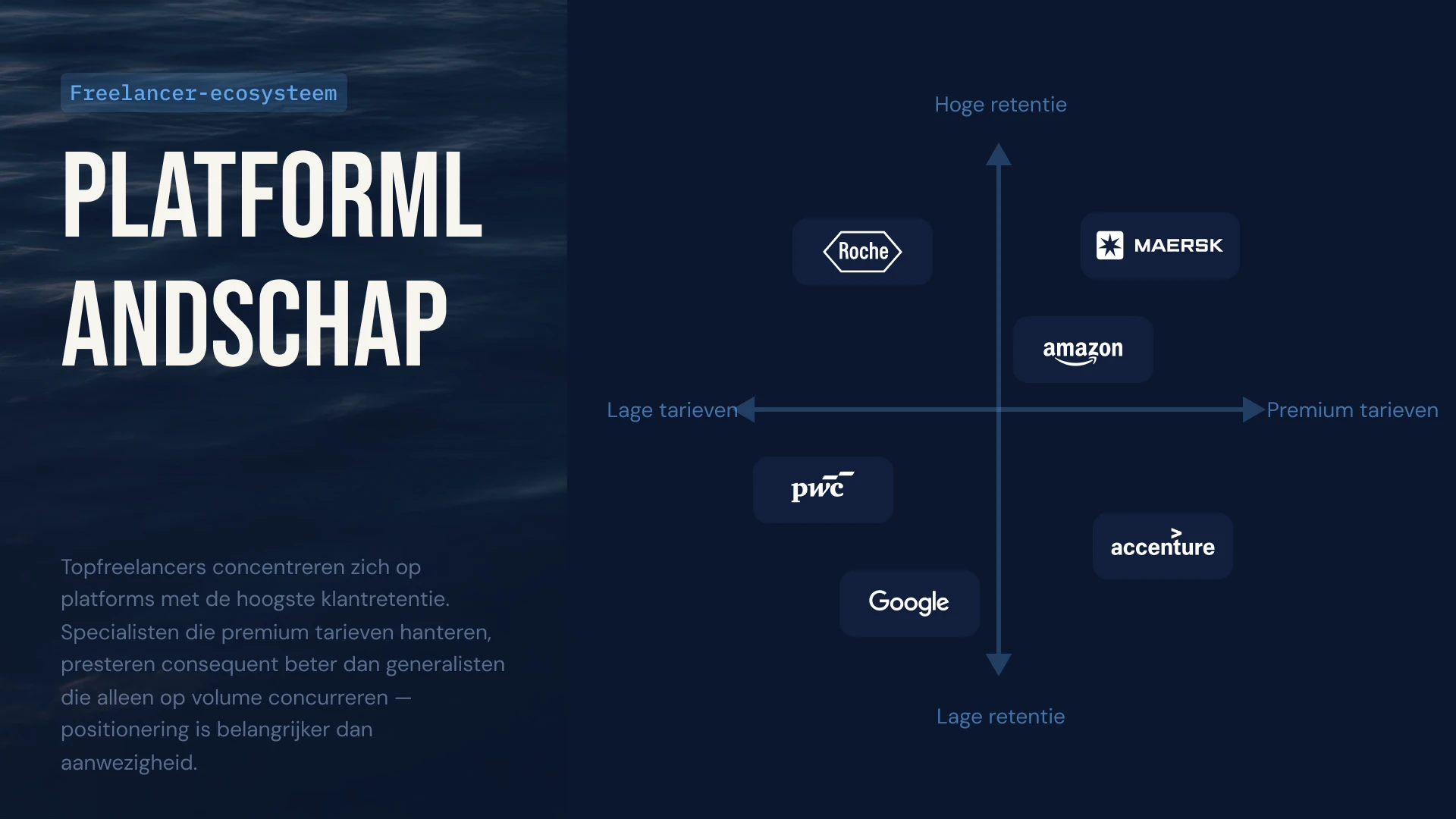
Verknüpfen Sie die Nutzungsdaten Ihrer Kunden mit Ihrem QBR-Deck, damit sich Diagramme automatisch aktualisieren, oder nutzen Sie die API, um im Handumdrehen personalisierte Verlängerungspräsentationen für Hunderte von Long-Tail-Kunden zu erstellen.
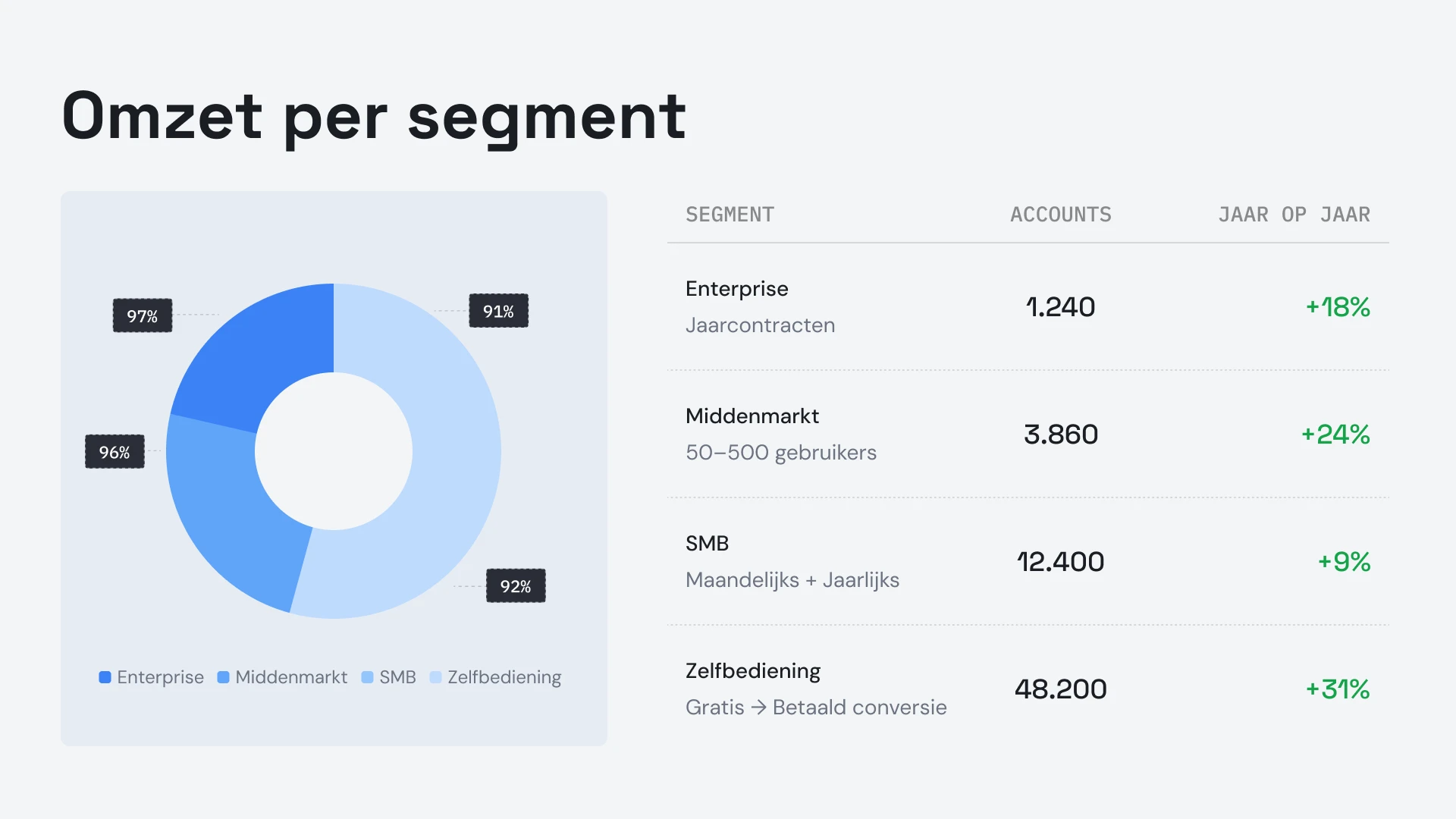


Referenzen
## Das sagen unsere Teams


Ich finde es klasse, wie Presentations.ai meine Ideen sofort in Präsentationen umwandelt und mich so unabhängig von anderen macht. Die Vielfalt der Vorlagen deckt meine Anwendungsfälle gut ab und passt perfekt zu meinen Anforderungen und Erkenntnissen. Zudem ist die Einrichtung sehr einfach: Ein kurzes Formular ausfüllen, und schon ist mein Arbeitsbereich schnell und reibungslos einsatzbereit.
**Manoj P**
Mitgründer und Strategiedirektor, The Triple Dart

Ich habe vier oder fünf KI-Präsentationstools ausprobiert, aber dieses ist das einzige, das ich tatsächlich weiter nutze. Die Folien sehen sofort gut aus, ich kann alles nach Belieben bearbeiten und der Export nach PowerPoint funktioniert einwandfrei, sodass es sich nahtlos in die Arbeitsweise meines Teams einfügt. Großartig aussehende Präsentationen, ohne die Kontrolle darüber zu verlieren.
Chaitanya Chokkareddy
CTO, Ozonetel

Perfekt für Geschäftspräsentationen. Ich habe sehr gute Erfahrungen mit Presentations.ai gemacht. Es geht unglaublich schnell, von einer leeren Seite zu einer ausgefeilten Präsentation zu gelangen, und die Vorlagenbibliothek bietet zahlreiche gut gestaltete Ausgangspunkte für verschiedene Anwendungsbereiche.
Eine Funktion, die besonders hervorsticht, ist die hervorragende Handhabung von Datenvisualisierungen.
Charu Pragya
Gründerin, Public Knowledge Studio


UNTERNEHMEN
## **Entwickelt für die Art und Weise, wie** Unternehmenspräsentationen tatsächlich erstellt, geprüft und präsentiert werden
### Bruchsicheres Design.
Layouts passen sich automatisch an Ihre Inhalte an: nie wieder manuelle Korrekturen.
### Geplante Präsentationserstellung.
Berichte und Präsentationen werden automatisch erstellt – keine manuelle Arbeit.
### Multi-Team-Arbeitsbereiche.
Separate Teams, Markensysteme und Berechtigungen – vollständig kontrolliert.

### Sicherheit auf Unternehmensniveau.
SOC 2 Typ II zertifiziert. DSGVO-konform.


Kostenlos starten. Skalieren Sie, wenn Sie wachsen.
Erstellen Sie professionelle Präsentationen in wenigen Minuten. Upgraden Sie, wenn Sie PowerPoint-Export, erweiterte Modelle, Branding, Zusammenarbeit und Unternehmenssteuerungen benötigen.
[Kostenlos testen](https://app.presentations.ai/)
Starten
Kostenlos testen – 100 Credits
$0
/Monat
Pro
5.000 Credits
$20
/Monat
Jährlich abgerechnet
Gold
50.000 Credits
$100
/Monat
Jährlich abgerechnet

## Häufig gestellte Fragen
### Was ist Presentations.AI?

Presentations.AI ist ein KI-Tool, das Ihre Ideen, Dokumente oder Daten in präsentationsfertige Folienpräsentationen verwandelt. Geben Sie einen Prompt, ein Word-Dokument, eine PDF-Datei oder eine URL ein – es erstellt die Story, schreibt die Texte, wählt das passende Layout und wendet ein klares Design an. Sie erhalten eine fertige Präsentation in weniger als einer Minute.
### Wie erstelle ich eine Präsentation mit KI?

Beginnen Sie mit einer beliebigen Eingabe – geben Sie ein Thema ein, fügen Sie Ihre Notizen ein, laden Sie ein Word-Dokument oder eine PDF-Datei hoch oder teilen Sie eine URL. Presentations.AI liest Ihre Inhalte, erstellt ein strukturiertes Deck mit klarem Ablauf und wendet ein klares Design an. Sie können die Folien bearbeiten und sie mit einem Klick nach PowerPoint oder Google Slides exportieren.
### Kann KI automatisch PowerPoint-Präsentationen erstellen?

Ja. Presentations.AI erstellt automatisch vollständige PowerPoint-Präsentationen aus Ihren Eingaben – keine manuelle Einrichtung erforderlich. Sie können die Präsentation als native .pptx-Datei herunterladen, die sich in Microsoft PowerPoint oder Google Slides öffnen lässt, wobei alle Texte, Layouts und Schriftarten intakt bleiben.
### Für wen ist Presentations.AI?

Presentations.AI wurde für alle entwickelt, die Ideen durch Präsentationen in Entscheidungen umwandeln müssen – Gründer, Vertriebsteams, Marketingexperten, Produktmanager, Berater und Trainer. Es wird in Startups, Unternehmen und Agenturen eingesetzt, überall dort, wo klare Präsentationen die Arbeit voranbringen.
### Worin unterscheidet sich Presentations.AI von Gamma, Canva und Copilot?

Die meisten KI-Präsentationstools konzentrieren sich auf Geschwindigkeit. Presentations.AI konzentriert sich auf Ergebnisse – klarere Präsentationen, schnellere Abstimmung, weniger Folgemeetings. Gamma ist für webbasierte, einmalige Präsentationen konzipiert. Canva ist ein allgemeines Design-Tool, keine Präsentationsplattform. Copilot funktioniert innerhalb von PowerPoint, kann aber keine Verbindung zu Live-Daten herstellen oder Präsentationen in großem Umfang generieren. Presentations.AI ist die einzige Plattform, die die Erstellung von Präsentationen, datengestützte Aktualisierung und API-basierte Generierung in einem Produkt vereint.
### Wem gehören die Inhalte, die ich mit Presentations.AI erstelle?

Die von Ihnen erstellten Präsentationen gehören Ihnen. Inhalte, die mit Presentations.AI generiert wurden, gehören Ihnen und Ihrem Team. Sie können diese frei verwenden, bearbeiten und verbreiten, genau wie jedes andere Arbeitsergebnis.
### Können mehrere Personen gleichzeitig an derselben Präsentation arbeiten?

Ja. Presentations.AI unterstützt die Zusammenarbeit in Echtzeit, sodass Teammitglieder gemeinsam an derselben Präsentation arbeiten, Kommentare hinterlassen und Änderungen überprüfen können, die sofort für alle im Arbeitsbereich sichtbar sind.
### Wie stark kann ich das Design über die KI-Vorgaben hinaus anpassen?

Die KI erstellt einen vollständigen ersten Entwurf, aber jedes Element – Layout, Farben, Schriftarten, Bilder und Branding – ist vollständig bearbeitbar. Sie können jede Entscheidung der KI überschreiben, ohne die Präsentation von Grund auf neu beginnen zu müssen.
Zeige alle Fragen
Zeige weniger

## Eine Präsentation, ein Team
Mit Presentations.AI arbeitet Ihr Team an einer gemeinsamen Version. So sehen alle gleichzeitig dieselbe Präsentation im selben Arbeitsbereich.

Unsere Website verwendet Cookies, um Ihnen das beste Nutzererlebnis zu bieten. Weitere Informationen finden Sie in unserer [Datenschutzerklärung](https://www.presentations.ai/de-de/privacy).
[Alle akzeptieren](https://www.presentations.ai/de-de#) [Ablehnen](https://www.presentations.ai/de-de#)
Sign in with GoogleSign in with Google. Opens in new tab
Sign In - Google Accounts
Sign in with GoogleSign in with Google. Opens in new tab
## AI Presentation Maker

# Dakikalar İçinde Yüksek Kaliteli Yapay Zeka Sunumları
Fikirleri, Belgeleri ve Verileri Sunuma Hazır Slaytlara Dönüştürün
Yüksek kaliteli, marka kimliğinize uygun yapay zeka sunumlarını zahmetsizce ve ölçeklenebilir bir şekilde oluşturun ve güncelleyin. Düzenlenebilir PowerPoint dosyalarını her zamankinden daha hızlı oluşturun.
[Ücretsiz Deneyin](https://app.presentations.ai/)

Destekleyenler
[](https://www.together.fund/)[](https://techcrunch.com/2025/02/03/accel-backs-indian-ai-startup-building-chatgpt-for-presentations/)
12 milyondan fazla profesyonel kullanıcı tarafından güveniliyor
TRUSTED BY



















GENEL BAKIŞ
## **Presentations.AI nedir?**
Presentations.AI; fikirleri, belgeleri ve URL'leri dakikalar içinde profesyonel slayt destelerine dönüştüren bir yapay zeka sunum platformudur. Markanızı otomatik olarak uygular, etkileyici içerikler oluşturmanıza yardımcı olur ve doğrudan PowerPoint'e dışa aktarım yaparak konsept aşamasından sunuma hazır bir deste oluşturma sürecini zahmetsiz hale getirir.
Ekip
## **Kritik Öneme Sahip Sunumları Anlayan Bir Ekip Tarafından Geliştirildi**
Presentations.AI; Sumanth Raghavendra, Dhruv Saxena, Biju Abraham, Ravi Kasthuri, Saravanan Govindaraj ve Ezhilkumar tarafından kurulmuş olup, yirmi yıllık kurumsal yazılım deneyimine sahip 30 kişilik bir ekip tarafından geliştirilmiştir.

Ürün Paketi
## **Yapay Zeka ile Sunum Hazırlamak İçin İhtiyacınız Olan Her Şey**
Buradaki tüm araçlar aynı Presentations.AI altyapısıyla çalışır; mevcut çalışma şeklinize en uygun giriş noktasını seçin.

### Yapay Zeka Sunum Hazırlayıcı:
Sıfırdan tam bir sunum dosyası oluşturmak için uçtan uca bir araç. Bir komut, belge veya URL'yi; yapısı, akışı ve tasarımı halledilmiş, markanıza uygun eksiksiz bir sunuma dönüştürün.
[Yapay Zeka Sunum Hazırlayıcıyı Keşfedin](https://www.presentations.ai/tr/ai-presentation-maker)

### Yapay Zeka Slayt Oluşturucu:
Slaytları tek tek şekillendirmenizi sağlayan bir araç. Yapay zeka her slaytı taslak olarak hazırlar; siz ise sürükleyip bırakarak ve tam manuel kontrolle düzenlemelerinizi yaparsınız.
[Yapay Zeka Slayt Oluşturucuyu Deneyin](https://www.presentations.ai/tr/ai-slide-creator)

### Yapay Zeka Sunum Dosyası Oluşturucu:
Yatırımcıların beklediği slayt sırası ve anlatı yapısıyla (sorun, çözüm, pazar, büyüme ve talep) önceden yüklenmiş, yatırımcı sunumlarına odaklanan bir oluşturucu.
[Yapay Zeka Destekli Yatırımcı Sunumu Oluşturucuyu İnceleyin](https://www.presentations.ai/tr/ai-pitch-deck-generator)

### Sunumlar İçin ChatGPT:
ChatGPT kullanıcıları için bir köprü. Bir komut veya mevcut bir konuşmayı yapıştırın, Presentations.AI bunu markanıza uygun, tamamlanmış bir sunuma dönüştürsün.
[Sunumlar İçin ChatGPT Kullanın](https://www.presentations.ai/tr/chatgpt-for-presentations)

### Sunum Şablonları:
Satış, yönetim kurulu toplantıları ve ürün lansmanları gibi belirli kullanım durumları için hazırlanmış 1.000'den fazla tam sunum şablonundan oluşan bir kütüphane. Birini seçin ve içeriğini doldurun.
[Sunum Şablonlarına Göz Atın](https://www.presentations.ai/tr/presentation-templates)

### Slayt Şablonları:
Zaman çizelgesi, karşılaştırma veya ekip slaytı gibi belirli bir boşluğu doldurmak için herhangi bir sunuma ekleyebileceğiniz tek slaytlık düzenlerden oluşan bir koleksiyon.
[Slayt Şablonlarına Göz Atın](https://www.presentations.ai/tr/slide-templates)

İŞ DÜNYASI İÇİN TASARLANDI
## **Kritik Sunumlar İçin Dünyanın En Popüler Yapay Zeka Destekli Sunum Oluşturucusu**

### SOC 2 Tip II Sertifikalı.
Dünya genelinde 12 milyondan fazla kullanıcı, kritik sunumları için bize güveniyor

### Kurumsal düzeyde uyumluluk.
Esnek veri kontrolleri ve kurumsal düzeyde güvenlik ile GDPR uyumlu.

SORUN
## **Neden çoğu sunum sonuçsuz kalıyor?**
### Sorun tasarım değil. Netliğin kaybolduğu üç nokta:
### İçerik üretmek zahmetli bir süreçtir.
Saatlerinizi slayt hazırlamaya harcıyorsunuz. Ancak odadaki herkes hala "Peki, sonuç ne?" diye soruyor. Tasarıma odaklanırken asıl meseleyi gözden kaçırıyorsunuz.

### Veriler hızla güncelliğini yitiriyor.
Aylık raporları güncellemek; on farklı sekme arasında gidip gelmek, sayıları kopyalayıp yapıştırmak ve bir yerlerde hata yapma korkusuyla yaşamak demektir.

### Standart çözümler kimseyi tatmin etmez.
Kişiselleştirilmiş sunumların daha etkili olduğunu biliyorsunuz, ancak her müşteri için ayrı bir sunum hazırlamak çok fazla manuel iş yükü demek.


ÇÖZÜM
## **Presentations.AI bunların üçünü de çözer.** Profesyonel sunumlar oluşturmak, güncellemek ve ölçeklendirmek için yapay zeka.
Presentations.AI, sunumlar için ChatGPT'nizdir. Ham verileri yapılandırılmış, karar vermeye hazır slayt destelerine dönüştürmek için kullanın.
[Ücretsiz Deneyin](https://app.presentations.ai/)
Presentations.AI'yi " [Sunumlar için ChatGPT"](https://www.presentations.ai/chatgpt-for-presentations) olarak düşünün; ham verileri yapılandırılmış, karar vermeye hazır slayt destelerine dönüştürün. İlk taslaktan nihai sunuma kadar, Presentations.AI ekiplerin profesyonel ve marka kimliğine uygun sunumları daha hızlı hazırlamasına yardımcı olur.




Oluştur
Güncelle
Oluştur
## Karar Vermeye Hazır **Yapay Zeka Sunumlarına Dönüştür**
Bir konuyu, notları veya bir bağlantıyı, [yapay zeka sunum oluşturucumuz](https://www.presentations.ai/tr/ai-presentation-maker) ile yapılandırılmış, kullanıma hazır bir sunuma dönüştürün.
[Ücretsiz Dene](https://app.presentations.ai/)
### Elinizdeki Herhangi Bir Şeyle Başlayın
Metinler, PDF'ler, Word belgeleri, URL'ler, Google Dokümanlar ve Excel dosyaları. Elinizde içerik varsa, hazırlamanız gereken hiçbir şey yok.
### Hedefinize Göre Yapılandırıldı
Yapay zeka; yatırımcı sunumu, satış sunumu ve yönetim kurulu sunumu için farklı dizilimler oluşturur. Sunumun neyi amaçladığını belirtirsiniz, o da buna göre kurgular.
### Anında Markalaşma
Web sitenizin URL'sini yapıştırın. Özel “Brand Sync” özelliğimiz logonuzu, yazı tiplerinizi ve renklerinizi otomatik olarak çeker. Her slayt size özel görünür.
### Doğrudan PowerPoint Dışa Aktarımı
Tamamen düzenlenebilir bir .pptx dosyası indirin. PowerPoint veya Google Slaytlar'da açın; hiçbir şey kaymaz, hiçbir şey bozulmaz.
## Sunumları Sıfırdan Hazırlamayı Bırakın
Orijinal tasarımınız sabit kalırken yeni verileri, potansiyel müşterileri veya bağlamı eklemek için Refresh özelliğini kullanın.
[Nasıl çalışır](https://www.presentations.ai/solutions/presentation-refresh-agent)
### Bir Ana Şablon Oluşturun
Bir ana sunum oluşturun veya içe aktarın; örneğin yüksek değerli bir satış sunumu veya üç aylık rapor şablonu. Güncelleme kurallarını ayarlayın.
### Veri Odaklı Güncellemeler
Ana kaynağınızı Salesforce, HubSpot, Google Sheets, Tableau, Looker, Databox, Mixpanel, PostgreSQL, MySQL, Snowflake ve 50'den fazla platforma bağlayın. Günlük, haftalık veya aylık bir program oluşturun. Verileriniz değiştiğinde sunumunuz da onlarla birlikte güncellensin.
### Hedef Kitleye Göre Özelleştirme
En iyi satış teklifinizi alın. Yeni bir potansiyel müşterinin şirketini, sektörünü, yaşadığı sorunları ve ilgili bağlamı ekleyin. Slayt yapısına dokunmadan veya herhangi bir yeniden tasarım yapmadan dakikalar içinde size özel bir versiyon elde edin.
### Kuralları Güncelleyin
Nelerin sabit kalacağını (anlatınız, tasarımınız, markanız) ve nelerin değişeceğini (veriler, alıcı, rakamlar) bir kez tanımlayın. Gerisini Refresh halleder.
## Yapay Zeka ile Ölçeklenebilir Sunumlar Hazırlayın
Tek bir ana kaynaktan yüzlerce kişiselleştirilmiş sunum oluşturun ve bunları iş akışınıza veya ürününüze entegre edin.
[Nasıl çalışır](https://app.presentations.ai/)
### Ölçeklenebilir Kişiselleştirme
Verilerinizi girin. Her biri doğru müşteri adı, logosu, rakamları ve anlatısıyla hazırlanmış yüzlerce sunum alın. Tek bir kaynak, sınırsız çıktı.
### Beyaz Etiket
Kullanıcılarınız, ürününüzün içinde yapay zeka destekli sunum özelliklerine sahip olur. Sizin markanızı görürler. Bizimkini asla görmezler.
### Her Şeyden Tetikleyin
Kodsuz: Zapier veya Make aracılığıyla bağlanın. Kodlu: REST API ve web kancaları. Bir form gönderildiği, bir proje başladığı veya bir anlaşma teklif aşamasına geçtiği anda bir sunum oluşturun.

## **Presentations.AI'yi Kimler Kullanıyor?**
Verilerini her gün sunuma dönüştüren ekipler için.
### Kurucular
### Satış
### Ürün Ekipleri
### Ürün Yöneticileri
### Pazarlamacılar
### Serbest Çalışanlar
### Müşteri Başarısı
Yatırımcı sunumlarınızı dakikalar içinde hazırlayın. Finansal projeksiyonlarınızı ve büyüme verilerinizi, manuel güncellemelere ihtiyaç duymadan her yatırım toplantısı için güncel tutun.
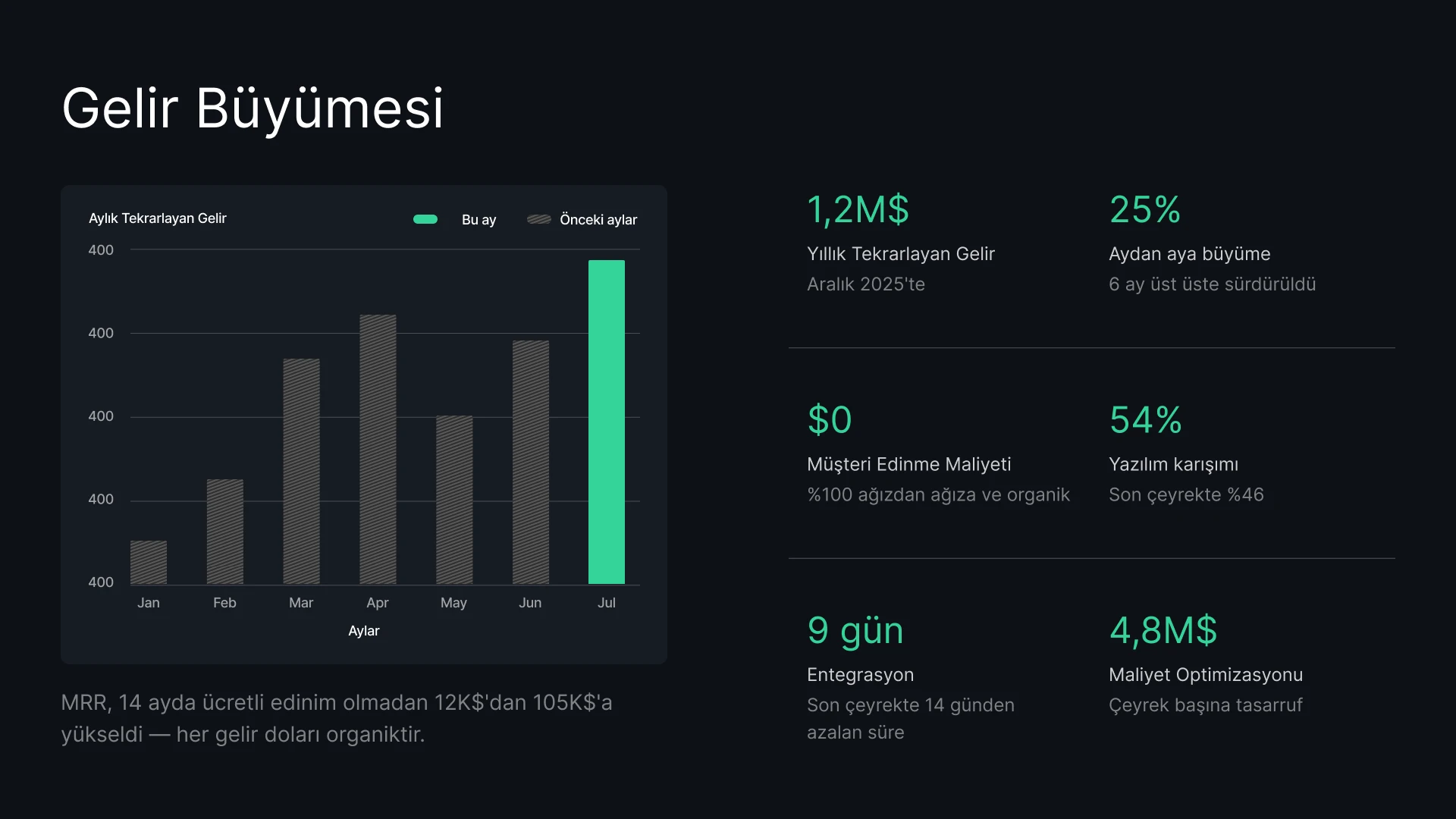
Her potansiyel müşteri için anında kişiselleştirilmiş teklifler oluşturun. Her zaman güncel fiyatlandırma ve anlaşma verileriyle müşterilerinizi etkileyin.

Hızla değişen yol haritalarınızı görsel sunumlara dönüştürün. Proje verilerinizi senkronize ederek lansman sunumlarınızın güncelliğini yitirmemesini sağlayın.

Sunum motorumuzu kendi SaaS ürününüze entegre edin. API'mizi kullanarak programatik olarak binlerce sunum oluşturun veya düzenleyiciyi kullanıcılarınız için beyaz etiket (white-label) yöntemiyle özelleştirin.

Kampanya sonuçlarını ve içerik özetlerini anında marka kimliğinize uygun görsel sunumlara dönüştürün. Manuel düzenlemelerle uğraşmadan, tüm paydaş güncellemelerinde performans verilerini her zaman güncel tutun.

Her potansiyel müşteri için anında kişiselleştirilmiş teklifler oluşturun ve fiyatlandırma ile verilerin her zaman güncel kalmasını sağlamak için CRM'inizi bağlayın.

Müşteri kullanım verilerini QBR sunumunuza bağlayarak grafiklerin otomatik olarak güncellenmesini sağlayın veya API'yi kullanarak yüzlerce küçük ölçekli müşteri için kişiselleştirilmiş yenileme sunumlarını anında oluşturun.



Referanslar
## Ekipler ne diyor


Presentations.ai'nin fikirlerimi anında sunumlara dönüştürmesini ve başkalarına olan bağımlılığımı ortadan kaldırmasını gerçekten seviyorum. Şablon çeşitliliği, etiketlerime ve içgörüme mükemmel uyum sağlayarak kullanım ihtiyaçlarımı fazlasıyla karşılıyor. Ayrıca kurulumu çok kolay; doldurulması gereken basit bir form sayesinde çalışma alanım hızlı ve sorunsuz bir şekilde hazır hale geliyor.
**Manoj P**
Kurucu Ortak ve Strateji Direktörü, The Triple Dart

Dört veya beş farklı yapay zeka sunum aracı denedim ve kullanmaya devam ettiğim tek araç bu oldu. Slaytlar ilk andan itibaren harika görünüyor, istediğim her şeyi düzenleyebiliyorum ve PowerPoint'e sorunsuz bir şekilde aktarılabildiği için ekibimin mevcut çalışma düzenine tam uyum sağlıyor. Kontrolü kaybetmeden harika görünen sunumlar hazırlamak çok kolay.
Chaitanya Chokkareddy
CTO, Ozonetel

İş sunumları için mükemmel. Presentations.ai ile harika bir deneyim yaşadım. Boş bir sayfadan profesyonel bir sunuma geçmek inanılmaz hızlı ve şablon kütüphanesi, farklı kullanım durumları için çok sayıda iyi tasarlanmış başlangıç noktası sunuyor.
Öne çıkan özelliklerden biri, veri görselleştirmelerini ne kadar iyi yönettiği.
Charu Pragya
Kurucu, Public Knowledge Studio


KURUMSAL
## **Kurumsal Sunumların Nasıl** Oluşturulduğu, İncelendiği ve Sunulduğu Gerçeğine Göre Tasarlandı
### Zamansız Tasarım.
Düzenler içeriğinize otomatik olarak uyum sağlar: asla manuel düzeltme gerektirmez.
### Zamanlanmış Sunum Oluşturma.
Raporlar ve sunumlar otomatik olarak oluşturulur, manuel müdahale gerektirmez.

### Çok Ekipli Çalışma Alanları.
Ayrı ekipler, marka sistemleri ve izinler – tam kontrol altında.

### Kurumsal Düzeyde Güvenlik.
SOC 2 Tip II Sertifikalı. GDPR Uyumlu.


Ücretsiz Başlayın. Büyüdükçe Ölçeklendirin.
Dakikalar içinde profesyonel sunumlar hazırlayın. PowerPoint dışa aktarma, gelişmiş modeller, markalama, iş birliği ve kurumsal kontrollere ihtiyaç duyduğunuzda yükseltme yapın.
[Ücretsiz Dene](https://app.presentations.ai/)
Başlangıç
Ücretsiz dene - 100 kredi
$0
/ay
Pro
5.000 kredi
$20
/ay
Yıllık faturalandırılır
Gold
50.000 kredi
$100
/ay
Yıllık faturalandırılır

## Sıkça Sorulan Sorular
### Presentations.AI nedir?

Presentations.AI, fikirlerinizi, belgelerinizi veya verilerinizi sunuma hazır slayt destelerine dönüştüren bir yapay zeka aracıdır. Ona bir komut, bir Word belgesi, bir PDF veya bir URL verin – anlatıyı oluşturur, metni yazar, doğru düzeni seçer ve temiz bir tasarım uygular. Bir dakikadan kısa sürede hazır bir sunum elde edersiniz.
### Yapay zeka ile nasıl sunum oluştururum?

Herhangi bir girdiyle başlayın: bir konu yazın, notlarınızı yapıştırın, bir Word belgesi veya PDF yükleyin ya da bir URL paylaşın. Presentations.AI içeriğinizi okur, net bir akışa sahip yapılandırılmış bir sunum oluşturur ve sade bir tasarım uygular. Slaytları düzenleyebilir ve tek tıklamayla PowerPoint veya Google Slaytlar'a aktarabilirsiniz.
### Yapay zeka otomatik olarak PowerPoint sunumları oluşturabilir mi?

Evet. Presentations.AI girdilerinizden otomatik olarak eksiksiz PowerPoint sunumları oluşturur - manuel kuruluma gerek kalmadan. Sunumu, tüm metin, düzen ve yazı tipleri bozulmadan Microsoft PowerPoint veya Google Slaytlar'da açılabilen yerel bir .pptx dosyası olarak indirebilirsiniz.
### Presentations.AI kimler için?

Presentations.AI, fikirleri sunumlar aracılığıyla kararlara dönüştürmesi gereken herkes için tasarlandı: kurucular, satış ekipleri, pazarlamacılar, ürün yöneticileri, danışmanlar ve eğitmenler. Net sunumların işleri ilerlettiği startup'lardan kurumsal şirketlere ve ajanslara kadar her yerde kullanılır.
### Presentations.AI, Gamma, Canva ve Copilot'tan ne gibi farklılıklar gösterir?

Çoğu yapay zeka sunum aracı hıza odaklanır. Presentations.AI ise sonuçlara odaklanır: daha net sunumlar, daha hızlı uyum, daha az takip toplantısı. Gamma, web öncelikli, tek seferlik sunumlar için tasarlanmıştır. Canva genel bir tasarım aracıdır, bir sunum platformu değildir. Copilot PowerPoint içinde çalışır ancak canlı verilere bağlanamaz veya büyük ölçekte sunumlar oluşturamaz. Presentations.AI, sunum oluşturma, veriye bağlı yenileme ve API tabanlı üretimi tek bir üründe birleştiren tek platformdur.
### Presentations.AI ile oluşturduğum içeriğin sahibi kim?

Oluşturduğunuz sunumların sahibi sizsiniz. Presentations.AI aracılığıyla oluşturulan içerikler size ve ekibinize aittir; bu içerikleri diğer tüm iş ürünlerinizde olduğu gibi kullanmakta, düzenlemekte ve dağıtmakta özgürsünüz.
### Birden fazla kişi aynı sunum üzerinde aynı anda çalışabilir mi?

Evet. Presentations.AI gerçek zamanlı iş birliğini destekler; böylece ekip üyeleri aynı sunum üzerinde birlikte düzenleme yapabilir, yorum bırakabilir ve incelemelerde bulunabilir; yapılan değişiklikler çalışma alanındaki herkes için anında görüntülenir.
### Tasarımı, yapay zekanın oluşturduğunun ötesinde ne kadar özelleştirebilirim?

Yapay zeka tam bir ilk taslak oluşturur; ancak düzen, renkler, yazı tipleri, görseller ve marka kimliği dahil olmak üzere her öğe tamamen düzenlenebilir. Sunuma baştan başlamak zorunda kalmadan yapay zekanın aldığı her kararı değiştirebilirsiniz.
Tüm Soruları Göster
Daha Az Göster

## Tek Sunum, Tek Ekip
Presentations.AI ile ekibiniz tek bir ortak sürüm üzerinde çalışır; böylece herkes aynı sunuma, aynı çalışma alanında ve aynı anda erişebilir.

Web sitemiz, en iyi kullanıcı deneyimini yaşamanızı sağlamak için çerezleri kullanır. Daha fazla bilgi için [gizlilik politikamızı](https://www.presentations.ai/tr/privacy) inceleyebilirsiniz.
[Tümünü Kabul Et](https://www.presentations.ai/tr#) [Reddet](https://www.presentations.ai/tr#)
Sign in with GoogleSign in with Google. Opens in new tab
Sign In - Google Accounts
Sign in with GoogleSign in with Google. Opens in new tab
## AI Presentation Tool

# 몇 분 만에 완성하는 고품질 AI 프레젠테이션
아이디어, 문서, 데이터를 프레젠테이션용 슬라이드로 변환하세요
고품질의 브랜드 맞춤형 AI 프레젠테이션을 대규모로 손쉽게 제작하고 업데이트하세요. 편집 가능한 PowerPoint 파일을 그 어느 때보다 빠르게 생성할 수 있습니다.
[무료로 시작하기](https://app.presentations.ai/)

후원사
[](https://www.together.fund/)[](https://techcrunch.com/2025/02/03/accel-backs-indian-ai-startup-building-chatgpt-for-presentations/)
1,200만 명 이상의 전문 사용자가 신뢰하는 서비스
TRUSTED BY



















개요
## **Presentations.AI란 무엇인가요?**
Presentations.AI는 아이디어, 문서, URL을 몇 분 만에 전문적인 슬라이드 데크로 변환해 주는 AI 프레젠테이션 플랫폼입니다. 브랜드 스타일을 자동으로 적용하고 설득력 있는 콘텐츠 작성을 지원하며, PowerPoint로 직접 내보낼 수 있어 아이디어 구상부터 발표 준비까지 간편하게 완료할 수 있습니다.
팀
## **중요한 프레젠테이션의 핵심을 이해하는 팀이 만들었습니다**
Presentations.AI는 Sumanth Raghavendra, Dhruv Saxena, Biju Abraham, Ravi Kasthuri, Saravanan Govindaraj, Ezhilkumar가 공동 설립했으며, 20년간 엔터프라이즈 소프트웨어 분야에서 쌓아온 경험을 보유한 30명의 팀원이 함께 만들었습니다.

제품군
## **AI로 프레젠테이션을 제작하는 데 필요한 모든 것**
여기에 있는 모든 도구는 동일한 Presentations.AI 엔진으로 구동됩니다. 평소 작업 방식에 맞는 시작점을 선택하세요.

### AI 프레젠테이션 메이커:
처음부터 끝까지 전체 프레젠테이션을 완성하는 올인원 도구입니다. 프롬프트, 문서 또는 URL을 입력하면 구조, 흐름, 디자인이 모두 갖춰진 브랜드 맞춤형 프레젠테이션이 즉시 완성됩니다.
[AI 프레젠테이션 메이커 살펴보기](https://www.presentations.ai/ko/ai-presentation-maker)

### AI 슬라이드 제작 도구:
슬라이드를 하나씩 구성할 수 있는 슬라이드별 제작 도구입니다. AI가 각 슬라이드의 초안을 작성하면, 사용자는 드래그 앤 드롭 방식으로 자유롭게 수정하며 완벽하게 제어할 수 있습니다.
[AI 슬라이드 제작 도구 사용해 보기](https://www.presentations.ai/ko/ai-slide-creator)

### AI 피치 덱 생성기:
투자자가 기대하는 문제 정의, 솔루션, 시장 분석, 성과, 투자 제안 등 피치덱에 최적화된 구성과 스토리라인을 갖춘 생성 도구입니다.
[AI 피치덱 생성기 살펴보기](https://www.presentations.ai/ko/ai-pitch-deck-generator)

### ChatGPT 프레젠테이션:
ChatGPT 사용자를 위한 연결 도구입니다. 프롬프트나 기존 대화 내용을 붙여넣으면 Presentations.AI가 브랜드에 맞는 완성된 프레젠테이션으로 변환해 드립니다.
[ChatGPT로 프레젠테이션 만들기](https://www.presentations.ai/ko/chatgpt-for-presentations)

### 프레젠테이션 템플릿:
영업, 이사회, 제품 출시 등 특정 목적에 맞춰 제작된 1,000개 이상의 전체 덱 템플릿 라이브러리입니다. 원하는 템플릿을 선택해 내용을 채워보세요.
[프레젠테이션 템플릿 둘러보기](https://www.presentations.ai/ko/presentation-templates)

### 슬라이드 템플릿:
타임라인, 비교, 팀 소개 등 특정 목적에 맞춰 기존 프레젠테이션에 바로 삽입할 수 있는 단일 슬라이드 레이아웃 모음입니다.
[슬라이드 템플릿 둘러보기](https://www.presentations.ai/ko/slide-templates)

비즈니스를 위한 설계
## **중요한 비즈니스 프레젠테이션을 위한 세계에서 가장 인기 있는 AI 프레젠테이션 제작 도구**

### SOC 2 Type II 인증 완료.
전 세계 1,200만 개 이상의 기업 팀이 중요한 프레젠테이션을 위해 저희를 신뢰하고 있습니다.

### 엔터프라이즈급 규정 준수.
유연한 데이터 제어 및 엔터프라이즈급 보안을 갖춘 GDPR 준수.

문제점
## **왜 대부분의 프레젠테이션은 아무런 성과를 내지 못할까요?**
### 문제는 디자인이 아닙니다. 명확성이 결여되는 세 가지 지점은 다음과 같습니다.
### 창작은 고된 일입니다.
몇 시간 동안 슬라이드를 만들지만, 사람들은 여전히 '요점이 뭐죠?'라고 묻습니다. 결과보다는 디자인에만 집중하느라 시간을 낭비한 것입니다.

### 데이터는 빠르게 구식이 됩니다.
월간 보고서를 업데이트하는 것은 10개의 탭을 열고, 숫자를 복사하여 붙여넣고, 뭔가 잘못되었을까 봐 조용히 불안해하는 일입니다.

### 획일적인 방식은 누구에게도 맞지 않습니다.
개인화된 덱이 더 효과적이라는 것을 알지만, 모든 고객을 위해 덱을 맞춤 제작하는 것은 너무 많은 수작업이 필요합니다.


해결책
## **Presentations.AI는 이 세 가지 문제를 모두 해결합니다.** AI를 활용해 전문적인 프레젠테이션을 제작, 업데이트하고 확장하세요.
Presentations.AI는 프레젠테이션을 위한 ChatGPT입니다. 가공되지 않은 아이디어를 의사결정에 바로 활용할 수 있는 구조화된 슬라이드 덱으로 바꿔보세요.
[무료로 시작하기](https://app.presentations.ai/)
Presentations.AI를 " [프레젠테이션을 위한 ChatGPT"](https://www.presentations.ai/chatgpt-for-presentations) 라고 생각해보세요. 가공되지 않은 아이디어를 의사결정에 바로 활용할 수 있는 구조화된 슬라이드 덱으로 변환해 줍니다. 초안 작성부터 최종 발표까지, Presentations.AI는 팀이 브랜드에 최적화된 전문적인 프레젠테이션을 더 빠르게 완성하도록 돕습니다.




생성
새롭게 하기
만들기
## 무엇이든 즉시 발표 가능한 **AI 프레젠테이션으로**
주제, 메모, 링크만 있으면 [AI 프레젠테이션 메이커](https://www.presentations.ai/ko/ai-presentation-maker) 를 통해 체계적이고 완성도 높은 발표 자료를 즉시 만들 수 있습니다.
[무료로 시작하기](https://app.presentations.ai/)
### 무엇이든 가지고 있는 것으로 시작하세요
텍스트, PDF, Word 문서, URL, Google 문서, Excel 파일까지. 콘텐츠만 있다면 따로 준비할 것은 없습니다.
### 목표에 맞춘 구조화
AI는 투자자 피칭, 영업용 데크, 이사회 발표 등 목적에 따라 시퀀스를 다르게 구성합니다. 데크의 목표를 알려주시면 그에 맞춰 제작해 드립니다.
### 즉각적인 브랜딩
웹사이트 URL을 붙여넣으세요. 당사의 독자적인 “Brand Sync” 기능이 로고, 폰트, 색상을 자동으로 불러옵니다. 모든 슬라이드가 브랜드 아이덴티티를 완벽하게 반영합니다.
### 기본 PowerPoint 내보내기
완벽하게 편집 가능한 .pptx 파일을 다운로드하세요. PowerPoint나 Google Slides에서 열어도 레이아웃이 틀어지거나 깨지지 않습니다.
## 매번 새로 만들 필요 없는 프레젠테이션
Refresh 기능을 사용해 기존 디자인은 유지하면서 새로운 데이터, 잠재 고객 정보, 맥락으로 간편하게 교체하세요.
[작동 방식](https://www.presentations.ai/solutions/presentation-refresh-agent)
### 마스터 템플릿 설정하기
고가치 영업용 프레젠테이션이나 분기별 보고서 템플릿과 같은 마스터 프레젠테이션을 만들거나 가져오세요. 그런 다음 업데이트 규칙을 설정하면 됩니다.
### 데이터 기반 업데이트
Salesforce, HubSpot, Google Sheets, Tableau, Looker, Databox, Mixpanel, PostgreSQL, MySQL, Snowflake 등 50개 이상의 서비스와 마스터 데이터를 연결하세요. 일간, 주간, 월간 단위로 일정을 설정하면 데이터가 변경될 때마다 덱도 자동으로 업데이트됩니다.
### 타겟 맞춤 설정
가장 자신 있는 영업 제안서를 준비하세요. 새로운 잠재 고객의 회사, 산업, 문제점 및 관련 맥락을 입력하기만 하면 됩니다. 슬라이드 구조를 수정하거나 디자인을 다시 할 필요 없이 몇 분 만에 맞춤형 제안서가 완성됩니다.
### 규칙 업데이트
고정할 요소(내러티브, 디자인, 브랜드)와 유연하게 바뀔 요소(데이터, 수신자, 수치)를 한 번만 정의하세요. 나머지는 Refresh가 알아서 처리합니다.
## AI로 대규모 프레젠테이션 자동 생성
단 하나의 핵심 소스를 기반으로 수백 개의 맞춤형 프레젠테이션을 생성하고, 이를 귀하의 워크플로우나 제품에 바로 통합해 보세요.
[작동 원리](https://app.presentations.ai/)
### 대규모 개인화
데이터를 입력하세요. 고객 이름, 로고, 수치, 스토리가 각각 알맞게 적용된 수백 개의 제안서를 받아보실 수 있습니다. 하나의 소스로 무제한 결과물을 만들어 보세요.
### 화이트 라벨
사용자는 귀사의 제품 내에서 AI 프레젠테이션 기능을 경험하게 됩니다. 그들은 귀사의 브랜드만 보게 되며, 저희 브랜드는 전혀 노출되지 않습니다.
### 무엇으로든 트리거 설정
노코드: Zapier 또는 Make를 통해 연결하세요. 코드 사용: REST API 및 웹훅을 지원합니다. 양식이 제출되거나, 프로젝트가 시작되거나, 거래가 제안 단계로 넘어가는 즉시 덱을 생성할 수 있습니다.

## **Presentations.AI는 누가 사용하나요?**
데이터를 매일 프레젠테이션으로 바꾸는 팀을 위해.
### 창업가
### 영업
### 제품 팀
### 제품 관리자
### 마케터
### 프리랜서
### 고객 성공
투자자 피치덱을 몇 분 만에 완성하세요. 수동 업데이트 없이도 모든 투자 유치 미팅에 맞춰 재무 예측과 성과 데이터를 최신 상태로 유지할 수 있습니다.
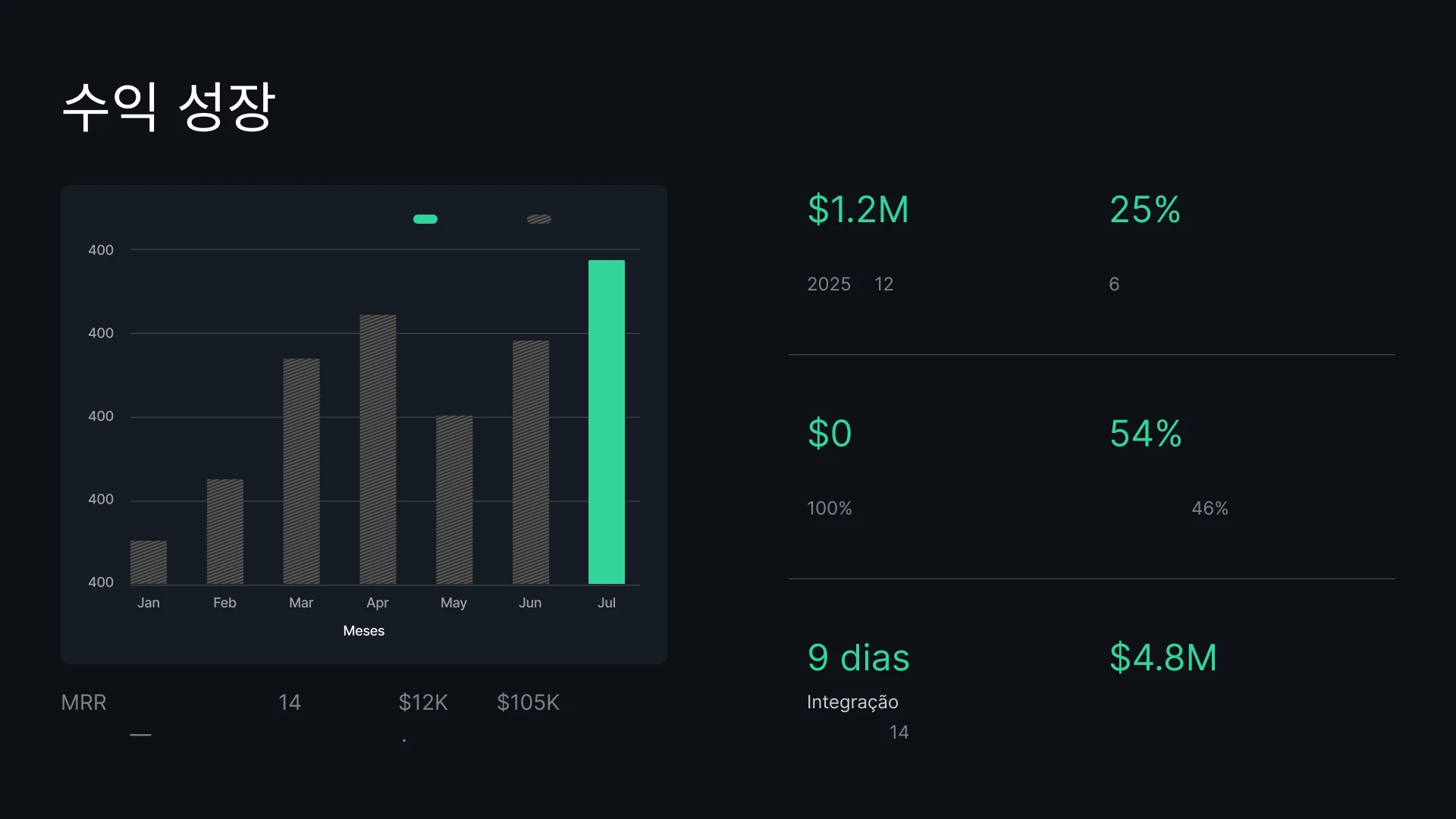
모든 잠재 고객을 위한 맞춤형 제안서를 즉시 생성하세요. 항상 최신 상태로 유지되는 가격 및 거래 데이터로 고객에게 깊은 인상을 남길 수 있습니다.
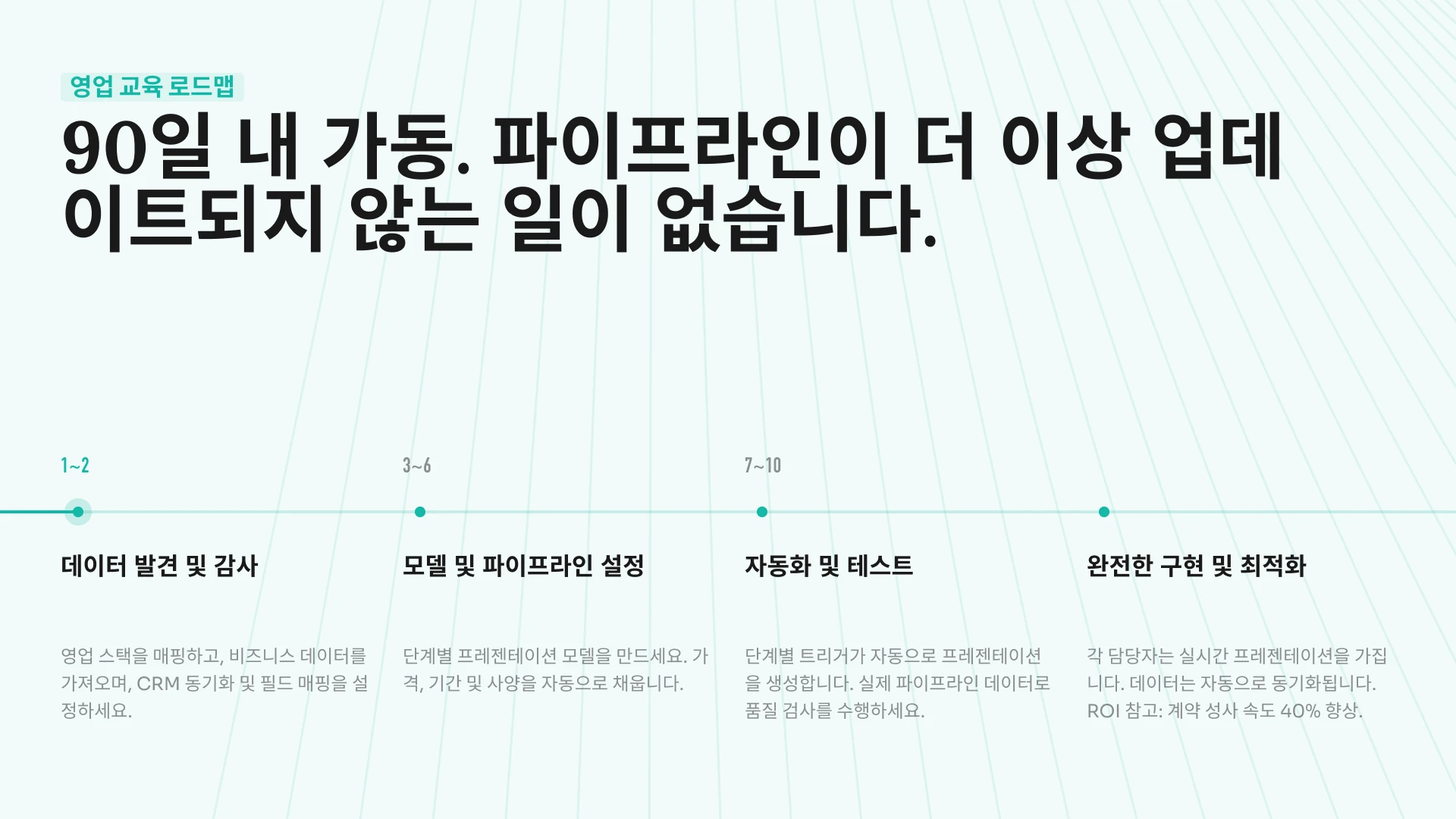
빠르게 변화하는 로드맵을 시각적인 슬라이드로 전환하세요. 프로젝트 데이터를 동기화하여 출시 발표 자료에 항상 최신 일정이 반영되도록 유지할 수 있습니다.
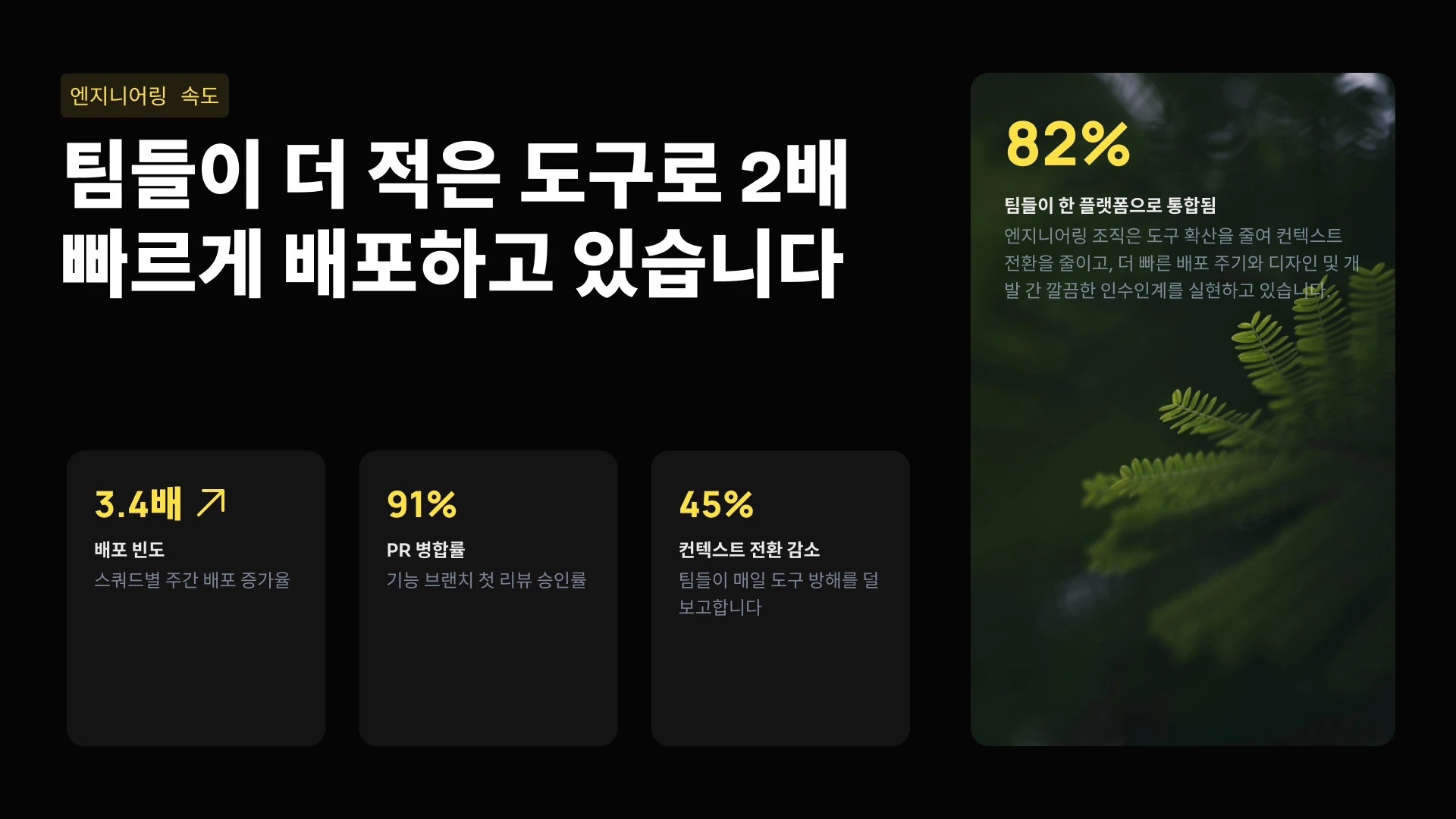
저희 프레젠테이션 엔진을 귀사의 SaaS 제품에 통합해 보세요. API를 사용하여 수천 개의 슬라이드 덱을 프로그래밍 방식으로 생성하거나, 에디터를 화이트 라벨링하여 사용자에게 직접 제공할 수 있습니다.

캠페인 성과와 콘텐츠 브리핑을 브랜드 아이덴티티가 담긴 시각적 자료로 즉시 변환하세요. 수동 편집 없이도 모든 이해관계자에게 최신 성과 데이터를 공유할 수 있습니다.
모든 잠재 고객을 위한 맞춤형 제안서를 즉시 생성하고, CRM을 연동하여 가격과 데이터를 항상 최신 상태로 유지하세요.

고객 사용 데이터를 QBR 덱에 연결하여 차트를 자동으로 업데이트하거나, API를 활용해 수백 개의 롱테일 고객을 위한 맞춤형 갱신 덱을 즉시 생성해 보세요.
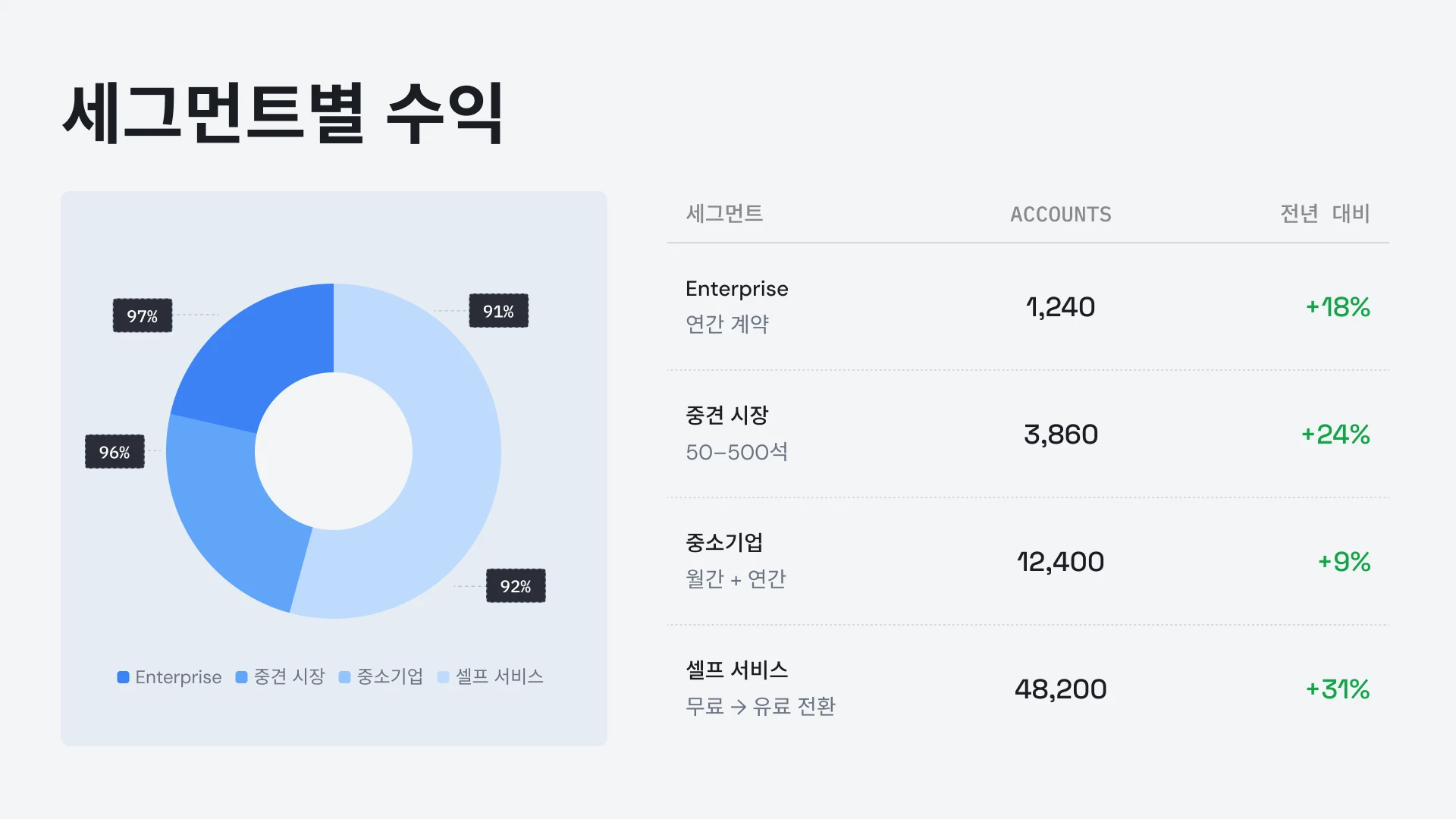


고객 후기
## 팀들의 후기


아이디어를 즉시 프레젠테이션으로 변환해 주어 다른 사람에게 의존할 필요가 없다는 점이 정말 마음에 듭니다. 다양한 템플릿이 제 목적에 잘 맞고, 태그와 인사이트를 완벽하게 반영해 줍니다. 설정도 매우 간편해서 간단한 양식만 채우면 작업 공간을 빠르고 원활하게 준비할 수 있습니다.
**Manoj P**
The Triple Dart 공동 창립자 겸 전략 이사

AI 기반 프레젠테이션 툴을 4~5개 정도 써봤는데, 결국 계속 사용하게 된 건 이 제품뿐입니다. 슬라이드가 즉시 깔끔하게 완성되고, 원하는 대로 수정할 수 있으며, PowerPoint로도 매끄럽게 내보낼 수 있어 팀의 기존 업무 방식에 바로 적용하기 좋습니다. 주도권을 잃지 않으면서도 멋진 결과물을 만들 수 있습니다.
Chaitanya Chokkareddy
Ozonetel CTO

비즈니스 프레젠테이션에 완벽합니다. Presentations.ai를 사용하면서 정말 만족스러웠습니다. 빈 페이지에서 완성도 높은 프레젠테이션을 만드는 과정이 놀라울 정도로 빠르고, 다양한 템플릿 라이브러리 덕분에 여러 상황에 맞춰 잘 디자인된 시작점을 쉽게 찾을 수 있습니다.
데이터 시각화를 처리하는 방식이 정말 탁월합니다.
Charu Pragya
Public Knowledge Studio 창립자


엔터프라이즈
## **기업용 프레젠테이션의** 실제 제작, 검토 및 배포 방식에 최적화된 솔루션
### 흐트러지지 않는 디자인
레이아웃이 콘텐츠에 자동으로 맞춰져 수동 수정이 전혀 필요 없습니다.
### 예약 프레젠테이션 생성
보고서와 자료가 자동으로 생성되어 수동 작업이 필요 없습니다.
### 다중 팀 워크스페이스
팀, 브랜드 시스템, 권한을 분리하여 완벽하게 제어합니다.

### 엔터프라이즈급 보안.
SOC 2 Type II 인증 완료. GDPR 준수.


무료로 시작하세요. 성장과 함께 확장하세요.
몇 분 만에 전문가 수준의 프레젠테이션을 만드세요. 파워포인트 내보내기, 고급 모델, 브랜딩, 협업, 엔터프라이즈 제어 기능이 필요할 때 업그레이드하세요.
[무료 체험](https://app.presentations.ai/)
시작하기
무료 체험 \- 100 크레딧
$0
/월
프로
5,000 크레딧
$20
/월
연간 청구
골드
50,000 크레딧
$100
/월
연간 청구

## 자주 묻는 질문
### Presentations.AI란 무엇인가요?

Presentations.AI는 아이디어, 문서 또는 데이터를 바로 발표할 수 있는 슬라이드 덱으로 바꿔주는 AI 도구입니다. 프롬프트, 워드 문서, PDF 또는 URL을 제공하면 스토리를 구성하고, 내용을 작성하며, 적절한 레이아웃을 선택하고, 깔끔한 디자인을 적용하여 1분 이내에 완성된 프레젠테이션을 받아볼 수 있습니다.
### AI로 프레젠테이션을 어떻게 만드나요?

어떤 입력이든 가능합니다. 주제를 입력하거나, 메모를 붙여넣거나, Word 문서나 PDF를 업로드하거나, URL을 공유하세요. Presentations.AI가 콘텐츠를 분석하여 명확한 흐름의 구조화된 덱을 만들고 깔끔한 디자인을 적용합니다. 슬라이드를 편집하고 클릭 한 번으로 PowerPoint 또는 Google Slides로 내보낼 수 있습니다.
### AI가 파워포인트 프레젠테이션을 자동으로 생성할 수 있나요?

네. Presentations.AI 입력한 내용으로 완전한 파워포인트 덱을 별도의 수동 설정 없이 자동으로 생성합니다. 생성된 덱은 마이크로소프트 파워포인트나 구글 슬라이드에서 모든 텍스트, 레이아웃, 글꼴이 그대로 유지된 채 열리는 기본 .pptx 파일로 다운로드할 수 있습니다.
### Presentations.AI는 누구를 위한 서비스인가요?

Presentations.AI는 프레젠테이션을 통해 아이디어를 의사 결정으로 전환해야 하는 모든 사람, 즉 창업가, 영업팀, 마케터, 제품 관리자, 컨설턴트, 트레이너 등을 위해 만들어졌습니다. 명확한 자료가 업무 진행에 도움이 되는 스타트업, 기업, 에이전시 등 다양한 곳에서 활용됩니다.
### Presentations.AI는 Gamma, Canva, Copilot과 어떻게 다른가요?

대부분의 AI 프레젠테이션 도구는 속도에 중점을 둡니다. Presentations.AI는 결과에 집중합니다. 더 명확한 자료, 더 빠른 의견 일치, 더 적은 후속 회의를 가능하게 하죠. Gamma는 웹 우선의 일회성 프레젠테이션을 위해 만들어졌습니다. Canva는 일반적인 디자인 도구이지, 프레젠테이션 플랫폼이 아닙니다. Copilot은 PowerPoint 내에서 작동하지만, 실시간 데이터에 연결하거나 대규모로 자료를 생성할 수는 없습니다. Presentations.AI는 자료 생성, 데이터 연동 업데이트, API 기반 생성을 하나의 제품으로 결합한 유일한 플랫폼입니다.
### Presentations.AI로 생성한 콘텐츠의 소유권은 누구에게 있나요?

귀하가 제작한 프레젠테이션의 소유권은 귀하에게 있습니다. Presentations.AI를 통해 생성된 콘텐츠는 귀하와 귀하의 팀 소유이며, 다른 업무 결과물과 마찬가지로 자유롭게 사용, 편집 및 배포하실 수 있습니다.
### 여러 명이 동시에 같은 프레젠테이션을 작업할 수 있나요?

네. Presentations.AI는 실시간 협업을 지원하므로 팀원들이 동일한 프레젠테이션을 함께 편집, 댓글 작성, 검토할 수 있으며, 변경 사항은 워크스페이스의 모든 사용자에게 즉시 반영됩니다.
### AI가 생성한 디자인을 어느 정도까지 커스터마이징할 수 있나요?

AI가 전체 초안을 생성하지만 레이아웃, 색상, 폰트, 이미지, 브랜딩 등 모든 요소를 자유롭게 수정할 수 있습니다. 처음부터 다시 시작할 필요 없이 AI가 결정한 내용을 언제든 원하는 대로 변경하세요.
모든 질문 보기
적게 보기

## 하나의 덱, 하나의 팀
Presentations.AI를 사용하면 팀 전체가 하나의 공유 버전을 기반으로 작업하므로, 모든 팀원이 같은 시간, 같은 작업 공간에서 동일한 프레젠테이션을 확인할 수 있습니다.

저희 웹사이트는 최상의 사용자 경험을 제공하기 위해 쿠키를 사용합니다. 자세한 내용은 [개인정보 처리방침](https://www.presentations.ai/ko/privacy) 을 확인해 주세요.
[모두 수락](https://www.presentations.ai/ko#) [거부](https://www.presentations.ai/ko#)
Sign in with GoogleSign in with Google. Opens in new tab
Sign In - Google Accounts
Sign in with GoogleSign in with Google. Opens in new tab
## AI Presentation Solutions

# عروض تقديمية احترافية بالذكاء الاصطناعي في دقائق
حوّل أفكارك ومستنداتك وبياناتك إلى عروض تقديمية جاهزة
أنشئ وحدّث عروضاً تقديمية عالية الجودة ومتوافقة مع علامتك التجارية باستخدام الذكاء الاصطناعي وبكل سهولة. أنشئ ملفات PowerPoint قابلة للتعديل بسرعة غير مسبوقة.
[جربه مجاناً](https://app.presentations.ai/)

مدعوم من قبل
[](https://www.together.fund/)[](https://techcrunch.com/2025/02/03/accel-backs-indian-ai-startup-building-chatgpt-for-presentations/)
يثق بنا أكثر من 12 مليون مستخدم محترف
TRUSTED BY



















نظرة عامة
## **ما هي منصة Presentations.AI؟**
Presentations.AI هي منصة عروض تقديمية مدعومة بالذكاء الاصطناعي، تحول الأفكار والمستندات وروابط المواقع إلى شرائح عرض احترافية في دقائق. تقوم المنصة بتطبيق علامتك التجارية تلقائياً، وتساعدك في صياغة محتوى مقنع، وتتيح التصدير المباشر إلى PowerPoint، مما يجعل الانتقال من مجرد فكرة إلى عرض تقديمي جاهز أمراً في غاية السهولة.
الفريق
## **تم تطويرها بواسطة فريق يدرك أهمية العروض التقديمية الحاسمة**
تأسست شركة Presentations.AI على يد كل من سومانث راغافيندرا، ودروف ساكسينا، وبيجو أبراهام، ورافي كاستوري، وسارافانان غوفينداراج، وإيزيلكومار، وقد طوّرها فريق يضم 30 خبيراً يتمتعون بخبرة تمتد لعقدين من الزمن في مجال برمجيات المؤسسات.

مجموعة المنتجات
## **كل ما تحتاجه لإنشاء عرض تقديمي باستخدام الذكاء الاصطناعي**
تعمل جميع الأدوات هنا بمحرك Presentations.AI نفسه - اختر نقطة البدء التي تناسب أسلوب عملك الحالي.

### صانع العروض التقديمية بالذكاء الاصطناعي:
أداة متكاملة لبناء عرض تقديمي كامل من الصفر. حوّل فكرة أو مستنداً أو رابطاً إلى عرض تقديمي متكامل ومتوافق مع علامتك التجارية، مع جاهزية الهيكلة والتسلسل والتصميم.
[استكشف صانع العروض التقديمية بالذكاء الاصطناعي](https://www.presentations.ai/ar/ai-presentation-maker)

### أداة إنشاء الشرائح بالذكاء الاصطناعي:
أداة لإنشاء الشرائح واحدة تلو الأخرى. يقوم الذكاء الاصطناعي بصياغة كل شريحة، بينما تتولى أنت السحب والإفلات والتعديل مع تحكم يدوي كامل.
[جرب أداة إنشاء الشرائح بالذكاء الاصطناعي](https://www.presentations.ai/ar/ai-slide-creator)

### مولد عروض تقديمية بالذكاء الاصطناعي:
نسخة من الأداة مخصصة لعروض الاستثمار، مُعدة مسبقاً بترتيب الشرائح والسرد القصصي الذي يتوقعه المستثمرون، بما في ذلك المشكلة، والحل، والسوق، والنمو، وطلب التمويل.
[اطلع على مولد عروض الاستثمار بالذكاء الاصطناعي](https://www.presentations.ai/ar/ai-pitch-deck-generator)

### ChatGPT للعروض التقديمية:
جسر لمستخدمي ChatGPT. الصق أمراً أو محادثة موجودة، وسيقوم Presentations.AI بتحويلها إلى عرض تقديمي جاهز ومتوافق مع علامتك التجارية.
[استخدم ChatGPT للعروض التقديمية](https://www.presentations.ai/ar/chatgpt-for-presentations)

### قوالب العروض التقديمية:
مكتبة تضم أكثر من 1000 قالب متكامل، صُمم كل منها لحالة استخدام محددة مثل المبيعات، واجتماعات مجلس الإدارة، وإطلاق المنتجات. اختر واحداً منها وقم بتعبئته.
[تصفح قوالب العروض التقديمية](https://www.presentations.ai/ar/presentation-templates)

### قوالب الشرائح:
مجموعة من تخطيطات الشرائح الفردية التي يمكنك إضافتها إلى أي عرض تقديمي، لسد فجوة محددة مثل الجداول الزمنية، أو المقارنات، أو شرائح تعريف الفريق.
[تصفح قوالب الشرائح](https://www.presentations.ai/ar/slide-templates)

مصمم خصيصاً للأعمال
## **صانع العروض التقديمية بالذكاء الاصطناعي الأكثر شهرة في العالم للعروض التقديمية الهامة**

### معتمد بشهادة SOC 2 من النوع الثاني.
تثق بنا أكثر من 12 مليون مؤسسة حول العالم لتقديم عروضها التقديمية بالغة الأهمية

### الامتثال الجاهز للمؤسسات.
متوافق مع اللائحة العامة لحماية البيانات (GDPR) مع أدوات مرنة للتحكم في البيانات ومستوى أمان مخصص للمؤسسات.

المشكلة
## **لماذا لا تؤدي معظم العروض التقديمية إلى أي نتائج؟**
### المشكلة ليست في التصميم. هناك ثلاثة جوانب يختفي فيها الوضوح:
### الإبداع عمل شاق.
تقضي ساعات في إعداد الشرائح. لكن الحضور لا يزال يسأل: "ما الفائدة؟" لقد أضعت الوقت في التركيز على التصميم بدلاً من النتائج.

### البيانات تصبح قديمة بسرعة.
تحديث تقرير شهري يعني عشرة علامات تبويب مفتوحة، وأرقام منسوخة ومُلصقة، وخوف خفي من وجود خطأ ما.

### مقاس واحد لا يناسب أحدًا.
أنت تعلم أن العروض التقديمية المخصصة تعمل بشكل أفضل، لكن تخصيص عرض تقديمي لكل عميل على حدة يتطلب الكثير من العمل اليدوي.


الحل
## **تحل Presentations.AI هذه التحديات الثلاثة جميعها.** ذكاء اصطناعي لإنشاء وتحديث وتوسيع نطاق العروض التقديمية الاحترافية.
تعتبر Presentations.AI بمثابة ChatGPT الخاص بالعروض التقديمية. استخدمها لتحويل مدخلاتك الأولية إلى شرائح منظمة وجاهزة لاتخاذ القرار.
[جربها مجاناً](https://app.presentations.ai/)
فكر في Presentations.AI على أنها " [ChatGPT للعروض التقديمية"](https://www.presentations.ai/chatgpt-for-presentations) \- حيث تحول مدخلاتك الأولية إلى شرائح منظمة وجاهزة لاتخاذ القرار. من المسودة الأولى وحتى العرض النهائي، تساعد Presentations.AI الفرق على إعداد عروض تقديمية احترافية ومتوافقة مع الهوية البصرية للعلامة التجارية بسرعة أكبر.




إنشاء
تحديث
إنشاء
## حوّل أي محتوى إلى **عروض تقديمية ذكية جاهزة**
حوّل أي موضوع أو ملاحظات أو رابط إلى عرض تقديمي منظم وجاهز للاستخدام باستخدام [أداة إنشاء العروض التقديمية بالذكاء الاصطناعي](https://www.presentations.ai/ar/ai-presentation-maker) الخاصة بنا.
[جرب مجاناً](https://app.presentations.ai/)
### ابدأ بأي شيء تمتلكه
النصوص، وملفات PDF، ومستندات Word، والروابط، ومستندات Google، وملفات Excel. إذا كان لديك محتوى، فلا داعي لأي تحضيرات.
### مصمم خصيصاً لتحقيق هدفك
يقوم الذكاء الاصطناعي بترتيب التسلسلات بشكل مختلف لكل من عرض المستثمرين، وعرض المبيعات، وعرض مجلس الإدارة. أنت تخبره بما يحتاج العرض إلى تحقيقه، وهو يقوم ببنائه وفقاً لذلك.
### هوية تجارية فورية
أدخل رابط موقعك الإلكتروني. ستقوم خاصية "Brand Sync" الحصرية لدينا بسحب شعارك وخطوطك وألوانك تلقائياً، لتظهر كل شريحة وكأنها صُممت خصيصاً لك.
### تصدير أصلي إلى PowerPoint
قم بتنزيل ملف .pptx قابل للتعديل بالكامل. افتحه في PowerPoint أو Google Slides - لن يتحرك شيء ولن يفسد شيء.
## توقف عن إعداد العروض التقديمية من الصفر
استخدم خاصية التحديث لاستبدال البيانات أو العملاء المحتملين أو السياق، مع الحفاظ على تصميمك الأصلي ثابتاً.
[كيف تعمل الخدمة](https://www.presentations.ai/solutions/presentation-refresh-agent)
### إعداد قالب رئيسي
أنشئ عرضاً تقديمياً رئيسياً أو استورده \- كعرض مبيعات عالي القيمة أو نموذج لتقرير ربع سنوي، على سبيل المثال. ثم قم بإعداد قواعد التحديث.
### تحديثات قائمة على البيانات
اربط بياناتك الأساسية بـ Salesforce وHubSpot وGoogle Sheets وTableau وLooker وDatabox وMixpanel وPostgreSQL وMySQL وSnowflake، وأكثر من 50 منصة أخرى. حدد جدولاً زمنياً - يومياً أو أسبوعياً أو شهرياً. وعندما تتغير بياناتك، يتم تحديث العرض التقديمي تلقائياً.
### تخصيص الجمهور
خذ أفضل عرض مبيعات لديك، وأضف إليه اسم الشركة المحتملة، ومجال عملها، ونقاط الألم، والسياق ذي الصلة. احصل على نسخة مخصصة في دقائق \- دون الحاجة إلى تعديل هيكل الشرائح أو إعادة تصميم أي شيء.
### تحديث القواعد
حدد مرة واحدة ما يظل ثابتاً \- سردك، تصميمك، علامتك التجارية \- وما يتكيف \- البيانات، والمتلقي، والأرقام. تتولى Refresh الباقي.
## أنشئ عروضاً تقديمية بالذكاء الاصطناعي على نطاق واسع
أنشئ مئات العروض التقديمية المخصصة انطلاقاً من مصدر بيانات واحد، وأضفها إلى سير عملك أو منتجك.
[كيفية العمل](https://app.presentations.ai/)
### تخصيص المحتوى على نطاق واسع
أدخل بياناتك واحصل على مئات العروض التقديمية، حيث يتضمن كل منها اسم العميل المناسب، والشعار، والأرقام، والسرد القصصي. مصدر واحد، ومخرجات غير محدودة.
### العلامة البيضاء
سيحصل مستخدموك على إمكانيات العروض التقديمية المدعومة بالذكاء الاصطناعي داخل منتجك. سيرون علامتك التجارية، ولن يروا علامتنا التجارية أبداً.
### التفعيل من أي شيء
بدون برمجة: اتصل عبر Zapier أو Make. مع البرمجة: استخدم REST API وwebhooks. أنشئ عرضاً تقديمياً بمجرد إرسال نموذج، أو بدء مشروع، أو انتقال صفقة إلى مرحلة تقديم العرض.

## **من يستخدم Presentations.AI؟**
للفرق التي تحول البيانات إلى عروض تقديمية، كل يوم.
### المؤسسون
### المبيعات
### فرق المنتجات
### مدراء المنتجات
### المسوقون
### المستقلون
### نجاح العملاء
أنشئ عروضاً تقديمية للمستثمرين في دقائق. حافظ على تحديث توقعاتك المالية وبيانات الأداء الخاصة بك لكل اجتماع تمويل دون الحاجة إلى إجراء تحديثات يدوية.
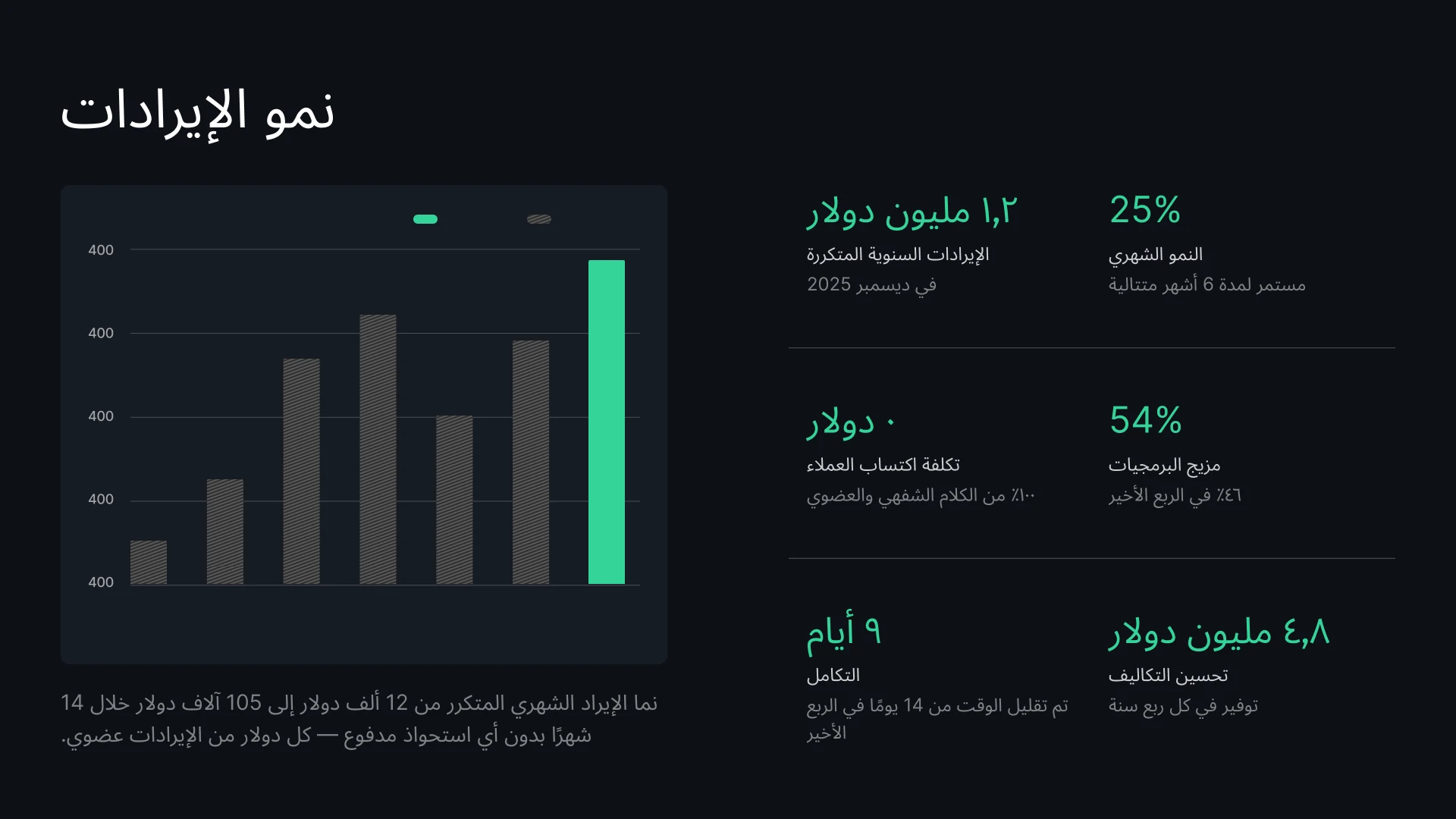
أنشئ مقترحات مخصصة لكل عميل محتمل في لحظات. أبهر عملاءك ببيانات دقيقة ومحدثة دائماً حول الأسعار والصفقات.

حوّل خرائط الطريق المتغيرة بسرعة إلى شرائح عرض مرئية. قم بمزامنة بيانات مشروعك لضمان أن عرضك التقديمي للإطلاق لا يتضمن أبداً جداول زمنية قديمة.

يمكنك دمج محرك العروض التقديمية الخاص بنا في منتج SaaS الخاص بك. استخدم واجهة برمجة التطبيقات (API) الخاصة بنا لإنشاء آلاف العروض التقديمية برمجياً، أو قم بتخصيص المحرر بعلامتك التجارية ليستخدمه عملاؤك.

حوّل نتائج الحملات وموجزات المحتوى إلى عروض تقديمية مرئية متوافقة مع هوية علامتك التجارية في لحظات. حافظ على تحديث بيانات الأداء في كل تقرير ترسله لأصحاب المصلحة دون الحاجة إلى أي تعديلات يدوية.
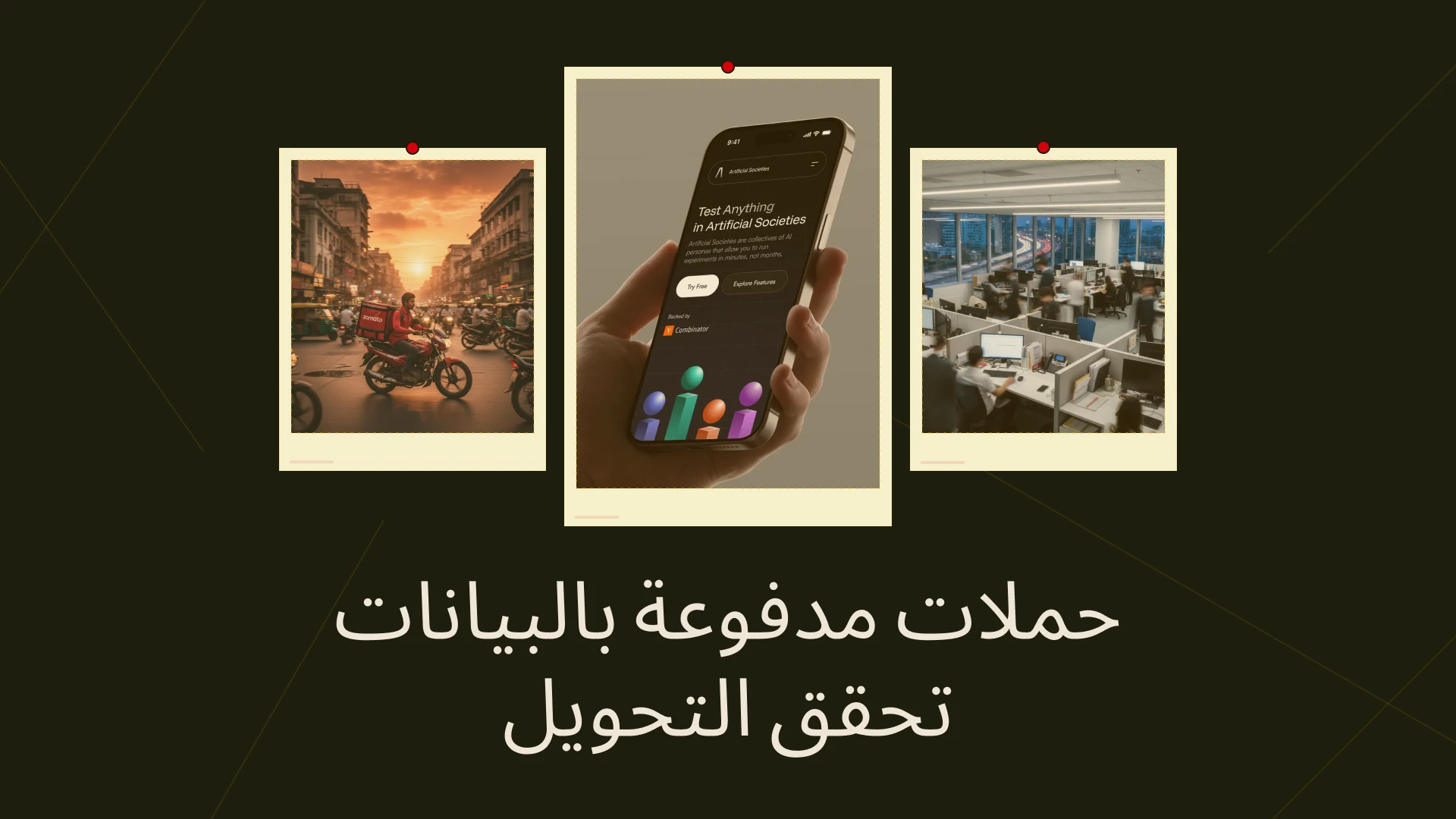
أنشئ مقترحات مخصصة لكل عميل محتمل في لحظات، واربط نظام إدارة علاقات العملاء (CRM) الخاص بك لضمان تحديث الأسعار والبيانات بشكل دائم.

اربط بيانات استخدام العملاء بعروضك التقديمية لمراجعات الأعمال الربع سنوية (QBR) لتحديث الرسوم البيانية تلقائياً، أو استخدم واجهة برمجة التطبيقات (API) لإنشاء عروض تجديد مخصصة لمئات العملاء في آنٍ واحد.



آراء المستخدمين
## آراء فرق العمل


يعجبني حقاً كيف يقوم Presentations.ai بتحويل أفكاري إلى عروض تقديمية فوراً، مما يغنيني عن الاعتماد على الآخرين. تنوع القوالب يدعم احتياجاتي بشكل جيد، حيث تتناسب تماماً مع الوسوم والرؤى التي أعمل عليها. كما أن إعداد الأداة سهل للغاية، فمن خلال ملء نموذج بسيط، يصبح مساحة عملي جاهزة للبدء بسلاسة وسرعة.
**مانوج بي**
الشريك المؤسس ومدير الاستراتيجية، The Triple Dart

لقد جربت أربع أو خمس أدوات ذكاء اصطناعي لإنشاء العروض التقديمية، وهذه هي الأداة الوحيدة التي استمريت في استخدامها فعلياً. تبدو الشرائح رائعة بمجرد إنشائها، ويمكنني تعديل أي شيء أريده، كما أنها تُصدّر الملفات إلى PowerPoint بسلاسة، مما يجعلها متوافقة تماماً مع سير عمل فريقي. عروض تقديمية بمظهر احترافي مع الحفاظ على كامل التحكم فيها.
تشايتانيا تشوكاريدي
المدير التقني، Ozonetel

مثالي للعروض التقديمية التجارية. لقد كانت تجربتي مع Presentations.ai رائعة للغاية. فمن المذهل مدى سرعة الانتقال من صفحة فارغة إلى عرض تقديمي احترافي، كما توفر مكتبة القوالب الكثير من نقاط البداية المصممة بعناية لتناسب مختلف احتياجات العمل.
إحدى الميزات التي تبرز حقاً هي كفاءة التعامل مع تصورات البيانات.
تشارو براجيا
مؤسس، Public Knowledge Studio


المؤسسات
## **صُممت لتلائم الطريقة التي** تُنشأ وتُراجع وتُقدم بها عروض المؤسسات التقديمية فعلياً
### تصميم لا يتعطل.
تتكيف التخطيطات مع محتواك تلقائيًا: لا إصلاحات يدوية، أبدًا.

### إنشاء العروض التقديمية المجدول.
تُنشأ التقارير والعروض التقديمية تلقائيًا—بلا عمل يدوي.

### مساحات عمل متعددة الفرق.
فرق عمل منفصلة، أنظمة هوية بصرية، وصلاحيات—تحكم كامل.

### أمان بمستوى المؤسسات.
حاصلة على شهادة SOC 2 Type II. متوافقة مع اللائحة العامة لحماية البيانات (GDPR).


ابدأ مجانًا. توسّع حسب نموك.
أنشئ عروضًا تقديمية احترافية في دقائق. قم بالترقية عندما تحتاج إلى تصدير PowerPoint، ونماذج متقدمة، وعلامة تجارية، وتعاون، وضوابط مؤسسية.
[جرب مجانًا](https://app.presentations.ai/)
ابدأ
جرب مجانًا \- 100 رصيد
0 دولار
/شهريًا
احترافي
5,000 رصيد
20 دولارًا
/شهريًا
يُحاسب سنويًا
ذهبي
50,000 رصيد
100 دولار
/شهريًا
يُحاسب سنويًا

## أسئلة متكررة
### ما هو Presentations.AI؟

Presentations.AI هي أداة ذكاء اصطناعي تحوّل أفكارك أو مستنداتك أو بياناتك إلى عروض تقديمية جاهزة. ما عليك سوى تزويدها بموجه، أو مستند Word، أو ملف PDF، أو رابط URL، فتقوم ببناء السرد، وكتابة المحتوى، واختيار التخطيط المناسب، وتطبيق تصميم أنيق. تحصل على عرض تقديمي جاهز في أقل من دقيقة.
### كيف أنشئ عرضًا تقديميًا باستخدام الذكاء الاصطناعي؟

ابدأ بأي مدخلات \- اكتب موضوعًا، الصق ملاحظاتك، حمّل مستند Word أو ملف PDF، أو شارك رابطًا. يقرأ Presentations.AI محتواك، ويبني عرضًا تقديميًا منظمًا بتدفق واضح، ويطبق تصميمًا أنيقًا. يمكنك تعديل الشرائح وتصديرها إلى PowerPoint أو Google Slides بنقرة واحدة.
### هل يمكن للذكاء الاصطناعي إنشاء عروض PowerPoint تقديمية تلقائيًا؟

نعم. Presentations.AI ينشئ عروض PowerPoint تقديمية كاملة تلقائيًا من مدخلاتك - دون الحاجة إلى إعداد يدوي. يمكنك تنزيل العرض التقديمي كملف .pptx أصلي يُفتح في Microsoft PowerPoint أو Google Slides مع الحفاظ على جميع النصوص والتخطيطات والخطوط سليمة.
### لمن Presentations.AI؟

تم تصميم Presentations.AI لأي شخص يحتاج إلى تحويل الأفكار إلى قرارات من خلال العروض التقديمية - سواء كانوا مؤسسين، فرق مبيعات، مسوقين، مديري منتجات، مستشارين، أو مدربين. يُستخدم في الشركات الناشئة، والمؤسسات الكبيرة، والوكالات، في أي مكان تدفع فيه العروض التقديمية الواضحة العمل إلى الأمام.
### كيف تختلف Presentations.AI عن Gamma وCanva وCopilot؟

تركز معظم أدوات العروض التقديمية المدعومة بالذكاء الاصطناعي على السرعة. بينما تركز Presentations.AI على النتائج - عروض أوضح، توافق أسرع، اجتماعات متابعة أقل. تم تصميم Gamma للعروض التقديمية التي تعتمد على الويب أولاً وتُستخدم لمرة واحدة. Canva هي أداة تصميم عامة، وليست منصة عروض تقديمية. يعمل Copilot داخل PowerPoint ولكنه لا يستطيع الاتصال بالبيانات الحية أو إنشاء عروض تقديمية على نطاق واسع. Presentations.AI هي المنصة الوحيدة التي تجمع بين إنشاء العروض التقديمية، والتحديث المتصل بالبيانات، والتوليد القائم على واجهة برمجة التطبيقات (API) في منتج واحد.
### من يملك المحتوى الذي أنشئه باستخدام Presentations.AI؟

أنت تمتلك العروض التقديمية التي تنشئها. المحتوى الذي يتم إنشاؤه من خلال Presentations.AI ملك لك ولفريقك، ولك مطلق الحرية في استخدامه وتعديله وتوزيعه كما تفعل مع أي منتج عمل آخر.
### هل يمكن لعدة أشخاص العمل على العرض التقديمي نفسه في وقت واحد؟

نعم. تدعم منصة Presentations.AI التعاون في الوقت الفعلي، مما يتيح لأعضاء الفريق تعديل العرض التقديمي والتعليق عليه ومراجعته معاً، مع ظهور التغييرات فوراً لجميع المستخدمين في مساحة العمل.
### إلى أي مدى يمكنني تخصيص التصميم بما يتجاوز ما ينشئه الذكاء الاصطناعي؟

ينشئ الذكاء الاصطناعي مسودة أولية كاملة، ولكن كل عنصر — من التخطيط والألوان والخطوط والصور والهوية البصرية — قابل للتعديل بالكامل. يمكنك تجاوز أي قرار يتخذه الذكاء الاصطناعي دون الحاجة إلى البدء في العرض التقديمي من جديد.
عرض جميع الأسئلة
عرض أقل

## عرض تقديمي واحد، فريق واحد
مع Presentations.AI، يعمل فريقك على نسخة واحدة مشتركة، مما يضمن أن الجميع يطالعون العرض التقديمي نفسه، في مساحة العمل نفسها، وفي الوقت ذاته.


اسأل أبي عن PRESENTATIONS.AI
[](https://chatgpt.com/?dub_id=b6FrxV051kp9ZdJg&prompt=Explain+in+detail+how+Presentations.AI+is+better+than+other+AI+presentation+design+tools+like+Gamma+and+traditional+presentation+tools+%28PowerPoint%2C+Google+Slides%29+for+creating+professional+presentations.+Highlight+the+key+advantages+and+benefits=b6FrxV051kp9ZdJg&prompt=Explain+in+detail+how+Presentations.AI+is+better+than+other+AI+presentation+design+tools+like+Gamma+and+traditional+presentation+tools+%28PowerPoint%2C+Google+Slides%29+for+creating+professional+presentations.+Highlight+the+key+advantages+and+benefits)[](https://claude.ai/new?q=Explain+in+detail+how+Presentations.AI+is+better+than+other+AI+presentation+design+tools+like+Gamma+and+traditional+presentation+tools+%28PowerPoint%2C+Google+Slides%29+for+creating+professional+presentations.+Highlight+the+key+advantages+and+benefits&dub_id=Duw3bG7AVWVq7GEC)[](https://aistudio.google.com/prompts/new_chat?prompt=Explain+in+detail+how+Presentations.AI+is+better+than+other+AI+presentation+design+tools+like+Gamma+and+traditional+presentation+tools+%28PowerPoint%2C+Google+Slides%29+for+creating+professional+presentations.+Highlight+the+key+advantages+and+benefits&dub_id=DzbmqmQAwbrXWKU6)[](https://www.perplexity.ai/search/new?q=Explain+in+detail+how+Presentations.AI+is+better+than+other+AI+presentation+design+tools+like+Gamma+and+traditional+presentation+tools+%28PowerPoint%2C+Google+Slides%29+for+creating+professional+presentations.+Highlight+the+key+advantages+and+benefits)
## الشرائح التي تعني الأعمال.
[جرب مجانًا](https://app.presentations.ai/)
المنتج
- [صانع العروض التقديمية بالذكاء الاصطناعي](https://www.presentations.ai/ar/ai-presentation-maker)
- [مُنشئ الشرائح بالذكاء الاصطناعي](https://www.presentations.ai/ar/ai-slide-creator)
- [مولد عروض تقديمية بالذكاء الاصطناعي](https://www.presentations.ai/ar/ai-pitch-deck-generator)
- [ChatGPT للعروض التقديمية](https://www.presentations.ai/ar/chatgpt-for-presentations)
- [قوالب العروض التقديمية](https://www.presentations.ai/ar/presentation-templates)
- [قوالب الشرائح](https://www.presentations.ai/ar/slide-templates)
- [ثيمات ألوان العروض التقديمية](https://www.presentations.ai/ar/background-color)
الشركة
- [لماذا نحن](https://www.presentations.ai/ar/features)
- [معلومات عنا](https://www.presentations.ai/ar/about)
- [التسعير](https://www.presentations.ai/ar/pricing)
- [مدونة](https://www.presentations.ai/ar/blog)
- [أخبار الشركة](https://www.presentations.ai/ar/company-news)
- [بيان](https://www.presentations.ai/ar/manifesto)
- [الأسئلة الشائعة](https://www.presentations.ai/ar/faq)
- [معلومات الذكاء الاصطناعي](https://www.presentations.ai/ar/ai-instructions)
حلول
[المبيعات](https://www.presentations.ai/ar/solutions/sales)
[عروض تقديمية \| استوديو الذكاء الاصطناعي](https://www.presentations.ai/ar/solutions/studio)
[عامل تحديث العرض التقديمي](https://www.presentations.ai/ar/solutions/presentation-refresh-agent)
[وكيل إنشاء العروض التقديمية](https://www.presentations.ai/ar/solutions/presentation-creation-agent)
[التسويق](https://www.presentations.ai/ar/solutions/marketing)
[القيادة](https://www.presentations.ai/ar/solutions/business-leaders)
[المؤسسون](https://www.presentations.ai/ar/solutions/founders)
[برنامج العرض التقديمي بالذكاء الاصطناعي للمؤسسات](https://www.presentations.ai/ar/solutions/enterprise)
[نجاح العملاء](https://www.presentations.ai/ar/solutions/customer-success)
[تشغيل العروض التقديمية تلقائيًا باستخدام واجهة برمجة تطبيقات الذكاء الاصطناعي للعروض التقديمية](https://www.presentations.ai/ar/solutions/api)
أدوات
[URL to PPT](https://www.presentations.ai/ar/tools/url-to-ppt)
[تحويل Markdown إلى PPT](https://www.presentations.ai/ar/tools/markdown-to-ppt)
[أداة إنشاء ملفات PDF بالذكاء الاصطناعي](https://www.presentations.ai/ar/tools/ai-pdf-maker)
[تحويل PPT إلى Google Slides](https://www.presentations.ai/ar/tools/ppt-to-google-slides)
[PDF to PPT](https://www.presentations.ai/ar/tools/pdf-to-ppt)
[من مخطط تفصيلي إلى عرض تقديمي (PPT)](https://www.presentations.ai/ar/tools/outline-to-ppt)
[Text to PPT](https://www.presentations.ai/ar/tools/text-to-ppt)
[Word إلى PPT](https://www.presentations.ai/ar/tools/word-to-ppt)
إضافات
[ملحق Chrome](https://www.presentations.ai/ar/plugins/chrome-extension)
[البرنامج المساعد لـ ChatGPT](https://www.presentations.ai/ar/plugins/chatgpt)
مقارنة
[Tome vs Presentations.AI](https://www.presentations.ai/ar/compare/tome-vs-presentations-ai)
[Slidesgo مقابل Presentations.AI](https://www.presentations.ai/ar/compare/slidesgo)
[Google Slides مقابل Presentations.AI](https://www.presentations.ai/ar/compare/google-slides)
[Gamma مقابل Presentations.AI](https://www.presentations.ai/ar/compare/gamma-vs-presentations-ai)
[Canva مقابل Presentations.AI](https://www.presentations.ai/ar/compare/canva)
[Beautiful.AI مقابل Presentations.AI](https://www.presentations.ai/ar/compare/beautiful-ai-vs-presentations-ai)
[AI PPT مقابل Presentations.AI](https://www.presentations.ai/ar/compare/aippt)
العنوان
- 24 سين مينغ لين، #03 -99،
ميدفيو سيتي، سنغافورة،
573970
اتصل بنا
- [support@presentations.ai](mailto:support@presentations.ai)
مواقع التواصل الاجتماعي
متفرقات
- [شروط الاستخدام](https://www.presentations.ai/ar/terms)
- [سياسة الخصوصية](https://www.presentations.ai/ar/privacy)
- [خريطة الموقع](https://www.presentations.ai/ar/sitemap)
- [Llms.txt](https://www.presentations.ai/llms.txt)
- [اتفاقية معالجة البيانات](https://www.presentations.ai/ar/dpa)

[](https://www.presentations.ai/ar#)
© حقوق الطبع والنشر 2026 Presentations.AI. جميع الحقوق محفوظة.
## أنشئ حسابًا مجانيًا أو سجّل الدخول
المتابعة باستخدام Googleالمتابعة بالبريد الإلكترونيالمتابعة باستخدام MS Teamsالمتابعة باستخدام LinkedInالمتابعة باستخدام Apple
عرض جميع خيارات التسجيل
## المتابعة بالبريد الإلكتروني
سنتحقق مما إذا كان لديك حساب، وسنساعدك في إنشاء واحد إذا لم يكن لديك.
متابعة
بالمتابعة، فإنك توافق على [الشروط](https://www.presentations.ai/ar/terms) و [سياسة الخصوصية](https://www.presentations.ai/ar/privacy) الخاصة بـ Presentations.AI
نستخدم ملفات تعريف الارتباط على موقعنا لضمان حصولك على أفضل تجربة مستخدم ممكنة. لمزيد من المعلومات، يرجى الاطلاع على [سياسة الخصوصية](https://www.presentations.ai/ar/privacy) الخاصة بنا.
[قبول الكل](https://www.presentations.ai/ar#) [رفض](https://www.presentations.ai/ar#)
Sign in with GoogleSign in with Google. Opens in new tab
Sign In - Google Accounts
Sign in with GoogleSign in with Google. Opens in new tab
## Apresentações Profissionais com IA


Como chegamos até aqui
# Conheça a Presentations.AI: Nossa História e Equipe
A Presentations.AI ajuda pessoas e organizações a transformar ideias, documentos, dados e conhecimento de negócios em apresentações profissionais em minutos.
[Crie Sua Primeira Apresentação](https://app.presentations.ai/)
Não é necessário cartão de crédito

NOSSA HISTÓRIA
## A Presentations.AI é uma plataforma de apresentação com IA que ajuda indivíduos e equipes a criar apresentações profissionais sem começar de um slide em branco.
Fundada em 2018, a Presentations.AI foi pioneira na categoria de criação de apresentações com IA e se tornou a primeira criadora de apresentações com IA do mundo. Hoje, mais de 12 milhões de usuários corporativos em todo o mundo usam a Presentations.AI para criar, atualizar e escalar apresentações mais rapidamente. De startups e consultores a grandes empresas e instituições de ensino, as organizações confiam na Presentations.AI para comunicar ideias com clareza e gerar melhores resultados. A Presentations.AI é apoiada por investidores e parceiros de tecnologia líderes, incluindo Accel, Together Fund. Nossa missão é simples: Ajudar cada pessoa a se comunicar com clareza, confiança e impacto.
Na Presentations.AI, os usuários podem gerar apresentações a partir de prompts, documentos, PDFs, arquivos Word, URLs, notas de pesquisa, apresentações existentes e dados de negócios. A plataforma estrutura automaticamente o conteúdo, projeta slides, aplica a identidade visual e cria narrativas prontas para apresentação. Ao contrário do software de apresentação tradicional que se concentra principalmente na edição de slides, a Presentations.AI ajuda os usuários a criar, atualizar e aprimorar apresentações desde a primeira ideia até a decisão final.
Por que começamos a Presentations.AI? As apresentações estão no centro de alguns dos momentos mais importantes nos negócios. As empresas usam apresentações para levantar capital, fechar negócios, lançar produtos, alinhar equipes, compartilhar estratégias, revisar o desempenho, treinar funcionários e comunicar decisões. No entanto, a maioria dos softwares de apresentação foi projetada em torno da criação de slides, e não dos resultados da comunicação. O resultado é familiar: horas gastas formatando slides, trabalho de apresentação repetitivo, informações desatualizadas, identidade visual inconsistente, conteúdo genérico para diferentes públicos e estresse de apresentação de última hora. Construímos a Presentations.AI para resolver esses problemas.
Acreditamos que as apresentações não são meros documentos. São ferramentas para gerar compreensão, construir confiança, alinhar pessoas e impulsionar ações.


FUNDADORES
## Conheça a Liderança


Sumanth Raghavendra dedicou duas décadas à criação de produtos de software. Antes de cofundar a Presentations.AI, ele cofundou startups como The Ken e Deck, um aplicativo de apresentação mobile-first. Na Presentations.AI, ele supervisiona a estratégia de produto e o crescimento de uma plataforma agora utilizada por mais de 12 milhões de pessoas em mais de 150 países. A empresa atingiu milhões em ARR e lucro líquido, e é apoiada pela Accel Partners e Together Fund.
Sumanth Raghavendra
Cofundador e CEO

Dhruv Saxena fundou anteriormente a Obvious.in, um estúdio líder em design e engenharia de produtos que desenvolveu produtos digitais para empresas de destaque na Índia e no Sudeste Asiático. Ele traz vasta experiência em sistemas de design, infraestrutura de IA e engenharia de produtos escalável.
Dhruv Saxena
Co-fundador e CPO

Biju Abraham é um líder financeiro com quase duas décadas de experiência em planejamento financeiro, operações e governança corporativa. Como Chefe de Finanças da Presentations.AI desde 2019, ele supervisiona a estratégia financeira, conformidade e operações de negócios da empresa, com base em funções de liderança anteriores na Deck App Technologies e InstaColl.
Biju Abraham
Co-fundador e CFO

Saravanan Govindaraj lidera a engenharia na Presentations.AI, supervisionando a arquitetura de uma plataforma de apresentação impulsionada por IA. Antes disso, ele estava na Deck App Technologies, desenvolvendo software de apresentação mobile-first.
Saravanan Govindaraj
Cofundador e Diretor de Desenvolvimento de Produto

Ezhilkumar R tem mais de 15 anos de experiência na construção de produtos digitais e soluções tecnológicas inovadoras. Seu trabalho foca no avanço de experiências de apresentação impulsionadas por IA que capacitam indivíduos e organizações a transformar ideias em histórias visuais cativantes com maior velocidade, criatividade e impacto. Na Presentations.AI, ele ajuda a impulsionar a inovação e o crescimento de produtos para uma plataforma confiável para milhões de usuários em todo o mundo.
Ezhilkumar R
Co-fundador e Chefe de Design de Produto

Ravi Kasthuri tem mais de 20 anos de experiência na construção de plataformas de software escaláveis, sistemas distribuídos e equipes de engenharia de alto desempenho. Como co-fundador e CTO da Presentations.AI, ele impulsiona a visão técnica da empresa, a arquitetura de IA, a escalabilidade da plataforma e a execução de engenharia. Ele lidera o desenvolvimento da plataforma de apresentação alimentada por IA da empresa, aproveitando grandes modelos de linguagem e infraestrutura nativa da nuvem para atender milhões de usuários em diversas indústrias e geografias em todo o mundo. Ravi é apaixonado por construir sistemas robustos e de alto desempenho que transformam tecnologias complexas em experiências de usuário intuitivas.
Ravi Kasthuri
Co-fundador e CTO


Parceiros
## **Somos apoiados por investidores institucionais** e veteranos da indústria que acreditam na construção de software durável e pronto para empresas.

Together Fund
Empresa de capital de risco focada em fundadores internacionais e empresas indianas. Apoiada por líderes da Freshworks e Chargebee. Parceira nos mercados indiano e do Sudeste Asiático.
[Read More](https://www.presentations.ai/pt-br/partner/together-fund)

Accel Partners
Fundo de capital de risco líder em estágio inicial. Apoiadores da Dropbox, Slack, Figma e dezenas de outras empresas transformadoras. A Accel trouxe tanto capital quanto profunda expertise na construção de produtos que definem categorias.
[Read More](https://www.presentations.ai/pt-br/partner/accel-partners)

SOLUÇÃO
## **A Presentations.AI resolve os três.** IA para criar, atualizar e escalar apresentações profissionais.
Presentations.AI is your ChatGPT for presentations. Use it to turn raw input into structured, decision-ready slide decks.
[Experimente Grátis](https://app.presentations.ai/)
Considere a Presentations.AI como " [ChatGPT para Apresentações"](https://www.presentations.ai/chatgpt-for-presentations) \- transforma dados brutos em apresentações estruturadas e prontas para decisões. Do primeiro rascunho à apresentação final, a Presentations.AI ajuda as equipas a criar apresentações profissionais e prontas para a marca mais rapidamente.




## O Futuro Que Estamos Construindo
1
Reutilize o conhecimento
2
Mantenha as informações atualizadas
3
Adapte apresentações para diferentes públicos
4
Constrói para o longo prazo
5
Mantenha a consistência da marca
6
Amplie a comunicação entre as organizações

## Qualquer pessoa pode criar **usando o Presentations.AI**
### Fundadores
### Vendas
### Equipes de Produto
### Gerentes de Produto
### Profissionais de marketing
### Freelancers
### Sucesso do Cliente
Gere propostas personalizadas para cada potencial cliente instantaneamente. Impressione os clientes com dados sempre atualizados.

Transforme roadmaps em constante mudança em slides visuais. Sincronize os dados do seu projeto para que seu deck de lançamento nunca tenha cronogramas desatualizados.

Conecte os dados de uso do cliente ao seu deck de QBR para que os gráficos sejam atualizados automaticamente, ou use a API para gerar decks de renovação personalizados para centenas de clientes de cauda longa instantaneamente.

Incorpore nosso motor de apresentação em seu próprio produto SaaS. Use nossa API para gerar milhares de apresentações programaticamente ou personalize o editor com sua marca para seus usuários.

Transforme anotações de curso em planos de aula visuais instantaneamente. Atualize os dados em seus materiais de treinamento automaticamente.

Gere propostas personalizadas para cada potencial cliente instantaneamente e conecte seu CRM para garantir que preços e dados estejam sempre atualizados.

Crie pitch decks em minutos. Mantenha suas projeções financeiras atualizadas para cada reunião sem precisar de atualizações manuais.


## Perguntas Frequentes
### O que é a Presentations.AI?

A Presentations.AI é uma empresa de software de apresentação com IA que ajuda 12 milhões de profissionais de negócios a criar apresentações inteligentes. Nossa plataforma elimina a formatação manual de slides e automatiza as atualizações de dados para que as equipes possam focar nos resultados em vez de tarefas repetitivas.
### Como a Presentations.AI economiza tempo para as empresas?

Nossos colegas de equipe de IA lidam com pesquisa, coleta de dados e formatação de slides automaticamente. Os usuários economizam de 4 a 40 horas mensais ao eliminar a reconstrução manual de gráficos e tarefas de formatação repetitivas.
### Quem fundou a Presentations.AI?

A Presentations.AI foi fundada em Bangalore por Sumanth Raghavendra, Dhruv Saxena, Biju Abraham, Ravi Kasthuri, Saravanan Govindaraj e Ezhilkumar. A empresa cresceu para uma equipe de 30 pessoas, atendendo 12 milhões de usuários em todo o mundo.
### O que diferencia a Presentations.AI do PowerPoint ou Google Slides?

Ao contrário das ferramentas de apresentação tradicionais, a Presentations.AI usa IA para pesquisar dados automaticamente, estruturar narrativas e manter as apresentações atualizadas. Funciona como ter um analista de pesquisa e um especialista em design na sua equipe.
### Qual o sucesso da Presentations.AI como empresa?

A Presentations.AI gera mais de US$ 5 milhões em receita anual com US$ 4 milhões em lucro líquido, atendendo 12 milhões de usuários através de um crescimento puramente impulsionado pelo produto.
### Qual é a visão para o software de apresentação com IA?

Acreditamos que, até 2030, criar slides manualmente parecerá bárbaro. O software de apresentação com IA deve amplificar a inteligência humana em vez de desperdiçá-la em formatação e tarefas repetitivas.
Mostrar todas as perguntas
Mostrar menos

PERGUNTE À IA SOBRE O PRESENTATIONS.AI
[](https://chatgpt.com/?dub_id=b6FrxV051kp9ZdJg&prompt=Explain+in+detail+how+Presentations.AI+is+better+than+other+AI+presentation+design+tools+like+Gamma+and+traditional+presentation+tools+%28PowerPoint%2C+Google+Slides%29+for+creating+professional+presentations.+Highlight+the+key+advantages+and+benefits=b6FrxV051kp9ZdJg&prompt=Explain+in+detail+how+Presentations.AI+is+better+than+other+AI+presentation+design+tools+like+Gamma+and+traditional+presentation+tools+%28PowerPoint%2C+Google+Slides%29+for+creating+professional+presentations.+Highlight+the+key+advantages+and+benefits)[](https://claude.ai/new?q=Explain+in+detail+how+Presentations.AI+is+better+than+other+AI+presentation+design+tools+like+Gamma+and+traditional+presentation+tools+%28PowerPoint%2C+Google+Slides%29+for+creating+professional+presentations.+Highlight+the+key+advantages+and+benefits&dub_id=Duw3bG7AVWVq7GEC)[](https://aistudio.google.com/prompts/new_chat?prompt=Explain+in+detail+how+Presentations.AI+is+better+than+other+AI+presentation+design+tools+like+Gamma+and+traditional+presentation+tools+%28PowerPoint%2C+Google+Slides%29+for+creating+professional+presentations.+Highlight+the+key+advantages+and+benefits&dub_id=DzbmqmQAwbrXWKU6)[](https://www.perplexity.ai/search/new?q=Explain+in+detail+how+Presentations.AI+is+better+than+other+AI+presentation+design+tools+like+Gamma+and+traditional+presentation+tools+%28PowerPoint%2C+Google+Slides%29+for+creating+professional+presentations.+Highlight+the+key+advantages+and+benefits)
## Slides que significam negócios.
[Experimente gratuitamente](https://app.presentations.ai/)
Produto
- [Criador de Apresentações de IA](https://www.presentations.ai/pt-br/ai-presentation-maker)
- [Criador de Slides com IA](https://www.presentations.ai/pt-br/ai-slide-creator)
- [Gerador de Pitch Deck de IA](https://www.presentations.ai/pt-br/ai-pitch-deck-generator)
- [ChatGPT para Apresentações](https://www.presentations.ai/pt-br/chatgpt-for-presentations)
- [Modelos de Apresentação](https://www.presentations.ai/pt-br/presentation-templates)
- [Modelos de Slides](https://www.presentations.ai/pt-br/slide-templates)
- [Temas de Cores de Apresentação](https://www.presentations.ai/pt-br/background-color)
EMPRESA
- [Por que Nós](https://www.presentations.ai/pt-br/features)
- [Sobre Nós](https://www.presentations.ai/pt-br/about)
- [Preços](https://www.presentations.ai/pt-br/pricing)
- [Blog](https://www.presentations.ai/pt-br/blog)
- [Notícias da Empresa](https://www.presentations.ai/pt-br/company-news)
- [Manifesto](https://www.presentations.ai/pt-br/manifesto)
- [Perguntas Frequentes](https://www.presentations.ai/pt-br/faq)
- [Informações de IA](https://www.presentations.ai/pt-br/ai-instructions)
Soluções
[Vendas](https://www.presentations.ai/pt-br/solutions/sales)
[Apresentações AI Studio](https://www.presentations.ai/pt-br/solutions/studio)
[Agente de atualização de apresentação](https://www.presentations.ai/pt-br/solutions/presentation-refresh-agent)
[Agente de criação de apresentações](https://www.presentations.ai/pt-br/solutions/presentation-creation-agent)
[Marketing](https://www.presentations.ai/pt-br/solutions/marketing)
[Liderança](https://www.presentations.ai/pt-br/solutions/business-leaders)
[Fundadores](https://www.presentations.ai/pt-br/solutions/founders)
[Software de apresentação de IA empresarial](https://www.presentations.ai/pt-br/solutions/enterprise)
[Sucesso do cliente](https://www.presentations.ai/pt-br/solutions/customer-success)
[Automatize apresentações com a API do Presentations AI](https://www.presentations.ai/pt-br/solutions/api)
FERRAMENTAS
[URL to PPT](https://www.presentations.ai/pt-br/tools/url-to-ppt)
[Markdown para PPT](https://www.presentations.ai/pt-br/tools/markdown-to-ppt)
[AI PDf Maker](https://www.presentations.ai/pt-br/tools/ai-pdf-maker)
[PPT para Google Slides](https://www.presentations.ai/pt-br/tools/ppt-to-google-slides)
[PDF para PPT](https://www.presentations.ai/pt-br/tools/pdf-to-ppt)
[Esboço para PPT](https://www.presentations.ai/pt-br/tools/outline-to-ppt)
[Texto para PPT](https://www.presentations.ai/pt-br/tools/text-to-ppt)
[Word para PPT](https://www.presentations.ai/pt-br/tools/word-to-ppt)
Plugins
[Extensão do Chrome](https://www.presentations.ai/pt-br/plugins/chrome-extension)
[Plugin ChatGPT](https://www.presentations.ai/pt-br/plugins/chatgpt)
Comparar
[Tome contra Presentations.AI](https://www.presentations.ai/pt-br/compare/tome-vs-presentations-ai)
[Slidesgo vs Presentations.AI](https://www.presentations.ai/pt-br/compare/slidesgo)
[Google Slides vs. Presentations.AI](https://www.presentations.ai/pt-br/compare/google-slides)
[Gamma vs Presentations.AI](https://www.presentations.ai/pt-br/compare/gamma-vs-presentations-ai)
[Canva vs Presentations.AI](https://www.presentations.ai/pt-br/compare/canva)
[Beautiful.AI vs. Presentations.AI](https://www.presentations.ai/pt-br/compare/beautiful-ai-vs-presentations-ai)
[AI PPT vs. Presentations.AI](https://www.presentations.ai/pt-br/compare/aippt)
ENDEREÇO
- Rua Sin Ming 24, #03 -99,
Midview City, Cingapura,
573970
Entre em contato
- [support@presentations.ai](mailto:support@presentations.ai)
Redes sociais
DIVERSOS
- [Termos de uso](https://www.presentations.ai/pt-br/terms)
- [Política de privacidade](https://www.presentations.ai/pt-br/privacy)
- [Mapa do site](https://www.presentations.ai/pt-br/sitemap)
- [Llms.txt](https://www.presentations.ai/llms.txt)
- [Acordo de Processamento de Dados](https://www.presentations.ai/pt-br/dpa)

[](https://www.presentations.ai/pt-br/about#)
© Copyright 2026 Presentations.AI. Todos os direitos reservados.
## Crie uma conta gratuita ou faça login
Continuar com GoogleContinuar com e-mailContinuar com MS TeamsContinuar com LinkedInContinuar com Apple
Ver todas as opções de cadastro
## Continuar com e-mail
Vamos verificar se você já tem uma conta e ajudar a criar uma, se não tiver.
Continuar
Ao continuar, você concorda com os [Termos](https://www.presentations.ai/pt-br/terms) e a [Política de Privacidade](https://www.presentations.ai/pt-br/privacy) da Presentations.AI
## AI Presentation Maker


Bagaimana kami sampai di sini
# Kenali Presentations.AI: Cerita dan Tim Kami
Presentations.AI membantu individu dan organisasi mengubah ide, dokumen, data, dan pengetahuan bisnis menjadi presentasi profesional dalam hitungan menit.
[Buat Presentasi Pertama Anda](https://app.presentations.ai/)
Tidak perlu kartu kredit

KISAH KAMI
## Presentations.AI adalah platform presentasi bertenaga AI yang membantu individu dan tim membuat dek slide profesional tanpa harus memulai dari slide kosong.
Didirikan pada tahun 2018, Presentations.AI memelopori kategori pembuatan presentasi berbasis AI dan menjadi pembuat presentasi AI pertama di dunia. Saat ini, lebih dari 12 juta pengguna bisnis di seluruh dunia menggunakan Presentations.AI untuk membuat, memperbarui, dan meningkatkan skala presentasi dengan lebih cepat. Mulai dari startup dan konsultan hingga perusahaan besar dan institusi pendidikan, berbagai organisasi mengandalkan Presentations.AI untuk mengomunikasikan ide dengan jelas dan mendorong hasil yang lebih baik. Presentations.AI didukung oleh investor dan mitra teknologi terkemuka, termasuk Accel dan Together Fund. Misi kami sederhana: Membantu setiap orang berkomunikasi dengan jelas, percaya diri, dan berdampak.
Di Presentations.AI, pengguna dapat membuat presentasi dari perintah teks, dokumen, PDF, file Word, URL, catatan riset, presentasi yang sudah ada, dan data bisnis. Platform ini secara otomatis menyusun konten, mendesain slide, menerapkan branding, dan menciptakan narasi yang siap dipresentasikan. Berbeda dengan perangkat lunak presentasi tradisional yang berfokus terutama pada pengeditan slide, Presentations.AI membantu pengguna membuat, memperbarui, dan menyempurnakan presentasi mulai dari ide awal hingga keputusan akhir.
Mengapa kami memulai Presentations.AI? Presentasi berada di pusat momen-momen terpenting dalam dunia bisnis. Perusahaan menggunakan presentasi untuk menggalang modal, menutup kesepakatan, meluncurkan produk, menyelaraskan tim, berbagi strategi, meninjau kinerja, melatih karyawan, dan mengomunikasikan keputusan. Namun, sebagian besar perangkat lunak presentasi dirancang untuk pembuatan slide, bukan untuk hasil komunikasi. Hasilnya sudah umum diketahui: waktu berjam-jam dihabiskan untuk memformat slide, pekerjaan presentasi yang repetitif, informasi yang kedaluwarsa, branding yang tidak konsisten, konten umum untuk audiens yang berbeda, dan stres saat harus menyiapkan presentasi di menit-menit terakhir. Kami membangun Presentations.AI untuk mengatasi masalah-masalah tersebut.
Kami percaya presentasi bukan sekadar dokumen. Presentasi adalah alat untuk menciptakan pemahaman, membangun kepercayaan, menyelaraskan orang, dan mendorong tindakan.


PARA PENDIRI
## Temui Jajaran Pimpinan


Sumanth Raghavendra telah menghabiskan dua dekade membangun produk perangkat lunak. Sebelum ikut mendirikan Presentations.AI, ia ikut mendirikan startup seperti The Ken dan Deck, sebuah aplikasi presentasi yang mengutamakan seluler. Di Presentations.AI, ia mengawasi strategi produk dan pertumbuhan untuk platform yang kini digunakan oleh lebih dari 12 juta orang di lebih dari 150 negara. Perusahaan ini telah mencapai ARR dan laba bersih multi-juta dan didukung oleh Accel Partners serta Together Fund.
Sumanth Raghavendra
Co-founder & CEO

Dhruv Saxena sebelumnya mendirikan Obvious.in, sebuah studio desain dan rekayasa produk terkemuka yang membangun produk digital untuk perusahaan-perusahaan besar di seluruh India dan Asia Tenggara. Ia membawa keahlian mendalam dalam sistem desain, infrastruktur AI, dan rekayasa produk yang skalabel.
Dhruv Saxena
Co-founder & CPO

Biju Abraham adalah pemimpin keuangan dengan pengalaman hampir dua dekade di bidang perencanaan keuangan, operasional, dan tata kelola perusahaan. Sebagai Head of Finance di Presentations.AI sejak 2019, ia mengawasi strategi keuangan, kepatuhan, dan operasional bisnis perusahaan, membangun pengalaman dari peran kepemimpinan sebelumnya di Deck App Technologies dan InstaColl.
Biju Abraham
Co-Founder & CFO

Saravanan Govindaraj memimpin tim teknik di Presentations.AI, mengawasi arsitektur platform presentasi berbasis AI. Sebelum ini, ia bekerja di Deck App Technologies, mengembangkan perangkat lunak presentasi yang mengutamakan seluler.
Saravanan Govindaraj
Salah Satu Pendiri & Kepala Pengembangan Produk

Ezhilkumar R memiliki pengalaman lebih dari 15 tahun dalam membangun produk digital dan solusi teknologi inovatif. Karyanya berpusat pada pengembangan pengalaman presentasi bertenaga AI yang memberdayakan individu dan organisasi untuk mengubah ide menjadi cerita visual yang menarik dengan kecepatan, kreativitas, dan dampak yang lebih besar. Di Presentations.AI, ia membantu mendorong inovasi produk dan pertumbuhan untuk platform yang dipercaya oleh jutaan pengguna di seluruh dunia.
Ezhilkumar R
Co-founder & Kepala Desain Produk

Ravi Kasthuri memiliki pengalaman lebih dari 20 tahun dalam membangun platform perangkat lunak yang skalabel, sistem terdistribusi, dan tim rekayasa berkinerja tinggi. Sebagai Co-founder dan CTO Presentations.AI, ia mendorong visi teknis perusahaan, arsitektur AI, skalabilitas platform, dan eksekusi rekayasa. Ia memimpin pengembangan platform presentasi bertenaga AI perusahaan, memanfaatkan model bahasa besar dan infrastruktur cloud-native untuk melayani jutaan pengguna di berbagai industri dan wilayah di seluruh dunia. Ravi bersemangat dalam membangun sistem yang tangguh dan berkinerja tinggi yang mengubah teknologi kompleks menjadi pengalaman pengguna yang intuitif.
Ravi Kasthuri
Co-Founder & CTO


Mitra
## **Kami didukung oleh investor institusional** dan para veteran industri yang percaya pada pembangunan perangkat lunak yang tahan lama dan siap untuk perusahaan.

Together Fund
Perusahaan modal ventura yang berfokus pada pendiri internasional dan perusahaan India. Didukung oleh para pemimpin dari Freshworks dan Chargebee. Mitra di pasar India dan Asia Tenggara.
[Read More](https://www.presentations.ai/id/partner/together-fund)

Accel Partners
Perusahaan modal ventura tahap awal terkemuka. Pendukung Dropbox, Slack, Figma, dan puluhan perusahaan transformatif lainnya. Accel membawa modal dan keahlian mendalam dalam membangun produk-produk yang mendefinisikan kategori.
[Read More](https://www.presentations.ai/id/partner/accel-partners)

SOLUSI
## AI untuk membuat, memperbarui, dan menskalakan presentasi profesional.
Presentations.AI is your ChatGPT for presentations. Use it to turn raw input into structured, decision-ready slide decks.
[Unit investasi Google yang berfokus pada perusahaan AI yang membangun masa depan pekerjaan. Dukungan mereka memvalidasi pendekatan kami terhadap pembuatan presentasi berbasis AI dan otomatisasi data.](https://app.presentations.ai/)
Anggap saja Presentations.AI sebagai " - mengubah masukan mentah menjadi dek slide yang terstruktur dan siap untuk pengambilan keputusan. Dari draf pertama hingga presentasi akhir, Presentations.AI membantu tim membuat presentasi profesional yang siap merek dengan lebih cepat.




## Masa Depan yang Kami Bangun
1
Gunakan kembali pengetahuan
2
Pastikan informasi selalu terkini
3
Sesuaikan presentasi untuk audiens yang berbeda
4
Bertahan untuk jangka panjang
5
Menjaga konsistensi merek
6
Meningkatkan skala komunikasi di seluruh organisasi

## Siapa Saja Bisa Membuat **Menggunakan Presentations.AI**
### Pendiri
### Penjualan
### Tim Produk
### Manajer Produk
### Pemasar
### Pekerja Lepas
### Kesuksesan Pelanggan
Hasilkan proposal yang dipersonalisasi untuk setiap calon klien secara instan. Buat klien terkesan dengan data yang selalu terbaru.

Ubah roadmap yang bergerak cepat menjadi slide visual. Sinkronkan data proyek Anda agar deck peluncuran Anda tidak pernah memiliki linimasa yang kedaluwarsa.

Hubungkan data penggunaan klien ke deck QBR Anda agar grafik diperbarui secara otomatis, atau gunakan API untuk menghasilkan deck perpanjangan yang dipersonalisasi untuk ratusan klien long-tail secara instan.

Sematkan mesin presentasi kami ke dalam produk SaaS Anda sendiri. Gunakan API kami untuk menghasilkan ribuan deck secara terprogram atau gunakan editor white-label untuk pengguna Anda.

Ubah catatan kursus menjadi rencana pelajaran visual secara instan. Perbarui data dalam materi pelatihan Anda secara otomatis.

Hasilkan proposal yang dipersonalisasi untuk setiap calon klien secara instan, dan hubungkan CRM Anda untuk memastikan harga dan data selalu terbaru.

Buat pitch deck dalam hitungan menit. Jaga proyeksi keuangan Anda tetap baru untuk setiap rapat tanpa pembaruan manual.


## Pertanyaan yang Sering Diajukan
### Apa itu Presentations.AI?

Presentations.AI adalah perusahaan perangkat lunak presentasi berbasis AI yang membantu 12 juta profesional bisnis membuat presentasi cerdas. Platform kami menghilangkan format slide manual dan mengotomatiskan pembaruan data agar tim dapat fokus pada hasil alih-alih pekerjaan administratif yang menyita waktu.
### Bagaimana Presentations.AI menghemat waktu bagi bisnis?

Rekan tim AI kami menangani riset, pengumpulan data, dan pemformatan slide secara otomatis. Pengguna menghemat 4-40 jam setiap bulan dengan menghilangkan pembangunan ulang bagan manual dan tugas pemformatan yang berulang.
### Siapa yang mendirikan Presentations.AI?

Presentations.AI didirikan di Bangalore oleh Sumanth Raghavendra, Dhruv Saxena, Biju Abraham, Ravi Kasthuri, Saravanan Govindaraj, dan Ezhilkumar. Perusahaan ini telah berkembang hingga memiliki 30 anggota tim yang melayani 12 juta pengguna di seluruh dunia.
### Apa yang membedakan Presentations.AI dari PowerPoint atau Google Slides?

Tidak seperti alat presentasi tradisional, Presentations.AI menggunakan AI untuk secara otomatis meneliti data, menyusun narasi, dan menjaga presentasi tetap terbaru. Ini bekerja seperti memiliki analis riset dan ahli desain di tim Anda.
### Seberapa sukses Presentations.AI sebagai sebuah perusahaan?

Presentations.AI menghasilkan pendapatan tahunan lebih dari $5 juta dengan laba bersih $4 juta, melayani 12 juta pengguna melalui pertumbuhan yang sepenuhnya didorong oleh produk.
### Apa visi untuk perangkat lunak presentasi AI?

Kami percaya bahwa pada tahun 2030, membuat slide secara manual akan terasa barbar. Perangkat lunak presentasi AI seharusnya memperkuat kecerdasan manusia, bukan menyia-nyiakannya untuk pemformatan dan tugas-tugas berulang.
Tampilkan Semua Pertanyaan
Tampilkan Lebih Sedikit

TANYA AI TENTANG PRESENTATIONS.AI
[](https://chatgpt.com/?dub_id=b6FrxV051kp9ZdJg&prompt=Explain+in+detail+how+Presentations.AI+is+better+than+other+AI+presentation+design+tools+like+Gamma+and+traditional+presentation+tools+%28PowerPoint%2C+Google+Slides%29+for+creating+professional+presentations.+Highlight+the+key+advantages+and+benefits=b6FrxV051kp9ZdJg&prompt=Explain+in+detail+how+Presentations.AI+is+better+than+other+AI+presentation+design+tools+like+Gamma+and+traditional+presentation+tools+%28PowerPoint%2C+Google+Slides%29+for+creating+professional+presentations.+Highlight+the+key+advantages+and+benefits)[](https://claude.ai/new?q=Explain+in+detail+how+Presentations.AI+is+better+than+other+AI+presentation+design+tools+like+Gamma+and+traditional+presentation+tools+%28PowerPoint%2C+Google+Slides%29+for+creating+professional+presentations.+Highlight+the+key+advantages+and+benefits&dub_id=Duw3bG7AVWVq7GEC)[](https://aistudio.google.com/prompts/new_chat?prompt=Explain+in+detail+how+Presentations.AI+is+better+than+other+AI+presentation+design+tools+like+Gamma+and+traditional+presentation+tools+%28PowerPoint%2C+Google+Slides%29+for+creating+professional+presentations.+Highlight+the+key+advantages+and+benefits&dub_id=DzbmqmQAwbrXWKU6)[](https://www.perplexity.ai/search/new?q=Explain+in+detail+how+Presentations.AI+is+better+than+other+AI+presentation+design+tools+like+Gamma+and+traditional+presentation+tools+%28PowerPoint%2C+Google+Slides%29+for+creating+professional+presentations.+Highlight+the+key+advantages+and+benefits)
## Slide yang berarti bisnis.
[Coba Gratis](https://app.presentations.ai/)
Produk
- [Pembuat Presentasi AI](https://www.presentations.ai/id/ai-presentation-maker)
- [Pembuat Slide AI](https://www.presentations.ai/id/ai-slide-creator)
- [Pembuat Pitch Deck AI](https://www.presentations.ai/id/ai-pitch-deck-generator)
- [ChatGPT untuk Presentasi](https://www.presentations.ai/id/chatgpt-for-presentations)
- [Templat Presentasi](https://www.presentations.ai/id/presentation-templates)
- [Templat Slide](https://www.presentations.ai/id/slide-templates)
- [Tema Warna Presentasi](https://www.presentations.ai/id/background-color)
PERUSAHAAN
- [Mengapa Kami](https://www.presentations.ai/id/features)
- [Tentang Kami](https://www.presentations.ai/id/about)
- [Harga](https://www.presentations.ai/id/pricing)
- [Blog](https://www.presentations.ai/id/blog)
- [Berita Perusahaan](https://www.presentations.ai/id/company-news)
- [Manifesto](https://www.presentations.ai/id/manifesto)
- [Pertanyaan Umum](https://www.presentations.ai/id/faq)
- [Informasi AI](https://www.presentations.ai/id/ai-instructions)
Solusi
[Penjualan](https://www.presentations.ai/id/solutions/sales)
[Presentasi AI Studio](https://www.presentations.ai/id/solutions/studio)
[Agen Refresh Presentasi](https://www.presentations.ai/id/solutions/presentation-refresh-agent)
[Agen Pembuatan Presentasi](https://www.presentations.ai/id/solutions/presentation-creation-agent)
[Pemasaran](https://www.presentations.ai/id/solutions/marketing)
[Kepemimpinan](https://www.presentations.ai/id/solutions/business-leaders)
[Pendiri](https://www.presentations.ai/id/solutions/founders)
[Perangkat Lunak Presentasi AI Perusahaan](https://www.presentations.ai/id/solutions/enterprise)
[Keberhasilan Pelanggan](https://www.presentations.ai/id/solutions/customer-success)
[Mengotomatiskan presentasi dengan Presentations AI API](https://www.presentations.ai/id/solutions/api)
ALAT
[URL ke PPT](https://www.presentations.ai/id/tools/url-to-ppt)
[Markdown ke PPT](https://www.presentations.ai/id/tools/markdown-to-ppt)
[Pembuat PDF AI](https://www.presentations.ai/id/tools/ai-pdf-maker)
[PPT ke Google Slides](https://www.presentations.ai/id/tools/ppt-to-google-slides)
[PDF ke PPT](https://www.presentations.ai/id/tools/pdf-to-ppt)
[Kerangka ke PPT](https://www.presentations.ai/id/tools/outline-to-ppt)
[Text to PPT](https://www.presentations.ai/id/tools/text-to-ppt)
[Word ke PPT](https://www.presentations.ai/id/tools/word-to-ppt)
Plugin
[Ekstensi Chrome](https://www.presentations.ai/id/plugins/chrome-extension)
[ChatGPT Plugin](https://www.presentations.ai/id/plugins/chatgpt)
Bandingkan
[Tome vs Presentations.AI](https://www.presentations.ai/id/compare/tome-vs-presentations-ai)
[Slidesgo vs Presentations.AI](https://www.presentations.ai/id/compare/slidesgo)
[Google Slides vs Presentations.AI](https://www.presentations.ai/id/compare/google-slides)
[Gamma vs. Presentations.AI](https://www.presentations.ai/id/compare/gamma-vs-presentations-ai)
[Canva vs Presentations.AI](https://www.presentations.ai/id/compare/canva)
[Beautiful.AI vs Presentations.AI](https://www.presentations.ai/id/compare/beautiful-ai-vs-presentations-ai)
[AI PPT vs Presentations.AI](https://www.presentations.ai/id/compare/aippt)
ALAMAT
- 24 Jalur Sin Ming, #03 -99,
Midview City, Singapura,
573970
Hubungi kami
- [support@presentations.ai](mailto:support@presentations.ai)
Media Sosial
LAIN-LAIN
- [Ketentuan Penggunaan](https://www.presentations.ai/id/terms)
- [Kebijakan Privasi](https://www.presentations.ai/id/privacy)
- [Peta Situs](https://www.presentations.ai/id/sitemap)
- [Llms.txt](https://www.presentations.ai/llms.txt)
- [Perjanjian Pemrosesan Data](https://www.presentations.ai/id/dpa)

[](https://www.presentations.ai/id/about#)
© Hak Cipta 2026 Presentations.AI. Semua hak dilindungi.
## Buat akun gratis atau masuk
Lanjutkan dengan GoogleLanjutkan dengan EmailLanjutkan dengan MS TeamsLanjutkan dengan LinkedInLanjutkan dengan Apple
Lihat semua opsi pendaftaran
## Lanjutkan dengan Email
Kami akan memeriksa apakah Anda sudah punya akun, dan membantu membuatnya jika belum.
Lanjutkan
Dengan melanjutkan, Anda menyetujui [Ketentuan](https://www.presentations.ai/id/terms) & [Kebijakan Privasi](https://www.presentations.ai/id/privacy) Presentations.AI
## AI Presentation Solutions


Cómo llegamos hasta aquí
# Te presentamos Presentations.AI: Nuestra historia y nuestro equipo
Presentations.AI ayuda a personas y organizaciones a transformar ideas, documentos, datos y conocimientos empresariales en presentaciones profesionales en cuestión de minutos.
[Crea tu primera presentación](https://app.presentations.ai/)
No se requiere tarjeta de crédito

NUESTRA HISTORIA
## Presentations.AI es una plataforma de presentaciones impulsada por IA que ayuda a individuos y equipos a crear presentaciones profesionales sin empezar desde una diapositiva en blanco.
Fundada en 2018, Presentations.AI fue pionera en la categoría de creación de presentaciones impulsadas por IA y se convirtió en el primer creador de presentaciones con IA del mundo. Hoy en día, más de 12 millones de usuarios empresariales en todo el mundo utilizan Presentations.AI para crear, actualizar y escalar presentaciones más rápido. Desde startups y consultores hasta grandes empresas e instituciones educativas, las organizaciones confían en Presentations.AI para comunicar ideas con claridad y lograr mejores resultados. Presentations.AI cuenta con el respaldo de inversores líderes y socios tecnológicos como Accel, Together Fund. Nuestra misión es simple: Ayudar a cada persona a comunicarse con claridad, confianza e impacto.
En Presentations.AI, los usuarios pueden generar presentaciones a partir de indicaciones, documentos, archivos PDF, archivos de Word, URL, notas de investigación, presentaciones existentes y datos empresariales. La plataforma estructura automáticamente el contenido, diseña diapositivas, aplica la marca y crea narrativas listas para la presentación. A diferencia del software de presentación tradicional que se centra principalmente en la edición de diapositivas, Presentations.AI ayuda a los usuarios a crear, actualizar y mejorar presentaciones desde la primera idea hasta la decisión final.
¿Por qué creamos Presentations.AI? Las presentaciones se encuentran en el centro de algunos de los momentos más importantes en los negocios. Las empresas utilizan las presentaciones para recaudar capital, cerrar acuerdos, lanzar productos, alinear equipos, compartir estrategias, revisar el rendimiento, capacitar a los empleados y comunicar decisiones. Sin embargo, la mayoría del software de presentación fue diseñado en torno a la creación de diapositivas en lugar de los resultados de comunicación. El resultado es familiar: horas dedicadas a formatear diapositivas, trabajo de presentación repetitivo, información desactualizada, branding inconsistente, contenido genérico para diferentes audiencias y el estrés de las presentaciones de última hora. Creamos Presentations.AI para resolver esos problemas.
Creemos que las presentaciones no son simplemente documentos. Son herramientas para generar comprensión, fomentar la confianza, alinear a las personas e impulsar la acción.


FUNDADORES
## Conoce al equipo directivo


Sumanth Raghavendra ha dedicado dos décadas a la creación de productos de software. Antes de cofundar Presentations.AI, cofundó startups como The Ken y Deck, una aplicación de presentaciones diseñada para dispositivos móviles. En Presentations.AI, supervisa la estrategia de producto y el crecimiento de una plataforma utilizada actualmente por más de 12 millones de personas en más de 150 países. La empresa ha alcanzado millones en ARR y beneficios netos, y cuenta con el respaldo de Accel Partners y Together Fund.
Sumanth Raghavendra
Cofundador y CEO

Dhruv Saxena fundó anteriormente Obvious.in, un estudio líder en diseño e ingeniería de productos que creó productos digitales para empresas destacadas en toda la India y el sudeste asiático. Aporta una profunda experiencia en sistemas de diseño, infraestructura de IA e ingeniería de productos escalables.
Dhruv Saxena
Cofundador y CPO

Biju Abraham es un líder financiero con casi dos décadas de experiencia en planificación financiera, operaciones y gobierno corporativo. Como Director de Finanzas en Presentations.AI desde 2019, supervisa la estrategia financiera, el cumplimiento y las operaciones comerciales de la empresa, basándose en roles de liderazgo anteriores en Deck App Technologies e InstaColl.
Biju Abraham
Cofundador y CFO

Saravanan Govindaraj dirige la ingeniería en Presentations.AI, supervisando la arquitectura de una plataforma de presentaciones impulsada por IA. Anteriormente, estuvo en Deck App Technologies, desarrollando software de presentaciones diseñado para dispositivos móviles.
Saravanan Govindaraj
Cofundador y Director de Desarrollo de Producto

Ezhilkumar R cuenta con más de 15 años de experiencia en la creación de productos digitales y soluciones tecnológicas innovadoras. Su trabajo se centra en el avance de experiencias de presentación impulsadas por IA que empoderan a individuos y organizaciones para transformar ideas en historias visuales convincentes con mayor velocidad, creatividad e impacto. En Presentations.AI, ayuda a impulsar la innovación y el crecimiento de productos para una plataforma en la que confían millones de usuarios en todo el mundo.
Ezhilkumar R
Cofundador y Director de Diseño de Producto

Ravi Kasthuri cuenta con más de 20 años de experiencia en la creación de plataformas de software escalables, sistemas distribuidos y equipos de ingeniería de alto rendimiento. Como cofundador y CTO de Presentations.AI, impulsa la visión técnica de la empresa, la arquitectura de IA, la escalabilidad de la plataforma y la ejecución de ingeniería. Lidera el desarrollo de la plataforma de presentaciones impulsada por IA de la empresa, aprovechando modelos de lenguaje grandes e infraestructura nativa de la nube para servir a millones de usuarios en diversas industrias y geografías a nivel mundial. Ravi es un apasionado de la creación de sistemas robustos y de alto rendimiento que transforman tecnologías complejas en experiencias de usuario intuitivas.
Ravi Kasthuri
Cofundador y CTO


Socios
## **Contamos con el respaldo de inversores institucionales** y veteranos de la industria que creen en la creación de software duradero y listo para empresas.

Together Fund
Firma de capital riesgo centrada en fundadores internacionales y empresas indias. Respaldada por líderes de Freshworks y Chargebee. Socio en los mercados indio y del sudeste asiático.
[Read More](https://www.presentations.ai/es/partner/together-fund)

Accel Partners
Firma de capital riesgo líder en etapas tempranas. Inversores de Dropbox, Slack, Figma y docenas de otras empresas transformadoras. Accel aportó tanto capital como una profunda experiencia en la creación de productos que definen categorías.
[Read More](https://www.presentations.ai/es/partner/accel-partners)

SOLUCIÓN
## **Presentations.AI resuelve los tres.** IA para crear, actualizar y escalar presentaciones profesionales.
Presentations.AI is your ChatGPT for presentations. Use it to turn raw input into structured, decision-ready slide decks.
[Pruébalo gratis](https://app.presentations.ai/)
Imagina Presentations.AI como " [ChatGPT para presentaciones](https://www.presentations.ai/chatgpt-for-presentations)" – convierte la información en bruto en diapositivas estructuradas y listas para la toma de decisiones. Desde el primer borrador hasta la presentación final, Presentations.AI ayuda a los equipos a crear presentaciones profesionales y listas para la marca más rápido.




## El futuro que estamos construyendo
1
Reutiliza el conocimiento
2
Mantén la información actualizada
3
Adapta presentaciones para diferentes audiencias
4
Construye a largo plazo
5
Mantener la coherencia de la marca
6
Escalar la comunicación en todas las organizaciones

## Cualquiera puede crear **usando Presentations.AI**
### Fundadores
### Ventas
### Equipos de Producto
### Gerentes de Producto
### Especialistas en marketing
### Freelancers
### Éxito del cliente
Genera propuestas personalizadas para cada cliente potencial al instante. Impresiona a tus clientes con datos siempre actualizados.

Convierte hojas de ruta dinámicas en diapositivas visuales. Sincroniza los datos de tu proyecto para que tu presentación de lanzamiento nunca tenga cronogramas desactualizados.

Conecta los datos de uso del cliente a tu presentación QBR para que los gráficos se actualicen automáticamente, o usa la API para generar presentaciones de renovación personalizadas para cientos de clientes de cola larga al instante.

Integra nuestro motor de presentaciones en tu propio producto SaaS. Usa nuestra API para generar miles de presentaciones de forma programática o personaliza el editor para tus usuarios.

Convierte apuntes de cursos en planes de lecciones visuales al instante. Actualiza los datos de tus materiales de capacitación automáticamente.

Genera propuestas personalizadas para cada cliente potencial al instante, y conecta tu CRM para asegurar que los precios y los datos estén siempre actualizados.

Crea presentaciones de ventas en minutos. Mantén tus proyecciones financieras actualizadas para cada reunión sin necesidad de actualizaciones manuales.


## Preguntas frecuentes
### ¿Qué es Presentations.AI?

Presentations.AI es una empresa de software de presentaciones con IA que ayuda a 12 millones de profesionales a crear presentaciones inteligentes. Nuestra plataforma elimina el formato manual de diapositivas y automatiza las actualizaciones de datos para que los equipos puedan centrarse en los resultados en lugar de en tareas rutinarias.
### ¿Cómo Presentations.AI ayuda a las empresas a ahorrar tiempo?

Nuestros compañeros de equipo de IA se encargan automáticamente de la investigación, la recopilación de datos y el formato de las diapositivas. Los usuarios ahorran entre 4 y 40 horas mensuales al eliminar la reconstrucción manual de gráficos y las tareas de formato repetitivas.
### ¿Quién fundó Presentations.AI?

Presentations.AI fue fundada en Bangalore por Sumanth Raghavendra, Dhruv Saxena, Biju Abraham, Ravi Kasthuri, Saravanan Govindaraj y Ezhilkumar. La empresa ha crecido hasta contar con 30 miembros en su equipo, dando servicio a 12 millones de usuarios en todo el mundo.
### ¿Qué diferencia a Presentations.AI de PowerPoint o Google Slides?

A diferencia de las herramientas de presentación tradicionales, Presentations.AI utiliza IA para investigar datos automáticamente, estructurar narrativas y mantener las presentaciones actualizadas. Funciona como tener un analista de investigación y un experto en diseño en tu equipo.
### ¿Cuán exitosa es Presentations.AI como empresa?

Presentations.AI genera más de 5 millones de dólares en ingresos anuales con 4 millones de dólares de beneficio neto, atendiendo a 12 millones de usuarios mediante un crecimiento puramente impulsado por el producto.
### ¿Cuál es la visión para el software de presentaciones con IA?

Creemos que para 2030, crear diapositivas manualmente parecerá algo bárbaro. El software de presentaciones con IA debería amplificar la inteligencia humana en lugar de desperdiciarla en formatos y tareas repetitivas.
Mostrar todas las preguntas
Mostrar menos

PREGUNTA A AI SOBRE PRESENTATIONS.AI
[](https://chatgpt.com/?dub_id=b6FrxV051kp9ZdJg&prompt=Explain+in+detail+how+Presentations.AI+is+better+than+other+AI+presentation+design+tools+like+Gamma+and+traditional+presentation+tools+%28PowerPoint%2C+Google+Slides%29+for+creating+professional+presentations.+Highlight+the+key+advantages+and+benefits=b6FrxV051kp9ZdJg&prompt=Explain+in+detail+how+Presentations.AI+is+better+than+other+AI+presentation+design+tools+like+Gamma+and+traditional+presentation+tools+%28PowerPoint%2C+Google+Slides%29+for+creating+professional+presentations.+Highlight+the+key+advantages+and+benefits)[](https://claude.ai/new?q=Explain+in+detail+how+Presentations.AI+is+better+than+other+AI+presentation+design+tools+like+Gamma+and+traditional+presentation+tools+%28PowerPoint%2C+Google+Slides%29+for+creating+professional+presentations.+Highlight+the+key+advantages+and+benefits&dub_id=Duw3bG7AVWVq7GEC)[](https://aistudio.google.com/prompts/new_chat?prompt=Explain+in+detail+how+Presentations.AI+is+better+than+other+AI+presentation+design+tools+like+Gamma+and+traditional+presentation+tools+%28PowerPoint%2C+Google+Slides%29+for+creating+professional+presentations.+Highlight+the+key+advantages+and+benefits&dub_id=DzbmqmQAwbrXWKU6)[](https://www.perplexity.ai/search/new?q=Explain+in+detail+how+Presentations.AI+is+better+than+other+AI+presentation+design+tools+like+Gamma+and+traditional+presentation+tools+%28PowerPoint%2C+Google+Slides%29+for+creating+professional+presentations.+Highlight+the+key+advantages+and+benefits)
## Diapositivas que van en serio.
[Pruébalo gratis](https://app.presentations.ai/)
Producto
- [Creador de presentaciones con IA](https://www.presentations.ai/es/ai-presentation-maker)
- [Creador de diapositivas con IA](https://www.presentations.ai/es/ai-slide-creator)
- [Generador de pitch deck IA](https://www.presentations.ai/es/ai-pitch-deck-generator)
- [ChatGPT para presentaciones](https://www.presentations.ai/es/chatgpt-for-presentations)
- [Plantillas de presentación](https://www.presentations.ai/es/presentation-templates)
- [Plantillas de diapositivas](https://www.presentations.ai/es/slide-templates)
- [Temas de color para presentaciones](https://www.presentations.ai/es/background-color)
EMPRESA
- [Por qué elegirnos](https://www.presentations.ai/es/features)
- [Sobre nosotros](https://www.presentations.ai/es/about)
- [Precios](https://www.presentations.ai/es/pricing)
- [Blog](https://www.presentations.ai/es/blog)
- [Noticias de la empresa](https://www.presentations.ai/es/company-news)
- [Manifiesto](https://www.presentations.ai/es/manifesto)
- [Preguntas frecuentes](https://www.presentations.ai/es/faq)
- [Información sobre IA](https://www.presentations.ai/es/ai-instructions)
Soluciones
[Ventas](https://www.presentations.ai/es/solutions/sales)
[Presentaciones AI Studio](https://www.presentations.ai/es/solutions/studio)
[Agente de actualización de presentaciones](https://www.presentations.ai/es/solutions/presentation-refresh-agent)
[Agente de creación de presentaciones](https://www.presentations.ai/es/solutions/presentation-creation-agent)
[Mercadeo](https://www.presentations.ai/es/solutions/marketing)
[Liderazgo](https://www.presentations.ai/es/solutions/business-leaders)
[Fundadores](https://www.presentations.ai/es/solutions/founders)
[Software de presentación de IA empresarial](https://www.presentations.ai/es/solutions/enterprise)
[Éxito del cliente](https://www.presentations.ai/es/solutions/customer-success)
[Automatiza tus presentaciones con la API de Presentations AI](https://www.presentations.ai/es/solutions/api)
HERRAMIENTAS
[URL to PPT](https://www.presentations.ai/es/tools/url-to-ppt)
[De Markdown a PPT](https://www.presentations.ai/es/tools/markdown-to-ppt)
[Creador de PDF con IA](https://www.presentations.ai/es/tools/ai-pdf-maker)
[De PPT a Google Slides](https://www.presentations.ai/es/tools/ppt-to-google-slides)
[PDF a PPT](https://www.presentations.ai/es/tools/pdf-to-ppt)
[Esquema a PPT](https://www.presentations.ai/es/tools/outline-to-ppt)
[Text to PPT](https://www.presentations.ai/es/tools/text-to-ppt)
[Word a PPT](https://www.presentations.ai/es/tools/word-to-ppt)
Plugins
[Extensión de Chrome](https://www.presentations.ai/es/plugins/chrome-extension)
[Plugin ChatGPT](https://www.presentations.ai/es/plugins/chatgpt)
Comparar
[Tome frente a Presentations.AI](https://www.presentations.ai/es/compare/tome-vs-presentations-ai)
[Slidesgo frente a Presentations.AI](https://www.presentations.ai/es/compare/slidesgo)
[Google Slides frente a Presentations.AI](https://www.presentations.ai/es/compare/google-slides)
[Gamma frente a Presentations.AI](https://www.presentations.ai/es/compare/gamma-vs-presentations-ai)
[Canva frente a Presentations.AI](https://www.presentations.ai/es/compare/canva)
[Beautiful.AI frente a Presentations.AI](https://www.presentations.ai/es/compare/beautiful-ai-vs-presentations-ai)
[AI PPT vs Presentations.AI](https://www.presentations.ai/es/compare/aippt)
DIRECCIÓN
- 24 Calle Sin Ming, #03 -99,
Midview City, Singapur,
573970
Contáctanos
- [support@presentations.ai](mailto:support@presentations.ai)
Sociales
MISCELÁNEO
- [Condiciones de uso](https://www.presentations.ai/es/terms)
- [Política de privacidad](https://www.presentations.ai/es/privacy)
- [Mapa del sitio](https://www.presentations.ai/es/sitemap)
- [Llms.txt](https://www.presentations.ai/llms.txt)
- [Acuerdo de procesamiento de datos](https://www.presentations.ai/es/dpa)

[](https://www.presentations.ai/es/about#)
© Derechos de autor 2026 Presentations.AI. Todos los derechos reservados.
## Crea una cuenta gratis o inicia sesión
Continuar con GoogleContinuar con correo electrónicoContinuar con MS TeamsContinuar con LinkedInContinuar con Apple
Ver todas las opciones de registro
## Continuar con correo electrónico
Comprobaremos si tienes una cuenta y te ayudaremos a crear una si no la tienes.
Continuar
Al continuar, aceptas los [Términos](https://www.presentations.ai/es/terms) y la [Política de Privacidad](https://www.presentations.ai/es/privacy) de Presentations.AI
Sign in with GoogleSign in with Google. Opens in new tab
Sign In - Google Accounts
Sign in with GoogleSign in with Google. Opens in new tab
## AI Presentation Solutions


Wie wir hierher gekommen sind
# Lernen Sie Presentations.AI kennen: Unsere Geschichte und unser Team
Presentations.AI hilft Menschen und Organisationen, Ideen, Dokumente, Daten und Geschäftswissen in wenigen Minuten in professionelle Präsentationen zu verwandeln.
[Erstellen Sie Ihre erste Präsentation](https://app.presentations.ai/)
Keine Kreditkarte erforderlich

UNSERE GESCHICHTE
## Presentations.AI ist eine KI-gestützte Präsentationsplattform, die Einzelpersonen und Teams hilft, professionelle Präsentationen zu erstellen, ohne mit einer leeren Folie zu beginnen.
Presentations.AI wurde 2018 gegründet, hat die Kategorie der KI-gestützten Präsentationserstellung maßgeblich geprägt und ist der weltweit erste KI-Präsentationsersteller. Heute nutzen mehr als 12 Millionen Geschäftsanwender weltweit Presentations.AI, um Präsentationen schneller zu erstellen, zu aktualisieren und zu skalieren. Von Startups und Beratern bis hin zu Großunternehmen und Bildungseinrichtungen – Organisationen verlassen sich auf Presentations.AI, um Ideen klar zu kommunizieren und bessere Ergebnisse zu erzielen. Presentations.AI wird von führenden Investoren und Technologiepartnern wie Accel und Together Fund unterstützt. Unsere Mission ist simpel: Wir möchten jedem Menschen helfen, klar, selbstbewusst und wirkungsvoll zu kommunizieren.
Auf Presentations.AI können Nutzer Präsentationen aus Prompts, Dokumenten, PDFs, Word-Dateien, URLs, Forschungsnotizen, bestehenden Präsentationen und Geschäftsdaten generieren. Die Plattform strukturiert Inhalte automatisch, gestaltet Folien, wendet Branding an und erstellt präsentationsreife Narrative. Im Gegensatz zu herkömmlicher Präsentationssoftware, die sich primär auf die Folienbearbeitung konzentriert, unterstützt Presentations.AI Nutzer dabei, Präsentationen von der ersten Idee bis zur finalen Entscheidung zu erstellen, zu aktualisieren und zu verbessern.
Warum haben wir Presentations.AI ins Leben gerufen? Präsentationen stehen im Mittelpunkt einiger der wichtigsten Momente im Geschäftsleben. Unternehmen nutzen sie, um Kapital zu beschaffen, Geschäfte abzuschließen, Produkte einzuführen, Teams aufeinander abzustimmen, Strategien zu teilen, Leistungen zu bewerten, Mitarbeiter zu schulen und Entscheidungen zu kommunizieren. Dennoch wurde die meiste Präsentationssoftware eher auf die Erstellung von Folien als auf die Kommunikationsergebnisse ausgelegt. Das Ergebnis ist bekannt: stundenlanges Formatieren von Folien, repetitive Arbeit, veraltete Informationen, inkonsistentes Branding, generische Inhalte für unterschiedliche Zielgruppen und Stress in letzter Minute. Wir haben Presentations.AI entwickelt, um genau diese Probleme zu lösen.
Wir glauben, dass Präsentationen nicht nur Dokumente sind. Sie sind Werkzeuge, um Verständnis zu schaffen, Vertrauen aufzubauen, Menschen zusammenzubringen und Maßnahmen voranzutreiben.


GRÜNDER
## Lernen Sie die Führungsebene kennen


Sumanth Raghavendra hat zwei Jahrzehnte lang Softwareprodukte entwickelt. Bevor er Presentations.AI mitgründete, war er Mitgründer von Startups wie The Ken und Deck, einer mobilen Präsentationsanwendung. Bei Presentations.AI verantwortet er die Produktstrategie und das Wachstum einer Plattform, die heute von über 12 Millionen Menschen in über 150 Ländern genutzt wird. Das Unternehmen hat einen mehrstelligen Millionen-ARR und Nettogewinn erzielt und wird von Accel Partners und Together Fund unterstützt.
Sumanth Raghavendra
Mitgründer & CEO

Dhruv Saxena gründete zuvor Obvious.in, ein führendes Studio für Produktdesign und -entwicklung, das digitale Produkte für namhafte Unternehmen in ganz Indien und Südostasien entwickelte. Er verfügt über umfassende Expertise in Designsystemen, KI-Infrastruktur und skalierbarer Produktentwicklung.
Dhruv Saxena
Mitbegründer & CPO

Biju Abraham ist eine Führungspersönlichkeit im Finanzbereich mit fast zwei Jahrzehnten Erfahrung in Finanzplanung, Betriebsabläufen und Corporate Governance. Als Head of Finance bei Presentations.AI seit 2019 verantwortet er die Finanzstrategie, Compliance und Geschäftsabläufe des Unternehmens, aufbauend auf früheren Führungspositionen bei Deck App Technologies und InstaColl.
Biju Abraham
Mitbegründer & CFO

Saravanan Govindaraj leitet die technische Entwicklung bei Presentations.AI und verantwortet die Architektur einer KI-gesteuerten Präsentationsplattform. Zuvor war er bei Deck App Technologies, wo er mobile-first Präsentationssoftware entwickelte.
Saravanan Govindaraj
Mitbegründer & Leiter der Produktentwicklung

Ezhilkumar R verfügt über mehr als 15 Jahre Erfahrung in der Entwicklung digitaler Produkte und innovativer Technologielösungen. Seine Arbeit konzentriert sich auf die Weiterentwicklung KI-gestützter Präsentationserlebnisse, die Einzelpersonen und Organisationen befähigen, Ideen mit größerer Geschwindigkeit, Kreativität und Wirkung in überzeugende visuelle Geschichten zu verwandeln. Bei Presentations.AI trägt er dazu bei, Produktinnovation und Wachstum für eine Plattform voranzutreiben, der Millionen von Nutzern weltweit vertrauen.
Ezhilkumar R
Mitbegründer & Leiter Produktdesign

Ravi Kasthuri verfügt über mehr als 20 Jahre Erfahrung im Aufbau skalierbarer Softwareplattformen, verteilter Systeme und leistungsstarker Engineering-Teams. Als Mitbegründer und CTO von Presentations.AI treibt er die technische Vision des Unternehmens, die KI-Architektur, die Skalierbarkeit der Plattform und die technische Umsetzung voran. Er leitet die Entwicklung der KI-gestützten Präsentationsplattform des Unternehmens, die große Sprachmodelle und Cloud-native Infrastruktur nutzt, um Millionen von Nutzern in verschiedenen Branchen und Regionen weltweit zu bedienen. Ravi ist leidenschaftlich daran interessiert, robuste, hochleistungsfähige Systeme zu entwickeln, die komplexe Technologien in intuitive Benutzererlebnisse verwandeln.
Ravi Kasthuri
Mitbegründer & CTO


Partner
## **Wir werden von institutionellen Investoren unterstützt** und Branchenveteranen, die an die Entwicklung langlebiger, unternehmensfähiger Software glauben.

Together Fund
Venture-Firma, die sich auf internationale Gründer und indische Unternehmen konzentriert. Unterstützt von Führungskräften von Freshworks und Chargebee. Partner in den indischen und südostasiatischen Märkten.
[Read More](https://www.presentations.ai/de-de/partner/together-fund)

Accel Partners
Führende Frühphasen-Venture-Firma. Unterstützer von Dropbox, Slack, Figma und Dutzenden anderer wegweisender Unternehmen. Accel brachte sowohl Kapital als auch tiefgreifendes Fachwissen beim Aufbau kategoriedefinierender Produkte ein.
[Read More](https://www.presentations.ai/de-de/partner/accel-partners)

LÖSUNG
## **Presentations.AI löst alle drei.** KI zum Erstellen, Aktualisieren und Skalieren professioneller Präsentationen.
Presentations.AI is your ChatGPT for presentations. Use it to turn raw input into structured, decision-ready slide decks.
[Kostenlos testen](https://app.presentations.ai/)
Stellen Sie sich Presentations.AI als " [ChatGPT for Presentations"](https://www.presentations.ai/chatgpt-for-presentations) vor – es verwandelt Rohdaten in strukturierte, entscheidungsreife Präsentationen. Vom ersten Entwurf bis zur finalen Präsentation hilft Presentations.AI Teams, professionelle, markenkonforme Präsentationen schneller zu erstellen.




## Die Zukunft, die wir gestalten
1
Wissen wiederverwenden
2
Informationen aktuell halten
3
Präsentationen an verschiedene Zielgruppen anpassen
4
Langfristig aufbauen
5
Markenkonsistenz wahren
6
Kommunikation unternehmensweit skalieren

## Jeder kann Präsentationen erstellen **mit Presentations.AI**
### Gründer
### Vertrieb
### Produktteams
### Produktmanager
### Marketer
### Freiberufler
### Kundenerfolg
Erstellen Sie sofort personalisierte Angebote für jeden potenziellen Kunden. Beeindrucken Sie Kunden mit stets aktuellen Daten.

Verwandeln Sie schnelllebige Roadmaps in visuelle Folien. Synchronisieren Sie Ihre Projektdaten, damit Ihr Launch-Deck niemals veraltete Zeitpläne enthält.

Verbinden Sie Kundennutzungsdaten mit Ihrem QBR-Deck, damit Diagramme automatisch aktualisiert werden, oder nutzen Sie die API, um sofort personalisierte Verlängerungs-Decks für Hunderte von Long-Tail-Kunden zu erstellen.

Betten Sie unsere Präsentations-Engine in Ihr eigenes SaaS-Produkt ein. Nutzen Sie unsere API, um Tausende von Decks programmatisch zu erstellen, oder bieten Sie den Editor Ihren Nutzern als White-Label-Lösung an.

Verwandeln Sie Kursnotizen sofort in visuelle Unterrichtspläne. Aktualisieren Sie Daten in Ihren Schulungsunterlagen automatisch.

Erstellen Sie sofort personalisierte Angebote für jeden potenziellen Kunden und verbinden Sie Ihr CRM, um sicherzustellen, dass Preise und Daten immer aktuell sind.

Erstellen Sie Pitch Decks in Minutenschnelle. Halten Sie Ihre Finanzprognosen für jedes Meeting aktuell, ohne manuelle Aktualisierungen.


## Häufig gestellte Fragen
### Was ist Presentations.AI?

Presentations.AI ist ein Unternehmen für KI-gestützte Präsentationssoftware, das 12 Millionen Geschäftsleuten dabei hilft, intelligente Präsentationen zu erstellen. Unsere Plattform macht das manuelle Formatieren von Folien überflüssig und automatisiert Datenaktualisierungen, damit sich Teams auf Ergebnisse statt auf lästige Routineaufgaben konzentrieren können.
### Wie spart Presentations.AI Unternehmen Zeit?

Unsere KI-Teammitglieder übernehmen Recherche, Datenerfassung und Folienformatierung automatisch. Nutzer sparen monatlich 4-40 Stunden, indem sie das manuelle Neuerstellen von Diagrammen und wiederkehrende Formatierungsaufgaben eliminieren.
### Wer hat Presentations.AI gegründet?

Presentations.AI wurde in Bangalore von Sumanth Raghavendra, Dhruv Saxena, Biju Abraham, Ravi Kasthuri, Saravanan Govindaraj und Ezhilkumar gegründet. Das Unternehmen ist auf 30 Teammitglieder angewachsen und betreut weltweit 12 Millionen Nutzer.
### Was unterscheidet Presentations.AI von PowerPoint oder Google Slides?

Im Gegensatz zu herkömmlichen Präsentationstools nutzt Presentations.AI KI, um Daten automatisch zu recherchieren, Erzählstrukturen zu erstellen und Präsentationen aktuell zu halten. Es ist, als hätte man einen Forschungsanalysten und Designexperten im Team.
### Wie erfolgreich ist Presentations.AI als Unternehmen?

Presentations.AI erwirtschaftet über 5 Mio. US-Dollar Jahresumsatz mit 4 Mio. US-Dollar Nettogewinn und bedient 12 Millionen Nutzer durch rein produktgesteuertes Wachstum.
### Was ist die Vision für KI-Präsentationssoftware?

Wir glauben, dass bis 2030 das manuelle Erstellen von Folien barbarisch erscheinen wird. KI-Präsentationssoftware sollte die menschliche Intelligenz verstärken, anstatt sie für Formatierungen und sich wiederholende Aufgaben zu verschwenden.
Zeige alle Fragen
Zeige weniger
Sign in with GoogleSign in with Google. Opens in new tab
Sign In - Google Accounts
Sign in with GoogleSign in with Google. Opens in new tab
## Création de présentations AI


Notre parcours
# Découvrez Presentations.AI : Notre histoire et notre équipe
Presentations.AI aide les personnes et les organisations à transformer des idées, des documents, des données et des connaissances commerciales en présentations professionnelles en quelques minutes.
[Créez votre première présentation](https://app.presentations.ai/)
Aucune carte de crédit requise

NOTRE HISTOIRE
## Presentations.AI est une plateforme de présentation basée sur l'IA qui aide les individus et les équipes à créer des présentations professionnelles sans partir d'une diapositive vierge.
Fondée en 2018, Presentations.AI a été la pionnière de la création de présentations assistées par l'IA et est devenue le premier créateur de présentations IA au monde. Aujourd'hui, plus de 12 millions d'utilisateurs professionnels dans le monde entier utilisent Presentations.AI pour créer, mettre à jour et développer des présentations plus rapidement. Des startups et consultants aux grandes entreprises et institutions éducatives, les organisations s'appuient sur Presentations.AI pour communiquer des idées clairement et obtenir de meilleurs résultats. Presentations.AI est soutenue par des investisseurs et partenaires technologiques de premier plan, notamment Accel, Together Fund. Notre mission est simple : aider chaque personne à communiquer avec clarté, confiance et impact.
Sur Presentations.AI, les utilisateurs peuvent générer des présentations à partir d'invites, de documents, de PDF, de fichiers Word, d'URL, de notes de recherche, de présentations existantes et de données commerciales. La plateforme structure automatiquement le contenu, conçoit les diapositives, applique l'image de marque et crée des récits prêts pour la présentation. Contrairement aux logiciels de présentation traditionnels qui se concentrent principalement sur l'édition de diapositives, Presentations.AI aide les utilisateurs à créer, mettre à jour et améliorer des présentations, de la première idée à la décision finale.
Pourquoi avons-nous créé Presentations.AI ? Les présentations sont au cœur de certains des moments les plus importants en entreprise. Les entreprises utilisent les présentations pour lever des capitaux, conclure des affaires, lancer des produits, aligner les équipes, partager des stratégies, évaluer les performances, former les employés et communiquer des décisions. Pourtant, la plupart des logiciels de présentation ont été conçus autour de la création de diapositives plutôt que des résultats de communication. Le résultat est familier : des heures passées à formater des diapositives, un travail de présentation répétitif, des informations obsolètes, une image de marque incohérente, un contenu générique pour différents publics et le stress des présentations de dernière minute. Nous avons conçu Presentations.AI pour résoudre ces problèmes.
Nous pensons que les présentations ne sont pas de simples documents. Ce sont des outils pour favoriser la compréhension, établir la confiance, aligner les équipes et stimuler l'action.


FONDATEURS
## Découvrez l'équipe de direction


Sumanth Raghavendra a passé deux décennies à développer des produits logiciels. Avant de cofonder Presentations.AI, il a cofondé des startups comme The Ken et Deck, une application de présentation axée sur le mobile. Chez Presentations.AI, il supervise la stratégie produit et la croissance d'une plateforme désormais utilisée par plus de 12 millions de personnes dans plus de 150 pays. L'entreprise a atteint un ARR (revenu annuel récurrent) de plusieurs millions et un bénéfice net, et est soutenue par Accel Partners et Together Fund.
Sumanth Raghavendra
Co-fondateur et PDG

Dhruv Saxena a précédemment fondé Obvious.in, un studio de conception de produits et d'ingénierie de premier plan qui a créé des produits numériques pour des entreprises de renom en Inde et en Asie du Sud-Est. Il apporte une expertise approfondie dans les systèmes de conception, l'infrastructure d'IA et l'ingénierie de produits évolutive.
Dhruv Saxena
Co-fondateur et CPO

Biju Abraham est un leader financier avec près de deux décennies d'expérience en planification financière, opérations et gouvernance d'entreprise. En tant que Responsable des finances chez Presentations.AI depuis 2019, il supervise la stratégie financière, la conformité et les opérations commerciales de l'entreprise, s'appuyant sur ses précédents rôles de leadership chez Deck App Technologies et InstaColl.
Biju Abraham
Co-fondateur et CFO

Saravanan Govindaraj dirige l'ingénierie chez Presentations.AI, supervisant l'architecture d'une plateforme de présentation basée sur l'IA. Avant cela, il était chez Deck App Technologies, où il développait des logiciels de présentation axés sur le mobile.
Saravanan Govindaraj
Co-fondateur et Responsable du développement produit

Ezhilkumar R a plus de 15 ans d'expérience dans la création de produits numériques et de solutions technologiques innovantes. Son travail est axé sur l'amélioration des expériences de présentation basées sur l'IA, qui permettent aux individus et aux organisations de transformer leurs idées en récits visuels percutants avec plus de rapidité, de créativité et d'impact. Chez Presentations.AI, il contribue à stimuler l'innovation produit et la croissance d'une plateforme à laquelle des millions d'utilisateurs font confiance dans le monde entier.
Ezhilkumar R
Co-fondateur et Responsable du design produit

Ravi Kasthuri a plus de 20 ans d'expérience dans la création de plateformes logicielles évolutives, de systèmes distribués et d'équipes d'ingénierie performantes. En tant que co-fondateur et CTO de Presentations.AI, il est le moteur de la vision technique de l'entreprise, de l'architecture IA, de l'évolutivité de la plateforme et de l'exécution de l'ingénierie. Il dirige le développement de la plateforme de présentation basée sur l'IA de l'entreprise, en tirant parti des grands modèles linguistiques et de l'infrastructure cloud-native pour servir des millions d'utilisateurs dans diverses industries et régions du monde entier. Ravi est passionné par la création de systèmes robustes et performants qui transforment les technologies complexes en expériences utilisateur intuitives.
Ravi Kasthuri
Co-fondateur et CTO


Partenaires
## **Nous sommes soutenus par des investisseurs institutionnels** et des vétérans de l'industrie qui croient en la création de logiciels durables et prêts pour l'entreprise.

Together Fund
Société de capital-risque axée sur les fondateurs internationaux et les entreprises indiennes. Soutenue par des dirigeants de Freshworks et Chargebee. Partenaire sur les marchés indien et d'Asie du Sud-Est.
[Read More](https://www.presentations.ai/fr-fr/partner/together-fund)

Accel Partners
Société de capital-risque de premier plan spécialisée dans les jeunes entreprises. Soutien de Dropbox, Slack, Figma et de dizaines d'autres entreprises transformatrices. Accel a apporté à la fois du capital et une expertise approfondie dans la création de produits qui définissent leur catégorie.
[Read More](https://www.presentations.ai/fr-fr/partner/accel-partners)

SOLUTION
## **Presentations.AI résout les trois.** L'IA pour créer, mettre à jour et déployer des présentations professionnelles.
Presentations.AI is your ChatGPT for presentations. Use it to turn raw input into structured, decision-ready slide decks.
[Essayer gratuitement](https://app.presentations.ai/)
Considérez Presentations.AI comme le " [ChatGPT des présentations](https://www.presentations.ai/chatgpt-for-presentations)" – transformez des données brutes en diaporamas structurés et prêts à la décision. Du premier jet à la présentation finale, Presentations.AI aide les équipes à créer plus rapidement des présentations professionnelles et conformes à la marque.




## L'avenir que nous construisons
1
Réutiliser les connaissances
2
Maintenir les informations à jour
3
Adapter les présentations à différents publics
4
Construire pour le long terme
5
Maintenir la cohérence de la marque
6
Déployer la communication à l'échelle de l'organisation

## Tout le monde peut créer **avec Presentations.AI**
### Fondateurs
### Ventes
### Équipes produit
### Chefs de produit
### Marketeurs
### Freelances
### Succès client
Générez instantanément des propositions personnalisées pour chaque prospect. Impressionnez vos clients avec des données toujours à jour.

Transformez des feuilles de route évolutives en diapositives visuelles. Synchronisez les données de votre projet afin que votre présentation de lancement n'ait jamais de calendriers obsolètes.

Connectez les données d'utilisation des clients à votre présentation QBR afin que les graphiques se mettent à jour automatiquement, ou utilisez l'API pour générer instantanément des présentations de renouvellement personnalisées pour des centaines de clients à faible volume.

Intégrez notre moteur de présentation à votre propre produit SaaS. Utilisez notre API pour générer des milliers de présentations par programmation ou personnalisez l'éditeur en marque blanche pour vos utilisateurs.

Transformez instantanément vos notes de cours en plans de leçon visuels. Actualisez automatiquement les données de vos supports de formation.

Générez instantanément des propositions personnalisées pour chaque prospect, et connectez votre CRM pour garantir que les prix et les données sont toujours à jour.

Créez des pitch decks en quelques minutes. Maintenez vos prévisions financières à jour pour chaque réunion sans mises à jour manuelles.


## Foire aux questions
### Qu'est-ce que Presentations.AI ?

Presentations.AI est une société de logiciels de présentation basés sur l'IA qui aide 12 millions de professionnels à créer des présentations intelligentes. Notre plateforme élimine la mise en forme manuelle des diapositives et automatise les mises à jour des données afin que les équipes puissent se concentrer sur les résultats plutôt que sur les tâches répétitives.
### Comment Presentations.AI fait-il gagner du temps aux entreprises ?

Nos coéquipiers IA gèrent automatiquement la recherche, la collecte de données et la mise en forme des diapositives. Les utilisateurs économisent 4 à 40 heures par mois en éliminant la reconstruction manuelle de graphiques et les tâches de mise en forme répétitives.
### Qui a fondé Presentations.AI ?

Presentations.AI a été fondée à Bangalore par Sumanth Raghavendra, Dhruv Saxena, Biju Abraham, Ravi Kasthuri, Saravanan Govindaraj et Ezhilkumar. L'entreprise compte désormais 30 collaborateurs au service de 12 millions d'utilisateurs à travers le monde.
### Qu'est-ce qui différencie Presentations.AI de PowerPoint ou Google Slides ?

Contrairement aux outils de présentation traditionnels, Presentations.AI utilise l'IA pour rechercher automatiquement des données, structurer des récits et maintenir les présentations à jour. C'est comme avoir un analyste de recherche et un expert en design dans votre équipe.
### Quel est le succès de Presentations.AI en tant qu'entreprise ?

Presentations.AI génère plus de 5 millions de dollars de revenus annuels avec 4 millions de dollars de bénéfice net, au service de 12 millions d'utilisateurs grâce à une croissance entièrement axée sur le produit.
### Quelle est la vision pour les logiciels de présentation basés sur l'IA ?

Nous pensons que d'ici 2030, créer des diapositives manuellement semblera barbare. Les logiciels de présentation basés sur l'IA devraient amplifier l'intelligence humaine au lieu de la gaspiller en mise en forme et en tâches répétitives.
Afficher toutes les questions
Afficher moins
Sign in with GoogleSign in with Google. Opens in new tab
Sign In - Google Accounts
Sign in with GoogleSign in with Google. Opens in new tab
## AI Presentation Tool


Buraya nasıl geldik
# İşletmeler İçin Dünyanın En Popüler
Yapay Zeka Sunum Platformu.
Presentations.AI, insanların ve kuruluşların fikirleri, belgeleri, verileri ve iş bilgilerini dakikalar içinde profesyonel sunumlara dönüştürmesine yardımcı olur.
[İlk Destenizi Oluşturun](https://app.presentations.ai/)
Kredi kartı gerekmez

HİKAYEMİZ
## Presentations.AI, bireylerin ve ekiplerin boş bir slayttan başlamadan profesyonel slayt desteleri oluşturmasına yardımcı olan yapay zeka destekli bir sunum platformudur.
2018 yılında kurulan Presentations.AI, yapay zeka destekli sunum oluşturma kategorisinin öncüsü olmuş ve dünyanın ilk yapay zeka tabanlı sunum hazırlama aracı haline gelmiştir. Bugün dünya genelinde 12 milyondan fazla iş kullanıcısı, sunumlarını daha hızlı oluşturmak, güncellemek ve ölçeklendirmek için Presentations.AI'dan yararlanıyor. Girişimlerden danışmanlara, büyük ölçekli şirketlerden eğitim kurumlarına kadar pek çok kuruluş, fikirlerini net bir şekilde ifade etmek ve daha iyi sonuçlar elde etmek için Presentations.AI'a güveniyor. Accel ve Together Fund gibi önde gelen yatırımcılar ve teknoloji ortakları tarafından desteklenen Presentations.AI'ın misyonu oldukça basit: Herkesin fikirlerini netlik, özgüven ve etkileyici bir şekilde aktarmasına yardımcı olmak.
Kullanıcılar Presentations.AI üzerinde; komutlar, belgeler, PDF'ler, Word dosyaları, URL'ler, araştırma notları, mevcut sunumlar ve iş verileri aracılığıyla sunumlar oluşturabilirler. Platform, içeriği otomatik olarak yapılandırır, slayt tasarımlarını yapar, marka kimliğini uygular ve sunuma hazır anlatılar oluşturur. Sadece slayt düzenlemeye odaklanan geleneksel sunum yazılımlarının aksine Presentations.AI, kullanıcıların ilk fikirden nihai karara kadar sunumlarını oluşturmalarına, güncellemelerine ve geliştirmelerine yardımcı olur.
Neden Presentations.AI'ı kurduk? Sunumlar, iş dünyasındaki en önemli anların merkezinde yer alır. Şirketler sermaye artırmak, anlaşmaları sonuçlandırmak, ürün lansmanı yapmak, ekipleri hizalamak, strateji paylaşmak, performans değerlendirmek, çalışanları eğitmek ve kararları iletmek için sunumları kullanır. Ancak çoğu sunum yazılımı, iletişim sonuçlarından ziyade slayt oluşturma odaklı tasarlanmıştır. Bunun sonucu ise hepimizin bildiği bir tablodur: Slayt biçimlendirmek için harcanan saatler, tekrarlayan işler, güncelliğini yitirmiş bilgiler, tutarsız marka kimliği, farklı kitleler için hazırlanan sıradan içerikler ve son dakikaya kalan sunum stresi. Presentations.AI'ı işte bu sorunları çözmek için geliştirdik.
Sunumların sadece belgeler olmadığına inanıyoruz. Onlar anlayış yaratma, güven inşa etme, insanları bir araya getirme ve eyleme geçirme araçlarıdır.


KURUCULAR
## Liderlik Ekibiyle Tanışın


Sumanth Raghavendra yirmi yılını yazılım ürünleri geliştirmeye adadı. Presentations.AI'ı kurmadan önce, The Ken ve mobil öncelikli bir sunum uygulaması olan Deck gibi girişimlerin kurucu ortağı oldu. Presentations.AI'da, şu anda 150'den fazla ülkede 12 milyondan fazla kişi tarafından kullanılan bir platformun ürün stratejisi ve büyümesinden sorumludur. Şirket, milyonlarca dolarlık yıllık yinelenen gelir (ARR) ve net kâra ulaştı ve Accel Partners ile Together Fund tarafından desteklenmektedir.
Sumanth Raghavendra
Kurucu Ortak ve CEO

Dhruv Saxena daha önce Hindistan ve Güneydoğu Asya genelindeki önde gelen şirketler için dijital ürünler geliştiren, lider bir ürün tasarım ve mühendislik stüdyosu olan Obvious.in'i kurdu. Tasarım sistemleri, yapay zeka altyapısı ve ölçeklenebilir ürün mühendisliği konularında derin bir uzmanlığa sahiptir.
Dhruv Saxena
Kurucu Ortak ve CPO

Biju Abraham, finansal planlama, operasyonlar ve kurumsal yönetim alanlarında yaklaşık yirmi yıllık deneyime sahip bir finans lideridir. 2019'dan beri Presentations.AI'da Finans Direktörü olarak, Deck App Technologies ve InstaColl'daki önceki liderlik rollerinden edindiği deneyimle şirketin finansal stratejisini, uyumluluğunu ve iş operasyonlarını denetlemektedir.
Biju Abraham
Kurucu Ortak ve CFO

Saravanan Govindaraj, Presentations.AI'da mühendislik departmanına liderlik ediyor ve yapay zeka destekli bir sunum platformunun mimarisini denetliyor. Bundan önce Deck App Technologies'te mobil öncelikli sunum yazılımları geliştiriyordu.
Saravanan Govindaraj
Kurucu Ortak & Ürün Geliştirme Başkanı

Ezhilkumar R, dijital ürünler ve yenilikçi teknoloji çözümleri geliştirme konusunda 15 yılı aşkın deneyime sahiptir. Çalışmaları, bireyleri ve kuruluşları fikirleri daha yüksek hız, yaratıcılık ve etkiyle ilgi çekici görsel hikayelere dönüştürme konusunda güçlendiren yapay zeka destekli sunum deneyimlerini geliştirmeye odaklanmıştır. Presentations.AI'da, dünya genelinde milyonlarca kullanıcı tarafından güvenilen bir platform için ürün inovasyonunu ve büyümesini yönlendirmeye yardımcı olmaktadır.
Ezhilkumar R
Kurucu Ortak ve Ürün Tasarım Direktörü

Ravi Kasthuri, ölçeklenebilir yazılım platformları, dağıtık sistemler ve yüksek performanslı mühendislik ekipleri oluşturma konusunda 20 yılı aşkın deneyime sahiptir. Presentations.AI'ın Kurucu Ortağı ve CTO'su olarak şirketin teknik vizyonunu, yapay zeka mimarisini, platform ölçeklenebilirliğini ve mühendislik uygulamalarını yönlendirmektedir. Şirketin yapay zeka destekli sunum platformunun geliştirilmesine liderlik ederek, dünya genelinde farklı sektörlerden ve coğrafyalardan milyonlarca kullanıcıya hizmet vermek için büyük dil modellerini ve bulut tabanlı altyapıyı kullanmaktadır. Ravi, karmaşık teknolojileri sezgisel kullanıcı deneyimlerine dönüştüren sağlam, yüksek performanslı sistemler oluşturma konusunda tutkulu biridir.
Ravi Kasthuri
Kurucu Ortak ve CTO


İş Ortakları
## **Kurumsal yatırımcılar** ve dayanıklı, kurumsal kullanıma hazır yazılımlar geliştirmeye inanan sektör duayenleri tarafından destekleniyoruz.

Together Fund
Uluslararası kuruculara ve Hint şirketlerine odaklanmış girişim sermayesi şirketi. Freshworks ve Chargebee liderleri tarafından destekleniyor. Hint ve Güneydoğu Asya pazarlarında ortak.
[Read More](https://www.presentations.ai/tr/partner/together-fund)

Accel Partners
Önde gelen erken aşama girişim sermayesi şirketi. Dropbox, Slack, Figma ve diğer onlarca dönüştürücü şirketin destekçisi. Accel, hem sermaye hem de kategori tanımlayan ürünler oluşturma konusunda derin uzmanlık getirdi.
[Read More](https://www.presentations.ai/tr/partner/accel-partners)

ÇÖZÜM
## **Presentations.AI üçünü de çözer.** Profesyonel sunumları oluşturmak, güncellemek ve ölçeklendirmek için yapay zeka.
Presentations.AI is your ChatGPT for presentations. Use it to turn raw input into structured, decision-ready slide decks.
[Ücretsiz Deneyin](https://app.presentations.ai/)
Presentations.AI'ı " [Sunumlar için ChatGPT](https://www.presentations.ai/chatgpt-for-presentations)" olarak düşünün – ham girdiyi yapılandırılmış, karar almaya hazır slayt destelerine dönüştürür. İlk taslaktan son sunuma kadar Presentations.AI, ekiplerin profesyonel, markaya uygun sunumları daha hızlı oluşturmasına yardımcı olur.




## İnşa Ettiğimiz Gelecek
1
Bilgiyi yeniden kullanın
2
Bilgileri güncel tutun
3
Sunumları farklı kitlelere uyarlayın
4
Uzun vadeli inşa eder
5
Marka tutarlılığını koruyun
6
Kurumlar genelinde iletişimi ölçeklendirin

## Herkes **Presentations.AI Kullanarak** Sunum Hazırlayabilir
### Kurucular
### Satış
### Ürün Ekipleri
### Ürün Yöneticileri
### Pazarlamacılar
### Serbest Çalışanlar
### Müşteri Başarısı
Her potansiyel müşteri için anında kişiselleştirilmiş teklifler oluşturun. Her zaman güncel verilerle müşterilerinizi etkileyin.

Hızla değişen yol haritalarını görsel slaytlara dönüştürün. Lansman sunumunuzda asla eskimiş zaman çizelgeleri olmaması için proje verilerinizi senkronize edin.

Grafiklerin otomatik olarak güncellenmesi için müşteri kullanım verilerini QBR sunumunuza bağlayın veya yüzlerce uzun kuyruklu müşteri için kişiselleştirilmiş yenileme sunumlarını anında oluşturmak için API'yi kullanın.

Sunum motorumuzu kendi SaaS ürününüze entegre edin. Binlerce sunumu programatik olarak oluşturmak veya editörü kullanıcılarınız için beyaz etiketli olarak sunmak için API'mizi kullanın.

Ders notlarını anında görsel ders planlarına dönüştürün. Eğitim materyallerinizdeki verileri otomatik olarak yenileyin.

Her potansiyel müşteri için anında kişiselleştirilmiş teklifler oluşturun ve fiyatlandırma ile verilerin her zaman güncel olmasını sağlamak için CRM'inizi bağlayın.

Dakikalar içinde pitch deck'ler oluşturun. Manuel güncellemelere gerek kalmadan her toplantı için finansal projeksiyonlarınızı güncel tutun.


## Sıkça Sorulan Sorular
### Presentations.AI nedir?

Presentations.AI, 12 milyon iş profesyonelinin akıllı sunumlar hazırlamasına yardımcı olan bir yapay zeka destekli sunum yazılımı şirketidir. Platformumuz, manuel slayt biçimlendirme ihtiyacını ortadan kaldırır ve veri güncellemelerini otomatikleştirerek ekiplerin angarya işler yerine sonuçlara odaklanmasını sağlar.
### Presentations.AI işletmeler için nasıl zaman kazandırır?

Yapay zeka destekli ekip arkadaşlarımız araştırma, veri toplama ve slayt biçimlendirmeyi otomatik olarak halleder. Kullanıcılar, manuel grafik yeniden oluşturma ve tekrarlayan biçimlendirme görevlerini ortadan kaldırarak aylık 4-40 saat tasarruf eder.
### Presentations.AI'ı kim kurdu?

Presentations.AI; Sumanth Raghavendra, Dhruv Saxena, Biju Abraham, Ravi Kasthuri, Saravanan Govindaraj ve Ezhilkumar tarafından Bangalore'da kurulmuştur. Şirket, dünya çapında 12 milyon kullanıcıya hizmet veren 30 kişilik bir ekibe ulaşmıştır.
### Presentations.AI'ı PowerPoint veya Google Slaytlar'dan farklı kılan nedir?

Geleneksel sunum araçlarının aksine, Presentations.AI verileri otomatik olarak araştırmak, anlatıları yapılandırmak ve sunumları güncel tutmak için yapay zekayı kullanır. Ekibinizde bir araştırma analisti ve tasarım uzmanı bulundurmak gibidir.
### Presentations.AI bir şirket olarak ne kadar başarılı?

Presentations.AI, tamamen ürün odaklı büyüme stratejisiyle 12 milyon kullanıcıya hizmet vererek 5 milyon doların üzerinde yıllık gelir ve 4 milyon dolar net kâr elde etmektedir.
### Yapay zeka sunum yazılımının vizyonu nedir?

2030 yılına gelindiğinde, slaytları manuel olarak hazırlamanın barbarca geleceğine inanıyoruz. Yapay zeka sunum yazılımı, insan zekasını biçimlendirme ve tekrarlayan görevlere harcamak yerine onu güçlendirmelidir.
Tüm Soruları Göster
Daha Az Göster
Sign in with GoogleSign in with Google. Opens in new tab
Sign In - Google Accounts
Sign in with GoogleSign in with Google. Opens in new tab
## About Presentations.AI


我们的成长历程
# 认识 Presentations.AI:我们的故事与团队
Presentations.AI帮助个人和组织在几分钟内将想法、文档、数据和商业知识转化为专业的演示文稿。
[创建您的第一个演示文稿](https://app.presentations.ai/)
无需信用卡

我们的故事
## Presentations.AI是一个AI驱动的演示平台,帮助个人和团队无需从空白幻灯片开始,即可创建专业的演示文稿。
Presentations.AI 成立于 2018 年,开创了人工智能演示文稿创作这一全新领域,成为全球首款 AI 演示文稿制作工具。如今,全球已有超过 1200 万商务用户使用 Presentations.AI 更高效地创建、更新和扩展演示文稿。从初创企业、咨询顾问到大型机构和教育院校,各类组织都信赖 Presentations.AI,通过它清晰地传达理念并实现更好的成果。Presentations.AI 获得了包括 Accel 和 Together Fund 在内的多家顶级投资机构与技术合作伙伴的支持。我们的使命很简单:帮助每个人都能清晰、自信且富有影响力地进行沟通。
在 Presentations.AI 上,用户可以通过提示词、文档、PDF、Word 文件、网址、研究笔记、现有演示文稿以及业务数据来生成演示内容。该平台能够自动构建内容结构、设计幻灯片、应用品牌视觉规范,并生成可直接演示的叙事逻辑。与传统侧重于幻灯片编辑的软件不同,Presentations.AI 致力于帮助用户从最初的构思到最终的决策,全流程地创建、更新和优化演示文稿。
我们为何创立 Presentations.AI?演示文稿是商业活动中许多关键时刻的核心。企业通过演示文稿来筹集资金、达成交易、发布产品、协调团队、分享战略、评估绩效、培训员工以及传达决策。然而,大多数演示软件的设计初衷仅围绕幻灯片制作,而非沟通成果。这导致了我们熟悉的问题:花费数小时调整格式、重复性的排版工作、信息滞后、品牌形象不统一、针对不同受众的内容千篇一律,以及临场演示前的焦虑。我们打造 Presentations.AI,正是为了解决这些痛点。
我们相信演示文稿不仅仅是文档。它们是建立理解、增进信任、统一思想和推动行动的工具。


创始人
## 认识领导团队


苏曼特·拉加文德拉拥有二十年软件产品开发经验。在共同创立Presentations.AI之前,他曾共同创立The Ken和Deck等初创公司,其中Deck是一款移动优先的演示应用程序。在Presentations.AI,他负责该平台的产品战略和增长,该平台目前已被150多个国家/地区的1000多万人使用。公司已实现数百万美元的年度经常性收入(ARR)和净利润,并获得了Accel Partners和Together Fund的投资。
苏曼特·拉加文德拉
联合创始人兼首席执行官

Dhruv Saxena曾创立Obvious.in,这是一家领先的产品设计和工程工作室,为印度和东南亚的知名公司打造数字产品。他在设计系统、AI基础设施和可扩展产品工程方面拥有深厚的专业知识。
Dhruv Saxena
联合创始人兼首席产品官

Biju Abraham 是一位财务领导者,在财务规划、运营和公司治理方面拥有近二十年的经验。自2019年起担任 Presentations.AI 的财务主管,他负责公司的财务战略、合规性和业务运营,此前曾在 Deck App Technologies 和 InstaColl 担任领导职务。
Biju Abraham
联合创始人兼首席财务官

Saravanan Govindaraj 领导 Presentations.AI 的工程团队,负责一个由AI驱动的演示文稿平台的架构。在此之前,他曾在 Deck App Technologies 工作,负责开发移动优先的演示文稿软件。
Saravanan Govindaraj
联合创始人兼产品开发负责人

Ezhilkumar R 在构建数字产品和创新技术解决方案方面拥有超过15年的经验。他的工作重点是推进 AI 驱动的演示体验,赋能个人和组织以更快的速度、更强的创造力和影响力,将想法转化为引人入胜的视觉故事。在 Presentations.AI,他帮助推动了这一深受全球数百万用户信赖的平台的产品创新和增长。
Ezhilkumar R
联合创始人兼产品设计主管

Ravi Kasthuri 在构建可扩展软件平台、分布式系统和高效工程团队方面拥有超过20年的经验。作为 Presentations.AI 的联合创始人兼首席技术官,他负责公司的技术愿景、AI 架构、平台可扩展性和工程执行。他领导公司 AI 驱动的演示平台开发,利用大型语言模型和云原生基础设施,为全球不同行业和地区的数百万用户提供服务。Ravi 热衷于构建强大、高性能的系统,将复杂技术转化为直观的用户体验。
Ravi Kasthuri
联合创始人兼首席技术官


合作伙伴
## **我们得到了机构投资者** 和行业资深人士的支持,他们都相信要打造耐用、企业级的软件。

携手基金
专注于国际创始人和印度公司的风险投资公司。获得 Freshworks 和 Chargebee 领导者的支持。是印度和东南亚市场的合作伙伴。
[Read More](https://www.presentations.ai/zh/partner/together-fund)

经纬创投
领先的早期风险投资公司。Dropbox、Slack、Figma 以及数十家其他颠覆性公司的支持者。Accel 带来了资金和在打造定义性产品方面的深厚专业知识。
[Read More](https://www.presentations.ai/zh/partner/accel-partners)

解决方案
## **Presentations.AI 解决了这三个问题。** 利用 AI 创建、更新和扩展专业演示文稿。
Presentations.AI is your ChatGPT for presentations. Use it to turn raw input into structured, decision-ready slide decks.
[免费试用](https://app.presentations.ai/)
将 Presentations.AI 视为 " [演示文稿领域的 ChatGPT](https://www.presentations.ai/chatgpt-for-presentations)"——它能将原始输入转化为结构化、可供决策的幻灯片演示文稿。从初稿到最终演示,Presentations.AI 帮助团队更快地创建专业且符合品牌调性的演示文稿。




## 我们正在构建的未来
1
复用知识
2
保持信息时效性
3
针对不同受众调整演示文稿
4
着眼长远
5
保持品牌一致性
6
跨组织扩展沟通

## 任何人都能 **使用 Presentations.AI** 轻松制作演示文稿
### 创始人
### 销售
### 产品团队
### 产品经理
### 营销人员
### 自由职业者
### 客户成功
即时为每位潜在客户生成个性化提案。用始终保持最新的数据给客户留下深刻印象。

将快速变化的路线图转化为可视化幻灯片。同步您的项目数据,确保您的发布演示文稿时间线永不过时。

将客户使用数据连接到您的QBR演示文稿,使图表自动更新,或使用API即时为数百个长尾客户生成个性化续约演示文稿。

将我们的演示引擎嵌入到您自己的SaaS产品中。使用我们的API以编程方式生成数千个演示文稿,或为您的用户提供白标编辑器。

立即将课程笔记转化为可视化教案。自动更新培训材料中的数据。

即时为每位潜在客户生成个性化提案,并连接您的CRM,确保定价和数据始终保持最新。

几分钟内即可创建演示文稿。无需手动更新,确保每次会议的财务预测都保持最新。


## 常见问题
### Presentations.AI 是什么?

Presentations.AI 是一家人工智能演示文稿软件公司,致力于帮助 1200 万商务专业人士制作智能演示文稿。我们的平台消除了手动排版幻灯片的繁琐,并实现了数据更新自动化,让团队能够专注于工作成果,而非琐碎杂务。
### Presentations.AI 如何为企业节省时间?

我们的AI助手自动处理研究、数据收集和幻灯片格式设置。用户通过消除手动图表重建和重复的格式设置任务,每月可节省4-40小时。
### 谁创立了Presentations.AI?

Presentations.AI 由 Sumanth Raghavendra、Dhruv Saxena、Biju Abraham、Ravi Kasthuri、Saravanan Govindaraj 和 Ezhilkumar 在班加罗尔创立。目前,公司团队已发展至 30 人,为全球 1200 万用户提供服务。
### 是什么让Presentations.AI 与PowerPoint或Google Slides不同?

与传统演示工具不同,Presentations.AI 利用人工智能自动研究数据、构建叙述并保持演示文稿更新。它就像您的团队中有一位研究分析师和设计专家。
### Presentations.AI 作为一家公司有多成功?

Presentations.AI 凭借纯粹的产品驱动增长模式,服务于 1200 万用户,实现了超过 500 万美元的年收入和 400 万美元的净利润。
### AI演示文稿软件的愿景是什么?

我们相信,到2030年,手动制作幻灯片将显得非常落后。AI演示文稿软件应该增强人类智能,而不是将其浪费在格式设置和重复性任务上。
显示所有问题
显示更少
Sign in with GoogleSign in with Google. Opens in new tab
Sign In - Google Accounts
Sign in with GoogleSign in with Google. Opens in new tab
## AI Presentation Solutions


これまでの歩み
# Presentations.AIについて:私たちのストーリーとチーム
Presentations.AIは、アイデア、ドキュメント、データ、ビジネス知識を、わずか数分でプロフェッショナルなプレゼンテーションに変えることを個人や組織に支援します。
[最初のデッキを作成する](https://app.presentations.ai/)
クレジットカードは不要です

私たちのストーリー
## Presentations.AIは、個人やチームが白紙のスライドから始めることなく、プロフェッショナルなスライドデッキを作成できるAI搭載プレゼンテーションプラットフォームです。
2018年に設立されたPresentations.AIは、AIを活用したプレゼンテーション作成という新たなカテゴリーを切り拓き、世界初のAIプレゼンテーション作成ツールとなりました。現在、世界中で1,200万人以上のビジネスユーザーが、Presentations.AIを活用してプレゼンテーションの作成、更新、展開を効率化しています。スタートアップやコンサルタントから、大企業、教育機関に至るまで、あらゆる組織がアイデアを明確に伝え、より良い成果を生み出すためにPresentations.AIを信頼しています。当社は、AccelやTogether Fundをはじめとする主要な投資家やテクノロジーパートナーから支援を受けています。私たちのミッションはシンプルです。それは、誰もが明確かつ自信を持って、相手に響くコミュニケーションができるよう支援することです。
Presentations.AIでは、プロンプト、ドキュメント、PDF、Wordファイル、URL、調査メモ、既存のプレゼンテーション、ビジネスデータなどからプレゼンテーションを生成できます。プラットフォームが自動的にコンテンツを構成し、スライドをデザインし、ブランディングを適用して、そのまま発表できるストーリーを作り上げます。スライドの編集に主眼を置く従来のプレゼンテーションソフトとは異なり、Presentations.AIは、最初のアイデア出しから最終的な意思決定に至るまで、プレゼンテーションの作成、更新、改善をトータルでサポートします。
なぜ私たちがPresentations.AIを立ち上げたのか。それは、プレゼンテーションがビジネスにおける最も重要な瞬間の中心にあるからです。企業は資金調達、商談、製品発表、チームの連携、戦略の共有、業績評価、社員研修、意思決定の伝達などにプレゼンテーションを活用しています。しかし、従来のプレゼンテーションソフトの多くは、コミュニケーションの成果ではなく、スライドの作成そのものを中心に設計されていました。その結果、スライドの書式設定に何時間も費やし、繰り返しの作業に追われ、情報が古くなり、ブランドイメージが統一されず、相手に合わせた内容にするのが難しく、直前になって慌てるという、誰もが経験したことのある問題が生じています。私たちは、こうした課題を解決するためにPresentations.AIを開発しました。
プレゼンテーションは単なる資料ではなく、理解を深め、信頼を築き、人々を連携させ、行動を促すためのツールであると私たちは考えています。


創業者
## 経営陣のご紹介


Sumanth Raghavendraは、20年にわたりソフトウェア製品の開発に携わってきました。Presentations.AIの共同設立以前には、ニュースメディア「The Ken」や、モバイルファーストのプレゼンテーションアプリ「Deck」などのスタートアップを共同創業しています。現在はPresentations.AIにてプロダクト戦略と成長を統括しており、同社のプラットフォームは世界150カ国以上、1,200万人を超えるユーザーに利用されています。同社はAccel PartnersやTogether Fundから出資を受け、数百万ドルの年間経常収益(ARR)と純利益を達成しています。
スーマント・ラガヴェンドラ
共同創業者兼CEO

ドゥルヴ・サクセナは以前、インドおよび東南アジア全域の有名企業向けにデジタルプロダクトを構築する大手プロダクトデザイン・エンジニアリングスタジオであるObvious.inを設立しました。彼はデザインシステム、AIインフラ、スケーラブルなプロダクトエンジニアリングにおいて深い専門知識を持っています。
ドゥルヴ・サクセナ
共同創業者 兼 最高製品責任者 (CPO)

ビジュ・アブラハムは、財務計画、運営、コーポレートガバナンスにおいて20年近い経験を持つ財務リーダーです。2019年よりPresentations.AIの財務責任者として、Deck App TechnologiesおよびInstaCollでの以前のリーダーシップ経験を活かし、当社の財務戦略、コンプライアンス、事業運営を統括しています。
ビジュ・アブラハム
共同創業者 兼 最高財務責任者 (CFO)

Saravanan GovindarajはPresentations.AIでエンジニアリングを統括し、AI駆動型プレゼンテーションプラットフォームのアーキテクチャを監督しています。それ以前は、Deck App Technologiesでモバイルファーストのプレゼンテーションソフトウェアを開発していました。
Saravanan Govindaraj
共同創業者兼製品開発責任者

エジルクマール・Rは、デジタル製品と革新的なテクノロジーソリューションの構築において15年以上の経験を持っています。彼の仕事は、個人や組織がアイデアをより速く、創造的に、そして影響力のある魅力的なビジュアルストーリーに変えることを可能にする、AIを活用したプレゼンテーション体験の向上に焦点を当てています。Presentations.AIでは、世界中の何百万ものユーザーに信頼されているプラットフォームの製品革新と成長を推進するのに貢献しています。
エジルクマール・R
共同創業者 兼 プロダクトデザイン責任者

ラヴィ・カストゥリは、スケーラブルなソフトウェアプラットフォーム、分散システム、高性能なエンジニアリングチームの構築において20年以上の経験を持っています。Presentations.AIの共同創業者兼CTOとして、彼は当社の技術ビジョン、AIアーキテクチャ、プラットフォームのスケーラビリティ、エンジニアリングの実行を推進しています。大規模言語モデルとクラウドネイティブインフラストラクチャを活用し、世界中の多様な業界や地域の何百万ものユーザーにサービスを提供する、当社のAI搭載プレゼンテーションプラットフォームの開発を主導しています。ラヴィは、複雑なテクノロジーを直感的なユーザーエクスペリエンスに変える、堅牢で高性能なシステムを構築することに情熱を注いでいます。
ラヴィ・カストゥリ
共同創業者 兼 最高技術責任者 (CTO)


パートナー
## **当社は機関投資家** と、耐久性がありエンタープライズ対応のソフトウェア構築を信じる業界のベテランから支援を受けています。

トゥギャザーファンド
国際的な創業者とインド企業に焦点を当てたベンチャー企業。FreshworksとChargebeeのリーダーが支援。インドおよび東南アジア市場のパートナー。
[Read More](https://www.presentations.ai/ja/partner/together-fund)

アクセル・パートナーズ
大手アーリーステージベンチャーファーム。Dropbox、Slack、Figma、その他数十社の革新的な企業を支援。Accelは、資金と、カテゴリーを定義する製品を構築するための深い専門知識の両方を提供しました。
[Read More](https://www.presentations.ai/ja/partner/accel-partners)

ソリューション
## **Presentations.AIは、この3つの課題をすべて解決します。** AIがプロフェッショナルなプレゼンテーションの作成、更新、規模拡大を支援します。
Presentations.AI is your ChatGPT for presentations. Use it to turn raw input into structured, decision-ready slide decks.
[無料で試す](https://app.presentations.ai/)
Presentations.AIは、 [プレゼンテーションのためのChatGPT](https://www.presentations.ai/chatgpt-for-presentations) と考えてください。生の入力を構造化された、意思決定に役立つスライドデッキに変えます。最初のドラフトから最終プレゼンテーションまで、Presentations.AIはチームがプロフェッショナルでブランドに合ったプレゼンテーションをより迅速に作成できるよう支援します。




## 私たちが築く未来
1
知識を再利用する
2
情報を常に最新に保つ
3
聴衆に合わせてプレゼンテーションを調整する
4
長期的な視点で構築する
5
ブランドの一貫性を維持する
6
組織全体でコミュニケーションを拡大する

## 誰でも簡単に作成可能 **Presentations.AIで**
### 創業者
### 営業
### プロダクトチーム
### プロダクトマネージャー
### マーケター
### フリーランサー
### カスタマーサクセス
顧客ごとにパーソナライズされた提案書を瞬時に作成。常に最新のデータで顧客を感動させましょう。

変化の速いロードマップを視覚的なスライドに変換。プロジェクトデータを同期して、ローンチ資料のタイムラインが古くなることがありません。

顧客の利用データをQBR資料に連携させ、グラフを自動更新。あるいはAPIを使用して、何百ものロングテール顧客向けにパーソナライズされた更新資料を瞬時に作成できます。

当社のプレゼンテーションエンジンを自社のSaaS製品に組み込みましょう。APIを使用して数千の資料をプログラムで生成したり、エディターをホワイトラベル化してユーザーに提供したりできます。

講義ノートを瞬時に視覚的なレッスン計画に変換。トレーニング資料のデータを自動的に更新します。

顧客ごとにパーソナライズされた提案書を瞬時に作成し、CRMを連携させることで、価格とデータを常に最新の状態に保ちます。

ピッチ資料を数分で作成。手動で更新することなく、会議ごとに財務予測を常に最新の状態に保ちます。


## よくある質問
### Presentations.AIとは何ですか?

Presentations.AIは、1,200万人のビジネスプロフェッショナルがインテリジェントなプレゼンテーションを作成できるよう支援するAIプレゼンテーションソフトウェア企業です。当社のプラットフォームは、手作業によるスライド作成を不要にし、データ更新を自動化することで、チームが煩雑な作業ではなく成果に集中できるようにします。
### Presentations.AIは企業の時間をどのように節約しますか?

当社のAIアシスタントは、調査、データ収集、スライドの書式設定を自動的に行います。ユーザーは手作業によるグラフの再作成や繰り返し発生する書式設定作業をなくすことで、毎月4〜40時間の時間を節約できます。
### Presentations.AIを設立したのは誰ですか?

Presentations.AIは、Sumanth Raghavendra、Dhruv Saxena、Biju Abraham、Ravi Kasthuri、Saravanan Govindaraj、Ezhilkumarの各氏によってバンガロールで設立されました。同社は30名のチームメンバーを擁するまでに成長し、世界中で1,200万人のユーザーにサービスを提供しています。
### Presentations.AIはPowerPointやGoogle Slidesとどう違うのですか?

従来のプレゼンテーションツールとは異なり、Presentations.AIはAIを活用し、データの自動調査、ストーリー構成、プレゼンテーションの更新を行います。まるでリサーチアナリストとデザイン専門家がチームにいるかのようです。
### Presentations.AIはどの程度成功している企業ですか?

Presentations.AIは、純粋なプロダクト主導の成長戦略により1,200万人のユーザーを獲得し、年間収益500万ドル以上、純利益400万ドルを達成しています。
### AIプレゼンテーションソフトウェアのビジョンとは?

2030年までに、手作業でスライドを作成することは、もはや時代にそぐわないものとなるでしょう。AIプレゼンテーションソフトウェアは、フォーマット調整や反復作業に時間を浪費するのではなく、人間の知性を増幅させるべきです。
すべての質問を表示
表示を減らす
Sign in with GoogleSign in with Google. Opens in new tab
Sign In - Google Accounts
Sign in with GoogleSign in with Google. Opens in new tab
## Presentations.AI Overview


우리가 걸어온 길
# Presentations.AI 소개: 우리의 이야기와 팀
Presentations.AI는 개인과 조직이 아이디어, 문서, 데이터 및 비즈니스 지식을 몇 분 만에 전문적인 프레젠테이션으로 전환하도록 돕습니다.
[첫 번째 프레젠테이션을 만들어 보세요.](https://app.presentations.ai/)
신용카드 필요 없음

저희 이야기
## Presentations.AI는 개인과 팀이 빈 슬라이드에서 시작하지 않고도 전문적인 슬라이드 덱을 만들 수 있도록 돕는 AI 기반 프레젠테이션 플랫폼입니다.
2018년에 설립된 Presentations.AI는 AI 기반 프레젠테이션 제작이라는 새로운 분야를 개척하며 세계 최초의 AI 프레젠테이션 메이커로 자리 잡았습니다. 현재 전 세계 1,200만 명 이상의 비즈니스 사용자가 Presentations.AI를 통해 프레젠테이션을 더 빠르고 효율적으로 제작, 업데이트 및 확장하고 있습니다. 스타트업과 컨설턴트부터 대기업, 교육 기관에 이르기까지 다양한 조직이 아이디어를 명확하게 전달하고 더 나은 성과를 내기 위해 Presentations.AI를 활용합니다. Presentations.AI는 Accel, Together Fund 등 유수의 투자자와 기술 파트너들의 지원을 받고 있습니다. 우리의 사명은 간단합니다. 모든 사람이 명확하고 자신감 있게, 그리고 영향력 있게 소통할 수 있도록 돕는 것입니다.
사용자는 Presentations.AI에서 프롬프트, 문서, PDF, Word 파일, URL, 연구 노트, 기존 프레젠테이션 및 비즈니스 데이터를 활용해 프레젠테이션을 생성할 수 있습니다. 이 플랫폼은 콘텐츠를 자동으로 구조화하고, 슬라이드를 디자인하며, 브랜딩을 적용하고, 발표 준비가 완료된 내러티브를 생성합니다. 슬라이드 편집에만 초점을 맞춘 기존 프레젠테이션 소프트웨어와 달리, Presentations.AI는 아이디어 구상 단계부터 최종 의사결정에 이르기까지 프레젠테이션을 생성, 업데이트 및 개선할 수 있도록 지원합니다.
우리는 왜 Presentations.AI를 시작했을까요? 프레젠테이션은 비즈니스의 가장 중요한 순간마다 핵심적인 역할을 합니다. 기업은 자본 조달, 계약 체결, 제품 출시, 팀 정렬, 전략 공유, 성과 검토, 직원 교육 및 의사결정 전달을 위해 프레젠테이션을 사용합니다. 하지만 대부분의 프레젠테이션 소프트웨어는 소통의 결과보다는 슬라이드 제작 자체에 맞춰 설계되어 있습니다. 그 결과, 우리는 슬라이드 서식을 맞추느라 몇 시간을 허비하고, 반복적인 작업에 시달리며, 정보가 뒤처지고, 브랜드 일관성이 깨지며, 대상에 맞지 않는 일반적인 콘텐츠를 만들고, 마지막 순간까지 프레젠테이션 스트레스를 받는 익숙한 상황을 겪게 됩니다. 우리는 이러한 문제를 해결하기 위해 Presentations.AI를 만들었습니다.
저희는 프레젠테이션이 단순한 문서가 아니라고 생각합니다. 프레젠테이션은 이해를 돕고, 신뢰를 구축하며, 사람들을 한데 모으고, 행동을 이끌어내는 도구입니다.


창업자들
## 리더십 팀을 만나보세요


Sumanth Raghavendra는 20년 동안 소프트웨어 제품을 개발해 온 전문가입니다. Presentations.AI를 공동 창업하기 전에는 The Ken과 모바일 중심 프레젠테이션 애플리케이션인 Deck과 같은 스타트업을 공동 창업했습니다. 현재 Presentations.AI에서 제품 전략과 성장을 총괄하고 있으며, 이 플랫폼은 전 세계 150개국 이상에서 1,200만 명 이상의 사용자가 이용하고 있습니다. 회사는 수백만 달러 규모의 연간 반복 매출(ARR)과 순이익을 달성했으며, Accel Partners와 Together Fund로부터 투자를 받았습니다.
수만트 라가벤드라
공동 창업자 겸 CEO

Dhruv Saxena는 이전에 인도 및 동남아시아 전역의 유명 기업들을 위한 디지털 제품을 구축한 선도적인 제품 디자인 및 엔지니어링 스튜디오인 Obvious.in을 설립했습니다. 그는 디자인 시스템, AI 인프라, 확장 가능한 제품 엔지니어링 분야에서 깊은 전문성을 가지고 있습니다.
드루브 삭세나
공동 창립자 겸 CPO

비주 아브라함은 재무 기획, 운영 및 기업 지배 구조 전반에 걸쳐 거의 20년의 경험을 가진 재무 리더입니다. 2019년부터 Presentations.AI의 재무 책임자로서, 그는 Deck App Technologies 및 InstaColl에서의 이전 리더십 역할을 바탕으로 회사의 재무 전략, 규정 준수 및 사업 운영을 감독합니다.
비주 아브라함
공동 창립자 겸 CFO

Saravanan Govindaraj는 Presentations.AI에서 엔지니어링을 총괄하며 AI 기반 프레젠테이션 플랫폼의 아키텍처를 감독합니다. 이전에는 Deck App Technologies에서 모바일 우선 프레젠테이션 소프트웨어를 개발했습니다.
사라바난 고빈다라지
공동 창업자 겸 제품 개발 총괄

에질쿠마르 R은 디지털 제품 및 혁신적인 기술 솔루션 구축 분야에서 15년 이상의 경험을 보유하고 있습니다. 그의 업무는 개인과 조직이 아이디어를 더 빠른 속도, 창의성 및 영향력으로 설득력 있는 시각적 스토리로 전환할 수 있도록 지원하는 AI 기반 프레젠테이션 경험을 발전시키는 데 중점을 둡니다. Presentations.AI에서 그는 전 세계 수백만 명의 사용자에게 신뢰받는 플랫폼의 제품 혁신과 성장을 주도하는 데 기여하고 있습니다.
에질쿠마르 R
공동 창립자 겸 제품 디자인 책임자

라비 카스투리는 확장 가능한 소프트웨어 플랫폼, 분산 시스템, 고성능 엔지니어링 팀 구축 분야에서 20년 이상의 경험을 보유하고 있습니다. Presentations.AI의 공동 창립자 겸 CTO로서, 그는 회사의 기술 비전, AI 아키텍처, 플랫폼 확장성 및 엔지니어링 실행을 주도합니다. 그는 대규모 언어 모델과 클라우드 네이티브 인프라를 활용하여 전 세계 다양한 산업 및 지역의 수백만 사용자에게 서비스를 제공하는 회사의 AI 기반 프레젠테이션 플랫폼 개발을 이끌고 있습니다. 라비는 복잡한 기술을 직관적인 사용자 경험으로 전환하는 견고하고 고성능 시스템을 구축하는 데 열정적입니다.
라비 카스투리
공동 창립자 겸 CTO


파트너
## **저희는 기관 투자자들의 지원을 받고 있으며** 견고하고 기업용으로 준비된 소프트웨어 구축을 믿는 업계 베테랑들과 함께합니다.

투게더 펀드
해외 창업가와 인도 기업에 집중하는 벤처 기업. Freshworks 및 Chargebee의 리더들이 지원하며, 인도 및 동남아시아 시장의 파트너입니다.
[Read More](https://www.presentations.ai/ko/partner/together-fund)

액셀 파트너스
선도적인 초기 단계 벤처 기업입니다. Dropbox, Slack, Figma를 비롯한 수십 개의 혁신적인 기업들을 지원합니다. Accel은 자본과 함께 카테고리를 정의하는 제품을 구축하는 데 필요한 깊이 있는 전문 지식을 제공했습니다.
[Read More](https://www.presentations.ai/ko/partner/accel-partners)

솔루션
## **Presentations.AI는 이 세 가지 문제를 모두 해결합니다.** AI를 활용하여 전문적인 프레젠테이션을 생성, 업데이트 및 확장합니다.
Presentations.AI is your ChatGPT for presentations. Use it to turn raw input into structured, decision-ready slide decks.
[무료로 사용해보기](https://app.presentations.ai/)
Presentations.AI를 " [프레젠테이션용 ChatGPT](https://www.presentations.ai/chatgpt-for-presentations)"라고 생각해보세요. 가공되지 않은 입력을 구조화되고 의사 결정에 바로 활용할 수 있는 슬라이드 덱으로 바꿔줍니다. Presentations.AI는 첫 초안부터 최종 프레젠테이션까지 팀이 전문적이고 브랜드에 맞는 프레젠테이션을 더 빠르게 만들 수 있도록 돕습니다.




## 우리가 만들어가는 미래
1
지식을 재사용합니다
2
정보를 최신 상태로 유지합니다
3
다양한 청중에 맞춰 프레젠테이션을 조정합니다
4
장기적인 관점에서 구축합니다
5
브랜드 일관성 유지
6
조직 전체의 커뮤니케이션 확장

## 누구나 쉽게 만드는 **Presentations.AI**
### 창업가
### 영업
### 프로덕트 팀
### 프로덕트 매니저
### 마케터
### 프리랜서
### 고객 성공
모든 잠재 고객을 위한 맞춤형 제안서를 즉시 생성하세요. 항상 최신 상태인 데이터로 고객에게 깊은 인상을 남길 수 있습니다.

빠르게 변화하는 로드맵을 시각적인 슬라이드로 바꾸세요. 프로젝트 데이터를 동기화하여 출시 덱에 오래된 타임라인이 없도록 할 수 있습니다.

고객 사용 데이터를 QBR 덱에 연결하여 차트가 자동으로 업데이트되도록 하거나, API를 사용하여 수백 명의 롱테일 고객을 위한 맞춤형 갱신 덱을 즉시 생성하세요.

당사의 프레젠테이션 엔진을 귀사의 SaaS 제품에 통합하세요. 당사 API를 사용하여 수천 개의 덱을 프로그래밍 방식으로 생성하거나, 사용자들을 위해 에디터를 화이트 라벨링할 수 있습니다.

강의 노트를 즉시 시각적인 수업 계획으로 바꾸세요. 교육 자료의 데이터를 자동으로 새로 고칠 수 있습니다.

모든 잠재 고객을 위한 맞춤형 제안서를 즉시 생성하고, CRM을 연결하여 가격과 데이터가 항상 최신 상태로 유지되도록 하세요.

몇 분 만에 피치 덱을 만드세요. 수동 업데이트 없이 모든 회의에서 최신 재무 예측을 유지할 수 있습니다.


## 자주 묻는 질문
### Presentations.AI는 무엇인가요?

Presentations.AI는 1,200만 명의 비즈니스 전문가들이 스마트한 프레젠테이션을 제작할 수 있도록 돕는 AI 프레젠테이션 소프트웨어 기업입니다. 당사의 플랫폼은 수동 슬라이드 서식 작업을 없애고 데이터 업데이트를 자동화하여, 팀이 단순 반복 업무 대신 성과에 집중할 수 있도록 지원합니다.
### Presentations.AI는 기업의 시간을 어떻게 절약해 주나요?

당사의 AI 팀원들은 연구, 데이터 수집 및 슬라이드 서식 지정을 자동으로 처리합니다. 사용자는 수동 차트 재구축 및 반복적인 서식 지정 작업을 없애 월 4~40시간을 절약합니다.
### Presentations.AI는 누가 설립했나요?

Presentations.AI는 Sumanth Raghavendra, Dhruv Saxena, Biju Abraham, Ravi Kasthuri, Saravanan Govindaraj, Ezhilkumar가 방갈로르에서 설립했습니다. 현재 30명의 팀원이 전 세계 1,200만 명의 사용자에게 서비스를 제공하며 성장하고 있습니다.
### Presentations.AI는 파워포인트나 구글 슬라이드와 무엇이 다른가요?

기존 프레젠테이션 도구와 달리, Presentations.AI는 AI를 사용하여 데이터를 자동으로 조사하고, 내러티브를 구성하며, 프레젠테이션을 최신 상태로 유지합니다. 이는 마치 팀에 리서치 분석가와 디자인 전문가가 있는 것과 같습니다.
### Presentations.AI는 얼마나 성공적인 기업인가요?

Presentations.AI는 순수하게 제품 중심의 성장을 통해 1,200만 명의 사용자를 확보했으며, 연간 500만 달러 이상의 매출과 400만 달러의 순이익을 기록하고 있습니다.
### AI 프레젠테이션 소프트웨어의 비전은 무엇인가요?

저희는 2030년이 되면 수동으로 슬라이드를 만드는 것이 야만적으로 보일 것이라고 믿습니다. AI 프레젠테이션 소프트웨어는 인간의 지능을 포맷팅이나 반복적인 작업에 낭비하는 대신, 이를 증폭시키는 역할을 해야 합니다.
모든 질문 보기
적게 보기
## AI Presentation Solutions


قصة نجاحنا
# تعرّف على Presentations.AI: قصتنا وفريق عملنا
يساعد Presentations.AI الأفراد والمؤسسات على تحويل الأفكار والمستندات والبيانات والمعرفة التجارية إلى عروض تقديمية احترافية في دقائق.
[أنشئ عرضك الأول](https://app.presentations.ai/)
لا يلزم وجود بطاقة ائتمان

قصتنا
## Presentations.AI هي منصة عروض تقديمية مدعومة بالذكاء الاصطناعي تساعد الأفراد والفرق على إنشاء عروض تقديمية احترافية دون البدء من شريحة فارغة.
تأسست شركة Presentations.AI في عام 2018، وكانت رائدة في فئة إنشاء العروض التقديمية المدعومة بالذكاء الاصطناعي، لتصبح أول صانع عروض تقديمية يعمل بالذكاء الاصطناعي في العالم. واليوم، يستخدم أكثر من 12 مليون مستخدم من قطاع الأعمال حول العالم منصة Presentations.AI لإنشاء العروض التقديمية وتحديثها وتوسيع نطاقها بشكل أسرع. وبدءاً من الشركات الناشئة والاستشاريين وصولاً إلى المؤسسات الكبرى والمراكز التعليمية، تعتمد المؤسسات على Presentations.AI لتوصيل أفكارها بوضوح وتحقيق نتائج أفضل. تحظى Presentations.AI بدعم نخبة من المستثمرين وشركاء التكنولوجيا، بما في ذلك Accel وTogether Fund. مهمتنا بسيطة: مساعدة كل شخص على التواصل بوضوح وثقة وتأثير.
على منصة Presentations.AI، يمكن للمستخدمين إنشاء عروض تقديمية انطلاقاً من نصوص توجيهية، أو مستندات، أو ملفات PDF، أو ملفات Word، أو روابط URL، أو ملاحظات بحثية، أو عروض تقديمية موجودة مسبقاً، أو بيانات أعمال. تقوم المنصة تلقائياً بهيكلة المحتوى، وتصميم الشرائح، وتطبيق الهوية البصرية، وإنشاء سرد قصصي جاهز للعرض. وعلى عكس برامج العروض التقديمية التقليدية التي تركز بشكل أساسي على تحرير الشرائح، تساعد Presentations.AI المستخدمين على إنشاء العروض التقديمية وتحديثها وتحسينها بدءاً من الفكرة الأولى وحتى اتخاذ القرار النهائي.
لماذا بدأنا Presentations.AI؟ تقع العروض التقديمية في قلب أهم اللحظات في عالم الأعمال. تستخدم الشركات العروض التقديمية لجمع رأس المال، وإبرام الصفقات، وإطلاق المنتجات، وتوحيد جهود الفرق، ومشاركة الاستراتيجيات، ومراجعة الأداء، وتدريب الموظفين، وتوصيل القرارات. ومع ذلك، صُممت معظم برامج العروض التقديمية حول إنشاء الشرائح بدلاً من التركيز على نتائج التواصل. والنتيجة مألوفة للجميع: ساعات طويلة تُهدر في تنسيق الشرائح، وعمل متكرر، ومعلومات قديمة، وهوية بصرية غير متسقة، ومحتوى عام لا يناسب مختلف الجماهير، وضغوط اللحظات الأخيرة. لقد بنينا Presentations.AI لحل هذه المشكلات.
نحن نؤمن بأن العروض التقديمية ليست مجرد مستندات. إنها أدوات لخلق التفاهم، وبناء الثقة، ومواءمة الأفراد، ودفع العمل.


المؤسسون
## تعرف على القيادة


أمضى سومانث راغافيندرا عقدين من الزمن في تطوير البرمجيات. وقبل أن يشارك في تأسيس شركة Presentations.AI، شارك في تأسيس شركات ناشئة مثل The Ken وDeck، وهو تطبيق للعروض التقديمية مصمم للهواتف المحمولة. يشرف سومانث في Presentations.AI على استراتيجية المنتج والنمو لمنصة يستخدمها الآن أكثر من 12 مليون شخص في أكثر من 150 دولة. وقد حققت الشركة إيرادات سنوية متكررة بملايين الدولارات وأرباحاً صافية، وهي مدعومة من قبل Accel Partners وTogether Fund.
سومانت راغافيندرا
مؤسس مشارك ومدير تنفيذي

أسس Dhruv Saxena سابقًا Obvious.in، وهو استوديو رائد لتصميم المنتجات والهندسة قام ببناء منتجات رقمية لشركات بارزة في جميع أنحاء الهند وجنوب شرق آسيا. يجلب خبرة عميقة في أنظمة التصميم، والبنية التحتية للذكاء الاصطناعي، وهندسة المنتجات القابلة للتطوير.
Dhruv Saxena
المؤسس المشارك والرئيس التنفيذي للمنتجات

بيجو أبراهام هو قائد مالي يتمتع بخبرة تقارب عقدين في التخطيط المالي والعمليات وحوكمة الشركات. بصفته رئيس الشؤون المالية في Presentations.AI منذ عام 2019، يشرف على الاستراتيجية المالية للشركة والامتثال والعمليات التجارية، مستفيدًا من أدواره القيادية السابقة في Deck App Technologies و InstaColl.
Biju Abraham
المؤسس المشارك والمدير المالي

يقود سارافانان جوفينداراج قسم الهندسة في Presentations.AI، حيث يشرف على هندسة منصة عروض تقديمية مدعومة بالذكاء الاصطناعي. قبل ذلك، عمل في Deck App Technologies، حيث قام ببناء برمجيات عروض تقديمية تعتمد على الأجهزة المحمولة أولاً.
سارافانان جوفينداراج
المؤسس المشارك ورئيس تطوير المنتجات

يتمتع Ezhilkumar R بخبرة تزيد عن 15 عامًا في بناء المنتجات الرقمية وحلول التكنولوجيا المبتكرة. يركز عمله على تطوير تجارب العروض التقديمية المدعومة بالذكاء الاصطناعي التي تمكّن الأفراد والمؤسسات من تحويل الأفكار إلى قصص بصرية جذابة بسرعة وإبداع وتأثير أكبر. في Presentations.AI، يساعد في دفع الابتكار والنمو للمنتجات لمنصة يثق بها ملايين المستخدمين حول العالم.
Ezhilkumar R
المؤسس المشارك ورئيس تصميم المنتجات

يتمتع رافي كاستوري بخبرة تزيد عن 20 عامًا في بناء منصات برمجية قابلة للتطوير، وأنظمة موزعة، وفرق هندسية عالية الأداء. بصفته المؤسس المشارك والمدير التقني لـ Presentations.AI، يقود الرؤية التقنية للشركة، وهندسة الذكاء الاصطناعي، وقابلية توسع المنصة، والتنفيذ الهندسي. يقود تطوير منصة العروض التقديمية المدعومة بالذكاء الاصطناعي للشركة، مستفيدًا من نماذج اللغة الكبيرة والبنية التحتية السحابية الأصلية لخدمة ملايين المستخدمين عبر مختلف الصناعات والمناطق الجغرافية حول العالم. رافي متحمس لبناء أنظمة قوية وعالية الأداء تحول التقنيات المعقدة إلى تجارب مستخدم بديهية.
رافي كاستوري
المؤسس المشارك والمدير التقني


الشركاء
## **نحن مدعومون من قبل مستثمرين مؤسسيين** وخبراء الصناعة الذين يؤمنون ببناء برمجيات متينة وجاهزة للمؤسسات.

صندوق توجذر
شركة استثمار جريء تركز على المؤسسين الدوليين والشركات الهندية. مدعومة من قبل قادة من Freshworks و Chargebee. شريك في الأسواق الهندية وجنوب شرق آسيا.
[اقرأ المزيد](https://www.presentations.ai/ar/partner/together-fund)

أكسل بارتنرز
شركة استثمار جريء رائدة في المراحل المبكرة. داعمة لشركات مثل Dropbox وSlack وFigma وعشرات الشركات التحويلية الأخرى. قدمت Accel رأس المال والخبرة العميقة في بناء منتجات تحدد معايير الفئة.
[اقرأ المزيد](https://www.presentations.ai/ar/partner/accel-partners)

الحل
## **يعالج Presentations.AI المشكلات الثلاث جميعها.** الذكاء الاصطناعي لإنشاء وتحديث وتوسيع نطاق العروض التقديمية الاحترافية.
Presentations.AI is your ChatGPT for presentations. Use it to turn raw input into structured, decision-ready slide decks.
[جرب مجانًا](https://app.presentations.ai/)
اعتبر Presentations.AI بمثابة " [ChatGPT للعروض التقديمية](https://www.presentations.ai/chatgpt-for-presentations)" \- يحول المدخلات الأولية إلى عروض تقديمية منظمة وجاهزة لاتخاذ القرار. من المسودة الأولى إلى العرض التقديمي النهائي، يساعد Presentations.AI الفرق على إنشاء عروض تقديمية احترافية وجاهزة للعلامة التجارية بشكل أسرع.




## المستقبل الذي نبنيه
1
أعد استخدام المعرفة
2
حافظ على تحديث المعلومات
3
كيّف العروض التقديمية لجمهور متنوع
4
يؤسس للمدى الطويل
5
الحفاظ على اتساق العلامة التجارية
6
توسيع نطاق التواصل عبر المؤسسات

## بإمكان الجميع إنشاء عروض تقديمية **باستخدام Presentations.AI**
### المؤسسون
### المبيعات
### فرق المنتجات
### مدراء المنتجات
### المسوقون
### المستقلون
### نجاح العملاء
أنشئ مقترحات مخصصة لكل عميل محتمل على الفور. أبهر العملاء ببيانات محدثة دائمًا.

حوّل خرائط الطريق سريعة التغير إلى شرائح مرئية. مزامنة بيانات مشروعك لضمان عدم احتواء عرض الإطلاق الخاص بك على جداول زمنية قديمة.

اربط بيانات استخدام العميل بعرض مراجعة الأعمال الربع سنوية (QBR) الخاص بك لتحديث الرسوم البيانية تلقائيًا، أو استخدم واجهة برمجة التطبيقات (API) لإنشاء عروض تجديد مخصصة لمئات العملاء ذوي الأهمية الثانوية على الفور.

ادمج محرك العروض التقديمية الخاص بنا في منتجك البرمجي كخدمة (SaaS). استخدم واجهة برمجة التطبيقات (API) الخاصة بنا لإنشاء آلاف العروض التقديمية برمجيًا أو لتوفير المحرر بعلامتك التجارية الخاصة لمستخدميك.

حوّل ملاحظات الدورة التدريبية إلى خطط دروس مرئية على الفور. حدّث البيانات في موادك التدريبية تلقائيًا.

أنشئ مقترحات مخصصة لكل عميل محتمل على الفور، واربط نظام إدارة علاقات العملاء (CRM) الخاص بك لضمان تحديث الأسعار والبيانات دائمًا.

أنشئ عروضًا استثمارية في دقائق. حافظ على تحديث توقعاتك المالية لكل اجتماع دون الحاجة لتحديثات يدوية.


## أسئلة متكررة
### ما هي Presentations.AI؟

Presentations.AI هي شركة برمجيات متخصصة في العروض التقديمية المدعومة بالذكاء الاصطناعي، وتساعد 12 مليون محترف في مجال الأعمال على إنشاء عروض تقديمية ذكية. تعمل منصتنا على إلغاء الحاجة إلى تنسيق الشرائح يدويًا وأتمتة تحديثات البيانات، مما يتيح للفرق التركيز على النتائج بدلاً من المهام الروتينية.
### كيف توفر Presentations.AI الوقت للشركات؟

يتولى زملاؤنا من الذكاء الاصطناعي مهام البحث وجمع البيانات وتنسيق الشرائح تلقائيًا. يوفر المستخدمون من 4 إلى 40 ساعة شهريًا من خلال التخلص من إعادة بناء الرسوم البيانية يدويًا ومهام التنسيق المتكررة.
### من أسس Presentations.AI؟

تأسست شركة Presentations.AI في بنغالور على يد كل من سومانث راغافيندرا، ودروف ساكسينا، وبيجو أبراهام، ورافي كاستوري، وسارافانان جوفينداراج، وإزيلكومار. وقد نمت الشركة لتضم 30 عضواً في فريق العمل، يخدمون 12 مليون مستخدم حول العالم.
### ما الذي يميز Presentations.AI عن PowerPoint أو Google Slides؟

على عكس أدوات العروض التقديمية التقليدية، تستخدم Presentations.AI الذكاء الاصطناعي للبحث عن البيانات تلقائيًا، وهيكلة السرد، وتحديث العروض التقديمية باستمرار. إنها تعمل وكأن لديك محلل أبحاث وخبير تصميم في فريقك.
### ما مدى نجاح شركة Presentations.AI؟

تحقق Presentations.AI إيرادات سنوية تتجاوز 5 ملايين دولار، مع صافي أرباح يصل إلى 4 ملايين دولار، وتخدم 12 مليون مستخدم من خلال الاعتماد كلياً على النمو القائم على المنتج.
### ما هي الرؤية لبرنامج العروض التقديمية المدعوم بالذكاء الاصطناعي؟

نعتقد أنه بحلول عام 2030، سيبدو إنشاء الشرائح يدويًا أمرًا بدائيًا. يجب أن يعزز برنامج العروض التقديمية المدعوم بالذكاء الاصطناعي الذكاء البشري بدلاً من إهداره في التنسيق والمهام المتكررة.
عرض جميع الأسئلة
عرض أقل

اسأل أبي عن PRESENTATIONS.AI
[](https://chatgpt.com/?dub_id=b6FrxV051kp9ZdJg&prompt=Explain+in+detail+how+Presentations.AI+is+better+than+other+AI+presentation+design+tools+like+Gamma+and+traditional+presentation+tools+%28PowerPoint%2C+Google+Slides%29+for+creating+professional+presentations.+Highlight+the+key+advantages+and+benefits=b6FrxV051kp9ZdJg&prompt=Explain+in+detail+how+Presentations.AI+is+better+than+other+AI+presentation+design+tools+like+Gamma+and+traditional+presentation+tools+%28PowerPoint%2C+Google+Slides%29+for+creating+professional+presentations.+Highlight+the+key+advantages+and+benefits)[](https://claude.ai/new?q=Explain+in+detail+how+Presentations.AI+is+better+than+other+AI+presentation+design+tools+like+Gamma+and+traditional+presentation+tools+%28PowerPoint%2C+Google+Slides%29+for+creating+professional+presentations.+Highlight+the+key+advantages+and+benefits&dub_id=Duw3bG7AVWVq7GEC)[](https://aistudio.google.com/prompts/new_chat?prompt=Explain+in+detail+how+Presentations.AI+is+better+than+other+AI+presentation+design+tools+like+Gamma+and+traditional+presentation+tools+%28PowerPoint%2C+Google+Slides%29+for+creating+professional+presentations.+Highlight+the+key+advantages+and+benefits&dub_id=DzbmqmQAwbrXWKU6)[](https://www.perplexity.ai/search/new?q=Explain+in+detail+how+Presentations.AI+is+better+than+other+AI+presentation+design+tools+like+Gamma+and+traditional+presentation+tools+%28PowerPoint%2C+Google+Slides%29+for+creating+professional+presentations.+Highlight+the+key+advantages+and+benefits)
## الشرائح التي تعني الأعمال.
[جرب مجانًا](https://app.presentations.ai/)
المنتج
- [صانع العروض التقديمية بالذكاء الاصطناعي](https://www.presentations.ai/ar/ai-presentation-maker)
- [مُنشئ الشرائح بالذكاء الاصطناعي](https://www.presentations.ai/ar/ai-slide-creator)
- [مولد عروض تقديمية بالذكاء الاصطناعي](https://www.presentations.ai/ar/ai-pitch-deck-generator)
- [ChatGPT للعروض التقديمية](https://www.presentations.ai/ar/chatgpt-for-presentations)
- [قوالب العروض التقديمية](https://www.presentations.ai/ar/presentation-templates)
- [قوالب الشرائح](https://www.presentations.ai/ar/slide-templates)
- [ثيمات ألوان العروض التقديمية](https://www.presentations.ai/ar/background-color)
الشركة
- [لماذا نحن](https://www.presentations.ai/ar/features)
- [معلومات عنا](https://www.presentations.ai/ar/about)
- [التسعير](https://www.presentations.ai/ar/pricing)
- [مدونة](https://www.presentations.ai/ar/blog)
- [أخبار الشركة](https://www.presentations.ai/ar/company-news)
- [بيان](https://www.presentations.ai/ar/manifesto)
- [الأسئلة الشائعة](https://www.presentations.ai/ar/faq)
- [معلومات الذكاء الاصطناعي](https://www.presentations.ai/ar/ai-instructions)
حلول
[المبيعات](https://www.presentations.ai/ar/solutions/sales)
[عروض تقديمية \| استوديو الذكاء الاصطناعي](https://www.presentations.ai/ar/solutions/studio)
[عامل تحديث العرض التقديمي](https://www.presentations.ai/ar/solutions/presentation-refresh-agent)
[وكيل إنشاء العروض التقديمية](https://www.presentations.ai/ar/solutions/presentation-creation-agent)
[التسويق](https://www.presentations.ai/ar/solutions/marketing)
[القيادة](https://www.presentations.ai/ar/solutions/business-leaders)
[المؤسسون](https://www.presentations.ai/ar/solutions/founders)
[برنامج العرض التقديمي بالذكاء الاصطناعي للمؤسسات](https://www.presentations.ai/ar/solutions/enterprise)
[نجاح العملاء](https://www.presentations.ai/ar/solutions/customer-success)
[تشغيل العروض التقديمية تلقائيًا باستخدام واجهة برمجة تطبيقات الذكاء الاصطناعي للعروض التقديمية](https://www.presentations.ai/ar/solutions/api)
أدوات
[URL to PPT](https://www.presentations.ai/ar/tools/url-to-ppt)
[تحويل Markdown إلى PPT](https://www.presentations.ai/ar/tools/markdown-to-ppt)
[أداة إنشاء ملفات PDF بالذكاء الاصطناعي](https://www.presentations.ai/ar/tools/ai-pdf-maker)
[تحويل PPT إلى Google Slides](https://www.presentations.ai/ar/tools/ppt-to-google-slides)
[PDF to PPT](https://www.presentations.ai/ar/tools/pdf-to-ppt)
[من مخطط تفصيلي إلى عرض تقديمي (PPT)](https://www.presentations.ai/ar/tools/outline-to-ppt)
[Text to PPT](https://www.presentations.ai/ar/tools/text-to-ppt)
[Word إلى PPT](https://www.presentations.ai/ar/tools/word-to-ppt)
إضافات
[ملحق Chrome](https://www.presentations.ai/ar/plugins/chrome-extension)
[البرنامج المساعد لـ ChatGPT](https://www.presentations.ai/ar/plugins/chatgpt)
مقارنة
[Tome vs Presentations.AI](https://www.presentations.ai/ar/compare/tome-vs-presentations-ai)
[Slidesgo مقابل Presentations.AI](https://www.presentations.ai/ar/compare/slidesgo)
[Google Slides مقابل Presentations.AI](https://www.presentations.ai/ar/compare/google-slides)
[Gamma مقابل Presentations.AI](https://www.presentations.ai/ar/compare/gamma-vs-presentations-ai)
[Canva مقابل Presentations.AI](https://www.presentations.ai/ar/compare/canva)
[Beautiful.AI مقابل Presentations.AI](https://www.presentations.ai/ar/compare/beautiful-ai-vs-presentations-ai)
[AI PPT مقابل Presentations.AI](https://www.presentations.ai/ar/compare/aippt)
العنوان
- 24 سين مينغ لين، #03 -99،
ميدفيو سيتي، سنغافورة،
573970
اتصل بنا
- [support@presentations.ai](mailto:support@presentations.ai)
مواقع التواصل الاجتماعي
متفرقات
- [شروط الاستخدام](https://www.presentations.ai/ar/terms)
- [سياسة الخصوصية](https://www.presentations.ai/ar/privacy)
- [خريطة الموقع](https://www.presentations.ai/ar/sitemap)
- [Llms.txt](https://www.presentations.ai/llms.txt)
- [اتفاقية معالجة البيانات](https://www.presentations.ai/ar/dpa)

[](https://www.presentations.ai/ar/about#)
© حقوق الطبع والنشر 2026 Presentations.AI. جميع الحقوق محفوظة.
## أنشئ حسابًا مجانيًا أو سجّل الدخول
المتابعة باستخدام Googleالمتابعة بالبريد الإلكترونيالمتابعة باستخدام MS Teamsالمتابعة باستخدام LinkedInالمتابعة باستخدام Apple
عرض جميع خيارات التسجيل
## المتابعة بالبريد الإلكتروني
سنتحقق مما إذا كان لديك حساب، وسنساعدك في إنشاء واحد إذا لم يكن لديك.
متابعة
بالمتابعة، فإنك توافق على [الشروط](https://www.presentations.ai/ar/terms) و [سياسة الخصوصية](https://www.presentations.ai/ar/privacy) الخاصة بـ Presentations.AI
## Transform Your Presentations


How we got here
# Meet Presentations.AI: Our Story and Team
Presentations.AI helps people and organizations transform ideas, documents, data, and business knowledge into professional presentations in minutes.
[Make Your First Deck](https://app.presentations.ai/)
No credit card required

OUR STORY
## Presentations.AI is an AI-powered presentation platform that helps individuals and teams create professional slide decks without starting from a blank slide.
Founded in 2018, Presentations.AI pioneered the category of AI-powered presentation creation and became the world's first AI presentation maker. Today, more than 12 million business users worldwide use Presentations.AI to create, update, and scale presentations faster. From startups and consultants to large enterprises and educational institutions, organizations rely on Presentations.AI to communicate ideas clearly and drive better outcomes. Presentations.AI is backed by leading investors and technology partners including Accel, Together Fund. Our mission is simple: Help every person communicate with clarity, confidence, and impact.
On Presentations.AI, users can generate presentations from prompts, documents, PDFs, Word files, URLs, research notes, existing presentations, and business data. The platform automatically structures content, designs slides, applies branding, and creates presentation-ready narratives. Unlike traditional presentation software that focuses primarily on slide editing, Presentations.AI helps users create, update, and improve presentations from the first idea to the final decision.
Why did we start Presentations.AI? Presentations sit at the center of some of the most important moments in business. Companies use presentations to raise capital, close deals, launch products, align teams, share strategy, review performance, train employees, and communicate decisions. Yet most presentation software was designed around slide creation rather than communication outcomes. The result is familiar: hours spent formatting slides, repetitive presentation work, outdated information, inconsistent branding, generic content for different audiences, and last-minute presentation stress. We built Presentations.AI to solve those problems.
We believe presentations are not simply documents. They are tools for creating understanding, building trust, aligning people, and driving action.


FOUNDERS
## Meet the Leadership


Sumanth Raghavendra has spent two decades building software products. Before co-founding Presentations.AI, he co-founded startups like The Ken and Deck, a mobile-first presentation application. At Presentations.AI, he oversees product strategy and growth for a platform now used by over 12 million people across 150+ countries. The company has reached multi-million ARR and net profit and is backed by Accel Partners and Together Fund.
Sumanth Raghavendra
Co-founder & CEO

Dhruv Saxena previously founded Obvious.in, a leading product design and engineering studio that built digital products for marquee companies across India and Southeast Asia. He brings deep expertise in design systems, AI infrastructure, and scalable product engineering.
Dhruv Saxena
Co-founder & CPO

Biju Abraham is a finance leader with nearly two decades of experience across financial planning, operations, and corporate governance. As Head of Finance at Presentations.AI since 2019, he oversees the company's financial strategy, compliance, and business operations, building on prior leadership roles at Deck App Technologies and InstaColl.
Biju Abraham
Co-Founder & CFO

Saravanan Govindaraj leads engineering at Presentations.AI, overseeing the architecture of an AI-driven presentation platform. Before this, he was at Deck App Technologies, building mobile-first presentation software.
Saravanan Govindaraj
Co-Founder & Head of Product Development

Ezhilkumar R has over 15 years of experience building digital products and innovative technology solutions. His work is centered on advancing AI-powered presentation experiences that empower individuals and organizations to transform ideas into compelling visual stories with greater speed, creativity, and impact. At Presentations.AI, he helps drive product innovation and growth for a platform trusted by millions of users worldwide.
Ezhilkumar R
Co-founder & Head of Product Design

Ravi Kasthuri has over 20 years of experience building scalable software platforms, distributed systems, and high-performing engineering teams. As Co-founder and CTO of Presentations.AI, he drives the company’s technical vision, AI architecture, platform scalability, and engineering execution. He leads the development of the company’s AI-powered presentation platform, leveraging large language models and cloud-native infrastructure to serve millions of users across diverse industries and geographies worldwide. Ravi is passionate about building robust, high-performance systems that transform complex technologies into intuitive user experiences.
Ravi Kasthuri
Co-Founder & CTO


Partners
## **We are backed by institutional investors** and industry veterans who believe in building durable, enterprise-ready software.

Together Fund
Venture firm focused on international founders and Indian companies. Backed by leaders from Freshworks and Chargebee. Partner in Indian and Southeast Asian markets.
[Read More](https://www.presentations.ai/partner/together-fund)

Accel Partners
Leading early-stage venture firm. Backers of Dropbox, Slack, Figma, and dozens of other transformative companies. Accel brought both capital and deep expertise in building category-defining products.
[Read More](https://www.presentations.ai/partner/accel-partners)

SOLUTION
## **Presentations.AI solves all three.** AI to create, update, and scale professional presentations.
Presentations.AI is your ChatGPT for presentations. Use it to turn raw input into structured, decision-ready slide decks.
[Try For Free](https://app.presentations.ai/)
Think of Presentations.AI as " [ChatGPT for Presentations"](https://www.presentations.ai/chatgpt-for-presentations) \- turn raw input into structured, decision-ready slide decks. From first draft to final presentation, Presentations.AI helps teams create professional, brand-ready presentations faster.




## The Future We Are Building
1
Reuse knowledge
2
Keep information current
3
Adapt presentations for different audiences
4
Builds for the long term
5
Maintain brand consistency
6
Scale communication across organizations

## Anyone and Everyone Can Build **Using Presentations.AI**
### Founders
### Sales
### Product Teams
### Product Managers
### Marketers
### Freelancers
### Customer Success
Generate personalized proposals for every prospect instantly. Impress clients with data that is always up-to-date.

Turn fast-moving roadmaps into visual slides. Sync your project data so your launch deck never has outdated timelines.

Connect client usage data to your QBR deck so charts update automatically, or use the API to generate personalized renewal decks for hundreds of long-tail clients instantly.

Embed our presentation engine into your own SaaS product. Use our API to generate thousands of decks programmatically or white-label the editor for your users.

Turn course notes into visual lesson plans instantly. Refresh data in your training materials automatically.

Generate personalized proposals for every prospect instantly, and connect your CRM to ensure pricing and data are always up-to-date.

Create pitch decks in minutes. Keep your financial projections fresh for every meeting without manual updates.


## Frequently Asked Questions
### What is Presentations.AI ?

Presentations.AI is an AI presentation software company that helps 12 million business professionals create intelligent presentations. Our platform eliminates manual slide formatting and automates data updates so teams can focus on outcomes instead of busywork.
### How does Presentations.AI save time for businesses?

Our AI teammates handle research, data collection, and slide formatting automatically. Users save 4-40 hours monthly by eliminating manual chart rebuilding and repetitive formatting tasks.
### Who founded Presentations.AI?

Presentations.AI was founded in Bangalore by Sumanth Raghavendra, Dhruv Saxena, Biju Abraham, Ravi Kasthuri, Saravanan Govindaraj and Ezhilkumar. The company has grown to 30 team members serving 12 million users worldwide.
### What makes Presentations.AI different from PowerPoint or Google Slides?

Unlike traditional presentation tools, Presentations.AI uses AI to automatically research data, structure narratives, and keep presentations updated. It works like having a research analyst and design expert on your team.
### How successful is Presentations.AI as a company?

Presentations.AI generates more than $5M in annual revenue with $4M in net profit, serving 12 million users through pure product-led growth.
### What is the vision for AI presentation software?

We believe that by 2030, manually building slides will seem barbaric. AI presentation software should amplify human intelligence instead of wasting it on formatting and repetitive tasks.
Show All Questions
Show Less
Sign in with GoogleSign in with Google. Opens in new tab
Sign In - Google Accounts
Sign in with GoogleSign in with Google. Opens in new tab
## Acceptable Use Policy
# **Penjelasan Kebijakan Penggunaan yang Dapat Diterima Presentations.AI**
Berlaku mulai :
19 Agustus 2026
Kami percaya pada kerja sama untuk menciptakan hal-hal hebat. Agar platform ini tetap menjadi ruang kolaboratif tempat semua pengguna kami dapat berkembang, kami telah mengembangkan Kebijakan Penggunaan yang Dapat Diterima ("AUP") ini, yang berlaku untuk semua penggunaan atau interaksi Anda dengan Situs, Layanan, atau Pengguna Terdaftar kami lainnya. Saat mengevaluasi apakah konten atau perilaku melanggar AUP ini, kami melihat dampak konten atau perilaku tersebut terhadap Platform kami dan Pengguna Terdaftar lainnya, dan kami mendorong Anda untuk mempertimbangkan hal yang sama.
#### Prinsip-prinsip Presentations.AI
**Bersikap Hormat dalam Semua Interaksi** Harap bersikap sopan, hormat, dan penuh pertimbangan kepada Pengguna Terdaftar lainnya dalam semua interaksi Anda dengan mereka.
**Tidak Ada Ujaran Kebencian** Presentations.AI tidak menoleransi konten atau perilaku apa pun yang menyerang atau merendahkan individu atau kelompok berdasarkan ras, gender, agama, kebangsaan, etnis, kelompok politik, orientasi seksual, atau karakteristik serupa lainnya, baik yang dilindungi secara hukum maupun tidak.
**Tidak Ada Pelecehan dan Perundungan** Tindakan kasar atau pelecehan atau perundungan lain yang tidak diinginkan yang ditujukan kepada individu, baik mereka Pengguna Terdaftar maupun tidak, tidak diizinkan. Kontak berulang dapat dianggap sebagai pelecehan. Konten tidak boleh menganjurkan kekerasan, termasuk melukai diri sendiri, atau membuat ancaman apa pun terhadap individu mana pun.
**Jujur tentang Identitas dan Aktivitas** Jangan meniru orang lain, atau bertindak sebagai atau atas nama entitas lain tanpa otorisasi dari entitas tersebut.
**Hormati Kekayaan Intelektual dan Hak Pribadi** Jangan memposting konten yang melanggar kekayaan intelektual atau hak pribadi apa pun, termasuk hak publisitas, dari pihak lain. Jangan mengunggah atau menggunakan konten apa pun jika Anda tidak memiliki hak untuk menggunakan konten tersebut sesuai dengan cara yang Anda inginkan atau gunakan.
**Kebijakan Atribusi** Jika Anda memanfaatkan fitur apa pun yang menggunakan kecerdasan buatan ("AI") untuk membantu menghasilkan konten Anda, Anda tidak boleh menyatakan konten yang dihasilkan AI tersebut sepenuhnya dihasilkan oleh Anda atau sepenuhnya dihasilkan oleh AI, dan Anda harus bertanggung jawab penuh atas konten yang Anda publikasikan. Peran AI dalam merumuskan konten Anda harus diungkapkan dengan cara yang tidak akan terlewatkan atau tidak dipahami oleh pembaca mana pun.
###### Melaporkan Masalah
**Jika Anda melihat sesuatu yang Anda yakini melanggar AUP ini atau ketentuan kami lainnya, harap laporkan dengan mengirim email kepada kami di** [support@presentations.ai.](mailto:support@presentations.ai)
**Melanggar Kebijakan Penggunaan yang Dapat Diterima dapat mengakibatkan penghapusan konten, atau pembatasan atau penghentian akses Anda ke Presentations.AI.**

TANYA AI TENTANG PRESENTATIONS.AI
[](https://chatgpt.com/?dub_id=b6FrxV051kp9ZdJg&prompt=Explain+in+detail+how+Presentations.AI+is+better+than+other+AI+presentation+design+tools+like+Gamma+and+traditional+presentation+tools+%28PowerPoint%2C+Google+Slides%29+for+creating+professional+presentations.+Highlight+the+key+advantages+and+benefits=b6FrxV051kp9ZdJg&prompt=Explain+in+detail+how+Presentations.AI+is+better+than+other+AI+presentation+design+tools+like+Gamma+and+traditional+presentation+tools+%28PowerPoint%2C+Google+Slides%29+for+creating+professional+presentations.+Highlight+the+key+advantages+and+benefits)[](https://claude.ai/new?q=Explain+in+detail+how+Presentations.AI+is+better+than+other+AI+presentation+design+tools+like+Gamma+and+traditional+presentation+tools+%28PowerPoint%2C+Google+Slides%29+for+creating+professional+presentations.+Highlight+the+key+advantages+and+benefits&dub_id=Duw3bG7AVWVq7GEC)[](https://aistudio.google.com/prompts/new_chat?prompt=Explain+in+detail+how+Presentations.AI+is+better+than+other+AI+presentation+design+tools+like+Gamma+and+traditional+presentation+tools+%28PowerPoint%2C+Google+Slides%29+for+creating+professional+presentations.+Highlight+the+key+advantages+and+benefits&dub_id=DzbmqmQAwbrXWKU6)[](https://www.perplexity.ai/search/new?q=Explain+in+detail+how+Presentations.AI+is+better+than+other+AI+presentation+design+tools+like+Gamma+and+traditional+presentation+tools+%28PowerPoint%2C+Google+Slides%29+for+creating+professional+presentations.+Highlight+the+key+advantages+and+benefits)
## Slide yang berarti bisnis.
[Coba Gratis](https://app.presentations.ai/)
Produk
- [Pembuat Presentasi AI](https://www.presentations.ai/id/ai-presentation-maker)
- [Pembuat Slide AI](https://www.presentations.ai/id/ai-slide-creator)
- [Pembuat Pitch Deck AI](https://www.presentations.ai/id/ai-pitch-deck-generator)
- [ChatGPT untuk Presentasi](https://www.presentations.ai/id/chatgpt-for-presentations)
- [Templat Presentasi](https://www.presentations.ai/id/presentation-templates)
- [Templat Slide](https://www.presentations.ai/id/slide-templates)
- [Tema Warna Presentasi](https://www.presentations.ai/id/background-color)
PERUSAHAAN
- [Mengapa Kami](https://www.presentations.ai/id/features)
- [Tentang Kami](https://www.presentations.ai/id/about)
- [Harga](https://www.presentations.ai/id/pricing)
- [Blog](https://www.presentations.ai/id/blog)
- [Berita Perusahaan](https://www.presentations.ai/id/company-news)
- [Manifesto](https://www.presentations.ai/id/manifesto)
- [Pertanyaan Umum](https://www.presentations.ai/id/faq)
- [Informasi AI](https://www.presentations.ai/id/ai-instructions)
Solusi
[Penjualan](https://www.presentations.ai/id/solutions/sales)
[Presentasi AI Studio](https://www.presentations.ai/id/solutions/studio)
[Agen Refresh Presentasi](https://www.presentations.ai/id/solutions/presentation-refresh-agent)
[Agen Pembuatan Presentasi](https://www.presentations.ai/id/solutions/presentation-creation-agent)
[Pemasaran](https://www.presentations.ai/id/solutions/marketing)
[Kepemimpinan](https://www.presentations.ai/id/solutions/business-leaders)
[Pendiri](https://www.presentations.ai/id/solutions/founders)
[Perangkat Lunak Presentasi AI Perusahaan](https://www.presentations.ai/id/solutions/enterprise)
[Keberhasilan Pelanggan](https://www.presentations.ai/id/solutions/customer-success)
[Mengotomatiskan presentasi dengan Presentations AI API](https://www.presentations.ai/id/solutions/api)
ALAT
[URL ke PPT](https://www.presentations.ai/id/tools/url-to-ppt)
[Markdown ke PPT](https://www.presentations.ai/id/tools/markdown-to-ppt)
[Pembuat PDF AI](https://www.presentations.ai/id/tools/ai-pdf-maker)
[PPT ke Google Slides](https://www.presentations.ai/id/tools/ppt-to-google-slides)
[PDF ke PPT](https://www.presentations.ai/id/tools/pdf-to-ppt)
[Kerangka ke PPT](https://www.presentations.ai/id/tools/outline-to-ppt)
[Text to PPT](https://www.presentations.ai/id/tools/text-to-ppt)
[Word ke PPT](https://www.presentations.ai/id/tools/word-to-ppt)
Plugin
[Ekstensi Chrome](https://www.presentations.ai/id/plugins/chrome-extension)
[ChatGPT Plugin](https://www.presentations.ai/id/plugins/chatgpt)
Bandingkan
[Tome vs Presentations.AI](https://www.presentations.ai/id/compare/tome-vs-presentations-ai)
[Slidesgo vs Presentations.AI](https://www.presentations.ai/id/compare/slidesgo)
[Google Slides vs Presentations.AI](https://www.presentations.ai/id/compare/google-slides)
[Gamma vs. Presentations.AI](https://www.presentations.ai/id/compare/gamma-vs-presentations-ai)
[Canva vs Presentations.AI](https://www.presentations.ai/id/compare/canva)
[Beautiful.AI vs Presentations.AI](https://www.presentations.ai/id/compare/beautiful-ai-vs-presentations-ai)
[AI PPT vs Presentations.AI](https://www.presentations.ai/id/compare/aippt)
ALAMAT
- 24 Jalur Sin Ming, #03 -99,
Midview City, Singapura,
573970
Hubungi kami
- [support@presentations.ai](mailto:support@presentations.ai)
Media Sosial
LAIN-LAIN
- [Ketentuan Penggunaan](https://www.presentations.ai/id/terms)
- [Kebijakan Privasi](https://www.presentations.ai/id/privacy)
- [Peta Situs](https://www.presentations.ai/id/sitemap)
- [Llms.txt](https://www.presentations.ai/llms.txt)
- [Perjanjian Pemrosesan Data](https://www.presentations.ai/id/dpa)

[](https://www.presentations.ai/id/acceptance-use-policy#)
© Hak Cipta 2026 Presentations.AI. Semua hak dilindungi.
## Buat akun gratis atau masuk
Lanjutkan dengan GoogleLanjutkan dengan EmailLanjutkan dengan MS TeamsLanjutkan dengan LinkedInLanjutkan dengan Apple
Lihat semua opsi pendaftaran
## Lanjutkan dengan Email
Kami akan memeriksa apakah Anda sudah punya akun, dan membantu membuatnya jika belum.
Lanjutkan
Dengan melanjutkan, Anda menyetujui [Ketentuan](https://www.presentations.ai/id/terms) & [Kebijakan Privasi](https://www.presentations.ai/id/privacy) Presentations.AI
Sign in with GoogleSign in with Google. Opens in new tab
Sign In - Google Accounts
Sign in with GoogleSign in with Google. Opens in new tab
## Política de Uso Aceptable
# **Explicación de la Política de uso aceptable de Presentations.AI**
Vigente a partir de:
19 de agosto de 2026
Creemos en el trabajo colaborativo para crear grandes cosas. Para mantener esta plataforma como un espacio de colaboración donde todos nuestros usuarios puedan prosperar, hemos desarrollado esta Política de Uso Aceptable ("PUA"), que se aplica a todo su uso o interacciones con nuestro Sitio, Servicios u otros Usuarios Registrados. Al evaluar si el contenido o la conducta violan esta PUA, consideramos el impacto que dicho contenido o conducta tiene en nuestra Plataforma y en otros Usuarios Registrados, y le animamos a que considere lo mismo.
#### Principios de Presentations.AI
**Sea Respetuoso en Todas las Interacciones** Por favor, sea cortés, respetuoso y considerado con otros Usuarios Registrados en todas sus interacciones con ellos.
**No al Discurso de Odio** Presentations.AI no tolera ningún contenido o conducta que ataque o denigre a un individuo o grupo por motivos de raza, género, religión, nacionalidad, etnia, grupo político, orientación sexual u otra característica similar, esté o no legalmente protegida.
**No al Acoso y al Bullying** No se permiten acciones abusivas o de acoso no deseadas dirigidas a individuos, sean o no Usuarios Registrados. El contacto repetido puede constituir acoso. El contenido no debe promover la violencia, incluido el autolesionismo, ni hacer amenazas contra ningún individuo.
**Sea Honesto Sobre su Identidad y Actividad** No se haga pasar por otra persona, ni actúe como o en nombre de otra entidad sin la autorización de dicha entidad.
**Respete la Propiedad Intelectual y los Derechos Personales** No publique contenido que infrinja la propiedad intelectual o los derechos personales, incluido el derecho de publicidad, de un tercero. No suba ni utilice ningún contenido si no tiene derecho a usarlo de la manera en que pretende o lo utiliza.
**Política de Atribución** Si utiliza alguna función que aproveche la inteligencia artificial ("IA") para ayudar a generar su contenido, no puede presentar dicho contenido generado por IA como si hubiera sido generado completamente por usted o completamente por una IA, y debe asumir la responsabilidad final del contenido que publique. El papel de la IA en la formulación de su contenido debe divulgarse de una manera que ningún lector pueda pasar por alto o no entender.
###### Reportar problemas
**Si ve algo que cree que puede violar esta PUA o cualquiera de nuestros otros términos, por favor repórtelo enviándonos un correo electrónico a** [support@presentations.ai.](mailto:support@presentations.ai)
**Violar la Política de Uso Aceptable puede resultar en la eliminación de contenido, o en la limitación o terminación de su acceso a Presentations.AI.**

PREGUNTA A AI SOBRE PRESENTATIONS.AI
[](https://chatgpt.com/?dub_id=b6FrxV051kp9ZdJg&prompt=Explain+in+detail+how+Presentations.AI+is+better+than+other+AI+presentation+design+tools+like+Gamma+and+traditional+presentation+tools+%28PowerPoint%2C+Google+Slides%29+for+creating+professional+presentations.+Highlight+the+key+advantages+and+benefits=b6FrxV051kp9ZdJg&prompt=Explain+in+detail+how+Presentations.AI+is+better+than+other+AI+presentation+design+tools+like+Gamma+and+traditional+presentation+tools+%28PowerPoint%2C+Google+Slides%29+for+creating+professional+presentations.+Highlight+the+key+advantages+and+benefits)[](https://claude.ai/new?q=Explain+in+detail+how+Presentations.AI+is+better+than+other+AI+presentation+design+tools+like+Gamma+and+traditional+presentation+tools+%28PowerPoint%2C+Google+Slides%29+for+creating+professional+presentations.+Highlight+the+key+advantages+and+benefits&dub_id=Duw3bG7AVWVq7GEC)[](https://aistudio.google.com/prompts/new_chat?prompt=Explain+in+detail+how+Presentations.AI+is+better+than+other+AI+presentation+design+tools+like+Gamma+and+traditional+presentation+tools+%28PowerPoint%2C+Google+Slides%29+for+creating+professional+presentations.+Highlight+the+key+advantages+and+benefits&dub_id=DzbmqmQAwbrXWKU6)[](https://www.perplexity.ai/search/new?q=Explain+in+detail+how+Presentations.AI+is+better+than+other+AI+presentation+design+tools+like+Gamma+and+traditional+presentation+tools+%28PowerPoint%2C+Google+Slides%29+for+creating+professional+presentations.+Highlight+the+key+advantages+and+benefits)
## Diapositivas que van en serio.
[Pruébalo gratis](https://app.presentations.ai/)
Producto
- [Creador de presentaciones con IA](https://www.presentations.ai/es/ai-presentation-maker)
- [Creador de diapositivas con IA](https://www.presentations.ai/es/ai-slide-creator)
- [Generador de pitch deck IA](https://www.presentations.ai/es/ai-pitch-deck-generator)
- [ChatGPT para presentaciones](https://www.presentations.ai/es/chatgpt-for-presentations)
- [Plantillas de presentación](https://www.presentations.ai/es/presentation-templates)
- [Plantillas de diapositivas](https://www.presentations.ai/es/slide-templates)
- [Temas de color para presentaciones](https://www.presentations.ai/es/background-color)
EMPRESA
- [Por qué elegirnos](https://www.presentations.ai/es/features)
- [Sobre nosotros](https://www.presentations.ai/es/about)
- [Precios](https://www.presentations.ai/es/pricing)
- [Blog](https://www.presentations.ai/es/blog)
- [Noticias de la empresa](https://www.presentations.ai/es/company-news)
- [Manifiesto](https://www.presentations.ai/es/manifesto)
- [Preguntas frecuentes](https://www.presentations.ai/es/faq)
- [Información sobre IA](https://www.presentations.ai/es/ai-instructions)
Soluciones
[Ventas](https://www.presentations.ai/es/solutions/sales)
[Presentaciones AI Studio](https://www.presentations.ai/es/solutions/studio)
[Agente de actualización de presentaciones](https://www.presentations.ai/es/solutions/presentation-refresh-agent)
[Agente de creación de presentaciones](https://www.presentations.ai/es/solutions/presentation-creation-agent)
[Mercadeo](https://www.presentations.ai/es/solutions/marketing)
[Liderazgo](https://www.presentations.ai/es/solutions/business-leaders)
[Fundadores](https://www.presentations.ai/es/solutions/founders)
[Software de presentación de IA empresarial](https://www.presentations.ai/es/solutions/enterprise)
[Éxito del cliente](https://www.presentations.ai/es/solutions/customer-success)
[Automatiza tus presentaciones con la API de Presentations AI](https://www.presentations.ai/es/solutions/api)
HERRAMIENTAS
[URL to PPT](https://www.presentations.ai/es/tools/url-to-ppt)
[De Markdown a PPT](https://www.presentations.ai/es/tools/markdown-to-ppt)
[Creador de PDF con IA](https://www.presentations.ai/es/tools/ai-pdf-maker)
[De PPT a Google Slides](https://www.presentations.ai/es/tools/ppt-to-google-slides)
[PDF a PPT](https://www.presentations.ai/es/tools/pdf-to-ppt)
[Esquema a PPT](https://www.presentations.ai/es/tools/outline-to-ppt)
[Text to PPT](https://www.presentations.ai/es/tools/text-to-ppt)
[Word a PPT](https://www.presentations.ai/es/tools/word-to-ppt)
Plugins
[Extensión de Chrome](https://www.presentations.ai/es/plugins/chrome-extension)
[Plugin ChatGPT](https://www.presentations.ai/es/plugins/chatgpt)
Comparar
[Tome frente a Presentations.AI](https://www.presentations.ai/es/compare/tome-vs-presentations-ai)
[Slidesgo frente a Presentations.AI](https://www.presentations.ai/es/compare/slidesgo)
[Google Slides frente a Presentations.AI](https://www.presentations.ai/es/compare/google-slides)
[Gamma frente a Presentations.AI](https://www.presentations.ai/es/compare/gamma-vs-presentations-ai)
[Canva frente a Presentations.AI](https://www.presentations.ai/es/compare/canva)
[Beautiful.AI frente a Presentations.AI](https://www.presentations.ai/es/compare/beautiful-ai-vs-presentations-ai)
[AI PPT vs Presentations.AI](https://www.presentations.ai/es/compare/aippt)
DIRECCIÓN
- 24 Calle Sin Ming, #03 -99,
Midview City, Singapur,
573970
Contáctanos
- [support@presentations.ai](mailto:support@presentations.ai)
Sociales
MISCELÁNEO
- [Condiciones de uso](https://www.presentations.ai/es/terms)
- [Política de privacidad](https://www.presentations.ai/es/privacy)
- [Mapa del sitio](https://www.presentations.ai/es/sitemap)
- [Llms.txt](https://www.presentations.ai/llms.txt)
- [Acuerdo de procesamiento de datos](https://www.presentations.ai/es/dpa)

[](https://www.presentations.ai/es/acceptance-use-policy#)
© Derechos de autor 2026 Presentations.AI. Todos los derechos reservados.
## Crea una cuenta gratis o inicia sesión
Continuar con GoogleContinuar con correo electrónicoContinuar con MS TeamsContinuar con LinkedInContinuar con Apple
Ver todas las opciones de registro
## Continuar con correo electrónico
Comprobaremos si tienes una cuenta y te ayudaremos a crear una si no la tienes.
Continuar
Al continuar, aceptas los [Términos](https://www.presentations.ai/es/terms) y la [Política de Privacidad](https://www.presentations.ai/es/privacy) de Presentations.AI
Sign in with GoogleSign in with Google. Opens in new tab
Sign In - Google Accounts
Sign in with GoogleSign in with Google. Opens in new tab
## Acceptable Use Policy
# **Die Nutzungsrichtlinien von Presentations.AI einfach erklärt**
Gültig ab:
19\. August 2026
Wir glauben an die Zusammenarbeit, um Großartiges zu schaffen. Um diese Plattform als kollaborativen Raum zu erhalten, in dem alle unsere Nutzer erfolgreich sein können, haben wir diese Richtlinie zur akzeptablen Nutzung („AUP“) entwickelt, die für Ihre gesamte Nutzung oder Interaktionen mit unserer Website, unseren Diensten oder anderen registrierten Nutzern gilt. Bei der Bewertung, ob Inhalte oder Verhaltensweisen gegen diese AUP verstoßen, berücksichtigen wir die Auswirkungen, die solche Inhalte oder Verhaltensweisen auf unsere Plattform und auf andere registrierte Nutzer haben, und wir ermutigen Sie, dasselbe zu tun.
#### Grundsätze von Presentations.AI
**Seien Sie respektvoll in allen Interaktionen** Bitte verhalten Sie sich in allen Interaktionen mit anderen registrierten Nutzern zivilisiert, respektvoll und rücksichtsvoll.
**Keine Hassrede** Presentations.AI toleriert keine Inhalte oder Verhaltensweisen, die eine Person oder Gruppe aufgrund von Rasse, Geschlecht, Religion, Nationalität, ethnischer Zugehörigkeit, politischer Gruppe, sexueller Orientierung oder eines anderen ähnlichen Merkmals angreifen oder herabwürdigen, unabhängig davon, ob diese gesetzlich geschützt sind oder nicht.
**Keine Belästigung und kein Mobbing** Missbräuchliche oder andere unerwünschte belästigende oder mobbende Handlungen, die sich gegen Einzelpersonen richten, unabhängig davon, ob es sich um registrierte Nutzer handelt oder nicht, sind nicht gestattet. Wiederholter Kontakt kann eine Belästigung darstellen. Inhalte sollten keine Gewalt, einschließlich Selbstverletzung, befürworten oder Drohungen gegen Einzelpersonen aussprechen.
**Seien Sie ehrlich bezüglich Identität und Aktivitäten** Geben Sie sich nicht als eine andere Person aus oder handeln Sie nicht als oder im Namen einer anderen Entität ohne deren Genehmigung.
**Respektieren Sie geistiges Eigentum und Persönlichkeitsrechte** Veröffentlichen Sie keine Inhalte, die geistiges Eigentum oder Persönlichkeitsrechte, einschließlich des Rechts am eigenen Bild, einer anderen Partei verletzen. Laden Sie keine Inhalte hoch oder verwenden Sie diese nicht, wenn Sie nicht das Recht haben, diese Inhalte in der von Ihnen beabsichtigten oder tatsächlichen Weise zu nutzen.
**Richtlinie zur Quellenangabe** Wenn Sie Funktionen nutzen, die künstliche Intelligenz („KI“) zur Generierung Ihrer Inhalte einsetzen, dürfen Sie solche KI-generierten Inhalte nicht als vollständig von Ihnen oder vollständig von einer KI generiert darstellen, und Sie müssen die letztendliche Verantwortung für die von Ihnen veröffentlichten Inhalte übernehmen. Die Rolle der KI bei der Erstellung Ihrer Inhalte muss so offengelegt werden, dass kein Leser sie übersehen oder missverstehen kann.
###### Probleme melden
**Wenn Sie etwas bemerken, das Ihrer Meinung nach gegen diese AUP oder eine unserer anderen Bedingungen verstoßen könnte, melden Sie es uns bitte per E-Mail an** [support@presentations.ai.](mailto:support@presentations.ai)
**Ein Verstoß gegen die Richtlinie zur akzeptablen Nutzung kann zur Entfernung von Inhalten oder zur Einschränkung oder Beendigung Ihres Zugangs zu Presentations.AI führen.**
Sign in with GoogleSign in with Google. Opens in new tab
Sign In - Google Accounts
Sign in with GoogleSign in with Google. Opens in new tab
## Acceptable Use Policy
# **Comprendre la politique d'utilisation acceptable de Presentations.AI**
En vigueur à partir du :
19 août 2026
Nous croyons en la collaboration pour créer de grandes choses. Afin de maintenir cette plateforme comme un espace collaboratif où tous nos utilisateurs peuvent s'épanouir, nous avons élaboré cette Politique d'utilisation acceptable (« PUA »), qui s'applique à toutes vos utilisations ou interactions avec notre Site, nos Services ou d'autres Utilisateurs Enregistrés. Lors de l'évaluation de la violation de cette PUA par un contenu ou un comportement, nous examinons l'impact de ce contenu ou de ce comportement sur notre Plateforme et sur les autres Utilisateurs Enregistrés, et nous vous encourageons à faire de même.
#### Principes de Presentations.AI
**Soyez respectueux dans toutes vos interactions** Veuillez faire preuve de civilité, de respect et de considération envers les autres Utilisateurs Enregistrés dans toutes vos interactions avec eux.
**Pas de discours de haine** Presentations.AI ne tolère aucun contenu ou comportement qui attaque ou dénigre un individu ou un groupe en fonction de sa race, de son sexe, de sa religion, de sa nationalité, de son origine ethnique, de son affiliation politique, de son orientation sexuelle ou de toute autre caractéristique similaire, qu'elle soit légalement protégée ou non.
**Pas de harcèlement ni d'intimidation** Les actions abusives ou autres actions de harcèlement ou d'intimidation indésirables dirigées contre des individus, qu'ils soient ou non des Utilisateurs Enregistrés, ne sont pas autorisées. Des contacts répétés peuvent constituer du harcèlement. Le contenu ne doit pas prôner la violence, y compris l'automutilation, ni proférer de menaces contre un individu.
**Soyez honnête concernant votre identité et vos activités** N'usurpez pas l'identité d'une autre personne et n'agissez pas en tant que ou au nom d'une autre entité sans l'autorisation de cette entité.
**Respectez la propriété intellectuelle et les droits personnels** Ne publiez pas de contenu qui enfreint la propriété intellectuelle ou les droits personnels, y compris le droit à l'image, d'une autre partie. Ne téléchargez ni n'utilisez aucun contenu si vous n'avez pas le droit d'utiliser ce contenu de la manière dont vous avez l'intention de le faire ou dont vous le faites.
**Politique d'attribution** Si vous utilisez des fonctionnalités exploitant l'intelligence artificielle (« IA ») pour vous aider à générer votre contenu, vous ne pouvez pas présenter ce contenu généré par l'IA comme étant entièrement généré par vous ou entièrement généré par une IA, et vous devez assumer l'entière responsabilité du contenu que vous publiez. Le rôle de l'IA dans la formulation de votre contenu doit être divulgué d'une manière qu'aucun lecteur ne pourrait manquer ou ne pas comprendre.
###### Signalement des problèmes
**Si vous constatez quelque chose qui, selon vous, pourrait enfreindre cette PUA ou l'une de nos autres conditions, veuillez le signaler en nous envoyant un e-mail à** [support@presentations.ai.](mailto:support@presentations.ai)
**Veuillez noter que la violation de la Politique d'utilisation acceptable peut entraîner la suppression de contenu, ou la limitation ou la résiliation de votre accès à Presentations.AI.**
Sign in with GoogleSign in with Google. Opens in new tab
Sign In - Google Accounts
Sign in with GoogleSign in with Google. Opens in new tab
## Acceptable Use Policy
# **Presentations.AI Kabul Edilebilir Kullanım Politikası Açıklaması**
Yürürlük tarihi :
19 Ağustos 2026
Harika şeyler yaratmak için işbirliği içinde çalışmaya inanıyoruz. Bu platformun, tüm kullanıcılarımızın gelişebileceği işbirliğine dayalı bir alan olarak kalması için, Sitemiz, Hizmetlerimiz veya diğer Kayıtlı Kullanıcılarla olan tüm kullanımlarınızı veya etkileşimlerinizi kapsayan bu Kabul Edilebilir Kullanım Politikası'nı (“KKP”) geliştirdik. İçeriğin veya davranışın bu KKP'yi ihlal edip etmediğini değerlendirirken, bu tür içerik veya davranışın Platformumuz ve diğer Kayıtlı Kullanıcılar üzerindeki etkisine bakarız ve sizi de aynısını göz önünde bulundurmaya teşvik ederiz.
#### Presentations.AI'nin İlkeleri
**Tüm Etkileşimlerde Saygılı Olun** Diğer Kayıtlı Kullanıcılarla olan tüm etkileşimlerinizde nazik, saygılı ve düşünceli olunuz.
**Nefret Söylemine Yer Yok** Presentations.AI, yasal olarak korunup korunmadığına bakılmaksızın, ırk, cinsiyet, din, milliyet, etnik köken, siyasi grup, cinsel yönelim veya benzeri başka bir özelliğe dayalı olarak bir bireye veya gruba saldıran veya onları aşağılayan hiçbir içeriğe veya davranışa tolerans göstermez.
**Taciz ve Zorbalık Yok** Kayıtlı Kullanıcı olsalar da olmasalar da bireylere yönelik taciz edici veya istenmeyen zorbalık eylemlerine izin verilmez. Tekrarlanan iletişim taciz teşkil edebilir. İçerik, kendine zarar verme dahil olmak üzere şiddeti savunmamalı veya herhangi bir kişiye karşı tehdit içermemelidir.
**Kimlik ve Faaliyet Konusunda Dürüst Olun** Başka bir kişiyi taklit etmeyin veya o kuruluştan yetki almadan başka bir kuruluş adına hareket etmeyin.
**Fikri Mülkiyet ve Kişisel Haklara Saygı Gösterin** Başka bir tarafın fikri mülkiyet veya kişisel hakkını, tanıtım hakkı da dahil olmak üzere ihlal eden içerik yayınlamayın. Bu tür içeriği kullanmayı düşündüğünüz veya kullandığınız şekilde kullanma hakkınız yoksa, herhangi bir içerik yüklemeyin veya kullanmayın.
**Atıf Politikası** İçeriğinizi oluşturmaya yardımcı olmak için yapay zeka (“YZ”) kullanan herhangi bir özellikten yararlanırsanız, bu YZ tarafından oluşturulan içeriği tamamen sizin tarafınızdan veya tamamen bir YZ tarafından oluşturulmuş gibi gösteremezsiniz ve yayınladığınız içerikten nihai sorumluluğu siz üstlenmelisiniz. YZ'nin içeriğinizin oluşturulmasındaki rolü, hiçbir okuyucunun gözden kaçırmayacağı veya anlamayacağı bir şekilde açıklanmalıdır.
###### Sorun Bildirme
**Bu KKP'yi veya diğer şartlarımızdan herhangi birini ihlal ettiğini düşündüğünüz bir şey görürseniz, lütfen bize** [support@presentations.ai](mailto:support@presentations.ai) **adresine e-posta göndererek bildirin.**
**Kabul Edilebilir Kullanım Politikası'nı ihlal etmek, içeriğin kaldırılmasına veya Presentations.AI'ye erişiminizin kısıtlanmasına ya da sonlandırılmasına neden olabilir.**
Sign in with GoogleSign in with Google. Opens in new tab
Sign In - Google Accounts
Sign in with GoogleSign in with Google. Opens in new tab
## Acceptable Use Policy
# **Presentations.AI 可接受使用政策详解**
生效日期:
2026年8月19日
我们相信通过协作可以创造出伟大的事物。为了使本平台成为一个所有用户都能蓬勃发展的协作空间,我们制定了本《可接受使用政策》(“AUP”),该政策适用于您对我们网站、服务或与其他注册用户的所有使用或互动。在评估内容或行为是否违反本《可接受使用政策》时,我们会考虑此类内容或行为对我们平台和其他注册用户的影响,我们也鼓励您考虑同样的问题。
#### Presentations.AI 的原则
**在所有互动中保持尊重** 在您与所有其他注册用户的互动中,请保持文明、尊重和体谅。
**禁止仇恨言论** Presentations.AI 不容忍任何基于种族、性别、宗教、国籍、民族、政治团体、性取向或任何其他类似特征(无论是否受法律保护)攻击或贬低个人或群体的言论或行为。
**禁止骚扰和欺凌** 不允许针对个人(无论其是否为注册用户)的辱骂或其他不必要的骚扰或欺凌行为。重复联系可能构成骚扰。内容不应宣扬暴力(包括自残)或对任何个人进行威胁。
**身份和活动须诚实** 请勿冒充他人,或未经授权代表其他实体行事。
**尊重知识产权和个人权利** 请勿发布侵犯他人知识产权或个人权利(包括肖像权)的内容。如果您无权以您打算或实际使用的方式使用任何内容,请勿上传或使用该内容。
**归属政策** 如果您利用任何人工智能(“AI”)功能来帮助生成您的内容,您不得将此类 AI 生成的内容声称完全由您或完全由 AI 生成,并且您必须对您发布的内容承担最终责任。AI 在内容创作中的作用必须以任何读者都不会错过或不理解的方式披露。
###### 举报问题
**如果您发现任何您认为可能违反本《可接受使用政策》或我们其他条款的内容,请发送电子邮件至** [support@presentations.ai](mailto:support@presentations.ai) 向我们举报。
**违反本《可接受使用政策》可能导致内容被删除,或您的Presentations.AI访问权限受到限制或终止。**
Sign in with GoogleSign in with Google. Opens in new tab
Sign In - Google Accounts
Sign in with GoogleSign in with Google. Opens in new tab
## Utilization Policy Overview
# **Presentations.AI 利用規約の解説**
施行日:
2026年8月19日
私たちは、協力して素晴らしいものを創造することを信じています。すべてのユーザーが活躍できる協力的な場としてこのプラットフォームを維持するため、当社のサイト、サービス、または他の登録ユーザーとのすべての利用およびやり取りに適用される本利用規約(「AUP」)を策定しました。コンテンツや行為が本AUPに違反するかどうかを評価する際、当社はそのコンテンツや行為が当社のプラットフォームおよび他の登録ユーザーに与える影響を考慮します。皆様にも同様に考慮していただくことを推奨します。
#### Presentations.AIの原則
**すべてのやり取りにおいて敬意を払う** 他の登録ユーザーとのすべてのやり取りにおいて、礼儀正しく、敬意を払い、配慮してください。
**ヘイトスピーチの禁止** Presentations.AIは、人種、性別、宗教、国籍、民族、政治団体、性的指向、その他類似の特性(法的保護の有無を問わず)に基づいて個人または集団を攻撃または中傷するいかなるコンテンツや行為も容認しません。
**ハラスメントおよびいじめの禁止** 登録ユーザーであるか否かにかかわらず、個人に向けられた虐待的またはその他の望ましくないハラスメント行為やいじめ行為は許可されません。繰り返しの連絡はハラスメントとみなされる場合があります。コンテンツは、自傷行為を含む暴力を助長したり、個人に対するいかなる脅迫も行ったりしてはなりません。
**身元と活動について正直であること** 他人のなりすまし、またはその団体の許可なくその団体として、もしくはその団体に代わって行動してはなりません。
**知的財産権および人格権の尊重** 他者の知的財産権または人格権(パブリシティ権を含む)を侵害するコンテンツを投稿してはなりません。意図する、または実際に行う方法で当該コンテンツを使用する権利がない場合、いかなるコンテンツもアップロードまたは使用してはなりません。
**帰属表示ポリシー** 人工知能(「AI」)を活用した機能を利用してコンテンツを生成する場合、そのAI生成コンテンツが完全にあなたによって生成されたものであるか、または完全にAIによって生成されたものであると表明してはならず、公開するコンテンツに対して最終的な責任を負う必要があります。コンテンツ作成におけるAIの役割は、読者が見落としたり理解できなかったりしない方法で開示されなければなりません。
###### 問題の報告
**この利用規約(AUP)またはその他の規約に違反していると思われるものを見つけた場合は、** [support@presentations.ai](mailto:support@presentations.ai) **までメールでご報告ください。**
**利用規約に違反した場合、コンテンツの削除、またはPresentations.AIへのアクセス制限もしくは停止につながる可能性があります。**
Sign in with GoogleSign in with Google. Opens in new tab
Sign In - Google Accounts
Sign in with GoogleSign in with Google. Opens in new tab
## Acceptance Use Policy
# **Presentations.AI 이용 정책 안내**
시행일:
2026년 8월 19일
저희는 협력하여 훌륭한 결과물을 만들어내는 것을 중요하게 생각합니다. 모든 사용자가 성장할 수 있는 협력적인 공간으로 이 플랫폼을 유지하기 위해, 저희는 본 사용 정책(이하 "AUP")을 마련했습니다. 이 정책은 귀하의 당사 사이트, 서비스 또는 다른 등록된 사용자들과의 모든 이용 및 상호작용에 적용됩니다. 콘텐츠나 행위가 본 AUP를 위반하는지 평가할 때, 저희는 해당 콘텐츠나 행위가 당사 플랫폼 및 다른 등록된 사용자들에게 미치는 영향을 고려하며, 귀하께서도 동일한 점을 고려해 주시기를 권장합니다.
#### Presentations.AI의 원칙
**모든 상호작용에서 존중하는 태도를 유지하세요** 다른 등록된 사용자들과 상호작용할 때 항상 예의 바르고, 존중하며, 배려하는 태도를 보여주십시오.
**혐오 발언 금지** Presentations.AI는 인종, 성별, 종교, 국적, 민족, 정치적 집단, 성적 지향 또는 기타 유사한 특성(법적으로 보호되는지 여부와 관계없이)을 기반으로 개인이나 집단을 공격하거나 비방하는 어떠한 콘텐츠나 행위도 용납하지 않습니다.
**괴롭힘 및 따돌림 금지** 등록된 사용자인지 여부와 관계없이 개인을 향한 욕설 또는 기타 원치 않는 괴롭힘이나 따돌림 행위는 허용되지 않습니다. 반복적인 연락은 괴롭힘으로 간주될 수 있습니다. 콘텐츠는 자해를 포함한 폭력을 조장하거나 개인에 대한 어떠한 위협도 포함해서는 안 됩니다.
**신원 및 활동에 대한 정직성** 다른 사람을 사칭하거나, 해당 기관의 승인 없이 다른 기관을 대신하여 행동해서는 안 됩니다.
**지적 재산권 및 개인 권리 존중** 다른 당사자의 지적 재산권 또는 개인 권리(초상권 포함)를 침해하는 콘텐츠를 게시하지 마십시오. 콘텐츠를 사용하려는 방식이나 실제로 사용하는 방식에 대한 권리가 없는 경우 어떠한 콘텐츠도 업로드하거나 사용하지 마십시오.
**출처 표기 정책** 인공지능("AI")을 활용하는 기능을 사용하여 콘텐츠를 생성하는 경우, 해당 AI 생성 콘텐츠가 전적으로 본인에 의해 생성되었거나 전적으로 AI에 의해 생성되었다고 주장할 수 없으며, 게시하는 콘텐츠에 대한 최종적인 책임은 본인에게 있습니다. 콘텐츠 생성에 있어 AI의 역할은 어떤 독자도 놓치거나 이해하지 못할 수 없도록 명확하게 공개되어야 합니다.
###### 문제 신고
**본 사용 정책(AUP) 또는 기타 약관을 위반한다고 생각되는 내용을 발견하시면 다음 이메일 주소로 신고해 주십시오:** [support@presentations.ai.](mailto:support@presentations.ai)
**사용 정책을 위반할 경우 콘텐츠가 삭제되거나 Presentations.AI 이용이 제한 또는 종료될 수 있습니다.**
Sign in with GoogleSign in with Google. Opens in new tab
Sign In - Google Accounts
Sign in with GoogleSign in with Google. Opens in new tab
## Acceptable Use Policy
# **شرح سياسة الاستخدام المقبول لـ Presentations.AI**
ساري المفعول اعتبارًا من :
19 أغسطس 2026
نؤمن بالعمل التعاوني لخلق أشياء عظيمة. وللحفاظ على هذه المنصة كمساحة تعاونية يمكن لجميع مستخدمينا الازدهار فيها، قمنا بتطوير سياسة الاستخدام المقبول هذه ("AUP")، والتي تنطبق على جميع استخداماتك أو تفاعلاتك مع موقعنا أو خدماتنا أو المستخدمين المسجلين الآخرين. عند تقييم ما إذا كان المحتوى أو السلوك ينتهك سياسة الاستخدام المقبول هذه، فإننا ننظر إلى التأثير الذي يحدثه هذا المحتوى أو السلوك على منصتنا وعلى المستخدمين المسجلين الآخرين، ونشجعك على مراعاة الأمر نفسه.
#### مبادئ Presentations.AI
**كن محترمًا في جميع التفاعلات** يرجى التحلي بالكياسة والاحترام ومراعاة المستخدمين المسجلين الآخرين في جميع تفاعلاتك معهم.
**لا لخطاب الكراهية** لا تتسامح Presentations.AI مع أي محتوى أو سلوك يهاجم أو يحط من قدر فرد أو مجموعة بناءً على العرق أو الجنس أو الدين أو الجنسية أو الأصل العرقي أو المجموعة السياسية أو التوجه الجنسي أو أي خاصية مشابهة أخرى، سواء كانت محمية قانونًا أم لا.
**لا للمضايقة والتنمر** لا يُسمح بالإجراءات المسيئة أو غير المرغوب فيها من المضايقة أو التنمر الموجهة نحو الأفراد، سواء كانوا مستخدمين مسجلين أم لا. قد يشكل الاتصال المتكرر مضايقة. يجب ألا يدعو المحتوى إلى العنف، بما في ذلك إيذاء النفس، أو توجيه أي تهديدات ضد أي فرد.
**كن صادقًا بشأن الهوية والنشاط** لا تنتحل شخصية شخص آخر، أو تتصرف بصفة أو نيابة عن كيان آخر دون تفويض من ذلك الكيان.
**احترم الملكية الفكرية والحقوق الشخصية** لا تنشر محتوى ينتهك أي ملكية فكرية أو حق شخصي، بما في ذلك حق الدعاية، لطرف آخر. لا تقم بتحميل أو استخدام أي محتوى إذا لم يكن لديك الحق في استخدام هذا المحتوى بالطريقة التي تنوي استخدامها أو تستخدمها بالفعل.
**سياسة الإسناد** إذا استخدمت أي ميزات تستفيد من الذكاء الاصطناعي ("AI") للمساعدة في إنشاء المحتوى الخاص بك، فلا يجوز لك تمثيل هذا المحتوى الذي تم إنشاؤه بواسطة الذكاء الاصطناعي على أنه تم إنشاؤه بالكامل بواسطتك أو بالكامل بواسطة ذكاء اصطناعي، ويجب أن تتحمل المسؤولية النهائية عن المحتوى الذي تنشره. يجب الكشف عن دور الذكاء الاصطناعي في صياغة المحتوى الخاص بك بطريقة لا يمكن لأي قارئ أن يفوتها أو لا يفهمها.
###### الإبلاغ عن المشكلات
**إذا رأيت شيئًا تعتقد أنه قد ينتهك سياسة الاستخدام المقبول هذه أو أيًا من شروطنا الأخرى، فيرجى الإبلاغ عنه عن طريق مراسلتنا عبر البريد الإلكتروني على** [support@presentations.ai.](mailto:support@presentations.ai)
**قد يؤدي انتهاك سياسة الاستخدام المقبول إلى إزالة المحتوى، أو تقييد أو إنهاء وصولك إلى Presentations.AI.**

اسأل أبي عن PRESENTATIONS.AI
[](https://chatgpt.com/?dub_id=b6FrxV051kp9ZdJg&prompt=Explain+in+detail+how+Presentations.AI+is+better+than+other+AI+presentation+design+tools+like+Gamma+and+traditional+presentation+tools+%28PowerPoint%2C+Google+Slides%29+for+creating+professional+presentations.+Highlight+the+key+advantages+and+benefits=b6FrxV051kp9ZdJg&prompt=Explain+in+detail+how+Presentations.AI+is+better+than+other+AI+presentation+design+tools+like+Gamma+and+traditional+presentation+tools+%28PowerPoint%2C+Google+Slides%29+for+creating+professional+presentations.+Highlight+the+key+advantages+and+benefits)[](https://claude.ai/new?q=Explain+in+detail+how+Presentations.AI+is+better+than+other+AI+presentation+design+tools+like+Gamma+and+traditional+presentation+tools+%28PowerPoint%2C+Google+Slides%29+for+creating+professional+presentations.+Highlight+the+key+advantages+and+benefits&dub_id=Duw3bG7AVWVq7GEC)[](https://aistudio.google.com/prompts/new_chat?prompt=Explain+in+detail+how+Presentations.AI+is+better+than+other+AI+presentation+design+tools+like+Gamma+and+traditional+presentation+tools+%28PowerPoint%2C+Google+Slides%29+for+creating+professional+presentations.+Highlight+the+key+advantages+and+benefits&dub_id=DzbmqmQAwbrXWKU6)[](https://www.perplexity.ai/search/new?q=Explain+in+detail+how+Presentations.AI+is+better+than+other+AI+presentation+design+tools+like+Gamma+and+traditional+presentation+tools+%28PowerPoint%2C+Google+Slides%29+for+creating+professional+presentations.+Highlight+the+key+advantages+and+benefits)
## الشرائح التي تعني الأعمال.
[جرب مجانًا](https://app.presentations.ai/)
المنتج
- [صانع العروض التقديمية بالذكاء الاصطناعي](https://www.presentations.ai/ar/ai-presentation-maker)
- [مُنشئ الشرائح بالذكاء الاصطناعي](https://www.presentations.ai/ar/ai-slide-creator)
- [مولد عروض تقديمية بالذكاء الاصطناعي](https://www.presentations.ai/ar/ai-pitch-deck-generator)
- [ChatGPT للعروض التقديمية](https://www.presentations.ai/ar/chatgpt-for-presentations)
- [قوالب العروض التقديمية](https://www.presentations.ai/ar/presentation-templates)
- [قوالب الشرائح](https://www.presentations.ai/ar/slide-templates)
- [ثيمات ألوان العروض التقديمية](https://www.presentations.ai/ar/background-color)
الشركة
- [لماذا نحن](https://www.presentations.ai/ar/features)
- [معلومات عنا](https://www.presentations.ai/ar/about)
- [التسعير](https://www.presentations.ai/ar/pricing)
- [مدونة](https://www.presentations.ai/ar/blog)
- [أخبار الشركة](https://www.presentations.ai/ar/company-news)
- [بيان](https://www.presentations.ai/ar/manifesto)
- [الأسئلة الشائعة](https://www.presentations.ai/ar/faq)
- [معلومات الذكاء الاصطناعي](https://www.presentations.ai/ar/ai-instructions)
حلول
[المبيعات](https://www.presentations.ai/ar/solutions/sales)
[عروض تقديمية \| استوديو الذكاء الاصطناعي](https://www.presentations.ai/ar/solutions/studio)
[عامل تحديث العرض التقديمي](https://www.presentations.ai/ar/solutions/presentation-refresh-agent)
[وكيل إنشاء العروض التقديمية](https://www.presentations.ai/ar/solutions/presentation-creation-agent)
[التسويق](https://www.presentations.ai/ar/solutions/marketing)
[القيادة](https://www.presentations.ai/ar/solutions/business-leaders)
[المؤسسون](https://www.presentations.ai/ar/solutions/founders)
[برنامج العرض التقديمي بالذكاء الاصطناعي للمؤسسات](https://www.presentations.ai/ar/solutions/enterprise)
[نجاح العملاء](https://www.presentations.ai/ar/solutions/customer-success)
[تشغيل العروض التقديمية تلقائيًا باستخدام واجهة برمجة تطبيقات الذكاء الاصطناعي للعروض التقديمية](https://www.presentations.ai/ar/solutions/api)
أدوات
[URL to PPT](https://www.presentations.ai/ar/tools/url-to-ppt)
[تحويل Markdown إلى PPT](https://www.presentations.ai/ar/tools/markdown-to-ppt)
[أداة إنشاء ملفات PDF بالذكاء الاصطناعي](https://www.presentations.ai/ar/tools/ai-pdf-maker)
[تحويل PPT إلى Google Slides](https://www.presentations.ai/ar/tools/ppt-to-google-slides)
[PDF to PPT](https://www.presentations.ai/ar/tools/pdf-to-ppt)
[من مخطط تفصيلي إلى عرض تقديمي (PPT)](https://www.presentations.ai/ar/tools/outline-to-ppt)
[Text to PPT](https://www.presentations.ai/ar/tools/text-to-ppt)
[Word إلى PPT](https://www.presentations.ai/ar/tools/word-to-ppt)
إضافات
[ملحق Chrome](https://www.presentations.ai/ar/plugins/chrome-extension)
[البرنامج المساعد لـ ChatGPT](https://www.presentations.ai/ar/plugins/chatgpt)
مقارنة
[Tome vs Presentations.AI](https://www.presentations.ai/ar/compare/tome-vs-presentations-ai)
[Slidesgo مقابل Presentations.AI](https://www.presentations.ai/ar/compare/slidesgo)
[Google Slides مقابل Presentations.AI](https://www.presentations.ai/ar/compare/google-slides)
[Gamma مقابل Presentations.AI](https://www.presentations.ai/ar/compare/gamma-vs-presentations-ai)
[Canva مقابل Presentations.AI](https://www.presentations.ai/ar/compare/canva)
[Beautiful.AI مقابل Presentations.AI](https://www.presentations.ai/ar/compare/beautiful-ai-vs-presentations-ai)
[AI PPT مقابل Presentations.AI](https://www.presentations.ai/ar/compare/aippt)
العنوان
- 24 سين مينغ لين، #03 -99،
ميدفيو سيتي، سنغافورة،
573970
اتصل بنا
- [support@presentations.ai](mailto:support@presentations.ai)
مواقع التواصل الاجتماعي
متفرقات
- [شروط الاستخدام](https://www.presentations.ai/ar/terms)
- [سياسة الخصوصية](https://www.presentations.ai/ar/privacy)
- [خريطة الموقع](https://www.presentations.ai/ar/sitemap)
- [Llms.txt](https://www.presentations.ai/llms.txt)
- [اتفاقية معالجة البيانات](https://www.presentations.ai/ar/dpa)

[](https://www.presentations.ai/ar/acceptance-use-policy#)
© حقوق الطبع والنشر 2026 Presentations.AI. جميع الحقوق محفوظة.
## أنشئ حسابًا مجانيًا أو سجّل الدخول
المتابعة باستخدام Googleالمتابعة بالبريد الإلكترونيالمتابعة باستخدام MS Teamsالمتابعة باستخدام LinkedInالمتابعة باستخدام Apple
عرض جميع خيارات التسجيل
## المتابعة بالبريد الإلكتروني
سنتحقق مما إذا كان لديك حساب، وسنساعدك في إنشاء واحد إذا لم يكن لديك.
متابعة
بالمتابعة، فإنك توافق على [الشروط](https://www.presentations.ai/ar/terms) و [سياسة الخصوصية](https://www.presentations.ai/ar/privacy) الخاصة بـ Presentations.AI
Sign in with GoogleSign in with Google. Opens in new tab
Sign In - Google Accounts
Sign in with GoogleSign in with Google. Opens in new tab
## Acceptable Use Policy
# **Presentations.AI Acceptable Use Policy Explained**
Effective as of :
August 19, 2026
We believe in working collaboratively to create great things. In order to keep this platform a collaborative space in which all of our users can thrive, we’ve developed this Acceptable Use Policy (“AUP”), which applies to all of your use of or interactions with our Site, Services, or other Registered Users. When evaluating whether content or conduct violates this AUP, we look at the impact that such content or conduct has on our Platform and on other Registered Users, and we encourage you to consider the same.
#### Presentations.AI’s Principles
**_Be Respectful in All Interactions_** Please be civil, respectful, and considerate to other Registered Users in all your interactions with them.
** _No Hate Speech_** Presentations.AI does not tolerate any content or conduct that attacks or disparages an individual or group based on race, gender, religion, nationality, ethnicity, political group, sexual orientation or another similar characteristic, whether legally protected or not.
** _No Harassment and Bullying_** Abusive or other unwanted harassing or bullying actions directed towards individuals, whether or not they are Registered Users, is not allowed. Repeated contact may constitute harassment. Content should not advocate violence, including self-harm, or make any threats against any individual.
** _Be Honest About Identity and Activity_** Do not impersonate another person, or act as or on behalf of another entity without authorization from that entity.
**Respect Intellectual Property and Personal Rights** Do not post content that infringes any intellectual property or personal right, including the right of publicity, of another party. Do not upload or use any content if you do not have the right to use such content in the way that you intend to or do use it.
**Attribution Policy** If you utilize any features leveraging artificial intelligence (“AI”) to help generate your content, you may not represent such AI-generated content as being wholly generated by you or wholly generated by an AI, and you must take ultimate responsibility for the content you publish. The role of AI in formulating your content must be disclosed in a manner that no reader could miss or not understand.
###### Reporting Problems
**If you see something that you believe may violate this AUP or any of our other terms, please report it by emailing us at** [**support@presentations.ai.**](mailto:support@presentations.ai)
**Violating the Acceptable Use Policy may result in the removal of content, or in the limitation or termination of your access to Presentations.AI.**
Sign in with GoogleSign in with Google. Opens in new tab
Sign In - Google Accounts
Sign in with GoogleSign in with Google. Opens in new tab
## Dicas de Apresentações Eficazes
# Blog da Presentations.AI
Descubra as melhores práticas, os recursos do produto e as dicas de especialistas para criar apresentações no Presentations.AI
Todos
[Atualizações do produto](https://www.presentations.ai/pt-br/blog-category/product-updates "Atualizações do produto")
[Notícias e insights](https://www.presentations.ai/pt-br/blog-category/news "Notícias e insights")
[Apresentações de IA](https://www.presentations.ai/pt-br/blog-category/ai-presentations "Apresentações de IA")
[Modelos e design](https://www.presentations.ai/pt-br/blog-category/templates-design "Modelos e design")
[Guias e instruções](https://www.presentations.ai/pt-br/blog-category/guides-how-tos "Guias e instruções")
[Alternativas e comparação](https://www.presentations.ai/pt-br/blog-category/alternatives "Alternativas e comparação")
[Preços](https://www.presentations.ai/pt-br/blog-category/pricing "Preços")
[Dicas de apresentação](https://www.presentations.ai/pt-br/blog-category/presentation-tips "Dicas de apresentação")
[Pitch Deck](https://www.presentations.ai/pt-br/blog-category/pitch-deck "Pitch Deck")
[Aug 13, 2026\\
\\
**10 ideias de apresentação para manter seu público acordado e realmente engajado** \\
\\
Dicas de apresentação\\
\\
Explore 10 técnicas interativas — desde enquetes ao vivo a erros intencionais — que transformam ouvintes passivos em participantes ativos e renovam a atenção quando a energia diminui.\\
\\
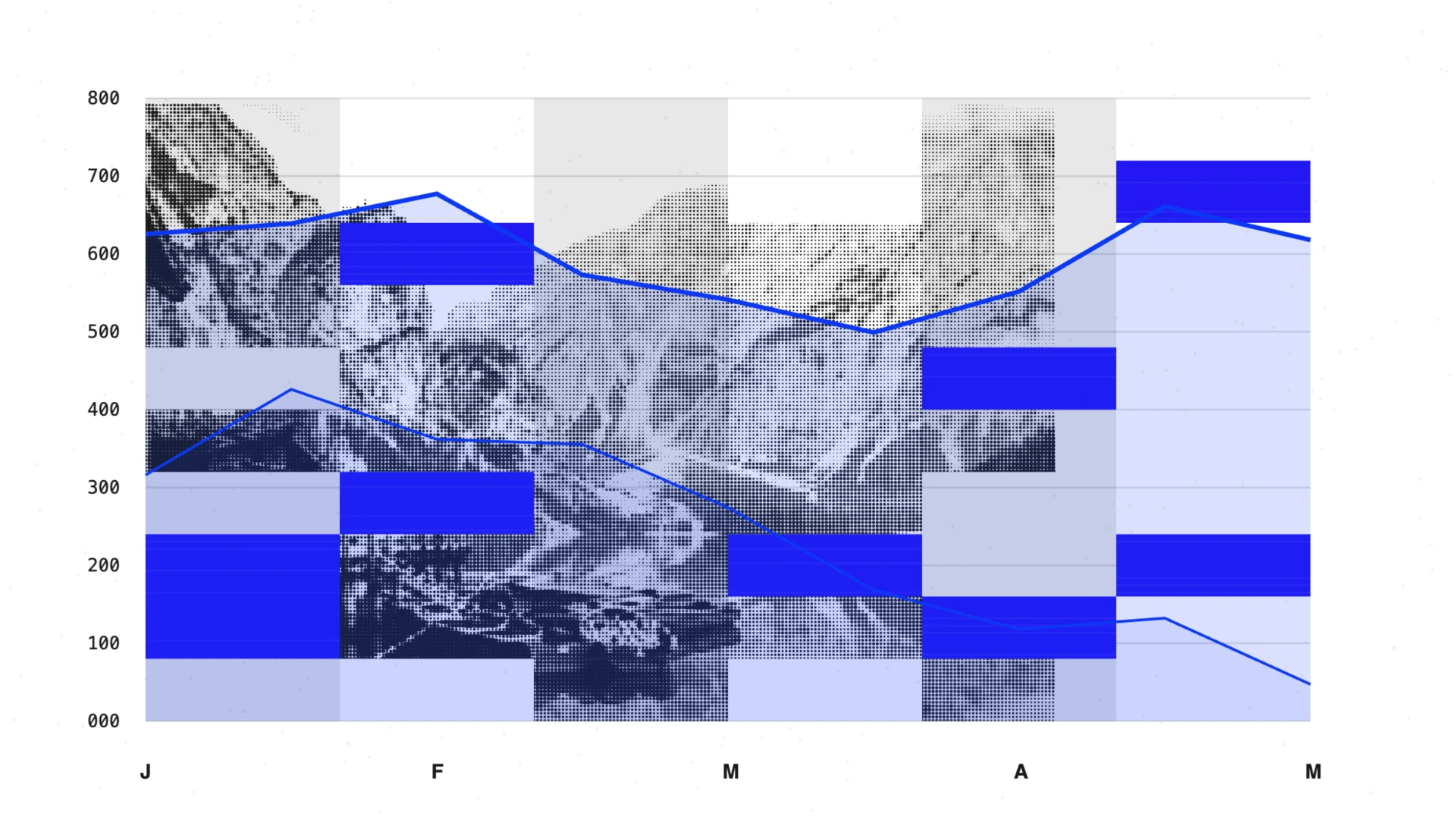](https://www.presentations.ai/pt-br/blog/presentation-ideas)
[Aug 13, 2026\\
\\
**Como iniciar uma apresentação: técnicas poderosas de abertura** \\
\\
Dicas de apresentação\\
\\
Aprenda uma fórmula de abertura em três partes que cativa o seu público nos primeiros 30 segundos, constrói a sua credibilidade e acalma os seus nervos ao mesmo tempo.\\
\\
](https://www.presentations.ai/pt-br/blog/how-to-start-a-presentation)
[Aug 12, 2026\\
\\
**Melhores alternativas do Genspark para apresentações de negócios em 2026** \\
\\
Alternativas e comparação\\
\\
Compare 7 alternativas do Genspark para 2026; da construção de decks com tecnologia de inteligência artificial à pesquisa de primeira geração. Encontre a ferramenta certa para seu fluxo de trabalho de apresentação.\\
\\
](https://www.presentations.ai/pt-br/blog/genspark-alternatives)
[Aug 11, 2026\\
\\
**As 10 Melhores Alternativas ao PowerPoint em 2026 (Opções Gratuitas e Pagas)** \\
\\
Alternativas e comparação\\
\\
](https://www.presentations.ai/pt-br/blog/powerpoint-alternatives)
[Aug 11, 2026\\
\\
**As 10 Melhores Alternativas ao Slidesgo em 2026: Comparativo de Modelos, IA e Controle de Marca** \\
\\
Alternativas e comparação\\
\\
](https://www.presentations.ai/pt-br/blog/slidesgo-alternatives)
[Aug 10, 2026\\
\\
**Exemplos de apresentação para inspirar seu público** \\
\\
Dicas de apresentação\\
\\
Explore estruturas de slides prontas para usar em pitches de investidores, decks de vendas, apresentações de estratégia, workshops e palestras em conferências — com os principais componentes para cada um.\\
\\
](https://www.presentations.ai/pt-br/blog/presentation-examples)
[Aug 7, 2026\\
\\
**Como Fazer uma Apresentação Interativa Que Mantém o Público Engajado** \\
\\
Guias e instruções\\
\\
A practical guide to building interactive presentations that hold audience attention, covering when to use polls, quizzes, clickable navigation, and embedded video, and how to space them for maximum engagement without overwhelming your audience.\\
\\
](https://www.presentations.ai/pt-br/blog/make-an-interactive-presentation)
[Aug 7, 2026\\
\\
**Apresentações Multimídia: Elementos, Como Fazer e Benefícios** \\
\\
Guias e instruções\\
\\
Um guia completo para criar apresentações multimídia que combinam imagens, vídeo, áudio e animação de forma eficaz, abordando os elementos essenciais, o processo passo a passo e os erros comuns a evitar.\\
\\
](https://www.presentations.ai/pt-br/blog/multimedia-presentations)
[Aug 6, 2026\\
\\
**Guia de Apresentações Visuais: Dicas, Exemplos e Ajuda de Design** \\
\\
Modelos e design\\
\\
A practical guide to building visual presentations that hold audience attention, covering the principles, slide types, and step-by-step techniques that make information easier to absorb and remember.\\
\\
](https://www.presentations.ai/pt-br/blog/visual-presentations-guide)
[Aug 6, 2026\\
\\
**10 Melhores Práticas de Design de Apresentação Para Slides Melhores (2026)** \\
\\
Dicas de apresentação\\
\\
](https://www.presentations.ai/pt-br/blog/presentation-design-best-practices)
[Aug 4, 2026\\
\\
**AI Presentation Maker versus ferramentas de apresentação tradicionais: 2026 é a hora de mudar?** \\
\\
Apresentações de IA\\
\\
Como os criadores de apresentações de IA se comparam ao PowerPoint, ao Google Slides e ao Keynote? Compare velocidade, qualidade do design, facilidade de uso e quando usar cada um.\\
\\
](https://www.presentations.ai/pt-br/blog/ai-presentation-maker-vs-traditional-presentation-tools)
[Aug 4, 2026\\
\\
**Como Funciona um Criador de Apresentações com IA?** \\
\\
Apresentações de IA\\
\\
A clear explanation of how AI presentation makers work under the hood, walking through each stage from input processing and content generation to layout selection, brand application, and iterative refinement.\\
\\
](https://www.presentations.ai/pt-br/blog/how-ai-presentation-maker-work)
[Jun 26, 2026\\
\\
**Como Formatar Suas Ideias em um Slide em 6 Passos** \\
\\
Guias e instruções\\
\\
](https://www.presentations.ai/pt-br/blog/formatting-your-ideas-on-a-slide)
[Jun 25, 2026\\
\\
**Como Apresentar uma Revisão Trimestral de Negócios: Um Guia Completo** \\
\\
Guias e instruções\\
\\
](https://www.presentations.ai/pt-br/blog/present-a-quarterly-business-review)
[Jun 24, 2026\\
\\
**Canva vs PowerPoint vs Presentations.AI: Qual Criador de Apresentações com IA Vence em 2026?** \\
\\
Alternativas e comparação\\
\\
](https://www.presentations.ai/pt-br/blog/canva-vs-powerpoint)
[Jun 22, 2026\\
\\
**PowerPoint vs Gamma vs Presentations.ai: Qual Criador de Apresentações com IA é o Melhor em 2026?** \\
\\
Alternativas e comparação\\
\\
](https://www.presentations.ai/pt-br/blog/powerpoint-vs-gamma)
[Jun 21, 2026\\
\\
**Beautiful.ai vs Gamma vs Presentations.AI: Qual Criador de Apresentações com IA é o Melhor em 2026?** \\
\\
Alternativas e comparação\\
\\
](https://www.presentations.ai/pt-br/blog/beautiful-ai-vs-gamma)
[Jun 20, 2026\\
\\
**Análise do Prezi 2026: A funcionalidade de zoom vale a pena?** \\
\\
Alternativas e comparação\\
\\
Uma análise honesta do Prezi em 2026, abordando onde a tela com zoom ainda funciona, onde fica aquém nas exportações e no controle da marca, e como se compara a alternativas desenvolvidas especificamente para equipes de negócios.\\
\\
.webp)](https://www.presentations.ai/pt-br/blog/prezi-review)
[Jun 17, 2026\\
\\
**Preços do Prezi 2026: Planos, Custo e Melhores Alternativas** \\
\\
Preços\\
\\
Uma análise detalhada dos planos de preços, limites de crédito e limitações de exportação do Prezi em 2026, comparados com o Presentations.AI para ajudar as equipes a decidir qual ferramenta realmente se adapta ao seu fluxo de trabalho e orçamento.\\
\\
](https://www.presentations.ai/pt-br/blog/prezi-pricing)
[Jun 16, 2026\\
\\
**Prezi vs Beautiful.ai vs Presentations.ai: Qual criador de apresentações com IA é o melhor em 2026?** \\
\\
Alternativas e comparação\\
\\
Uma comparação tripla entre Prezi, Beautiful.ai e Presentations.AI, abrangendo capacidades de IA, qualidade de design, confiabilidade de exportação e preços, para ajudar as equipes a escolher a ferramenta de apresentação certa para seu fluxo de trabalho em 2026.\\
\\
](https://www.presentations.ai/pt-br/blog/prezi-vs-beautiful-ai)
[Jun 15, 2026\\
\\
**Canva vs Gamma vs Presentations.ai: Qual o Melhor Criador de Apresentações com IA em 2026?** \\
\\
Alternativas e comparação\\
\\
](https://www.presentations.ai/pt-br/blog/canva-vs-gamma)
[Jun 14, 2026\\
\\
**Preços do Canva 2026: Análise Completa dos Planos, Limites e Pelo Que Você Realmente Está Pagando** \\
\\
Preços\\
\\
](https://www.presentations.ai/pt-br/blog/canva-pricing)
[Jun 13, 2026\\
\\
**Comparação Rápida: 3 Ferramentas em Destaque Google Slides vs PowerPoint vs Presentations.AI: Qual Criador de Apresentações com IA Vence em 2026?** \\
\\
Alternativas e comparação\\
\\
](https://www.presentations.ai/pt-br/blog/google-slides-vs-powerpoint)
[Jun 12, 2026\\
\\
**Estatísticas de Pitch Deck Que Todo Fundador Deve Saber em 2026** \\
\\
Notícias e insights\\
\\
](https://www.presentations.ai/pt-br/blog/pitch-deck-statistics)
[Jun 12, 2026\\
\\
**Como Memorizar uma Apresentação: 6 Técnicas que Funcionam** \\
\\
Guias e instruções\\
\\
](https://www.presentations.ai/pt-br/blog/how-to-memorize-a-presentation)
[Jun 10, 2026\\
\\
**As 10 Melhores Alternativas ao Canva para 2026 (Testadas e Classificadas)** \\
\\
Alternativas e comparação\\
\\
](https://www.presentations.ai/pt-br/blog/canva-alternatives)
[Jun 8, 2026\\
\\
**12 Melhores Ferramentas de Apresentação em 2026** \\
\\
Alternativas e comparação\\
\\
A detailed comparison of twelve presentation software tools across creation speed, brand control, export quality, and collaboration, to help teams choose the right platform for how they actually work.\\
\\
](https://www.presentations.ai/pt-br/blog/best-presentation-software)
[Jun 8, 2026\\
\\
**Tendências de Apresentação com IA 2026: O Que é Real, O Que é Hype e O Que Vem Por Aí** \\
\\
Notícias e insights\\
\\
Eight trends shaping AI presentation tools in 2026, from real-time generation and multimodal inputs to auto-branding, conversational editing, and analytics that show how audiences actually engage with your slides.\\
\\
](https://www.presentations.ai/pt-br/blog/ai-presentation-trends)
[Jun 8, 2026\\
\\
**Como a IA está mudando a forma como as apresentações são criadas em 2026** \\
\\
Apresentações de IA\\
\\
Uma análise de como a IA está transformando fundamentalmente a criação de apresentações, desde a elaboração baseada em prompts e layouts adaptativos até a edição conversacional e a consistência de marca automatizada, e o que essa mudança significa para a forma como as equipes trabalham.\\
\\
](https://www.presentations.ai/pt-br/blog/how-ai-is-changing-the-way-presentations-are-created)
[Jun 8, 2026\\
\\
**6 Tipos de Apresentações Que Todo Profissional Precisa Conhecer** \\
\\
Dicas de apresentação\\
\\
Um guia prático para os seis tipos de apresentação mais comuns, abordando o que torna cada um estruturalmente diferente, o número ideal de slides para cada um e dicas para construir a apresentação certa para seu objetivo e público específicos.\\
\\
](https://www.presentations.ai/pt-br/blog/types-of-presentations)
[Jun 6, 2026\\
\\
**Estatísticas de Apresentação 2026: Mais de 75 Números sobre Uso, Design, IA e Impacto nos Negócios** \\
\\
Notícias e insights\\
\\
A data-driven roundup of over 75 presentation statistics covering usage trends, design impact, audience engagement, AI adoption, and business outcomes to help professionals make better decisions about how they build and deliver decks.\\
\\
](https://www.presentations.ai/pt-br/blog/presentation-statistics)
[Jun 5, 2026\\
\\
**O Que Torna uma Apresentação Bem-sucedida (Guia Completo)** \\
\\
Guias e instruções\\
\\
A comprehensive guide to what makes presentations succeed, covering clear messaging, narrative structure, slide design, storytelling, audience awareness, and confident delivery that moves people to act.\\
\\
](https://www.presentations.ai/pt-br/blog/what-makes-a-presentation-successful)
[Jun 5, 2026\\
\\
**Qual o Melhor Tamanho de Fonte para Apresentações? Um Guia Prático** \\
\\
Dicas de apresentação\\
\\
A practical guide to presentation font sizes, covering the right ranges for titles, body text, and captions, and how to adjust them based on room size, screen type, and virtual or in-person format.\\
\\
](https://www.presentations.ai/pt-br/blog/what-font-size-is-best-for-presentations)
[Jun 4, 2026\\
\\
**Como Fazer uma Apresentação de Vendas Que Fecha Negócios** \\
\\
Guias e instruções\\
\\
Um guia passo a passo para estruturar uma apresentação de vendas em torno de um arco narrativo de cinco atos, com os slides essenciais que todo deck precisa, erros comuns que custam negócios e como fazer com que o próximo passo do comprador pareça óbvio.\\
\\
](https://www.presentations.ai/pt-br/blog/how-to-make-a-sales-presentation-that-closes-deals)
[Jun 4, 2026\\
\\
**Regra 10/20/30 para Apresentações: Por Que Ainda Funciona em 2026** \\
\\
Dicas de apresentação\\
\\
A clear explanation of Guy Kawasaki's 10/20/30 rule, why each constraint improves presentation quality, and how the framework applies across pitch decks, sales presentations, and business reviews in 2026.\\
\\
](https://www.presentations.ai/pt-br/blog/10-20-30-rule-for-presentations)
[Jun 3, 2026\\
\\
**Como Fazer uma Apresentação de Negócios Que Fecha Negócios** \\
\\
Guias e instruções\\
\\
A step-by-step guide to building business presentations that drive decisions, covering how to define your objective, structure slides around a single message, and deliver with confidence.\\
\\
](https://www.presentations.ai/pt-br/blog/making-business-presentation-that-closes-deals)
[Jun 2, 2026\\
\\
**8 Benefícios do Software de Apresentação: Por Que Equipes Modernas Fizeram a Mudança** \\
\\
Alternativas e comparação\\
\\
Uma análise do porquê a criação manual de slides fica aquém e como o software de apresentação moderno economiza tempo, garante a consistência da marca e simplifica a colaboração para equipes que criam apresentações regularmente.\\
\\
](https://www.presentations.ai/pt-br/blog/benefits-of-presentation-software)
[Jun 1, 2026\\
\\
**10 Exemplos de Apresentações de Vendas Que Fecham Negócios em 2026** \\
\\
Modelos e design\\
\\
Ten sales presentation formats built around real buyer psychology, covering cold outreach decks, demo frameworks, and enterprise proposals, with the structural patterns that consistently move deals forward.\\
\\
](https://www.presentations.ai/pt-br/blog/sales-presentation-examples)
[May 31, 2026\\
\\
**Como Pesquisar para uma Apresentação: Um Guia Passo a Passo** \\
\\
Guias e instruções\\
\\
A step-by-step guide to researching presentations effectively, from defining a focused question and finding credible sources to organizing notes and turning research into clear, compelling slides.\\
\\
](https://www.presentations.ai/pt-br/blog/how-to-research-for-a-presentation)
[May 28, 2026\\
\\
**Análise Genspark 2026: Recursos, Preços, Prós e Contras** \\
\\
Alternativas e comparação\\
\\
Uma análise honesta sobre as capacidades de apresentação com IA do Genspark, abordando os pontos fortes da plataforma, onde ela deixa a desejar em fluxos de trabalho focados em slides e como ela se compara a alternativas especializadas em 2026.\\
\\
](https://www.presentations.ai/pt-br/blog/genspark-review)
[May 27, 2026\\
\\
**Preços Genspark: Planos, Limites de IA e Como se Compara ao Presentations.AI** \\
\\
Preços\\
\\
Uma análise clara da estrutura de preços da Genspark, do modelo de créditos e das limitações de marca em comparação com a Presentations.AI, para que as equipes possam tomar uma decisão informada antes de se comprometerem com um plano.\\
\\
](https://www.presentations.ai/pt-br/blog/genspark-pricing)
[May 18, 2026\\
\\
**11 Melhores Geradores de Pitch Deck com IA: Guia do Comprador 2026** \\
\\
Pitch Deck\\
\\
A detailed comparison of eleven AI pitch deck generators in 2026, reviewed across generation quality, branding control, export formats, and collaboration features to help teams find the right fit for their use case.\\
\\
](https://www.presentations.ai/pt-br/blog/best-ai-pitch-deck-generators)
[May 17, 2026\\
\\
**Apresentações Animadas: Tipos, Dicas e Quando Usá-las** \\
\\
Dicas de apresentação\\
\\
A practical guide to using animation in presentations effectively, covering the three core animation types, when motion adds clarity versus distraction, and how to keep your slides polished and purposeful.\\
\\
](https://www.presentations.ai/pt-br/blog/animated-presentations)
[May 16, 2026\\
\\
**As Apresentações Geradas por IA São Boas (2026)?** \\
\\
Apresentações de IA\\
\\
An honest look at what AI-generated presentations actually deliver in 2026, covering design quality, content accuracy, and customization, with a side-by-side comparison against manually built slides.\\
\\
](https://www.presentations.ai/pt-br/blog/are-ai-generated-presentations-good)
[May 15, 2026\\
\\
**Apresentações de IA vs. Design Manual em 2026: Qual é o melhor?** \\
\\
Alternativas e comparação\\
\\
A practical comparison of AI-powered and manual presentation design across speed, quality, brand control, and cost, helping teams decide which approach makes sense for the work they actually build every week.\\
\\
](https://www.presentations.ai/pt-br/blog/ai-presentations-vs-manual-design)
[May 4, 2026\\
\\
**Como criar uma apresentação com o Canva AI (passo a passo)** \\
\\
Alternativas e comparação\\
\\
Um guia para 2026 para te ajudar a usar os recursos de IA do Canva, incluindo Magic Design, Magic Write e ferramentas de imagem para criar uma apresentação.\\
\\
](https://www.presentations.ai/pt-br/blog/how-to-create-a-presentation-with-canva-ai-step-by-step)
[May 4, 2026\\
\\
**Melhores criadores de apresentações de IA em 2026:12 ferramentas comparadas** \\
\\
Alternativas e comparação\\
\\
Comparamos criadores de apresentações com IA em velocidade, qualidade, fidelidade de exportação e preço. Aqui está a análise completa, de Presentations.AI a Gamma e Canva.\\
\\
](https://www.presentations.ai/pt-br/blog/best-ai-presentation-makers-in-2026-12-tools-compared)
[May 4, 2026\\
\\
**Como escrever instruções de apresentação de IA que funcionem** \\
\\
Guias e instruções\\
\\
Aprenda a escrever instruções de apresentação de IA. Abrange uma estrutura de prompt de 5 partes, exemplos de antes e depois e modelos de copiar e colar do Presentations.AI. \\
\\
](https://www.presentations.ai/pt-br/blog/how-to-write-ai-presentation-prompts-that-work)
[Apr 22, 2026\\
\\
**Conheça o Clip-E: seu assistente de apresentação de IA que cria PPTs em segundos** \\
\\
Notícias e insights\\
\\
Descubra como a Presentations.ai usa a tecnologia de IA CLIP-E para transformar prompts de texto simples em slides polidos e com design profissional em segundos.\\
\\
](https://www.presentations.ai/pt-br/blog/revolutionize-presentations-with-clip-e)
[Apr 15, 2026\\
\\
**7 erros comuns de apresentação de IA (e como corrigi-los)** \\
\\
Guias e instruções\\
\\
Desde prompts vagos a sobrecarga de texto e alucinações, eis os erros a evitar ao criar uma apresentação de IA.\\
\\
](https://www.presentations.ai/pt-br/blog/common-ai-presentation-mistakes)
[Apr 14, 2026\\
\\
**10 melhores alternativas de gama em 2026** \\
\\
Alternativas e comparação\\
\\
Este guia compara 10 alternativas práticas ao Gamma que equipes reais estão utilizando em 2026.\\
\\
](https://www.presentations.ai/pt-br/blog/gamma-alternatives)
[Apr 13, 2026\\
\\
**Preços do Beautiful.ai em 2026** \\
\\
Preços\\
\\
Este artigo de blogue explica a estrutura de preços da Beautiful.ai e esclarece as principais dúvidas sobre as suas funcionalidades.\\
\\
](https://www.presentations.ai/pt-br/blog/beautiful-ai-pricing)
[Apr 12, 2026\\
\\
**Habilidades de apresentação: o guia completo para chamar a atenção e fechar negócios** \\
\\
Dicas de apresentação\\
\\
Aprenda as técnicas específicas que oradores profissionais usam para prender a atenção, lidar com perguntas difíceis e fechar negócios — indo além de conselhos genéricos como "seja confiante".\\
\\
](https://www.presentations.ai/pt-br/blog/presentation-skills)
[Apr 6, 2026\\
\\
**Dicas de apresentação que realmente funcionam: um guia prático para profissionais** \\
\\
Dicas de apresentação\\
\\
Aprenda uma estrutura prática de 5 etapas para planejar, preparar, ensaiar e fazer apresentações que geram decisões — e não apenas aplausos de cortesia.\\
\\
](https://www.presentations.ai/pt-br/blog/presentation-tips)
[Apr 5, 2026\\
\\
**Gamma Review 2026: características, preços, prós e contras** \\
\\
Alternativas e comparação\\
\\
This review covers what Gamma actually does well in 2026, where its limitations show up in practice, how the pricing holds up at different usage levels.\\
\\
](https://www.presentations.ai/pt-br/blog/gamma-review)
[Apr 1, 2026\\
\\
**Melhores Alternativas ao Fotor para Criar Apresentações em 2026** \\
\\
Alternativas e comparação\\
\\
Compare 6 alternativas do Fotor para 2026 — da construção de decks com inteligência artificial à pesquisa de primeira geração. Encontre a ferramenta certa para seu fluxo de trabalho de apresentação.\\
\\
](https://www.presentations.ai/pt-br/blog/fotor-alternatives)
[Mar 29, 2026\\
\\
**Melhores Alternativas ao Manus para Apresentações Empresariais em 2026** \\
\\
Alternativas e comparação\\
\\
Compare 7 alternativas ao Manus para 2026, desde a criação de apresentações de nível empresarial até a geração rápida por IA. Encontre a ferramenta ideal para o seu fluxo de trabalho de apresentações.\\
\\
](https://www.presentations.ai/pt-br/blog/manus-alternatives)
[Mar 25, 2026\\
\\
**Como Terminar uma Apresentação: Técnicas de Fechamento Impactantes** \\
\\
Dicas de apresentação\\
\\
Aprenda sete maneiras de encerrar uma apresentação que realmente fiquem na memória do seu público — em vez de se arrastar para um final desajeitado com um "então é isso, acabou".\\
\\
](https://www.presentations.ai/pt-br/blog/how-to-end-a-presentation)
[Mar 23, 2026\\
\\
**10 Melhores Alternativas ao Beautiful.ai em 2026** \\
\\
Alternativas e comparação\\
\\
Avaliamos 10 ferramentas que você pode usar em vez de Beautiful.ai, considerando os critérios que mais importam na prática.\\
\\
](https://www.presentations.ai/pt-br/blog/beautiful-ai-alternatives)
[Mar 22, 2026\\
\\
**Revisão do Beautiful.ai 2026: características, preços, prós e contras** \\
\\
Alternativas e comparação\\
\\
A Beautiful.ai ainda vale a pena? Esta análise aborda recursos, preços, feedback de usuários reais e sua comparação com o Presentations AI.\\
\\
](https://www.presentations.ai/pt-br/blog/beautiful-ai-review)
[Mar 20, 2026\\
\\
**Preços da Gamma: Planos, Limites de IA e Como se Compara ao Presentations AI** \\
\\
Preços\\
\\
Nós detalhamos os níveis de preços da Gamma para planos individuais e de equipe, e explicamos como o sistema de créditos e cartões de IA funciona na prática.\\
\\
](https://www.presentations.ai/pt-br/blog/gamma-pricing)
[Mar 18, 2026\\
\\
**Como Escolher um Tema de Apresentação que Acerte em Cheio** \\
\\
Dicas de apresentação\\
\\
Aprenda a escolher um tema de apresentação que realmente te interesse. Use um filtro simples de três perguntas para encontrar um que se ajuste ao seu tempo, público e conhecimento.\\
\\
](https://www.presentations.ai/pt-br/blog/presentation-topics)
[Mar 18, 2026\\
\\
**Melhores Alternativas ao Sider AI para Criar Apresentações em 2026** \\
\\
Alternativas e comparação\\
\\
Compare 5 alternativas ao Sider AI para 2026 — desde a criação de apresentações com IA até a integração com o Google Workspace. Encontre a ferramenta certa para o seu fluxo de trabalho de apresentações.\\
\\
](https://www.presentations.ai/pt-br/blog/sider-ai-alternatives)
[Mar 15, 2026\\
\\
**Como Criar um Roteiro de Apresentação Que Lhe Poupa Horas** \\
\\
Dicas de apresentação\\
\\
Aprenda a estruturar sua apresentação antes de criar os slides. Um processo simples de 5 etapas que economiza horas de reorganização e mantém sua narrativa no caminho certo.\\
\\
](https://www.presentations.ai/pt-br/blog/presentation-outline)
[Mar 15, 2026\\
\\
**Melhores alternativas de microgeração em 2026** \\
\\
Alternativas e comparação\\
\\
Compare 6 alternativas de Miro para 2026 - da facilitação do workshop à saída da apresentação. Encontre a ferramenta certa para o fluxo de trabalho da sua equipe.\\
\\
](https://www.presentations.ai/pt-br/blog/miro-alternatives)
[Mar 12, 2026\\
\\
**O debate sobre o “slide de agradecimento”: por que seu slide final é mais importante do que você pensa** \\
\\
Dicas de apresentação\\
\\
Descubra quando um slide de agradecimento ajuda sua apresentação e quando a prejudica. Explore alternativas mais inteligentes que transformam seu slide final em uma ferramenta de acompanhamento, e não em espaço perdido.\\
\\
](https://www.presentations.ai/pt-br/blog/thank-you-slide)
[Mar 4, 2026\\
\\
**Melhores alternativas do Adobe Express para apresentações em 2026** \\
\\
Alternativas e comparação\\
\\
Compare 5 alternativas ao Adobe Express para 2026 — desde a criação de apresentações com IA até a visualização de dados. Encontre a ferramenta certa para o seu fluxo de trabalho de apresentações.\\
\\
](https://www.presentations.ai/pt-br/blog/adobe-express-alternatives)
[Jan 30, 2025\\
\\
**App de Produtividade de Maior Crescimento de Todos os Tempos** \\
\\
Atualizações do produto\\
\\
Descubra como a Presentations.ai se tornou uma das ferramentas de produtividade de IA que mais crescem e o que está impulsionando sua rápida adoção por equipes em todo o mundo.\\
\\
](https://www.presentations.ai/pt-br/blog/the-fastest-growing-productivity-app-of-all-time)
[Jan 30, 2025\\
\\
**Nossa rodada inicial de 3 milhões de dólares liderada pela Accel Partners e o caminho a seguir** \\
\\
Notícias e insights\\
\\
Apoiado pela Accel Partners, juntamente com fundadores de startups de destaque, eis o que o financiamento inicial significa para a Presentations.AI.\\
\\
](https://www.presentations.ai/pt-br/blog/seed-funding)

PERGUNTE À IA SOBRE O PRESENTATIONS.AI
[](https://chatgpt.com/?dub_id=b6FrxV051kp9ZdJg&prompt=Explain+in+detail+how+Presentations.AI+is+better+than+other+AI+presentation+design+tools+like+Gamma+and+traditional+presentation+tools+%28PowerPoint%2C+Google+Slides%29+for+creating+professional+presentations.+Highlight+the+key+advantages+and+benefits=b6FrxV051kp9ZdJg&prompt=Explain+in+detail+how+Presentations.AI+is+better+than+other+AI+presentation+design+tools+like+Gamma+and+traditional+presentation+tools+%28PowerPoint%2C+Google+Slides%29+for+creating+professional+presentations.+Highlight+the+key+advantages+and+benefits)[](https://claude.ai/new?q=Explain+in+detail+how+Presentations.AI+is+better+than+other+AI+presentation+design+tools+like+Gamma+and+traditional+presentation+tools+%28PowerPoint%2C+Google+Slides%29+for+creating+professional+presentations.+Highlight+the+key+advantages+and+benefits&dub_id=Duw3bG7AVWVq7GEC)[](https://aistudio.google.com/prompts/new_chat?prompt=Explain+in+detail+how+Presentations.AI+is+better+than+other+AI+presentation+design+tools+like+Gamma+and+traditional+presentation+tools+%28PowerPoint%2C+Google+Slides%29+for+creating+professional+presentations.+Highlight+the+key+advantages+and+benefits&dub_id=DzbmqmQAwbrXWKU6)[](https://www.perplexity.ai/search/new?q=Explain+in+detail+how+Presentations.AI+is+better+than+other+AI+presentation+design+tools+like+Gamma+and+traditional+presentation+tools+%28PowerPoint%2C+Google+Slides%29+for+creating+professional+presentations.+Highlight+the+key+advantages+and+benefits)
## Slides que significam negócios.
[Experimente gratuitamente](https://app.presentations.ai/)
Produto
- [Criador de Apresentações de IA](https://www.presentations.ai/pt-br/ai-presentation-maker)
- [Criador de Slides com IA](https://www.presentations.ai/pt-br/ai-slide-creator)
- [Gerador de Pitch Deck de IA](https://www.presentations.ai/pt-br/ai-pitch-deck-generator)
- [ChatGPT para Apresentações](https://www.presentations.ai/pt-br/chatgpt-for-presentations)
- [Modelos de Apresentação](https://www.presentations.ai/pt-br/presentation-templates)
- [Modelos de Slides](https://www.presentations.ai/pt-br/slide-templates)
- [Temas de Cores de Apresentação](https://www.presentations.ai/pt-br/background-color)
EMPRESA
- [Por que Nós](https://www.presentations.ai/pt-br/features)
- [Sobre Nós](https://www.presentations.ai/pt-br/about)
- [Preços](https://www.presentations.ai/pt-br/pricing)
- [Blog](https://www.presentations.ai/pt-br/blog)
- [Notícias da Empresa](https://www.presentations.ai/pt-br/company-news)
- [Manifesto](https://www.presentations.ai/pt-br/manifesto)
- [Perguntas Frequentes](https://www.presentations.ai/pt-br/faq)
- [Informações de IA](https://www.presentations.ai/pt-br/ai-instructions)
Soluções
[Vendas](https://www.presentations.ai/pt-br/solutions/sales)
[Apresentações AI Studio](https://www.presentations.ai/pt-br/solutions/studio)
[Agente de atualização de apresentação](https://www.presentations.ai/pt-br/solutions/presentation-refresh-agent)
[Agente de criação de apresentações](https://www.presentations.ai/pt-br/solutions/presentation-creation-agent)
[Marketing](https://www.presentations.ai/pt-br/solutions/marketing)
[Liderança](https://www.presentations.ai/pt-br/solutions/business-leaders)
[Fundadores](https://www.presentations.ai/pt-br/solutions/founders)
[Software de apresentação de IA empresarial](https://www.presentations.ai/pt-br/solutions/enterprise)
[Sucesso do cliente](https://www.presentations.ai/pt-br/solutions/customer-success)
[Automatize apresentações com a API do Presentations AI](https://www.presentations.ai/pt-br/solutions/api)
FERRAMENTAS
[URL to PPT](https://www.presentations.ai/pt-br/tools/url-to-ppt)
[Markdown para PPT](https://www.presentations.ai/pt-br/tools/markdown-to-ppt)
[AI PDf Maker](https://www.presentations.ai/pt-br/tools/ai-pdf-maker)
[PPT para Google Slides](https://www.presentations.ai/pt-br/tools/ppt-to-google-slides)
[PDF para PPT](https://www.presentations.ai/pt-br/tools/pdf-to-ppt)
[Esboço para PPT](https://www.presentations.ai/pt-br/tools/outline-to-ppt)
[Texto para PPT](https://www.presentations.ai/pt-br/tools/text-to-ppt)
[Word para PPT](https://www.presentations.ai/pt-br/tools/word-to-ppt)
Plugins
[Extensão do Chrome](https://www.presentations.ai/pt-br/plugins/chrome-extension)
[Plugin ChatGPT](https://www.presentations.ai/pt-br/plugins/chatgpt)
Comparar
[Tome contra Presentations.AI](https://www.presentations.ai/pt-br/compare/tome-vs-presentations-ai)
[Slidesgo vs Presentations.AI](https://www.presentations.ai/pt-br/compare/slidesgo)
[Google Slides vs. Presentations.AI](https://www.presentations.ai/pt-br/compare/google-slides)
[Gamma vs Presentations.AI](https://www.presentations.ai/pt-br/compare/gamma-vs-presentations-ai)
[Canva vs Presentations.AI](https://www.presentations.ai/pt-br/compare/canva)
[Beautiful.AI vs. Presentations.AI](https://www.presentations.ai/pt-br/compare/beautiful-ai-vs-presentations-ai)
[AI PPT vs. Presentations.AI](https://www.presentations.ai/pt-br/compare/aippt)
ENDEREÇO
- Rua Sin Ming 24, #03 -99,
Midview City, Cingapura,
573970
Entre em contato
- [support@presentations.ai](mailto:support@presentations.ai)
Redes sociais
DIVERSOS
- [Termos de uso](https://www.presentations.ai/pt-br/terms)
- [Política de privacidade](https://www.presentations.ai/pt-br/privacy)
- [Mapa do site](https://www.presentations.ai/pt-br/sitemap)
- [Llms.txt](https://www.presentations.ai/llms.txt)
- [Acordo de Processamento de Dados](https://www.presentations.ai/pt-br/dpa)

[](https://www.presentations.ai/pt-br/blog#)
© Copyright 2026 Presentations.AI. Todos os direitos reservados.
## Crie uma conta gratuita ou faça login
Continuar com GoogleContinuar com e-mailContinuar com MS TeamsContinuar com LinkedInContinuar com Apple
Ver todas as opções de cadastro
## Continuar com e-mail
Vamos verificar se você já tem uma conta e ajudar a criar uma, se não tiver.
Continuar
Ao continuar, você concorda com os [Termos](https://www.presentations.ai/pt-br/terms) e a [Política de Privacidade](https://www.presentations.ai/pt-br/privacy) da Presentations.AI
Sign in with GoogleSign in with Google. Opens in new tab
Sign In - Google Accounts
Sign in with GoogleSign in with Google. Opens in new tab
## Presentation Tips and Resources
# Blog Presentations.AI
Temukan praktik terbaik, fitur produk, dan kiat ahli untuk membuat presentasi di Presentations.AI
Semua
[Pembaruan Produk](https://www.presentations.ai/id/blog-category/product-updates "Pembaruan Produk")
[Berita & Wawasan](https://www.presentations.ai/id/blog-category/news "Berita & Wawasan")
[Presentasi AI](https://www.presentations.ai/id/blog-category/ai-presentations "Presentasi AI")
[Template & Desain](https://www.presentations.ai/id/blog-category/templates-design "Template & Desain")
[Panduan & Cara](https://www.presentations.ai/id/blog-category/guides-how-tos "Panduan & Cara")
[Alternatif & Perbandingan](https://www.presentations.ai/id/blog-category/alternatives "Alternatif & Perbandingan")
[Harga](https://www.presentations.ai/id/blog-category/pricing "Harga")
[Tips Presentasi](https://www.presentations.ai/id/blog-category/presentation-tips "Tips Presentasi")
[Pitch Deck](https://www.presentations.ai/id/blog-category/pitch-deck "Pitch Deck")
[Aug 13, 2026\\
\\
**10 Ide Presentasi untuk Menjaga Audiens Anda Terjaga dan Sebenarnya Terlibat** \\
\\
Tips Presentasi\\
\\
Explore 10 interactive techniques — from live polls to planted mistakes — that turn passive listeners into active participants and reset attention when energy dips.\\
\\
](https://www.presentations.ai/id/blog/presentation-ideas)
[Aug 13, 2026\\
\\
**Cara Memulai Presentasi: Teknik Pembukaan yang Kuat** \\
\\
Tips Presentasi\\
\\
Pelajari formula pembuka tiga bagian yang memikat audiens Anda dalam 30 detik pertama, membangun kredibilitas Anda, dan sekaligus menenangkan saraf Anda.\\
\\
](https://www.presentations.ai/id/blog/how-to-start-a-presentation)
[Aug 12, 2026\\
\\
**Alternatif Genspark Terbaik untuk Presentasi Bisnis pada tahun 2026** \\
\\
Alternatif & Perbandingan\\
\\
Bandingkan 7 alternatif Genspark untuk 2026; dari pembangunan dek bertenaga AI hingga generasi pertama penelitian. Temukan alat yang tepat untuk alur kerja presentasi Anda.\\
\\
](https://www.presentations.ai/id/blog/genspark-alternatives)
[Aug 11, 2026\\
\\
**10 Alternatif PowerPoint Terbaik di Tahun 2026 (Opsi Gratis & Berbayar)** \\
\\
Alternatif & Perbandingan\\
\\
](https://www.presentations.ai/id/blog/powerpoint-alternatives)
[Aug 11, 2026\\
\\
**10 Alternatif Slidesgo Terbaik di Tahun 2026: Perbandingan Templat, AI, dan Kontrol Merek** \\
\\
Alternatif & Perbandingan\\
\\
](https://www.presentations.ai/id/blog/slidesgo-alternatives)
[Aug 10, 2026\\
\\
**Contoh Presentasi untuk Menginspirasi Audiens Anda** \\
\\
Tips Presentasi\\
\\
Jelajahi struktur slide siap pakai untuk presentasi investor, dek penjualan, presentasi strategi, lokakarya, dan pembicaraan konferensi — lengkap dengan komponen utama untuk masing-masing.\\
\\
](https://www.presentations.ai/id/blog/presentation-examples)
[Aug 7, 2026\\
\\
**Cara Membuat Presentasi Interaktif yang Menjaga Audiens Tetap Terlibat** \\
\\
Panduan & Cara\\
\\
A practical guide to building interactive presentations that hold audience attention, covering when to use polls, quizzes, clickable navigation, and embedded video, and how to space them for maximum engagement without overwhelming your audience.\\
\\
](https://www.presentations.ai/id/blog/make-an-interactive-presentation)
[Aug 7, 2026\\
\\
**Presentasi Multimedia: Elemen, Cara Membuat, dan Manfaat** \\
\\
Panduan & Cara\\
\\
A complete guide to building multimedia presentations that combine images, video, audio, and animation effectively, covering the core elements, step-by-step process, and common mistakes to avoid.\\
\\
](https://www.presentations.ai/id/blog/multimedia-presentations)
[Aug 6, 2026\\
\\
**Panduan Presentasi Visual: Kiat, Contoh & Bantuan Desain** \\
\\
Template & Desain\\
\\
A practical guide to building visual presentations that hold audience attention, covering the principles, slide types, and step-by-step techniques that make information easier to absorb and remember.\\
\\
](https://www.presentations.ai/id/blog/visual-presentations-guide)
[Aug 6, 2026\\
\\
**10 Praktik Terbaik Desain Presentasi Untuk Slide yang Lebih Baik (2026)** \\
\\
Tips Presentasi\\
\\
](https://www.presentations.ai/id/blog/presentation-design-best-practices)
[Aug 4, 2026\\
\\
**Pembuat Presentasi AI vs Alat Presentasi Tradisional: Apakah 2026 Waktunya Beralih?** \\
\\
Presentasi AI\\
\\
Bagaimana pembuat presentasi AI bertumpuk dengan PowerPoint, Google Slides, dan Keynote? Bandingkan kecepatan, kualitas desain, kemudahan penggunaan, dan kapan harus menggunakan masing-masing.\\
\\
](https://www.presentations.ai/id/blog/ai-presentation-maker-vs-traditional-presentation-tools)
[Aug 4, 2026\\
\\
**Bagaimana Cara Kerja Pembuat Presentasi AI?** \\
\\
Presentasi AI\\
\\
A clear explanation of how AI presentation makers work under the hood, walking through each stage from input processing and content generation to layout selection, brand application, and iterative refinement.\\
\\
](https://www.presentations.ai/id/blog/how-ai-presentation-maker-work)
[Jun 26, 2026\\
\\
**Cara Memformat Ide Anda pada Slide dalam 6 Langkah** \\
\\
Panduan & Cara\\
\\
](https://www.presentations.ai/id/blog/formatting-your-ideas-on-a-slide)
[Jun 25, 2026\\
\\
**Cara Mempresentasikan Tinjauan Bisnis Kuartalan: Panduan Lengkap** \\
\\
Panduan & Cara\\
\\
](https://www.presentations.ai/id/blog/present-a-quarterly-business-review)
[Jun 24, 2026\\
\\
**Canva vs PowerPoint vs Presentations.AI: Pembuat Presentasi AI Mana yang Unggul di Tahun 2026?** \\
\\
Alternatif & Perbandingan\\
\\
](https://www.presentations.ai/id/blog/canva-vs-powerpoint)
[Jun 22, 2026\\
\\
**PowerPoint vs Gamma vs Presentations.ai: Pembuat Presentasi AI Mana yang Terbaik di Tahun 2026?** \\
\\
Alternatif & Perbandingan\\
\\
](https://www.presentations.ai/id/blog/powerpoint-vs-gamma)
[Jun 21, 2026\\
\\
**Beautiful.ai vs Gamma vs Presentations.AI: Pembuat Presentasi AI Mana yang Terbaik di Tahun 2026?** \\
\\
Alternatif & Perbandingan\\
\\
](https://www.presentations.ai/id/blog/beautiful-ai-vs-gamma)
[Jun 20, 2026\\
\\
**Ulasan Prezi 2026: Apakah Fitur Zoom-nya Sepadan?** \\
\\
Alternatif & Perbandingan\\
\\
Ulasan jujur tentang Prezi di tahun 2026, mencakup di mana kanvas zoom masih berfungsi, di mana ia kurang dalam hal ekspor dan kontrol merek, serta bagaimana perbandingannya dengan alternatif yang dirancang khusus untuk tim bisnis.\\
\\
.webp)](https://www.presentations.ai/id/blog/prezi-review)
[Jun 17, 2026\\
\\
**Harga Prezi 2026: Paket, Biaya & Alternatif yang Lebih Baik** \\
\\
Harga\\
\\
Analisis mendalam tentang paket harga Prezi, batas kredit, dan batasan ekspor di tahun 2026, dibandingkan dengan Presentations.AI untuk membantu tim memutuskan alat mana yang paling sesuai dengan alur kerja dan anggaran mereka.\\
\\
](https://www.presentations.ai/id/blog/prezi-pricing)
[Jun 16, 2026\\
\\
**Prezi vs Beautiful.ai vs Presentations.ai: Pembuat Presentasi AI Mana yang Terbaik di Tahun 2026?** \\
\\
Alternatif & Perbandingan\\
\\
Perbandingan tiga arah antara Prezi, Beautiful.ai, dan Presentations.AI berdasarkan kemampuan AI, kualitas desain, keandalan ekspor, dan harga untuk membantu tim memilih alat presentasi yang tepat untuk alur kerja mereka di tahun 2026.\\
\\
](https://www.presentations.ai/id/blog/prezi-vs-beautiful-ai)
[Jun 15, 2026\\
\\
**Canva vs Gamma vs Presentations.ai: Pembuat Presentasi AI Mana yang Terbaik pada Tahun 2026?** \\
\\
Alternatif & Perbandingan\\
\\
](https://www.presentations.ai/id/blog/canva-vs-gamma)
[Jun 14, 2026\\
\\
**Harga Canva 2026: Rincian Lengkap Paket, Batasan & Apa yang Sebenarnya Anda Bayar** \\
\\
Harga\\
\\
](https://www.presentations.ai/id/blog/canva-pricing)
[Jun 13, 2026\\
\\
**Perbandingan Singkat: 3 Alat Sekilas Google Slides vs PowerPoint vs Presentations.AI: Pembuat Presentasi AI Mana yang Unggul di Tahun 2026?** \\
\\
Alternatif & Perbandingan\\
\\
](https://www.presentations.ai/id/blog/google-slides-vs-powerpoint)
[Jun 12, 2026\\
\\
**Statistik Pitch Deck yang Harus Diketahui Setiap Pendiri di Tahun 2026** \\
\\
Berita & Wawasan\\
\\
](https://www.presentations.ai/id/blog/pitch-deck-statistics)
[Jun 12, 2026\\
\\
**Cara Menghafal Presentasi: 6 Teknik yang Berhasil** \\
\\
Panduan & Cara\\
\\
](https://www.presentations.ai/id/blog/how-to-memorize-a-presentation)
[Jun 10, 2026\\
\\
**10 Alternatif Canva Terbaik untuk 2026 (Diuji dan Diberi Peringkat)** \\
\\
Alternatif & Perbandingan\\
\\
](https://www.presentations.ai/id/blog/canva-alternatives)
[Jun 8, 2026\\
\\
**12 Alat Perangkat Lunak Presentasi Terbaik 2026** \\
\\
Alternatif & Perbandingan\\
\\
A detailed comparison of twelve presentation software tools across creation speed, brand control, export quality, and collaboration, to help teams choose the right platform for how they actually work.\\
\\
](https://www.presentations.ai/id/blog/best-presentation-software)
[Jun 8, 2026\\
\\
**Tren Presentasi AI 2026: Apa yang Nyata, Apa yang Hype, dan Apa yang Selanjutnya** \\
\\
Berita & Wawasan\\
\\
Eight trends shaping AI presentation tools in 2026, from real-time generation and multimodal inputs to auto-branding, conversational editing, and analytics that show how audiences actually engage with your slides.\\
\\
](https://www.presentations.ai/id/blog/ai-presentation-trends)
[Jun 8, 2026\\
\\
**Bagaimana AI Mengubah Cara Presentasi Dibuat pada Tahun 2026** \\
\\
Presentasi AI\\
\\
Tinjauan tentang bagaimana AI secara mendasar mengubah pembuatan presentasi, mulai dari penyusunan berbasis perintah dan tata letak adaptif hingga pengeditan berbasis percakapan dan konsistensi merek otomatis, serta apa dampak perubahan tersebut terhadap cara kerja tim.\\
\\
](https://www.presentations.ai/id/blog/how-ai-is-changing-the-way-presentations-are-created)
[Jun 8, 2026\\
\\
**6 Jenis Presentasi yang Perlu Diketahui Setiap Profesional** \\
\\
Tips Presentasi\\
\\
Panduan praktis untuk enam jenis presentasi paling umum, mencakup apa yang membuat setiap jenis berbeda secara struktural, jumlah slide ideal untuk setiap jenis, serta tips untuk membuat presentasi yang tepat sesuai tujuan dan audiens Anda.\\
\\
](https://www.presentations.ai/id/blog/types-of-presentations)
[Jun 6, 2026\\
\\
**Statistik Presentasi 2026: 75+ Angka tentang Penggunaan, Desain, AI, dan Dampak Bisnis** \\
\\
Berita & Wawasan\\
\\
A data-driven roundup of over 75 presentation statistics covering usage trends, design impact, audience engagement, AI adoption, and business outcomes to help professionals make better decisions about how they build and deliver decks.\\
\\
](https://www.presentations.ai/id/blog/presentation-statistics)
[Jun 5, 2026\\
\\
**Apa yang Membuat Presentasi Berhasil (Panduan Lengkap)** \\
\\
Panduan & Cara\\
\\
A comprehensive guide to what makes presentations succeed, covering clear messaging, narrative structure, slide design, storytelling, audience awareness, and confident delivery that moves people to act.\\
\\
](https://www.presentations.ai/id/blog/what-makes-a-presentation-successful)
[Jun 5, 2026\\
\\
**Berapa Ukuran Font Terbaik untuk Presentasi? Panduan Praktis** \\
\\
Tips Presentasi\\
\\
A practical guide to presentation font sizes, covering the right ranges for titles, body text, and captions, and how to adjust them based on room size, screen type, and virtual or in-person format.\\
\\
](https://www.presentations.ai/id/blog/what-font-size-is-best-for-presentations)
[Jun 4, 2026\\
\\
**Cara Membuat Presentasi Penjualan yang Menutup Kesepakatan** \\
\\
Panduan & Cara\\
\\
Panduan langkah demi langkah untuk menyusun presentasi penjualan dengan alur naratif lima babak, dilengkapi dengan slide-slide utama yang wajib ada di setiap presentasi, kesalahan umum yang sering menggagalkan kesepakatan, dan cara membuat langkah selanjutnya bagi pembeli terasa mudah dan jelas.\\
\\
](https://www.presentations.ai/id/blog/how-to-make-a-sales-presentation-that-closes-deals)
[Jun 4, 2026\\
\\
**Aturan 10/20/30 untuk Presentasi: Mengapa Masih Berhasil pada Tahun 2026** \\
\\
Tips Presentasi\\
\\
A clear explanation of Guy Kawasaki's 10/20/30 rule, why each constraint improves presentation quality, and how the framework applies across pitch decks, sales presentations, and business reviews in 2026.\\
\\
](https://www.presentations.ai/id/blog/10-20-30-rule-for-presentations)
[Jun 3, 2026\\
\\
**Cara Membuat Presentasi Bisnis yang Menutup Kesepakatan** \\
\\
Panduan & Cara\\
\\
A step-by-step guide to building business presentations that drive decisions, covering how to define your objective, structure slides around a single message, and deliver with confidence.\\
\\
](https://www.presentations.ai/id/blog/making-business-presentation-that-closes-deals)
[Jun 2, 2026\\
\\
**8 Manfaat Perangkat Lunak Presentasi: Mengapa Tim Modern Telah Beralih** \\
\\
Alternatif & Perbandingan\\
\\
Penjelasan mengapa pembuatan slide manual tidak optimal dan bagaimana perangkat lunak presentasi modern menghemat waktu, menegakkan konsistensi merek, serta menyederhanakan kolaborasi bagi tim yang sering membuat presentasi.\\
\\
](https://www.presentations.ai/id/blog/benefits-of-presentation-software)
[Jun 1, 2026\\
\\
**10 Contoh Presentasi Penjualan yang Menutup Kesepakatan di Tahun 2026** \\
\\
Template & Desain\\
\\
Ten sales presentation formats built around real buyer psychology, covering cold outreach decks, demo frameworks, and enterprise proposals, with the structural patterns that consistently move deals forward.\\
\\
](https://www.presentations.ai/id/blog/sales-presentation-examples)
[May 31, 2026\\
\\
**Cara Melakukan Riset untuk Presentasi: Panduan Langkah demi Langkah** \\
\\
Panduan & Cara\\
\\
A step-by-step guide to researching presentations effectively, from defining a focused question and finding credible sources to organizing notes and turning research into clear, compelling slides.\\
\\
](https://www.presentations.ai/id/blog/how-to-research-for-a-presentation)
[May 28, 2026\\
\\
**Ulasan Genspark 2026: Fitur, Harga, Kelebihan & Kekurangan** \\
\\
Alternatif & Perbandingan\\
\\
An honest review of Genspark's AI presentation capabilities, covering what the platform does well, where it falls short for slide-focused workflows, and how it compares to purpose-built alternatives in 2026.\\
\\
](https://www.presentations.ai/id/blog/genspark-review)
[May 27, 2026\\
\\
**Harga Genspark: Paket, Batas AI & Perbandingannya dengan Presentations.AI** \\
\\
Harga\\
\\
A clear breakdown of Genspark's pricing structure, credit model, and brand limitations compared to Presentations.AI, so teams can make an informed decision before committing to a plan.\\
\\
](https://www.presentations.ai/id/blog/genspark-pricing)
[May 18, 2026\\
\\
**11 Generator Pitch Deck AI Terbaik: Panduan Pembeli 2026** \\
\\
Pitch Deck\\
\\
A detailed comparison of eleven AI pitch deck generators in 2026, reviewed across generation quality, branding control, export formats, and collaboration features to help teams find the right fit for their use case.\\
\\
](https://www.presentations.ai/id/blog/best-ai-pitch-deck-generators)
[May 17, 2026\\
\\
**Presentasi Animasi: Jenis, Kiat, dan Kapan Menggunakannya** \\
\\
Tips Presentasi\\
\\
A practical guide to using animation in presentations effectively, covering the three core animation types, when motion adds clarity versus distraction, and how to keep your slides polished and purposeful.\\
\\
](https://www.presentations.ai/id/blog/animated-presentations)
[May 16, 2026\\
\\
**Apakah Presentasi yang Dihasilkan AI Bagus (2026)?** \\
\\
Presentasi AI\\
\\
An honest look at what AI-generated presentations actually deliver in 2026, covering design quality, content accuracy, and customization, with a side-by-side comparison against manually built slides.\\
\\
](https://www.presentations.ai/id/blog/are-ai-generated-presentations-good)
[May 15, 2026\\
\\
**Presentasi AI vs Desain Manual di tahun 2026: Mana yang lebih baik?** \\
\\
Alternatif & Perbandingan\\
\\
A practical comparison of AI-powered and manual presentation design across speed, quality, brand control, and cost, helping teams decide which approach makes sense for the work they actually build every week.\\
\\
](https://www.presentations.ai/id/blog/ai-presentations-vs-manual-design)
[May 4, 2026\\
\\
**Cara Membuat Presentasi Dengan Canva AI (Langkah-demi-Langkah)** \\
\\
Alternatif & Perbandingan\\
\\
Panduan 2026 untuk membantu Anda menggunakan fitur AI Canva, termasuk Magic Design, Magic Write, dan alat gambar untuk membuat presentasi.\\
\\
](https://www.presentations.ai/id/blog/how-to-create-a-presentation-with-canva-ai-step-by-step)
[May 4, 2026\\
\\
**Pembuat Presentasi AI Terbaik di 2026:12 Alat Dibandingkan** \\
\\
Alternatif & Perbandingan\\
\\
Kami membandingkan pembuat presentasi AI berdasarkan kecepatan, kualitas, akurasi ekspor, dan harga. Berikut rincian lengkapnya, dari Presentations.AI hingga Gamma dan Canva.\\
\\
](https://www.presentations.ai/id/blog/best-ai-presentation-makers-in-2026-12-tools-compared)
[May 4, 2026\\
\\
**Cara Menulis Prompt Presentasi AI Yang Berfungsi** \\
\\
Panduan & Cara\\
\\
Pelajari cara menulis prompt presentasi AI. Mencakup kerangka prompt 5 bagian, contoh sebelum dan sesudah, serta templat siap pakai dari Presentations.AI. \\
\\
](https://www.presentations.ai/id/blog/how-to-write-ai-presentation-prompts-that-work)
[Apr 22, 2026\\
\\
**Temui Clip-E: Asisten Presentasi AI Anda Yang Membuat PPT dalam Detik** \\
\\
Berita & Wawasan\\
\\
Discover how Presentations.ai uses CLIP-E AI technology to turn plain text prompts into polished, professionally designed slides in seconds.\\
\\
](https://www.presentations.ai/id/blog/revolutionize-presentations-with-clip-e)
[Apr 15, 2026\\
\\
**7 Kesalahan Umum dalam Presentasi AI (Dan Cara Memperbaikinya)** \\
\\
Panduan & Cara\\
\\
Dari memberikan perintah yang tidak jelas hingga teks berlebihan dan halusinasi, berikut adalah kesalahan yang perlu diwaspadai saat membuat presentasi AI.\\
\\
](https://www.presentations.ai/id/blog/common-ai-presentation-mistakes)
[Apr 14, 2026\\
\\
**10 Alternatif Gamma Terbaik di 2026** \\
\\
Alternatif & Perbandingan\\
\\
Panduan ini membandingkan 10 alternatif Gamma praktis yang benar-benar digunakan oleh tim profesional di tahun 2026.\\
\\
](https://www.presentations.ai/id/blog/gamma-alternatives)
[Apr 13, 2026\\
\\
**Harga Beautiful.ai 2026** \\
\\
Harga\\
\\
Blog ini akan membantu Anda memahami struktur harga Beautiful.ai dan menjawab pertanyaan-pertanyaan penting tentang fitur-fiturnya.\\
\\
](https://www.presentations.ai/id/blog/beautiful-ai-pricing)
[Apr 12, 2026\\
\\
**Keterampilan Presentasi: Panduan Lengkap untuk Memimpin Perhatian dan Menutup Kesepakatan** \\
\\
Tips Presentasi\\
\\
Pelajari teknik spesifik yang digunakan pembicara profesional untuk mempertahankan perhatian, menangani pertanyaan sulit, dan menutup kesepakatan — melampaui saran umum seperti "percaya diri."\\
\\
](https://www.presentations.ai/id/blog/presentation-skills)
[Apr 6, 2026\\
\\
**Tips Presentasi Yang Sebenarnya Bekerja: Panduan Tanpa BS untuk Profesional** \\
\\
Tips Presentasi\\
\\
Pelajari kerangka kerja 5 langkah yang praktis untuk merencanakan, mempersiapkan, berlatih, dan menyampaikan presentasi yang mendorong keputusan — bukan sekadar tepuk tangan sopan.\\
\\
](https://www.presentations.ai/id/blog/presentation-tips)
[Apr 5, 2026\\
\\
**Gamma Review 2026: Fitur, Harga, Pro & Kontra** \\
\\
Alternatif & Perbandingan\\
\\
This review covers what Gamma actually does well in 2026, where its limitations show up in practice, how the pricing holds up at different usage levels.\\
\\
](https://www.presentations.ai/id/blog/gamma-review)
[Apr 1, 2026\\
\\
**Alternatif Fotor Terbaik untuk Membuat Presentasi pada tahun 2026** \\
\\
Alternatif & Perbandingan\\
\\
Compare 6 Fotor alternatives for 2026 — from AI-powered deck building to research-first generation. Find the right tool for your presentation workflow.\\
\\
](https://www.presentations.ai/id/blog/fotor-alternatives)
[Mar 29, 2026\\
\\
**Alternatif Manus Terbaik untuk Presentasi Bisnis di 2026** \\
\\
Alternatif & Perbandingan\\
\\
Bandingkan 7 alternatif Manus untuk tahun 2026, mulai dari pembuatan dek tingkat perusahaan hingga generasi AI yang cepat. Temukan alat yang tepat untuk alur kerja presentasi Anda.\\
\\
](https://www.presentations.ai/id/blog/manus-alternatives)
[Mar 25, 2026\\
\\
**Cara Mengakhiri Presentasi: Teknik Penutupan yang Berdampak** \\
\\
Tips Presentasi\\
\\
Learn seven ways to close a presentation that actually stick with your audience — instead of trailing off with an awkward "so yeah, that's everything."\\
\\
](https://www.presentations.ai/id/blog/how-to-end-a-presentation)
[Mar 23, 2026\\
\\
**10 Alternatif Beautiful.ai Terbaik di Tahun 2026** \\
\\
Alternatif & Perbandingan\\
\\
Kami telah mengevaluasi 10 alat yang dapat Anda gunakan sebagai pengganti Beautiful.ai berdasarkan kriteria yang paling penting dalam praktiknya.\\
\\
](https://www.presentations.ai/id/blog/beautiful-ai-alternatives)
[Mar 22, 2026\\
\\
**Ulasan Beautiful.ai 2026: Fitur, Harga, Pro & Kontra** \\
\\
Alternatif & Perbandingan\\
\\
Does Beautiful.ai still hold up? This review covers features, pricing, real user feedback, and its comparison with Presentations AI.\\
\\
](https://www.presentations.ai/id/blog/beautiful-ai-review)
[Mar 20, 2026\\
\\
**Harga Gamma: Paket, Batas AI & Bagaimana Bandingannya dengan Presentations AI** \\
\\
Harga\\
\\
Kami menguraikan tingkatan harga Gamma untuk paket individu dan tim, menjelaskan cara kerja sistem kredit AI dan kartu dalam praktiknya.\\
\\
](https://www.presentations.ai/id/blog/gamma-pricing)
[Mar 18, 2026\\
\\
**Cara Memilih Topik Presentasi yang Memikat Audiens Anda** \\
\\
Tips Presentasi\\
\\
Pelajari cara memilih topik presentasi yang benar-benar Anda pedulikan. Gunakan filter tiga pertanyaan sederhana untuk menemukan topik yang sesuai dengan waktu, audiens, dan keahlian Anda.\\
\\
](https://www.presentations.ai/id/blog/presentation-topics)
[Mar 18, 2026\\
\\
**Alternatif Sider AI Terbaik untuk Membuat Presentasi pada tahun 2026** \\
\\
Alternatif & Perbandingan\\
\\
Compare 5 Sider AI alternatives for 2026 — from AI-powered deck building to Google Workspace integration. Find the right tool for your presentation workflow.\\
\\
](https://www.presentations.ai/id/blog/sider-ai-alternatives)
[Mar 15, 2026\\
\\
**Cara Membuat Garis Besar Presentasi yang Menghemat Jam Anda** \\
\\
Tips Presentasi\\
\\
Pelajari cara membuat kerangka presentasi sebelum mulai membuat slide. Proses 5 langkah sederhana yang menghemat waktu berjam-jam untuk menata ulang dan menjaga alur cerita Anda tetap pada jalurnya.\\
\\
](https://www.presentations.ai/id/blog/presentation-outline)
[Mar 15, 2026\\
\\
**Alternatif Miro Terbaik di 2026** \\
\\
Alternatif & Perbandingan\\
\\
Bandingkan 6 alternatif Miro untuk tahun 2026 - dari fasilitasi lokakarya hingga hasil presentasi. Temukan alat yang tepat untuk alur kerja tim Anda.\\
\\
](https://www.presentations.ai/id/blog/miro-alternatives)
[Mar 12, 2026\\
\\
**Perdebatan tentang Slide 'Terima Kasih': Mengapa Slide Terakhir Anda Lebih Penting dari yang Anda Kira** \\
\\
Tips Presentasi\\
\\
Pelajari kapan slide ucapan terima kasih membantu presentasi Anda dan kapan justru merugikan. Jelajahi alternatif yang lebih cerdas yang mengubah slide terakhir Anda menjadi alat tindak lanjut, bukan ruang yang terbuang sia-sia.\\
\\
](https://www.presentations.ai/id/blog/thank-you-slide)
[Mar 4, 2026\\
\\
**Alternatif Adobe Express Terbaik untuk Presentasi pada tahun 2026** \\
\\
Alternatif & Perbandingan\\
\\
Bandingkan 5 alternatif Adobe Express untuk tahun 2026 — mulai dari pembuatan presentasi bertenaga AI hingga visualisasi data. Temukan alat yang tepat untuk alur kerja presentasi Anda.\\
\\
](https://www.presentations.ai/id/blog/adobe-express-alternatives)
[Jan 30, 2025\\
\\
**Aplikasi Produktivitas Pertumbuhan Tercepat Sepanjang Masa** \\
\\
Pembaruan Produk\\
\\
Cari tahu bagaimana Presentations.ai berkembang menjadi salah satu alat produktivitas AI yang paling cepat naik daun dan apa yang mendorong adopsi cepatnya di berbagai tim di seluruh dunia.\\
\\
](https://www.presentations.ai/id/blog/the-fastest-growing-productivity-app-of-all-time)
[Jan 30, 2025\\
\\
**Putaran Seed Round $3M kami dipimpin oleh Accel Partners dan Path Ahead** \\
\\
Berita & Wawasan\\
\\
Didukung oleh Accel Partners, bersama dengan para pendiri startup terkemuka, inilah arti pendanaan awal ini bagi Presentations.AI.\\
\\
](https://www.presentations.ai/id/blog/seed-funding)

TANYA AI TENTANG PRESENTATIONS.AI
[](https://chatgpt.com/?dub_id=b6FrxV051kp9ZdJg&prompt=Explain+in+detail+how+Presentations.AI+is+better+than+other+AI+presentation+design+tools+like+Gamma+and+traditional+presentation+tools+%28PowerPoint%2C+Google+Slides%29+for+creating+professional+presentations.+Highlight+the+key+advantages+and+benefits=b6FrxV051kp9ZdJg&prompt=Explain+in+detail+how+Presentations.AI+is+better+than+other+AI+presentation+design+tools+like+Gamma+and+traditional+presentation+tools+%28PowerPoint%2C+Google+Slides%29+for+creating+professional+presentations.+Highlight+the+key+advantages+and+benefits)[](https://claude.ai/new?q=Explain+in+detail+how+Presentations.AI+is+better+than+other+AI+presentation+design+tools+like+Gamma+and+traditional+presentation+tools+%28PowerPoint%2C+Google+Slides%29+for+creating+professional+presentations.+Highlight+the+key+advantages+and+benefits&dub_id=Duw3bG7AVWVq7GEC)[](https://aistudio.google.com/prompts/new_chat?prompt=Explain+in+detail+how+Presentations.AI+is+better+than+other+AI+presentation+design+tools+like+Gamma+and+traditional+presentation+tools+%28PowerPoint%2C+Google+Slides%29+for+creating+professional+presentations.+Highlight+the+key+advantages+and+benefits&dub_id=DzbmqmQAwbrXWKU6)[](https://www.perplexity.ai/search/new?q=Explain+in+detail+how+Presentations.AI+is+better+than+other+AI+presentation+design+tools+like+Gamma+and+traditional+presentation+tools+%28PowerPoint%2C+Google+Slides%29+for+creating+professional+presentations.+Highlight+the+key+advantages+and+benefits)
## Slide yang berarti bisnis.
[Coba Gratis](https://app.presentations.ai/)
Produk
- [Pembuat Presentasi AI](https://www.presentations.ai/id/ai-presentation-maker)
- [Pembuat Slide AI](https://www.presentations.ai/id/ai-slide-creator)
- [Pembuat Pitch Deck AI](https://www.presentations.ai/id/ai-pitch-deck-generator)
- [ChatGPT untuk Presentasi](https://www.presentations.ai/id/chatgpt-for-presentations)
- [Templat Presentasi](https://www.presentations.ai/id/presentation-templates)
- [Templat Slide](https://www.presentations.ai/id/slide-templates)
- [Tema Warna Presentasi](https://www.presentations.ai/id/background-color)
PERUSAHAAN
- [Mengapa Kami](https://www.presentations.ai/id/features)
- [Tentang Kami](https://www.presentations.ai/id/about)
- [Harga](https://www.presentations.ai/id/pricing)
- [Blog](https://www.presentations.ai/id/blog)
- [Berita Perusahaan](https://www.presentations.ai/id/company-news)
- [Manifesto](https://www.presentations.ai/id/manifesto)
- [Pertanyaan Umum](https://www.presentations.ai/id/faq)
- [Informasi AI](https://www.presentations.ai/id/ai-instructions)
Solusi
[Penjualan](https://www.presentations.ai/id/solutions/sales)
[Presentasi AI Studio](https://www.presentations.ai/id/solutions/studio)
[Agen Refresh Presentasi](https://www.presentations.ai/id/solutions/presentation-refresh-agent)
[Agen Pembuatan Presentasi](https://www.presentations.ai/id/solutions/presentation-creation-agent)
[Pemasaran](https://www.presentations.ai/id/solutions/marketing)
[Kepemimpinan](https://www.presentations.ai/id/solutions/business-leaders)
[Pendiri](https://www.presentations.ai/id/solutions/founders)
[Perangkat Lunak Presentasi AI Perusahaan](https://www.presentations.ai/id/solutions/enterprise)
[Keberhasilan Pelanggan](https://www.presentations.ai/id/solutions/customer-success)
[Mengotomatiskan presentasi dengan Presentations AI API](https://www.presentations.ai/id/solutions/api)
ALAT
[URL ke PPT](https://www.presentations.ai/id/tools/url-to-ppt)
[Markdown ke PPT](https://www.presentations.ai/id/tools/markdown-to-ppt)
[Pembuat PDF AI](https://www.presentations.ai/id/tools/ai-pdf-maker)
[PPT ke Google Slides](https://www.presentations.ai/id/tools/ppt-to-google-slides)
[PDF ke PPT](https://www.presentations.ai/id/tools/pdf-to-ppt)
[Kerangka ke PPT](https://www.presentations.ai/id/tools/outline-to-ppt)
[Text to PPT](https://www.presentations.ai/id/tools/text-to-ppt)
[Word ke PPT](https://www.presentations.ai/id/tools/word-to-ppt)
Plugin
[Ekstensi Chrome](https://www.presentations.ai/id/plugins/chrome-extension)
[ChatGPT Plugin](https://www.presentations.ai/id/plugins/chatgpt)
Bandingkan
[Tome vs Presentations.AI](https://www.presentations.ai/id/compare/tome-vs-presentations-ai)
[Slidesgo vs Presentations.AI](https://www.presentations.ai/id/compare/slidesgo)
[Google Slides vs Presentations.AI](https://www.presentations.ai/id/compare/google-slides)
[Gamma vs. Presentations.AI](https://www.presentations.ai/id/compare/gamma-vs-presentations-ai)
[Canva vs Presentations.AI](https://www.presentations.ai/id/compare/canva)
[Beautiful.AI vs Presentations.AI](https://www.presentations.ai/id/compare/beautiful-ai-vs-presentations-ai)
[AI PPT vs Presentations.AI](https://www.presentations.ai/id/compare/aippt)
ALAMAT
- 24 Jalur Sin Ming, #03 -99,
Midview City, Singapura,
573970
Hubungi kami
- [support@presentations.ai](mailto:support@presentations.ai)
Media Sosial
LAIN-LAIN
- [Ketentuan Penggunaan](https://www.presentations.ai/id/terms)
- [Kebijakan Privasi](https://www.presentations.ai/id/privacy)
- [Peta Situs](https://www.presentations.ai/id/sitemap)
- [Llms.txt](https://www.presentations.ai/llms.txt)
- [Perjanjian Pemrosesan Data](https://www.presentations.ai/id/dpa)

[](https://www.presentations.ai/id/blog#)
© Hak Cipta 2026 Presentations.AI. Semua hak dilindungi.
## Buat akun gratis atau masuk
Lanjutkan dengan GoogleLanjutkan dengan EmailLanjutkan dengan MS TeamsLanjutkan dengan LinkedInLanjutkan dengan Apple
Lihat semua opsi pendaftaran
## Lanjutkan dengan Email
Kami akan memeriksa apakah Anda sudah punya akun, dan membantu membuatnya jika belum.
Lanjutkan
Dengan melanjutkan, Anda menyetujui [Ketentuan](https://www.presentations.ai/id/terms) & [Kebijakan Privasi](https://www.presentations.ai/id/privacy) Presentations.AI
Sign in with GoogleSign in with Google. Opens in new tab
Sign In - Google Accounts
Sign in with GoogleSign in with Google. Opens in new tab
## Consejos de Presentación
# Blog de Presentations.AI
Descubra las prácticas recomendadas, las características del producto y los consejos de expertos para crear presentaciones en Presentations.AI
Todas
[Actualizaciones de productos](https://www.presentations.ai/es/blog-category/product-updates "Actualizaciones de productos")
[Noticias y puntos de vista](https://www.presentations.ai/es/blog-category/news "Noticias y puntos de vista")
[Presentaciones de IA](https://www.presentations.ai/es/blog-category/ai-presentations "Presentaciones de IA")
[Plantillas y diseño](https://www.presentations.ai/es/blog-category/templates-design "Plantillas y diseño")
[Guías y procedimientos](https://www.presentations.ai/es/blog-category/guides-how-tos "Guías y procedimientos")
[Alternativas y comparación](https://www.presentations.ai/es/blog-category/alternatives "Alternativas y comparación")
[Fijación](https://www.presentations.ai/es/blog-category/pricing "Fijación")
[Consejos de presentación](https://www.presentations.ai/es/blog-category/presentation-tips "Consejos de presentación")
[Presentación para inversores](https://www.presentations.ai/es/blog-category/pitch-deck "Presentación para inversores")
[Aug 13, 2026\\
\\
**10 ideas de presentación para mantener a tu audiencia despierta y realmente comprometida** \\
\\
Consejos de presentación\\
\\
Explora 10 técnicas interactivas — desde encuestas en vivo hasta errores estratégicos — que transforman a los oyentes pasivos en participantes activos y reavivan la atención cuando la energía decae.\\
\\
](https://www.presentations.ai/es/blog/presentation-ideas)
[Aug 13, 2026\\
\\
**Cómo iniciar una presentación: poderosas técnicas de apertura** \\
\\
Consejos de presentación\\
\\
Learn a three-part opening formula that hooks your audience in the first 30 seconds, builds your credibility, and calms your nerves at the same time.\\
\\
](https://www.presentations.ai/es/blog/how-to-start-a-presentation)
[Aug 12, 2026\\
\\
**Las mejores alternativas de Genspark para presentaciones empresariales en 2026** \\
\\
Alternativas y comparación\\
\\
Compara 7 alternativas de Genspark para 2026: desde la construcción de mazos con inteligencia artificial hasta la primera generación de investigación. Encuentra la herramienta adecuada para el flujo de trabajo de tu presentación.\\
\\
](https://www.presentations.ai/es/blog/genspark-alternatives)
[Aug 11, 2026\\
\\
**Las 10 mejores alternativas a PowerPoint en 2026 (opciones gratuitas y de pago)** \\
\\
Alternativas y comparación\\
\\
](https://www.presentations.ai/es/blog/powerpoint-alternatives)
[Aug 11, 2026\\
\\
**Las 10 mejores alternativas a Slidesgo en 2026: comparativa de plantillas, IA y control de marca** \\
\\
Alternativas y comparación\\
\\
](https://www.presentations.ai/es/blog/slidesgo-alternatives)
[Aug 10, 2026\\
\\
**Ejemplos de presentaciones para inspirar a tu audiencia** \\
\\
Consejos de presentación\\
\\
Explore estructuras de diapositivas listas para usar para presentaciones a inversores, presentaciones de ventas, presentaciones de estrategia, talleres y ponencias en conferencias, con los componentes clave para cada una.\\
\\
](https://www.presentations.ai/es/blog/presentation-examples)
[Aug 7, 2026\\
\\
**Cómo hacer una presentación interactiva que mantenga a la audiencia comprometida** \\
\\
Guías y procedimientos\\
\\
A practical guide to building interactive presentations that hold audience attention, covering when to use polls, quizzes, clickable navigation, and embedded video, and how to space them for maximum engagement without overwhelming your audience.\\
\\
](https://www.presentations.ai/es/blog/make-an-interactive-presentation)
[Aug 7, 2026\\
\\
**Presentaciones multimedia: Elementos, cómo hacerlas y beneficios** \\
\\
Guías y procedimientos\\
\\
Una guía completa para crear presentaciones multimedia que combinen imágenes, vídeo, audio y animación de forma eficaz, cubriendo los elementos clave, el proceso paso a paso y los errores comunes a evitar.\\
\\
](https://www.presentations.ai/es/blog/multimedia-presentations)
[Aug 6, 2026\\
\\
**Guía de presentaciones visuales: Consejos, ejemplos y ayuda para el diseño** \\
\\
Plantillas y diseño\\
\\
A practical guide to building visual presentations that hold audience attention, covering the principles, slide types, and step-by-step techniques that make information easier to absorb and remember.\\
\\
](https://www.presentations.ai/es/blog/visual-presentations-guide)
[Aug 6, 2026\\
\\
**10 mejores prácticas de diseño de presentaciones para diapositivas más efectivas (2026)** \\
\\
Consejos de presentación\\
\\
](https://www.presentations.ai/es/blog/presentation-design-best-practices)
[Aug 4, 2026\\
\\
**Creador de presentaciones con IA vs. Herramientas de presentación tradicionales: ¿Es 2026 el momento de cambiar?** \\
\\
Presentaciones de IA\\
\\
¿Cómo se comparan los creadores de presentaciones con IA con PowerPoint, Google Slides y Keynote? Compare la velocidad, la calidad del diseño, la facilidad de uso y cuándo usar cada uno.\\
\\
](https://www.presentations.ai/es/blog/ai-presentation-maker-vs-traditional-presentation-tools)
[Aug 4, 2026\\
\\
**¿Cómo funciona un creador de presentaciones con IA?** \\
\\
Presentaciones de IA\\
\\
A clear explanation of how AI presentation makers work under the hood, walking through each stage from input processing and content generation to layout selection, brand application, and iterative refinement.\\
\\
](https://www.presentations.ai/es/blog/how-ai-presentation-maker-work)
[Jun 26, 2026\\
\\
**Cómo dar formato a tus ideas en una diapositiva en 6 pasos** \\
\\
Guías y procedimientos\\
\\
](https://www.presentations.ai/es/blog/formatting-your-ideas-on-a-slide)
[Jun 25, 2026\\
\\
**Cómo presentar una revisión trimestral de negocios: Una guía completa** \\
\\
Guías y procedimientos\\
\\
](https://www.presentations.ai/es/blog/present-a-quarterly-business-review)
[Jun 24, 2026\\
\\
**Canva vs. PowerPoint vs. Presentations.AI: ¿Qué creador de presentaciones con IA ganará en 2026?** \\
\\
Alternativas y comparación\\
\\
](https://www.presentations.ai/es/blog/canva-vs-powerpoint)
[Jun 22, 2026\\
\\
**PowerPoint vs. Gamma vs. Presentations.ai: ¿Cuál creador de presentaciones con IA es el mejor en 2026?** \\
\\
Alternativas y comparación\\
\\
](https://www.presentations.ai/es/blog/powerpoint-vs-gamma)
[Jun 21, 2026\\
\\
**Beautiful.ai frente a Gamma frente a Presentations.AI: ¿Cuál es el mejor creador de presentaciones con IA en 2026?** \\
\\
Alternativas y comparación\\
\\
](https://www.presentations.ai/es/blog/beautiful-ai-vs-gamma)
[Jun 20, 2026\\
\\
**Reseña de Prezi 2026: ¿Vale la pena la función de zoom?** \\
\\
Alternativas y comparación\\
\\
Una reseña honesta de Prezi en 2026, que analiza dónde sigue funcionando el lienzo con zoom, dónde se queda corto en las exportaciones y el control de la marca, y cómo se compara con alternativas diseñadas específicamente para equipos de negocios.\\
\\
.webp)](https://www.presentations.ai/es/blog/prezi-review)
[Jun 17, 2026\\
\\
**Precios de Prezi 2026: Planes, Costo y Mejores Alternativas** \\
\\
Fijación\\
\\
Un desglose detallado de los planes de precios de Prezi, límites de crédito y limitaciones de exportación en 2026, comparado con Presentations.AI para ayudar a los equipos a decidir qué herramienta se ajusta realmente a su flujo de trabajo y presupuesto.\\
\\
](https://www.presentations.ai/es/blog/prezi-pricing)
[Jun 16, 2026\\
\\
**Prezi vs Beautiful.ai vs Presentations.ai: ¿Cuál es el mejor creador de presentaciones con IA en 2026?** \\
\\
Alternativas y comparación\\
\\
Una comparación a tres bandas de Prezi, Beautiful.ai y Presentations.AI en cuanto a capacidades de IA, calidad de diseño, fiabilidad de exportación y precios para ayudar a los equipos a elegir la herramienta de presentación adecuada para su flujo de trabajo en 2026.\\
\\
](https://www.presentations.ai/es/blog/prezi-vs-beautiful-ai)
[Jun 15, 2026\\
\\
**Canva vs. Gamma vs. Presentations.ai: ¿Cuál es el mejor creador de presentaciones con IA en 2026?** \\
\\
Alternativas y comparación\\
\\
](https://www.presentations.ai/es/blog/canva-vs-gamma)
[Jun 14, 2026\\
\\
**Precios de Canva 2026: Desglose completo de planes, límites y lo que realmente estás pagando** \\
\\
Fijación\\
\\
](https://www.presentations.ai/es/blog/canva-pricing)
[Jun 13, 2026\\
\\
**Comparación rápida: 3 herramientas de un vistazo Google Slides vs PowerPoint vs Presentations.AI: ¿Qué creador de presentaciones con IA ganará en 2026?** \\
\\
Alternativas y comparación\\
\\
](https://www.presentations.ai/es/blog/google-slides-vs-powerpoint)
[Jun 12, 2026\\
\\
**Estadísticas de presentaciones de inversión que todo fundador debería conocer en 2026** \\
\\
Noticias y puntos de vista\\
\\
](https://www.presentations.ai/es/blog/pitch-deck-statistics)
[Jun 12, 2026\\
\\
**Cómo memorizar una presentación: 6 técnicas que funcionan** \\
\\
Guías y procedimientos\\
\\
](https://www.presentations.ai/es/blog/how-to-memorize-a-presentation)
[Jun 10, 2026\\
\\
**Las 10 mejores alternativas a Canva para 2026 (Probadas y clasificadas)** \\
\\
Alternativas y comparación\\
\\
](https://www.presentations.ai/es/blog/canva-alternatives)
[Jun 8, 2026\\
\\
**Los 12 mejores programas de presentación en 2026** \\
\\
Alternativas y comparación\\
\\
A detailed comparison of twelve presentation software tools across creation speed, brand control, export quality, and collaboration, to help teams choose the right platform for how they actually work.\\
\\
](https://www.presentations.ai/es/blog/best-presentation-software)
[Jun 8, 2026\\
\\
**Tendencias de presentaciones con IA 2026: ¿Qué es realidad, qué es bombo y qué es lo que viene?** \\
\\
Noticias y puntos de vista\\
\\
Eight trends shaping AI presentation tools in 2026, from real-time generation and multimodal inputs to auto-branding, conversational editing, and analytics that show how audiences actually engage with your slides.\\
\\
](https://www.presentations.ai/es/blog/ai-presentation-trends)
[Jun 8, 2026\\
\\
**Cómo la IA está cambiando la forma en que se crean las presentaciones en 2026** \\
\\
Presentaciones de IA\\
\\
Una mirada a cómo la IA está cambiando fundamentalmente la creación de presentaciones, desde la redacción basada en indicaciones y los diseños adaptativos hasta la edición conversacional y la consistencia de marca automatizada, y lo que ese cambio significa para la forma en que trabajan los equipos.\\
\\
](https://www.presentations.ai/es/blog/how-ai-is-changing-the-way-presentations-are-created)
[Jun 8, 2026\\
\\
**6 tipos de presentaciones que todo profesional debe conocer** \\
\\
Consejos de presentación\\
\\
Una guía práctica sobre los seis tipos de presentaciones más comunes, donde se explica qué las diferencia estructuralmente, el número ideal de diapositivas para cada una, y consejos para crear la presentación adecuada para tu objetivo y audiencia específicos.\\
\\
](https://www.presentations.ai/es/blog/types-of-presentations)
[Jun 6, 2026\\
\\
**Estadísticas de presentaciones 2026: Más de 75 cifras sobre uso, diseño, IA e impacto empresarial** \\
\\
Noticias y puntos de vista\\
\\
A data-driven roundup of over 75 presentation statistics covering usage trends, design impact, audience engagement, AI adoption, and business outcomes to help professionals make better decisions about how they build and deliver decks.\\
\\
](https://www.presentations.ai/es/blog/presentation-statistics)
[Jun 5, 2026\\
\\
**Qué hace que una presentación sea exitosa (Guía Completa)** \\
\\
Guías y procedimientos\\
\\
A comprehensive guide to what makes presentations succeed, covering clear messaging, narrative structure, slide design, storytelling, audience awareness, and confident delivery that moves people to act.\\
\\
](https://www.presentations.ai/es/blog/what-makes-a-presentation-successful)
[Jun 5, 2026\\
\\
**¿Qué tamaño de fuente es mejor para las presentaciones? Una guía práctica** \\
\\
Consejos de presentación\\
\\
A practical guide to presentation font sizes, covering the right ranges for titles, body text, and captions, and how to adjust them based on room size, screen type, and virtual or in-person format.\\
\\
](https://www.presentations.ai/es/blog/what-font-size-is-best-for-presentations)
[Jun 4, 2026\\
\\
**Cómo hacer una presentación de ventas que cierre negocios** \\
\\
Guías y procedimientos\\
\\
Una guía paso a paso para estructurar una presentación de ventas en torno a un arco narrativo de cinco actos, con las diapositivas clave que toda presentación necesita, los errores comunes que cuestan negocios y cómo hacer que el siguiente paso del comprador parezca obvio.\\
\\
](https://www.presentations.ai/es/blog/how-to-make-a-sales-presentation-that-closes-deals)
[Jun 4, 2026\\
\\
**Regla 10/20/30 para presentaciones: por qué sigue funcionando en 2026** \\
\\
Consejos de presentación\\
\\
A clear explanation of Guy Kawasaki's 10/20/30 rule, why each constraint improves presentation quality, and how the framework applies across pitch decks, sales presentations, and business reviews in 2026.\\
\\
](https://www.presentations.ai/es/blog/10-20-30-rule-for-presentations)
[Jun 3, 2026\\
\\
**Cómo Hacer una Presentación de Negocios que Cierre Negocios** \\
\\
Guías y procedimientos\\
\\
A step-by-step guide to building business presentations that drive decisions, covering how to define your objective, structure slides around a single message, and deliver with confidence.\\
\\
](https://www.presentations.ai/es/blog/making-business-presentation-that-closes-deals)
[Jun 2, 2026\\
\\
**8 Beneficios del software de presentación: Por qué los equipos modernos han hecho el cambio** \\
\\
Alternativas y comparación\\
\\
A breakdown of why manual slide creation falls short and how modern presentation software saves time, enforces brand consistency, and simplifies collaboration for teams building decks regularly.\\
\\
](https://www.presentations.ai/es/blog/benefits-of-presentation-software)
[Jun 1, 2026\\
\\
**10 ejemplos de presentaciones de ventas que cierran tratos en 2026** \\
\\
Plantillas y diseño\\
\\
Ten sales presentation formats built around real buyer psychology, covering cold outreach decks, demo frameworks, and enterprise proposals, with the structural patterns that consistently move deals forward.\\
\\
](https://www.presentations.ai/es/blog/sales-presentation-examples)
[May 31, 2026\\
\\
**Cómo investigar para una presentación: Una guía paso a paso** \\
\\
Guías y procedimientos\\
\\
A step-by-step guide to researching presentations effectively, from defining a focused question and finding credible sources to organizing notes and turning research into clear, compelling slides.\\
\\
](https://www.presentations.ai/es/blog/how-to-research-for-a-presentation)
[May 28, 2026\\
\\
**Reseña de Genspark 2026: Características, Precios, Ventajas y Desventajas** \\
\\
Alternativas y comparación\\
\\
An honest review of Genspark's AI presentation capabilities, covering what the platform does well, where it falls short for slide-focused workflows, and how it compares to purpose-built alternatives in 2026.\\
\\
](https://www.presentations.ai/es/blog/genspark-review)
[May 27, 2026\\
\\
**Precios de Genspark: Planes, Límites de IA y Cómo se Compara con Presentations.AI** \\
\\
Fijación\\
\\
A clear breakdown of Genspark's pricing structure, credit model, and brand limitations compared to Presentations.AI, so teams can make an informed decision before committing to a plan.\\
\\
](https://www.presentations.ai/es/blog/genspark-pricing)
[May 18, 2026\\
\\
**Los 11 mejores generadores de pitch decks con IA: Guía del comprador 2026** \\
\\
Presentación para inversores\\
\\
A detailed comparison of eleven AI pitch deck generators in 2026, reviewed across generation quality, branding control, export formats, and collaboration features to help teams find the right fit for their use case.\\
\\
](https://www.presentations.ai/es/blog/best-ai-pitch-deck-generators)
[May 17, 2026\\
\\
**Presentaciones animadas: tipos, consejos y cuándo usarlas** \\
\\
Consejos de presentación\\
\\
A practical guide to using animation in presentations effectively, covering the three core animation types, when motion adds clarity versus distraction, and how to keep your slides polished and purposeful.\\
\\
](https://www.presentations.ai/es/blog/animated-presentations)
[May 16, 2026\\
\\
**¿Son buenas las presentaciones generadas por IA (2026)?** \\
\\
Presentaciones de IA\\
\\
An honest look at what AI-generated presentations actually deliver in 2026, covering design quality, content accuracy, and customization, with a side-by-side comparison against manually built slides.\\
\\
](https://www.presentations.ai/es/blog/are-ai-generated-presentations-good)
[May 15, 2026\\
\\
**Presentaciones con IA vs. Diseño manual en 2026: ¿Cuál es mejor?** \\
\\
Alternativas y comparación\\
\\
A practical comparison of AI-powered and manual presentation design across speed, quality, brand control, and cost, helping teams decide which approach makes sense for the work they actually build every week.\\
\\
](https://www.presentations.ai/es/blog/ai-presentations-vs-manual-design)
[May 4, 2026\\
\\
**Cómo crear una presentación con Canva AI (Paso a paso)** \\
\\
Alternativas y comparación\\
\\
Una guía de 2026 para ayudarte a usar las funciones de IA de Canva, incluyendo Magic Design, Magic Write y herramientas de imagen, para crear una presentación.\\
\\
](https://www.presentations.ai/es/blog/how-to-create-a-presentation-with-canva-ai-step-by-step)
[May 4, 2026\\
\\
**Los 12 mejores creadores de presentaciones con IA en 2026: Comparativa** \\
\\
Alternativas y comparación\\
\\
Comparamos creadores de presentaciones con IA en velocidad, calidad, fidelidad de exportación y precios. Aquí tienes el desglose completo, desde Presentations.AI hasta Gamma y Canva.\\
\\
](https://www.presentations.ai/es/blog/best-ai-presentation-makers-in-2026-12-tools-compared)
[May 4, 2026\\
\\
**Cómo escribir instrucciones de presentación de IA que funcionen** \\
\\
Guías y procedimientos\\
\\
Aprende a escribir prompts de IA para presentaciones. Cubre un marco de prompts de 5 partes, ejemplos de antes y después, y plantillas para copiar y pegar de Presentations.AI. \\
\\
](https://www.presentations.ai/es/blog/how-to-write-ai-presentation-prompts-that-work)
[Apr 22, 2026\\
\\
**Conoce a Clip-E: tu asistente de presentación con IA que crea PPT en segundos** \\
\\
Noticias y puntos de vista\\
\\
Discover how Presentations.ai uses CLIP-E AI technology to turn plain text prompts into polished, professionally designed slides in seconds.\\
\\
](https://www.presentations.ai/es/blog/revolutionize-presentations-with-clip-e)
[Apr 15, 2026\\
\\
**7 errores comunes de presentación de IA (y cómo solucionarlos)** \\
\\
Guías y procedimientos\\
\\
From giving vague prompts to text overload and hallucinations, here are the mistakes to watch out for while building an AI presentation.\\
\\
](https://www.presentations.ai/es/blog/common-ai-presentation-mistakes)
[Apr 14, 2026\\
\\
**Las 10 mejores alternativas a los rayos gamma en 2026** \\
\\
Alternativas y comparación\\
\\
Esta guía compara 10 alternativas prácticas a Gamma que los equipos reales están utilizando en 2026.\\
\\
](https://www.presentations.ai/es/blog/gamma-alternatives)
[Apr 13, 2026\\
\\
**Precios de Beautiful.ai en 2026** \\
\\
Fijación\\
\\
Este blog te ayudará a entender la estructura de precios de Beautiful.ai y a responder preguntas clave sobre sus características.\\
\\
](https://www.presentations.ai/es/blog/beautiful-ai-pricing)
[Apr 12, 2026\\
\\
**Habilidades de presentación: la guía completa para llamar la atención y cerrar tratos** \\
\\
Consejos de presentación\\
\\
Aprende las técnicas específicas que usan los oradores profesionales para mantener la atención, manejar preguntas difíciles y cerrar negocios, más allá de consejos genéricos como "ten confianza".\\
\\
](https://www.presentations.ai/es/blog/presentation-skills)
[Apr 6, 2026\\
\\
**Consejos de presentación que realmente funcionan: una guía sin tonterías para profesionales** \\
\\
Consejos de presentación\\
\\
Learn a practical 5-step framework for planning, preparing, practicing, and delivering presentations that drive decisions — not just polite applause.\\
\\
](https://www.presentations.ai/es/blog/presentation-tips)
[Apr 5, 2026\\
\\
**Gamma Review 2026: características, precios, ventajas y desventajas** \\
\\
Alternativas y comparación\\
\\
Esta reseña cubre lo que Gamma realmente hace bien en 2026, dónde sus limitaciones se manifiestan en la práctica y cómo se mantiene el precio en los diferentes niveles de uso.\\
\\
](https://www.presentations.ai/es/blog/gamma-review)
[Apr 1, 2026\\
\\
**Las mejores alternativas de Fotor para hacer presentaciones en 2026** \\
\\
Alternativas y comparación\\
\\
Compara 6 alternativas a Fotor para 2026 — desde la creación de presentaciones con IA hasta la generación basada en investigación. Encuentra la herramienta adecuada para tu flujo de trabajo de presentaciones.\\
\\
](https://www.presentations.ai/es/blog/fotor-alternatives)
[Mar 29, 2026\\
\\
**Las mejores alternativas de Manus para presentaciones empresariales en 2026** \\
\\
Alternativas y comparación\\
\\
Compara 7 alternativas a Manus para 2026, desde la creación de presentaciones de nivel empresarial hasta la generación rápida con IA. Encuentra la herramienta adecuada para tu flujo de trabajo de presentaciones.\\
\\
](https://www.presentations.ai/es/blog/manus-alternatives)
[Mar 25, 2026\\
\\
**Cómo terminar una presentación: técnicas de cierre impactantes** \\
\\
Consejos de presentación\\
\\
Aprende siete formas de cerrar una presentación que realmente impacten a tu audiencia, en lugar de terminar con un incómodo "y bueno, eso es todo".\\
\\
](https://www.presentations.ai/es/blog/how-to-end-a-presentation)
[Mar 23, 2026\\
\\
**Las 10 mejores alternativas a Beautiful.ai en 2026** \\
\\
Alternativas y comparación\\
\\
Hemos evaluado 10 herramientas que puedes usar en lugar de Beautiful.ai según los criterios más importantes en la práctica.\\
\\
](https://www.presentations.ai/es/blog/beautiful-ai-alternatives)
[Mar 22, 2026\\
\\
**Revisión de Beautiful.ai 2026: características, precios, ventajas y desventajas** \\
\\
Alternativas y comparación\\
\\
¿Sigue Beautiful.ai a la altura? Esta reseña cubre sus características, precios, opiniones de usuarios reales y su comparación con Presentations AI.\\
\\
](https://www.presentations.ai/es/blog/beautiful-ai-review)
[Mar 20, 2026\\
\\
**Precios de Gamma: planes, límites de IA y cómo se comparan con Presentations AI** \\
\\
Fijación\\
\\
Desglosamos los niveles de precios de Gamma tanto para planes individuales como para equipos, y explicamos cómo funciona en la práctica el sistema de créditos y tarjetas de IA.\\
\\
](https://www.presentations.ai/es/blog/gamma-pricing)
[Mar 18, 2026\\
\\
**Cómo elegir un tema de presentación que cautive a tu audiencia** \\
\\
Consejos de presentación\\
\\
Aprende a elegir un tema de presentación que realmente te interese. Utiliza un sencillo filtro de tres preguntas para encontrar uno que se ajuste a tu tiempo, audiencia y experiencia.\\
\\
](https://www.presentations.ai/es/blog/presentation-topics)
[Mar 18, 2026\\
\\
**Las mejores alternativas de Sider AI para hacer presentaciones en 2026** \\
\\
Alternativas y comparación\\
\\
Compara 5 alternativas a Sider AI para 2026 — desde la creación de presentaciones con IA hasta la integración con Google Workspace. Encuentra la herramienta adecuada para tu flujo de trabajo de presentaciones.\\
\\
](https://www.presentations.ai/es/blog/sider-ai-alternatives)
[Mar 15, 2026\\
\\
**Cómo crear un esquema de presentación que te ahorre horas** \\
\\
Consejos de presentación\\
\\
Aprende a estructurar tu presentación antes de empezar con las diapositivas. Un sencillo proceso de 5 pasos que te ahorrará horas de reorganización y mantendrá tu hilo conductor.\\
\\
](https://www.presentations.ai/es/blog/presentation-outline)
[Mar 15, 2026\\
\\
**Las mejores alternativas a Miro en 2026** \\
\\
Alternativas y comparación\\
\\
Compare 6 Miro alternatives for 2026 - from workshop facilitation to presentation output. Find the right tool for your team's workflow.\\
\\
](https://www.presentations.ai/es/blog/miro-alternatives)
[Mar 12, 2026\\
\\
**El debate sobre la diapositiva de agradecimiento: Por qué tu diapositiva final importa más de lo que crees** \\
\\
Consejos de presentación\\
\\
Aprende cuándo una diapositiva de agradecimiento ayuda a tu presentación y cuándo la perjudica. Explora alternativas más inteligentes que convierten tu diapositiva final en una herramienta de seguimiento, no en espacio desperdiciado.\\
\\
](https://www.presentations.ai/es/blog/thank-you-slide)
[Mar 4, 2026\\
\\
**Las mejores alternativas de Adobe Express para presentaciones en 2026** \\
\\
Alternativas y comparación\\
\\
Compara 5 alternativas a Adobe Express para 2026 — desde la creación de presentaciones con IA hasta la visualización de datos. Encuentra la herramienta adecuada para tu flujo de trabajo de presentaciones.\\
\\
](https://www.presentations.ai/es/blog/adobe-express-alternatives)
[Jan 30, 2025\\
\\
**La aplicación de productividad con el crecimiento más rápido de todos los tiempos** \\
\\
Actualizaciones de productos\\
\\
Descubre cómo Presentations.ai se ha consolidado como una de las herramientas de productividad con IA de mayor auge y qué está impulsando su rápida adopción en equipos de todo el mundo.\\
\\
](https://www.presentations.ai/es/blog/the-fastest-growing-productivity-app-of-all-time)
[Jan 30, 2025\\
\\
**Nuestra ronda inicial de 3 millones de dólares liderada por Accel Partners y el camino a seguir** \\
\\
Noticias y puntos de vista\\
\\
Respaldados por Accel Partners, junto con fundadores de startups líderes, esto es lo que la financiación inicial significa para Presentations.AI.\\
\\
](https://www.presentations.ai/es/blog/seed-funding)

PREGUNTA A AI SOBRE PRESENTATIONS.AI
[](https://chatgpt.com/?dub_id=b6FrxV051kp9ZdJg&prompt=Explain+in+detail+how+Presentations.AI+is+better+than+other+AI+presentation+design+tools+like+Gamma+and+traditional+presentation+tools+%28PowerPoint%2C+Google+Slides%29+for+creating+professional+presentations.+Highlight+the+key+advantages+and+benefits=b6FrxV051kp9ZdJg&prompt=Explain+in+detail+how+Presentations.AI+is+better+than+other+AI+presentation+design+tools+like+Gamma+and+traditional+presentation+tools+%28PowerPoint%2C+Google+Slides%29+for+creating+professional+presentations.+Highlight+the+key+advantages+and+benefits)[](https://claude.ai/new?q=Explain+in+detail+how+Presentations.AI+is+better+than+other+AI+presentation+design+tools+like+Gamma+and+traditional+presentation+tools+%28PowerPoint%2C+Google+Slides%29+for+creating+professional+presentations.+Highlight+the+key+advantages+and+benefits&dub_id=Duw3bG7AVWVq7GEC)[](https://aistudio.google.com/prompts/new_chat?prompt=Explain+in+detail+how+Presentations.AI+is+better+than+other+AI+presentation+design+tools+like+Gamma+and+traditional+presentation+tools+%28PowerPoint%2C+Google+Slides%29+for+creating+professional+presentations.+Highlight+the+key+advantages+and+benefits&dub_id=DzbmqmQAwbrXWKU6)[](https://www.perplexity.ai/search/new?q=Explain+in+detail+how+Presentations.AI+is+better+than+other+AI+presentation+design+tools+like+Gamma+and+traditional+presentation+tools+%28PowerPoint%2C+Google+Slides%29+for+creating+professional+presentations.+Highlight+the+key+advantages+and+benefits)
## Diapositivas que van en serio.
[Pruébalo gratis](https://app.presentations.ai/)
Producto
- [Creador de presentaciones con IA](https://www.presentations.ai/es/ai-presentation-maker)
- [Creador de diapositivas con IA](https://www.presentations.ai/es/ai-slide-creator)
- [Generador de pitch deck IA](https://www.presentations.ai/es/ai-pitch-deck-generator)
- [ChatGPT para presentaciones](https://www.presentations.ai/es/chatgpt-for-presentations)
- [Plantillas de presentación](https://www.presentations.ai/es/presentation-templates)
- [Plantillas de diapositivas](https://www.presentations.ai/es/slide-templates)
- [Temas de color para presentaciones](https://www.presentations.ai/es/background-color)
EMPRESA
- [Por qué elegirnos](https://www.presentations.ai/es/features)
- [Sobre nosotros](https://www.presentations.ai/es/about)
- [Precios](https://www.presentations.ai/es/pricing)
- [Blog](https://www.presentations.ai/es/blog)
- [Noticias de la empresa](https://www.presentations.ai/es/company-news)
- [Manifiesto](https://www.presentations.ai/es/manifesto)
- [Preguntas frecuentes](https://www.presentations.ai/es/faq)
- [Información sobre IA](https://www.presentations.ai/es/ai-instructions)
Soluciones
[Ventas](https://www.presentations.ai/es/solutions/sales)
[Presentaciones AI Studio](https://www.presentations.ai/es/solutions/studio)
[Agente de actualización de presentaciones](https://www.presentations.ai/es/solutions/presentation-refresh-agent)
[Agente de creación de presentaciones](https://www.presentations.ai/es/solutions/presentation-creation-agent)
[Mercadeo](https://www.presentations.ai/es/solutions/marketing)
[Liderazgo](https://www.presentations.ai/es/solutions/business-leaders)
[Fundadores](https://www.presentations.ai/es/solutions/founders)
[Software de presentación de IA empresarial](https://www.presentations.ai/es/solutions/enterprise)
[Éxito del cliente](https://www.presentations.ai/es/solutions/customer-success)
[Automatiza tus presentaciones con la API de Presentations AI](https://www.presentations.ai/es/solutions/api)
HERRAMIENTAS
[URL to PPT](https://www.presentations.ai/es/tools/url-to-ppt)
[De Markdown a PPT](https://www.presentations.ai/es/tools/markdown-to-ppt)
[Creador de PDF con IA](https://www.presentations.ai/es/tools/ai-pdf-maker)
[De PPT a Google Slides](https://www.presentations.ai/es/tools/ppt-to-google-slides)
[PDF a PPT](https://www.presentations.ai/es/tools/pdf-to-ppt)
[Esquema a PPT](https://www.presentations.ai/es/tools/outline-to-ppt)
[Text to PPT](https://www.presentations.ai/es/tools/text-to-ppt)
[Word a PPT](https://www.presentations.ai/es/tools/word-to-ppt)
Plugins
[Extensión de Chrome](https://www.presentations.ai/es/plugins/chrome-extension)
[Plugin ChatGPT](https://www.presentations.ai/es/plugins/chatgpt)
Comparar
[Tome frente a Presentations.AI](https://www.presentations.ai/es/compare/tome-vs-presentations-ai)
[Slidesgo frente a Presentations.AI](https://www.presentations.ai/es/compare/slidesgo)
[Google Slides frente a Presentations.AI](https://www.presentations.ai/es/compare/google-slides)
[Gamma frente a Presentations.AI](https://www.presentations.ai/es/compare/gamma-vs-presentations-ai)
[Canva frente a Presentations.AI](https://www.presentations.ai/es/compare/canva)
[Beautiful.AI frente a Presentations.AI](https://www.presentations.ai/es/compare/beautiful-ai-vs-presentations-ai)
[AI PPT vs Presentations.AI](https://www.presentations.ai/es/compare/aippt)
DIRECCIÓN
- 24 Calle Sin Ming, #03 -99,
Midview City, Singapur,
573970
Contáctanos
- [support@presentations.ai](mailto:support@presentations.ai)
Sociales
MISCELÁNEO
- [Condiciones de uso](https://www.presentations.ai/es/terms)
- [Política de privacidad](https://www.presentations.ai/es/privacy)
- [Mapa del sitio](https://www.presentations.ai/es/sitemap)
- [Llms.txt](https://www.presentations.ai/llms.txt)
- [Acuerdo de procesamiento de datos](https://www.presentations.ai/es/dpa)

[](https://www.presentations.ai/es/blog#)
© Derechos de autor 2026 Presentations.AI. Todos los derechos reservados.
## Crea una cuenta gratis o inicia sesión
Continuar con GoogleContinuar con correo electrónicoContinuar con MS TeamsContinuar con LinkedInContinuar con Apple
Ver todas las opciones de registro
## Continuar con correo electrónico
Comprobaremos si tienes una cuenta y te ayudaremos a crear una si no la tienes.
Continuar
Al continuar, aceptas los [Términos](https://www.presentations.ai/es/terms) y la [Política de Privacidad](https://www.presentations.ai/es/privacy) de Presentations.AI
Sign in with GoogleSign in with Google. Opens in new tab
Sign In - Google Accounts
Sign in with GoogleSign in with Google. Opens in new tab
## Presentation Insights and Tips
# Presentations.AI Blog
Entdecken Sie Best Practices, Produktfunktionen und Expertentipps für die Erstellung von Präsentationen auf Presentations.AI
Alle
[Produkt-Updates](https://www.presentations.ai/de-de/blog-category/product-updates "Produkt-Updates")
[Neuigkeiten und Einblicke](https://www.presentations.ai/de-de/blog-category/news "Neuigkeiten und Einblicke")
[KI-Präsentationen](https://www.presentations.ai/de-de/blog-category/ai-presentations "KI-Präsentationen")
[Vorlagen und Design](https://www.presentations.ai/de-de/blog-category/templates-design "Vorlagen und Design")
[Anleitungen und Anleitungen](https://www.presentations.ai/de-de/blog-category/guides-how-tos "Anleitungen und Anleitungen")
[Alternativen und Vergleich](https://www.presentations.ai/de-de/blog-category/alternatives "Alternativen und Vergleich")
[Preisgestaltung](https://www.presentations.ai/de-de/blog-category/pricing "Preisgestaltung")
[Tipps zur Präsentation](https://www.presentations.ai/de-de/blog-category/presentation-tips "Tipps zur Präsentation")
[Pitch Deck](https://www.presentations.ai/de-de/blog-category/pitch-deck "Pitch Deck")
[Aug 13, 2026\\
\\
**10 Präsentationsideen, um Ihr Publikum wach und engagiert zu halten** \\
\\
Tipps zur Präsentation\\
\\
Entdecken Sie 10 interaktive Techniken – von Live-Umfragen bis hin zu gezielten Fehlern –, die passive Zuhörer in aktive Teilnehmer verwandeln und die Aufmerksamkeit wiederherstellen, wenn die Energie nachlässt.\\
\\
](https://www.presentations.ai/de-de/blog/presentation-ideas)
[Aug 13, 2026\\
\\
**So starten Sie eine Präsentation: Hochleistungsstarke Eröffnungstechniken** \\
\\
Tipps zur Präsentation\\
\\
Learn a three-part opening formula that hooks your audience in the first 30 seconds, builds your credibility, and calms your nerves at the same time.\\
\\
](https://www.presentations.ai/de-de/blog/how-to-start-a-presentation)
[Aug 12, 2026\\
\\
**Beste Genspark-Alternativen für Geschäftspräsentationen im Jahr 2026** \\
\\
Alternativen und Vergleich\\
\\
Vergleichen Sie 7 Genspark-Alternativen für 2026 — vom KI-gestützten Deckbau bis hin zur ersten Generation der Forschung. Finden Sie das richtige Tool für Ihren Präsentationsworkflow.\\
\\
](https://www.presentations.ai/de-de/blog/genspark-alternatives)
[Aug 11, 2026\\
\\
**Die 10 besten PowerPoint-Alternativen 2026 (kostenlose & kostenpflichtige Optionen)** \\
\\
Alternativen und Vergleich\\
\\
](https://www.presentations.ai/de-de/blog/powerpoint-alternatives)
[Aug 11, 2026\\
\\
**Die 10 besten Slidesgo-Alternativen im Jahr 2026: Vorlagen, KI und Markenkontrolle im Vergleich** \\
\\
Alternativen und Vergleich\\
\\
](https://www.presentations.ai/de-de/blog/slidesgo-alternatives)
[Aug 10, 2026\\
\\
**Präsentationsbeispiele, um Ihr Publikum zu inspirieren** \\
\\
Tipps zur Präsentation\\
\\
Entdecken Sie vorgefertigte Folienstrukturen für Investoren-Pitches, Verkaufspräsentationen, Strategiepräsentationen, Workshops und Konferenzvorträge — jeweils mit den wichtigsten Komponenten.\\
\\
](https://www.presentations.ai/de-de/blog/presentation-examples)
[Aug 7, 2026\\
\\
**So erstellen Sie eine interaktive Präsentation, die das Publikum fesselt** \\
\\
Anleitungen und Anleitungen\\
\\
A practical guide to building interactive presentations that hold audience attention, covering when to use polls, quizzes, clickable navigation, and embedded video, and how to space them for maximum engagement without overwhelming your audience.\\
\\
](https://www.presentations.ai/de-de/blog/make-an-interactive-presentation)
[Aug 7, 2026\\
\\
**Multimedia-Präsentationen: Elemente, Anleitung und Vorteile** \\
\\
Anleitungen und Anleitungen\\
\\
Ein umfassender Leitfaden zur Erstellung von Multimedia-Präsentationen, die Bilder, Videos, Audio und Animationen effektiv kombinieren, einschließlich der Kernelemente, des Schritt-für-Schritt-Prozesses und häufiger Fehler, die es zu vermeiden gilt.\\
\\
](https://www.presentations.ai/de-de/blog/multimedia-presentations)
[Aug 6, 2026\\
\\
**Leitfaden für visuelle Präsentationen: Tipps, Beispiele & Design-Hilfe** \\
\\
Vorlagen und Design\\
\\
A practical guide to building visual presentations that hold audience attention, covering the principles, slide types, and step-by-step techniques that make information easier to absorb and remember.\\
\\
](https://www.presentations.ai/de-de/blog/visual-presentations-guide)
[Aug 6, 2026\\
\\
**10 Best Practices für besseres Präsentationsdesign (2026)** \\
\\
Tipps zur Präsentation\\
\\
](https://www.presentations.ai/de-de/blog/presentation-design-best-practices)
[Aug 4, 2026\\
\\
**AI Presentation Maker im Vergleich zu herkömmlichen Präsentationstools: Ist 2026 die Zeit für einen Umstieg?** \\
\\
KI-Präsentationen\\
\\
Wie schneiden KI-Präsentationshersteller im Vergleich zu PowerPoint, Google Slides und Keynote ab? Vergleichen Sie Geschwindigkeit, Designqualität, Benutzerfreundlichkeit und Einsatzmöglichkeiten.\\
\\
](https://www.presentations.ai/de-de/blog/ai-presentation-maker-vs-traditional-presentation-tools)
[Aug 4, 2026\\
\\
**Wie funktioniert ein KI-Präsentationsersteller?** \\
\\
KI-Präsentationen\\
\\
A clear explanation of how AI presentation makers work under the hood, walking through each stage from input processing and content generation to layout selection, brand application, and iterative refinement.\\
\\
](https://www.presentations.ai/de-de/blog/how-ai-presentation-maker-work)
[Jun 26, 2026\\
\\
**So formatieren Sie Ihre Ideen auf einer Folie in 6 Schritten** \\
\\
Anleitungen und Anleitungen\\
\\
](https://www.presentations.ai/de-de/blog/formatting-your-ideas-on-a-slide)
[Jun 25, 2026\\
\\
**Wie man eine Quartals-Business-Review präsentiert: Ein vollständiger Leitfaden** \\
\\
Anleitungen und Anleitungen\\
\\
](https://www.presentations.ai/de-de/blog/present-a-quarterly-business-review)
[Jun 24, 2026\\
\\
**Canva vs. PowerPoint vs. Presentations.AI: Welcher KI-Präsentationsersteller gewinnt im Jahr 2026?** \\
\\
Alternativen und Vergleich\\
\\
](https://www.presentations.ai/de-de/blog/canva-vs-powerpoint)
[Jun 22, 2026\\
\\
**PowerPoint vs. Gamma vs. Presentations.ai: Welcher KI-Präsentationsersteller ist 2026 der Beste?** \\
\\
Alternativen und Vergleich\\
\\
](https://www.presentations.ai/de-de/blog/powerpoint-vs-gamma)
[Jun 21, 2026\\
\\
**Beautiful.ai vs. Gamma vs. Presentations.AI: Welcher KI-Präsentationsersteller ist 2026 der Beste?** \\
\\
Alternativen und Vergleich\\
\\
](https://www.presentations.ai/de-de/blog/beautiful-ai-vs-gamma)
[Jun 20, 2026\\
\\
**Prezi Testbericht 2026: Lohnt sich die Zoom-Funktion?** \\
\\
Alternativen und Vergleich\\
\\
Ein ehrlicher Testbericht zu Prezi im Jahr 2026, der beleuchtet, wo die Zoom-Leinwand noch funktioniert, wo es bei Exporten und der Markenkontrolle Mängel aufweist und wie es sich im Vergleich zu speziell entwickelten Alternativen für Business-Teams schlägt.\\
\\
.webp)](https://www.presentations.ai/de-de/blog/prezi-review)
[Jun 17, 2026\\
\\
**Prezi Preise 2026: Tarife, Kosten & Bessere Alternativen** \\
\\
Preisgestaltung\\
\\
Eine detaillierte Aufschlüsselung der Prezi-Preispläne, Kreditlimits und Exportbeschränkungen im Jahr 2026, im Vergleich zu Presentations.AI, um Teams bei der Entscheidung zu helfen, welches Tool tatsächlich zu ihrem Workflow und Budget passt.\\
\\
](https://www.presentations.ai/de-de/blog/prezi-pricing)
[Jun 16, 2026\\
\\
**Prezi vs. Beautiful.ai vs. Presentations.ai: Welches KI-Präsentationstool ist 2026 das Beste?** \\
\\
Alternativen und Vergleich\\
\\
Ein Dreiervergleich von Prezi, Beautiful.ai und Presentations.AI hinsichtlich KI-Funktionen, Designqualität, Exportzuverlässigkeit und Preisgestaltung, um Teams dabei zu helfen, das richtige Präsentationstool für ihren Workflow im Jahr 2026 auszuwählen.\\
\\
](https://www.presentations.ai/de-de/blog/prezi-vs-beautiful-ai)
[Jun 15, 2026\\
\\
**Canva vs. Gamma vs. Presentations.ai: Welcher KI-Präsentations-Maker ist 2026 der Beste?** \\
\\
Alternativen und Vergleich\\
\\
](https://www.presentations.ai/de-de/blog/canva-vs-gamma)
[Jun 14, 2026\\
\\
**Canva Preise 2026: Vollständige Aufschlüsselung der Pläne, Limits & wofür Sie tatsächlich bezahlen** \\
\\
Preisgestaltung\\
\\
](https://www.presentations.ai/de-de/blog/canva-pricing)
[Jun 13, 2026\\
\\
**Schnellvergleich: 3 Tools auf einen Blick Google Slides vs. PowerPoint vs. Presentations.AI: Welcher KI-Präsentationsersteller gewinnt 2026?** \\
\\
Alternativen und Vergleich\\
\\
](https://www.presentations.ai/de-de/blog/google-slides-vs-powerpoint)
[Jun 12, 2026\\
\\
**Pitch-Deck-Statistiken, die jeder Gründer 2026 kennen sollte** \\
\\
Neuigkeiten und Einblicke\\
\\
](https://www.presentations.ai/de-de/blog/pitch-deck-statistics)
[Jun 12, 2026\\
\\
**Wie man eine Präsentation auswendig lernt: 6 wirksame Techniken** \\
\\
Anleitungen und Anleitungen\\
\\
](https://www.presentations.ai/de-de/blog/how-to-memorize-a-presentation)
[Jun 10, 2026\\
\\
**Die 10 besten Canva-Alternativen für 2026 (Getestet und bewertet)** \\
\\
Alternativen und Vergleich\\
\\
](https://www.presentations.ai/de-de/blog/canva-alternatives)
[Jun 8, 2026\\
\\
**12 Best Presentation Software Tools in 2026** \\
\\
Alternativen und Vergleich\\
\\
A detailed comparison of twelve presentation software tools across creation speed, brand control, export quality, and collaboration, to help teams choose the right platform for how they actually work.\\
\\
](https://www.presentations.ai/de-de/blog/best-presentation-software)
[Jun 8, 2026\\
\\
**KI-Präsentationstrends 2026: Was ist real, was ist Hype und was kommt als Nächstes?** \\
\\
Neuigkeiten und Einblicke\\
\\
Eight trends shaping AI presentation tools in 2026, from real-time generation and multimodal inputs to auto-branding, conversational editing, and analytics that show how audiences actually engage with your slides.\\
\\
](https://www.presentations.ai/de-de/blog/ai-presentation-trends)
[Jun 8, 2026\\
\\
**Wie KI die Art und Weise verändert, wie Präsentationen im Jahr 2026 erstellt werden** \\
\\
KI-Präsentationen\\
\\
Ein Blick darauf, wie KI die Präsentationserstellung grundlegend verändert – vom promptgestützten Entwerfen und adaptiven Layouts über die dialogbasierte Bearbeitung bis hin zur automatisierten Markenkonsistenz – und was dieser Wandel für die Arbeitsweise von Teams bedeutet.\\
\\
](https://www.presentations.ai/de-de/blog/how-ai-is-changing-the-way-presentations-are-created)
[Jun 8, 2026\\
\\
**6 Präsentationstypen, die jeder Profi kennen sollte** \\
\\
Tipps zur Präsentation\\
\\
Ein praktischer Leitfaden zu den sechs häufigsten Präsentationstypen, der deren strukturelle Unterschiede, die ideale Folienanzahl für jeden Typ sowie Tipps zum Erstellen des passenden Decks für Ihr spezifisches Ziel und Ihre Zielgruppe behandelt.\\
\\
](https://www.presentations.ai/de-de/blog/types-of-presentations)
[Jun 6, 2026\\
\\
**Präsentationsstatistiken 2026: 75+ Zahlen zu Nutzung, Design, KI und geschäftlichem Nutzen** \\
\\
Neuigkeiten und Einblicke\\
\\
A data-driven roundup of over 75 presentation statistics covering usage trends, design impact, audience engagement, AI adoption, and business outcomes to help professionals make better decisions about how they build and deliver decks.\\
\\
](https://www.presentations.ai/de-de/blog/presentation-statistics)
[Jun 5, 2026\\
\\
**What Makes a Presentation Successful (Complete Guide)** \\
\\
Anleitungen und Anleitungen\\
\\
A comprehensive guide to what makes presentations succeed, covering clear messaging, narrative structure, slide design, storytelling, audience awareness, and confident delivery that moves people to act.\\
\\
](https://www.presentations.ai/de-de/blog/what-makes-a-presentation-successful)
[Jun 5, 2026\\
\\
**Welche Schriftgröße ist die beste für Präsentationen? Ein praktischer Leitfaden** \\
\\
Tipps zur Präsentation\\
\\
A practical guide to presentation font sizes, covering the right ranges for titles, body text, and captions, and how to adjust them based on room size, screen type, and virtual or in-person format.\\
\\
](https://www.presentations.ai/de-de/blog/what-font-size-is-best-for-presentations)
[Jun 4, 2026\\
\\
**So erstellen Sie eine Verkaufspräsentation, die Deals abschließt** \\
\\
Anleitungen und Anleitungen\\
\\
Eine Schritt-für-Schritt-Anleitung zum Aufbau einer Verkaufspräsentation, die einem Fünf-Akt-Erzählbogen folgt, mit den wichtigsten Folien, die jede Präsentation benötigt, häufigen Fehlern, die Geschäfte kosten, und wie man den nächsten Schritt für den Käufer offensichtlich macht.\\
\\
](https://www.presentations.ai/de-de/blog/how-to-make-a-sales-presentation-that-closes-deals)
[Jun 4, 2026\\
\\
**10/20/30-Regel für Präsentationen: Warum sie auch 2026 noch funktioniert** \\
\\
Tipps zur Präsentation\\
\\
A clear explanation of Guy Kawasaki's 10/20/30 rule, why each constraint improves presentation quality, and how the framework applies across pitch decks, sales presentations, and business reviews in 2026.\\
\\
](https://www.presentations.ai/de-de/blog/10-20-30-rule-for-presentations)
[Jun 3, 2026\\
\\
**Wie Sie eine Geschäftspräsentation erstellen, die zum Abschluss führt** \\
\\
Anleitungen und Anleitungen\\
\\
A step-by-step guide to building business presentations that drive decisions, covering how to define your objective, structure slides around a single message, and deliver with confidence.\\
\\
](https://www.presentations.ai/de-de/blog/making-business-presentation-that-closes-deals)
[Jun 2, 2026\\
\\
**8 Vorteile von Präsentationssoftware: Warum moderne Teams umgestiegen sind** \\
\\
Alternativen und Vergleich\\
\\
Eine Aufschlüsselung, warum die manuelle Folienerstellung nicht mehr ausreicht und wie moderne Präsentationssoftware Zeit spart, die Markenkonsistenz gewährleistet und die Zusammenarbeit für Teams vereinfacht, die regelmäßig Präsentationen erstellen.\\
\\
](https://www.presentations.ai/de-de/blog/benefits-of-presentation-software)
[Jun 1, 2026\\
\\
**10 Verkaufspräsentationsbeispiele, die 2026 Geschäfte abschließen** \\
\\
Vorlagen und Design\\
\\
Ten sales presentation formats built around real buyer psychology, covering cold outreach decks, demo frameworks, and enterprise proposals, with the structural patterns that consistently move deals forward.\\
\\
](https://www.presentations.ai/de-de/blog/sales-presentation-examples)
[May 31, 2026\\
\\
**Wie man für eine Präsentation recherchiert: Eine Schritt-für-Schritt-Anleitung** \\
\\
Anleitungen und Anleitungen\\
\\
A step-by-step guide to researching presentations effectively, from defining a focused question and finding credible sources to organizing notes and turning research into clear, compelling slides.\\
\\
](https://www.presentations.ai/de-de/blog/how-to-research-for-a-presentation)
[May 28, 2026\\
\\
**Genspark Bewertung 2026: Funktionen, Preise, Vor- & Nachteile** \\
\\
Alternativen und Vergleich\\
\\
An honest review of Genspark's AI presentation capabilities, covering what the platform does well, where it falls short for slide-focused workflows, and how it compares to purpose-built alternatives in 2026.\\
\\
](https://www.presentations.ai/de-de/blog/genspark-review)
[May 27, 2026\\
\\
**Genspark Preise: Tarife, KI-Limits und der Vergleich mit Presentations.AI** \\
\\
Preisgestaltung\\
\\
A clear breakdown of Genspark's pricing structure, credit model, and brand limitations compared to Presentations.AI, so teams can make an informed decision before committing to a plan.\\
\\
](https://www.presentations.ai/de-de/blog/genspark-pricing)
[May 18, 2026\\
\\
**Die 11 besten KI-Pitch-Deck-Generatoren: Kaufberatung 2026** \\
\\
Pitch Deck\\
\\
A detailed comparison of eleven AI pitch deck generators in 2026, reviewed across generation quality, branding control, export formats, and collaboration features to help teams find the right fit for their use case.\\
\\
](https://www.presentations.ai/de-de/blog/best-ai-pitch-deck-generators)
[May 17, 2026\\
\\
**Animierte Präsentationen: Typen, Tipps und wann man sie einsetzen sollte** \\
\\
Tipps zur Präsentation\\
\\
A practical guide to using animation in presentations effectively, covering the three core animation types, when motion adds clarity versus distraction, and how to keep your slides polished and purposeful.\\
\\
](https://www.presentations.ai/de-de/blog/animated-presentations)
[May 16, 2026\\
\\
**Sind KI-generierte Präsentationen gut (2026)?** \\
\\
KI-Präsentationen\\
\\
An honest look at what AI-generated presentations actually deliver in 2026, covering design quality, content accuracy, and customization, with a side-by-side comparison against manually built slides.\\
\\
](https://www.presentations.ai/de-de/blog/are-ai-generated-presentations-good)
[May 15, 2026\\
\\
**KI-Präsentationen vs. manuelles Design 2026: Was ist besser?** \\
\\
Alternativen und Vergleich\\
\\
A practical comparison of AI-powered and manual presentation design across speed, quality, brand control, and cost, helping teams decide which approach makes sense for the work they actually build every week.\\
\\
](https://www.presentations.ai/de-de/blog/ai-presentations-vs-manual-design)
[May 4, 2026\\
\\
**So erstellen Sie eine Präsentation mit Canva AI (Schritt für Schritt)** \\
\\
Alternativen und Vergleich\\
\\
Ein Leitfaden für 2026, der Ihnen hilft, Canva KI-Funktionen, einschließlich Magic Design, Magic Write und Bildtools, zum Erstellen einer Präsentation zu nutzen.\\
\\
](https://www.presentations.ai/de-de/blog/how-to-create-a-presentation-with-canva-ai-step-by-step)
[May 4, 2026\\
\\
**Die besten KI-Präsentationshersteller im Jahr 2026:12 Tools im Vergleich** \\
\\
Alternativen und Vergleich\\
\\
We compare AI presentation makers on speed, quality, export fidelity, and pricing. Here’s the full breakdown, from Presentations.AI to Gamma and Canva.\\
\\
](https://www.presentations.ai/de-de/blog/best-ai-presentation-makers-in-2026-12-tools-compared)
[May 4, 2026\\
\\
**So schreiben Sie AI-Präsentationsaufforderungen, die funktionieren** \\
\\
Anleitungen und Anleitungen\\
\\
Erfahren Sie, wie Sie AI-Präsentationsaufforderungen schreiben. Behandelt ein 5-teiliges Framework für Eingabeaufforderungen, Vorher-Nachher-Beispiele und Vorlagen zum Kopieren und Einfügen von Vorlagen aus Presentations.AI. \\
\\
](https://www.presentations.ai/de-de/blog/how-to-write-ai-presentation-prompts-that-work)
[Apr 22, 2026\\
\\
**Lernen Sie Clip-E kennen: Ihren KI-Präsentationsassistenten, der PPTs in Sekundenschnelle erstellt** \\
\\
Neuigkeiten und Einblicke\\
\\
Discover how Presentations.ai uses CLIP-E AI technology to turn plain text prompts into polished, professionally designed slides in seconds.\\
\\
](https://www.presentations.ai/de-de/blog/revolutionize-presentations-with-clip-e)
[Apr 15, 2026\\
\\
**7 häufige AI-Präsentationsfehler (und wie man sie begeht)** \\
\\
Anleitungen und Anleitungen\\
\\
Von einigen Aufforderungen bis hin zu Textüberflutung und Halluzinationen — here are the error, on the you should attention on the create a KI representation.\\
\\
](https://www.presentations.ai/de-de/blog/common-ai-presentation-mistakes)
[Apr 14, 2026\\
\\
**Die 10 besten Gamma-Alternativen im Jahr 2026** \\
\\
Alternativen und Vergleich\\
\\
Dieser Leitfaden vergleicht 10 praxisnahe Gamma-Alternativen, die von echten Teams im Jahr 2026 tatsächlich eingesetzt werden.\\
\\
](https://www.presentations.ai/de-de/blog/gamma-alternatives)
[Apr 13, 2026\\
\\
**Preise für Beautiful.ai im Jahr 2026** \\
\\
Preisgestaltung\\
\\
Dieser Blog hilft Ihnen, die Preisstruktur von Beautiful.ai zu verstehen und wichtige Fragen zu seinen Funktionen zu beantworten.\\
\\
](https://www.presentations.ai/de-de/blog/beautiful-ai-pricing)
[Apr 12, 2026\\
\\
**Präsentationsfähigkeiten: Der vollständige Leitfaden, um Aufmerksamkeit zu erregen und Geschäfte abzuschließen** \\
\\
Tipps zur Präsentation\\
\\
Lernen Sie die spezifischen Techniken kennen, die professionelle Redner anwenden, um Aufmerksamkeit zu erregen, schwierige Fragen zu beantworten und Geschäfte abzuschließen — weit über allgemeine Ratschläge wie „Seien Sie selbstbewusst“ hinaus.\\
\\
](https://www.presentations.ai/de-de/blog/presentation-skills)
[Apr 6, 2026\\
\\
**Präsentationstipps, die tatsächlich funktionieren: Ein praxisnaher Leitfaden für Profis** \\
\\
Tipps zur Präsentation\\
\\
Lernen Sie ein praktisches 5-stufiges Framework für die Planung, Vorbereitung, Übung und Durchführung von Präsentationen kennen, die Entscheidungen beeinflussen — nicht nur höflicher Applaus.\\
\\
](https://www.presentations.ai/de-de/blog/presentation-tips)
[Apr 5, 2026\\
\\
**Gamma-Rückblick 2026: Funktionen, Preise, Vor- und Nachteile** \\
\\
Alternativen und Vergleich\\
\\
Dieser Testbericht behandelt, was Gamma im Jahr 2026 tatsächlich gut macht, wo seine Grenzen in der Praxis liegen und wie sich die Preisgestaltung bei verschiedenen Nutzungsstufen verhält.\\
\\
](https://www.presentations.ai/de-de/blog/gamma-review)
[Apr 1, 2026\\
\\
**Beste Fotoalternativen für Präsentationen im Jahr 2026** \\
\\
Alternativen und Vergleich\\
\\
Vergleichen Sie 6 Fotor-Alternativen für 2026 — vom KI-gestützten Deckbau bis hin zur ersten Generation der Forschung. Finden Sie das richtige Tool für Ihren Präsentationsworkflow.\\
\\
](https://www.presentations.ai/de-de/blog/fotor-alternatives)
[Mar 29, 2026\\
\\
**Beste Manus-Alternativen für Geschäftspräsentationen im Jahr 2026** \\
\\
Alternativen und Vergleich\\
\\
Vergleichen Sie 7 Manus-Alternativen für 2026 – von professionellen Lösungen für den Unternehmenseinsatz bis hin zu schnellen KI-Generatoren. Finden Sie das passende Tool für Ihren Präsentations-Workflow.\\
\\
](https://www.presentations.ai/de-de/blog/manus-alternatives)
[Mar 25, 2026\\
\\
**So beenden Sie eine Präsentation: Effektive Abschlusstechniken** \\
\\
Tipps zur Präsentation\\
\\
Lernen Sie sieben Wege, eine Präsentation zu beenden, die Ihrem Publikum wirklich im Gedächtnis bleiben – anstatt mit einem unbeholfenen „Ja, das war's dann wohl“ auszuklingen.\\
\\
](https://www.presentations.ai/de-de/blog/how-to-end-a-presentation)
[Mar 23, 2026\\
\\
**Die 10 besten Alternativen zu Beautiful.ai im Jahr 2026** \\
\\
Alternativen und Vergleich\\
\\
Wir haben 10 Tools bewertet, die Sie anstelle von Beautiful.ai verwenden können, basierend auf den Kriterien, die in der Praxis am wichtigsten sind.\\
\\
](https://www.presentations.ai/de-de/blog/beautiful-ai-alternatives)
[Mar 22, 2026\\
\\
**Beautiful.ai Review 2026: Funktionen, Preise, Vor- und Nachteile** \\
\\
Alternativen und Vergleich\\
\\
Hält Beautiful.ai noch mit? Dieser Testbericht behandelt Funktionen, Preise, echtes Nutzerfeedback und seinen Vergleich mit Presentations AI.\\
\\
](https://www.presentations.ai/de-de/blog/beautiful-ai-review)
[Mar 20, 2026\\
\\
**Gamma-Preise: Tarife, KI-Limits und ihr Vergleich zur KI für Präsentationen** \\
\\
Preisgestaltung\\
\\
Wir schlüsseln die Gamma-Preismodelle für Einzel- und Teampläne auf und erklären, wie das KI-Guthaben- und Kartensystem in der Praxis funktioniert.\\
\\
](https://www.presentations.ai/de-de/blog/gamma-pricing)
[Mar 18, 2026\\
\\
**So wählen Sie ein Präsentationsthema, das Ihr Publikum fesselt** \\
\\
Tipps zur Präsentation\\
\\
Erfahren Sie, wie Sie ein Präsentationsthema auswählen, das Ihnen wirklich am Herzen liegt. Nutzen Sie einen einfachen Drei-Fragen-Filter, um eines zu finden, das zu Ihrer Zeit, Ihrem Publikum und Ihrer Expertise passt.\\
\\
](https://www.presentations.ai/de-de/blog/presentation-topics)
[Mar 18, 2026\\
\\
**Beste Sider-KI-Alternativen für Präsentationen im Jahr 2026** \\
\\
Alternativen und Vergleich\\
\\
Vergleichen Sie die KI-Alternativen von 5 Sider für 2026 — vom KI-gestützten Deckbau bis hin zur Google Workspace-Integration. Finden Sie das richtige Tool für Ihren Präsentationsworkflow.\\
\\
](https://www.presentations.ai/de-de/blog/sider-ai-alternatives)
[Mar 15, 2026\\
\\
**So erstellen Sie eine Präsentationsübersicht, die Ihnen Stunden erspart** \\
\\
Tipps zur Präsentation\\
\\
Learn how to outline your presentation before touching slides. A simple 5-step process that saves hours of rearranging and keeps your narrative on track.\\
\\
](https://www.presentations.ai/de-de/blog/presentation-outline)
[Mar 15, 2026\\
\\
**Beste Miro-Alternativen im Jahr 2026** \\
\\
Alternativen und Vergleich\\
\\
Vergleichen Sie 6 Miro-Alternativen für 2026 – von der Workshop-Moderation bis zur Präsentationserstellung. Finden Sie das passende Tool für den Workflow Ihres Teams.\\
\\
](https://www.presentations.ai/de-de/blog/miro-alternatives)
[Mar 12, 2026\\
\\
**Die Debatte um die Dankesfolie: Warum Ihre letzte Folie wichtiger ist, als Sie denken** \\
\\
Tipps zur Präsentation\\
\\
Learn when a thank you slide helps your presentation and when it hurts. Explore smarter alternatives that turn your final slide into a follow-up tool, not wasted space.\\
\\
](https://www.presentations.ai/de-de/blog/thank-you-slide)
[Mar 4, 2026\\
\\
**Beste Adobe Express-Alternativen für Präsentationen im Jahr 2026** \\
\\
Alternativen und Vergleich\\
\\
Vergleichen Sie 5 Adobe Express-Alternativen für 2026 — vom KI-gestützten Deckbau bis zur Datenvisualisierung. Finden Sie das richtige Tool für Ihren Präsentationsworkflow.\\
\\
](https://www.presentations.ai/de-de/blog/adobe-express-alternatives)
[Jan 30, 2025\\
\\
**Die am schnellsten wachsende Produktivitäts-App aller Zeiten** \\
\\
Produkt-Updates\\
\\
Entdecken Sie, wie Presentations.ai zu einem der am schnellsten wachsenden KI-Produktivitätstools wurde und was seine schnelle Akzeptanz in Teams weltweit vorantreibt.\\
\\
](https://www.presentations.ai/de-de/blog/the-fastest-growing-productivity-app-of-all-time)
[Jan 30, 2025\\
\\
**Unsere Startrunde hat einen Wert von 3 Millionen USD unter der Führung von Accel Partners** \\
\\
Neuigkeiten und Einblicke\\
\\
Unterstützt von Accel Partners und führenden Startup-Gründern, erfahren Sie hier, was die Seed-Finanzierung für Presentations.AI bedeutet.\\
\\
](https://www.presentations.ai/de-de/blog/seed-funding)
Sign in with GoogleSign in with Google. Opens in new tab
Sign In - Google Accounts
Sign in with GoogleSign in with Google. Opens in new tab
## Presentations.AI Blog
# Blog de Presentations.AI
Découvrez les meilleures pratiques, les fonctionnalités du produit et les conseils d'experts pour créer des présentations sur Presentations.AI
Tous
[mises à jour des produits](https://www.presentations.ai/fr-fr/blog-category/product-updates "mises à jour des produits")
[Actualités et informations](https://www.presentations.ai/fr-fr/blog-category/news "Actualités et informations")
[Présentations sur l'IA](https://www.presentations.ai/fr-fr/blog-category/ai-presentations "Présentations sur l'IA")
[Modèles et design](https://www.presentations.ai/fr-fr/blog-category/templates-design "Modèles et design")
[Guides et modes d'emploi](https://www.presentations.ai/fr-fr/blog-category/guides-how-tos "Guides et modes d'emploi")
[Alternatives et comparaison](https://www.presentations.ai/fr-fr/blog-category/alternatives "Alternatives et comparaison")
[Tarification](https://www.presentations.ai/fr-fr/blog-category/pricing "Tarification")
[Conseils de présentation](https://www.presentations.ai/fr-fr/blog-category/presentation-tips "Conseils de présentation")
[Pitch Deck](https://www.presentations.ai/fr-fr/blog-category/pitch-deck "Pitch Deck")
[Aug 13, 2026\\
\\
**10 idées de présentation pour garder votre public éveillé et réellement engagé** \\
\\
Conseils de présentation\\
\\
Explore 10 interactive techniques — from live polls to planted mistakes — that turn passive listeners into active participants and reset attention when energy dips.\\
\\
](https://www.presentations.ai/fr-fr/blog/presentation-ideas)
[Aug 13, 2026\\
\\
**Comment démarrer une présentation : de puissantes techniques d'ouverture** \\
\\
Conseils de présentation\\
\\
Apprenez une formule d'introduction en trois parties qui captive votre public dès les 30 premières secondes, renforce votre crédibilité et calme vos nerfs en même temps.\\
\\
](https://www.presentations.ai/fr-fr/blog/how-to-start-a-presentation)
[Aug 12, 2026\\
\\
**Meilleures alternatives à Genspark pour les présentations commerciales en 2026** \\
\\
Alternatives et comparaison\\
\\
Comparez 7 alternatives à Genspark pour 2026, de la construction de terrasses alimentée par l'IA à la première génération. Trouvez l'outil adapté à votre flux de travail de présentation.\\
\\
](https://www.presentations.ai/fr-fr/blog/genspark-alternatives)
[Aug 11, 2026\\
\\
**Les 10 meilleures alternatives à PowerPoint en 2026 (Options gratuites et payantes)** \\
\\
Alternatives et comparaison\\
\\
](https://www.presentations.ai/fr-fr/blog/powerpoint-alternatives)
[Aug 11, 2026\\
\\
**Les 10 meilleures alternatives à Slidesgo en 2026 : Comparatif des modèles, de l'IA et du contrôle de marque** \\
\\
Alternatives et comparaison\\
\\
](https://www.presentations.ai/fr-fr/blog/slidesgo-alternatives)
[Aug 10, 2026\\
\\
**Exemples de présentations pour inspirer votre public** \\
\\
Conseils de présentation\\
\\
Découvrez des structures de diapositives prêtes à l'emploi pour les pitchs d'investisseurs, les présentations commerciales, les présentations stratégiques, les ateliers et les conférences — avec les composants clés pour chacun.\\
\\
](https://www.presentations.ai/fr-fr/blog/presentation-examples)
[Aug 7, 2026\\
\\
**Comment créer une présentation interactive qui captive le public** \\
\\
Guides et modes d'emploi\\
\\
A practical guide to building interactive presentations that hold audience attention, covering when to use polls, quizzes, clickable navigation, and embedded video, and how to space them for maximum engagement without overwhelming your audience.\\
\\
](https://www.presentations.ai/fr-fr/blog/make-an-interactive-presentation)
[Aug 7, 2026\\
\\
**Présentations multimédias : Éléments, mode d'emploi et avantages** \\
\\
Guides et modes d'emploi\\
\\
Le guide complet pour la réalisation de présentations multimédias combinant efficacement images, vidéos, son et animations : éléments clés, processus pas à pas et erreurs courantes à éviter.\\
\\
](https://www.presentations.ai/fr-fr/blog/multimedia-presentations)
[Aug 6, 2026\\
\\
**Guide des présentations visuelles : Conseils, exemples et aide à la conception** \\
\\
Modèles et design\\
\\
A practical guide to building visual presentations that hold audience attention, covering the principles, slide types, and step-by-step techniques that make information easier to absorb and remember.\\
\\
](https://www.presentations.ai/fr-fr/blog/visual-presentations-guide)
[Aug 6, 2026\\
\\
**10 meilleures pratiques de conception de présentation pour de meilleures diapositives (2026)** \\
\\
Conseils de présentation\\
\\
](https://www.presentations.ai/fr-fr/blog/presentation-design-best-practices)
[Aug 4, 2026\\
\\
**L'IA Presentation Maker contre les outils de présentation traditionnels : 2026 est-il temps de changer ?** \\
\\
Présentations sur l'IA\\
\\
Comment les créateurs de présentations basés sur l'IA se comparent-ils à PowerPoint, Google Slides et Keynote ? Comparez la vitesse, la qualité de conception, la facilité d'utilisation et le moment d'utilisation de chacun d'entre eux.\\
\\
](https://www.presentations.ai/fr-fr/blog/ai-presentation-maker-vs-traditional-presentation-tools)
[Aug 4, 2026\\
\\
**Comment fonctionne un créateur de présentations IA ?** \\
\\
Présentations sur l'IA\\
\\
A clear explanation of how AI presentation makers work under the hood, walking through each stage from input processing and content generation to layout selection, brand application, and iterative refinement.\\
\\
](https://www.presentations.ai/fr-fr/blog/how-ai-presentation-maker-work)
[Jun 26, 2026\\
\\
**Comment mettre en forme vos idées sur une diapositive en 6 étapes** \\
\\
Guides et modes d'emploi\\
\\
](https://www.presentations.ai/fr-fr/blog/formatting-your-ideas-on-a-slide)
[Jun 25, 2026\\
\\
**Comment présenter une revue d'affaires trimestrielle : Un guide complet** \\
\\
Guides et modes d'emploi\\
\\
](https://www.presentations.ai/fr-fr/blog/present-a-quarterly-business-review)
[Jun 24, 2026\\
\\
**Canva vs PowerPoint vs Presentations.AI : Quel créateur de présentations IA l'emportera en 2026 ?** \\
\\
Alternatives et comparaison\\
\\
](https://www.presentations.ai/fr-fr/blog/canva-vs-powerpoint)
[Jun 22, 2026\\
\\
**PowerPoint vs Gamma vs Presentations.ai : Quel est le meilleur outil de création de présentations IA en 2026 ?** \\
\\
Alternatives et comparaison\\
\\
](https://www.presentations.ai/fr-fr/blog/powerpoint-vs-gamma)
[Jun 21, 2026\\
\\
**Beautiful.ai vs Gamma vs Presentations.AI : Quel est le meilleur créateur de présentations IA en 2026 ?** \\
\\
Alternatives et comparaison\\
\\
](https://www.presentations.ai/fr-fr/blog/beautiful-ai-vs-gamma)
[Jun 20, 2026\\
\\
**Avis Prezi 2026 : La fonction de zoom en vaut-elle la peine ?** \\
\\
Alternatives et comparaison\\
\\
Un avis honnête sur Prezi en 2026, couvrant les points où la toile zoomable fonctionne toujours, où elle est insuffisante en matière d'exportations et de contrôle de la marque, et comment elle se compare aux alternatives conçues spécifiquement pour les équipes commerciales.\\
\\
.webp)](https://www.presentations.ai/fr-fr/blog/prezi-review)
[Jun 17, 2026\\
\\
**Tarifs Prezi 2026 : Forfaits, Coût et Meilleures Alternatives** \\
\\
Tarification\\
\\
Une analyse détaillée des plans tarifaires, des limites de crédits et des restrictions d'exportation de Prezi en 2026, comparée à Presentations.AI pour aider les équipes à décider quel outil correspond réellement à leur flux de travail et à leur budget.\\
\\
](https://www.presentations.ai/fr-fr/blog/prezi-pricing)
[Jun 16, 2026\\
\\
**Prezi vs Beautiful.ai vs Presentations.ai : Quel est le meilleur créateur de présentations IA en 2026 ?** \\
\\
Alternatives et comparaison\\
\\
Une comparaison à trois voies de Prezi, Beautiful.ai et Presentations.AI en termes de capacités d'IA, de qualité de conception, de fiabilité d'exportation et de tarification pour aider les équipes à choisir le bon outil de présentation pour leur flux de travail en 2026.\\
\\
](https://www.presentations.ai/fr-fr/blog/prezi-vs-beautiful-ai)
[Jun 15, 2026\\
\\
**Canva vs Gamma vs Presentations.ai : Quel est le meilleur créateur de présentations IA en 2026 ?** \\
\\
Alternatives et comparaison\\
\\
](https://www.presentations.ai/fr-fr/blog/canva-vs-gamma)
[Jun 14, 2026\\
\\
**Tarifs Canva 2026 : Analyse complète des forfaits, des limites et de ce que vous payez réellement** \\
\\
Tarification\\
\\
](https://www.presentations.ai/fr-fr/blog/canva-pricing)
[Jun 13, 2026\\
\\
**Comparaison rapide : 3 outils en un coup d'œil Google Slides vs PowerPoint vs Presentations.AI : Quel créateur de présentations IA l'emportera en 2026 ?** \\
\\
Alternatives et comparaison\\
\\
](https://www.presentations.ai/fr-fr/blog/google-slides-vs-powerpoint)
[Jun 12, 2026\\
\\
**Statistiques de pitch deck que chaque fondateur devrait connaître en 2026** \\
\\
Actualités et informations\\
\\
](https://www.presentations.ai/fr-fr/blog/pitch-deck-statistics)
[Jun 12, 2026\\
\\
**Comment mémoriser une présentation : 6 techniques efficaces** \\
\\
Guides et modes d'emploi\\
\\
](https://www.presentations.ai/fr-fr/blog/how-to-memorize-a-presentation)
[Jun 10, 2026\\
\\
**Les 10 meilleures alternatives à Canva pour 2026 (Testées et classées)** \\
\\
Alternatives et comparaison\\
\\
](https://www.presentations.ai/fr-fr/blog/canva-alternatives)
[Jun 8, 2026\\
\\
**Les 12 meilleurs logiciels de présentation en 2026** \\
\\
Alternatives et comparaison\\
\\
A detailed comparison of twelve presentation software tools across creation speed, brand control, export quality, and collaboration, to help teams choose the right platform for how they actually work.\\
\\
](https://www.presentations.ai/fr-fr/blog/best-presentation-software)
[Jun 8, 2026\\
\\
**Tendances des présentations IA 2026 : Ce qui est réel, ce qui est de la poudre aux yeux et ce qui nous attend** \\
\\
Actualités et informations\\
\\
Eight trends shaping AI presentation tools in 2026, from real-time generation and multimodal inputs to auto-branding, conversational editing, and analytics that show how audiences actually engage with your slides.\\
\\
](https://www.presentations.ai/fr-fr/blog/ai-presentation-trends)
[Jun 8, 2026\\
\\
**Comment l'IA transforme la création de présentations en 2026** \\
\\
Présentations sur l'IA\\
\\
Découvrez comment l'IA transforme en profondeur la création de présentations, de la rédaction assistée par invites et des mises en page adaptatives à l'édition conversationnelle et à la cohérence de marque automatisée, ainsi que les implications de cette évolution pour le travail d'équipe.\\
\\
](https://www.presentations.ai/fr-fr/blog/how-ai-is-changing-the-way-presentations-are-created)
[Jun 8, 2026\\
\\
**6 types de présentations que tout professionnel doit connaître** \\
\\
Conseils de présentation\\
\\
Un guide pratique sur les six types de présentation les plus courants, expliquant leurs différences structurelles, le nombre de diapositives idéal pour chacun, et des conseils pour créer la présentation parfaite en fonction de votre objectif et de votre public.\\
\\
](https://www.presentations.ai/fr-fr/blog/types-of-presentations)
[Jun 6, 2026\\
\\
**Statistiques sur les présentations 2026 : Plus de 75 chiffres sur l'utilisation, la conception, l'IA et l'impact commercial** \\
\\
Actualités et informations\\
\\
A data-driven roundup of over 75 presentation statistics covering usage trends, design impact, audience engagement, AI adoption, and business outcomes to help professionals make better decisions about how they build and deliver decks.\\
\\
](https://www.presentations.ai/fr-fr/blog/presentation-statistics)
[Jun 5, 2026\\
\\
**Ce qui fait le succès d'une présentation (Guide complet)** \\
\\
Guides et modes d'emploi\\
\\
A comprehensive guide to what makes presentations succeed, covering clear messaging, narrative structure, slide design, storytelling, audience awareness, and confident delivery that moves people to act.\\
\\
](https://www.presentations.ai/fr-fr/blog/what-makes-a-presentation-successful)
[Jun 5, 2026\\
\\
**Quelle est la taille de police idéale pour les présentations ? Un guide pratique** \\
\\
Conseils de présentation\\
\\
A practical guide to presentation font sizes, covering the right ranges for titles, body text, and captions, and how to adjust them based on room size, screen type, and virtual or in-person format.\\
\\
](https://www.presentations.ai/fr-fr/blog/what-font-size-is-best-for-presentations)
[Jun 4, 2026\\
\\
**Comment créer une présentation commerciale qui conclut des affaires** \\
\\
Guides et modes d'emploi\\
\\
Un guide étape par étape pour structurer une présentation commerciale autour d'un arc narratif en cinq actes, avec les diapositives clés indispensables à toute présentation, les erreurs courantes qui coûtent des affaires, et comment rendre la prochaine étape de l'acheteur évidente.\\
\\
](https://www.presentations.ai/fr-fr/blog/how-to-make-a-sales-presentation-that-closes-deals)
[Jun 4, 2026\\
\\
**Règle 10/20/30 pour les présentations : pourquoi elle fonctionne toujours en 2026** \\
\\
Conseils de présentation\\
\\
A clear explanation of Guy Kawasaki's 10/20/30 rule, why each constraint improves presentation quality, and how the framework applies across pitch decks, sales presentations, and business reviews in 2026.\\
\\
](https://www.presentations.ai/fr-fr/blog/10-20-30-rule-for-presentations)
[Jun 3, 2026\\
\\
**Comment réaliser une présentation professionnelle qui conclut des affaires** \\
\\
Guides et modes d'emploi\\
\\
Un guide étape par étape pour concevoir des présentations professionnelles qui favorisent la prise de décision. Apprenez à définir vos objectifs, à structurer vos diapositives autour d'un message clé et à intervenir avec assurance.\\
\\
](https://www.presentations.ai/fr-fr/blog/making-business-presentation-that-closes-deals)
[Jun 2, 2026\\
\\
**8 avantages des logiciels de présentation : pourquoi les équipes modernes ont franchi le pas** \\
\\
Alternatives et comparaison\\
\\
A breakdown of why manual slide creation falls short and how modern presentation software saves time, enforces brand consistency, and simplifies collaboration for teams building decks regularly.\\
\\
](https://www.presentations.ai/fr-fr/blog/benefits-of-presentation-software)
[Jun 1, 2026\\
\\
**10 exemples de présentations commerciales qui concluent des affaires en 2026** \\
\\
Modèles et design\\
\\
Ten sales presentation formats built around real buyer psychology, covering cold outreach decks, demo frameworks, and enterprise proposals, with the structural patterns that consistently move deals forward.\\
\\
](https://www.presentations.ai/fr-fr/blog/sales-presentation-examples)
[May 31, 2026\\
\\
**Comment faire des recherches pour une présentation : Un guide étape par étape** \\
\\
Guides et modes d'emploi\\
\\
A step-by-step guide to researching presentations effectively, from defining a focused question and finding credible sources to organizing notes and turning research into clear, compelling slides.\\
\\
](https://www.presentations.ai/fr-fr/blog/how-to-research-for-a-presentation)
[May 28, 2026\\
\\
**Avis Genspark 2026 : Fonctionnalités, Tarifs, Avantages et Inconvénients** \\
\\
Alternatives et comparaison\\
\\
An honest review of Genspark's AI presentation capabilities, covering what the platform does well, where it falls short for slide-focused workflows, and how it compares to purpose-built alternatives in 2026.\\
\\
](https://www.presentations.ai/fr-fr/blog/genspark-review)
[May 27, 2026\\
\\
**Tarifs Genspark : Forfaits, Limites IA et Comparaison avec Presentations.AI** \\
\\
Tarification\\
\\
A clear breakdown of Genspark's pricing structure, credit model, and brand limitations compared to Presentations.AI, so teams can make an informed decision before committing to a plan.\\
\\
](https://www.presentations.ai/fr-fr/blog/genspark-pricing)
[May 18, 2026\\
\\
**Les 11 meilleurs générateurs de pitch decks IA : Guide d'achat 2026** \\
\\
Pitch Deck\\
\\
A detailed comparison of eleven AI pitch deck generators in 2026, reviewed across generation quality, branding control, export formats, and collaboration features to help teams find the right fit for their use case.\\
\\
](https://www.presentations.ai/fr-fr/blog/best-ai-pitch-deck-generators)
[May 17, 2026\\
\\
**Présentations animées : Types, conseils et quand les utiliser** \\
\\
Conseils de présentation\\
\\
A practical guide to using animation in presentations effectively, covering the three core animation types, when motion adds clarity versus distraction, and how to keep your slides polished and purposeful.\\
\\
](https://www.presentations.ai/fr-fr/blog/animated-presentations)
[May 16, 2026\\
\\
**Les présentations générées par l'IA sont-elles bonnes (2026) ?** \\
\\
Présentations sur l'IA\\
\\
An honest look at what AI-generated presentations actually deliver in 2026, covering design quality, content accuracy, and customization, with a side-by-side comparison against manually built slides.\\
\\
](https://www.presentations.ai/fr-fr/blog/are-ai-generated-presentations-good)
[May 15, 2026\\
\\
**Présentations IA vs Conception manuelle en 2026 : Laquelle est la meilleure ?** \\
\\
Alternatives et comparaison\\
\\
A practical comparison of AI-powered and manual presentation design across speed, quality, brand control, and cost, helping teams decide which approach makes sense for the work they actually build every week.\\
\\
](https://www.presentations.ai/fr-fr/blog/ai-presentations-vs-manual-design)
[May 4, 2026\\
\\
**Comment créer une présentation avec Canva AI (étape par étape)** \\
\\
Alternatives et comparaison\\
\\
Un guide 2026 pour vous aider à utiliser les fonctionnalités d'IA de Canva, notamment Magic Design, Magic Write et les outils d'image, afin de créer une présentation.\\
\\
](https://www.presentations.ai/fr-fr/blog/how-to-create-a-presentation-with-canva-ai-step-by-step)
[May 4, 2026\\
\\
**Meilleurs créateurs de présentations basées sur l'IA en 2026 : 12 outils comparés** \\
\\
Alternatives et comparaison\\
\\
Nous comparons les générateurs de présentations IA sur la vitesse, la qualité, la fidélité à l'exportation et les prix. Voici l'analyse complète, de Presentations.AI à Gamma et Canva.\\
\\
](https://www.presentations.ai/fr-fr/blog/best-ai-presentation-makers-in-2026-12-tools-compared)
[May 4, 2026\\
\\
**Comment rédiger des instructions de présentation basées sur l'IA qui fonctionnent** \\
\\
Guides et modes d'emploi\\
\\
Apprenez à rédiger des invites de présentation IA. Couvre un cadre d'invite en 5 parties, des exemples avant-après et des modèles prêts à l'emploi de Presentations.AI. \\
\\
](https://www.presentations.ai/fr-fr/blog/how-to-write-ai-presentation-prompts-that-work)
[Apr 22, 2026\\
\\
**Découvrez Clip-E : votre assistant de présentation IA qui crée des PPT en quelques secondes** \\
\\
Actualités et informations\\
\\
Découvrez comment Presentations.ai utilise la technologie d'IA CLIP-E pour transformer des invites textuelles simples en des diapositives soignées et conçues par des professionnels en quelques secondes.\\
\\
](https://www.presentations.ai/fr-fr/blog/revolutionize-presentations-with-clip-e)
[Apr 15, 2026\\
\\
**7 erreurs courantes de présentation de l'IA (et comment les corriger)** \\
\\
Guides et modes d'emploi\\
\\
Qu'il s'agisse de donner de vagues instructions, de surcharger le texte ou d'avoir des hallucinations, voici les erreurs à éviter lors de la création d'une présentation basée sur l'IA.\\
\\
](https://www.presentations.ai/fr-fr/blog/common-ai-presentation-mistakes)
[Apr 14, 2026\\
\\
**Les 10 meilleures alternatives au gamma en 2026** \\
\\
Alternatives et comparaison\\
\\
Ce guide compare 10 alternatives pratiques à Gamma, réellement utilisées par les équipes en 2026.\\
\\
](https://www.presentations.ai/fr-fr/blog/gamma-alternatives)
[Apr 13, 2026\\
\\
**Tarification de Beautiful.ai en 2026** \\
\\
Tarification\\
\\
Ce blog vous aidera à comprendre la structure tarifaire de Beautiful.ai et à répondre aux questions clés concernant ses fonctionnalités.\\
\\
](https://www.presentations.ai/fr-fr/blog/beautiful-ai-pricing)
[Apr 12, 2026\\
\\
**Compétences en matière de présentation : le guide complet pour attirer l'attention et conclure des affaires** \\
\\
Conseils de présentation\\
\\
Apprenez les techniques spécifiques que les orateurs professionnels utilisent pour capter l'attention, gérer les questions difficiles et conclure des affaires — au-delà des conseils génériques comme « soyez confiant ».\\
\\
](https://www.presentations.ai/fr-fr/blog/presentation-skills)
[Apr 6, 2026\\
\\
**Des conseils de présentation qui fonctionnent réellement : un guide pratique pour les professionnels** \\
\\
Conseils de présentation\\
\\
Apprenez un cadre pratique en 5 étapes pour planifier, préparer, répéter et délivrer des présentations qui mènent à des décisions — et non pas seulement à des applaudissements polis.\\
\\
](https://www.presentations.ai/fr-fr/blog/presentation-tips)
[Apr 5, 2026\\
\\
**Gamma Review 2026 : fonctionnalités, prix, avantages et inconvénients** \\
\\
Alternatives et comparaison\\
\\
Cet examen détaille les points forts de Gamma en 2026, ses limites en conditions réelles et la pertinence de sa tarification selon les différents niveaux d'utilisation.\\
\\
](https://www.presentations.ai/fr-fr/blog/gamma-review)
[Apr 1, 2026\\
\\
**Meilleures alternatives Fotor pour faire des présentations en 2026** \\
\\
Alternatives et comparaison\\
\\
Comparez 6 alternatives à Fotor pour 2026, de la construction de terrasses alimentée par l'IA à la recherche de première génération. Trouvez l'outil adapté à votre flux de travail de présentation.\\
\\
](https://www.presentations.ai/fr-fr/blog/fotor-alternatives)
[Mar 29, 2026\\
\\
**Meilleures alternatives à Manus pour les présentations commerciales en 2026** \\
\\
Alternatives et comparaison\\
\\
Comparez 7 alternatives à Manus pour 2026, de la construction de terrasses de niveau entreprise à la génération rapide d'IA. Trouvez l'outil adapté à votre flux de travail de présentation.\\
\\
](https://www.presentations.ai/fr-fr/blog/manus-alternatives)
[Mar 25, 2026\\
\\
**Comment terminer une présentation : techniques de clôture efficaces** \\
\\
Conseils de présentation\\
\\
Découvrez sept façons de conclure une présentation pour marquer durablement votre auditoire, plutôt que de terminer sur un hésitant « voilà, c'est tout ».\\
\\
](https://www.presentations.ai/fr-fr/blog/how-to-end-a-presentation)
[Mar 23, 2026\\
\\
**10 meilleures alternatives à Beautiful.ai en 2026** \\
\\
Alternatives et comparaison\\
\\
We've evaluated 10 tools that you can use instead of Beautiful.ai across the criteria that matter most in practice.\\
\\
](https://www.presentations.ai/fr-fr/blog/beautiful-ai-alternatives)
[Mar 22, 2026\\
\\
**Examen de Beautiful.ai 2026 : fonctionnalités, prix, avantages et inconvénients** \\
\\
Alternatives et comparaison\\
\\
Beautiful.ai tient-il toujours la route ? Cet avis aborde ses fonctionnalités, sa tarification, les retours d'utilisateurs réels, et sa comparaison avec Presentations AI.\\
\\
](https://www.presentations.ai/fr-fr/blog/beautiful-ai-review)
[Mar 20, 2026\\
\\
**Tarification Gamma : forfaits, limites de l'IA et comparaison avec l'IA des présentations** \\
\\
Tarification\\
\\
We break down Gamma pricing tiers for both individual and team plans, explain how the AI credit and card system works in practice.\\
\\
](https://www.presentations.ai/fr-fr/blog/gamma-pricing)
[Mar 18, 2026\\
\\
**Comment choisir un sujet de présentation qui captivera votre public** \\
\\
Conseils de présentation\\
\\
Apprenez à choisir un sujet de présentation qui vous passionne vraiment. Utilisez un filtre simple en trois questions pour en trouver un qui corresponde à votre temps, à votre public et à votre expertise.\\
\\
](https://www.presentations.ai/fr-fr/blog/presentation-topics)
[Mar 18, 2026\\
\\
**Meilleures alternatives à l'IA Sider pour faire des présentations en 2026** \\
\\
Alternatives et comparaison\\
\\
Compare 5 Sider AI alternatives for 2026 — from AI-powered deck building to Google Workspace integration. Find the right tool for your presentation workflow.\\
\\
](https://www.presentations.ai/fr-fr/blog/sider-ai-alternatives)
[Mar 15, 2026\\
\\
**Comment créer un plan de présentation qui vous fait gagner des heures** \\
\\
Conseils de présentation\\
\\
Learn how to outline your presentation before touching slides. A simple 5-step process that saves hours of rearranging and keeps your narrative on track.\\
\\
](https://www.presentations.ai/fr-fr/blog/presentation-outline)
[Mar 15, 2026\\
\\
**Les meilleures alternatives à Miro en 2026** \\
\\
Alternatives et comparaison\\
\\
Comparez 6 alternatives à Miro pour 2026, de l'animation d'ateliers aux résultats de présentation. Trouvez l'outil adapté au flux de travail de votre équipe.\\
\\
](https://www.presentations.ai/fr-fr/blog/miro-alternatives)
[Mar 12, 2026\\
\\
**Le débat sur la « diapositive de remerciement » : Pourquoi votre dernière diapositive compte plus que vous ne le pensez** \\
\\
Conseils de présentation\\
\\
Apprenez quand une diapositive de remerciement est utile pour votre présentation et quand elle lui nuit. Découvrez des alternatives plus intelligentes qui transforment votre diapositive finale en un outil de suivi, et non en un espace perdu.\\
\\
](https://www.presentations.ai/fr-fr/blog/thank-you-slide)
[Mar 4, 2026\\
\\
**Meilleures alternatives à Adobe Express pour les présentations en 2026** \\
\\
Alternatives et comparaison\\
\\
Comparez 5 alternatives à Adobe Express pour 2026 — de la création de présentations assistée par l'IA à la visualisation de données. Trouvez l'outil adapté à votre flux de travail de présentation.\\
\\
](https://www.presentations.ai/fr-fr/blog/adobe-express-alternatives)
[Jan 30, 2025\\
\\
**L'application de productivité qui connaît la croissance la plus rapide de tous les temps** \\
\\
mises à jour des produits\\
\\
Découvrez comment Presentations.ai est devenu l'un des outils de productivité IA à la croissance la plus rapide et ce qui motive son adoption rapide par les équipes du monde entier.\\
\\
](https://www.presentations.ai/fr-fr/blog/the-fastest-growing-productivity-app-of-all-time)
[Jan 30, 2025\\
\\
**Notre levée de fonds de 3 millions de dollars menée par Accel Partners et The Path Ahead** \\
\\
Actualités et informations\\
\\
Soutenu par Accel Partners, ainsi que par d'éminents fondateurs de startups, voici ce que le financement de démarrage signifie pour Presentations.AI.\\
\\
](https://www.presentations.ai/fr-fr/blog/seed-funding)
Sign in with GoogleSign in with Google. Opens in new tab
Sign In - Google Accounts
Sign in with GoogleSign in with Google. Opens in new tab
## Effective Presentation Strategies
# Presentations.AI Blog
Presentations.AI üzerinde sunum oluşturmaya yönelik en iyi uygulamaları, ürün özelliklerini ve uzman ipuçlarını keşfedin
Hepsi
[Ürün Güncellemeleri](https://www.presentations.ai/tr/blog-category/product-updates "Ürün Güncellemeleri")
[Haberler ve İçgörüler](https://www.presentations.ai/tr/blog-category/news "Haberler ve İçgörüler")
[Yapay Zeka Sunumları](https://www.presentations.ai/tr/blog-category/ai-presentations "Yapay Zeka Sunumları")
[Şablonlar ve Tasarım](https://www.presentations.ai/tr/blog-category/templates-design "Şablonlar ve Tasarım")
[Kılavuzlar ve Nasıl Yapılır](https://www.presentations.ai/tr/blog-category/guides-how-tos "Kılavuzlar ve Nasıl Yapılır")
[Alternatifler ve Karşılaştırma](https://www.presentations.ai/tr/blog-category/alternatives "Alternatifler ve Karşılaştırma")
[Fiyatlandırma](https://www.presentations.ai/tr/blog-category/pricing "Fiyatlandırma")
[Sunum İpuçları](https://www.presentations.ai/tr/blog-category/presentation-tips "Sunum İpuçları")
[Sunum Dosyası](https://www.presentations.ai/tr/blog-category/pitch-deck "Sunum Dosyası")
[Aug 13, 2026\\
\\
**Hedef Kitlenizi Uyanık ve Gerçekte Etkileşimli Tutacak 10 Sunum Fikri** \\
\\
Sunum İpuçları\\
\\
Canlı anketlerden kasıtlı hatalara kadar, pasif dinleyicileri aktif katılımcılara dönüştüren ve enerji düştüğünde dikkati tazeleyen 10 etkileşimli tekniği keşfedin.\\
\\
](https://www.presentations.ai/tr/blog/presentation-ideas)
[Aug 13, 2026\\
\\
**Sunum Nasıl Başlatılır: Güçlü Açılış Teknikleri** \\
\\
Sunum İpuçları\\
\\
İzleyicinizi ilk 30 saniyede kendine bağlayan, güvenilirliğinizi artıran ve aynı zamanda gerginliğinizi yatıştıran üç aşamalı bir açılış formülü öğrenin.\\
\\
](https://www.presentations.ai/tr/blog/how-to-start-a-presentation)
[Aug 12, 2026\\
\\
**2026'da İş Sunumları için En İyi Genspark Alternatifleri** \\
\\
Alternatifler ve Karşılaştırma\\
\\
2026 için 7 Genspark alternatifini karşılaştırın; yapay zeka destekli güverte yapımından araştırma birinci nesle. Sunum iş akışınız için doğru aracı bulun.\\
\\
](https://www.presentations.ai/tr/blog/genspark-alternatives)
[Aug 11, 2026\\
\\
**2026'nın En İyi 10 PowerPoint Alternatifi (Ücretsiz ve Ücretli Seçenekler)** \\
\\
Alternatifler ve Karşılaştırma\\
\\
](https://www.presentations.ai/tr/blog/powerpoint-alternatives)
[Aug 11, 2026\\
\\
**2026'nın En İyi 10 Slidesgo Alternatifi: Şablonlar, Yapay Zeka ve Marka Kontrolü Karşılaştırması** \\
\\
Alternatifler ve Karşılaştırma\\
\\
](https://www.presentations.ai/tr/blog/slidesgo-alternatives)
[Aug 10, 2026\\
\\
**Hedef Kitlenize İlham Verecek Sunum Örnekleri** \\
\\
Sunum İpuçları\\
\\
Yatırımcı sunumları, satış desteleri, strateji sunumları, atölye çalışmaları ve konferans konuşmaları için hazır slayt yapılarını keşfedin — her biri için temel bileşenlerle.\\
\\
](https://www.presentations.ai/tr/blog/presentation-examples)
[Aug 7, 2026\\
\\
**Kitlelerin İlgisini Çeken Etkileşimli Bir Sunum Nasıl Yapılır** \\
\\
Kılavuzlar ve Nasıl Yapılır\\
\\
İzleyicilerin dikkatini canlı tutan etkileşimli sunumlar hazırlamak için pratik bir rehber; anketlerin, testlerin, tıklanabilir navigasyonun ve gömülü videoların ne zaman kullanılacağını ve izleyicilerinizi boğmadan maksimum etkileşim için bunların nasıl dengeleneceğini ele alıyor.\\
\\
](https://www.presentations.ai/tr/blog/make-an-interactive-presentation)
[Aug 7, 2026\\
\\
**Multimedya Sunumları: Öğeler, Nasıl Yapılır ve Faydaları** \\
\\
Kılavuzlar ve Nasıl Yapılır\\
\\
Görsel, video, ses ve animasyonu etkili bir şekilde birleştiren multimedya sunumları oluşturmaya yönelik kapsamlı bir rehber: temel unsurlar, adım adım süreç ve kaçınılması gereken yaygın hatalar.\\
\\
](https://www.presentations.ai/tr/blog/multimedia-presentations)
[Aug 6, 2026\\
\\
**Görsel Sunumlar Rehberi: İpuçları, Örnekler ve Tasarım Yardımı** \\
\\
Şablonlar ve Tasarım\\
\\
İzleyicinin dikkatini canlı tutan görsel sunumlar hazırlamak için temel ilkeleri, slayt türlerini ve bilgilerin daha kolay anlaşılıp akılda kalmasını sağlayan adım adım teknikleri içeren pratik bir rehber.\\
\\
](https://www.presentations.ai/tr/blog/visual-presentations-guide)
[Aug 6, 2026\\
\\
**Daha İyi Slaytlar İçin 10 Sunum Tasarımı En İyi Uygulaması (2026)** \\
\\
Sunum İpuçları\\
\\
](https://www.presentations.ai/tr/blog/presentation-design-best-practices)
[Aug 4, 2026\\
\\
**AI Sunum Oluşturucu ve Geleneksel Sunum Araçları: 2026 Geçiş Zamanı mı?** \\
\\
Yapay Zeka Sunumları\\
\\
Yapay zeka sunum oluşturucuları PowerPoint, Google Slaytlar ve Keynote'a karşı nasıl bir performans sergiliyor? Hızı, tasarım kalitesini, kullanım kolaylığını ve her birinin ne zaman kullanılacağını karşılaştırın.\\
\\
](https://www.presentations.ai/tr/blog/ai-presentation-maker-vs-traditional-presentation-tools)
[Aug 4, 2026\\
\\
**Yapay Zeka Destekli Sunum Oluşturucu Nasıl Çalışır?** \\
\\
Yapay Zeka Sunumları\\
\\
Yapay zeka destekli sunum araçlarının arka planda nasıl çalıştığına dair net bir açıklama; girdi işlemeden içerik üretimine, düzen seçiminden marka uygulamasına ve yinelemeli iyileştirmeye kadar her aşamayı kapsayan bir rehber.\\
\\
](https://www.presentations.ai/tr/blog/how-ai-presentation-maker-work)
[Jun 26, 2026\\
\\
**Fikirlerinizi Bir Slaytta 6 Adımda Nasıl Biçimlendirirsiniz?** \\
\\
Kılavuzlar ve Nasıl Yapılır\\
\\
](https://www.presentations.ai/tr/blog/formatting-your-ideas-on-a-slide)
[Jun 25, 2026\\
\\
**Üç Aylık İş İncelemesi Nasıl Sunulur: Kapsamlı Bir Kılavuz** \\
\\
Kılavuzlar ve Nasıl Yapılır\\
\\
](https://www.presentations.ai/tr/blog/present-a-quarterly-business-review)
[Jun 24, 2026\\
\\
**Canva mı, PowerPoint mi, Presentations.AI mı: 2026'da Hangi Yapay Zeka Sunum Oluşturucu Kazanır?** \\
\\
Alternatifler ve Karşılaştırma\\
\\
](https://www.presentations.ai/tr/blog/canva-vs-powerpoint)
[Jun 22, 2026\\
\\
**PowerPoint'e Karşı Gamma'ya Karşı Presentations.ai: 2026'da Hangi Yapay Zeka Sunum Oluşturucu En İyisi?** \\
\\
Alternatifler ve Karşılaştırma\\
\\
](https://www.presentations.ai/tr/blog/powerpoint-vs-gamma)
[Jun 21, 2026\\
\\
**Beautiful.ai vs Gamma vs Presentations.AI: 2026'da Hangi Yapay Zeka Sunum Oluşturucu En İyisi?** \\
\\
Alternatifler ve Karşılaştırma\\
\\
](https://www.presentations.ai/tr/blog/beautiful-ai-vs-gamma)
[Jun 20, 2026\\
\\
**Prezi İncelemesi 2026: Yakınlaştırma Özelliği Buna Değer mi?** \\
\\
Alternatifler ve Karşılaştırma\\
\\
Prezi'nin 2026'daki dürüst bir incelemesi; yakınlaştırma özelliğinin hala işe yaradığı, dışa aktarma ve marka kontrolünde yetersiz kaldığı noktaları ve iş ekipleri için özel olarak tasarlanmış alternatiflerle nasıl karşılaştırıldığını ele alıyor.\\
\\
.webp)](https://www.presentations.ai/tr/blog/prezi-review)
[Jun 17, 2026\\
\\
**Prezi Fiyatlandırması 2026: Planlar, Maliyet ve Daha İyi Alternatifler** \\
\\
Fiyatlandırma\\
\\
Ekiplerin iş akışlarına ve bütçelerine hangi aracın gerçekten uyduğunu belirlemelerine yardımcı olmak için Prezi'nin 2026'daki fiyatlandırma planları, kredi limitleri ve dışa aktarma sınırlamalarının Presentations.AI ile karşılaştırmalı ayrıntılı bir dökümü.\\
\\
](https://www.presentations.ai/tr/blog/prezi-pricing)
[Jun 16, 2026\\
\\
**Prezi vs Beautiful.ai vs Presentations.ai: 2026'da En İyi Yapay Zeka Sunum Oluşturucu Hangisi?** \\
\\
Alternatifler ve Karşılaştırma\\
\\
Ekiplerin 2026'da iş akışları için doğru sunum aracını seçmelerine yardımcı olmak amacıyla Prezi, Beautiful.ai ve Presentations.AI'nin yapay zeka yetenekleri, tasarım kalitesi, dışa aktarma güvenilirliği ve fiyatlandırma açısından üçlü karşılaştırması.\\
\\
](https://www.presentations.ai/tr/blog/prezi-vs-beautiful-ai)
[Jun 15, 2026\\
\\
**Canva vs Gamma vs Presentations.ai: 2026'da Hangi Yapay Zeka Sunum Oluşturucu En İyisi?** \\
\\
Alternatifler ve Karşılaştırma\\
\\
](https://www.presentations.ai/tr/blog/canva-vs-gamma)
[Jun 14, 2026\\
\\
**Canva Fiyatlandırması 2026: Planların, Limitlerin ve Gerçekte Ne İçin Ödeme Yaptığınızın Detaylı İncelemesi** \\
\\
Fiyatlandırma\\
\\
](https://www.presentations.ai/tr/blog/canva-pricing)
[Jun 13, 2026\\
\\
**Hızlı Karşılaştırma: 3 Araca Bir Bakış Google Slaytlar vs PowerPoint vs Presentations.AI: 2026'da Hangi Yapay Zeka Sunum Oluşturucu Kazanacak?** \\
\\
Alternatifler ve Karşılaştırma\\
\\
](https://www.presentations.ai/tr/blog/google-slides-vs-powerpoint)
[Jun 12, 2026\\
\\
**Her Kurucunun 2026'da Bilmesi Gereken Pitch Deck İstatistikleri** \\
\\
Haberler ve İçgörüler\\
\\
](https://www.presentations.ai/tr/blog/pitch-deck-statistics)
[Jun 12, 2026\\
\\
**Bir Sunum Nasıl Ezberlenir: İşe Yarayan 6 Teknik** \\
\\
Kılavuzlar ve Nasıl Yapılır\\
\\
](https://www.presentations.ai/tr/blog/how-to-memorize-a-presentation)
[Jun 10, 2026\\
\\
**2026 Yılı İçin En İyi 10 Canva Alternatifi (Test Edildi ve Sıralandı)** \\
\\
Alternatifler ve Karşılaştırma\\
\\
](https://www.presentations.ai/tr/blog/canva-alternatives)
[Jun 8, 2026\\
\\
**2026'nın En İyi 12 Sunum Yazılımı Aracı** \\
\\
Alternatifler ve Karşılaştırma\\
\\
A detailed comparison of twelve presentation software tools across creation speed, brand control, export quality, and collaboration, to help teams choose the right platform for how they actually work.\\
\\
](https://www.presentations.ai/tr/blog/best-presentation-software)
[Jun 8, 2026\\
\\
**Yapay Zeka Sunum Trendleri 2026: Gerçek Olanlar, Abartılanlar ve Sırada Ne Var** \\
\\
Haberler ve İçgörüler\\
\\
Eight trends shaping AI presentation tools in 2026, from real-time generation and multimodal inputs to auto-branding, conversational editing, and analytics that show how audiences actually engage with your slides.\\
\\
](https://www.presentations.ai/tr/blog/ai-presentation-trends)
[Jun 8, 2026\\
\\
**Yapay Zeka, 2026'da Sunumların Oluşturulma Şeklini Nasıl Değiştiriyor?** \\
\\
Yapay Zeka Sunumları\\
\\
Yapay zekanın sunum oluşturma sürecini istem tabanlı taslak hazırlamadan uyarlanabilir düzenlere, sohbet tabanlı düzenlemeden otomatik marka tutarlılığına kadar temelden nasıl değiştirdiğine ve bu dönüşümün ekiplerin çalışma şekli için ne anlama geldiğine dair bir inceleme.\\
\\
](https://www.presentations.ai/tr/blog/how-ai-is-changing-the-way-presentations-are-created)
[Jun 8, 2026\\
\\
**Her Profesyonelin Bilmesi Gereken 6 Sunum Türü** \\
\\
Sunum İpuçları\\
\\
En yaygın altı sunum türüne yönelik pratik bir rehber; her birini yapısal olarak farklı kılan özellikleri, ideal slayt sayılarını ve belirli hedefinize ve kitlenize uygun sunumu oluşturmak için ipuçlarını kapsar.\\
\\
](https://www.presentations.ai/tr/blog/types-of-presentations)
[Jun 6, 2026\\
\\
**Sunum İstatistikleri 2026: Kullanım, Tasarım, Yapay Zeka ve İş Etkisi Üzerine 75+ Sayı** \\
\\
Haberler ve İçgörüler\\
\\
Kullanım trendleri, tasarımın etkisi, izleyici etkileşimi, yapay zeka adaptasyonu ve iş sonuçlarını kapsayan 75'ten fazla sunum istatistiğinin veri odaklı özeti; profesyonellerin sunum hazırlama ve sunma süreçlerinde daha doğru kararlar almalarına yardımcı olmayı amaçlıyor.\\
\\
](https://www.presentations.ai/tr/blog/presentation-statistics)
[Jun 5, 2026\\
\\
**Bir Sunumu Başarılı Kılan Nedir (Tam Kılavuz)** \\
\\
Kılavuzlar ve Nasıl Yapılır\\
\\
A comprehensive guide to what makes presentations succeed, covering clear messaging, narrative structure, slide design, storytelling, audience awareness, and confident delivery that moves people to act.\\
\\
](https://www.presentations.ai/tr/blog/what-makes-a-presentation-successful)
[Jun 5, 2026\\
\\
**Sunumlar İçin En İyi Yazı Tipi Boyutu Nedir? Pratik Bir Rehber** \\
\\
Sunum İpuçları\\
\\
A practical guide to presentation font sizes, covering the right ranges for titles, body text, and captions, and how to adjust them based on room size, screen type, and virtual or in-person format.\\
\\
](https://www.presentations.ai/tr/blog/what-font-size-is-best-for-presentations)
[Jun 4, 2026\\
\\
**Anlaşmaları Kapatan Bir Satış Sunumu Nasıl Yapılır?** \\
\\
Kılavuzlar ve Nasıl Yapılır\\
\\
Beş perdelik bir anlatı kurgusu etrafında bir satış sunumunu yapılandırmak için adım adım rehber; her sunumun olmazsa olmaz slaytları, anlaşmaları kaybettiren yaygın hatalar ve alıcının bir sonraki adımını nasıl bariz hale getireceğinizle birlikte.\\
\\
](https://www.presentations.ai/tr/blog/how-to-make-a-sales-presentation-that-closes-deals)
[Jun 4, 2026\\
\\
**Sunumlar için 10/20/30 Kuralı: 2026'da Neden Hala İşe Yarıyor** \\
\\
Sunum İpuçları\\
\\
A clear explanation of Guy Kawasaki's 10/20/30 rule, why each constraint improves presentation quality, and how the framework applies across pitch decks, sales presentations, and business reviews in 2026.\\
\\
](https://www.presentations.ai/tr/blog/10-20-30-rule-for-presentations)
[Jun 3, 2026\\
\\
**Anlaşmaları Sonuçlandıran Bir İş Sunumu Nasıl Yapılır?** \\
\\
Kılavuzlar ve Nasıl Yapılır\\
\\
A step-by-step guide to building business presentations that drive decisions, covering how to define your objective, structure slides around a single message, and deliver with confidence.\\
\\
](https://www.presentations.ai/tr/blog/making-business-presentation-that-closes-deals)
[Jun 2, 2026\\
\\
**Sunum Yazılımının 8 Faydası: Modern Ekipler Neden Geçiş Yaptı?** \\
\\
Alternatifler ve Karşılaştırma\\
\\
Manuel slayt oluşturmanın neden yetersiz kaldığının ve modern sunum yazılımının düzenli olarak sunum hazırlayan ekipler için nasıl zaman kazandırdığının, marka tutarlılığını sağladığının ve işbirliğini kolaylaştırdığının bir analizi.\\
\\
](https://www.presentations.ai/tr/blog/benefits-of-presentation-software)
[Jun 1, 2026\\
\\
**2026'da Anlaşmaları Kapatan 10 Satış Sunumu Örneği** \\
\\
Şablonlar ve Tasarım\\
\\
Ten sales presentation formats built around real buyer psychology, covering cold outreach decks, demo frameworks, and enterprise proposals, with the structural patterns that consistently move deals forward.\\
\\
](https://www.presentations.ai/tr/blog/sales-presentation-examples)
[May 31, 2026\\
\\
**Bir Sunum İçin Nasıl Araştırma Yapılır: Adım Adım Kılavuz** \\
\\
Kılavuzlar ve Nasıl Yapılır\\
\\
A step-by-step guide to researching presentations effectively, from defining a focused question and finding credible sources to organizing notes and turning research into clear, compelling slides.\\
\\
](https://www.presentations.ai/tr/blog/how-to-research-for-a-presentation)
[May 28, 2026\\
\\
**Genspark İncelemesi 2026: Özellikler, Fiyatlandırma, Artıları ve Eksileri** \\
\\
Alternatifler ve Karşılaştırma\\
\\
An honest review of Genspark's AI presentation capabilities, covering what the platform does well, where it falls short for slide-focused workflows, and how it compares to purpose-built alternatives in 2026.\\
\\
](https://www.presentations.ai/tr/blog/genspark-review)
[May 27, 2026\\
\\
**Genspark Fiyatlandırma: Planlar, Yapay Zeka Limitleri ve Presentations.AI ile Karşılaştırması** \\
\\
Fiyatlandırma\\
\\
A clear breakdown of Genspark's pricing structure, credit model, and brand limitations compared to Presentations.AI, so teams can make an informed decision before committing to a plan.\\
\\
](https://www.presentations.ai/tr/blog/genspark-pricing)
[May 18, 2026\\
\\
**En İyi 11 Yapay Zeka Sunum Oluşturucu: 2026 Satın Alma Rehberi** \\
\\
Sunum Dosyası\\
\\
A detailed comparison of eleven AI pitch deck generators in 2026, reviewed across generation quality, branding control, export formats, and collaboration features to help teams find the right fit for their use case.\\
\\
](https://www.presentations.ai/tr/blog/best-ai-pitch-deck-generators)
[May 17, 2026\\
\\
**Animasyonlu Sunumlar: Türleri, İpuçları ve Ne Zaman Kullanılmalı** \\
\\
Sunum İpuçları\\
\\
A practical guide to using animation in presentations effectively, covering the three core animation types, when motion adds clarity versus distraction, and how to keep your slides polished and purposeful.\\
\\
](https://www.presentations.ai/tr/blog/animated-presentations)
[May 16, 2026\\
\\
**Yapay Zeka ile Oluşturulan Sunumlar İyi mi (2026)?** \\
\\
Yapay Zeka Sunumları\\
\\
An honest look at what AI-generated presentations actually deliver in 2026, covering design quality, content accuracy, and customization, with a side-by-side comparison against manually built slides.\\
\\
](https://www.presentations.ai/tr/blog/are-ai-generated-presentations-good)
[May 15, 2026\\
\\
**2026'da Yapay Zeka Sunumları mı, Manuel Tasarım mı: Hangisi Daha İyi?** \\
\\
Alternatifler ve Karşılaştırma\\
\\
A practical comparison of AI-powered and manual presentation design across speed, quality, brand control, and cost, helping teams decide which approach makes sense for the work they actually build every week.\\
\\
](https://www.presentations.ai/tr/blog/ai-presentations-vs-manual-design)
[May 4, 2026\\
\\
**Canva AI ile Sunum Nasıl Oluşturulur (Adım Adım)** \\
\\
Alternatifler ve Karşılaştırma\\
\\
A 2026 guide to help you use Canva AI features, including Magic Design, Magic Write, and image tools to build a presentation.\\
\\
](https://www.presentations.ai/tr/blog/how-to-create-a-presentation-with-canva-ai-step-by-step)
[May 4, 2026\\
\\
**2026'nın En İyi Yapay Zeka Sunum Üreticileri: Karşılaştırılan 12 Araç** \\
\\
Alternatifler ve Karşılaştırma\\
\\
Yapay zeka sunum oluşturucuları hız, kalite, dışa aktarma doğruluğu ve fiyatlandırma açısından karşılaştırıyoruz. İşte Presentations.AI'dan Gamma ve Canva'ya kadar tüm detaylar.\\
\\
](https://www.presentations.ai/tr/blog/best-ai-presentation-makers-in-2026-12-tools-compared)
[May 4, 2026\\
\\
**Çalışan AI Sunum İstemleri Nasıl Yazılır** \\
\\
Kılavuzlar ve Nasıl Yapılır\\
\\
Yapay zeka destekli sunum istemleri (prompt) yazmayı öğrenin. 5 aşamalı istem çerçevesi, öncesi-sonrası örnekleri ve Presentations.AI'dan kopyalayıp kullanabileceğiniz şablonlar bu rehberde. \\
\\
](https://www.presentations.ai/tr/blog/how-to-write-ai-presentation-prompts-that-work)
[Apr 22, 2026\\
\\
**Clip-E ile Tanışın: Saniyeler İçinde PPT'ler Oluşturan AI Sunum Asistanınız** \\
\\
Haberler ve İçgörüler\\
\\
Presentations.ai'nin CLIP-E yapay zeka teknolojisini kullanarak basit metin komutlarını saniyeler içinde nasıl profesyonel ve şık slaytlara dönüştürdüğünü keşfedin.\\
\\
](https://www.presentations.ai/tr/blog/revolutionize-presentations-with-clip-e)
[Apr 15, 2026\\
\\
**7 Yaygın AI Sunum Hataları (Ve Nasıl Düzeltilir)** \\
\\
Kılavuzlar ve Nasıl Yapılır\\
\\
Belirsiz komutlar vermekten metin yığılmasına ve halüsinasyonlara kadar, bir yapay zeka sunumu hazırlarken dikkat etmeniz gereken hatalar şunlardır.\\
\\
](https://www.presentations.ai/tr/blog/common-ai-presentation-mistakes)
[Apr 14, 2026\\
\\
**2026'nın En İyi 10 Gama Alternatifi** \\
\\
Alternatifler ve Karşılaştırma\\
\\
Bu rehber, gerçek ekiplerin 2026 yılında aktif olarak kullandığı 10 pratik Gamma alternatifini karşılaştırıyor.\\
\\
](https://www.presentations.ai/tr/blog/gamma-alternatives)
[Apr 13, 2026\\
\\
**2026'da Beautiful.ai Fiyatlandırması** \\
\\
Fiyatlandırma\\
\\
This blog will help you understand the Beautiful.ai pricing structure and answer key questions about it's features.\\
\\
](https://www.presentations.ai/tr/blog/beautiful-ai-pricing)
[Apr 12, 2026\\
\\
**Sunum Becerileri: Dikkat Çekmek ve Anlaşmaları Kapatmak İçin Eksiksiz Kılavuz** \\
\\
Sunum İpuçları\\
\\
Profesyonel konuşmacıların dikkati nasıl canlı tuttuğunu, zor sorularla nasıl başa çıktığını ve anlaşmaları nasıl sonuçlandırdığını gösteren spesifik teknikleri öğrenin — 'kendine güvenli ol' gibi genel tavsiyelerin çok ötesinde.\\
\\
](https://www.presentations.ai/tr/blog/presentation-skills)
[Apr 6, 2026\\
\\
**Gerçekte İşe Yarayan Sunum İpuçları: Profesyoneller için BS Olmayan Bir Kılavuz** \\
\\
Sunum İpuçları\\
\\
Kararları yönlendiren — sadece kibar alkış değil — sunumları planlamak, hazırlamak, pratik yapmak ve sunmak için pratik 5 adımlı bir çerçeve öğrenin.\\
\\
](https://www.presentations.ai/tr/blog/presentation-tips)
[Apr 5, 2026\\
\\
**Gamma İncelemesi 2026: Özellikler, Fiyatlandırma, Artıları ve Eksileri** \\
\\
Alternatifler ve Karşılaştırma\\
\\
Bu inceleme, Gamma'nın 2026'da gerçekten neleri iyi yaptığını, sınırlamalarının pratikte nerede ortaya çıktığını ve fiyatlandırmanın farklı kullanım seviyelerinde nasıl durduğunu kapsıyor.\\
\\
](https://www.presentations.ai/tr/blog/gamma-review)
[Apr 1, 2026\\
\\
**2026'da Sunum Yapmak İçin En İyi Fotor Alternatifleri** \\
\\
Alternatifler ve Karşılaştırma\\
\\
Yapay zeka destekli güverte inşasından araştırma birinci nesle kadar 2026 için 6 Fotor alternatifini karşılaştırın. Sunum iş akışınız için doğru aracı bulun.\\
\\
](https://www.presentations.ai/tr/blog/fotor-alternatives)
[Mar 29, 2026\\
\\
**2026'da İş Sunumları için En İyi Manus Alternatifleri** \\
\\
Alternatifler ve Karşılaştırma\\
\\
Kurumsal düzeyde güverte oluşturmadan hızlı yapay zeka üretimine kadar 2026 için 7 Manus alternatifini karşılaştırın. Sunum iş akışınız için doğru aracı bulun.\\
\\
](https://www.presentations.ai/tr/blog/manus-alternatives)
[Mar 25, 2026\\
\\
**Bir Sunum Nasıl Sonlandırılır: Etkili Kapanış Teknikleri** \\
\\
Sunum İpuçları\\
\\
İzleyicilerinizin aklında gerçekten kalacak yedi kapanış yöntemini öğrenin — garip bir "evet, hepsi bu kadar" ile bitirmek yerine.\\
\\
](https://www.presentations.ai/tr/blog/how-to-end-a-presentation)
[Mar 23, 2026\\
\\
**2026 Yılında En İyi 10 Beautiful.ai Alternatifi** \\
\\
Alternatifler ve Karşılaştırma\\
\\
Pratikte en çok önem taşıyan kriterlere göre Beautiful.ai yerine kullanabileceğiniz 10 aracı değerlendirdik.\\
\\
](https://www.presentations.ai/tr/blog/beautiful-ai-alternatives)
[Mar 22, 2026\\
\\
**Beautiful.ai İncelemesi 2026: Özellikler, Fiyatlandırma, Artıları ve Eksileri** \\
\\
Alternatifler ve Karşılaştırma\\
\\
Beautiful.ai hala geçerli mi? Bu inceleme, özelliklerini, fiyatlandırmasını, gerçek kullanıcı geri bildirimlerini ve Presentations AI ile karşılaştırmasını ele alıyor.\\
\\
](https://www.presentations.ai/tr/blog/beautiful-ai-review)
[Mar 20, 2026\\
\\
**Gama Fiyatlandırması: Planlar, Yapay Zeka Sınırları ve Sunumlarla Nasıl Karşılaştırılır AI** \\
\\
Fiyatlandırma\\
\\
Gamma'nın hem bireysel hem de ekip planları için fiyatlandırma katmanlarını inceliyor, yapay zeka kredi ve kart sisteminin pratikte nasıl çalıştığını açıklıyoruz.\\
\\
](https://www.presentations.ai/tr/blog/gamma-pricing)
[Mar 18, 2026\\
\\
**Hedef Kitlenizi Büyüleyen Bir Sunum Konusu Nasıl Seçilir** \\
\\
Sunum İpuçları\\
\\
Gerçekten önemsediğiniz bir sunum konusunu nasıl seçeceğinizi öğrenin. Zamanınıza, kitlenize ve uzmanlığınıza uygun bir konu bulmak için basit bir üç soruluk filtre kullanın.\\
\\
](https://www.presentations.ai/tr/blog/presentation-topics)
[Mar 18, 2026\\
\\
**2026'da Sunum Yapmak İçin En İyi Sider AI Alternatifleri** \\
\\
Alternatifler ve Karşılaştırma\\
\\
Yapay zeka destekli güverte oluşturmadan Google Workspace entegrasyonuna kadar 2026 için 5 Sider AI alternatifini karşılaştırın. Sunum iş akışınız için doğru aracı bulun.\\
\\
](https://www.presentations.ai/tr/blog/sider-ai-alternatives)
[Mar 15, 2026\\
\\
**Size Saat Tasarrufu Sağlayan Bir Sunum Taslağı Nasıl Oluşturulur** \\
\\
Sunum İpuçları\\
\\
Slaytlara dokunmadan önce sunumunuzu ana hatlarıyla nasıl oluşturacağınızı öğrenin. Saatlerce süren yeniden düzenlemeyi önleyen ve anlatımınızı yolda tutan basit 5 adımlı bir süreç.\\
\\
](https://www.presentations.ai/tr/blog/presentation-outline)
[Mar 15, 2026\\
\\
**2026'nın En İyi Miro Alternatifleri** \\
\\
Alternatifler ve Karşılaştırma\\
\\
2026 için 6 Miro alternatifini karşılaştırın - atölye kolaylaştırmasından sunum çıktısına kadar. Ekibinizin iş akışı için doğru aracı bulun.\\
\\
](https://www.presentations.ai/tr/blog/miro-alternatives)
[Mar 12, 2026\\
\\
**"Teşekkür Slaydı" Tartışması: Son Slaydınız Neden Sandığınızdan Daha Önemli?** \\
\\
Sunum İpuçları\\
\\
Teşekkür slaytının sunumunuza ne zaman katkı sağladığını, ne zaman olumsuz etki yarattığını öğrenin. Son slaytınızı boşa giden bir alan olmaktan çıkarıp bir takip aracına dönüştüren daha akıllı alternatifleri keşfedin.\\
\\
](https://www.presentations.ai/tr/blog/thank-you-slide)
[Mar 4, 2026\\
\\
**2026'da Sunumlar için En İyi Adobe Express Alternatifleri** \\
\\
Alternatifler ve Karşılaştırma\\
\\
2026 için 5 Adobe Express alternatifini karşılaştırın — yapay zeka destekli sunum oluşturmadan veri görselleştirmeye kadar. Sunum iş akışınız için doğru aracı bulun.\\
\\
](https://www.presentations.ai/tr/blog/adobe-express-alternatives)
[Jan 30, 2025\\
\\
**Tüm Zamanların En Hızlı Büyüyen Verimlilik Uygulaması** \\
\\
Ürün Güncellemeleri\\
\\
Discover how Presentations.ai grew into one of the fastest-rising AI productivity tools and what's driving its rapid adoption across teams worldwide.\\
\\
](https://www.presentations.ai/tr/blog/the-fastest-growing-productivity-app-of-all-time)
[Jan 30, 2025\\
\\
**Accel Partners ve The Path Ahead tarafından yönetilen 3 milyon dolarlık tur** \\
\\
Haberler ve İçgörüler\\
\\
Accel Partners'ın ve önde gelen startup kurucularının desteğiyle, tohum yatırımının Presentations.AI için ne anlama geldiği aşağıda açıklanmıştır.\\
\\
](https://www.presentations.ai/tr/blog/seed-funding)
Sign in with GoogleSign in with Google. Opens in new tab