Colors
Five colors, five places
Five from the R2 palette — Catalina Cove, Forest Green, Launch Green, Midnight and Borealis — each shown against the vehicle and against the landscape it is named for. Named for places here, worn as roles next. Scroll to travel the board.
One role, four materials
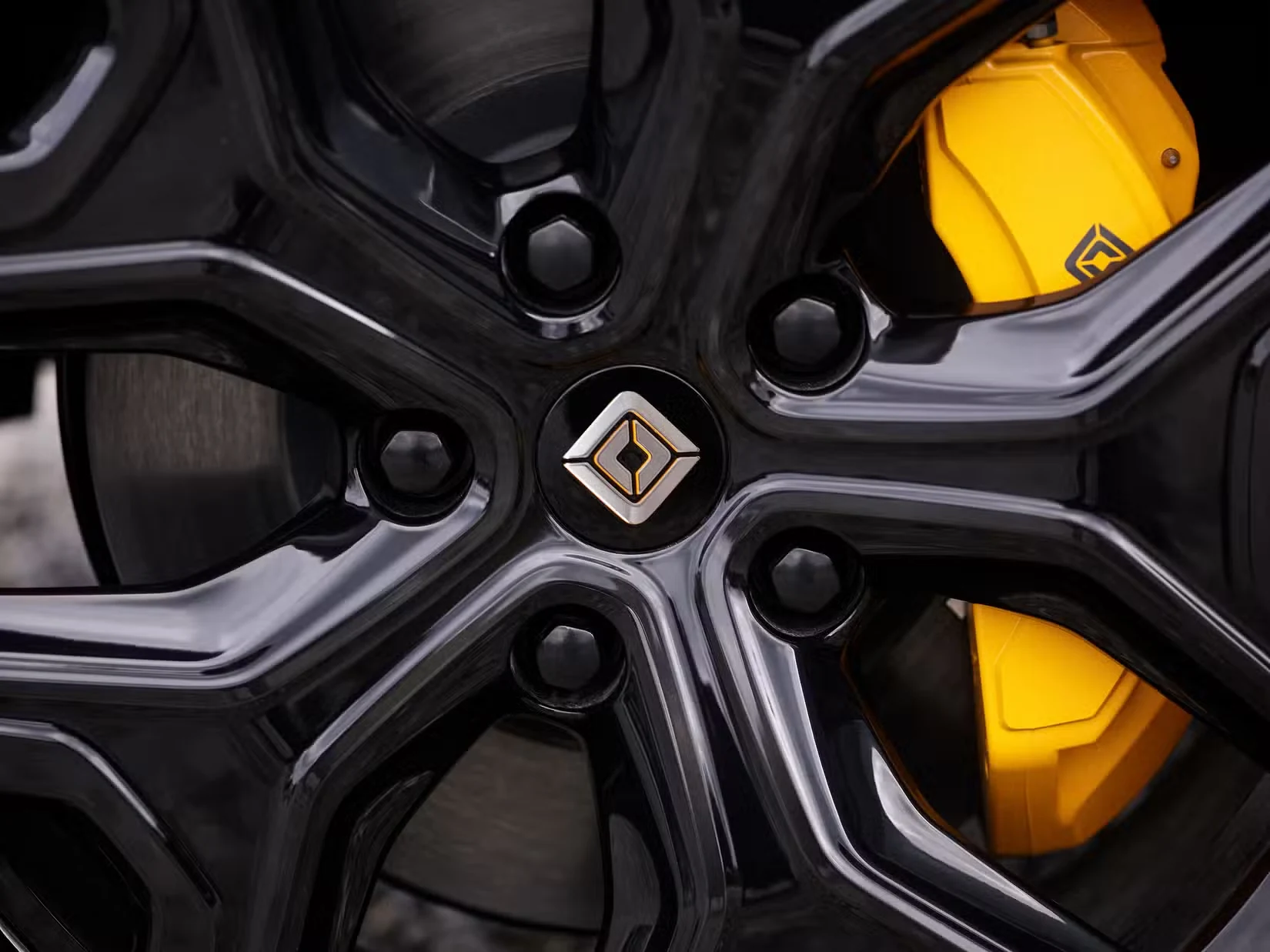
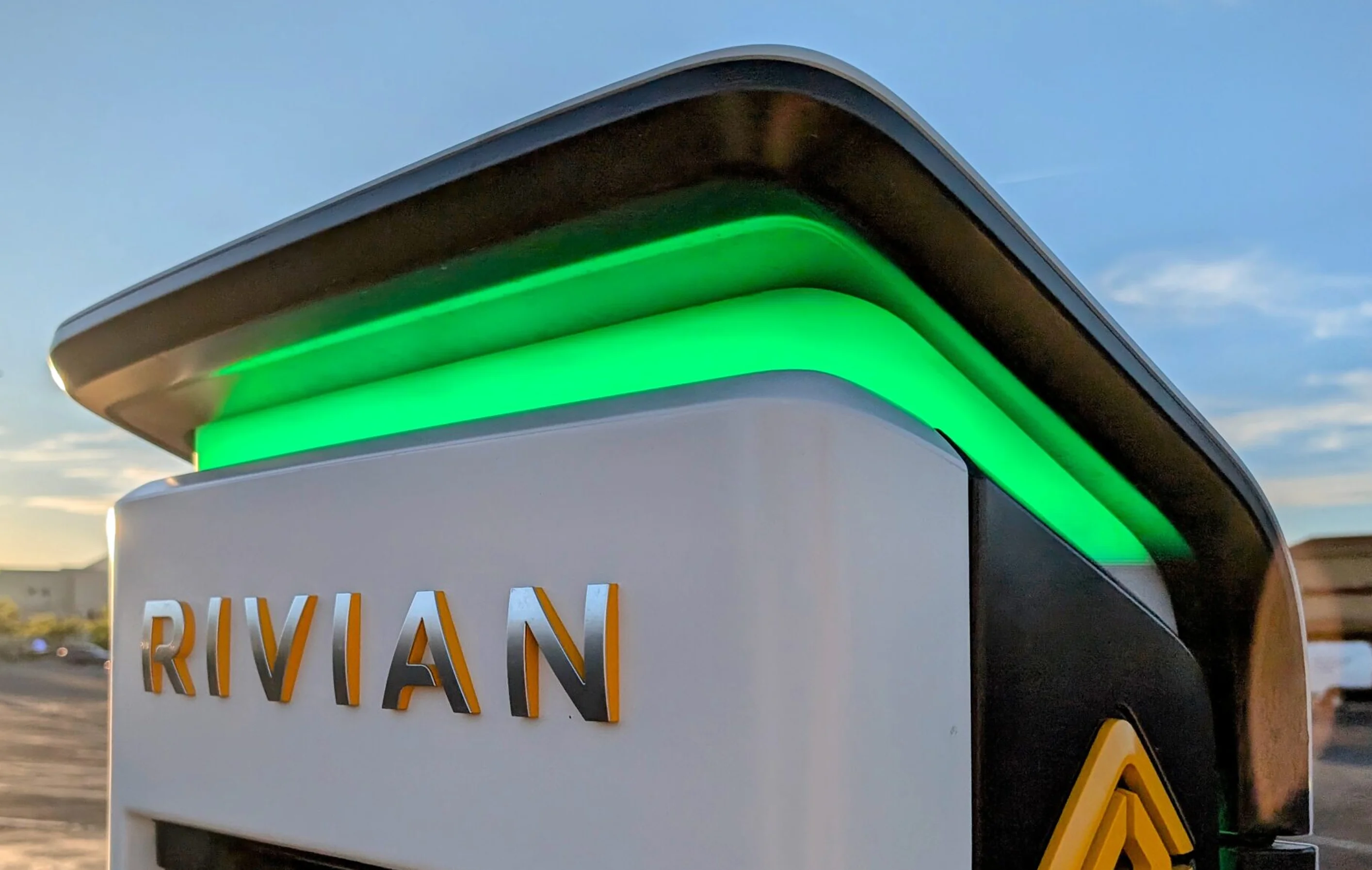
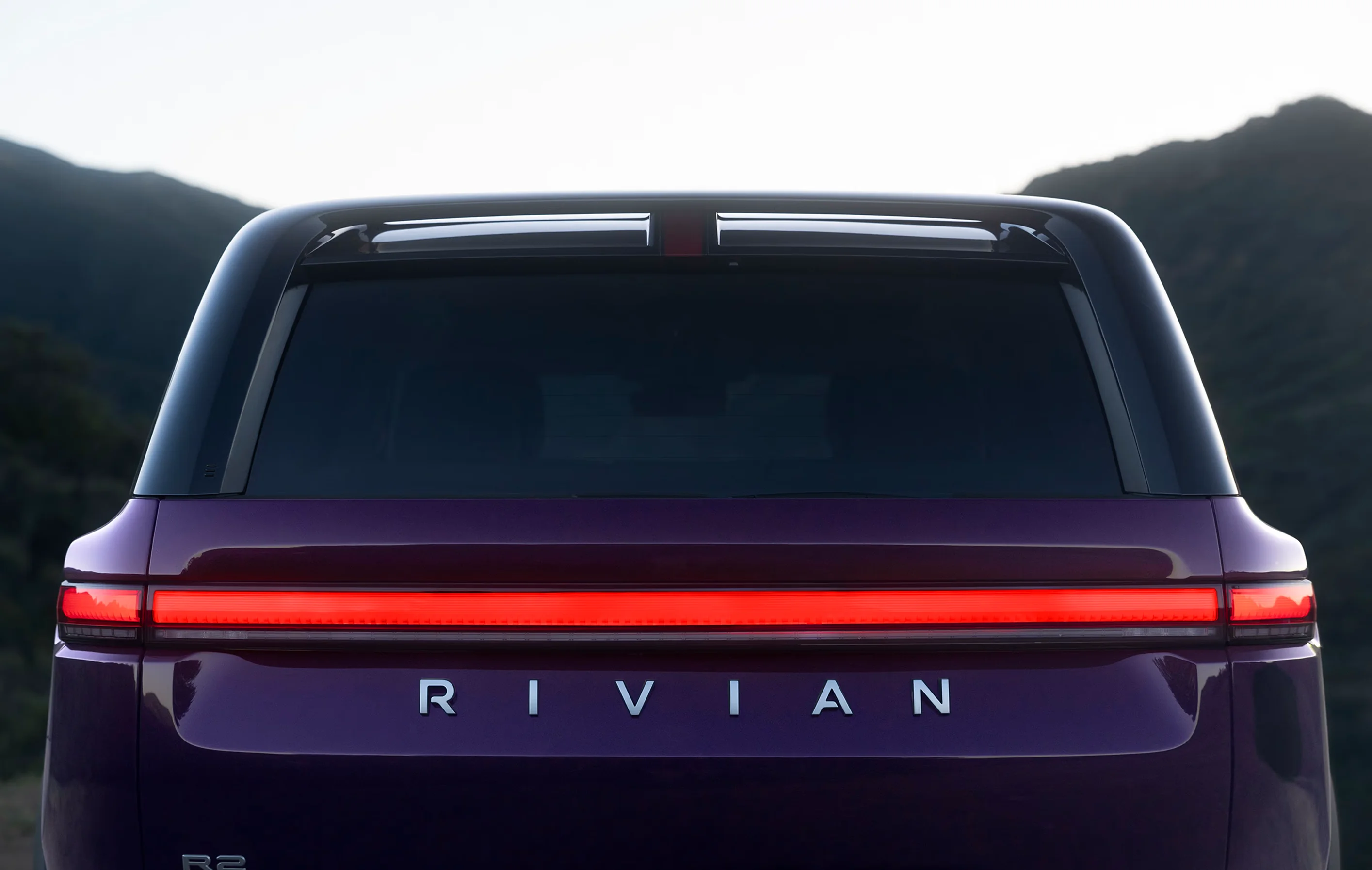
The screen is not the exception. A semantic color has to survive cloth, paint and print as well as glass. Scroll, and each role takes its turn while the rest of the band shows where it already lives — the brakes, the charger, the sky, the tail light. Never re-learn what a color means from the app to the vehicle to the shop. A role is a promise; the chain is how it is kept.
Accent
Energy
Navigation
Alert
Stone ramp
Typography
Anatomy of a letterform
The vocabulary a type scale is written in. Cap height, median and baseline are the horizontals every role is measured against; the callouts name the parts of the glyph the tracking and weight decisions act on.
Tokenization
Three tiers, one chain
Tier first, value second. A token's name says which tier it belongs to before it says what color it is. The chain is Primitives → Semantic → Component. Consume at Semantic or Component — never at a raw hex. Tokens are the input; components are where they are held to account.
Fill
- #FFAC00 Day and Night
- Primitive
Color/Yellow/ 400 - Semantic
Semantic/Accent - Component
Button/Action/ Accent/ Enabled - KeySearch
Label
- #000000 Day and Night
- Primitive
Color/Rivian/ Black - Semantic
Semantic/Always Dark - ComponentNone: binds at Semantic
Anatomy
A contract you can touch
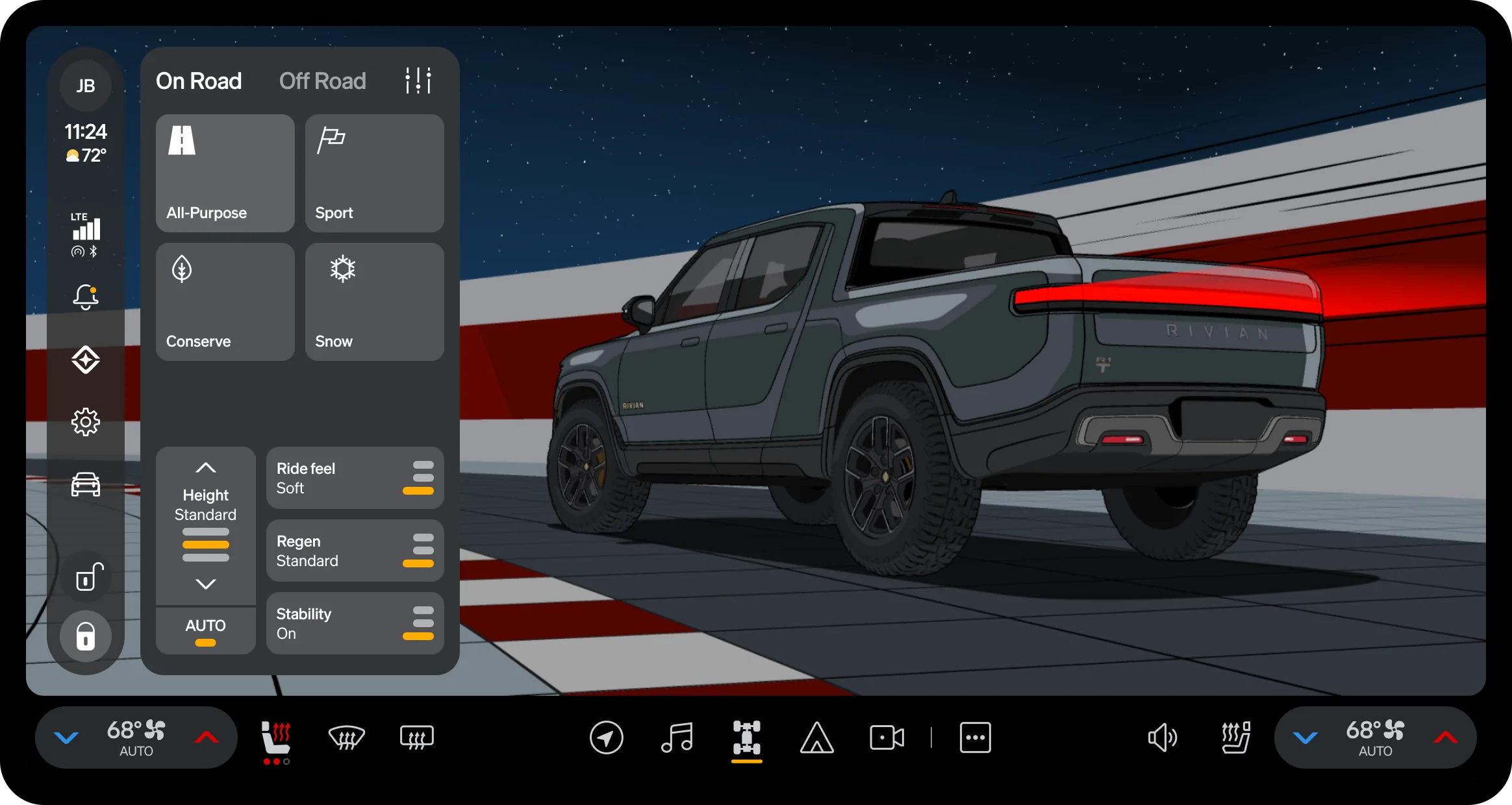
Hover interrogates; a tap holds. Each part of the bento answers with its own values and the node they were read from. The diagram is the spec sheet — the geometry checks itself: 48 + 16 + 536 + 16 + 48 is exactly the 664 the header claims, and 32 + 48 + 24 + 672 + 32 is exactly the 808 the card claims. The same contract has to hold on a second vehicle.
Bento M · 712 × 808
Seven parts, one source node — every number retrieved, none remembered.
Robust framework
CD Framework · MSP · 2396 × 1120
Hover, tap or Tab through the parts. Each answers with the numbers and tokens that place it.
Accessibility
Three zones, one reach
The center display, zoned by how far the driver has to reach.
Shape, icon, color
Shape says what it does. Icon and color say whether it is on.
Three visual cues, one purpose
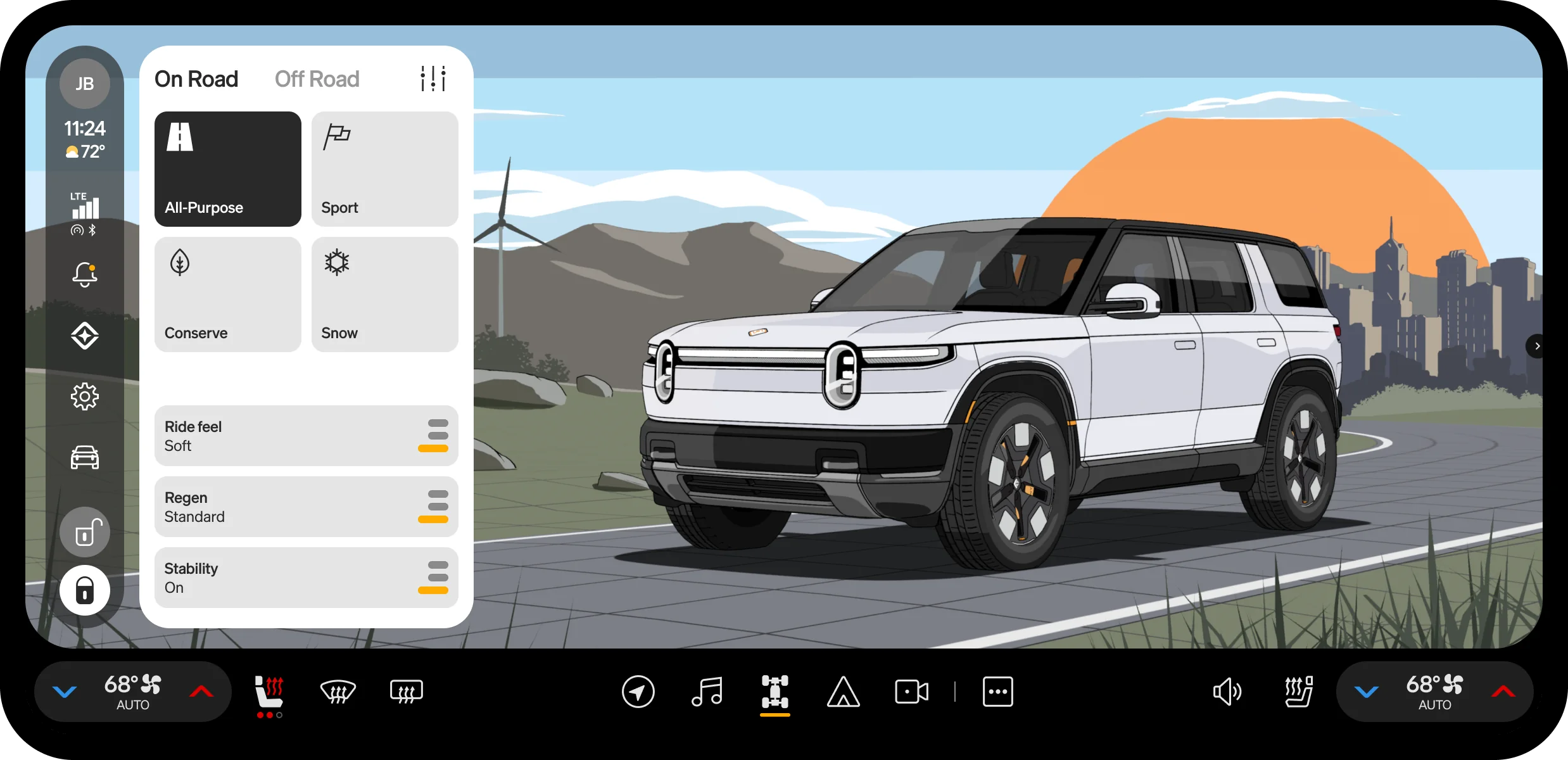
Shape says what a button does. Icon and color say whether it is on. Rivian gives every button three cues instead of one. Shape: an action is always a pill, and a toggle, mostly a vehicle control that turns on or off, is always a rounded rectangle. Icon: a toggle's icon is stroked while off and filled while on. Color: in Day mode, an on toggle takes the inverse fill. Repeated across the car, the same three cues train a driver to read a button's purpose and its state at a glance, before a finger lands.
Theming
One update, five surfaces
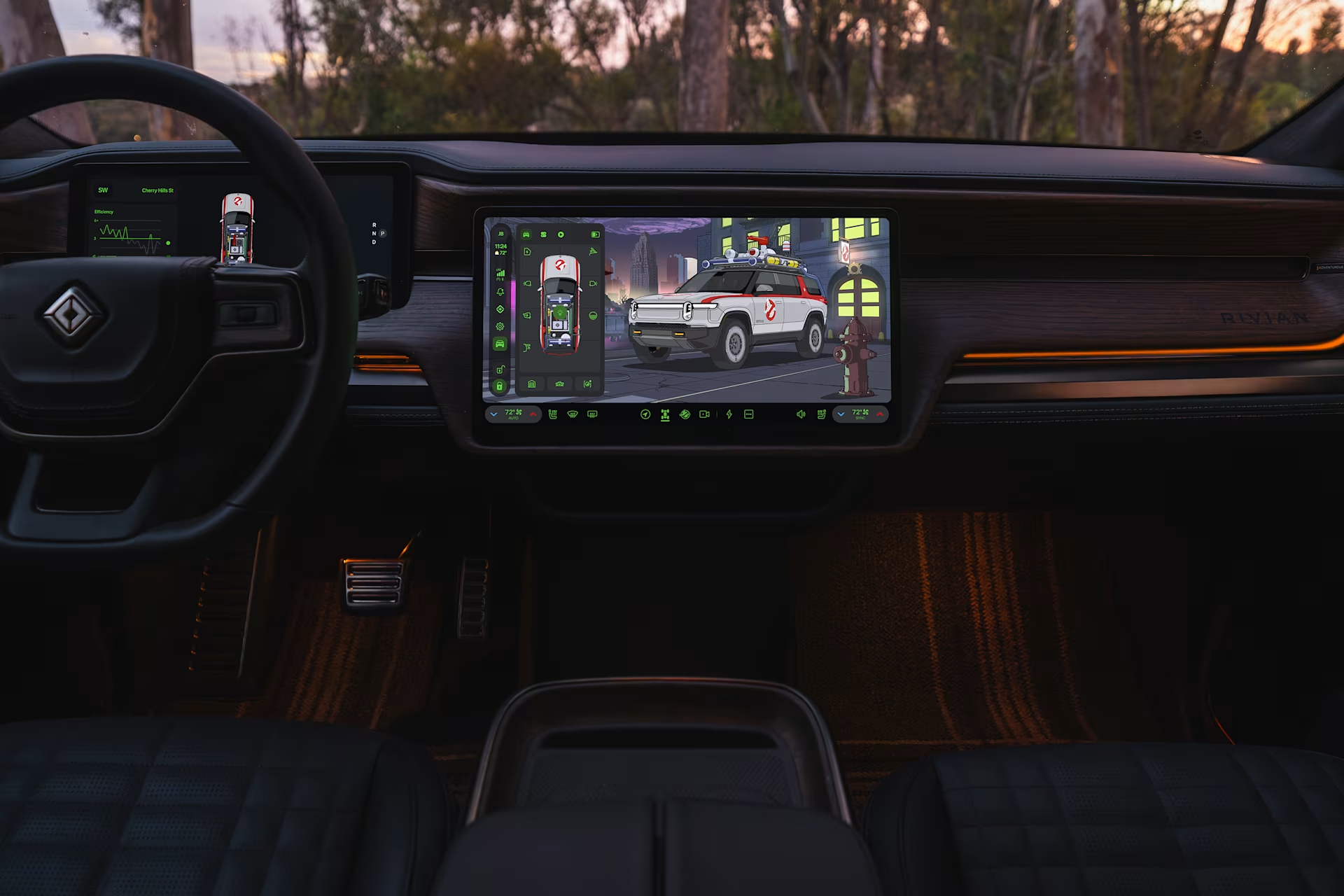
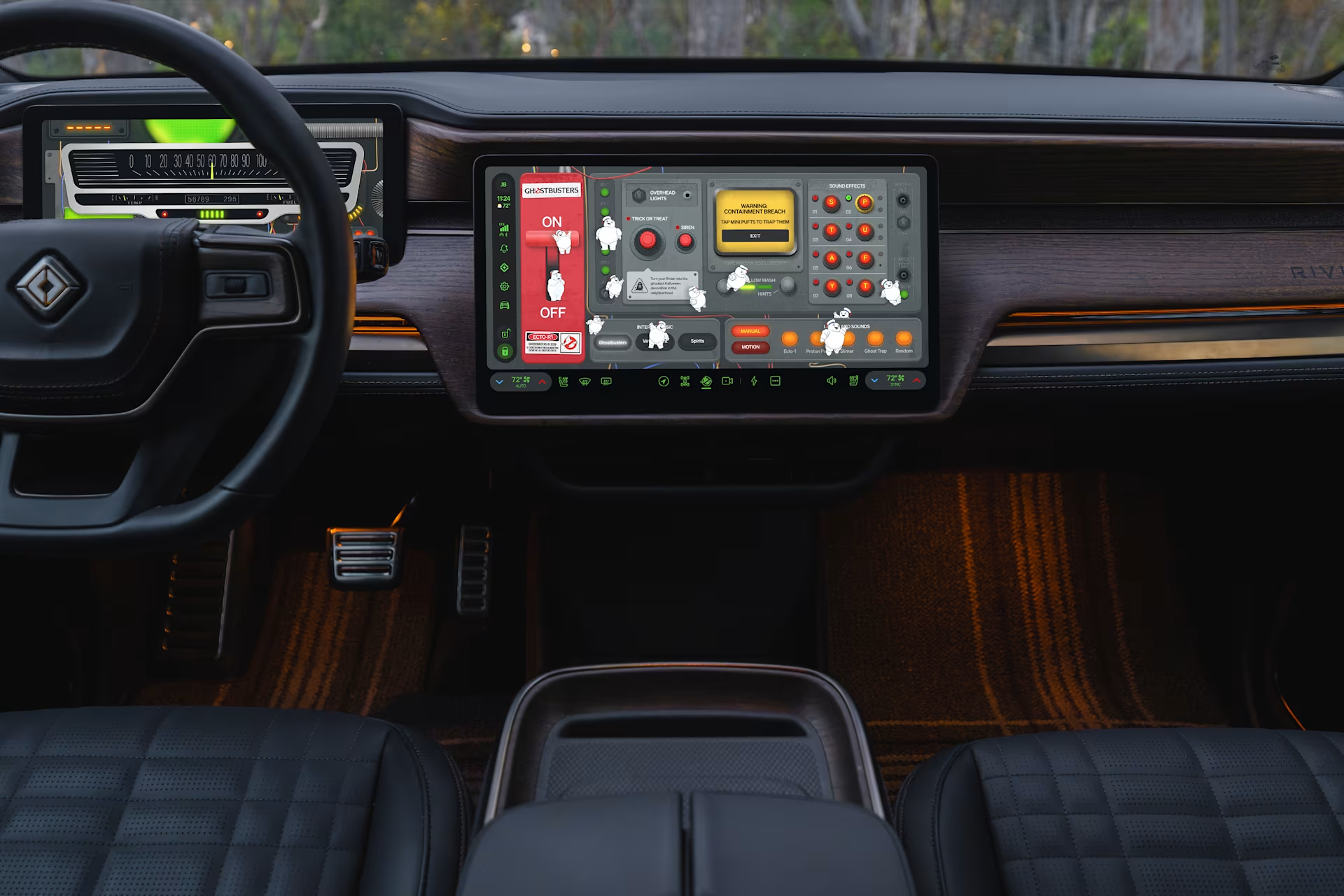
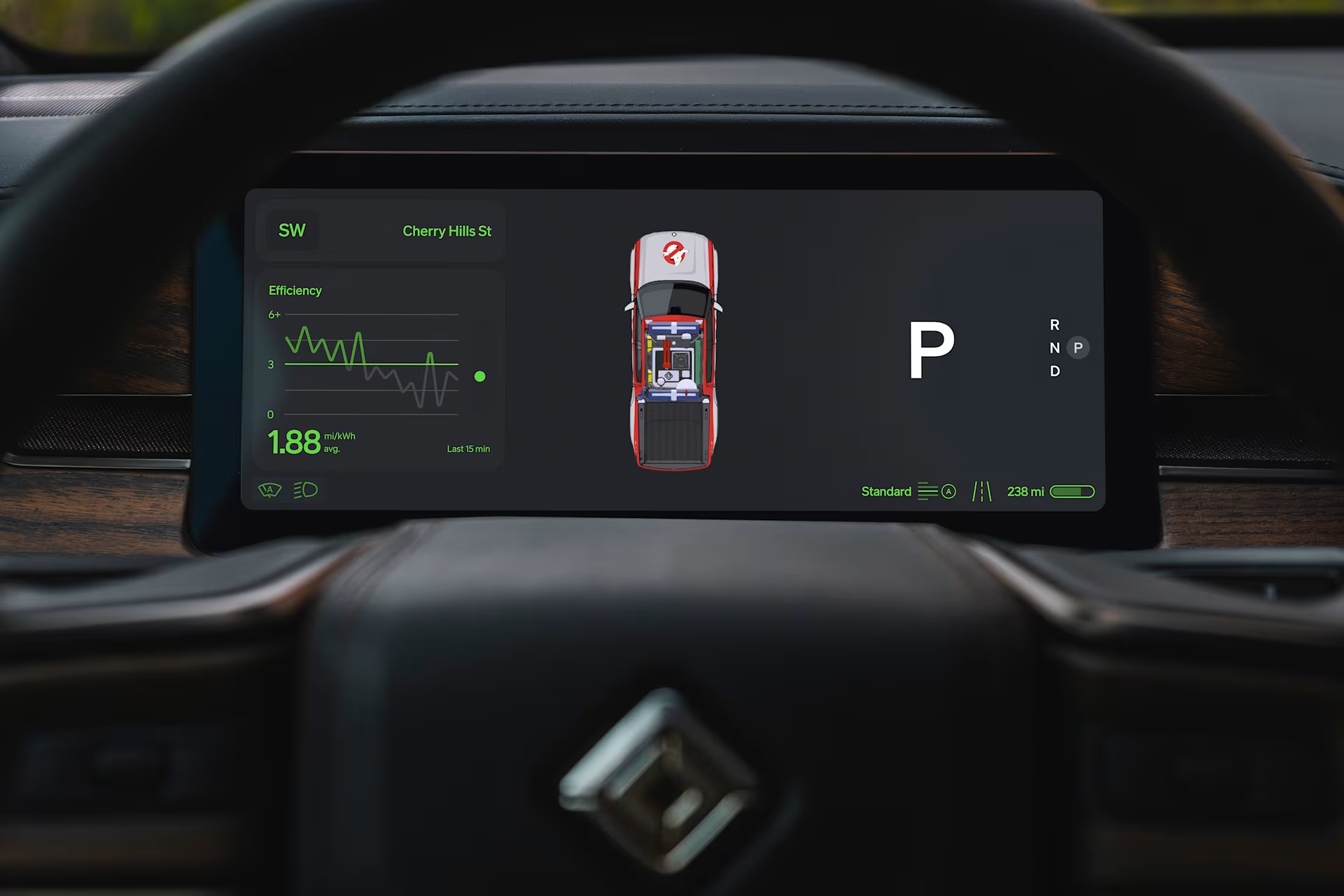
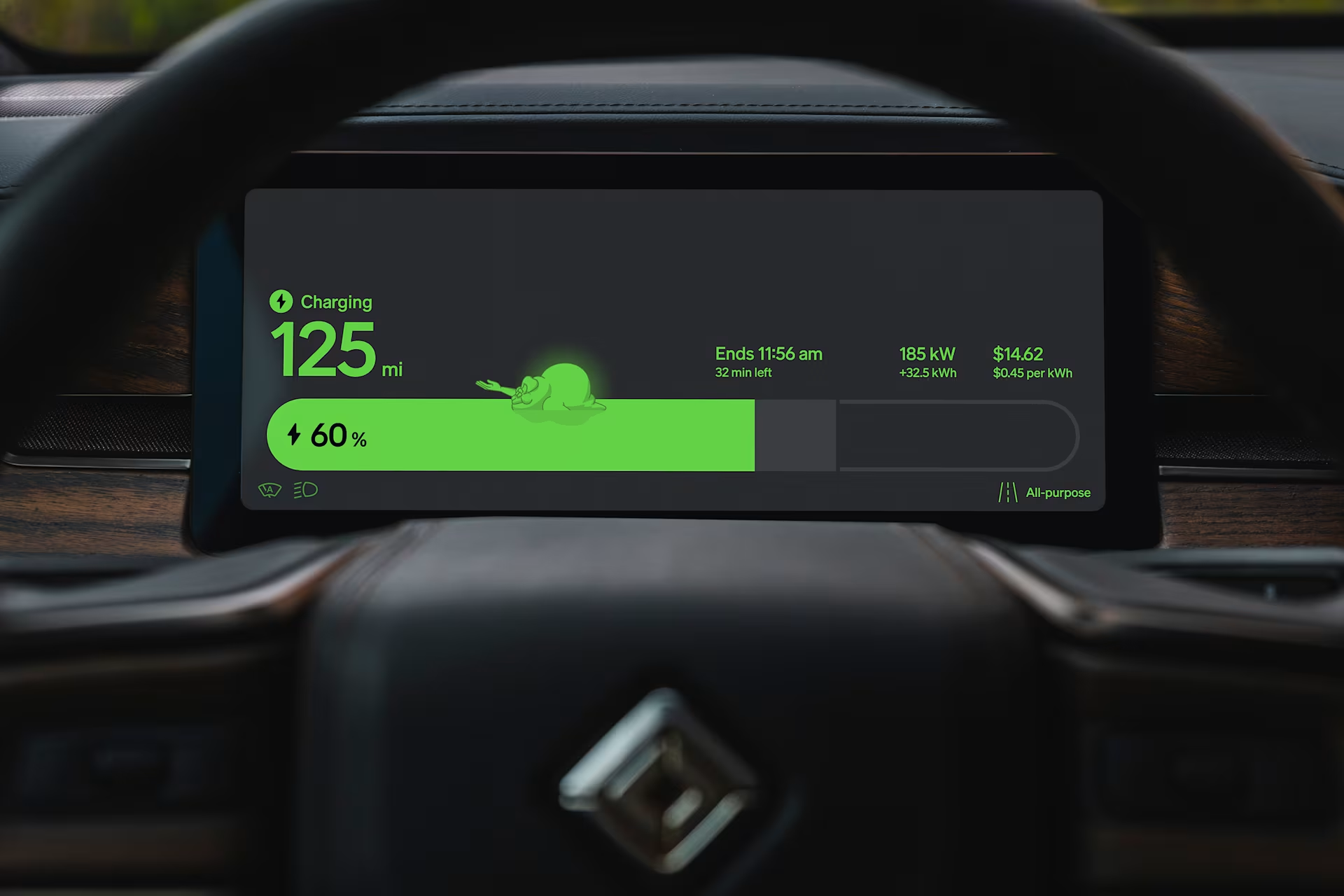
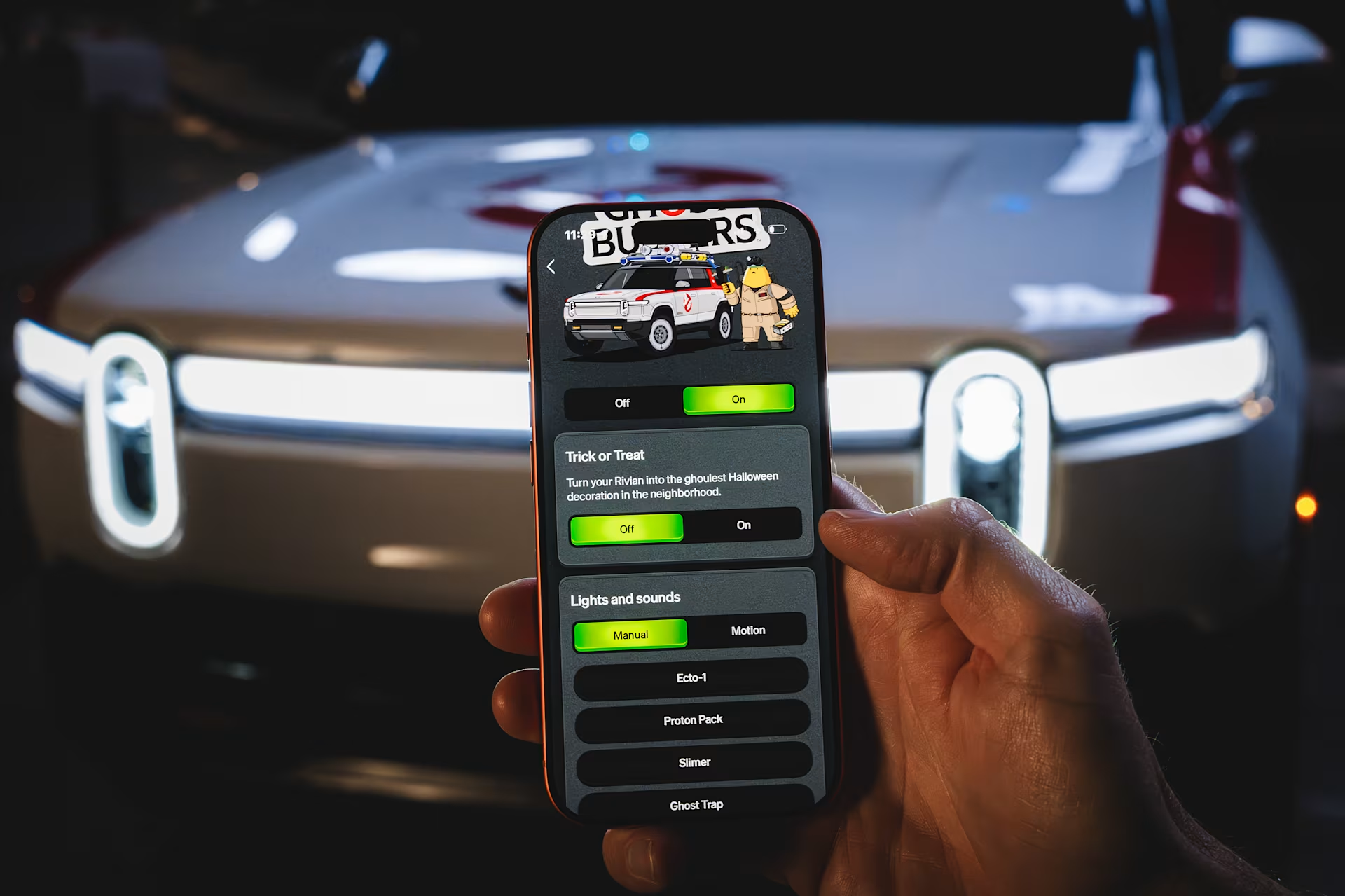
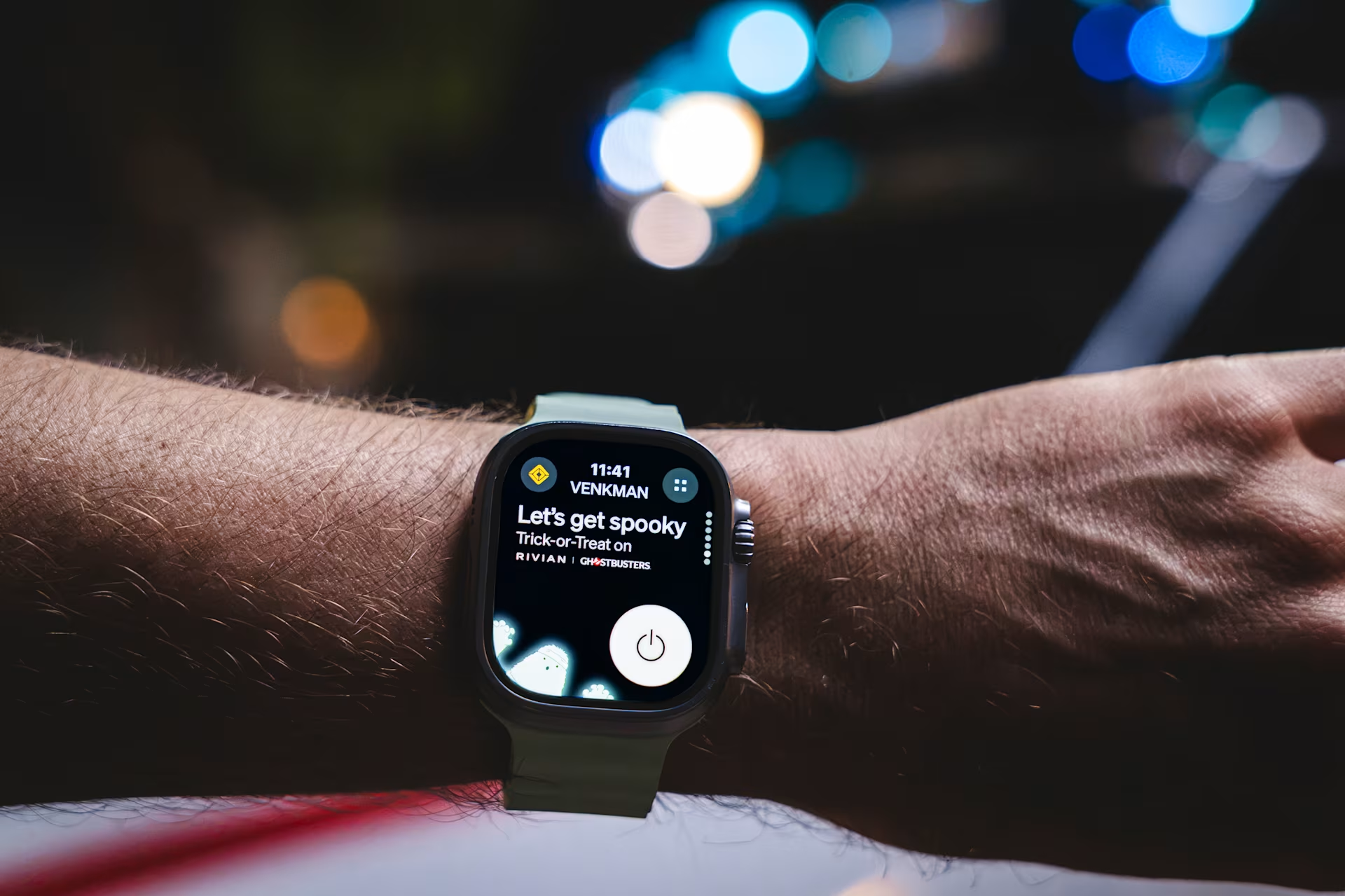
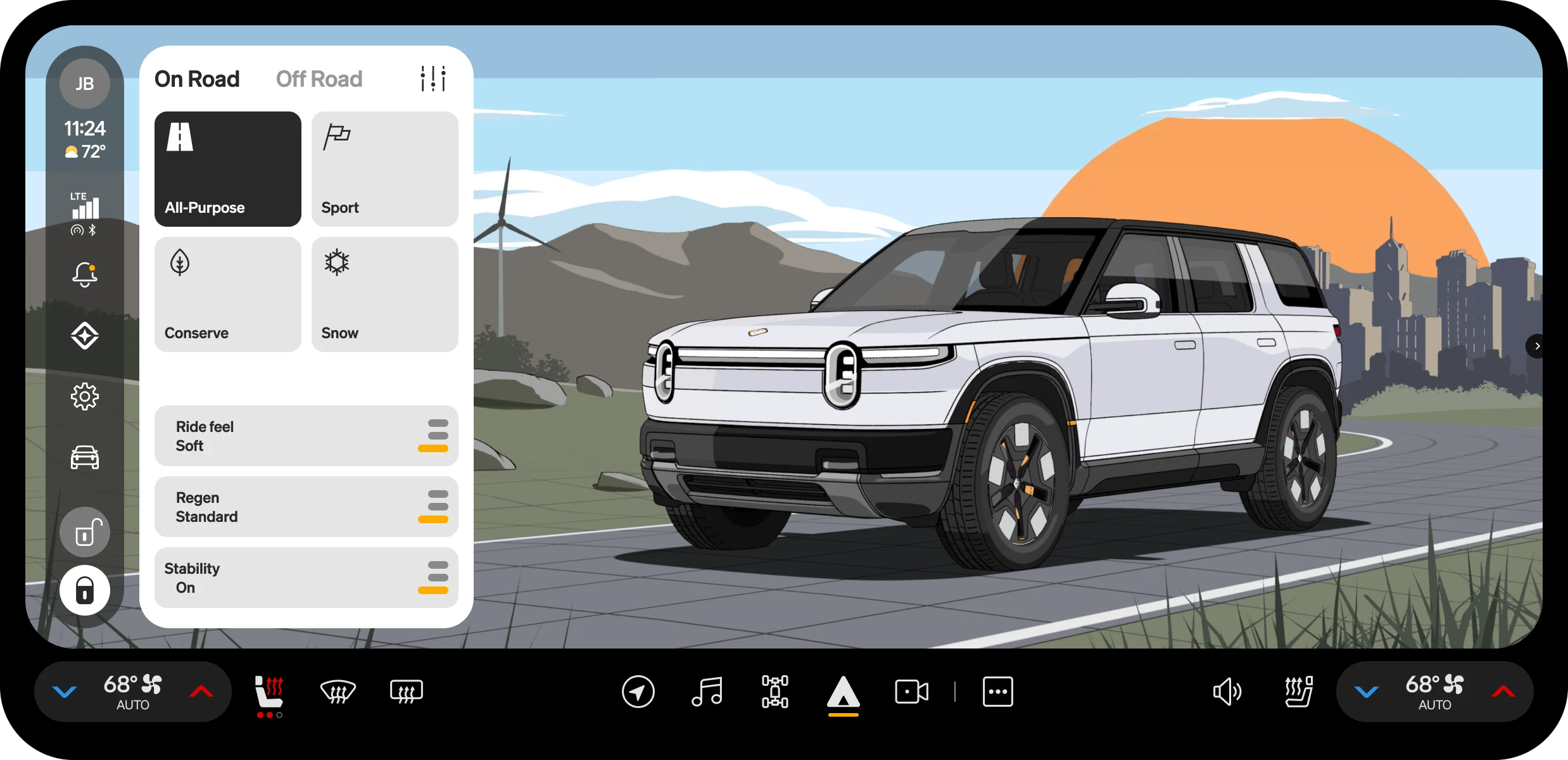
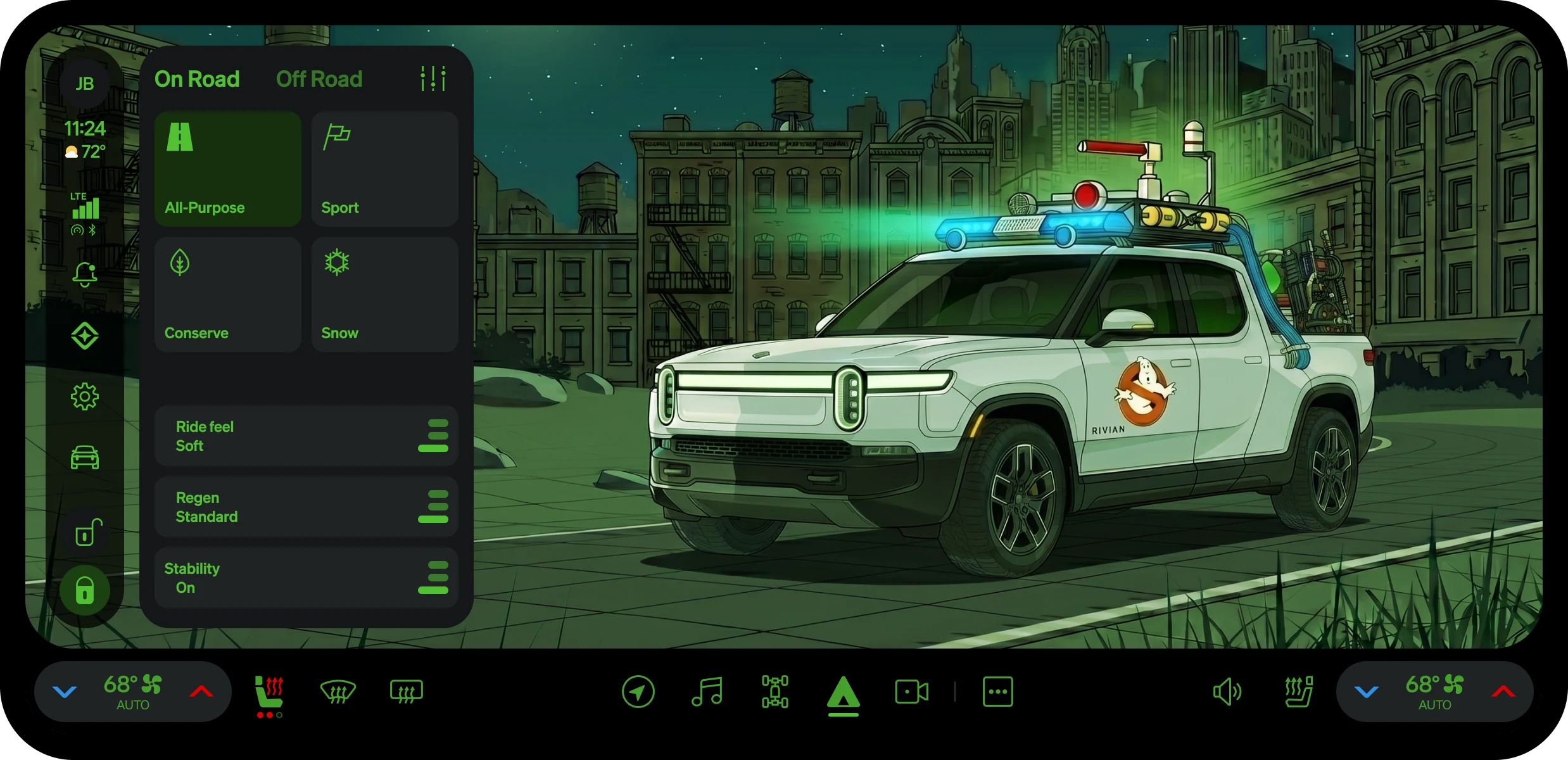
Halloween mode arrived in one over-the-air update. The car, both displays, the phone and the watch turned Ghostbusters together, on the same tokens. Scroll to wipe one paint over the other.Swipe to compare the two paints.

Bedrock
Ownership
One system, on the road
I am taking full ownership of the designs we delivered at Rivian so far. The work is on the road, and I stand behind it.
Grateful it landed. Happy Rivian owners recognized the effort — that is the part of the job no file can hold.
Loyalty for the adventure ahead. The designs leave the studio and live with the people driving them. From our ownership to theirs — that is how you build what comes next.
0 to 10000000
Playbook
Forty-seven rules, ten that decide
Forty-seven guidelines, consolidated to ten.
01 · Safety
Glanceability
Less is More — prioritize essential information to minimize eyes-off-road time.
02 · Safety
3-tap rule
Ensure critical functions are never more than three levels deep.
03 · Safety
Reachability
Keep frequent actions inside the belted driver’s one-hand envelope — not the far edge of a wide screen.
04 · Components
64px touch floor
Every interactive target is at least 64 px, and the smallest button is 80 px, for accuracy in motion.
05 · White label
Token mapping
Explicitly define brandable elements (color, type) vs. locked safety parameters (semantic reds, touch target sizes).
06 · Safety
State awareness
Communicate when and why features are disabled based on vehicle speed or driving state.
07 · Interaction
Multi-sensory confirmation
Provide auditory or haptic feedback to reduce visual dependency.
08 · Components
State logic
Differentiate Default, Active, and Disabled states.
09 · Hardware
Global adaptability
Ensure the architecture supports left- and right-hand drive mirroring.
10 · Edge cases
Thermal budgeting
Limit GPU-heavy effects (blurs, 3D) to prevent processor overheating.
Brand layer
Four tiers, one direction
Every alias points down a tier. A brand enters at the bottom: the color families in RVT Primitives and four font-family strings in the UI Kit's Typography. Everything above aliases down to them, so a new brand edits the bottom and nothing above needs to know.
-
App Library feature
766 component variants156 components 123 component sets, 33 single components
built on
-
Component tokens
503 color tokens23 sizing tokens Small, Medium, Large
892 aliases
-
Semantic tokens
313 color roles87 dimensions spacers, radii, CID and FID screens100 type tokens four of them are font families
420 aliases
-
Primitives
343 raw values
Two doors, every role follows
Color
- #3064D0 RVT Light and RVT Dark
- Primitive
color/ultramarine/ 50 - Semantic
roles/accent/ default - Component
comp/button/ accent/ default - ButtonType = Accent
Type
- VW Head CarUI · VW Text CarUI Head for display, heading and digits; Text for body and labels
- Semantic
display/family heading/family text/family digit/family - Text styles24
Twenty-two edits, one new brand
Pick a brand. The components never change. Brands B and C are invented. Their accents are real RVT Primitives ramps; their neutrals are the RVT grey ramp re-tinted toward each accent at the same lightness. Nunito and Saira (SIL OFL) are embedded at one weight. VW Head CarUI and VW Text CarUI are named, not embedded; Inter stands in.
Buttons by size
Switch, slider and tags
1:45-1:45
Buttons by state · press any button
Controls and input
Emphasis=Yes
Emphasis=No
Born to scale
Ten roles, one engine
“Pressed” is defined once. Every Button variant paints its fill, stroke and timer from one internal component, .state-layer: ten types, inverse and four states in seventy-nine variants. Button multiplies that by size, shape and alignment into 960 variants, and keeps all of them, because AI now handles the upkeep that once made a full matrix too costly. Scroll to build one.
TypeAccent
InverseFalse
StateDefault
SizeSmall
ShapeRectangle
AlignmentCenter
Variants1
The same discipline, one component over. List item, built from the earlier RVT UI Kit: forty-eight variants from three line counts, four leading and four trailing slots, and no state variant of its own.
Three requests, three layers
VW asked for a floating button, a gradient fill and a bolder accent label. Each one landed in a single layer of Button, so all 960 variants took it at once.
Robustness
One comment, one release
Feedback on the UI Kit became release .46. Every screen built on it was rewired, and none of them moved a pixel.
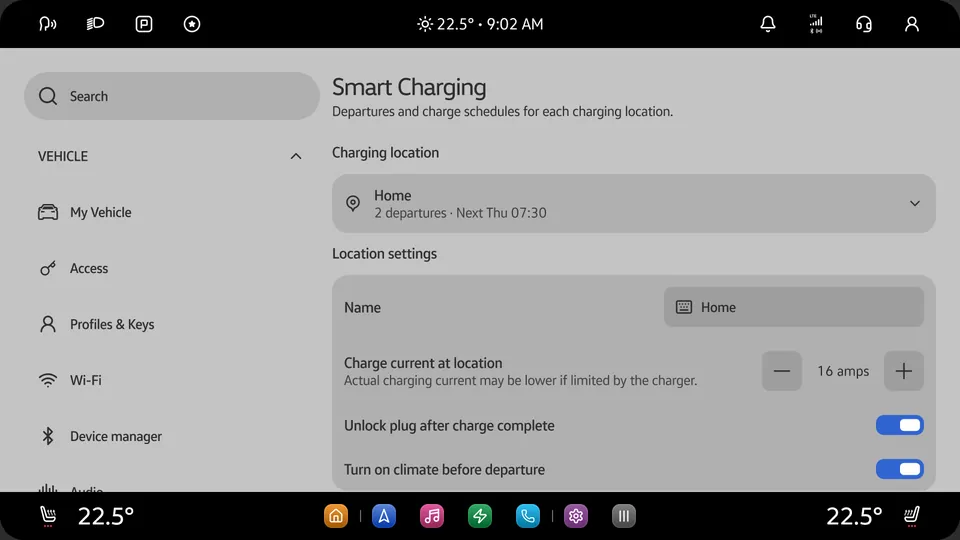
Smart charging, from the RVT App Library copy. The boxes are the template’s eighteen body and label layers; the tokens are read from the RVT UI Kit copy, 26 October 2026.
Four checks before done
A library update can undo a screen’s overrides, on every screen at once. Override guard puts them back, and four checks decide when a file is done.
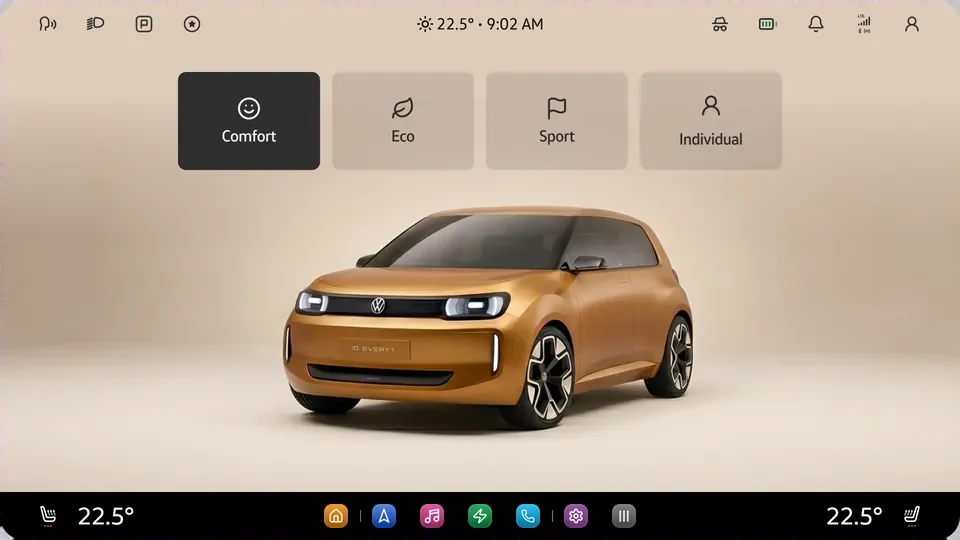
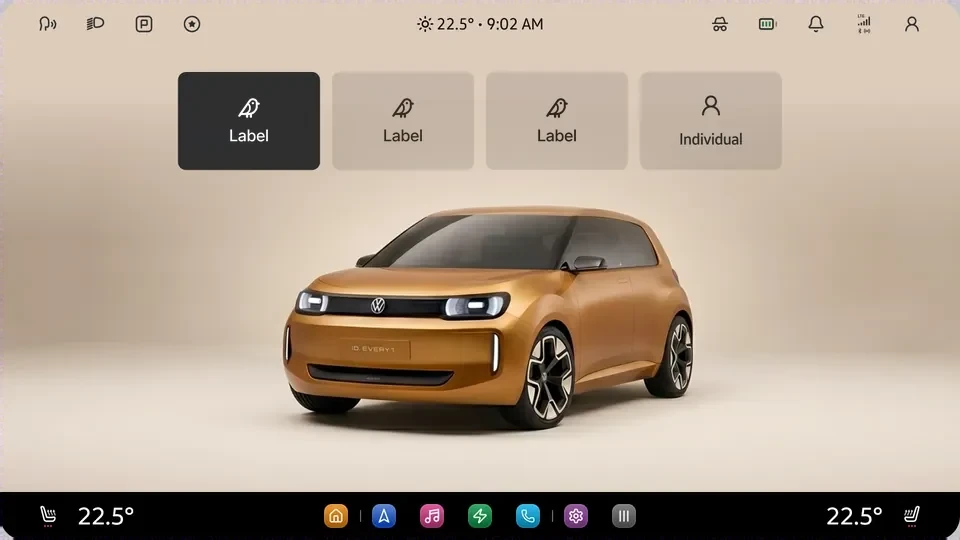
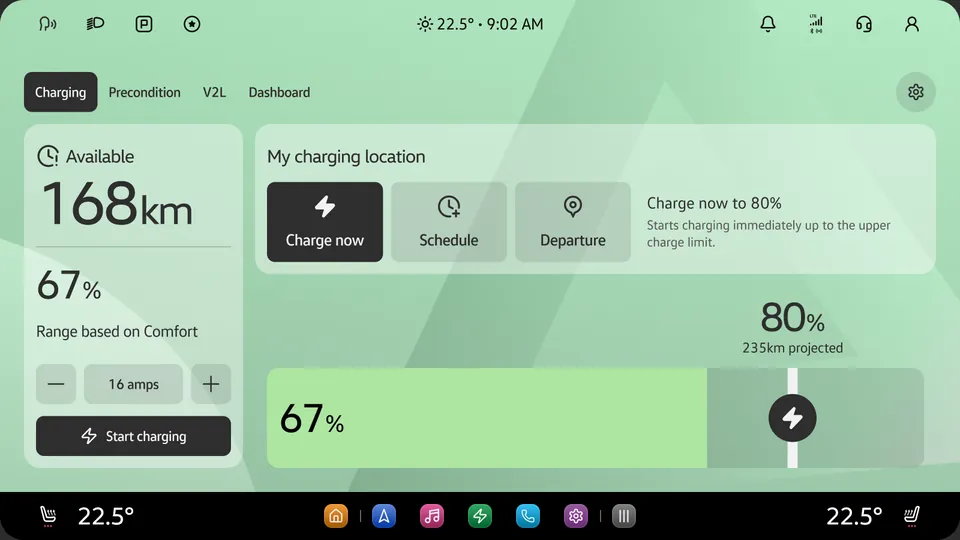
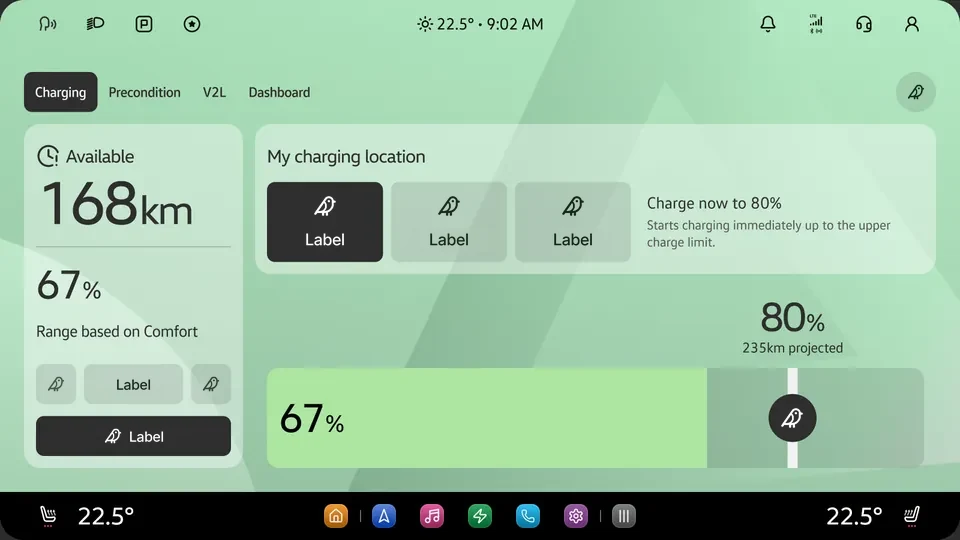
Assembled
Every chapter, one working app
Built from spec.
Three tools, one rule
I build these for the work in the other two case studies: a prototype for a question a static frame can’t answer, a skill that writes a ruling down, and a plugin that tells code what changed in the library.
The risk they share. A model makes plausible content cheap. In a design system, a plausible value that isn’t the documented one is a defect that looks finished.
The rule they share. Nothing ships unless it is read from a source, labeled as inference, or asked about. The design calibration skill makes that a gate, not a habit.
The calls stay mine. Anything that needs a semantic or role judgment is flagged rather than guessed, and anything destructive is a dry run first. Each chapter below shows one kind of tool: what it’s for, and what it refuses to do.
Light and dark are peers
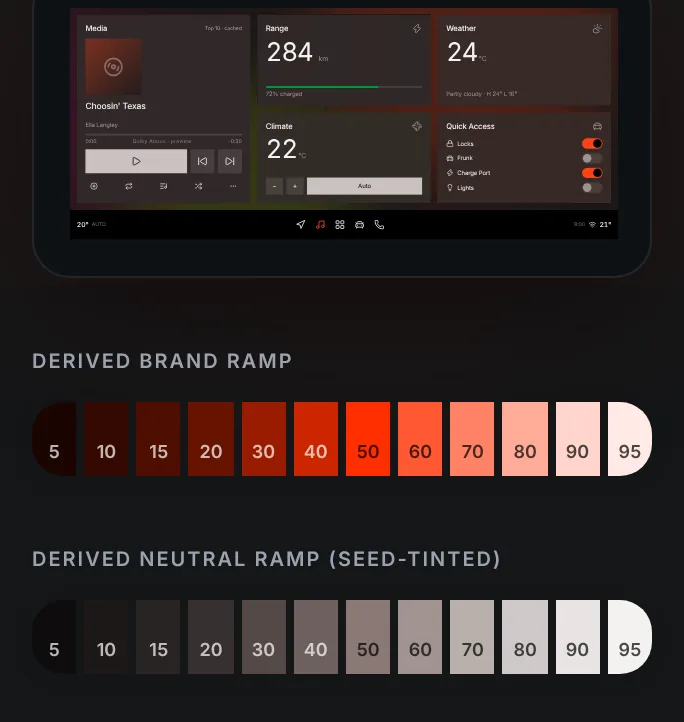
Not inversion — two parallel families. Components read whichever is bound. Atlas is the generator that shows it live.
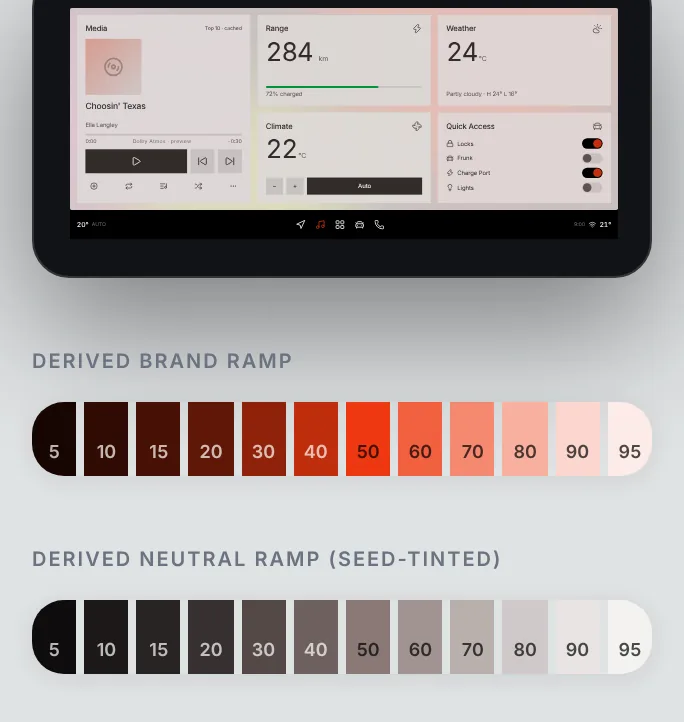
What it does. Type a mood or a scene and Claude picks one brand accent; the RVT roles re-derive around it. Presets for Rivian, VW ID.1, Audi and Scout, with a local fallback when the model is offline.
Peer themes, not mirrored greys. Flip Atlas's theme control — nothing inverts.
Light binds Semantic/*; dark binds System/*. Same roles, different families —
the alias layer re-points and every surface follows.
One brand, end to end. VW, Rivian, Audi or Scout — then export the JSON Atlas writes back into the token chain. A prototype answers a question once; a skill makes the answer stick.
One desk for every token request
A skill is a rule written down so it doesn’t depend on anyone remembering it. Toni, the token helpdesk, is the Bedrock token request desk: add, change, rename, deprecate or remove a Vehicle Semantics token, and see where a request stands.
Why Toni exists. A request should be checked before anyone spends judgment on it. Toni checks it against the live library — the token exists or the name is free, every mode has a value, every value is a primitive rather than a raw hex, and nothing already covers it — then hands the approver a change that is ready to apply. Whether the token should exist stays the approver’s call.
It has a partner. Toni applies the change; the plugin in the next chapter tells code it happened.
One request, start to finish
6
01 · Requester
Ask
Pick add, change, rename or remove, then answer only that type’s questions. Every value has to be a Bedrock primitive, never a raw hex.
02 · Toni
Check
Four checks against the live library. Anything Toni couldn’t read is marked unchecked, never passed.
03 · Toni
File
One record under one request ID. A field the requester didn’t give reads “not provided”; Toni fills in nothing.
04 · Approver
Decide
Toni flags the semantic fit and any near-duplicate, with one recommendation. Whether the token should exist is the approver’s call.
05 · Toni
Dry run, then apply
The exact change as a table first. Nothing is applied without an explicit yes for that request, and destructive steps come last.
06 · Plugin
Verify at publish
Toni reports “applied, not verified.” The proof is Variable changelog’s diff at publish, never the session that made the change.
One request, two tools
A token change has three moments: someone asks for it, someone applies it, and code finds out. Toni, the token helpdesk skill, owns the first two. Variable changelog owns the third. One request ID runs through all three.
Why Variable changelog exists. Engineering reads tokens from a file in GitLab, not from Figma. The plugin diffs the live variables against that file, judges each change from the code’s side, and writes the changelog, the merge request and the Slack post from that one diff, so a library change can’t ship without code hearing about it.
Where they meet. When Toni applies a change, it writes the request ID into the variable’s description. The plugin reads it back: the ID prefills the release notes, and a Toni rename lands under Deprecated with its replacement instead of reading as a silent edit. The proof that a change landed is the plugin’s diff at publish, never the session that made it.
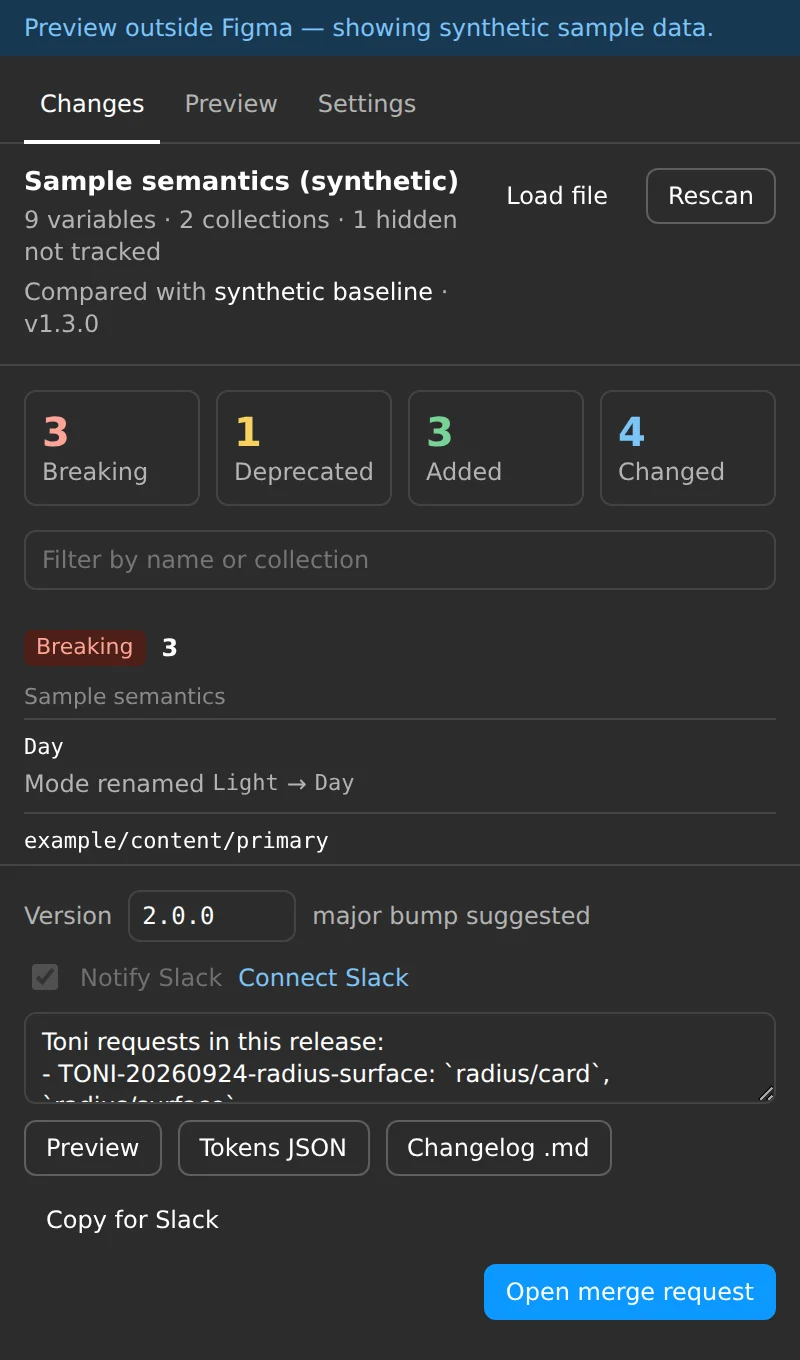
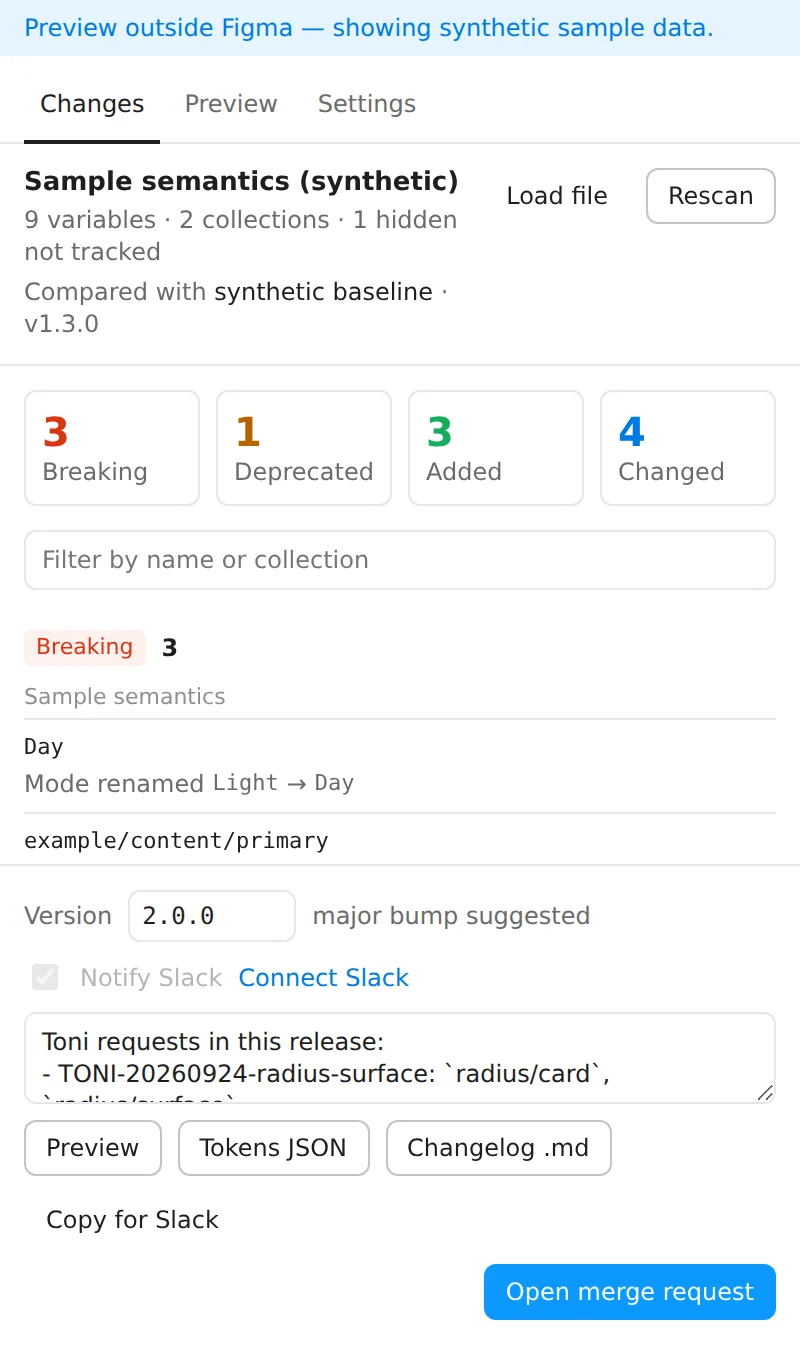
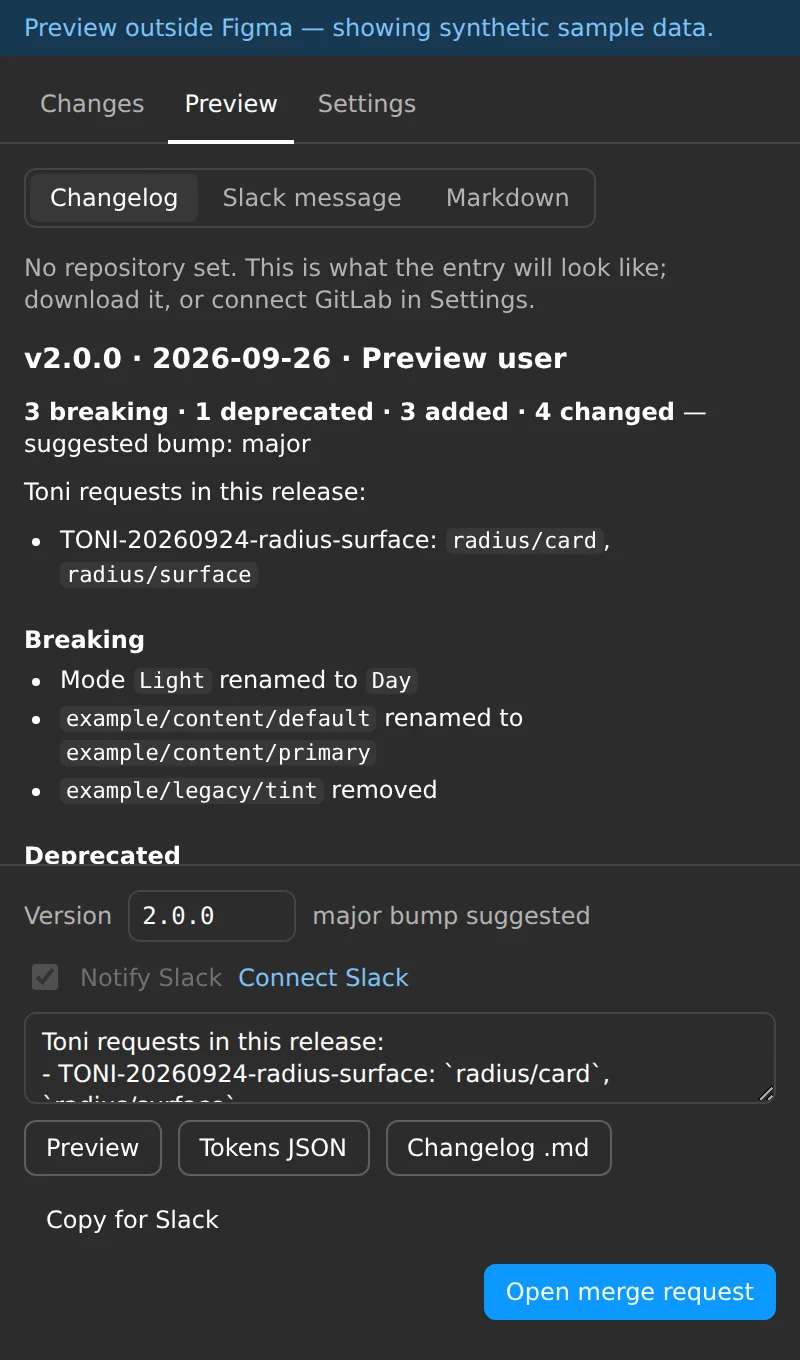
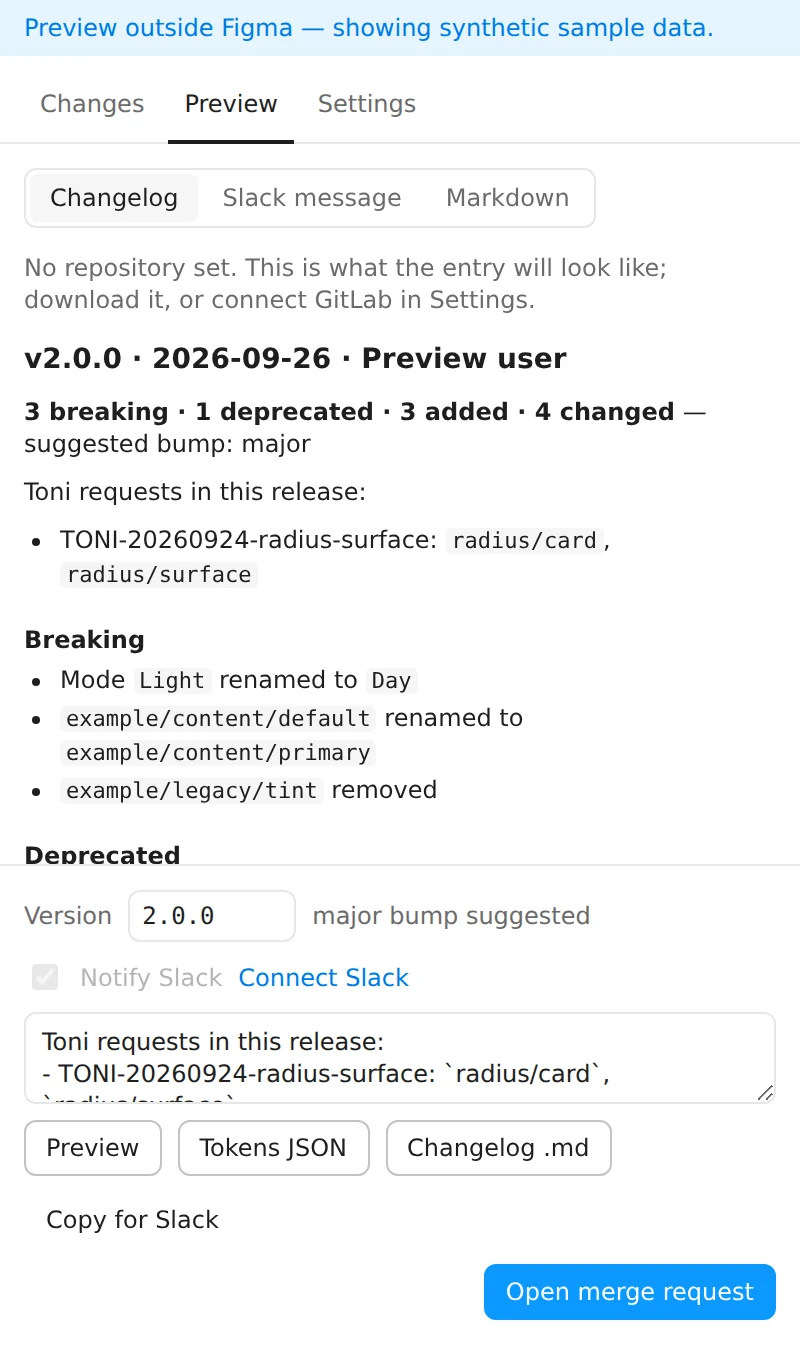
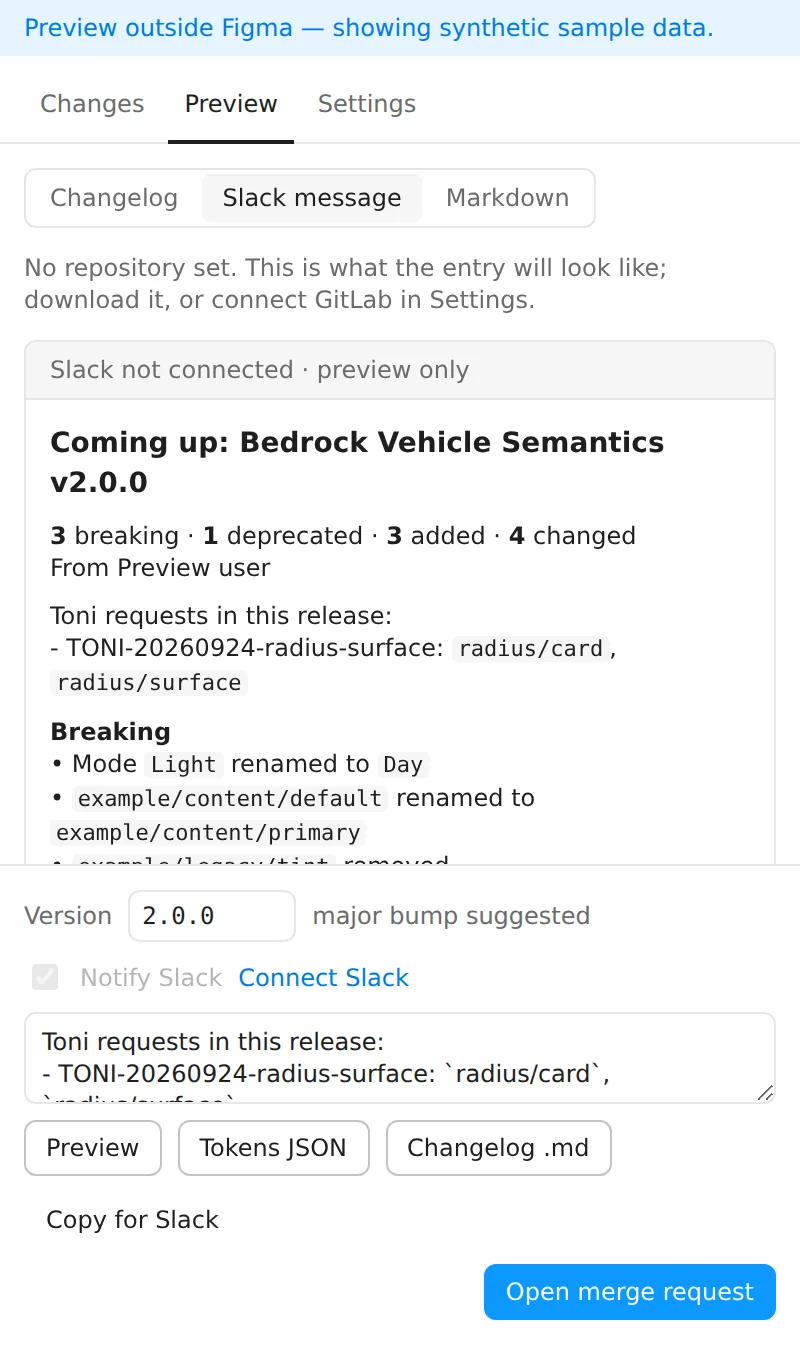
CHANGELOG.md, with Toni’s rename filed under Deprecated.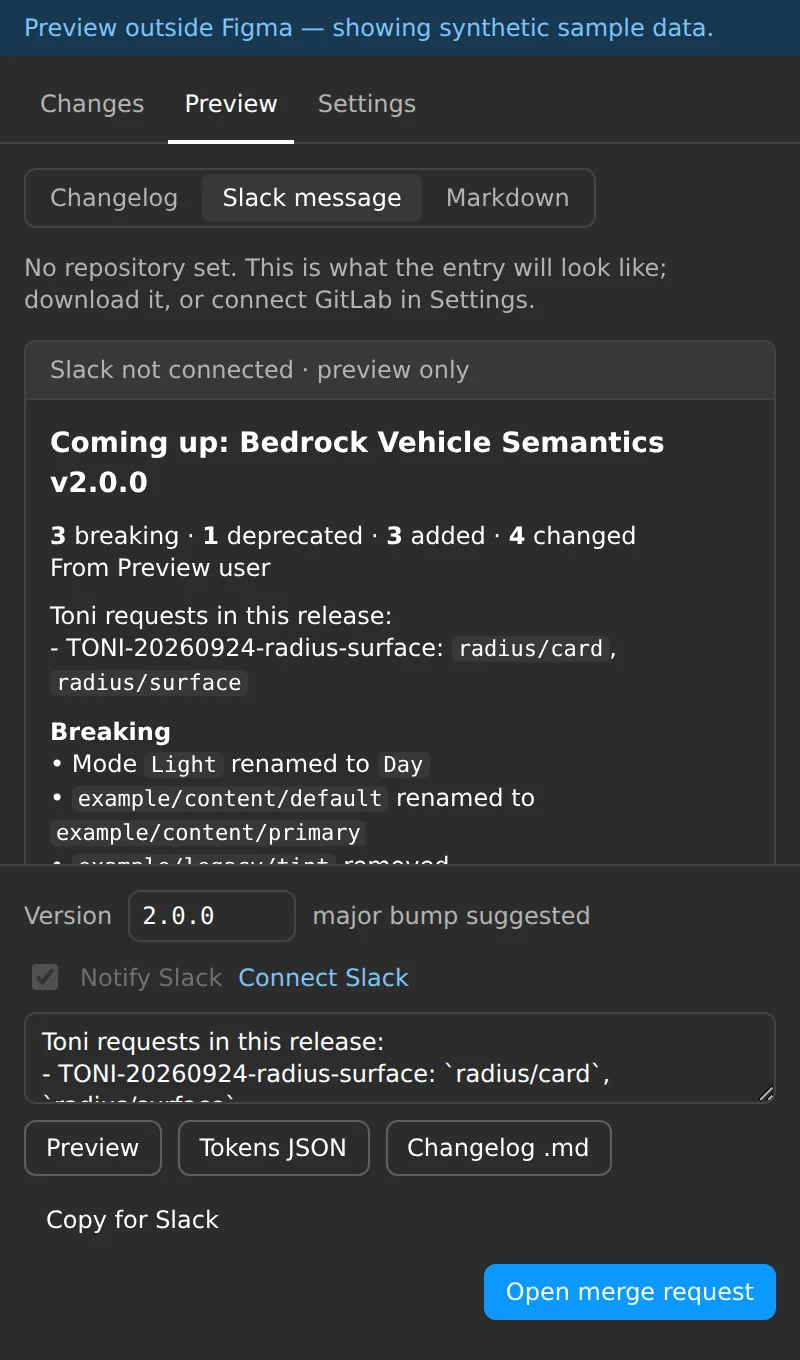
One plugin, two halves
Variable changelog tracks every variable change in a Figma library, keeps a DTCG tokens file current in GitLab and writes the changelog for you. A plugin only runs while someone has it open, so a CI job covers the rest.
Variable changelog 1.2
6
01 · Author time
The plugin
Reads variables live, diffs them against main and shows Breaking, Added and Changed. Add notes, pick the version, open the merge request.
02 · Automatic
The CI job
Runs on library publish or on a schedule and keeps one open merge request current. It skips any sync the plugin already made.
03 · Identity
Matched by ID
Variables are matched by Figma variable ID, so a rename reads as a rename, not a removal plus an addition.
04 · Severity
Judged from code
Breaking means a name code references stops existing: major. Added is minor, a changed value is patch. The bump is a suggestion you can edit.
05 · Output
DTCG tokens
The default mode is the value and every mode is kept alongside it, so the file doubles as the baseline for the next diff.
06 · Sharing
Slack by hand
Copy for Slack puts a formatted update on the clipboard. Posting automatically needs an admin-approved webhook, so it’s manual by design.
One core, two callers. The plugin and the CI job share one classifier, so a change is judged the same wherever it’s caught. It’s built for Bedrock only and in use there; RVT keeps its own tokens and doesn’t go through it.
This page runs on the same rule. Geeky Stats reads this site’s tokens, components and weight back from the live page; none of its numbers are typed by hand.